
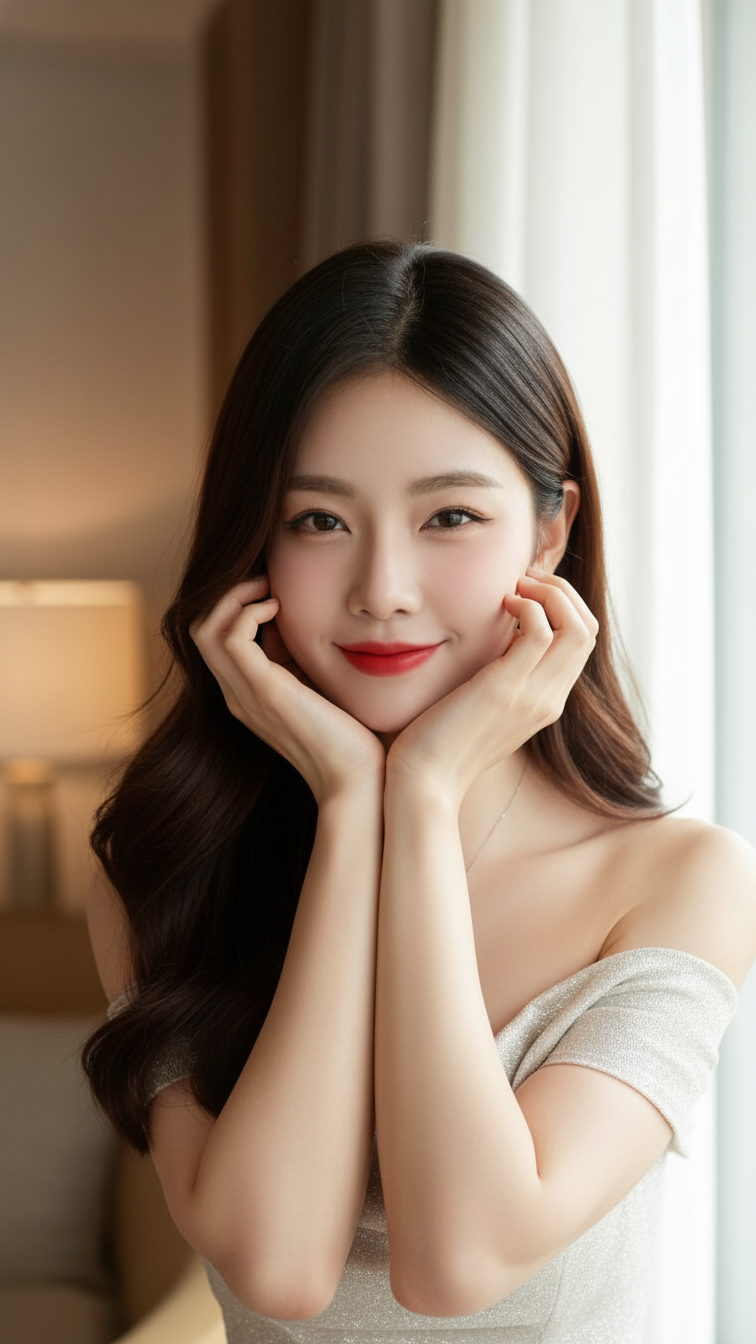
Prompt 1230: Create a realistic portrait of a young woman (face 100% identical to the original...
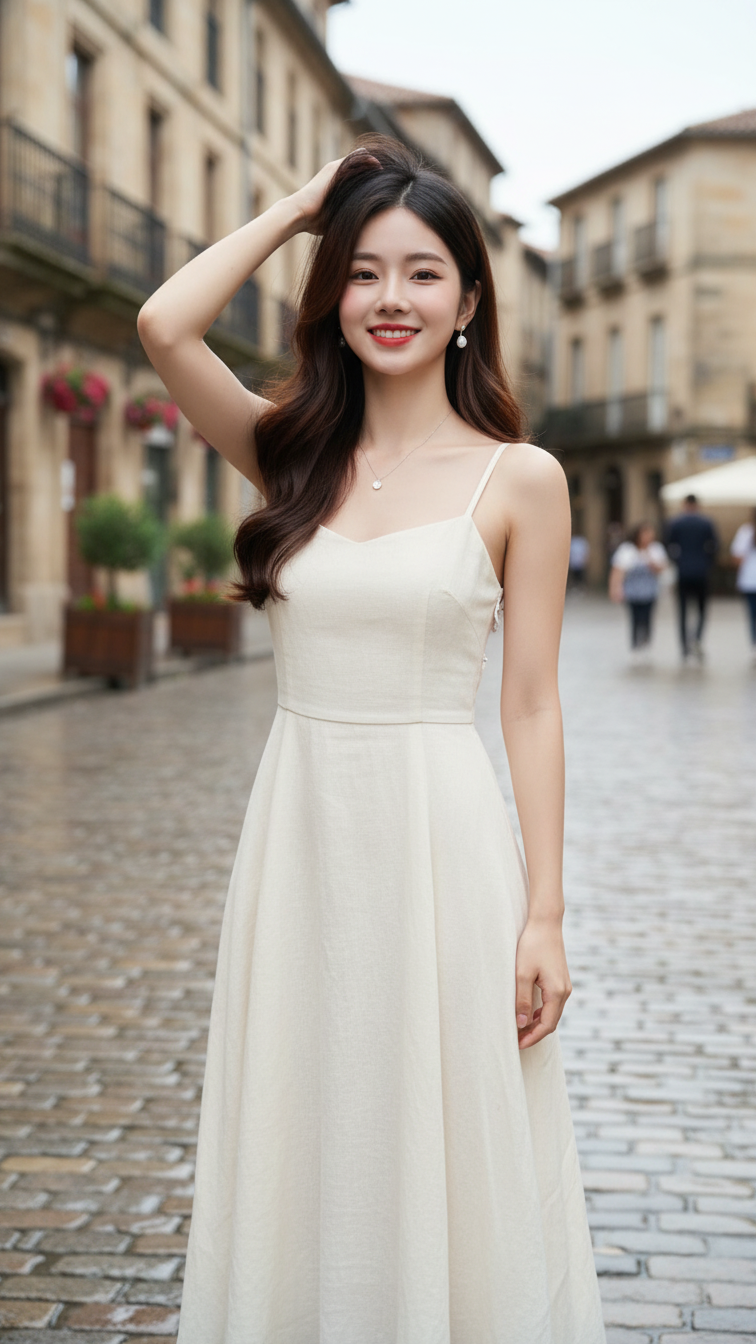
Prompt 1229: Create a realistic portrait of a young woman (face 100% identical to the original...
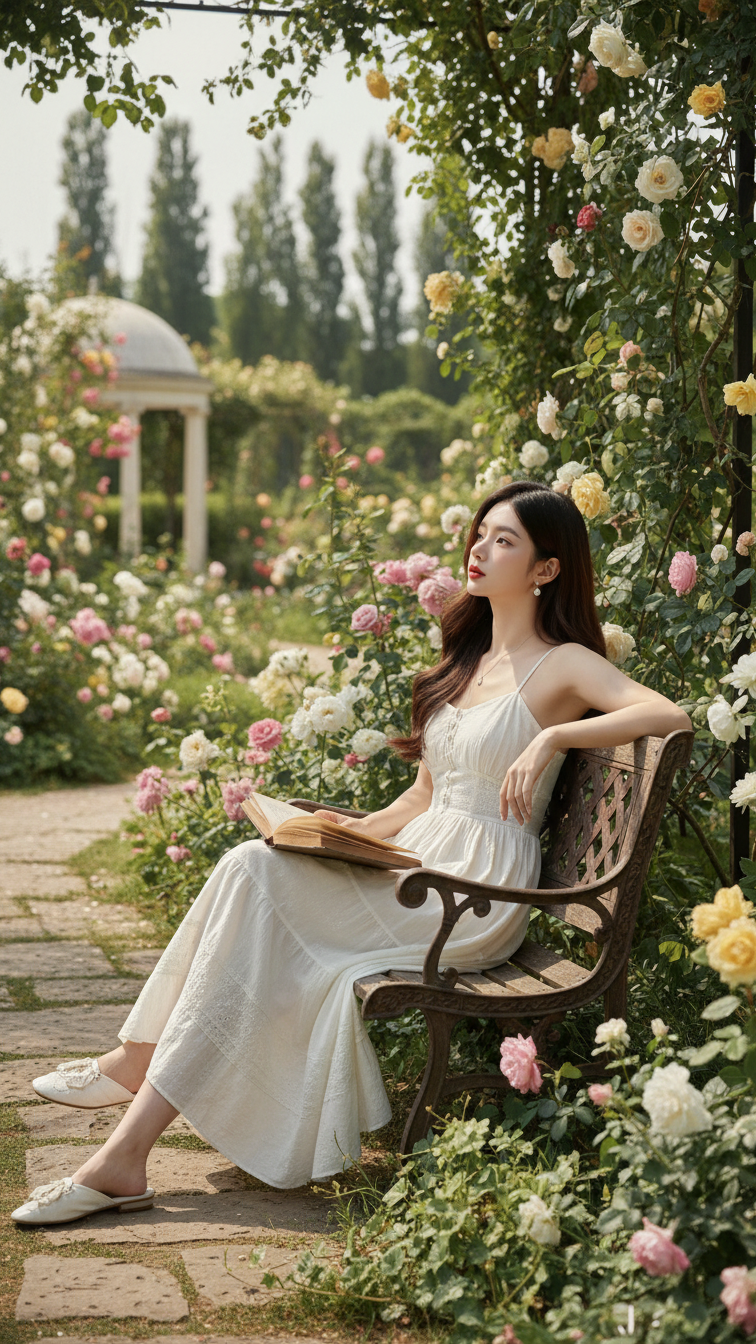
Prompt 1228: Create a realistic portrait of a young woman (face 100% identical to the original...
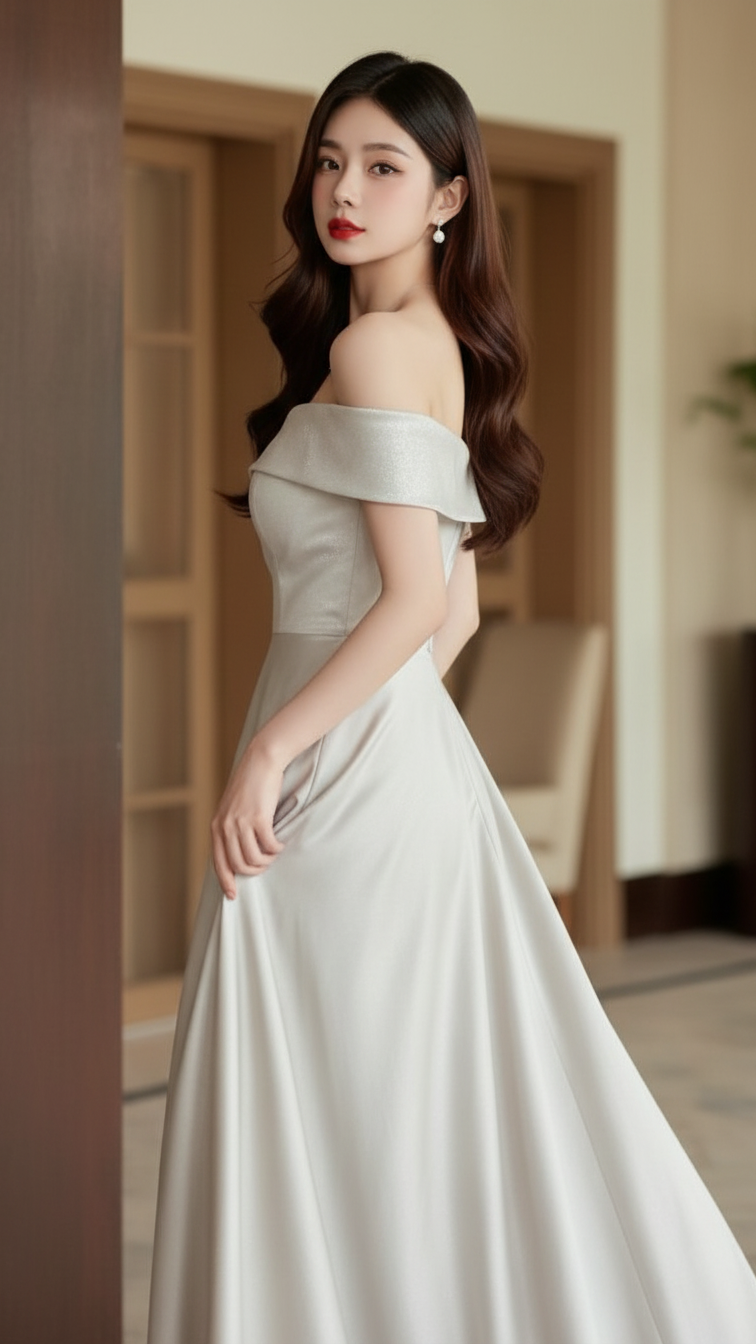
Prompt 1227: Create a realistic portrait of a young woman (face 100% identical to the original...
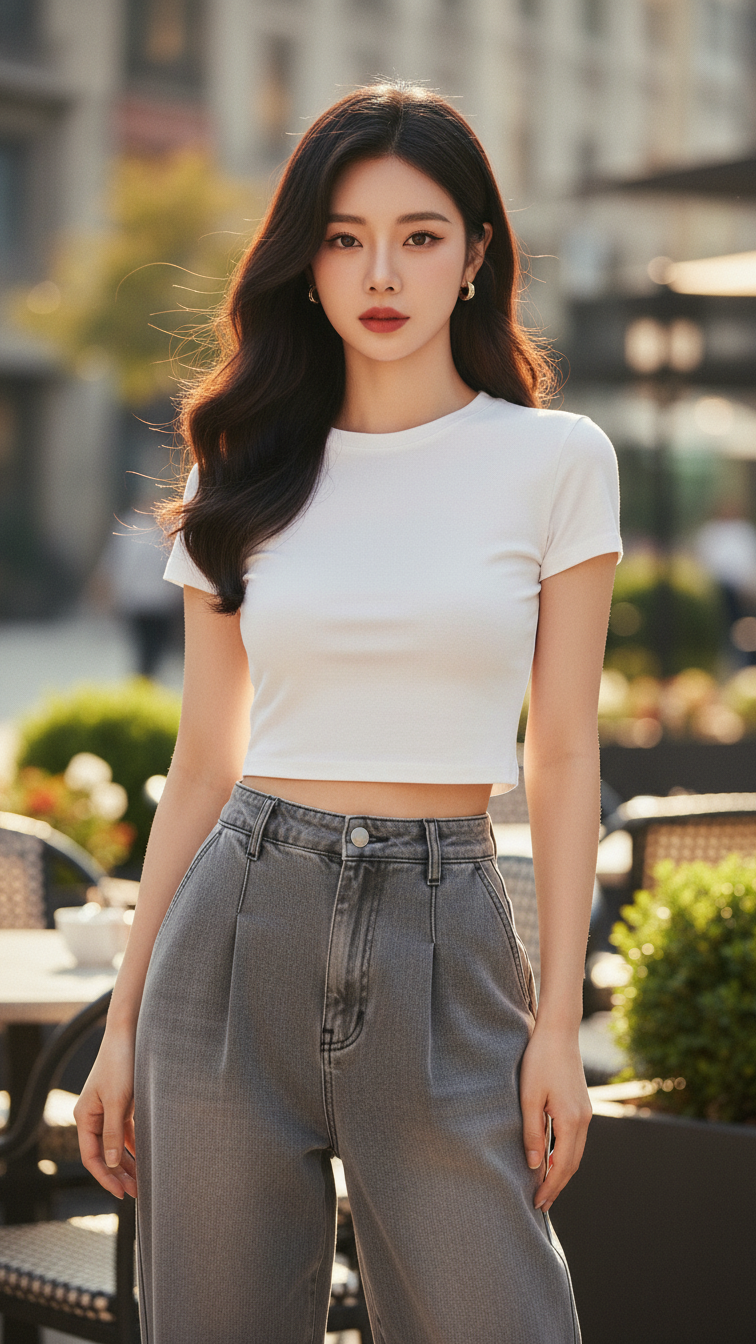
Prompt 1226: Create a realistic portrait of a young woman (face 100% identical to the original...
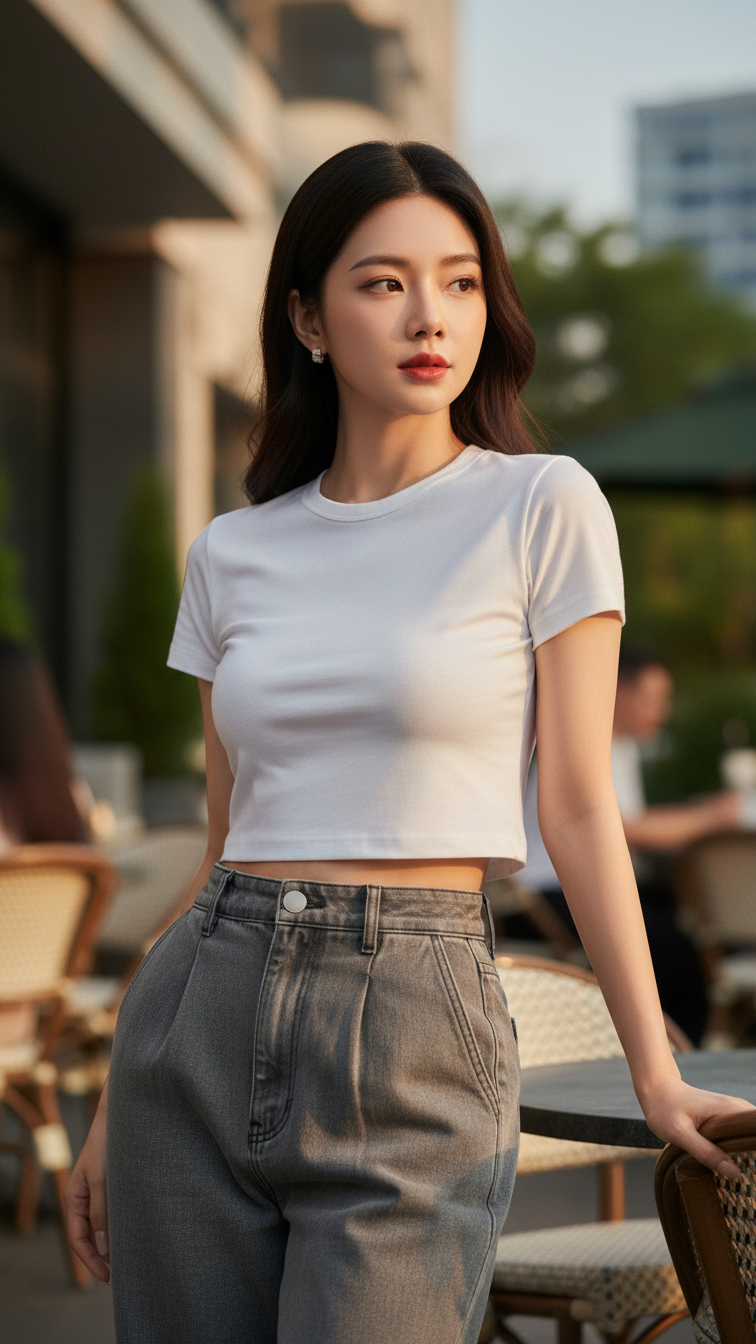
Prompt 1225: Create a realistic portrait of a young woman (face 100% identical to the original...
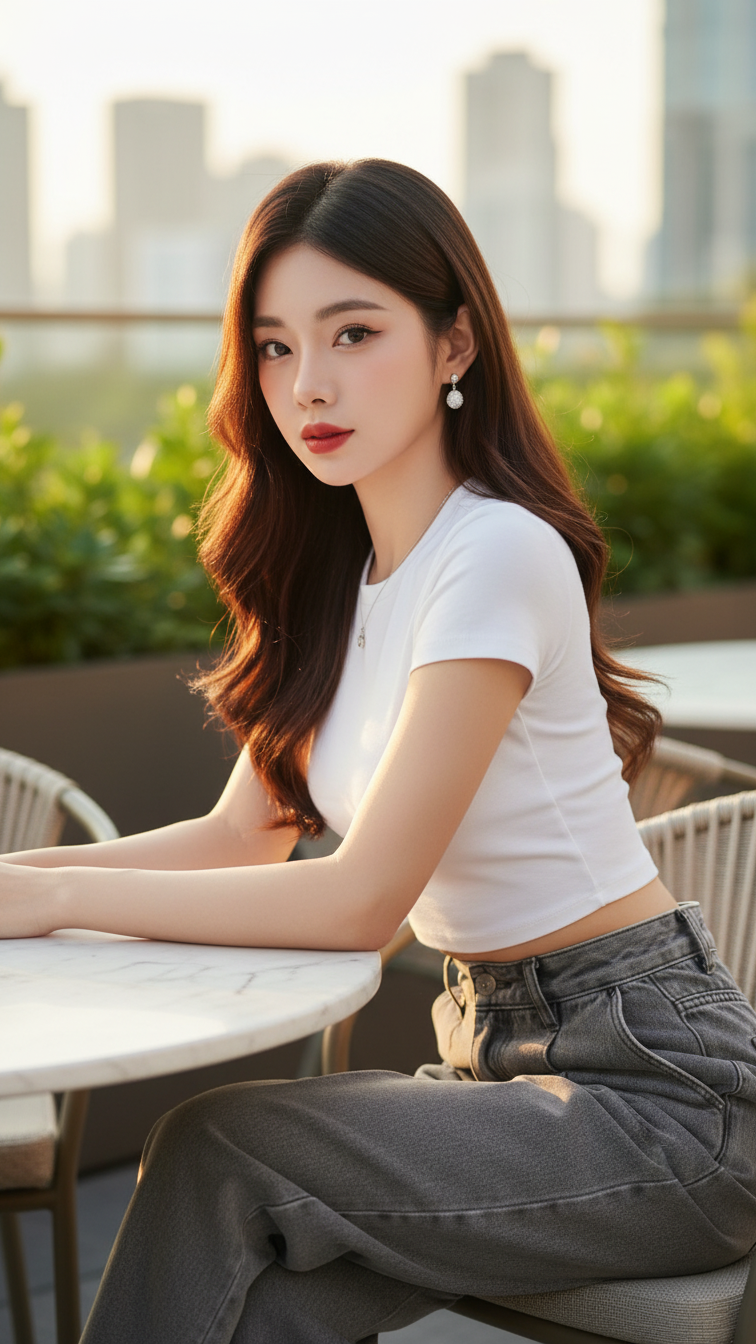
Prompt 1224: Create a realistic portrait of a young woman (face 100% identical to the original...
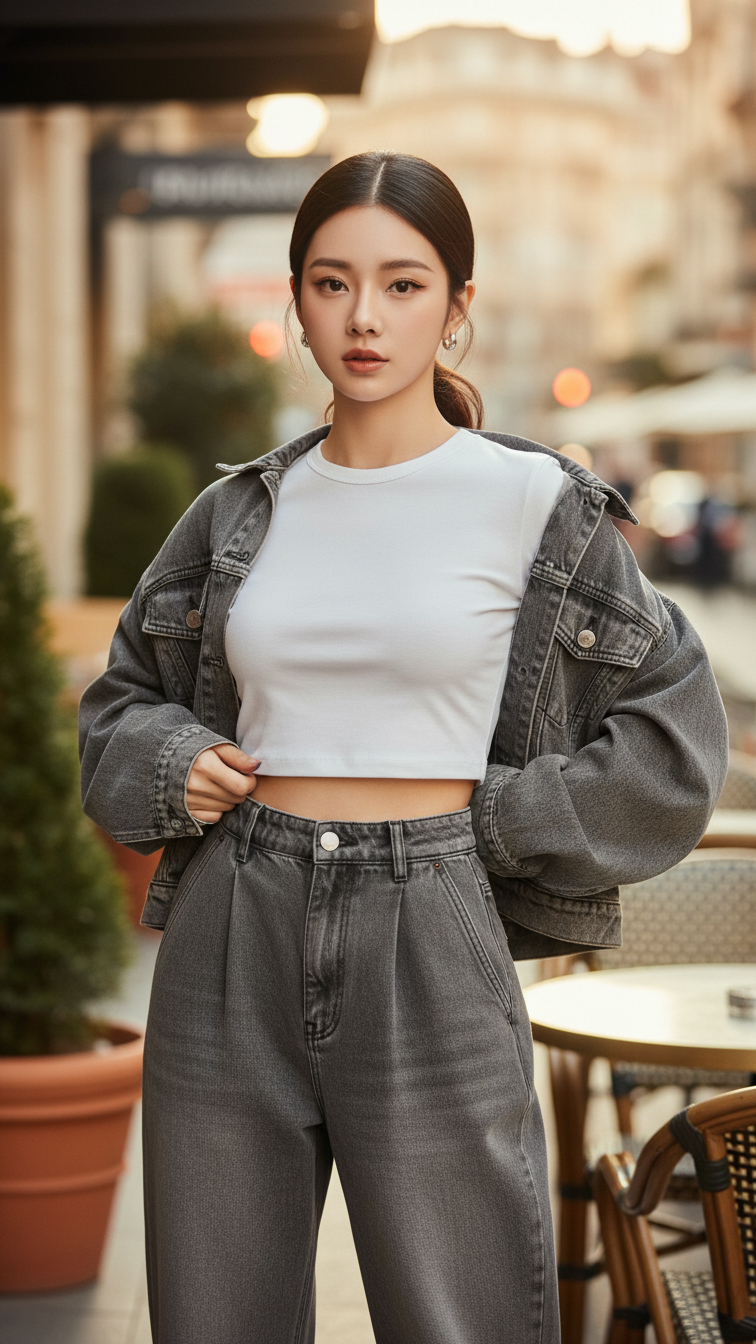
Prompt 1223: Create a realistic portrait of a young woman (face 100% identical to the original...
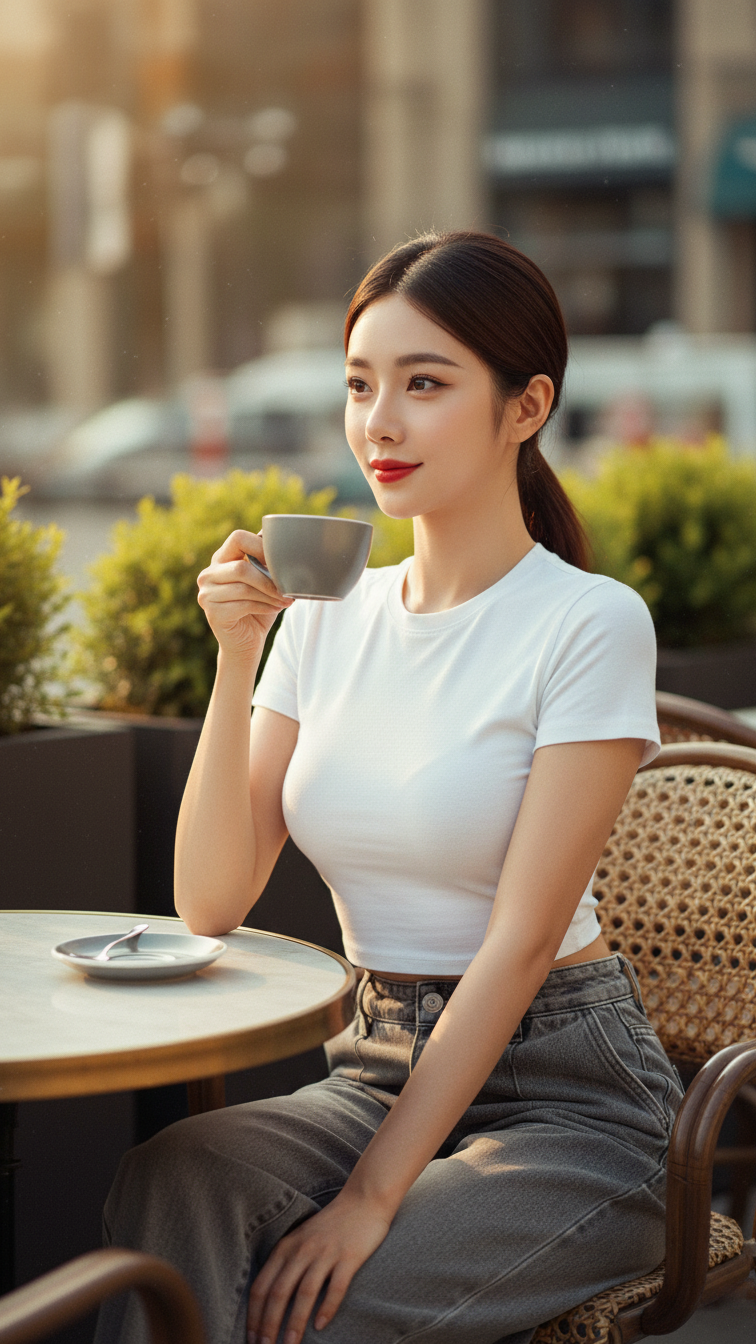
Prompt 1222: Create a realistic portrait of a young woman (face 100% identical to the original...
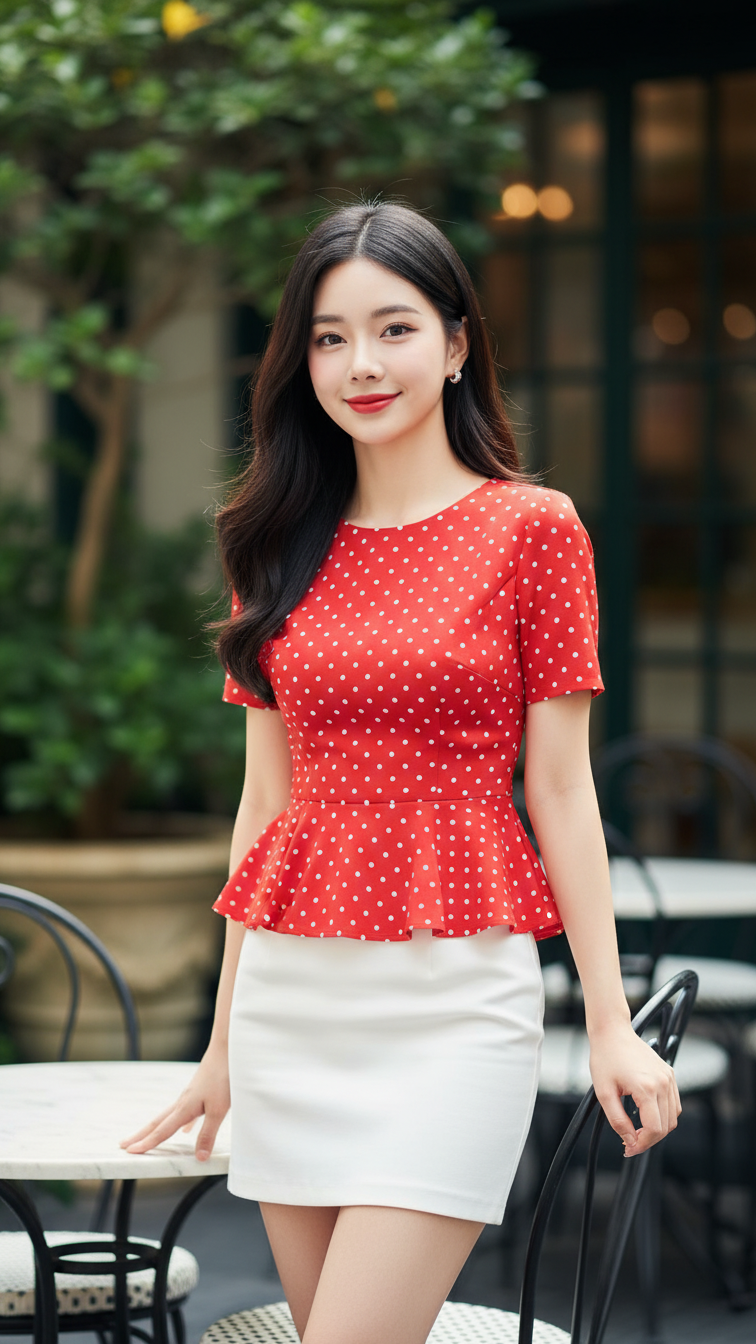
Prompt 1221: Create a realistic portrait of a young woman (face 100% identical to the original...
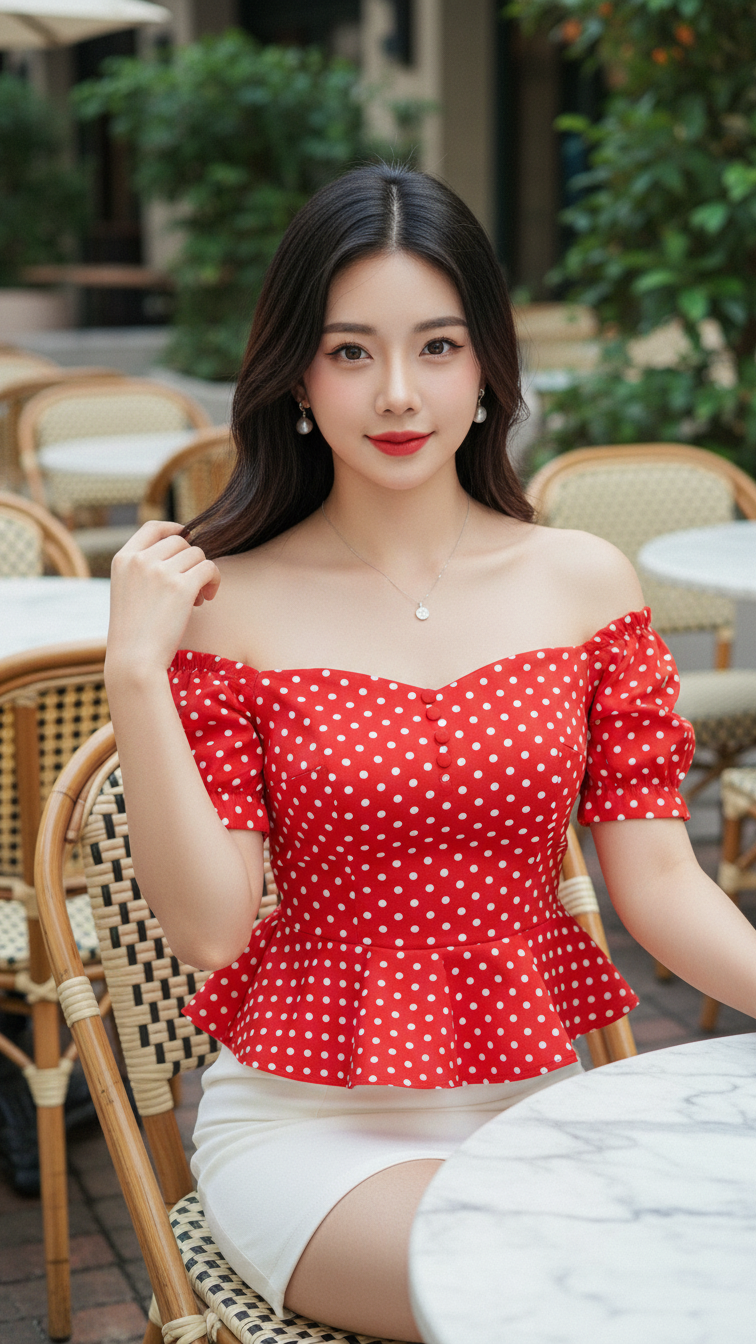
Prompt 1220: Create a realistic portrait of a young woman (face 100% identical to the original...
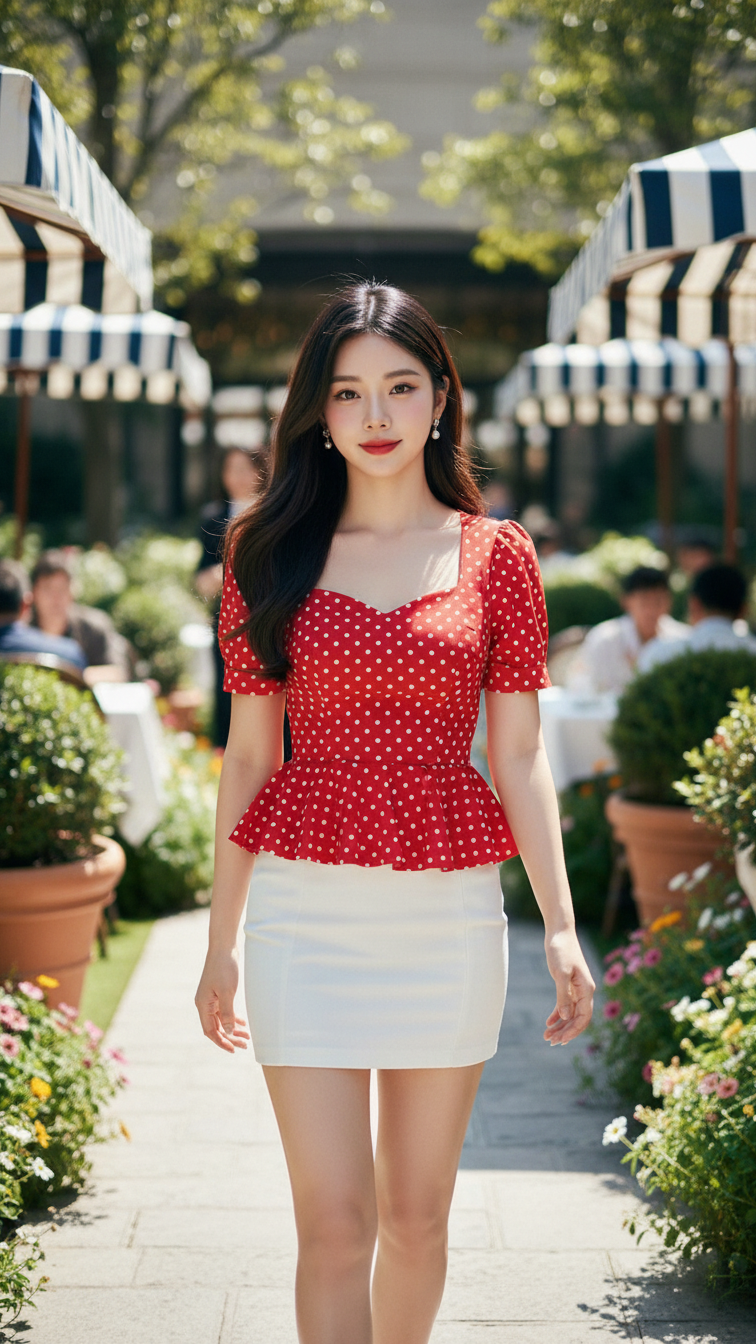
Prompt 1219: Create a realistic portrait of a young woman (face 100% identical to the original...
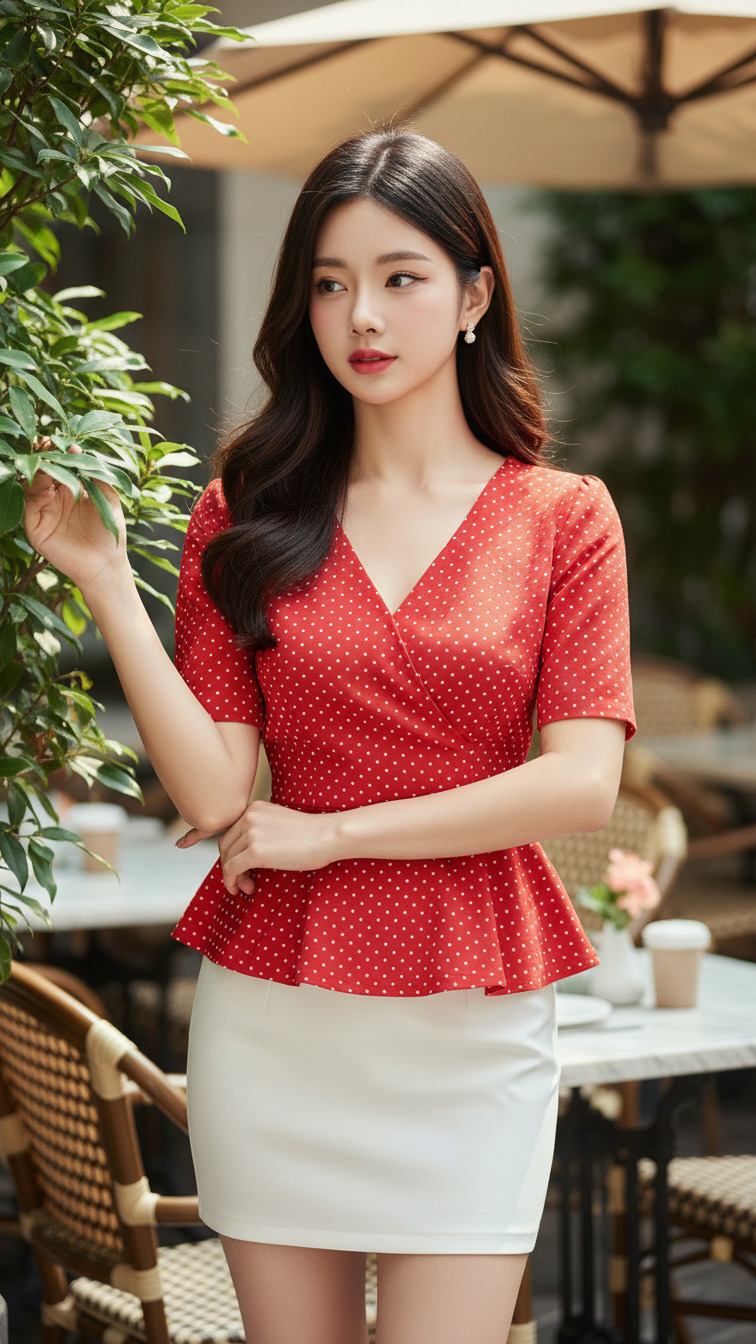
Prompt 1218: Create a realistic portrait of a young woman (face 100% identical to the original...
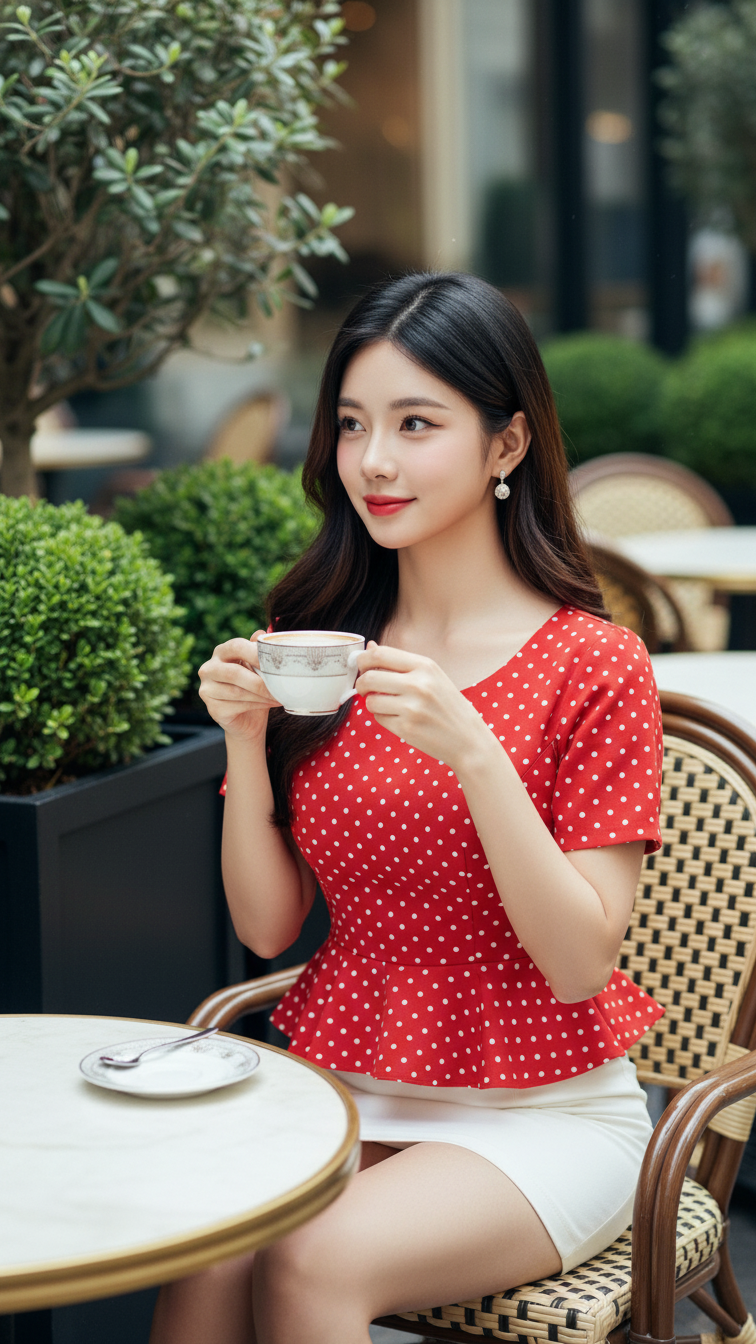
Prompt 1217: Create a realistic portrait of a young woman (face 100% identical to the original...
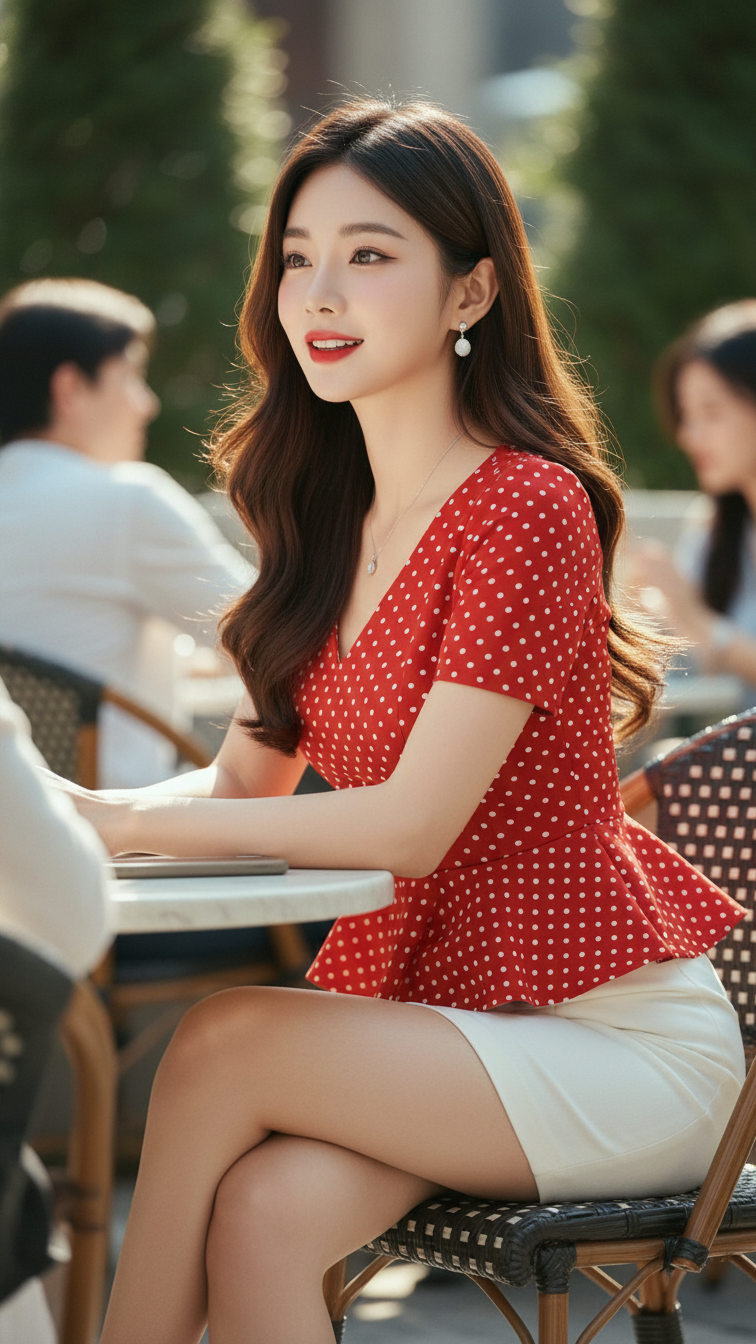
Prompt 1216: Create a realistic portrait of a young woman (face 100% identical to the original...

Prompt 1215: Create a realistic portrait of a young woman (face 100% identical to the original...
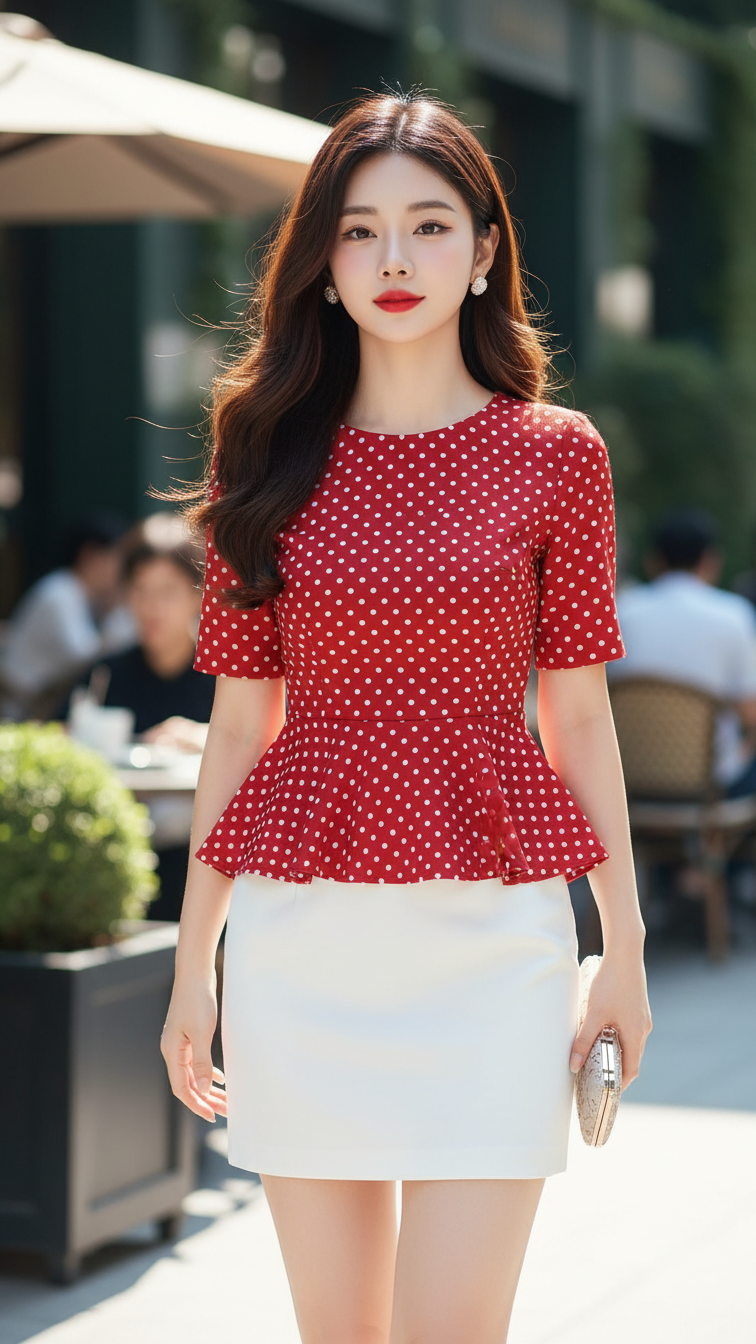
Prompt 1214: Create a realistic portrait of a young woman (face 100% identical to the original...
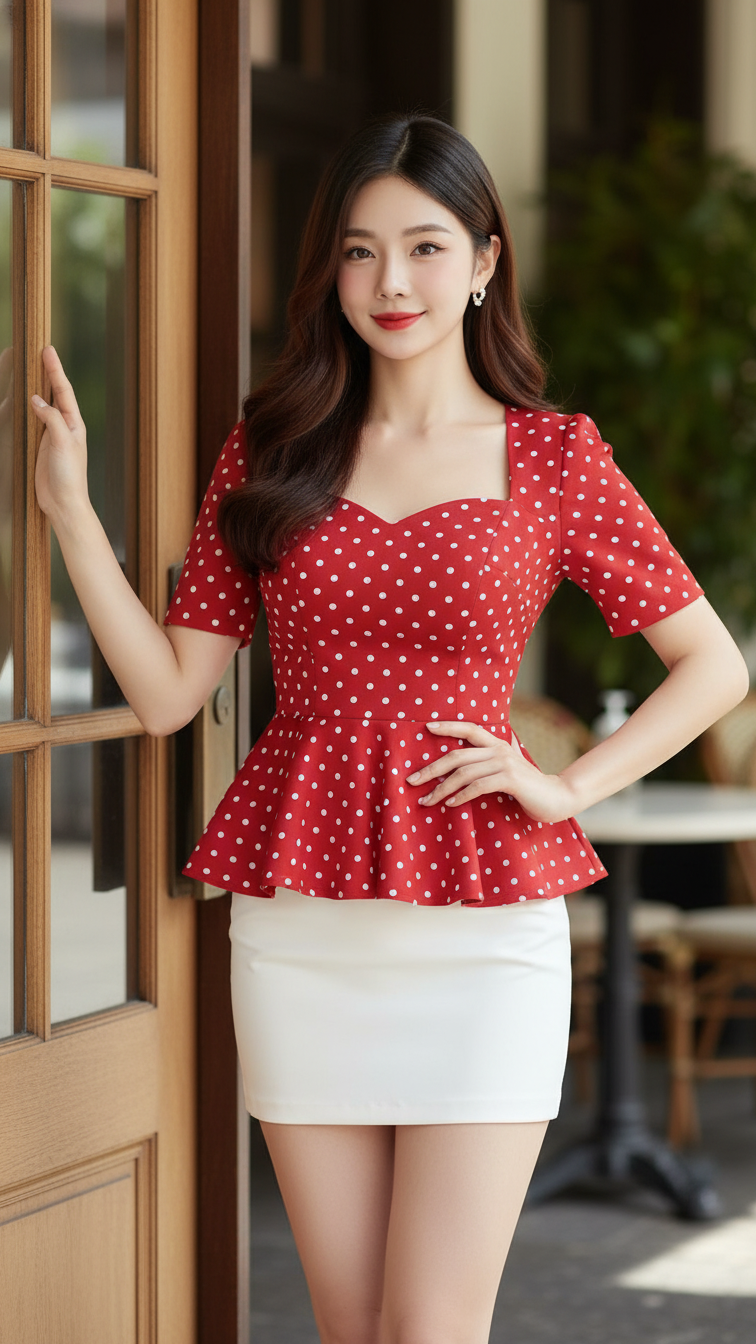
Prompt 1213: Create a realistic portrait of a young woman (face 100% identical to the original...
