
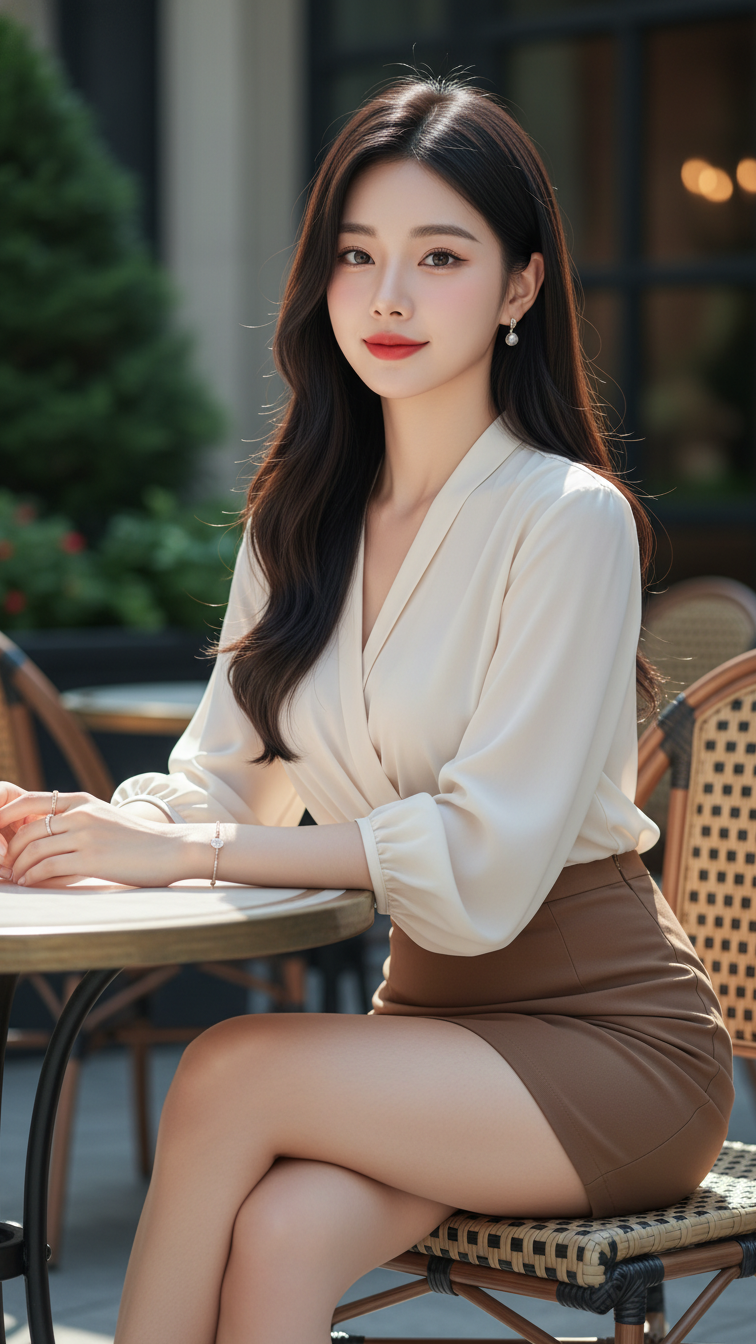
Prompt 1248: Create a realistic portrait of a young woman (face 100% identical to the original...
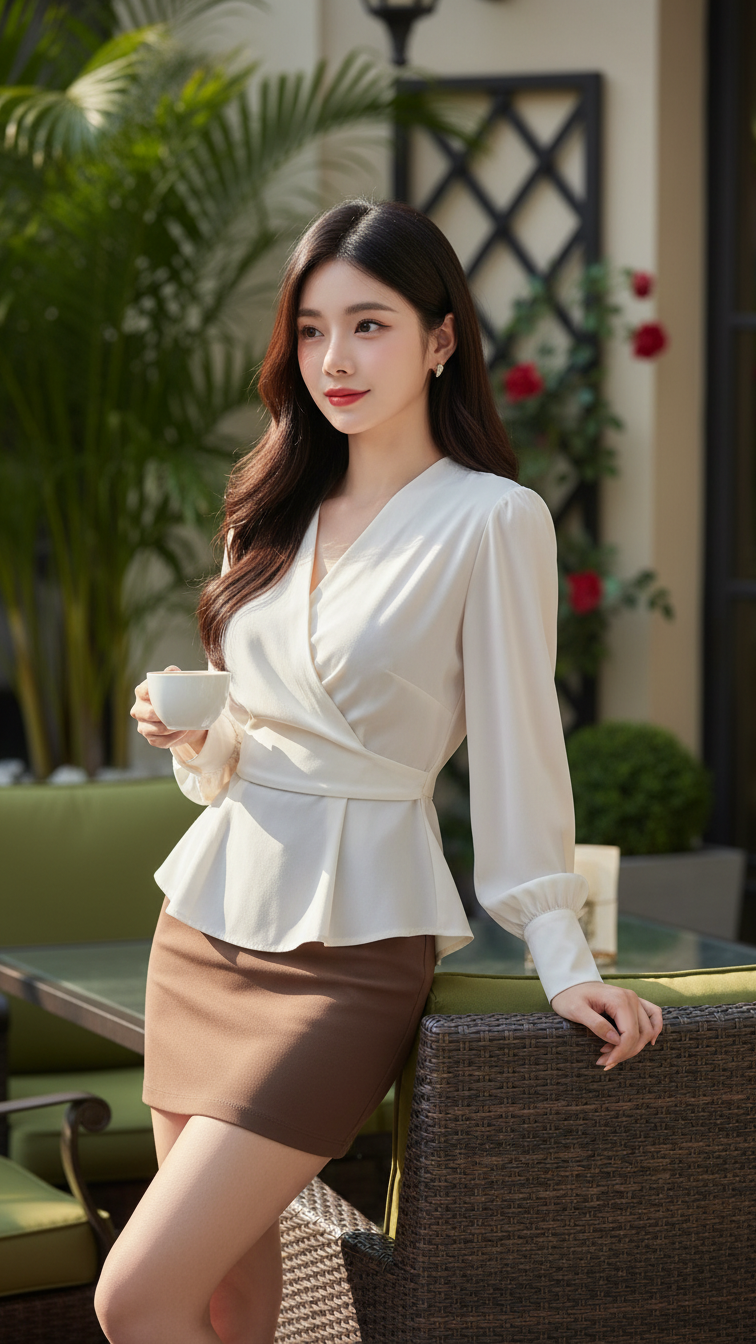
Prompt 1247: Create a realistic portrait of a young woman (face 100% identical to the original...
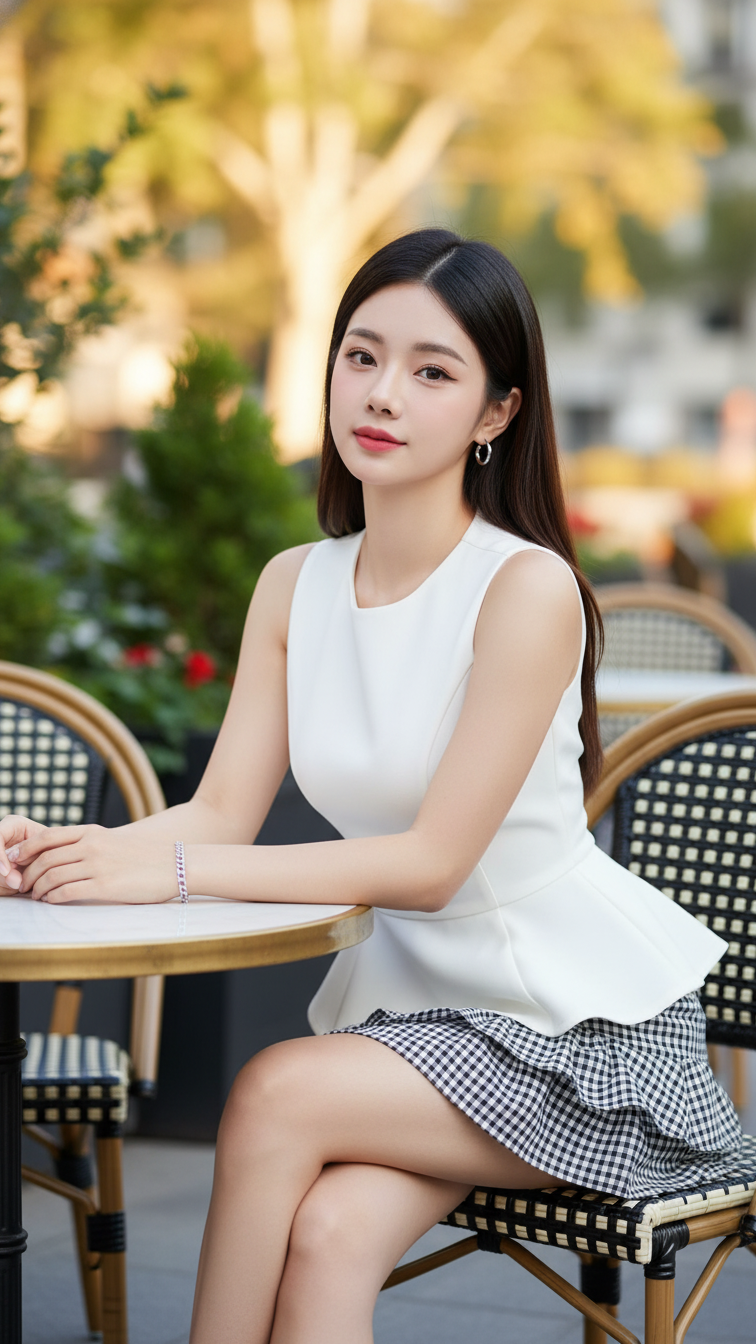
Prompt 1246: Create a realistic portrait of a young woman (face 100% identical to the original...
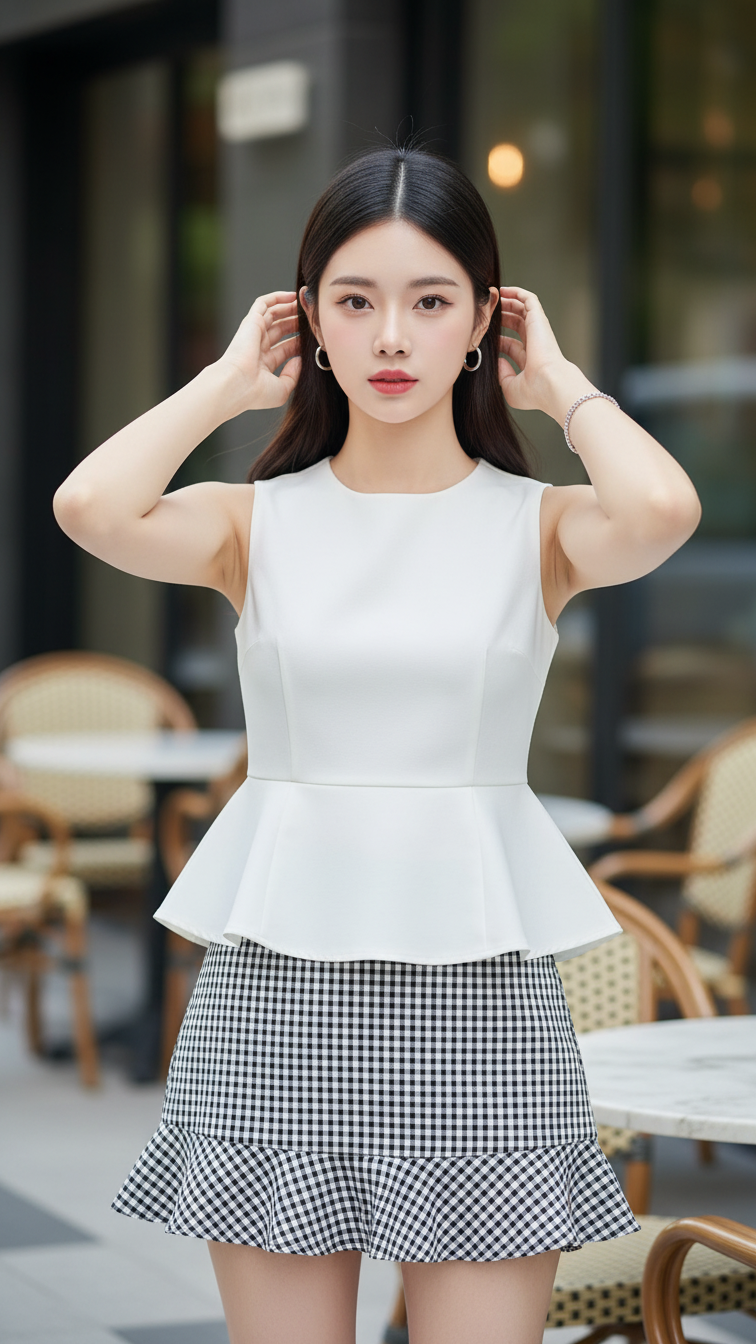
Prompt 1245: Create a realistic portrait of a young woman (face 100% identical to the original...
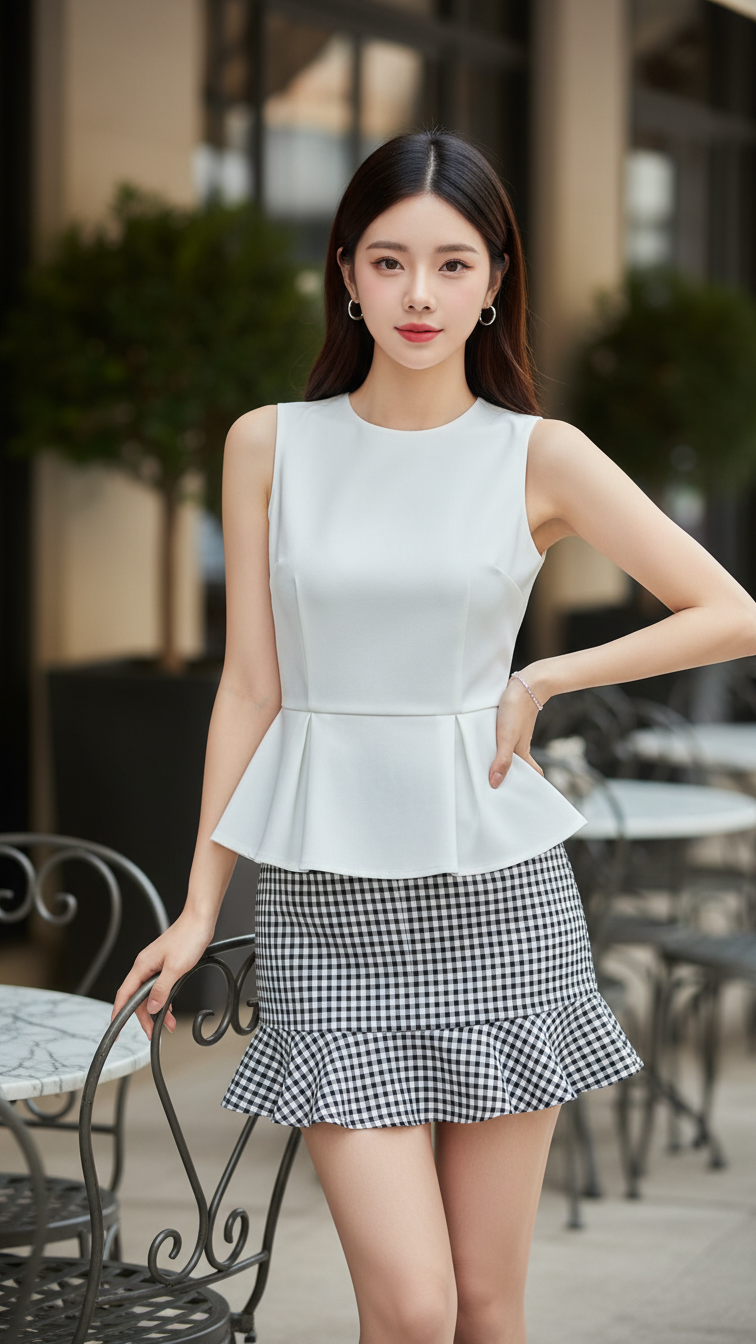
Prompt 1244: Create a realistic portrait of a young woman (face 100% identical to the original...
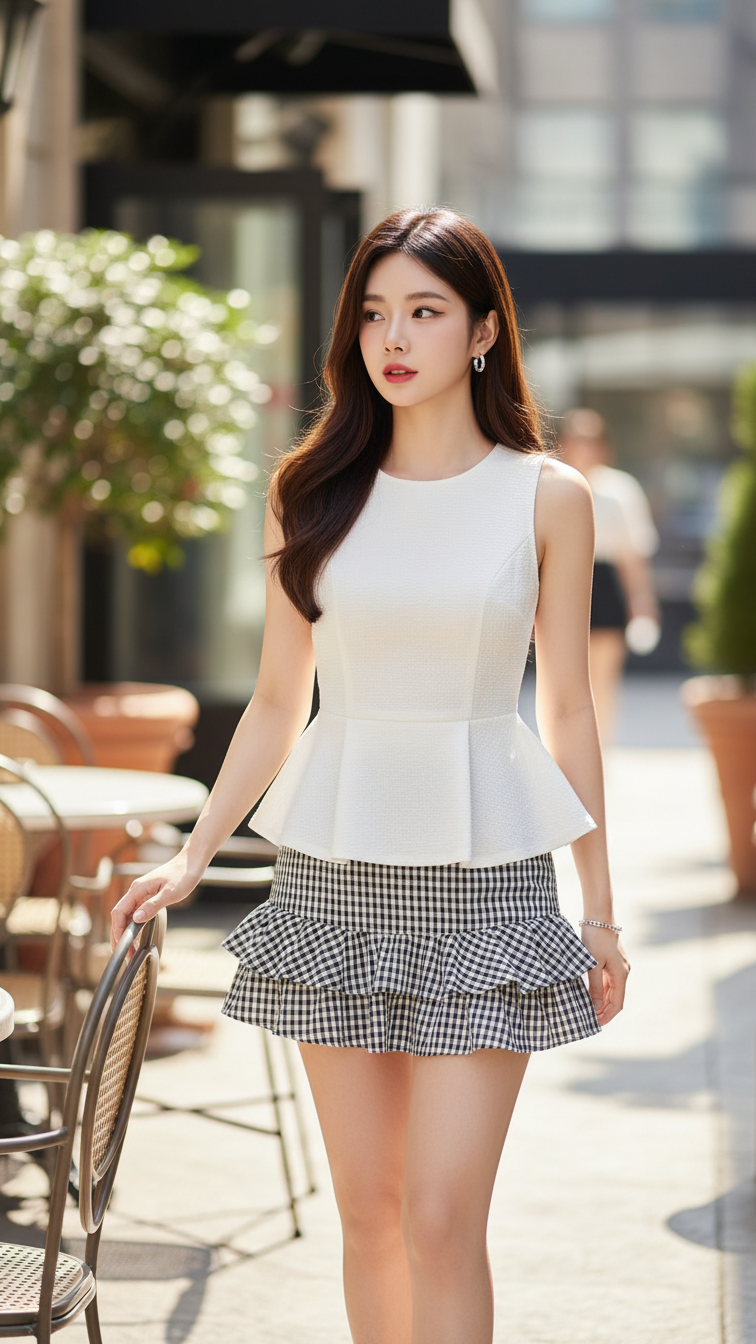
Prompt 1243: Create a realistic portrait of a young woman (face 100% identical to the original...
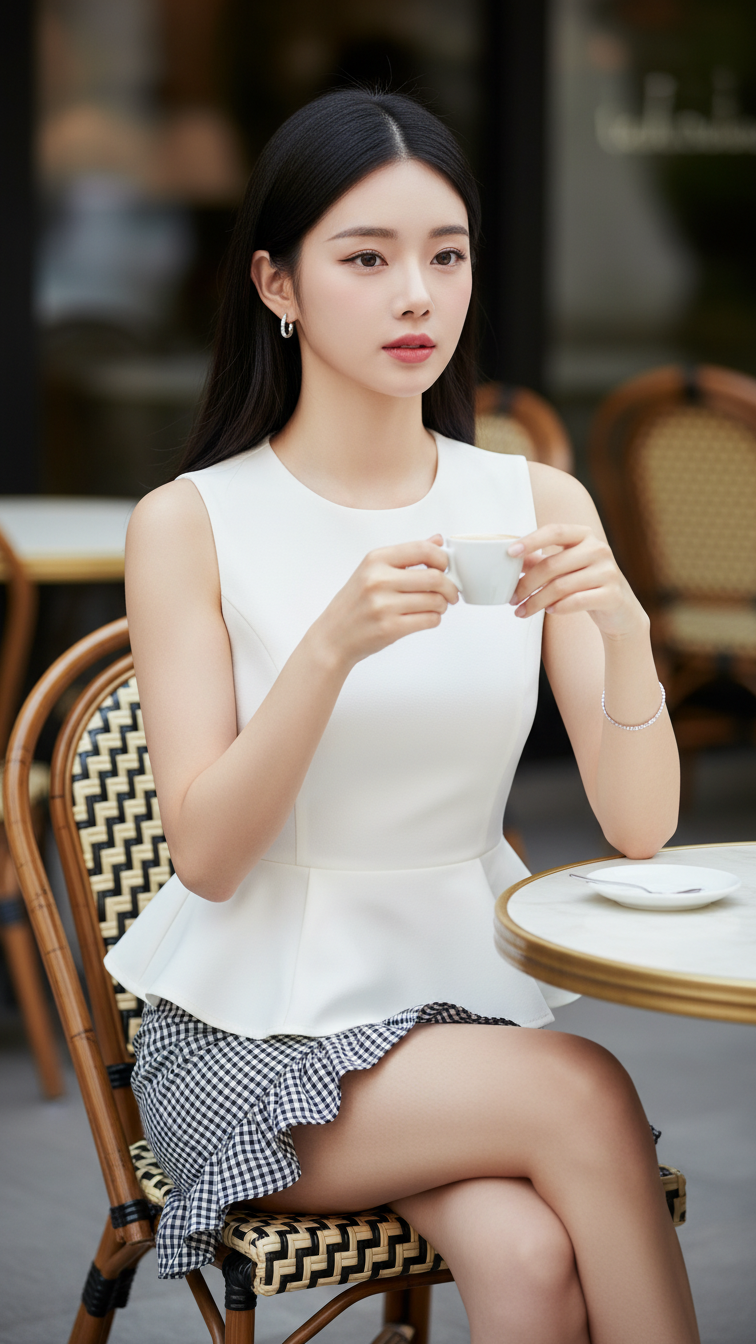
Prompt 1242: Create a realistic portrait of a young woman (face 100% identical to the original...
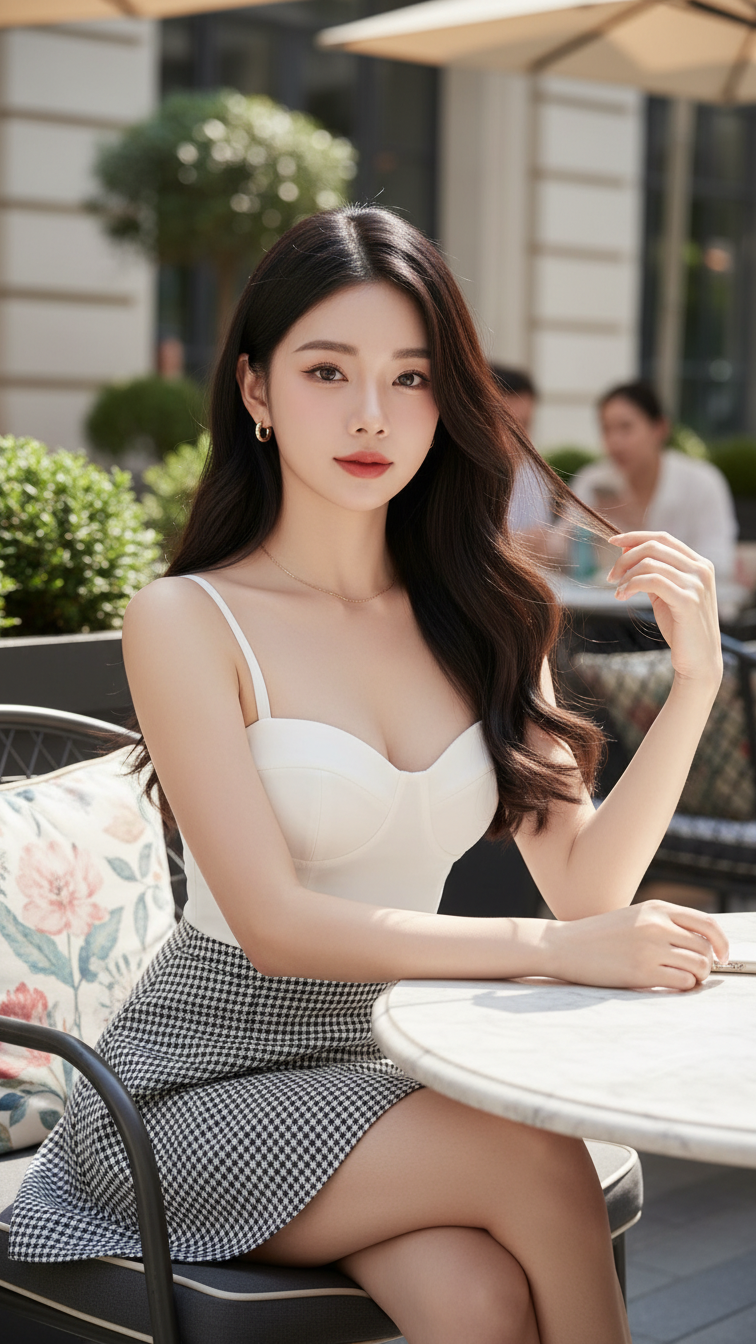
Prompt 1241: Create a realistic portrait of a young woman (face 100% identical to the original...
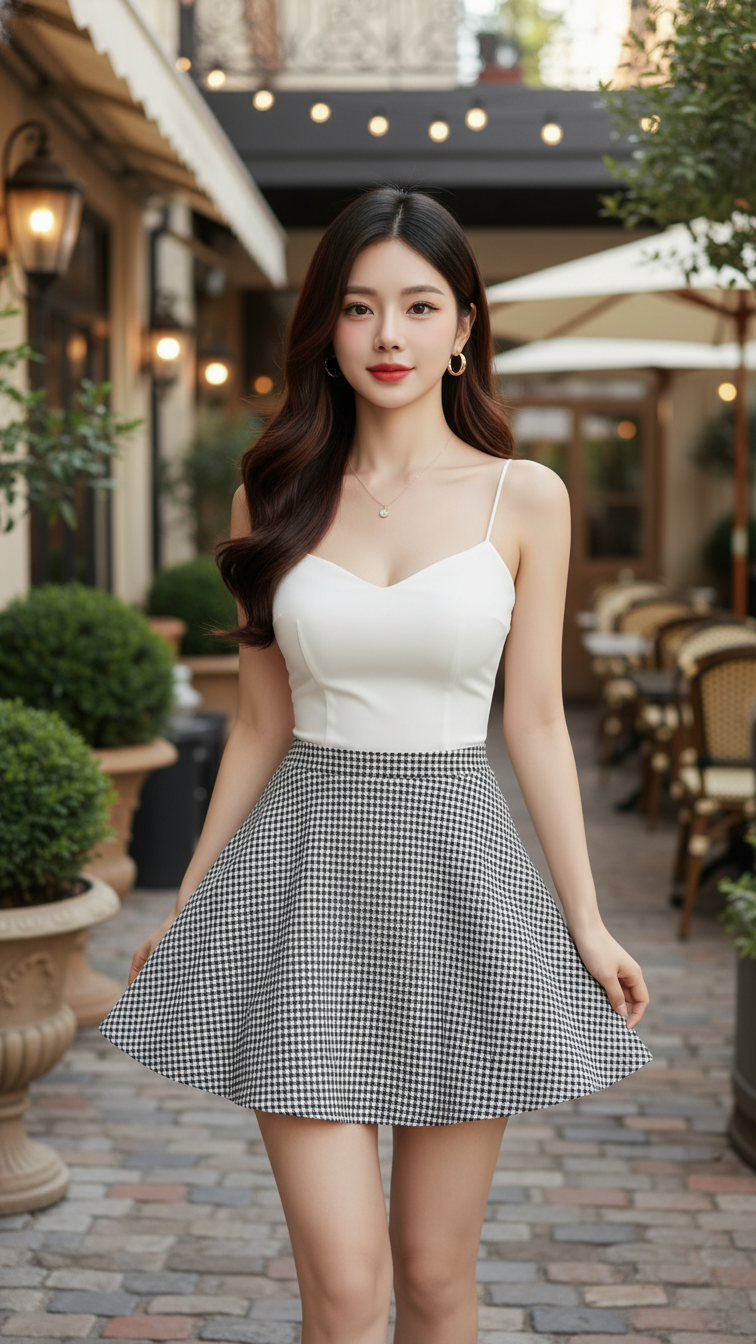
Prompt 1240: Create a realistic portrait of a young woman (face 100% identical to the original...
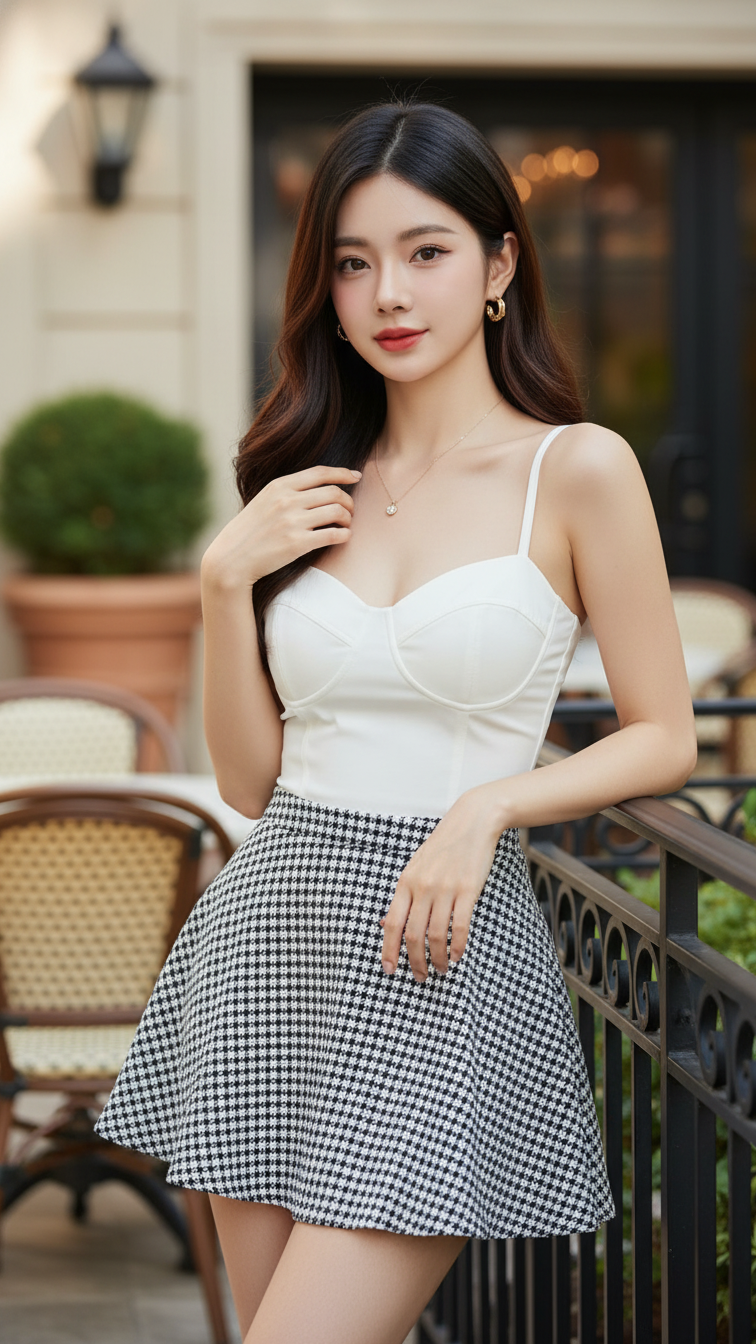
Prompt 1239: Create a realistic portrait of a young woman (face 100% identical to the original...
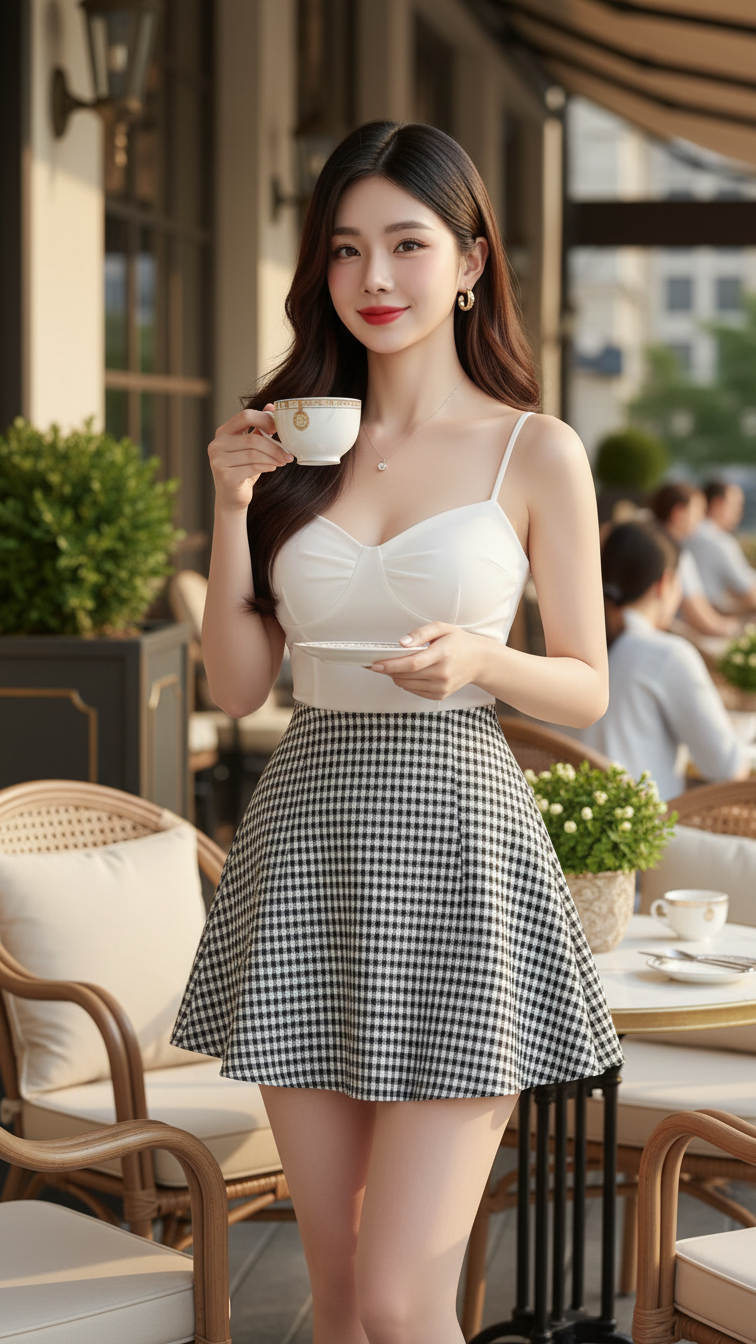
Prompt 1238: Create a realistic portrait of a young woman (face 100% identical to the original...
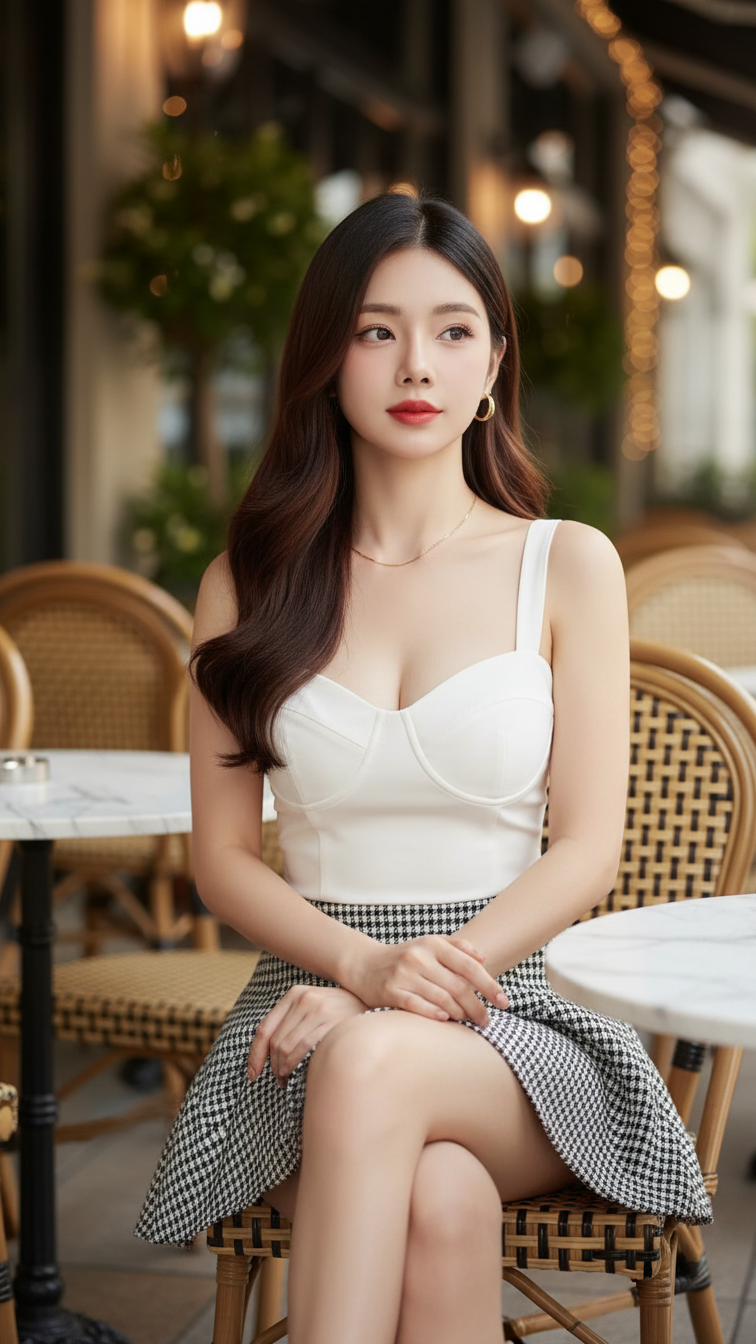
Prompt 1237: Create a realistic portrait of a young woman (face 100% identical to the original...
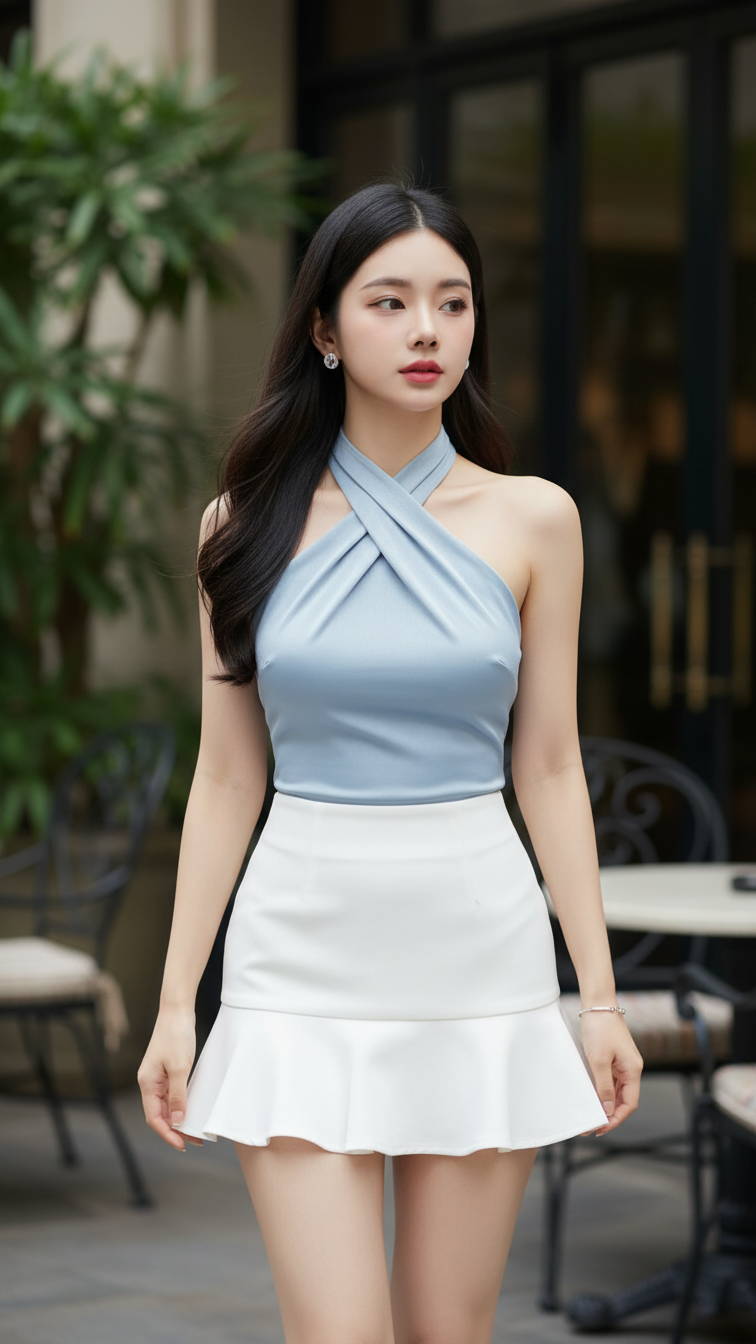
Prompt 1236: Create a realistic portrait of a young woman (face 100% identical to the original...
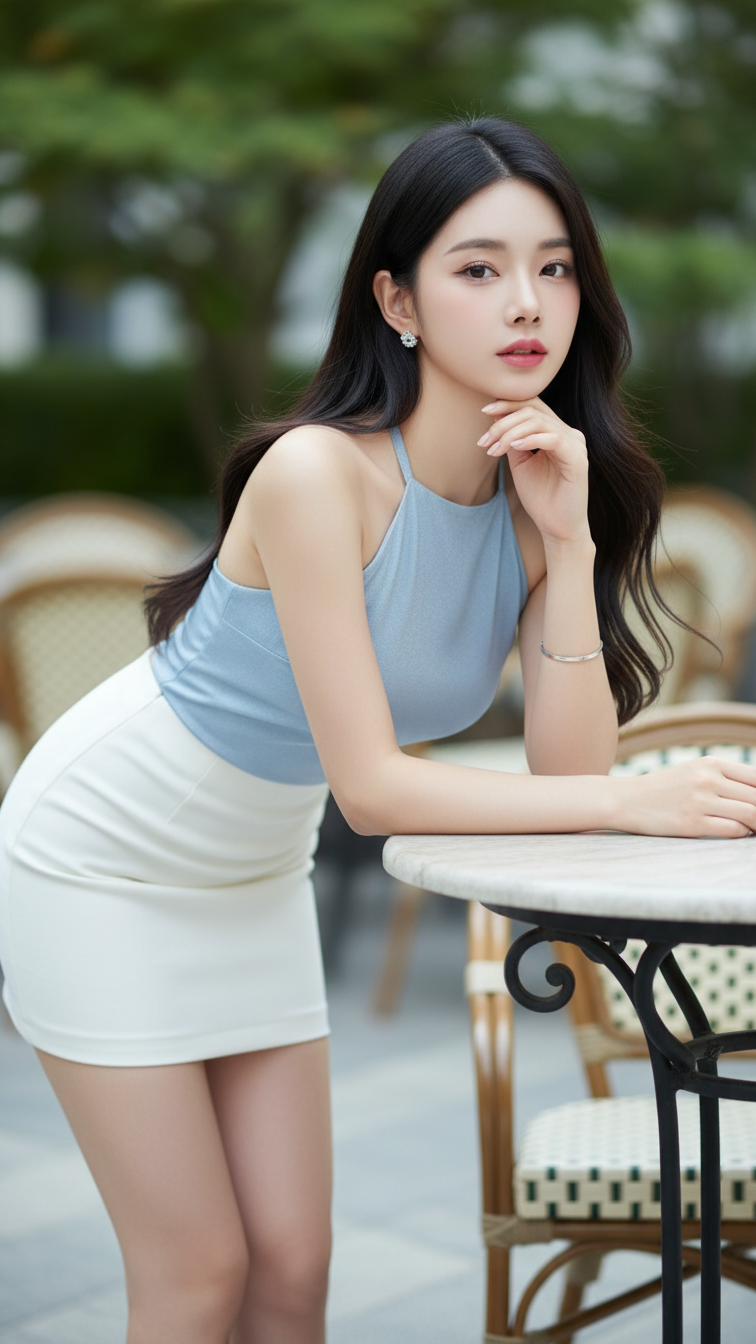
Prompt 1235: Create a realistic portrait of a young woman (face 100% identical to the original...
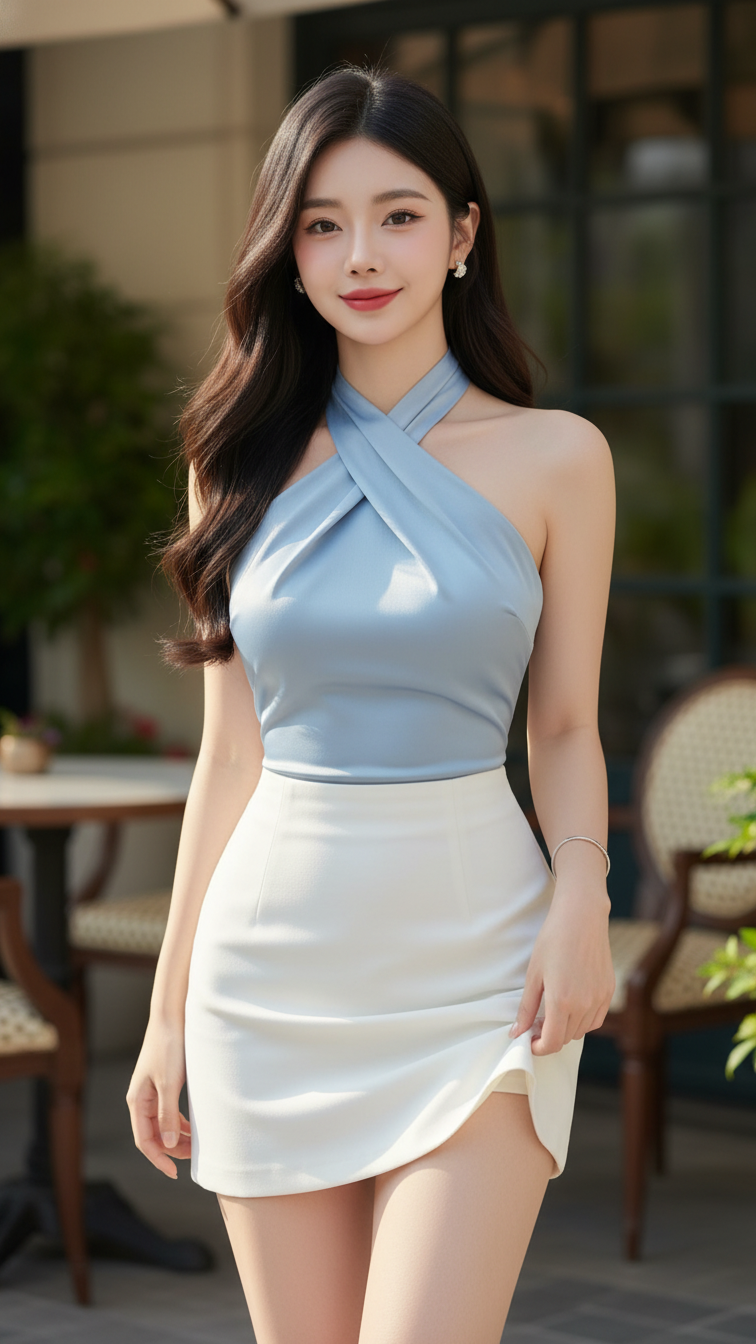
Prompt 1234: Create a realistic portrait of a young woman (face 100% identical to the original...
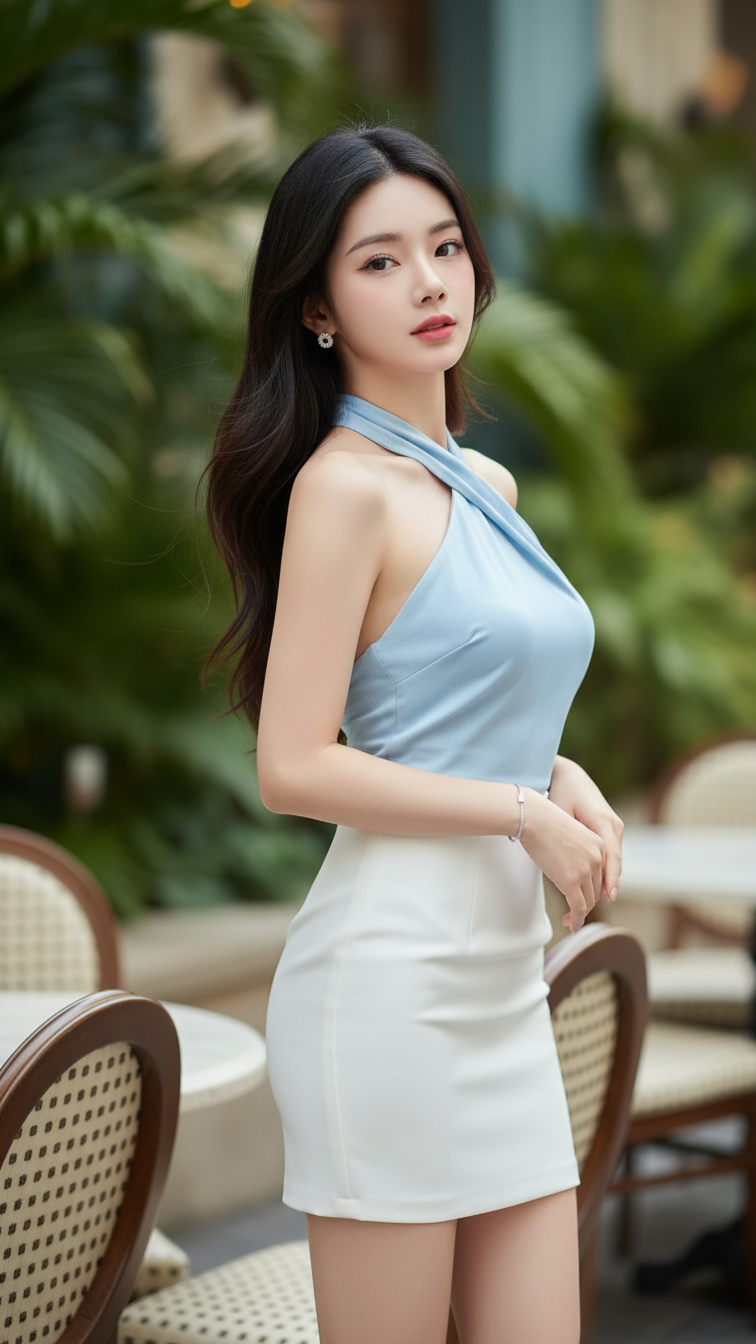
Prompt 1233: Create a realistic portrait of a young woman (face 100% identical to the original...
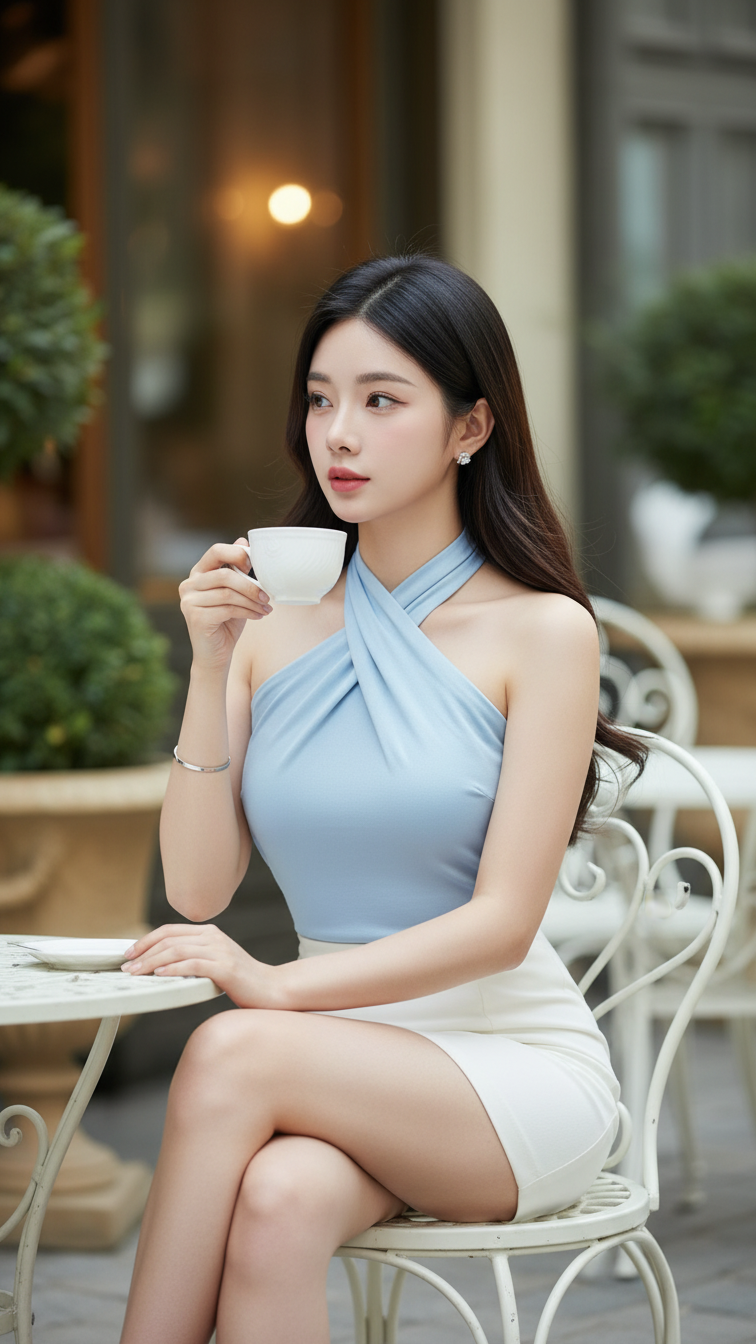
Prompt 1232: Create a realistic portrait of a young woman (face 100% identical to the original...
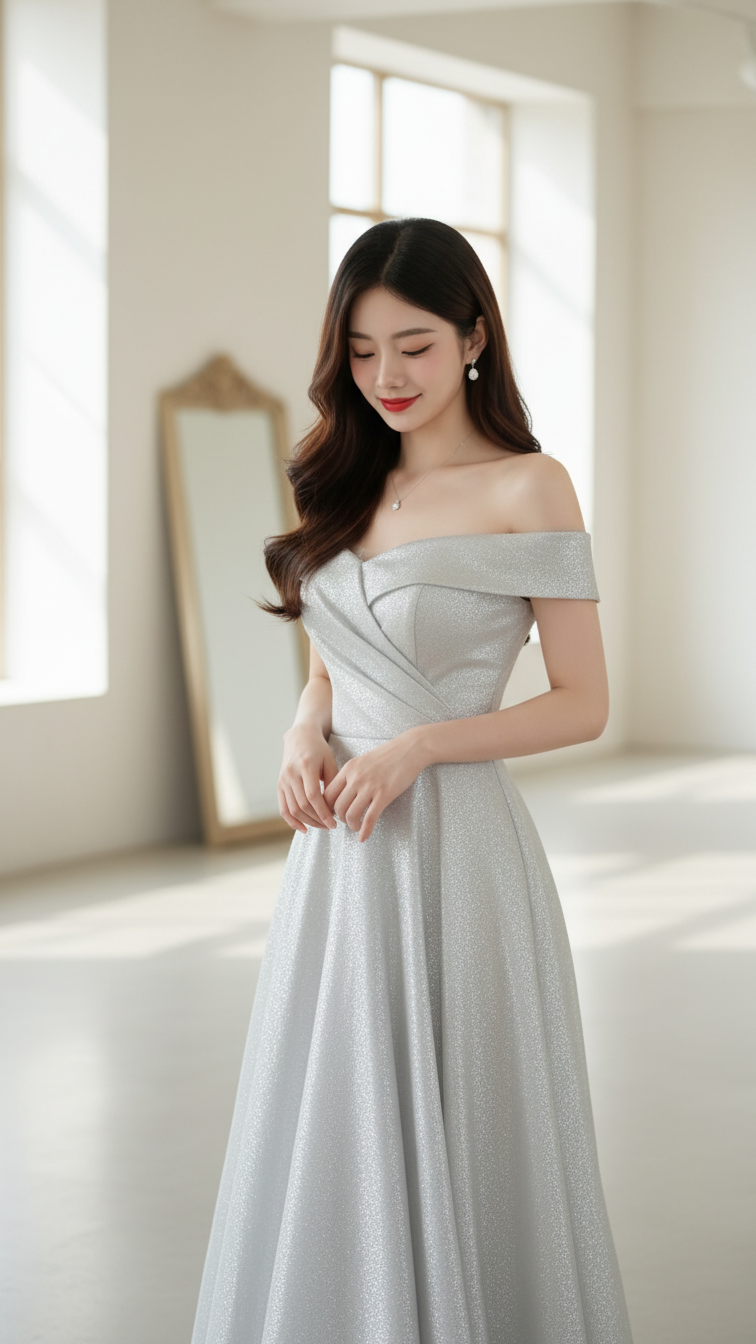
Prompt 1231: Create a realistic portrait of a young woman (face 100% identical to the original...
