
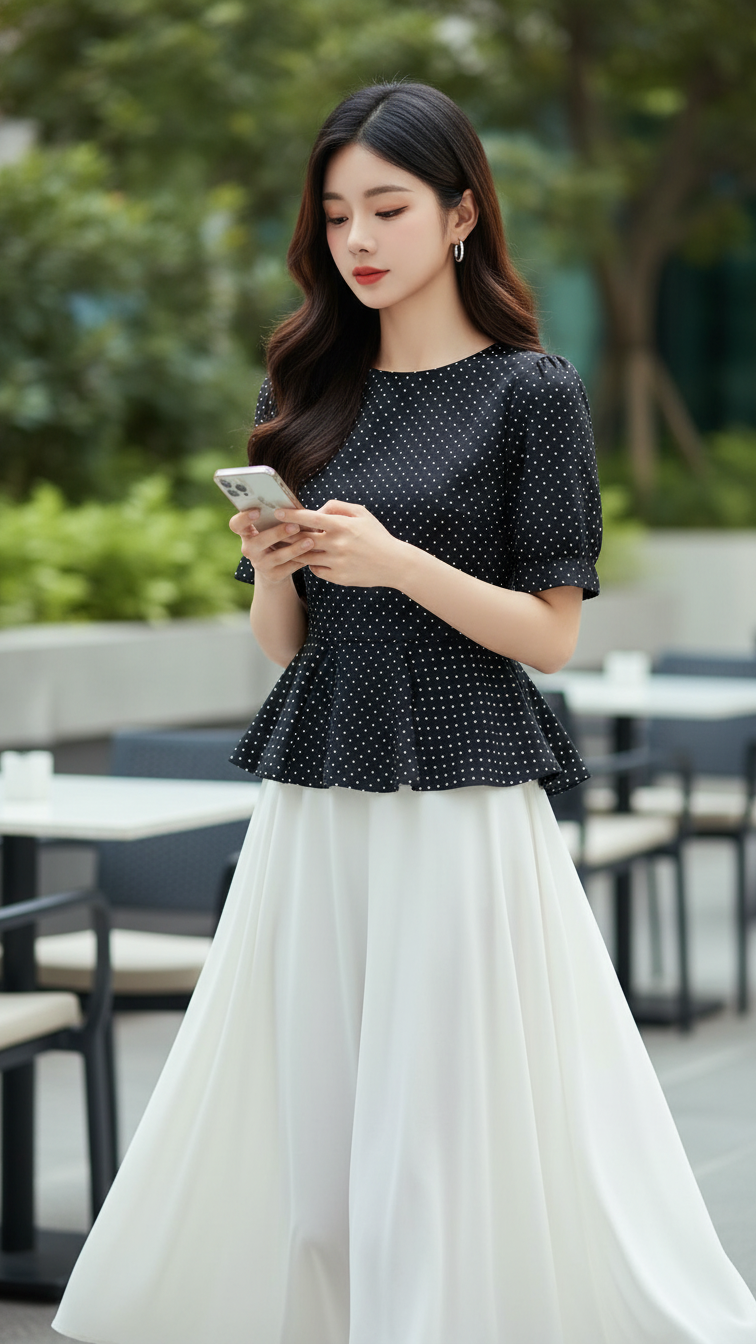
Prompt 1284: Create a realistic portrait of a young woman (face 100% identical to the original...
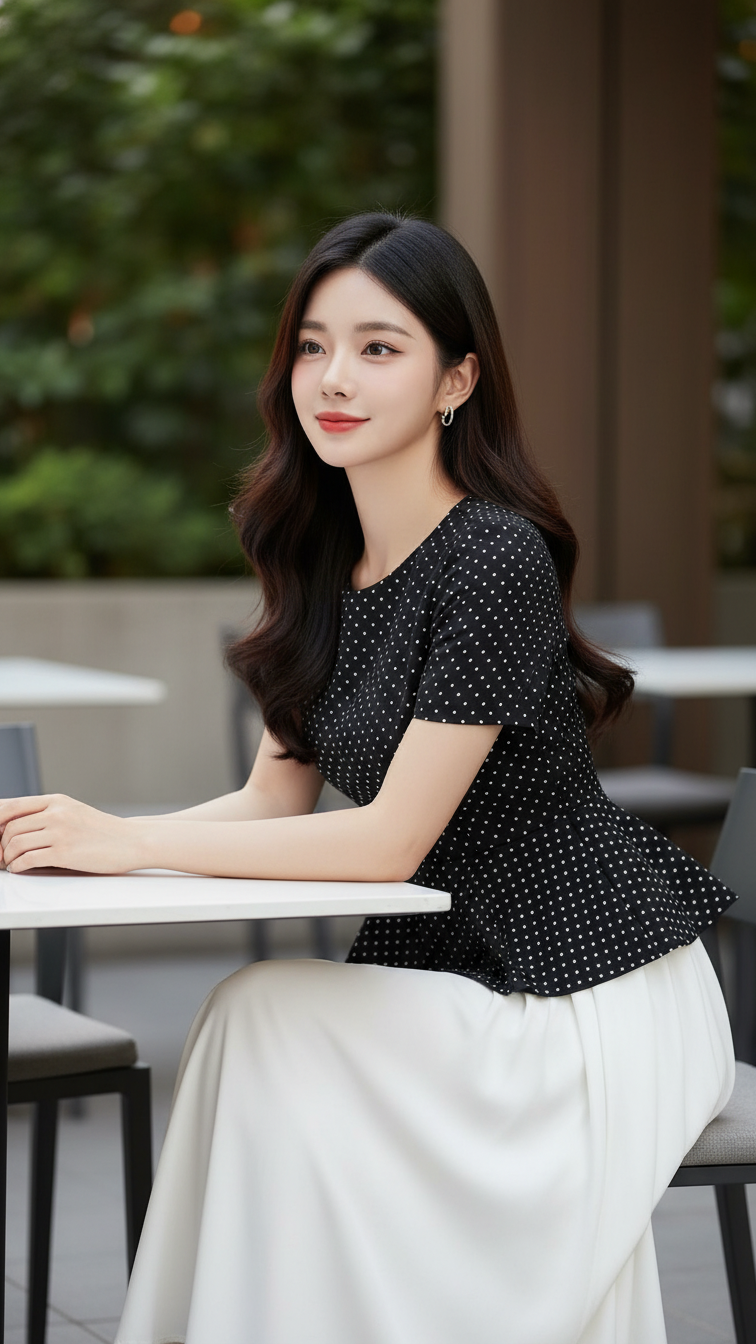
Prompt 1283: Create a realistic portrait of a young woman (face 100% identical to the original...
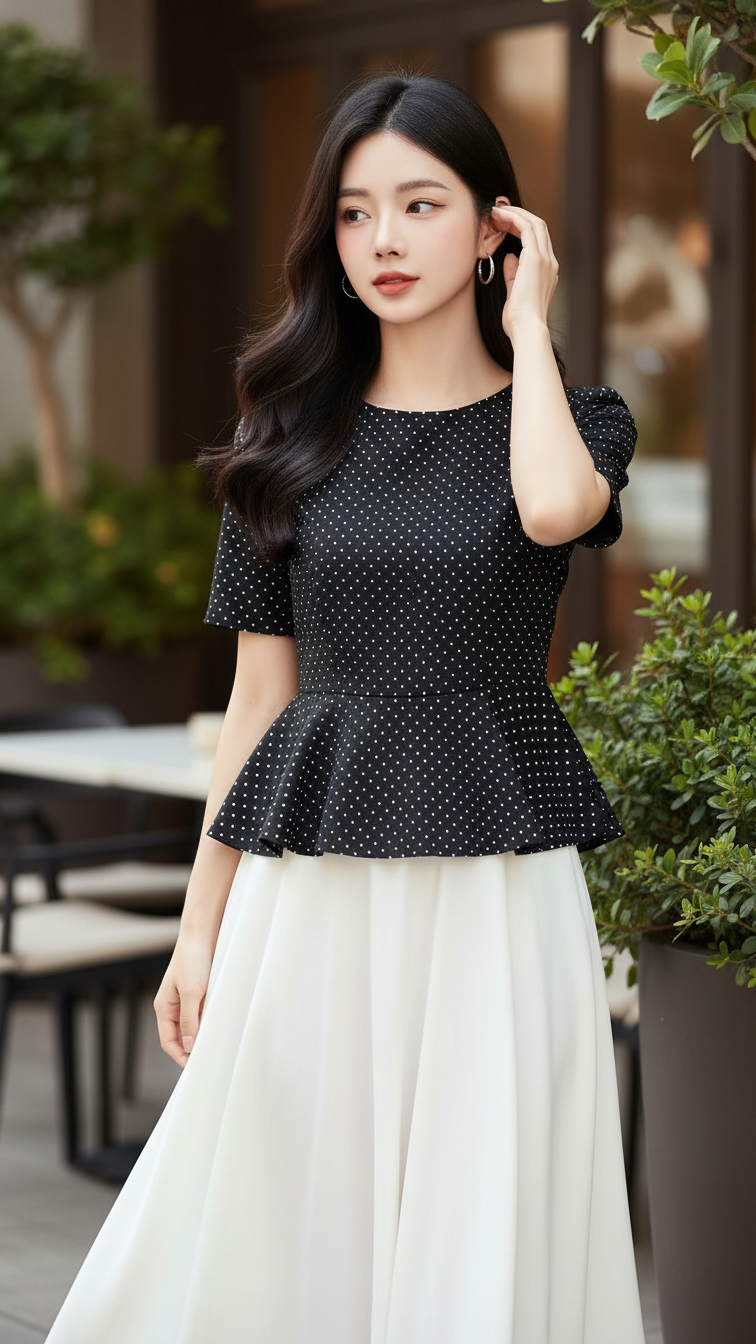
Prompt 1282: Create a realistic portrait of a young woman (face 100% identical to the original...
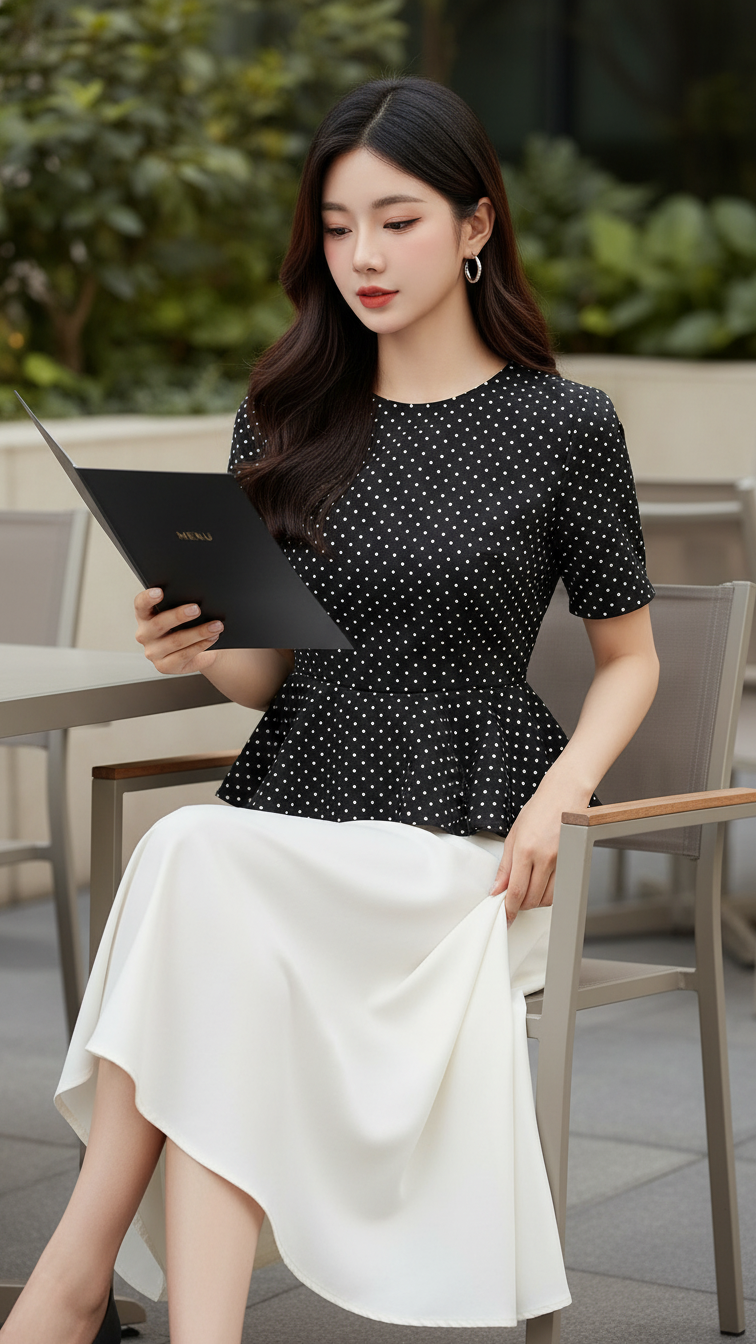
Prompt 1281: Create a realistic portrait of a young woman (face 100% identical to the original...
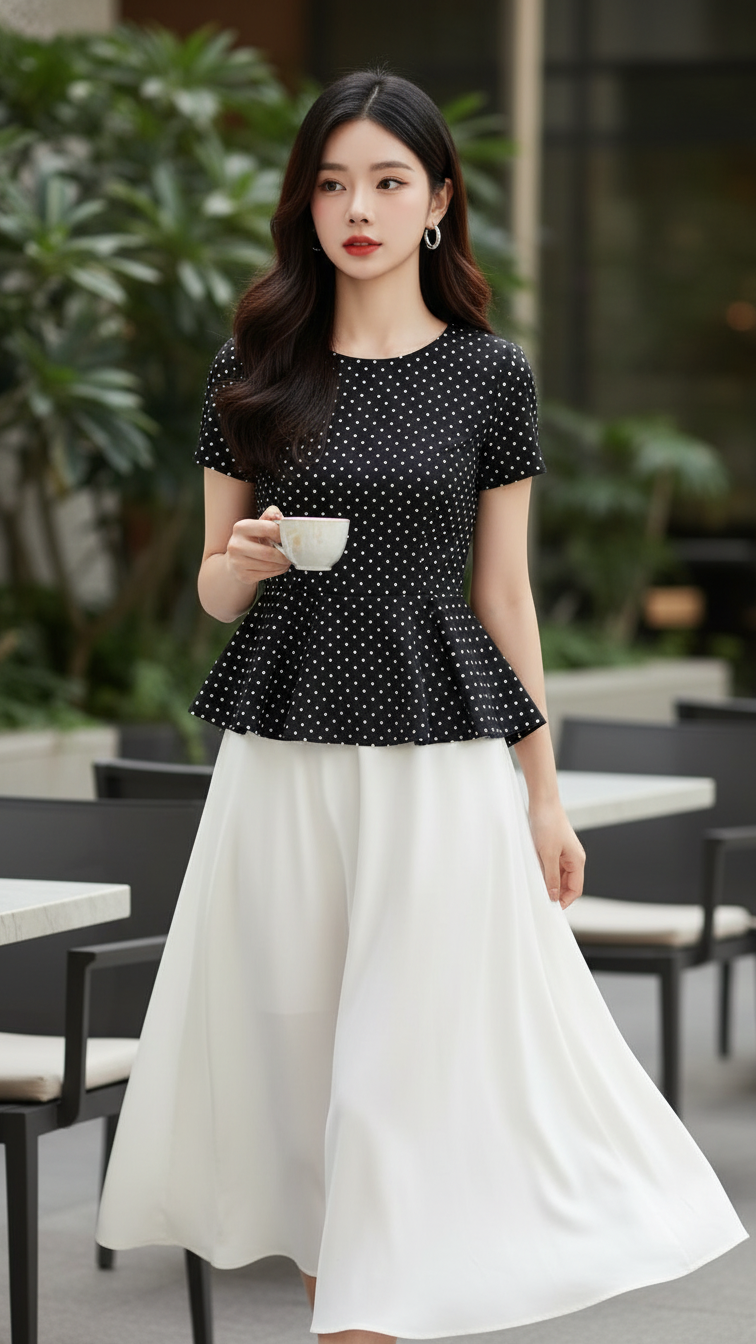
Prompt 1280: Create a realistic portrait of a young woman (face 100% identical to the original...
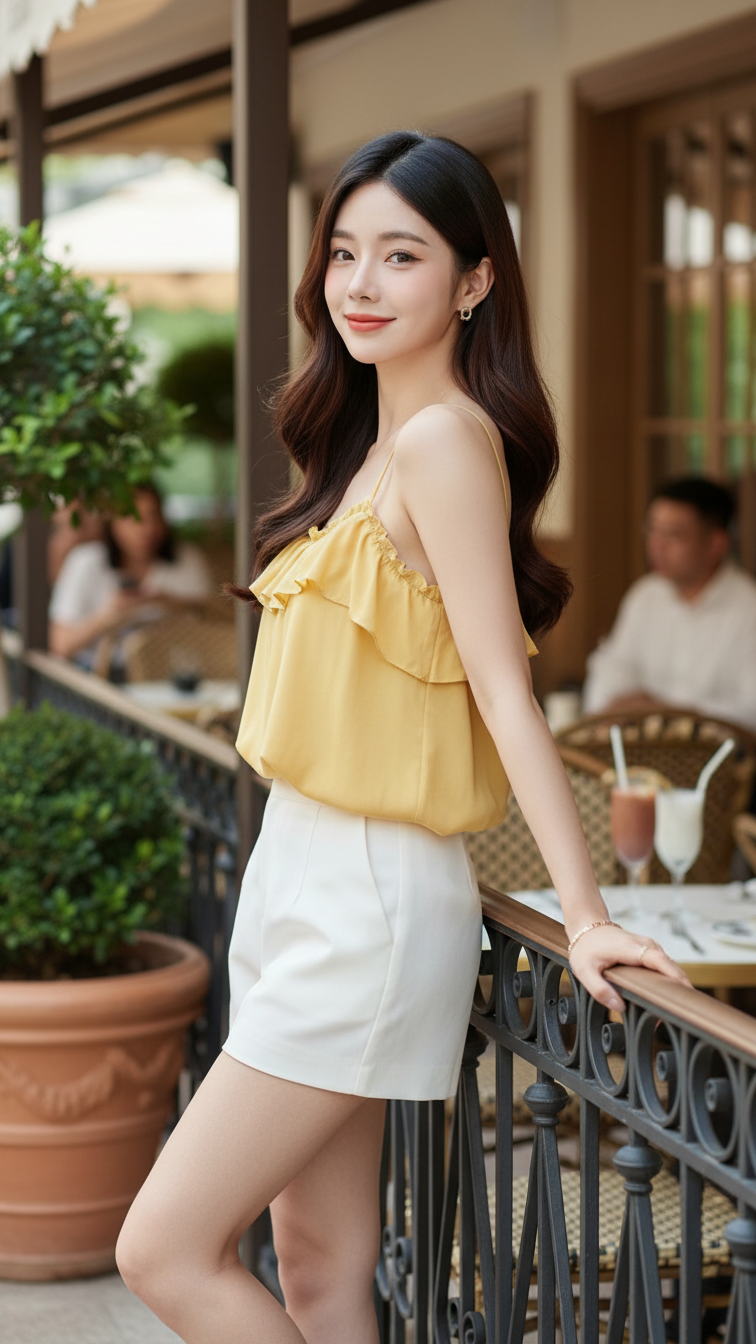
Prompt 1279: Create a realistic portrait of a young woman (face 100% identical to the original...
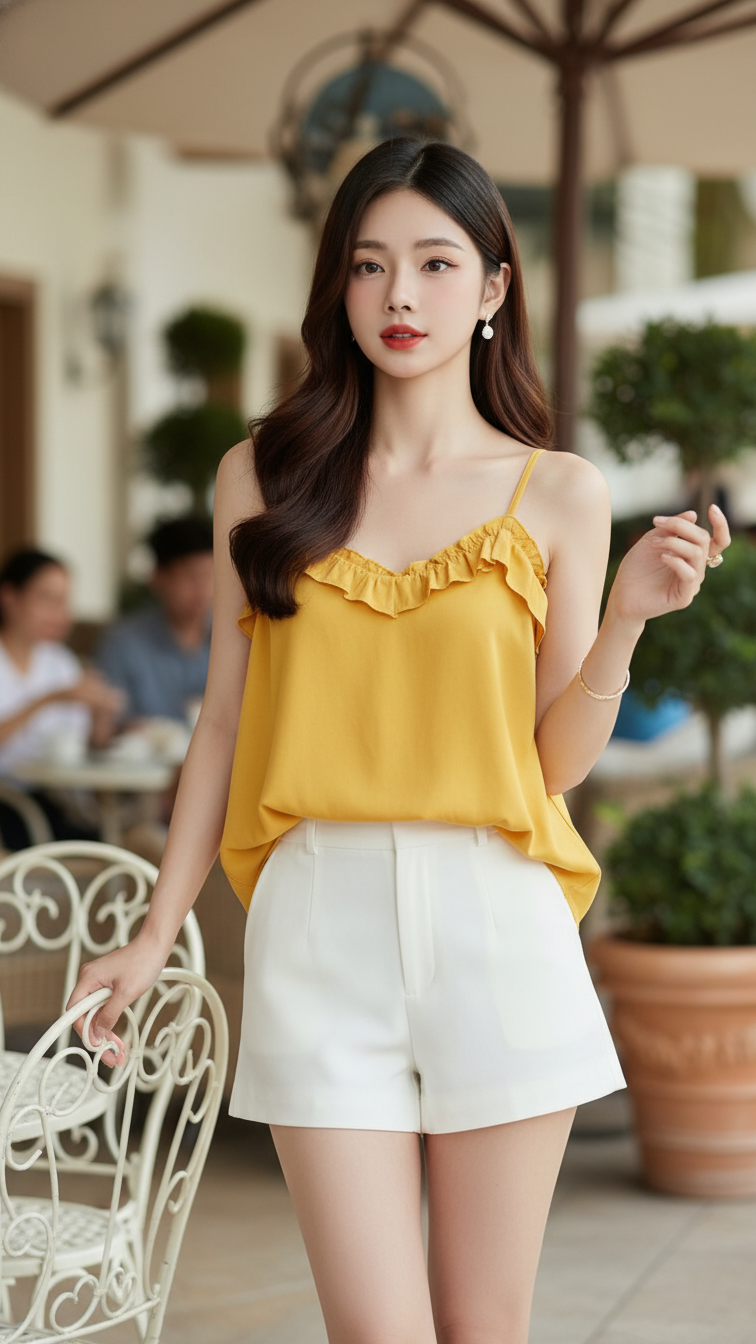
Prompt 1278: Create a realistic portrait of a young woman (face 100% identical to the original...
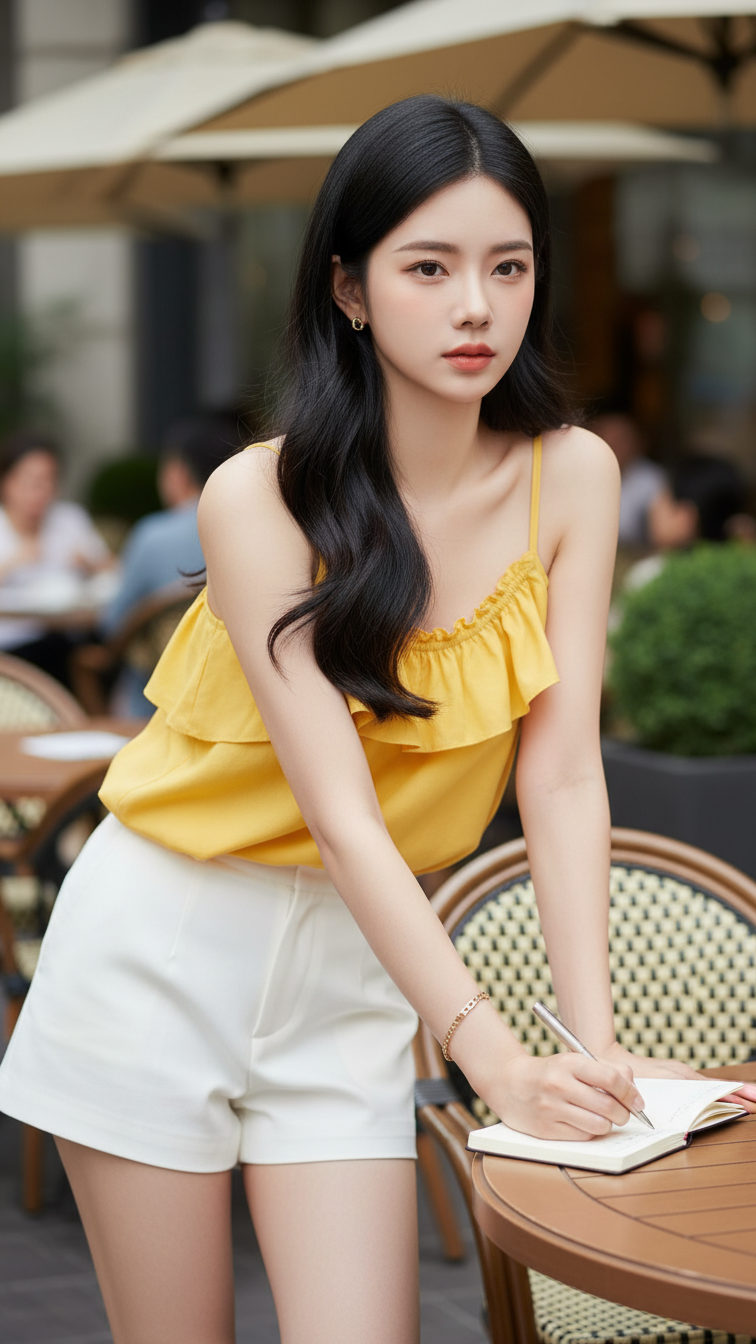
Prompt 1277: Create a realistic portrait of a young woman (face 100% identical to the original...
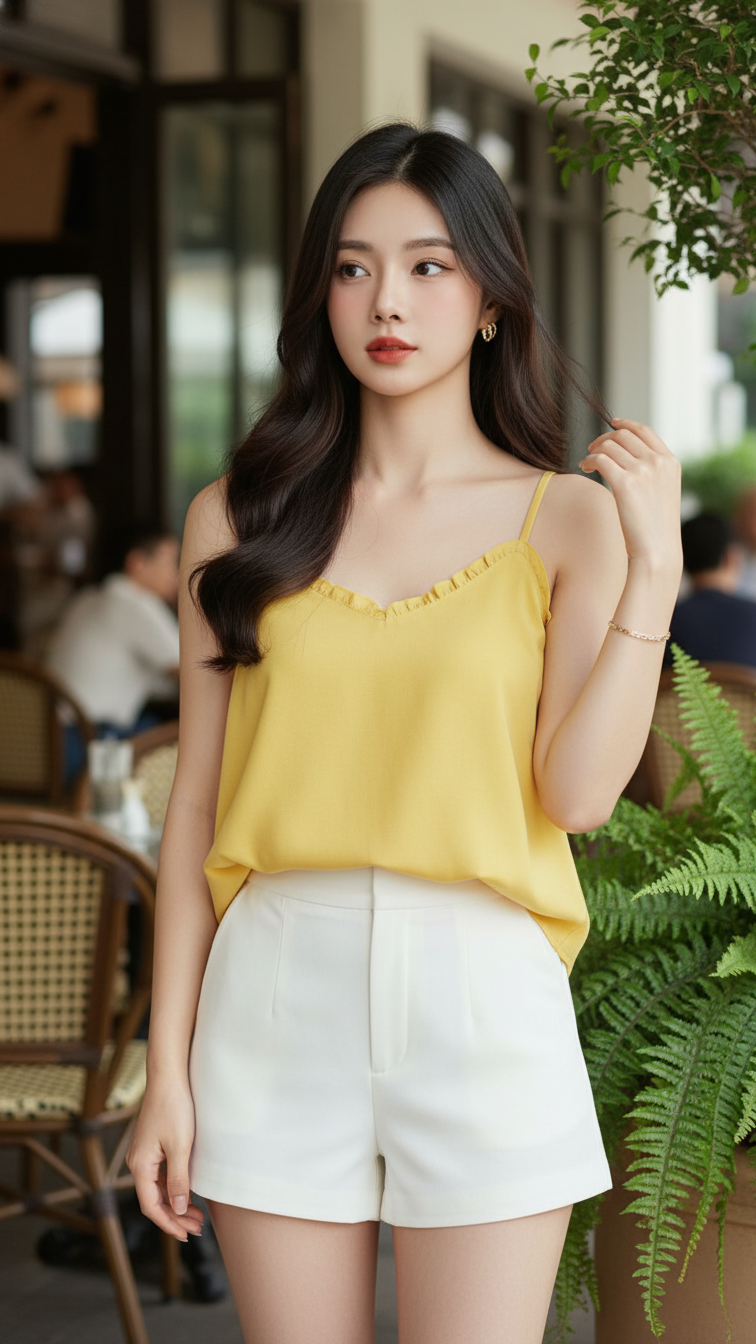
Prompt 1276: Create a realistic portrait of a young woman (face 100% identical to the original...
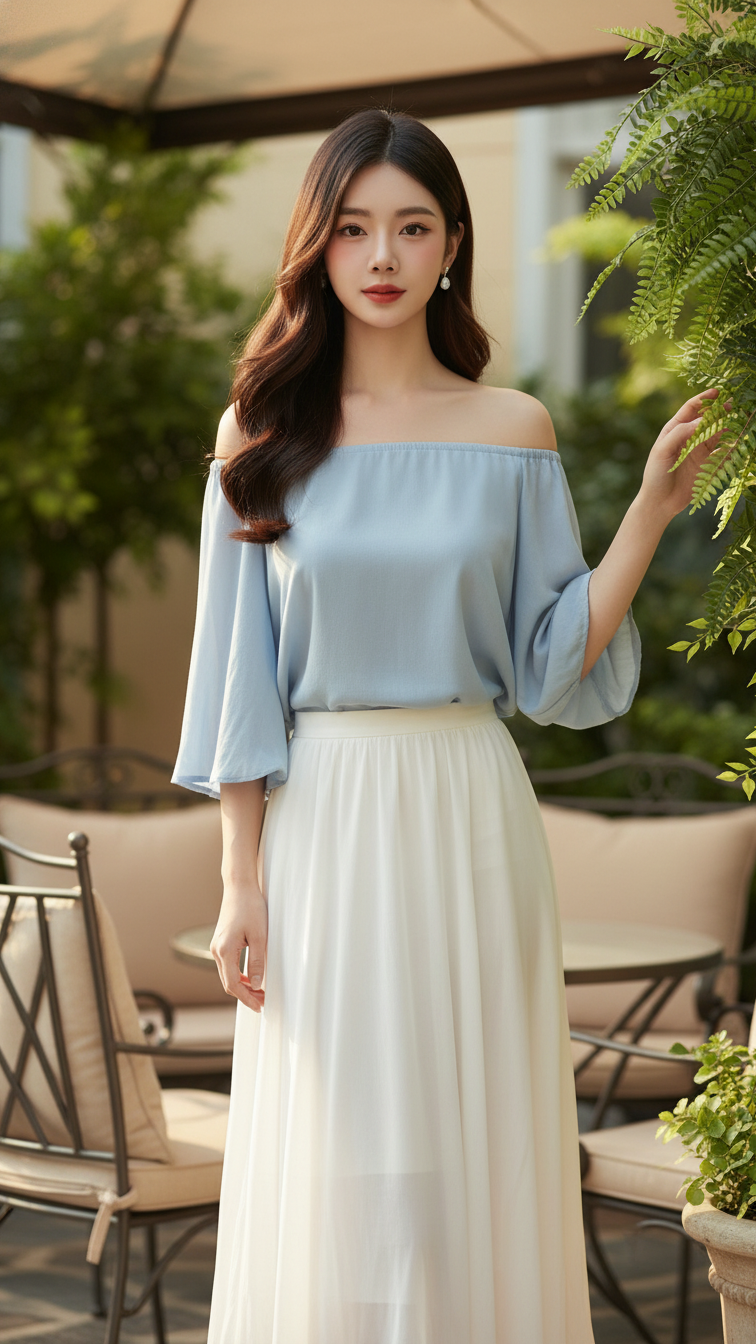
Prompt 1275: Create a realistic portrait of a young woman (face 100% identical to the original...
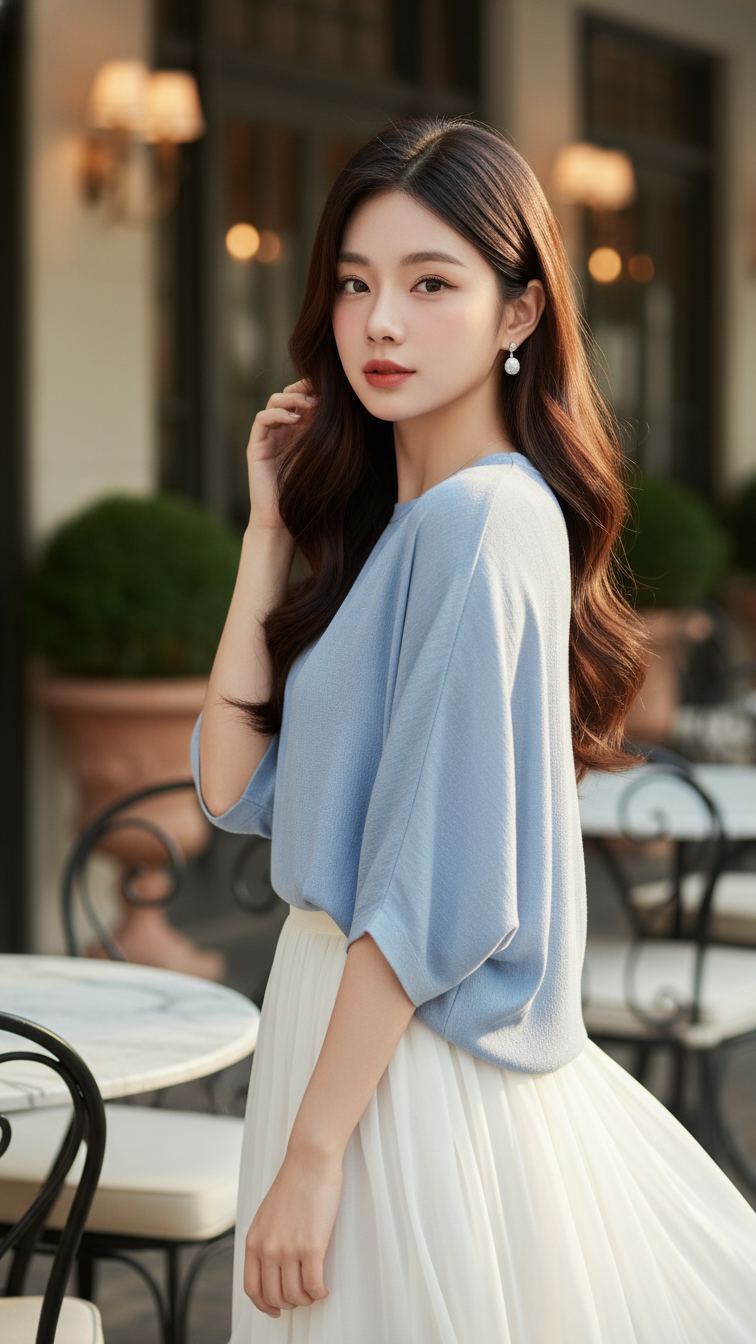
Prompt 1274: Create a realistic portrait of a young woman (face 100% identical to the original...
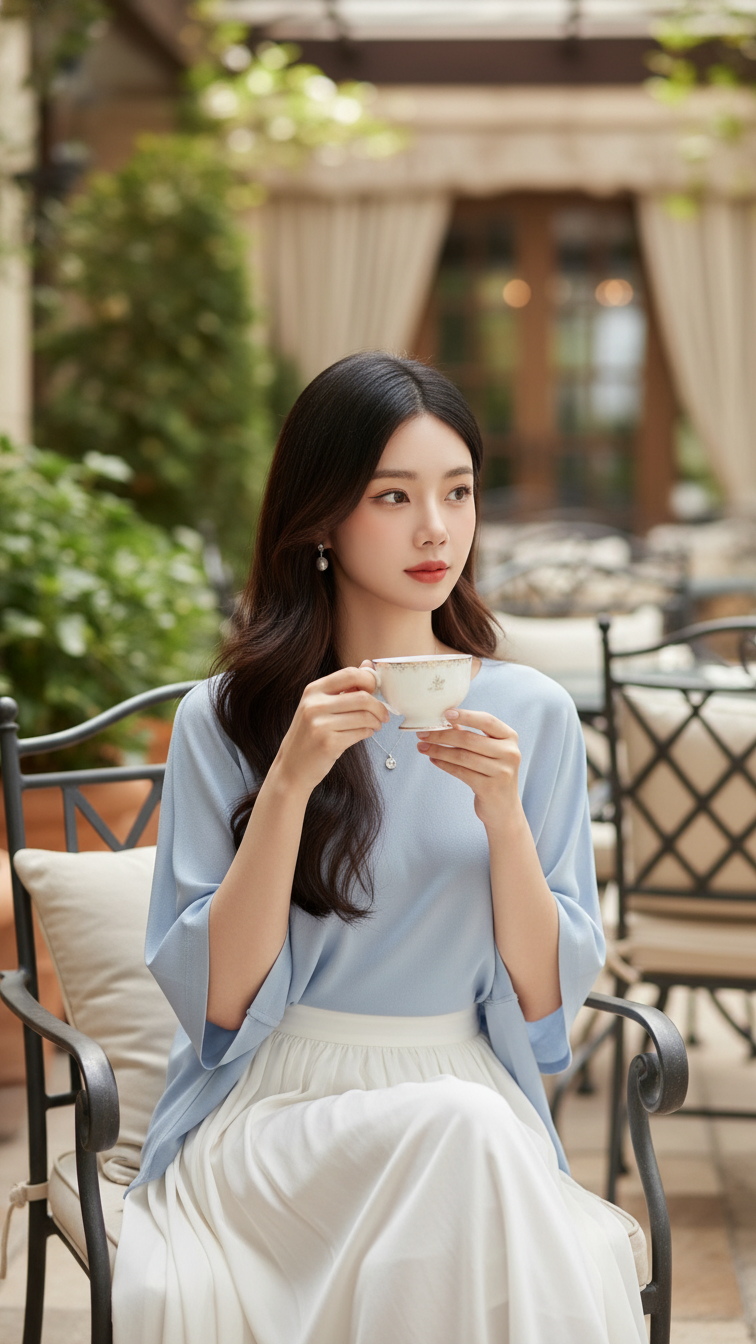
Prompt 1273: Create a realistic portrait of a young woman (face 100% identical to the original...
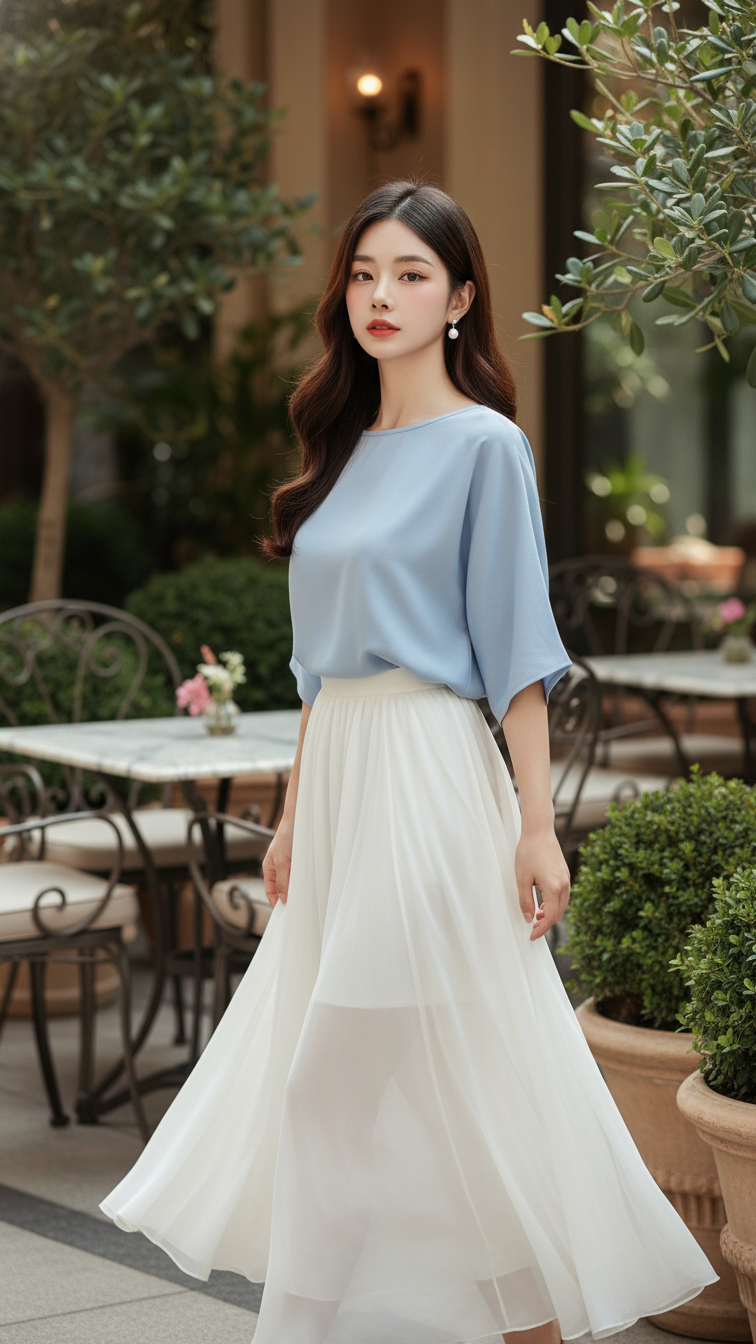
Prompt 1272: Create a realistic portrait of a young woman (face 100% identical to the original...
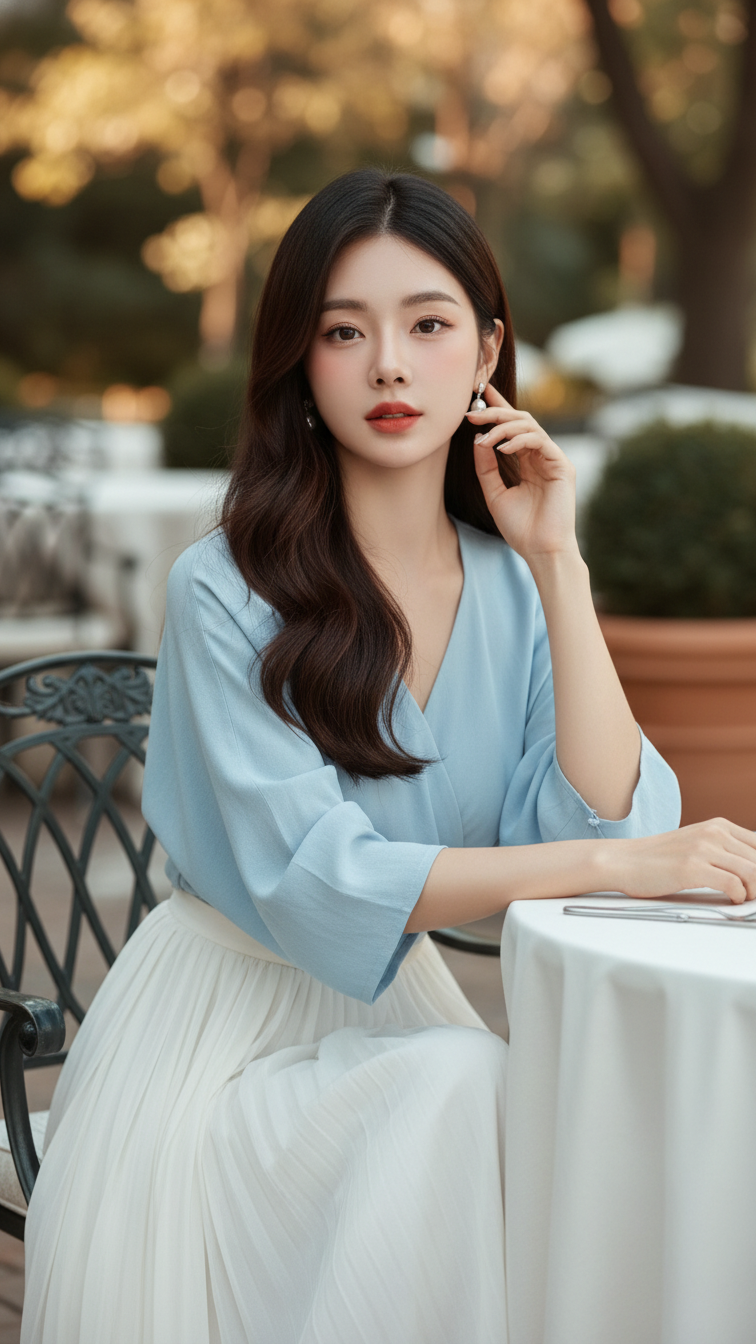
Prompt 1271: Create a realistic portrait of a young woman (face 100% identical to the original...
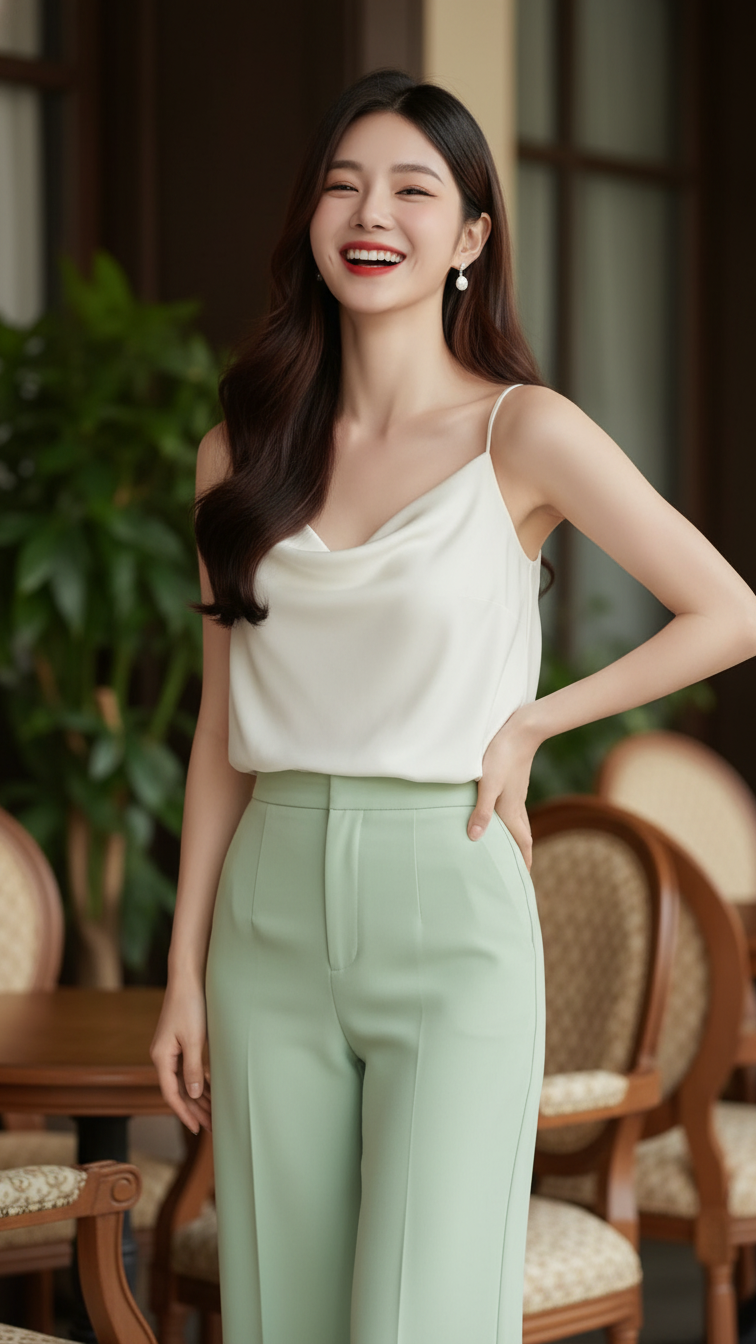
Prompt 1270: Create a realistic portrait of a young woman (face 100% identical to the original...
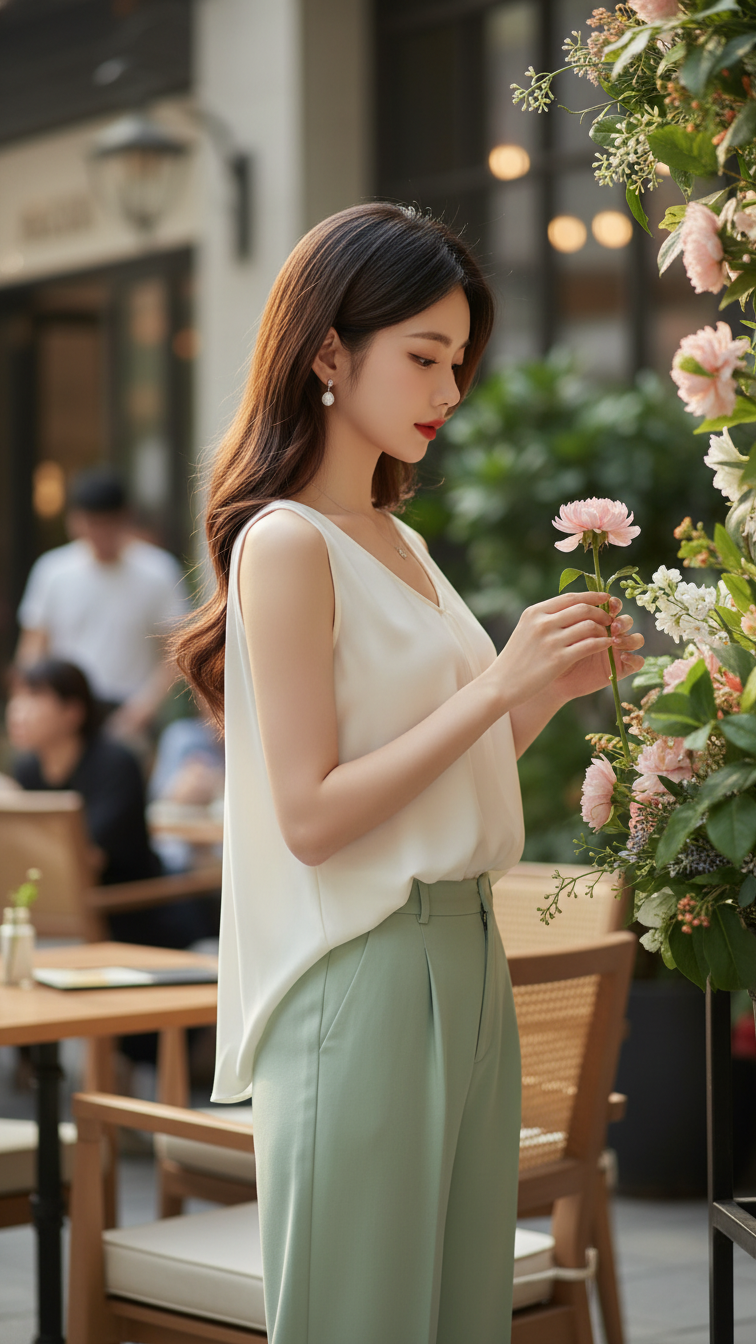
Prompt 1269: Create a realistic portrait of a young woman (face 100% identical to the original...
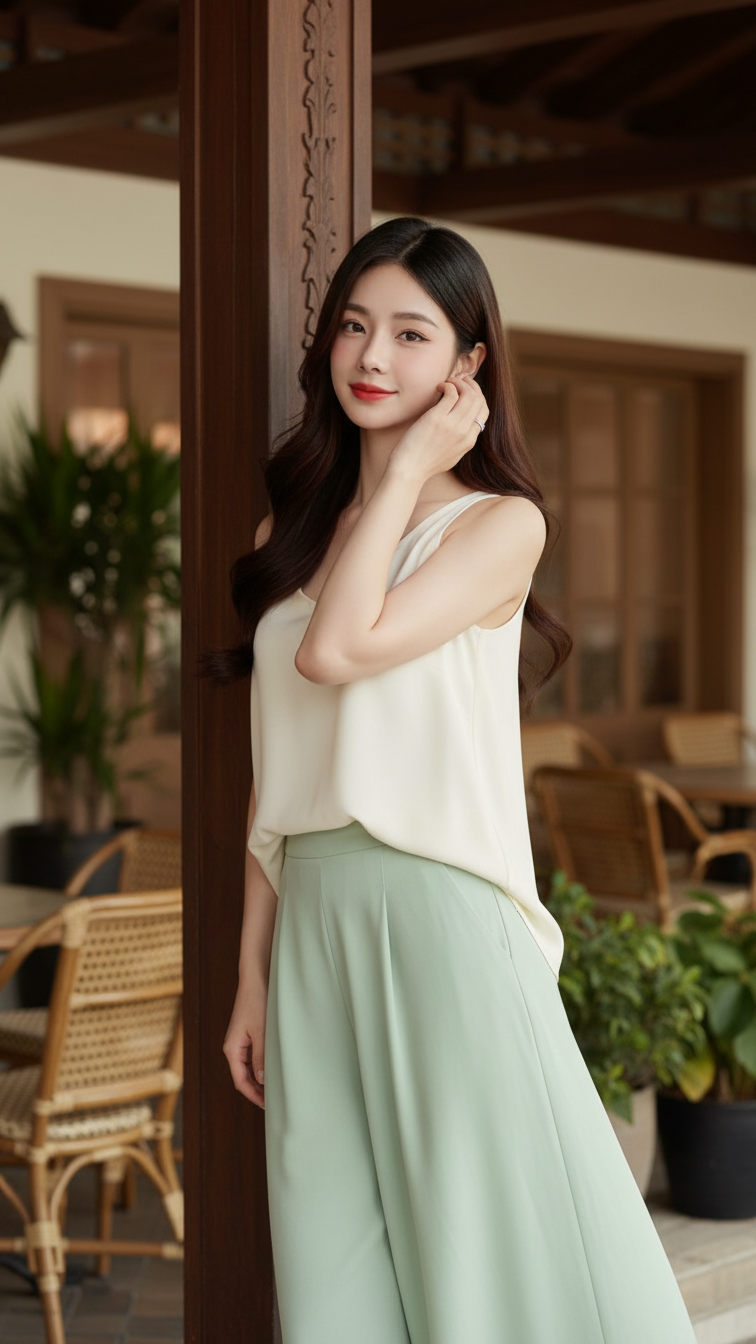
Prompt 1268: Create a realistic portrait of a young woman (face 100% identical to the original...
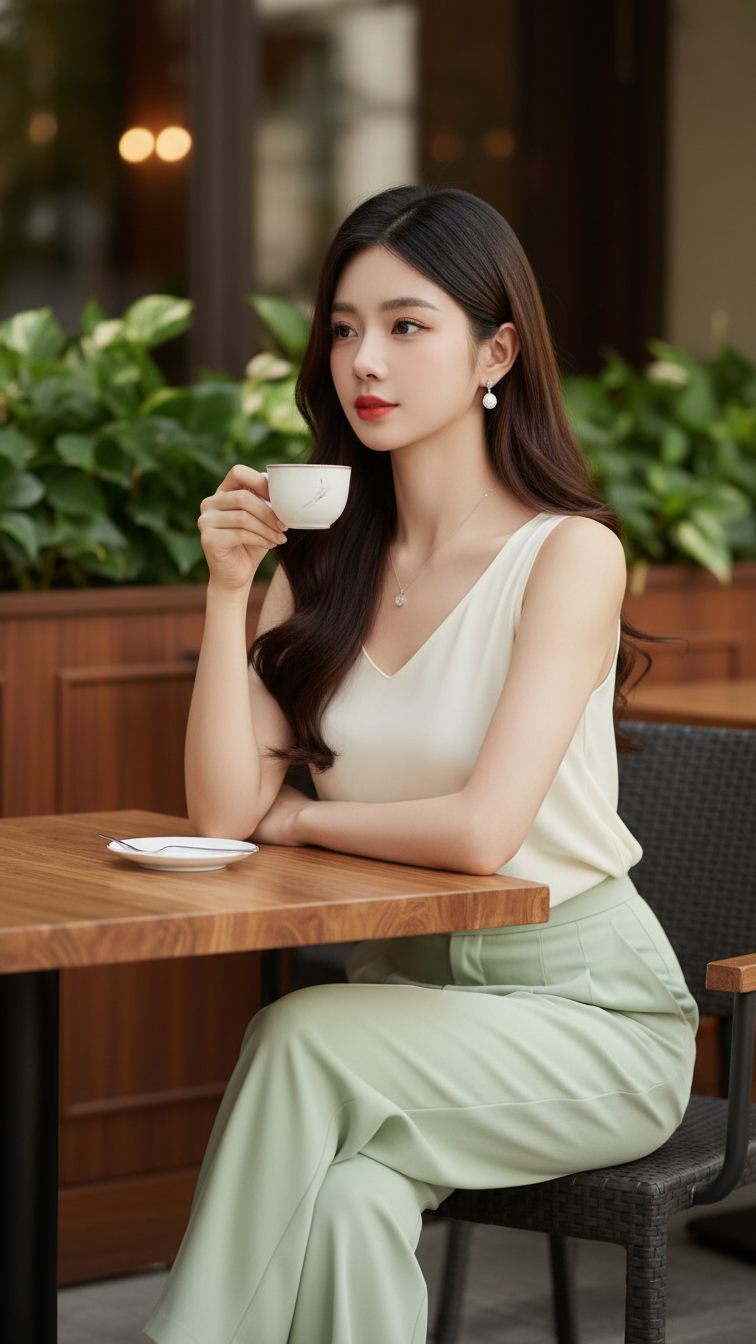
Prompt 1267: Create a realistic portrait of a young woman (face 100% identical to the original...
