
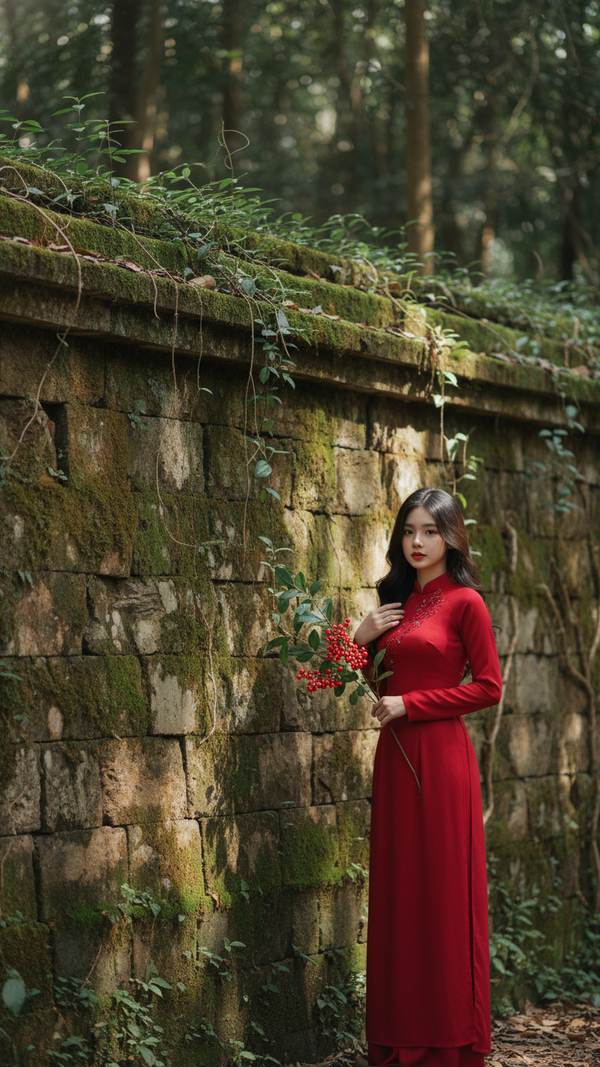
Prompt 2510: Create a realistic portrait of a young woman (face 100% identical to the original...
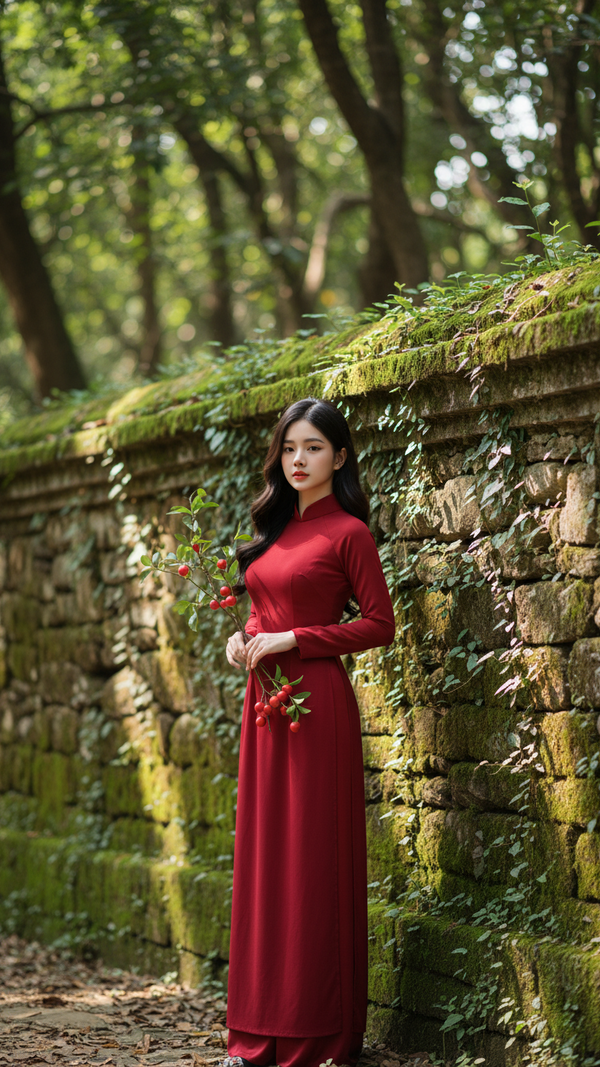
Prompt 2509: Create a realistic portrait of a young woman (face 100% identical to the original...
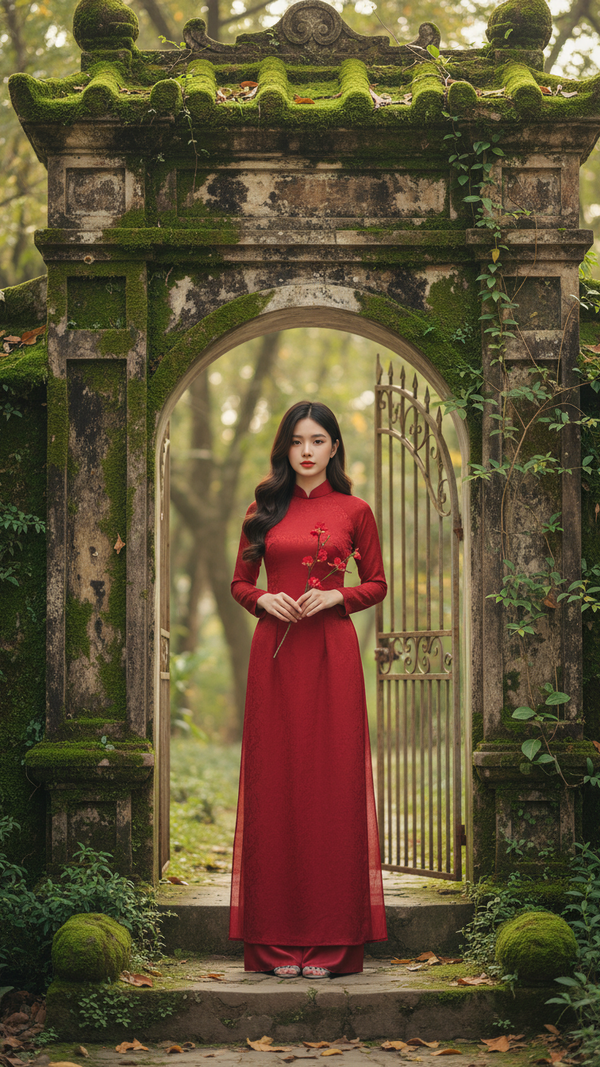
Prompt 2508: Create a realistic portrait of a young woman (face 100% identical to the original...
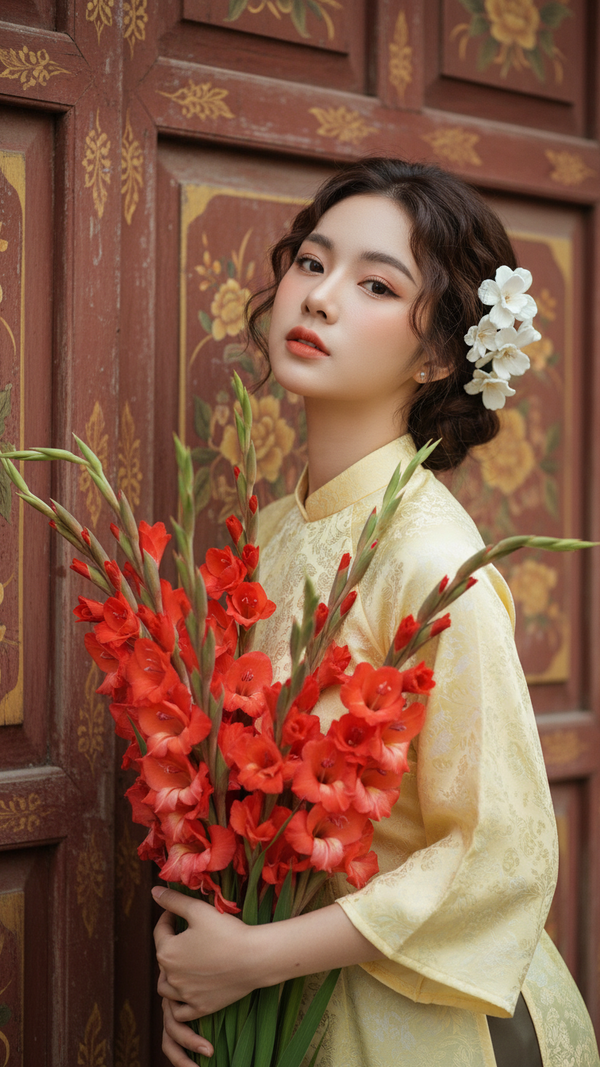
Prompt 2507: Create a realistic portrait of a young woman (face 100% identical to the original...
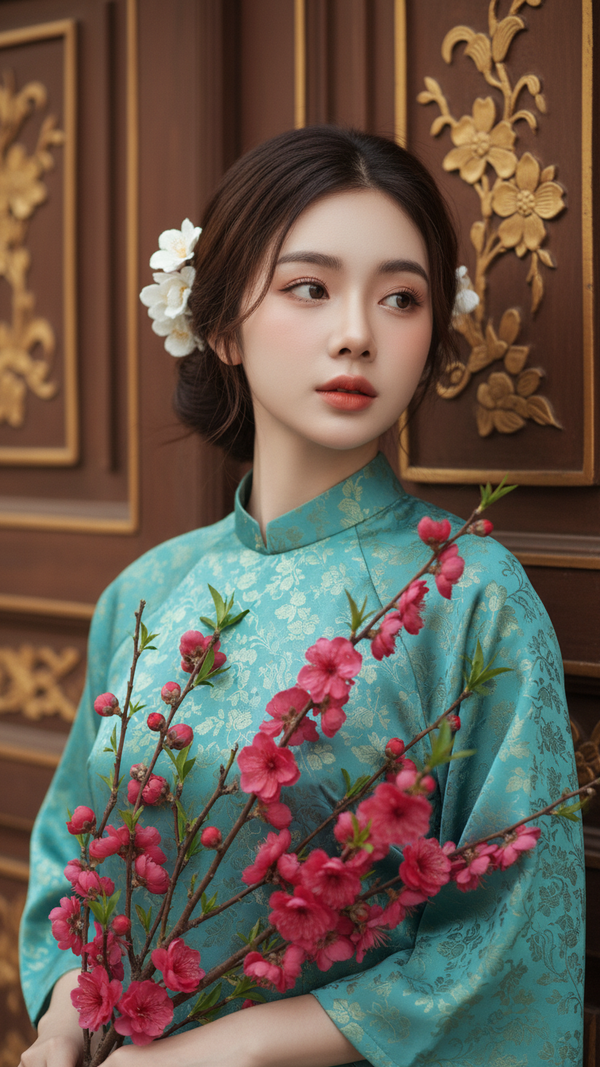
Prompt 2506: Create a realistic portrait of a young woman (face 100% identical to the original...
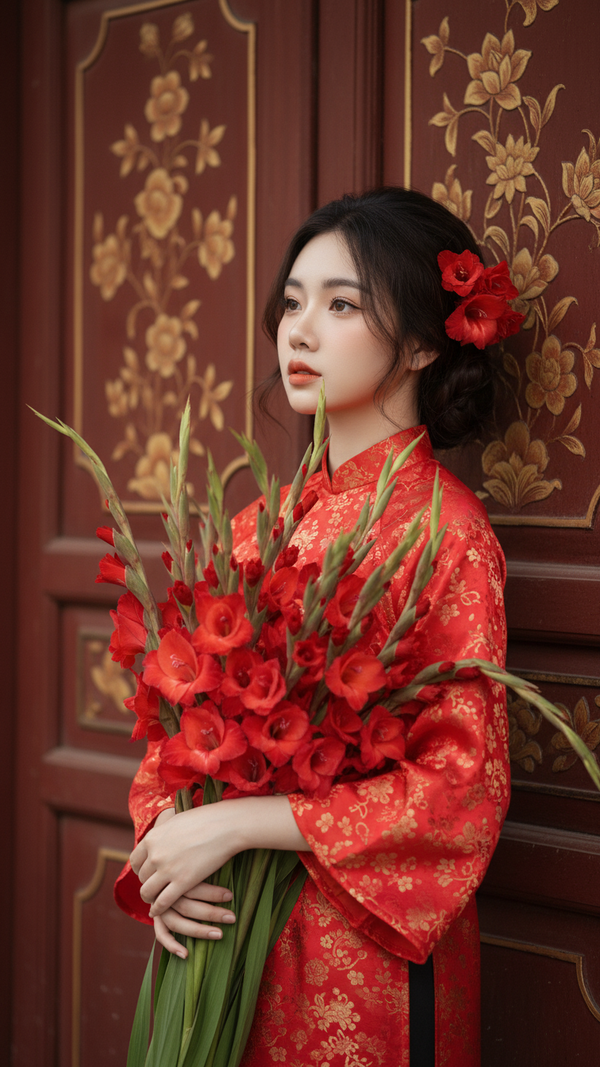
Prompt 2505: Create a realistic portrait of a young woman (face 100% identical to the original...
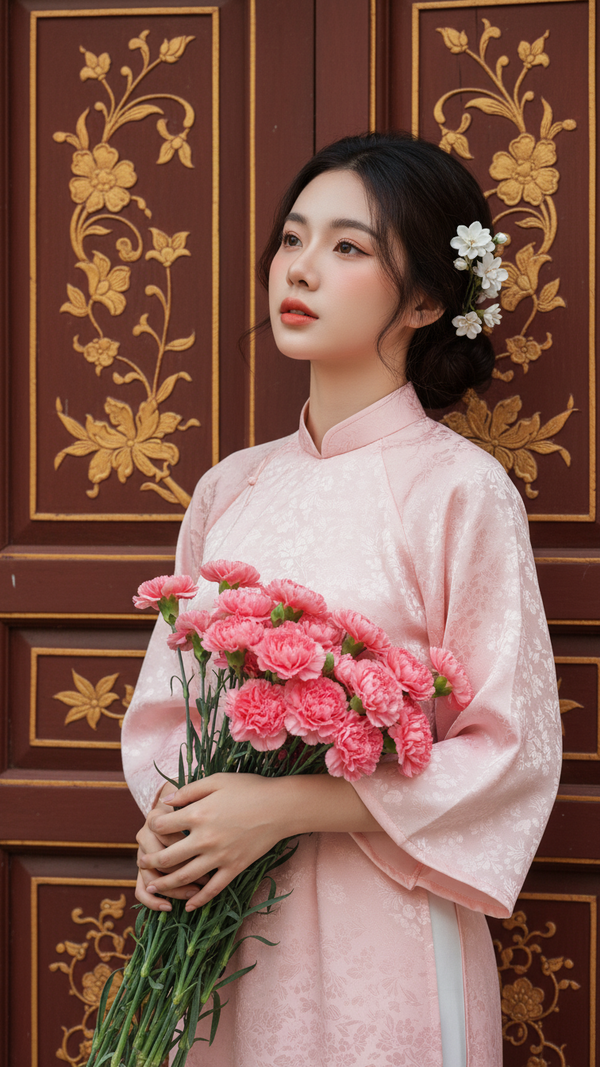
Prompt 2504: Create a realistic portrait of a young woman (face 100% identical to the original...
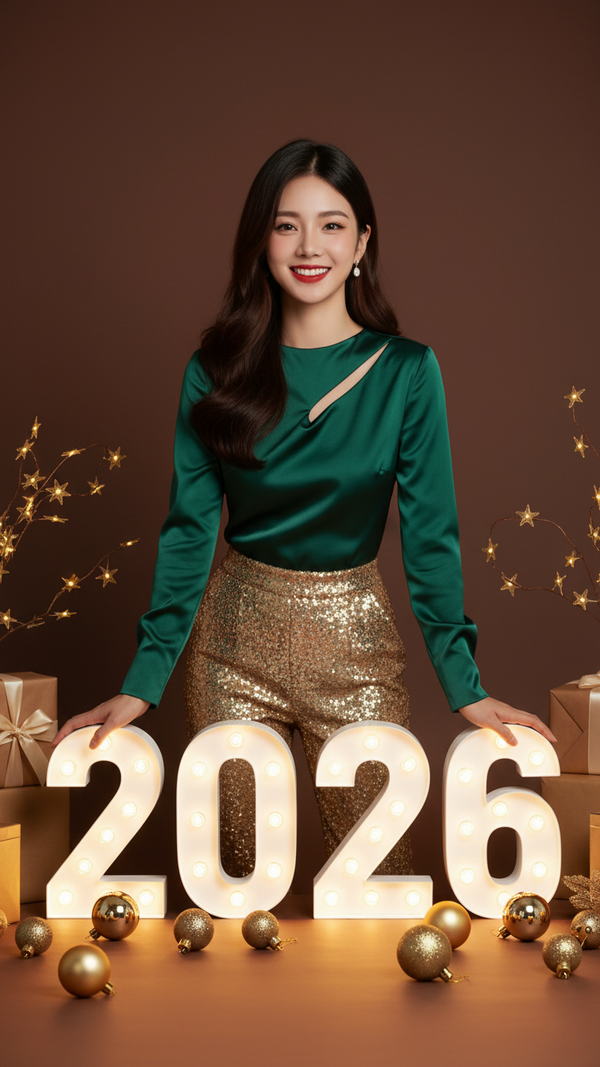
Prompt 2503: Create a realistic portrait of a young woman (face 100% identical to the original...
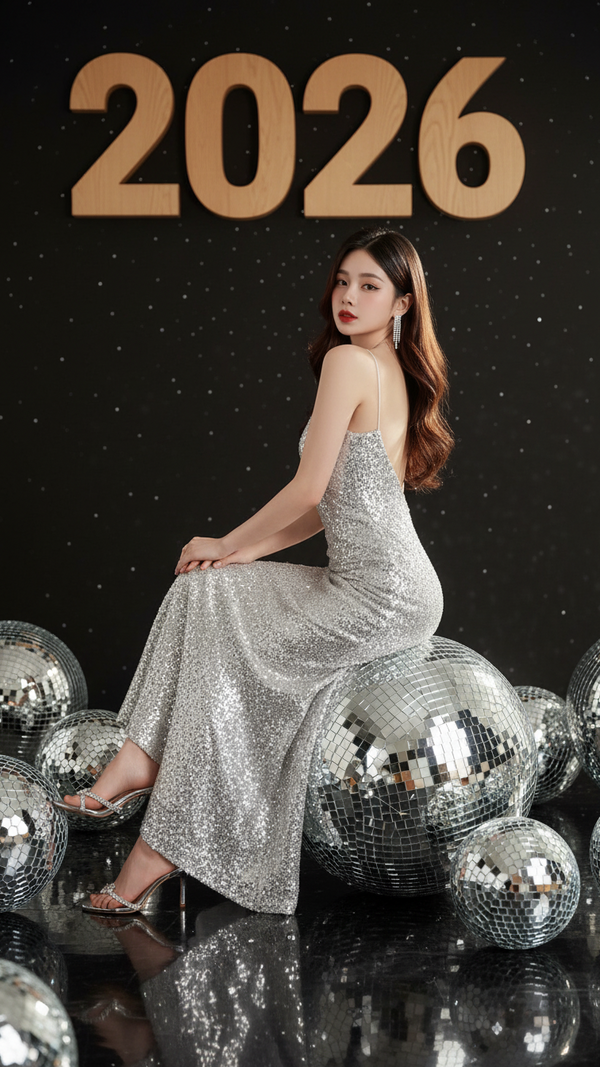
Prompt 2502: Create a realistic portrait of a young woman (face 100% identical to the original...
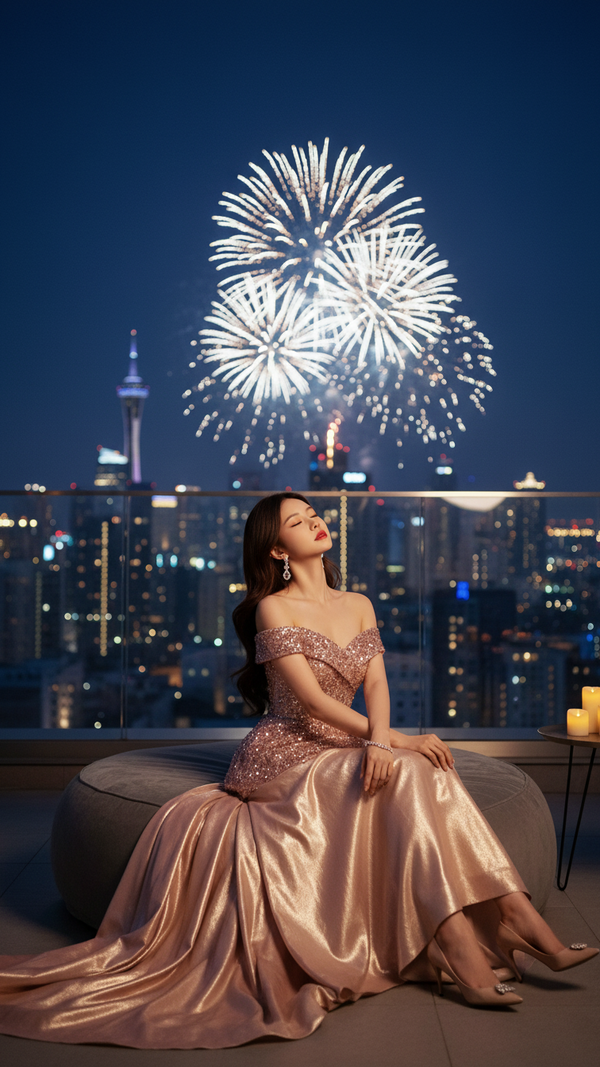
Prompt 2501: Create a realistic portrait of a young woman (face 100% identical to the original...

Prompt 2500: Create a realistic portrait of a young woman (face 100% identical to the original...
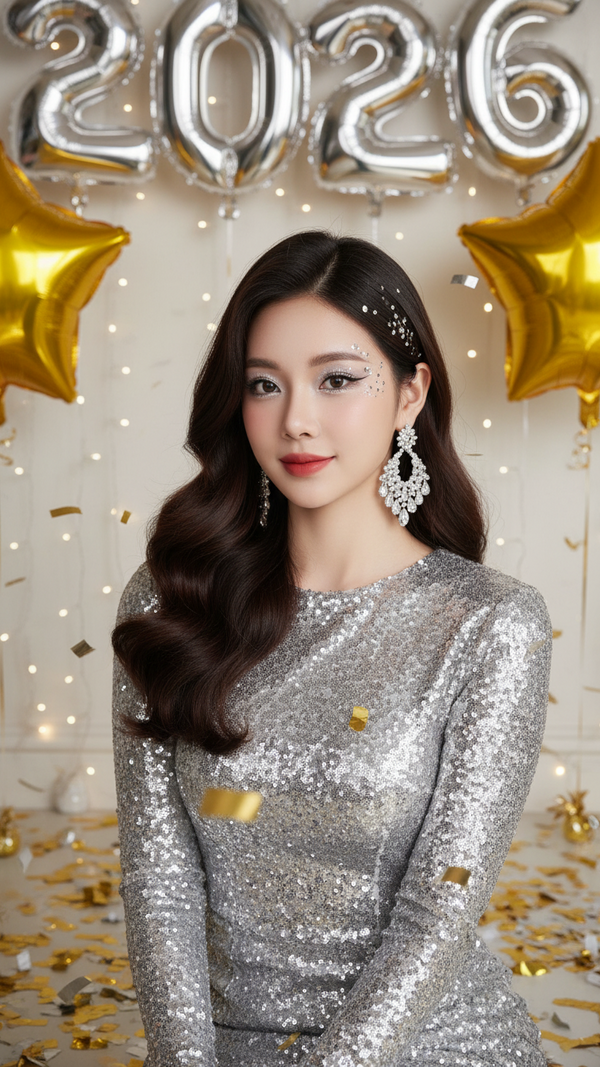
Prompt 2499: Create a realistic portrait of a young woman (face 100% identical to the original...
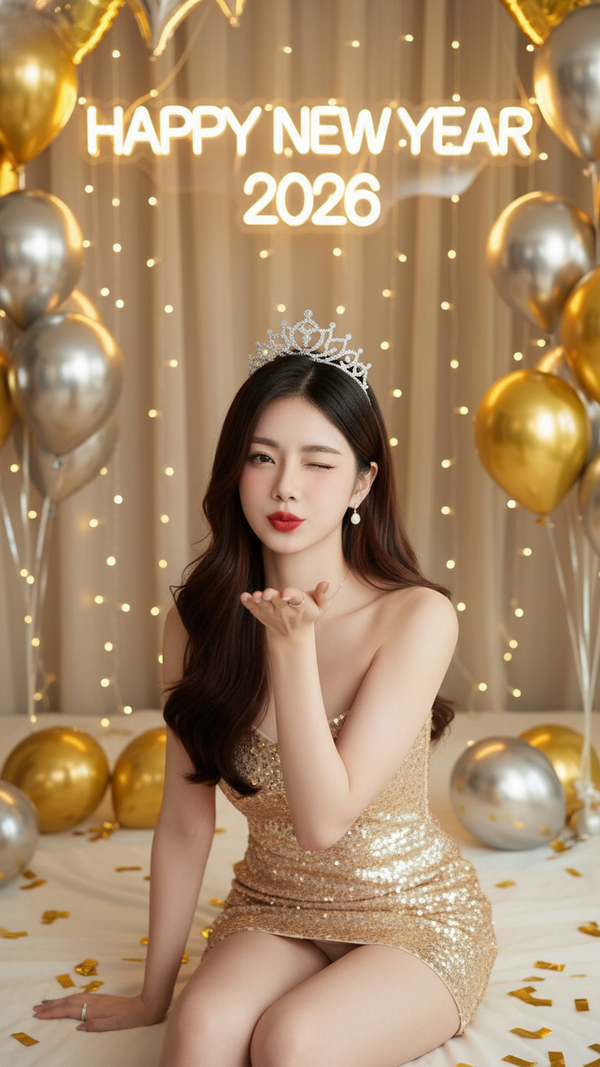
Prompt 2498: Create a realistic portrait of a young woman (face 100% identical to the original...
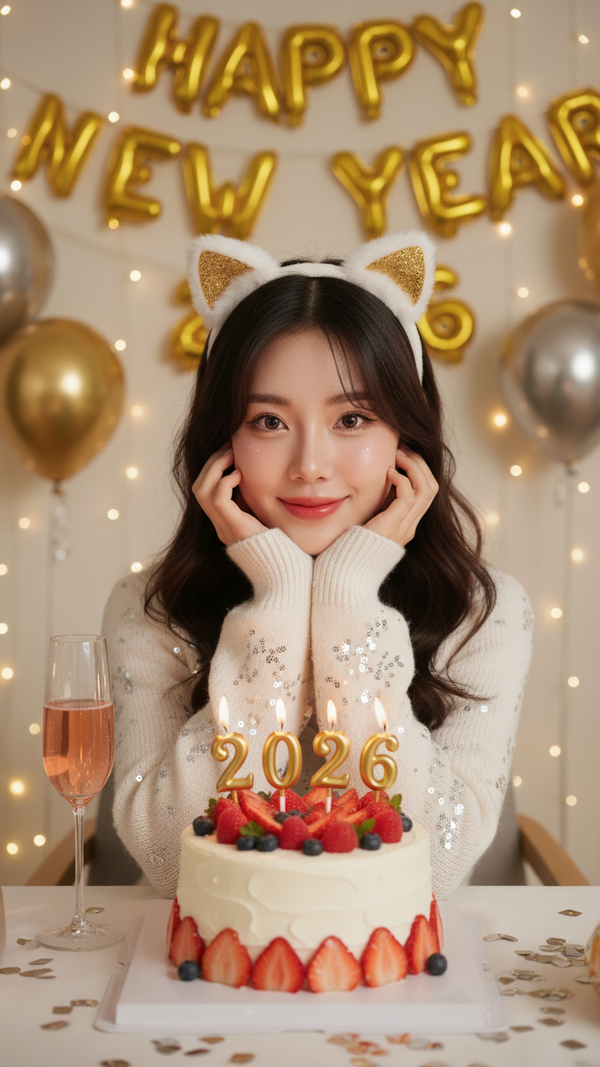
Prompt 2497: Create a realistic portrait of a young woman (face 100% identical to the original...
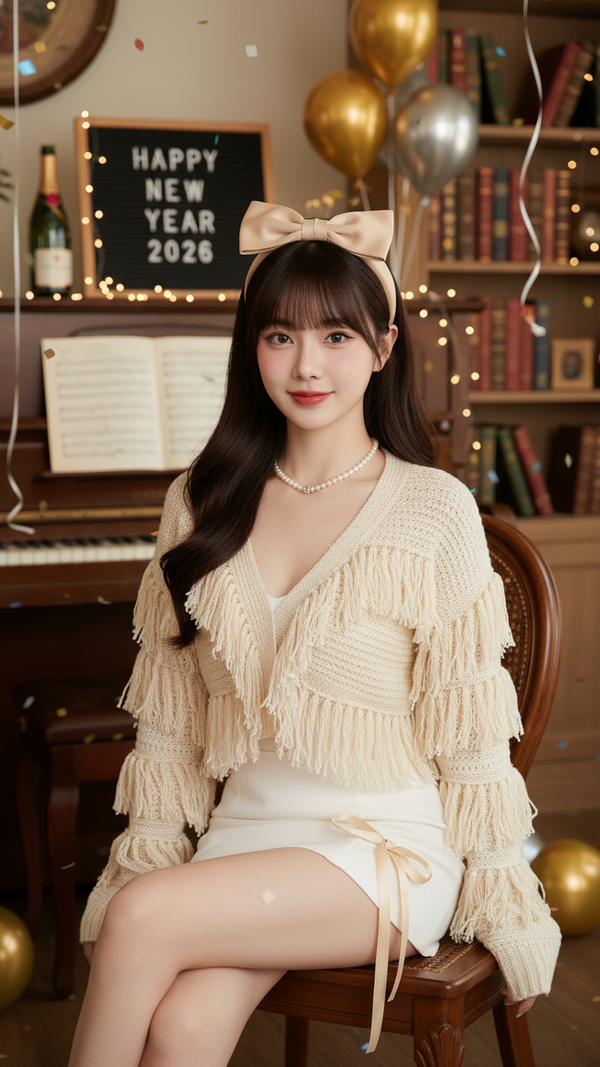
Prompt 2496: Create a realistic portrait of a young woman (face 100% identical to the original...
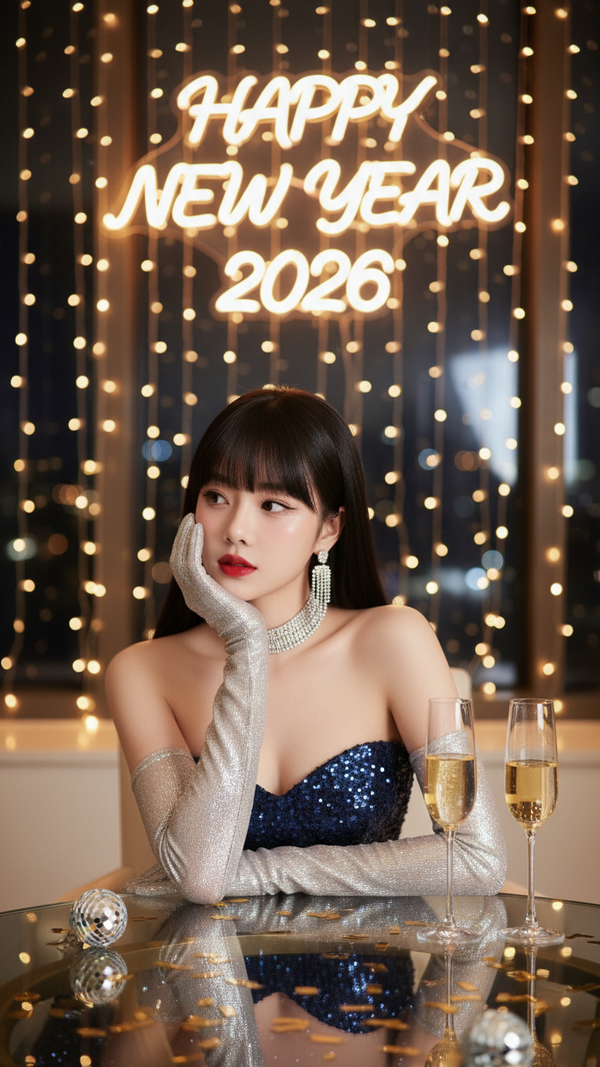
Prompt 2495: Create a realistic portrait of a young woman (face 100% identical to the original...
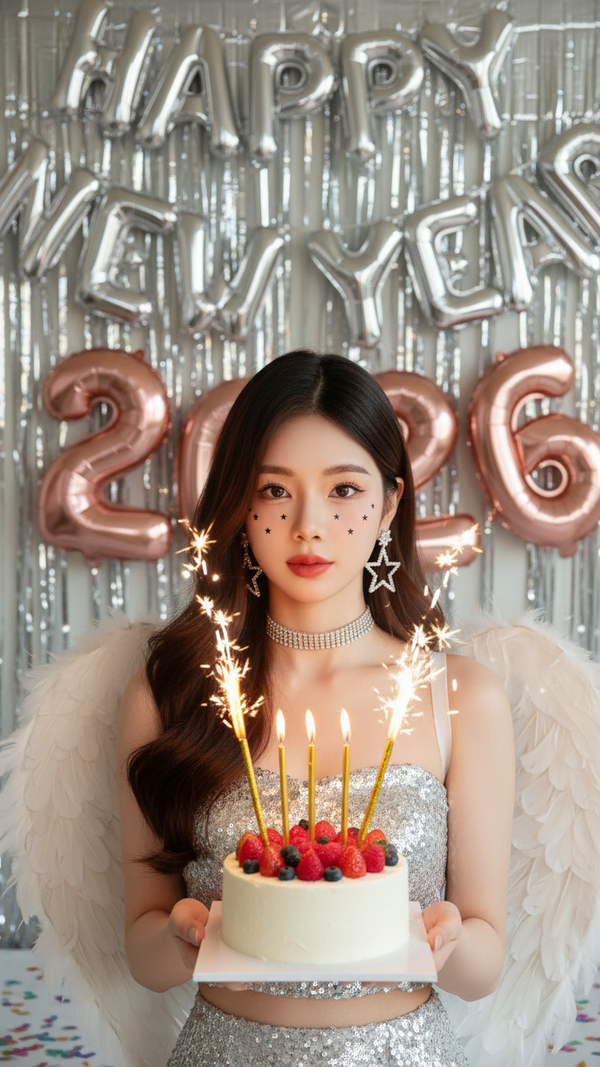
Prompt 2494: Create a realistic portrait of a young woman (face 100% identical to the original...
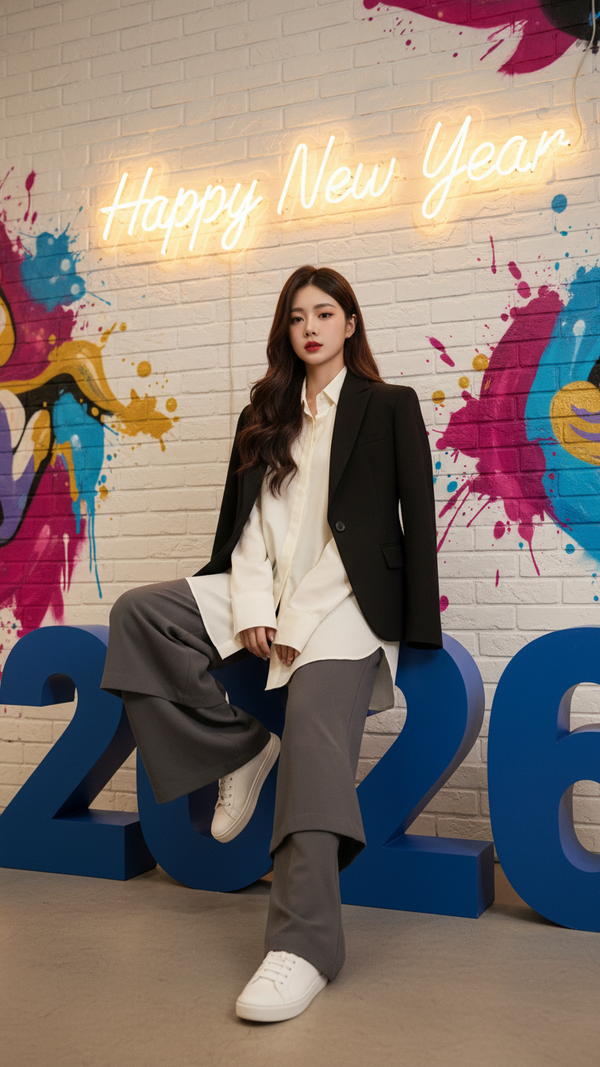
Prompt 2493: Create a realistic portrait of a young woman (face 100% identical to the original...
