
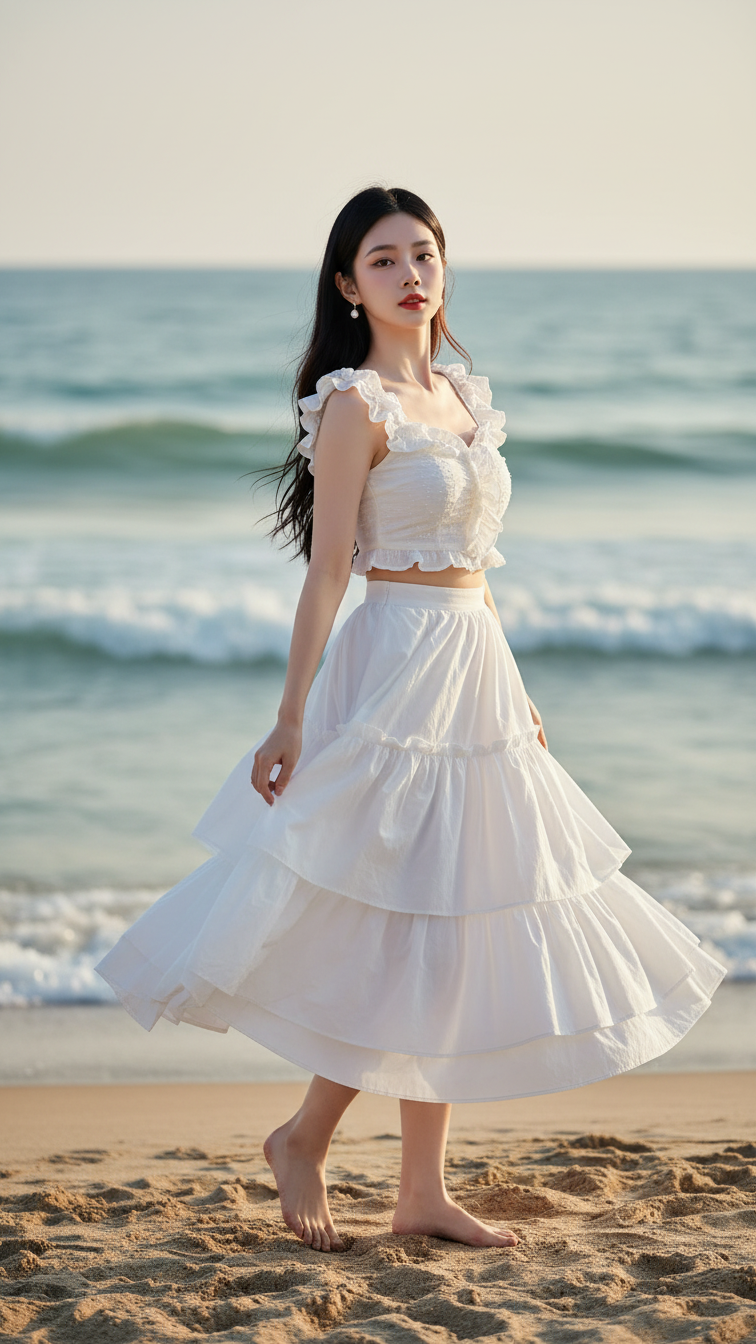
Prompt 1410: Create a realistic portrait of a young woman (face 100% identical to the original...
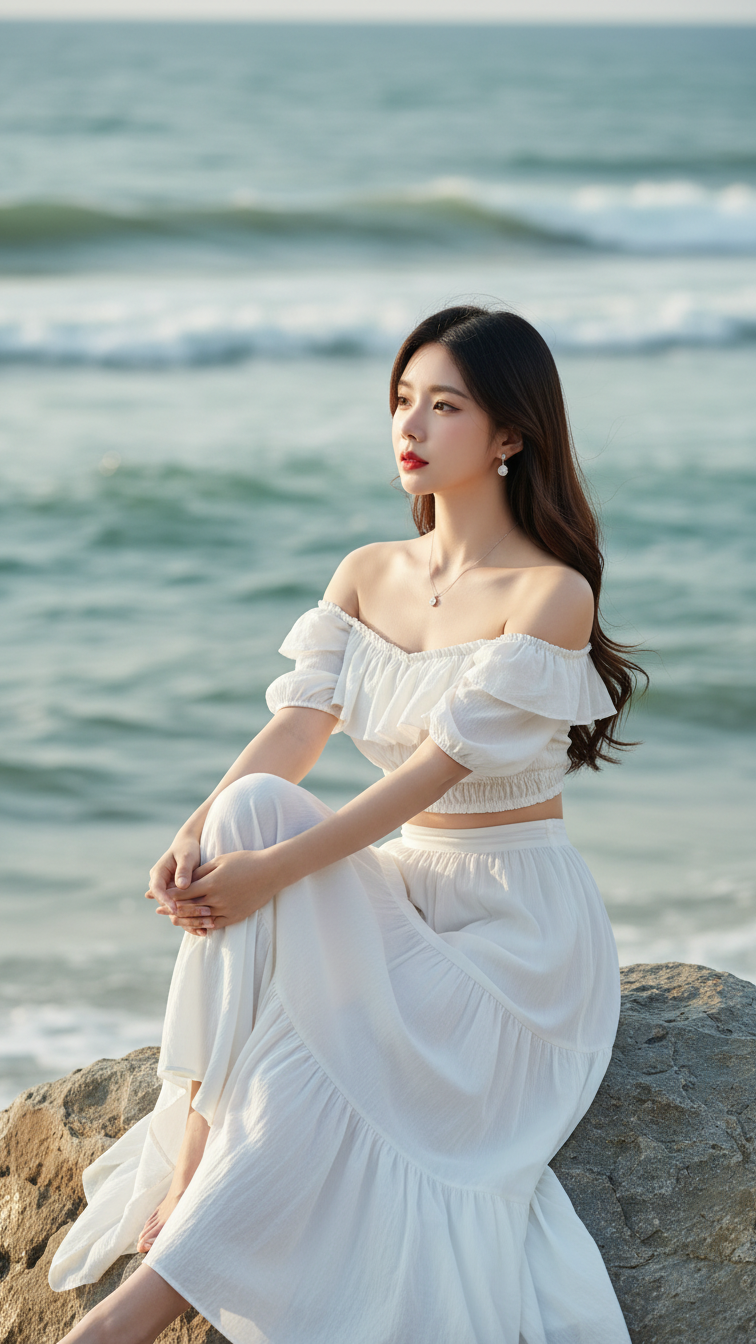
Prompt 1409: Create a realistic portrait of a young woman (face 100% identical to the original...
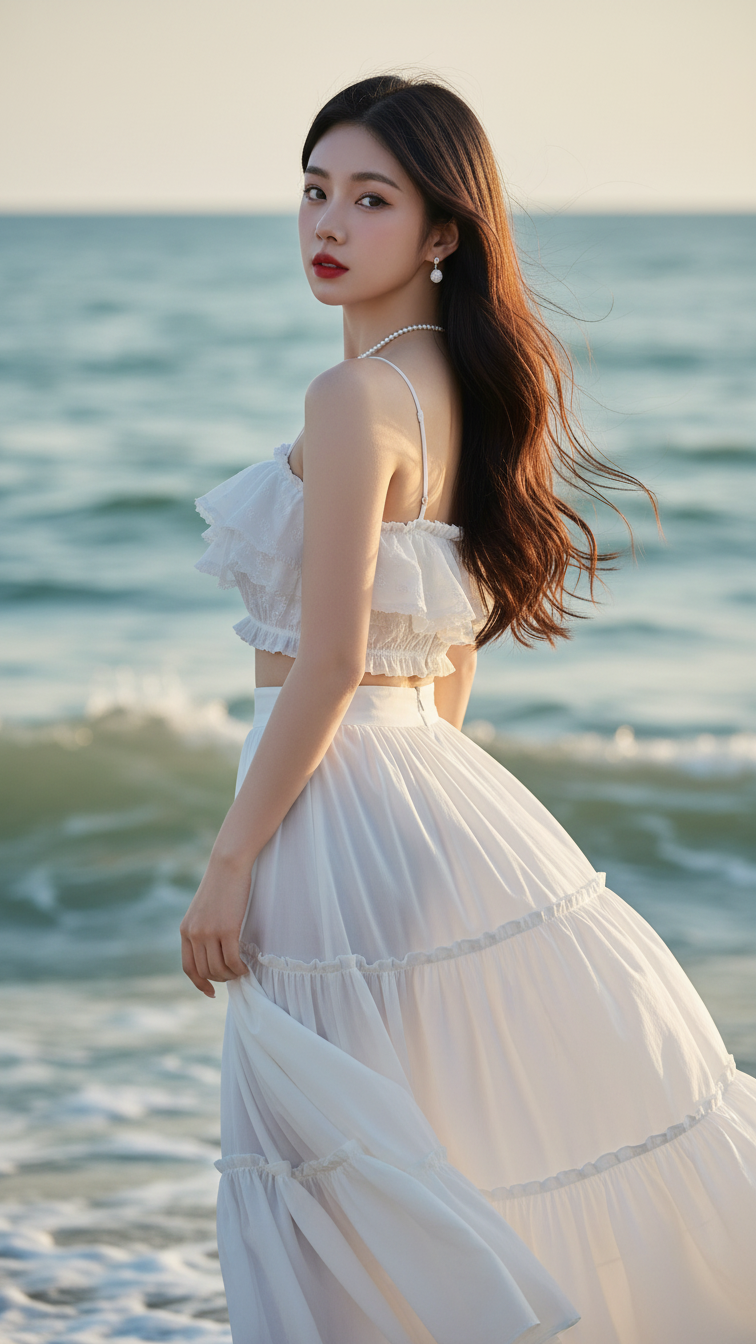
Prompt 1408: Create a realistic portrait of a young woman (face 100% identical to the original...
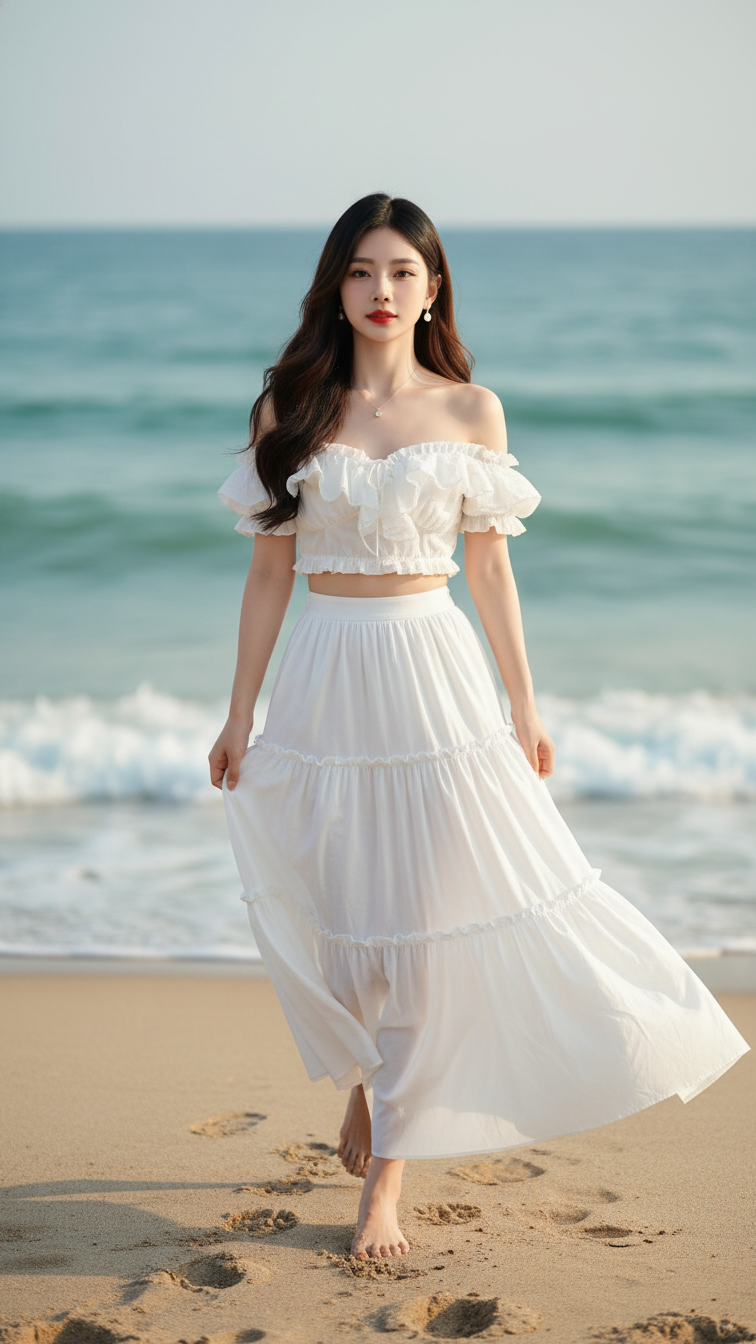
Prompt 1407: Create a realistic portrait of a young woman (face 100% identical to the original...
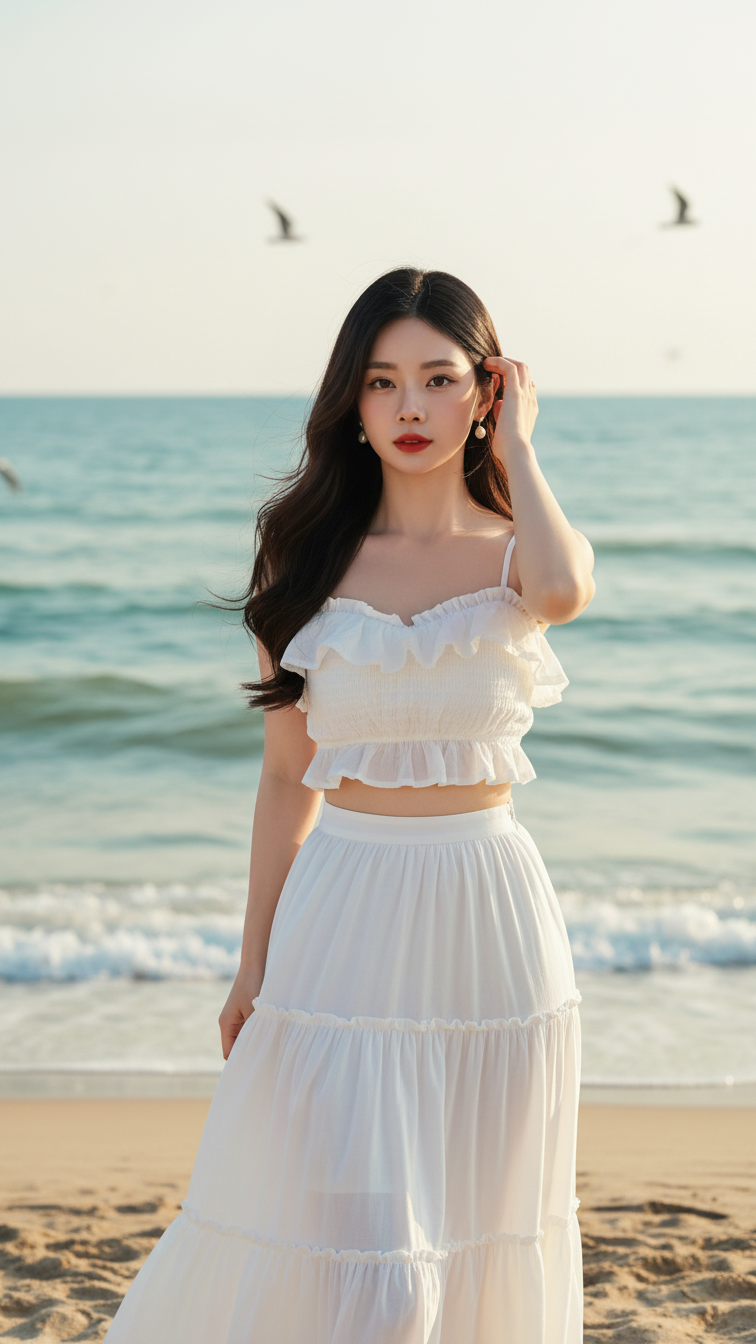
Prompt 1406: Create a realistic portrait of a young woman (face 100% identical to the original...
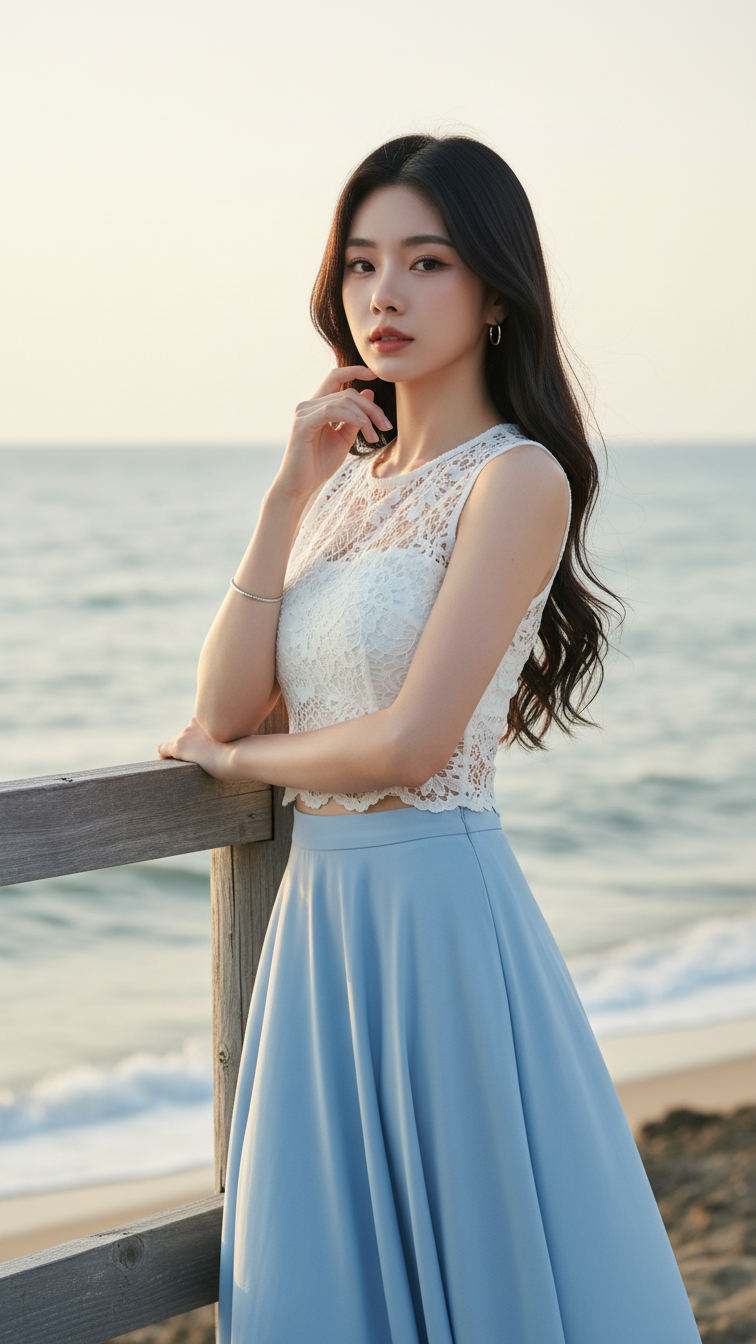
Prompt 1405: Create a realistic portrait of a young woman (face 100% identical to the original...
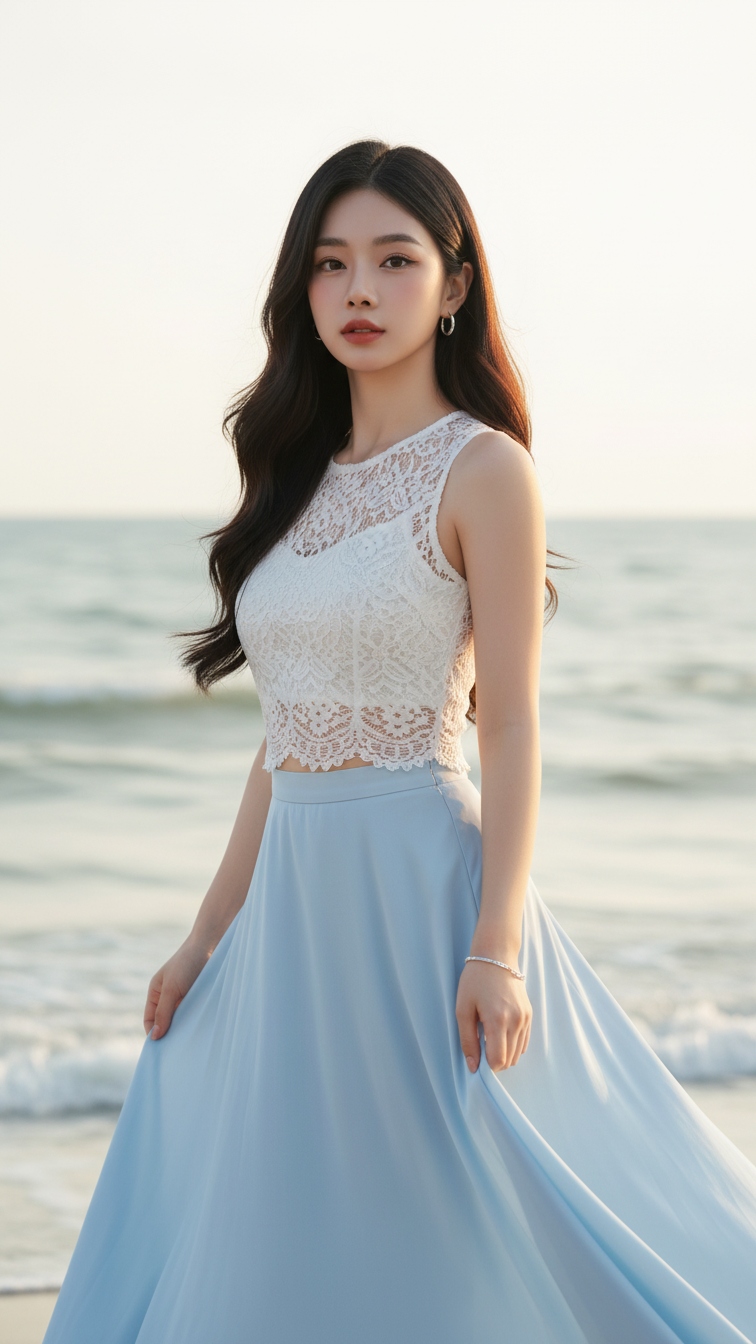
Prompt 1404: Create a realistic portrait of a young woman (face 100% identical to the original...
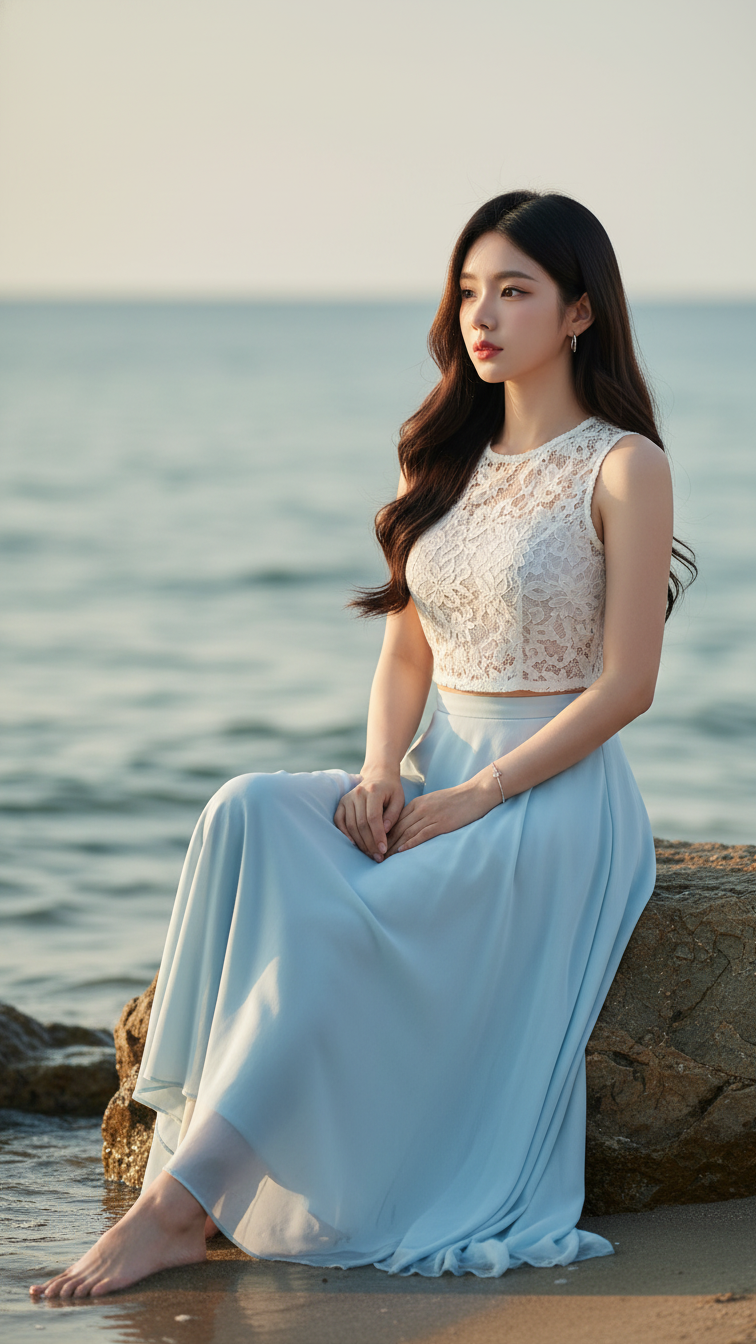
Prompt 1403: Create a realistic portrait of a young woman (face 100% identical to the original...
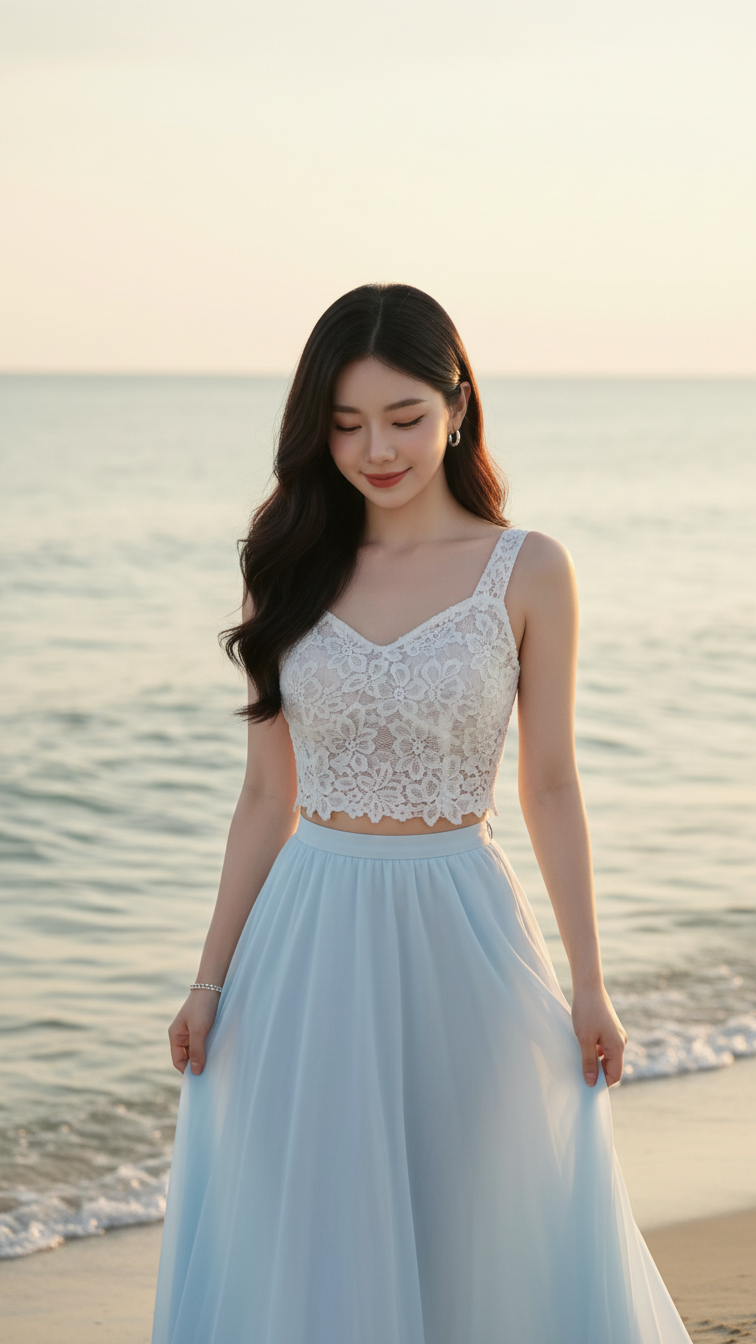
Prompt 1402: Create a realistic portrait of a young woman (face 100% identical to the original...
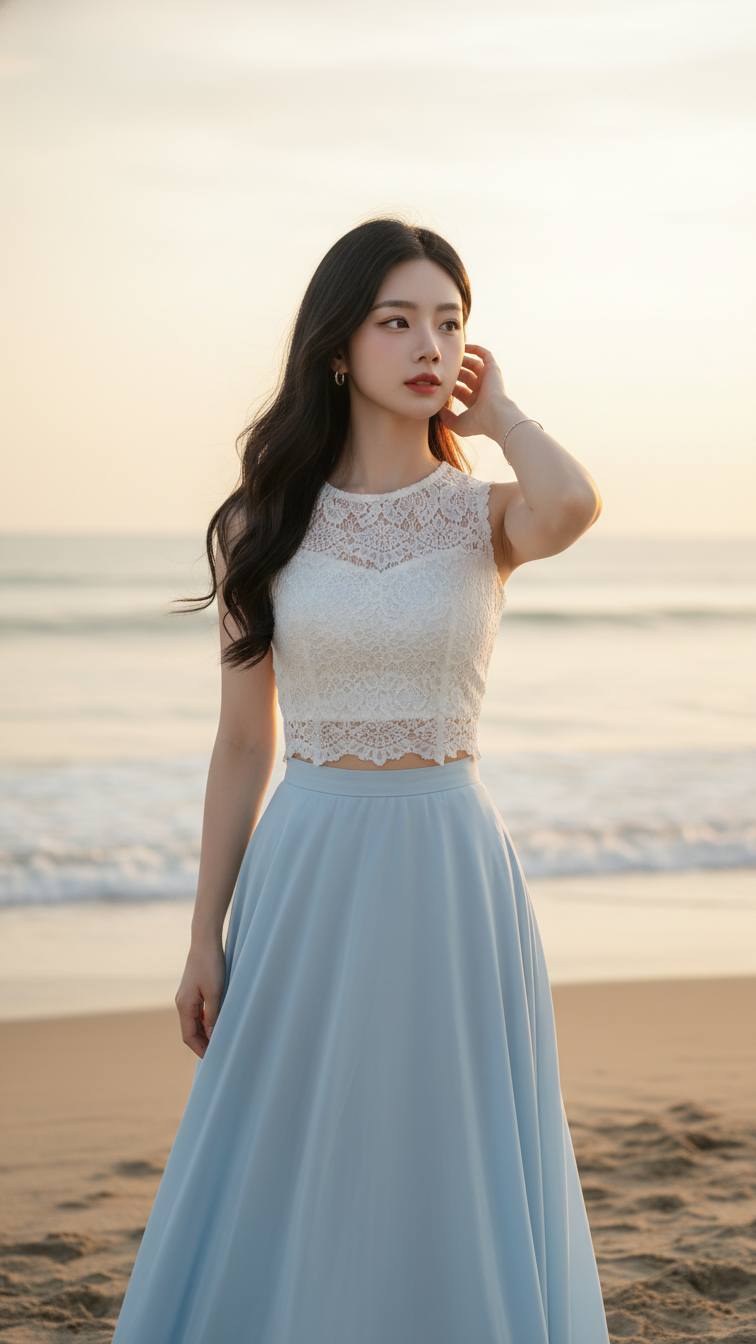
Prompt 1401: Create a realistic portrait of a young woman (face 100% identical to the original...
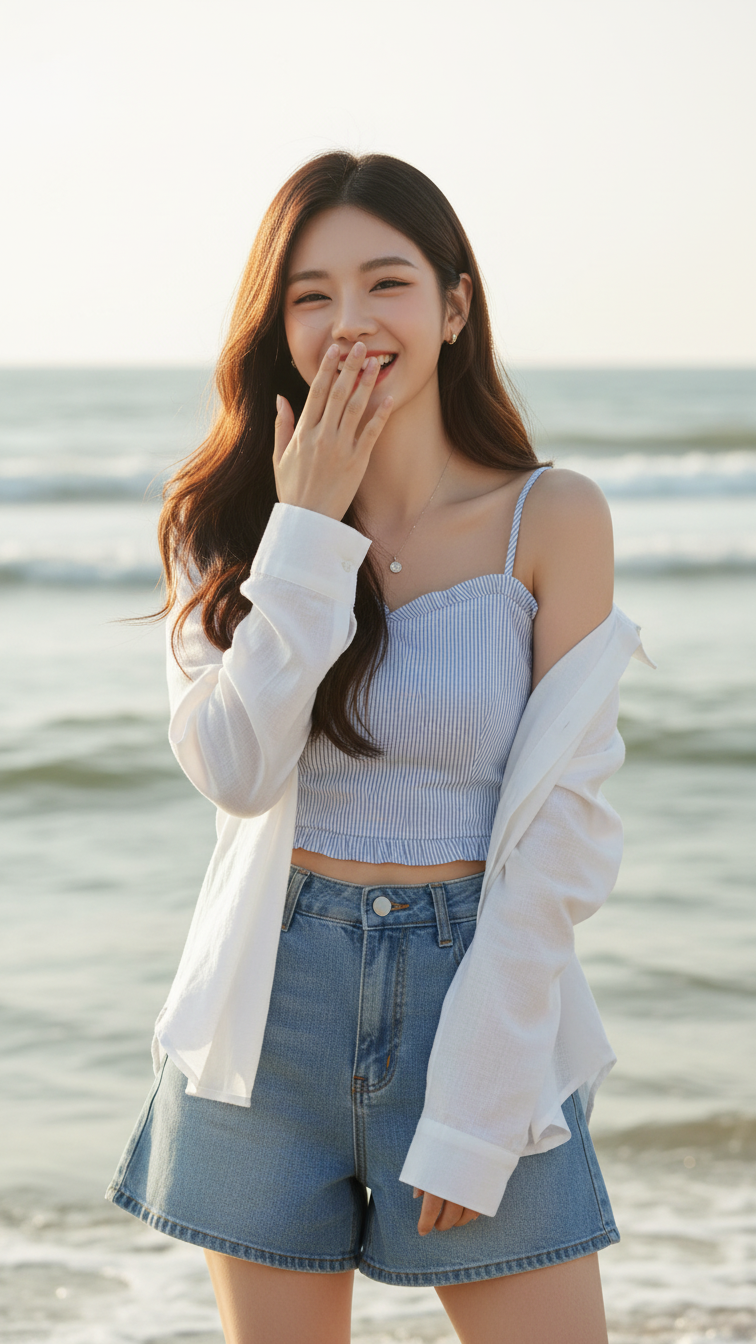
Prompt 1400: Create a realistic portrait of a young woman (face 100% identical to the original...
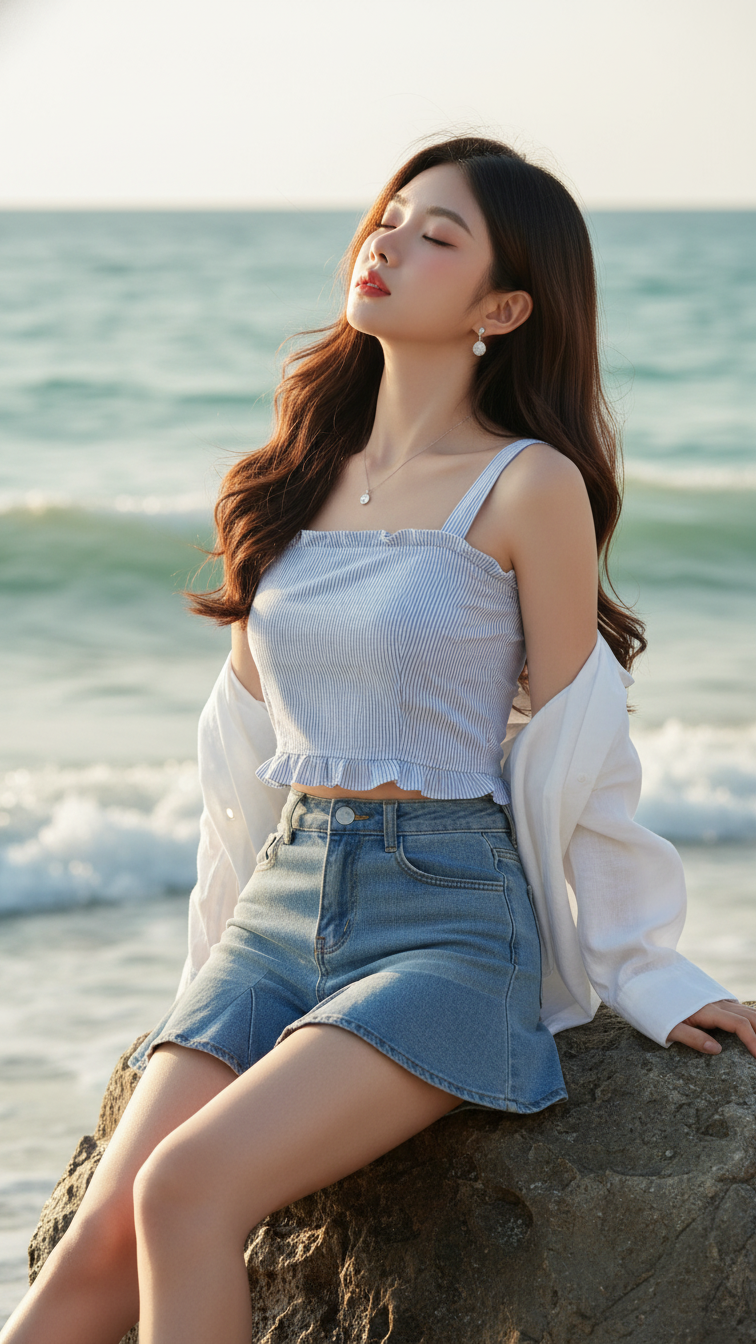
Prompt 1399: Create a realistic portrait of a young woman (face 100% identical to the original...
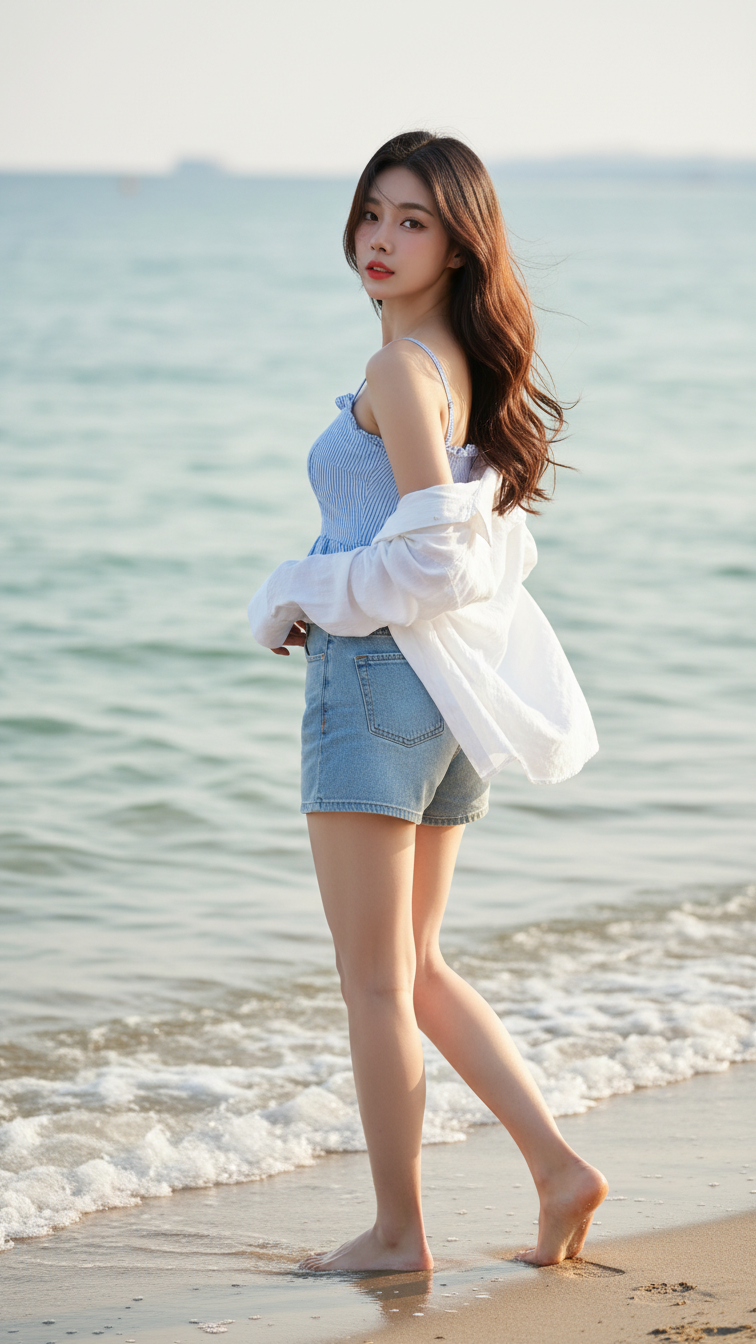
Prompt 1398: Create a realistic portrait of a young woman (face 100% identical to the original...
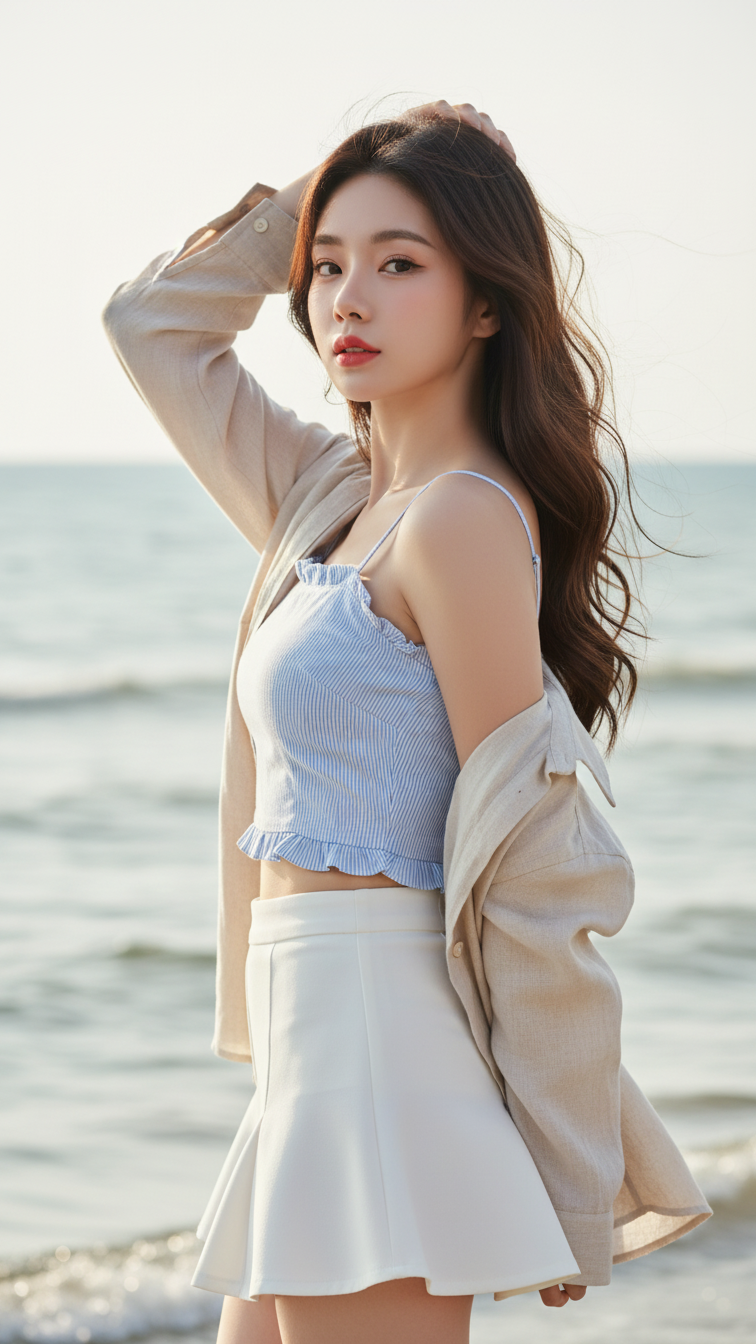
Prompt 1397: Create a realistic portrait of a young woman (face 100% identical to the original...
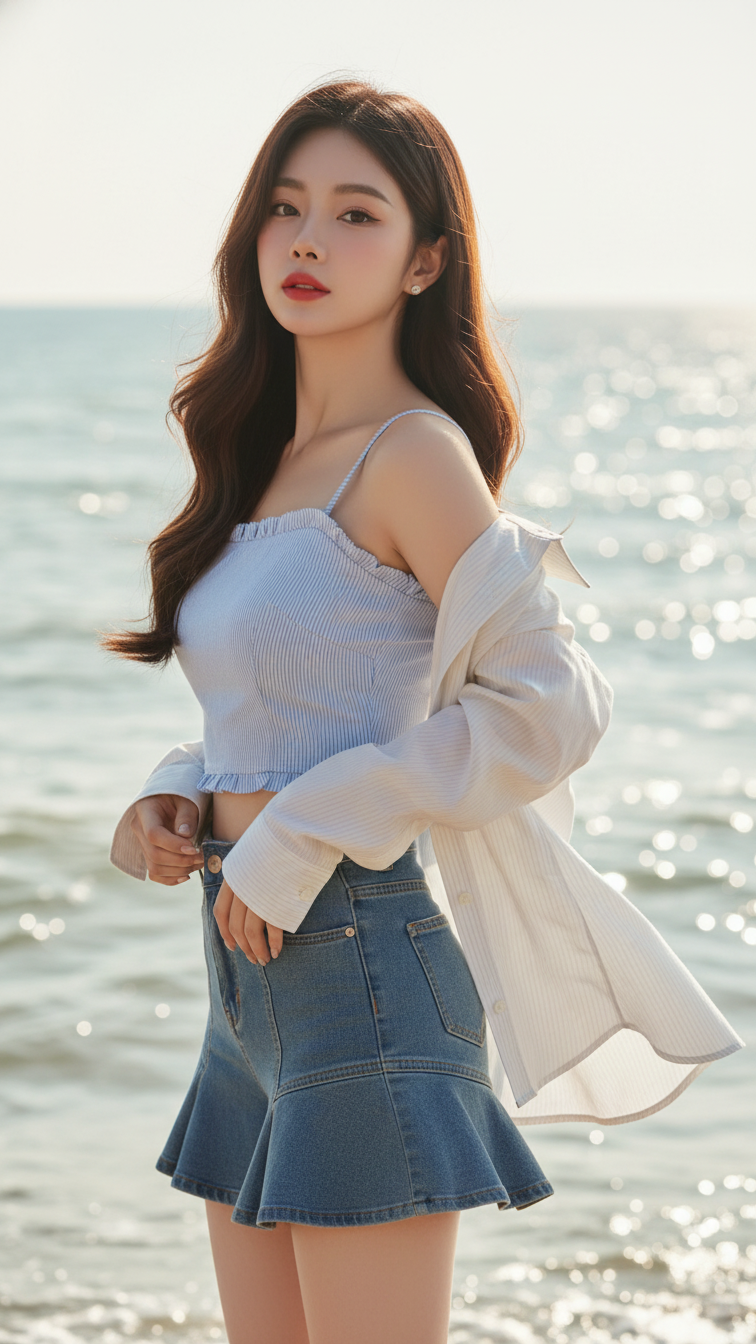
Prompt 1396: Create a realistic portrait of a young woman (face 100% identical to the original...
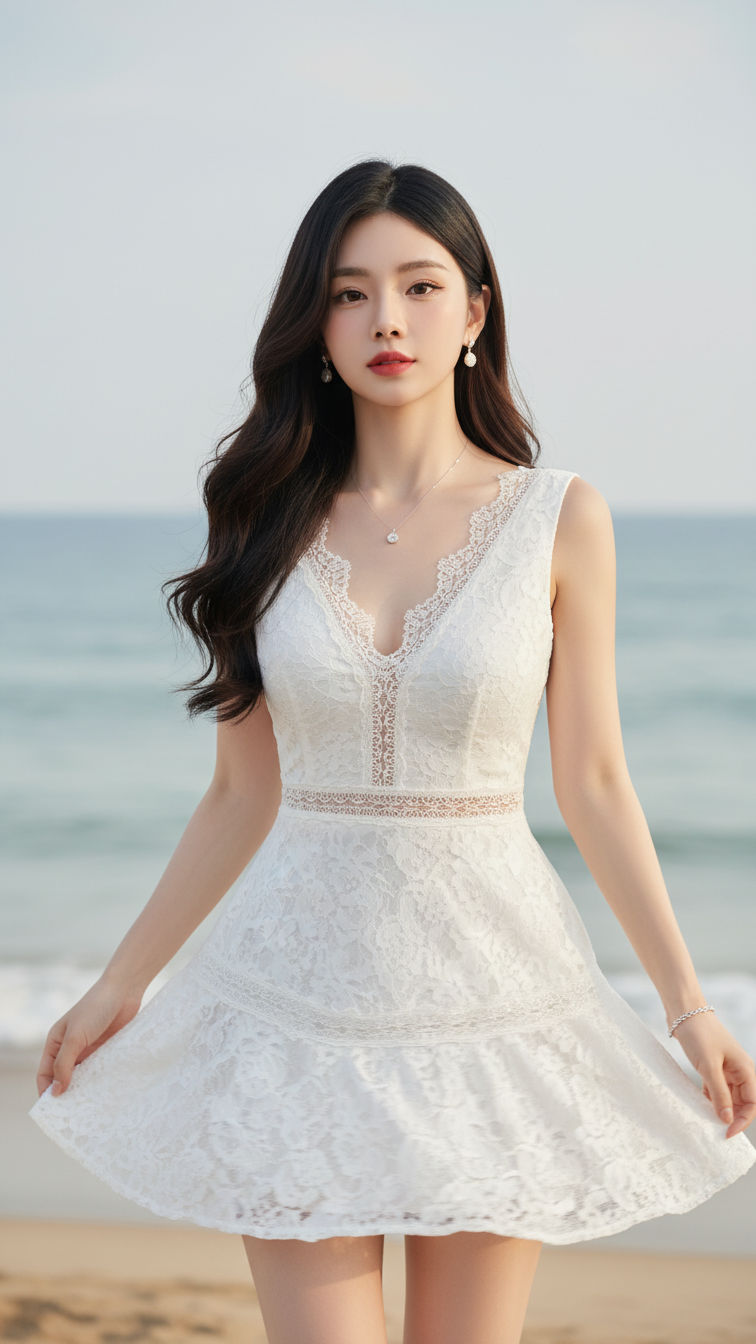
Prompt 1395: Create a realistic portrait of a young woman (face 100% identical to the original...
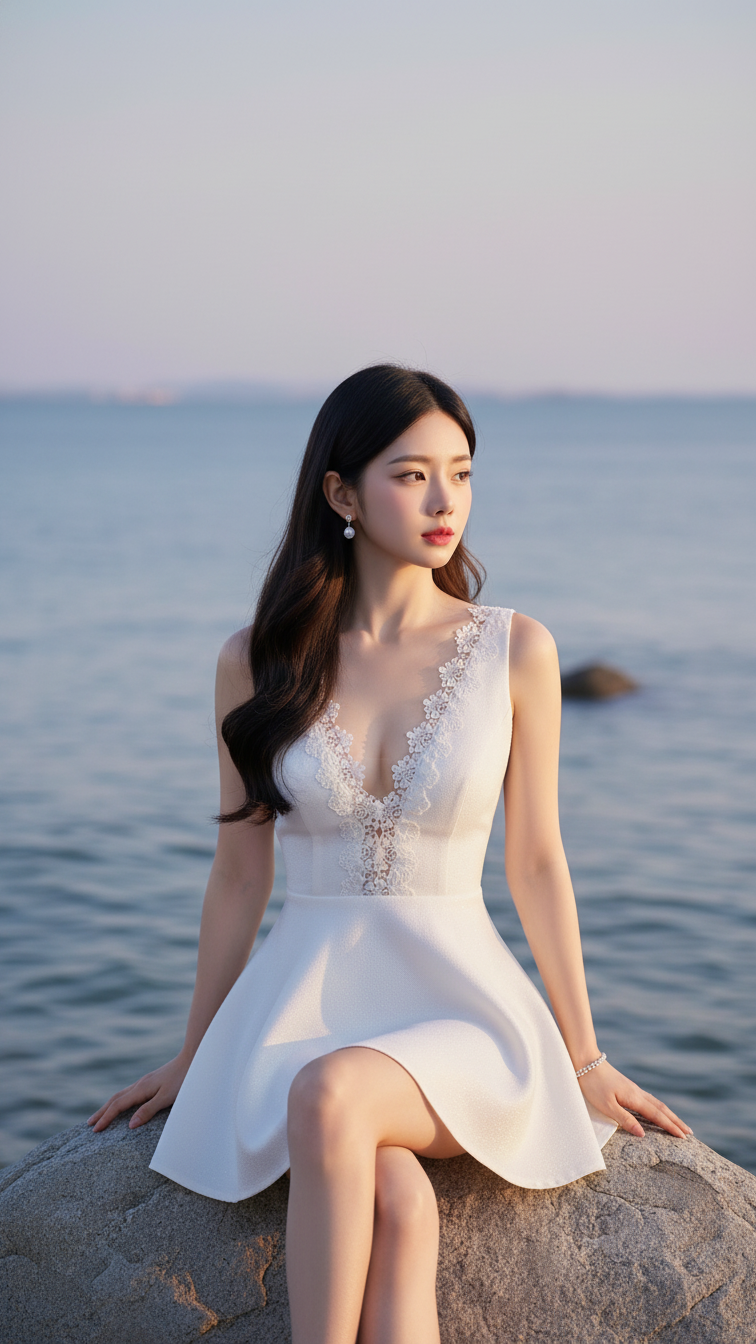
Prompt 1394: Create a realistic portrait of a young woman (face 100% identical to the original...
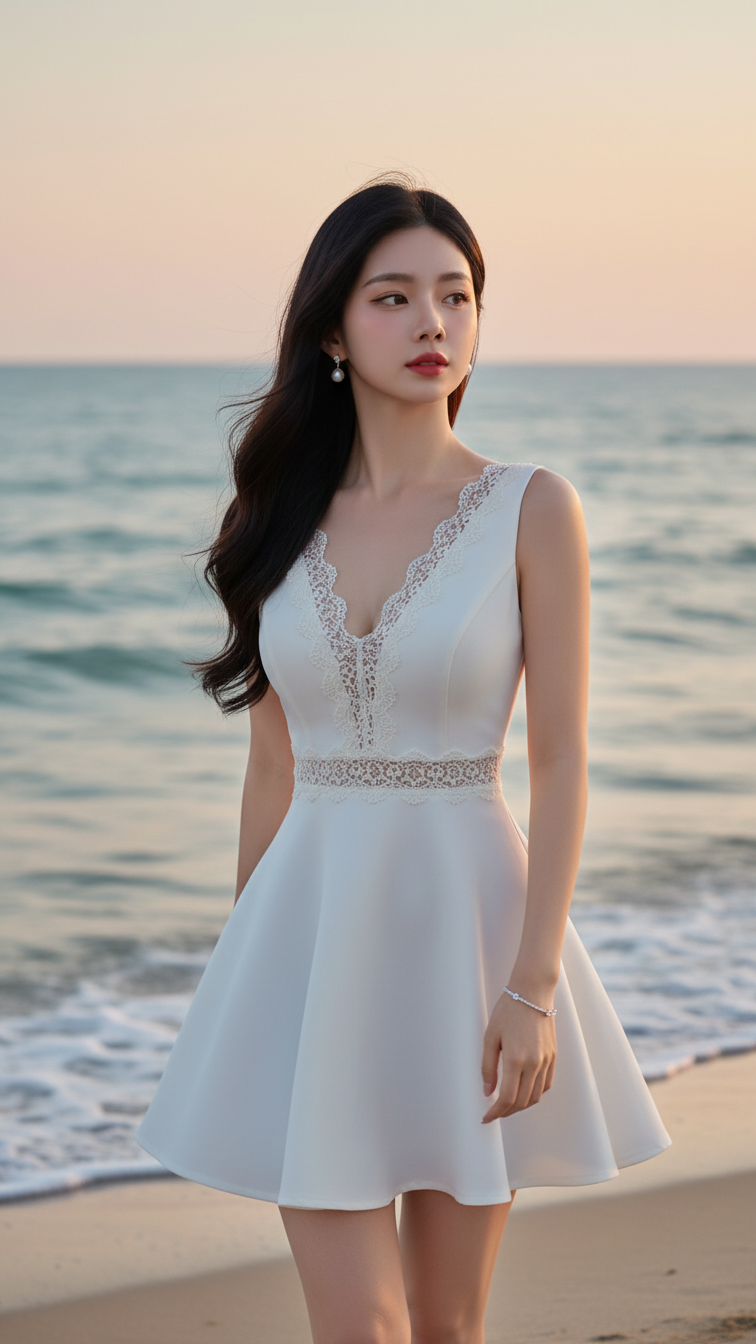
Prompt 1393: Create a realistic portrait of a young woman (face 100% identical to the original...
