
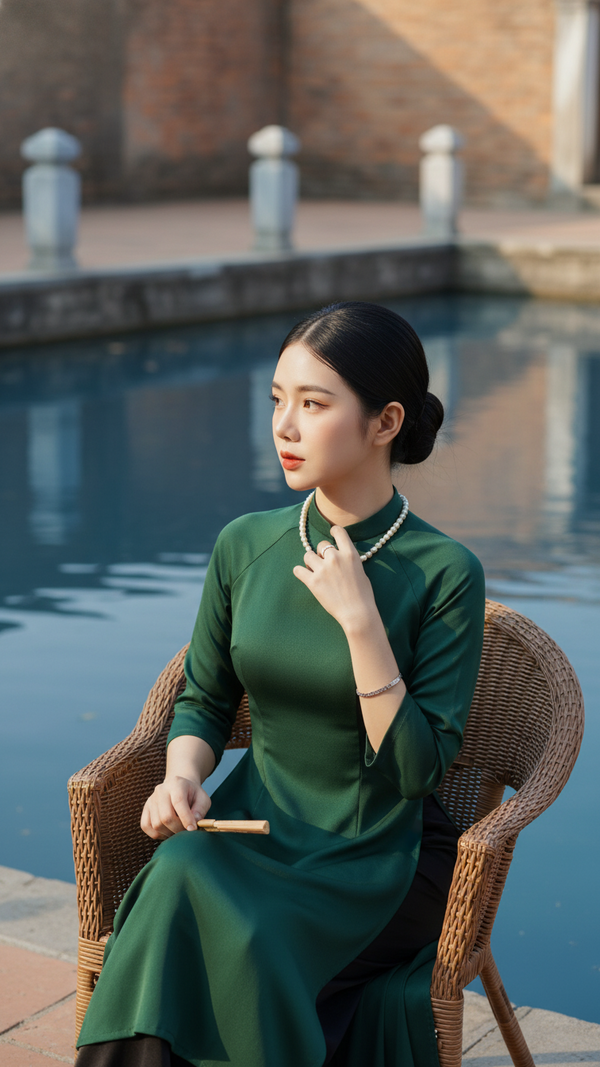
Prompt 2528: Create a realistic portrait of a young woman (face 100% identical to the original...
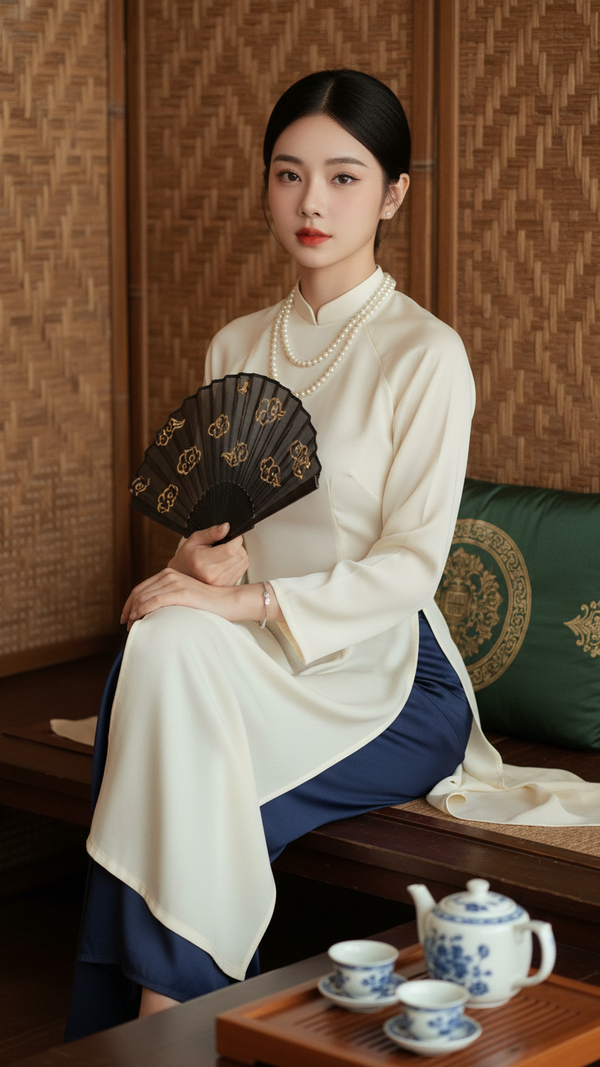
Prompt 2527: Create a realistic portrait of a young woman (face 100% identical to the original...
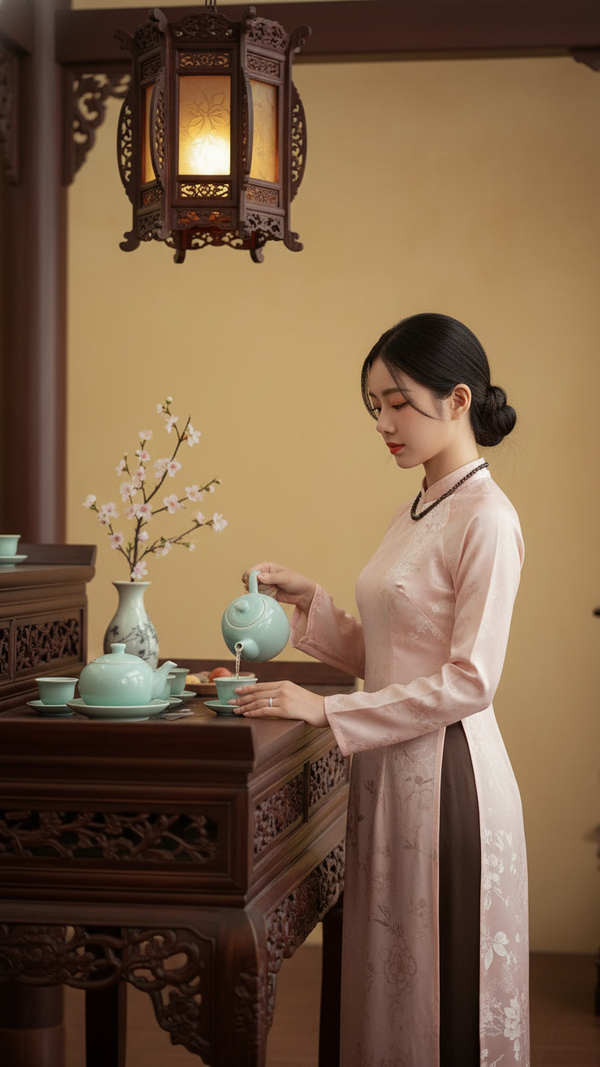
Prompt 2526: Create a realistic portrait of a young woman (face 100% identical to the original...
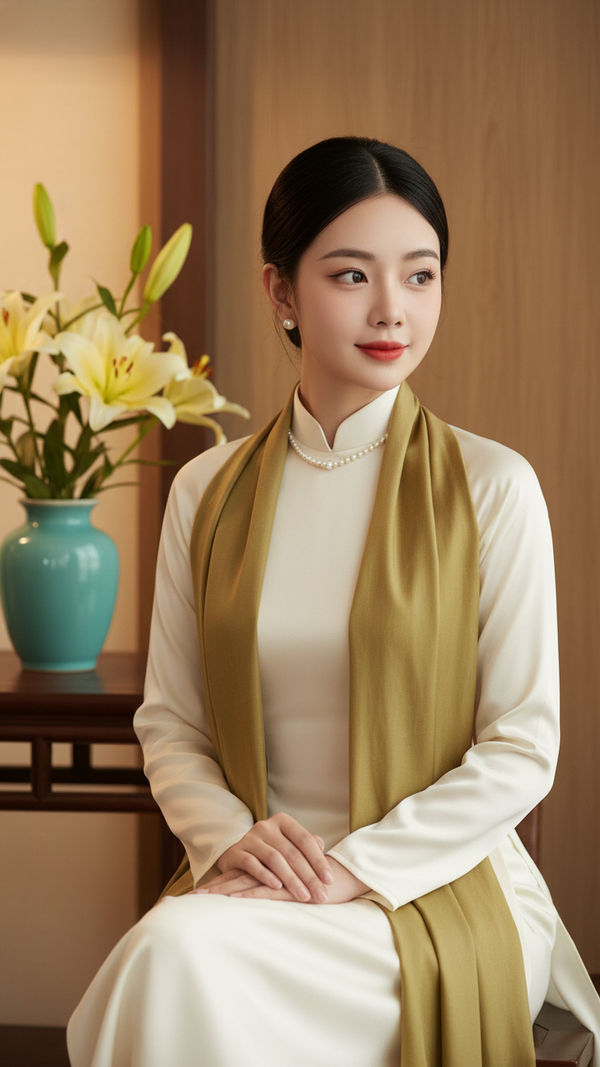
Prompt 2525: Create a realistic portrait of a young woman (face 100% identical to the original...
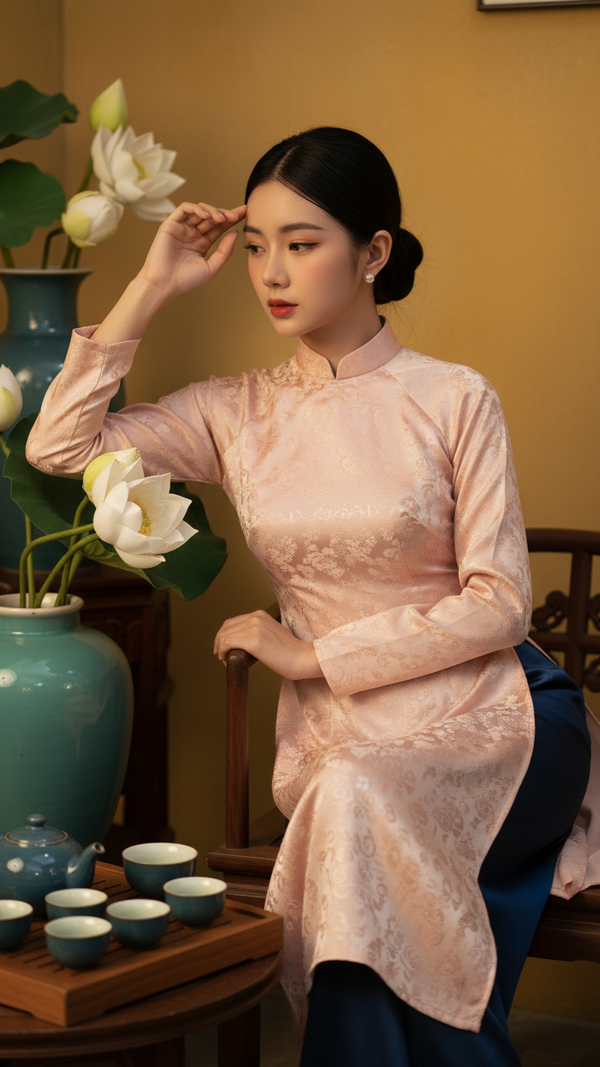
Prompt 2524: Create a realistic portrait of a young woman (face 100% identical to the original...
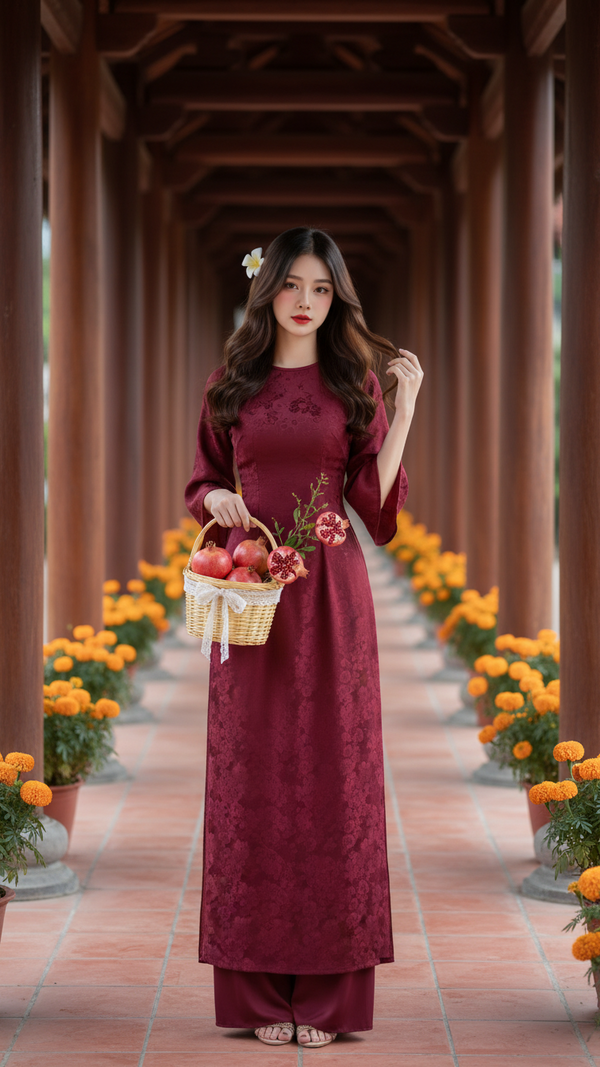
Prompt 2523: Create a realistic portrait of a young woman (face 100% identical to the original...
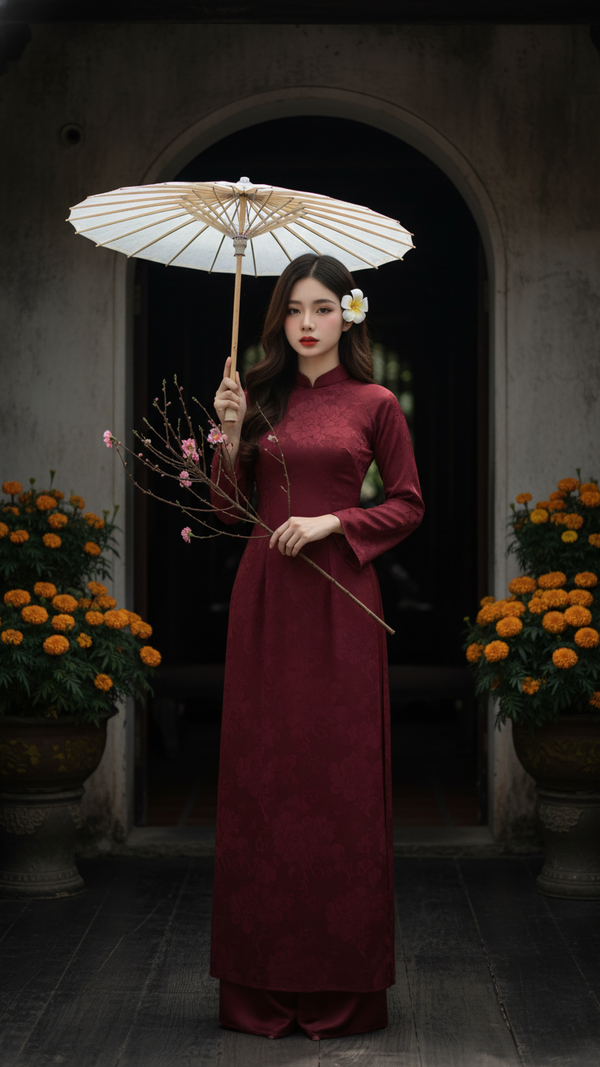
Prompt 2522: Create a realistic portrait of a young woman (face 100% identical to the original...
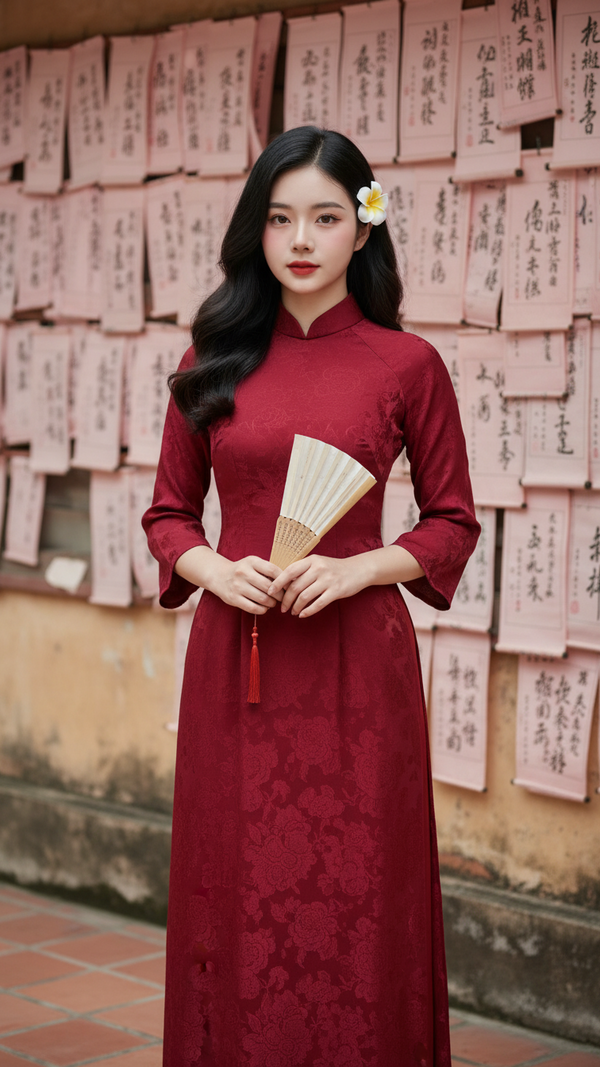
Prompt 2521: Create a realistic portrait of a young woman (face 100% identical to the original...
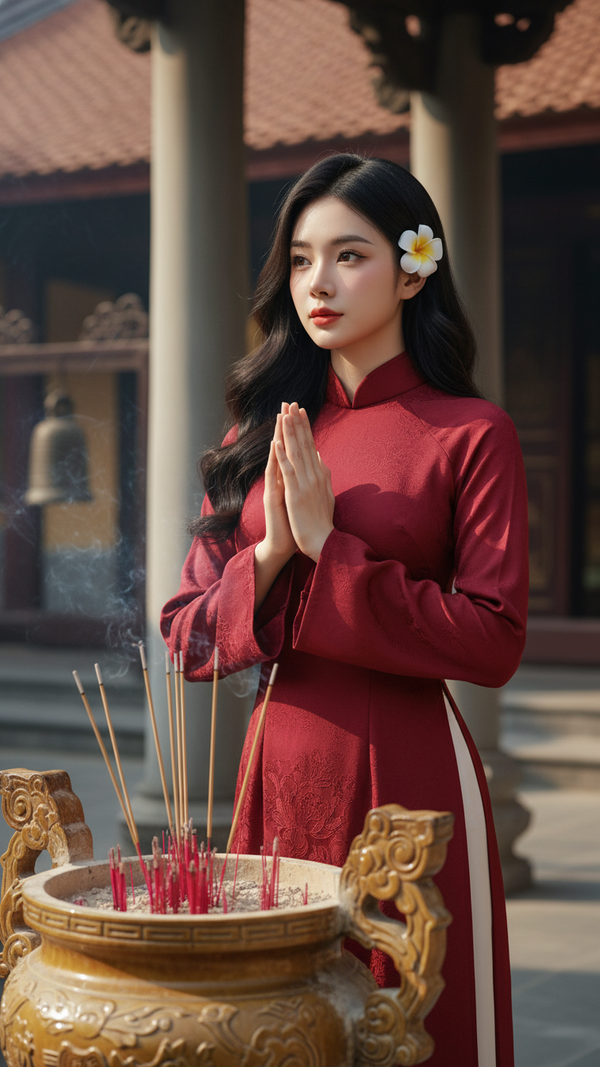
Prompt 2520: Create a realistic portrait of a young woman (face 100% identical to the original...
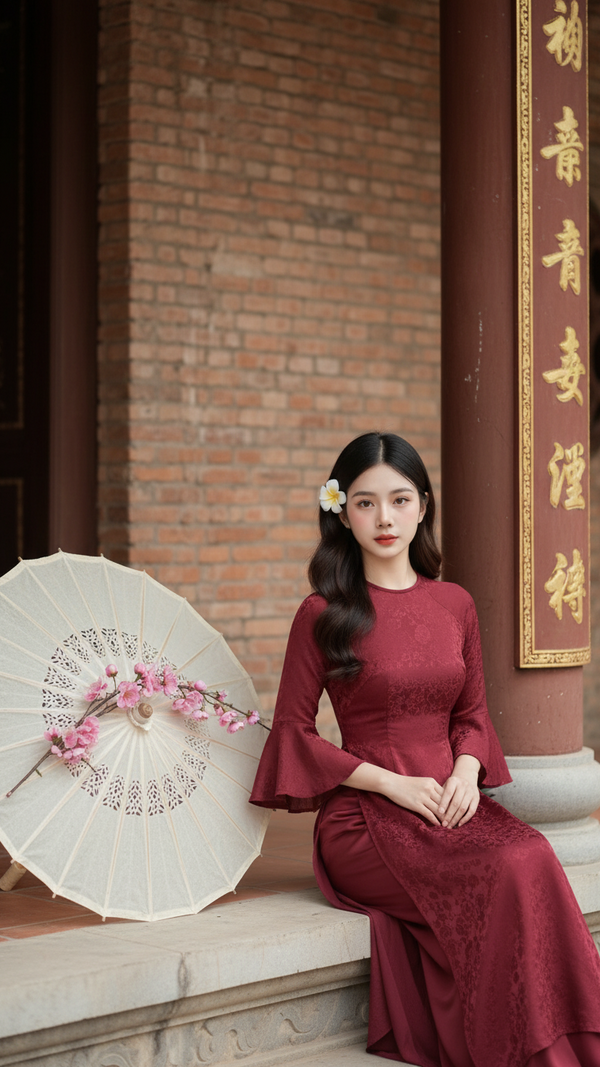
Prompt 2519: Create a realistic portrait of a young woman (face 100% identical to the original...
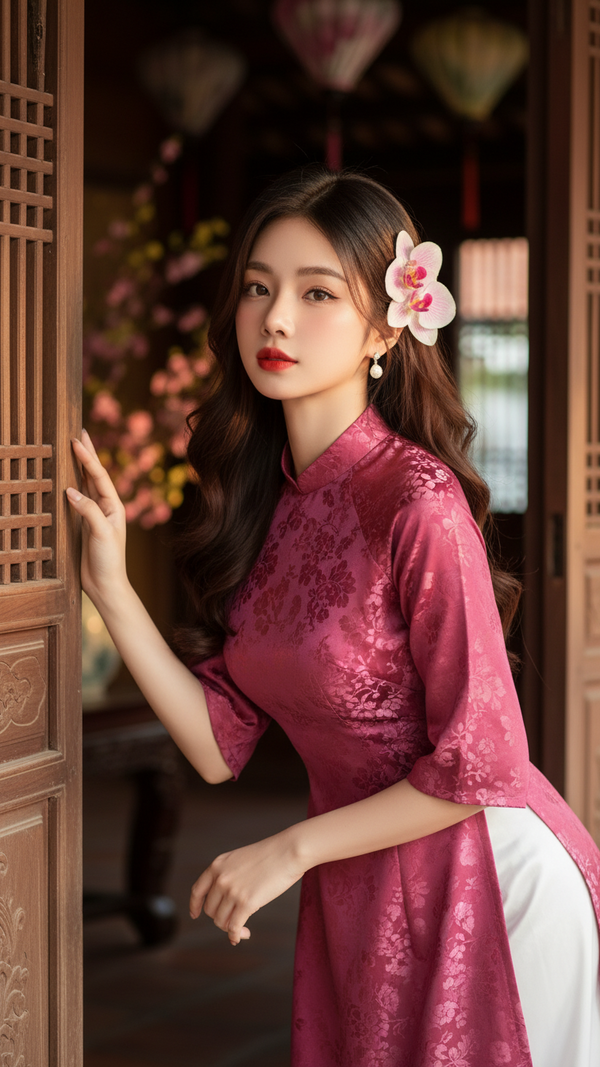
Prompt 2518: Create a realistic portrait of a young woman (face 100% identical to the original...
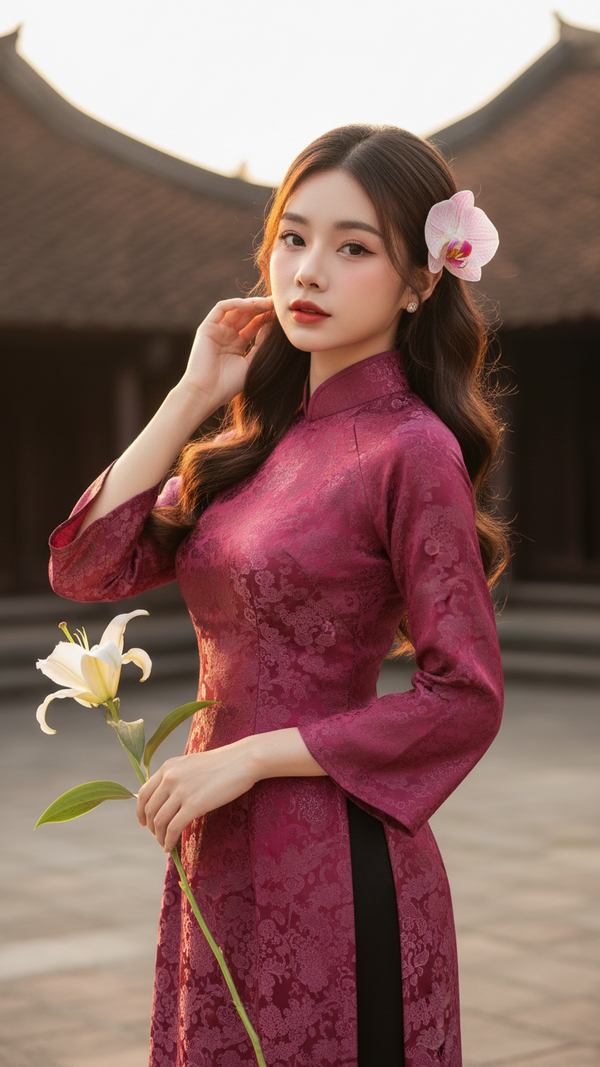
Prompt 2517: Create a realistic portrait of a young woman (face 100% identical to the original...
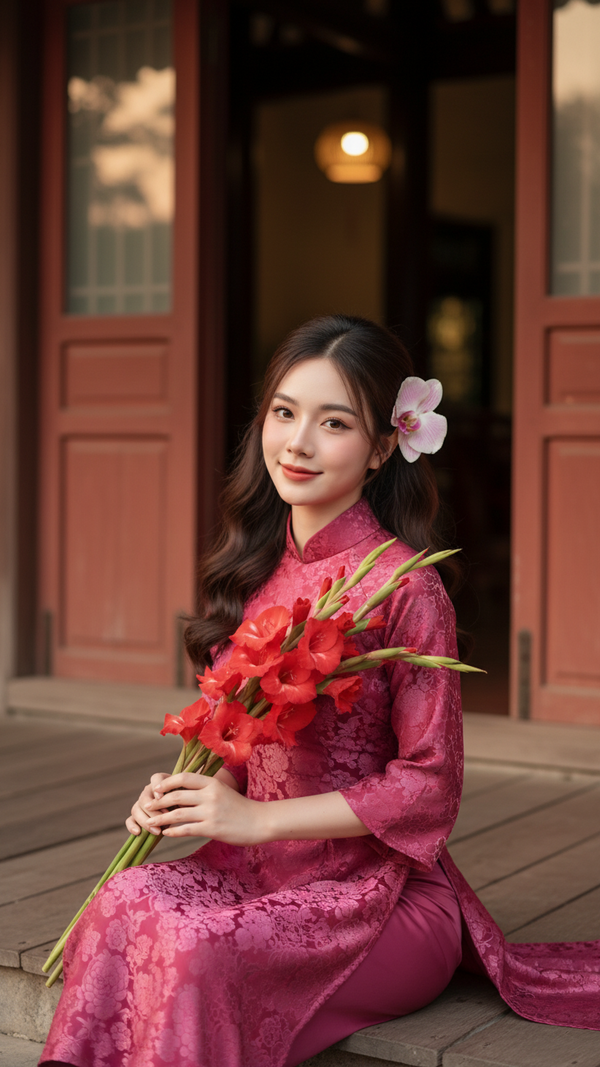
Prompt 2516: Create a realistic portrait of a young woman (face 100% identical to the original...
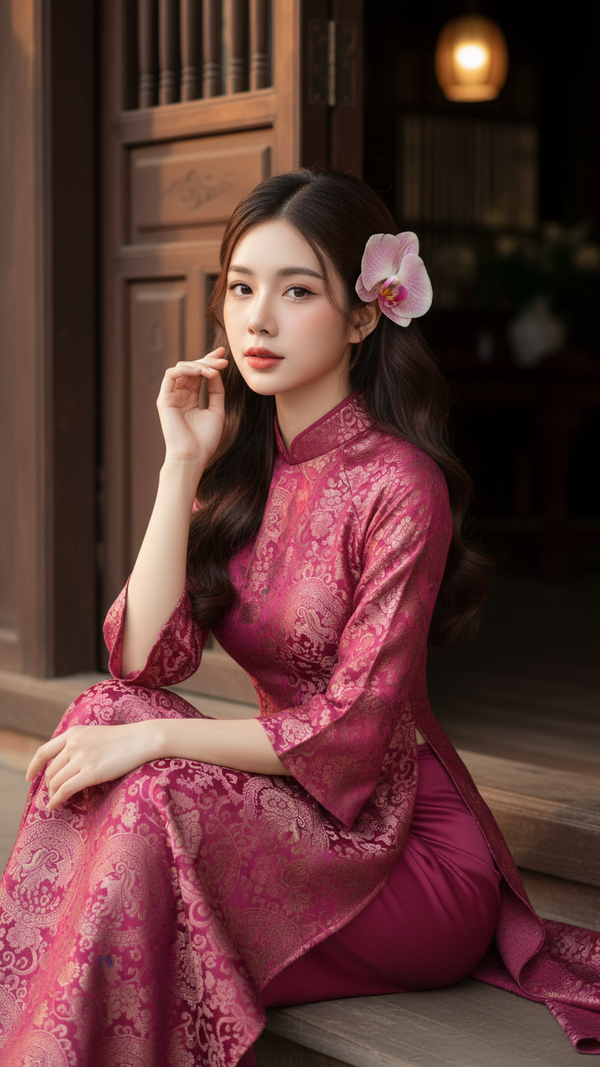
Prompt 2515: Create a realistic portrait of a young woman (face 100% identical to the original...
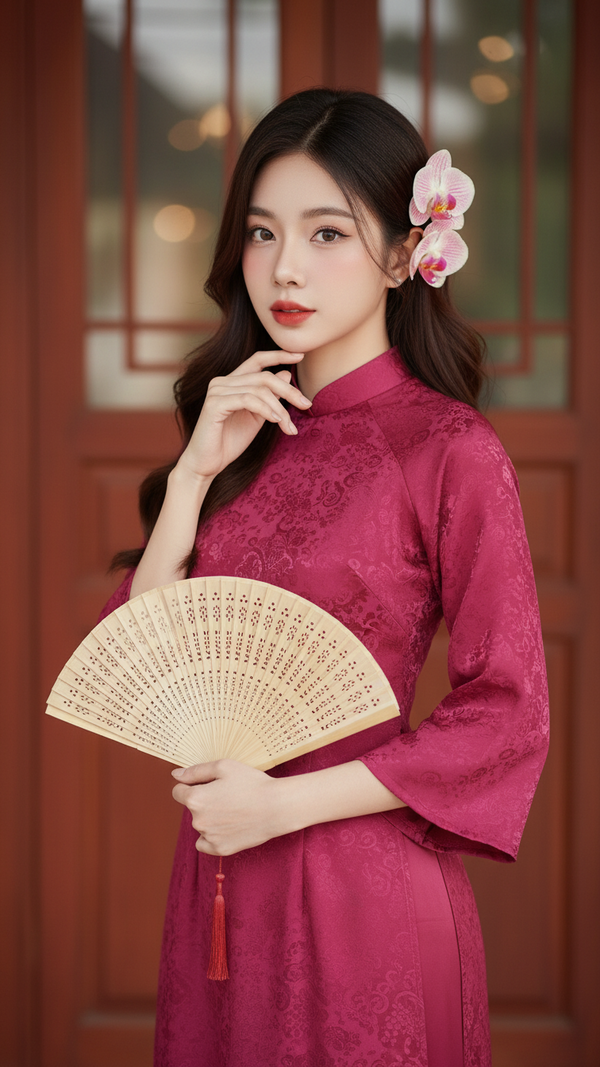
Prompt 2514: Create a realistic portrait of a young woman (face 100% identical to the original...
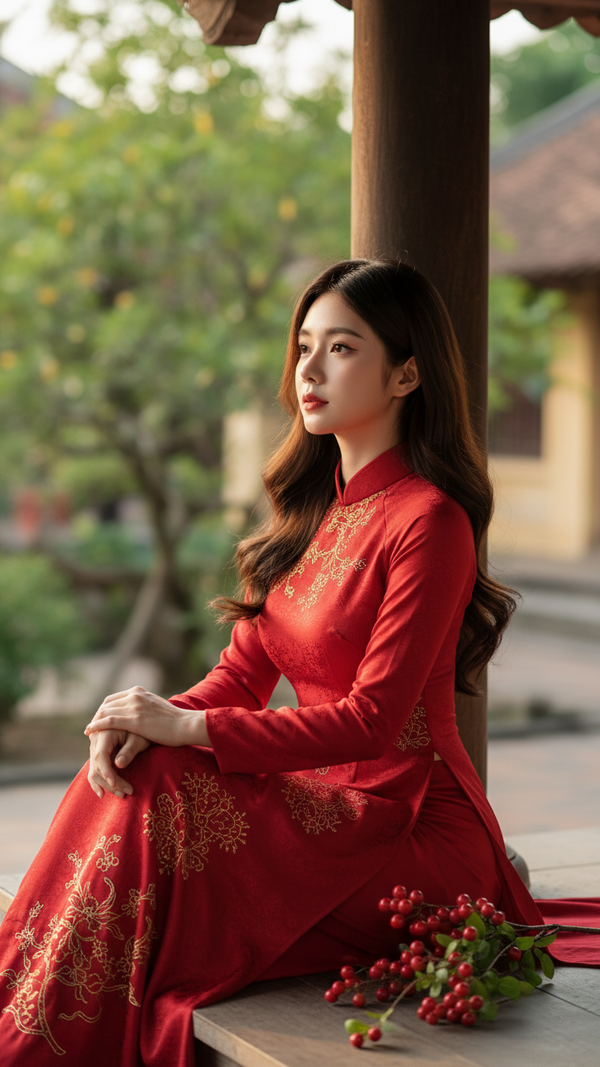
Prompt 2513: Create a realistic portrait of a young woman (face 100% identical to the original...
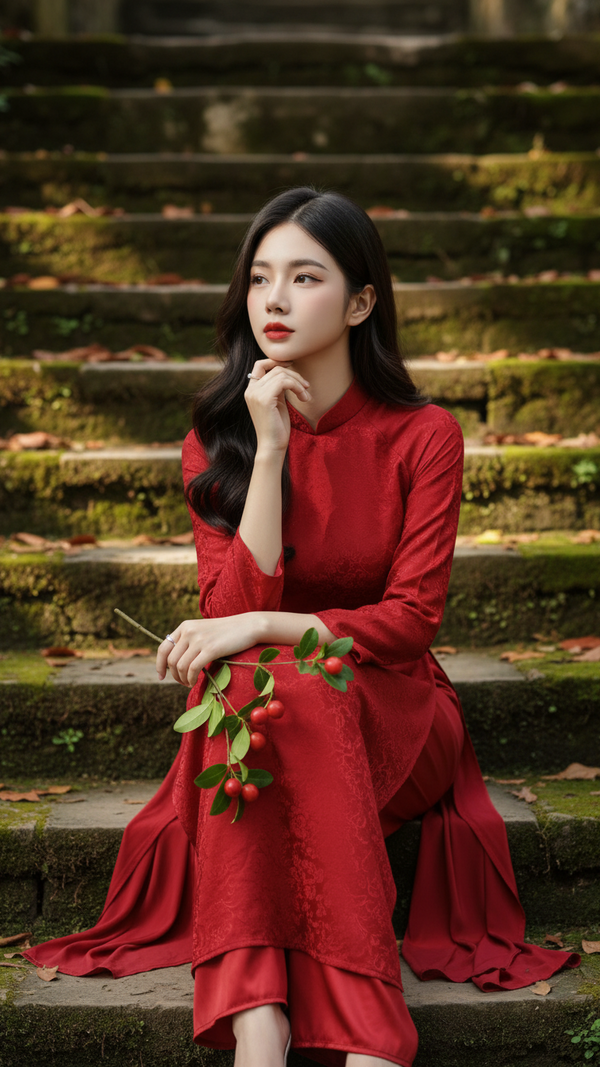
Prompt 2512: Create a realistic portrait of a young woman (face 100% identical to the original...
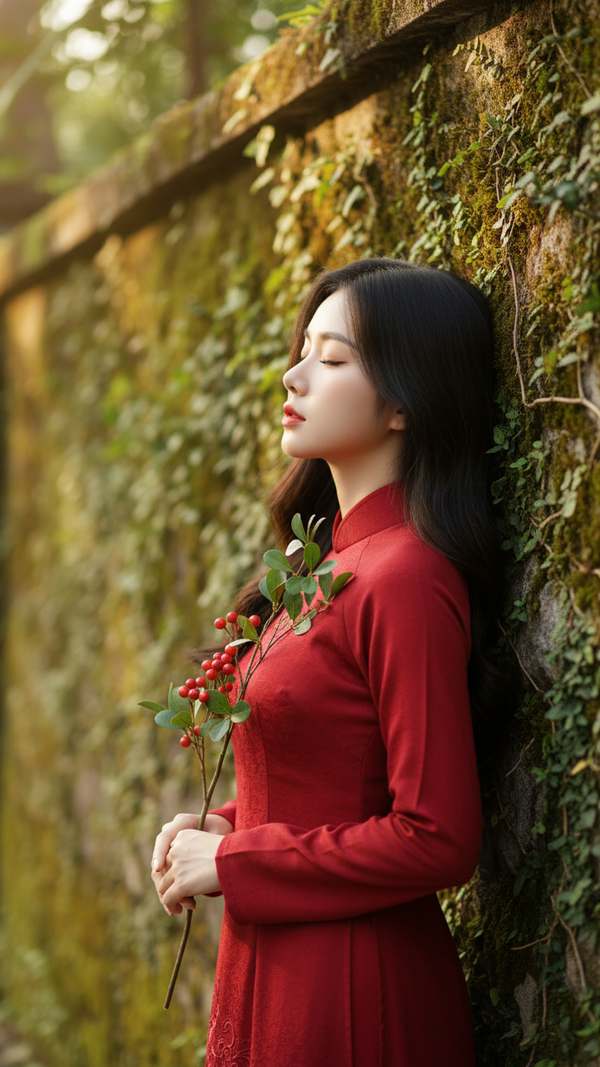
Prompt 2511: Create a realistic portrait of a young woman (face 100% identical to the original...
