
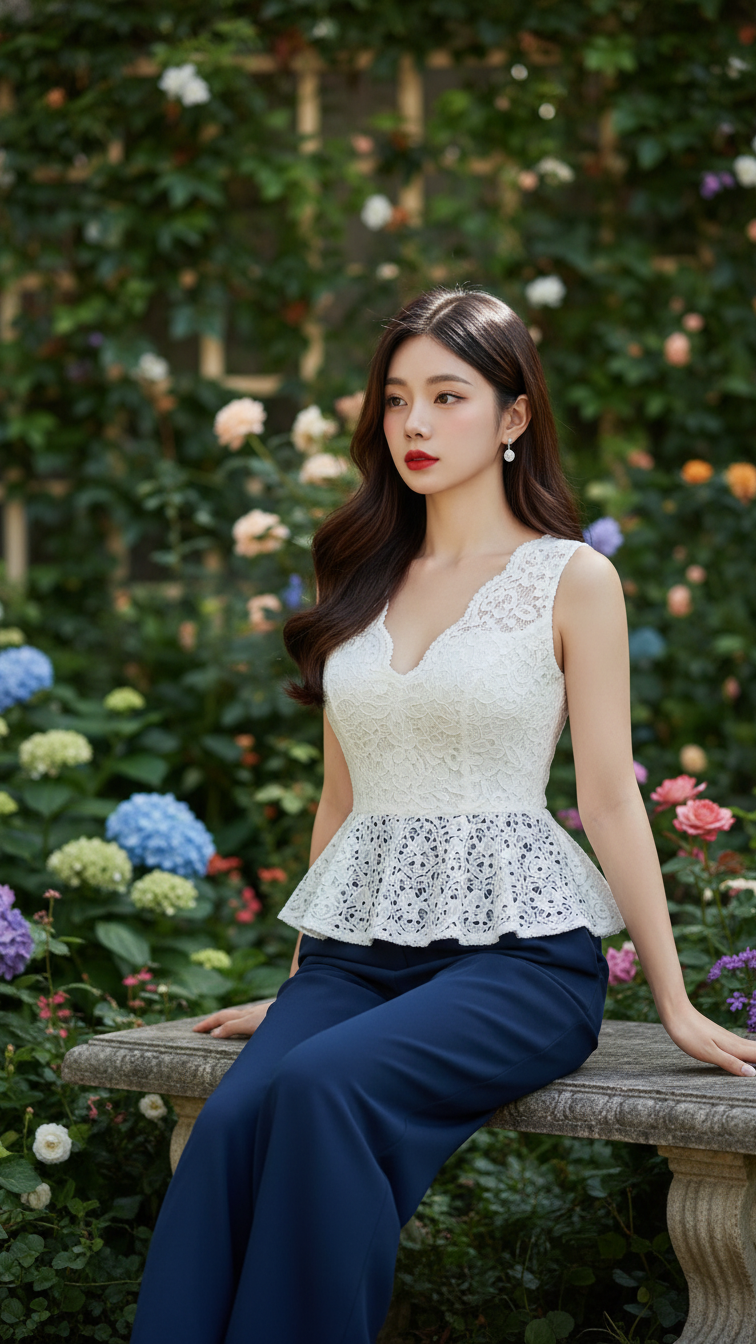
Prompt 1571: Create a realistic portrait of a young woman (face 100% identical to the original...
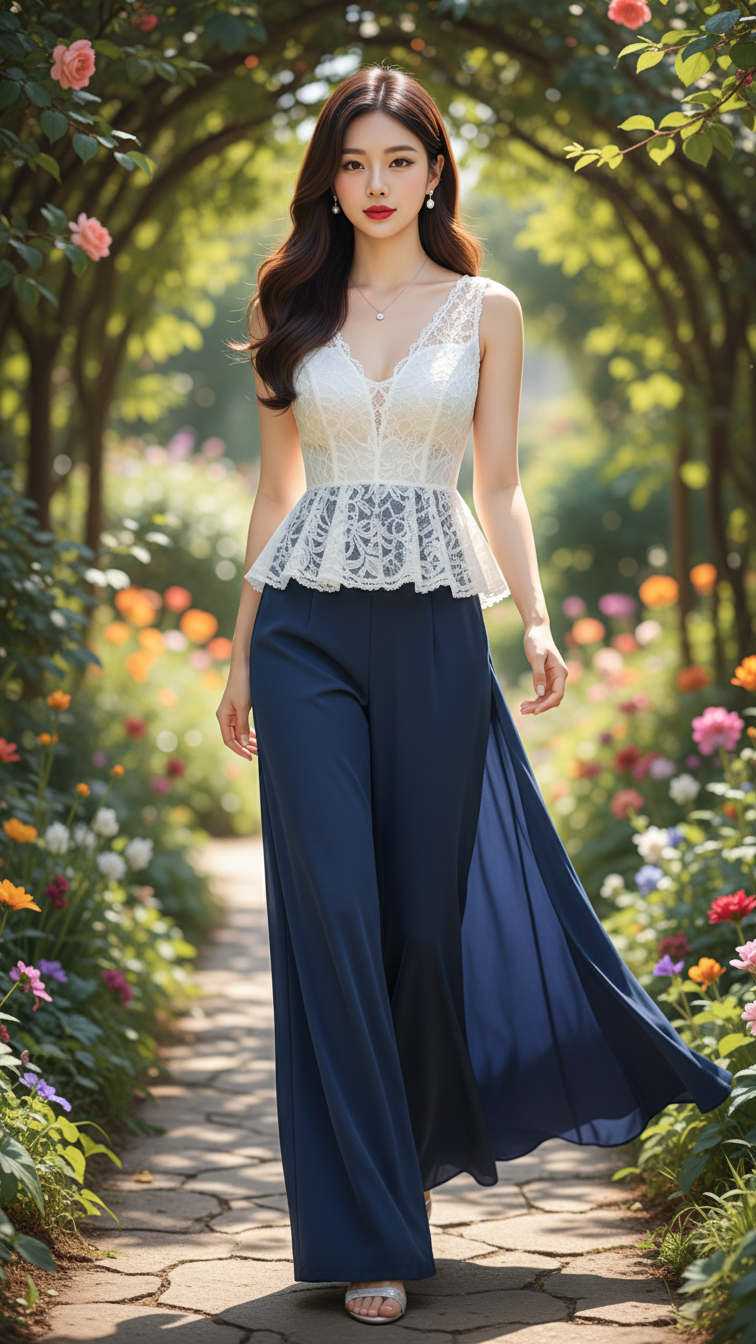
Prompt 1570: Create a realistic portrait of a young woman (face 100% identical to the original...
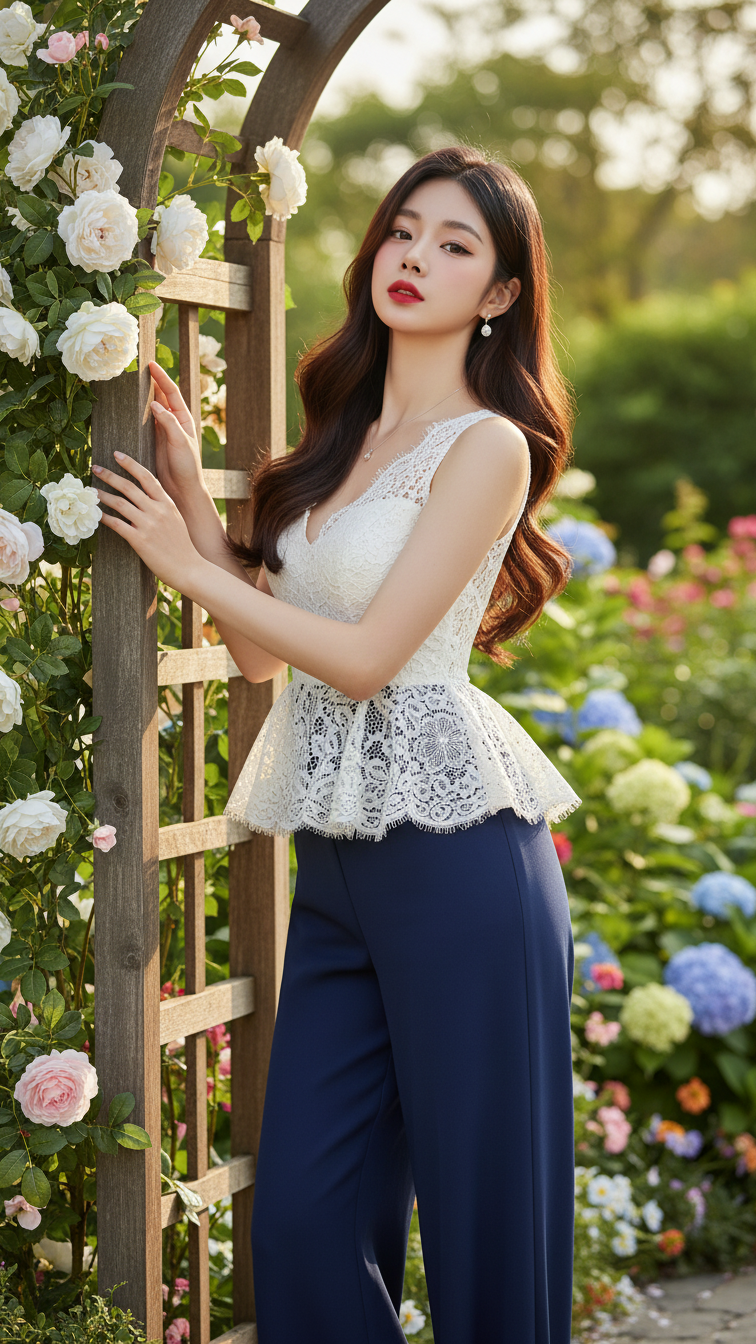
Prompt 1569: Create a realistic portrait of a young woman (face 100% identical to the original...
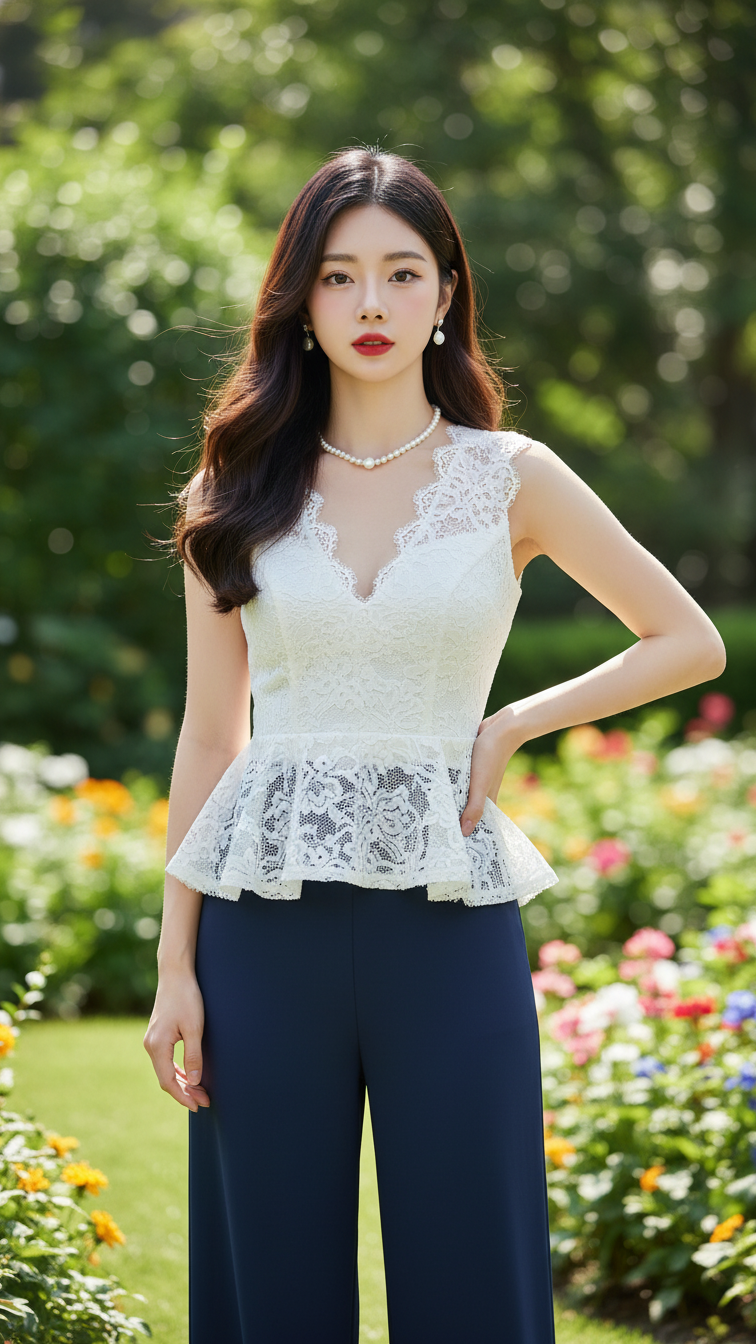
Prompt 1568: Create a realistic portrait of a young woman (face 100% identical to the original...
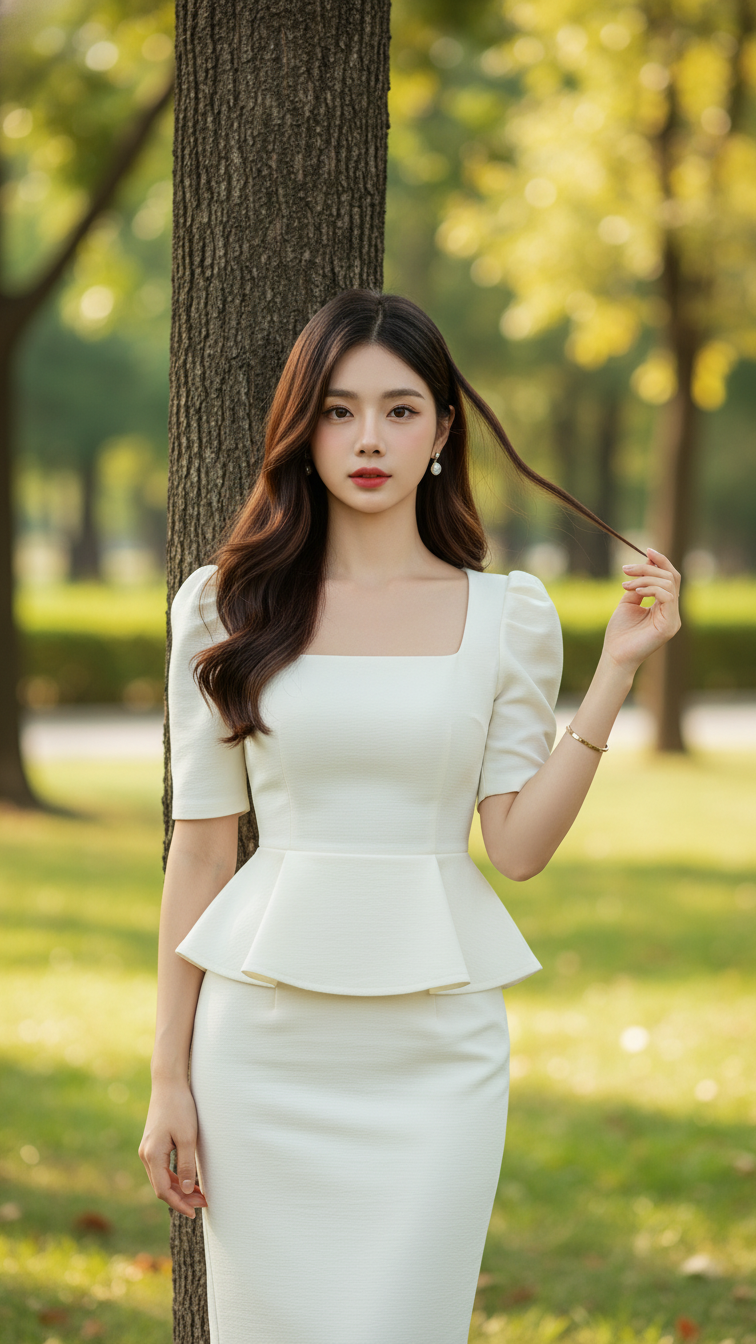
Prompt 1567: Create a realistic portrait of a young woman (face 100% identical to the original...
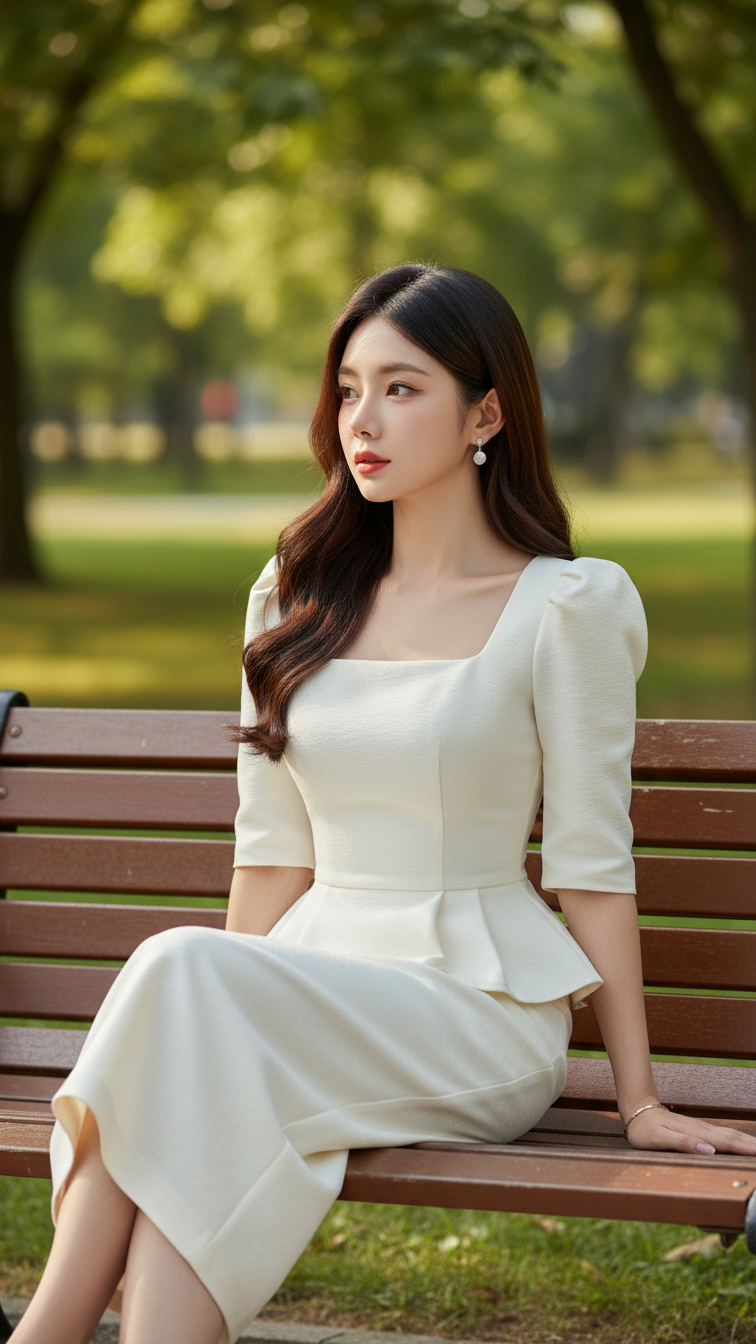
Prompt 1566: Create a realistic portrait of a young woman (face 100% identical to the original...
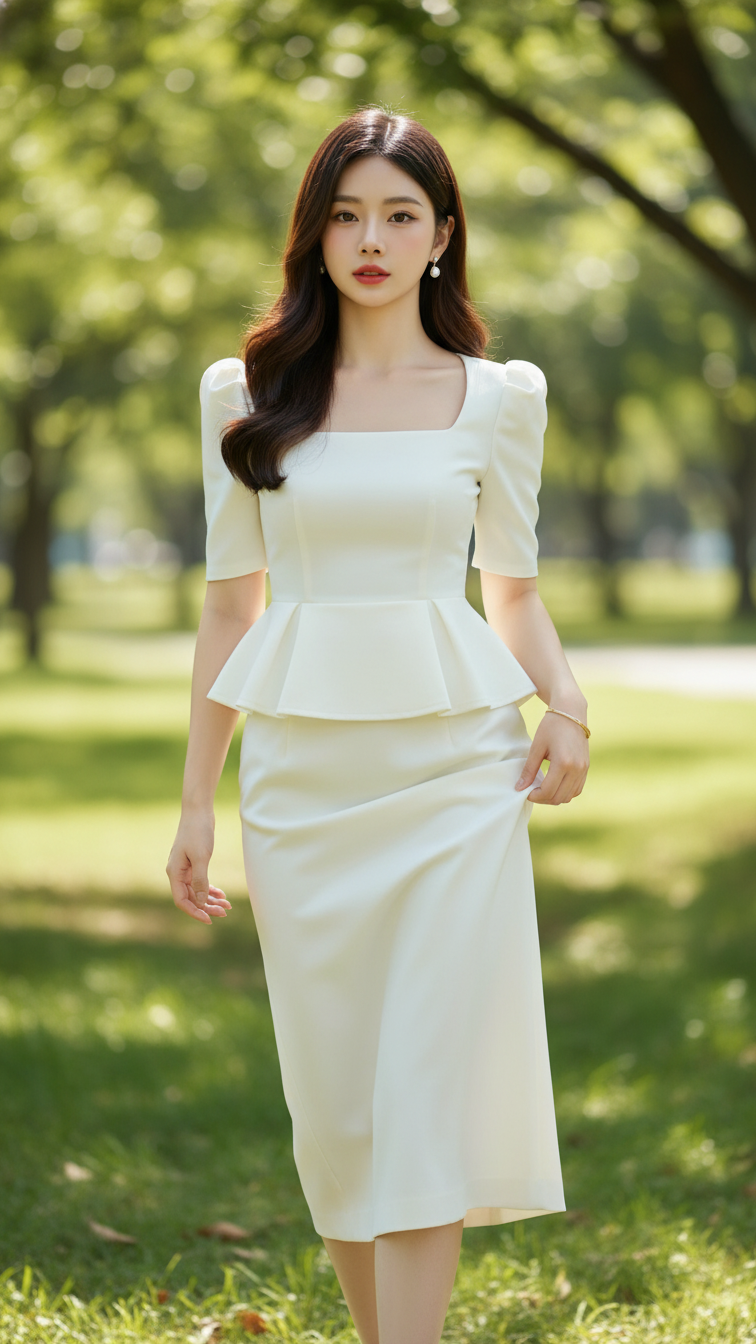
Prompt 1565: Create a realistic portrait of a young woman (face 100% identical to the original...
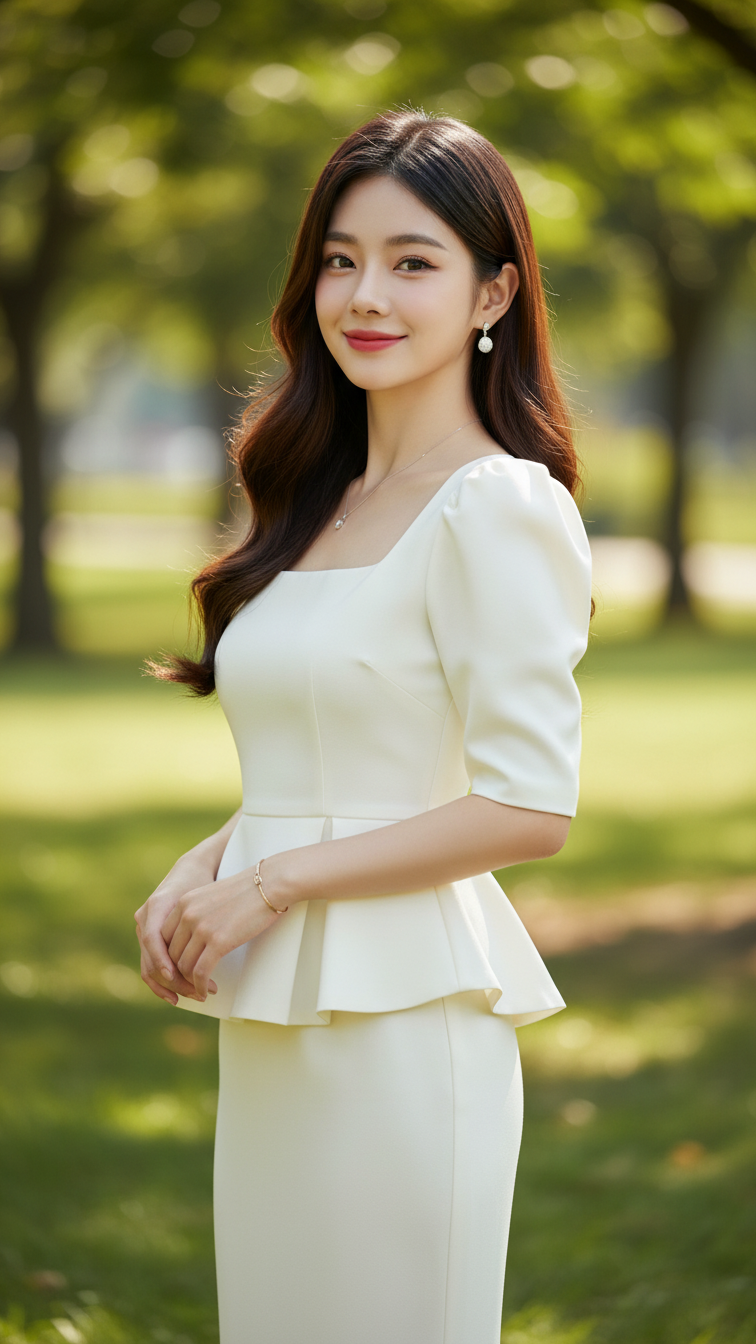
Prompt 1564: Create a realistic portrait of a young woman (face 100% identical to the original...
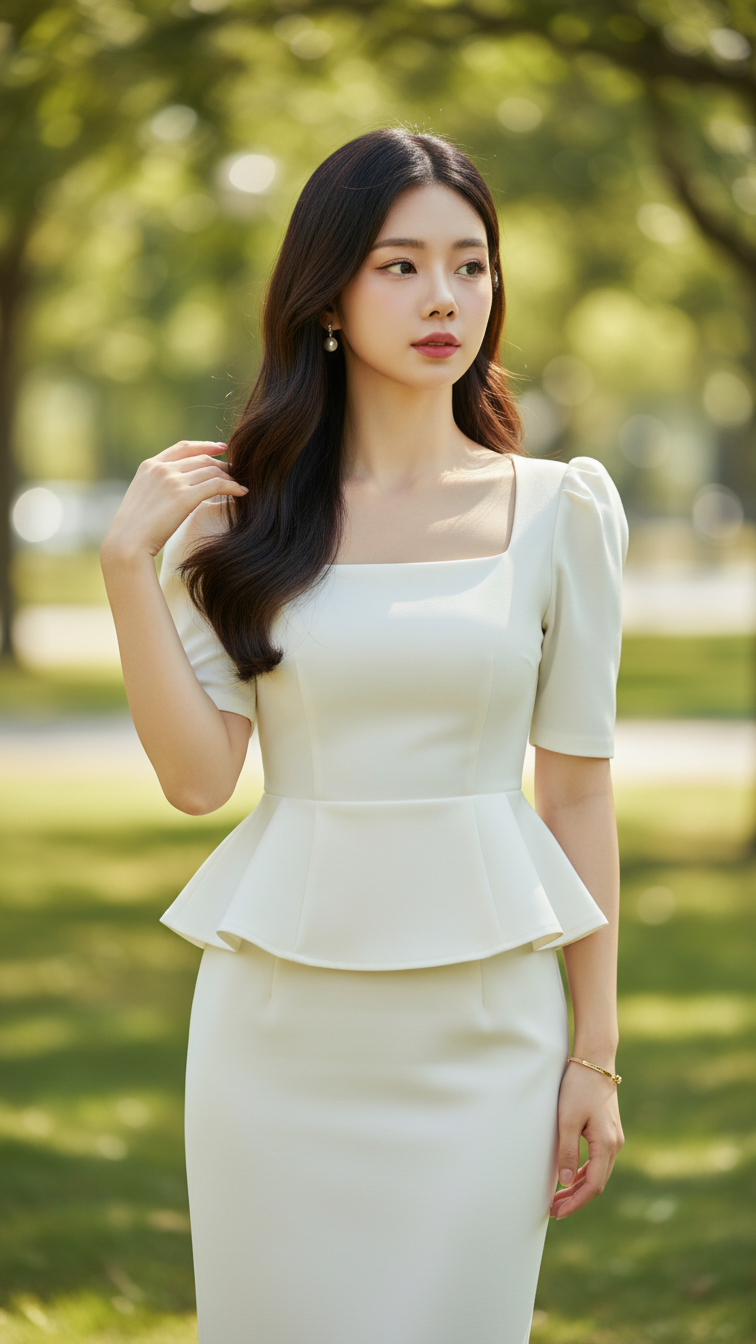
Prompt 1563: Create a realistic portrait of a young woman (face 100% identical to the original...
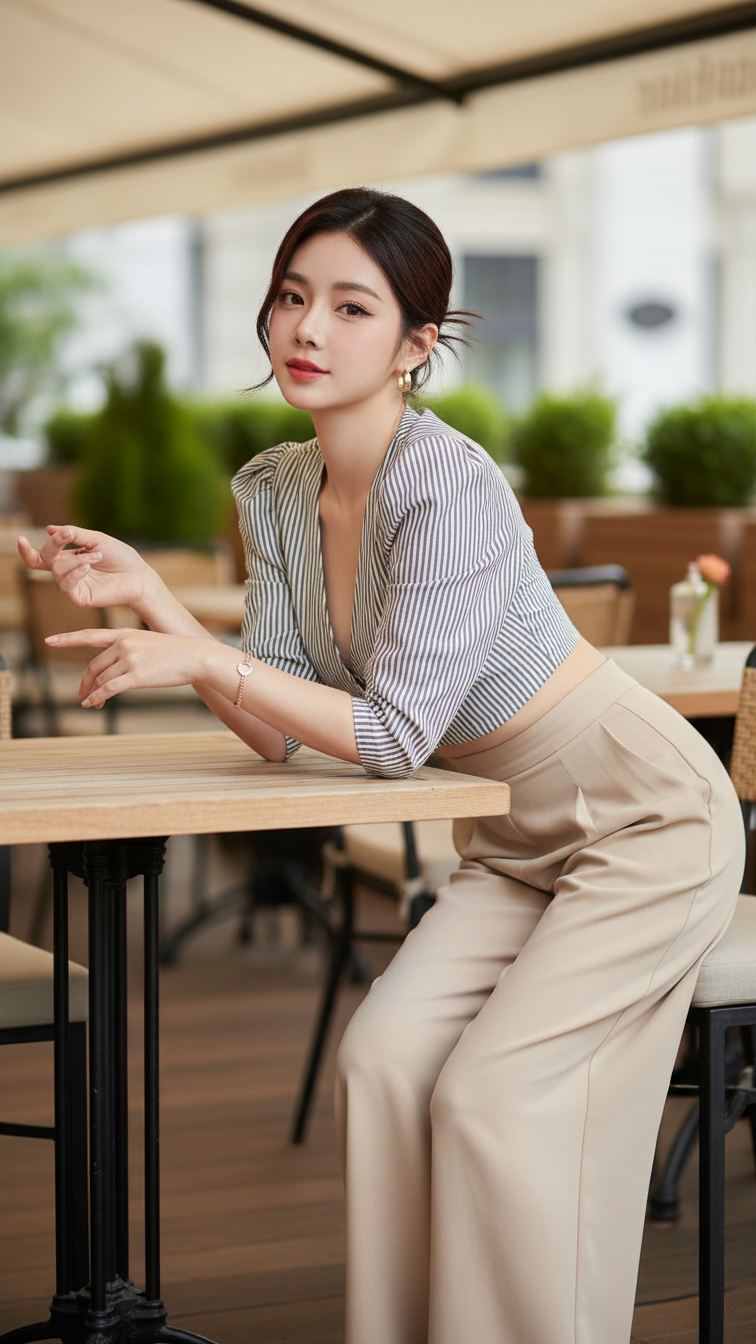
Prompt 1562: Create a realistic portrait of a young woman (face 100% identical to the original...
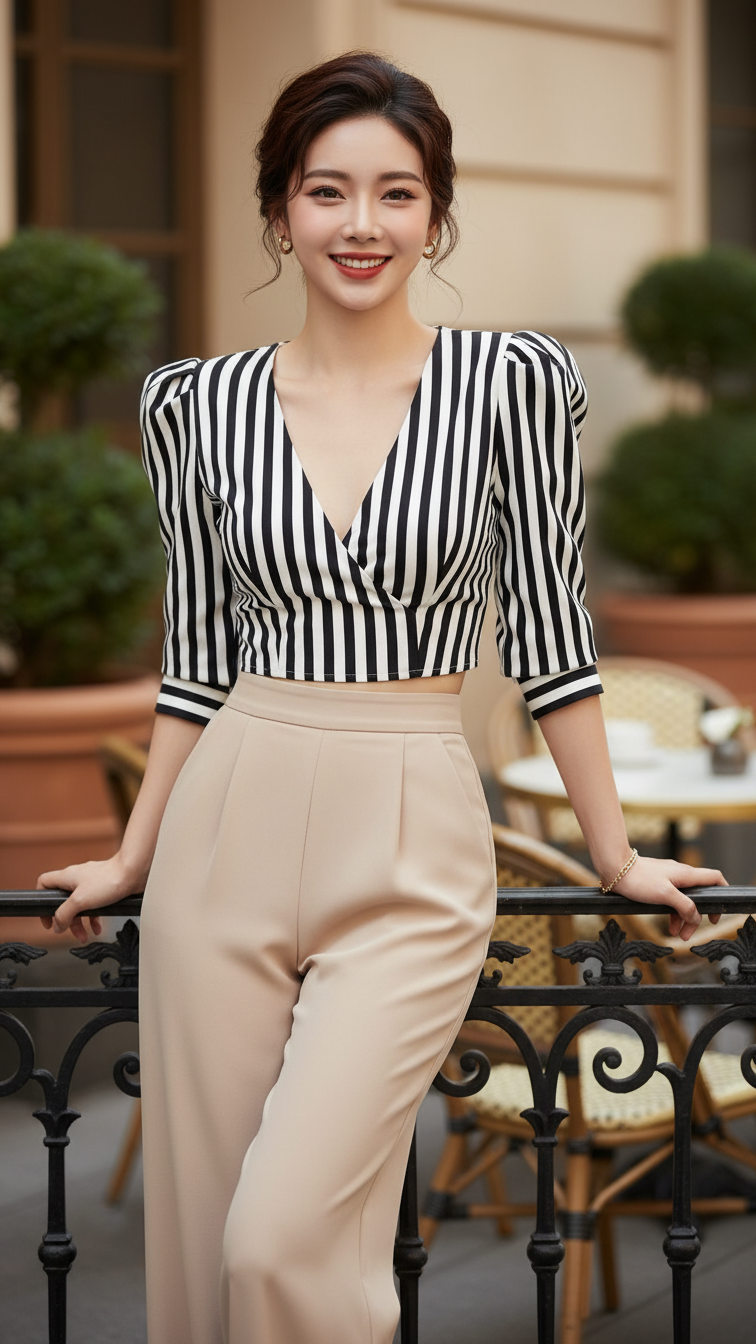
Prompt 1561: Create a realistic portrait of a young woman (face 100% identical to the original...
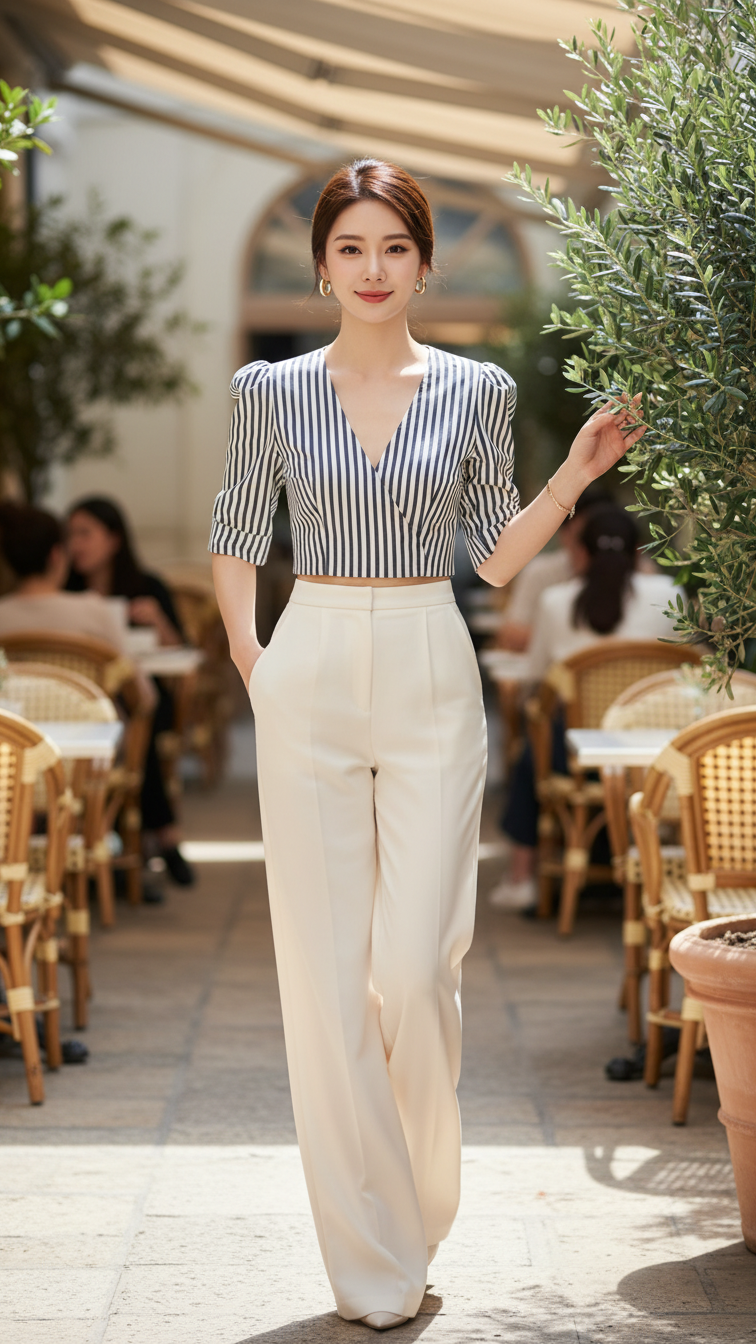
Prompt 1560: Create a realistic portrait of a young woman (face 100% identical to the original...
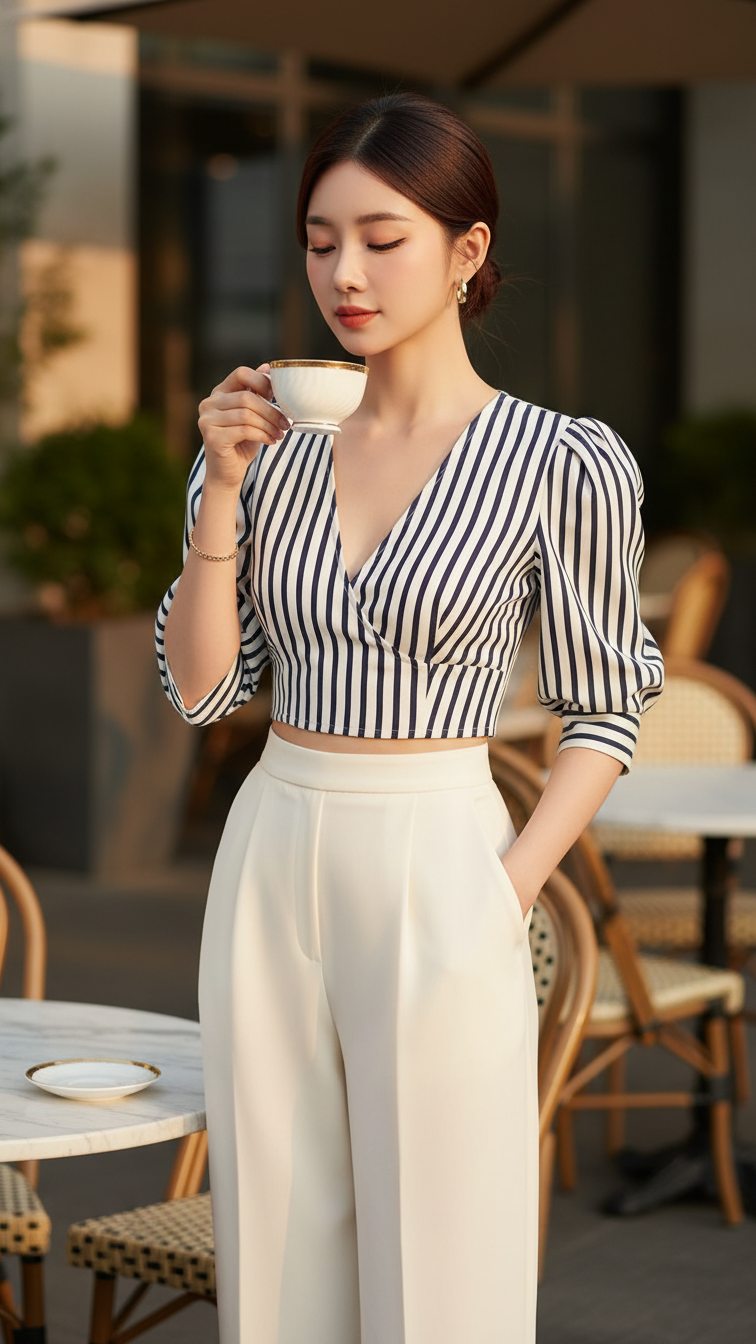
Prompt 1559: Create a realistic portrait of a young woman (face 100% identical to the original...
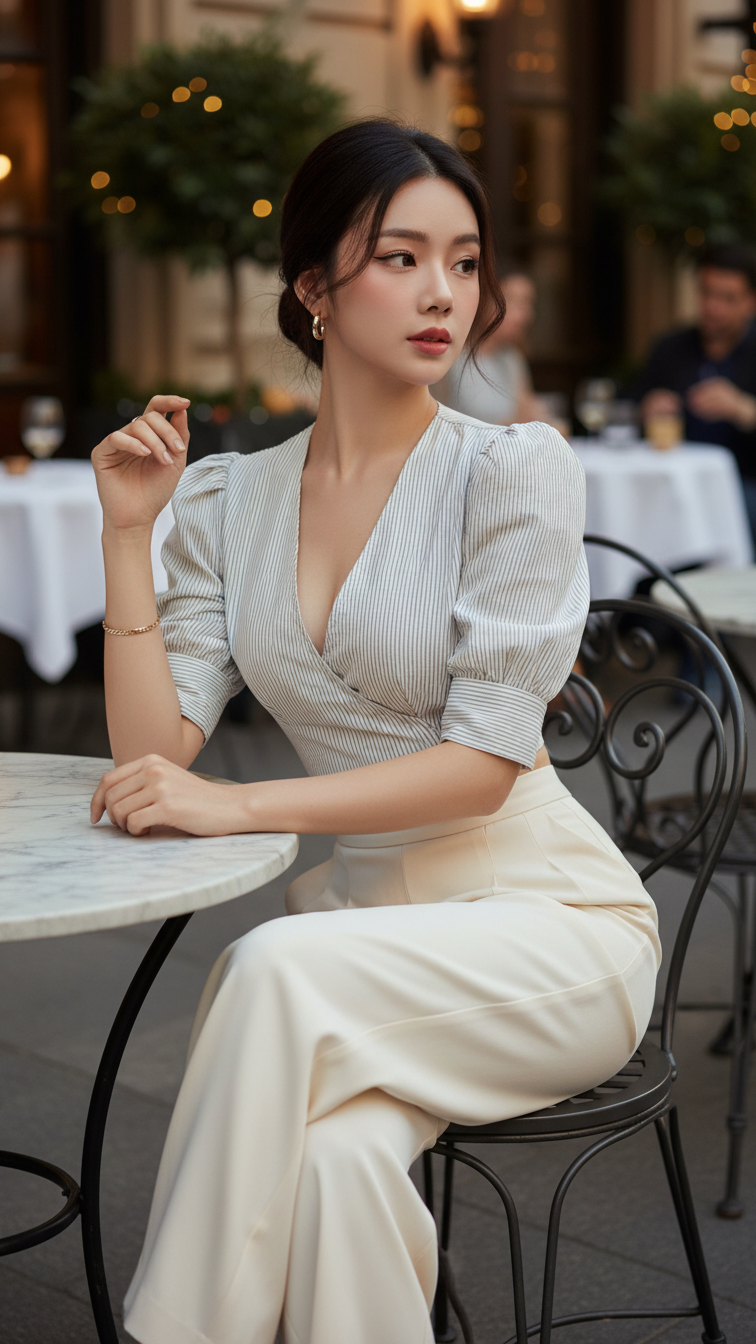
Prompt 1558: Create a realistic portrait of a young woman (face 100% identical to the original...
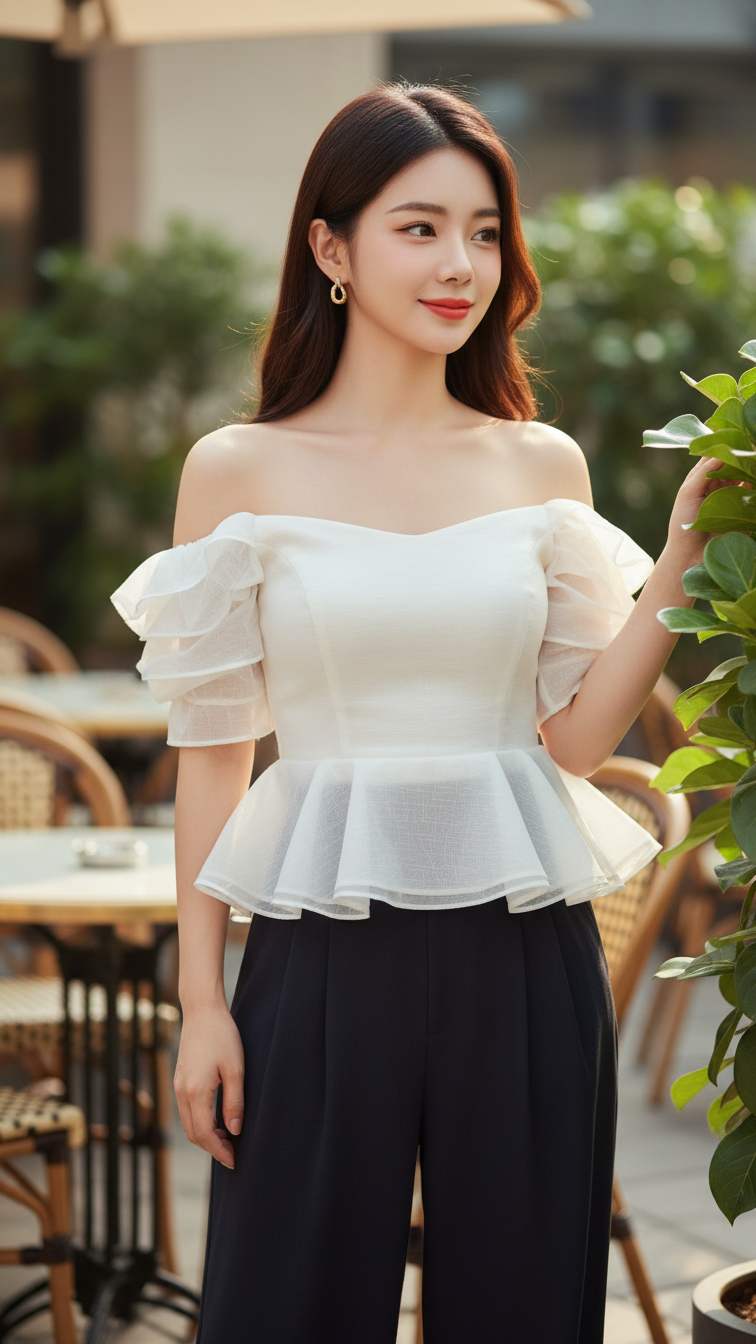
Prompt 1557: Create a realistic portrait of a young woman (face 100% identical to the original...
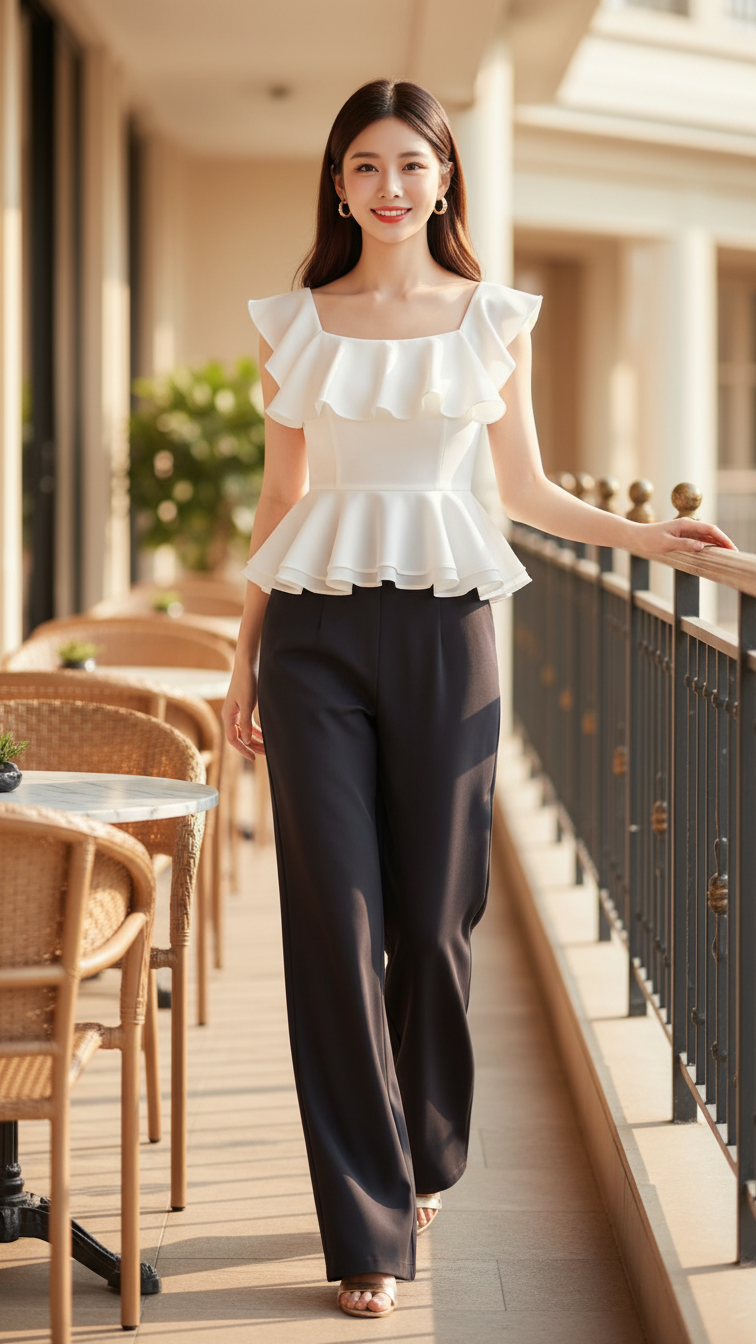
Prompt 1556: Create a realistic portrait of a young woman (face 100% identical to the original...
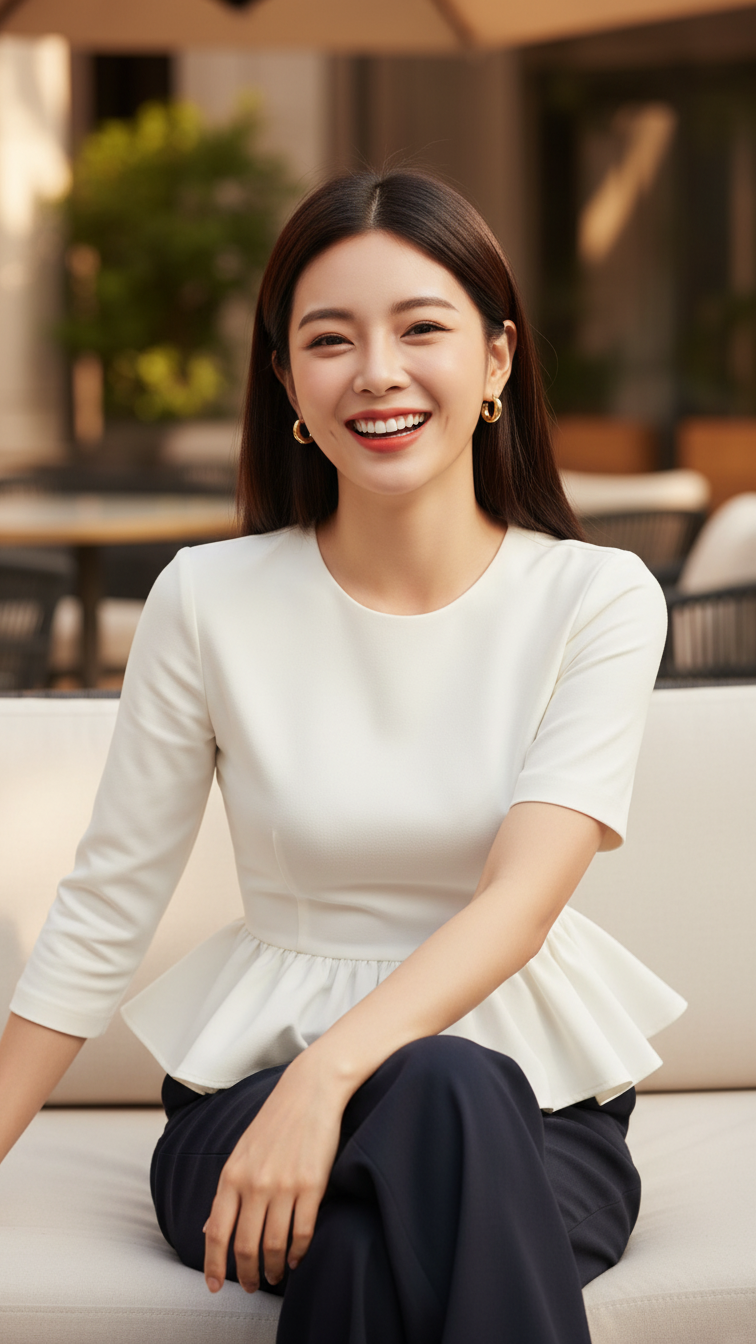
Prompt 1555: Create a realistic portrait of a young woman (face 100% identical to the original...
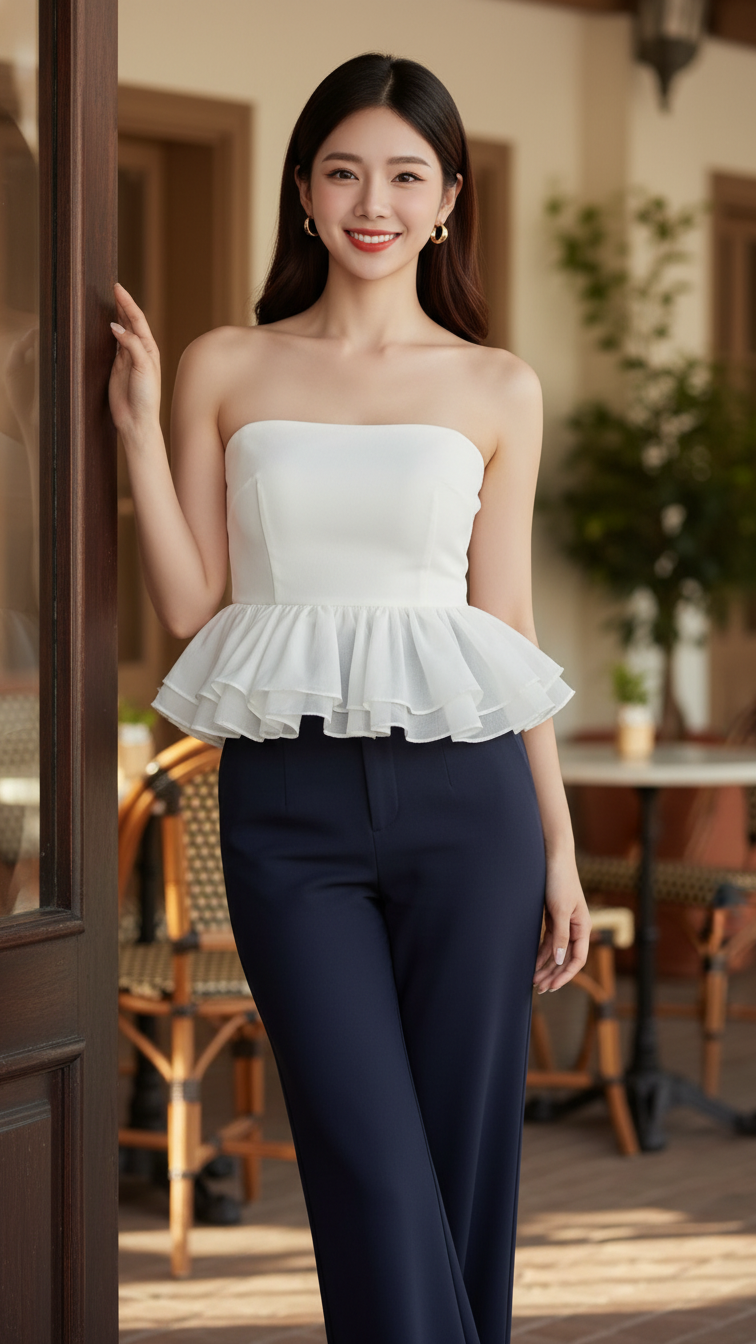
Prompt 1554: Create a realistic portrait of a young woman (face 100% identical to the original...
