
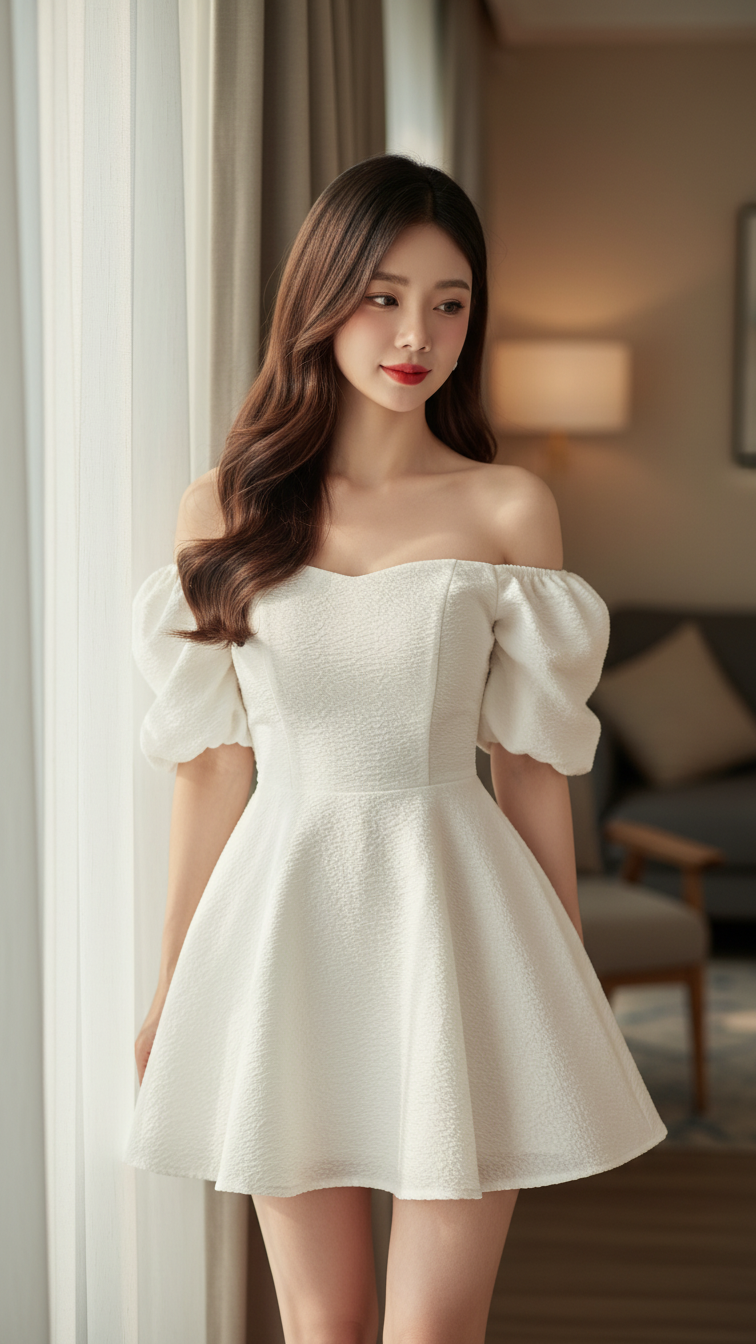
Prompt 1589: Create a realistic portrait of a young woman (face 100% identical to the original...
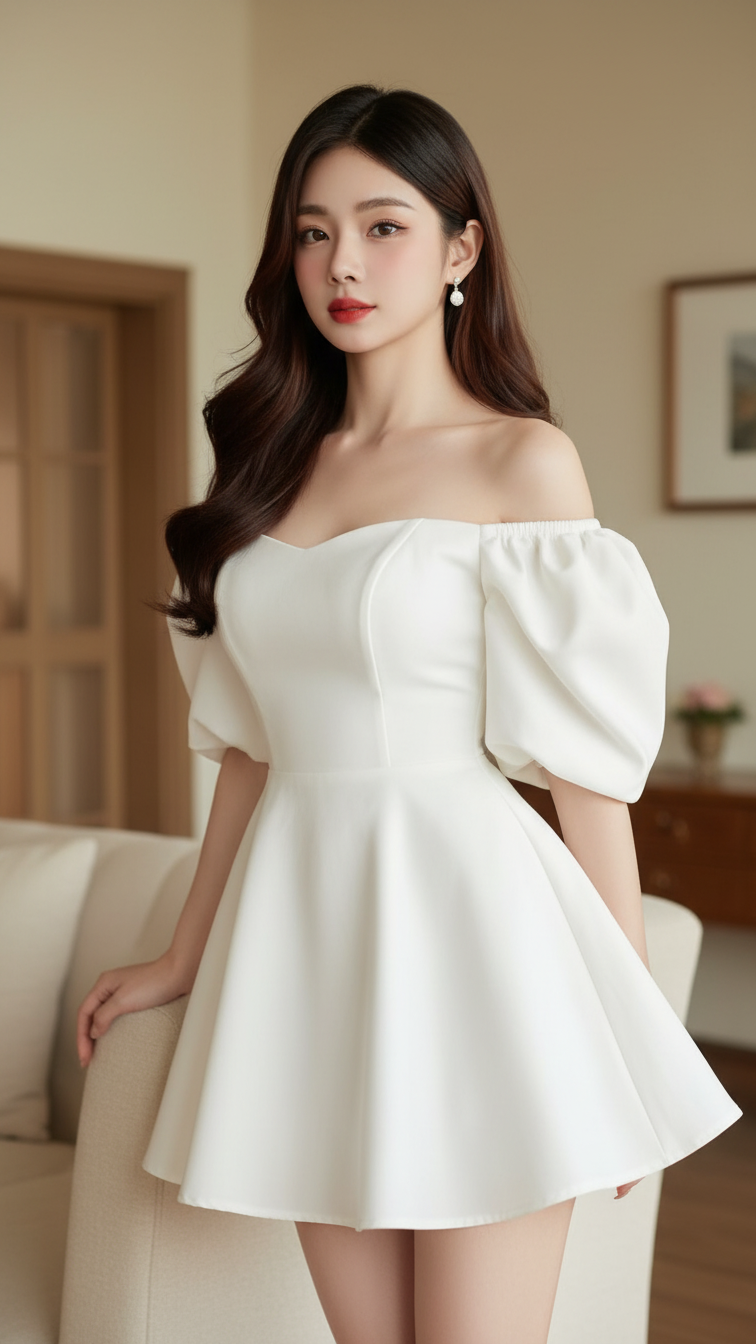
Prompt 1588: Create a realistic portrait of a young woman (face 100% identical to the original...
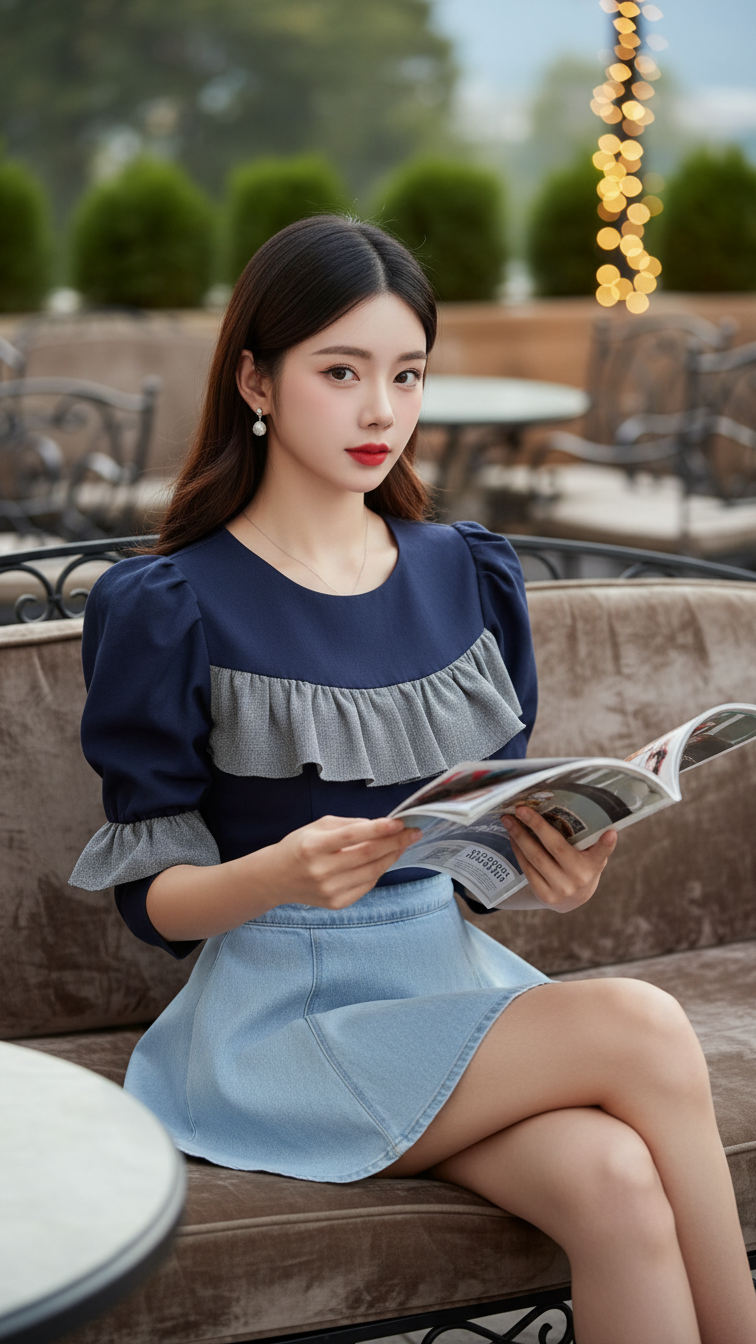
Prompt 1587: Create a realistic portrait of a young woman (face 100% identical to the original...
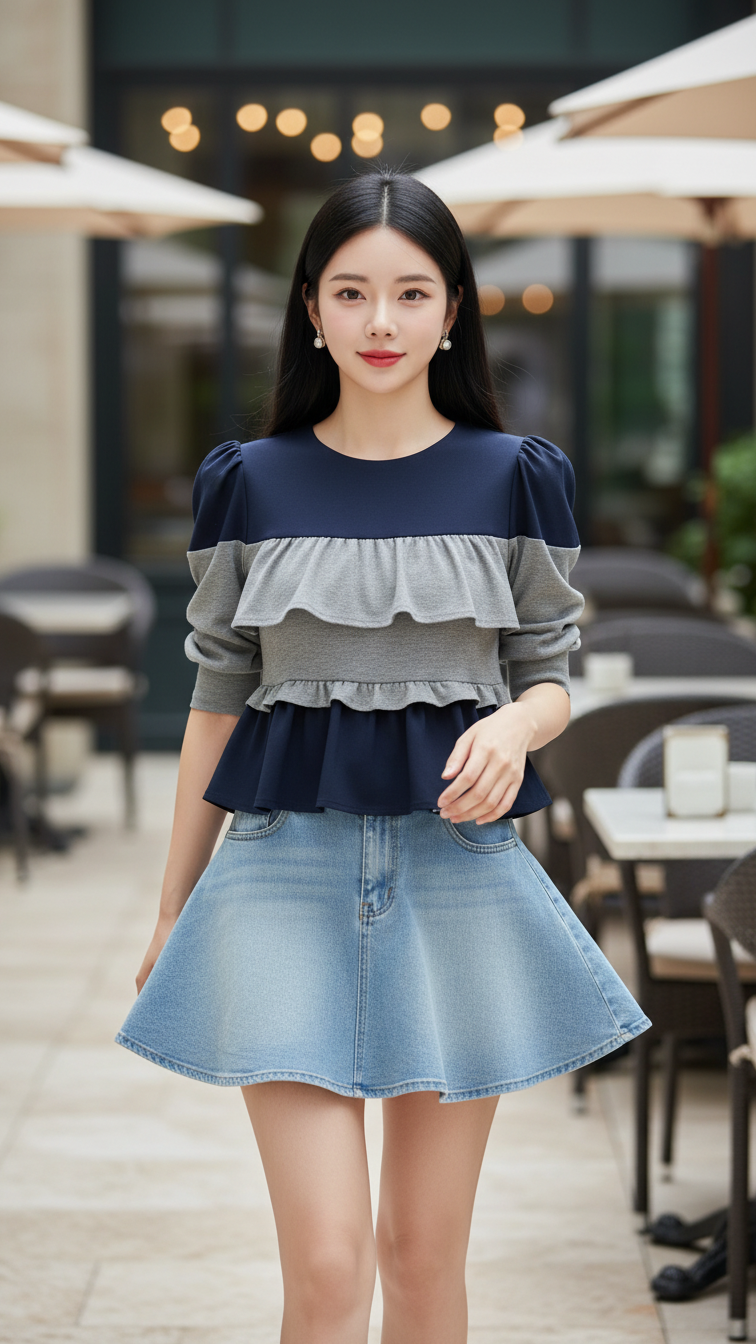
Prompt 1586: Create a realistic portrait of a young woman (face 100% identical to the original...
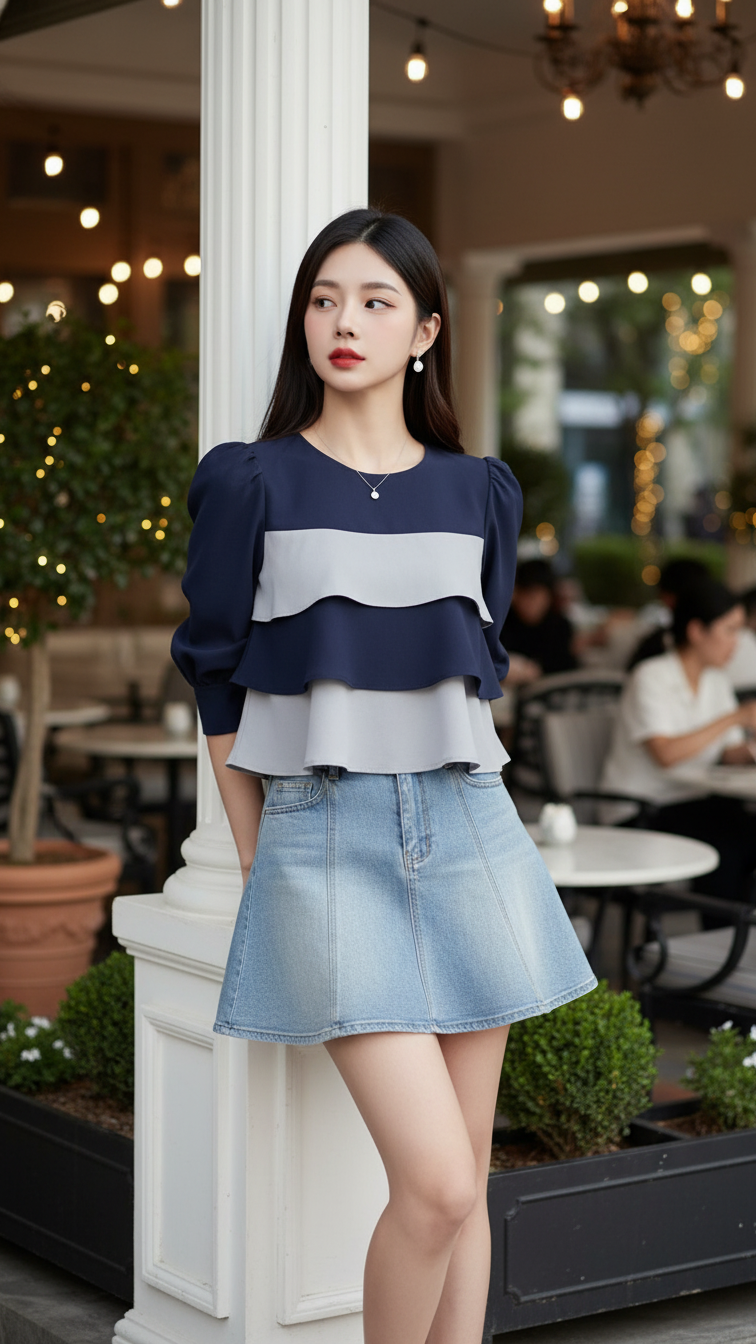
Prompt 1585: Create a realistic portrait of a young woman (face 100% identical to the original...
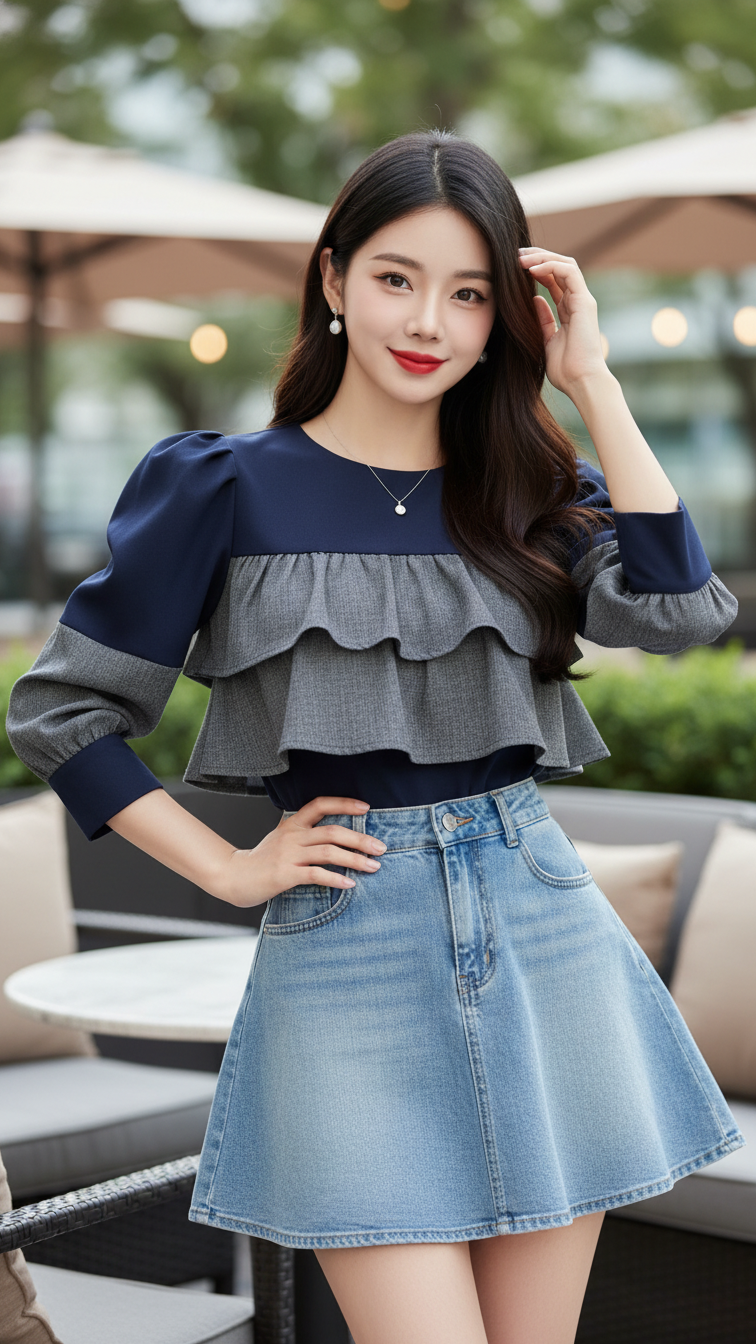
Prompt 1584: Create a realistic portrait of a young woman (face 100% identical to the original...
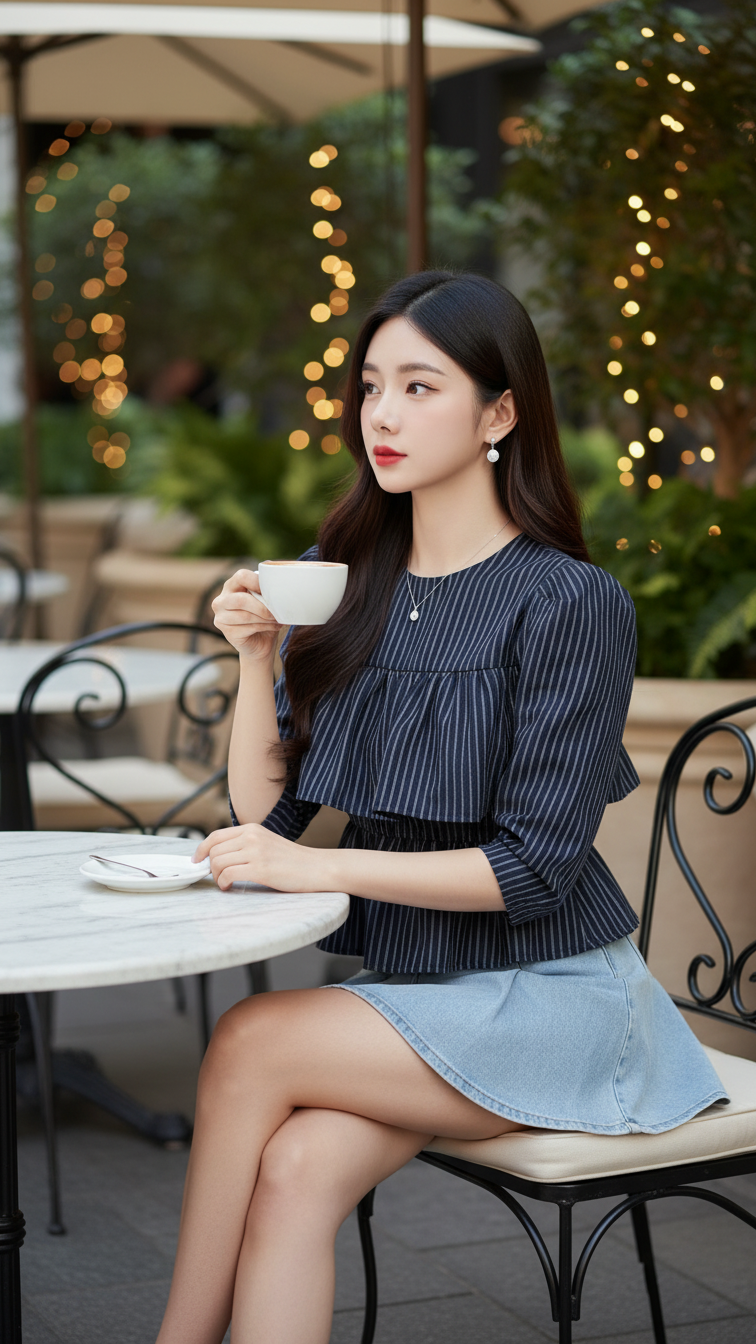
Prompt 1583: Create a realistic portrait of a young woman (face 100% identical to the original...
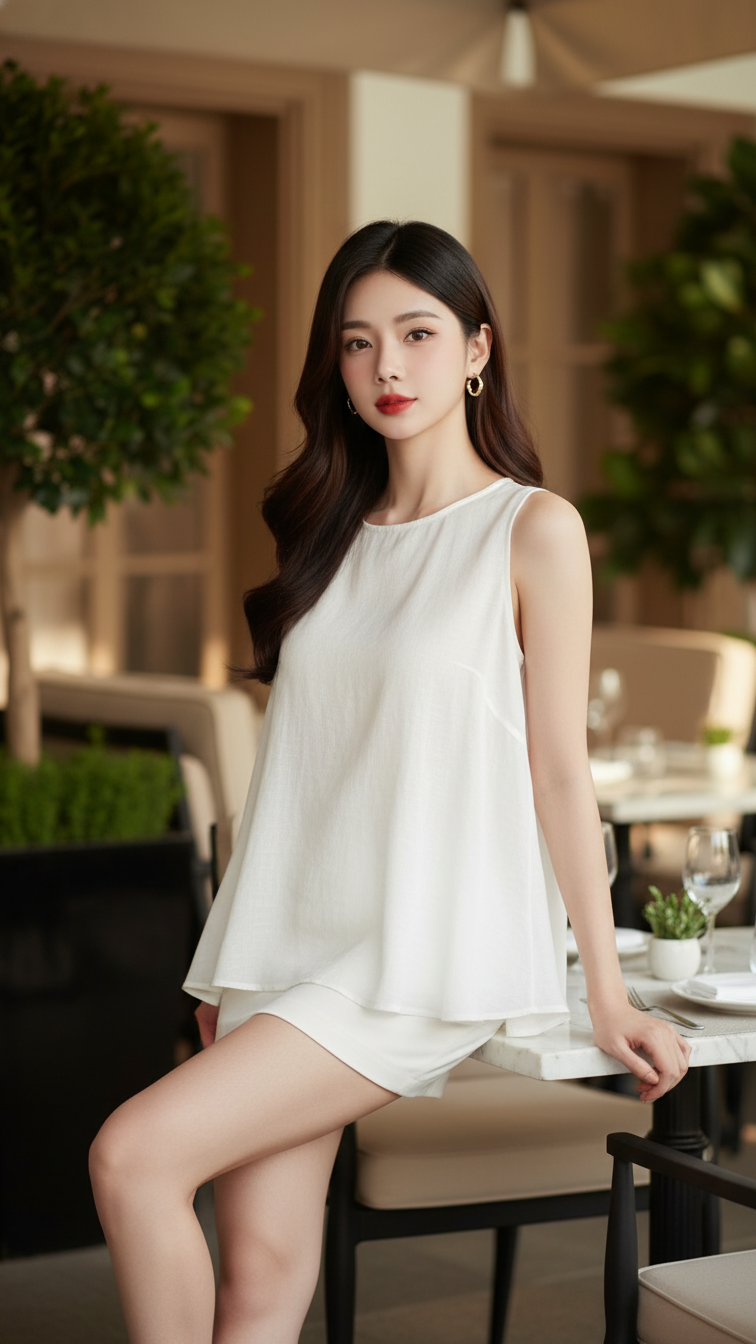
Prompt 1582: Create a realistic portrait of a young woman (face 100% identical to the original...
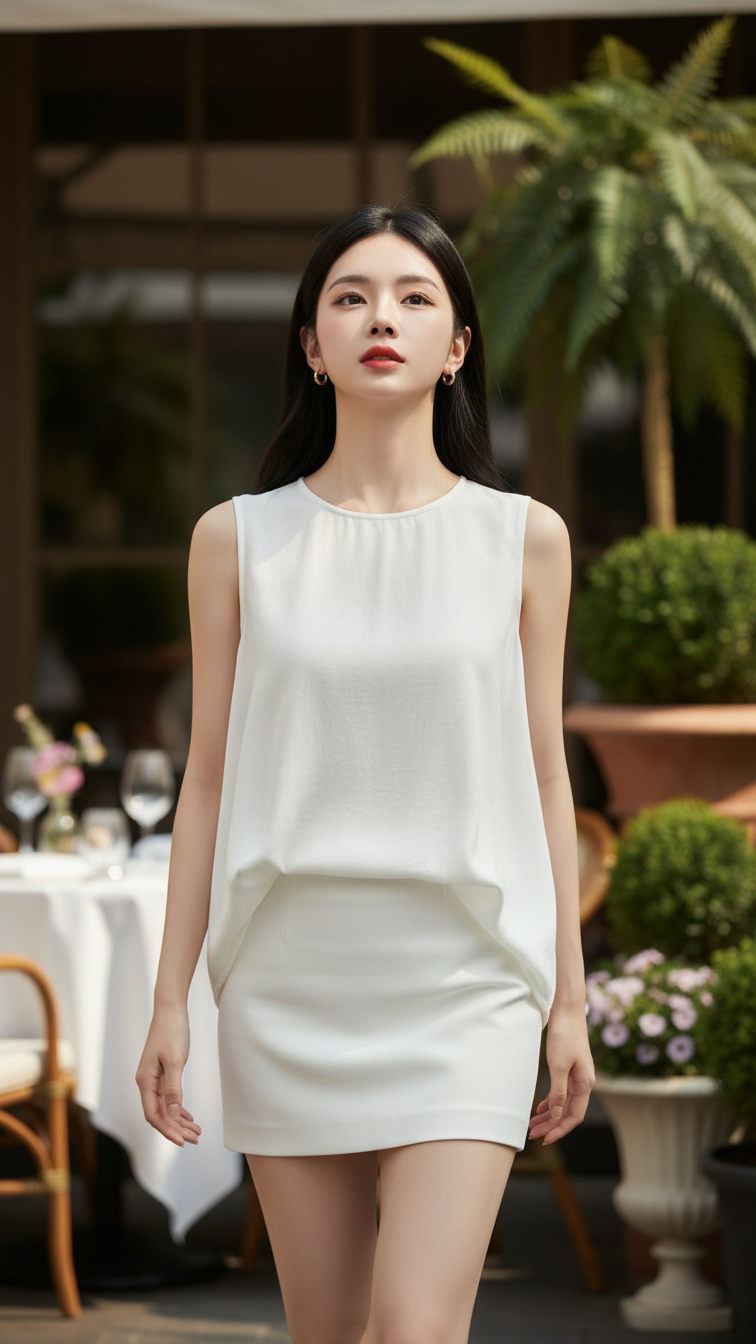
Prompt 1581: Create a realistic portrait of a young woman (face 100% identical to the original...
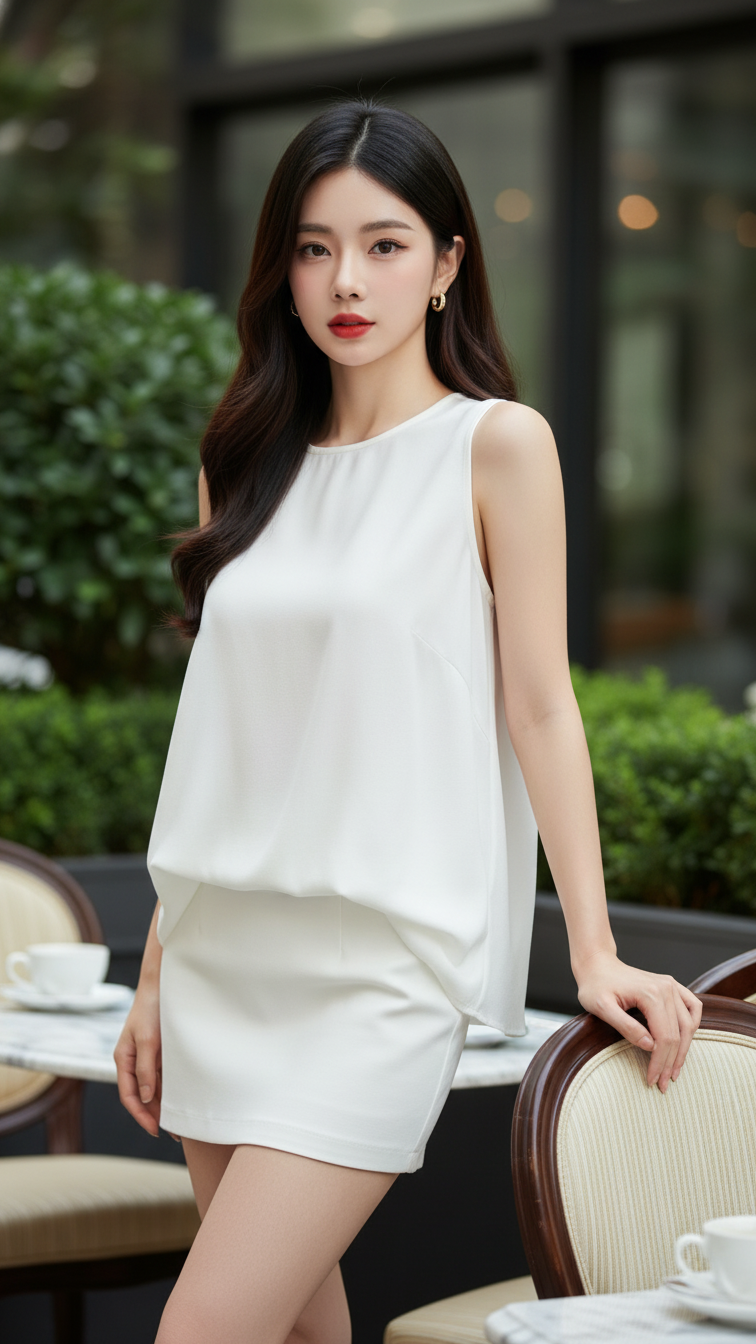
Prompt 1580: Create a realistic portrait of a young woman (face 100% identical to the original...
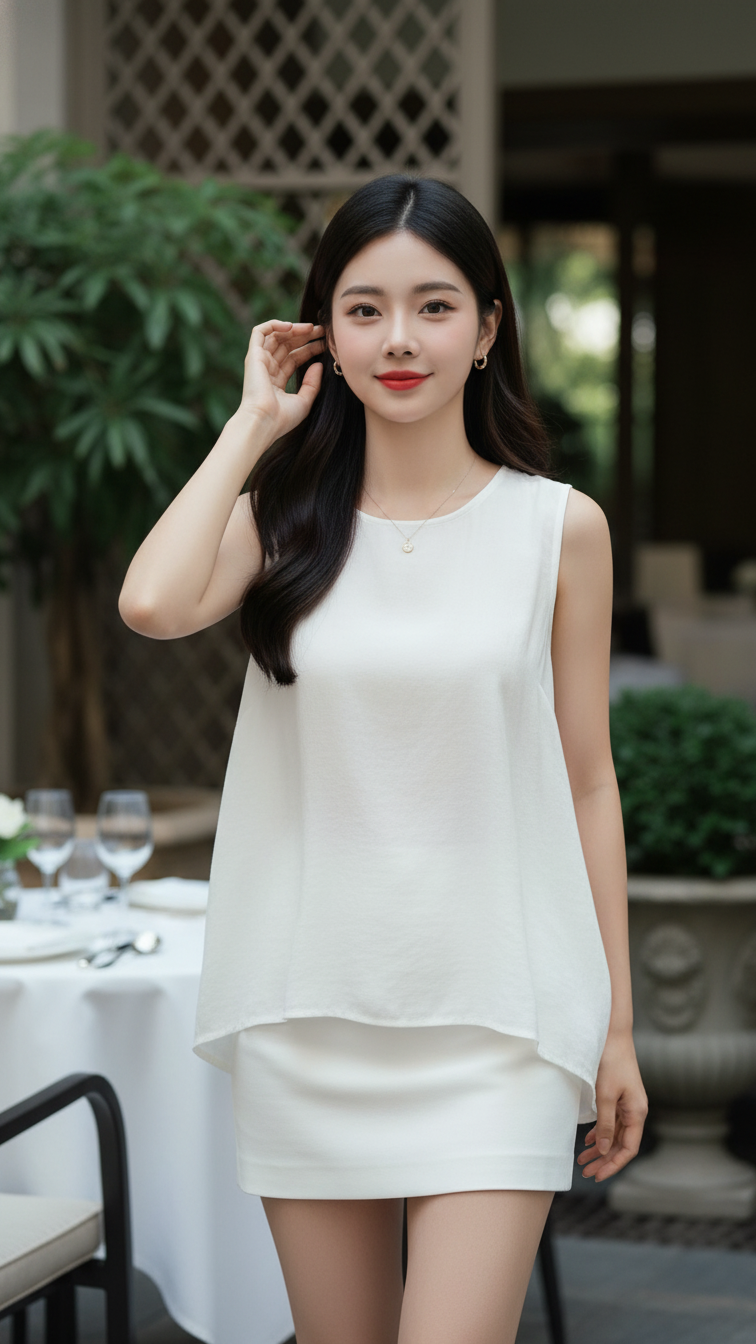
Prompt 1579: Create a realistic portrait of a young woman (face 100% identical to the original...
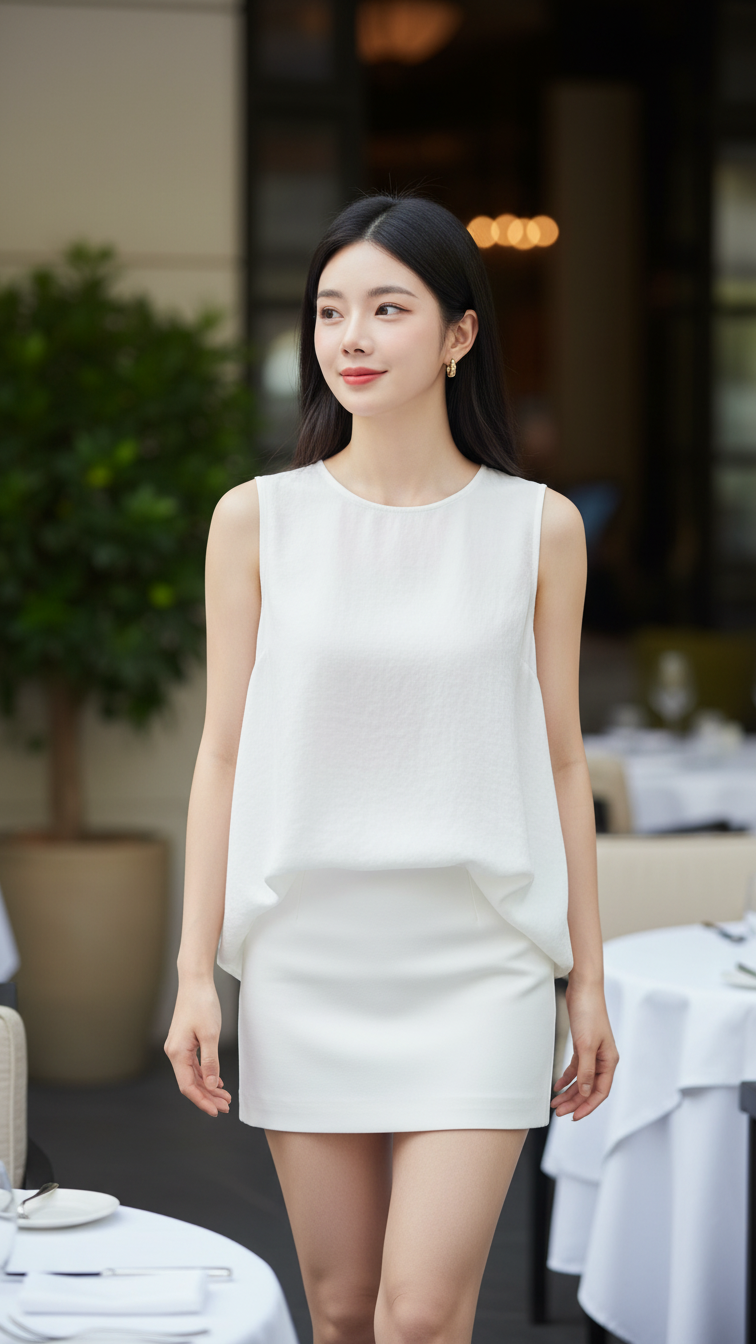
Prompt 1578: Create a realistic portrait of a young woman (face 100% identical to the original...
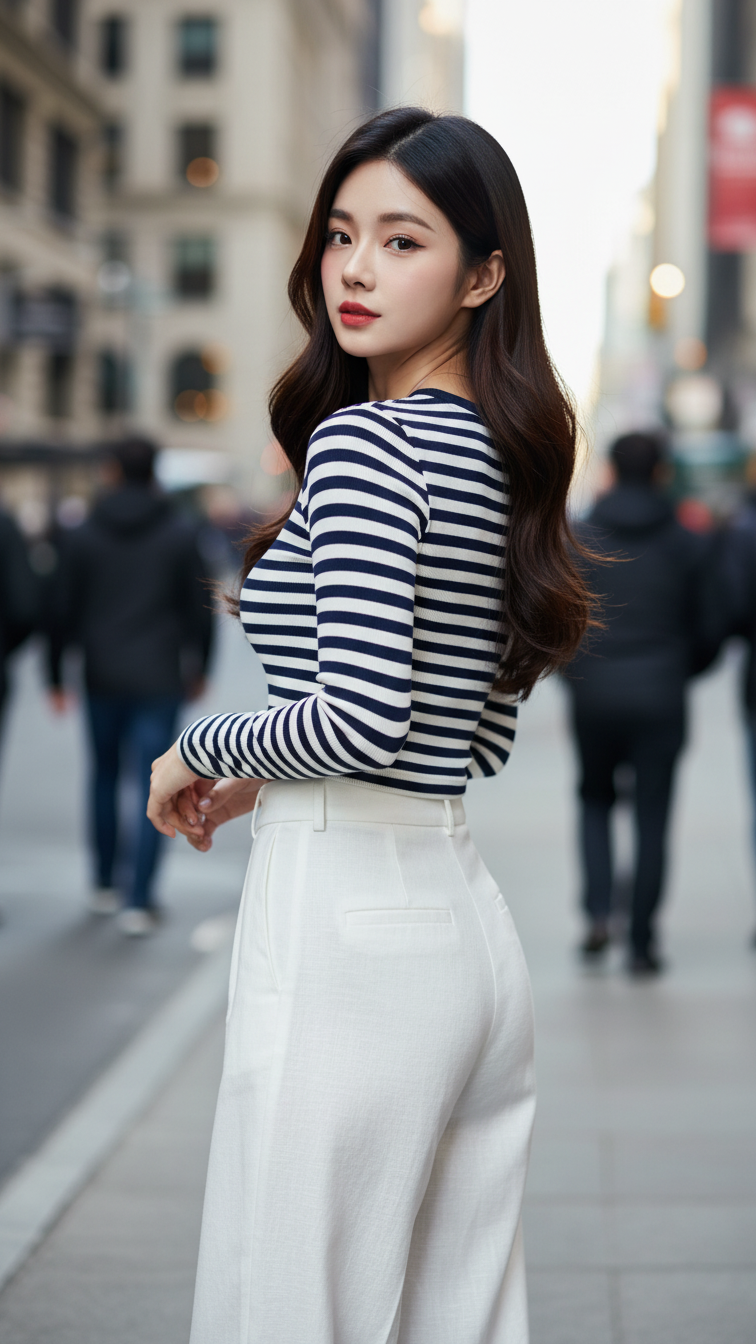
Prompt 1577: Create a realistic portrait of a young woman (face 100% identical to the original...
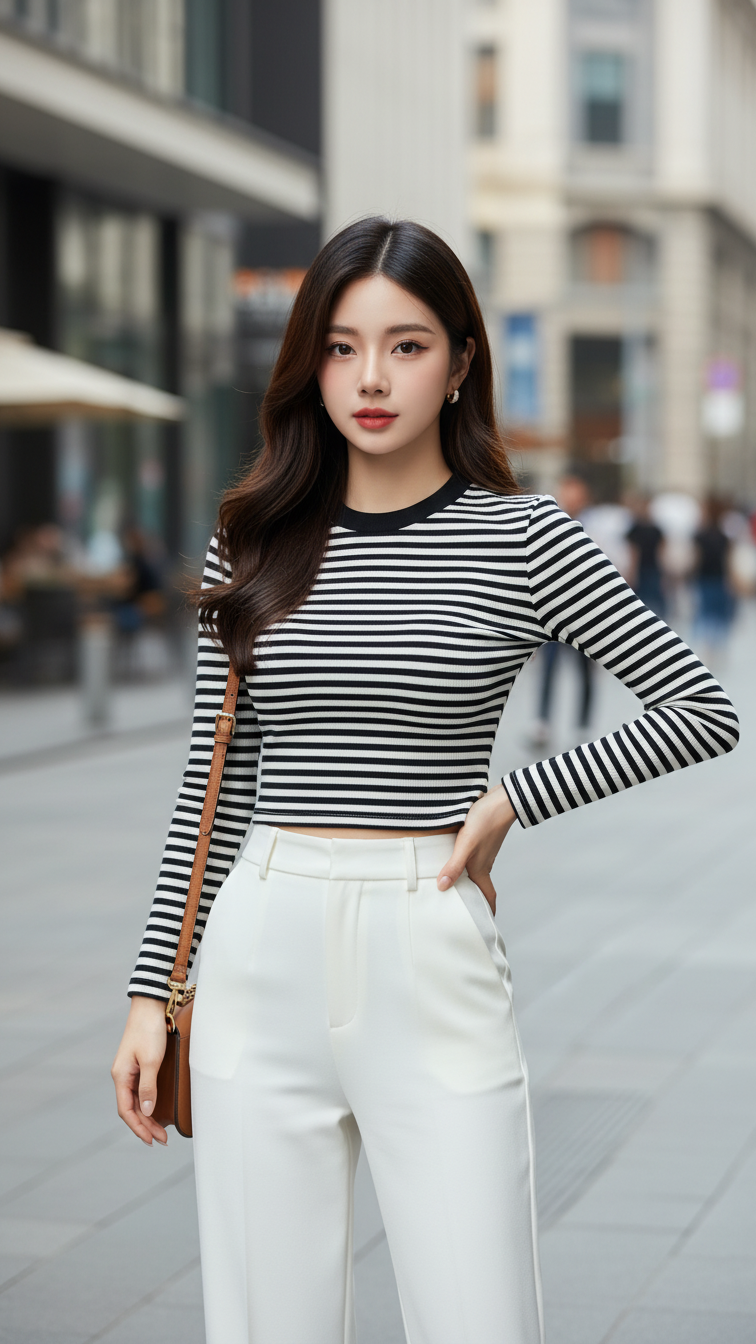
Prompt 1576: Create a realistic portrait of a young woman (face 100% identical to the original...
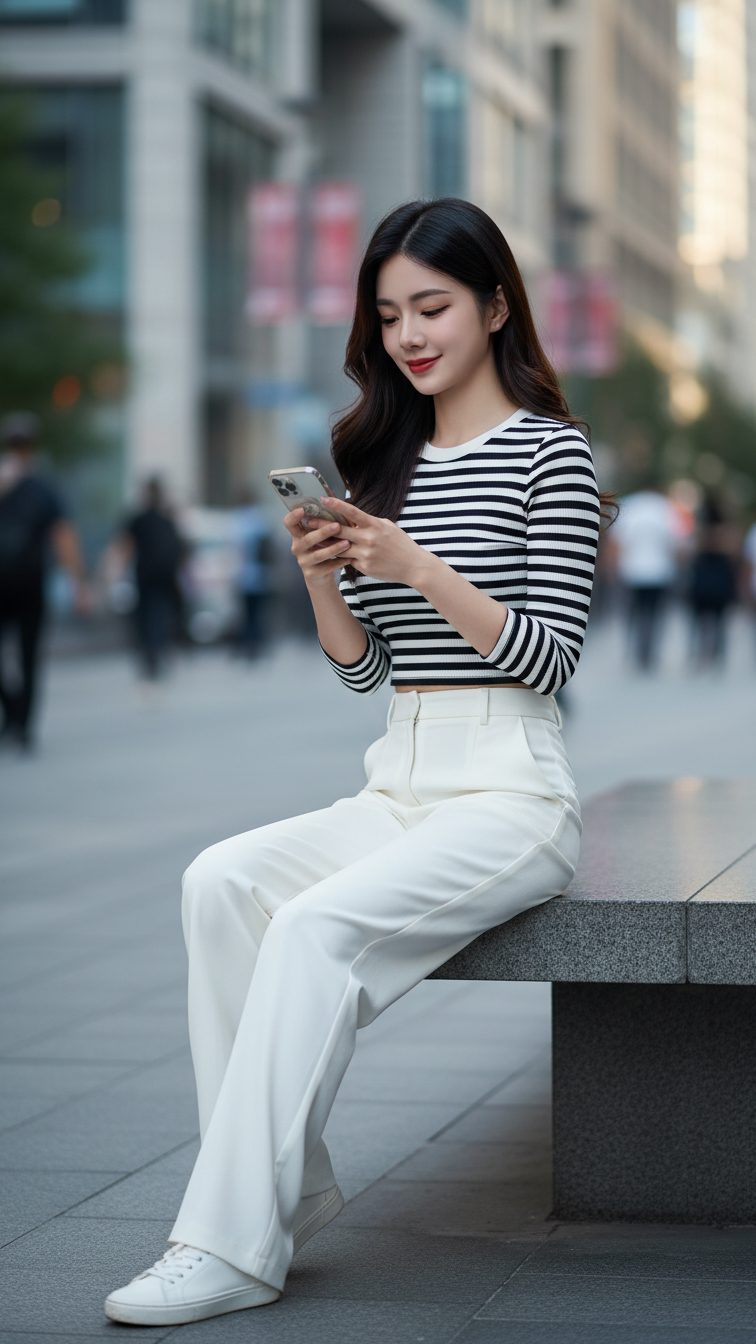
Prompt 1575: Create a realistic portrait of a young woman (face 100% identical to the original...
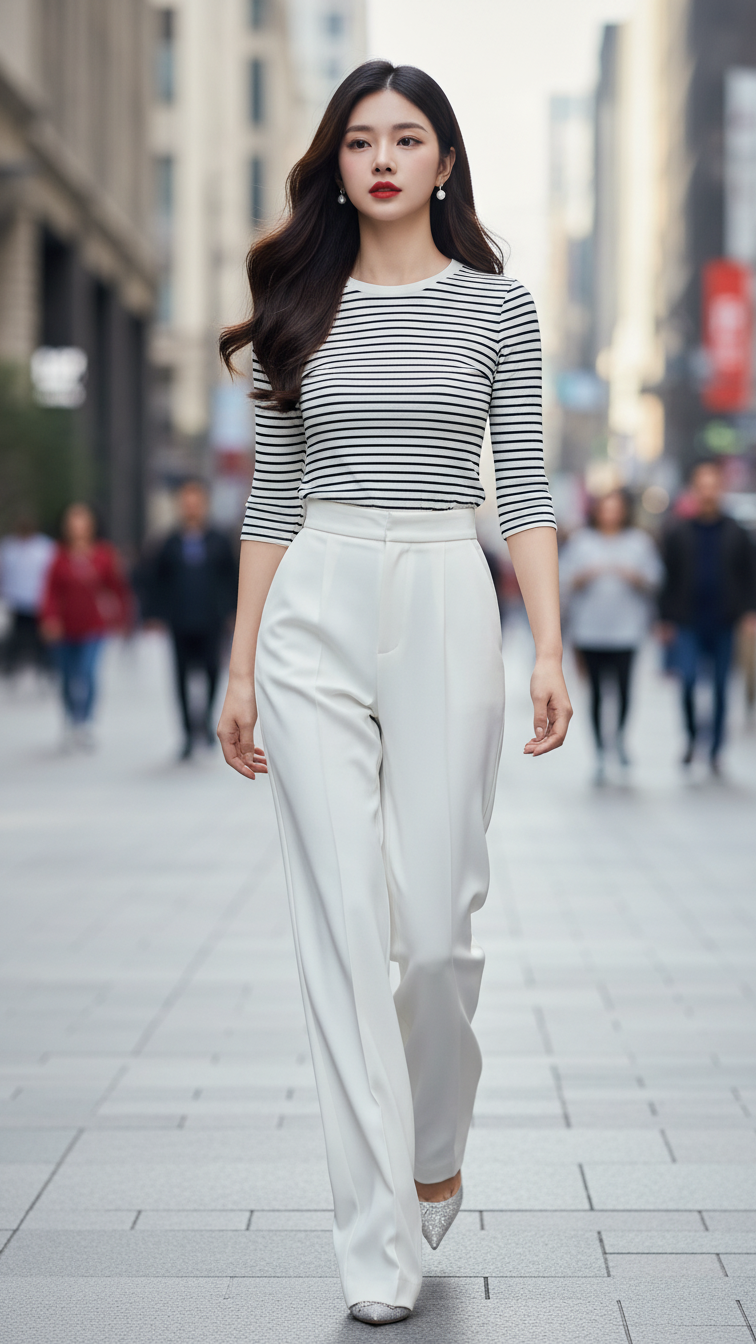
Prompt 1574: Create a realistic portrait of a young woman (face 100% identical to the original...
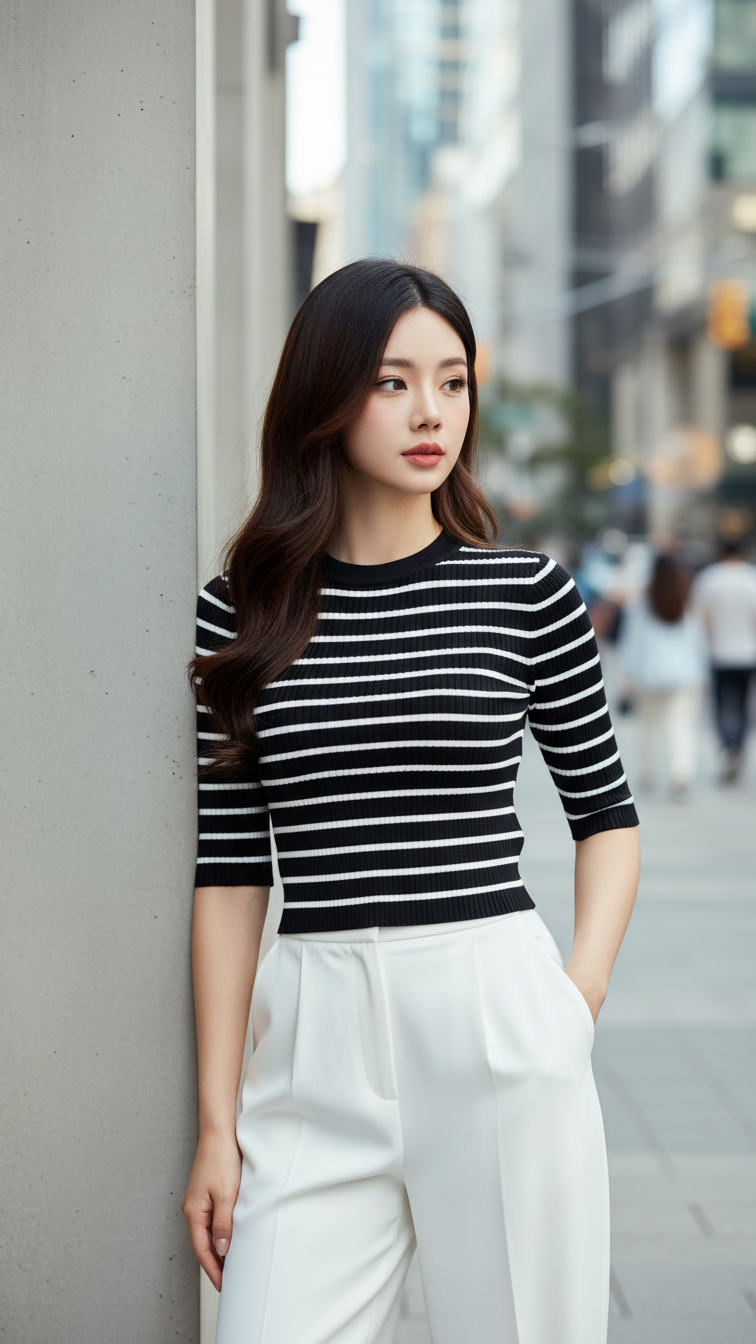
Prompt 1573: Create a realistic portrait of a young woman (face 100% identical to the original...
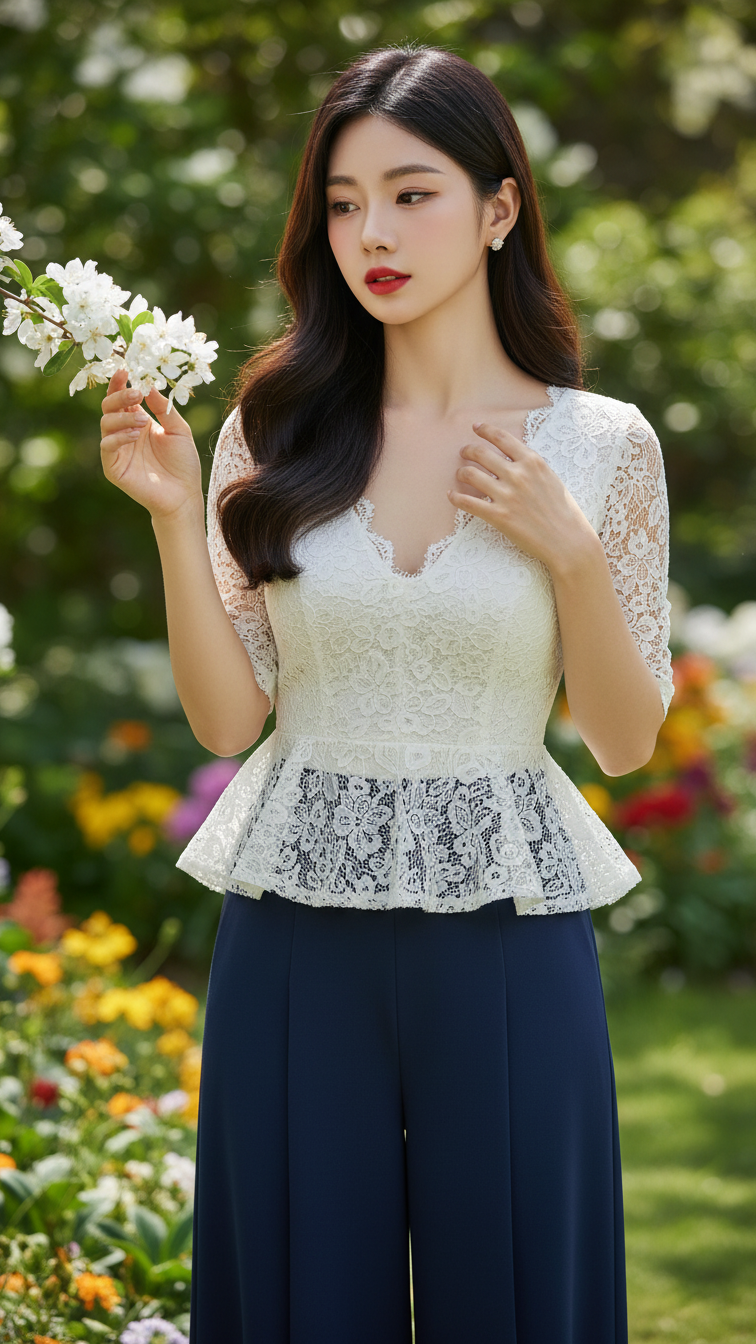
Prompt 1572: Create a realistic portrait of a young woman (face 100% identical to the original...
