
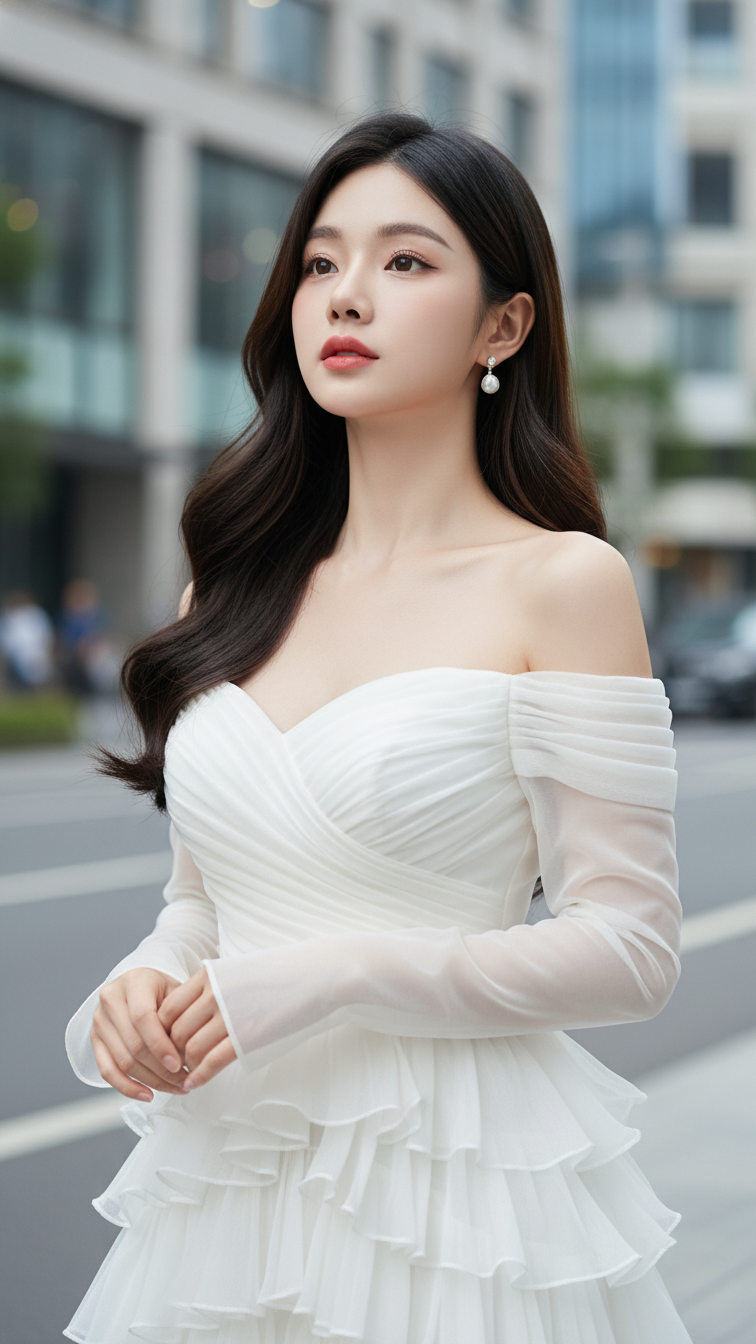
Prompt 1607: Create a realistic portrait of a young woman (face 100% identical to the original...
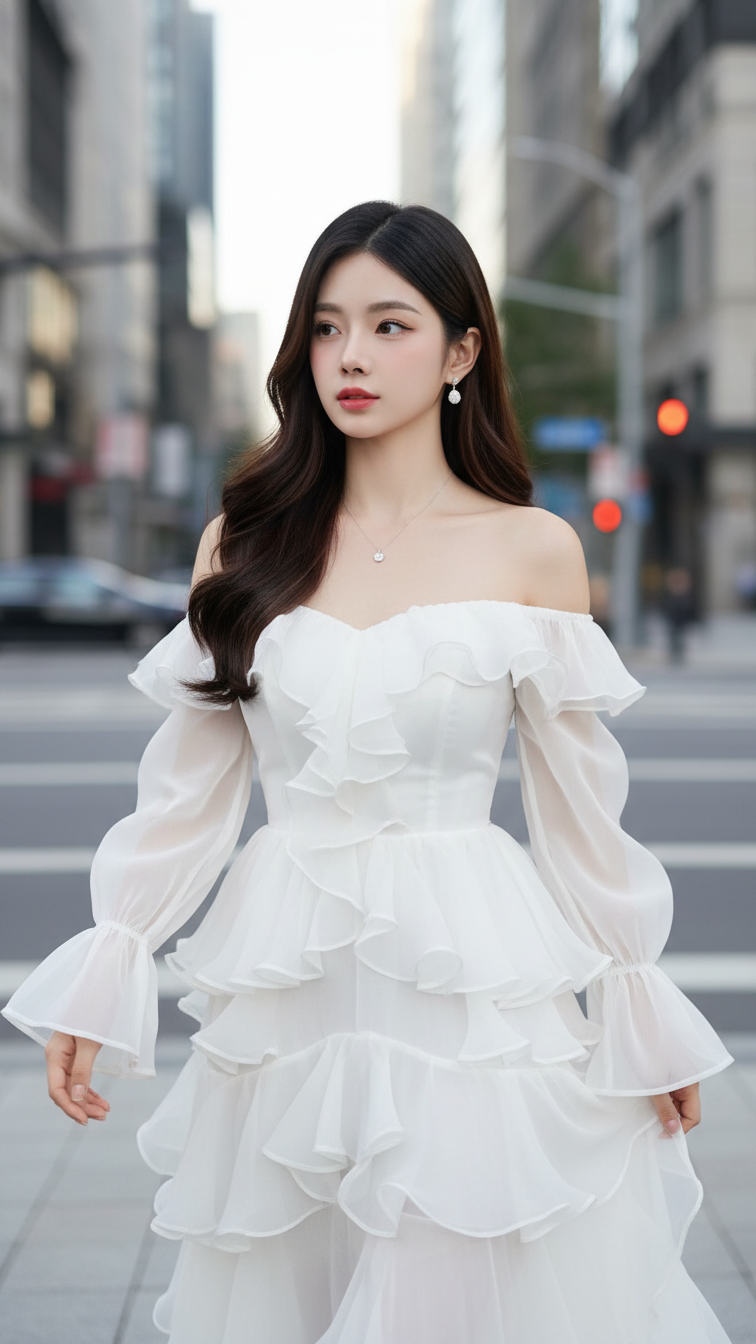
Prompt 1606: Create a realistic portrait of a young woman (face 100% identical to the original...
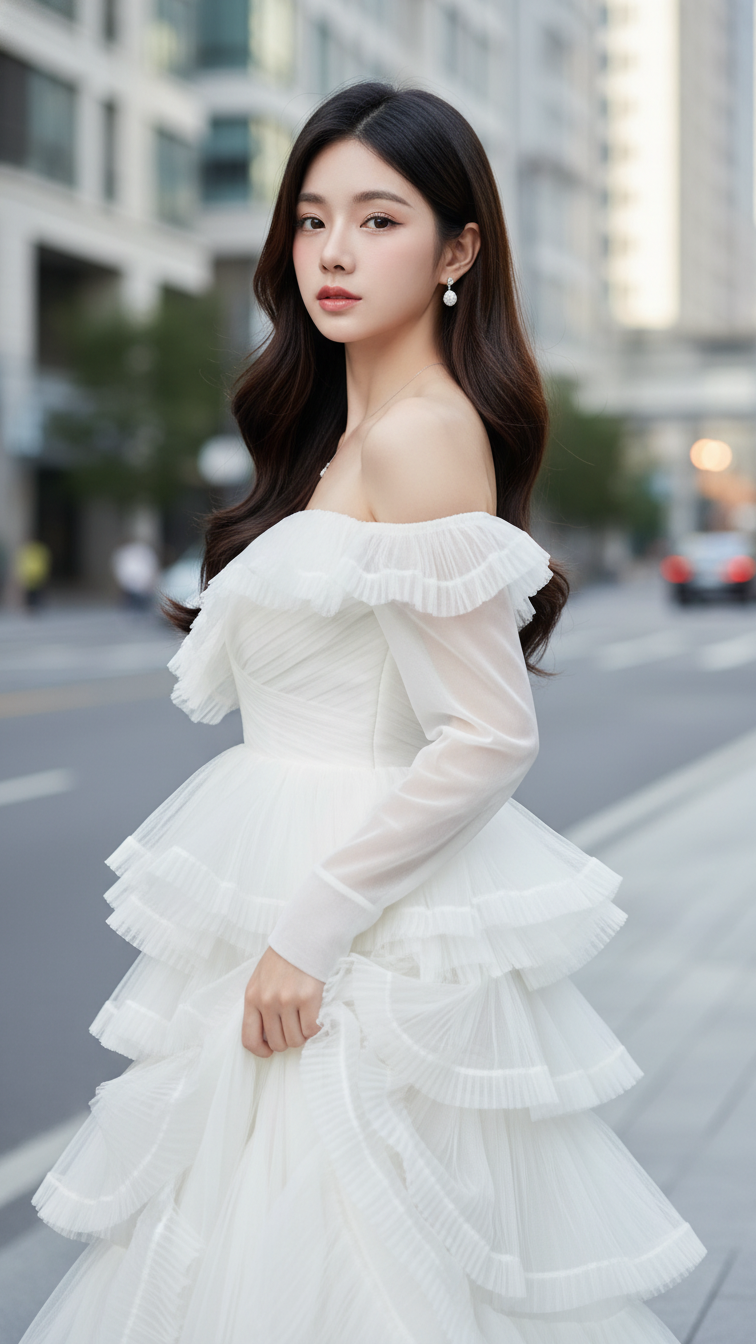
Prompt 1605: Create a realistic portrait of a young woman (face 100% identical to the original...
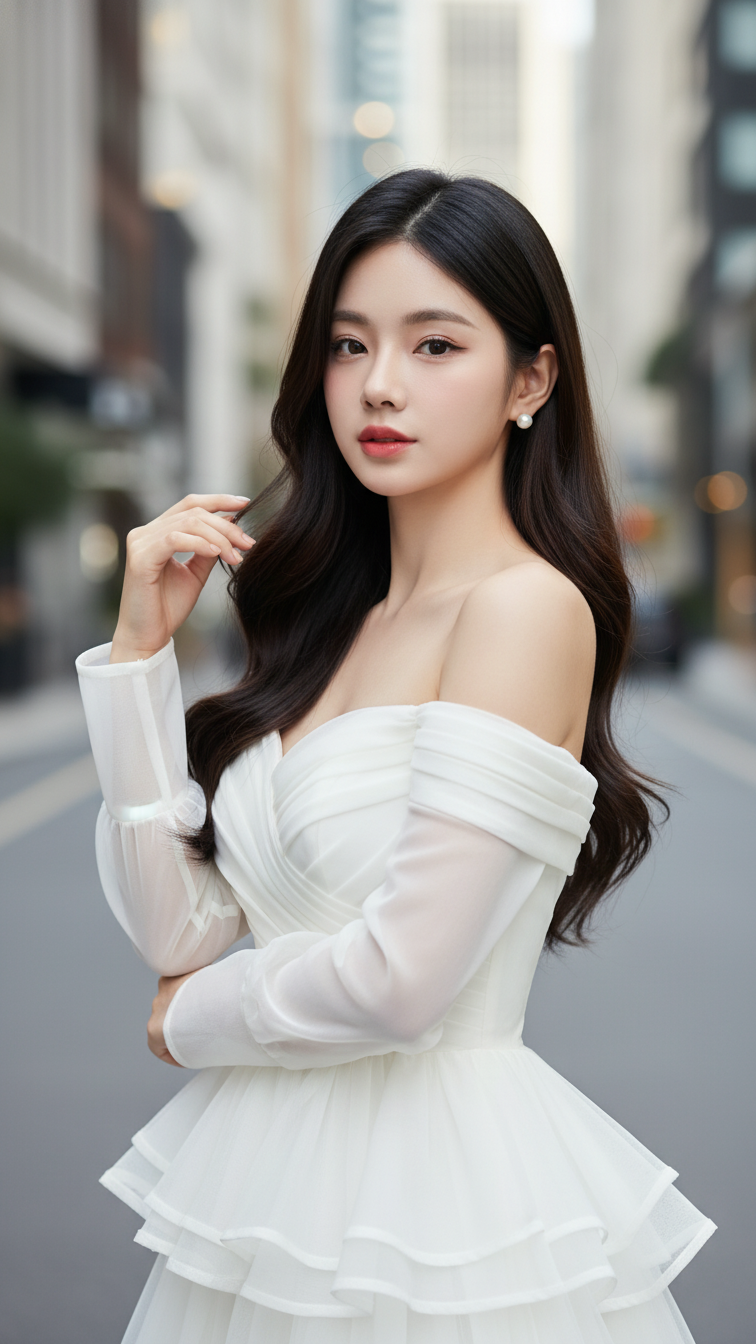
Prompt 1604: Create a realistic portrait of a young woman (face 100% identical to the original...
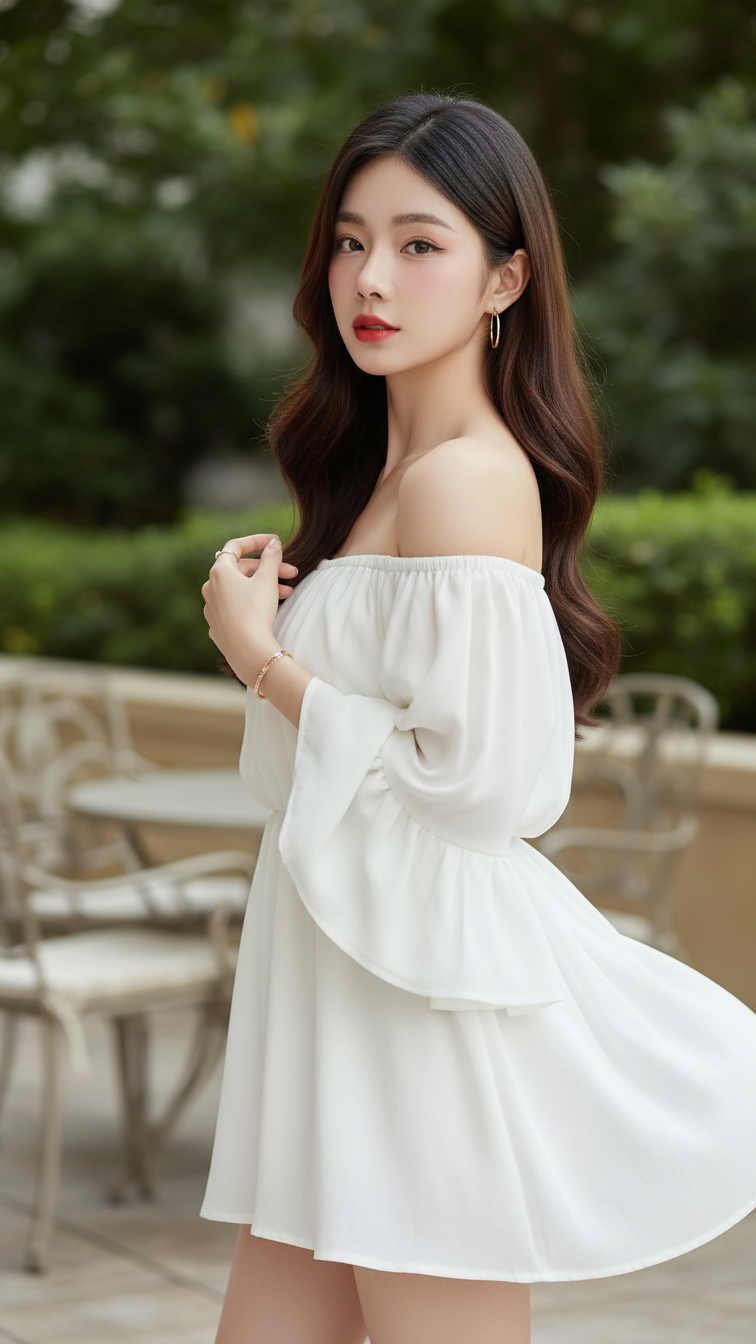
Prompt 1603: Create a realistic portrait of a young woman (face 100% identical to the original...
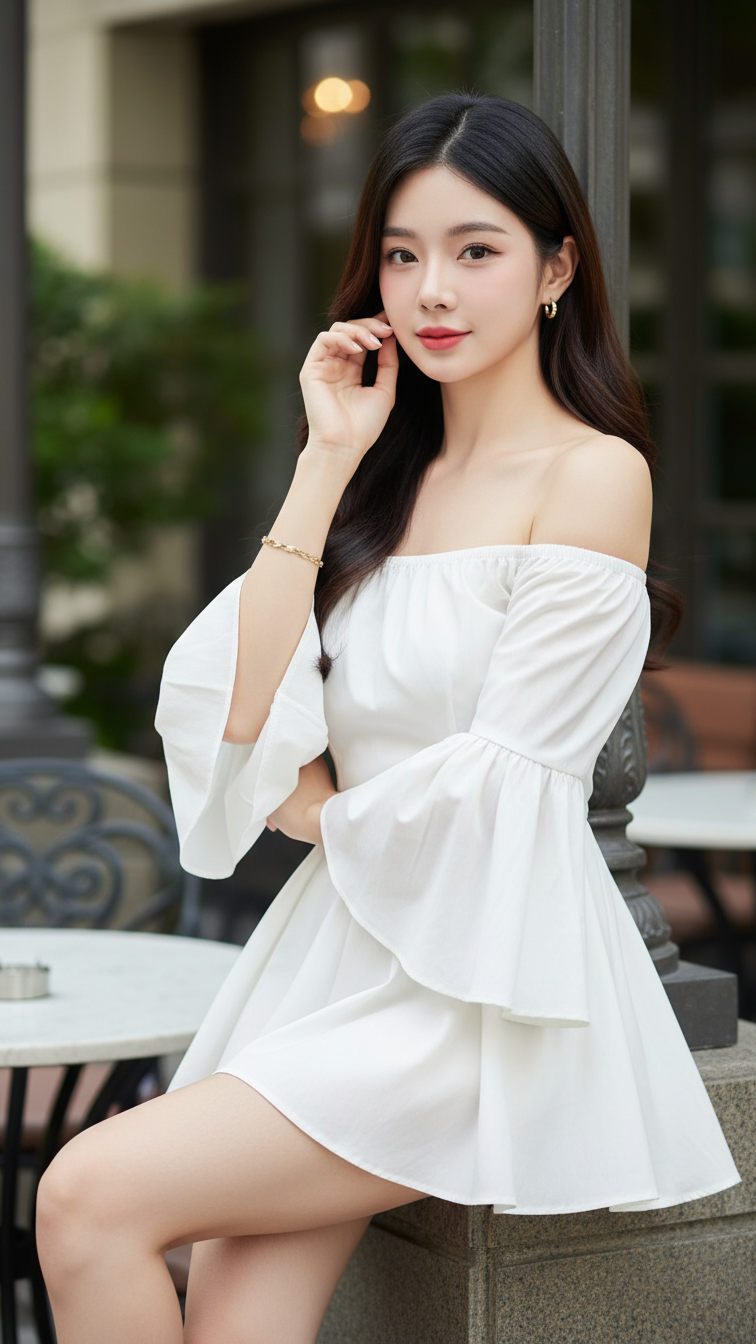
Prompt 1602: Create a realistic portrait of a young woman (face 100% identical to the original...
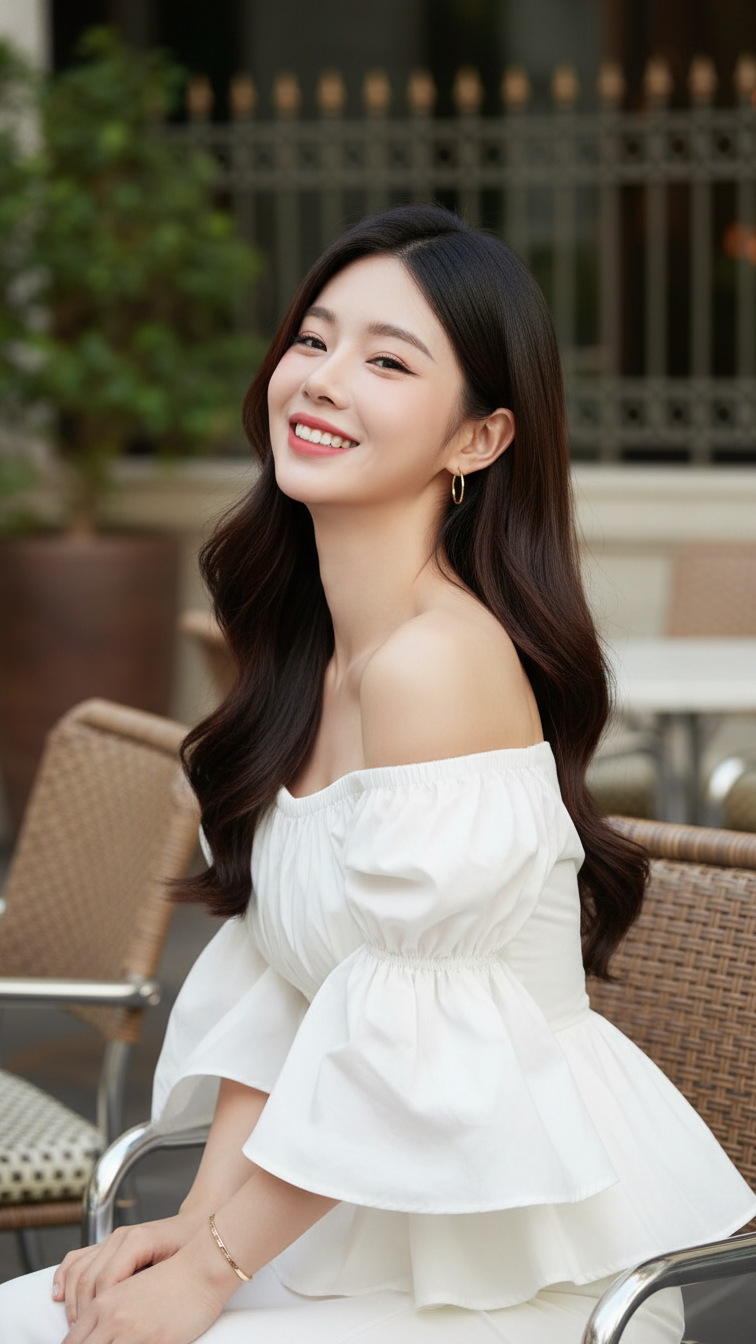
Prompt 1601: Create a realistic portrait of a young woman (face 100% identical to the original...
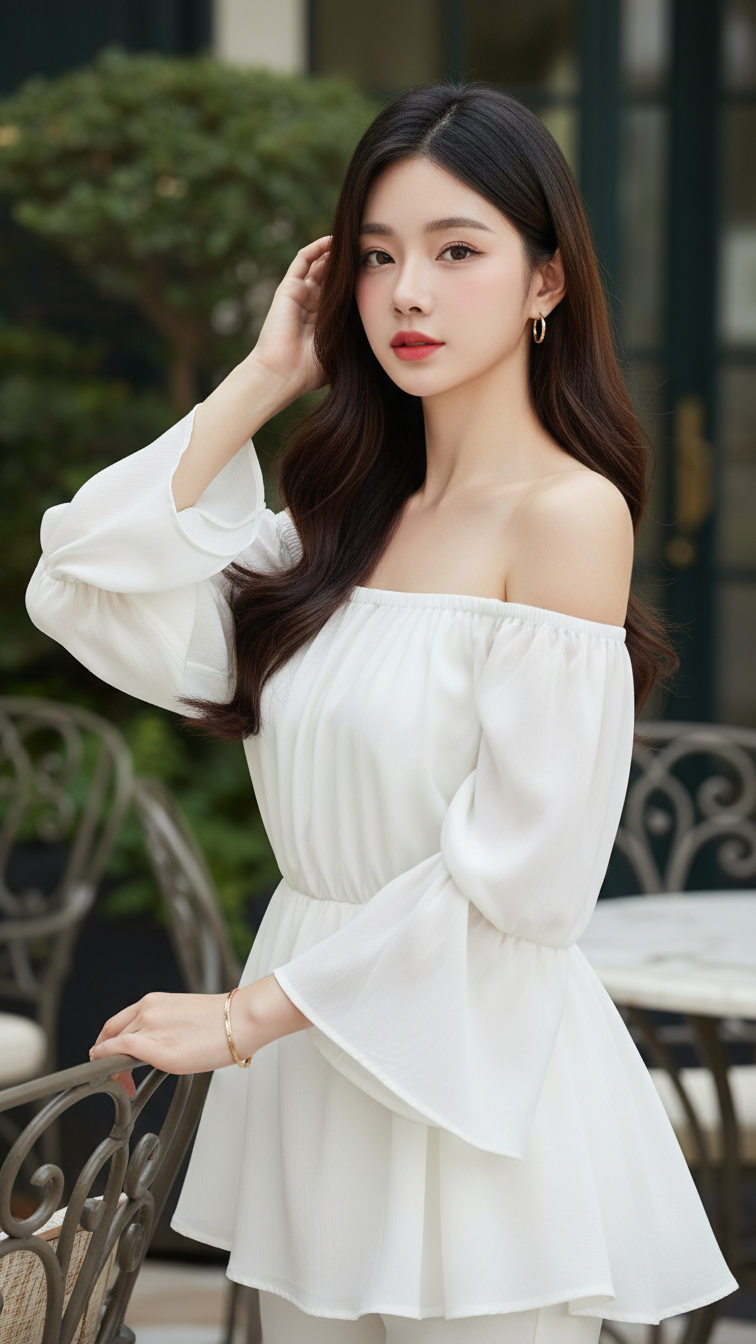
Prompt 1600: Create a realistic portrait of a young woman (face 100% identical to the original...
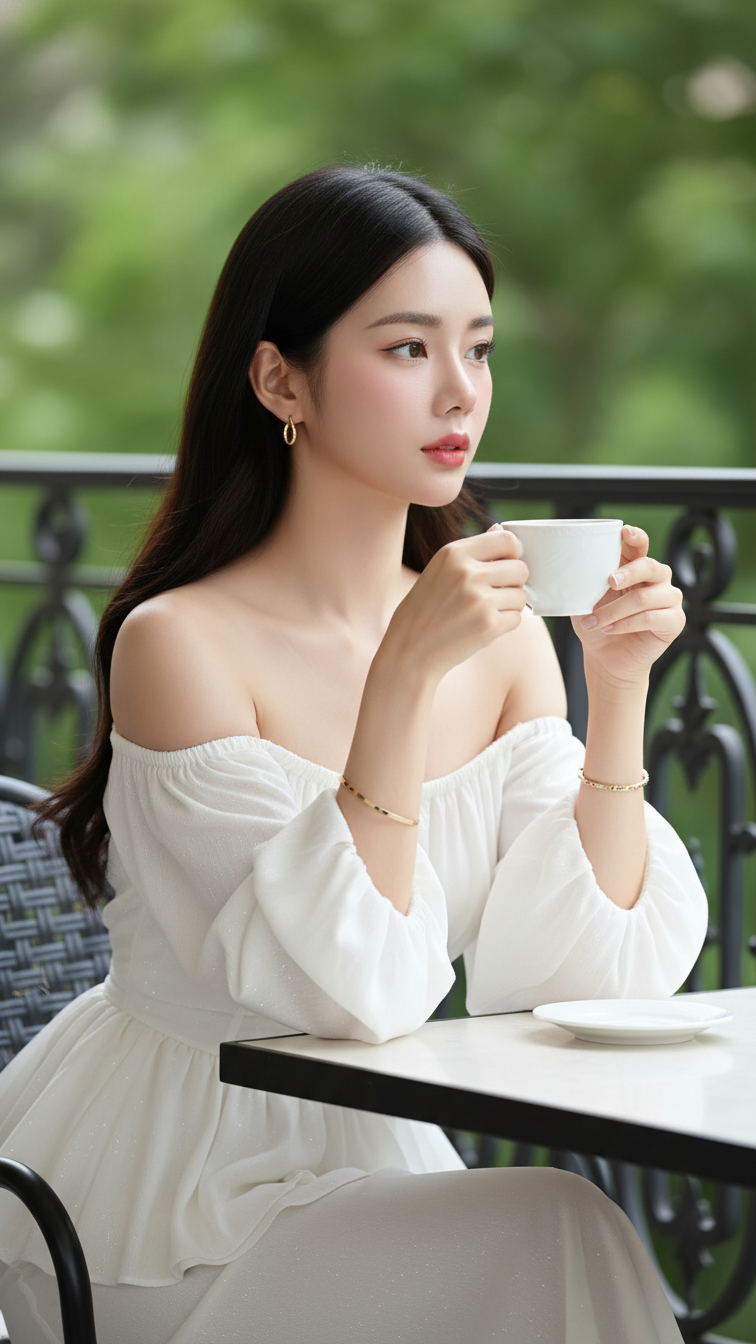
Prompt 1599: Create a realistic portrait of a young woman (face 100% identical to the original...
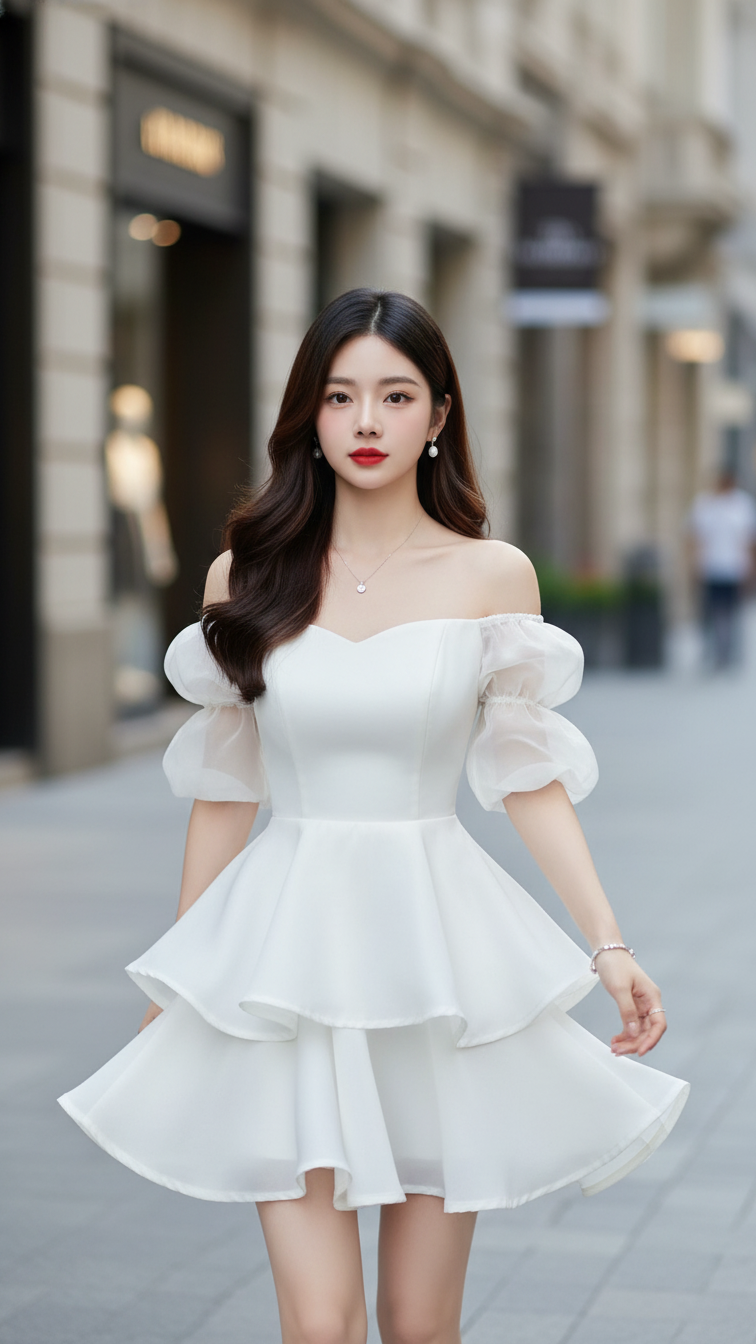
Prompt 1598: Create a realistic portrait of a young woman (face 100% identical to the original...
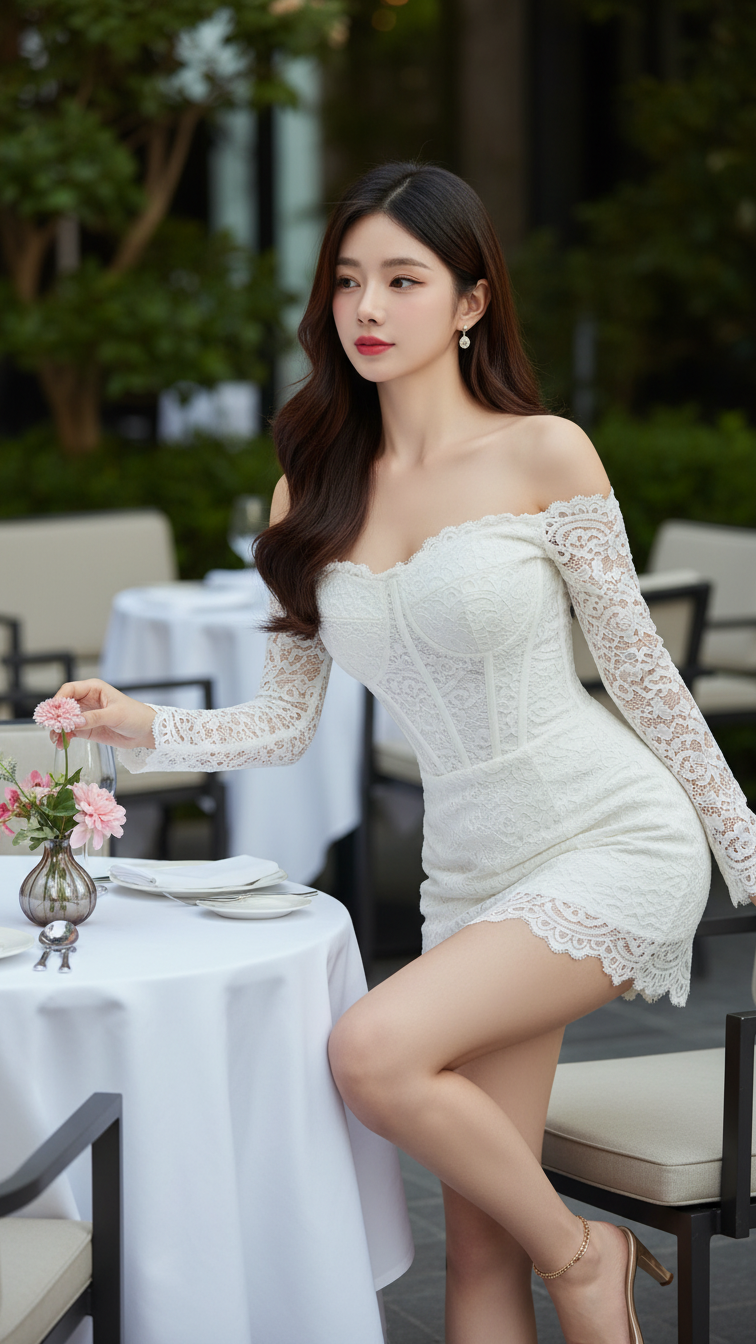
Prompt 1597: Create a realistic portrait of a young woman (face 100% identical to the original...
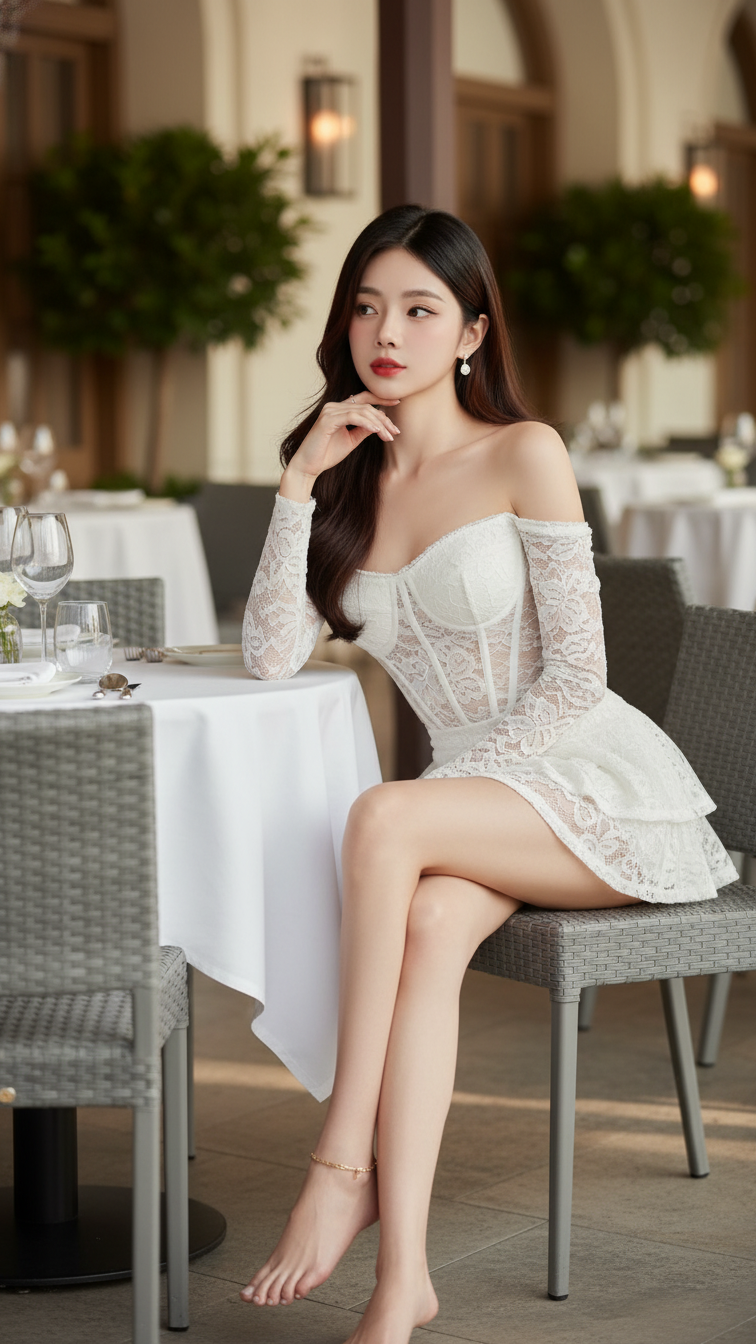
Prompt 1596: Create a realistic portrait of a young woman (face 100% identical to the original...
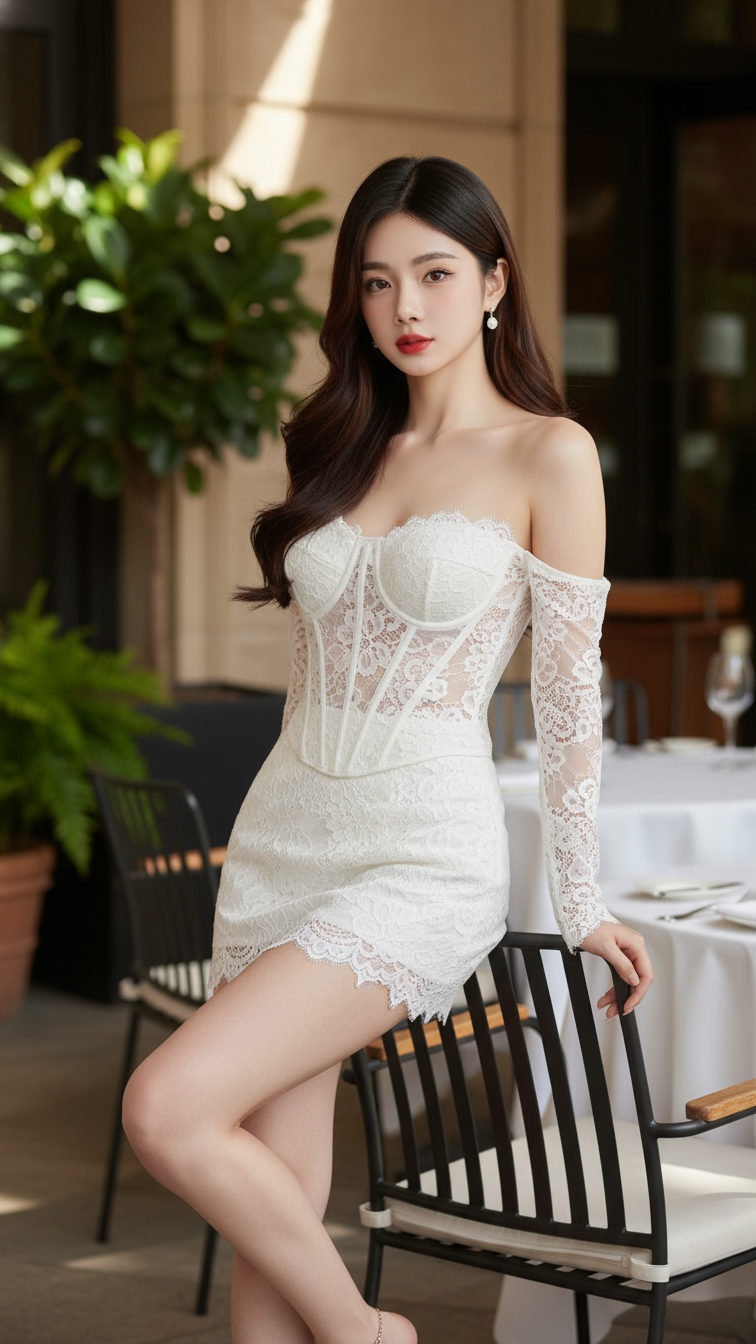
Prompt 1595: Create a realistic portrait of a young woman (face 100% identical to the original...
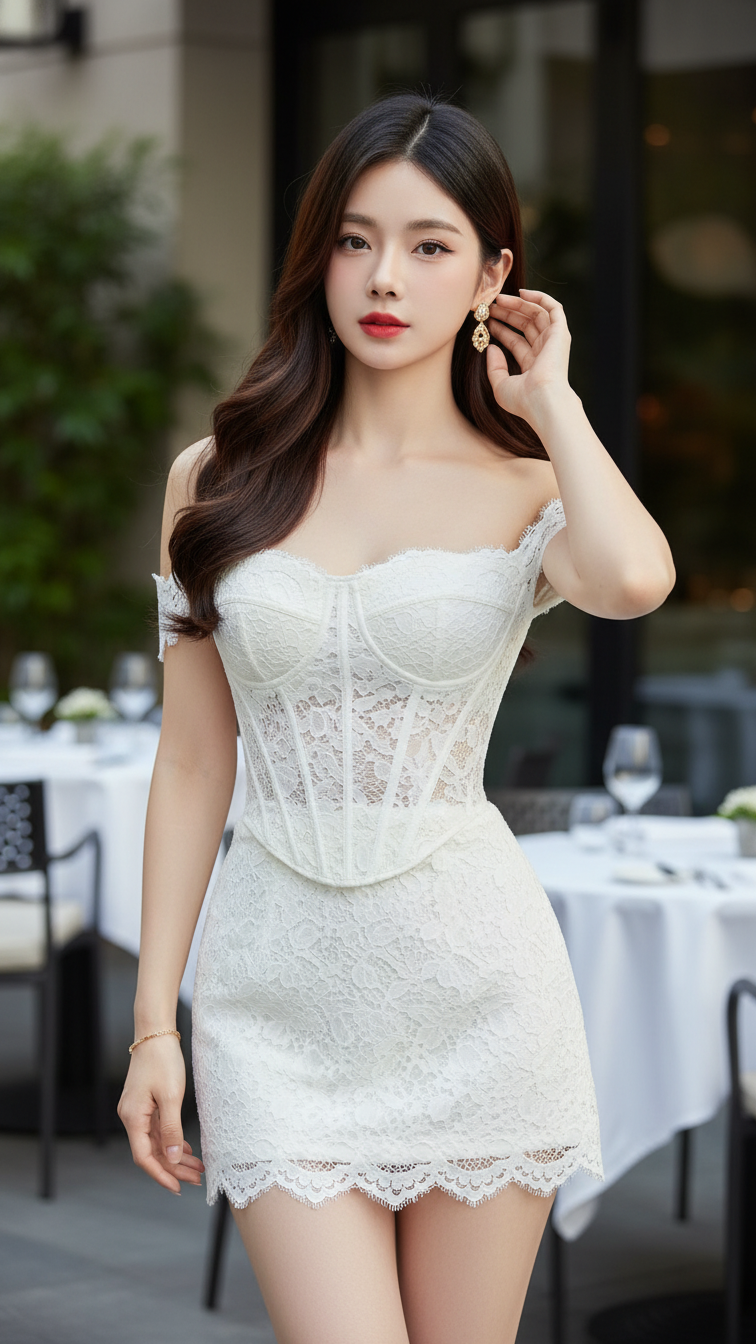
Prompt 1594: Create a realistic portrait of a young woman (face 100% identical to the original...
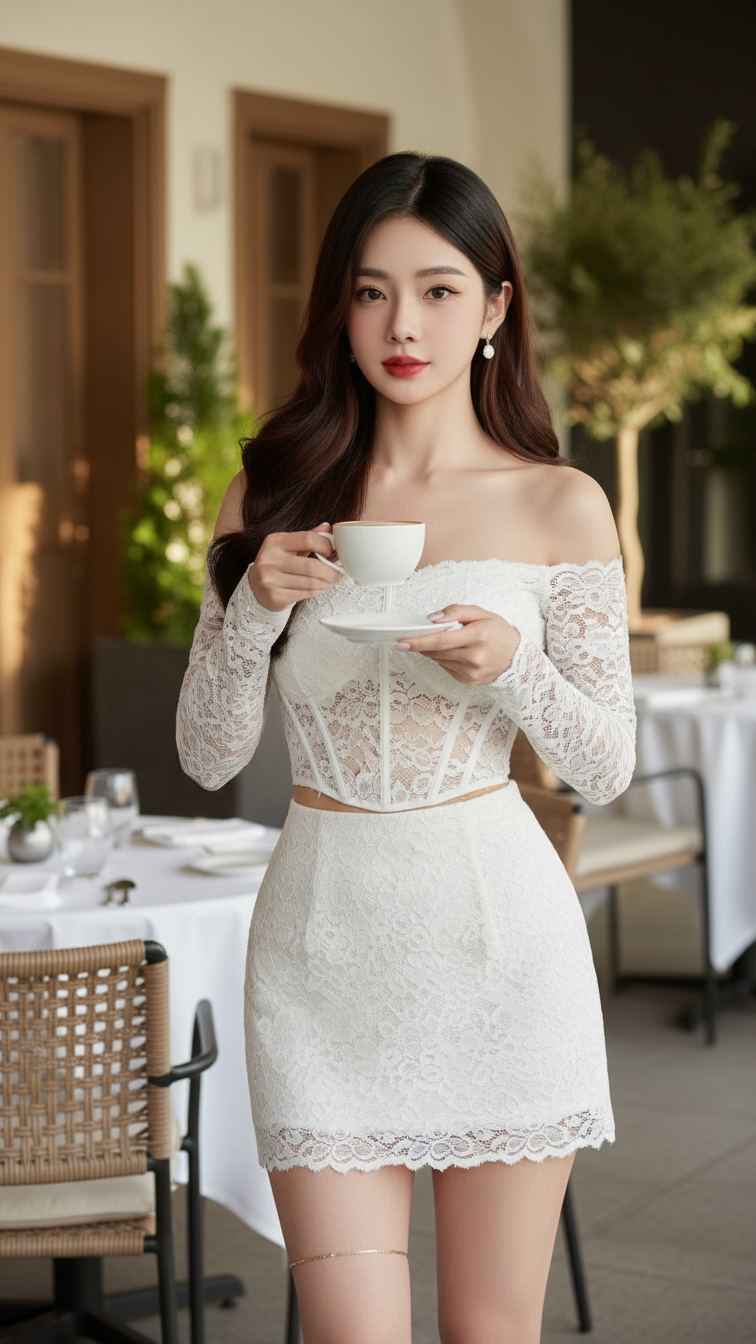
Prompt 1593: Create a realistic portrait of a young woman (face 100% identical to the original...
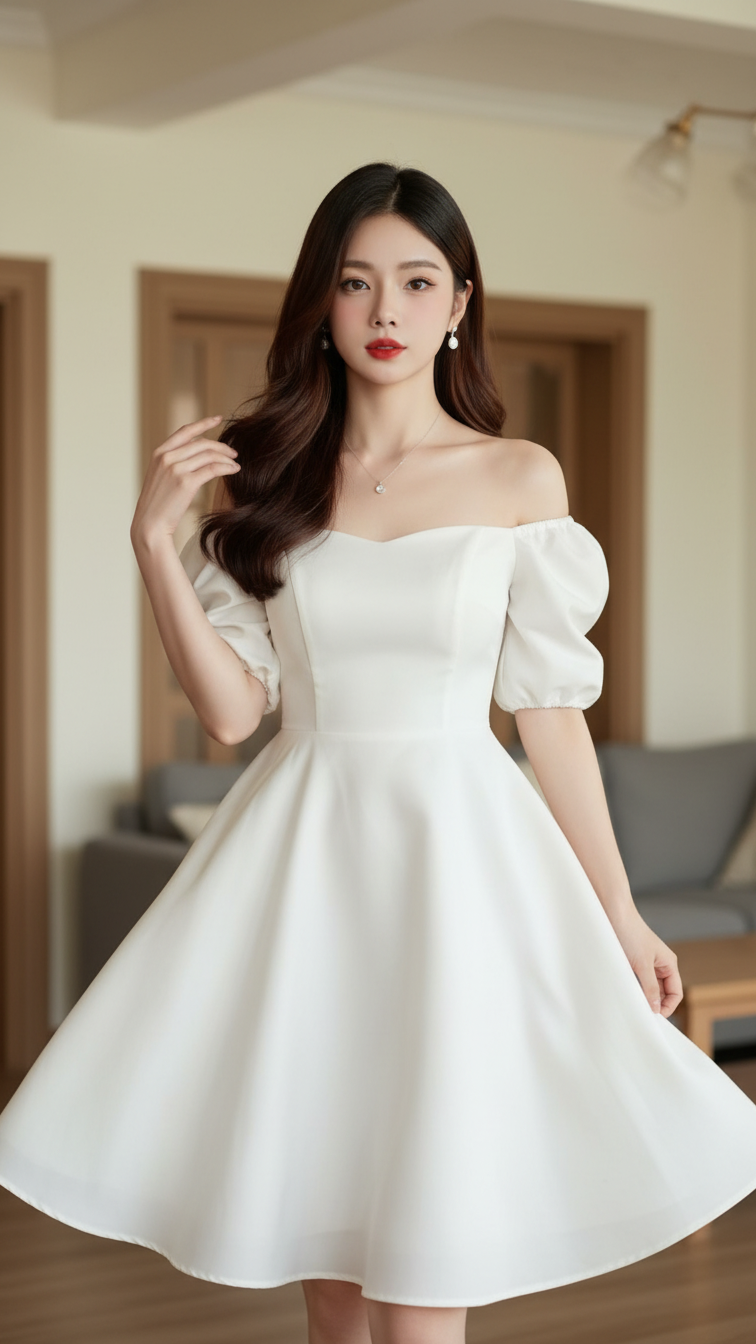
Prompt 1592: Create a realistic portrait of a young woman (face 100% identical to the original...
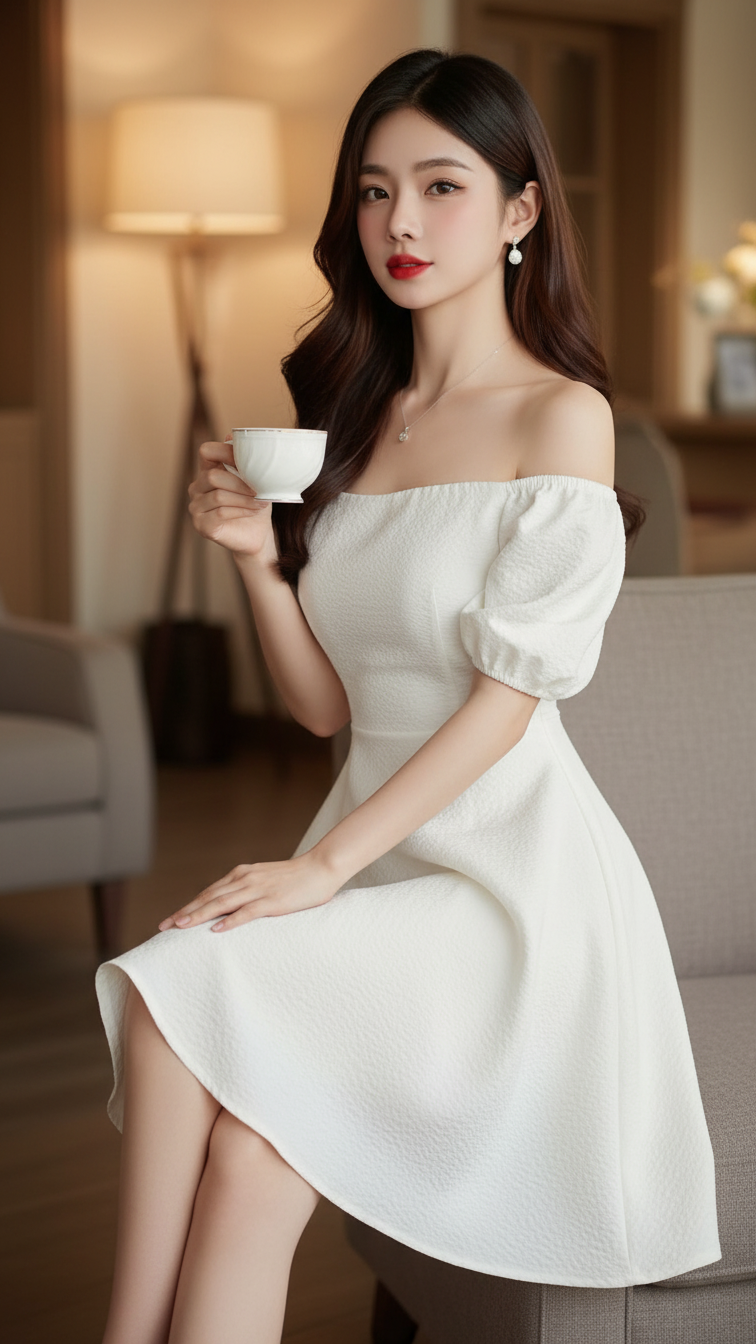
Prompt 1591: Create a realistic portrait of a young woman (face 100% identical to the original...
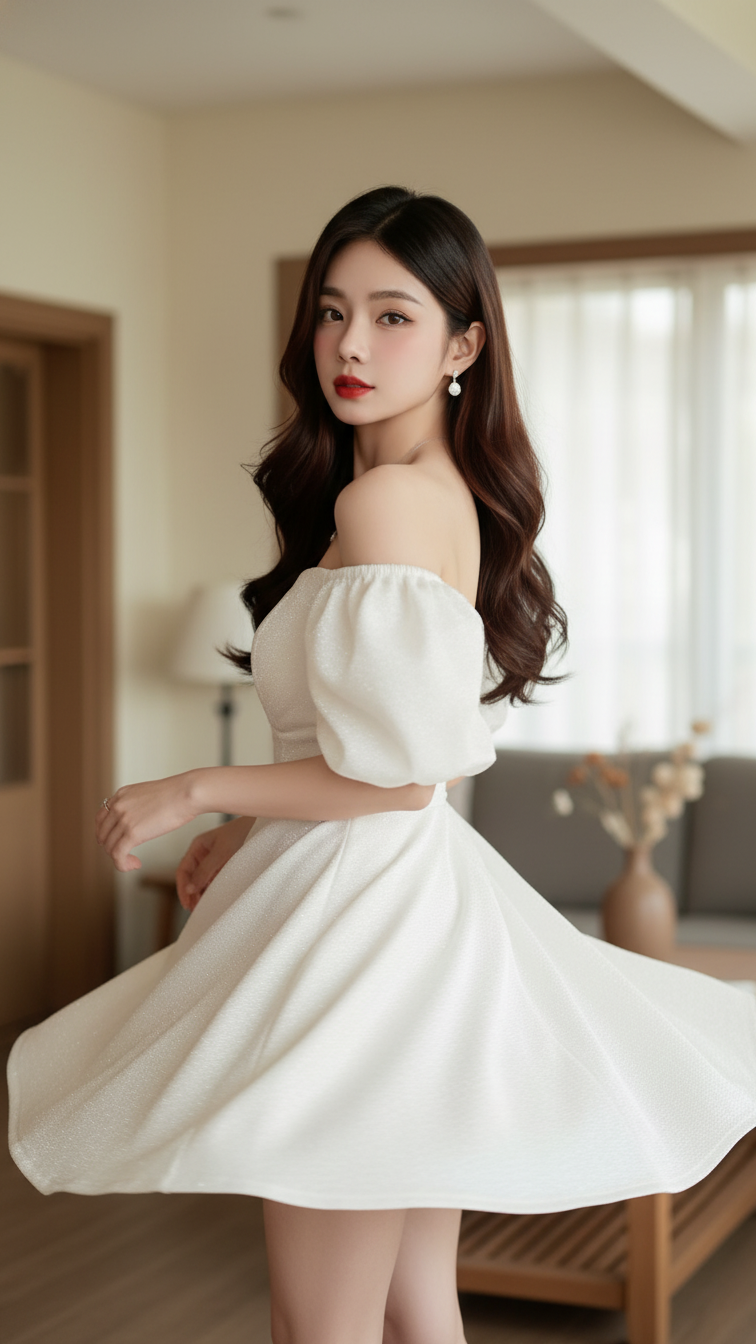
Prompt 1590: Create a realistic portrait of a young woman (face 100% identical to the original...
