
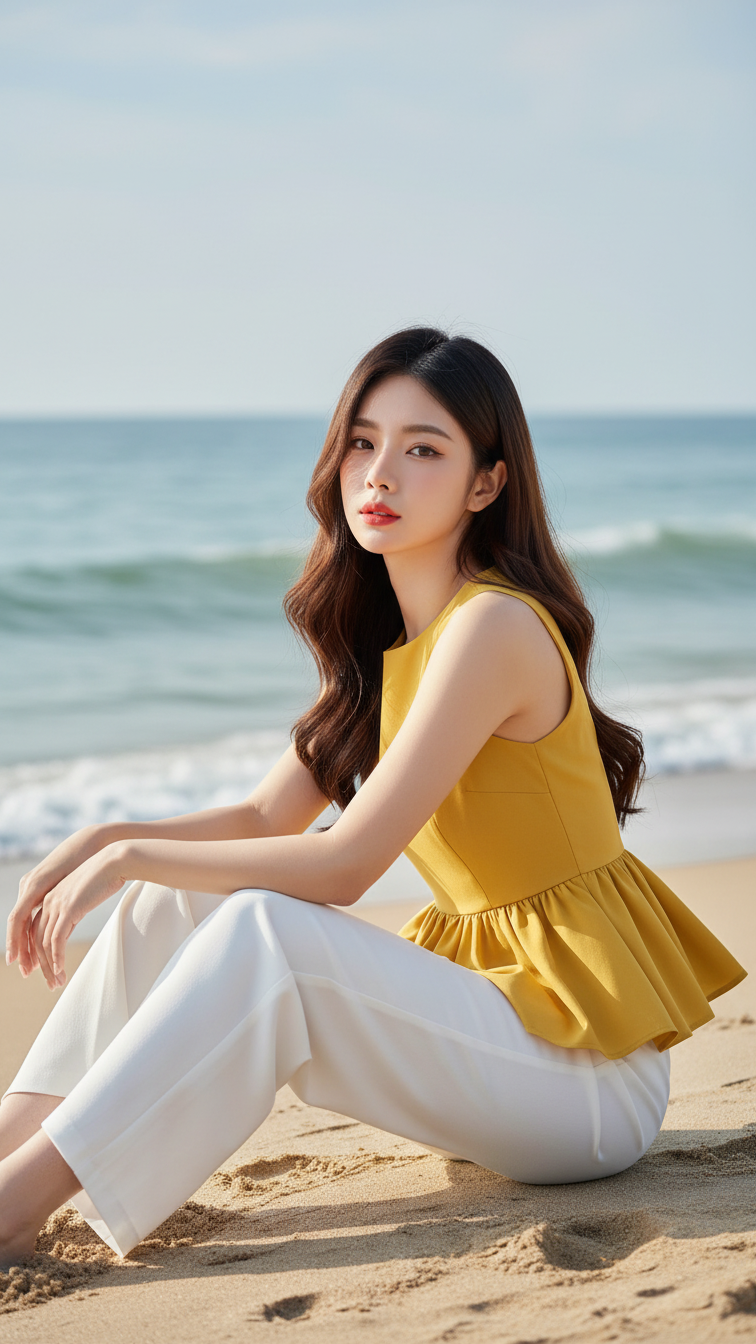
Prompt 1643: Create a realistic portrait of a young woman (face 100% identical to the original...
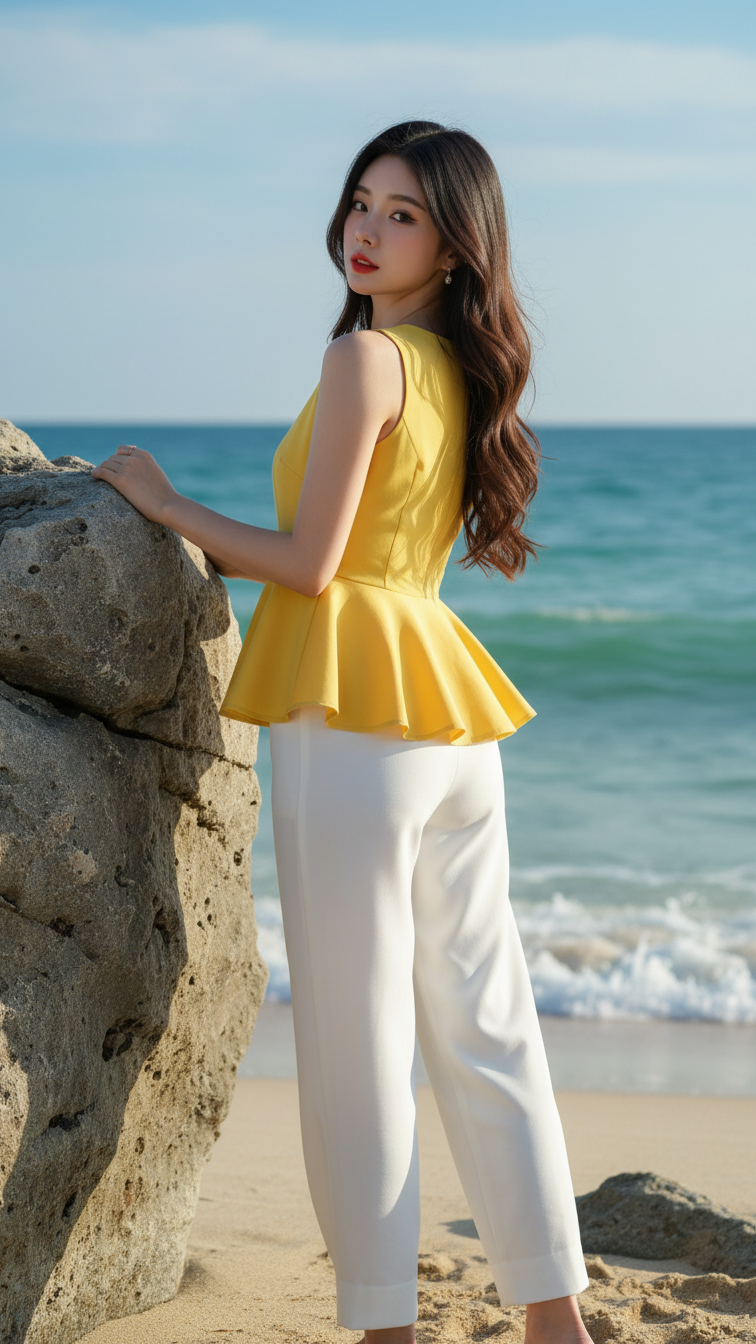
Prompt 1642: Create a realistic portrait of a young woman (face 100% identical to the original...
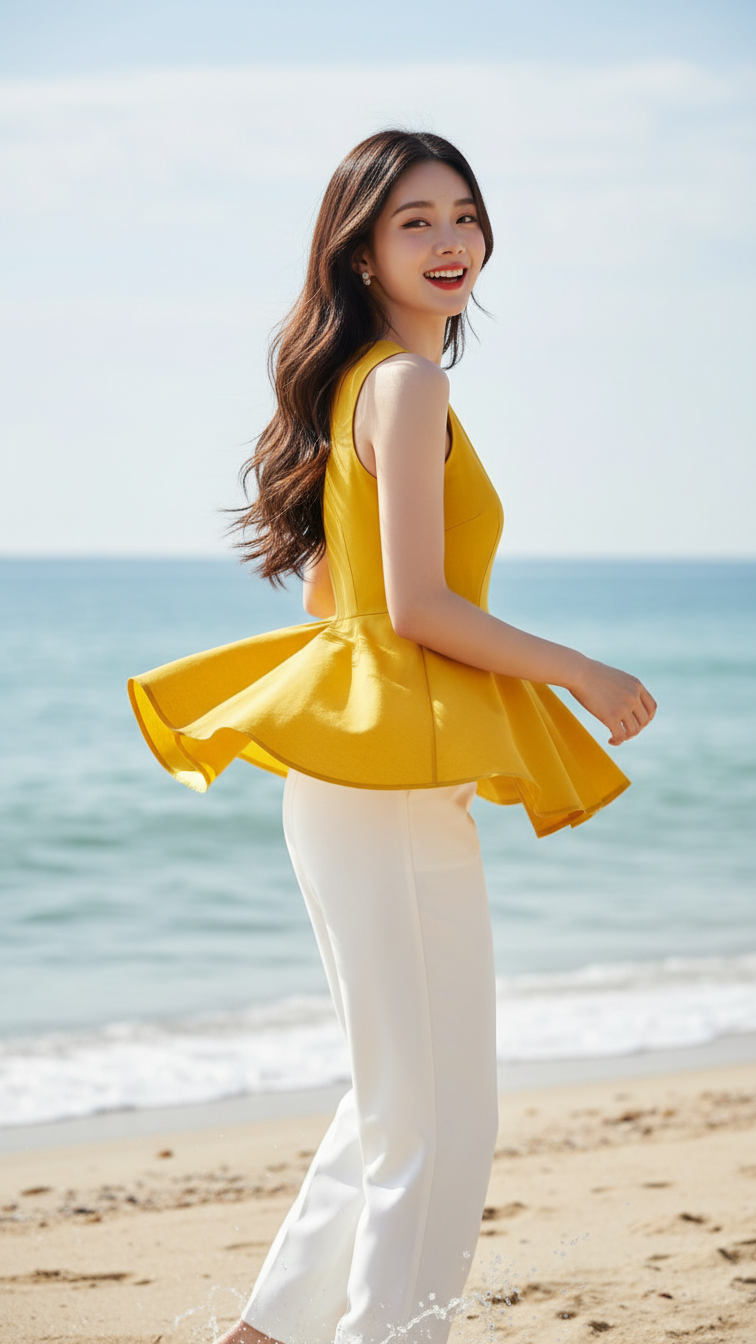
Prompt 1641: Create a realistic portrait of a young woman (face 100% identical to the original...
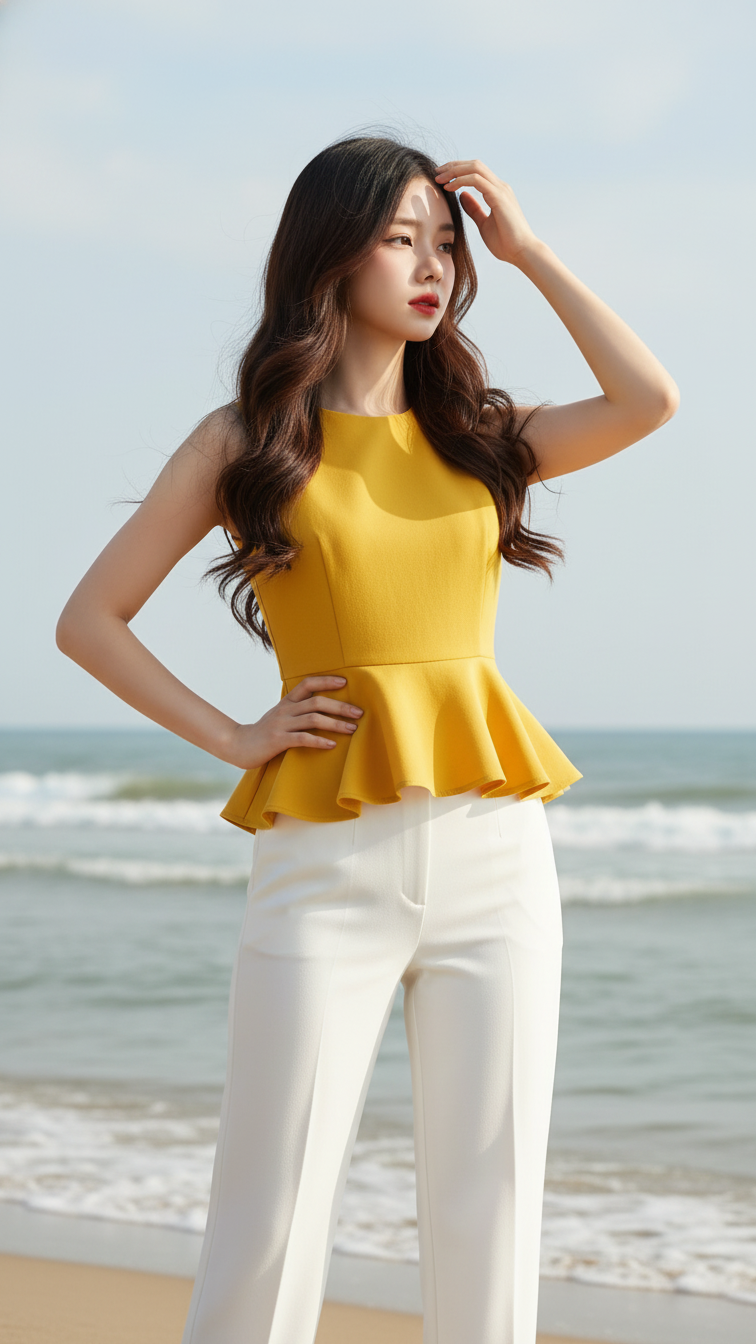
Prompt 1640: Create a realistic portrait of a young woman (face 100% identical to the original...
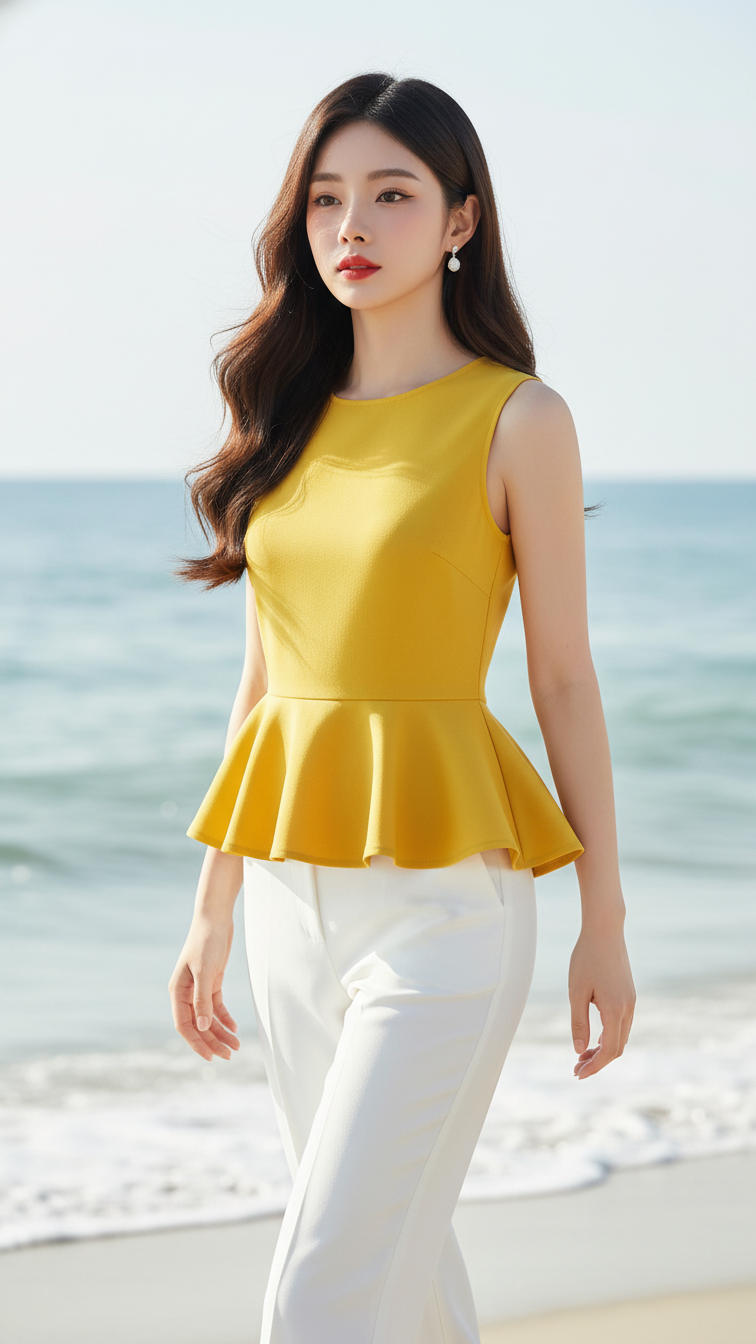
Prompt 1639: Create a realistic portrait of a young woman (face 100% identical to the original...
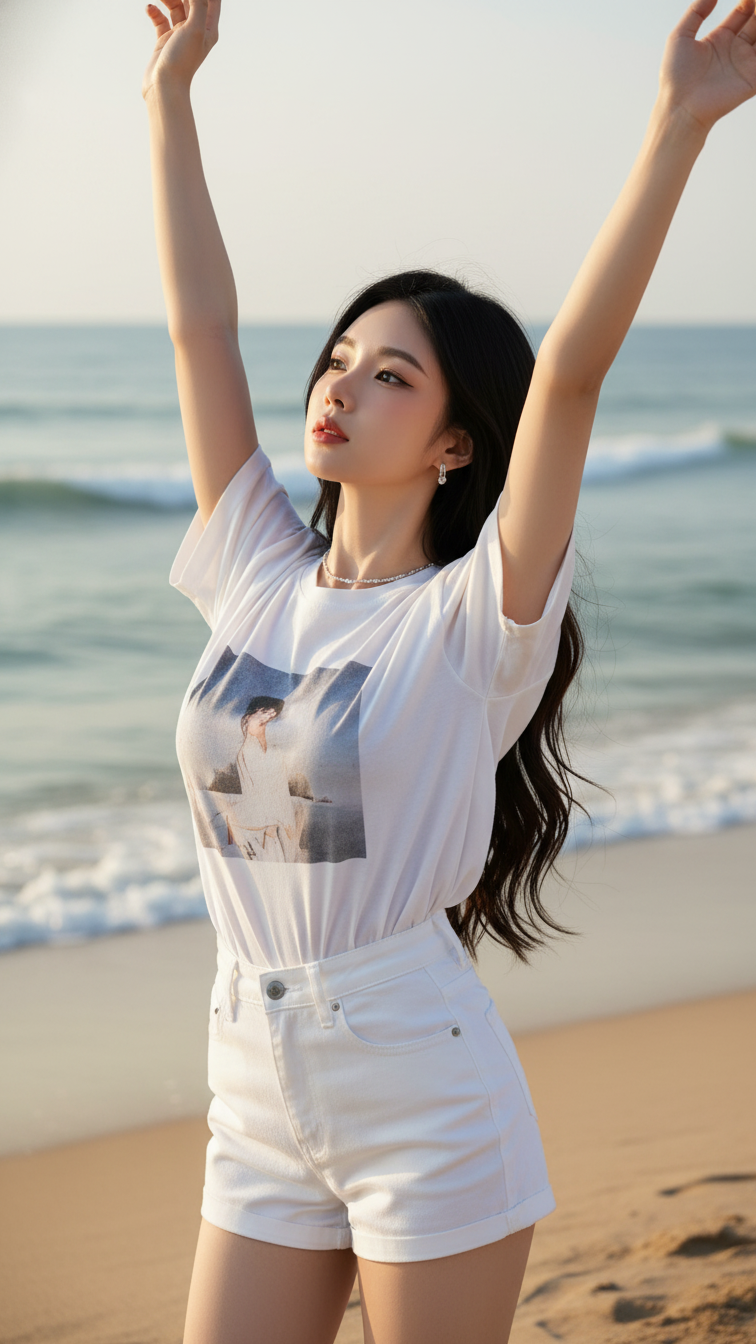
Prompt 1638: Create a realistic portrait of a young woman (face 100% identical to the original...
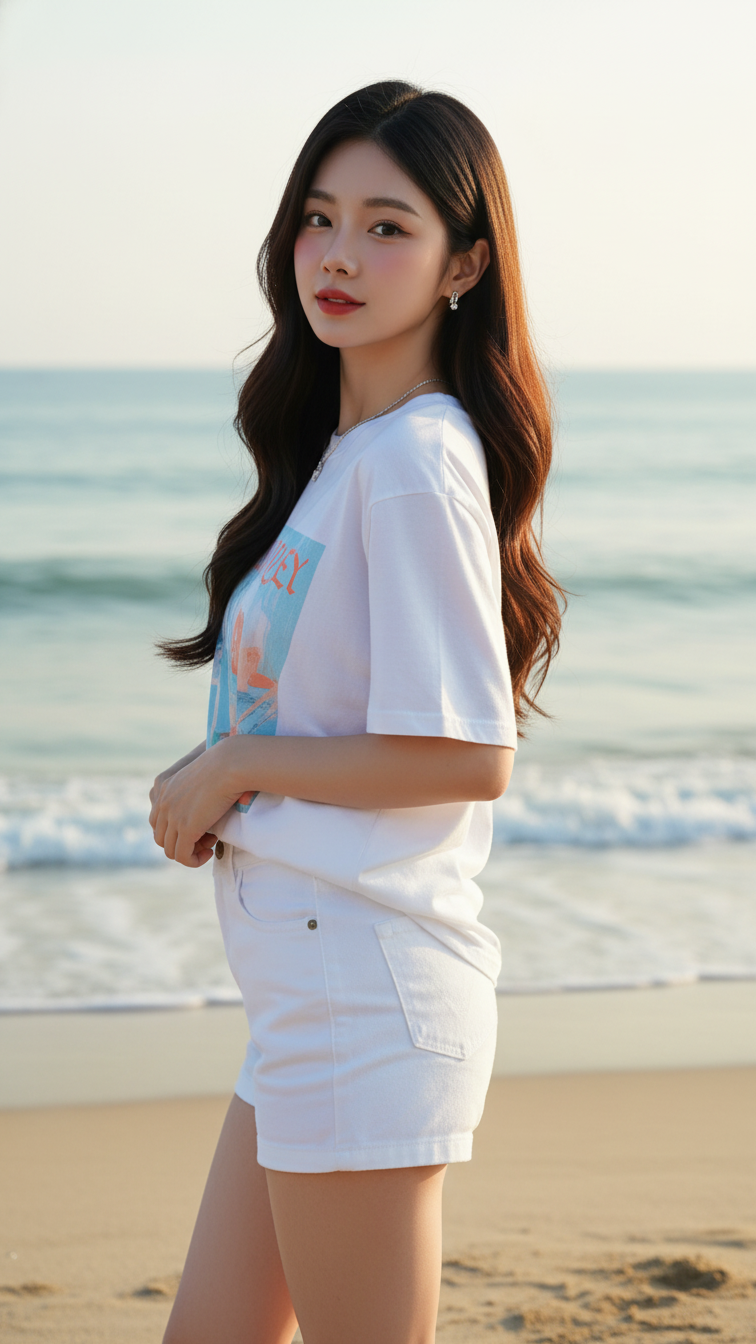
Prompt 1637: Create a realistic portrait of a young woman (face 100% identical to the original...
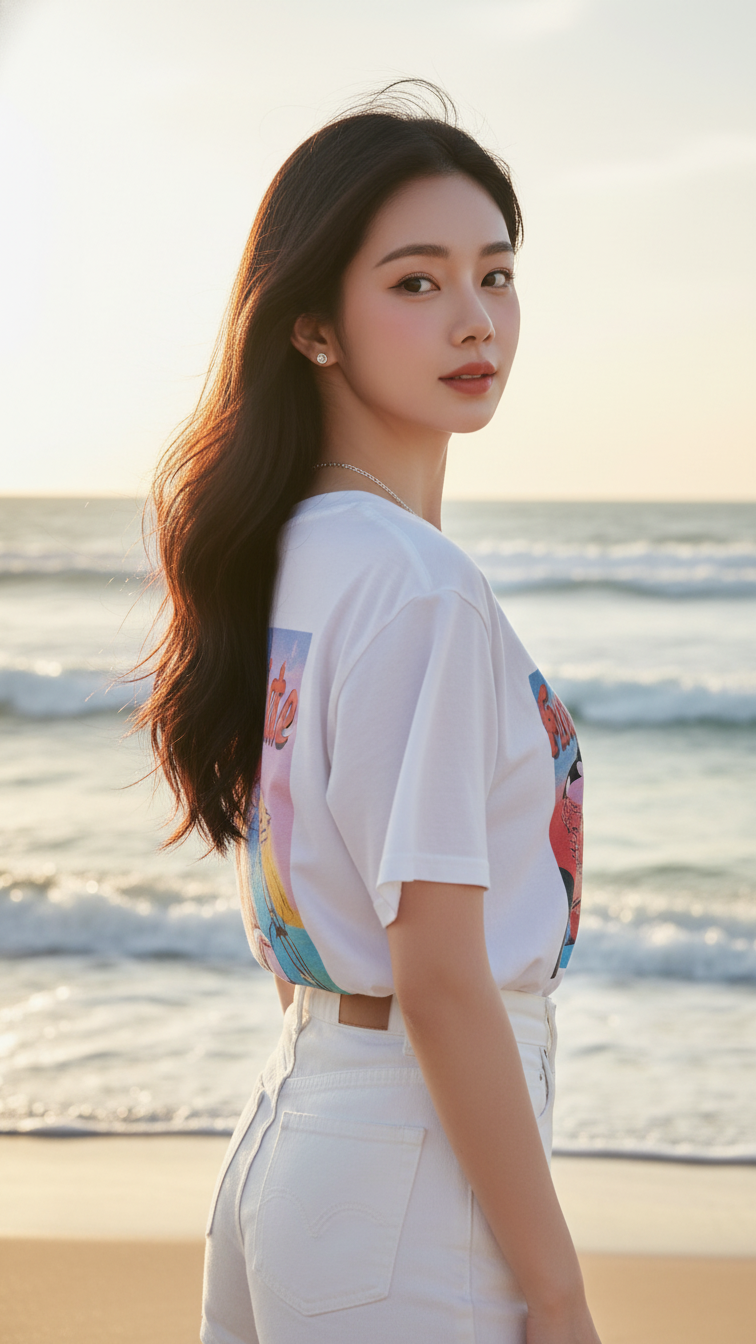
Prompt 1636: Create a realistic portrait of a young woman (face 100% identical to the original...
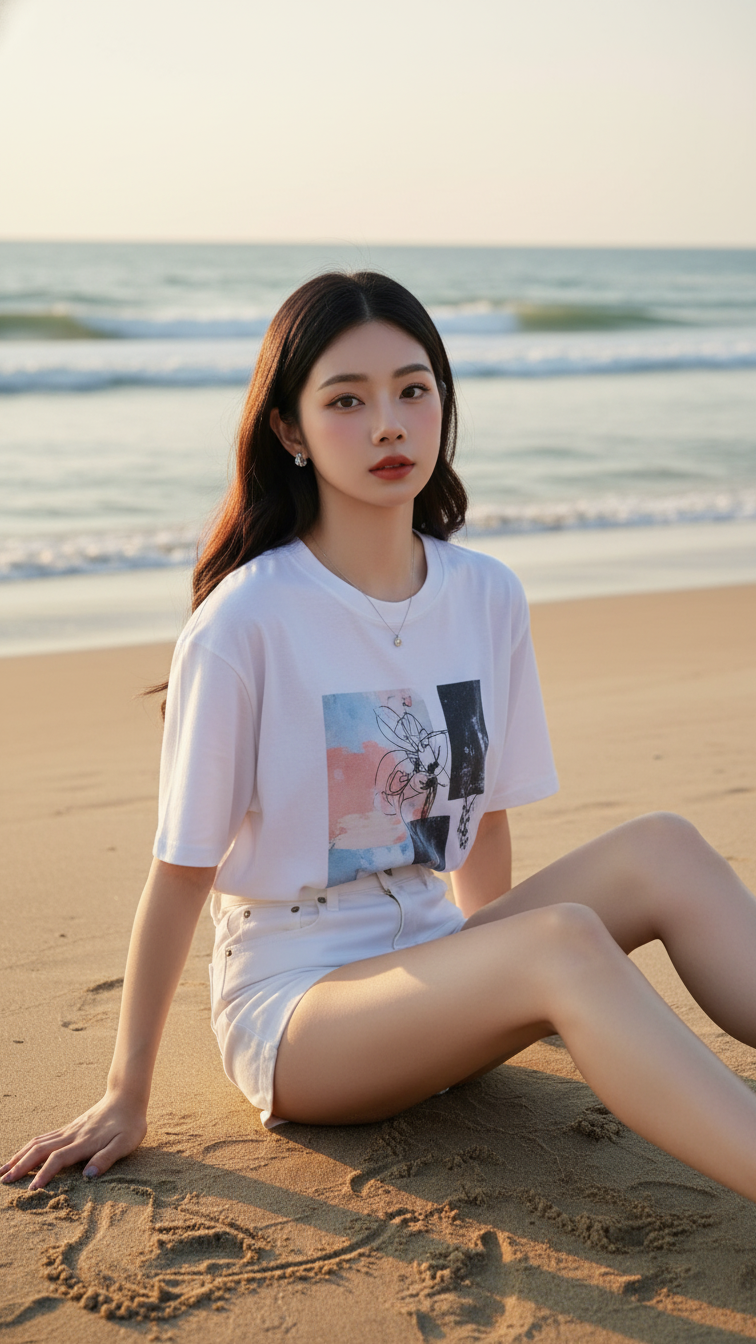
Prompt 1635: Create a realistic portrait of a young woman (face 100% identical to the original...
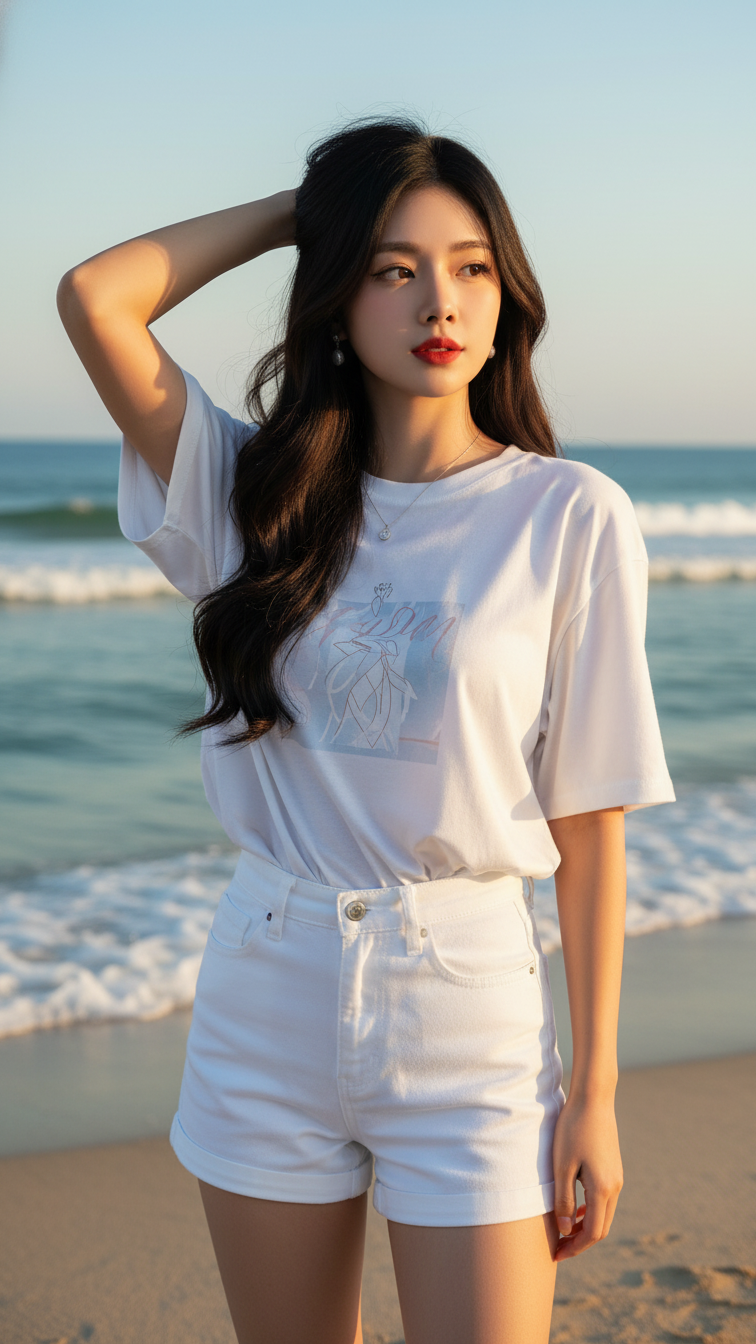
Prompt 1634: Create a realistic portrait of a young woman (face 100% identical to the original...
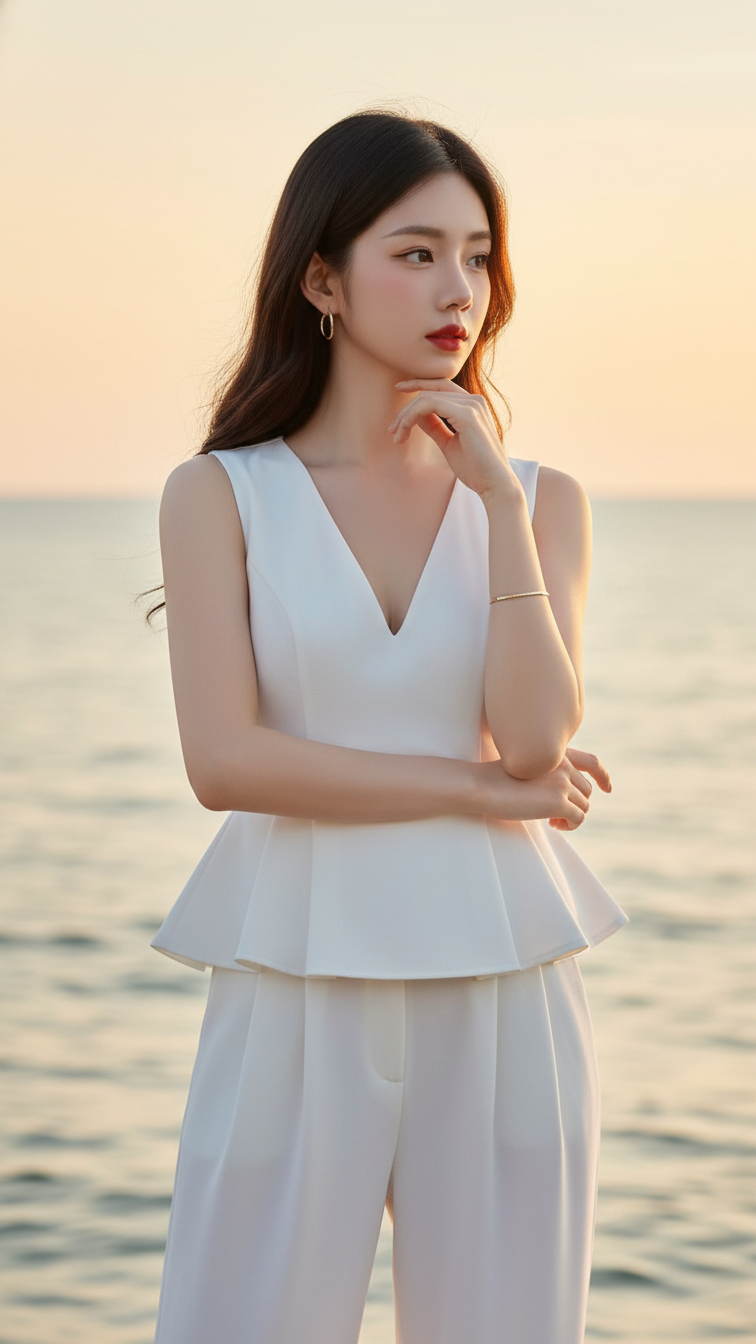
Prompt 1633: Create a realistic portrait of a young woman (face 100% identical to the original...
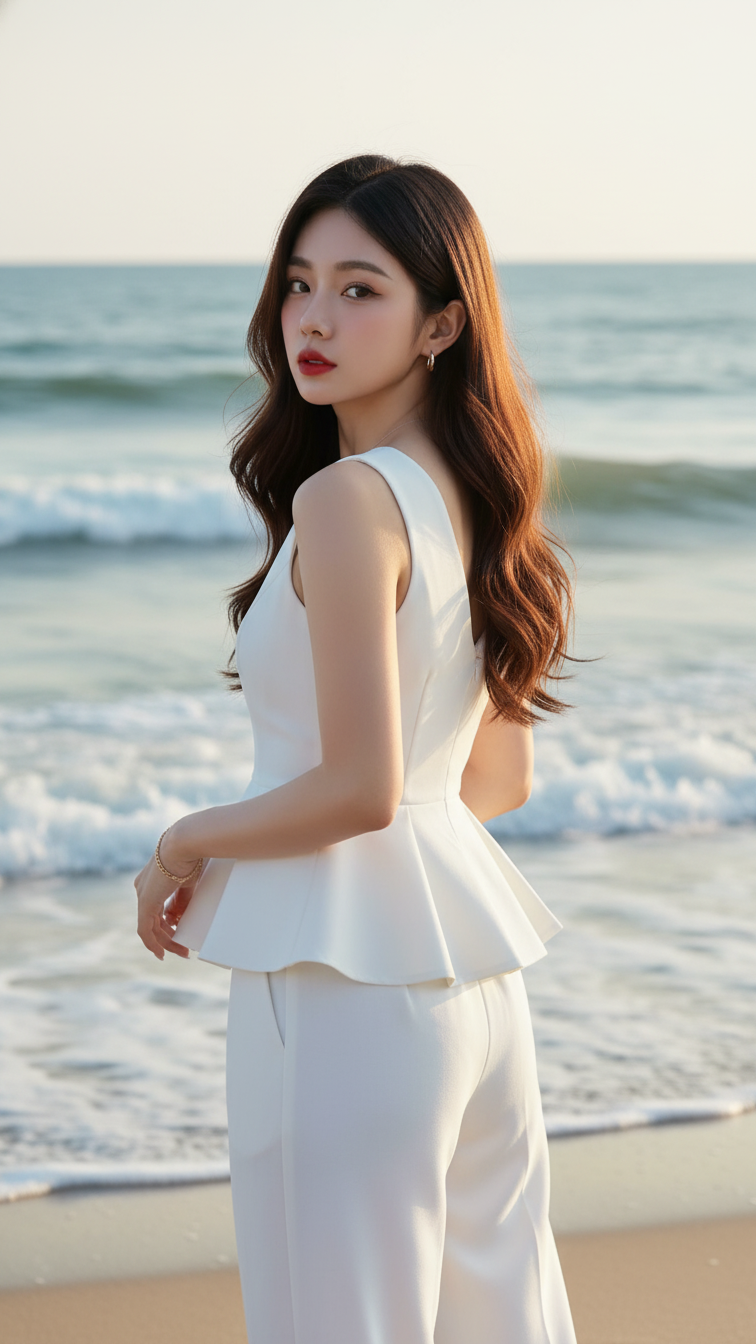
Prompt 1632: Create a realistic portrait of a young woman (face 100% identical to the original...
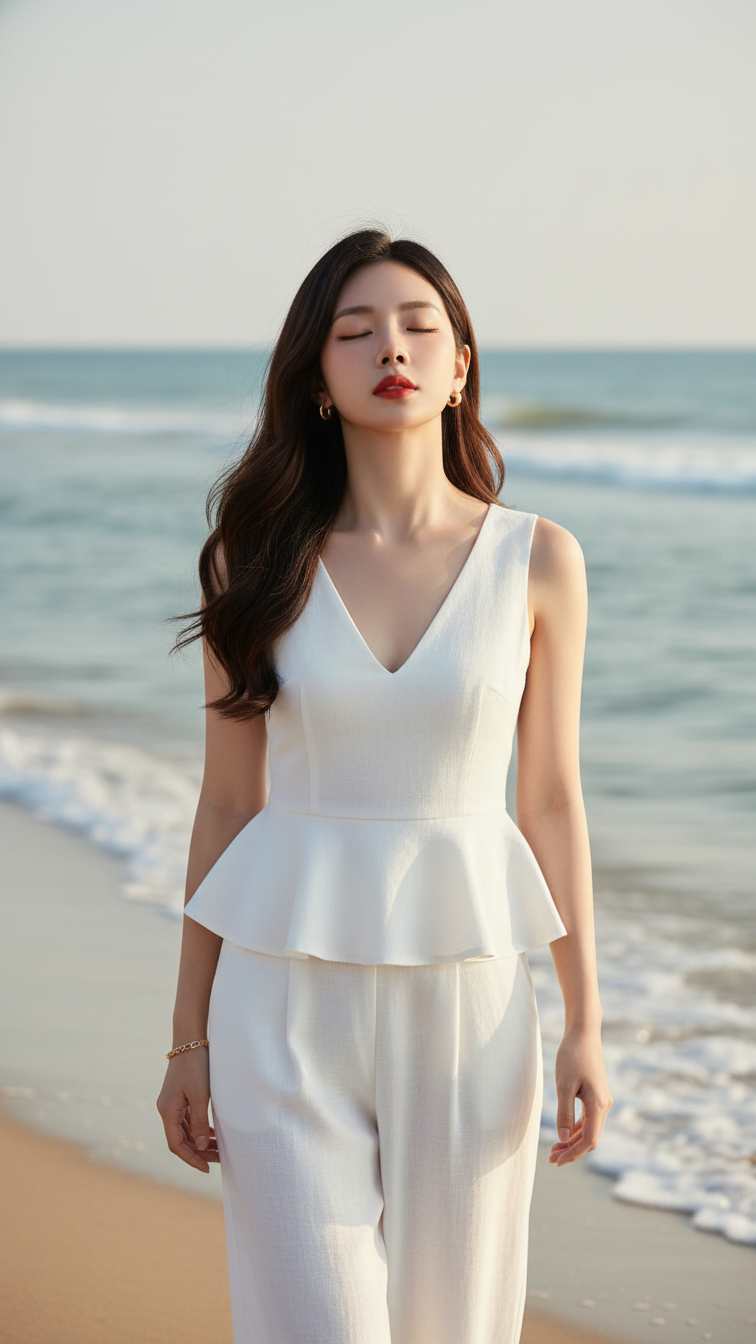
Prompt 1631: Create a realistic portrait of a young woman (face 100% identical to the original...
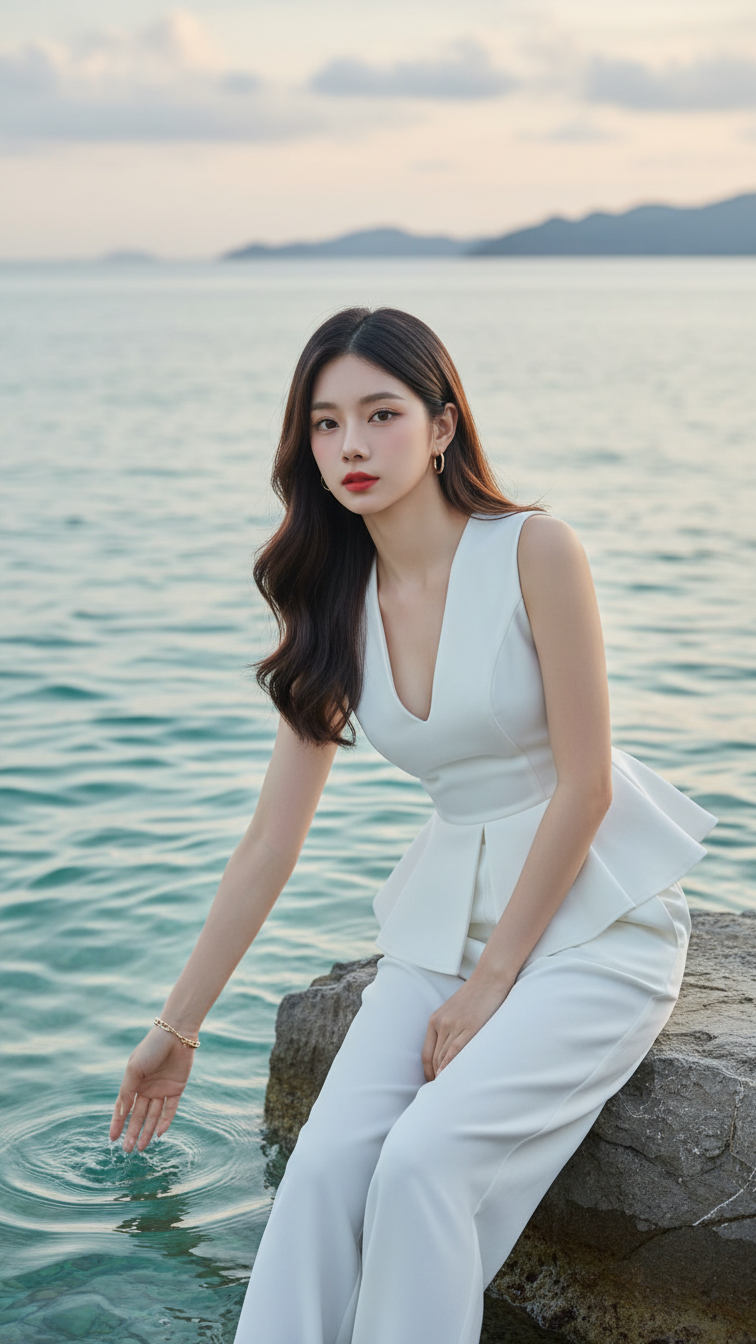
Prompt 1630: Create a realistic portrait of a young woman (face 100% identical to the original...
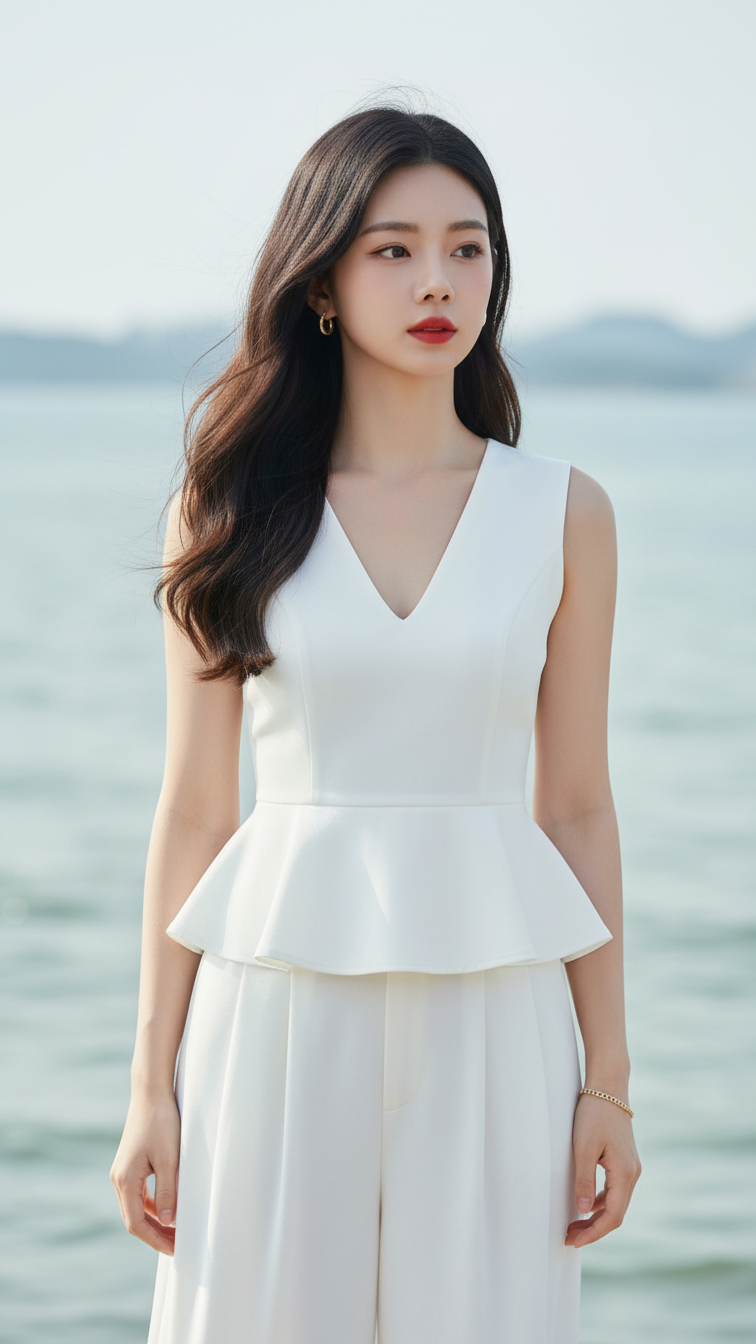
Prompt 1629: Create a realistic portrait of a young woman (face 100% identical to the original...
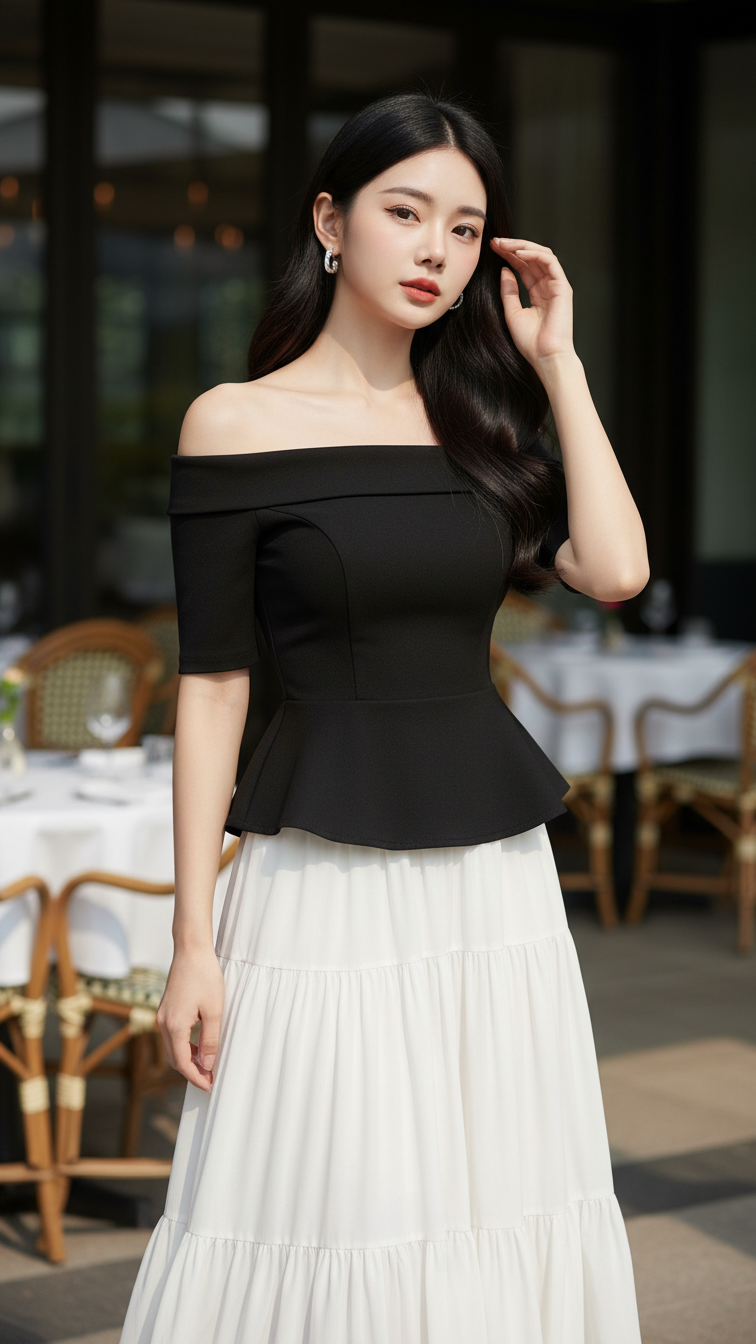
Prompt 1628: Create a realistic portrait of a young woman (face 100% identical to the original...
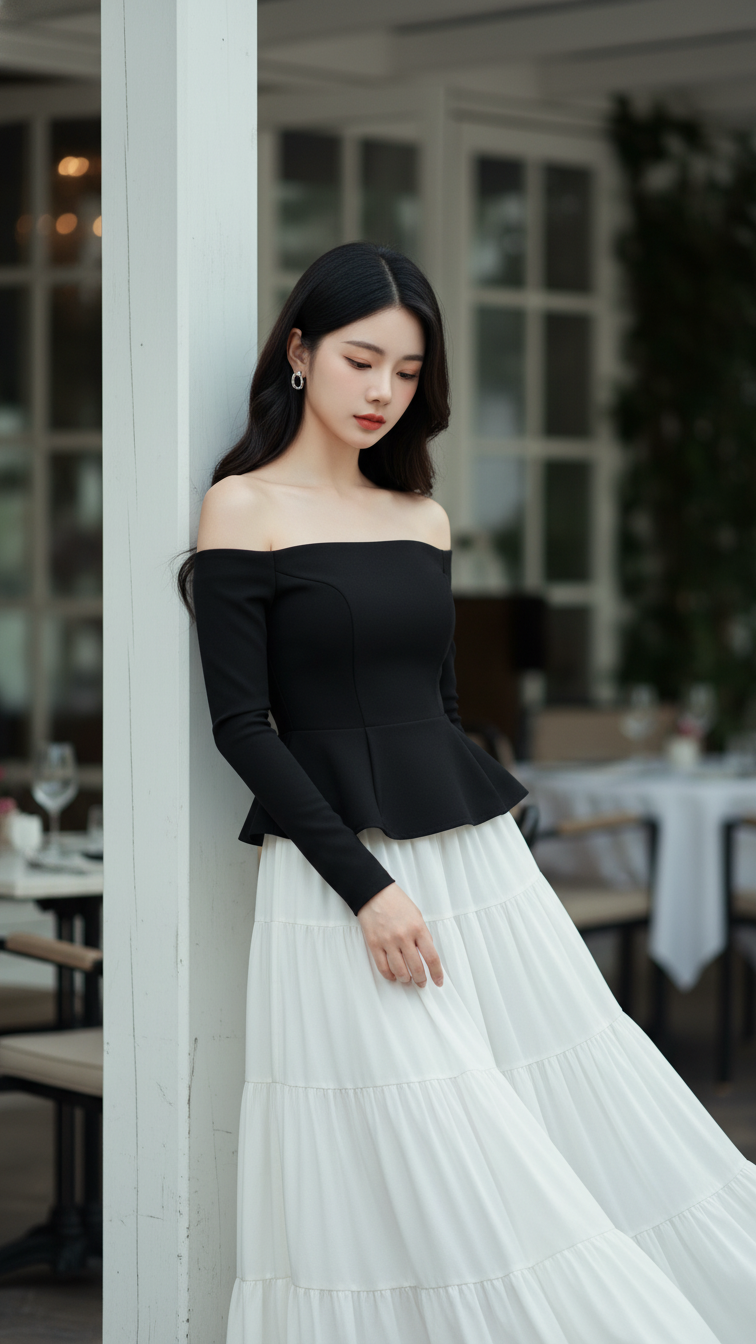
Prompt 1627: Create a realistic portrait of a young woman (face 100% identical to the original...
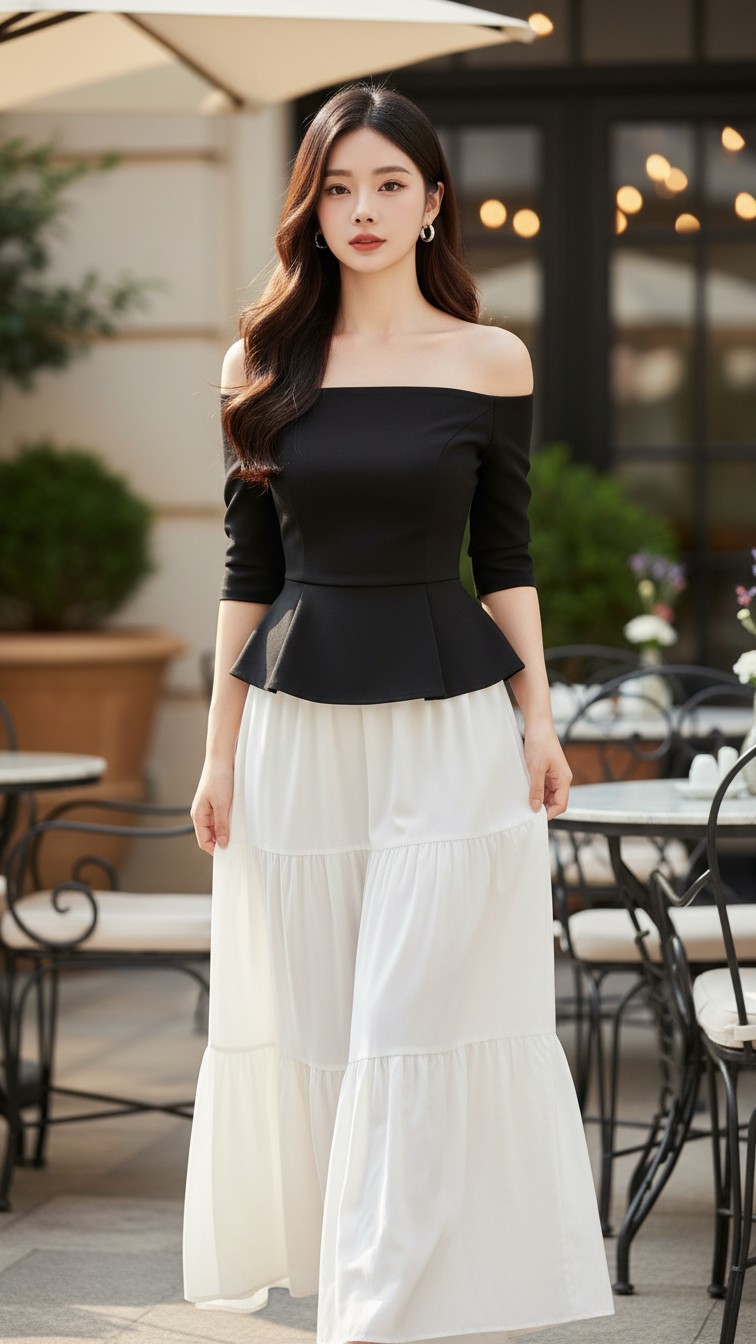
Prompt 1626: Create a realistic portrait of a young woman (face 100% identical to the original...
