
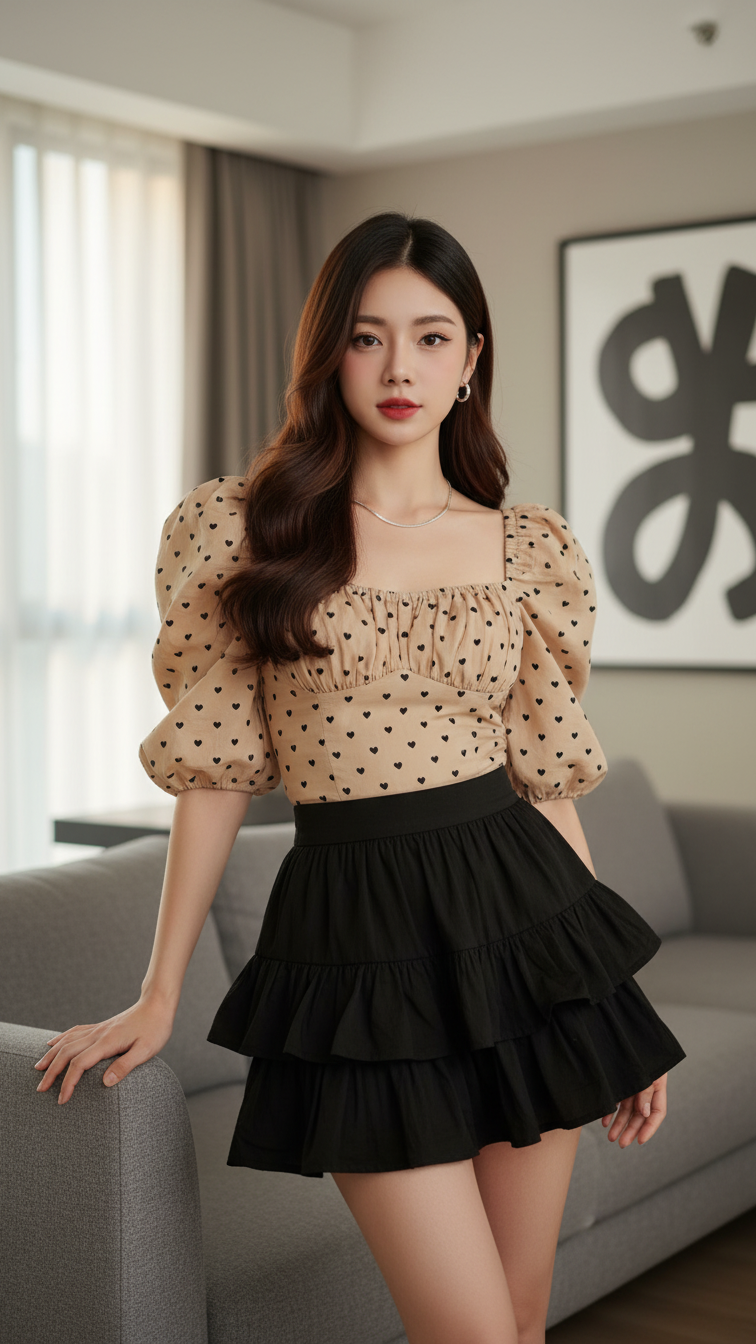
Prompt 1717: Create a realistic portrait of a young woman (face 100% identical to the original...
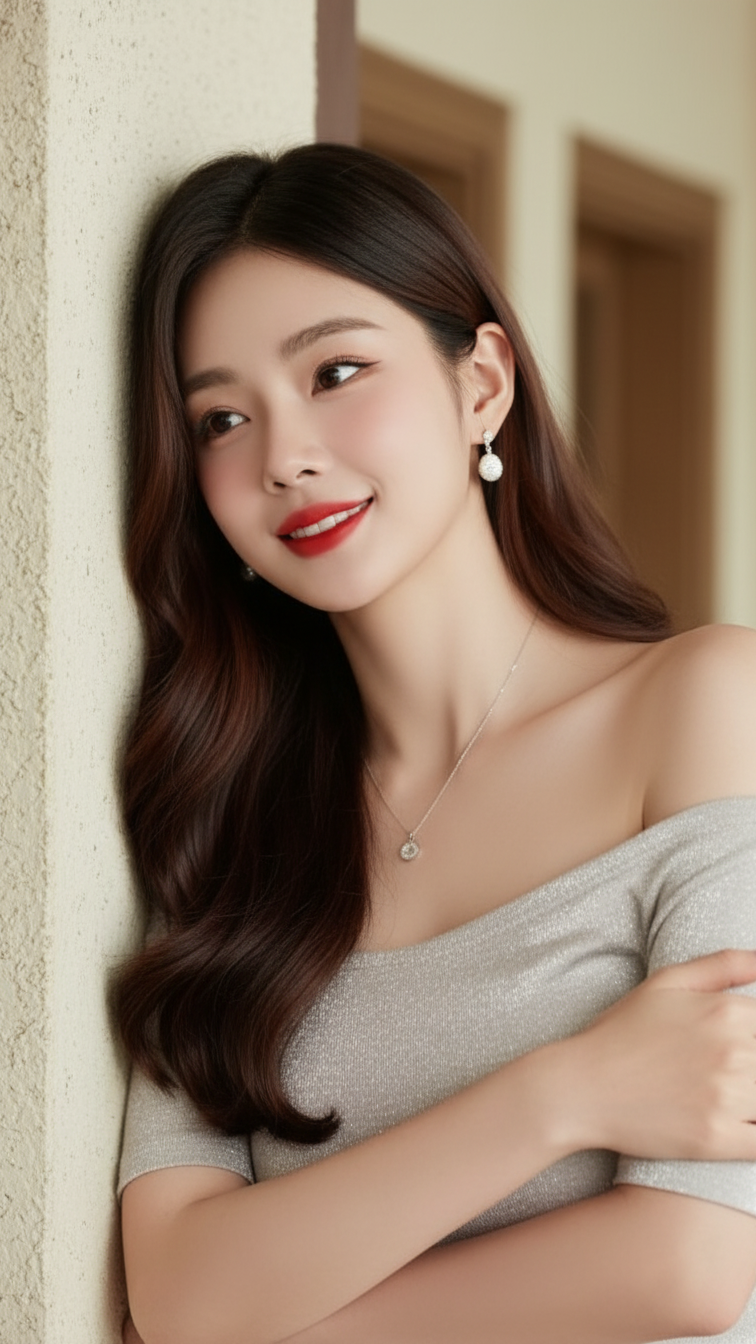
Prompt 1716: Create a realistic portrait of a young woman (face 100% identical to the original...
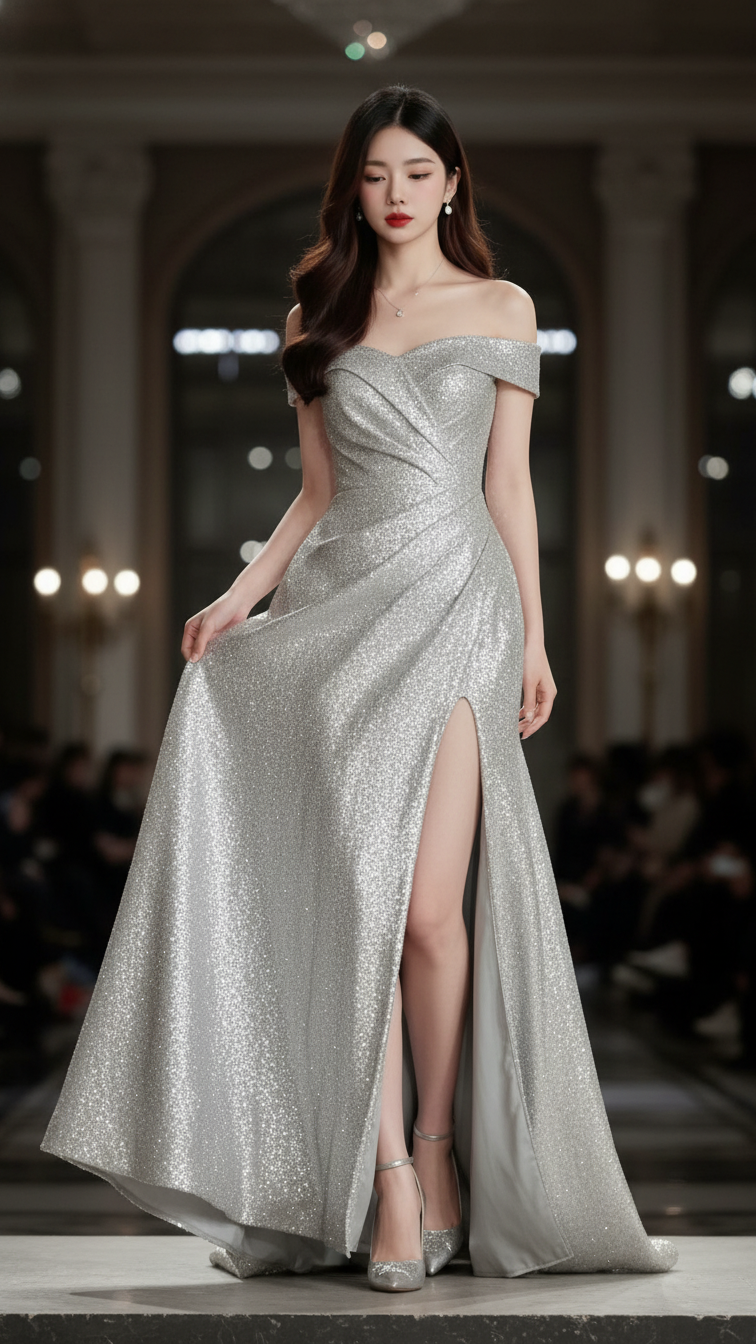
Prompt 1715: Create a realistic portrait of a young woman (face 100% identical to the original...
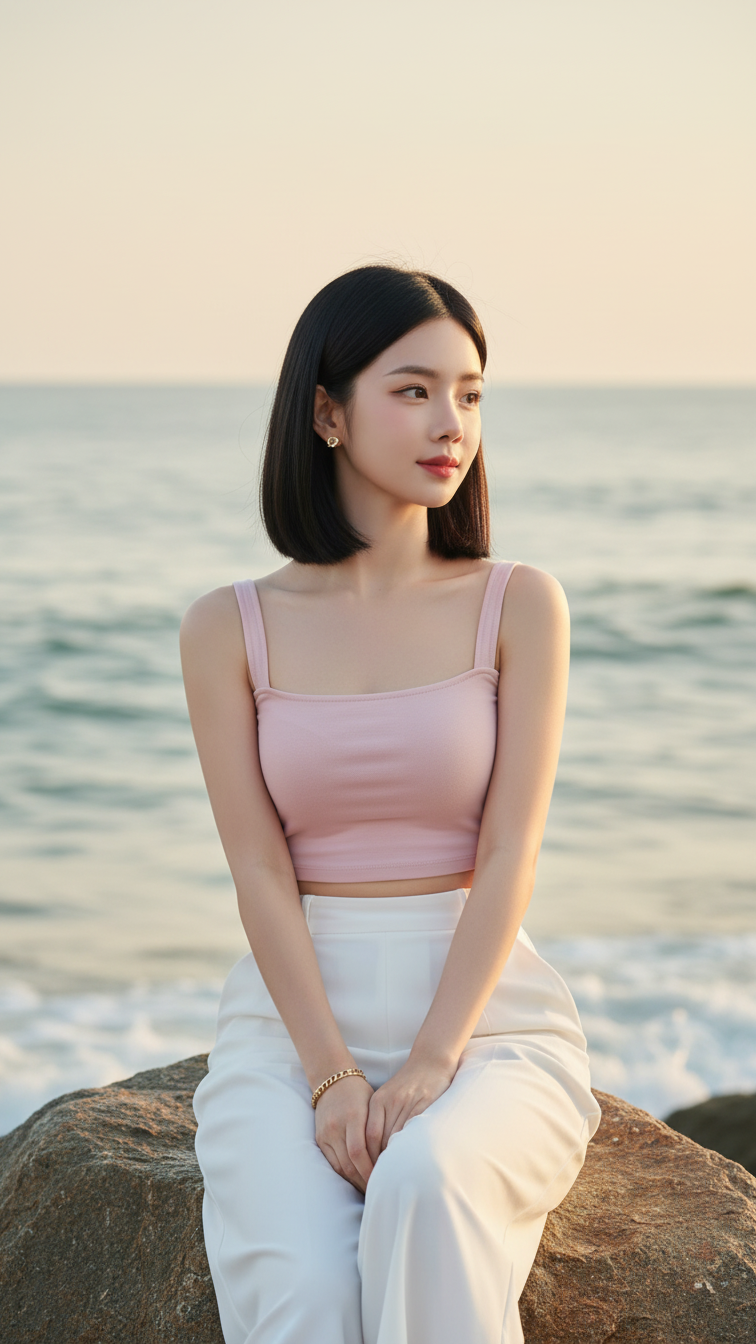
Prompt 1712: Create a realistic portrait of a young woman (face 100% identical to the original...
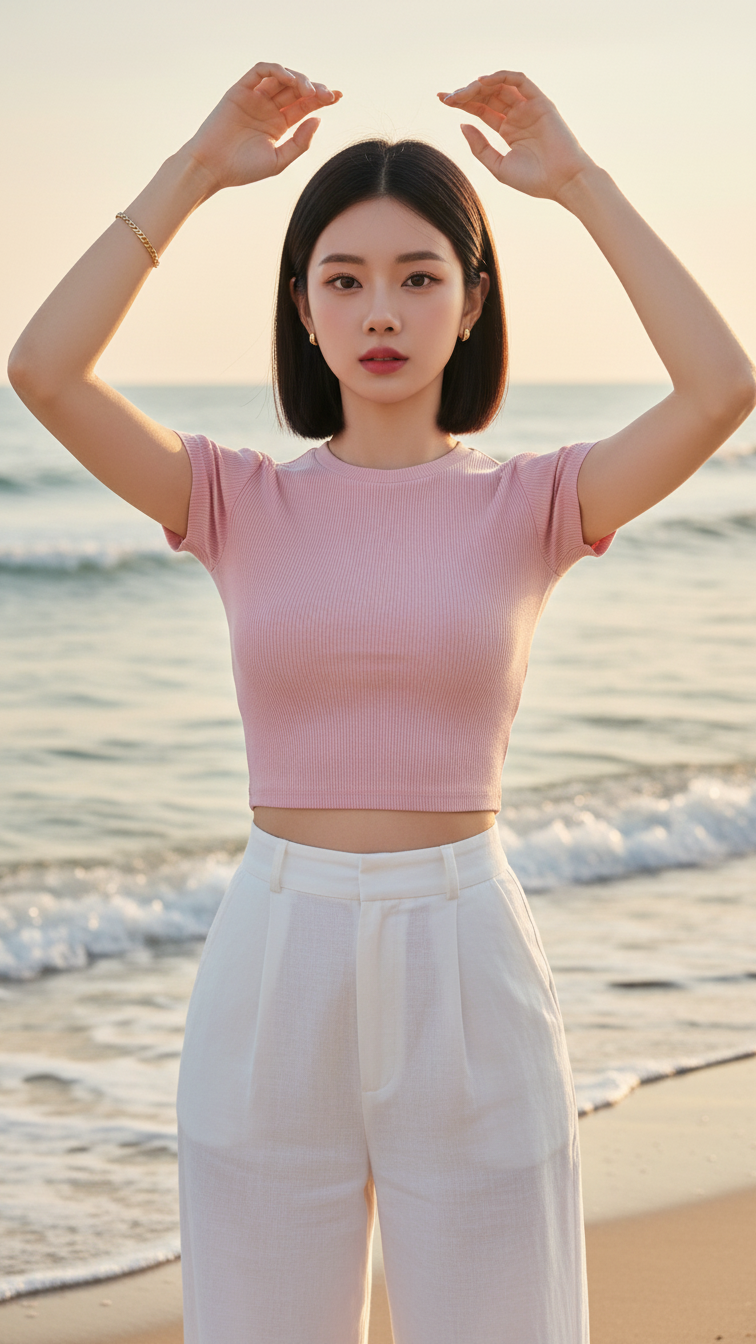
Prompt 1711: Create a realistic portrait of a young woman (face 100% identical to the original...
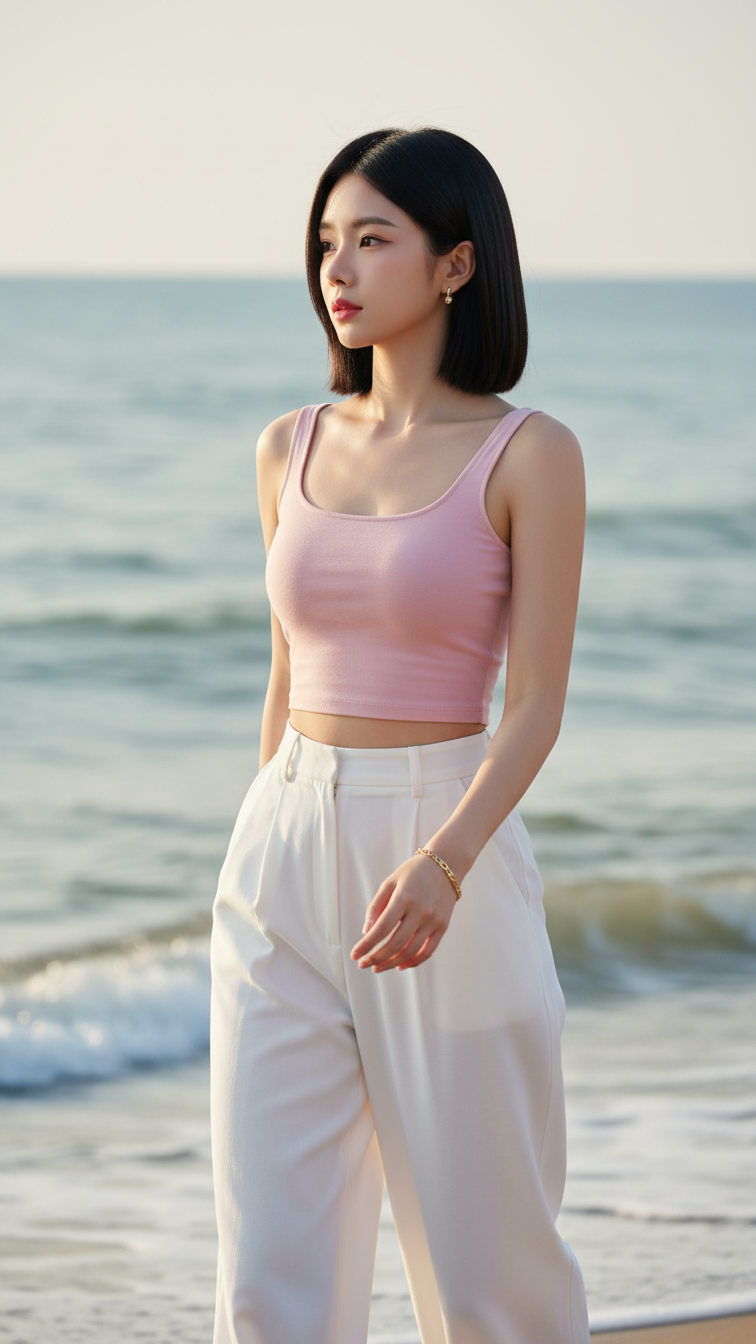
Prompt 1710: Create a realistic portrait of a young woman (face 100% identical to the original...
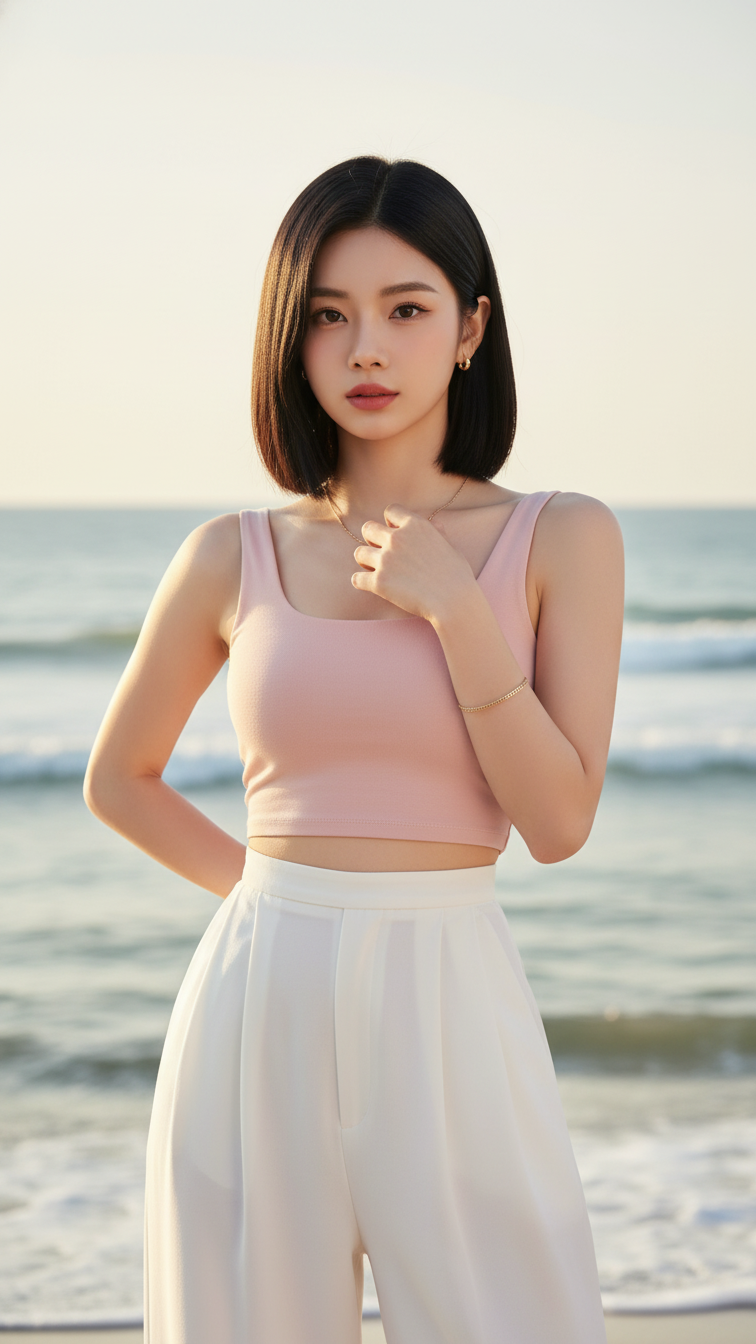
Prompt 1709: Create a realistic portrait of a young woman (face 100% identical to the original...
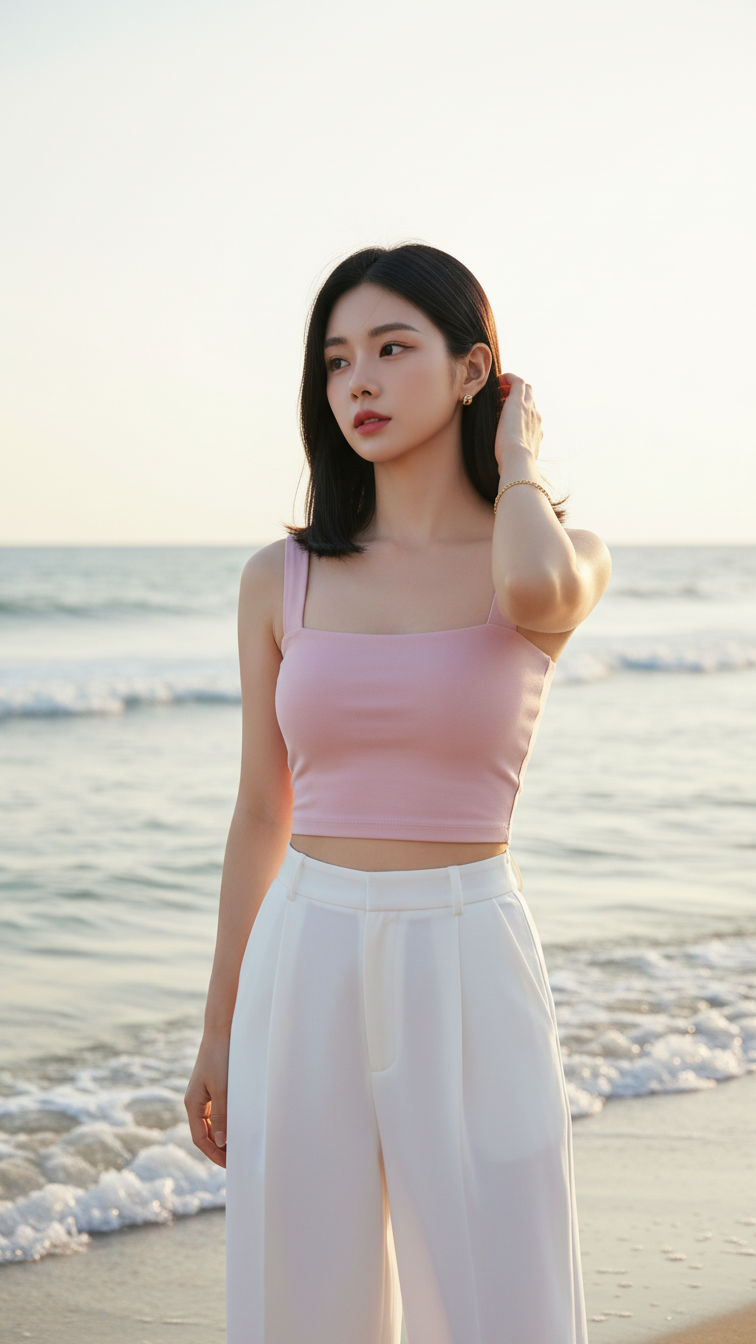
Prompt 1708: Create a realistic portrait of a young woman (face 100% identical to the original...
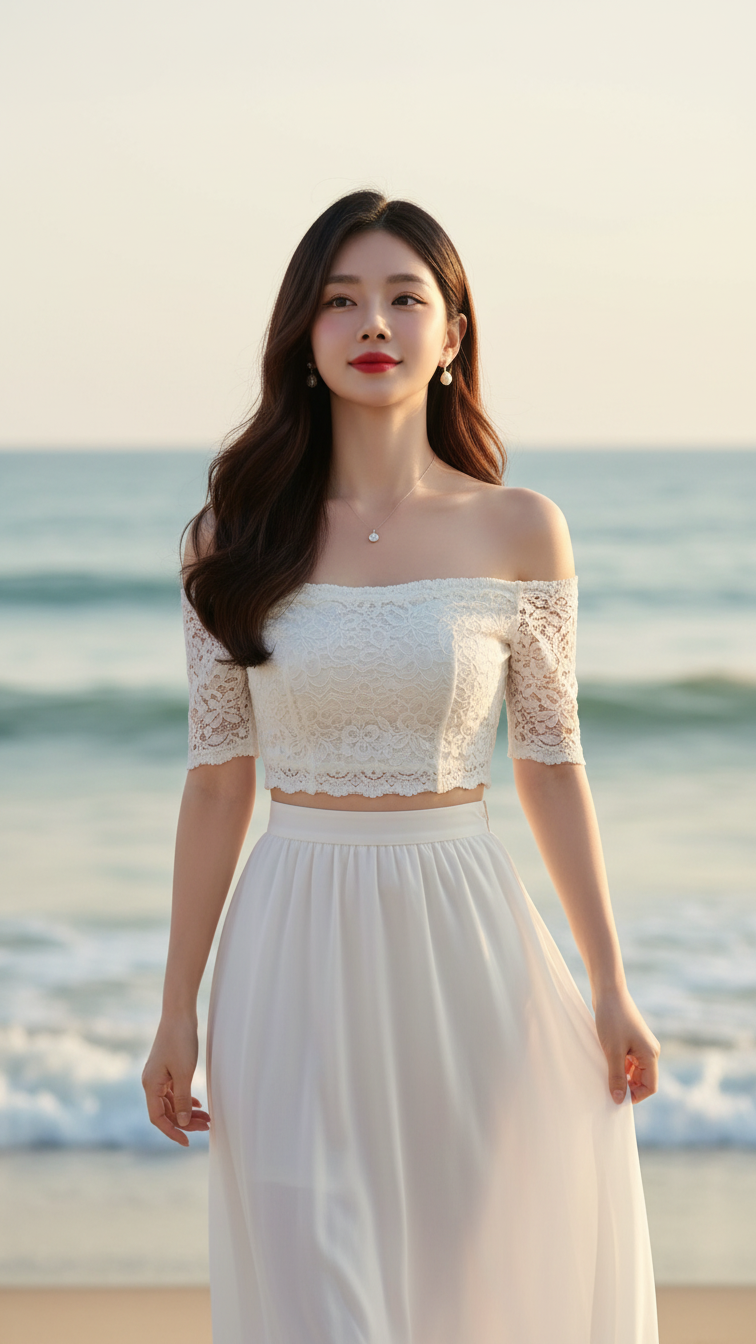
Prompt 1707: Create a realistic portrait of a young woman (face 100% identical to the original...
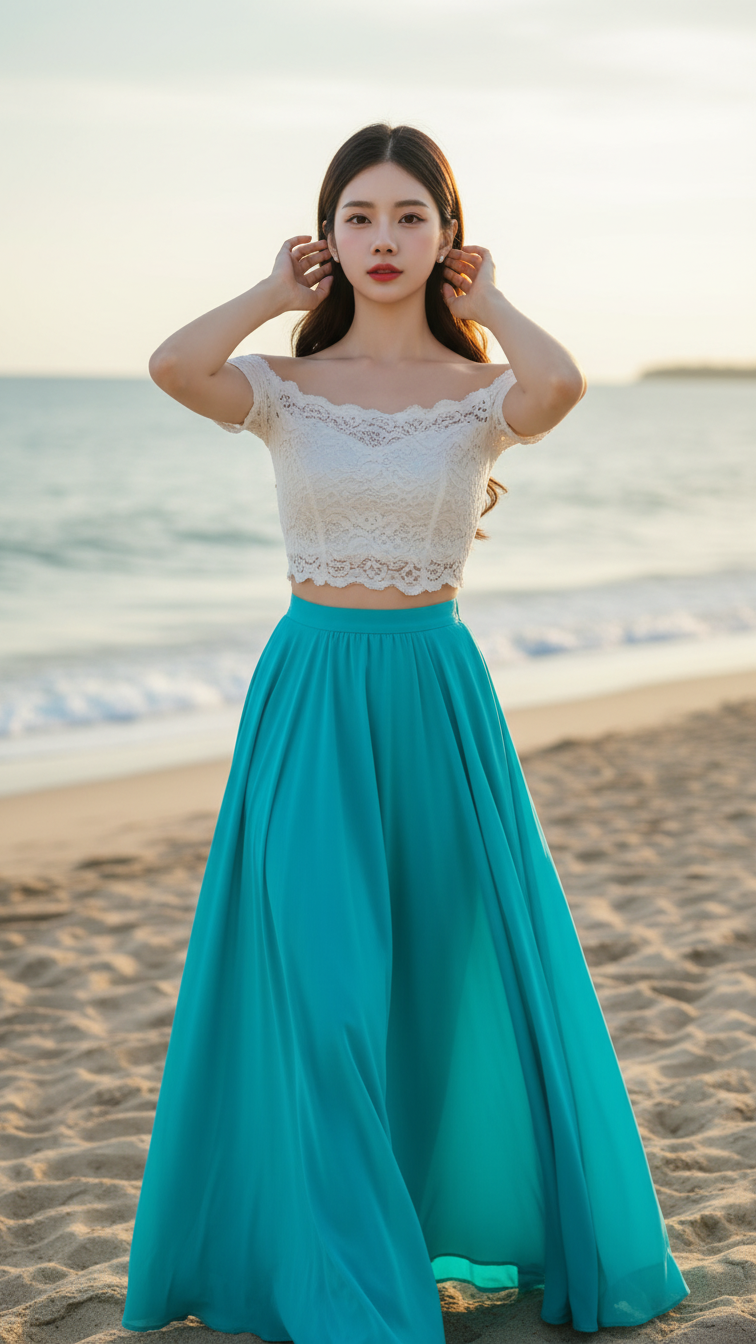
Prompt 1706: Create a realistic portrait of a young woman (face 100% identical to the original...
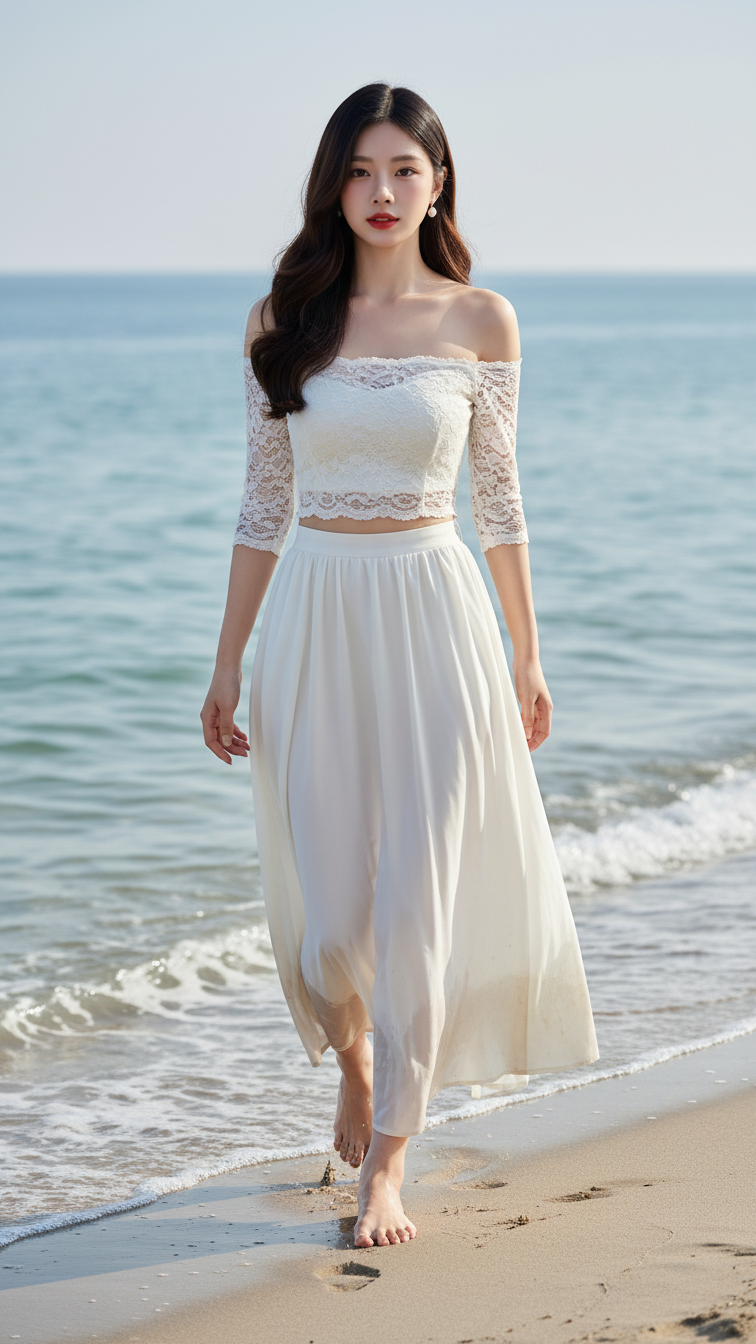
Prompt 1705: Create a realistic portrait of a young woman (face 100% identical to the original...
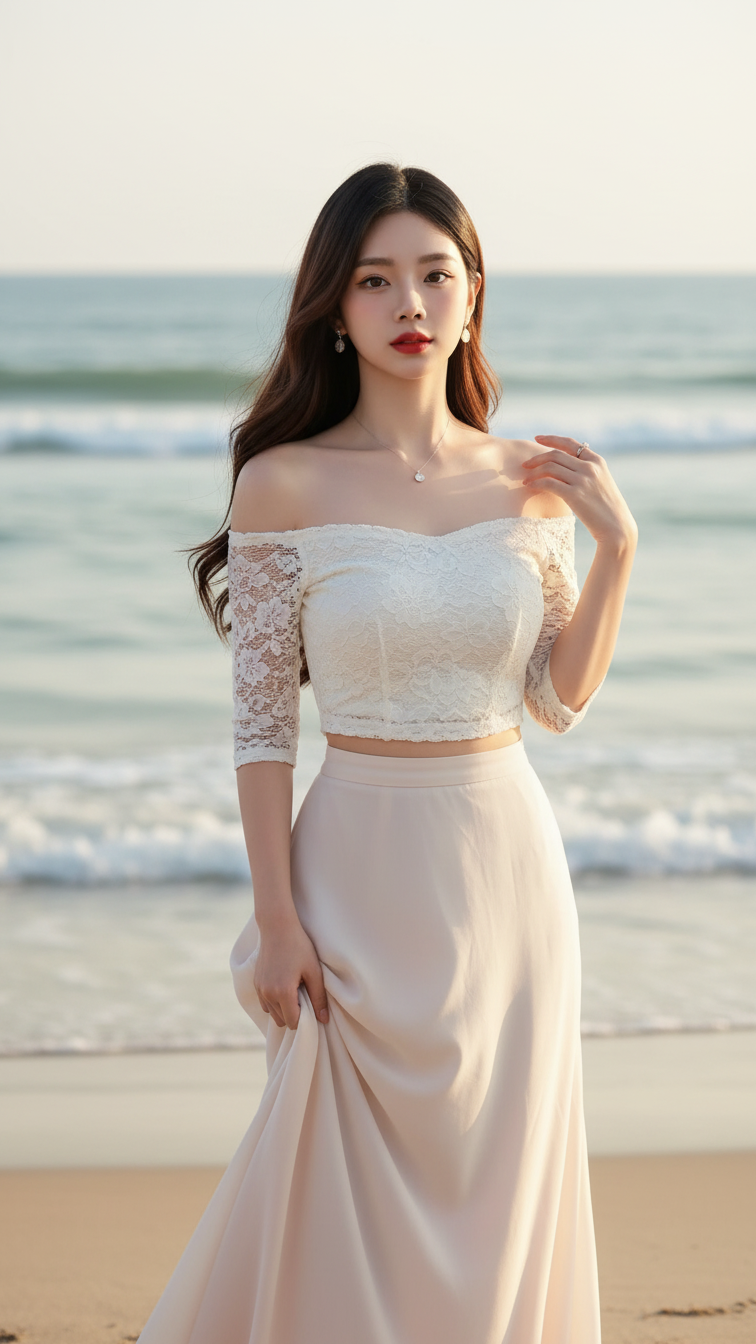
Prompt 1704: Create a realistic portrait of a young woman (face 100% identical to the original...
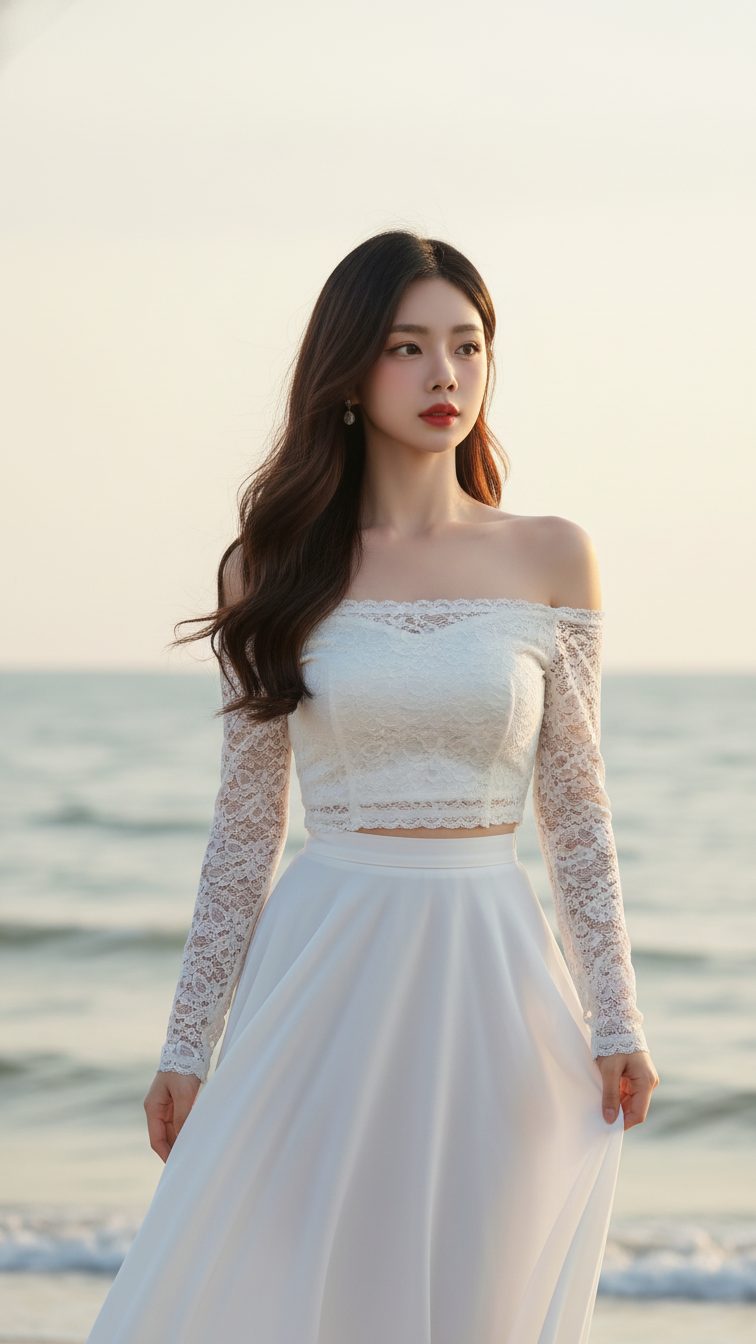
Prompt 1703: Create a realistic portrait of a young woman (face 100% identical to the original...
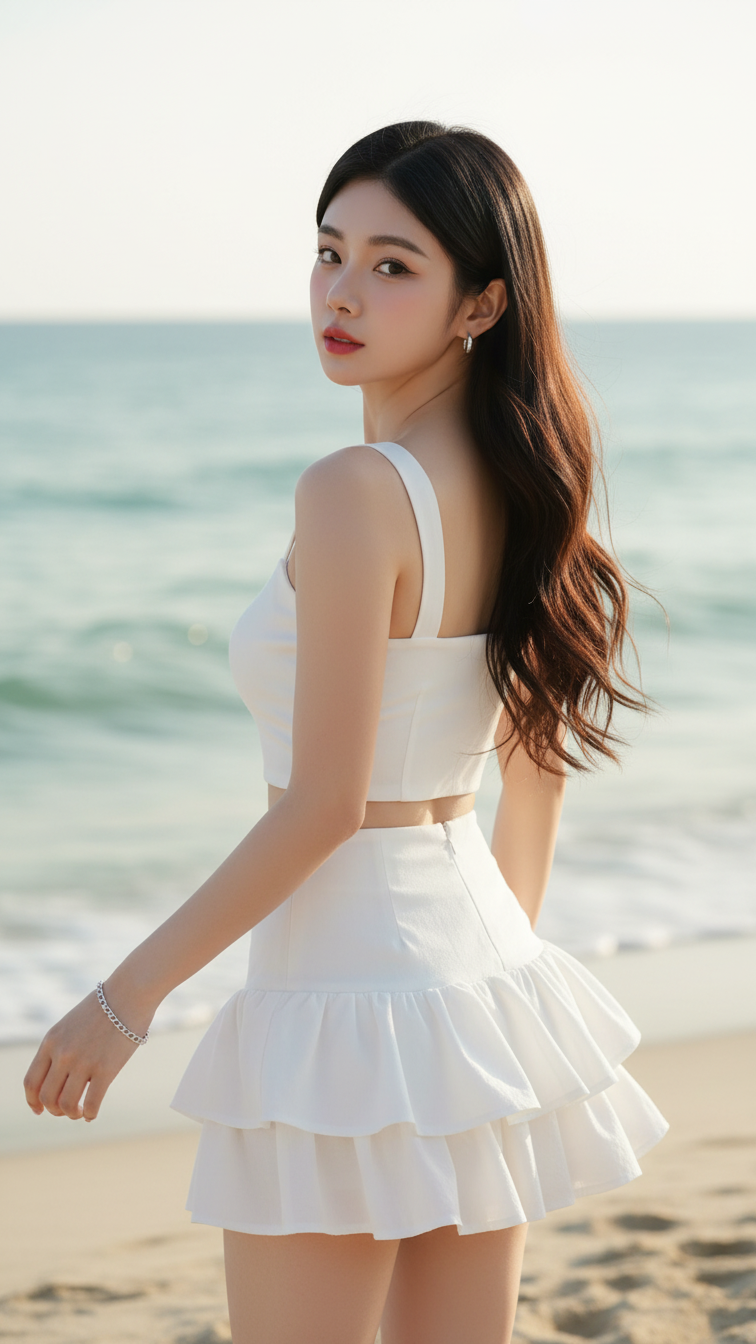
Prompt 1702: Create a realistic portrait of a young woman (face 100% identical to the original...
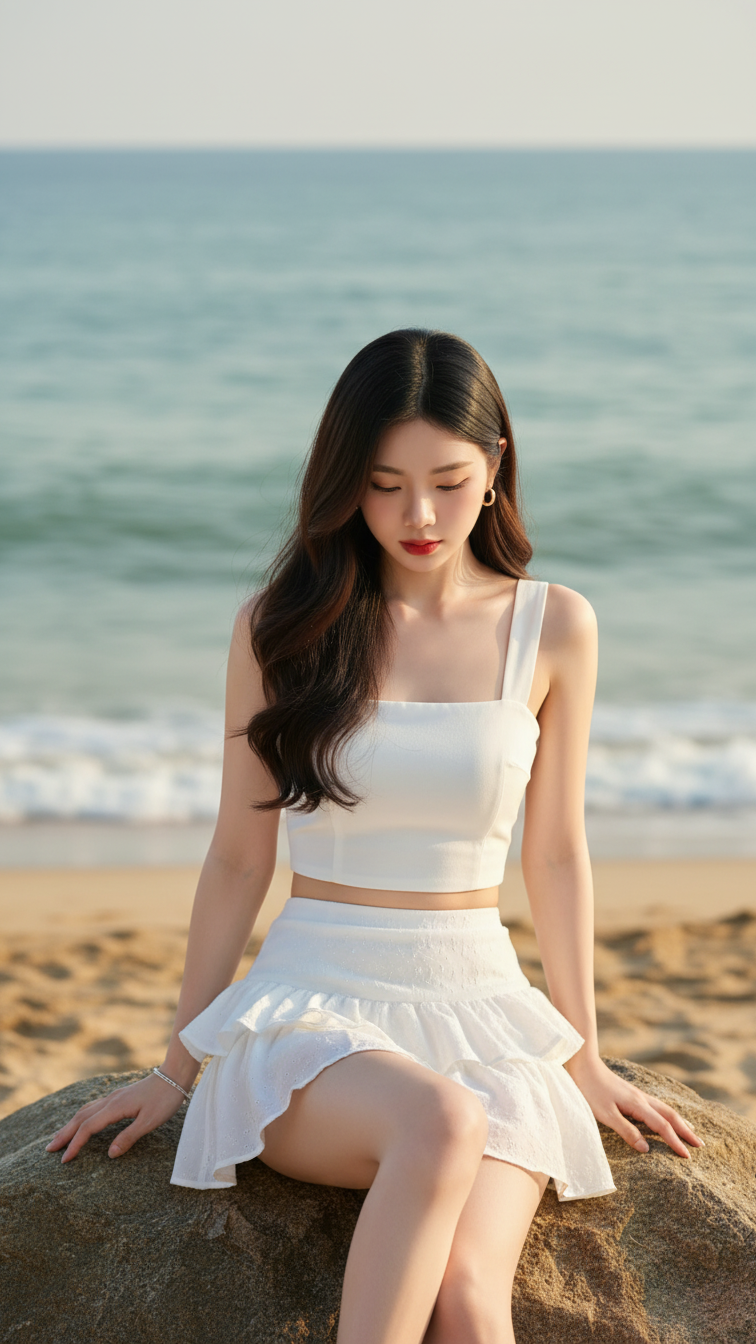
Prompt 1701: Create a realistic portrait of a young woman (face 100% identical to the original...
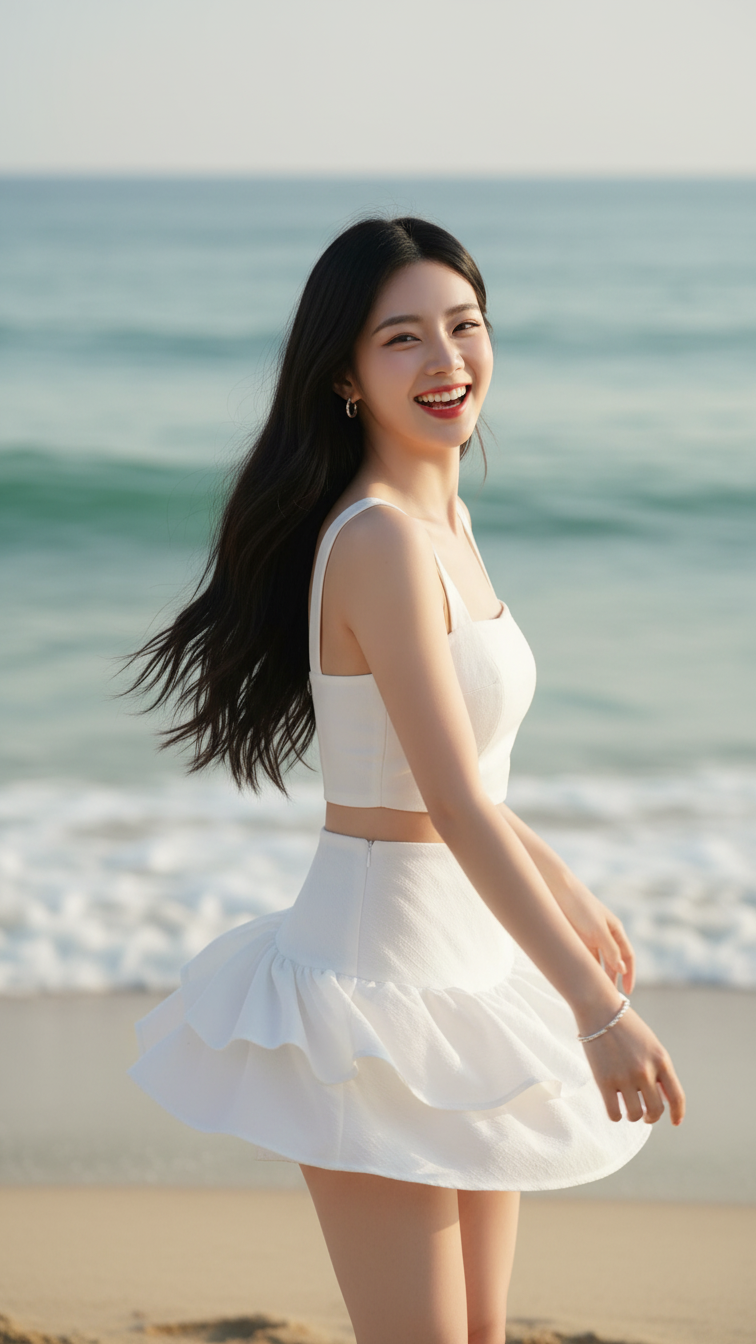
Prompt 1700: Create a realistic portrait of a young woman (face 100% identical to the original...
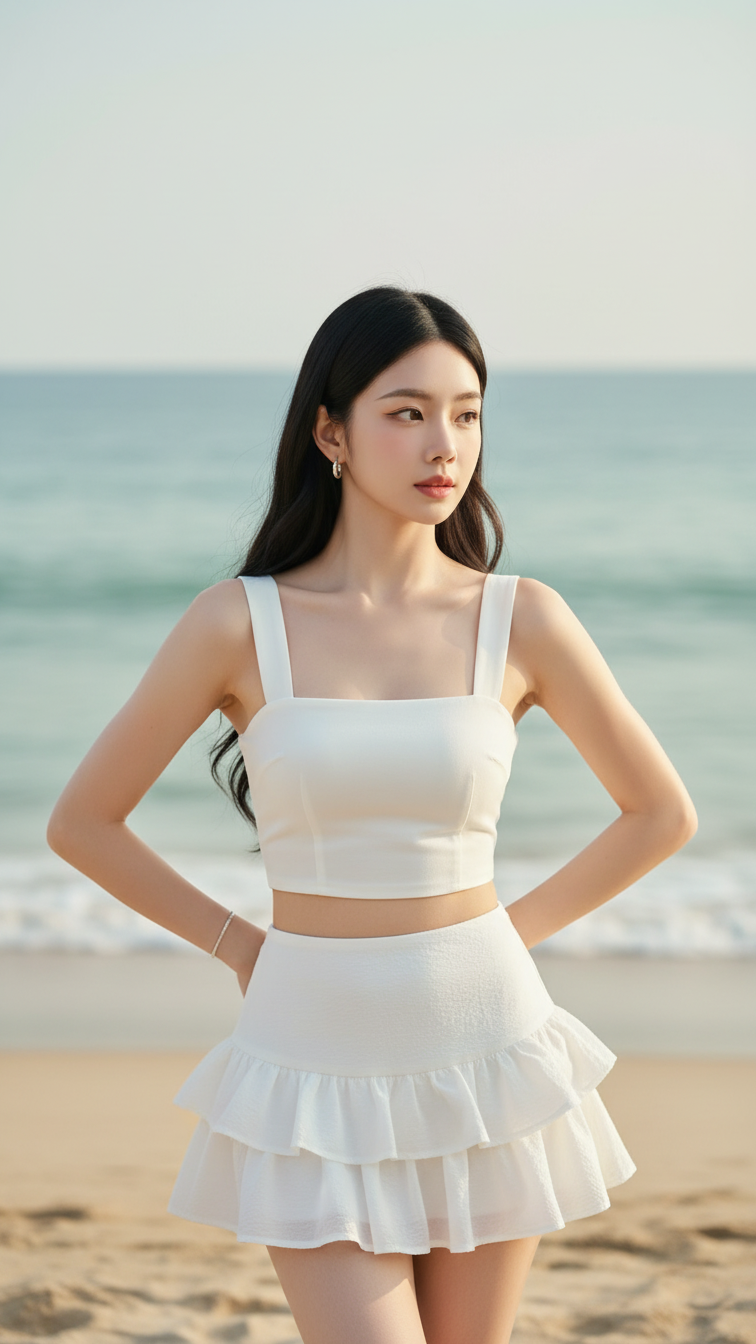
Prompt 1699: Create a realistic portrait of a young woman (face 100% identical to the original...
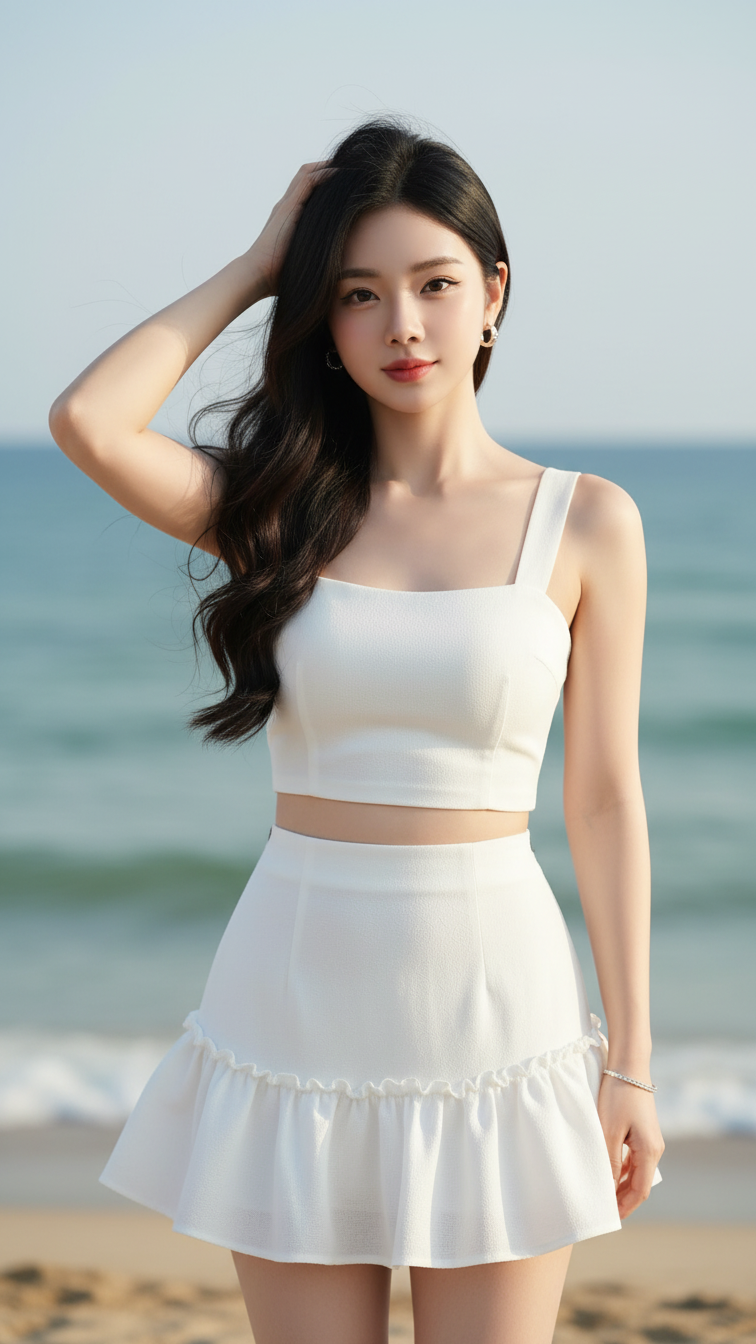
Prompt 1698: Create a realistic portrait of a young woman (face 100% identical to the original...
