
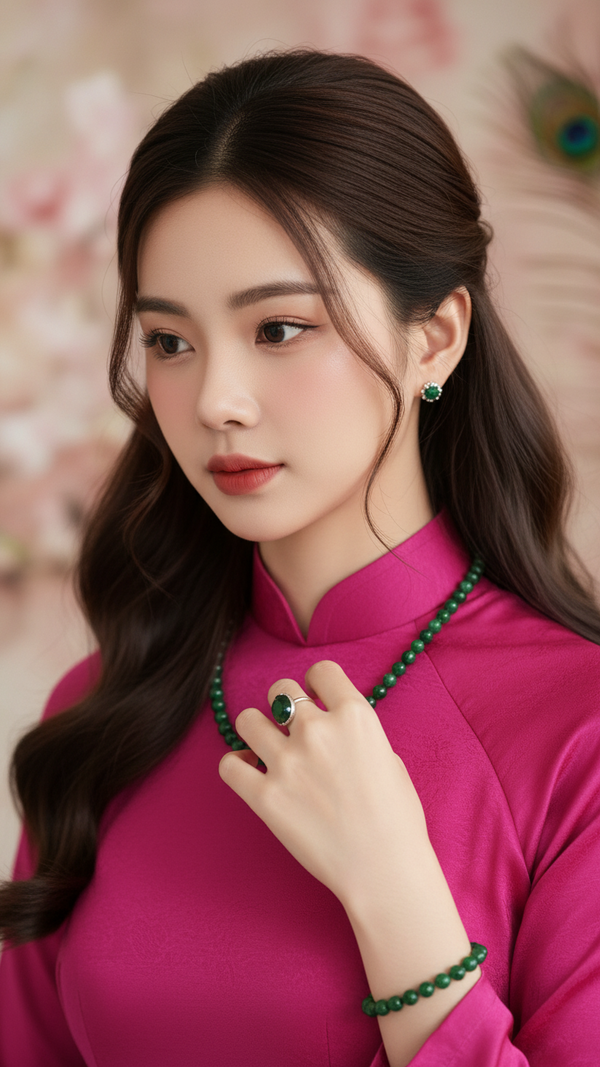
Prompt 2546: Create a realistic portrait of a young woman (face 100% identical to the original...
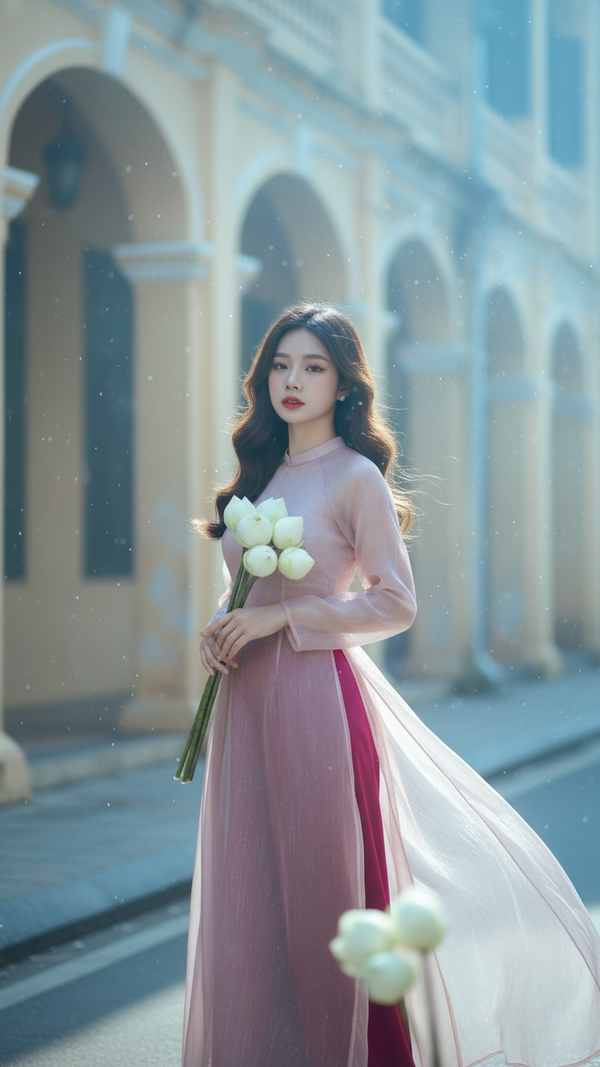
Prompt 2545: Create a realistic portrait of a young woman (face 100% identical to the original...
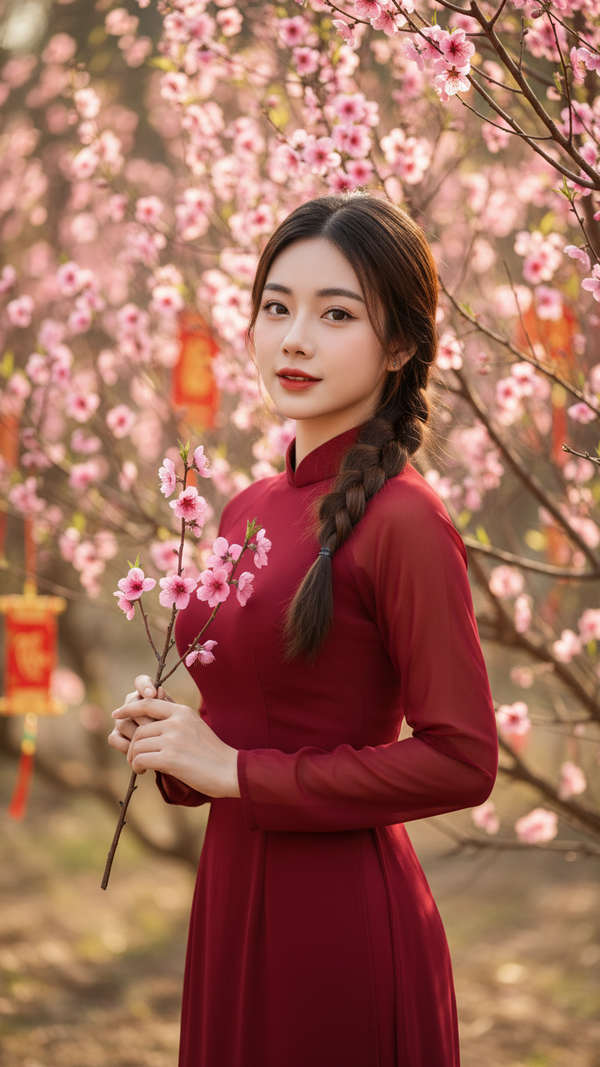
Prompt 2544: Create a realistic portrait of a young woman (face 100% identical to the original...
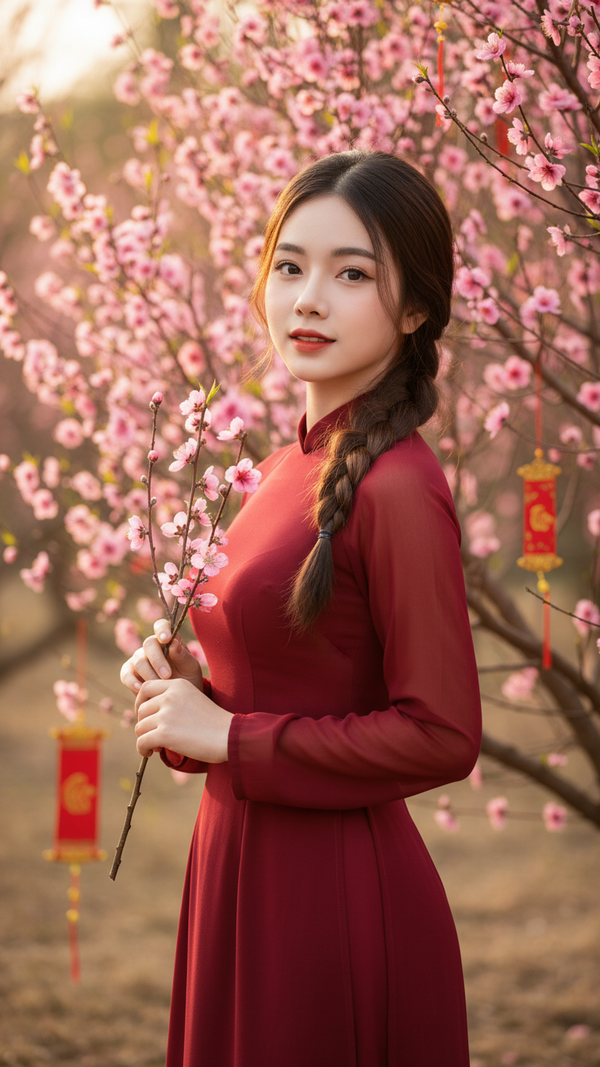
Prompt 2543: Create a realistic portrait of a young woman (face 100% identical to the original...
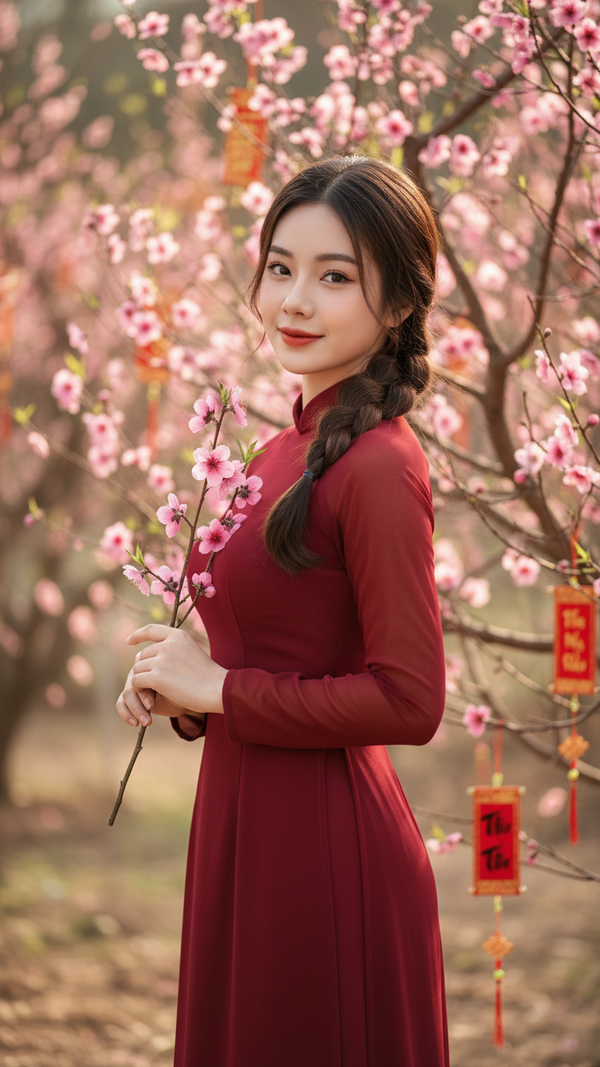
Prompt 2542: Create a realistic portrait of a young woman (face 100% identical to the original...
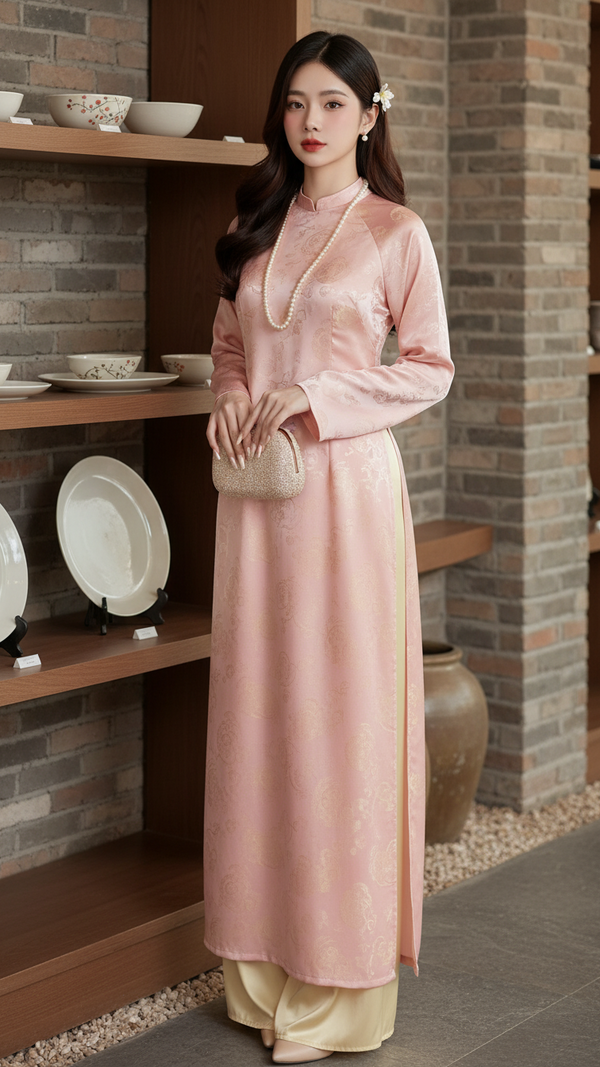
Prompt 2541: Create a realistic portrait of a young woman (face 100% identical to the original...
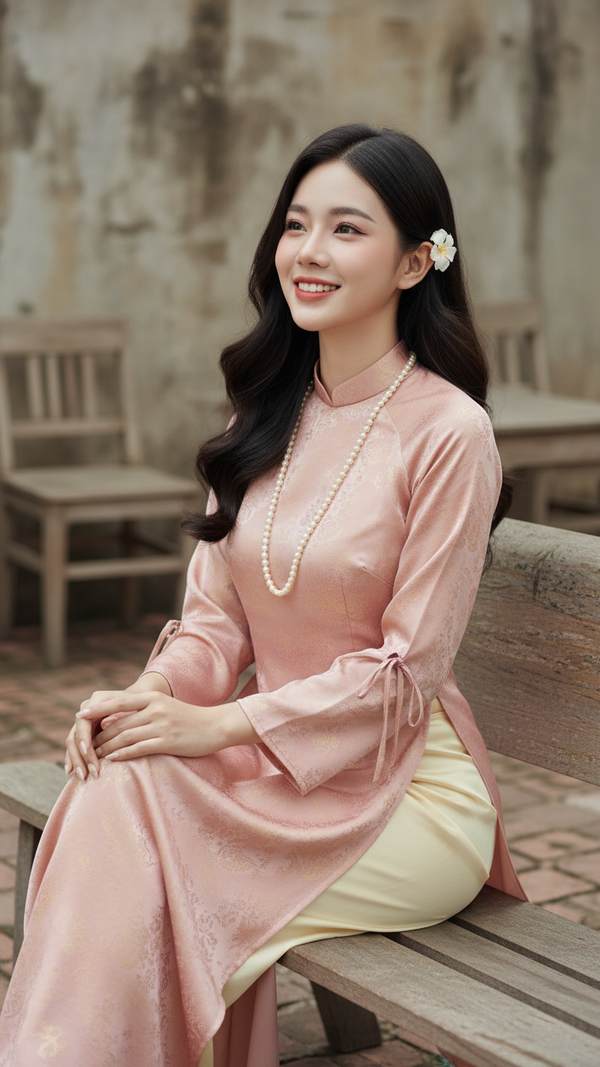
Prompt 2540: Create a realistic portrait of a young woman (face 100% identical to the original...
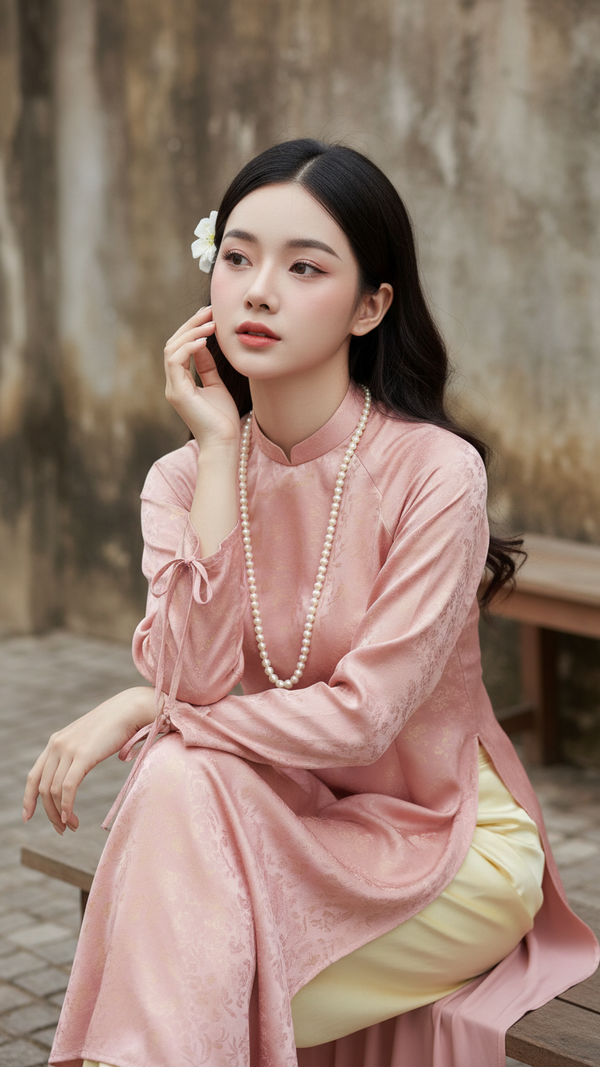
Prompt 2539: Create a realistic portrait of a young woman (face 100% identical to the original...
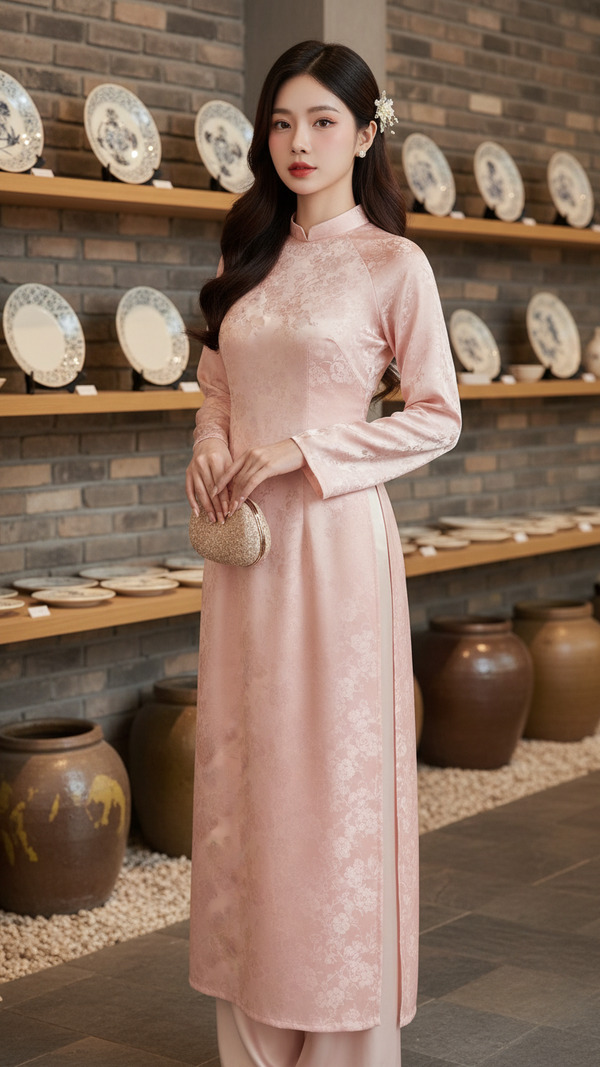
Prompt 2538: Create a realistic portrait of a young woman (face 100% identical to the original...
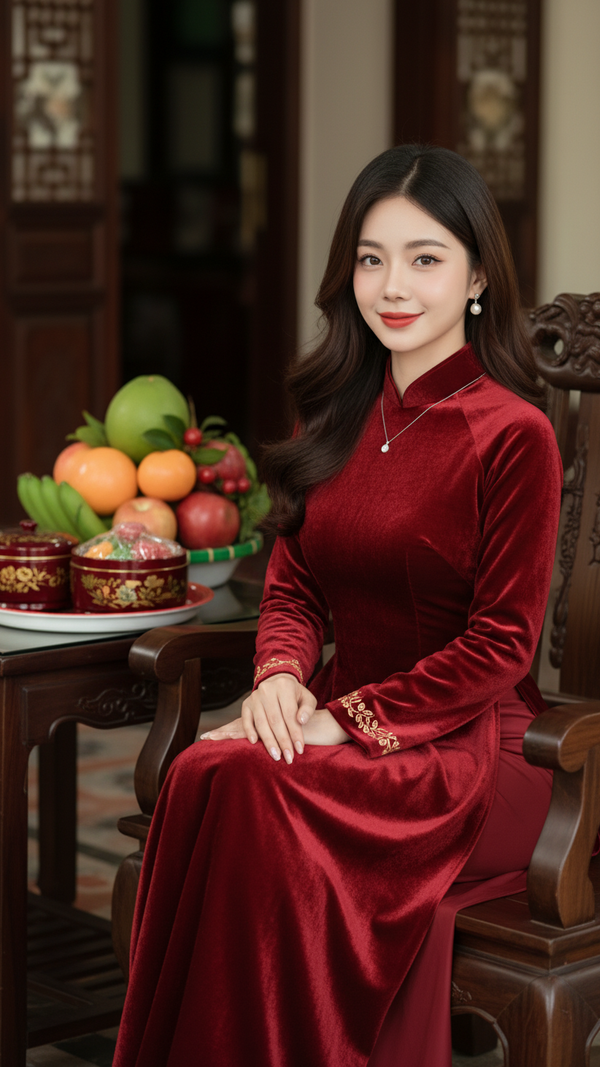
Prompt 2537: Create a realistic portrait of a young woman (face 100% identical to the original...
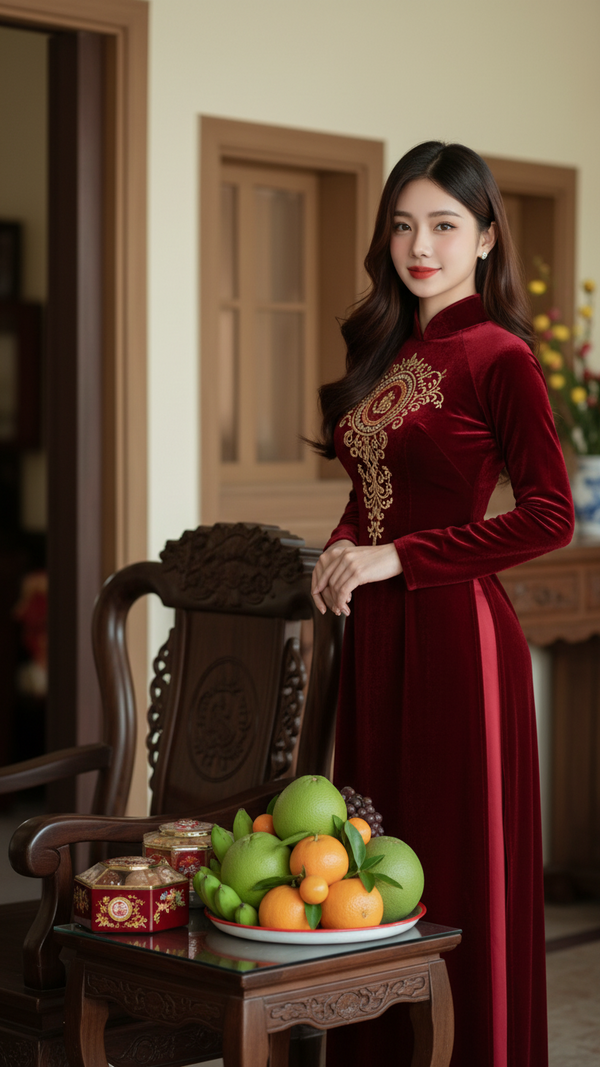
Prompt 2536: Create a realistic portrait of a young woman (face 100% identical to the original...
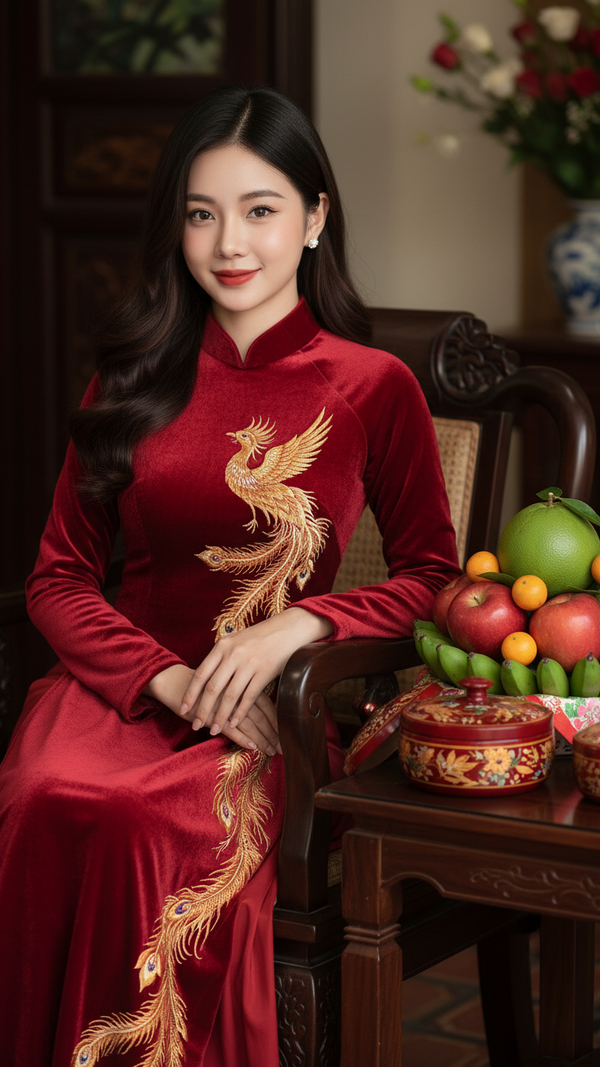
Prompt 2535: Create a realistic portrait of a young woman (face 100% identical to the original...
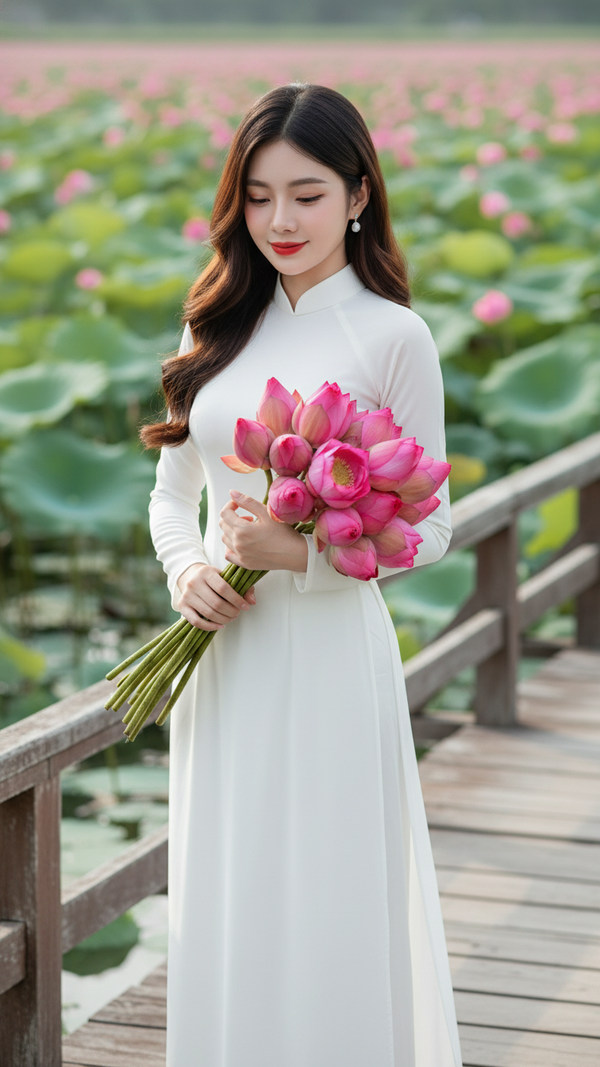
Prompt 2534: Create a realistic portrait of a young woman (face 100% identical to the original...
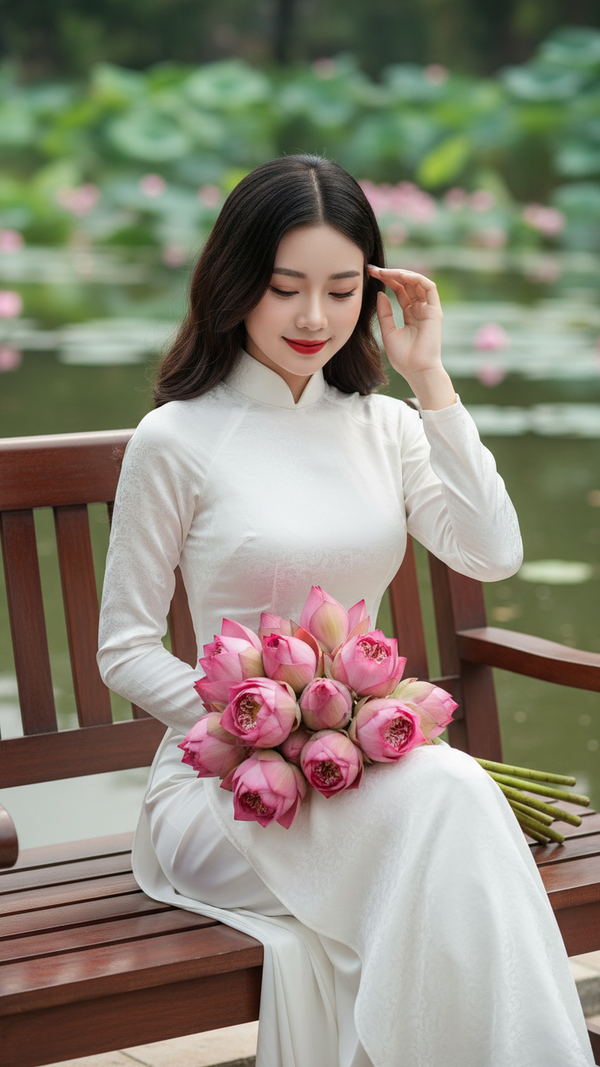
Prompt 2533: Create a realistic portrait of a young woman (face 100% identical to the original...
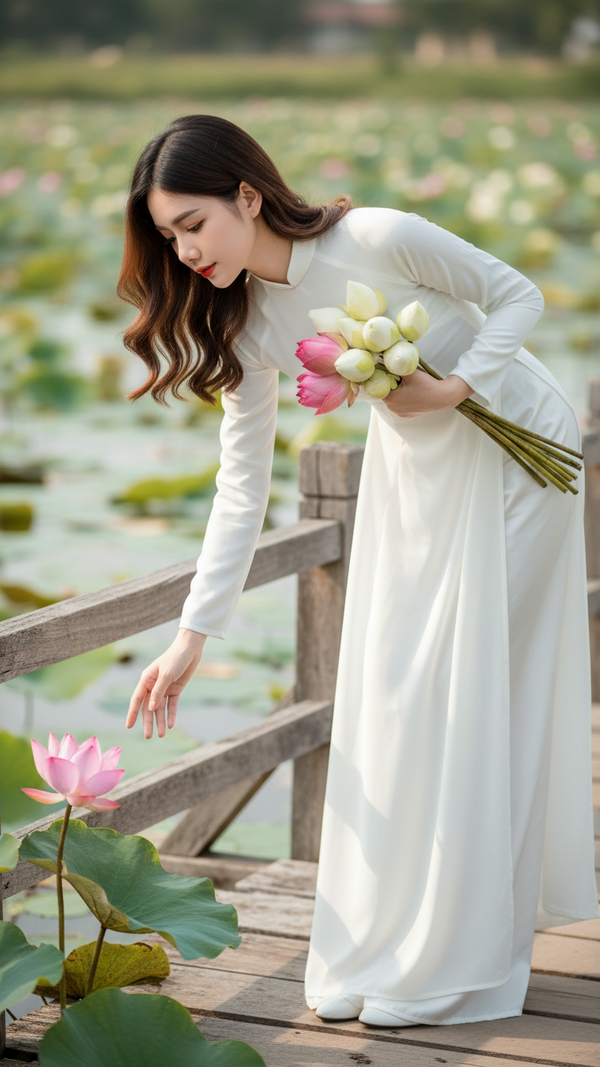
Prompt 2532: Create a realistic portrait of a young woman (face 100% identical to the original...
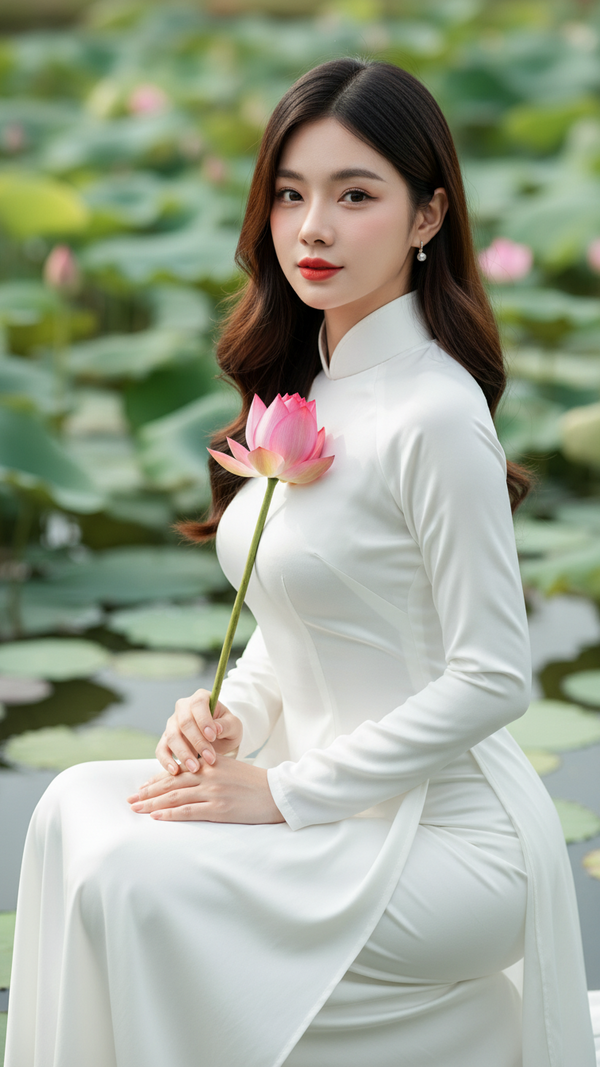
Prompt 2531: Create a realistic portrait of a young woman (face 100% identical to the original...
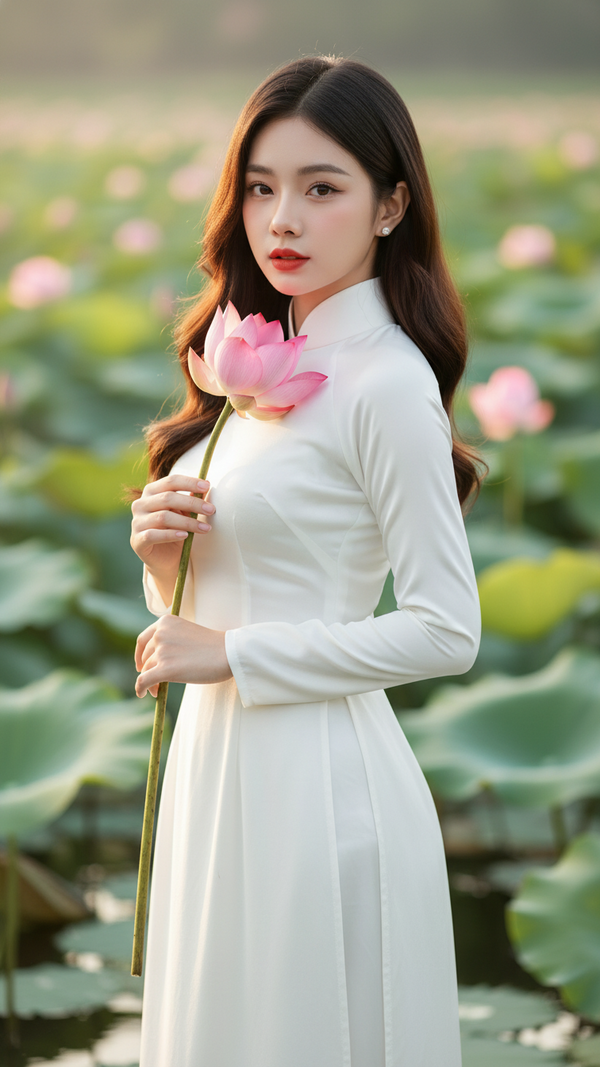
Prompt 2530: Create a realistic portrait of a young woman (face 100% identical to the original...
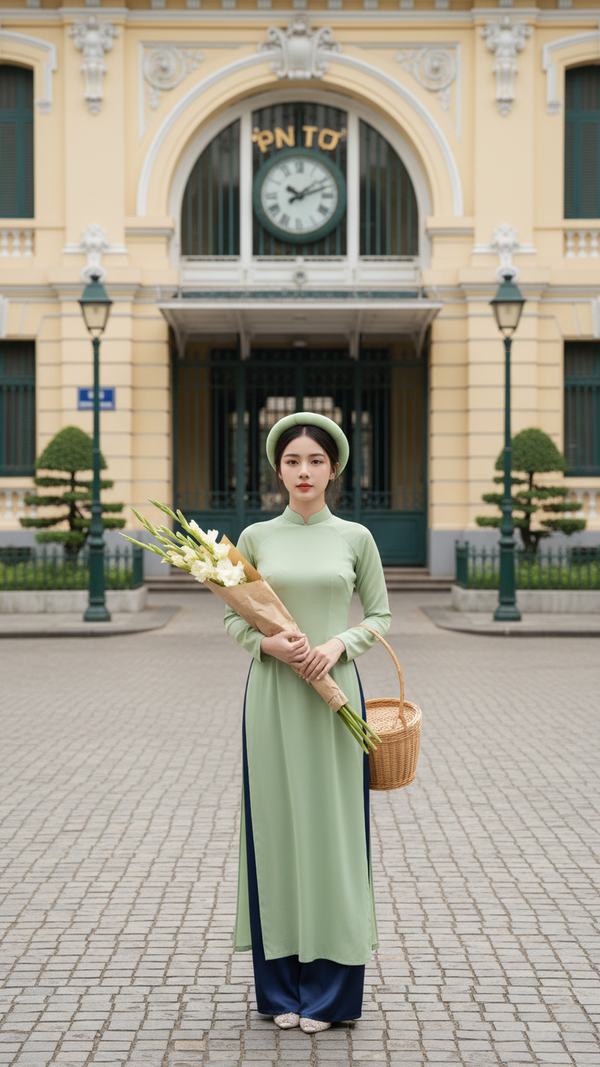
Prompt 2529: Create a realistic portrait of a young woman (face 100% identical to the original...
