
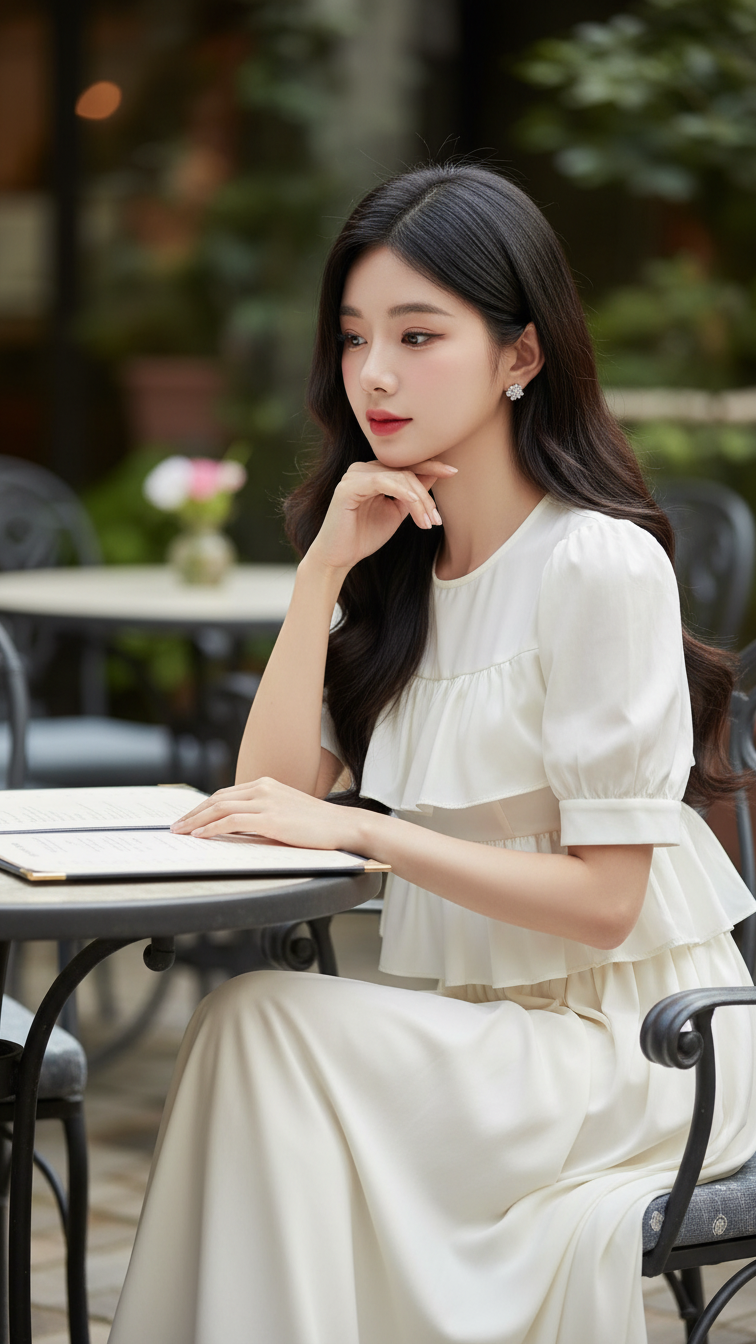
Prompt 1771: Create a realistic portrait of a young woman (face 100% identical to the original...
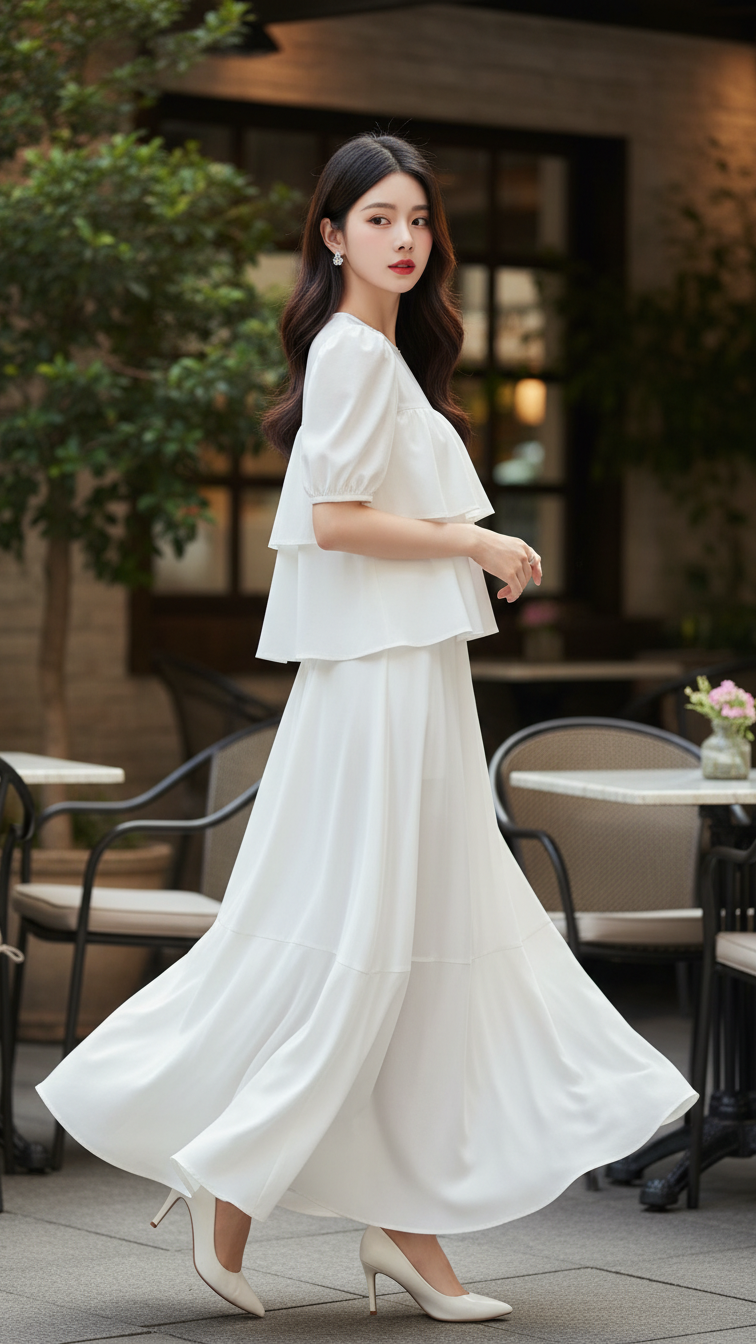
Prompt 1770: Create a realistic portrait of a young woman (face 100% identical to the original...
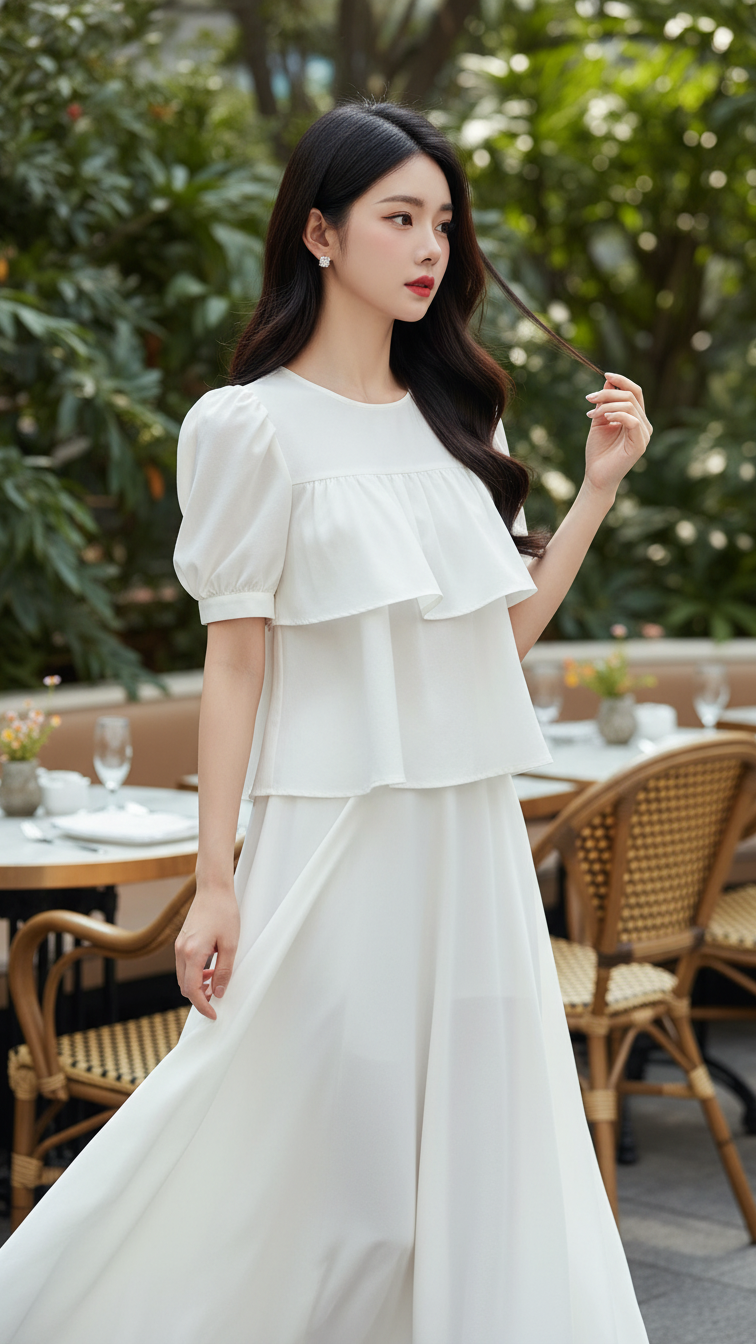
Prompt 1769: Create a realistic portrait of a young woman (face 100% identical to the original...
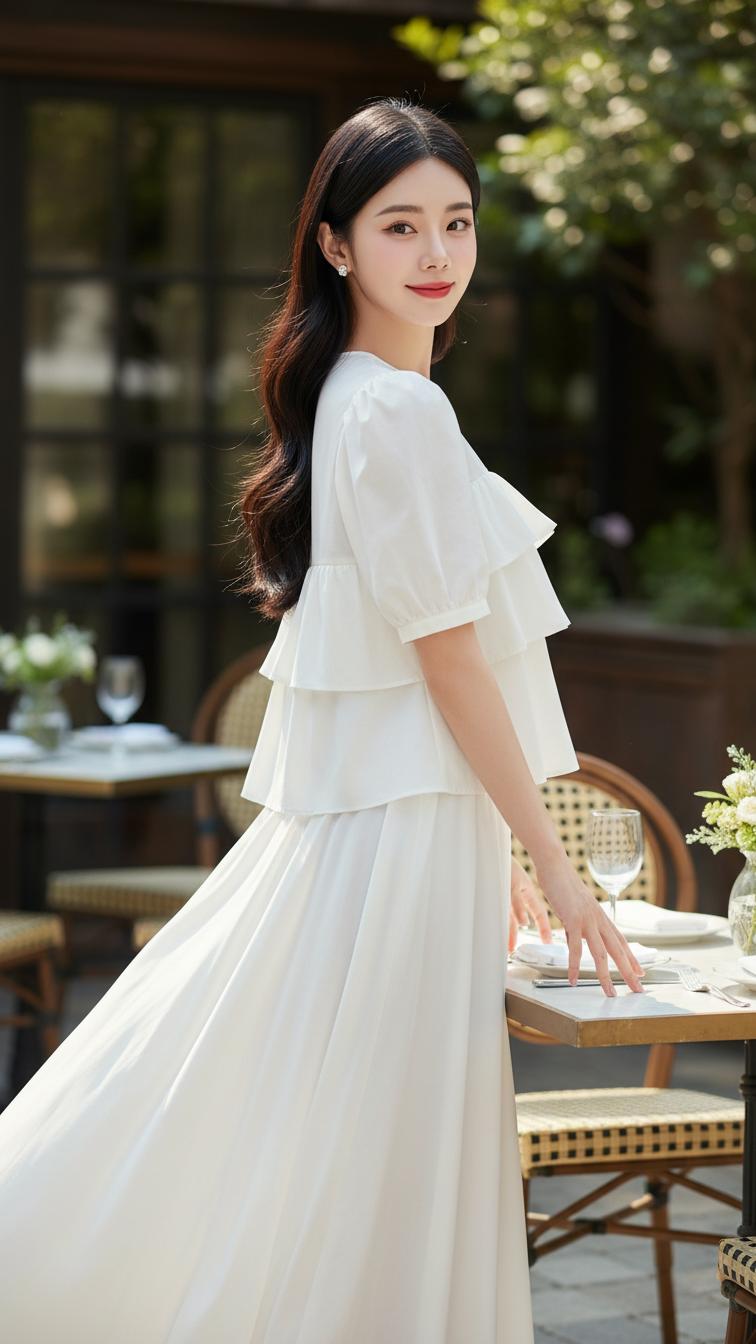
Prompt 1768: Create a realistic portrait of a young woman (face 100% identical to the original...
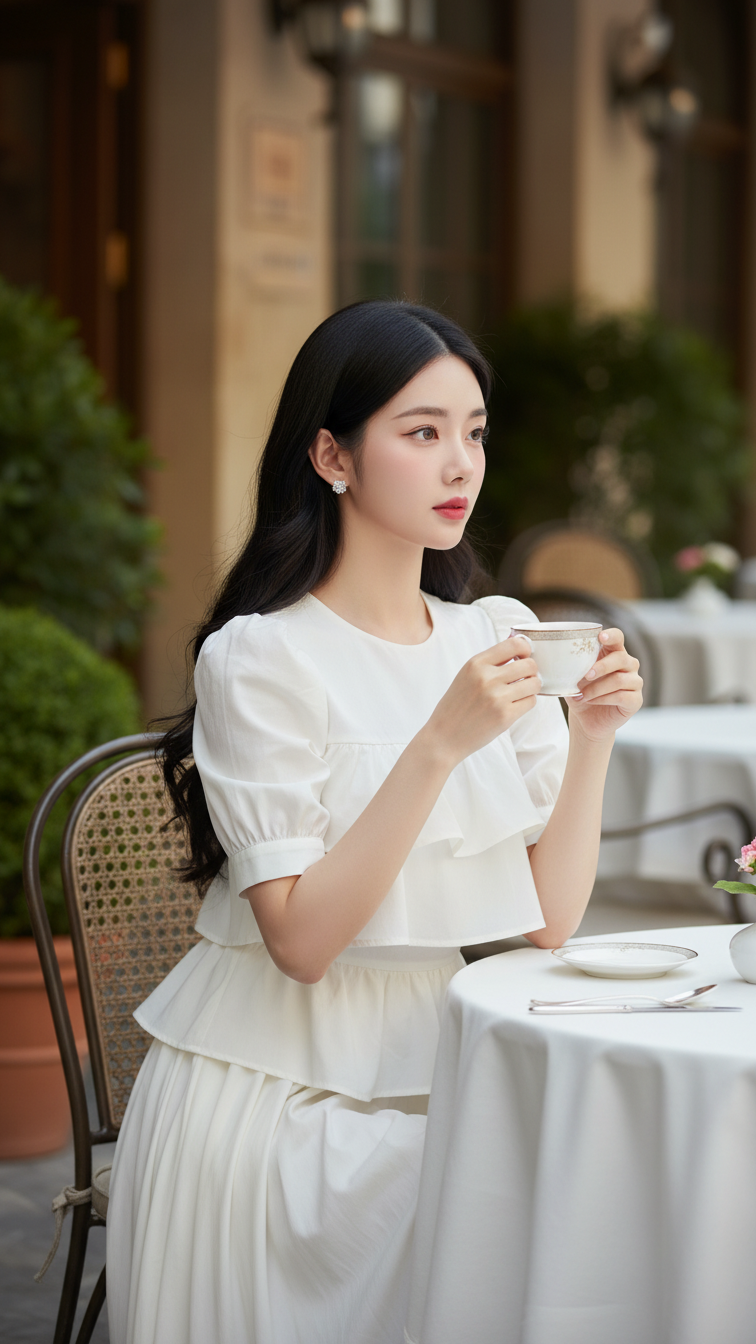
Prompt 1767: Create a realistic portrait of a young woman (face 100% identical to the original...
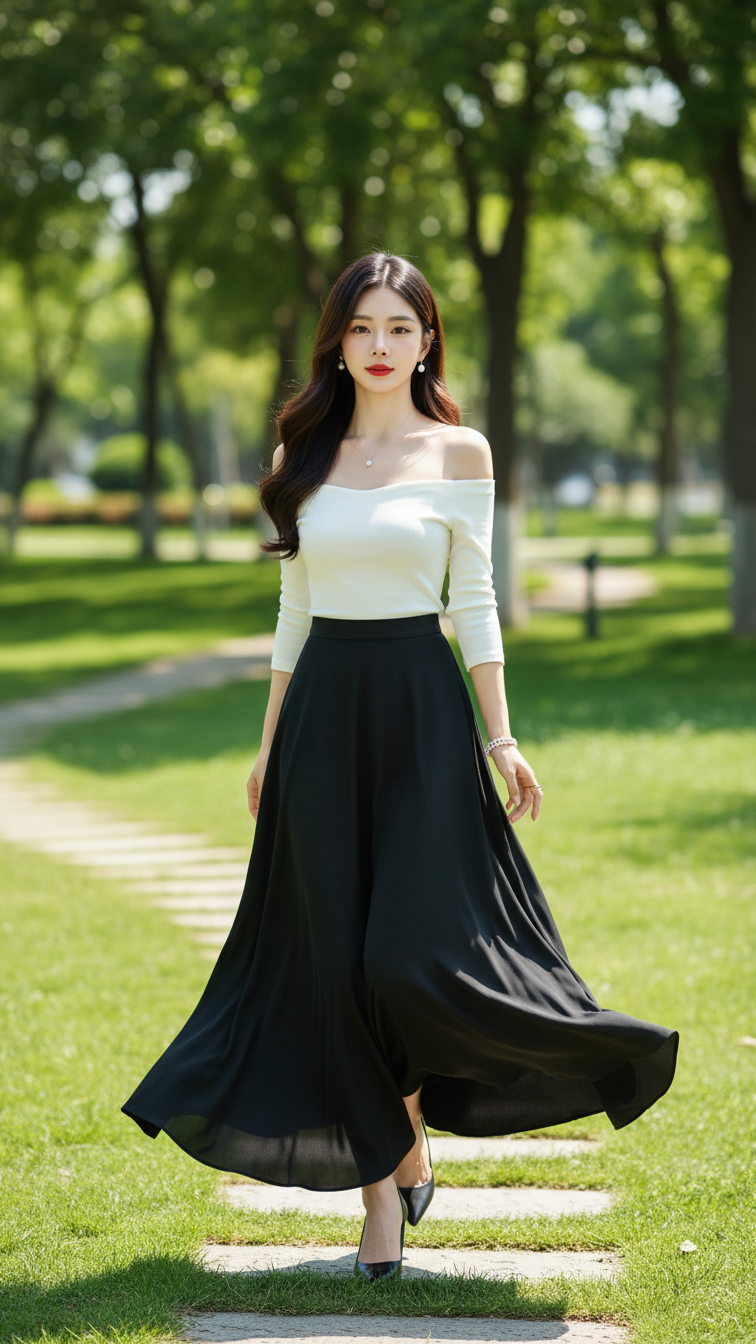
Prompt 1766: Create a realistic portrait of a young woman (face 100% identical to the original...
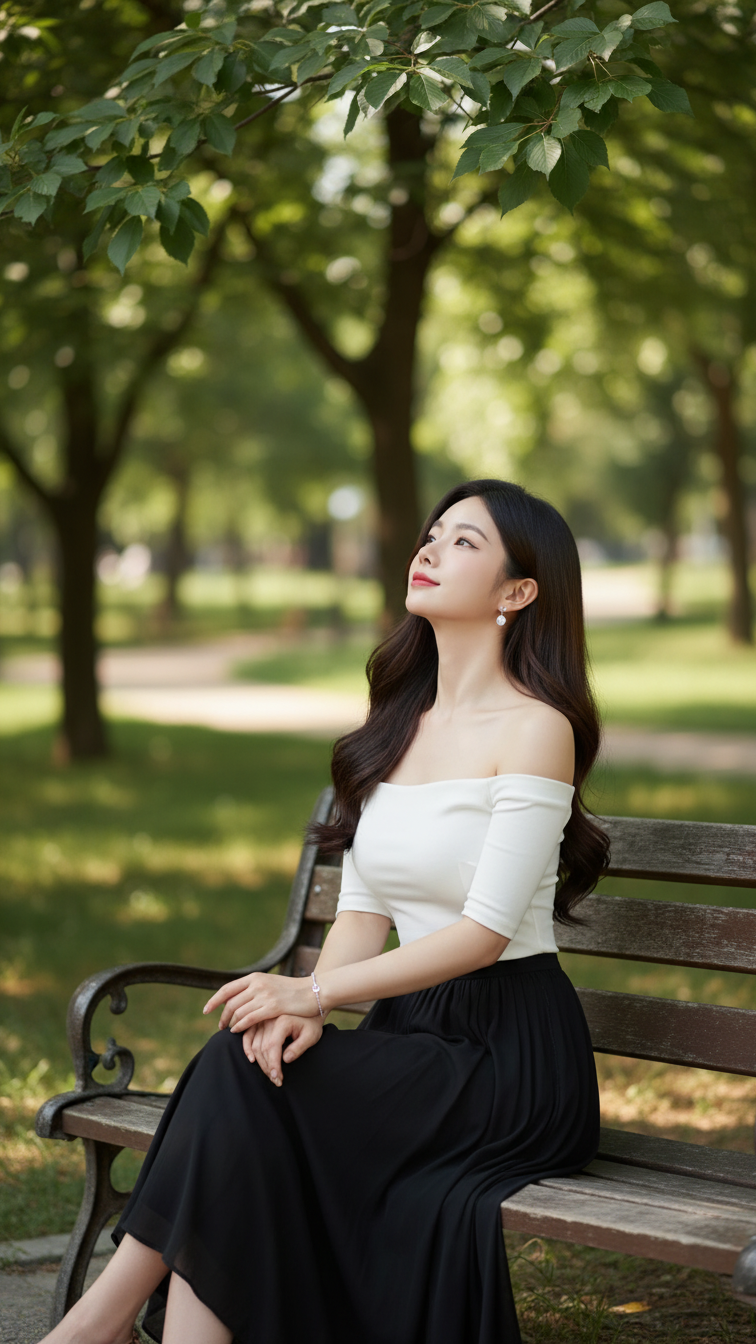
Prompt 1765: Create a realistic portrait of a young woman (face 100% identical to the original...
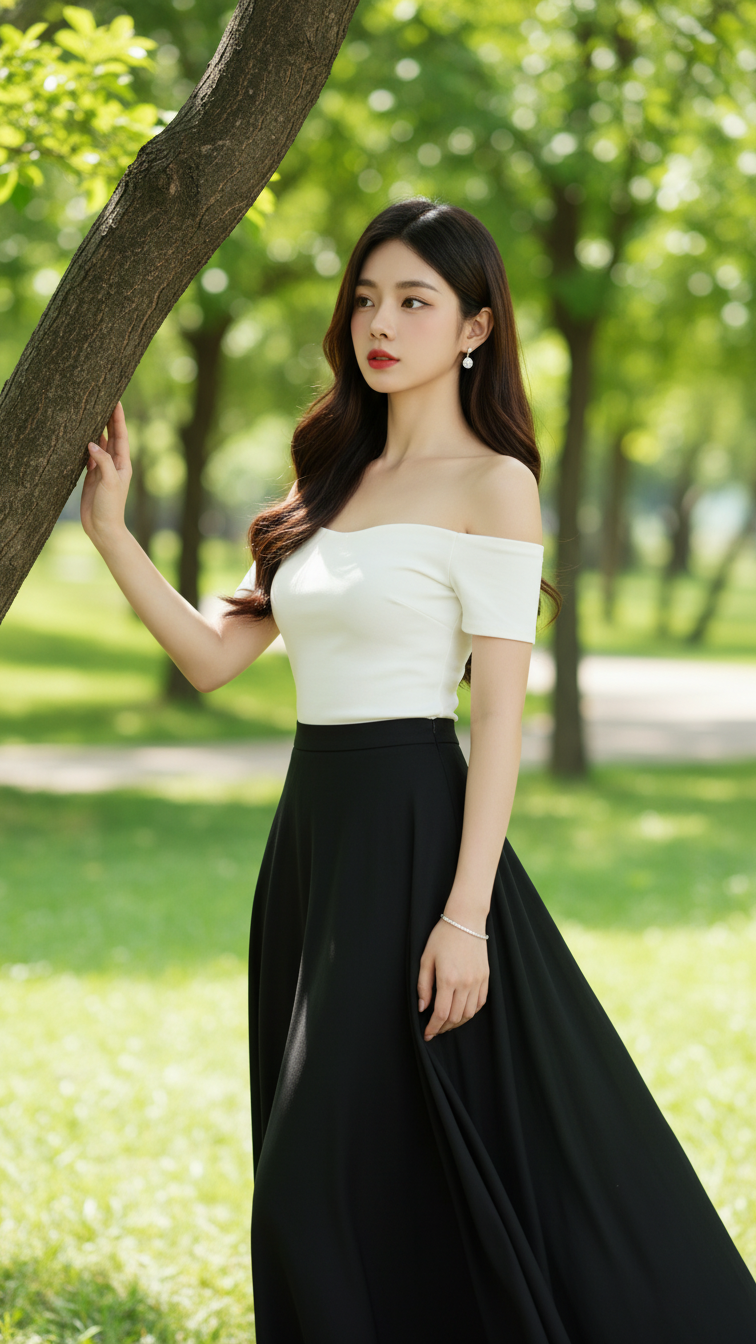
Prompt 1764: Create a realistic portrait of a young woman (face 100% identical to the original...
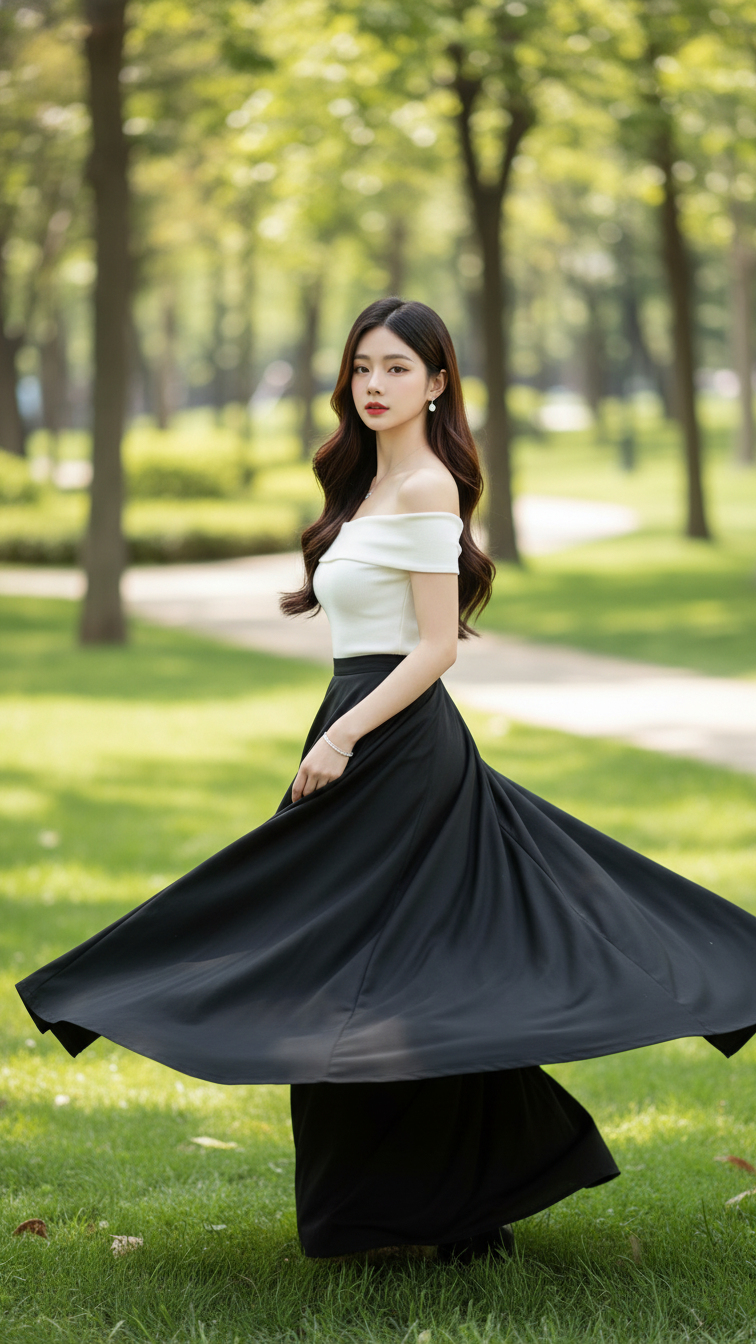
Prompt 1763: Create a realistic portrait of a young woman (face 100% identical to the original...
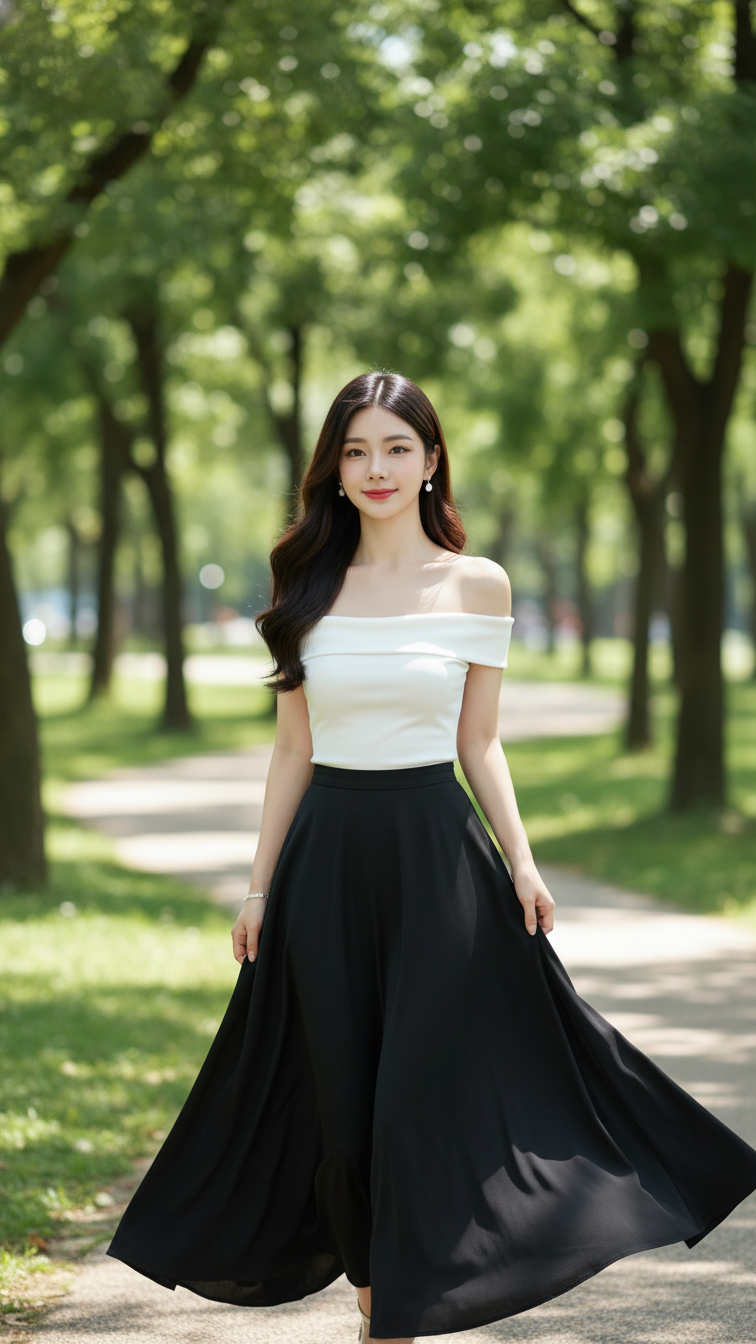
Prompt 1762: Create a realistic portrait of a young woman (face 100% identical to the original...
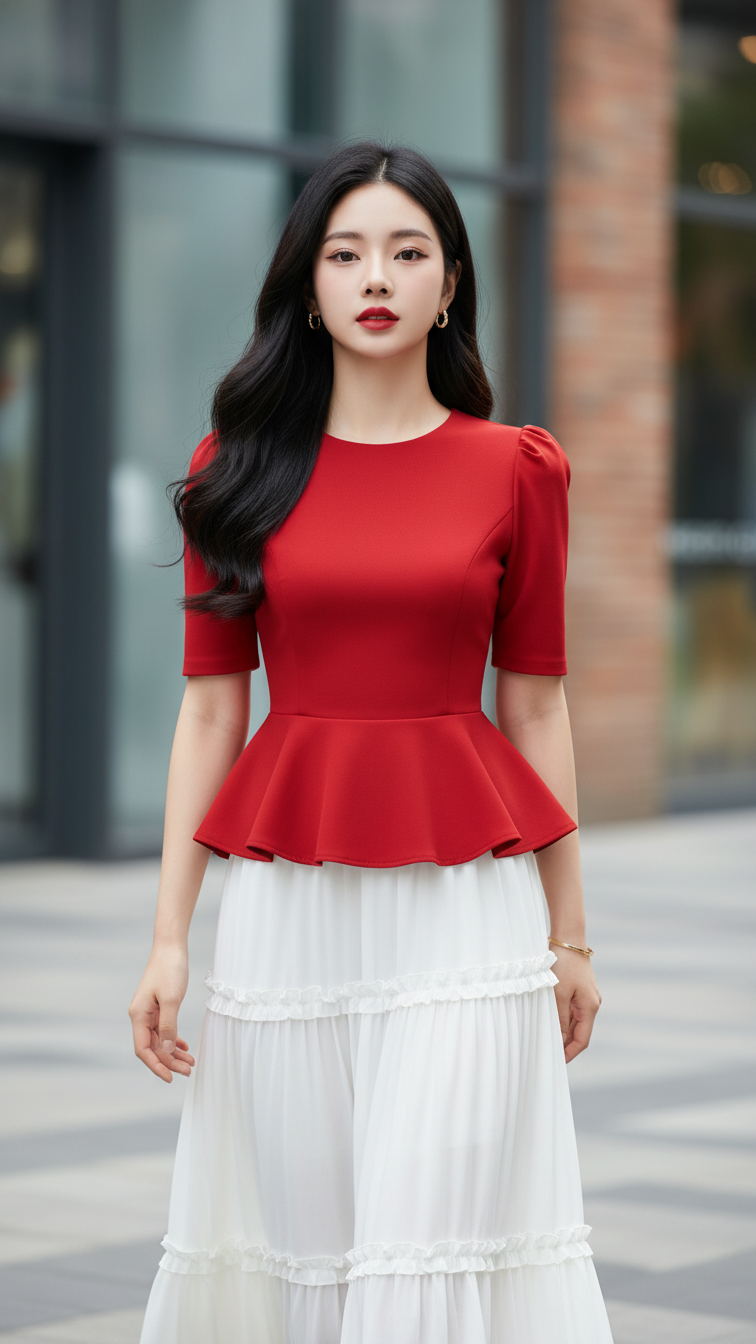
Prompt 1761: Create a realistic portrait of a young woman (face 100% identical to the original...
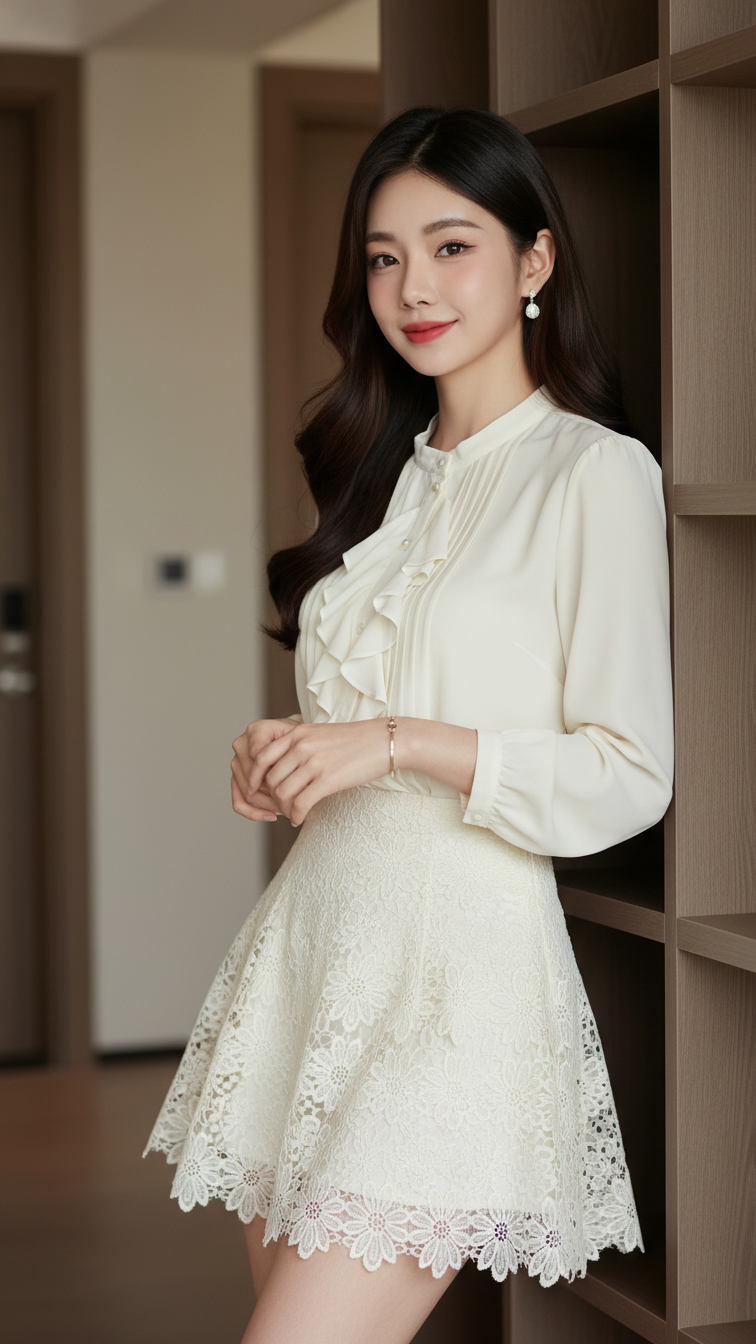
Prompt 1760: Create a realistic portrait of a young woman (face 100% identical to the original...
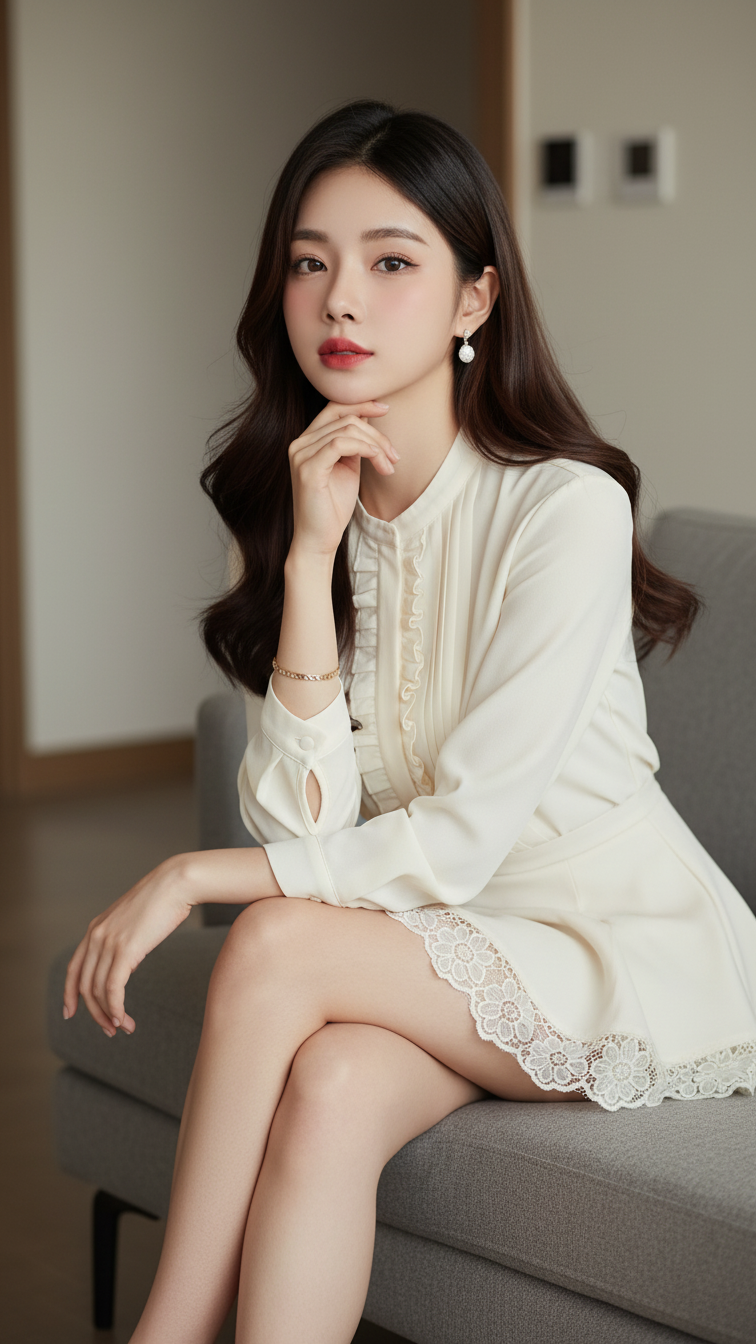
Prompt 1759: Create a realistic portrait of a young woman (face 100% identical to the original...
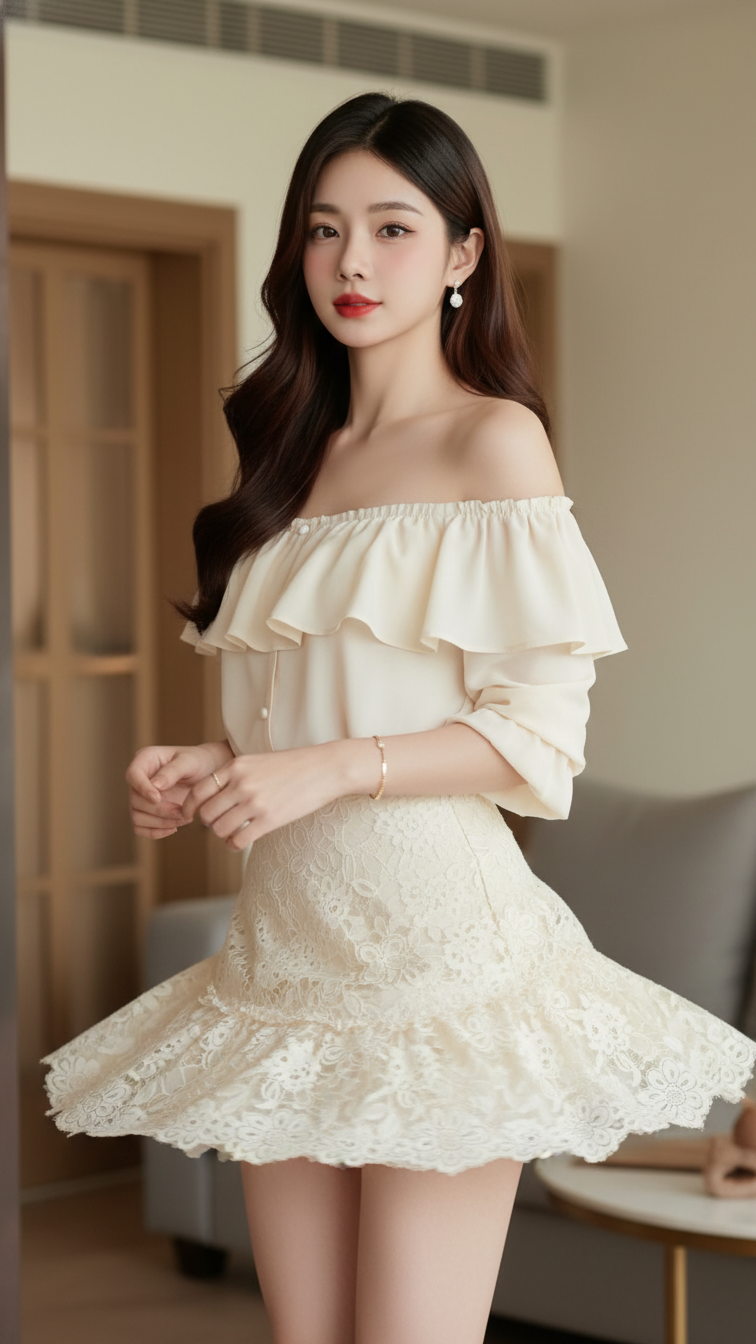
Prompt 1758: Create a realistic portrait of a young woman (face 100% identical to the original...
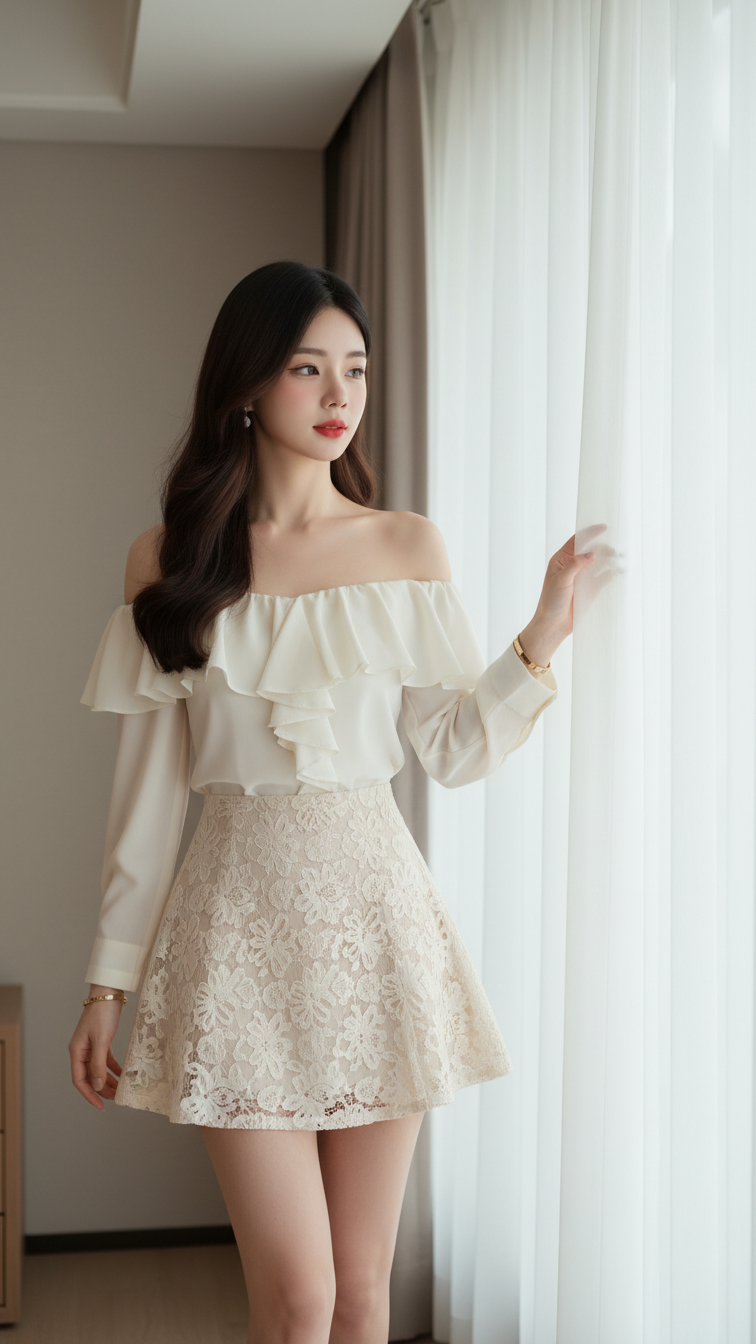
Prompt 1757: Create a realistic portrait of a young woman (face 100% identical to the original...
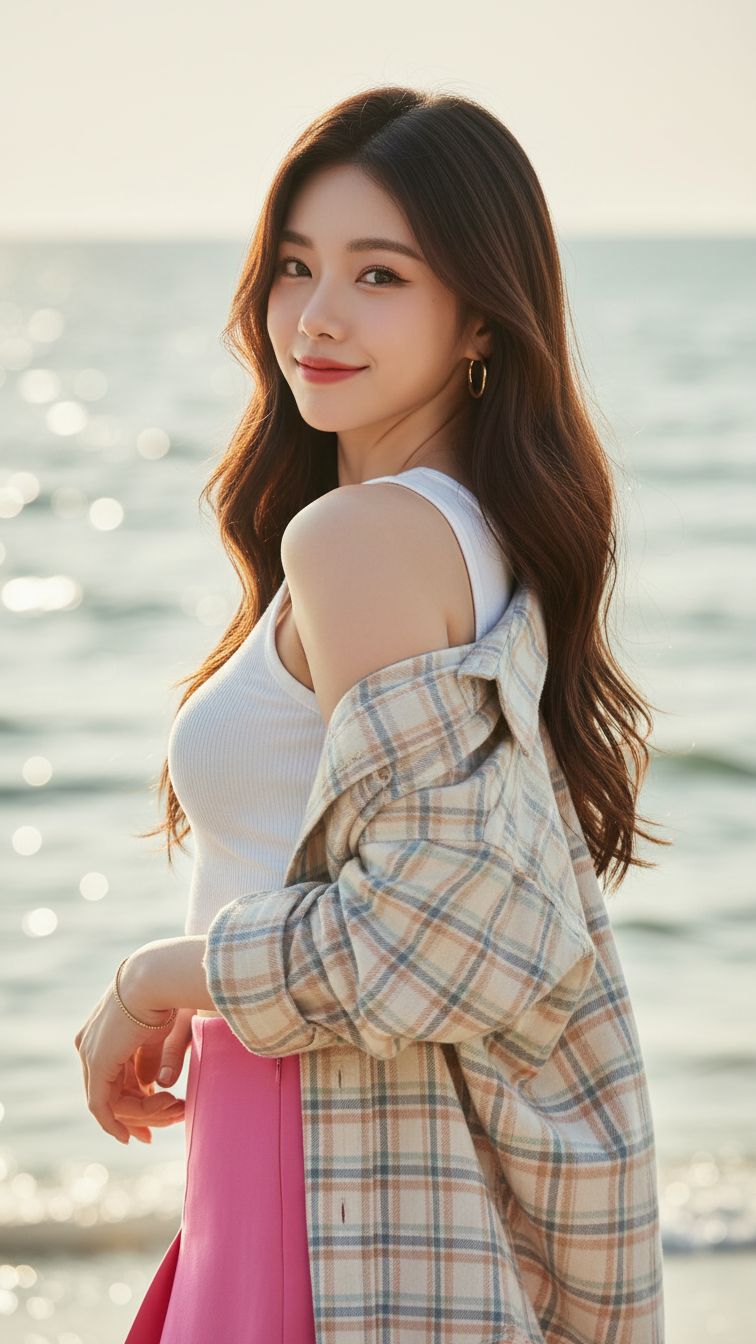
Prompt 1756: Create a realistic portrait of a young woman (face 100% identical to the original...
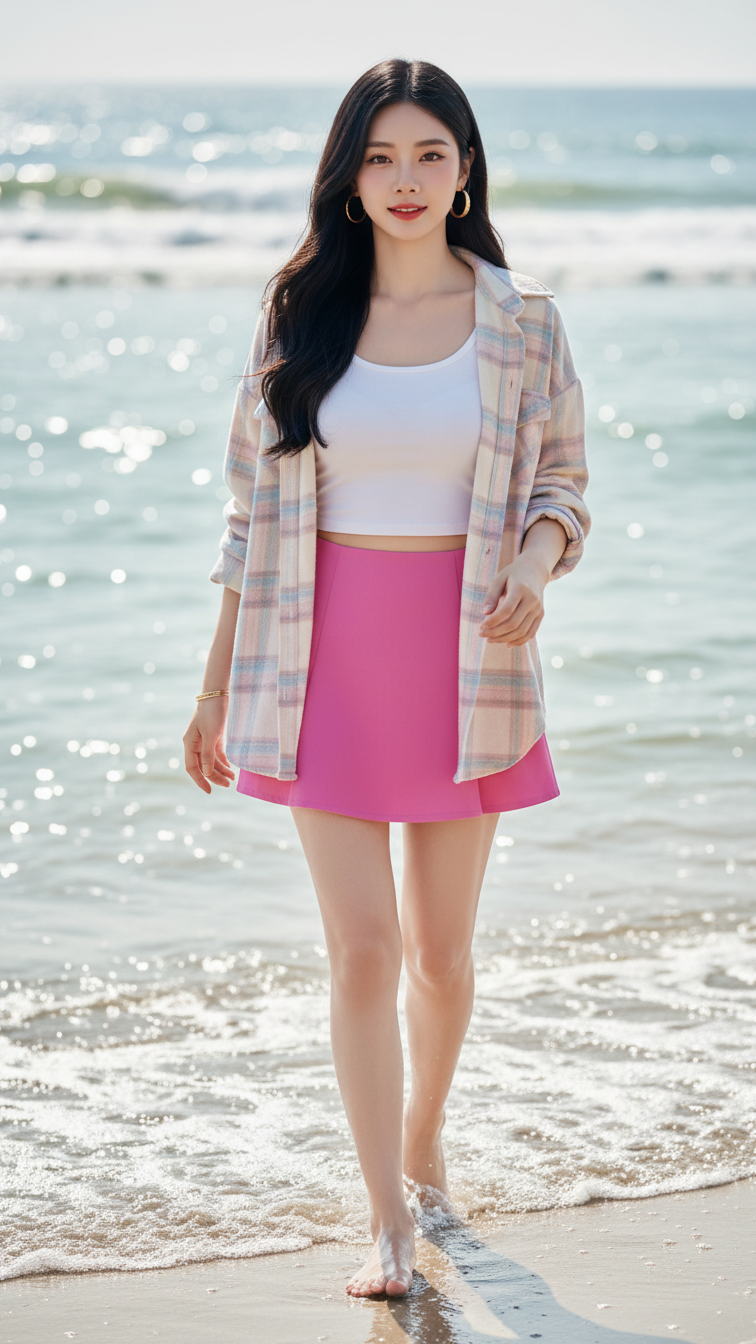
Prompt 1755: Create a realistic portrait of a young woman (face 100% identical to the original...
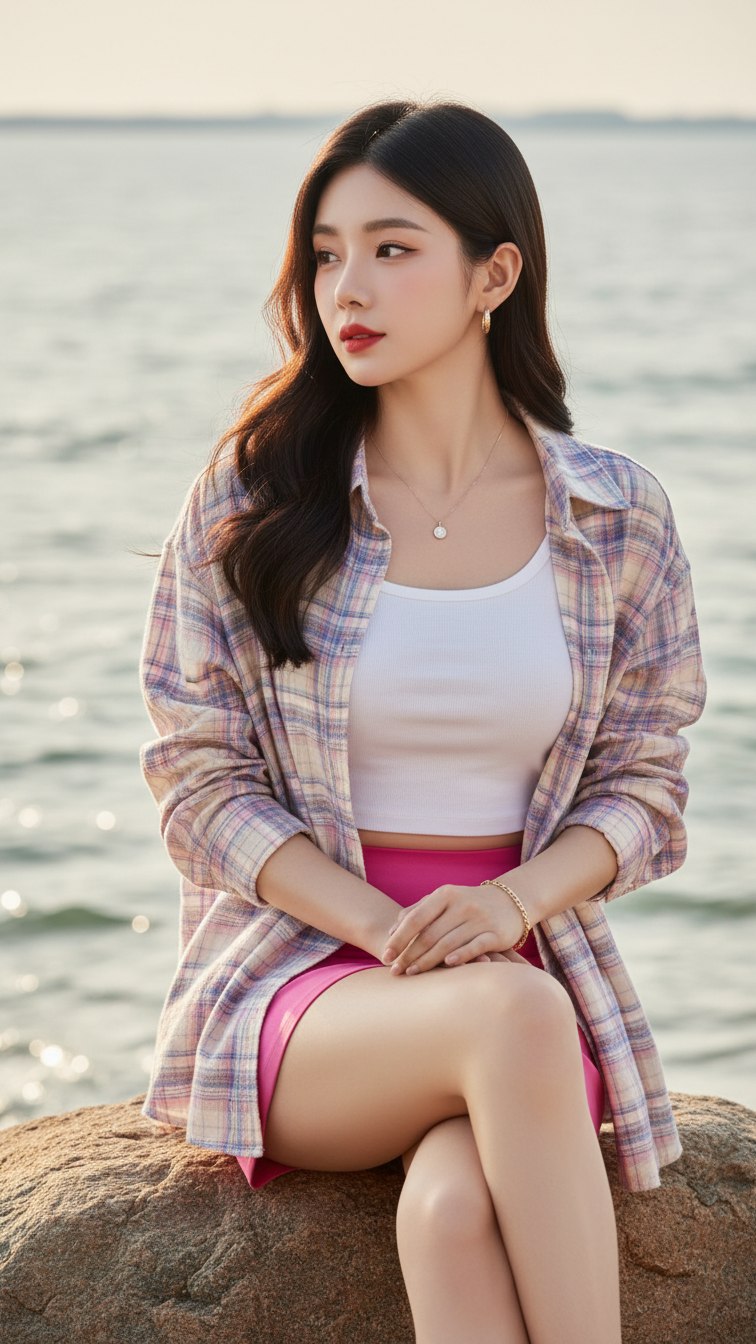
Prompt 1754: Create a realistic portrait of a young woman (face 100% identical to the original...
