
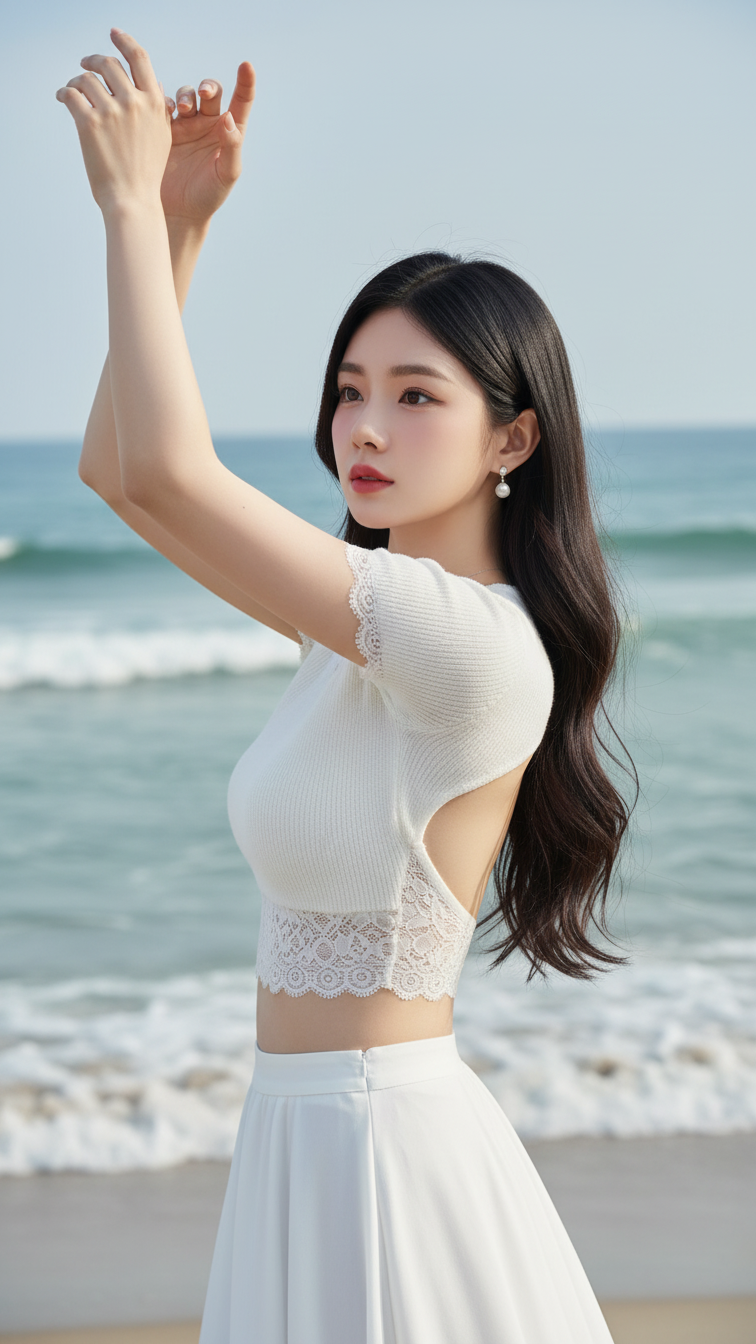
Prompt 1825: Create a realistic portrait of a young woman (face 100% identical to the original...
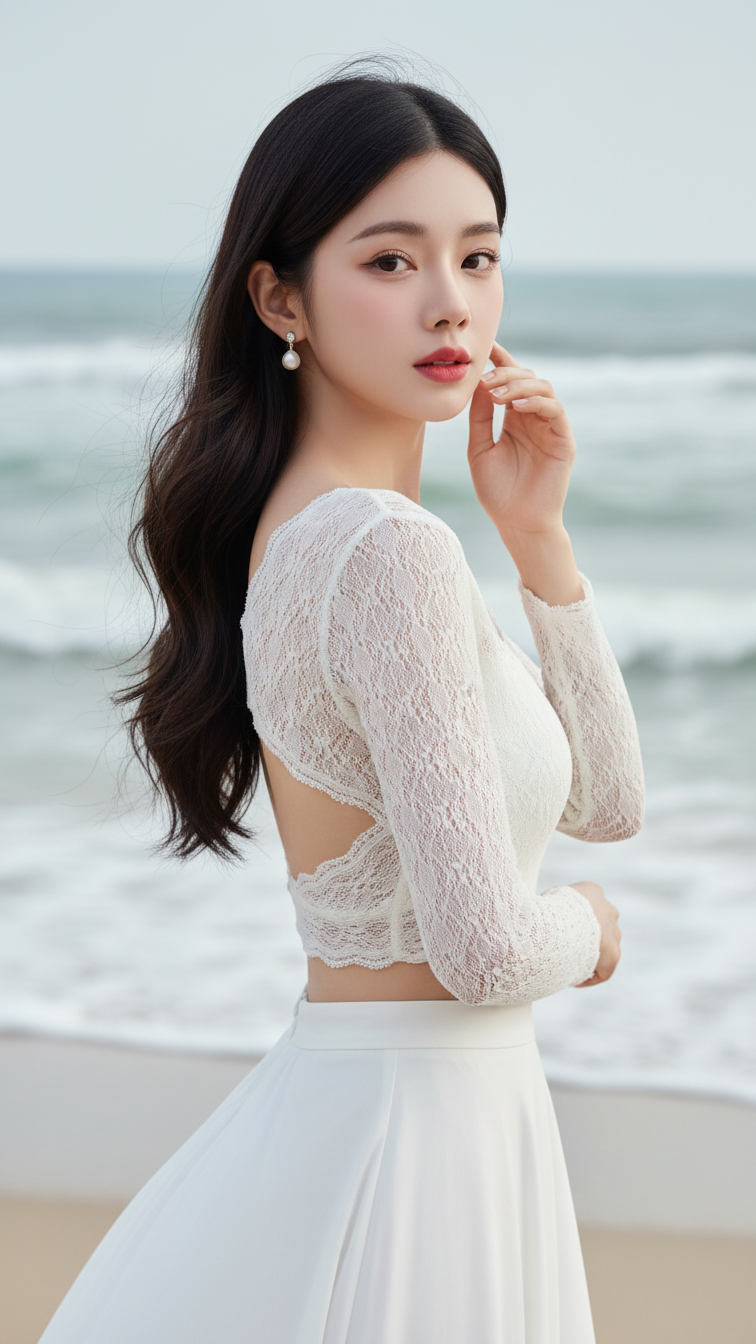
Prompt 1824: Create a realistic portrait of a young woman (face 100% identical to the original...
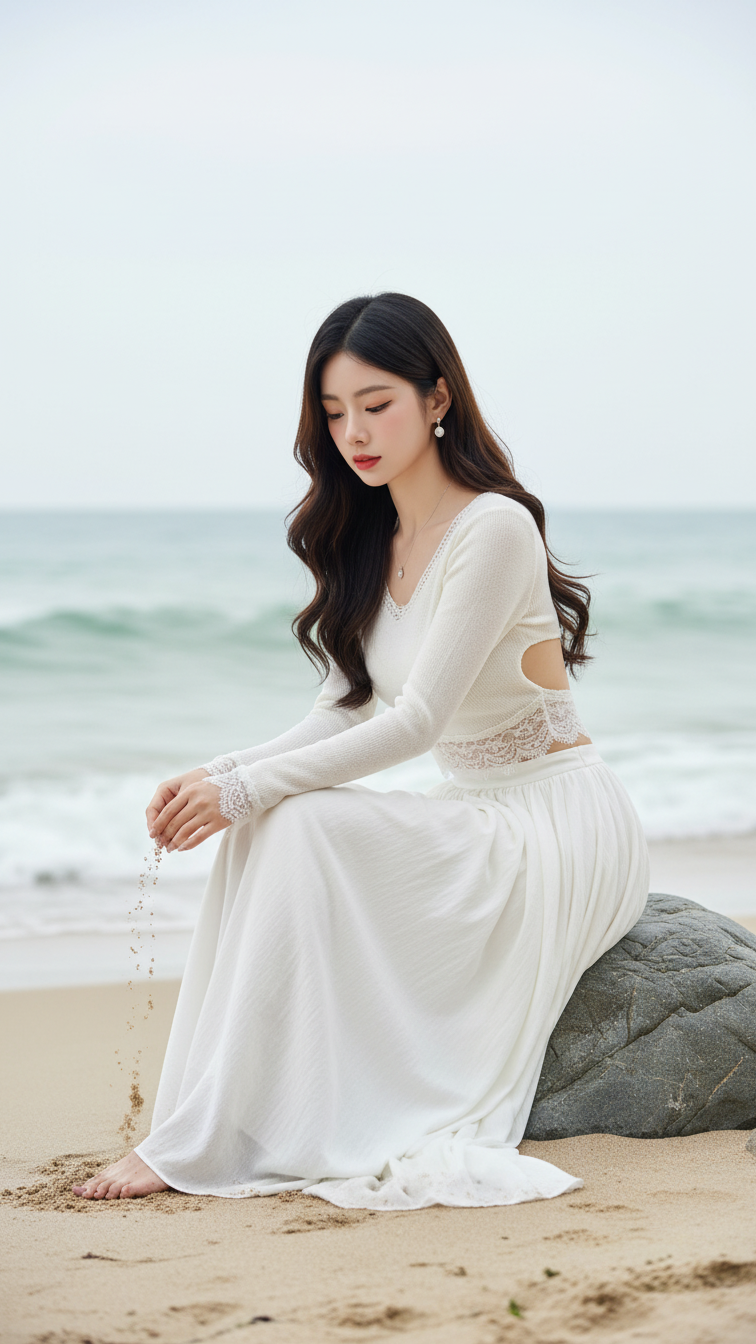
Prompt 1823: Create a realistic portrait of a young woman (face 100% identical to the original...
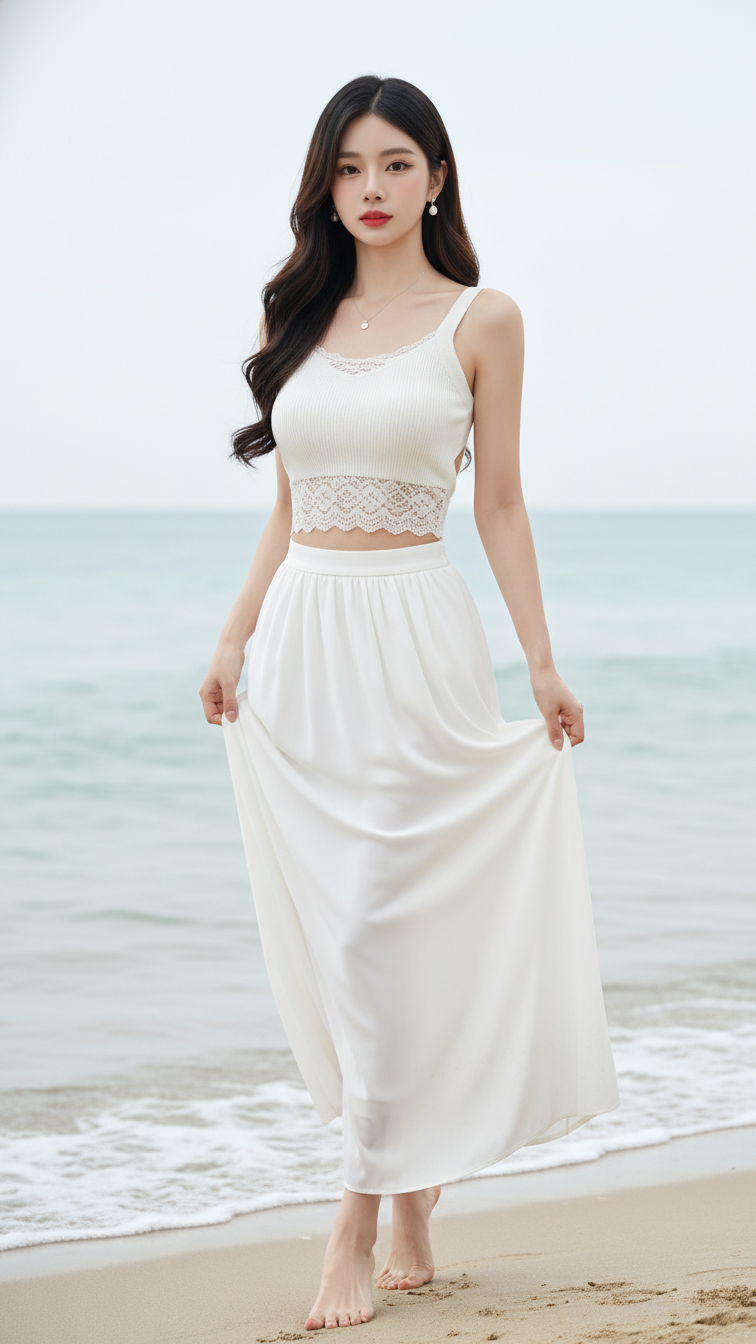
Prompt 1822: Create a realistic portrait of a young woman (face 100% identical to the original...
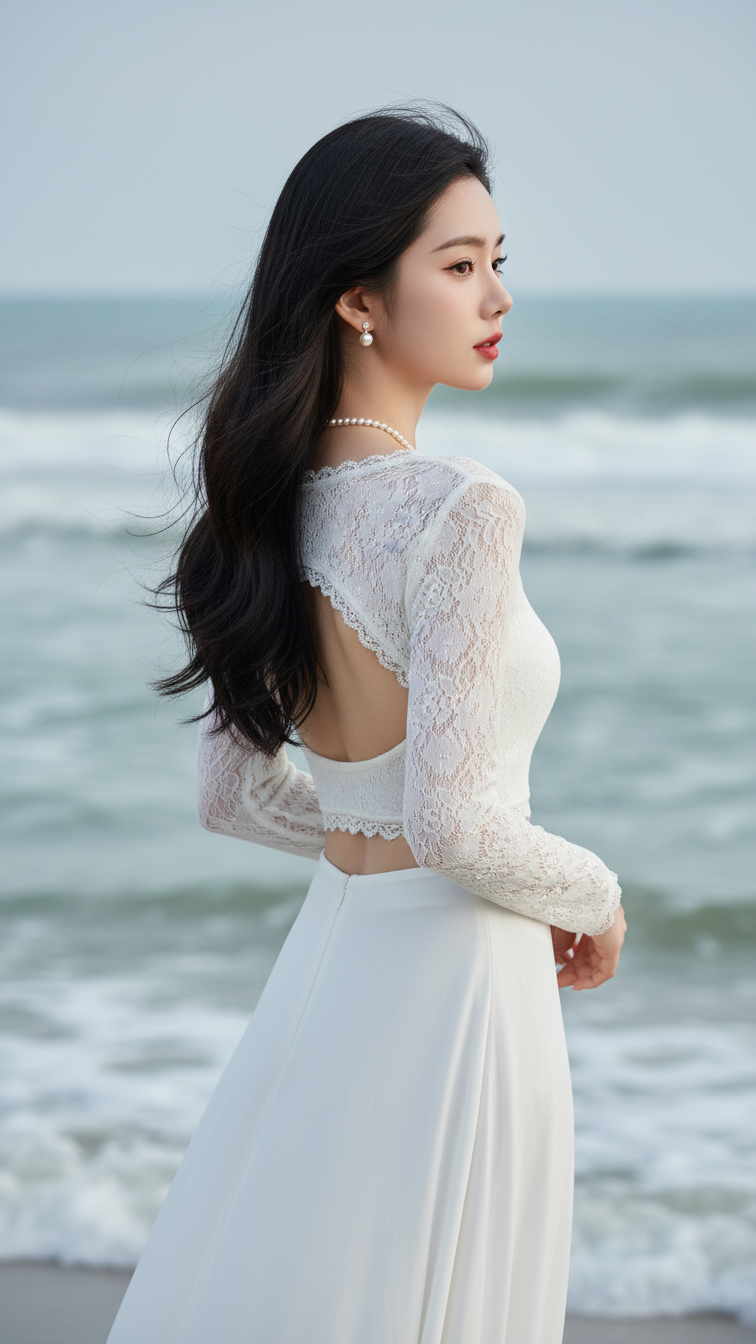
Prompt 1821: Create a realistic portrait of a young woman (face 100% identical to the original...
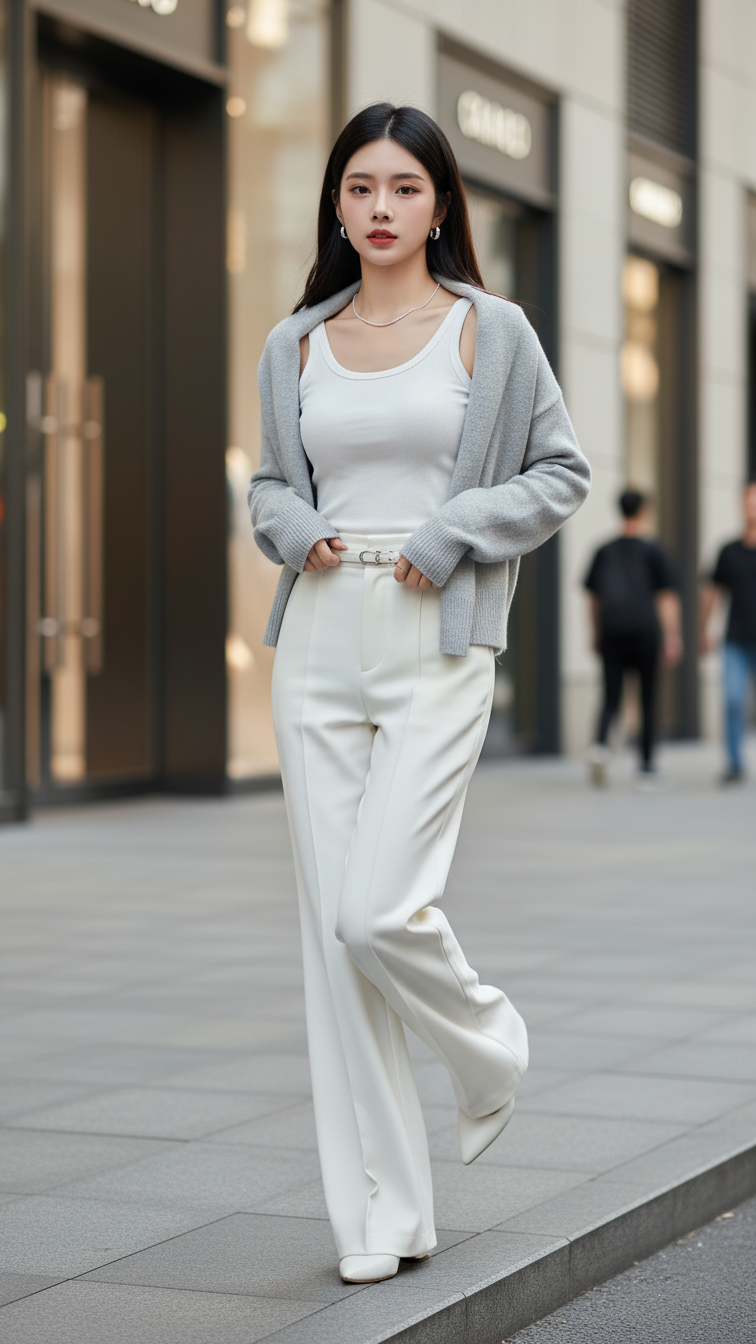
Prompt 1820: Create a realistic portrait of a young woman (face 100% identical to the original...
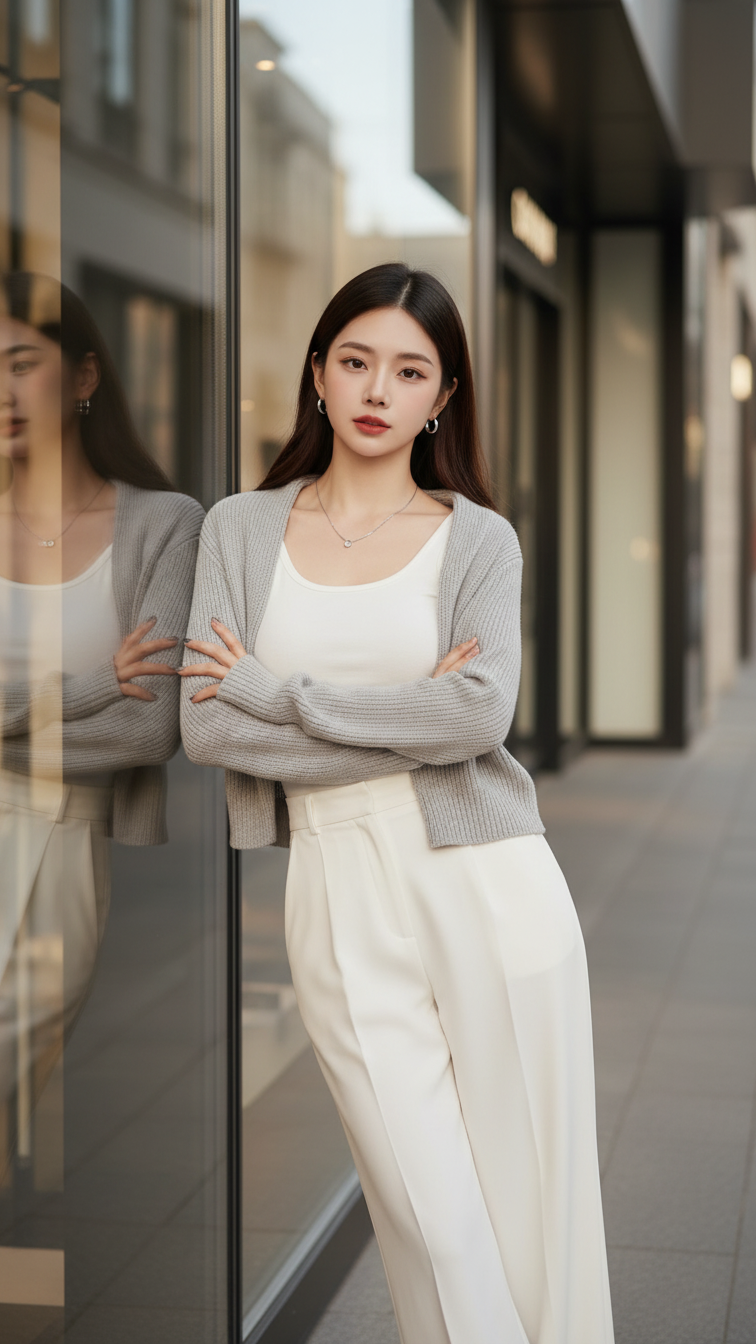
Prompt 1819: Create a realistic portrait of a young woman (face 100% identical to the original...
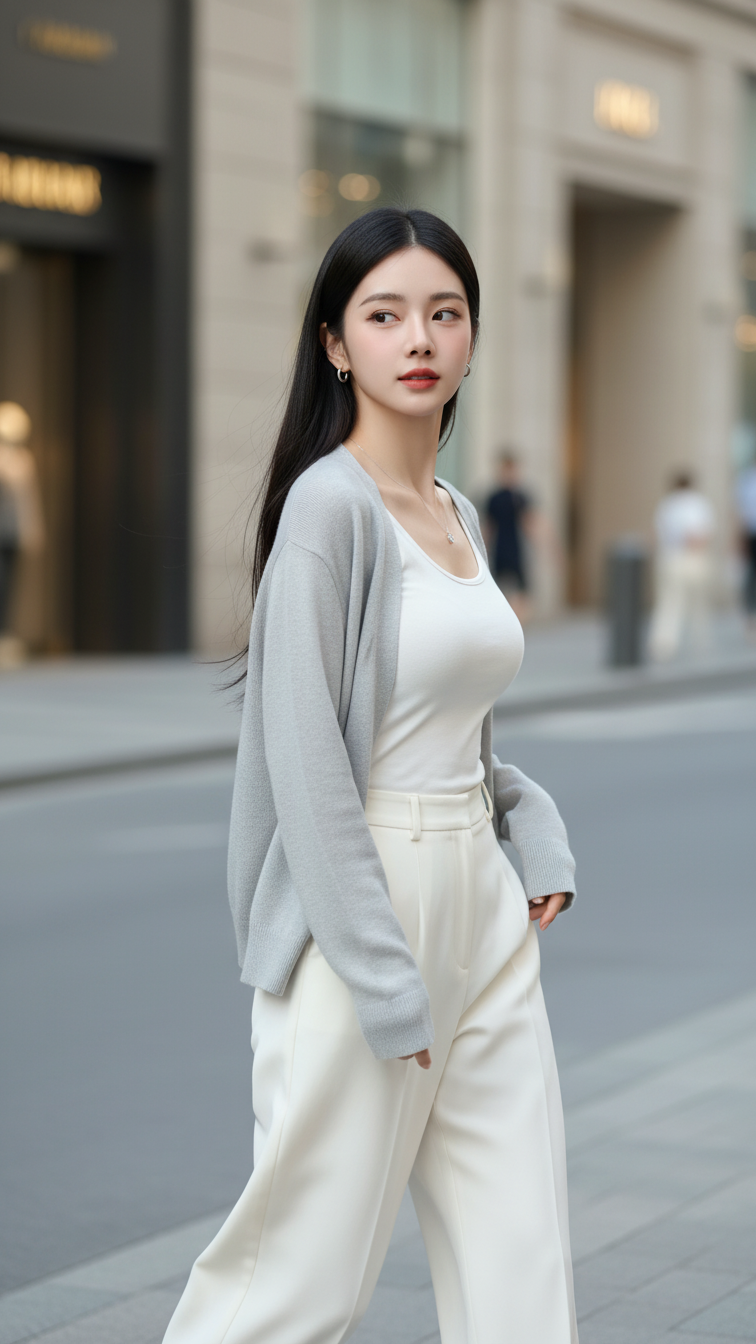
Prompt 1818: Create a realistic portrait of a young woman (face 100% identical to the original...
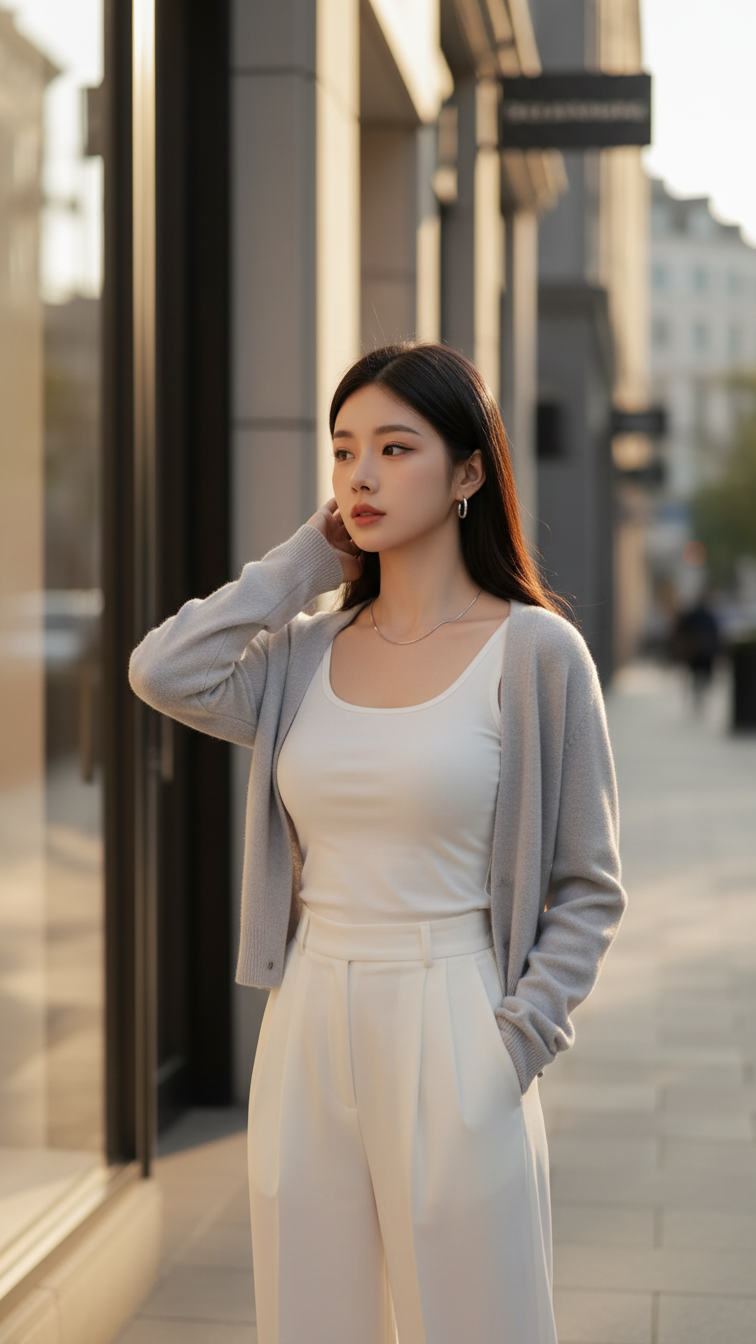
Prompt 1817: Create a realistic portrait of a young woman (face 100% identical to the original...
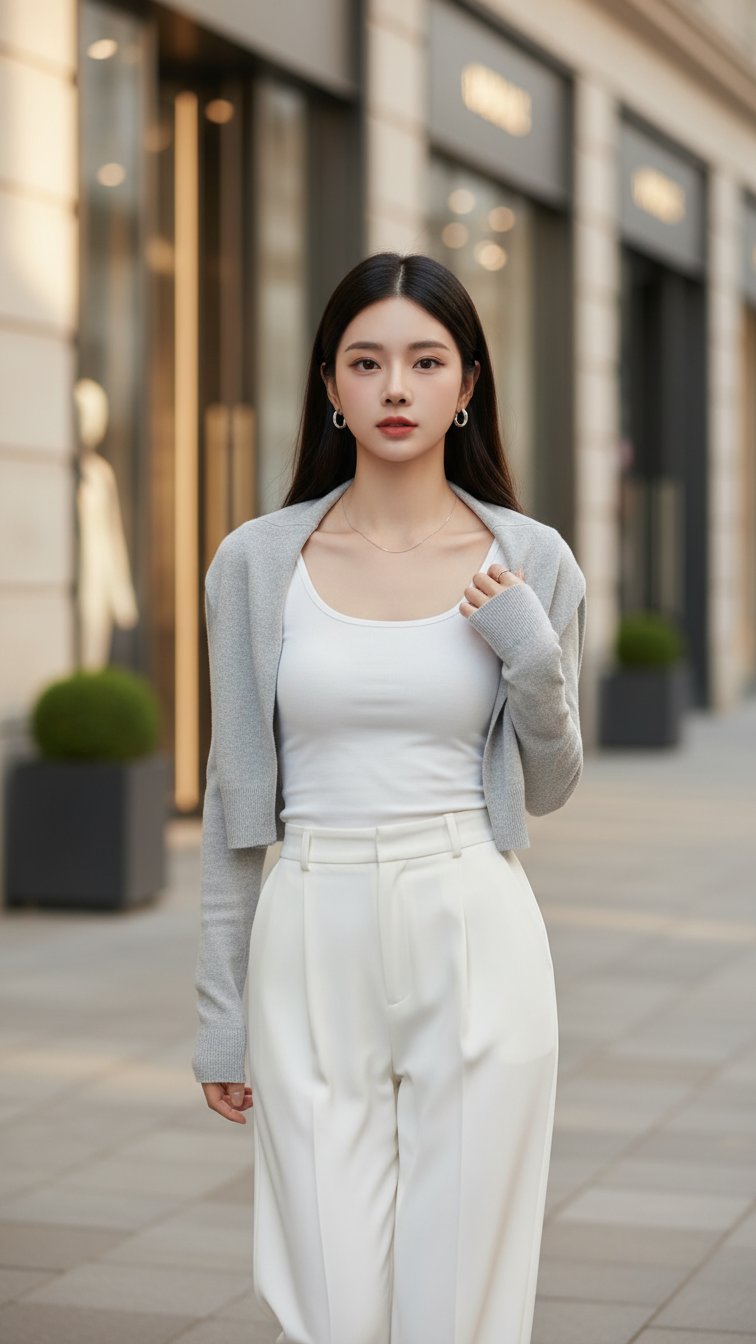
Prompt 1816: Create a realistic portrait of a young woman (face 100% identical to the original...
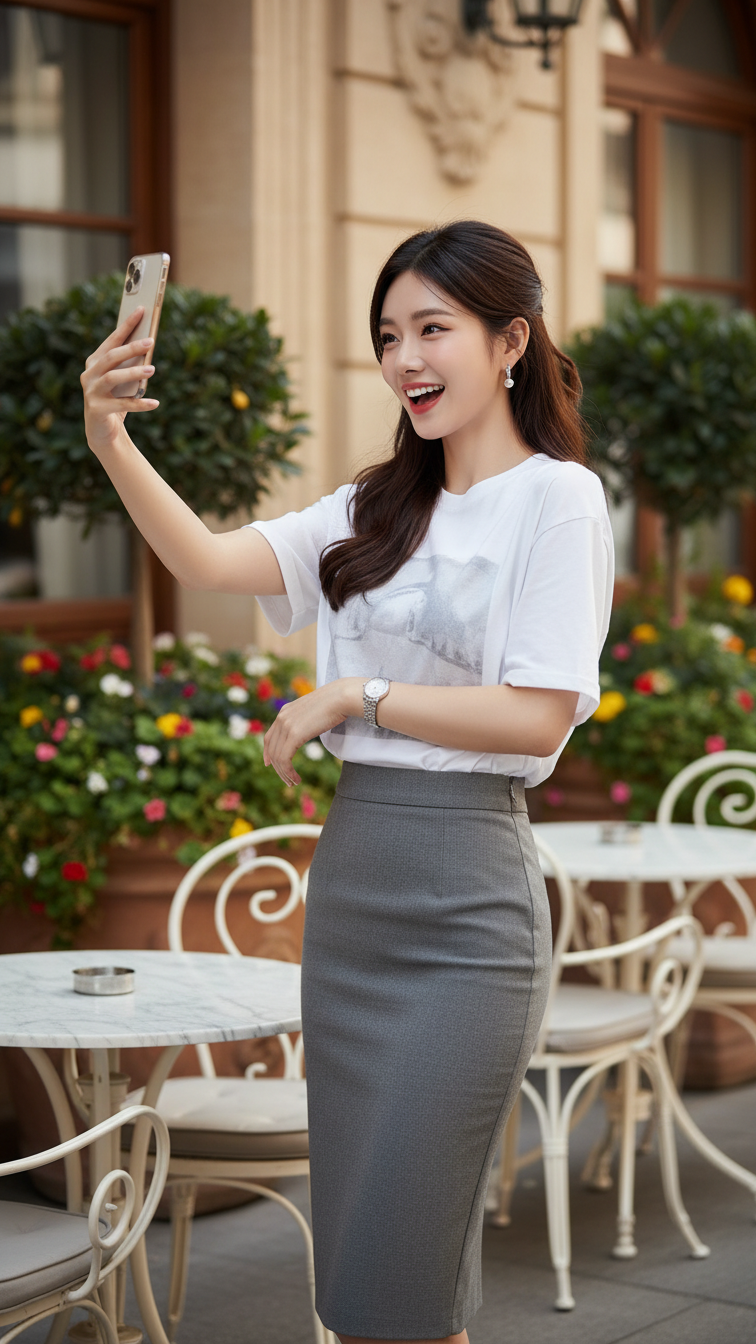
Prompt 1815: Create a realistic portrait of a young woman (face 100% identical to the original...
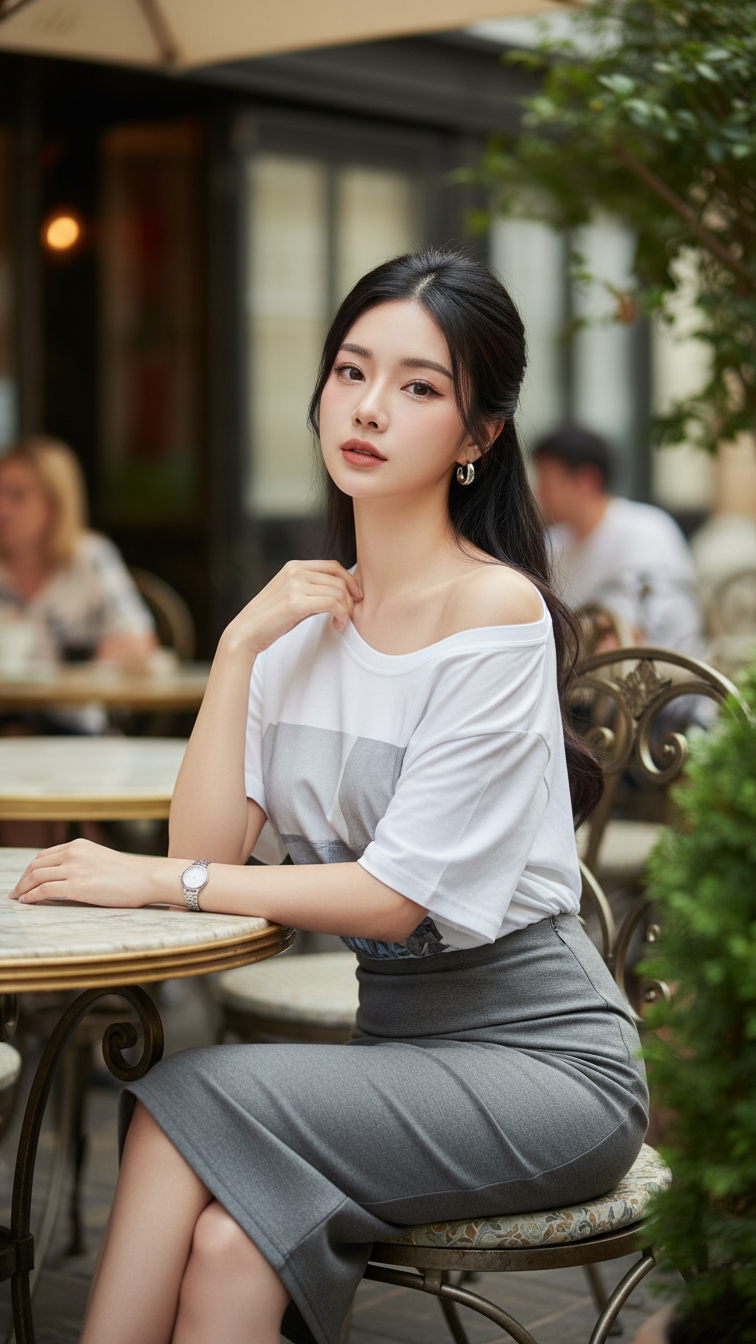
Prompt 1814: Create a realistic portrait of a young woman (face 100% identical to the original...
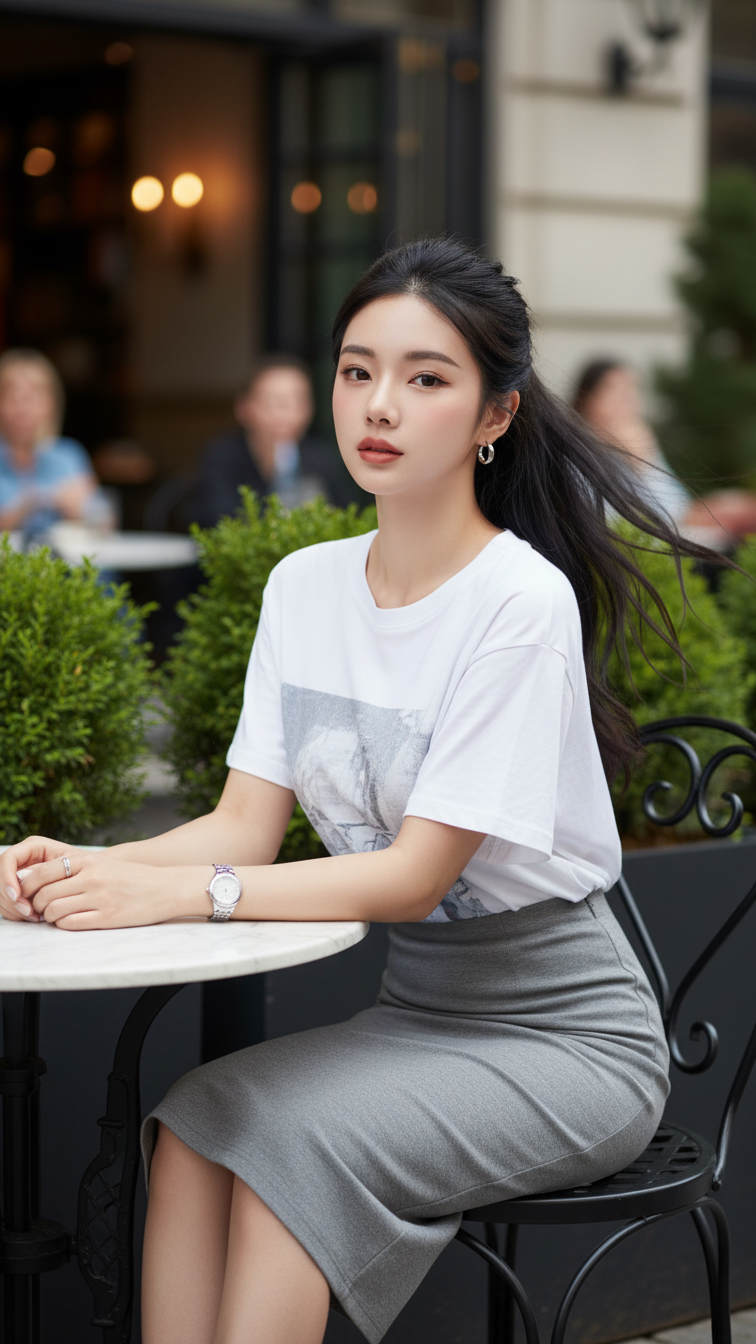
Prompt 1813: Create a realistic portrait of a young woman (face 100% identical to the original...
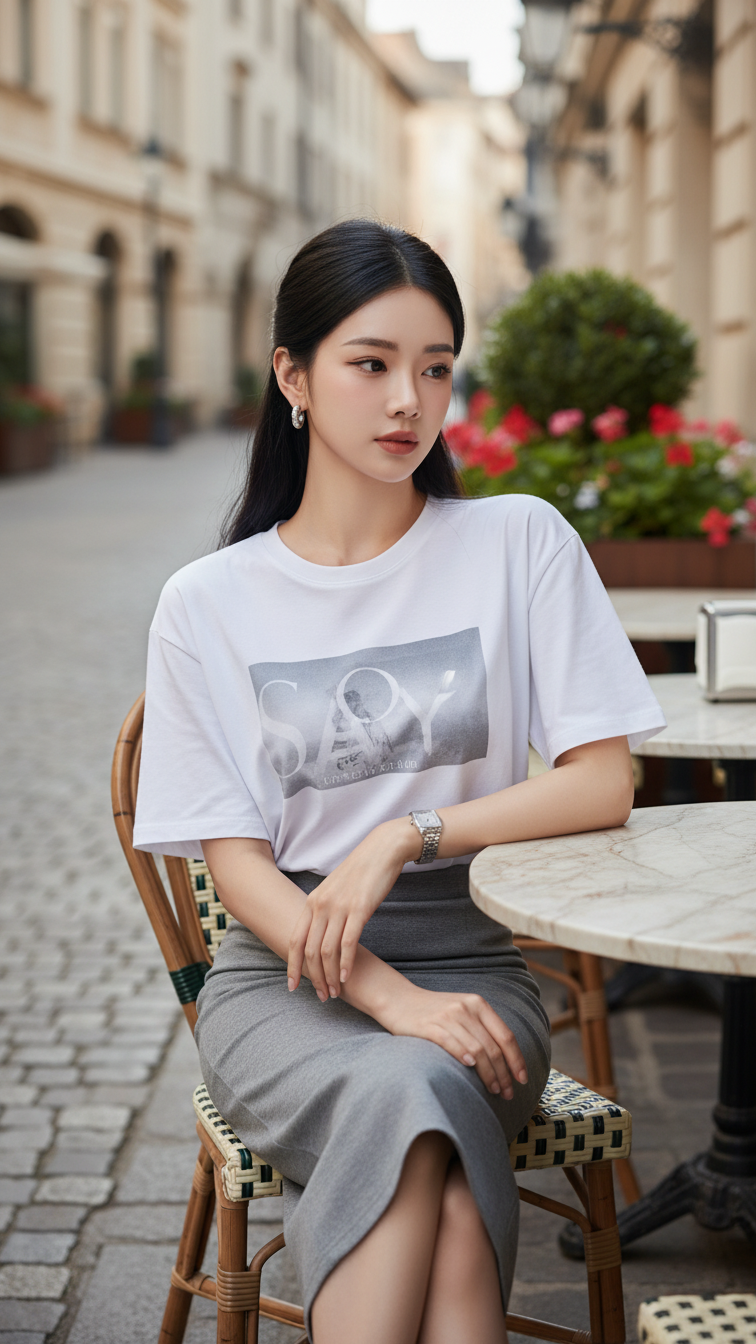
Prompt 1812: Create a realistic portrait of a young woman (face 100% identical to the original...
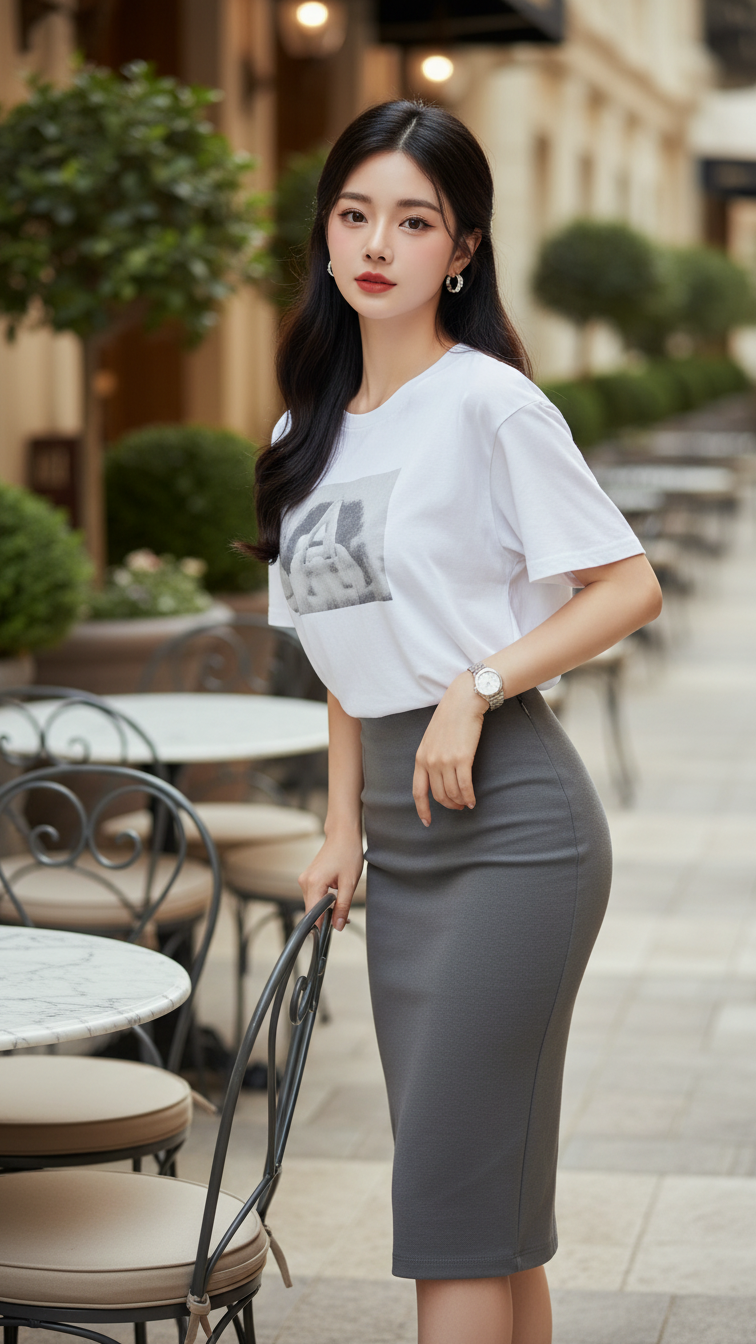
Prompt 1811: Create a realistic portrait of a young woman (face 100% identical to the original...
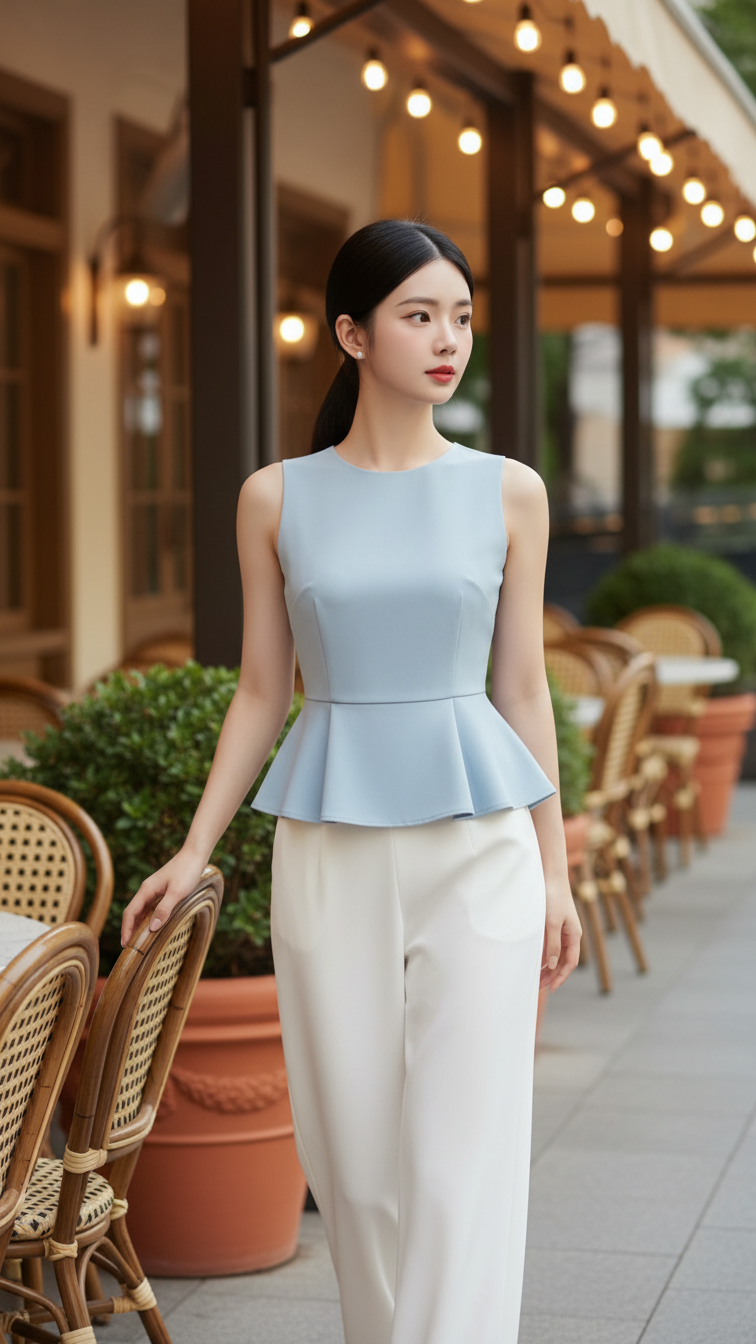
Prompt 1810: Create a realistic portrait of a young woman (face 100% identical to the original...
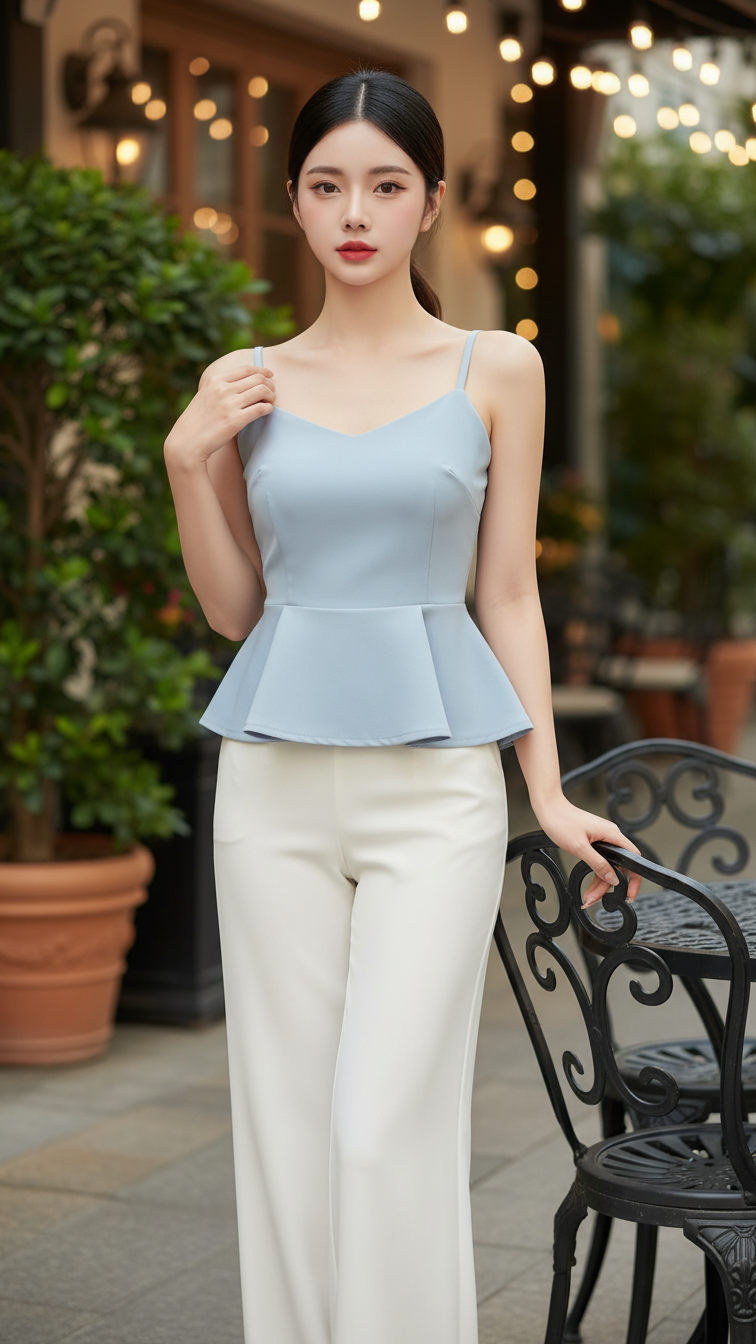
Prompt 1809: Create a realistic portrait of a young woman (face 100% identical to the original...
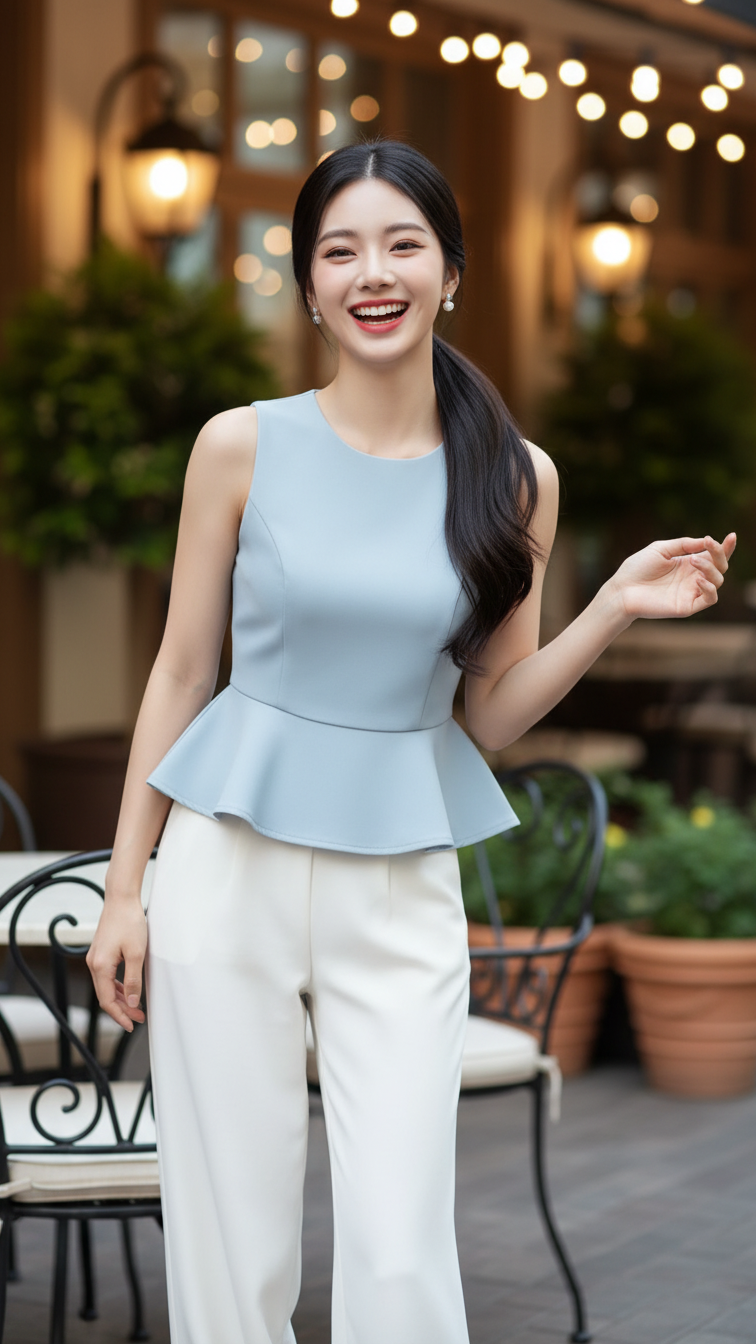
Prompt 1808: Create a realistic portrait of a young woman (face 100% identical to the original...
