
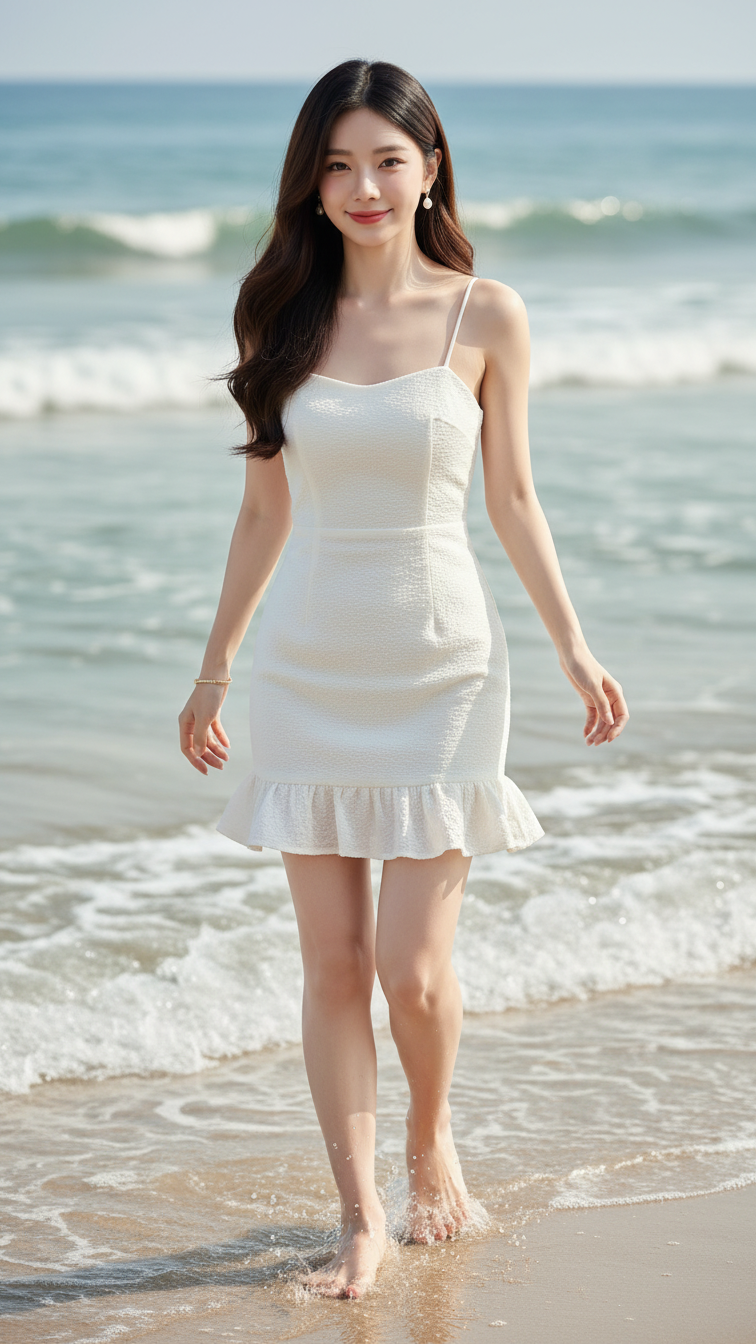
Prompt 1843: Create a realistic portrait of a young woman (face 100% identical to the original...
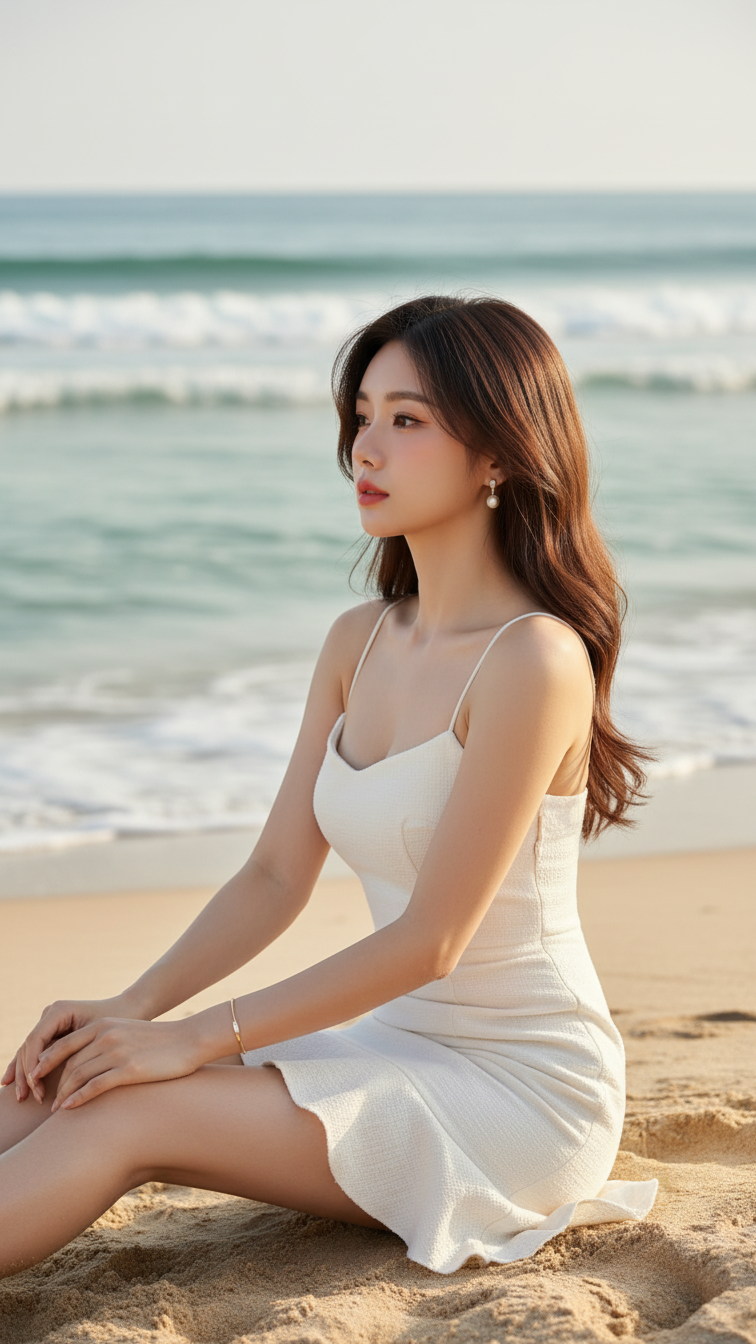
Prompt 1842: Create a realistic portrait of a young woman (face 100% identical to the original...
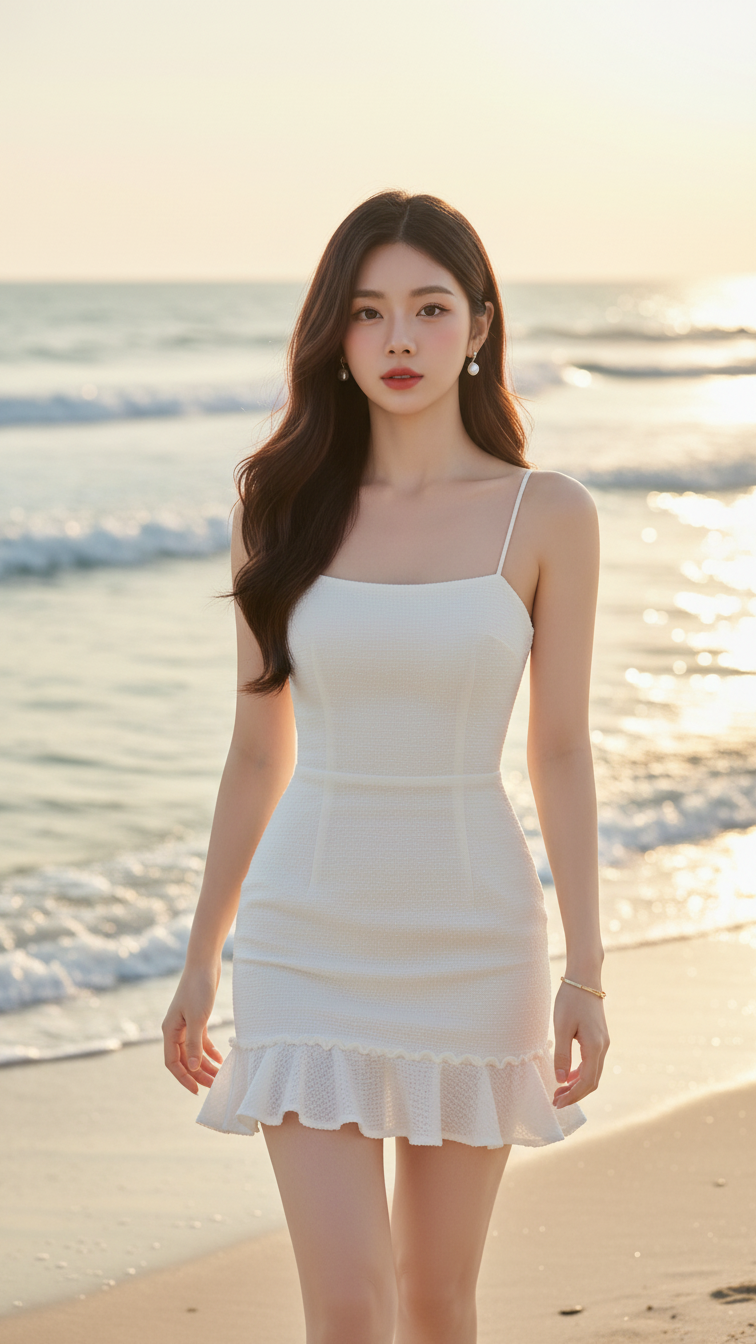
Prompt 1841: Create a realistic portrait of a young woman (face 100% identical to the original...
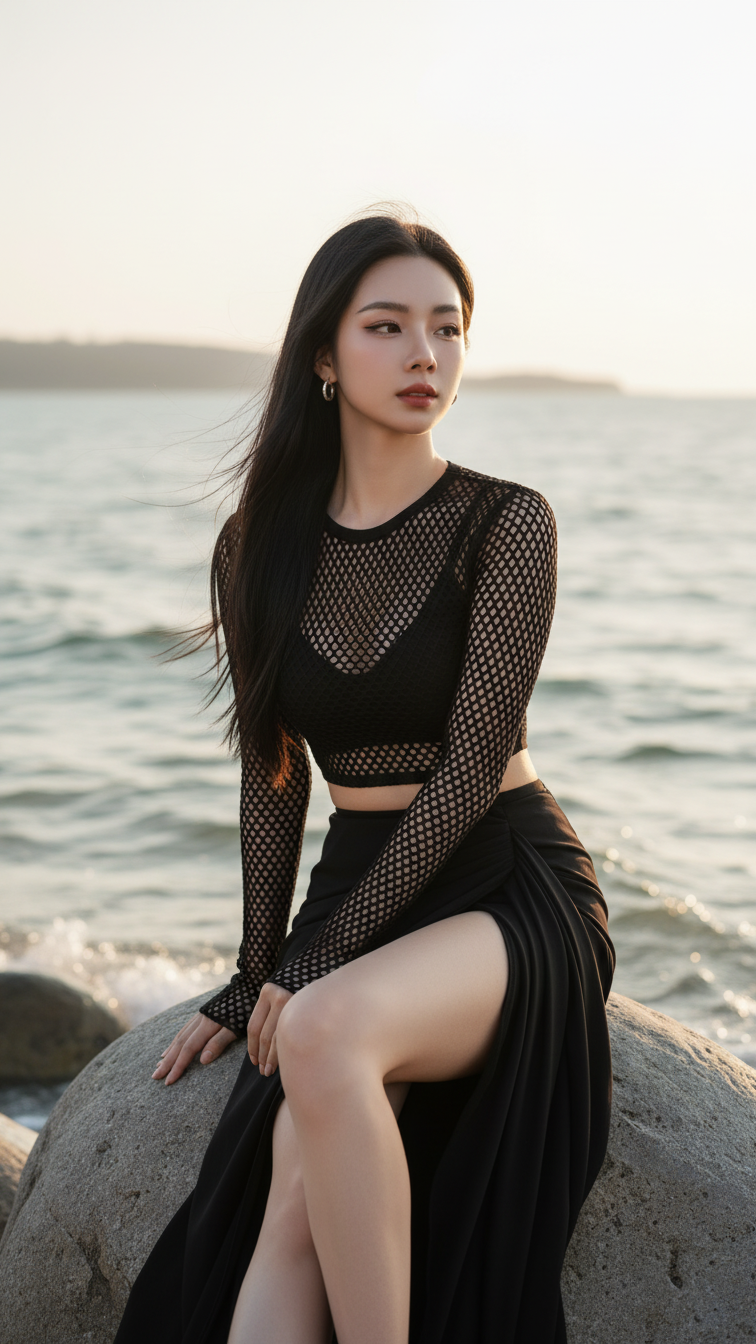
Prompt 1840: Create a realistic portrait of a young woman (face 100% identical to the original...
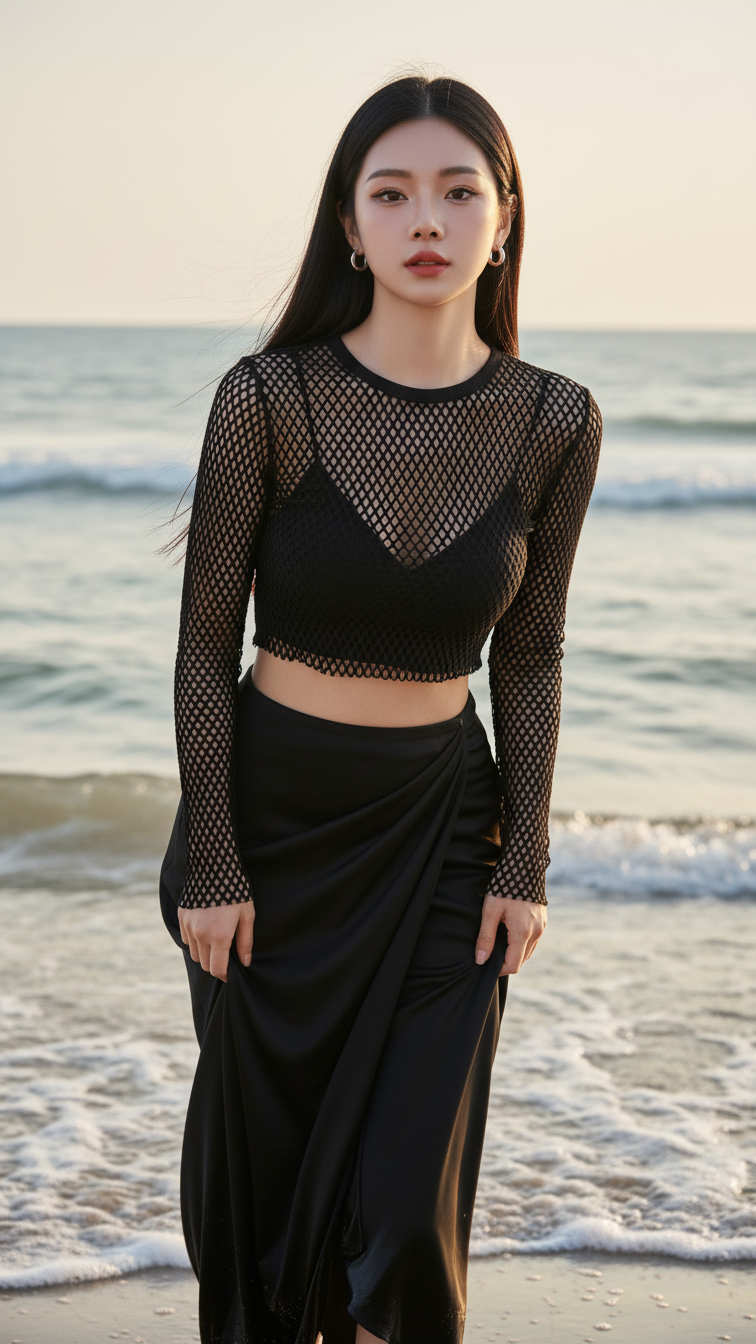
Prompt 1839: Create a realistic portrait of a young woman (face 100% identical to the original...
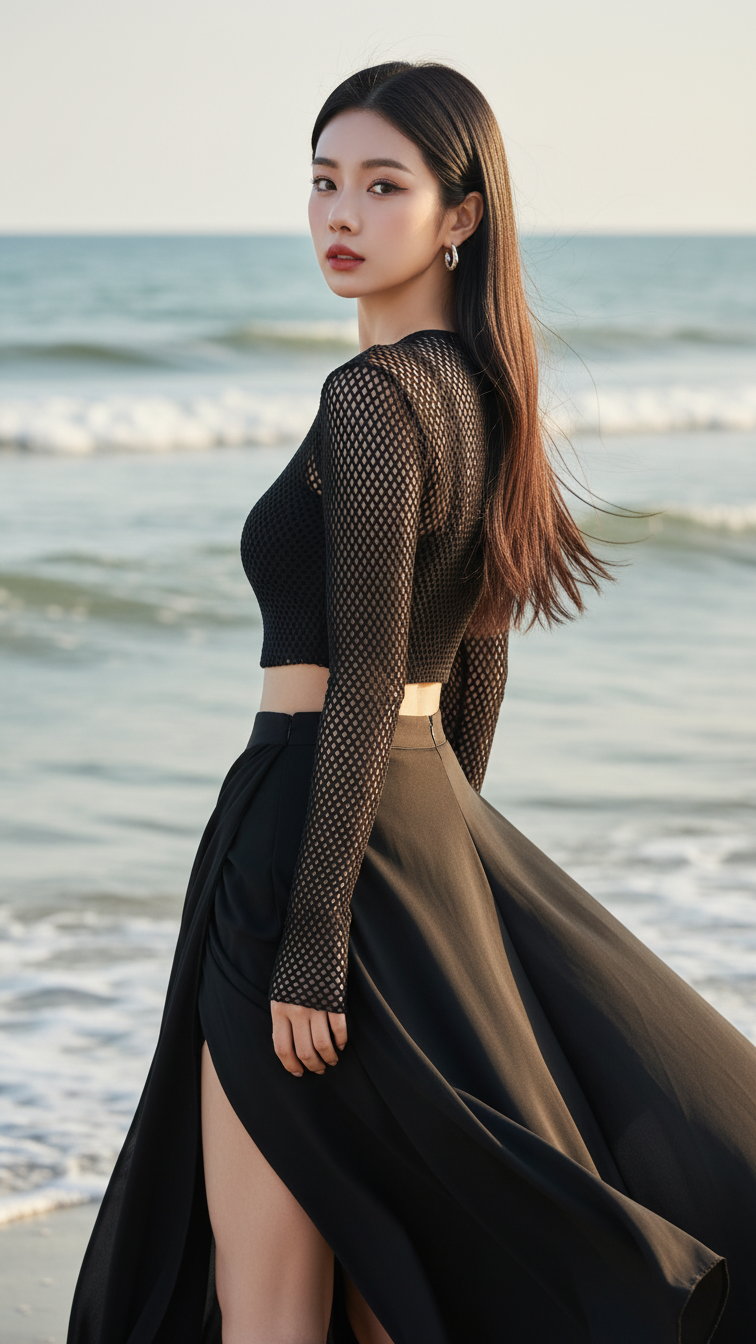
Prompt 1838: Create a realistic portrait of a young woman (face 100% identical to the original...
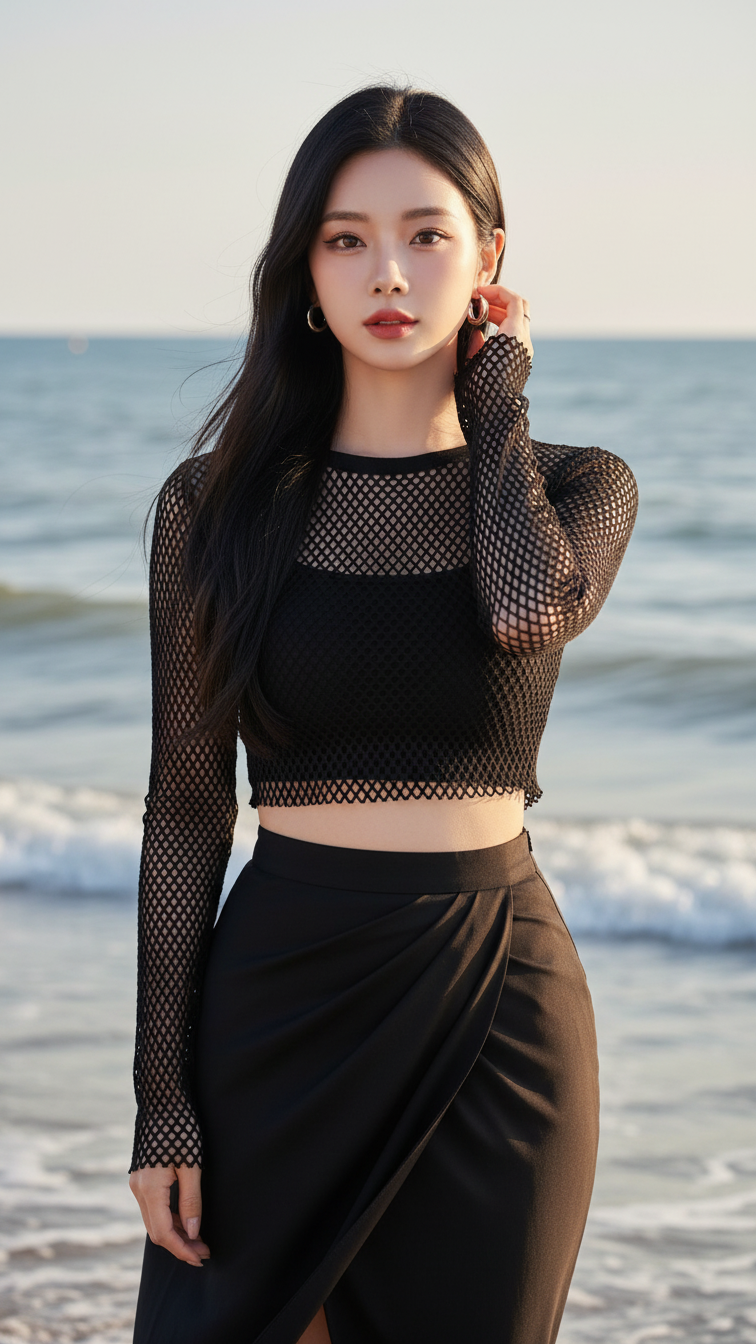
Prompt 1837: Create a realistic portrait of a young woman (face 100% identical to the original...
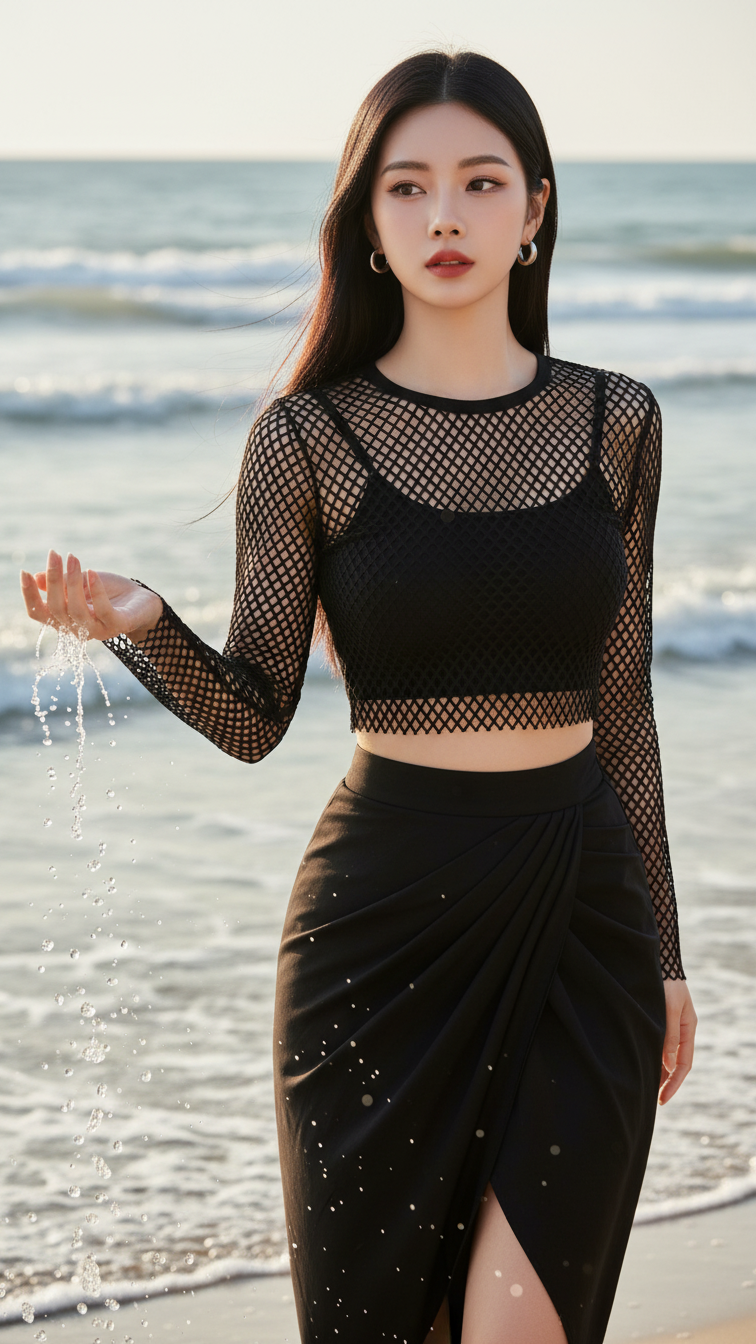
Prompt 1836: Create a realistic portrait of a young woman (face 100% identical to the original...
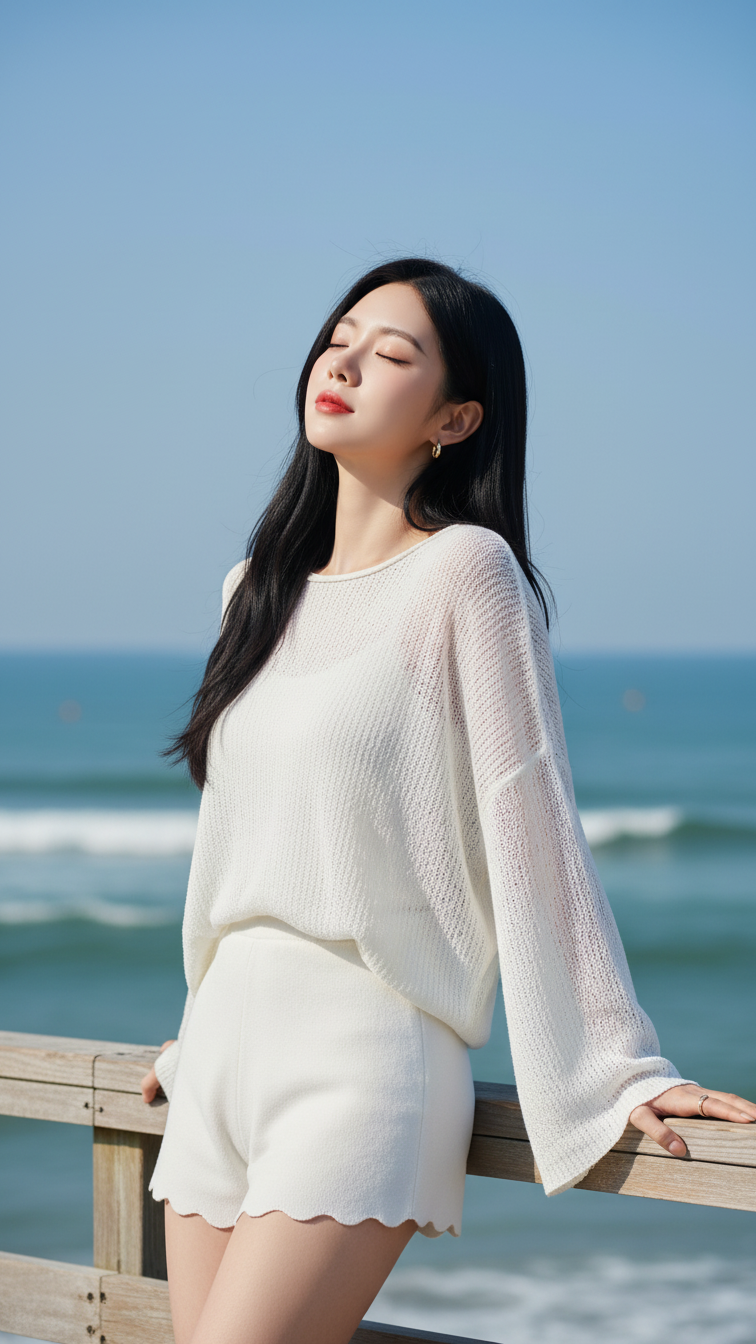
Prompt 1835: Create a realistic portrait of a young woman (face 100% identical to the original...
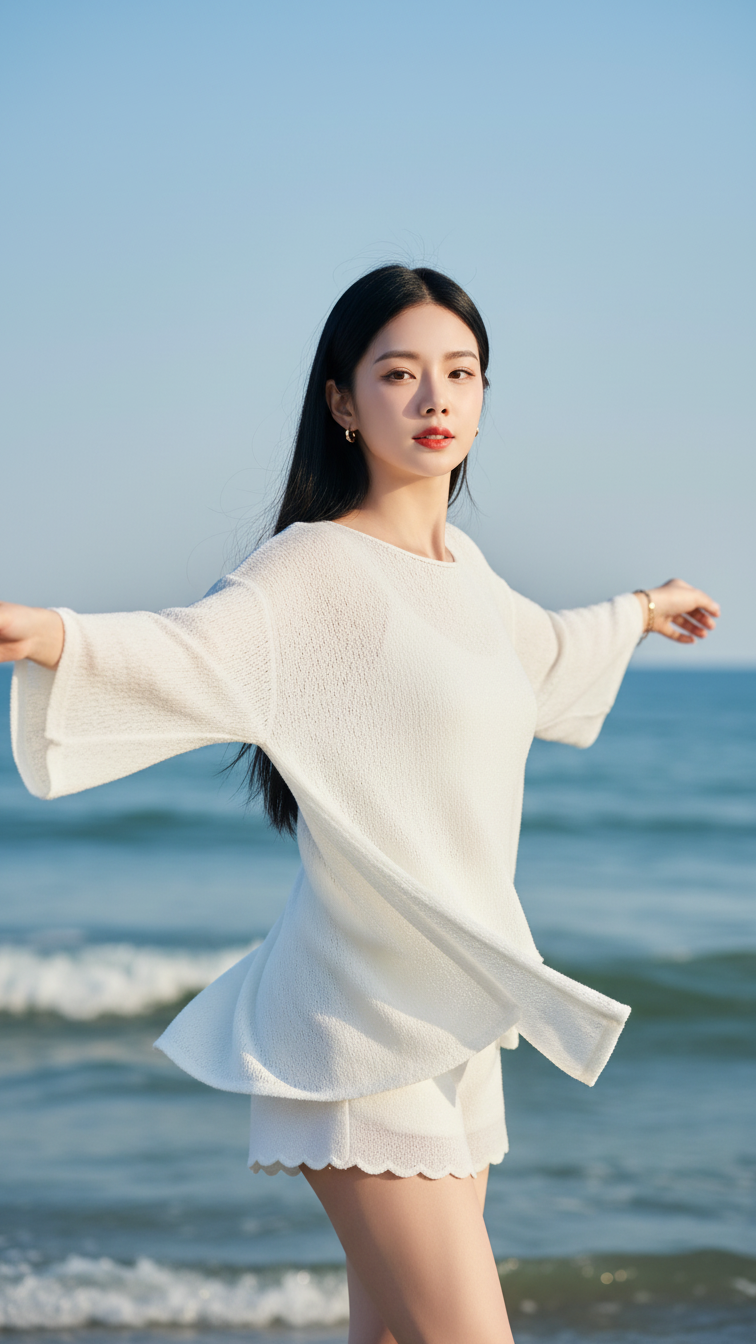
Prompt 1834: Create a realistic portrait of a young woman (face 100% identical to the original...
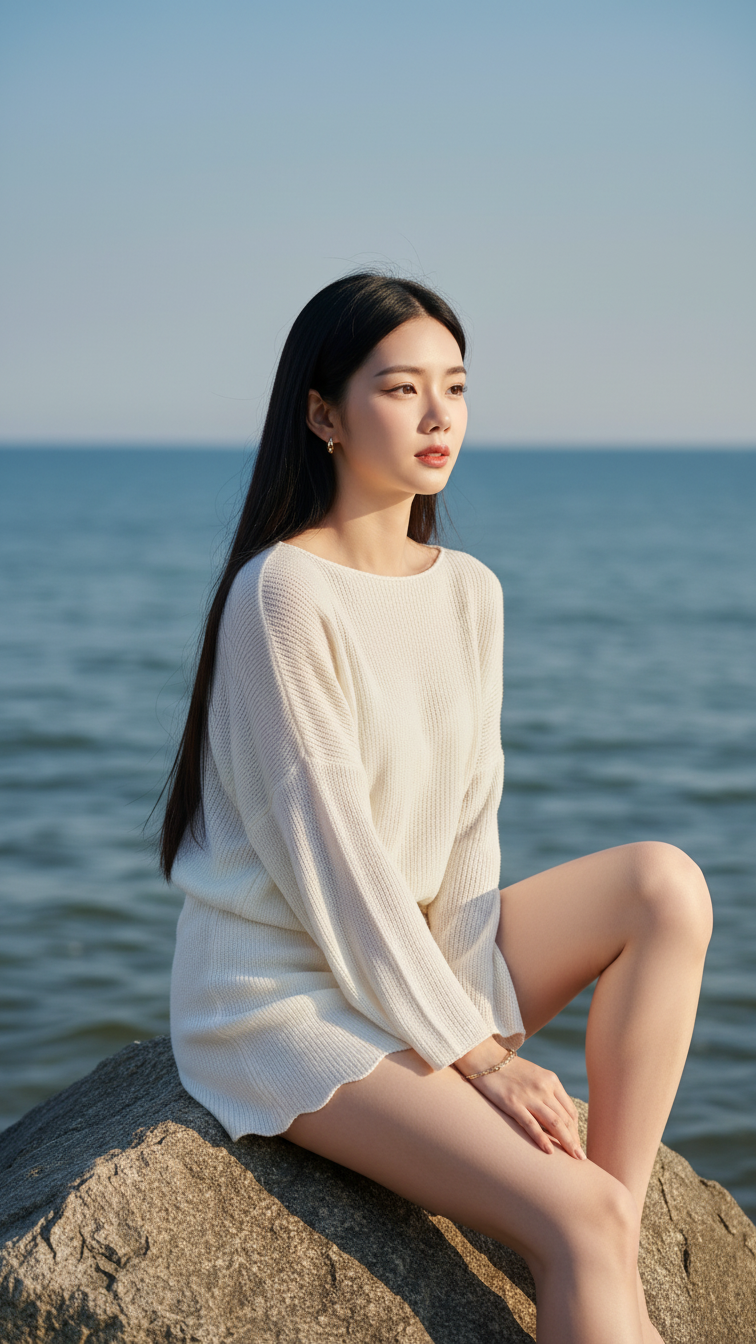
Prompt 1833: Create a realistic portrait of a young woman (face 100% identical to the original...
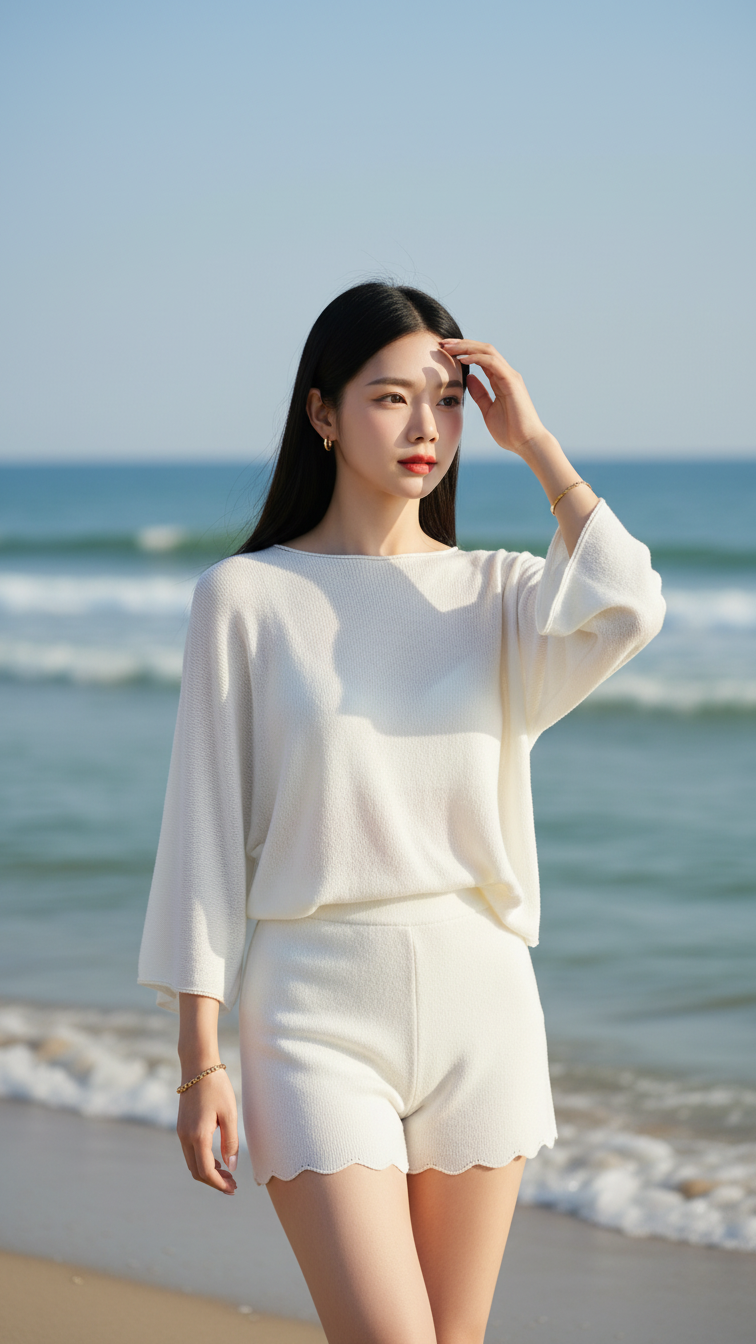
Prompt 1832: Create a realistic portrait of a young woman (face 100% identical to the original...
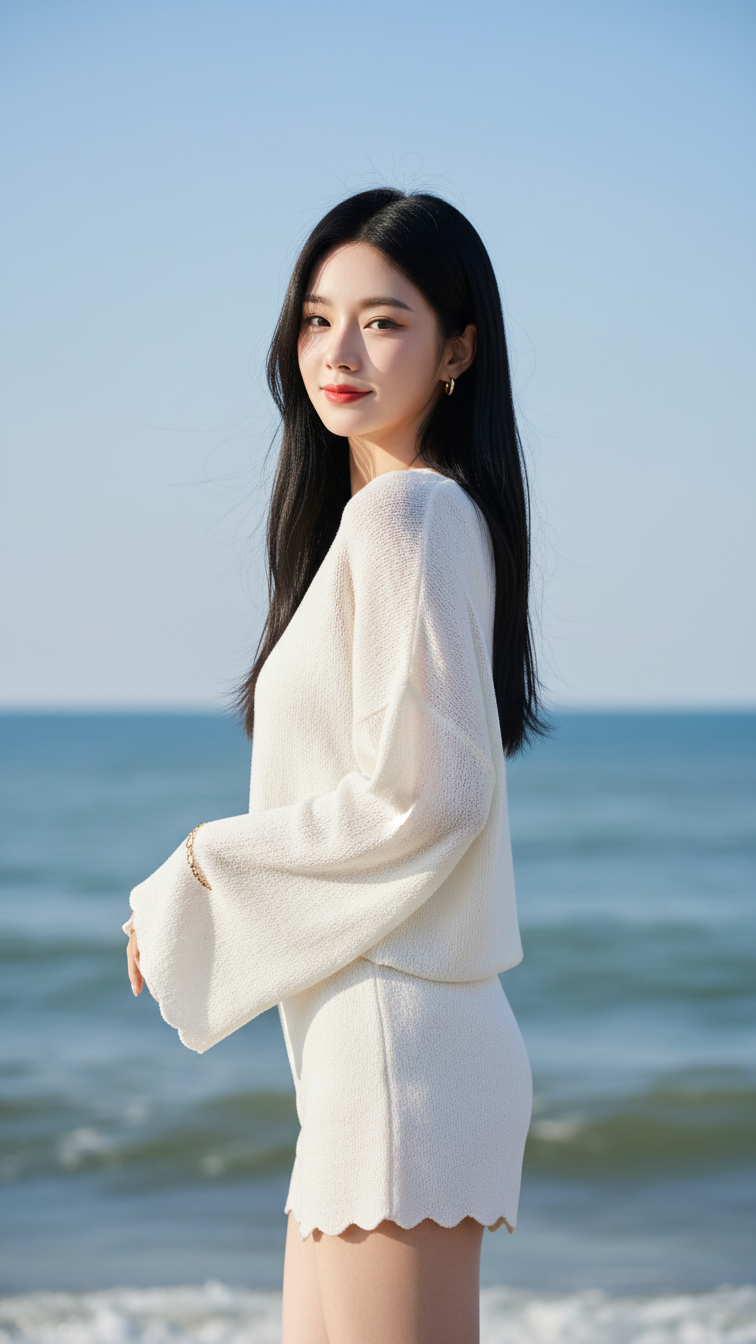
Prompt 1831: Create a realistic portrait of a young woman (face 100% identical to the original...
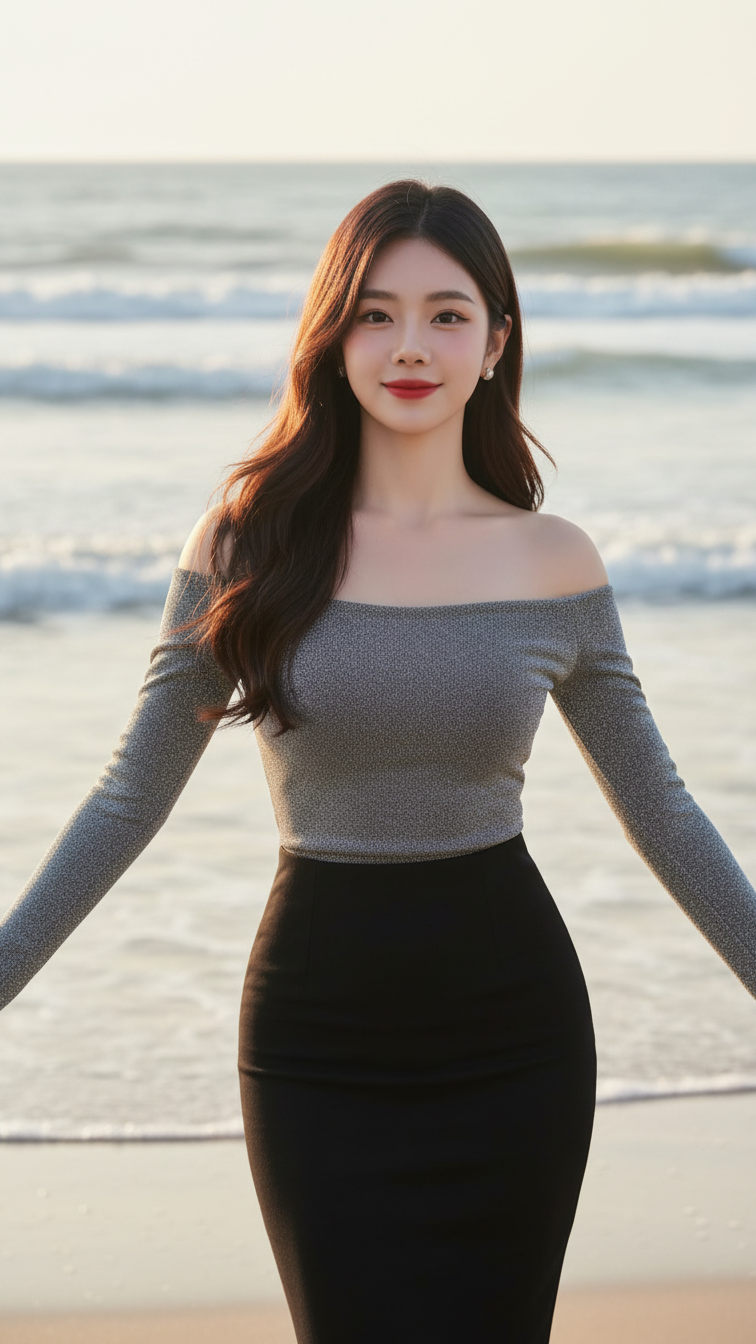
Prompt 1830: Create a realistic portrait of a young woman (face 100% identical to the original...
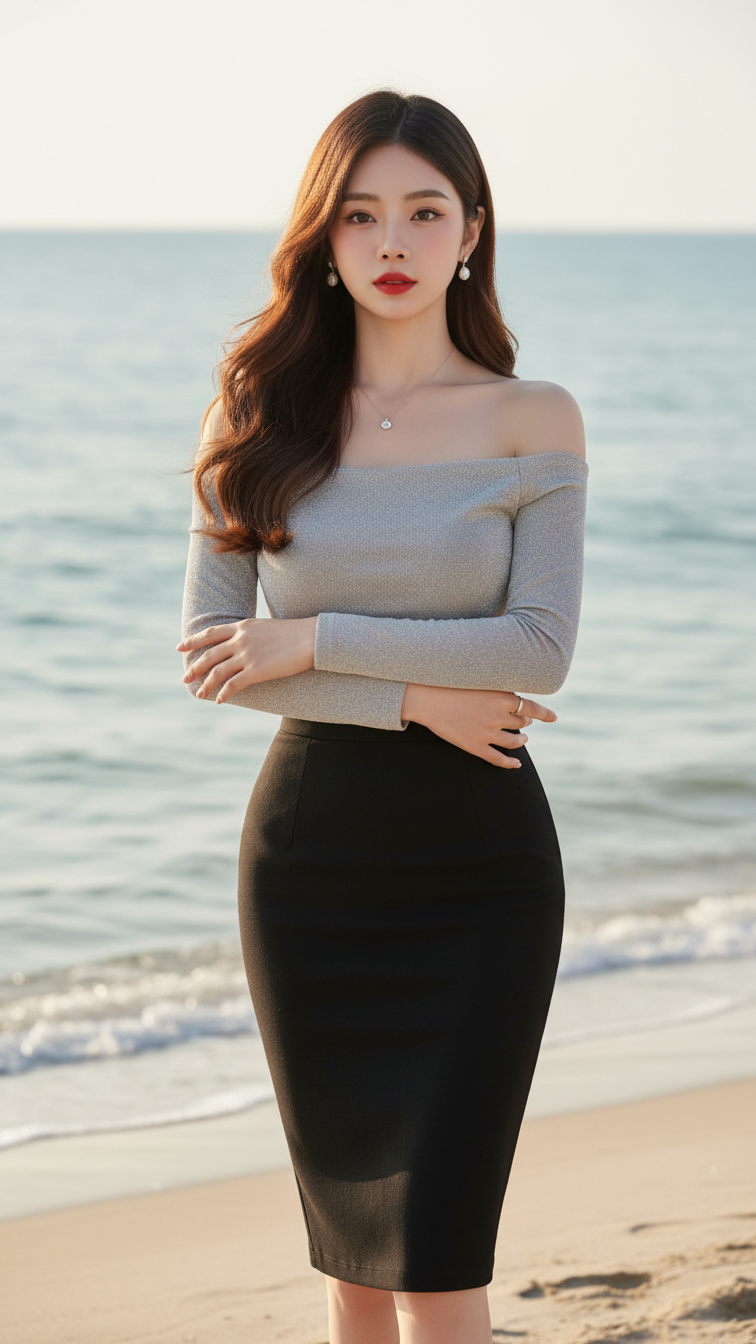
Prompt 1829: Create a realistic portrait of a young woman (face 100% identical to the original...
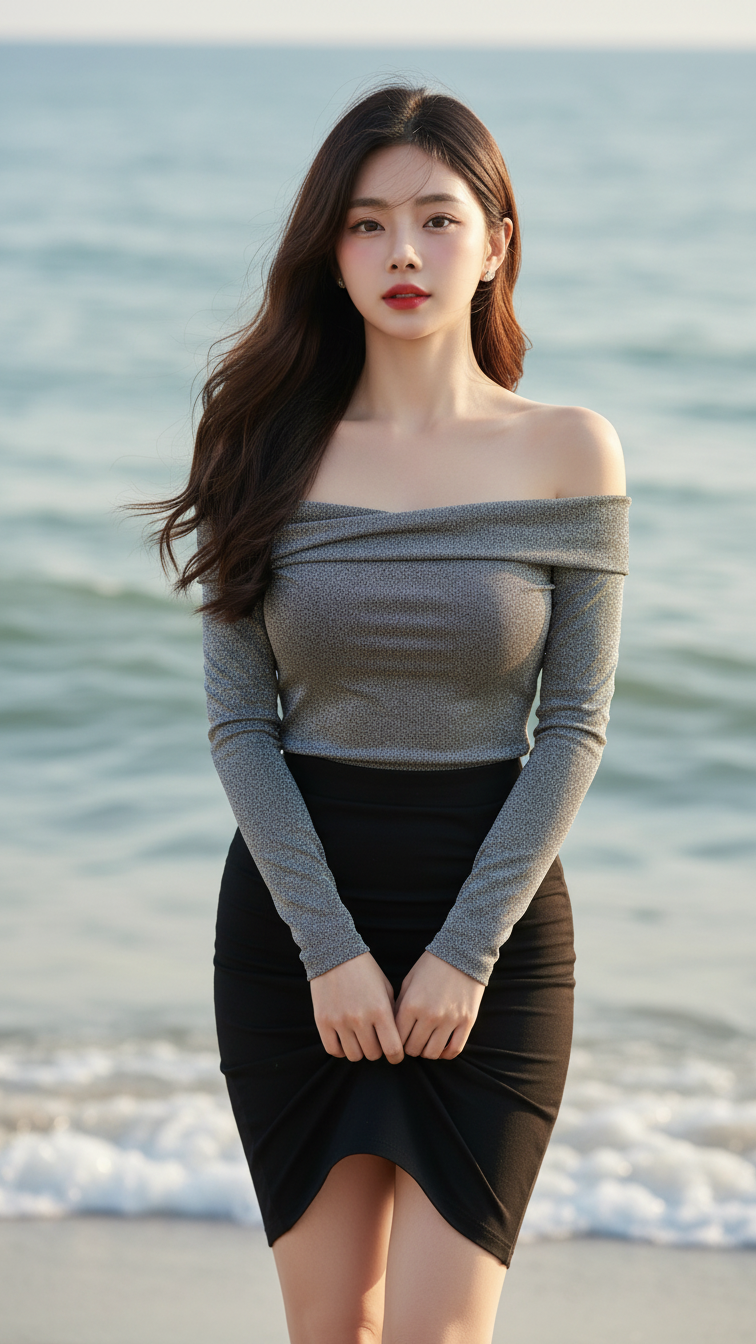
Prompt 1828: Create a realistic portrait of a young woman (face 100% identical to the original...
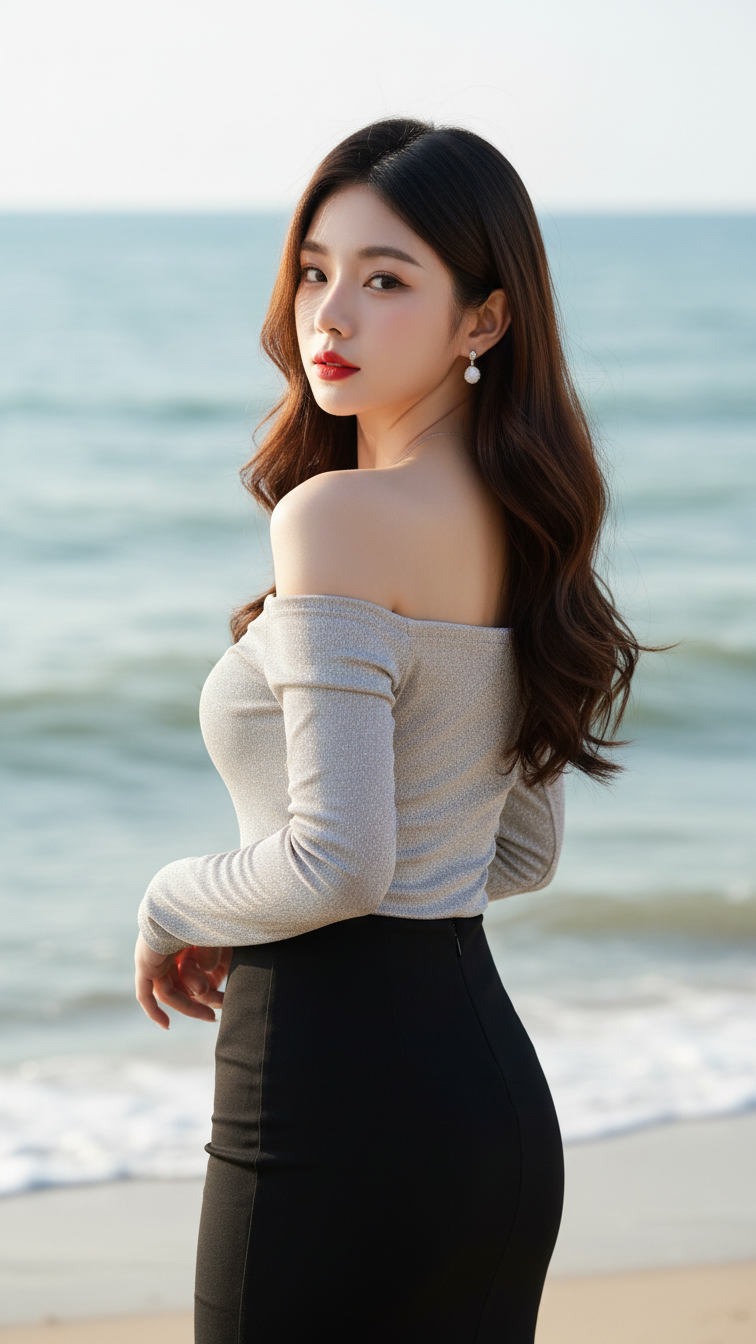
Prompt 1827: Create a realistic portrait of a young woman (face 100% identical to the original...
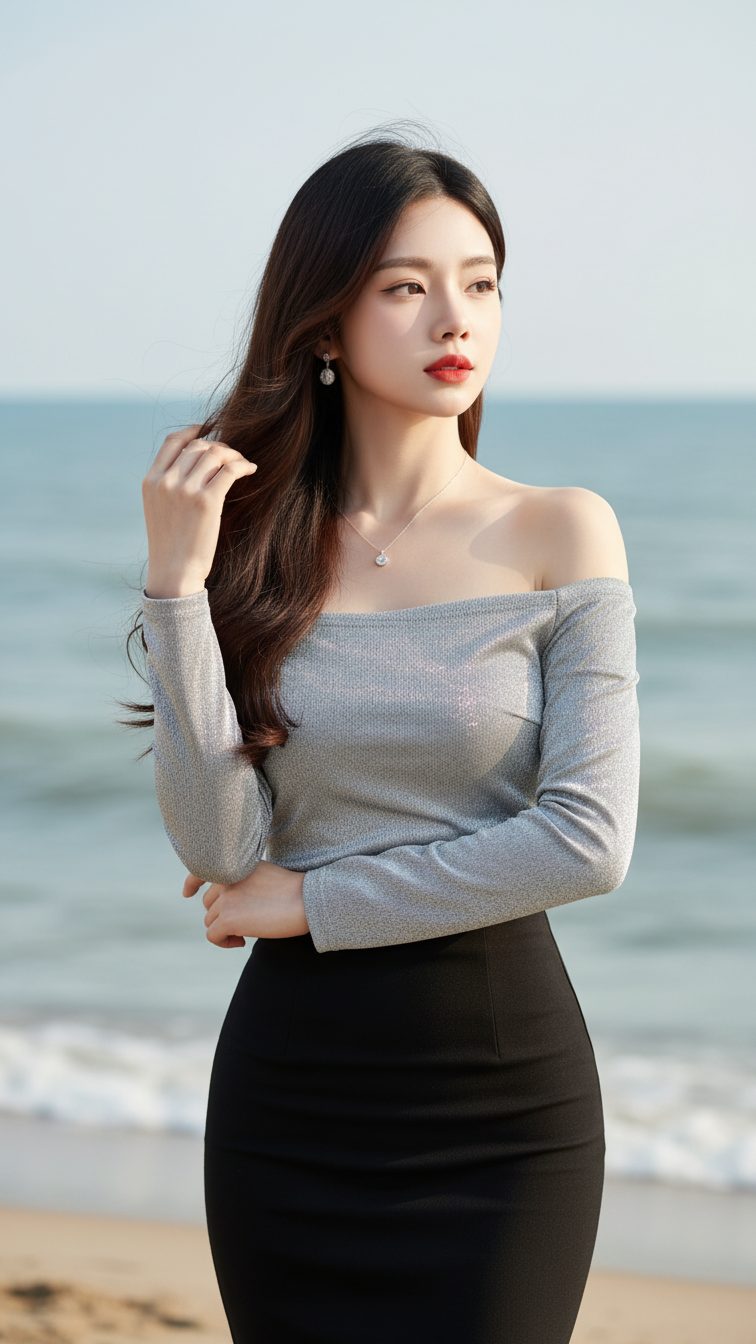
Prompt 1826: Create a realistic portrait of a young woman (face 100% identical to the original...
