
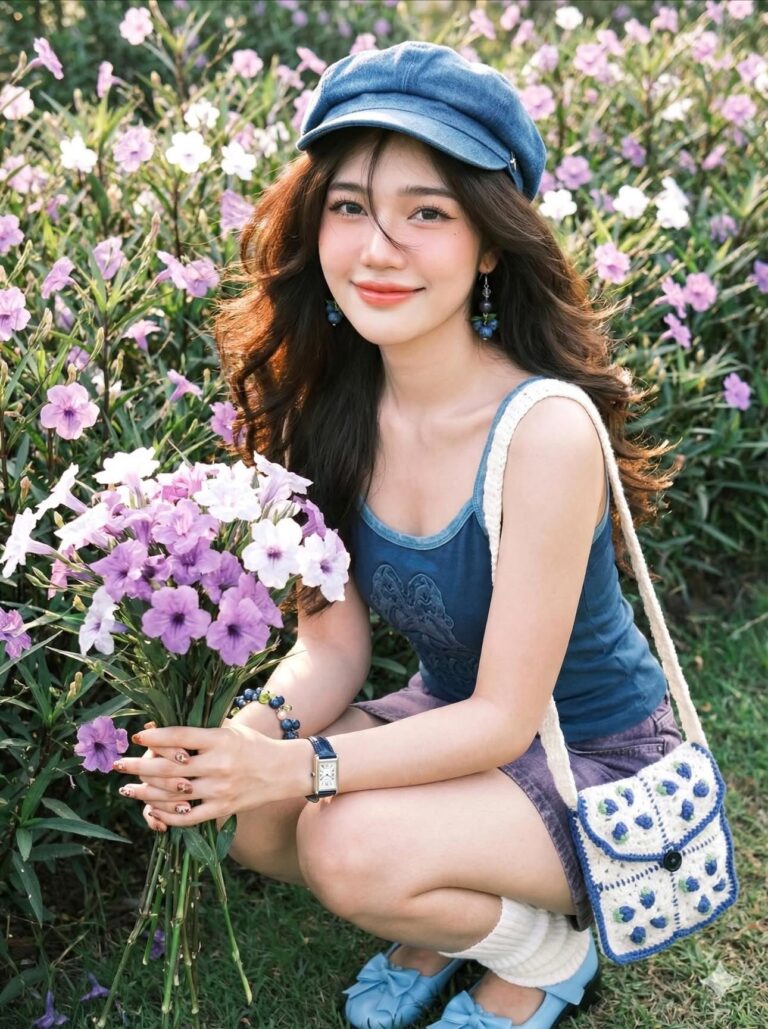
Prompt 1861: Creating a portrait of an Asian woman in her late 20s, 100% based on an original image...
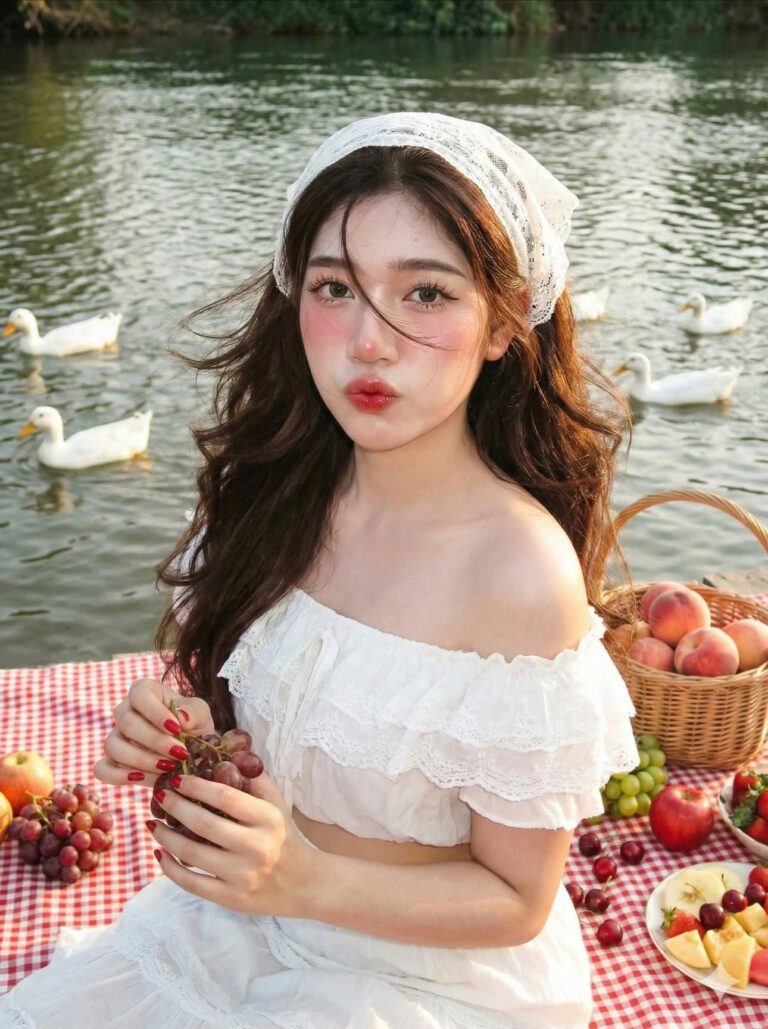
Prompt 1860: Creating a portrait of an Asian woman in her late 20s, 100% based on an original image...
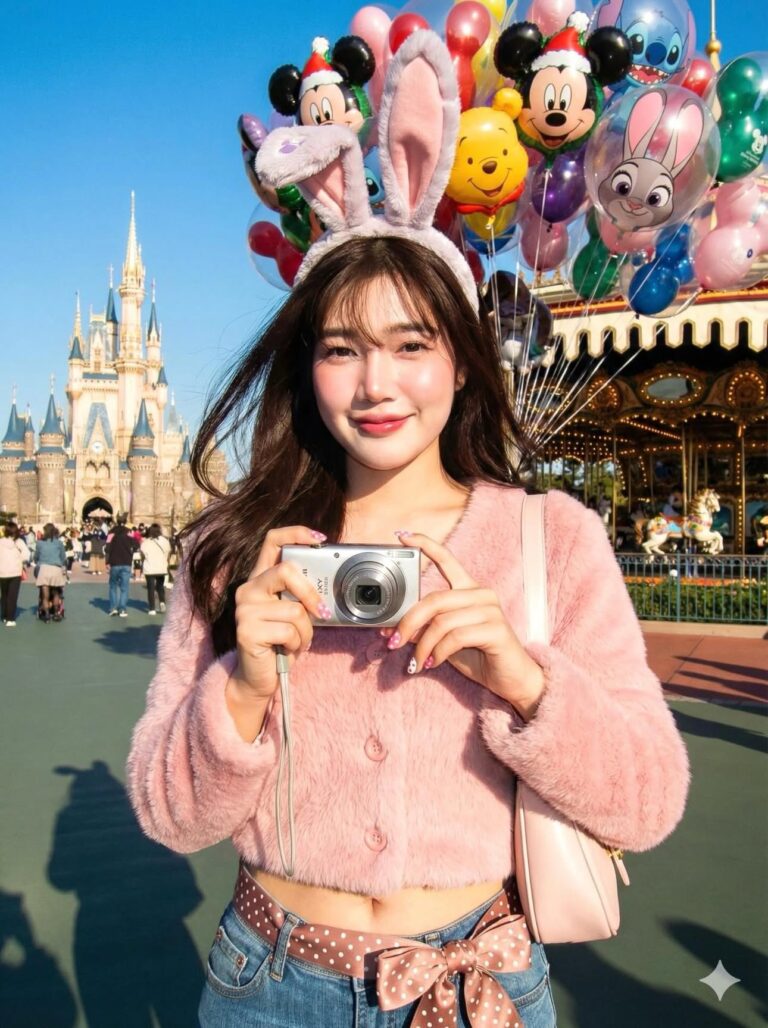
Prompt 1859: This close-up, cinematic portrait is a 100% faithful reproduction of the original image...
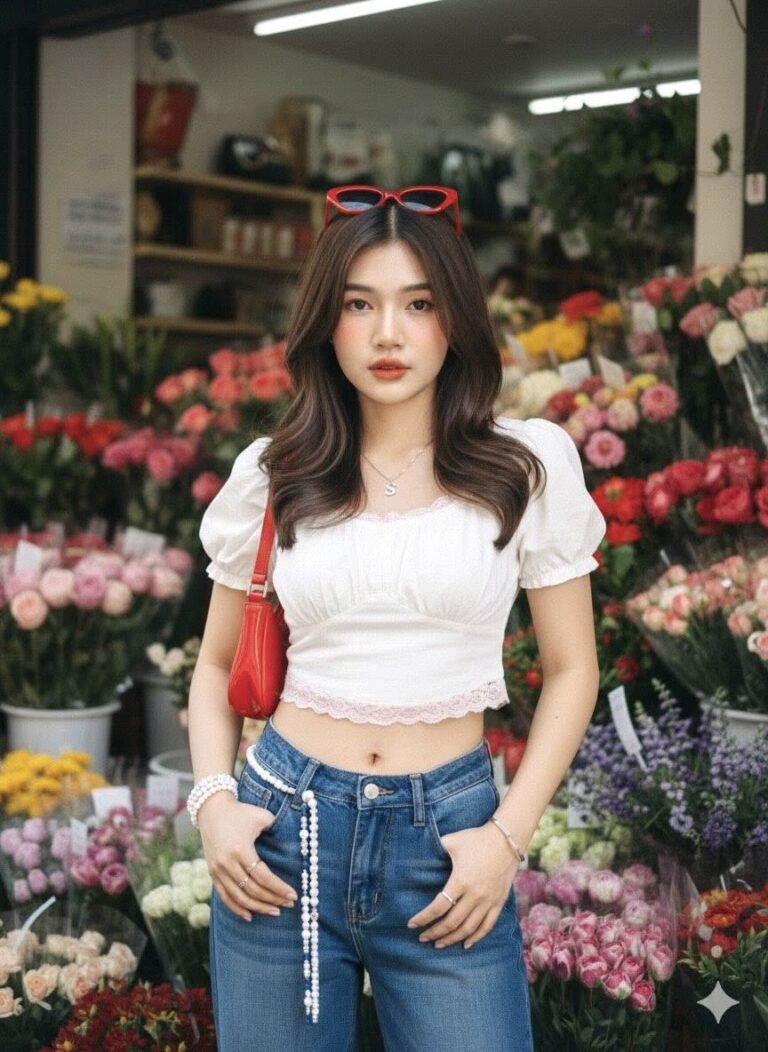
Prompt 1858: Create a realistic portrait of a young woman (face must be 100% identical to the...
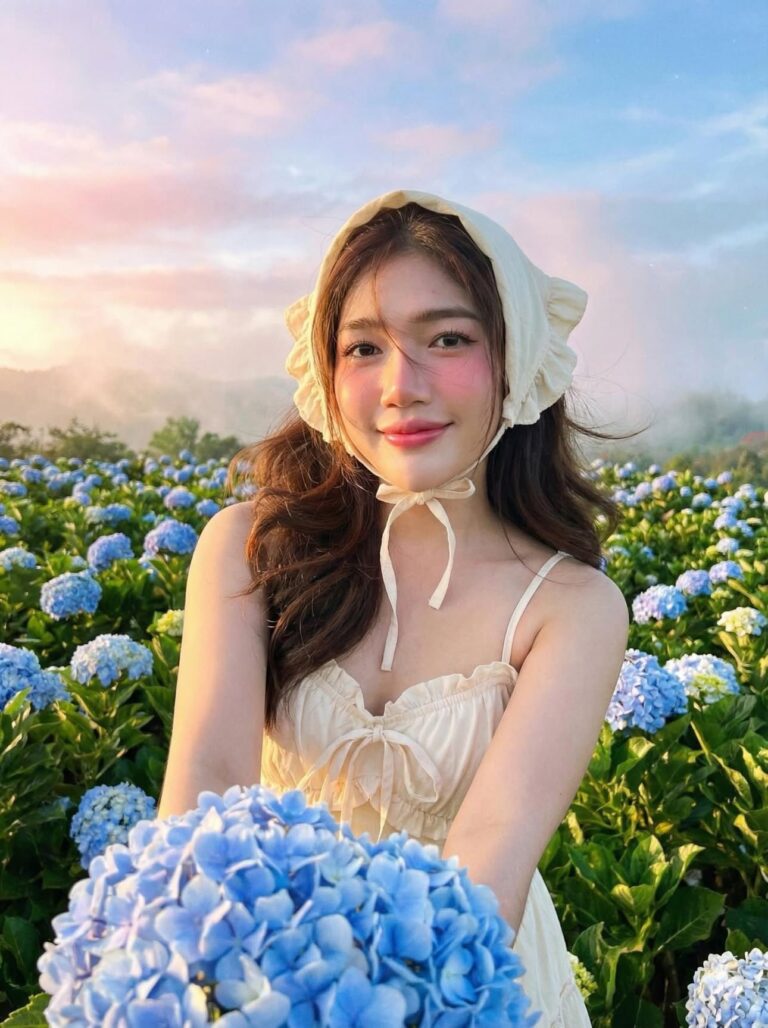
Prompt 1857: This is a portrait of an Asian woman in her late 20s, a 100% faithful reproduction of...
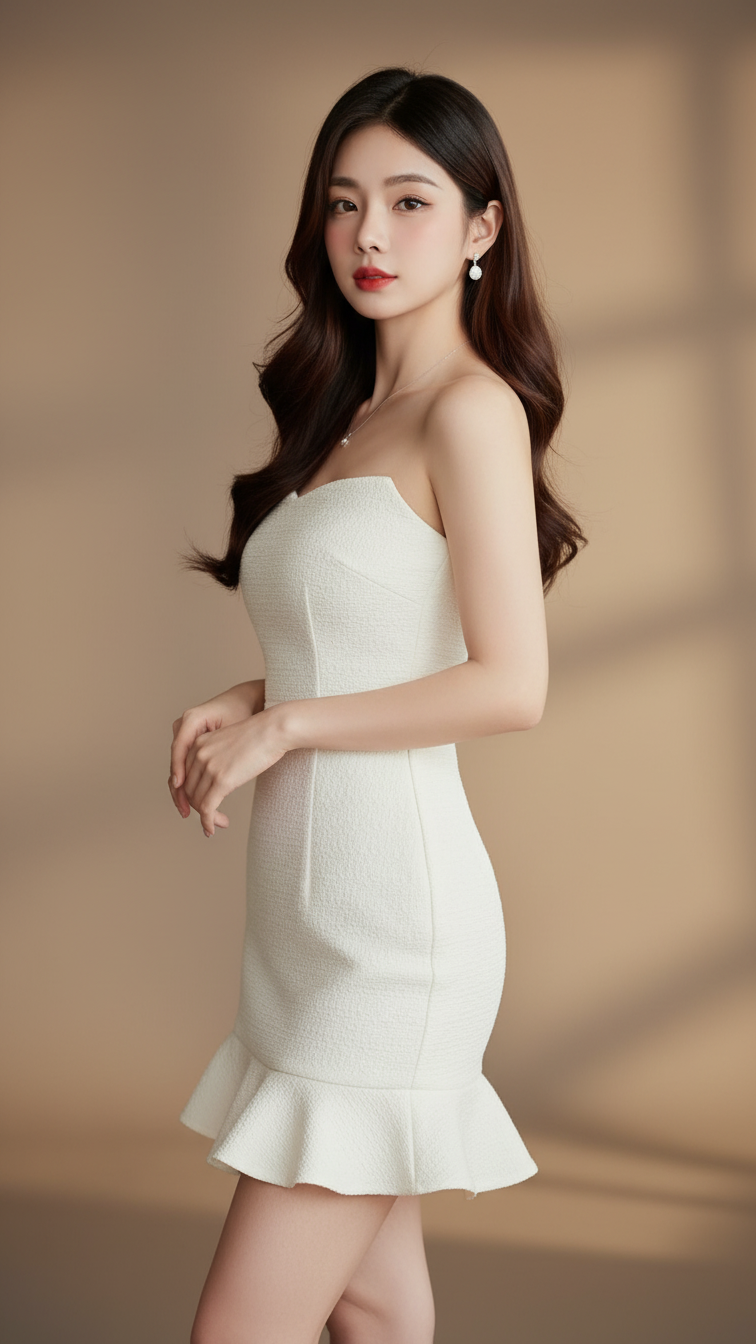
Prompt 1856: Create a realistic portrait of a young woman (face 100% identical to the original...
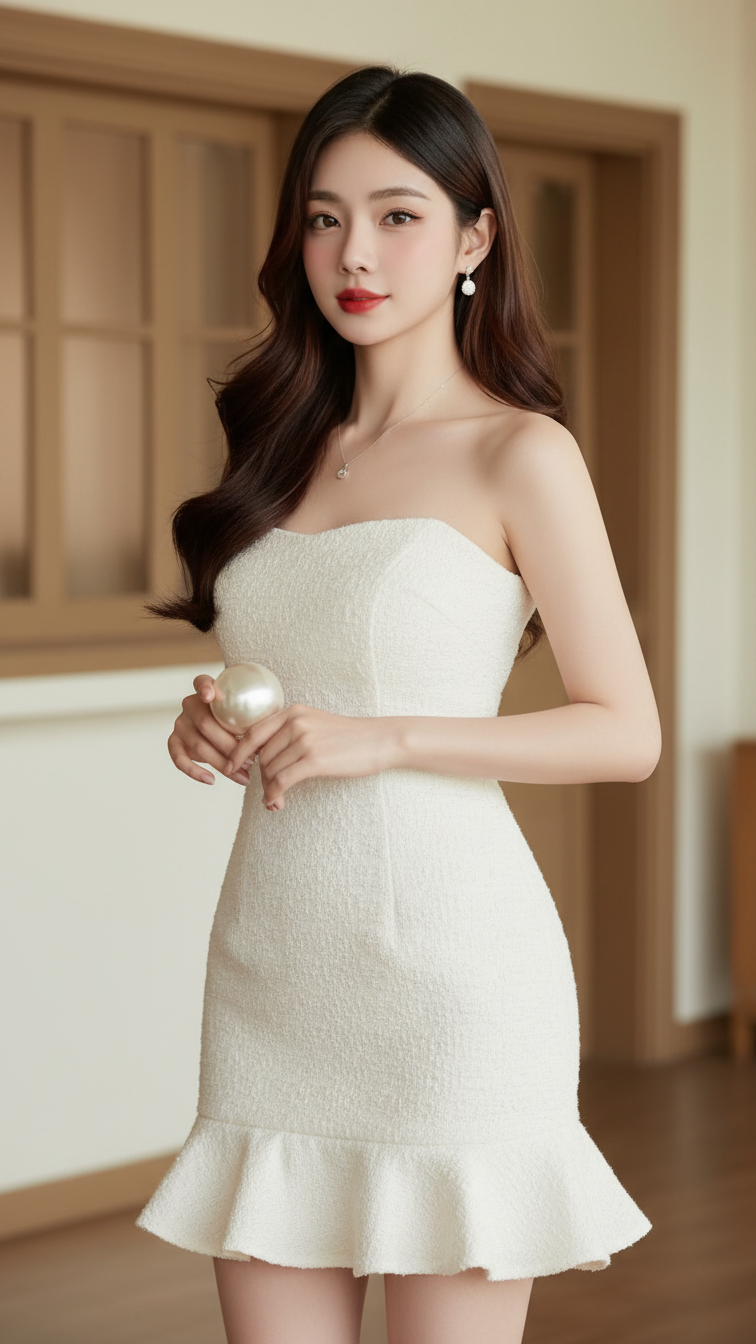
Prompt 1855: Create a realistic portrait of a young woman (face 100% identical to the original...
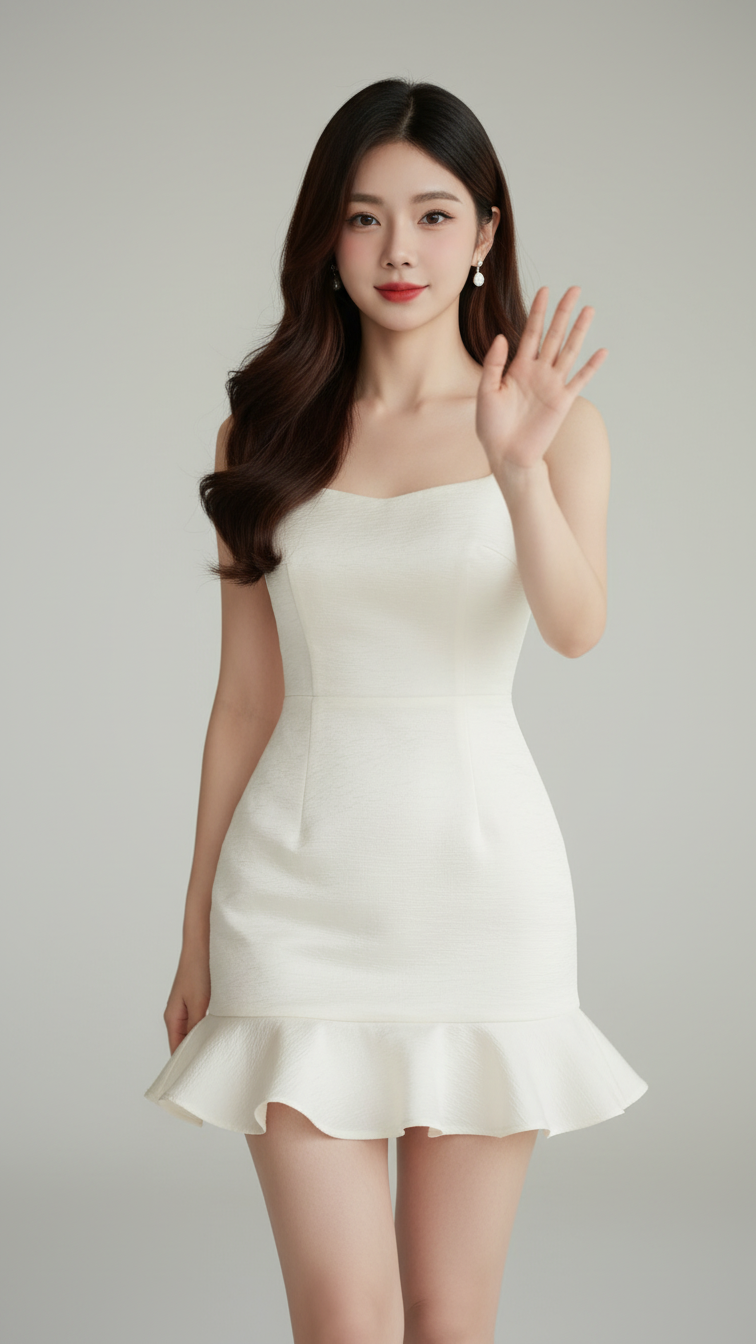
Prompt 1854: Create a realistic portrait of a young woman (face 100% identical to the original...
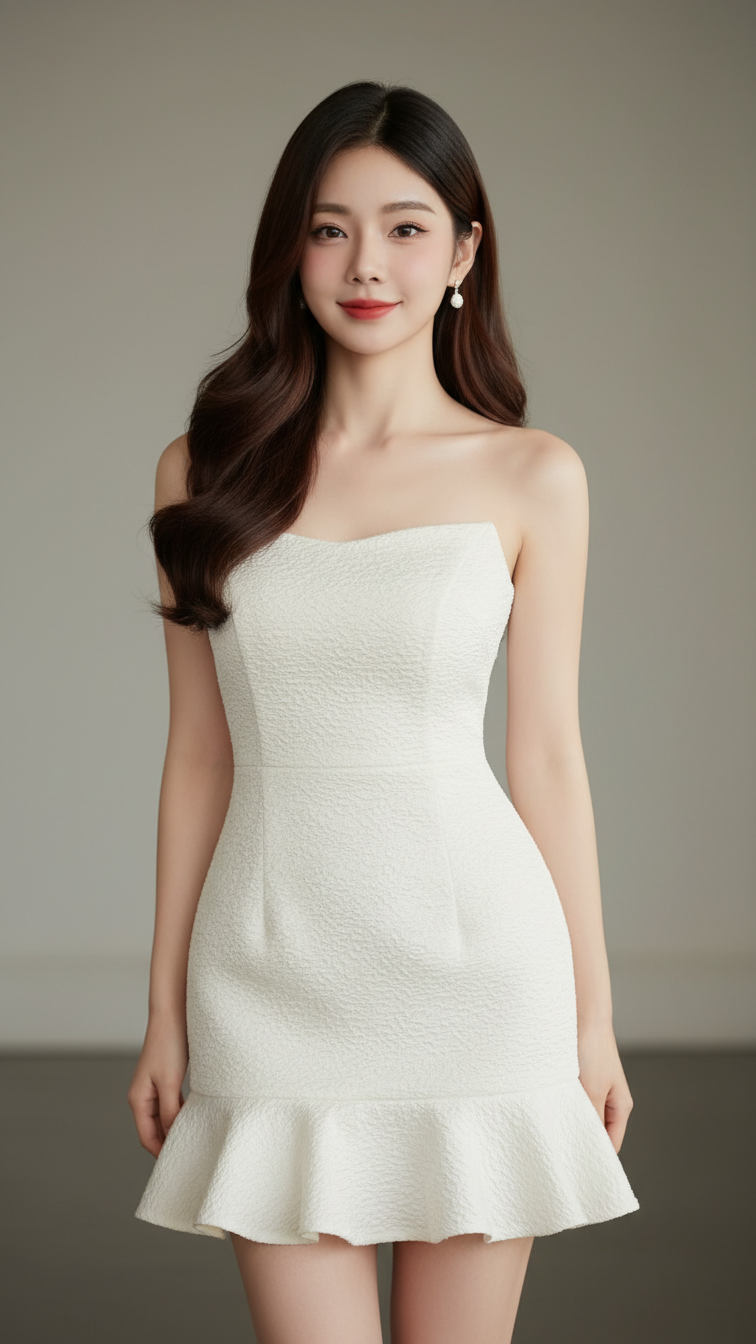
Prompt 1853: Create a realistic portrait of a young woman (face 100% identical to the original...
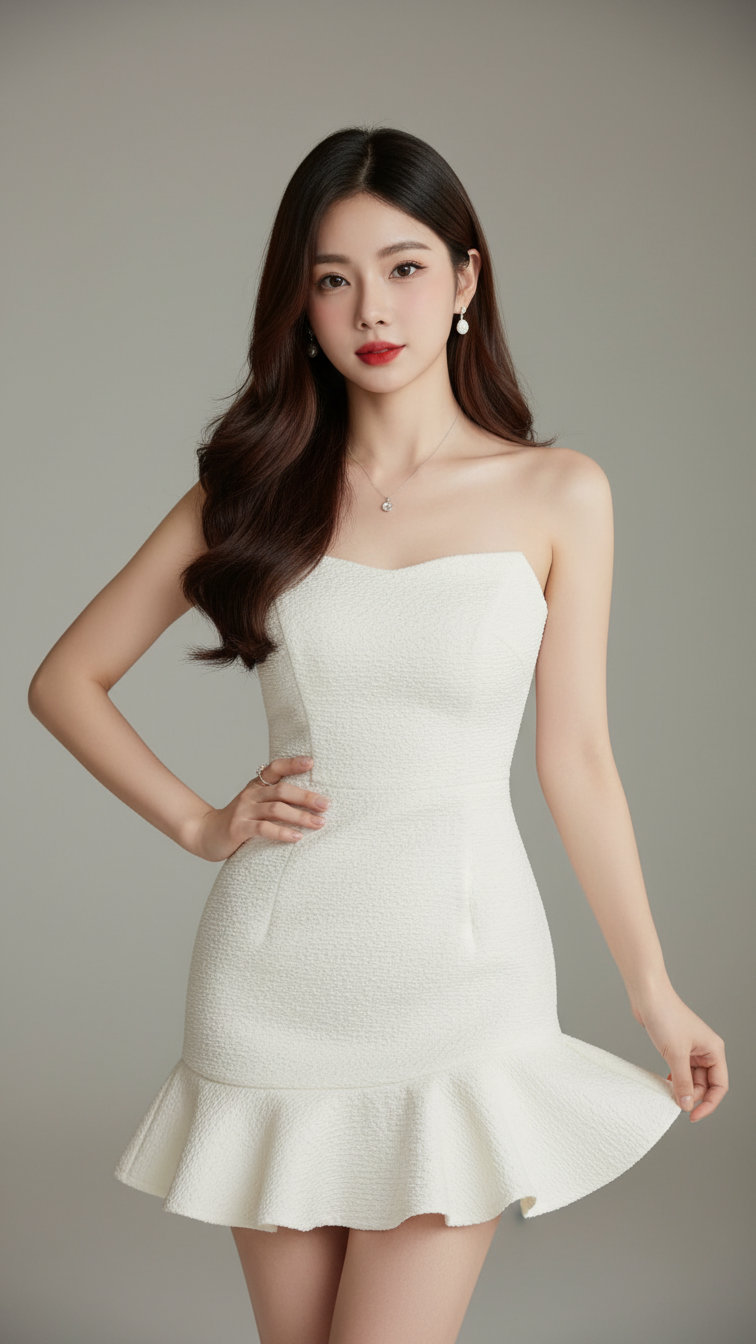
Prompt 1852: Create a realistic portrait of a young woman (face 100% identical to the original...
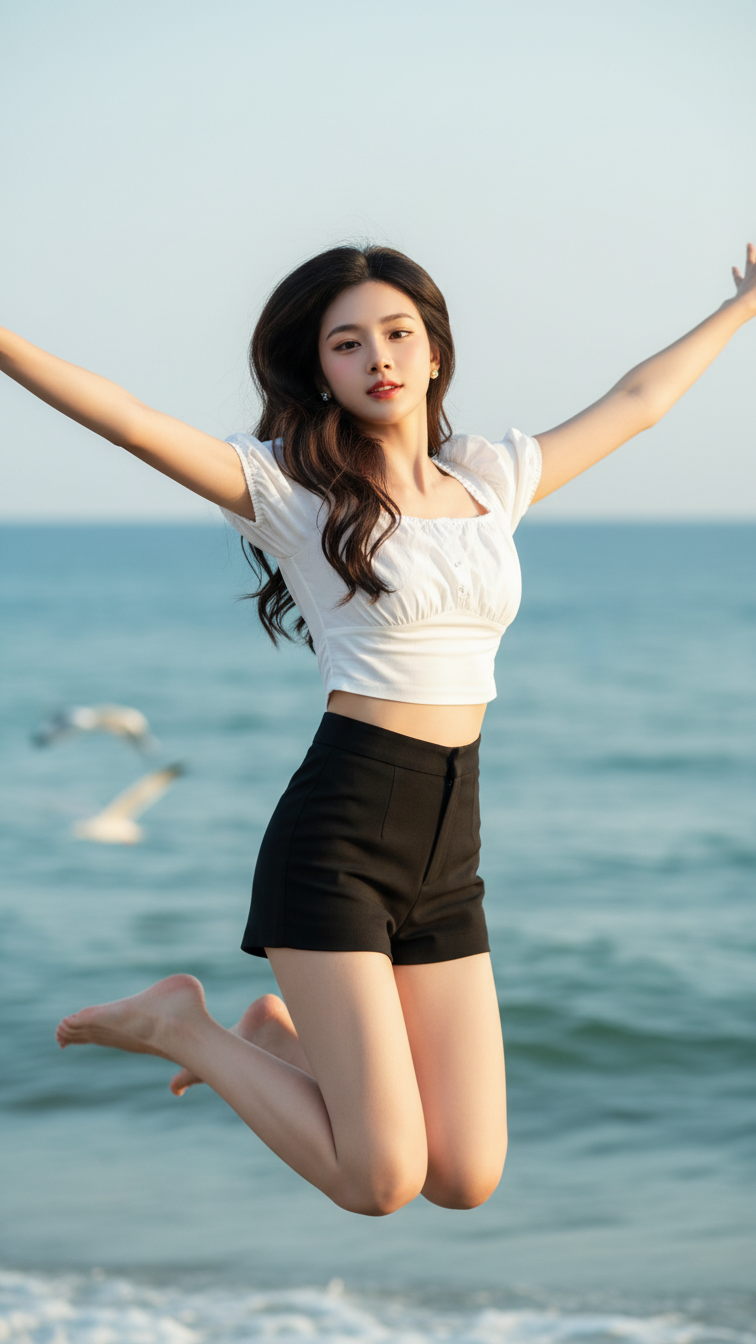
Prompt 1851: Create a realistic portrait of a young woman (face 100% identical to the original...
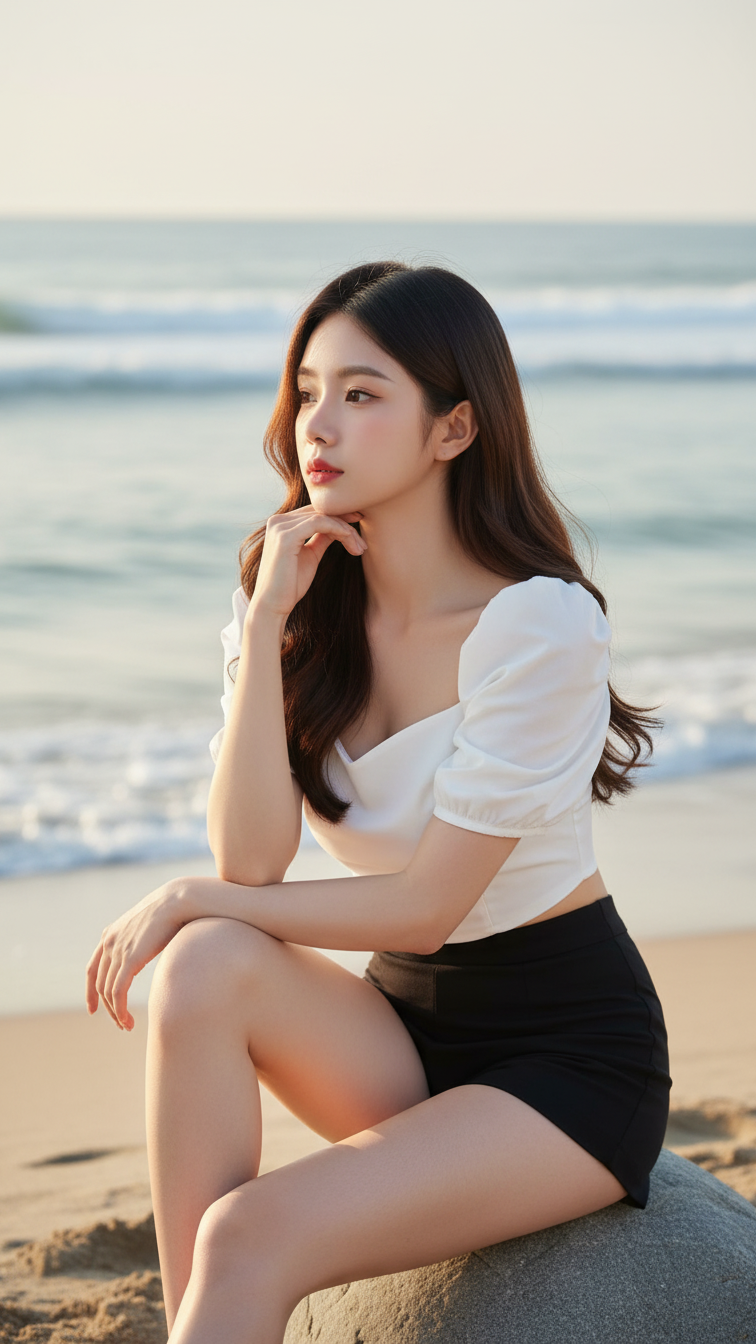
Prompt 1850: Create a realistic portrait of a young woman (face 100% identical to the original...
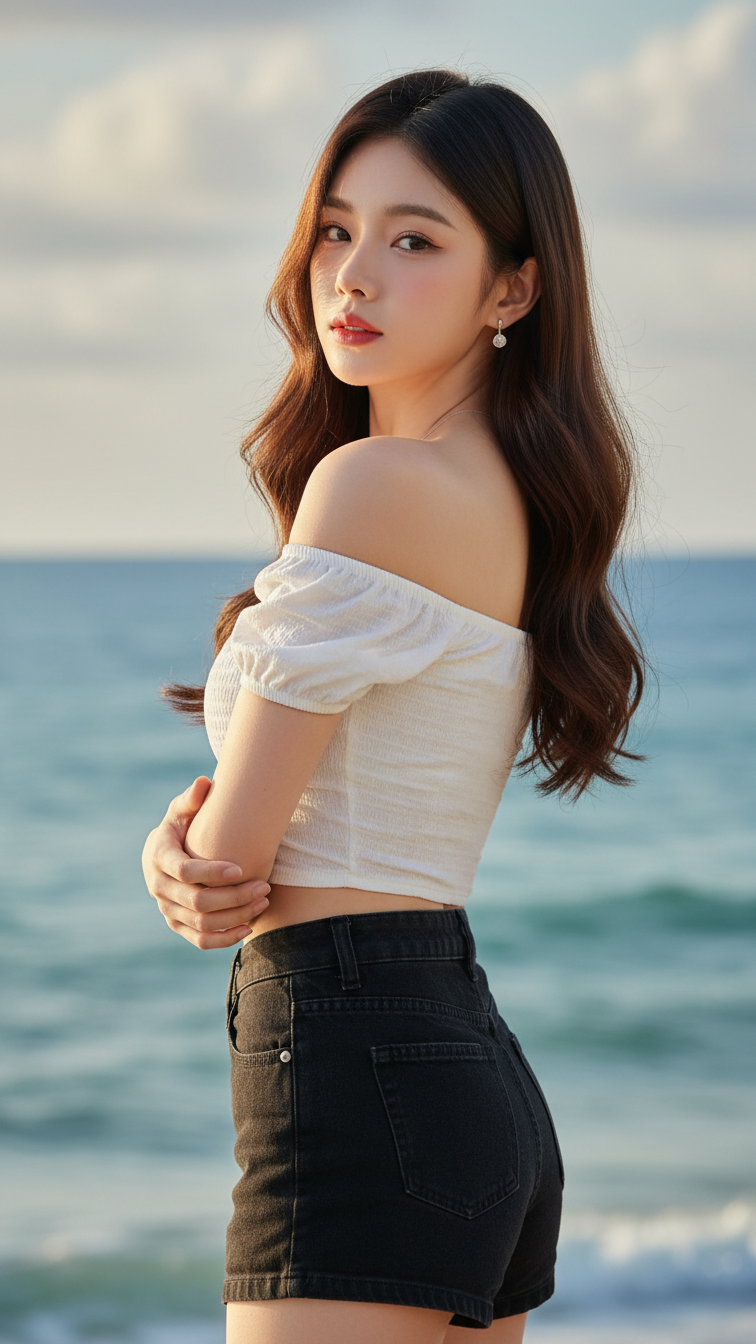
Prompt 1849: Create a realistic portrait of a young woman (face 100% identical to the original...
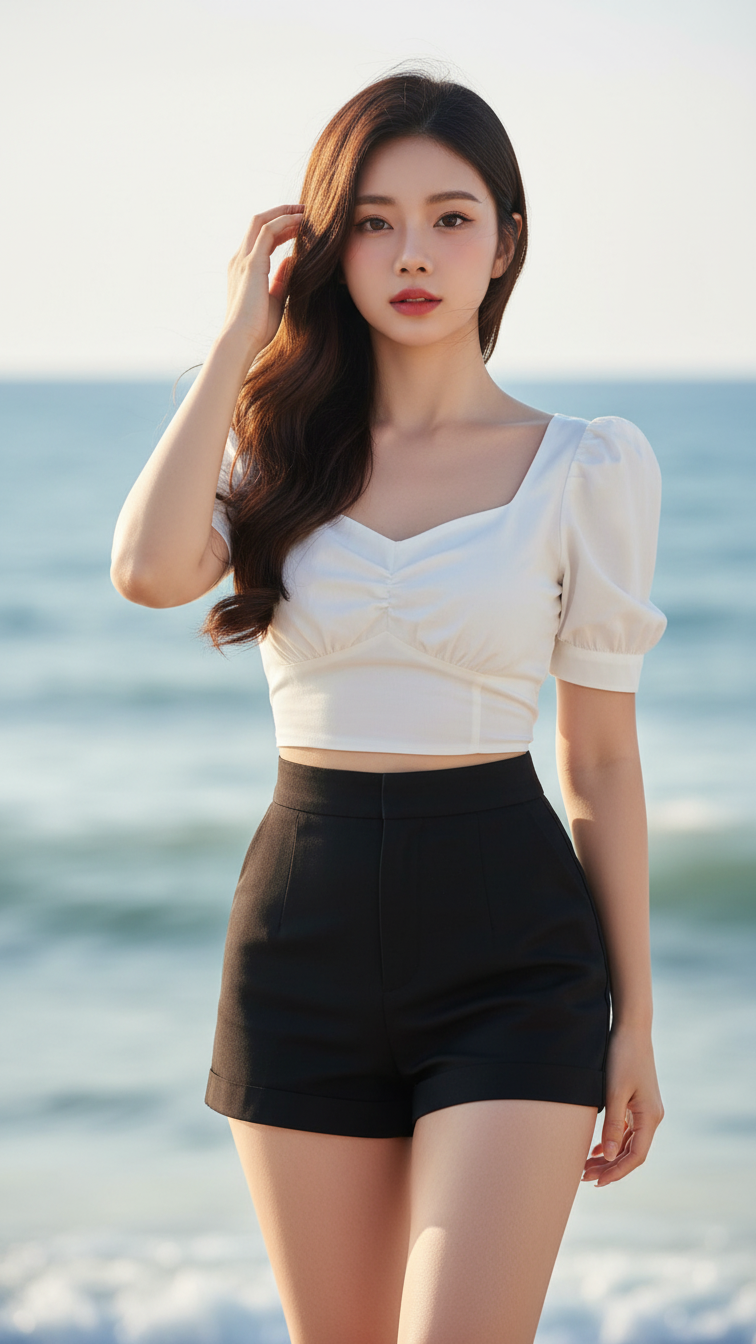
Prompt 1848: Create a realistic portrait of a young woman (face 100% identical to the original...
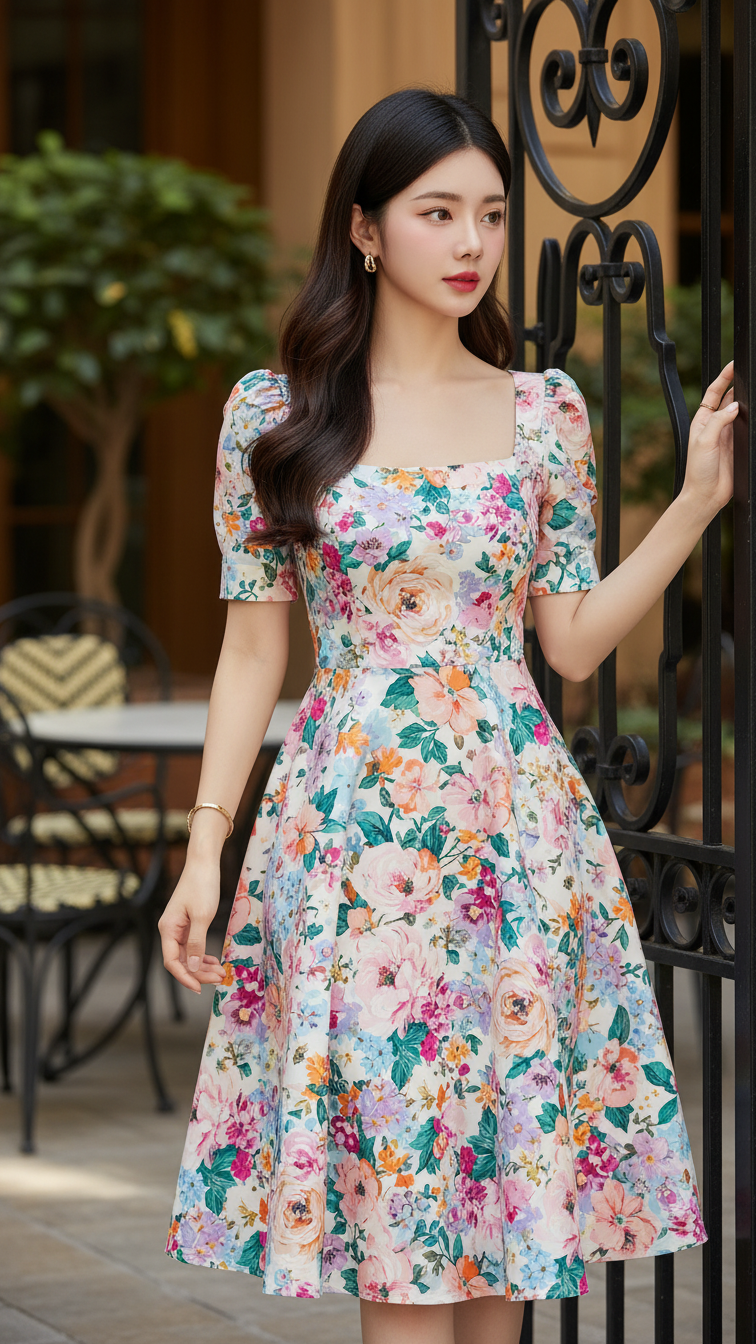
Prompt 1847: Create a realistic portrait of a young woman (face 100% identical to the original...
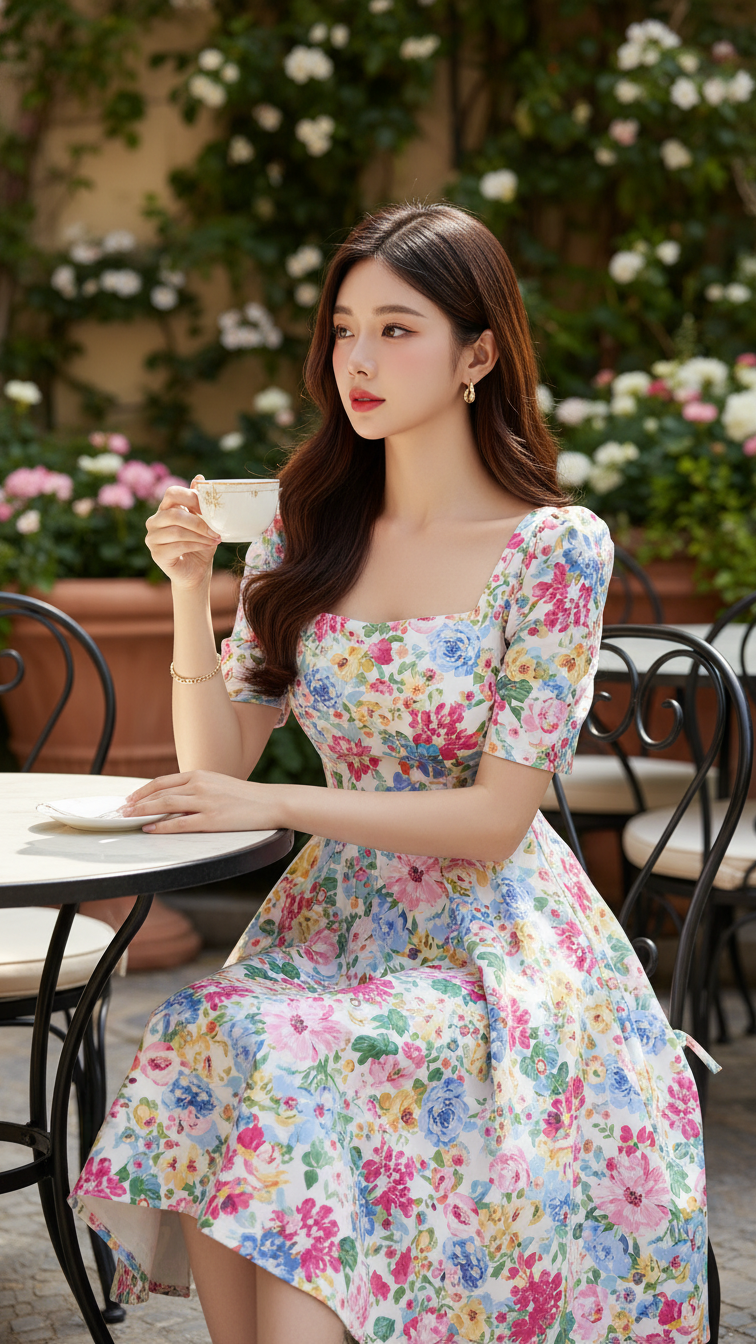
Prompt 1846: Create a realistic portrait of a young woman (face 100% identical to the original...
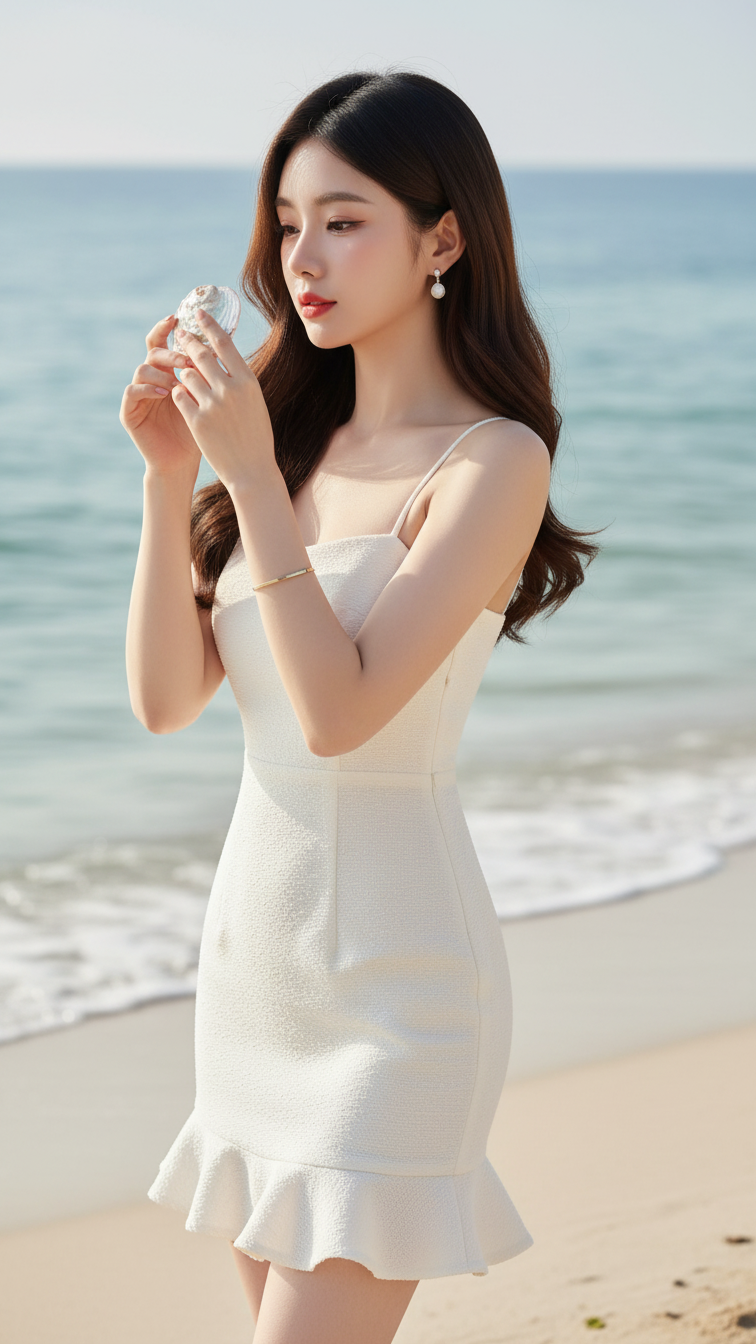
Prompt 1845: Create a realistic portrait of a young woman (face 100% identical to the original...
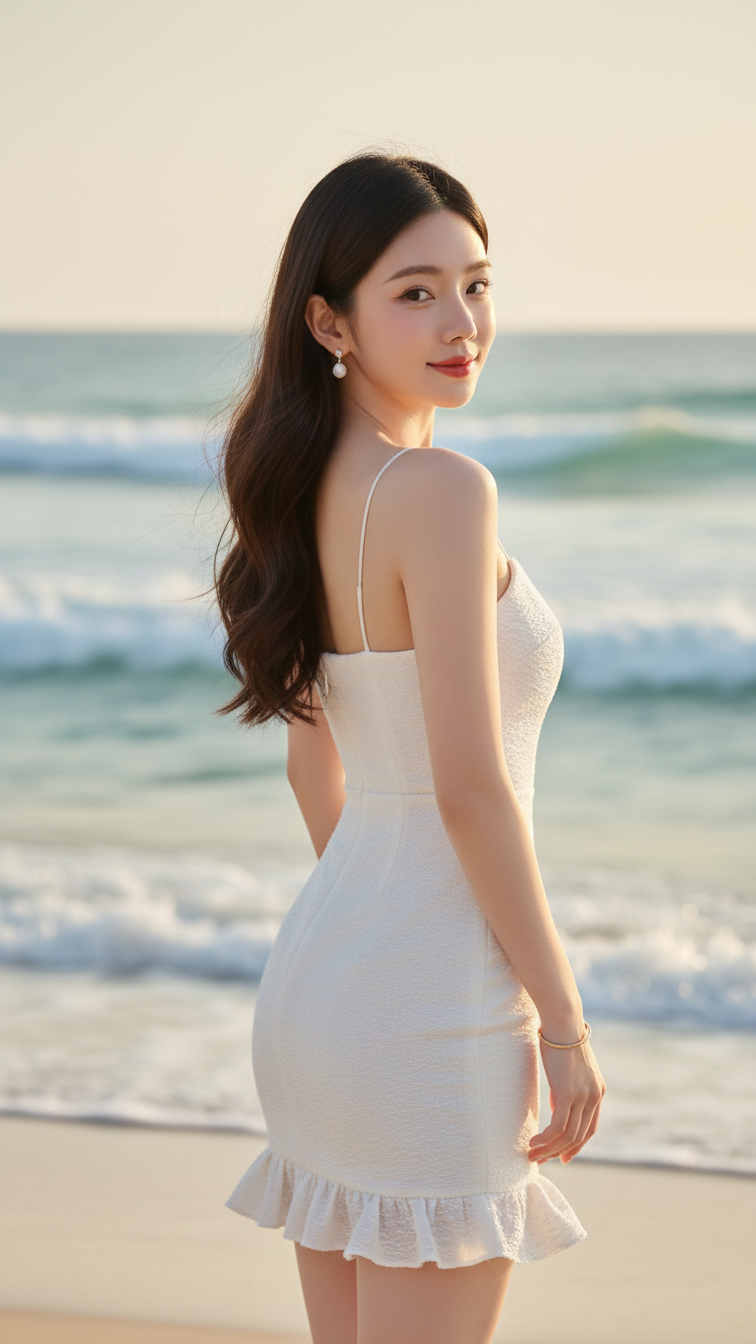
Prompt 1844: Create a realistic portrait of a young woman (face 100% identical to the original...
