
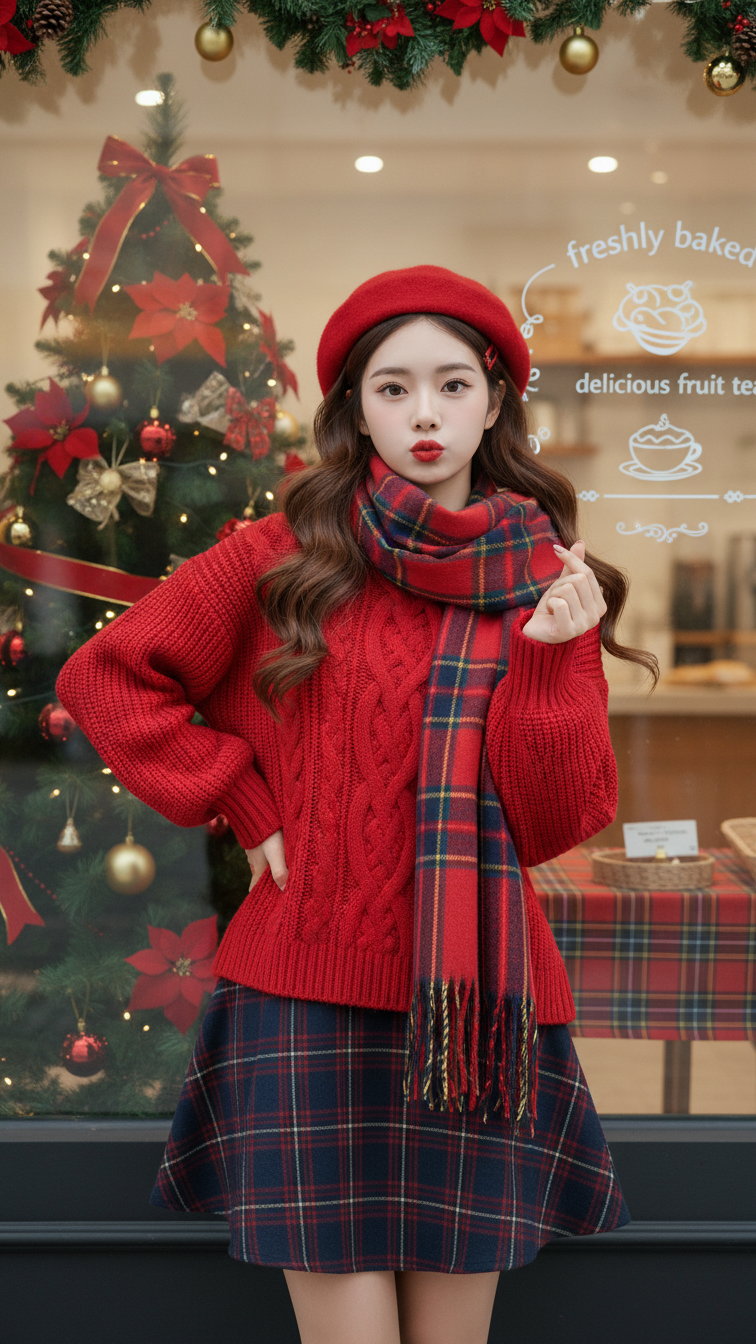
Prompt 1880: Create a realistic portrait of a young woman (face 100% identical to the original...
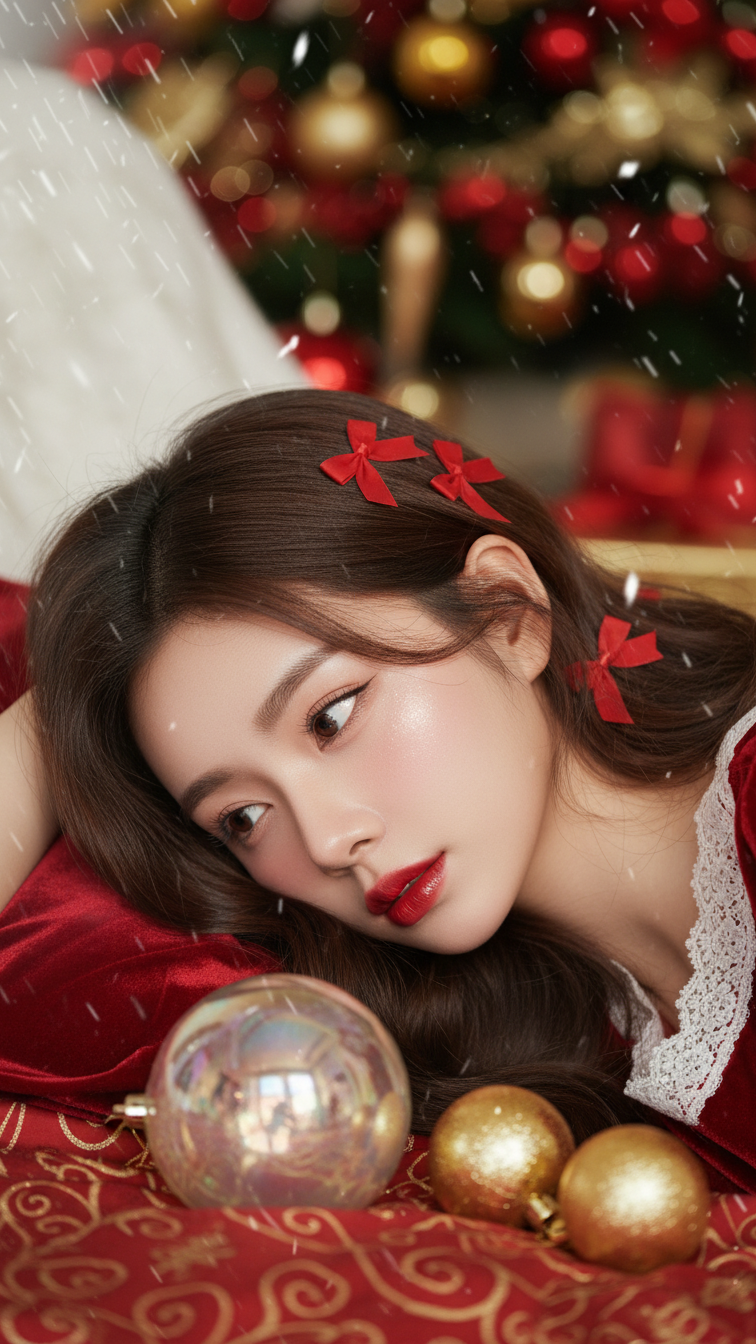
Prompt 1879: Create a realistic portrait of a young woman (face 100% identical to the original...
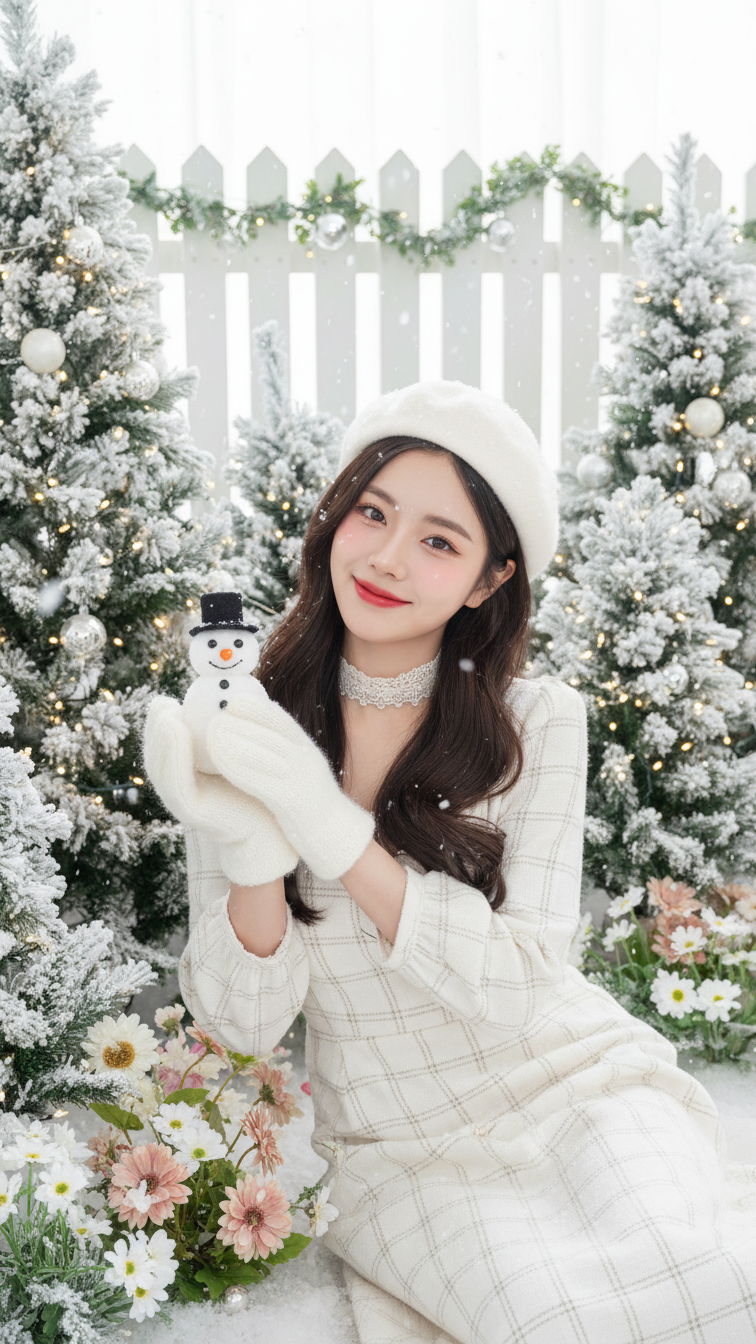
Prompt 1877: Create a realistic portrait of a young woman (face 100% identical to the original...
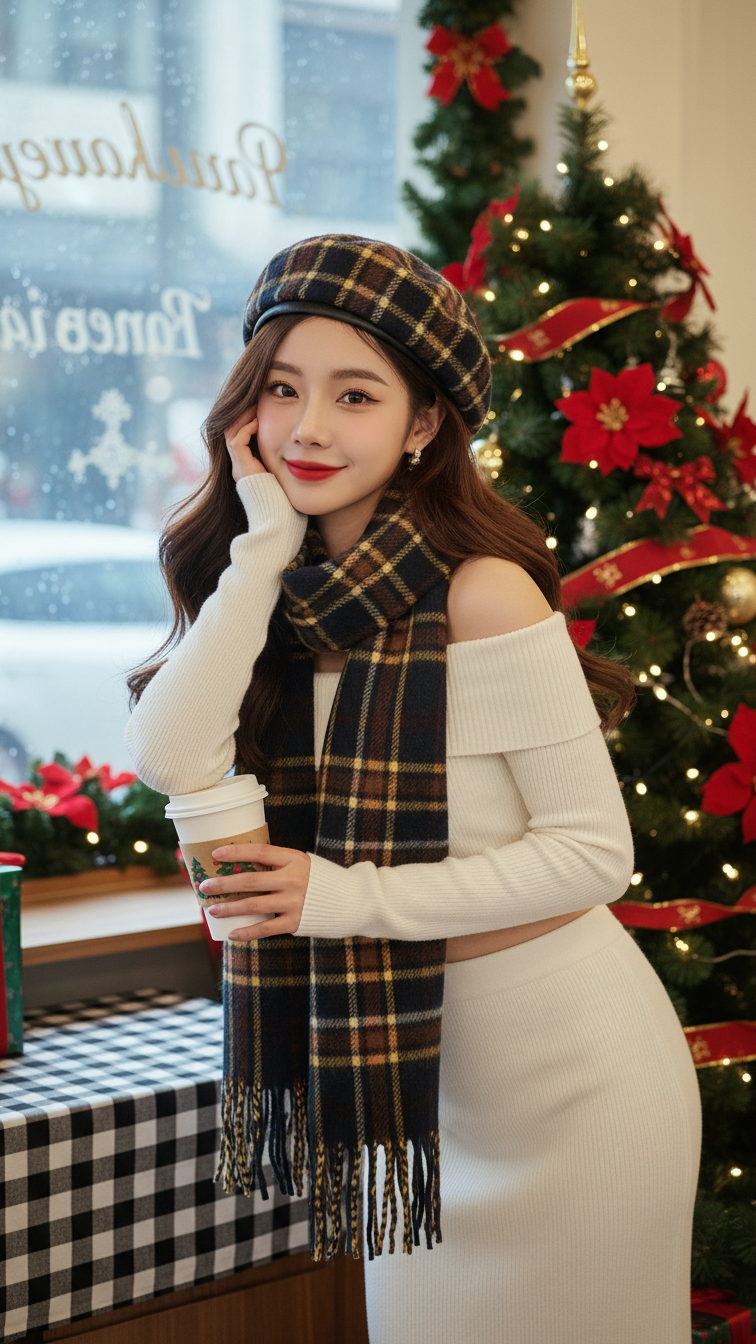
Prompt 1876: Create a realistic portrait of a young woman (face 100% identical to the original...
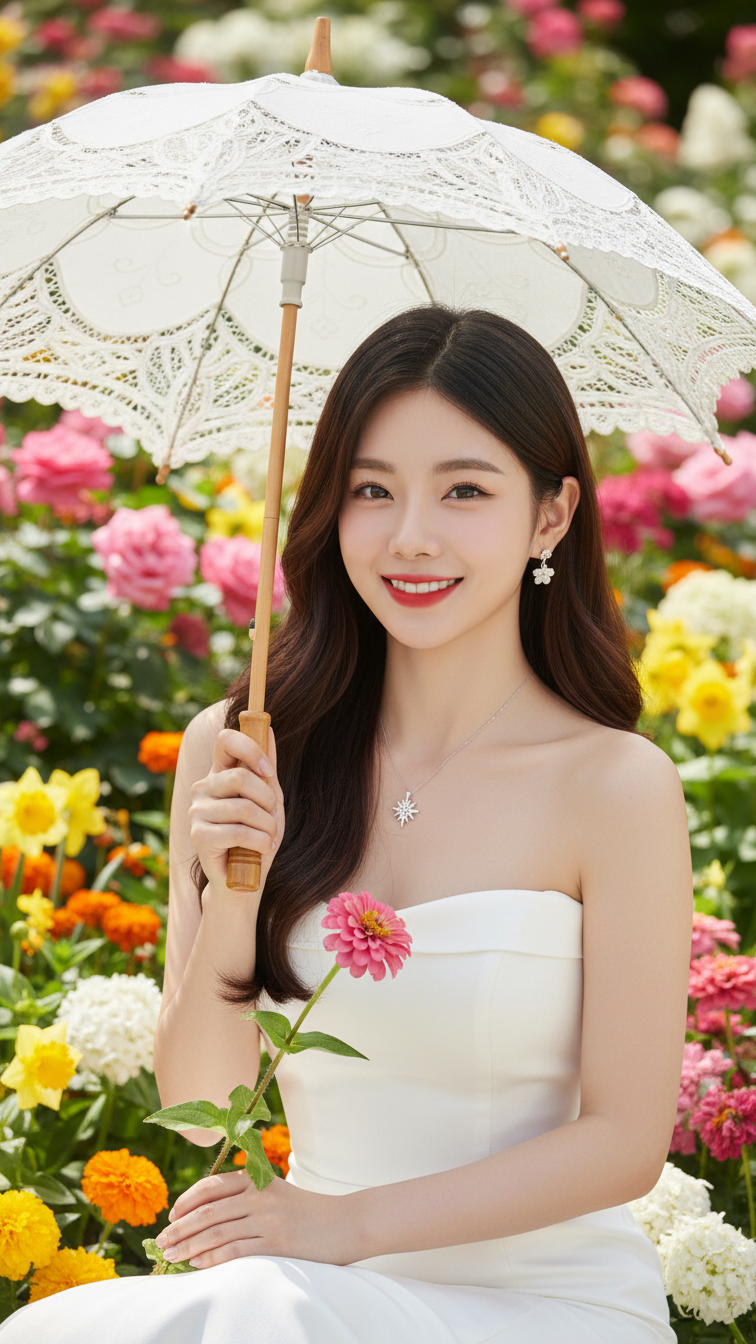
Prompt 1875: Create a realistic portrait of a young woman (face 100% identical to the original...
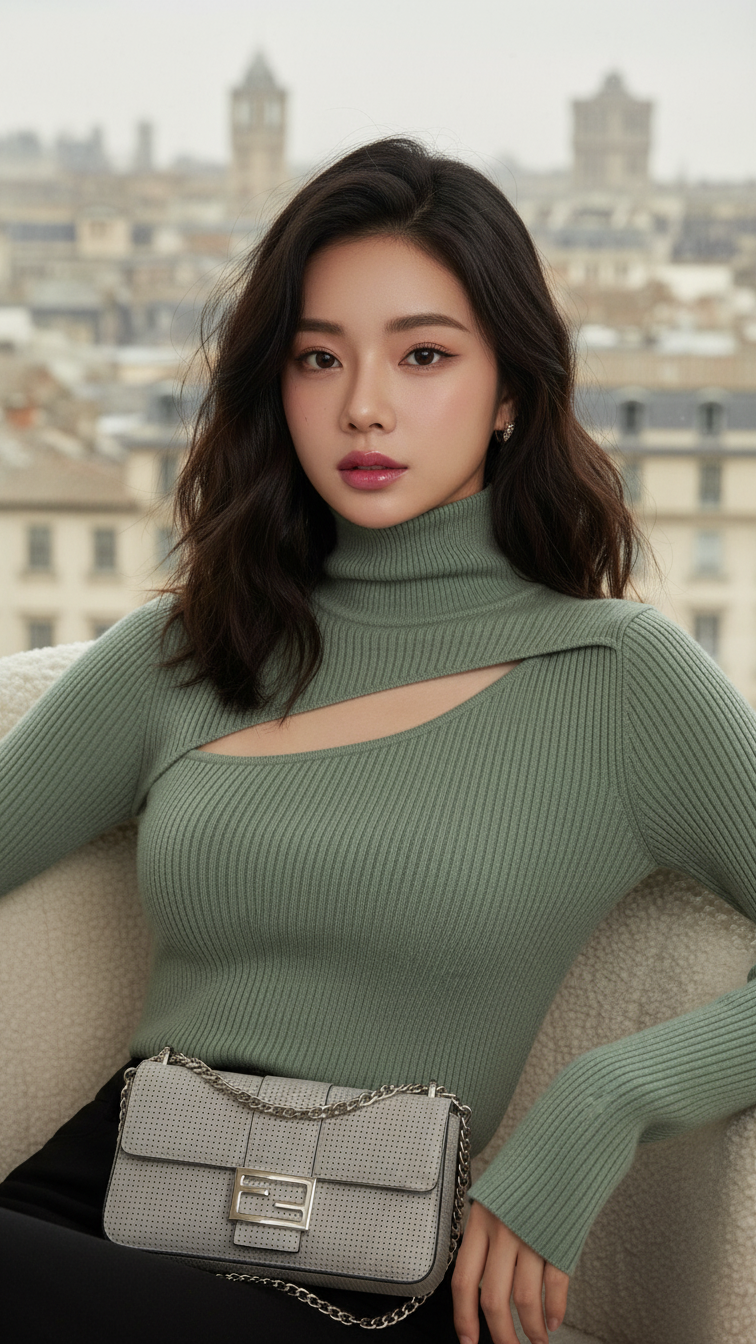
Prompt 1874: Create a realistic portrait of a young woman (face 100% identical to the original...
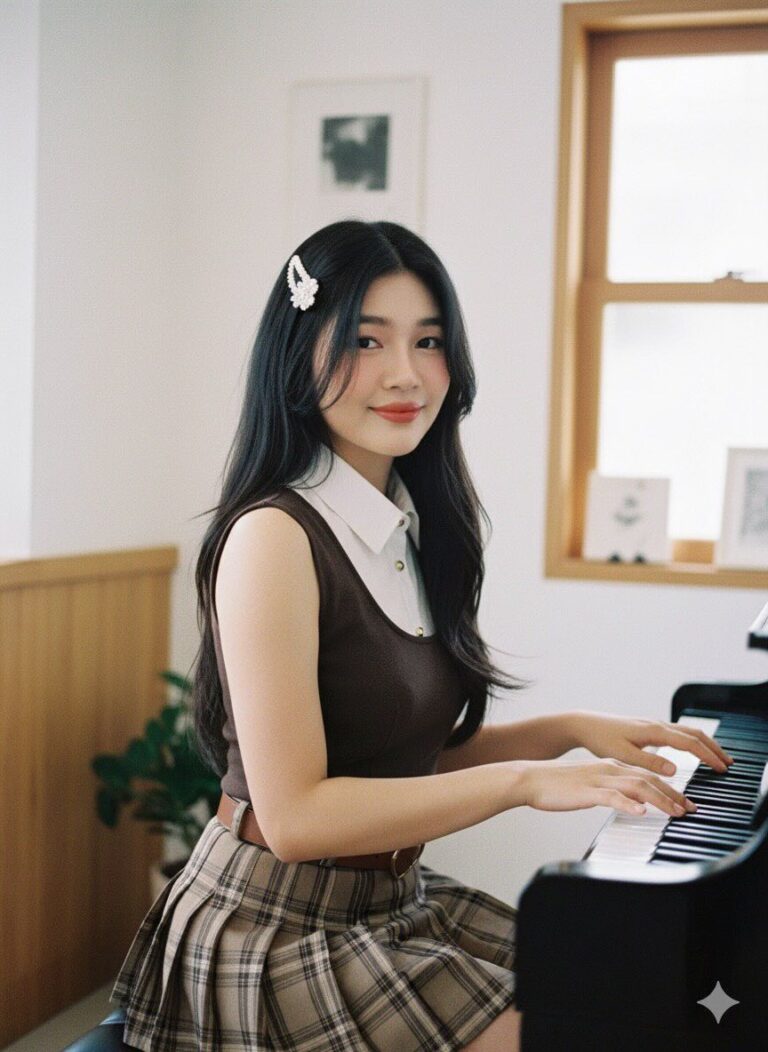
Prompt 1873: This is a realistic, close-up, cinematic portrait depicting a young Asian woman sitting...
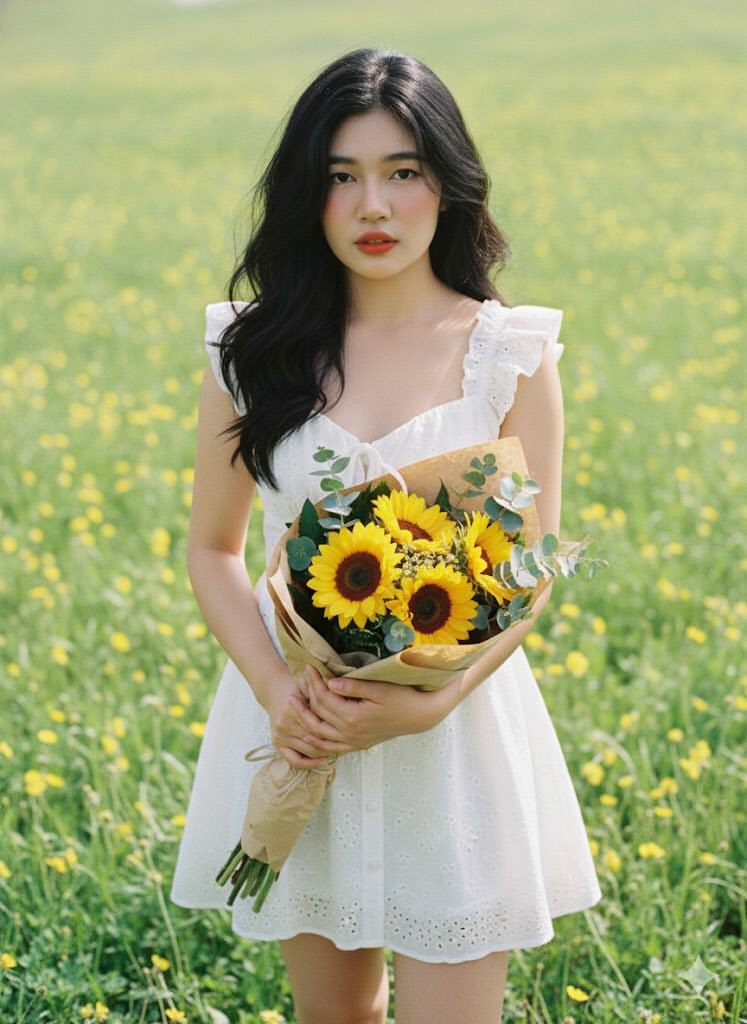
Prompt 1872: This portrait was created using a Fujifilm Pro 400H camera with an old lens filter...
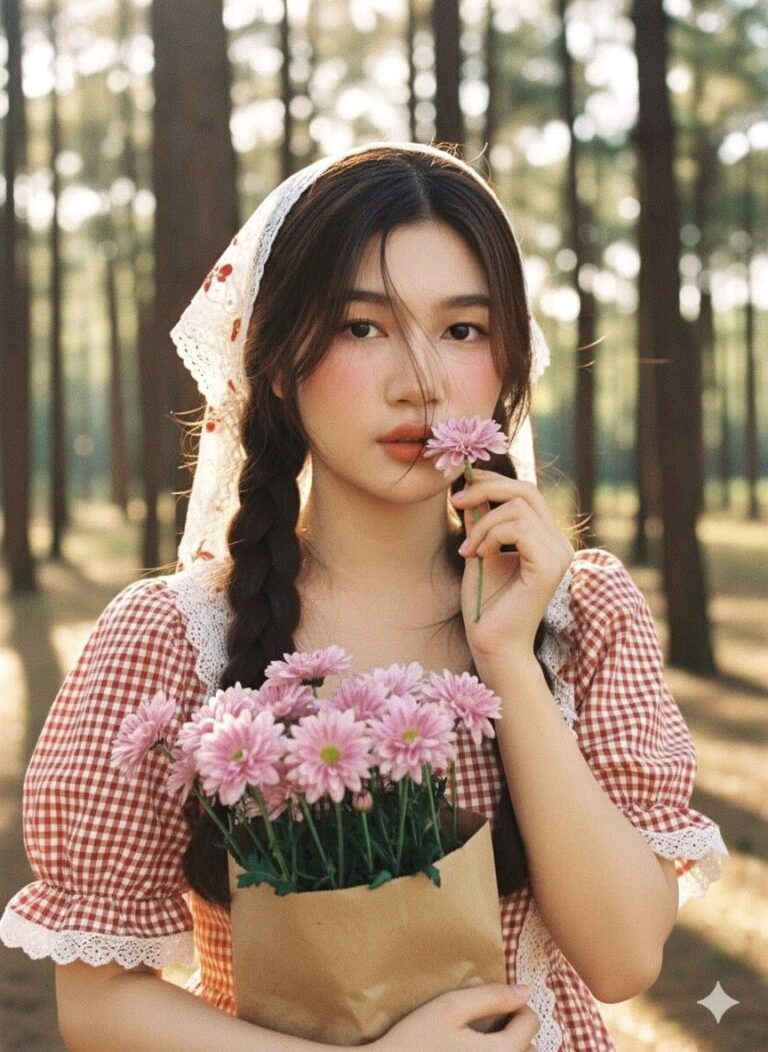
Prompt 1871: A realistic, close-up cinematic portrait, 100% faithful to the original features of a...
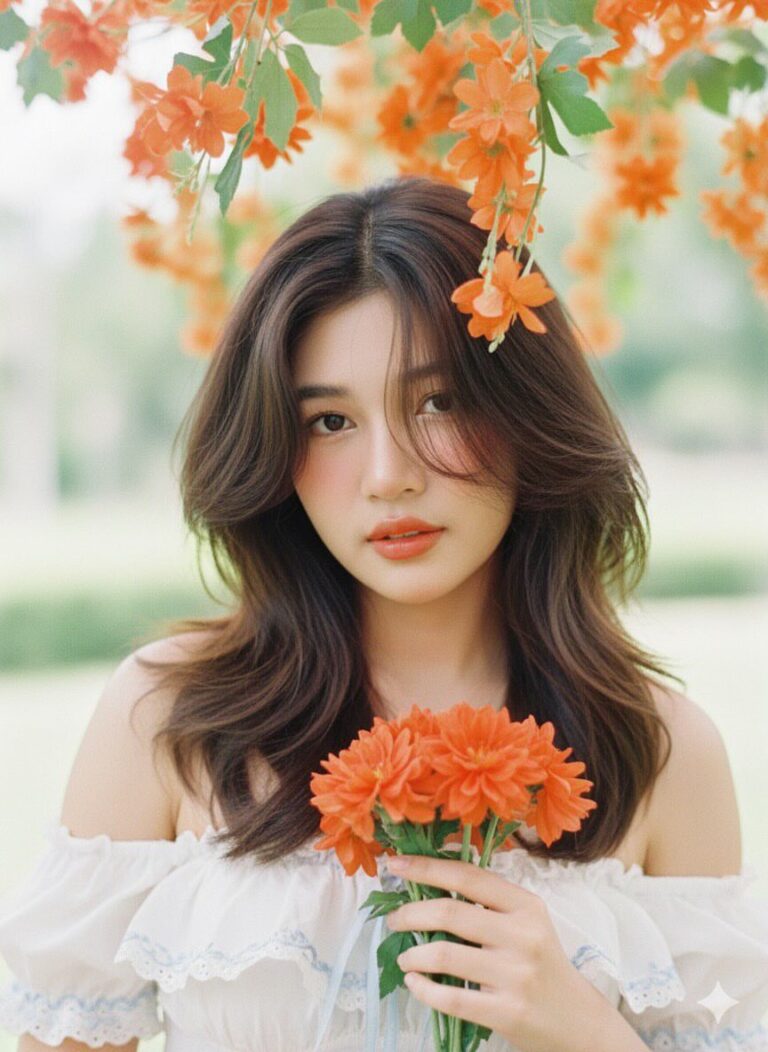
Prompt 1870: Create a realistic portrait of a young woman (face must be 100% identical to the...
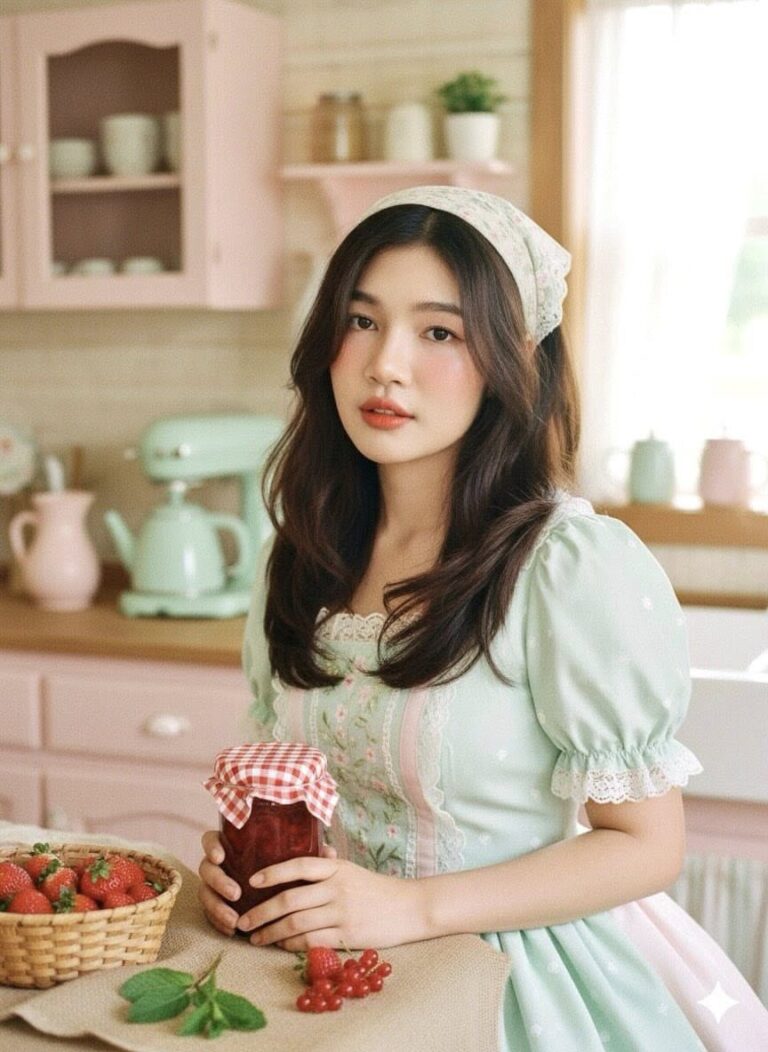
Prompt 1869: Create a close-up half-body portrait, 100% based on the reference image. Do not alter...
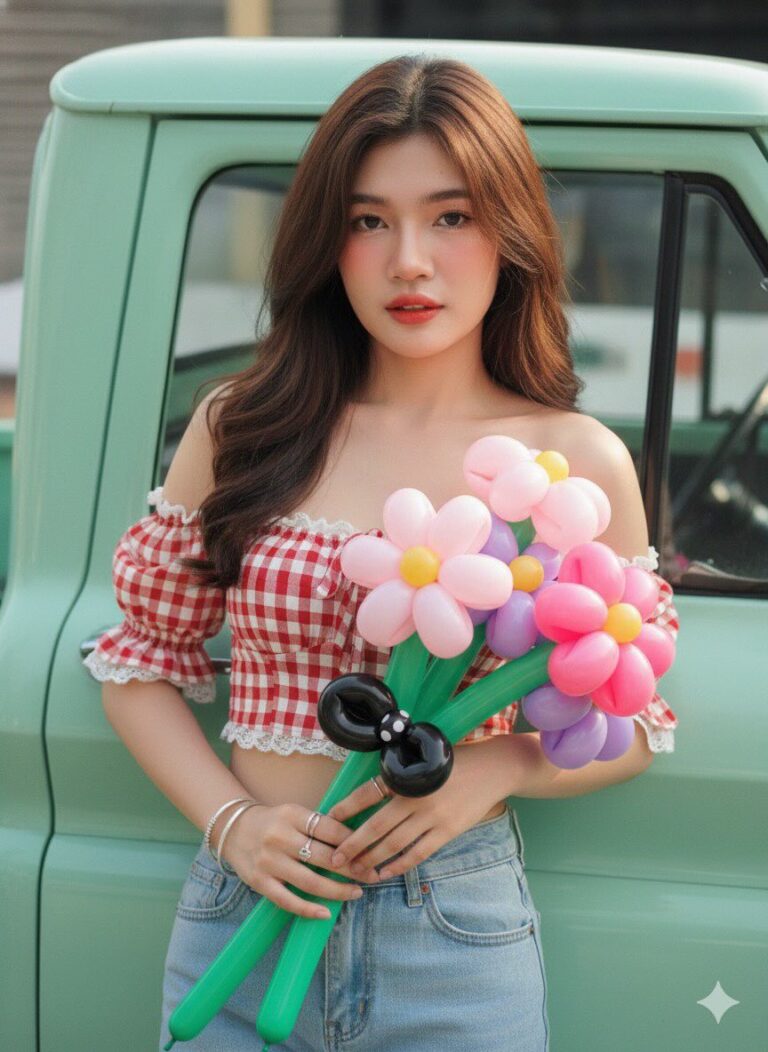
Prompt 1868: Create a realistic portrait of a young woman (face identical to the attached image...
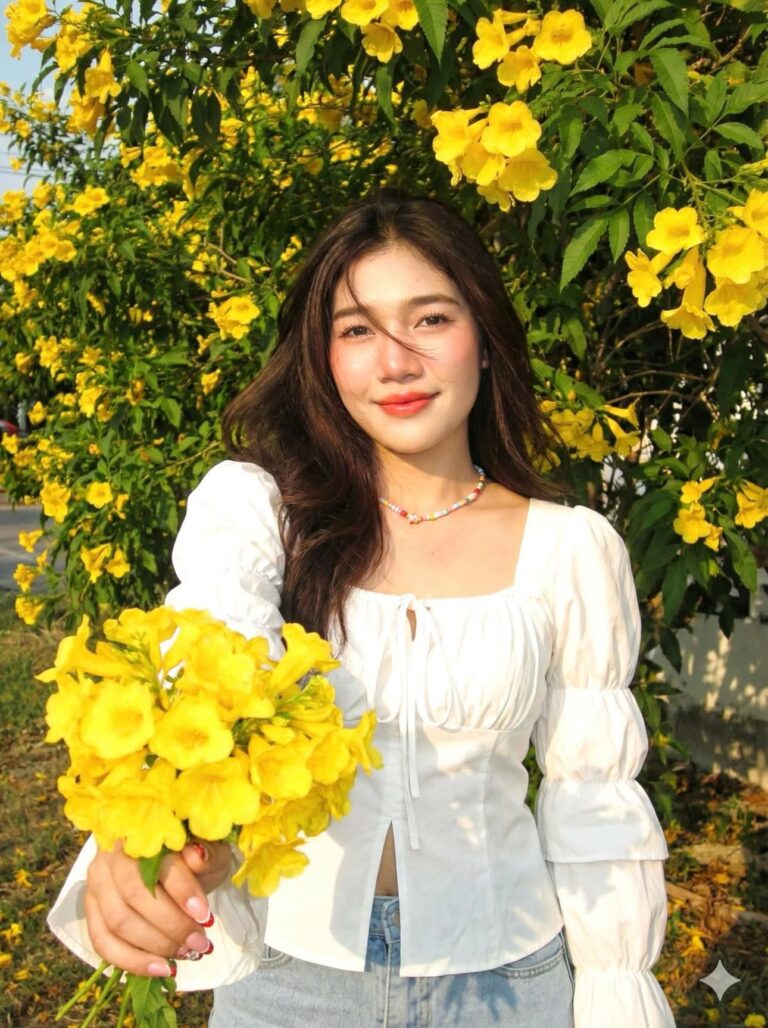
Prompt 1867: Create a realistic portrait of a young woman (face must be 100% identical to the...

Prompt 1866: Create a realistic portrait of a young woman (face must be 100% identical to the...
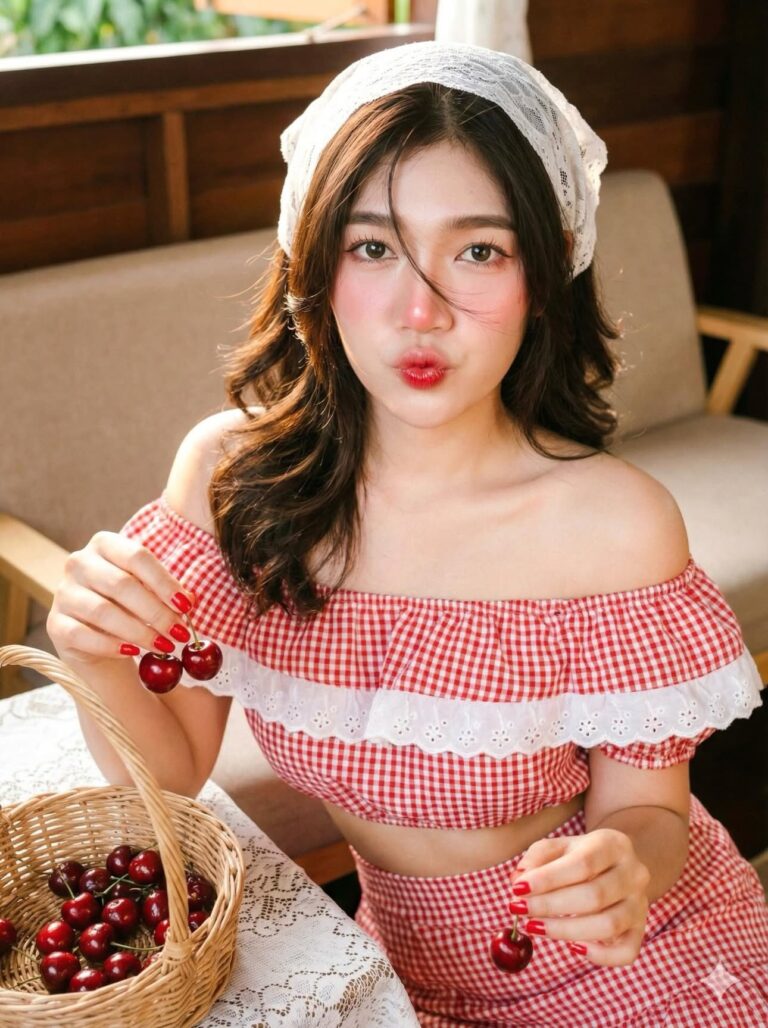
Prompt 1865: Creating a portrait of an Asian woman in her late 20s, 100% based on an original image...
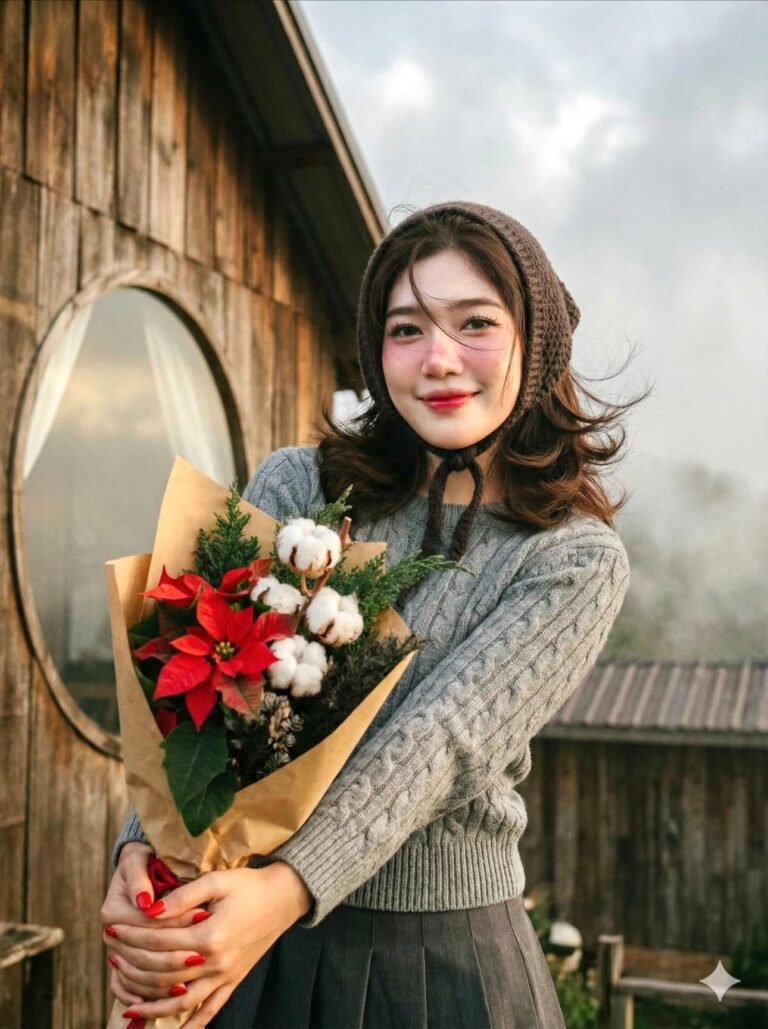
Prompt 1864: Creating a portrait of an Asian woman in her late 20s, 100% based on an original image...
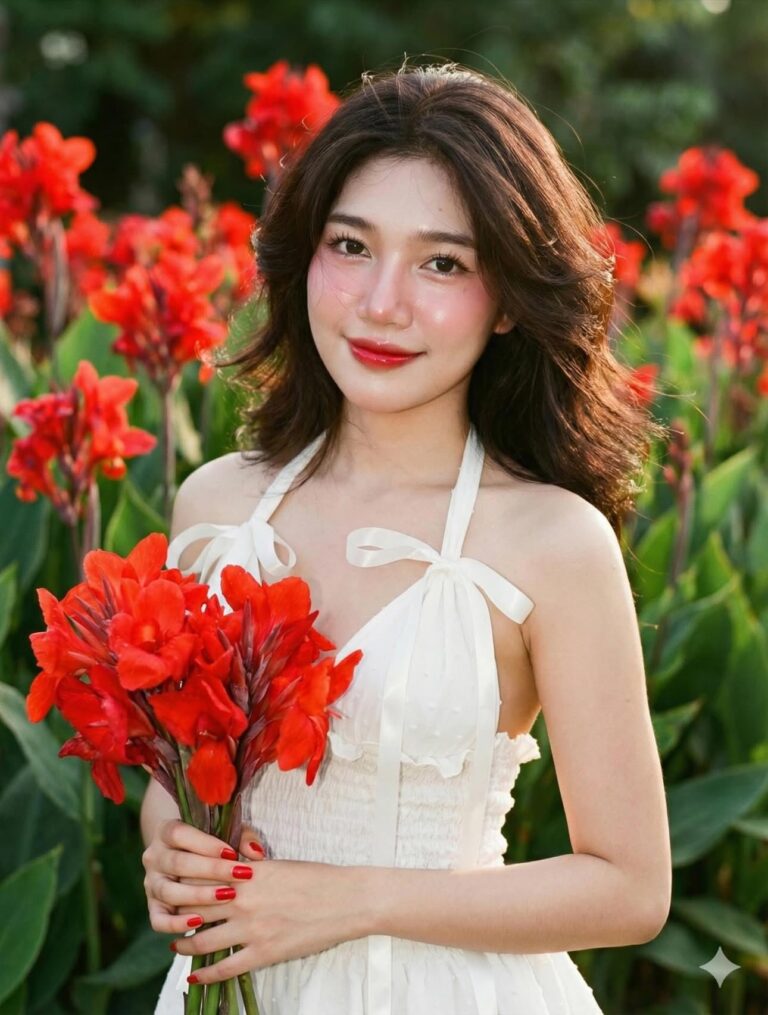
Prompt 1863: Creating a portrait of an Asian woman in her late 20s, 100% based on the original...
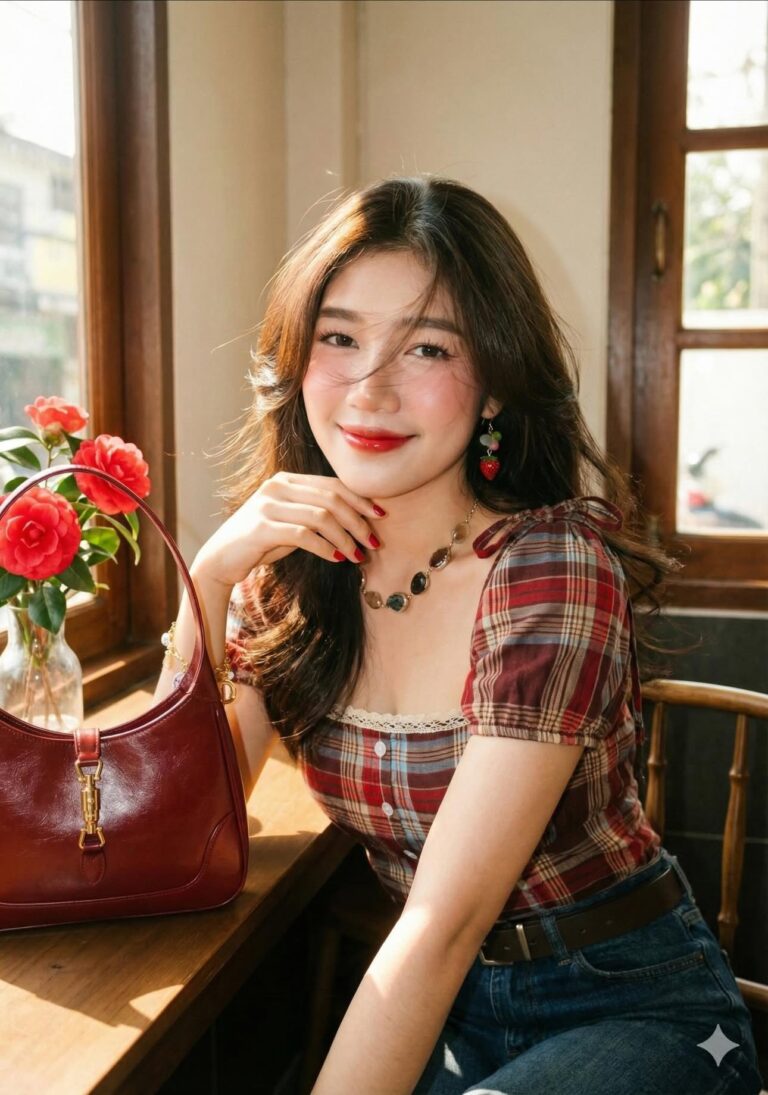
Prompt 1862: Creating a portrait of an Asian woman in her late 20s, 100% based on an original image...
