
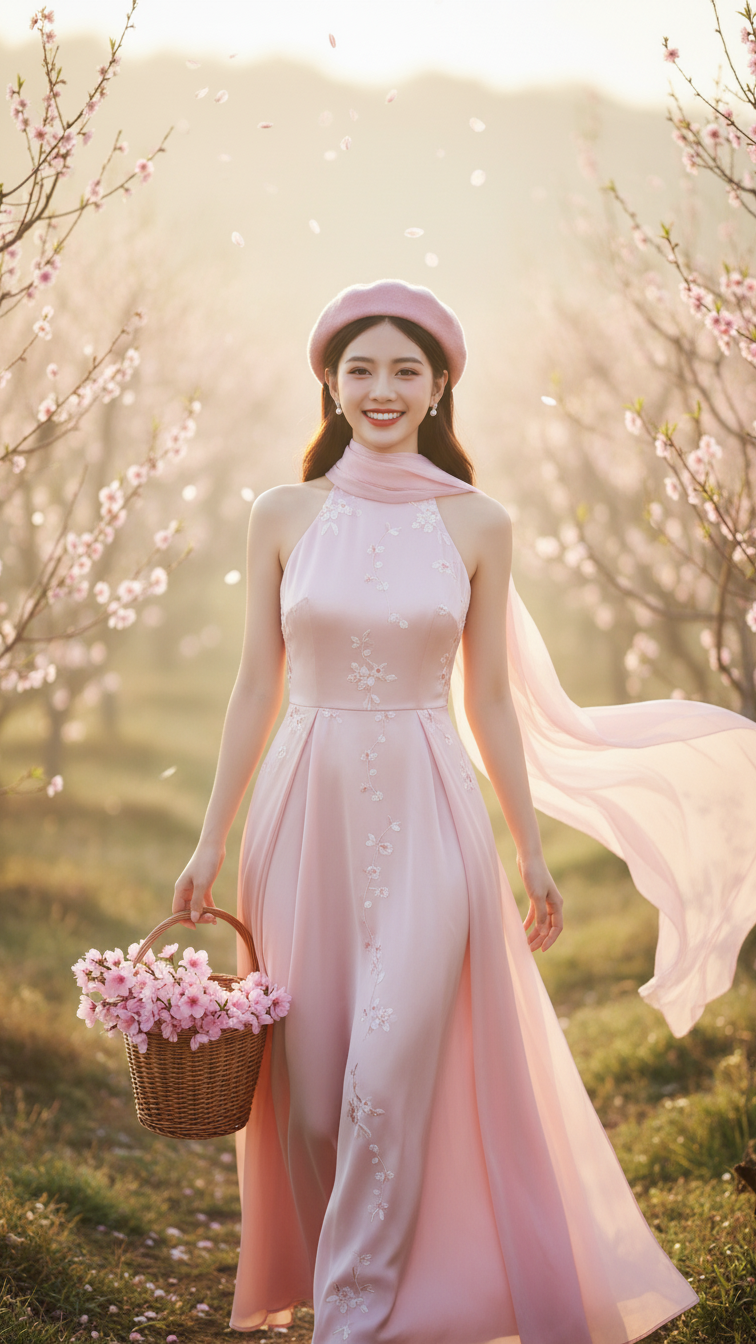
Prompt 1898: Create a realistic portrait of a young woman (face 100% identical to the original...
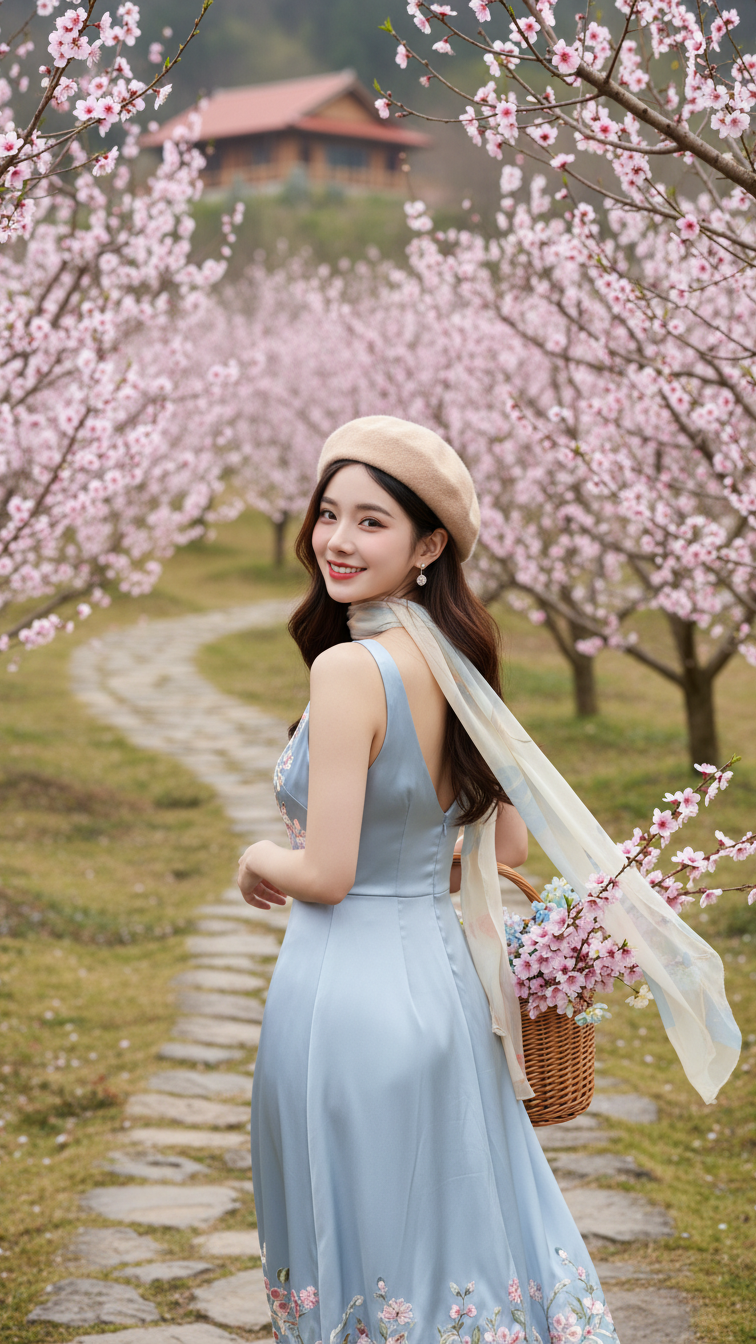
Prompt 1897: Create a realistic portrait of a young woman (face 100% identical to the original...
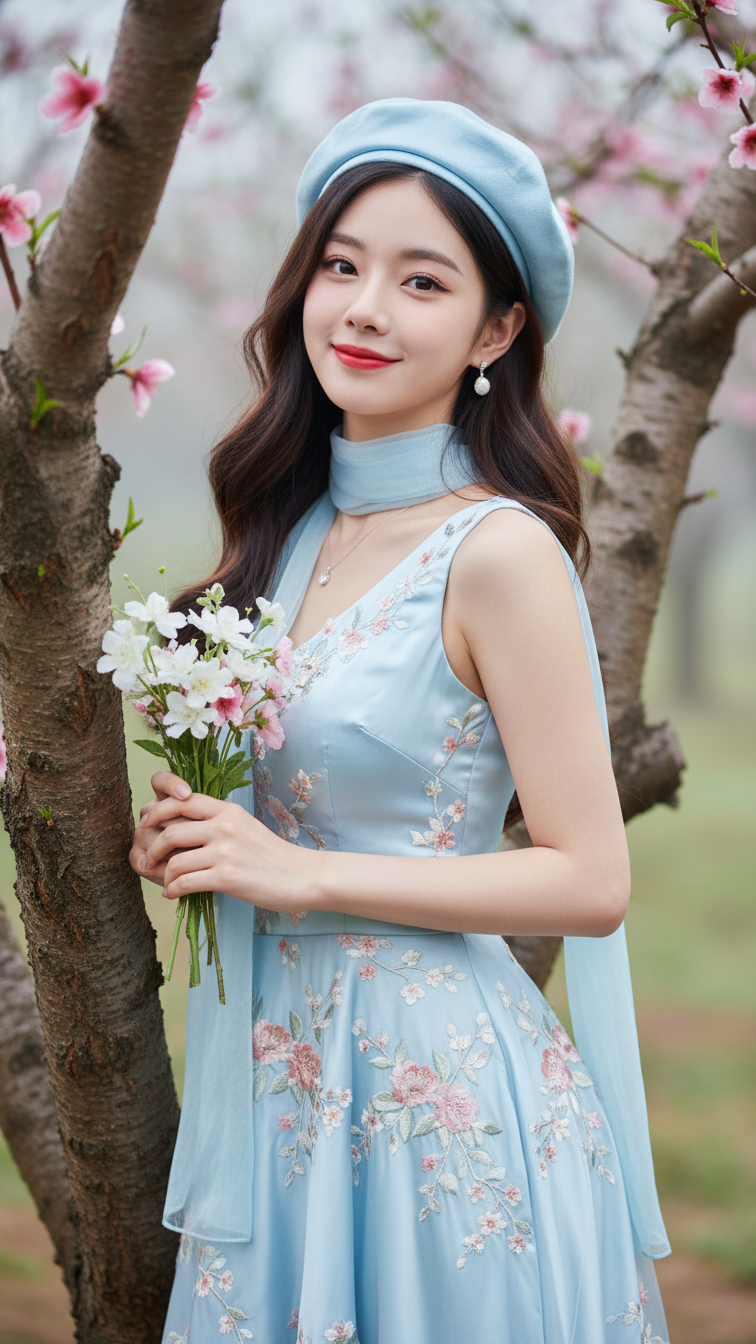
Prompt 1896: Create a realistic portrait of a young woman (face 100% identical to the original...
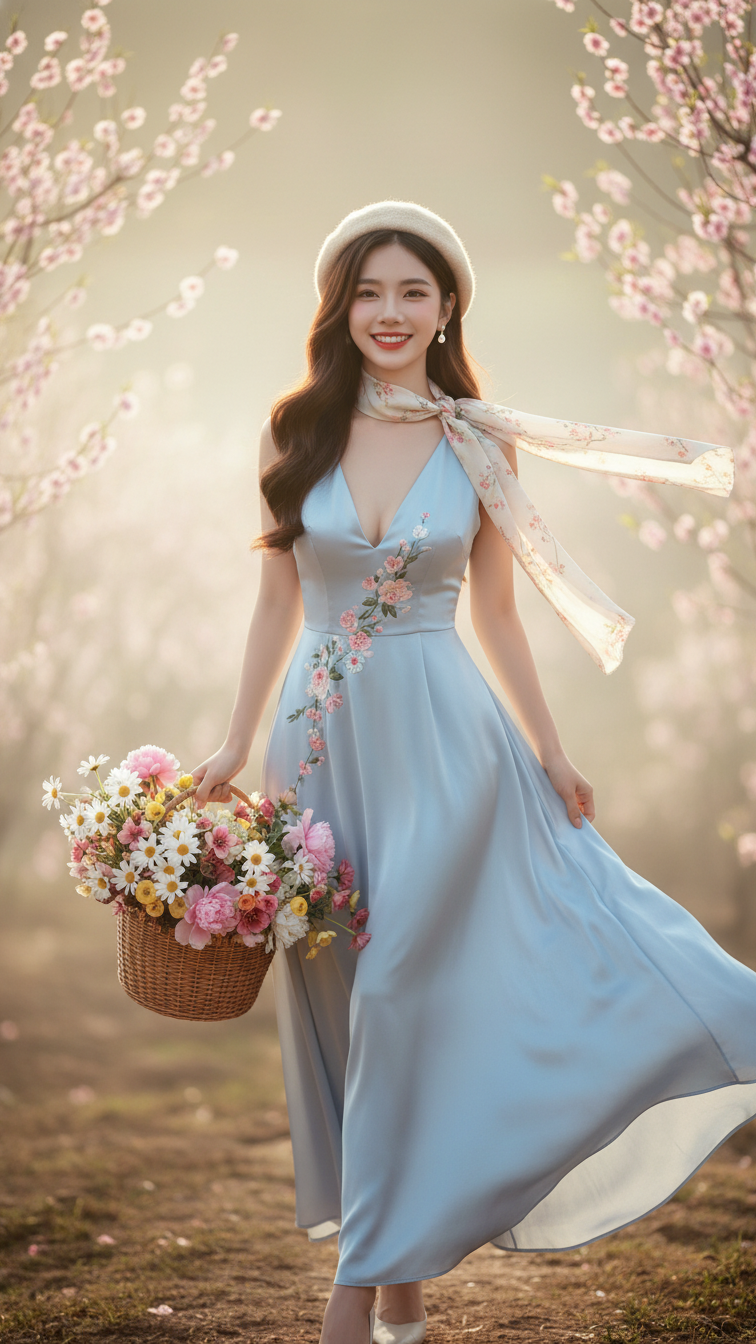
Prompt 1895: Create a realistic portrait of a young woman (face 100% identical to the original...
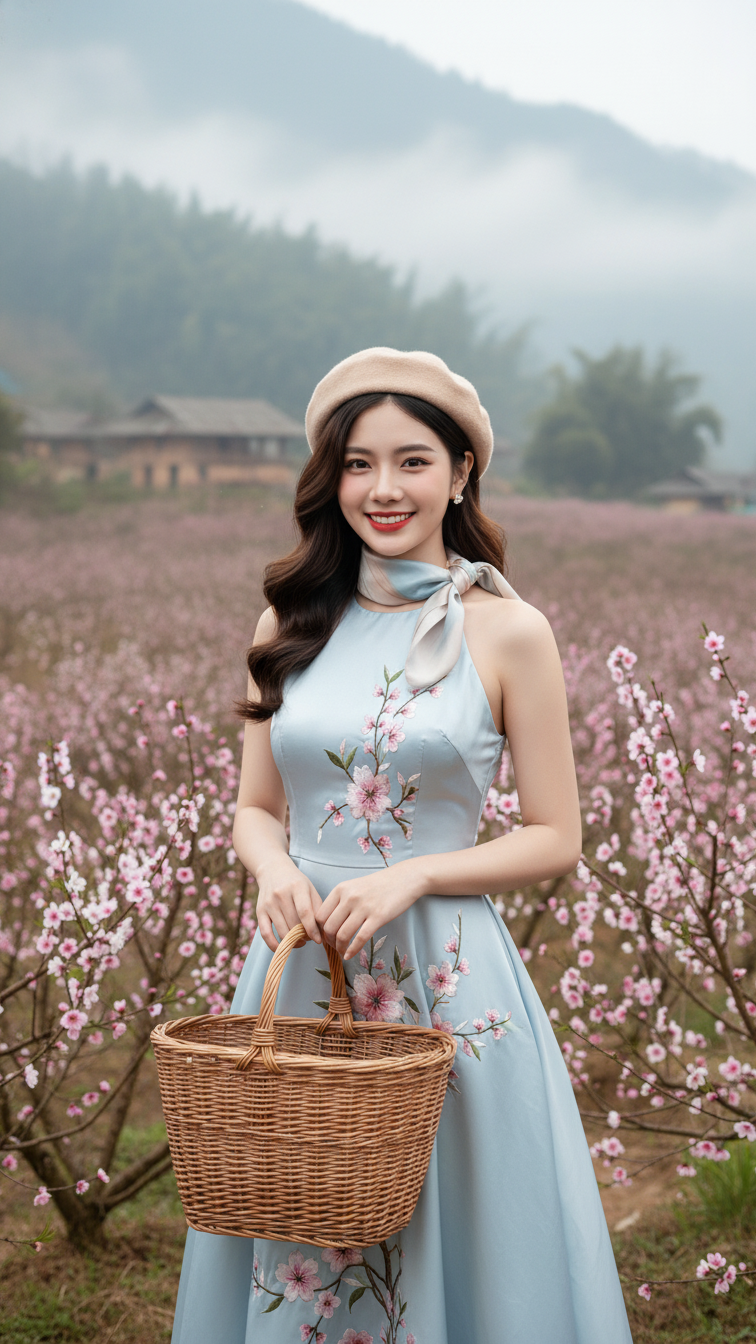
Prompt 1894: Create a realistic portrait of a young woman (face 100% identical to the original...
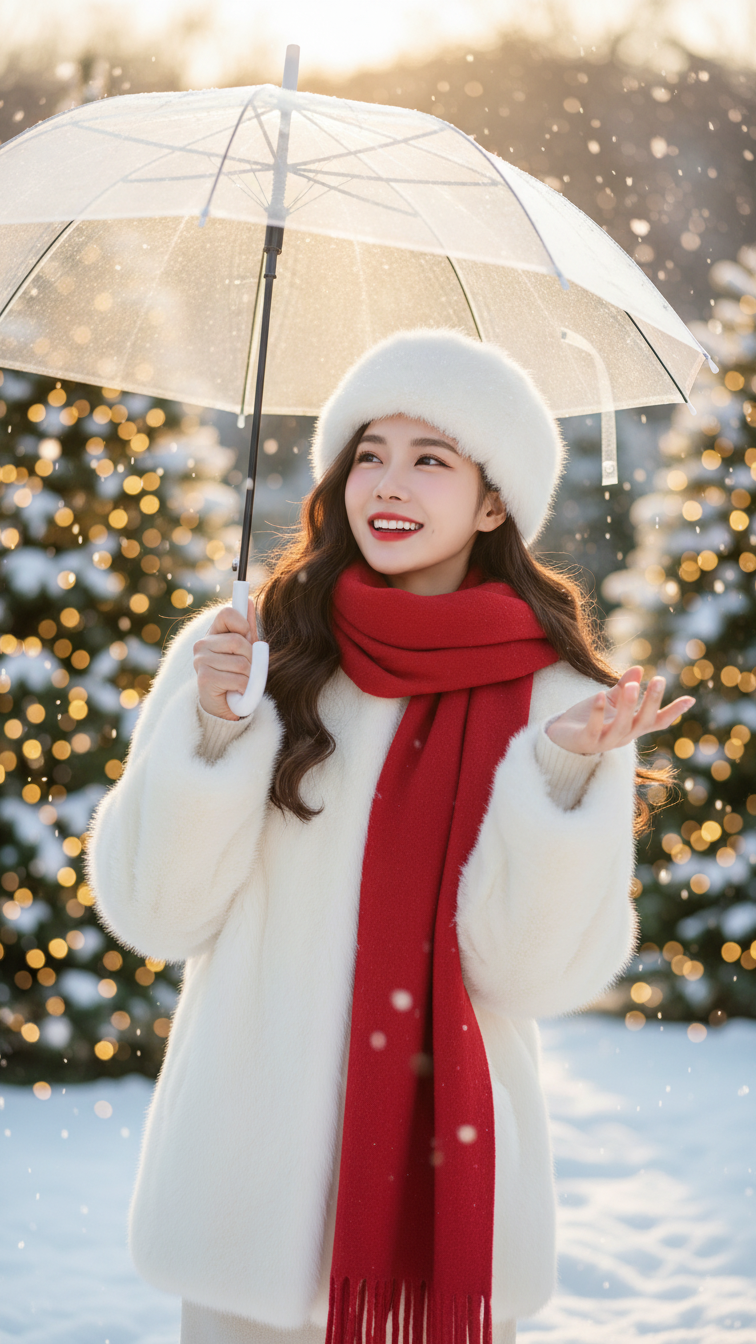
Prompt 1893: Create a realistic portrait of a young woman (face 100% identical to the original...
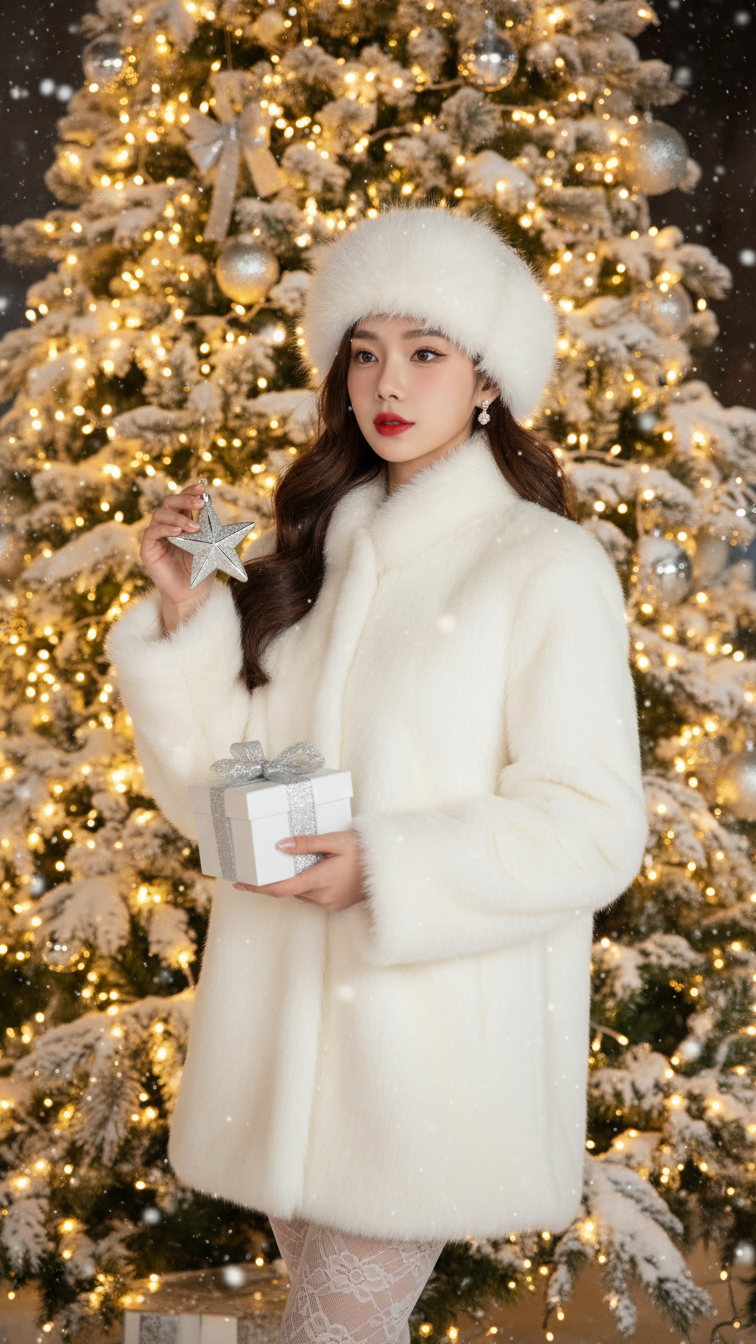
Prompt 1892: Create a realistic portrait of a young woman (face 100% identical to the original...

Prompt 1891: Create a realistic portrait of a young woman (face 100% identical to the original...

Prompt 1890: Create a realistic portrait of a young woman (face 100% identical to the original...
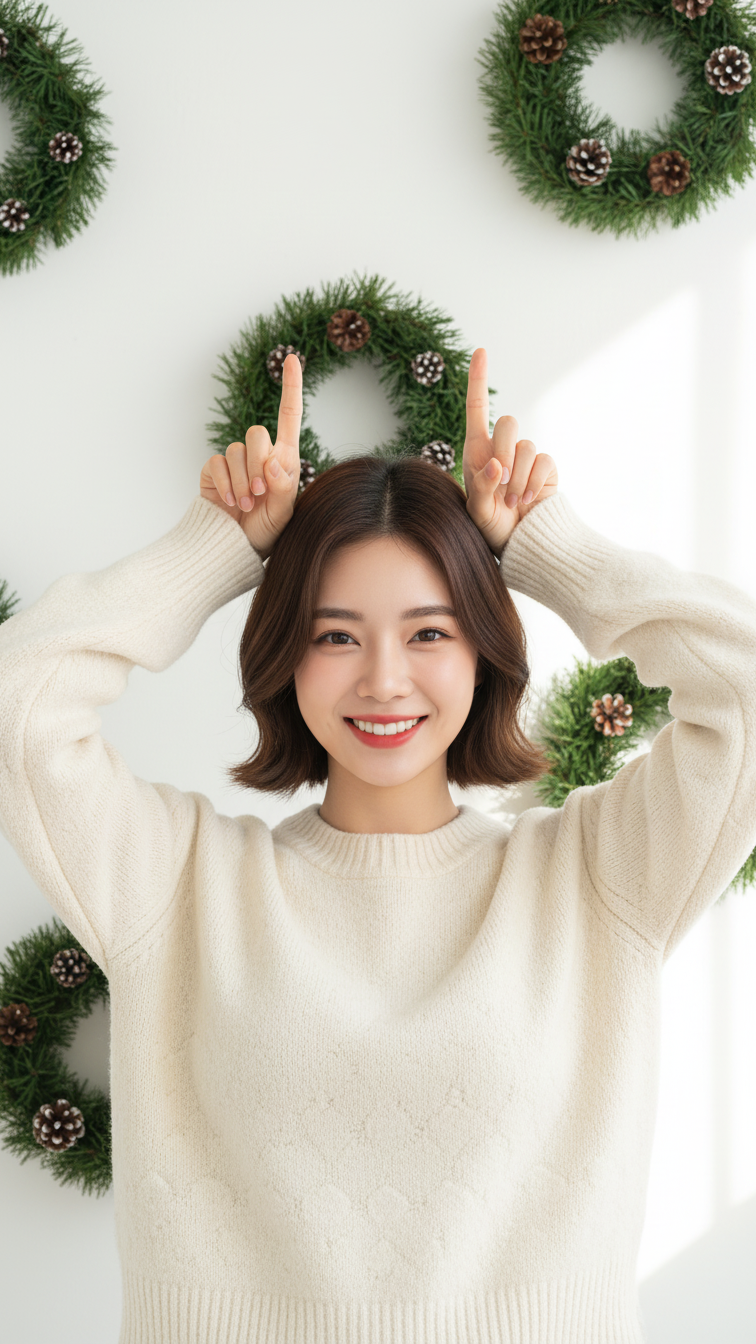
Prompt 1889: Create a realistic portrait of a young woman (face 100% identical to the original...
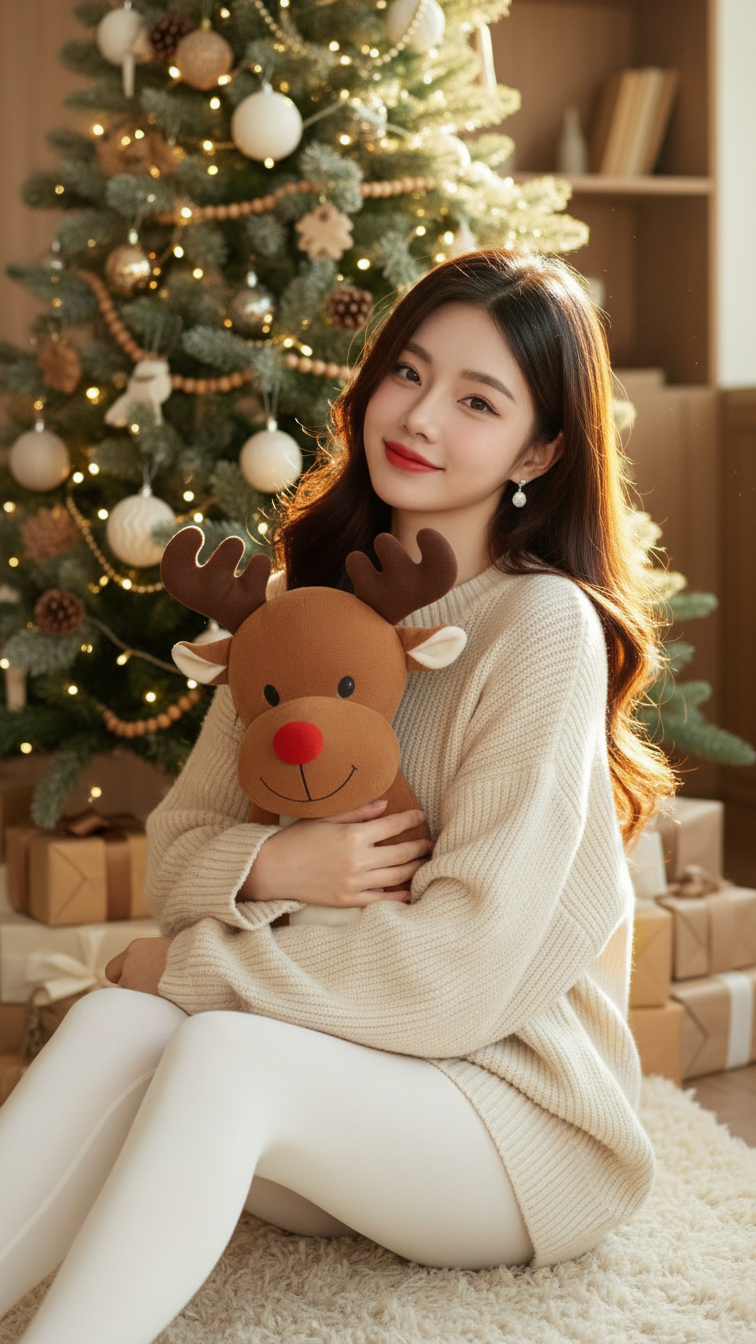
Prompt 1888: Create a realistic portrait of a young woman (face 100% identical to the original...
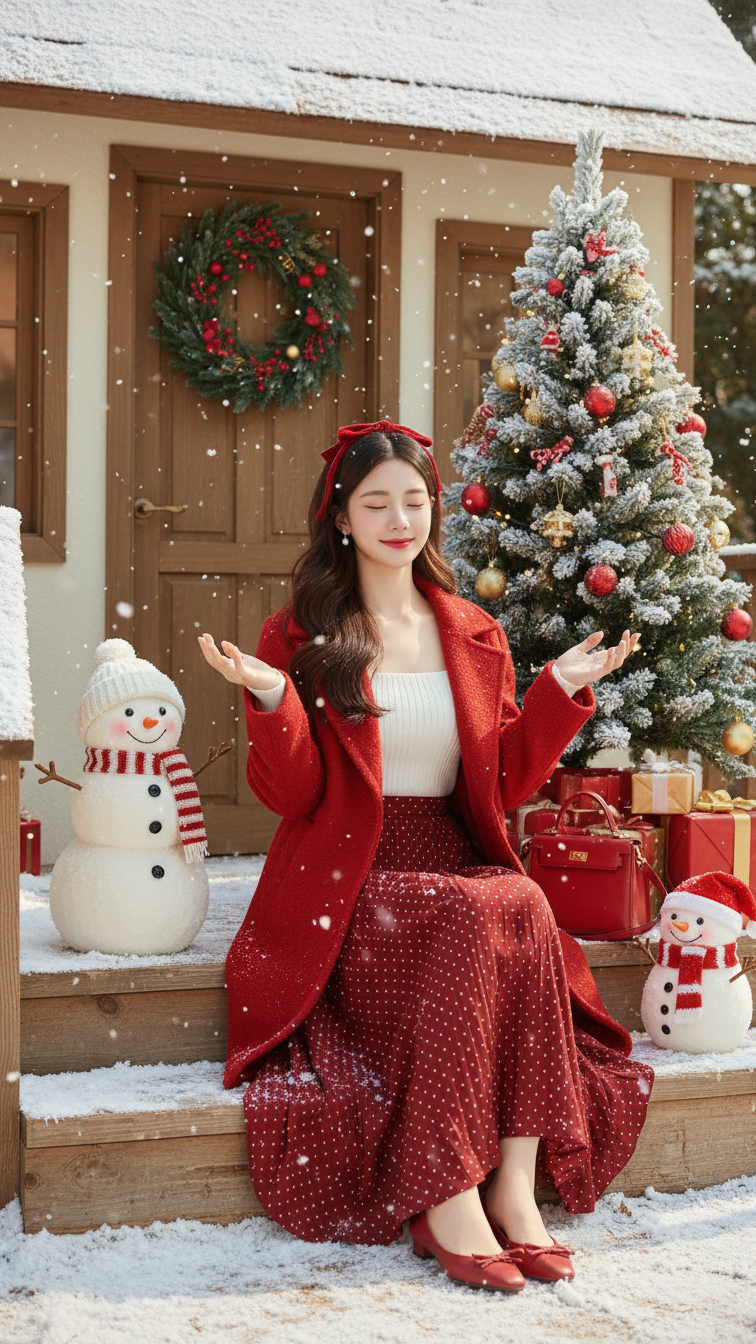
Prompt 1887: Create a realistic portrait of a young woman (face 100% identical to the original...
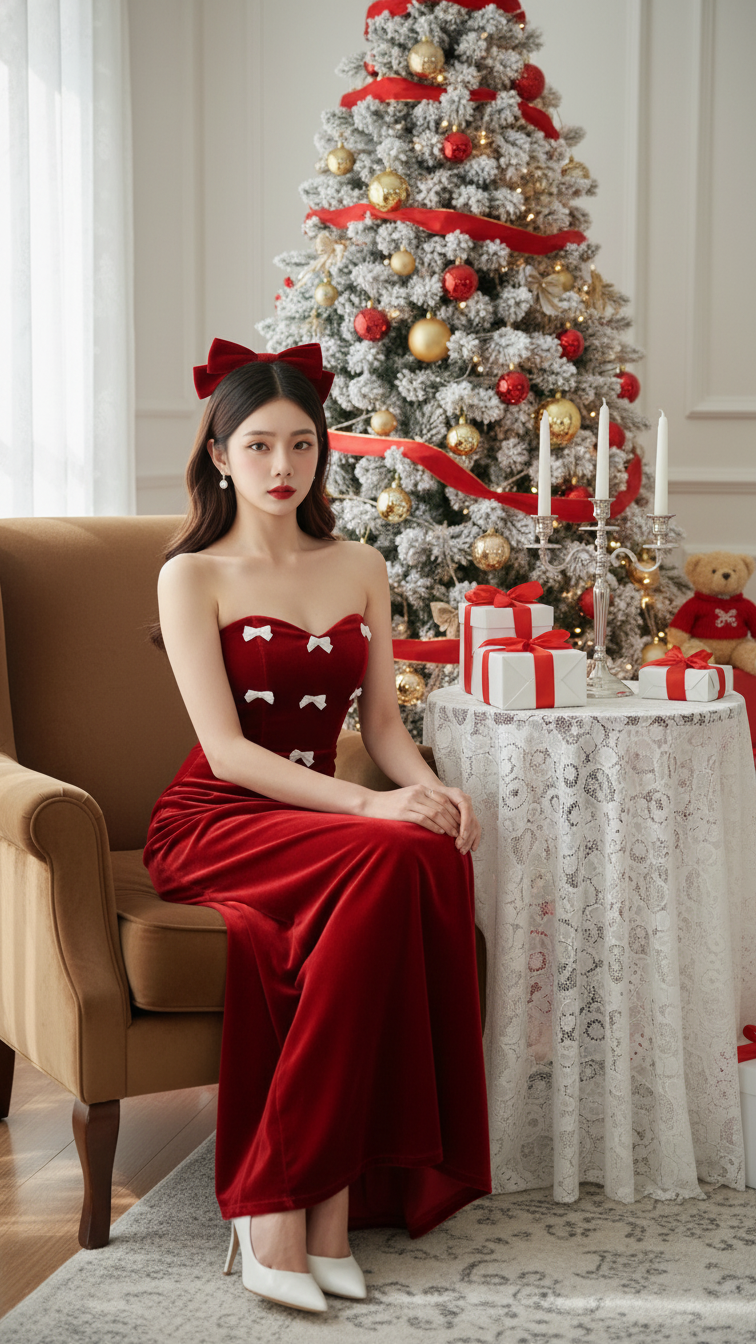
Prompt 1886: Create a realistic portrait of a young woman (face 100% identical to the original...
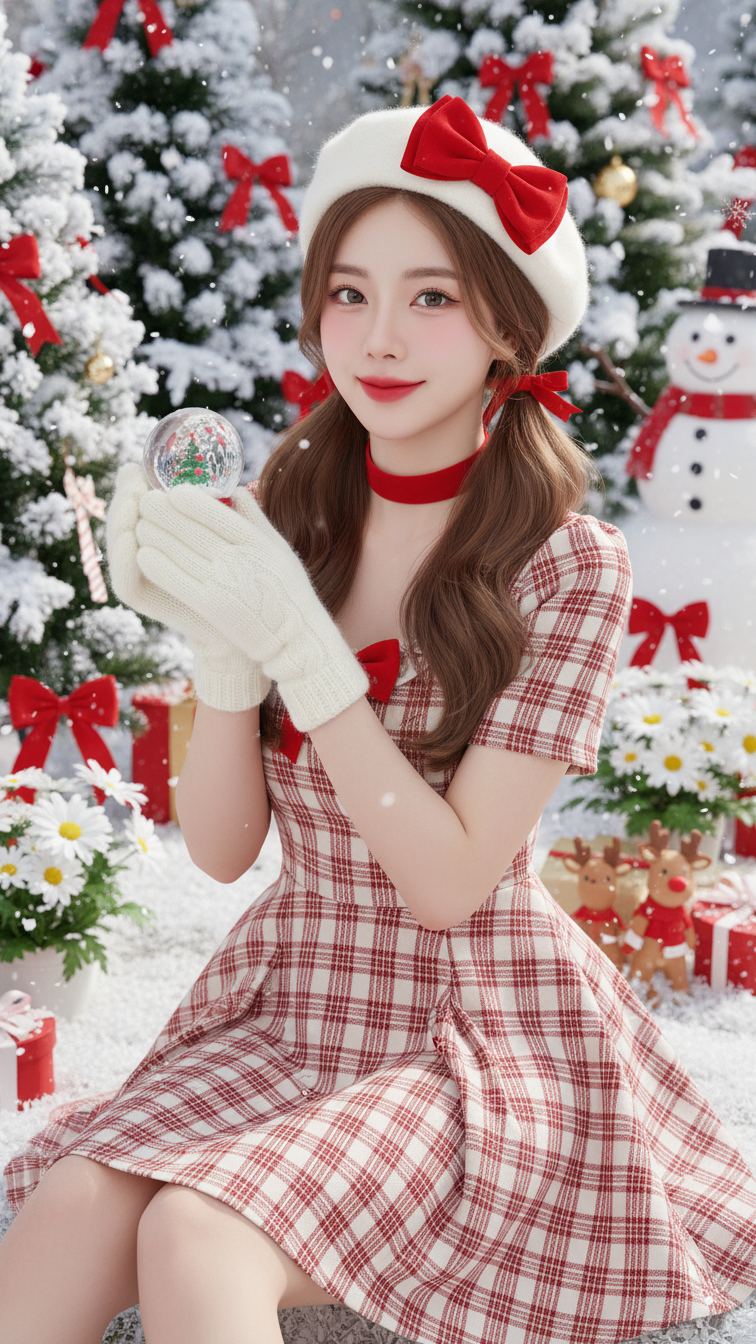
Prompt 1885: Create a realistic portrait of a young woman (face 100% identical to the original...
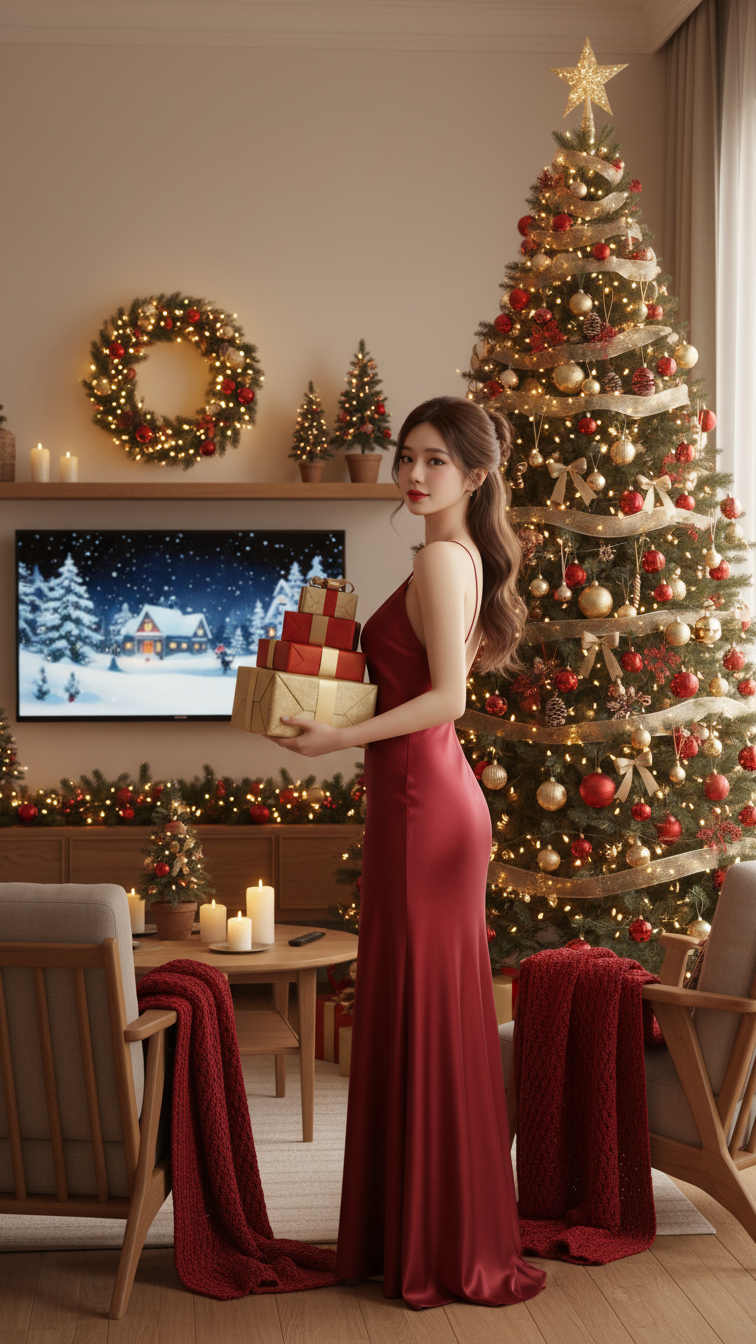
Prompt 1884: Create a realistic portrait of a young woman (face 100% identical to the original...
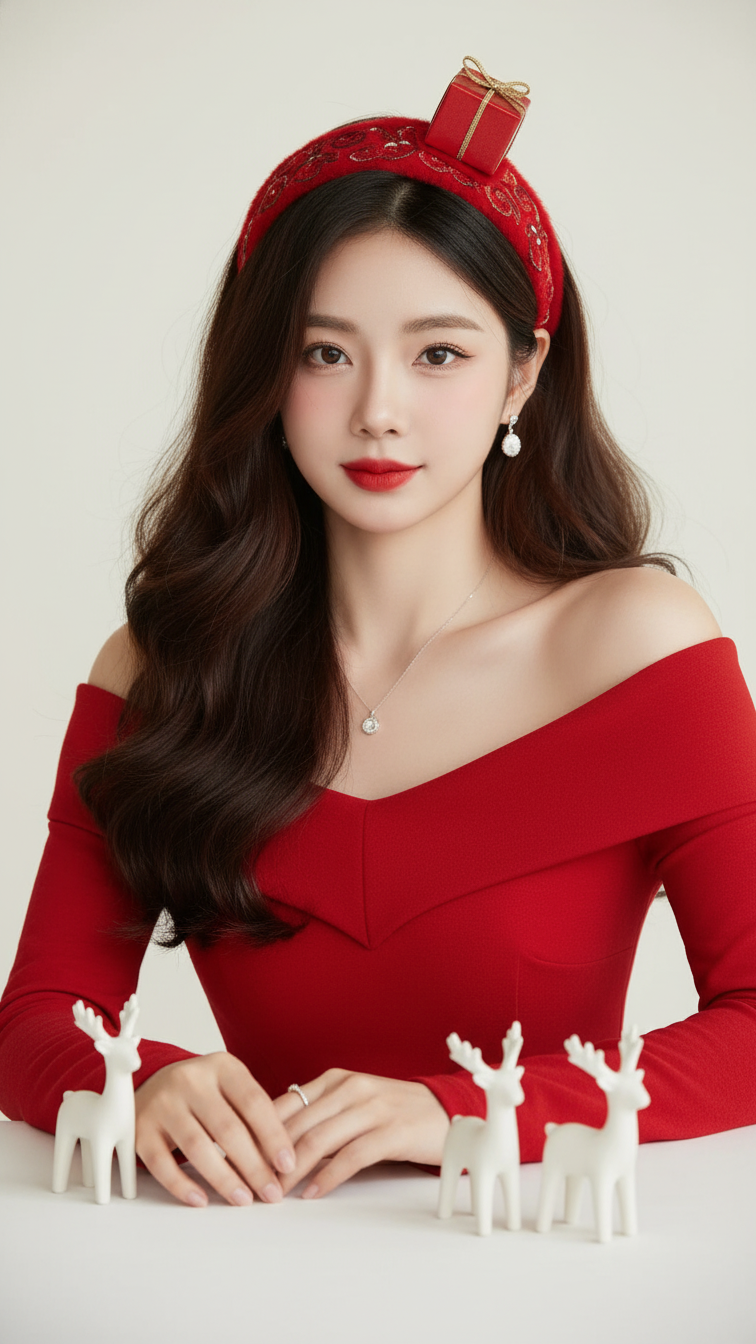
Prompt 1883: Create a realistic portrait of a young woman (face 100% identical to the original...
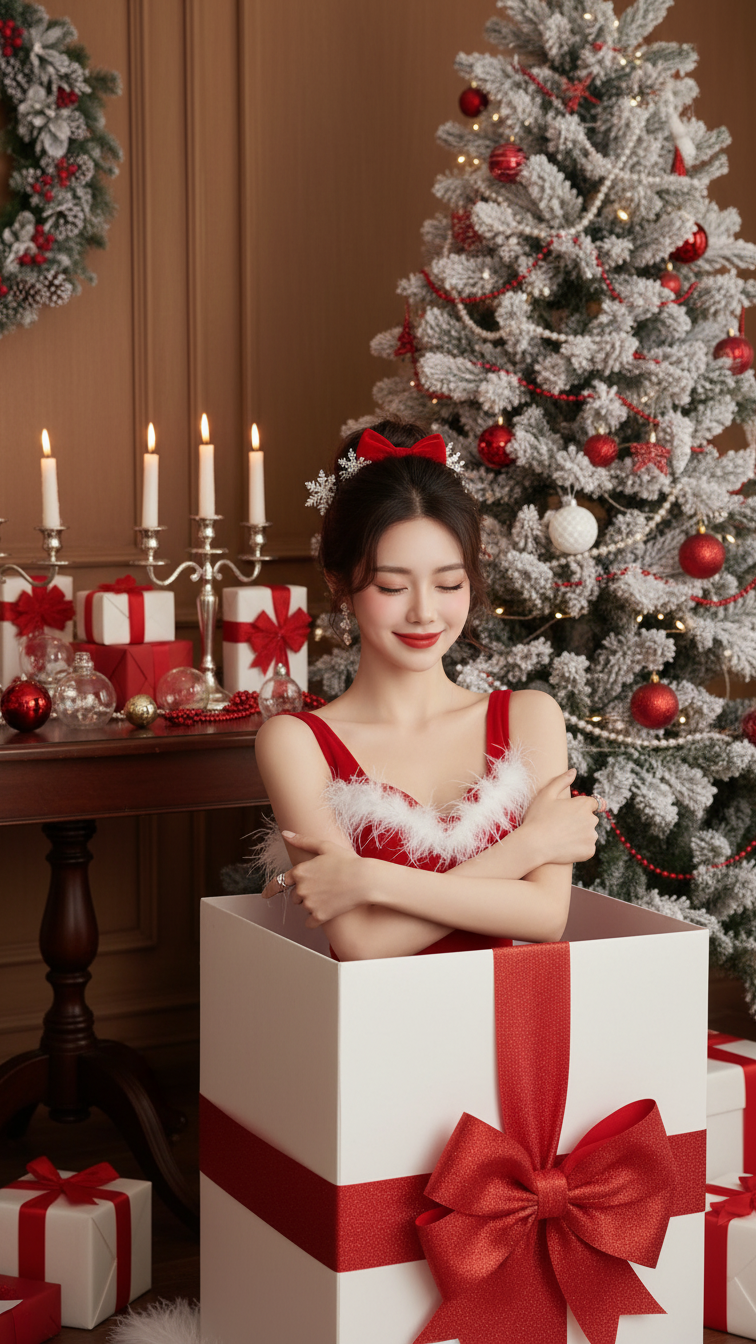
Prompt 1882: Create a realistic portrait of a young woman (face 100% identical to the original...
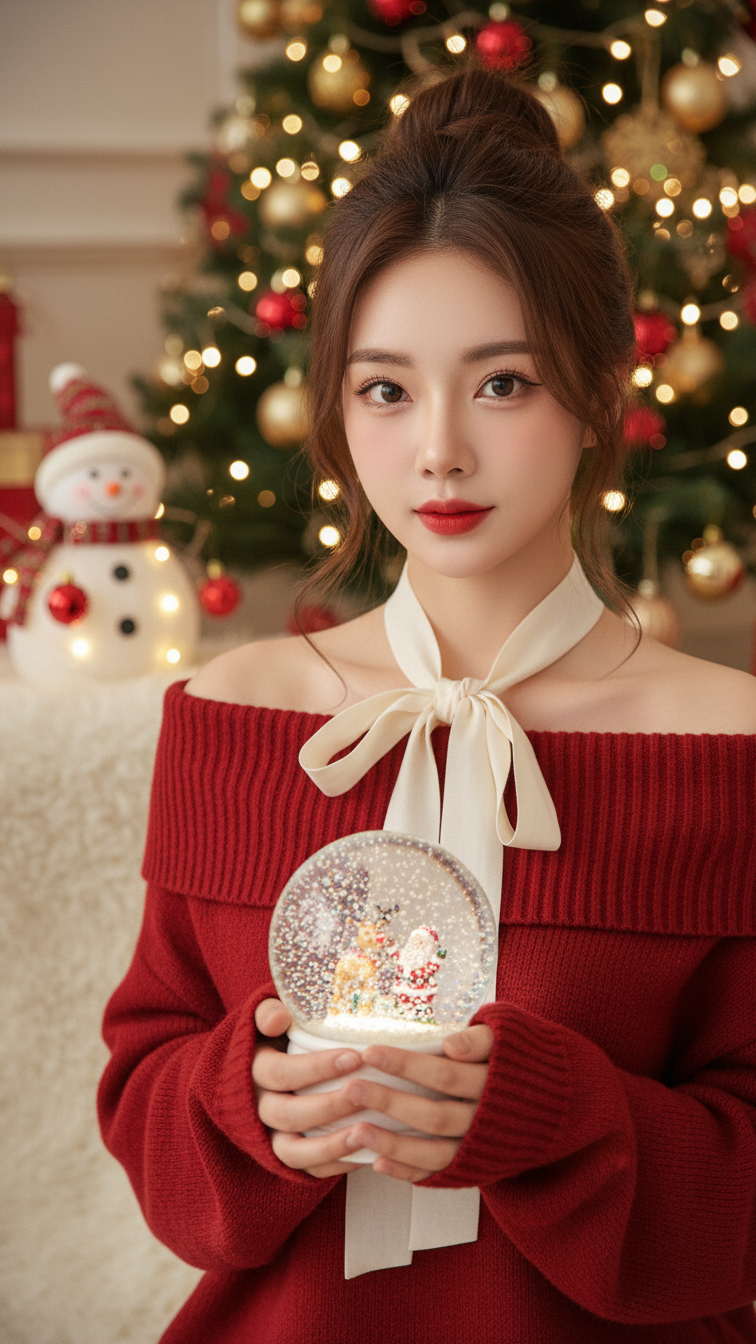
Prompt 1881: Create a realistic portrait of a young woman (face 100% identical to the original...
