
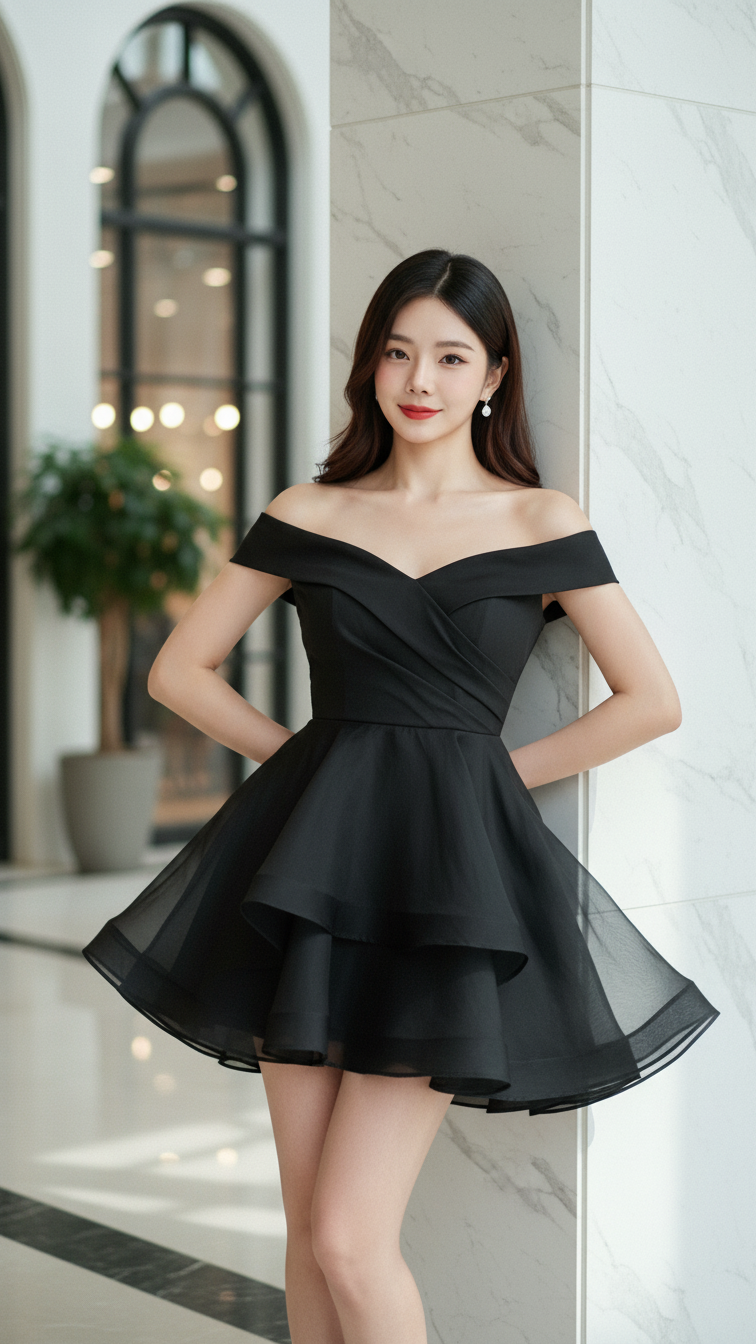
Prompt 1952: Create a realistic portrait of a young woman (face 100% identical to the original...
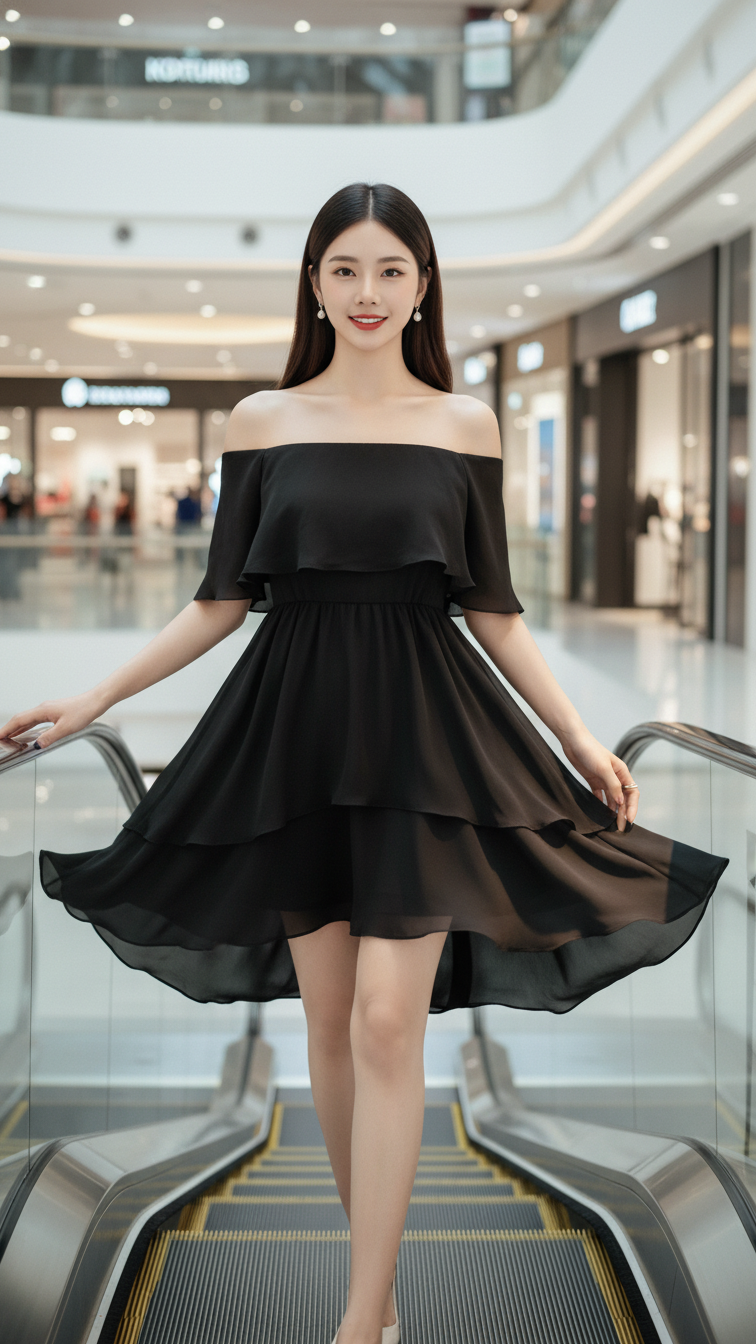
Prompt 1951: Create a realistic portrait of a young woman (face 100% identical to the original...
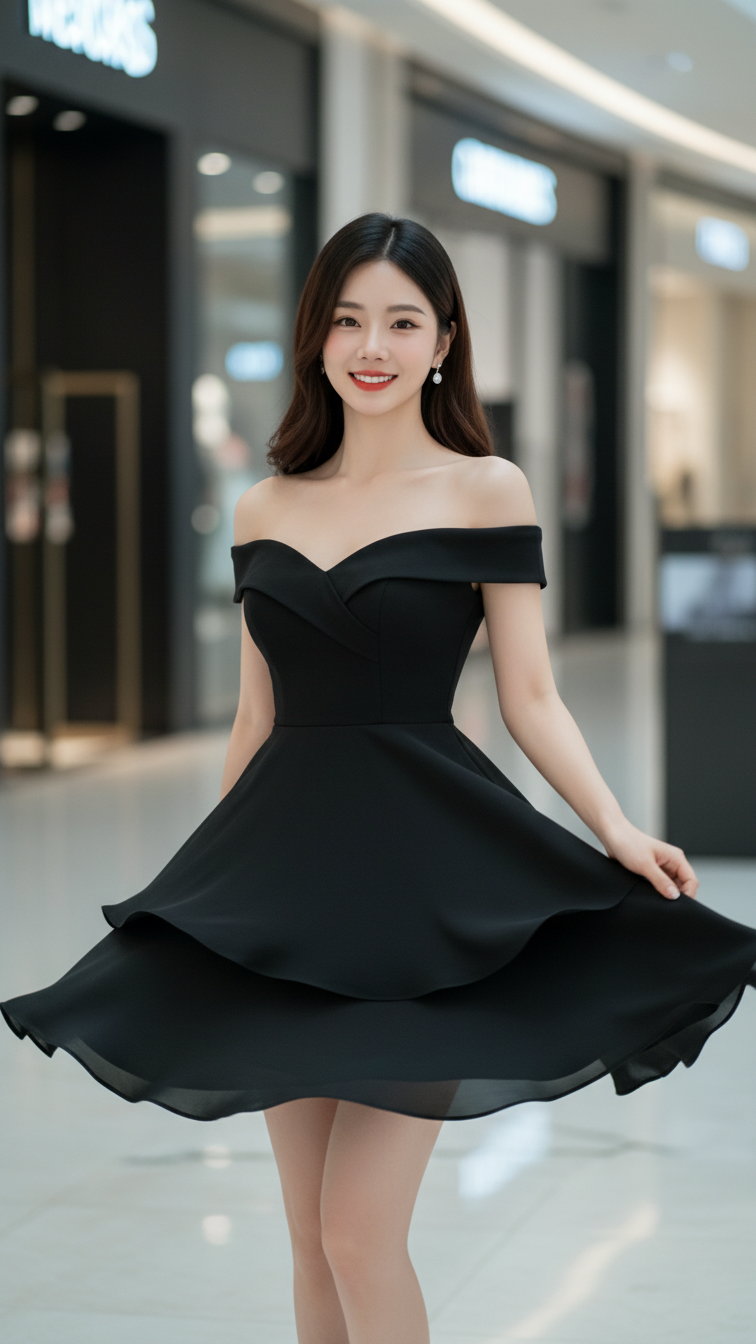
Prompt 1950: Create a realistic portrait of a young woman (face 100% identical to the original...
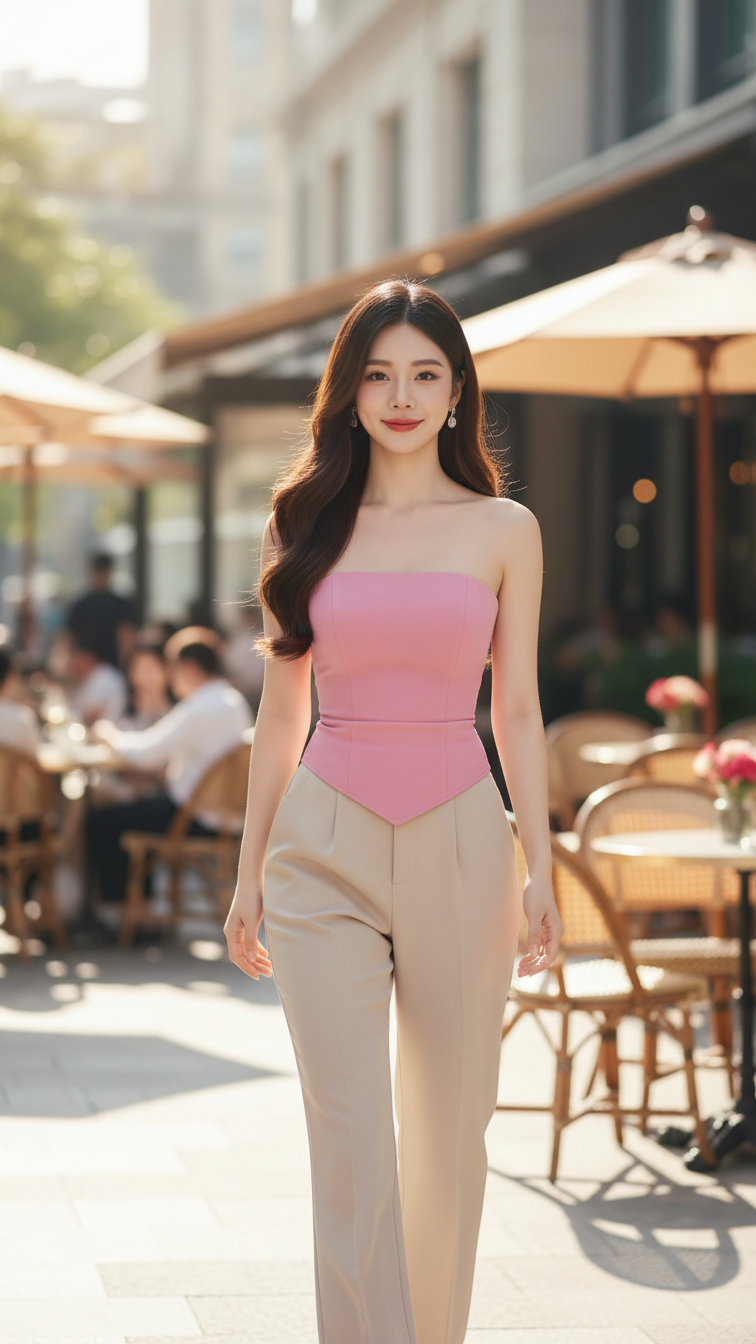
Prompt 1949: Create a realistic portrait of a young woman (face 100% identical to the original...
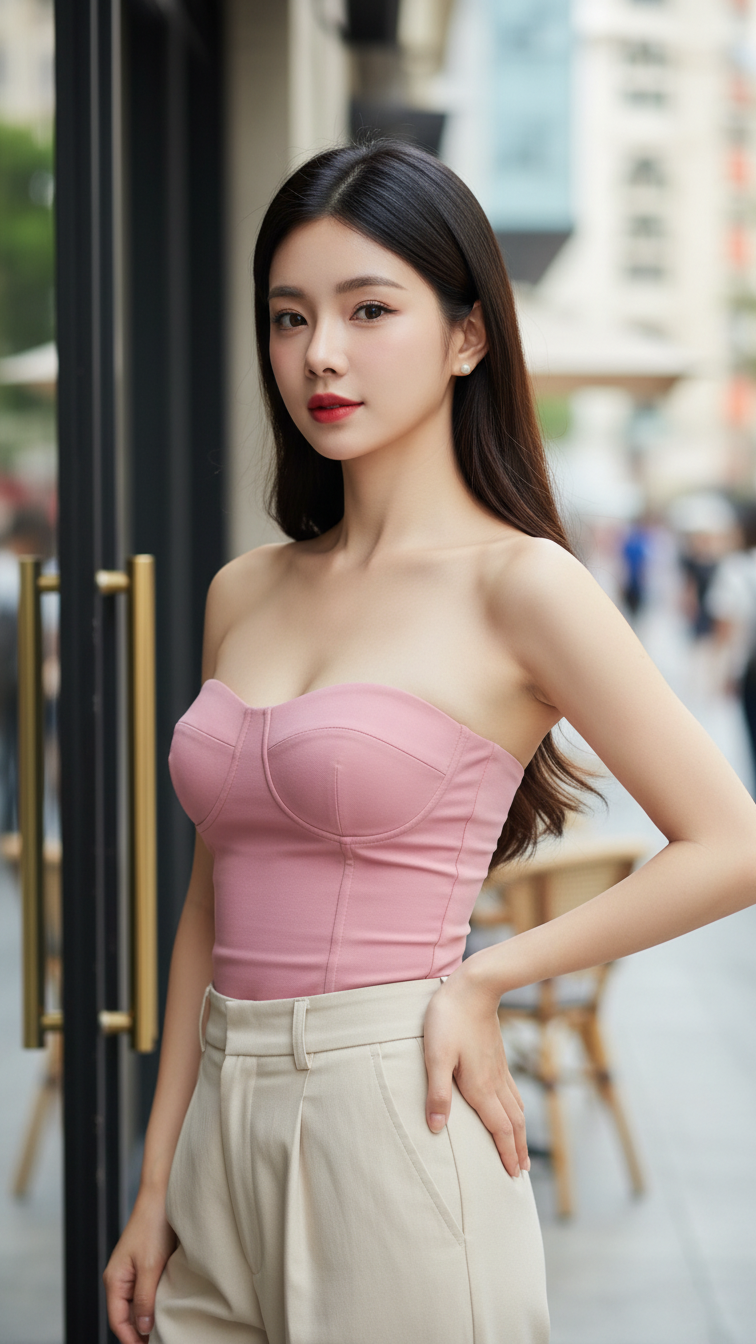
Prompt 1948: Create a realistic portrait of a young woman (face 100% identical to the original...
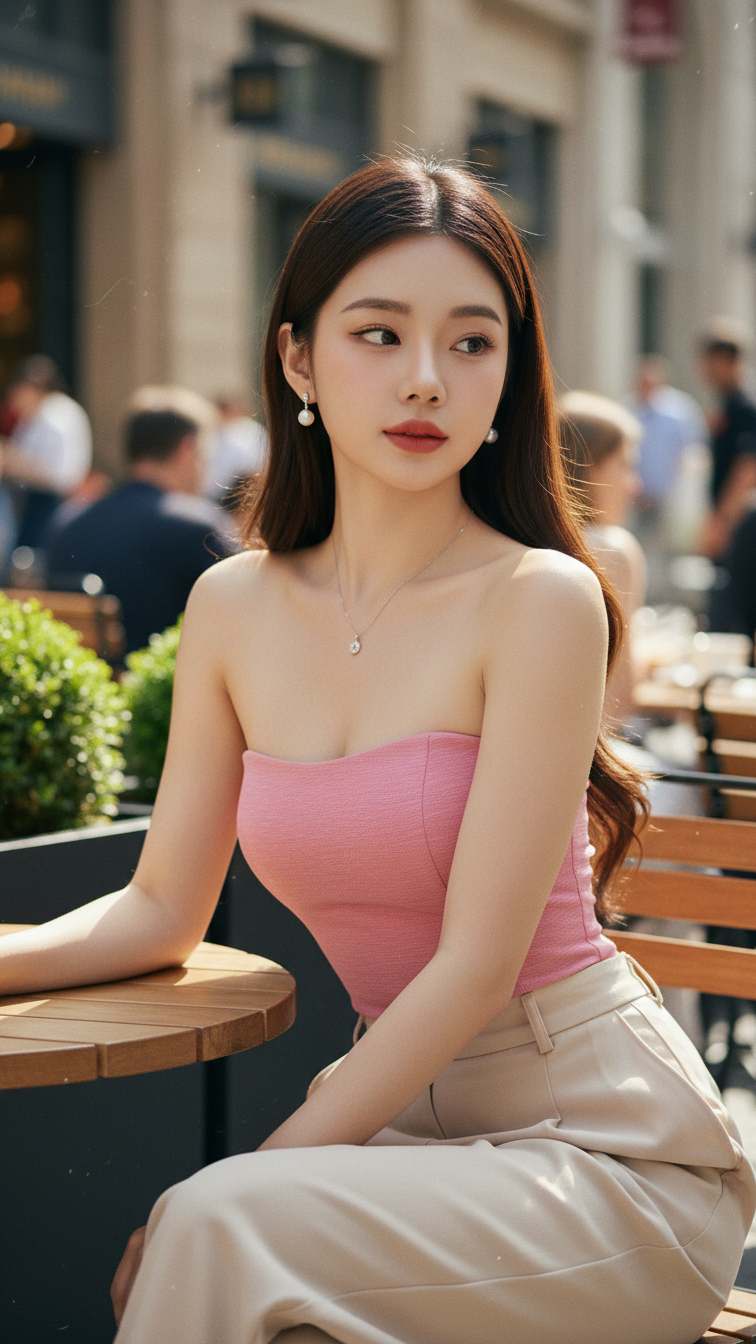
Prompt 1947: Create a realistic portrait of a young woman (face 100% identical to the original...
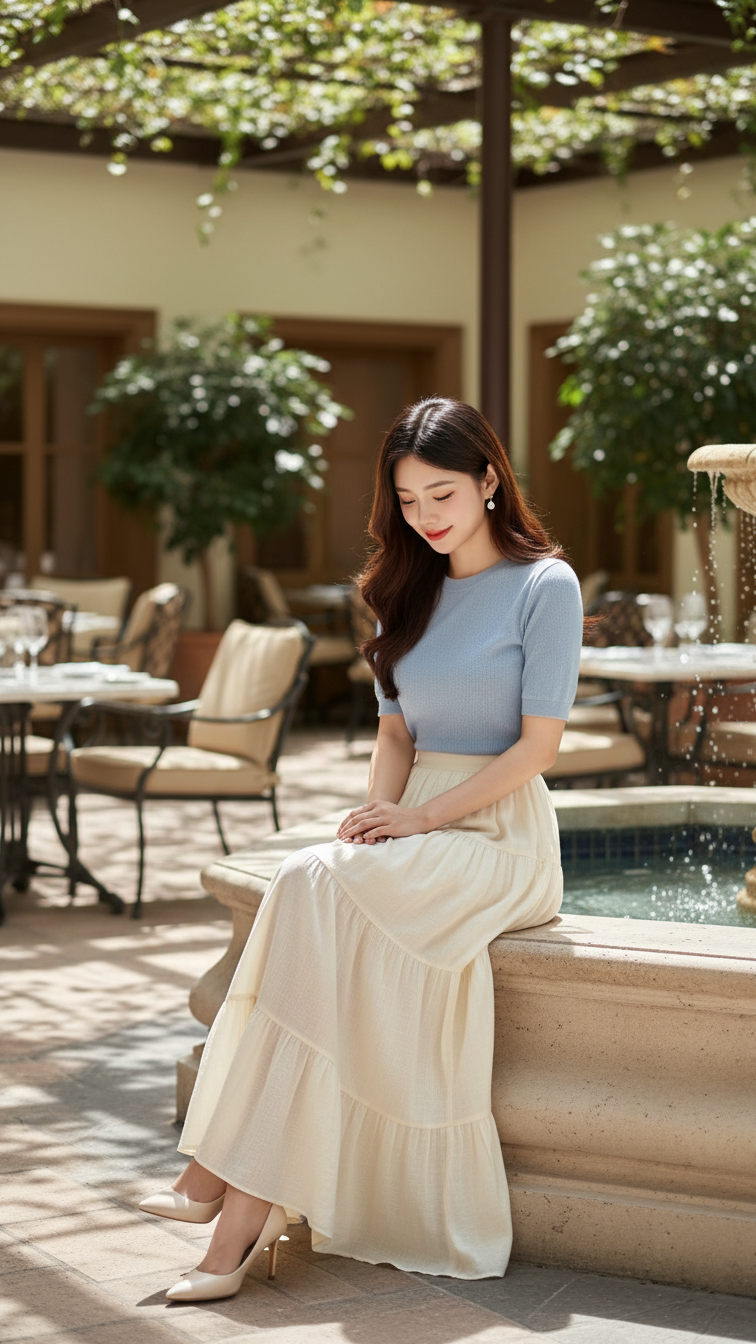
Prompt 1946: Create a realistic portrait of a young woman (face 100% identical to the original...
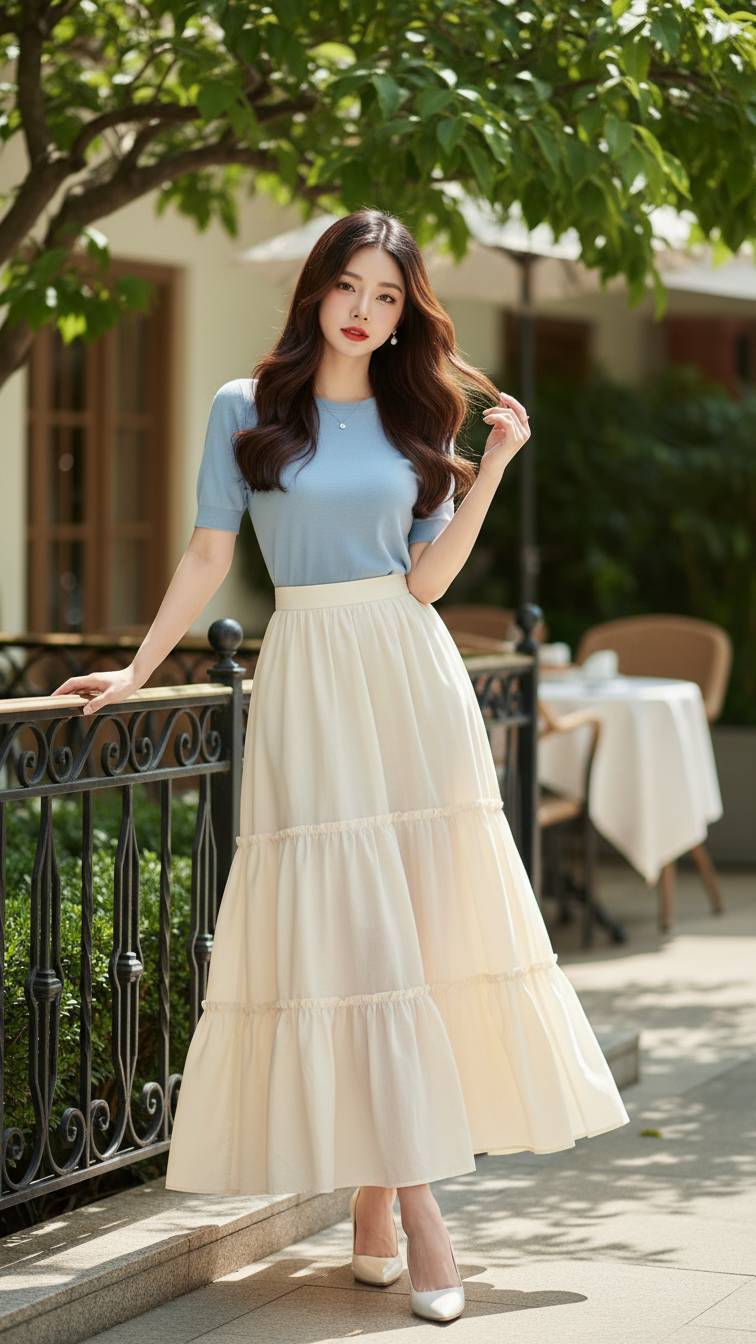
Prompt 1945: Create a realistic portrait of a young woman (face 100% identical to the original...
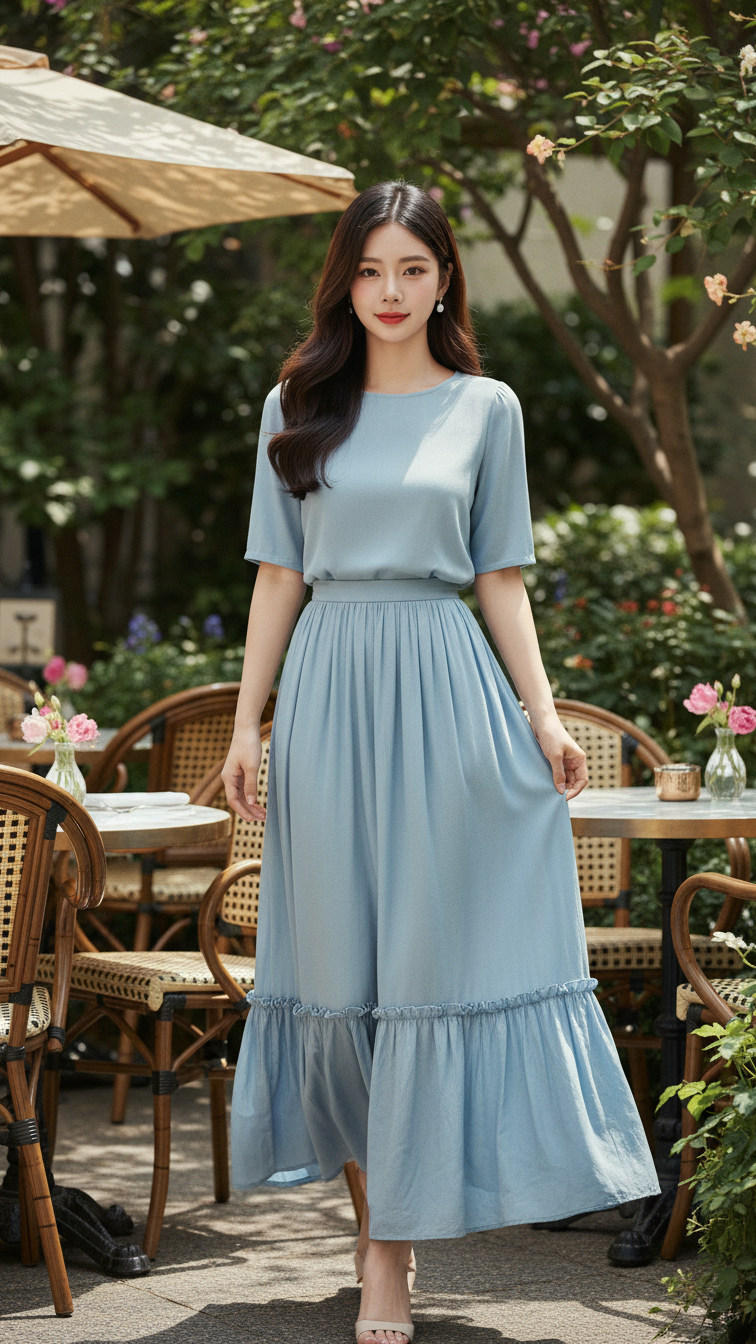
Prompt 1944: Create a realistic portrait of a young woman (face 100% identical to the original...
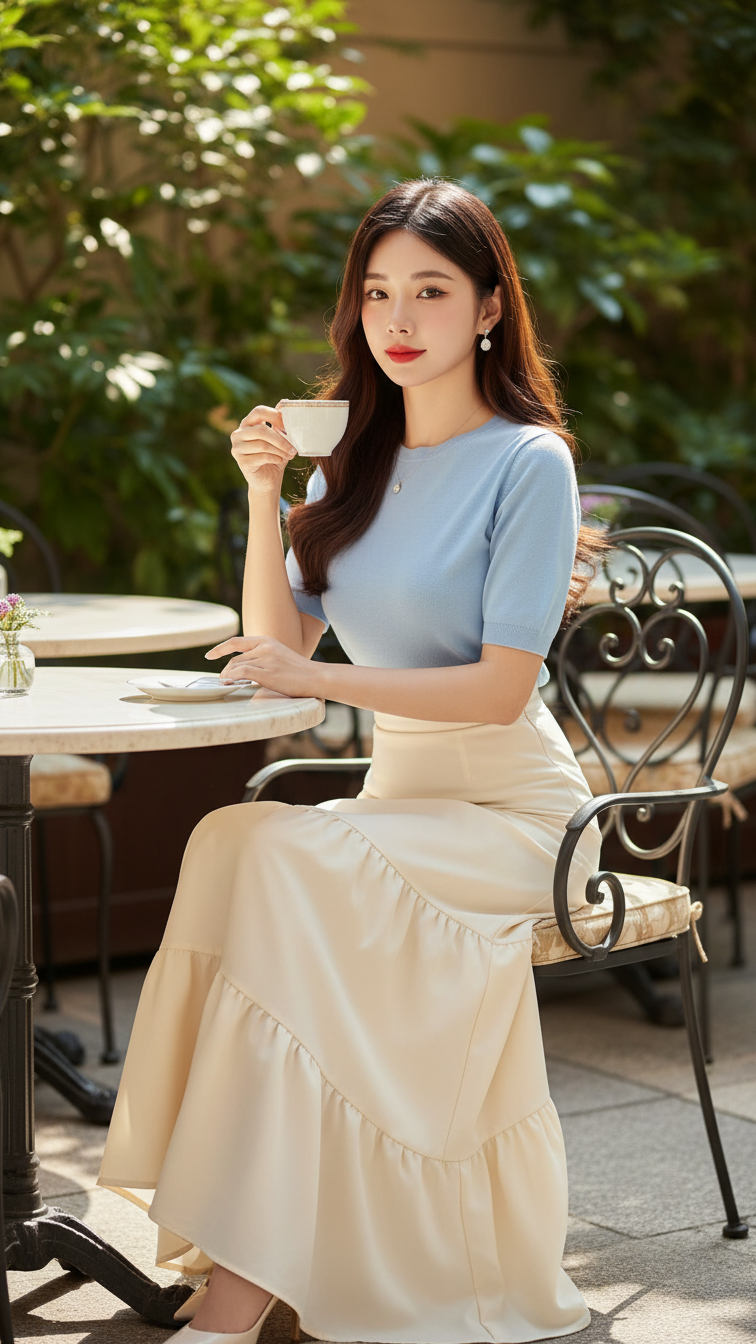
Prompt 1943: Create a realistic portrait of a young woman (face 100% identical to the original...
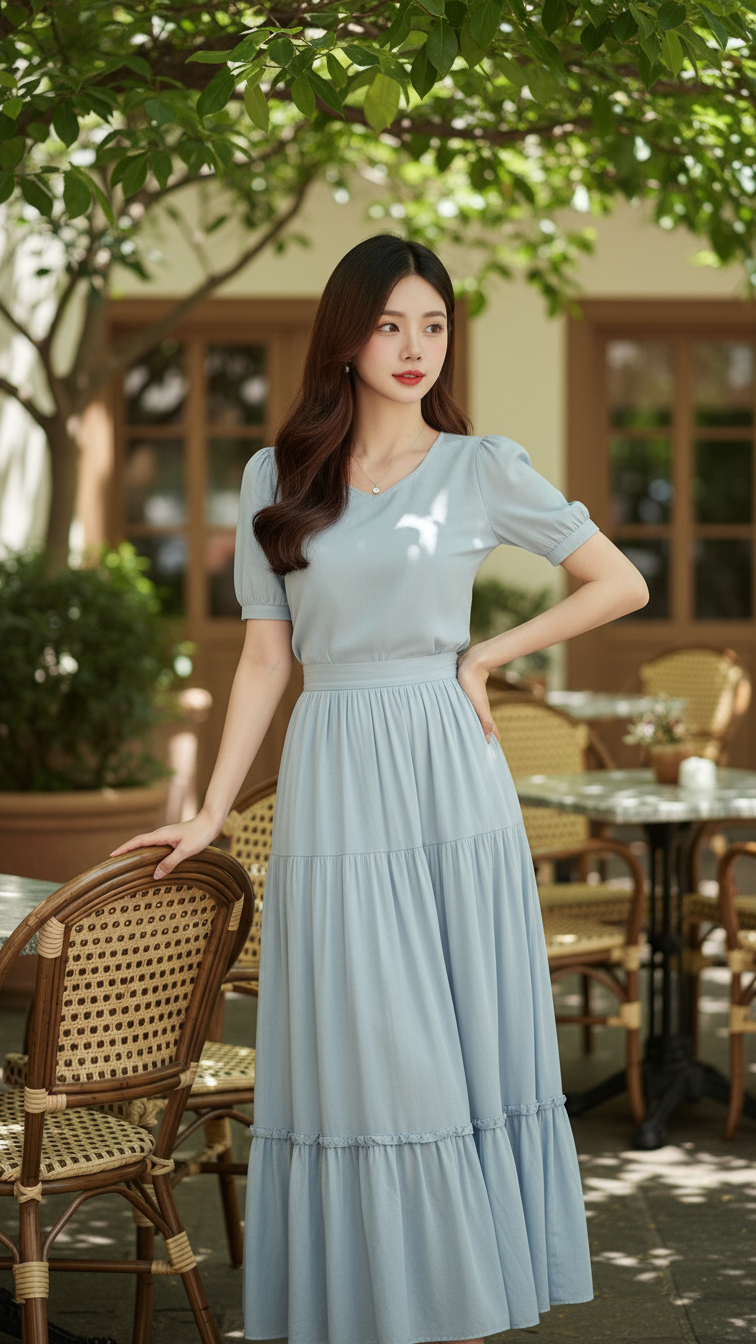
Prompt 1942: Create a realistic portrait of a young woman (face 100% identical to the original...
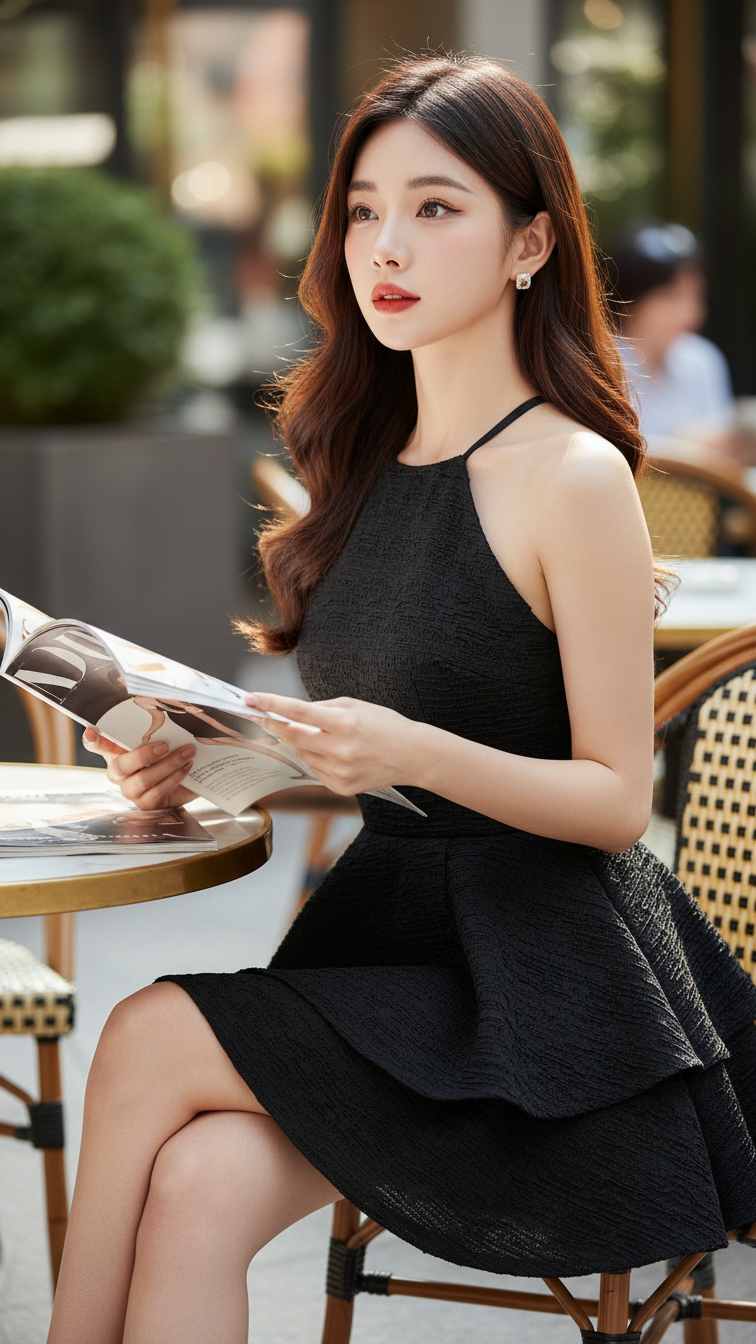
Prompt 1941: Create a realistic portrait of a young woman (face 100% identical to the original...
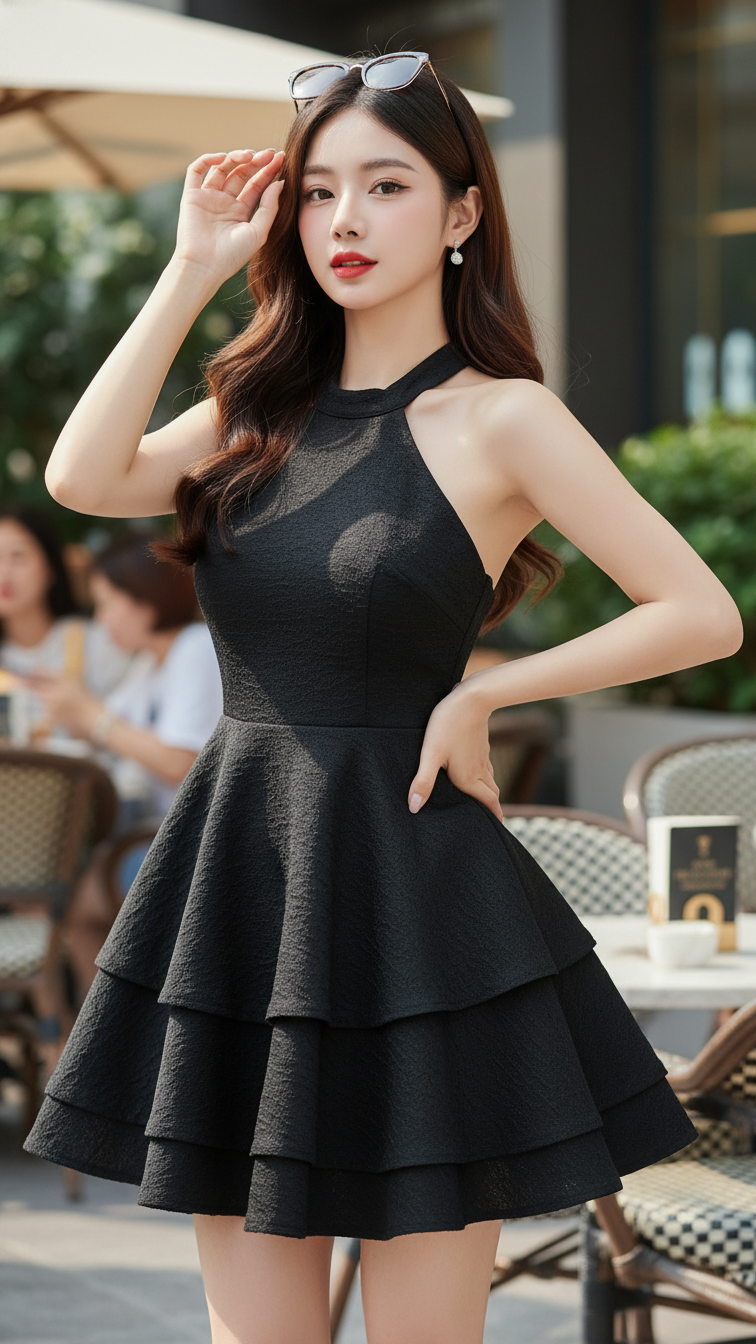
Prompt 1940: Create a realistic portrait of a young woman (face 100% identical to the original...
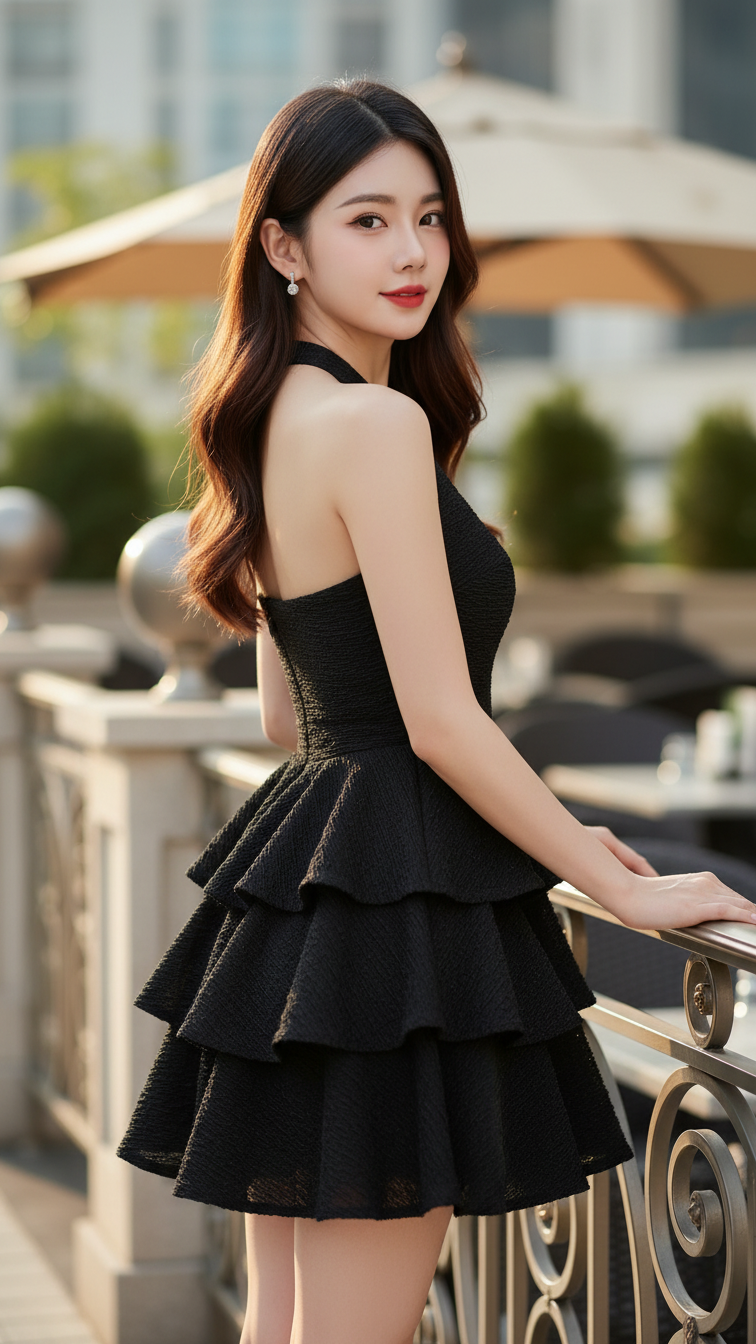
Prompt 1939: Create a realistic portrait of a young woman (face 100% identical to the original...
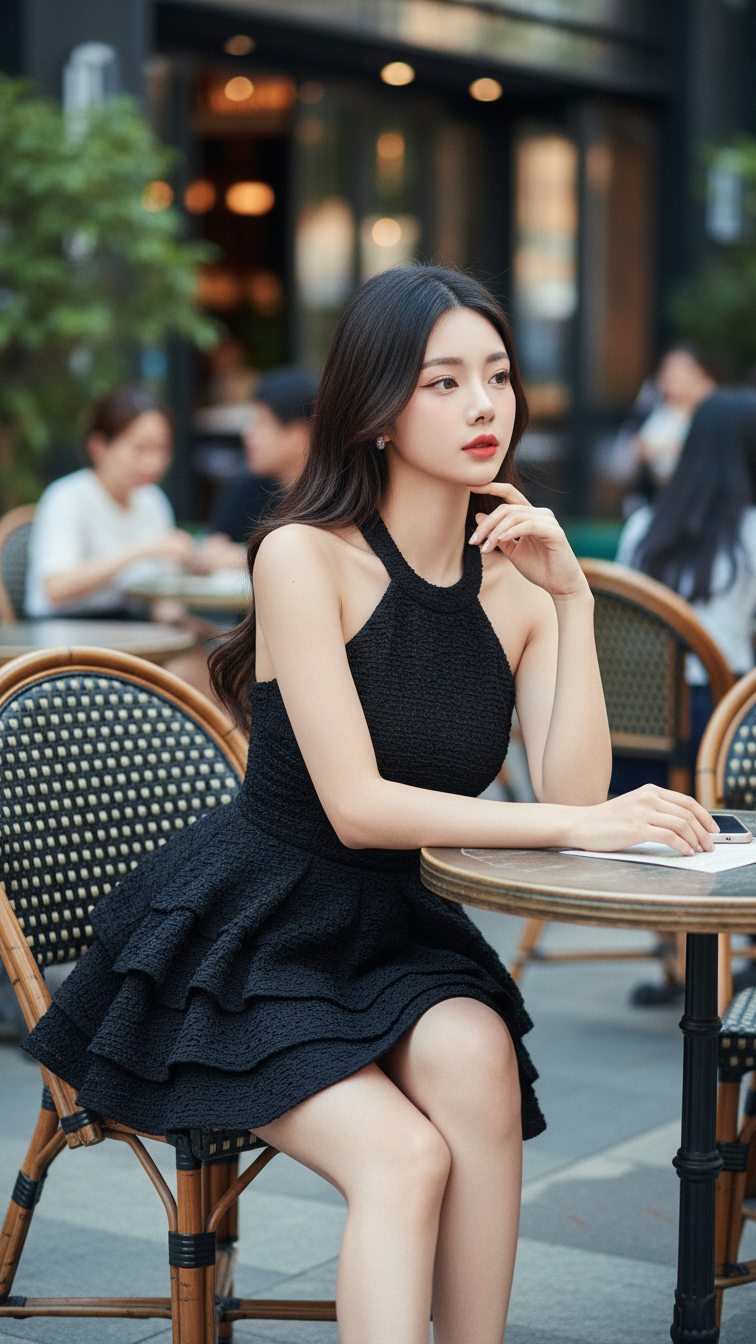
Prompt 1938: Create a realistic portrait of a young woman (face 100% identical to the original...
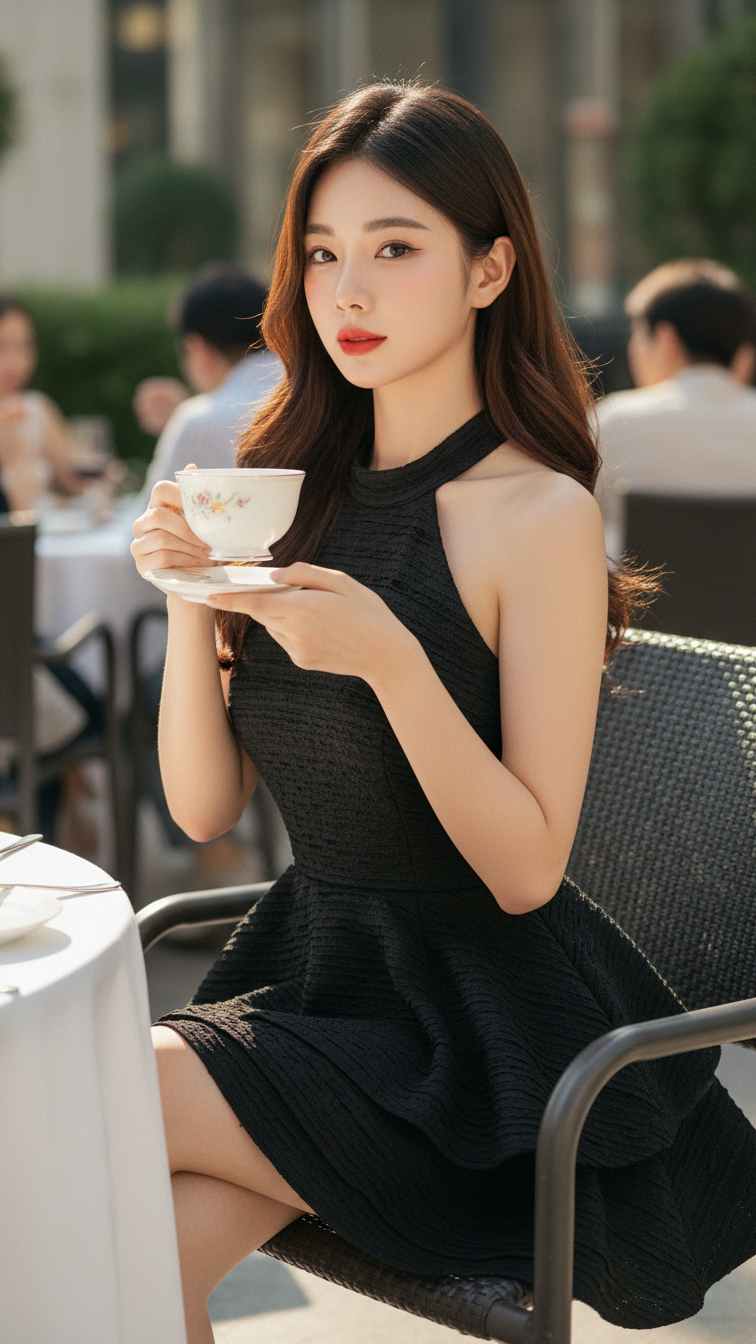
Prompt 1937: Create a realistic portrait of a young woman (face 100% identical to the original...
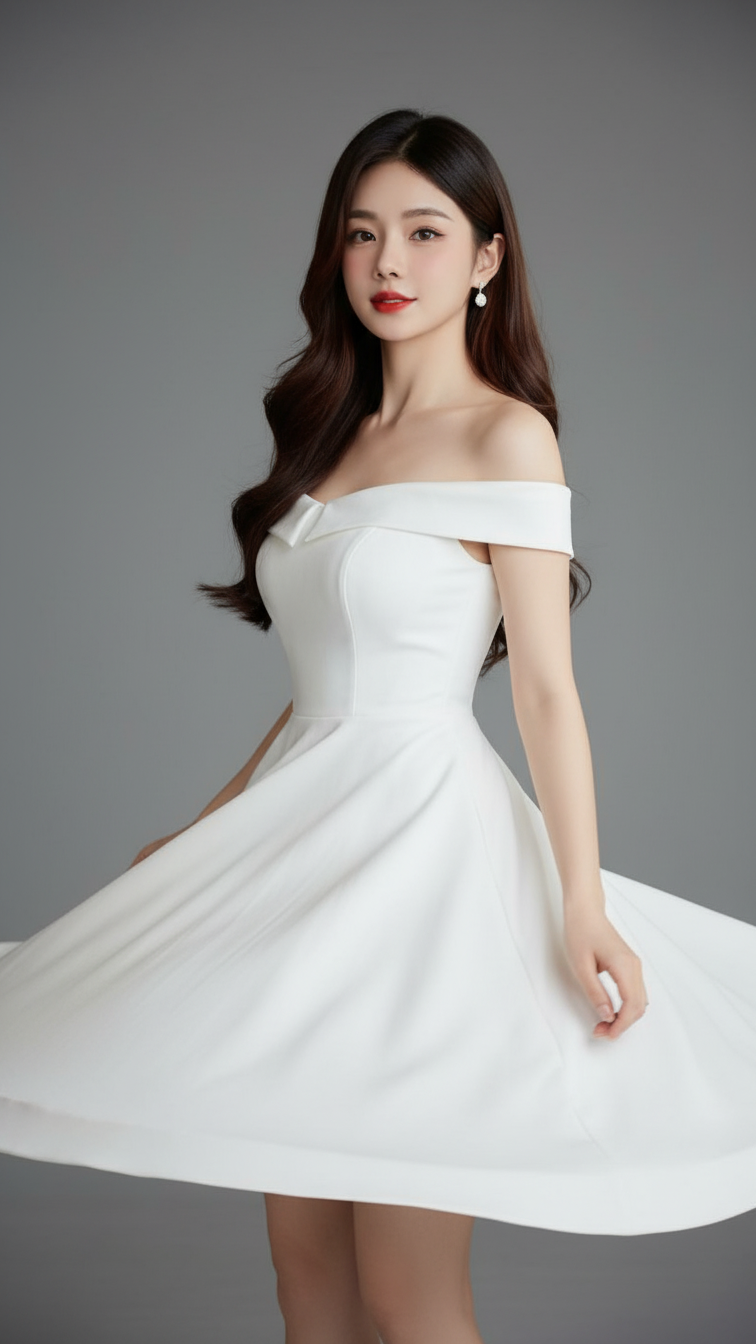
Prompt 1936: Create a realistic portrait of a young woman (face 100% identical to the original...
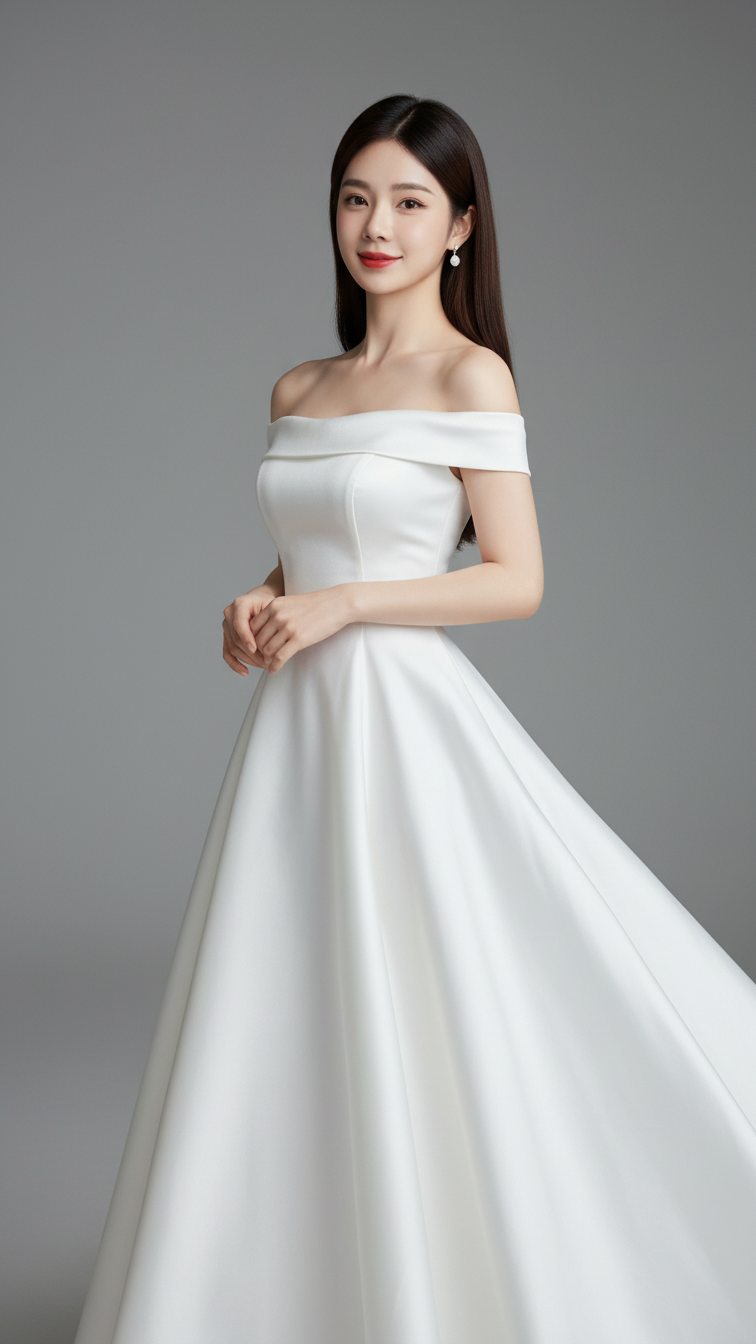
Prompt 1935: Create a realistic portrait of a young woman (face 100% identical to the original...
