
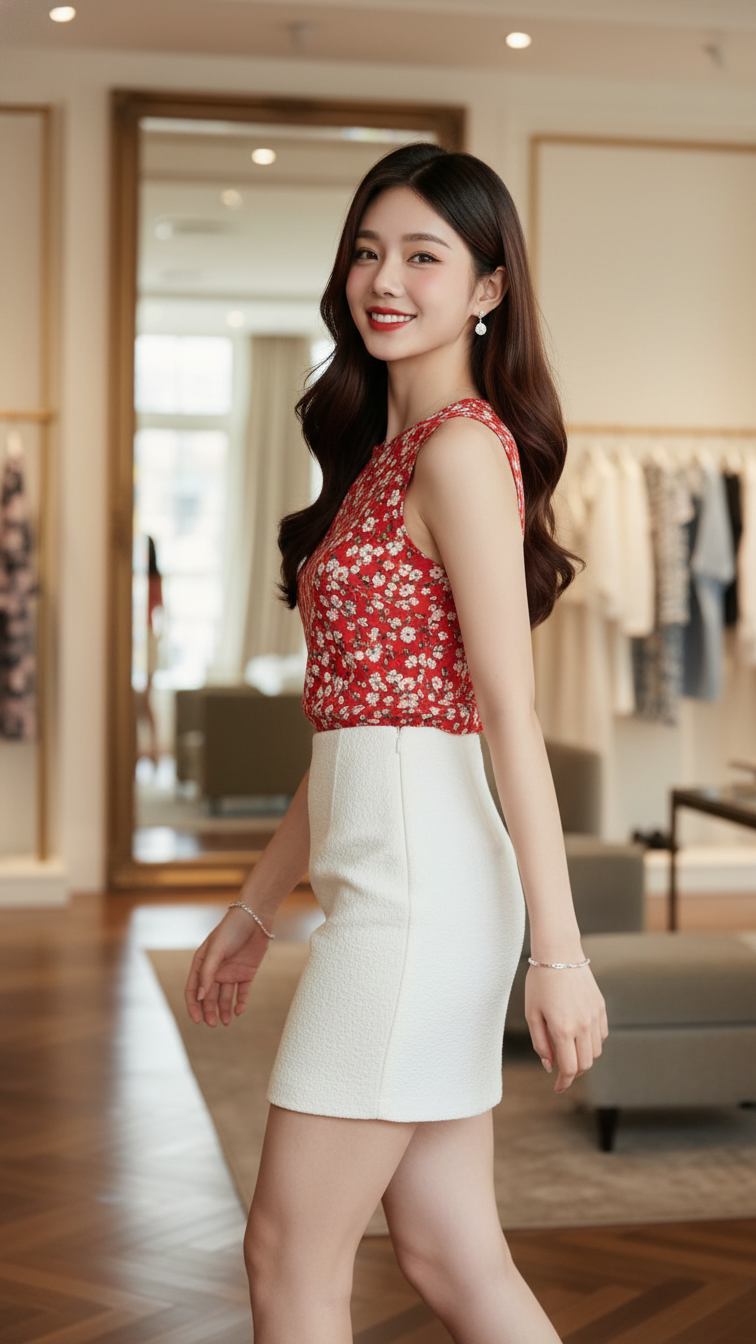
Prompt 1988: Create a realistic portrait of a young woman (face 100% identical to the original...
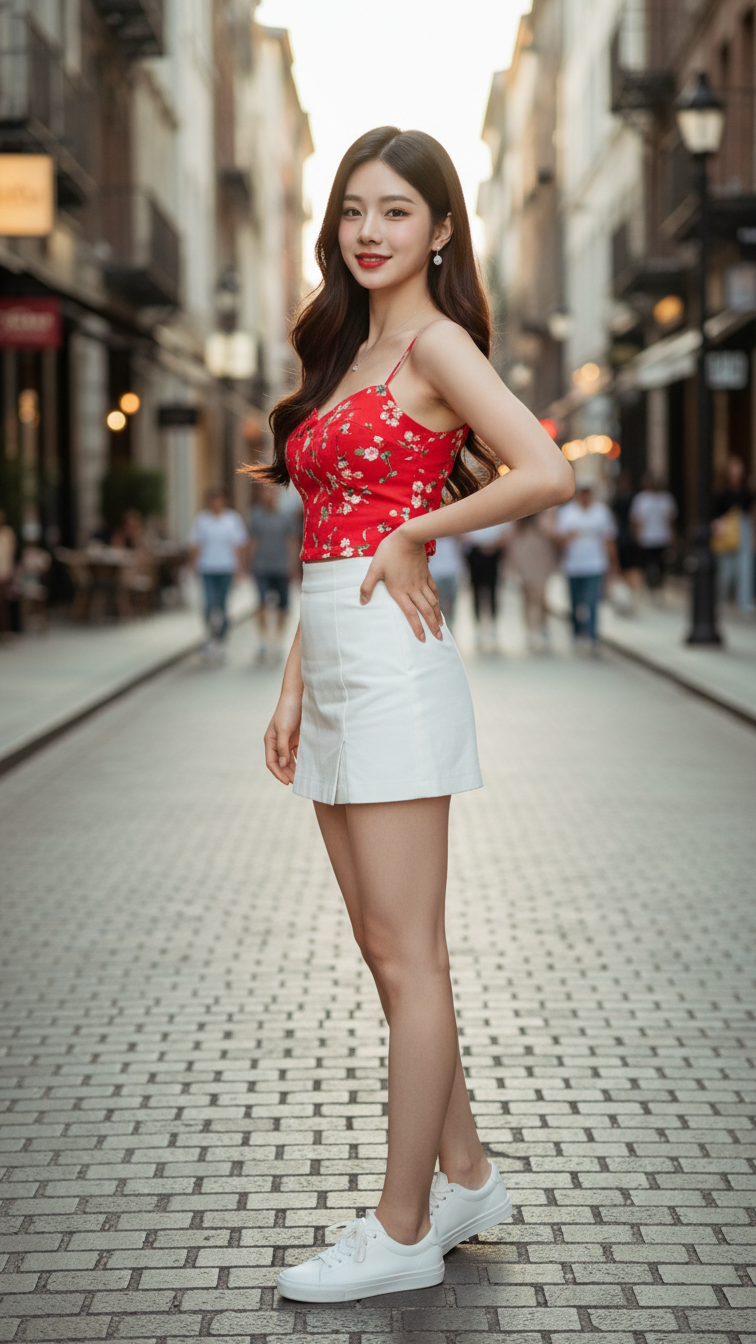
Prompt 1987: Create a realistic portrait of a young woman (face 100% identical to the original...
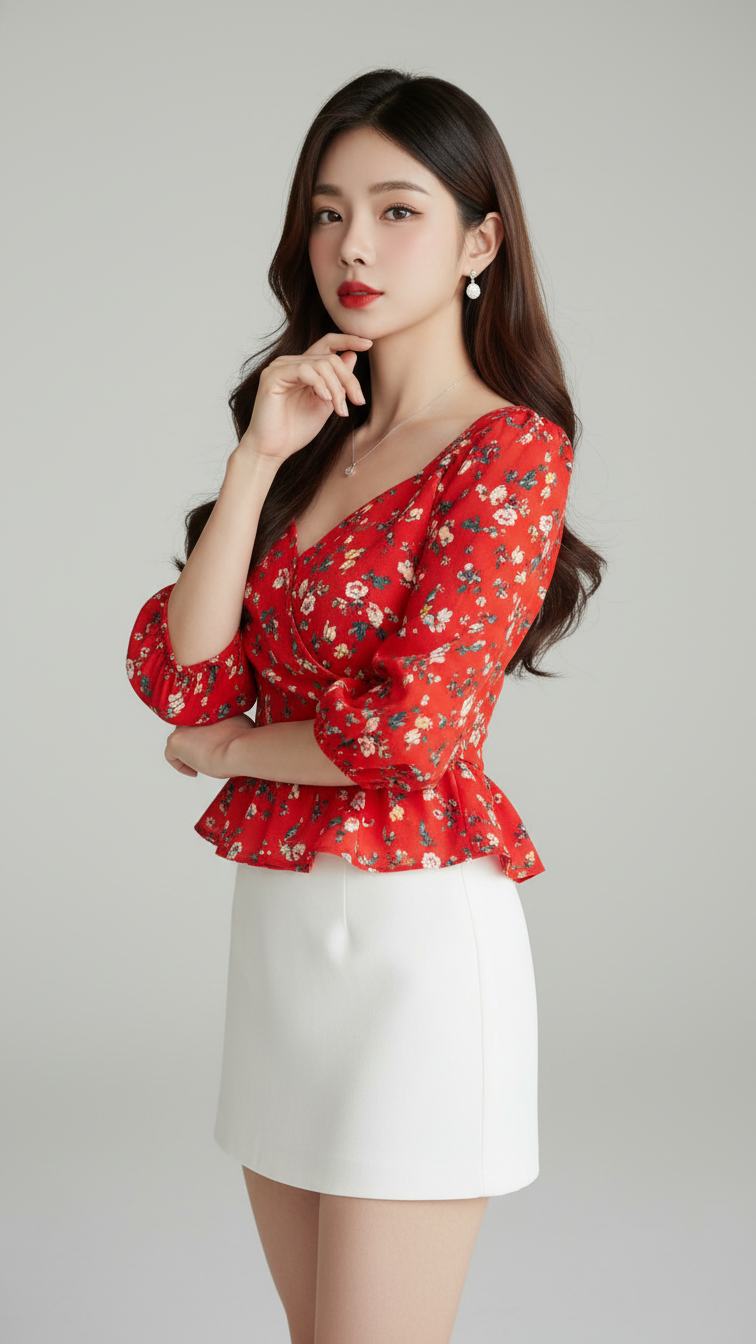
Prompt 1986: Create a realistic portrait of a young woman (face 100% identical to the original...
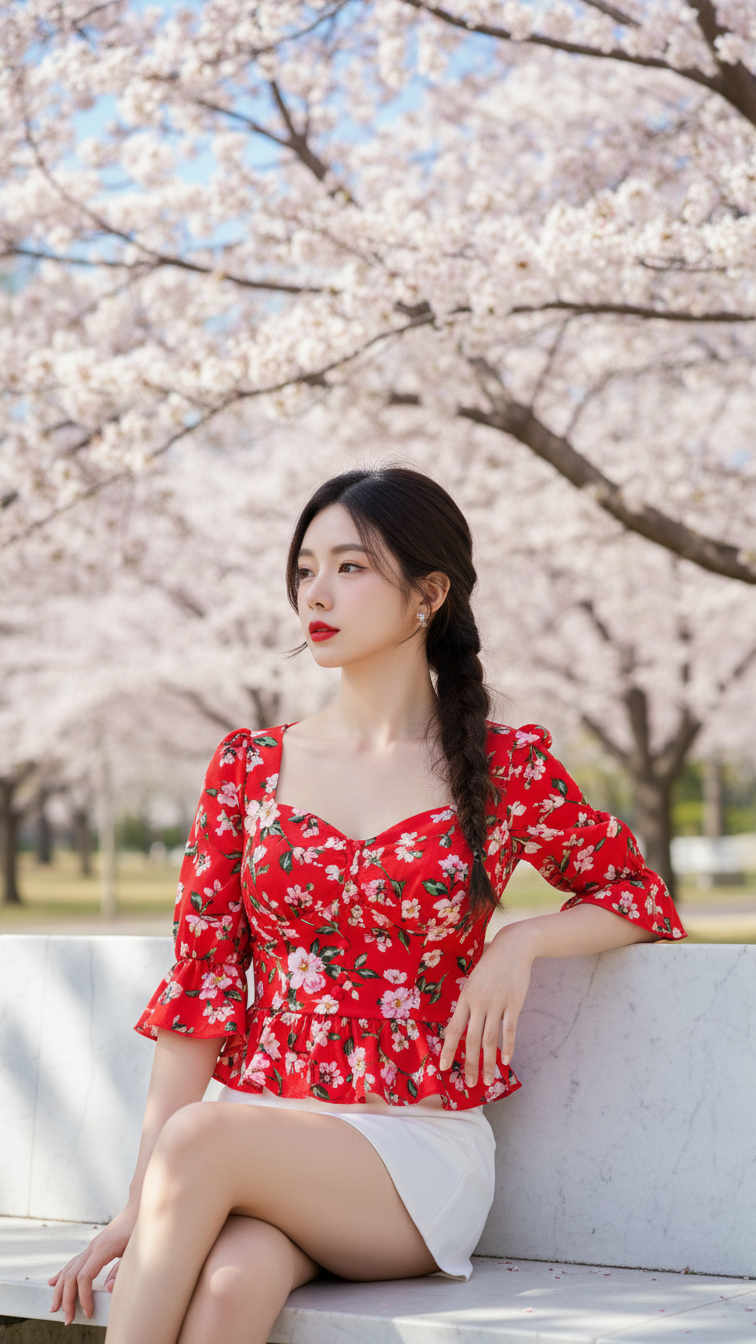
Prompt 1985: Create a realistic portrait of a young woman (face 100% identical to the original...
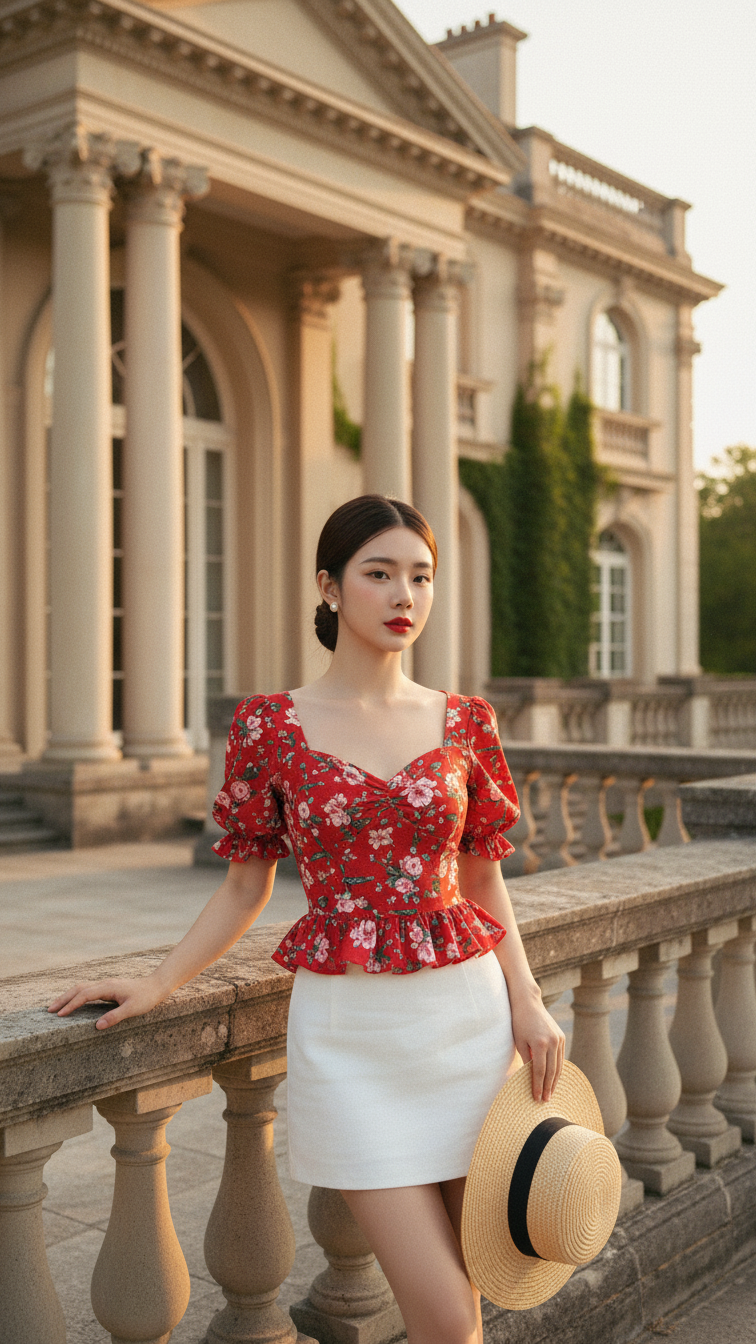
Prompt 1984: Create a realistic portrait of a young woman (face 100% identical to the original...
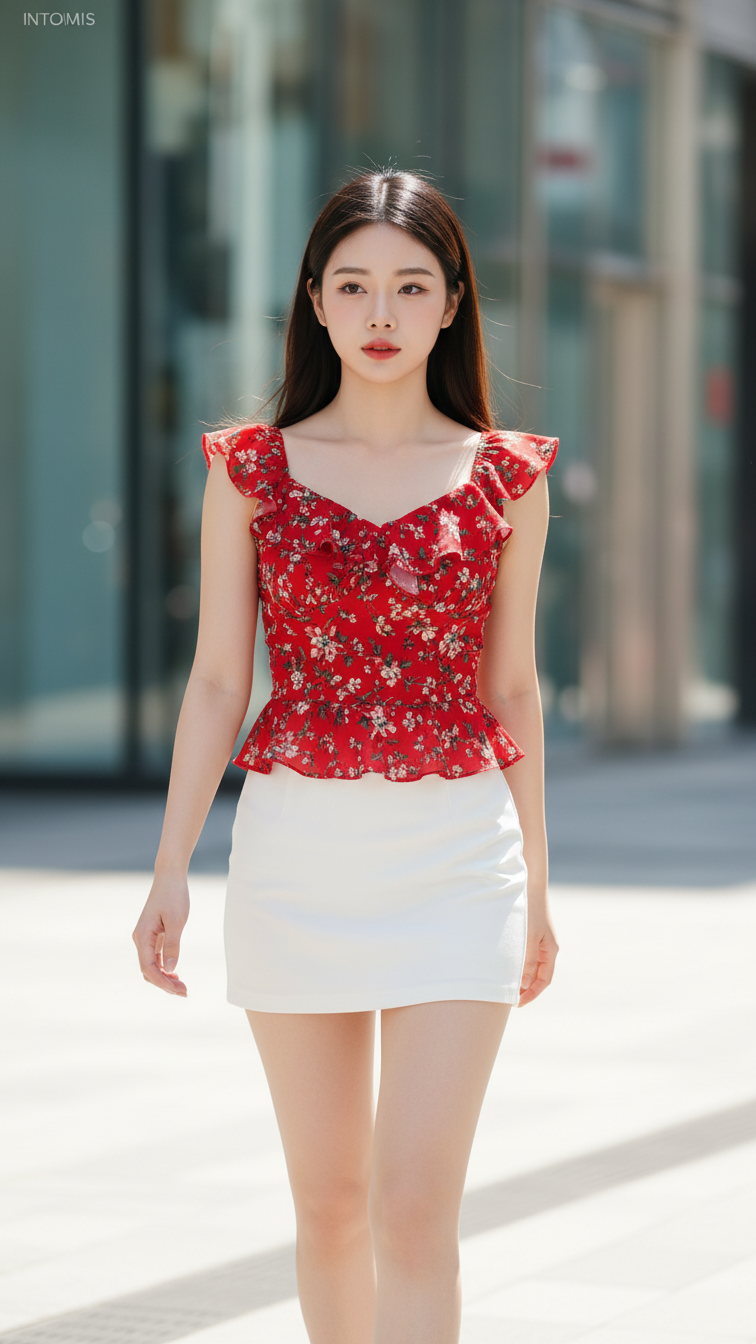
Prompt 1983: Create a realistic portrait of a young woman (face 100% identical to the original...
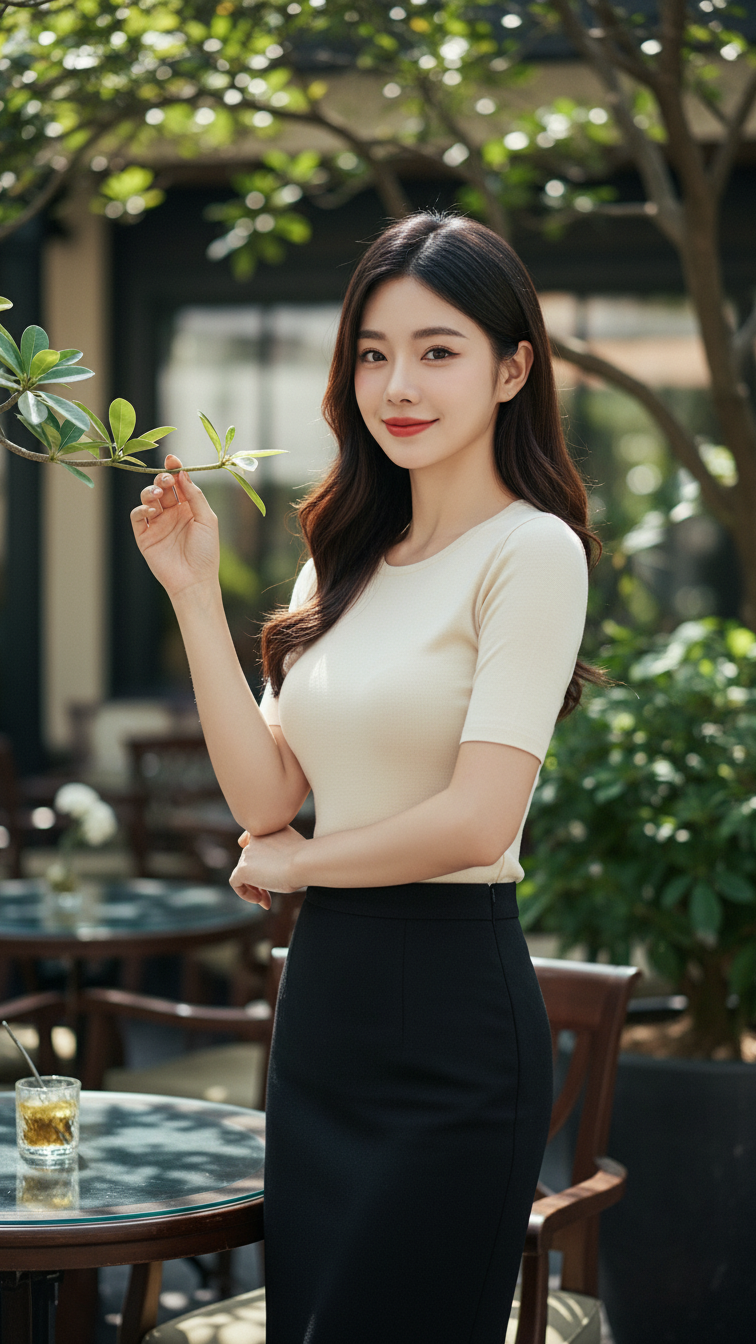
Prompt 1982: Create a realistic portrait of a young woman (face 100% identical to the original...
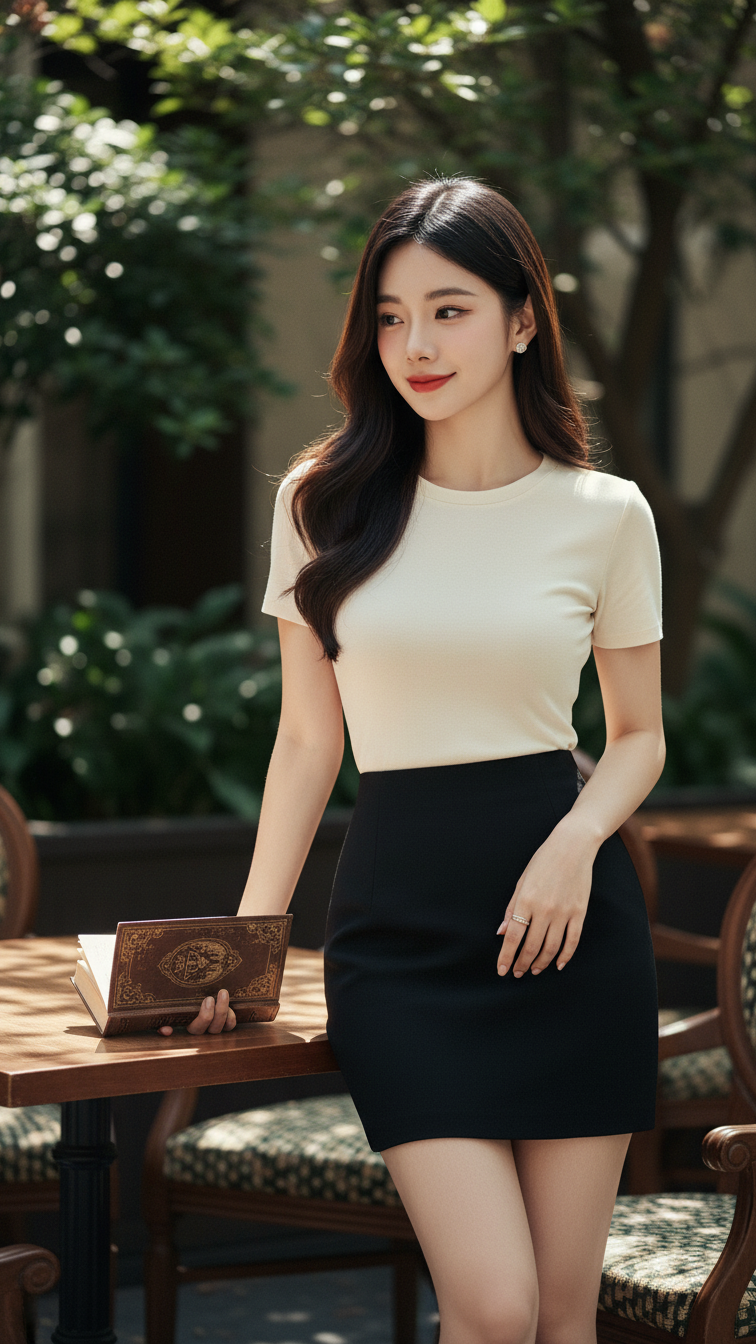
Prompt 1981: Create a realistic portrait of a young woman (face 100% identical to the original...
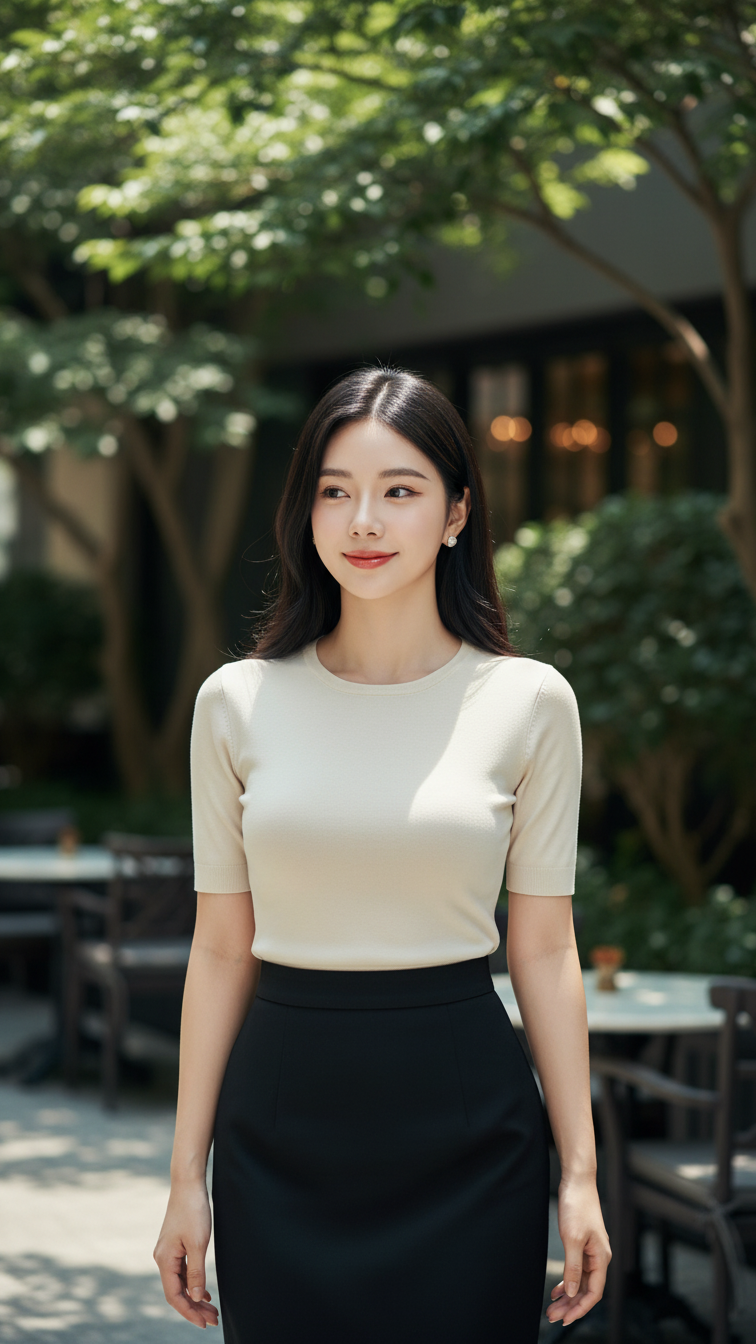
Prompt 1980: Create a realistic portrait of a young woman (face 100% identical to the original...
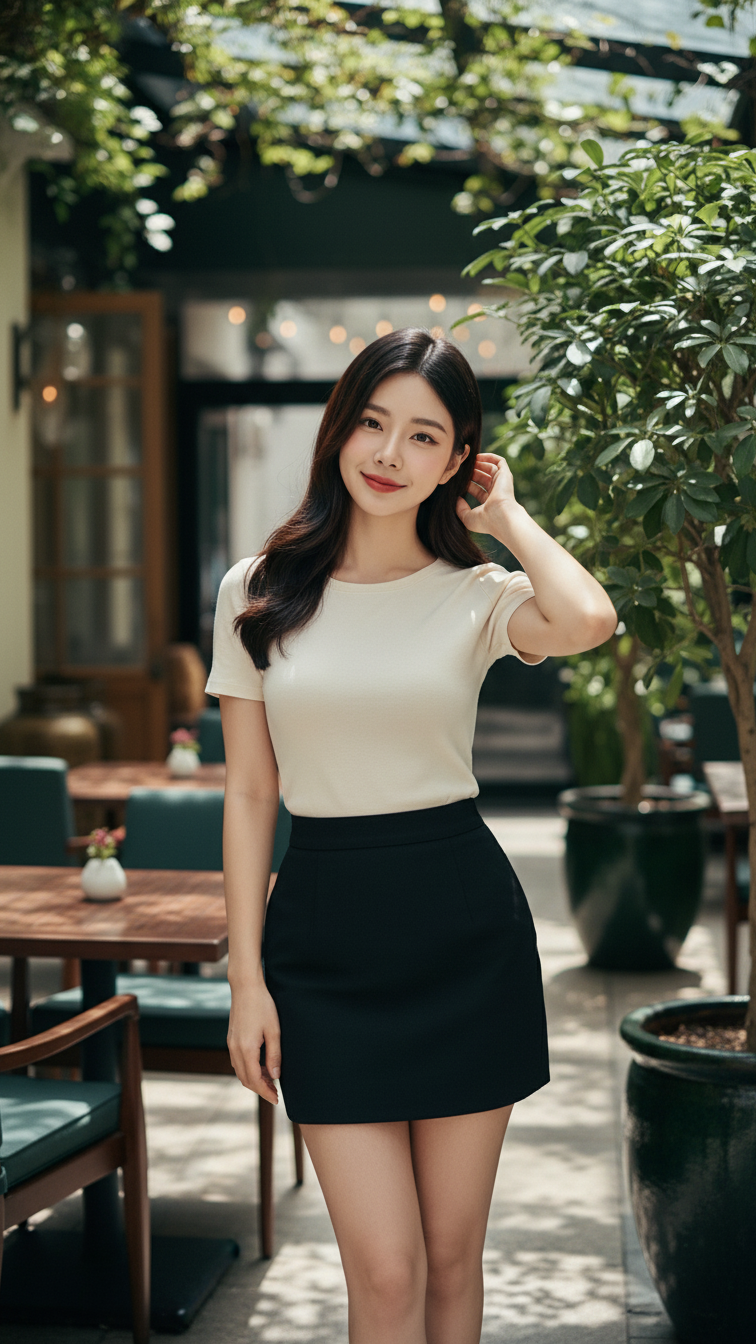
Prompt 1979: Create a realistic portrait of a young woman (face 100% identical to the original...
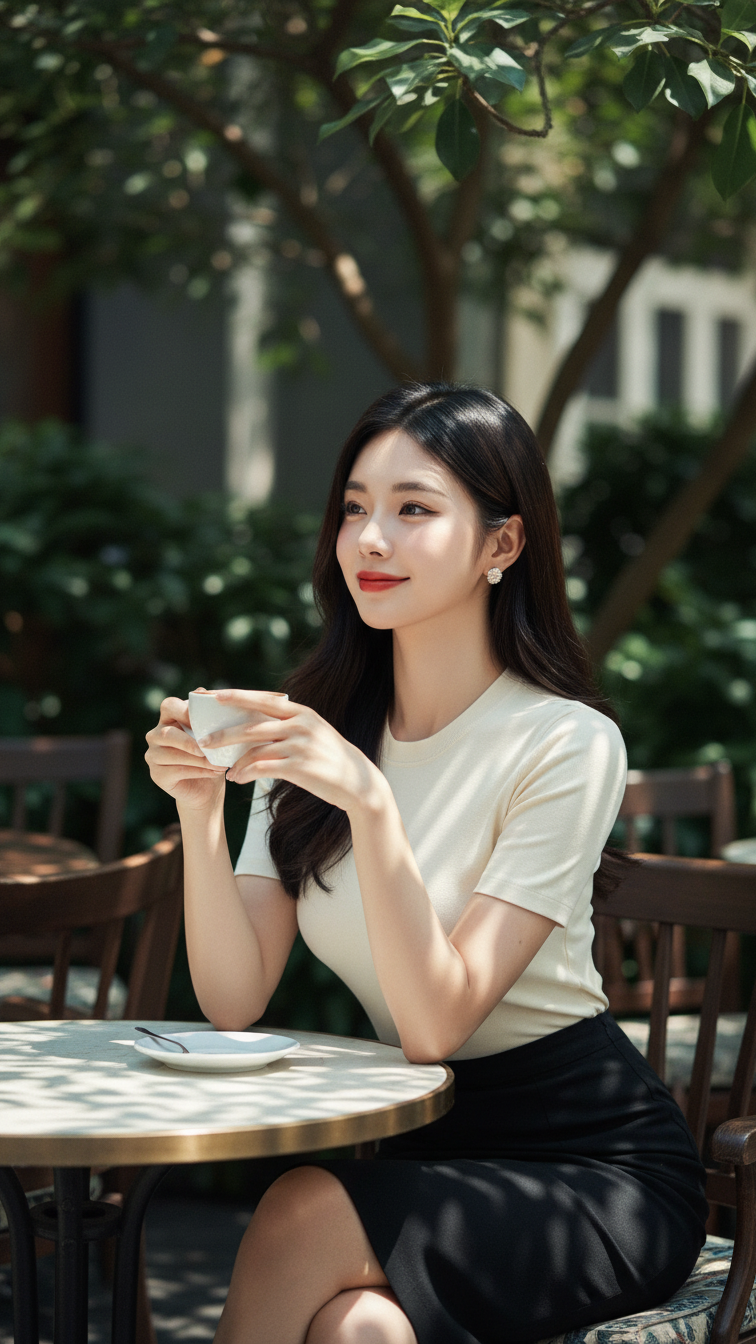
Prompt 1978: Create a realistic portrait of a young woman (face 100% identical to the original...
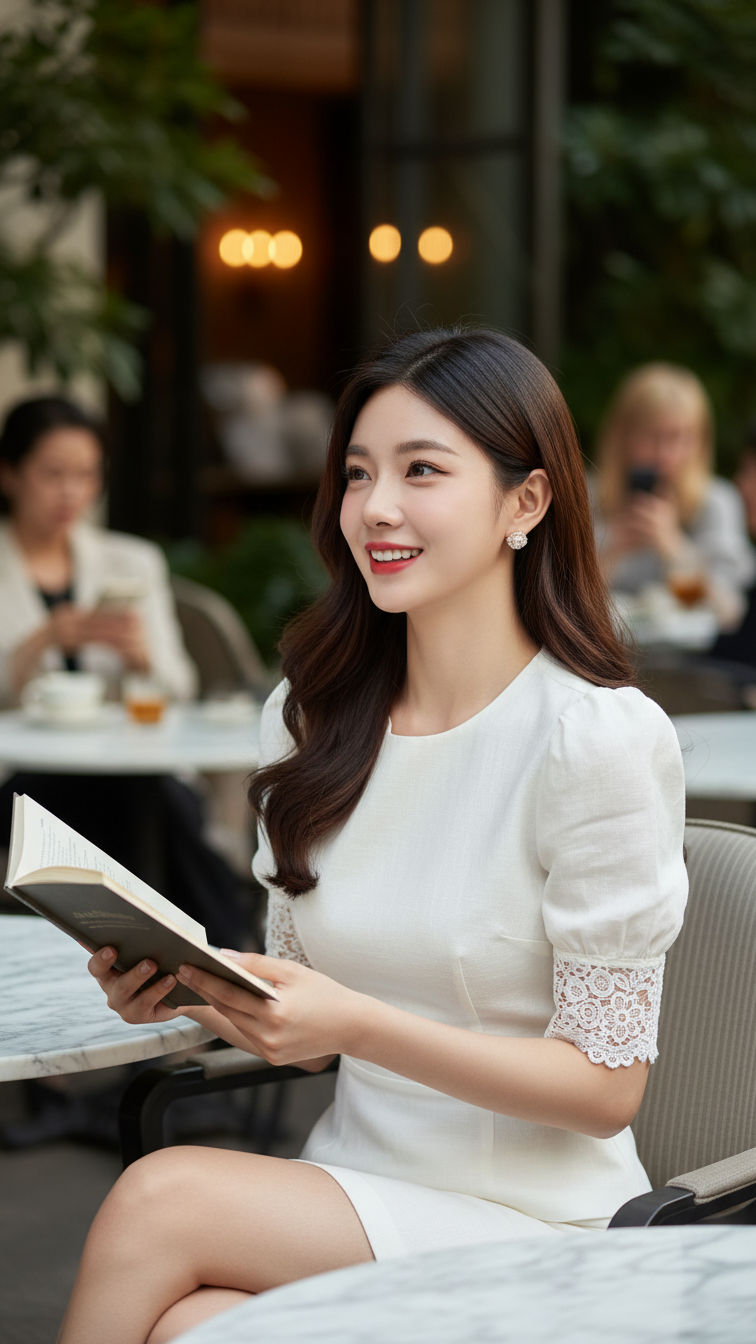
Prompt 1977: Create a realistic portrait of a young woman (face 100% identical to the original...
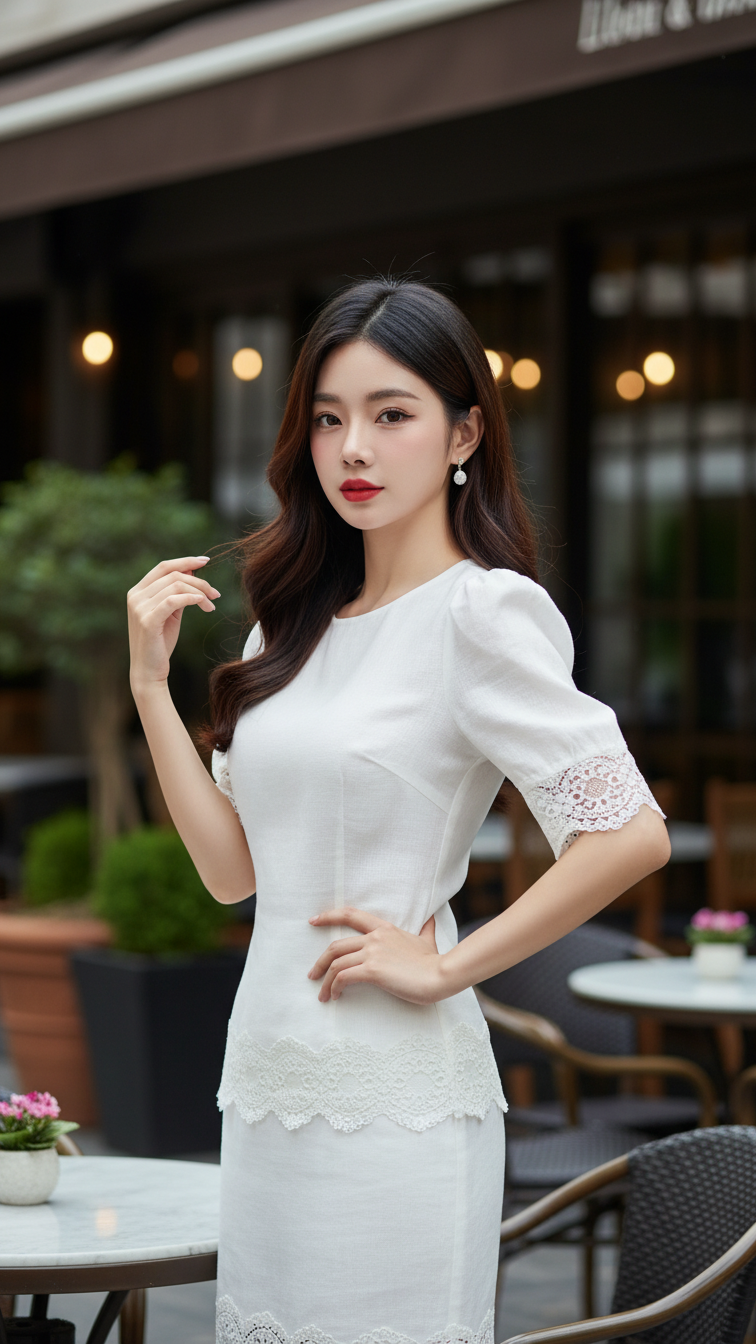
Prompt 1976: Create a realistic portrait of a young woman (face 100% identical to the original...
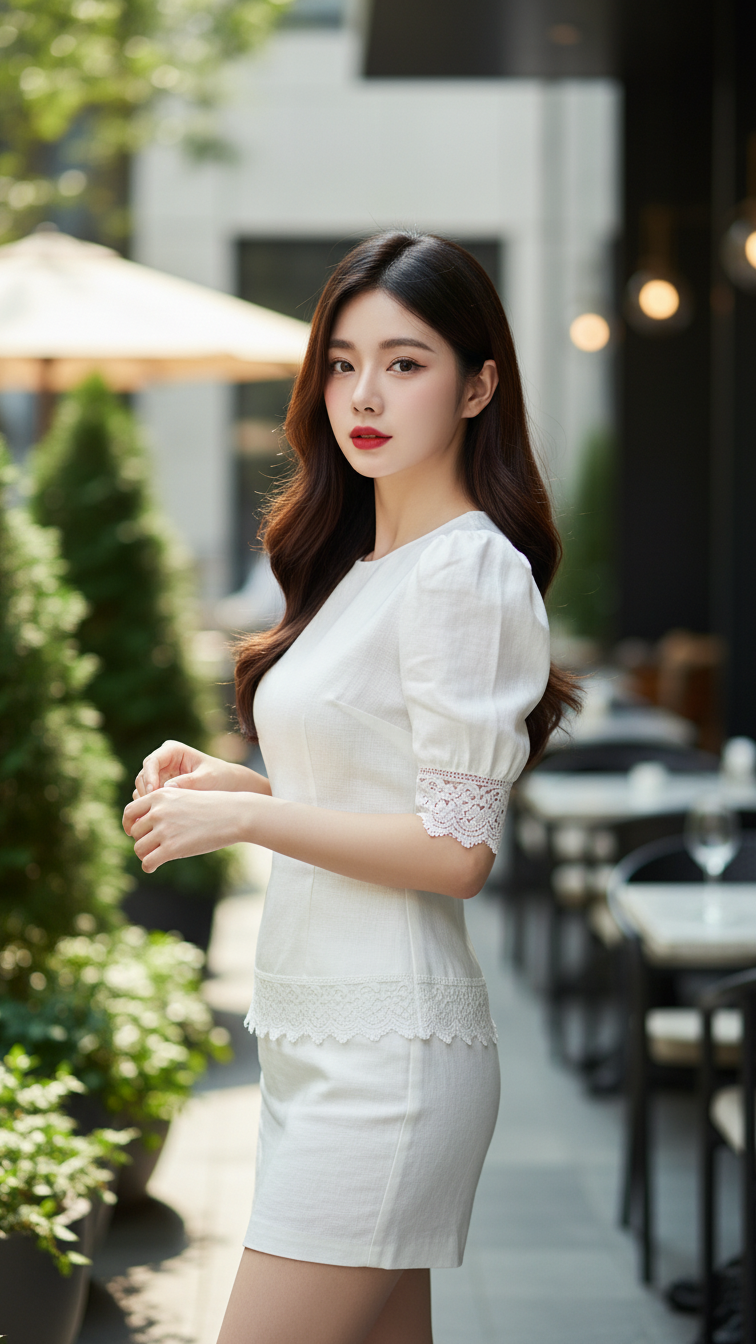
Prompt 1975: Create a realistic portrait of a young woman (face 100% identical to the original...
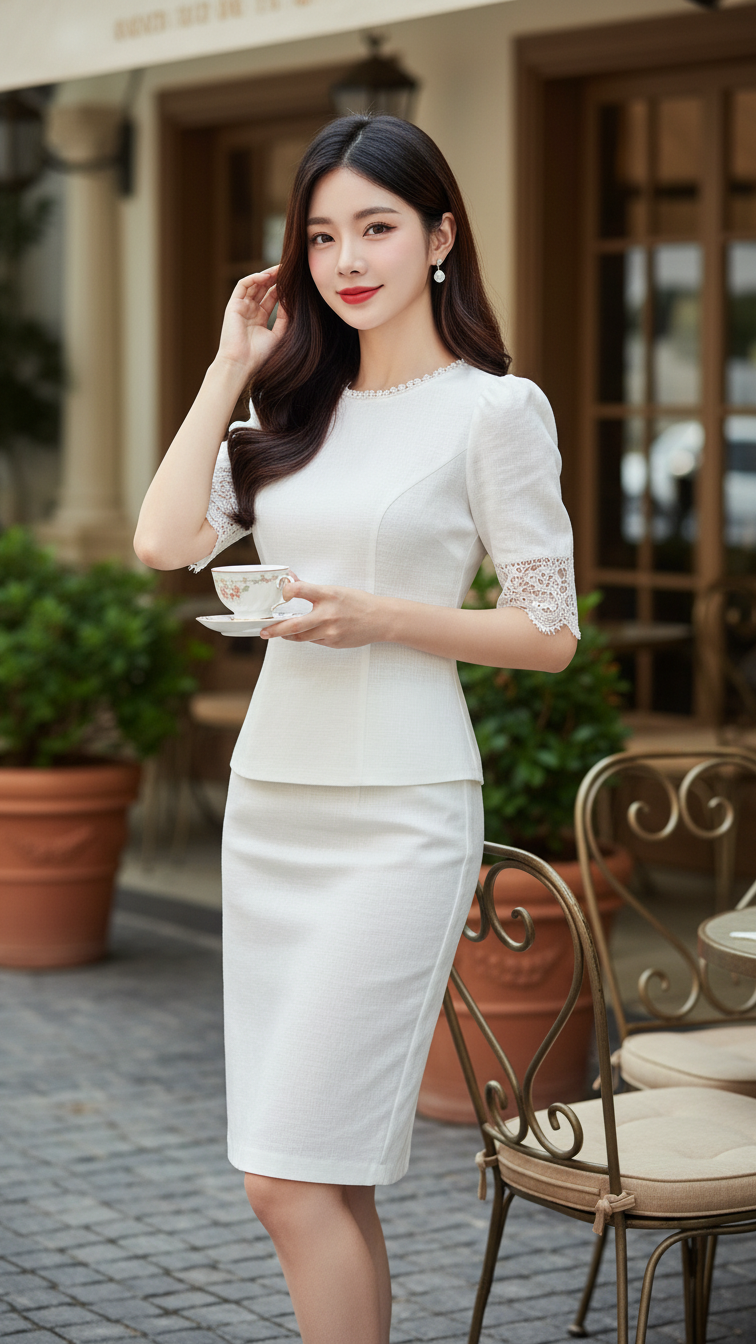
Prompt 1974: Create a realistic portrait of a young woman (face 100% identical to the original...
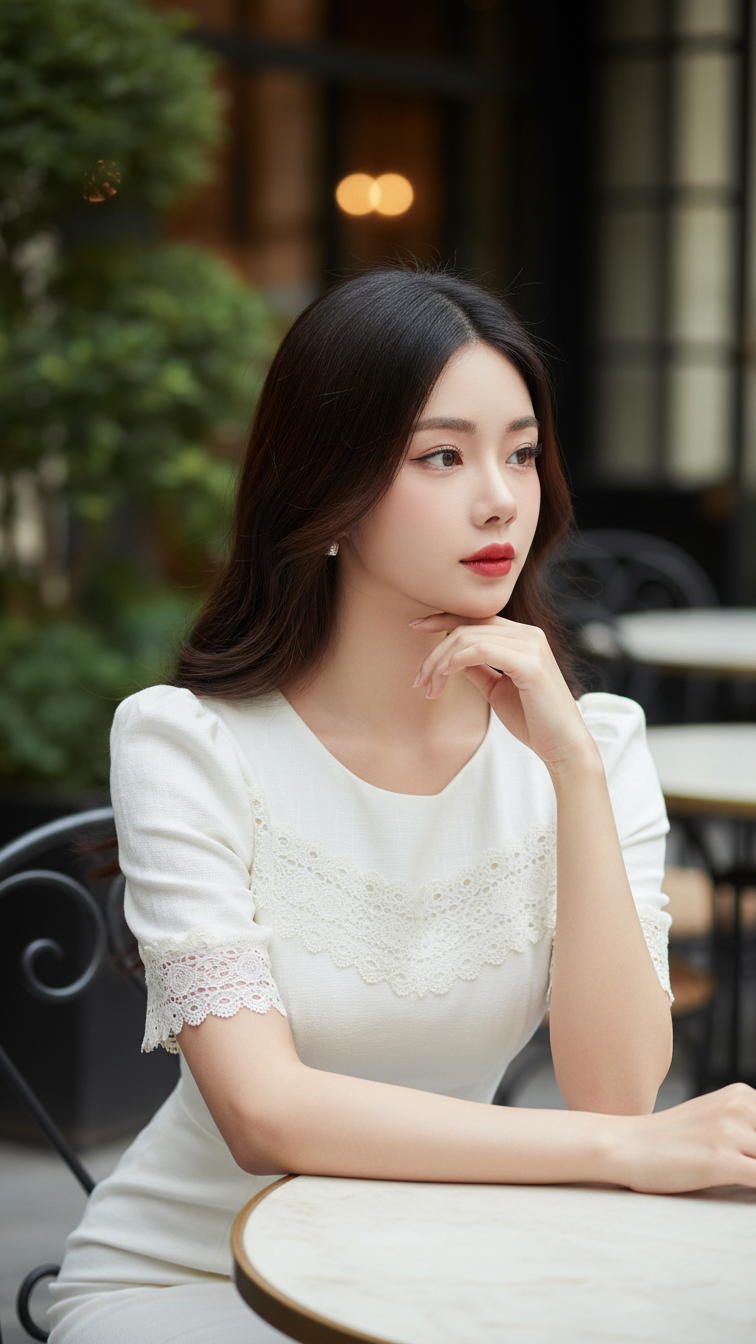
Prompt 1973: Create a realistic portrait of a young woman (face 100% identical to the original...
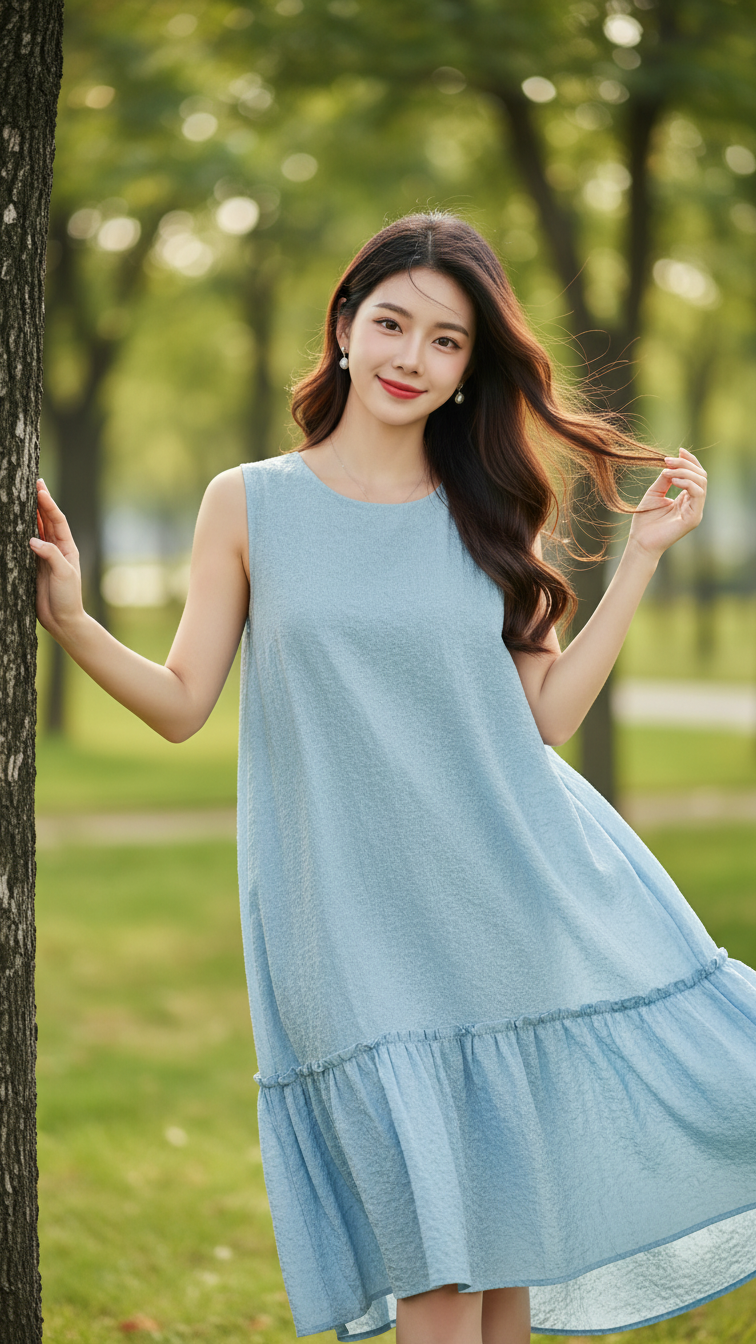
Prompt 1972: Create a realistic portrait of a young woman (face 100% identical to the original...
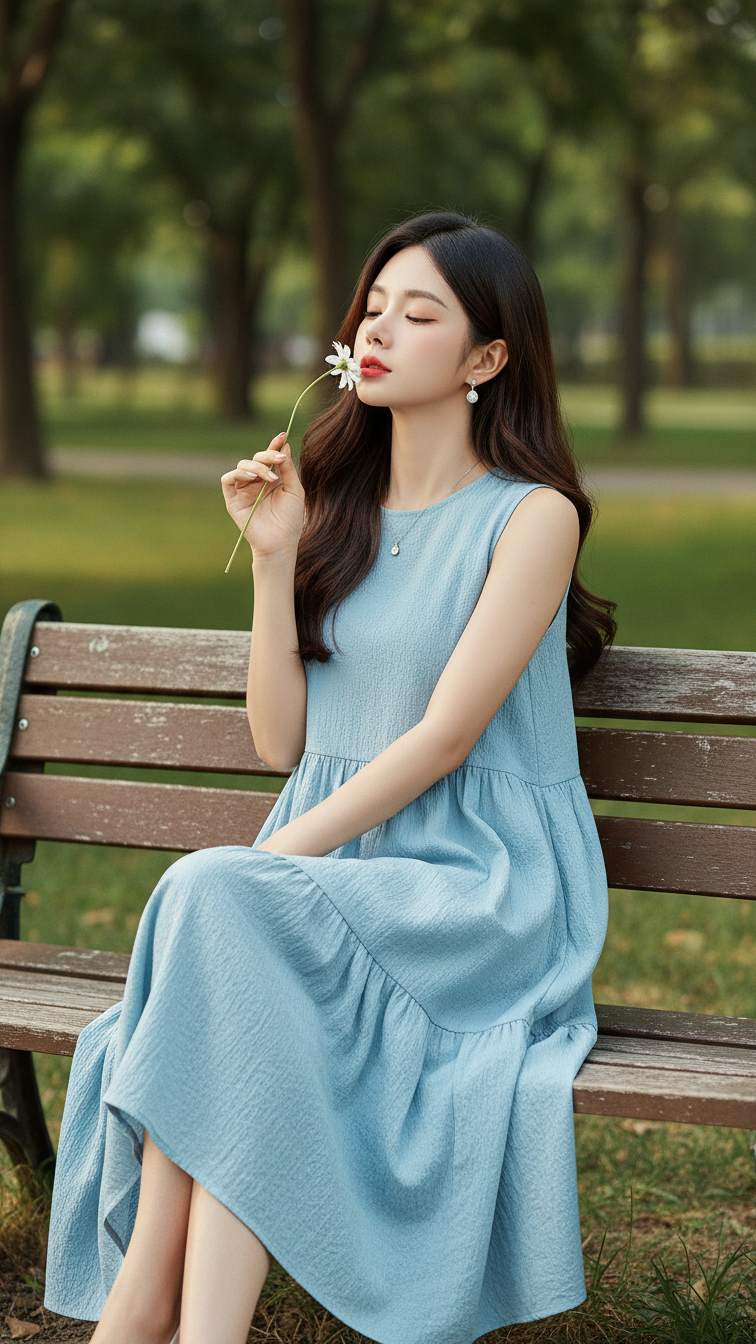
Prompt 1971: Create a realistic portrait of a young woman (face 100% identical to the original...
