
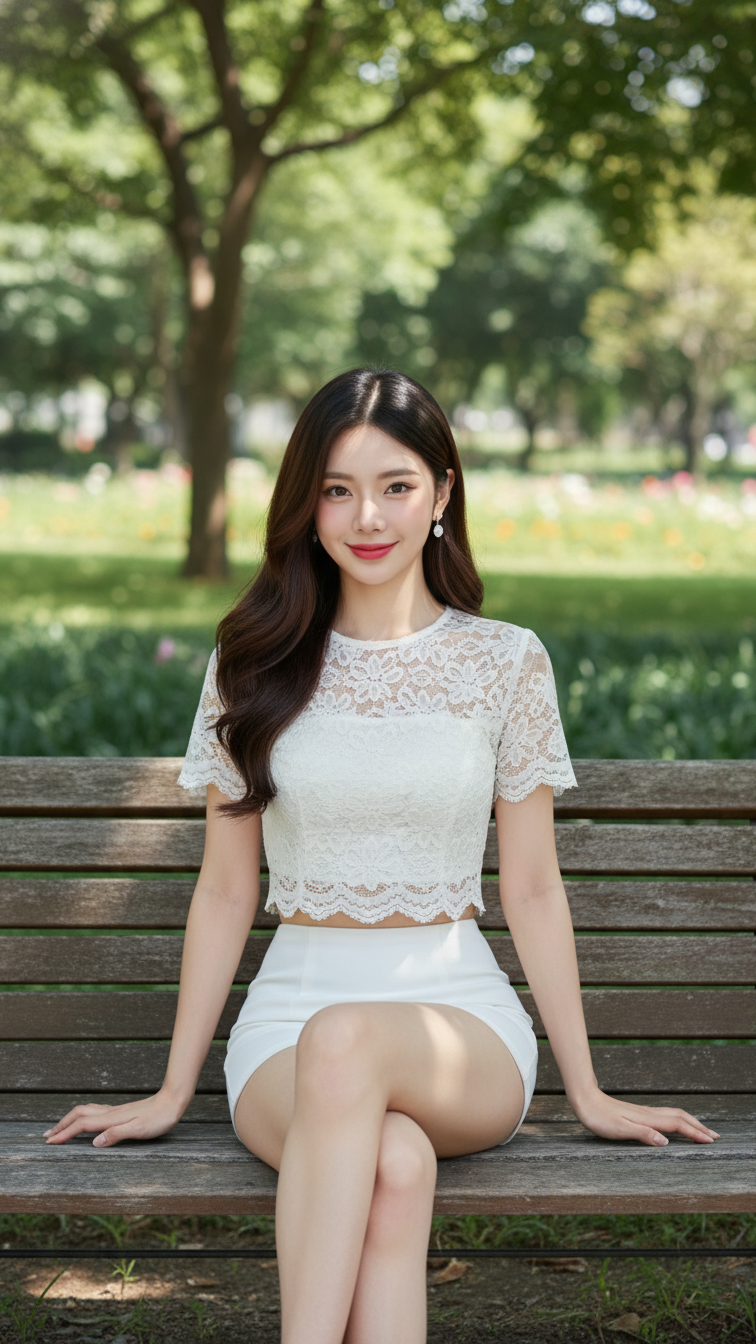
Prompt 2024: Create a realistic portrait of a young woman (face 100% identical to the original...
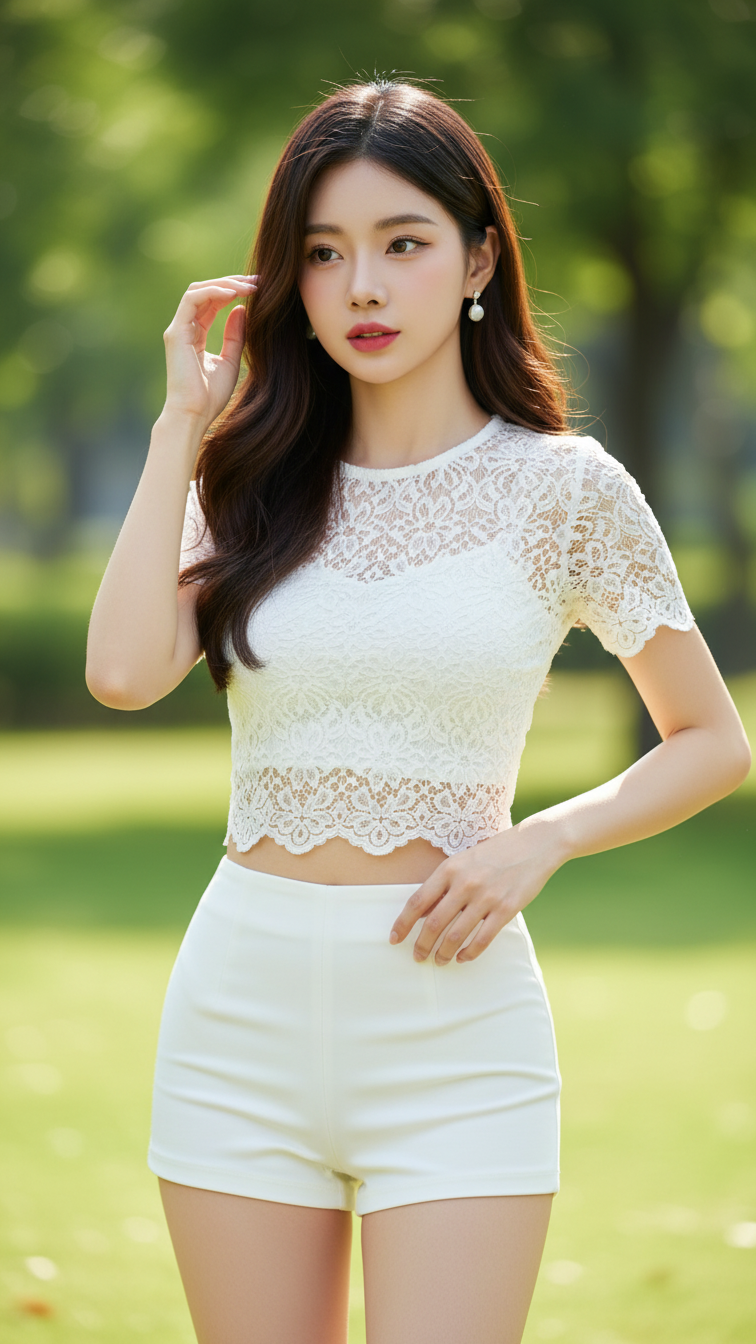
Prompt 2023: Create a realistic portrait of a young woman (face 100% identical to the original...
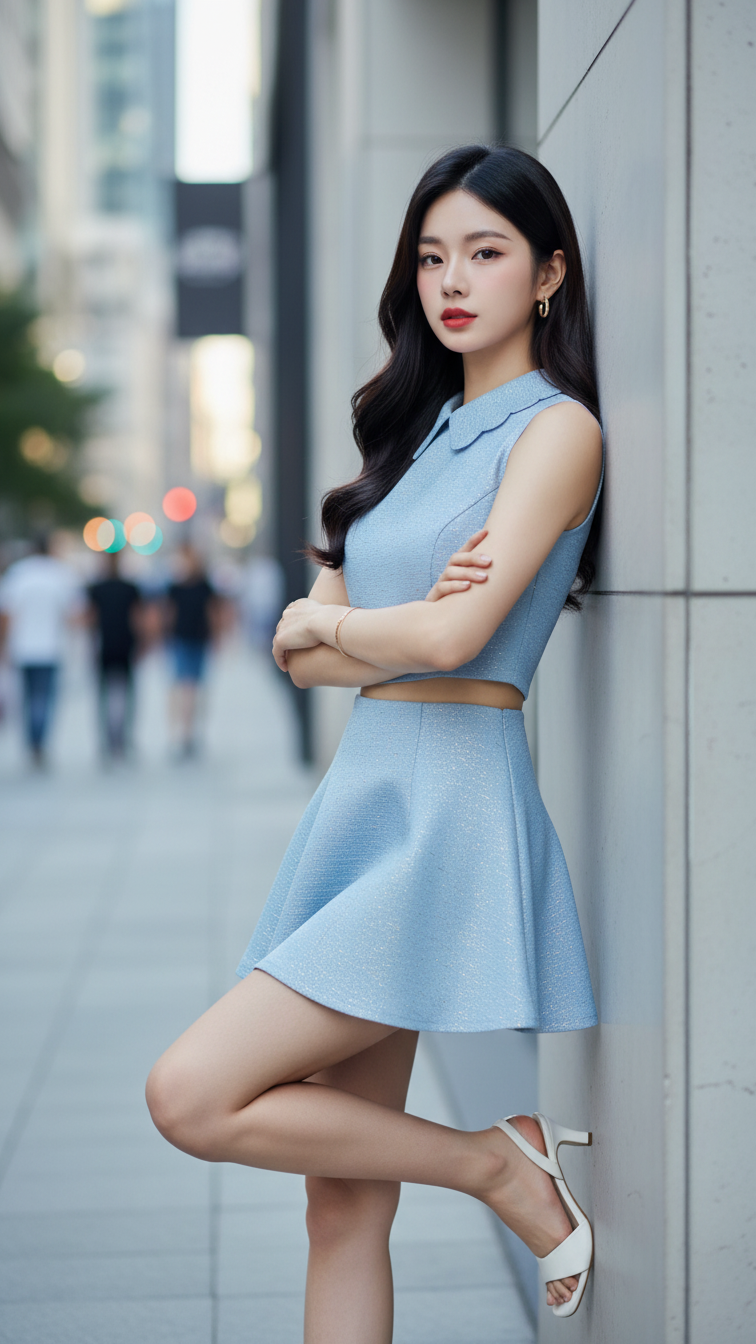
Prompt 2022: Create a realistic portrait of a young woman (face 100% identical to the original...
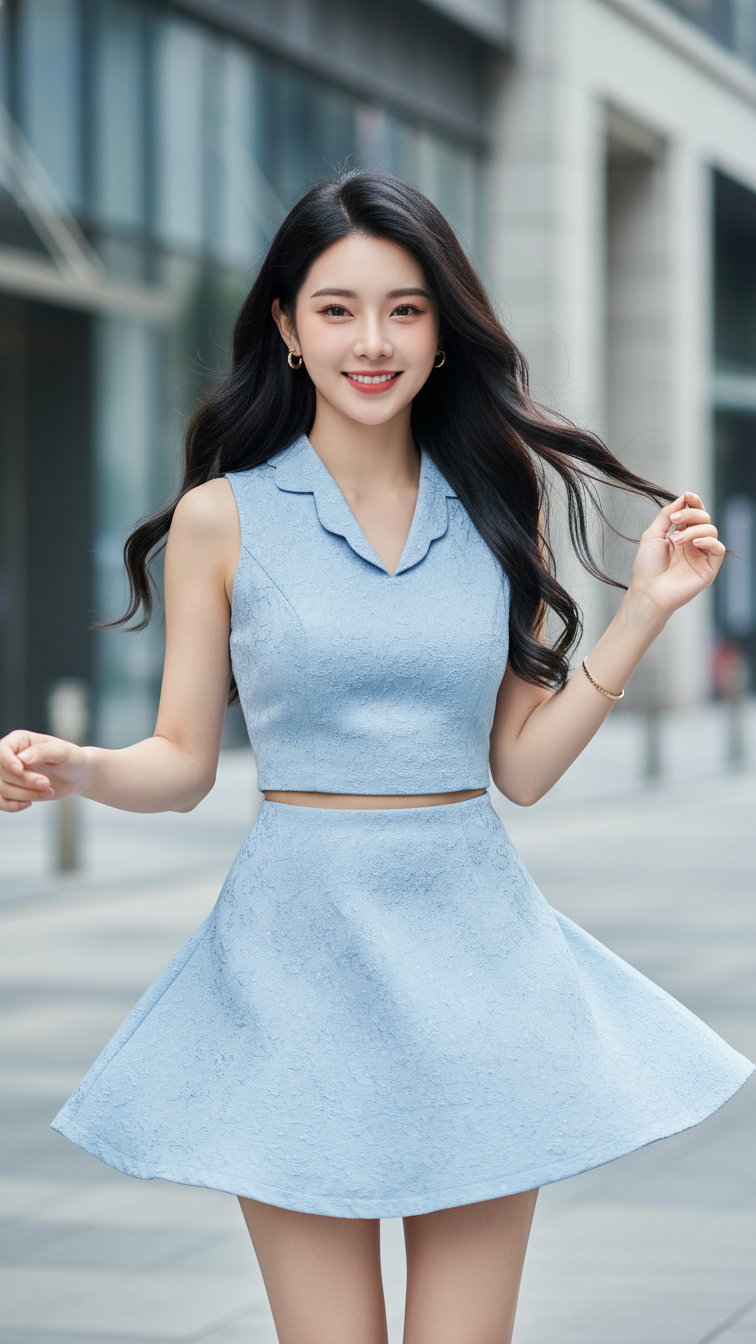
Prompt 2021: Create a realistic portrait of a young woman (face 100% identical to the original...
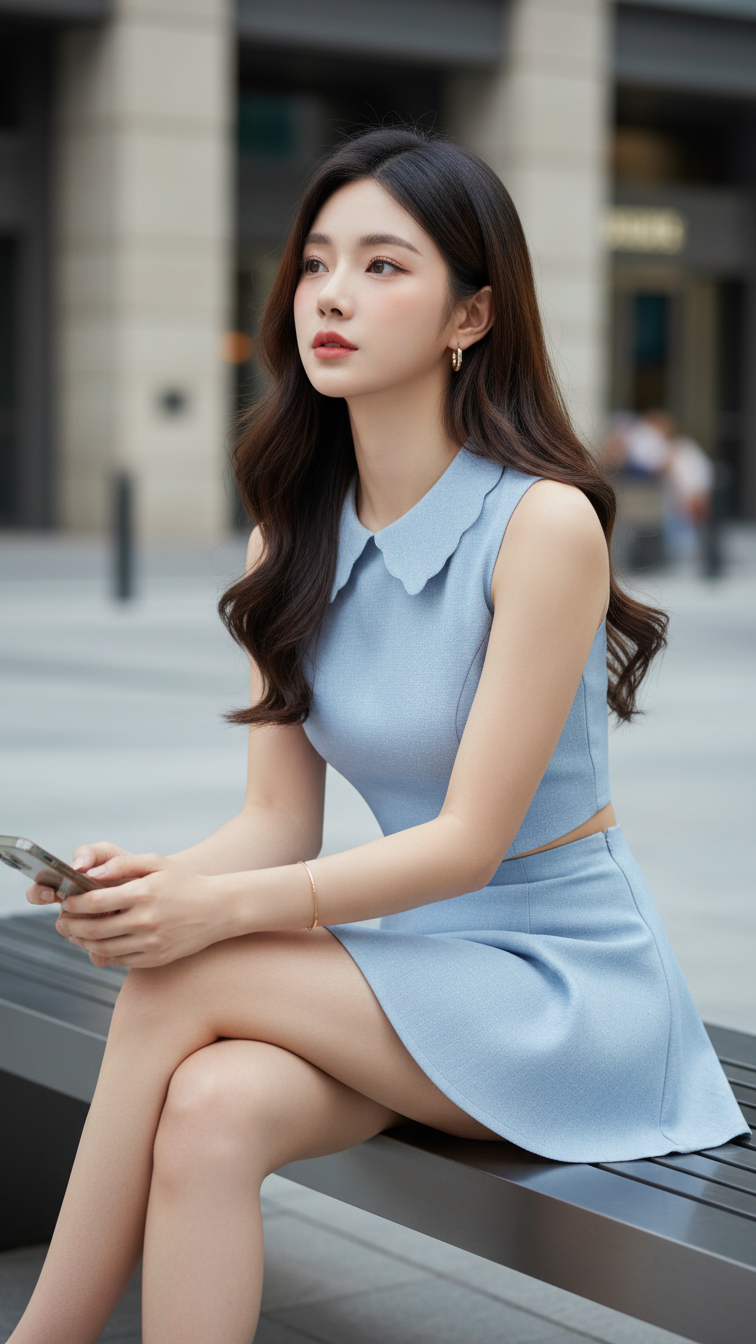
Prompt 2020: Create a realistic portrait of a young woman (face 100% identical to the original...
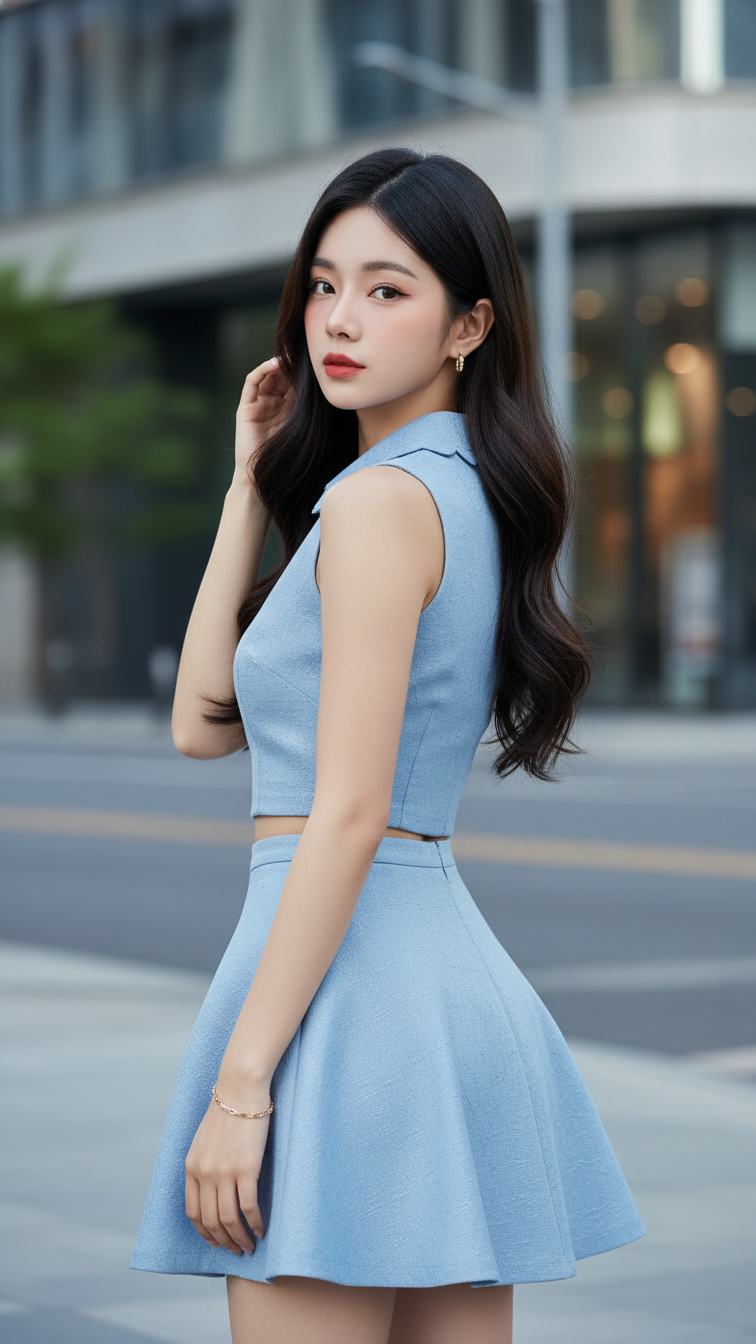
Prompt 2019: Create a realistic portrait of a young woman (face 100% identical to the original...
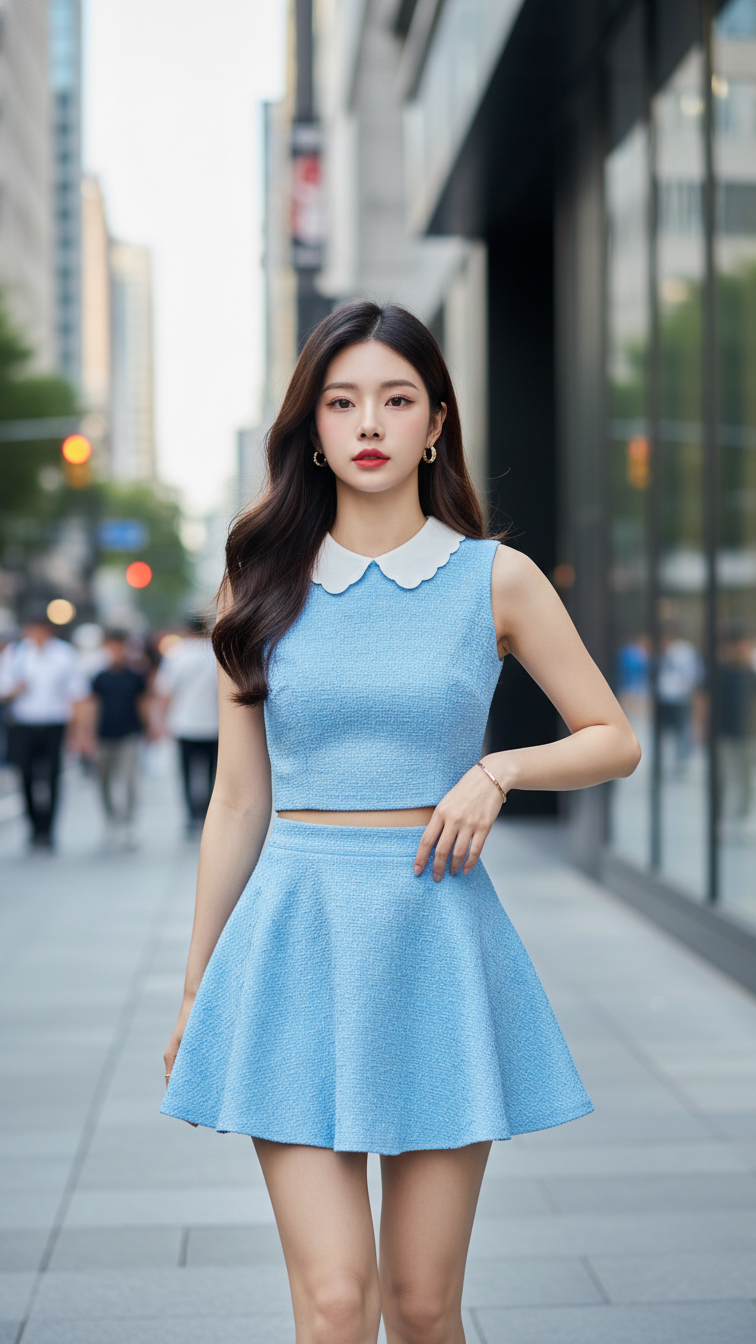
Prompt 2018: Create a realistic portrait of a young woman (face 100% identical to the original...
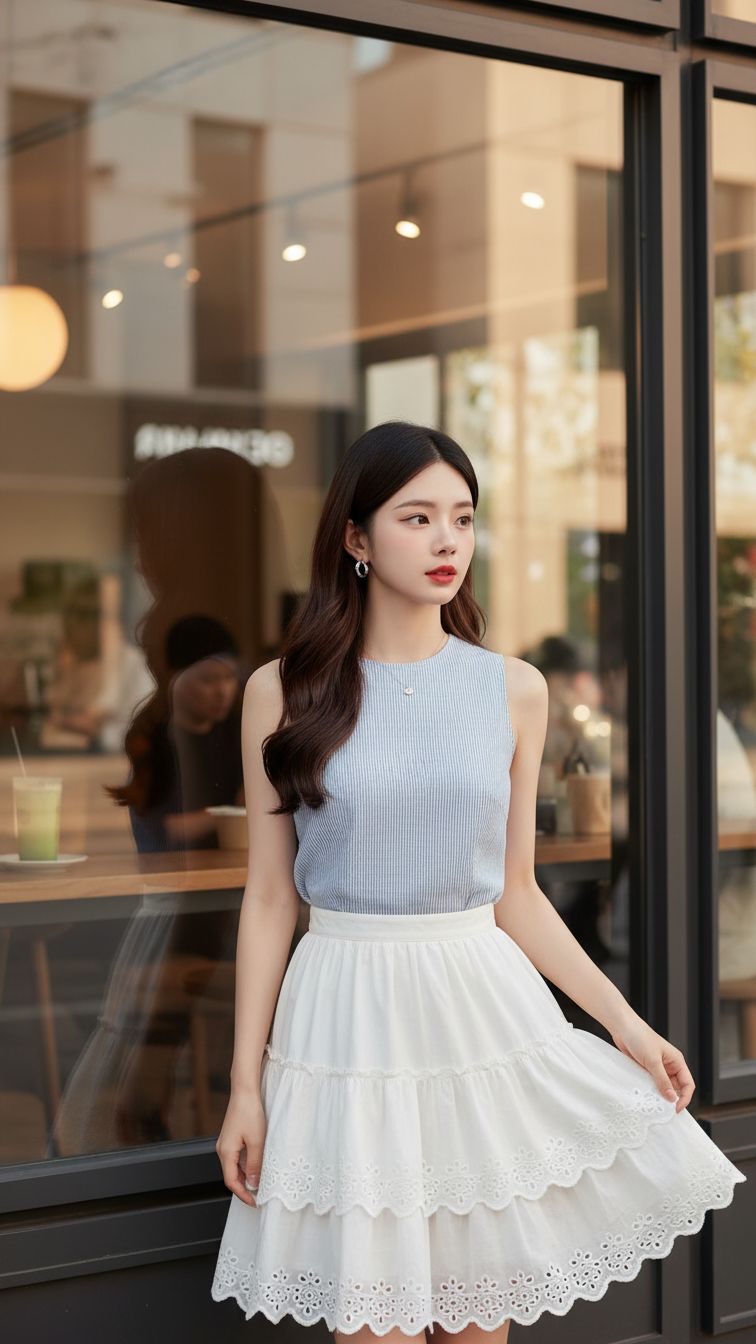
Prompt 2017: Create a realistic portrait of a young woman (face 100% identical to the original...
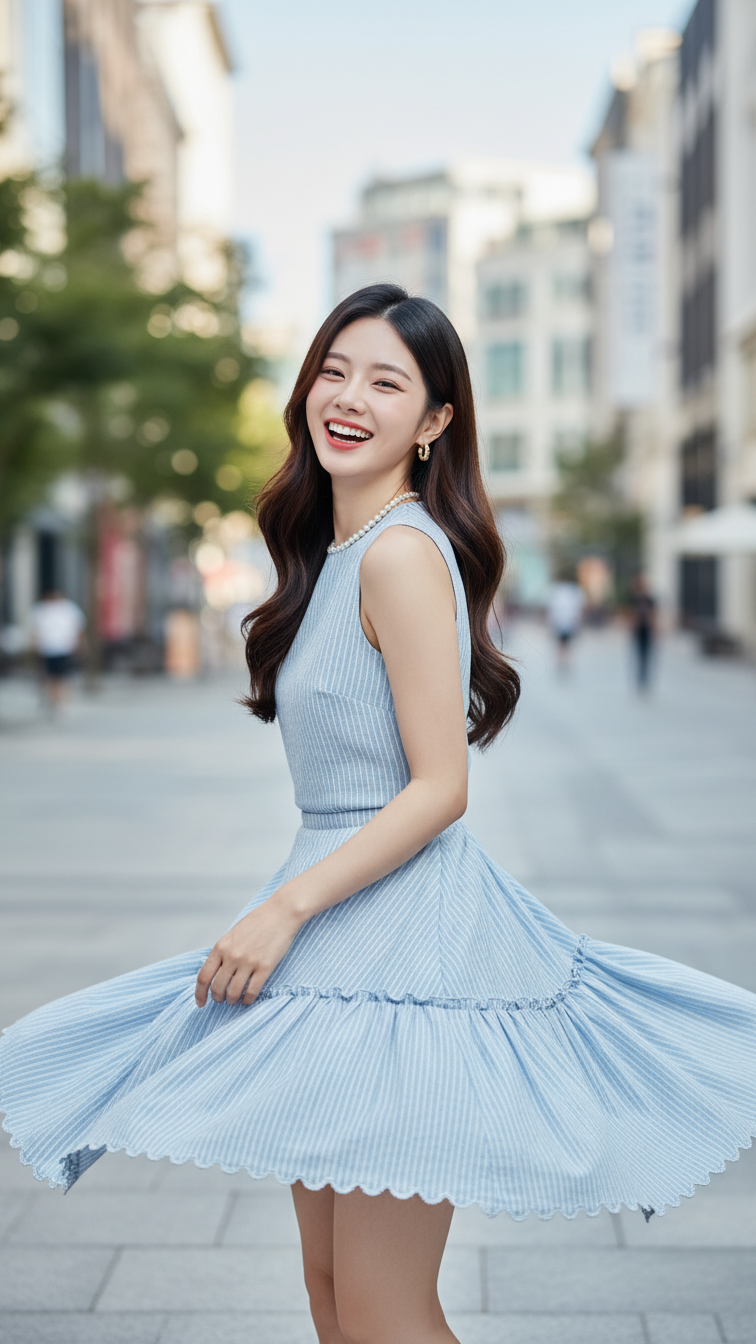
Prompt 2016: Create a realistic portrait of a young woman (face 100% identical to the original...
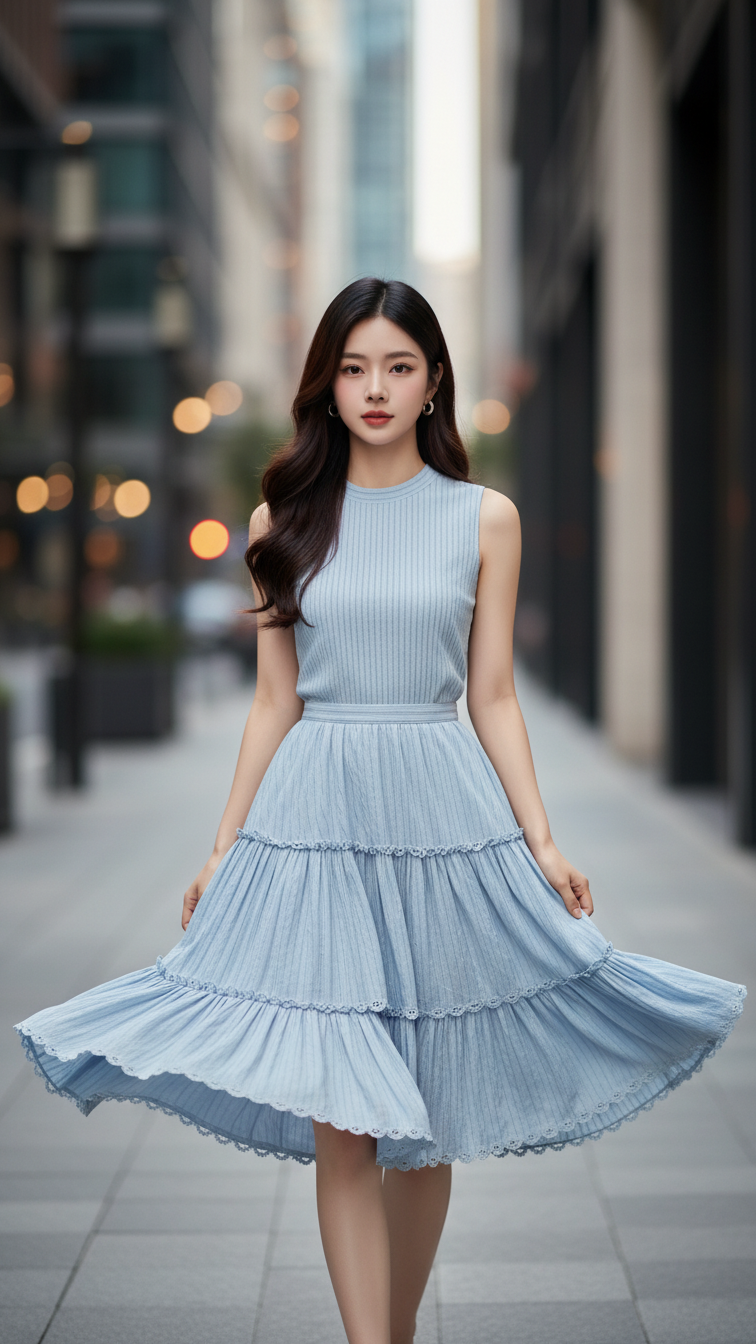
Prompt 2015: Create a realistic portrait of a young woman (face 100% identical to the original...
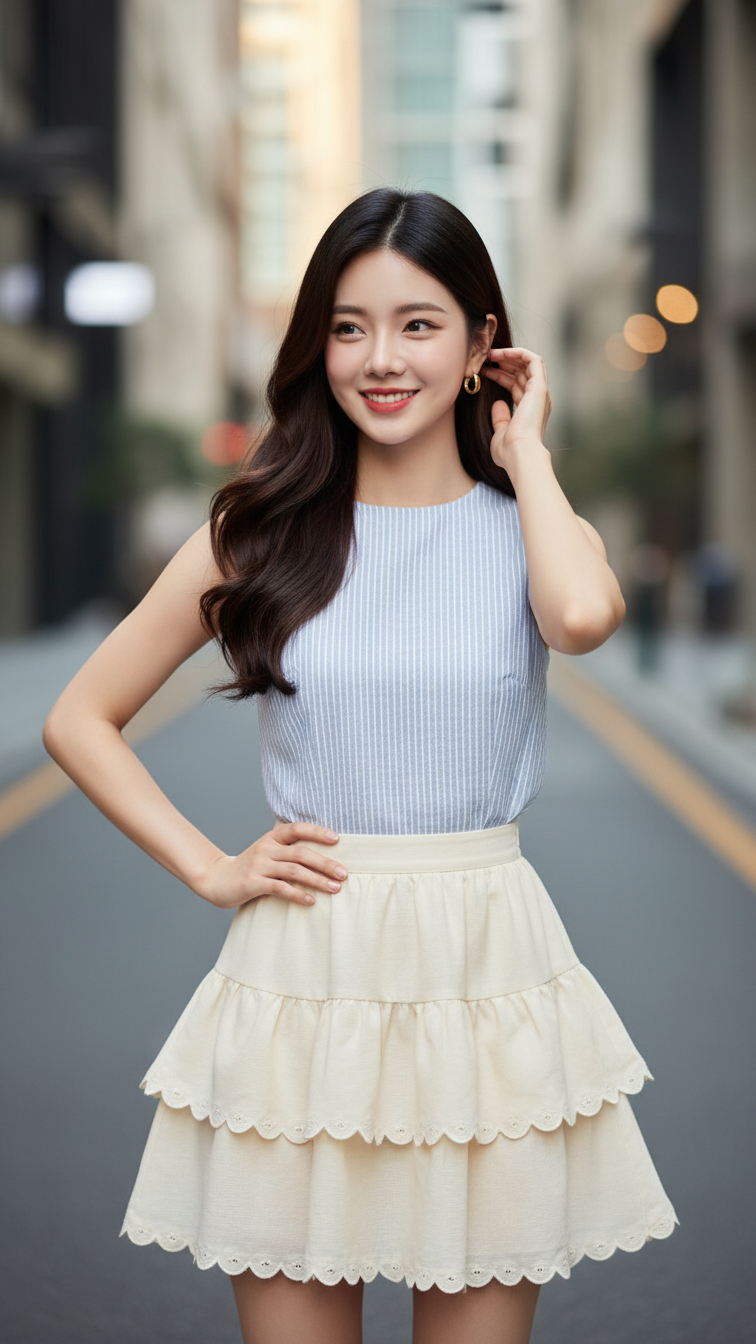
Prompt 2014: Create a realistic portrait of a young woman (face 100% identical to the original...
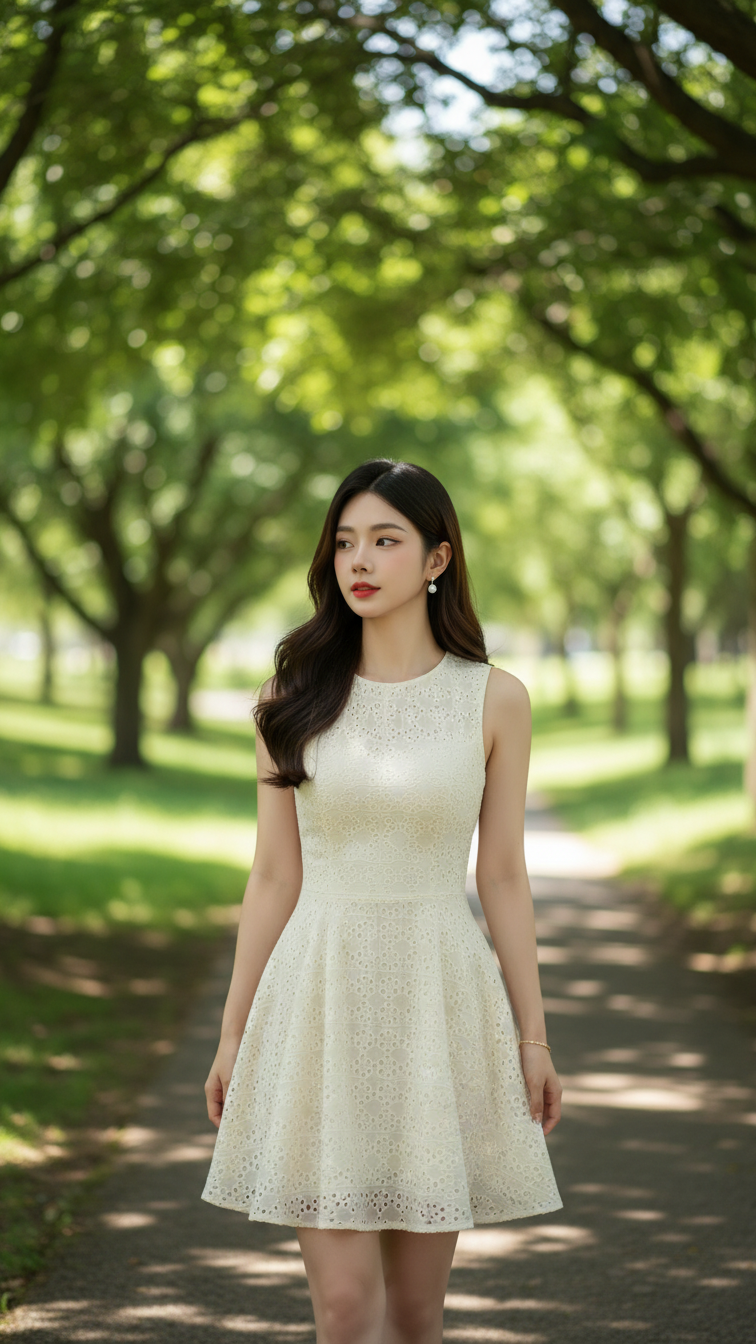
Prompt 2013: Create a realistic portrait of a young woman (face 100% identical to the original...
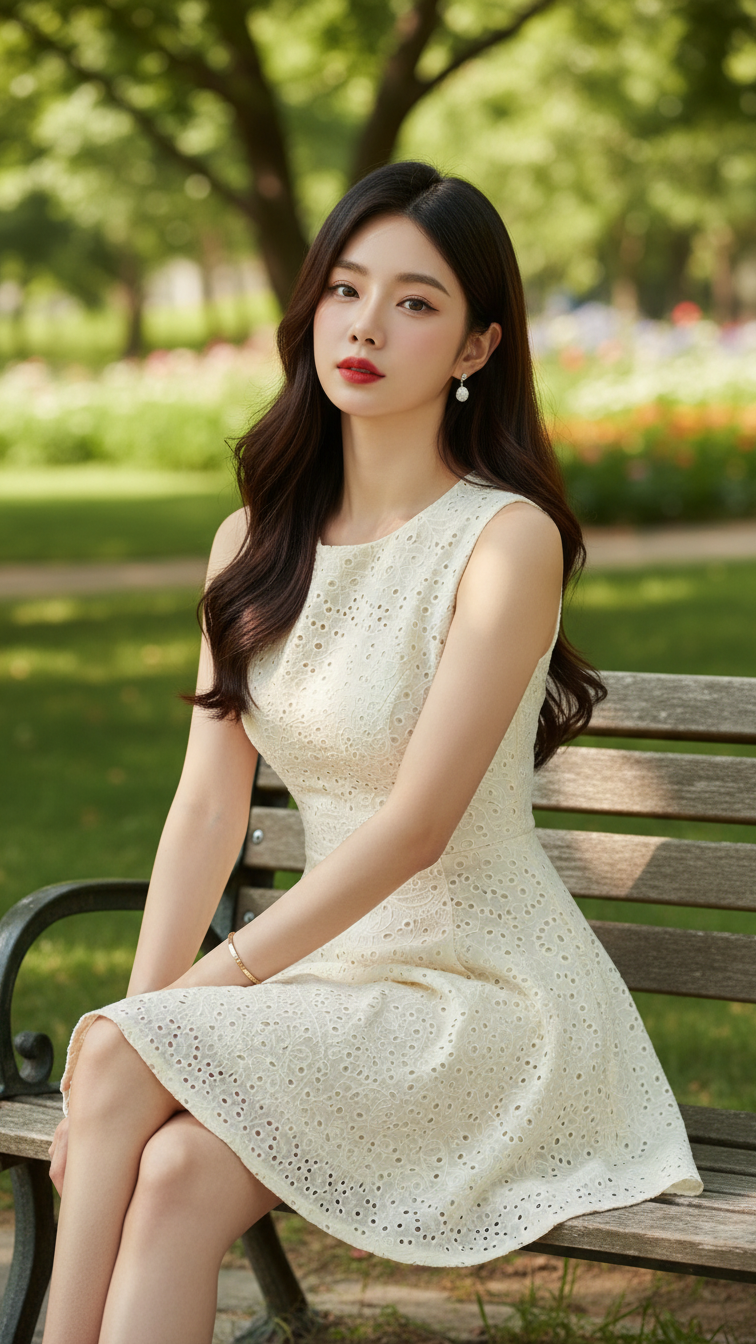
Prompt 2012: Create a realistic portrait of a young woman (face 100% identical to the original...
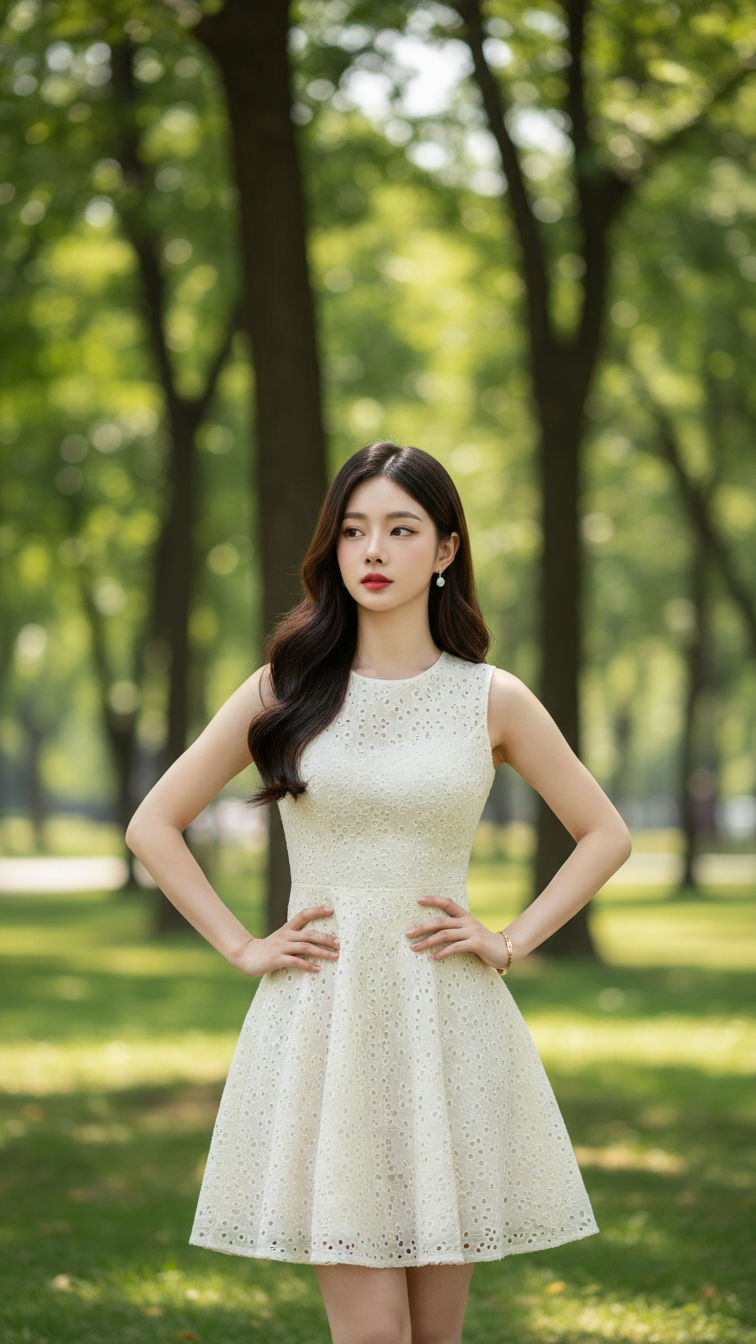
Prompt 2011: Create a realistic portrait of a young woman (face 100% identical to the original...
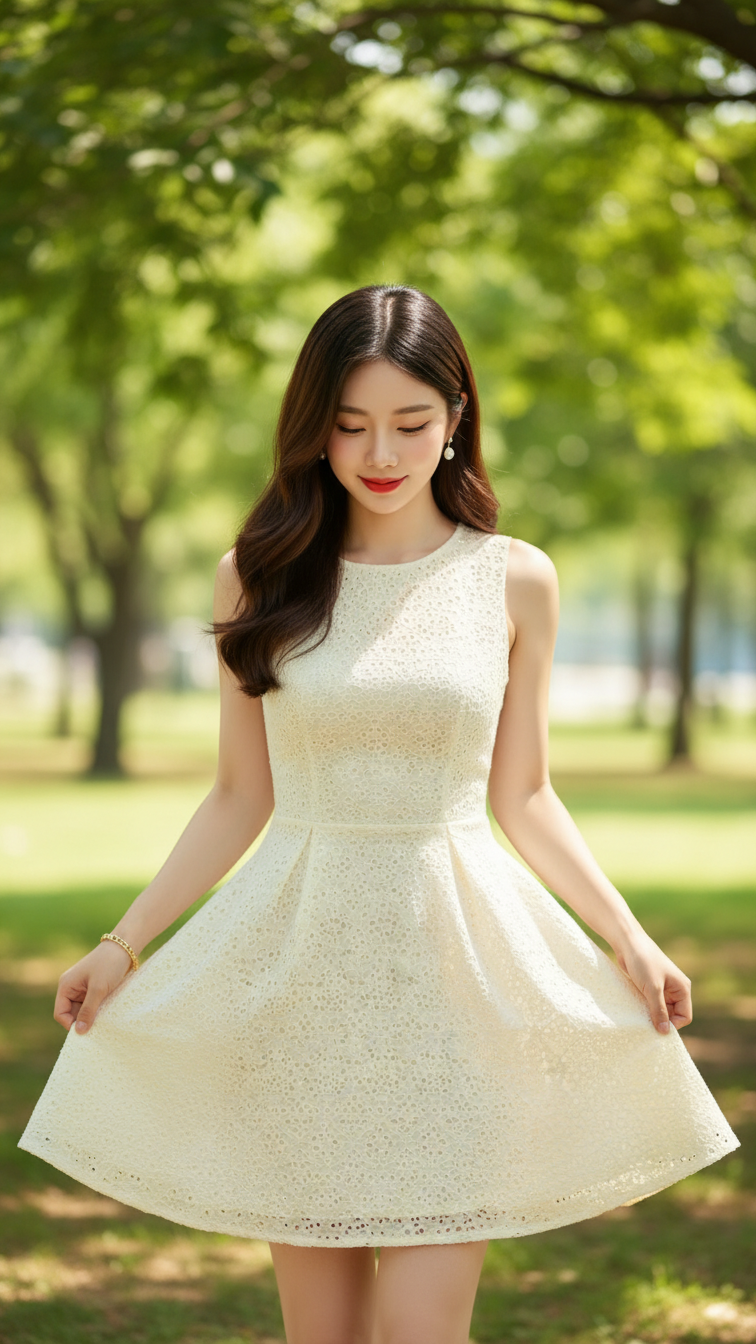
Prompt 2010: Create a realistic portrait of a young woman (face 100% identical to the original...
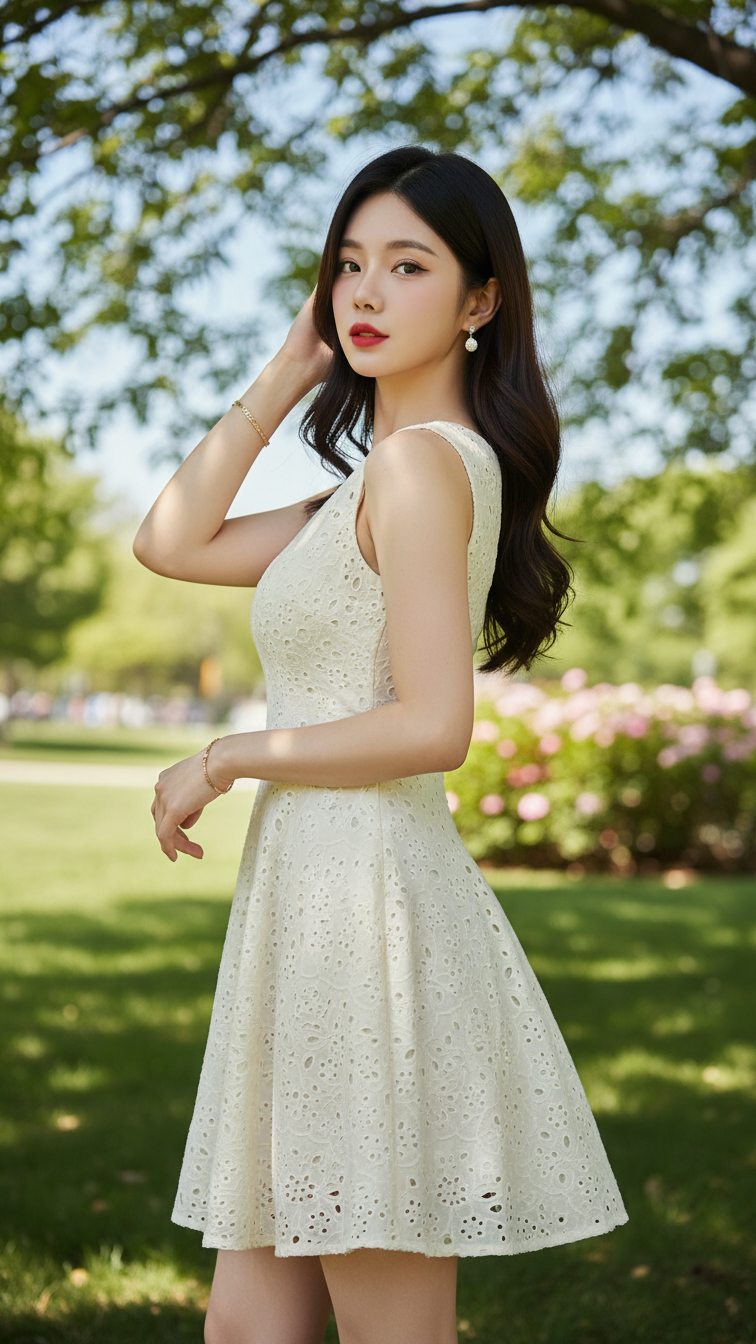
Prompt 2009: Create a realistic portrait of a young woman (face 100% identical to the original...
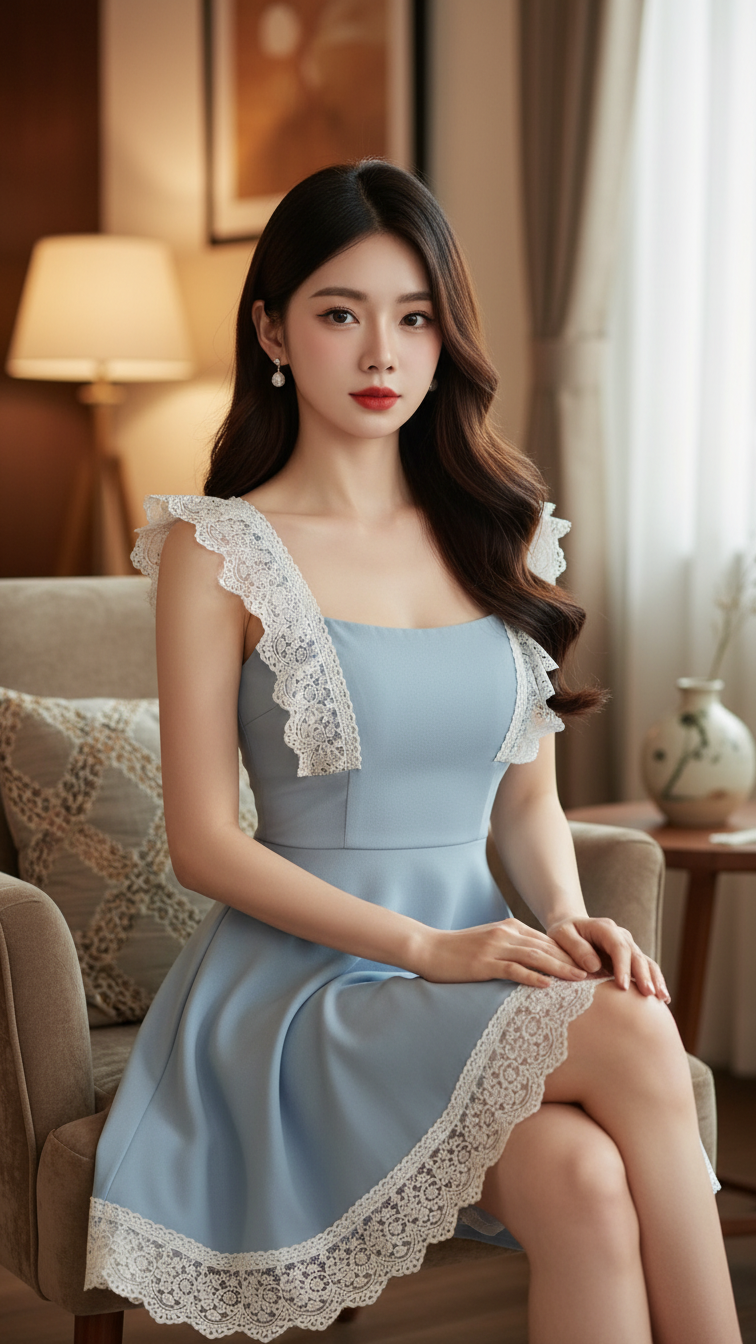
Prompt 2008: Create a realistic portrait of a young woman (face 100% identical to the original...
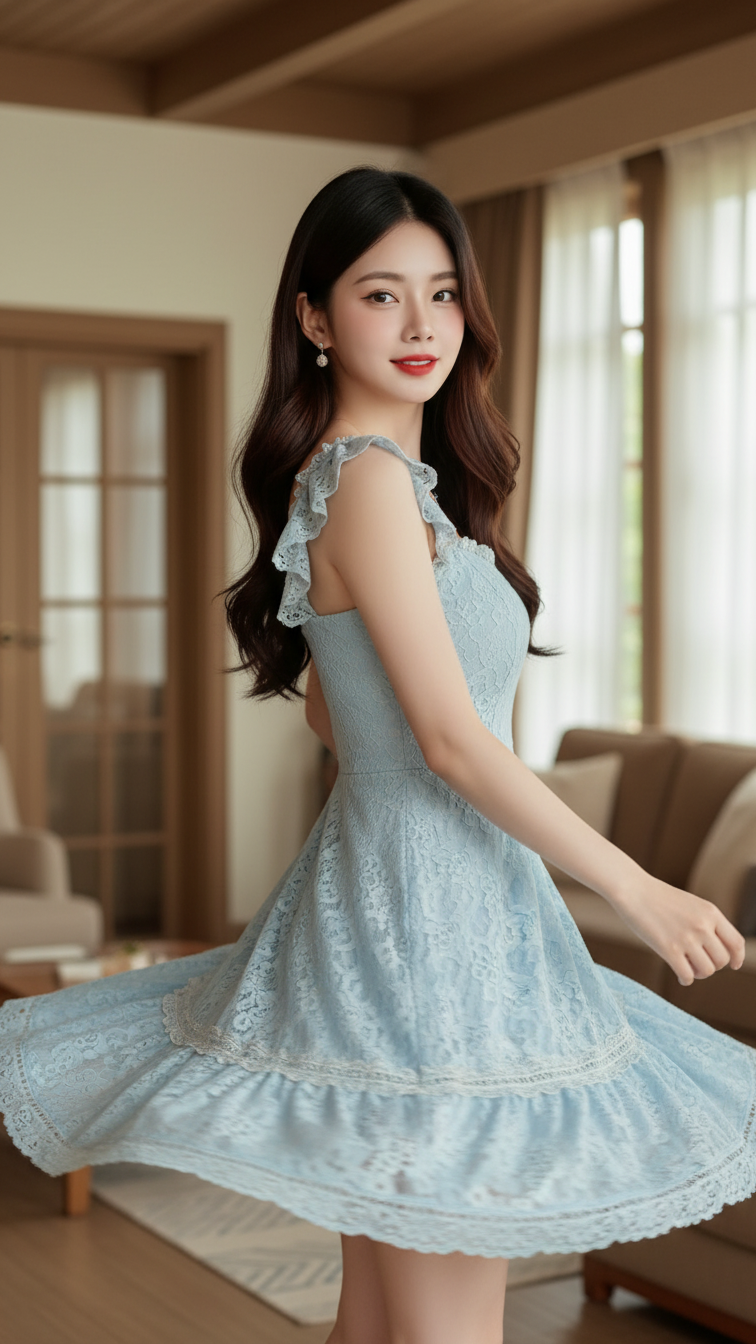
Prompt 2007: Create a realistic portrait of a young woman (face 100% identical to the original...
