
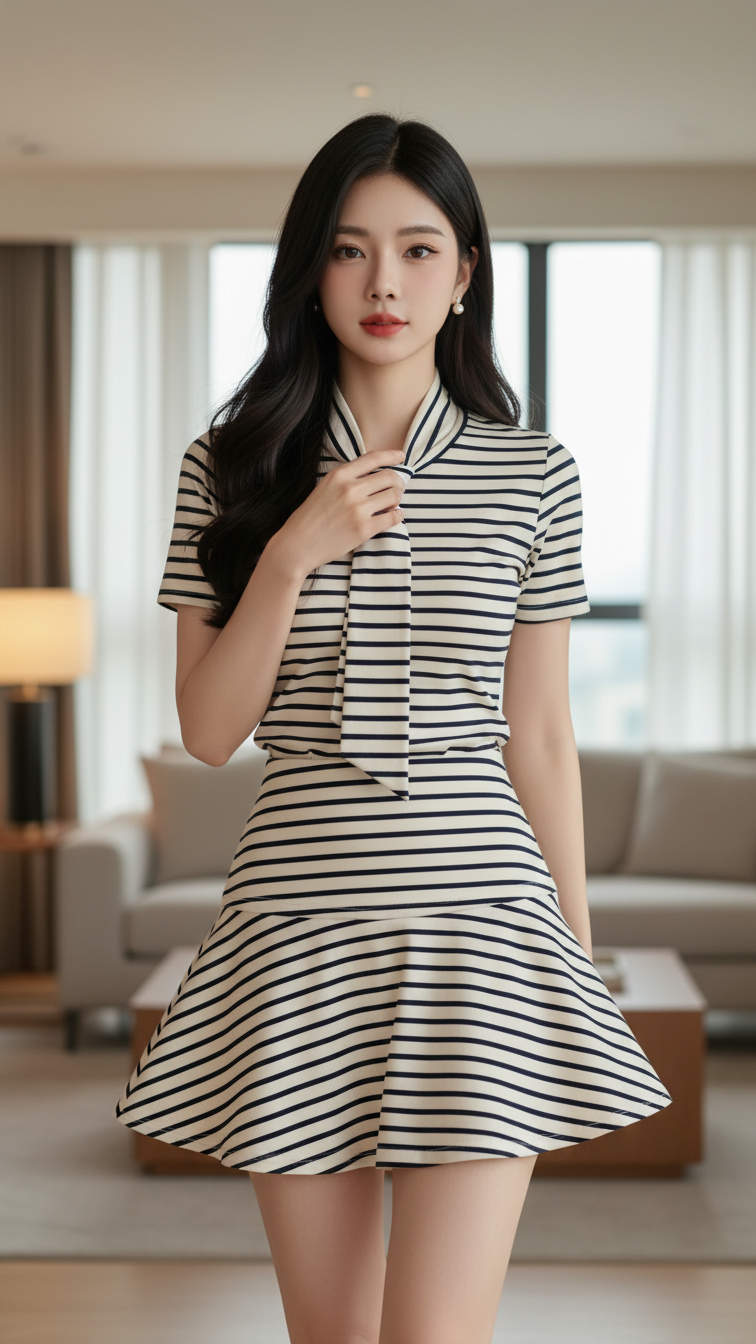
Prompt 2078: Create a realistic portrait of a young woman (face 100% identical to the original...
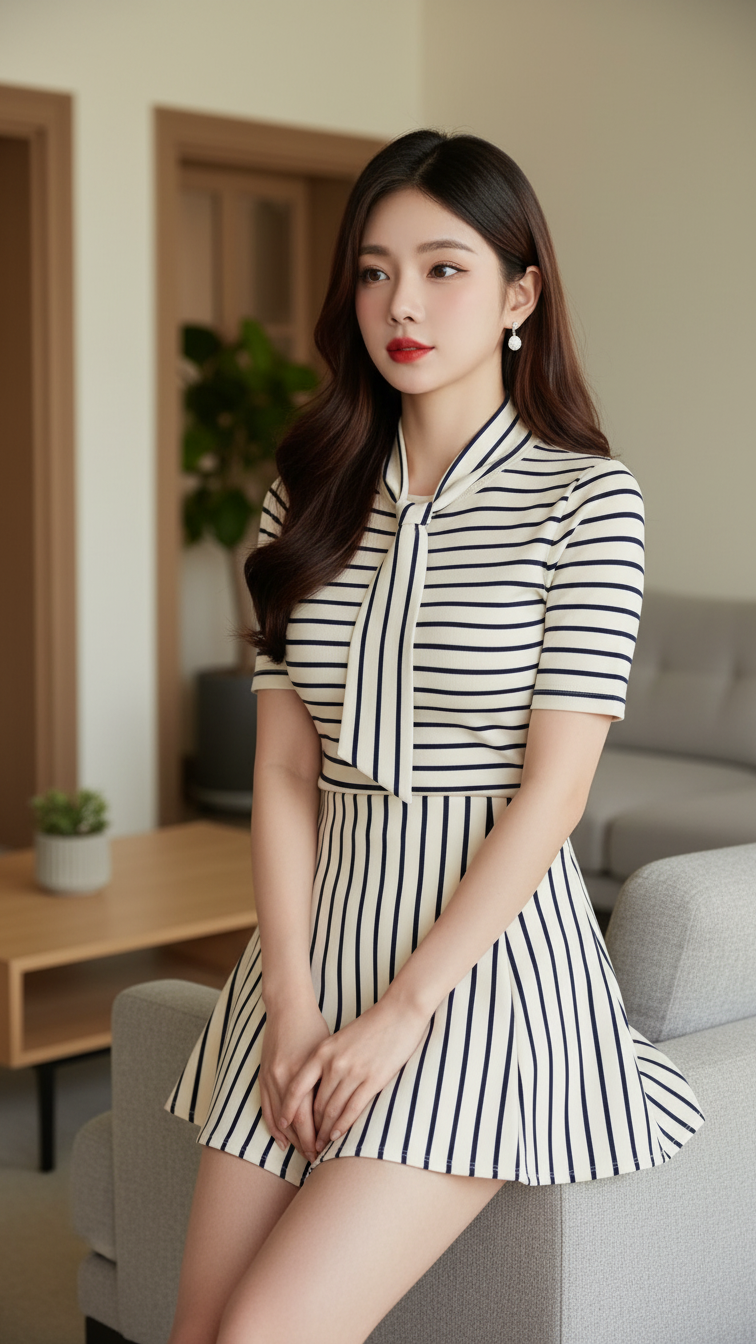
Prompt 2077: Create a realistic portrait of a young woman (face 100% identical to the original...
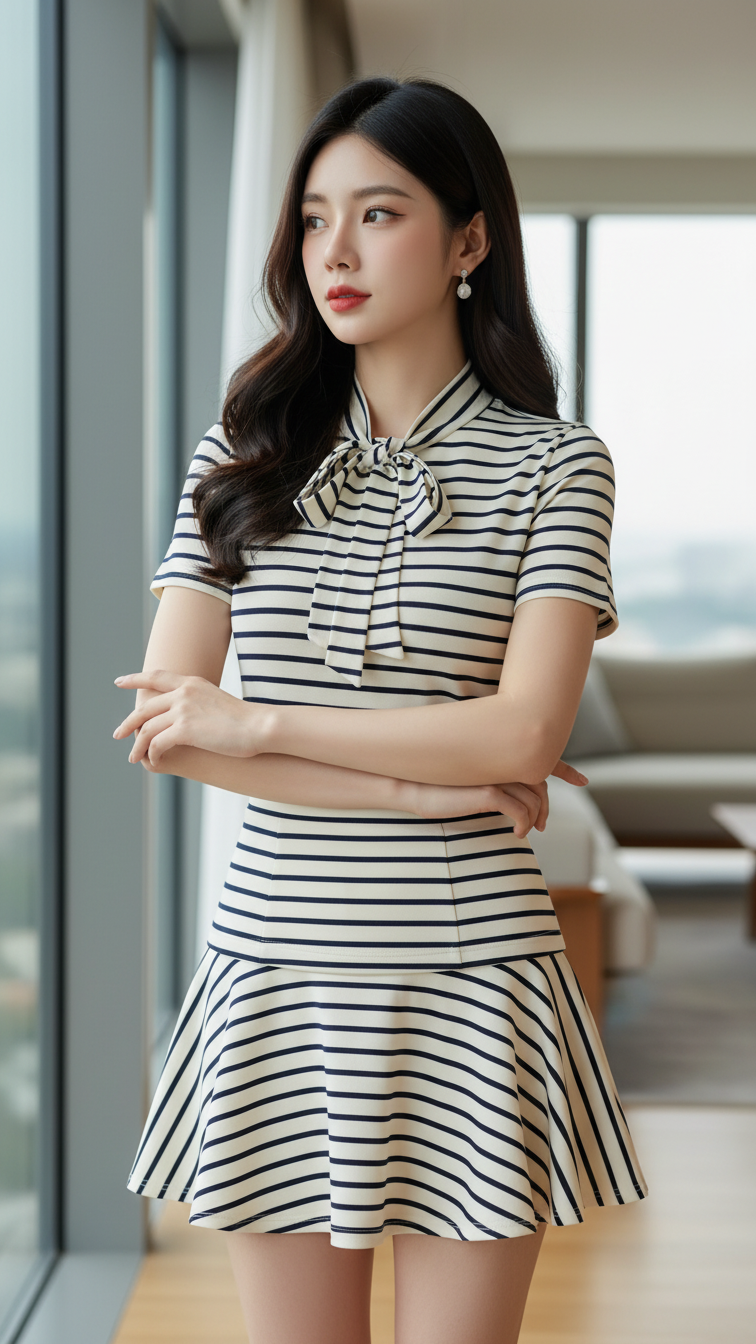
Prompt 2076: Create a realistic portrait of a young woman (face 100% identical to the original...
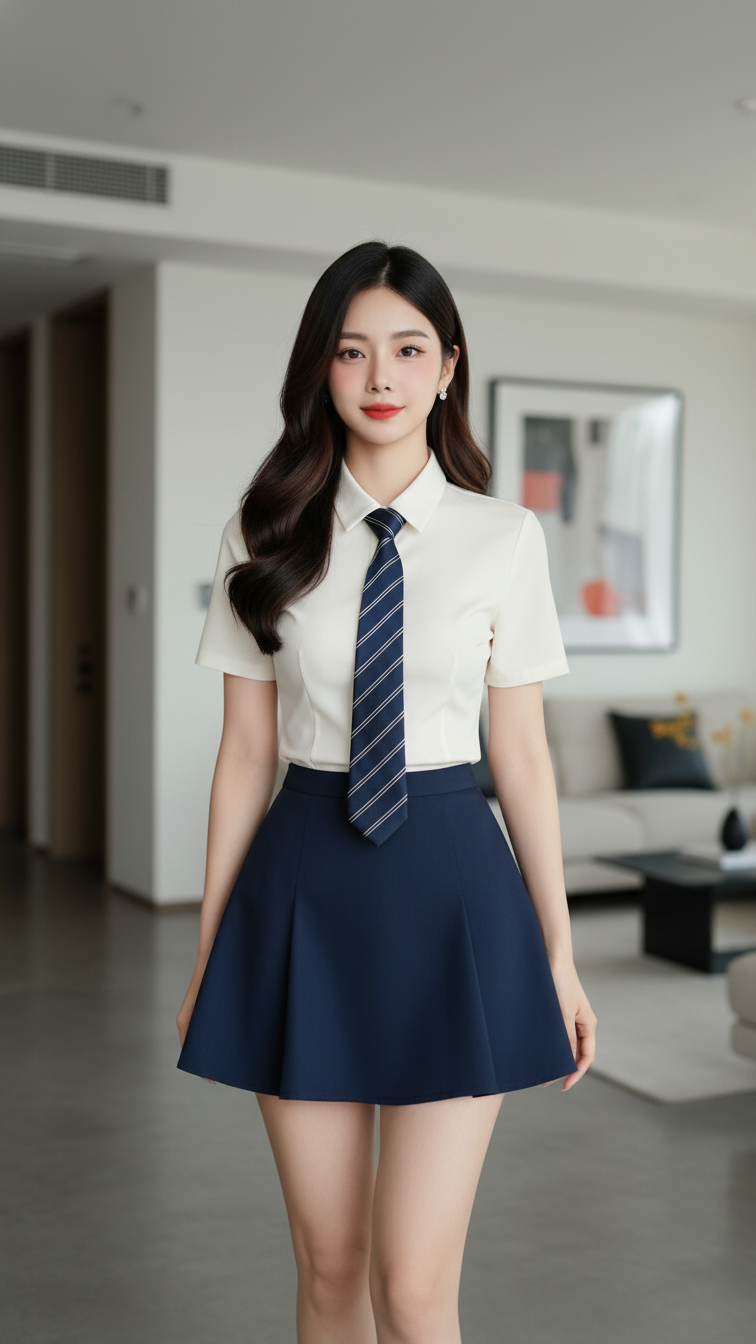
Prompt 2075: Create a realistic portrait of a young woman (face 100% identical to the original...
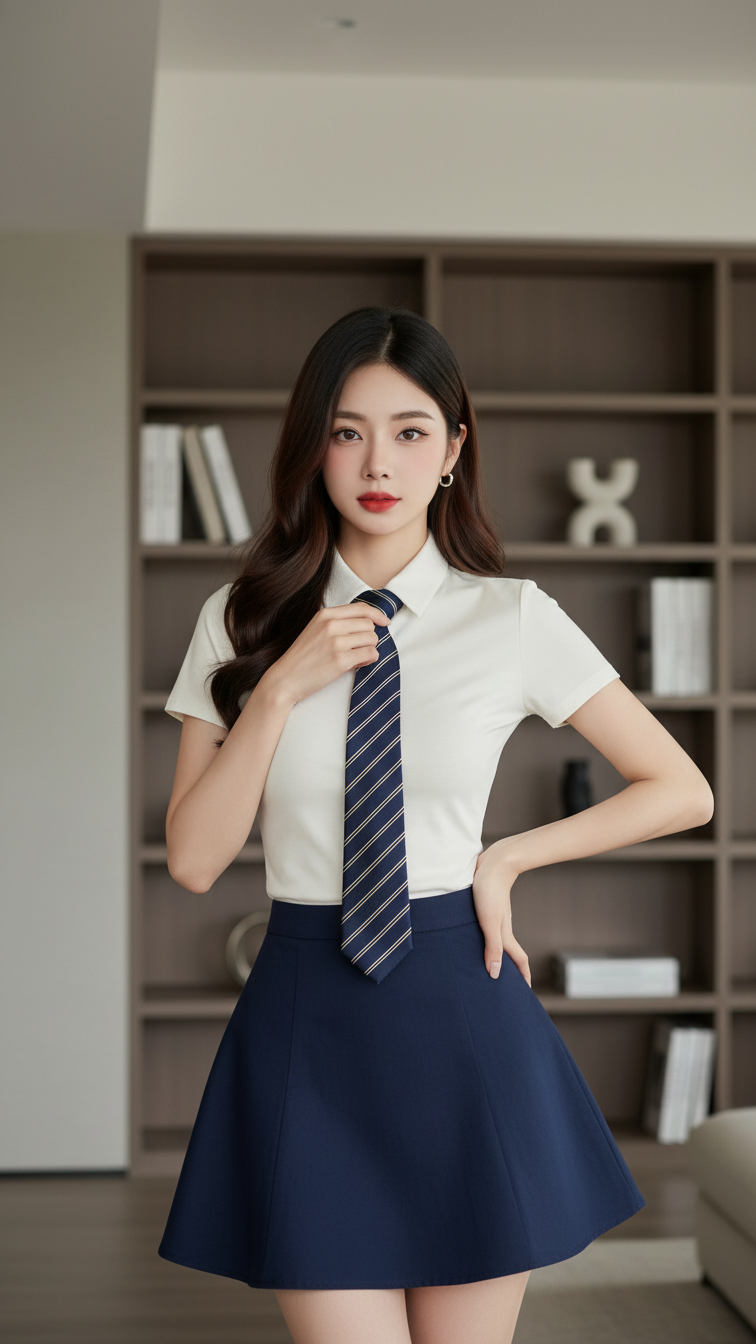
Prompt 2074: Create a realistic portrait of a young woman (face 100% identical to the original...
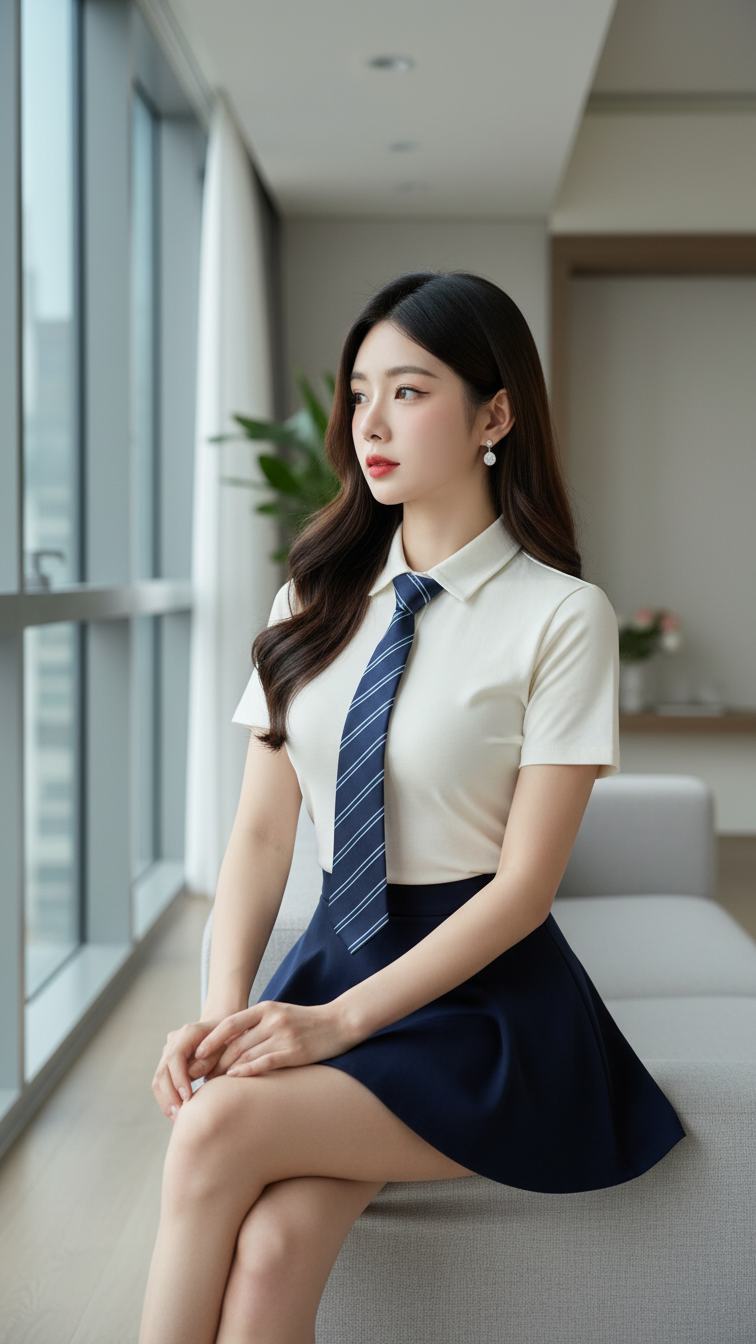
Prompt 2073: Create a realistic portrait of a young woman (face 100% identical to the original...
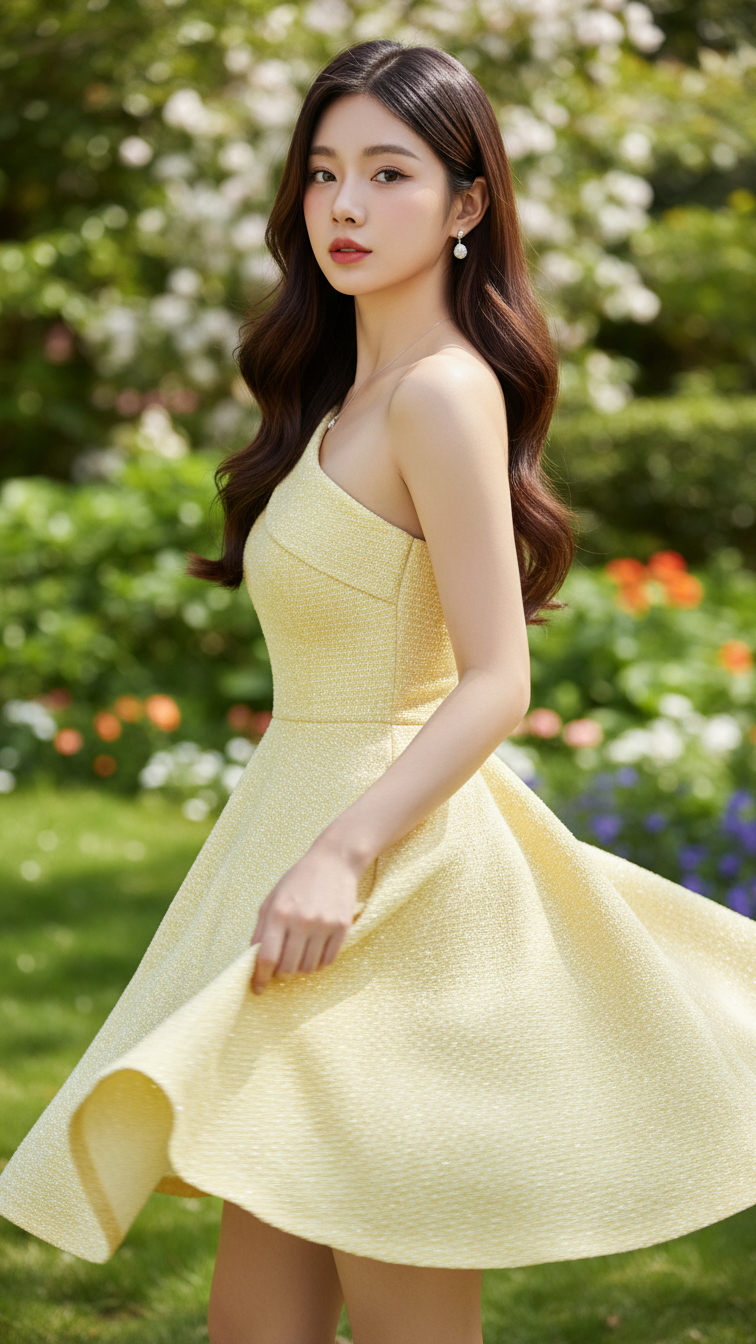
Prompt 2072: Create a realistic portrait of a young woman (face 100% identical to the original...
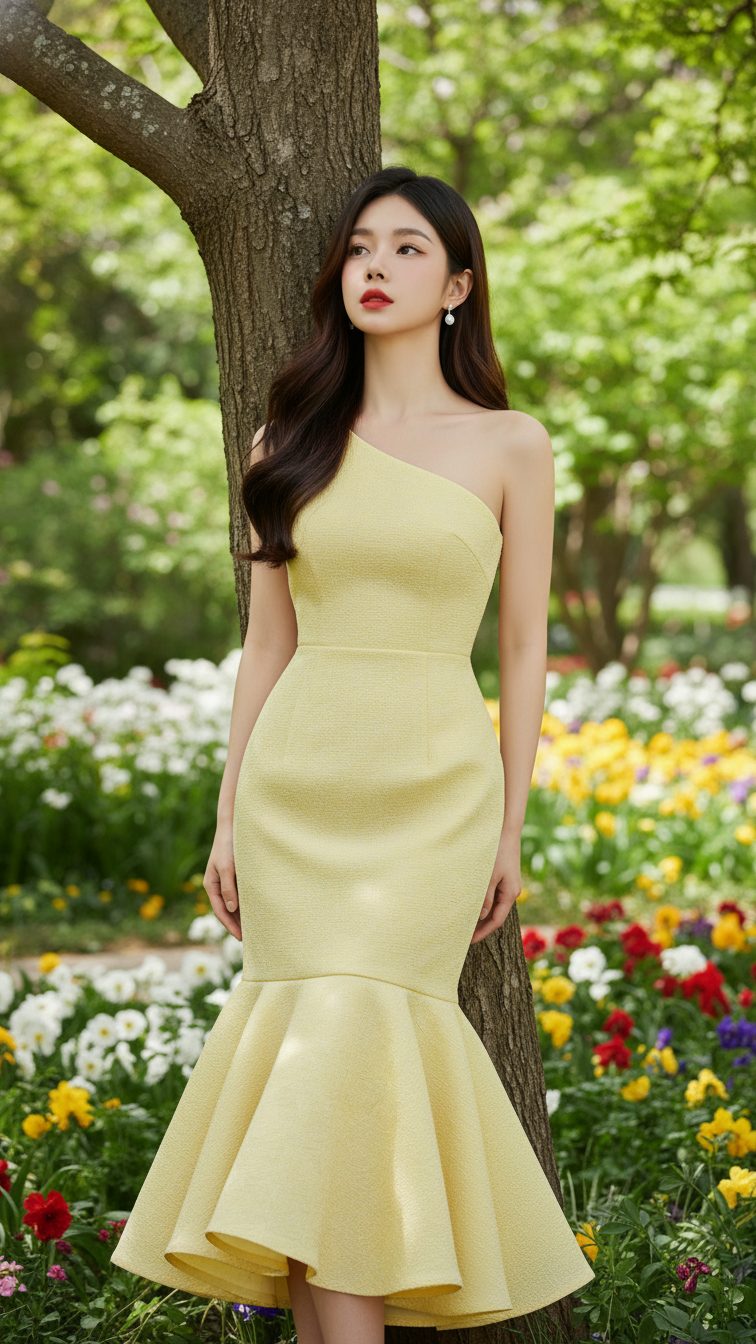
Prompt 2071: Create a realistic portrait of a young woman (face 100% identical to the original...
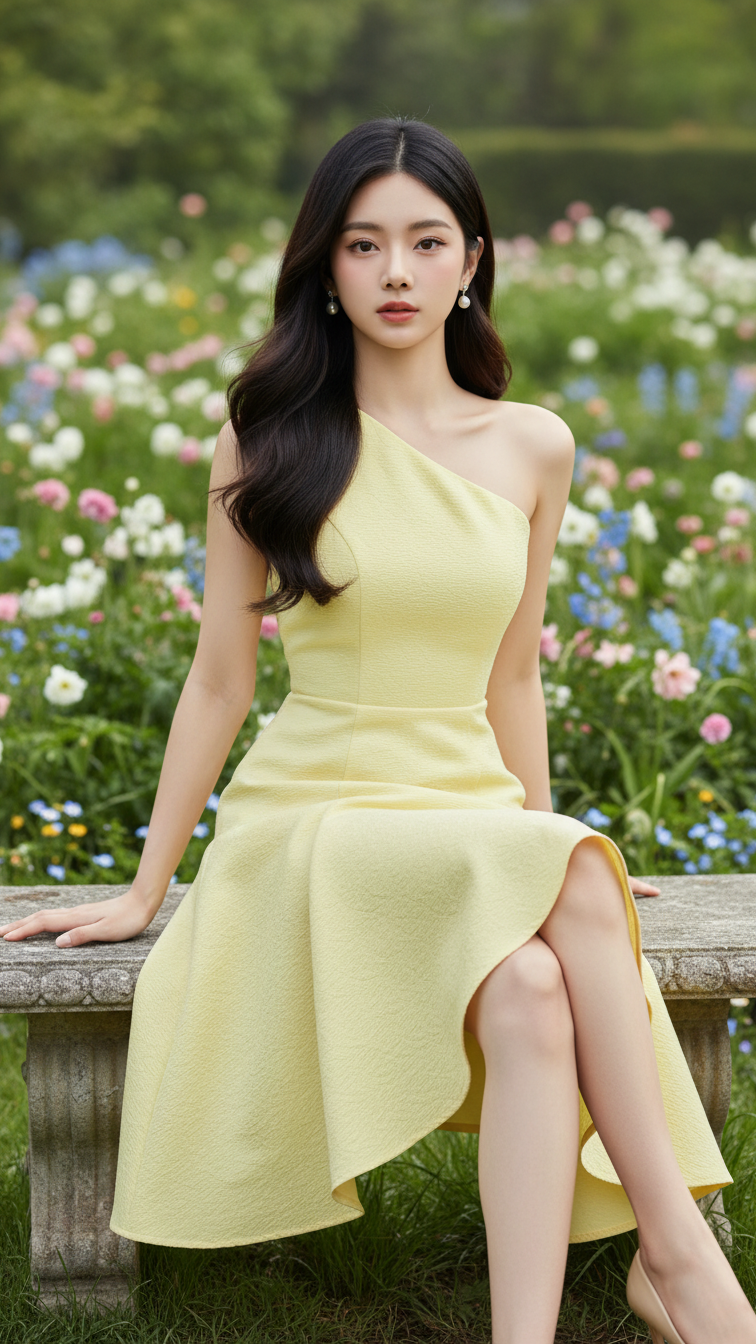
Prompt 2070: Create a realistic portrait of a young woman (face 100% identical to the original...
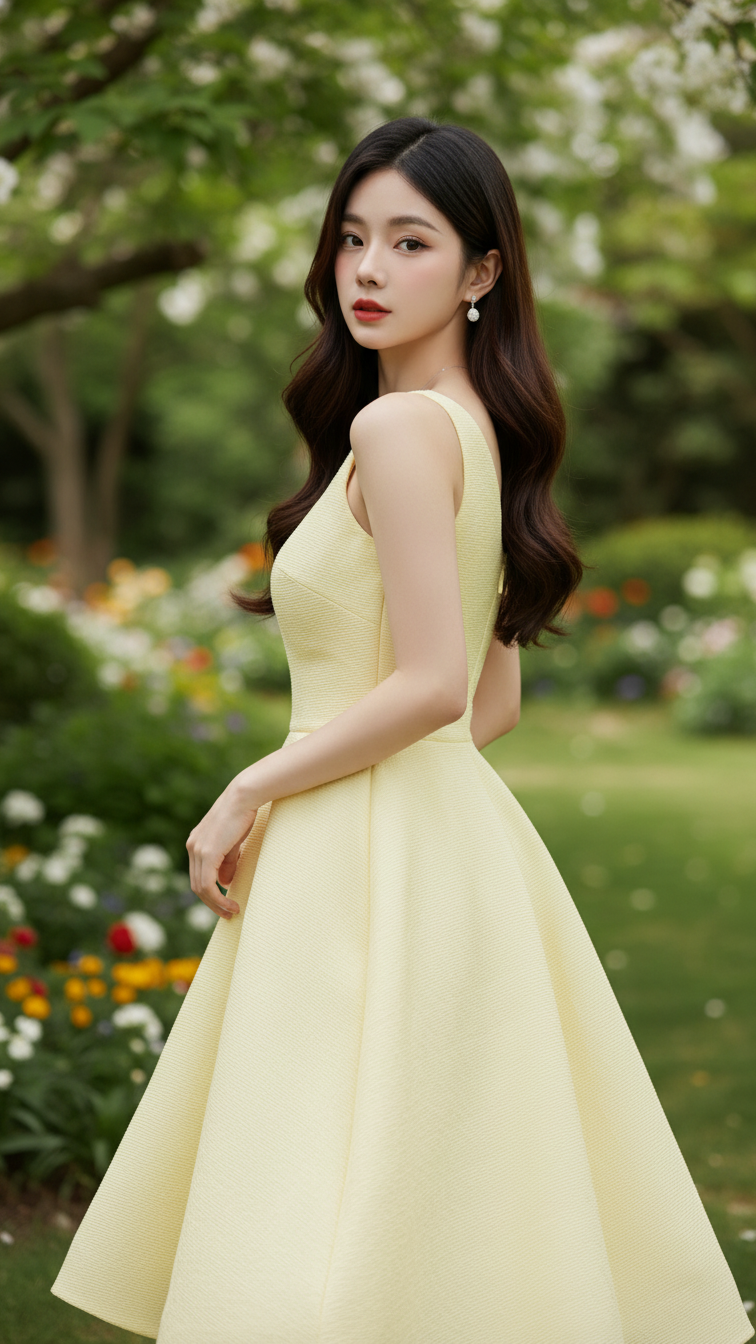
Prompt 2069: Create a realistic portrait of a young woman (face 100% identical to the original...
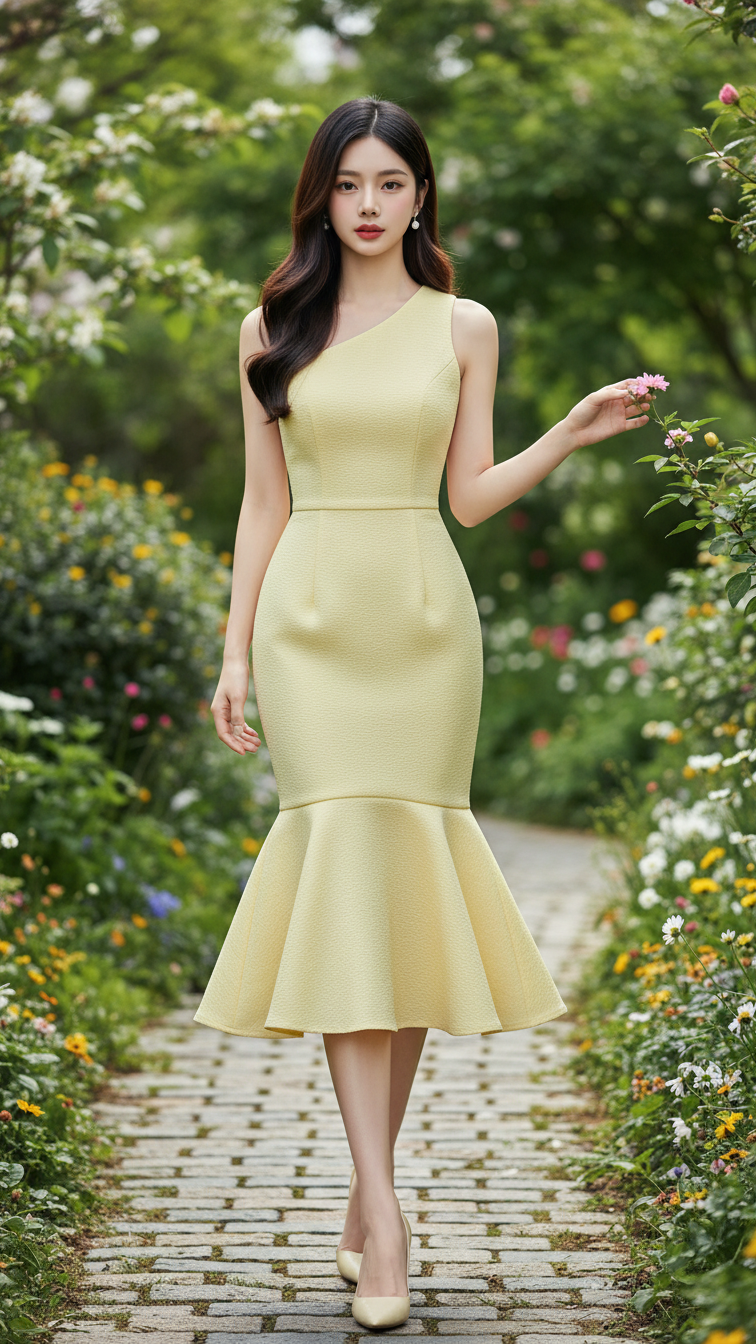
Prompt 2068: Create a realistic portrait of a young woman (face 100% identical to the original...
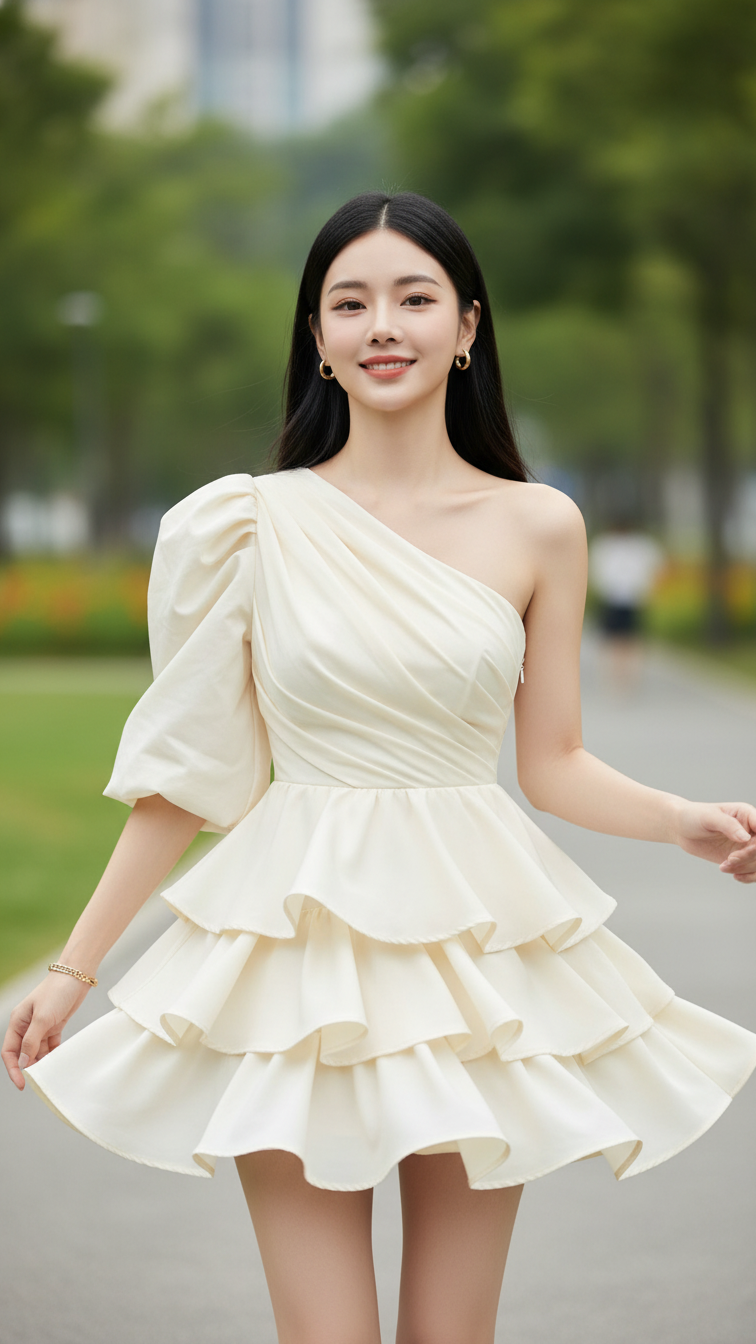
Prompt 2067: Create a realistic portrait of a young woman (face 100% identical to the original...
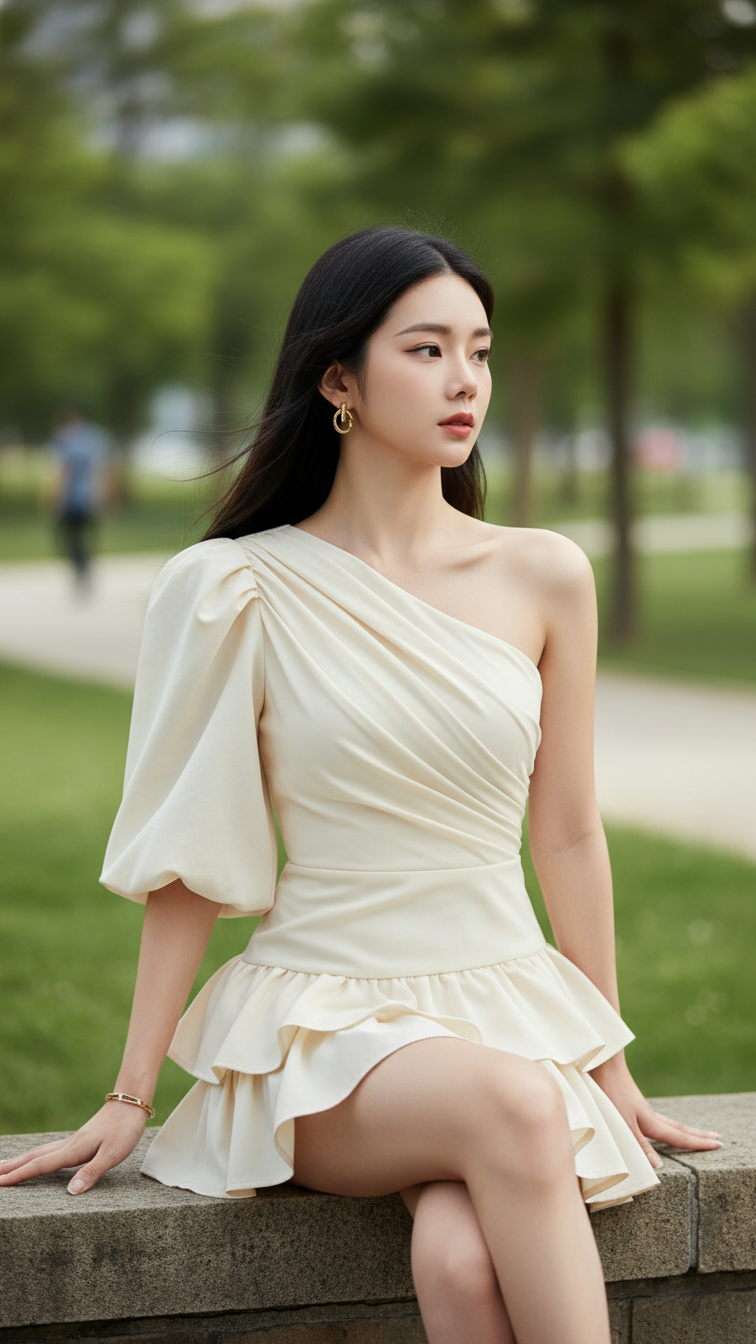
Prompt 2066: Create a realistic portrait of a young woman (face 100% identical to the original...
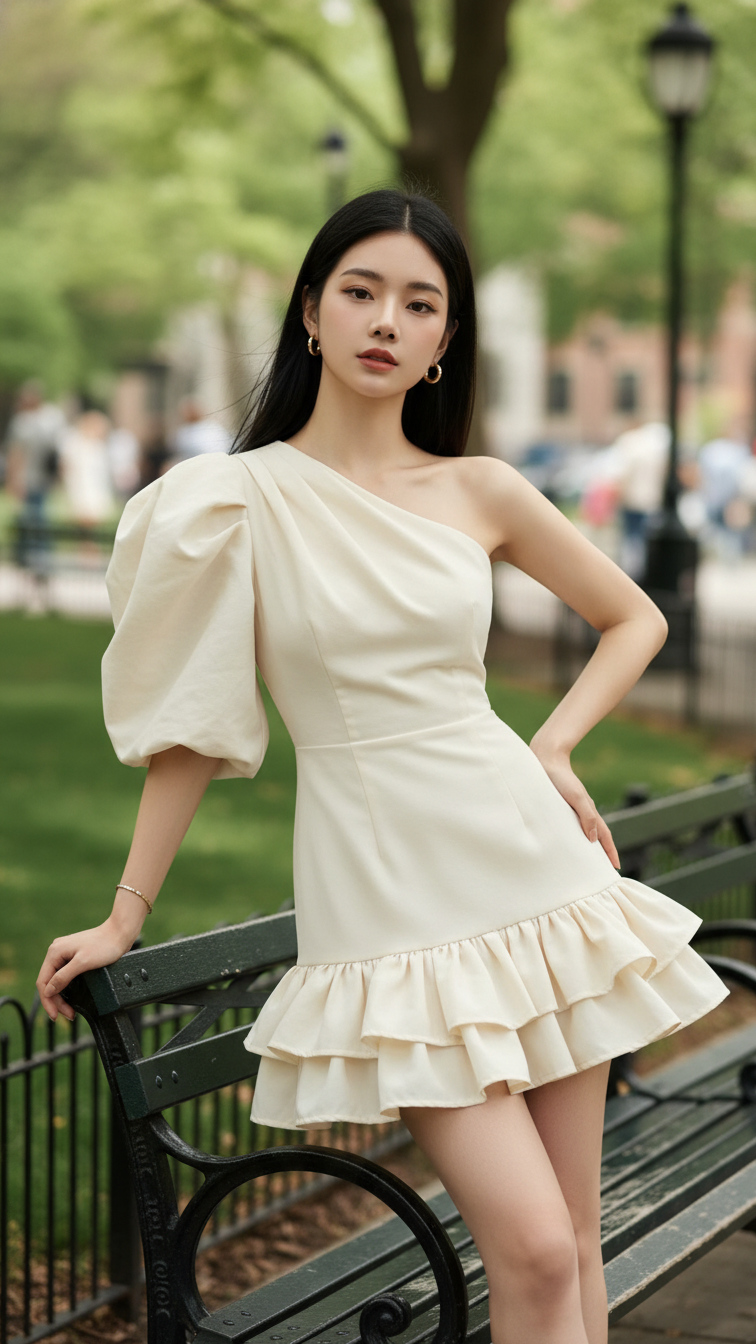
Prompt 2065: Create a realistic portrait of a young woman (face 100% identical to the original...
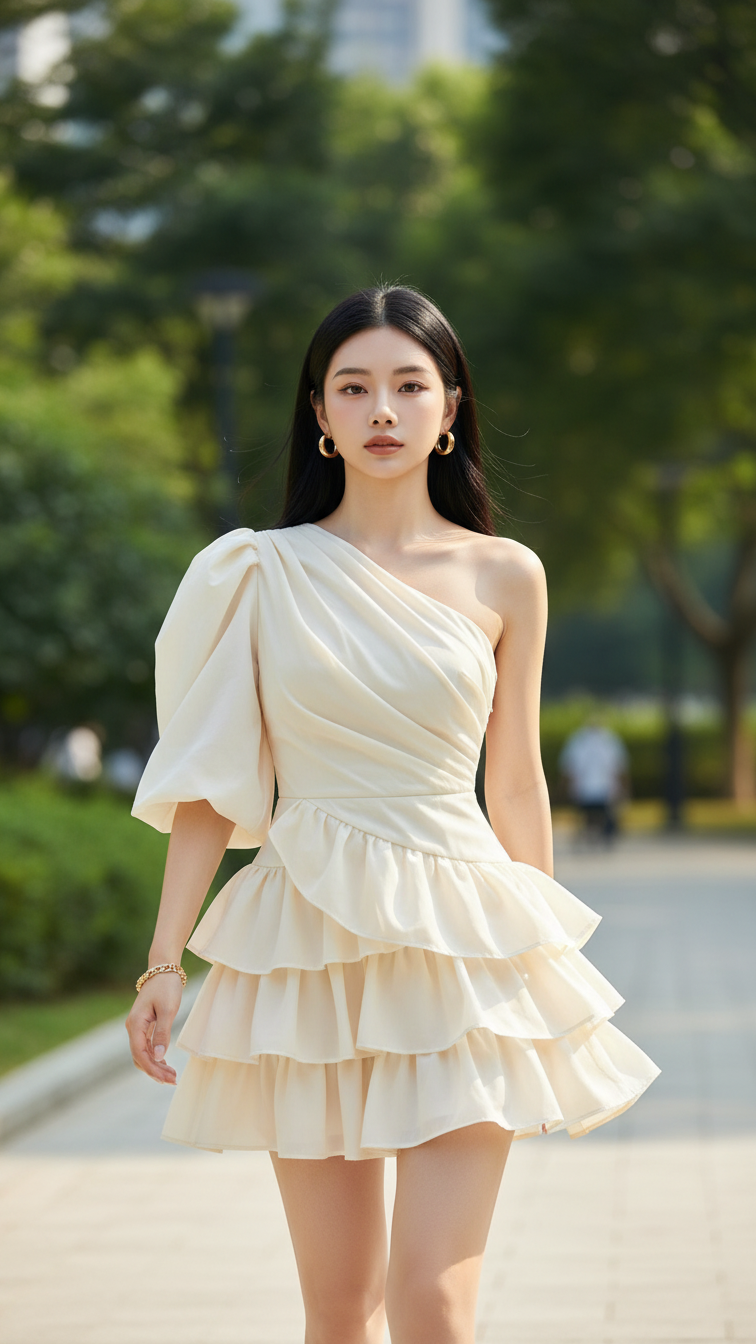
Prompt 2064: Create a realistic portrait of a young woman (face 100% identical to the original...
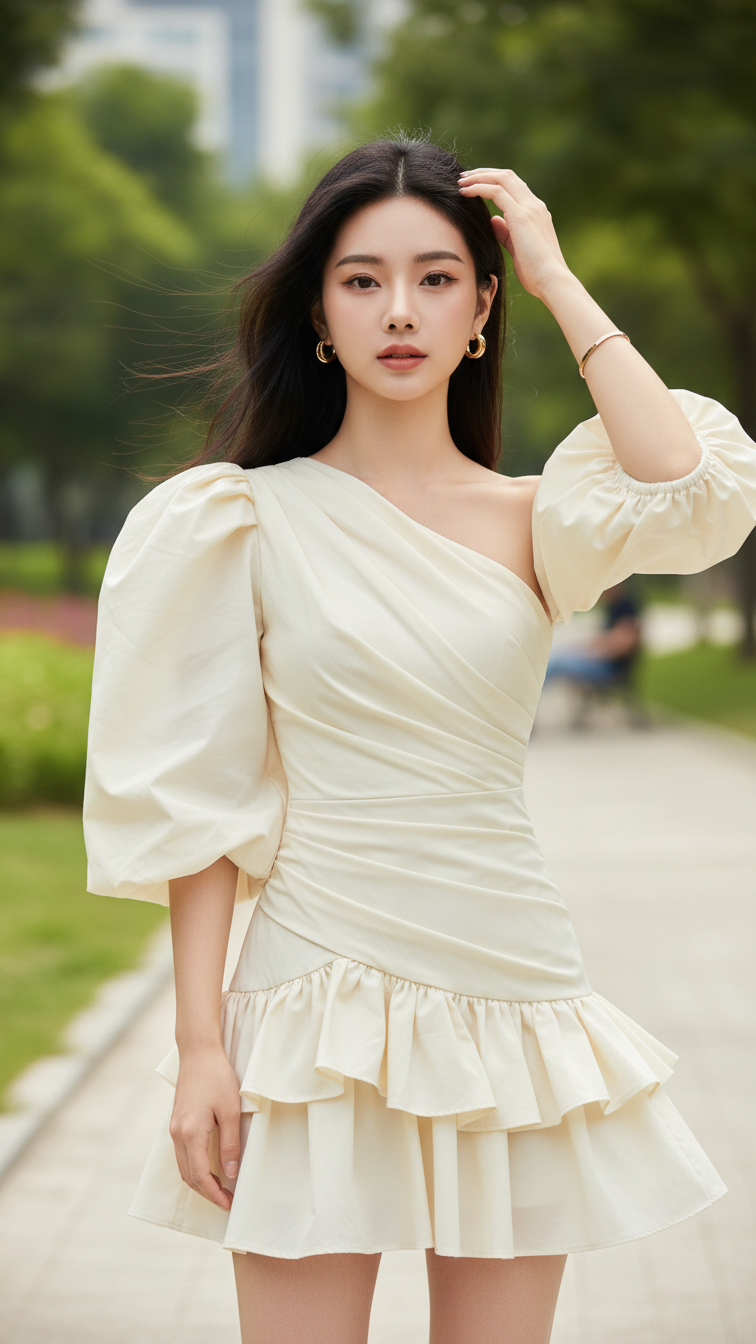
Prompt 2063: Create a realistic portrait of a young woman (face 100% identical to the original...
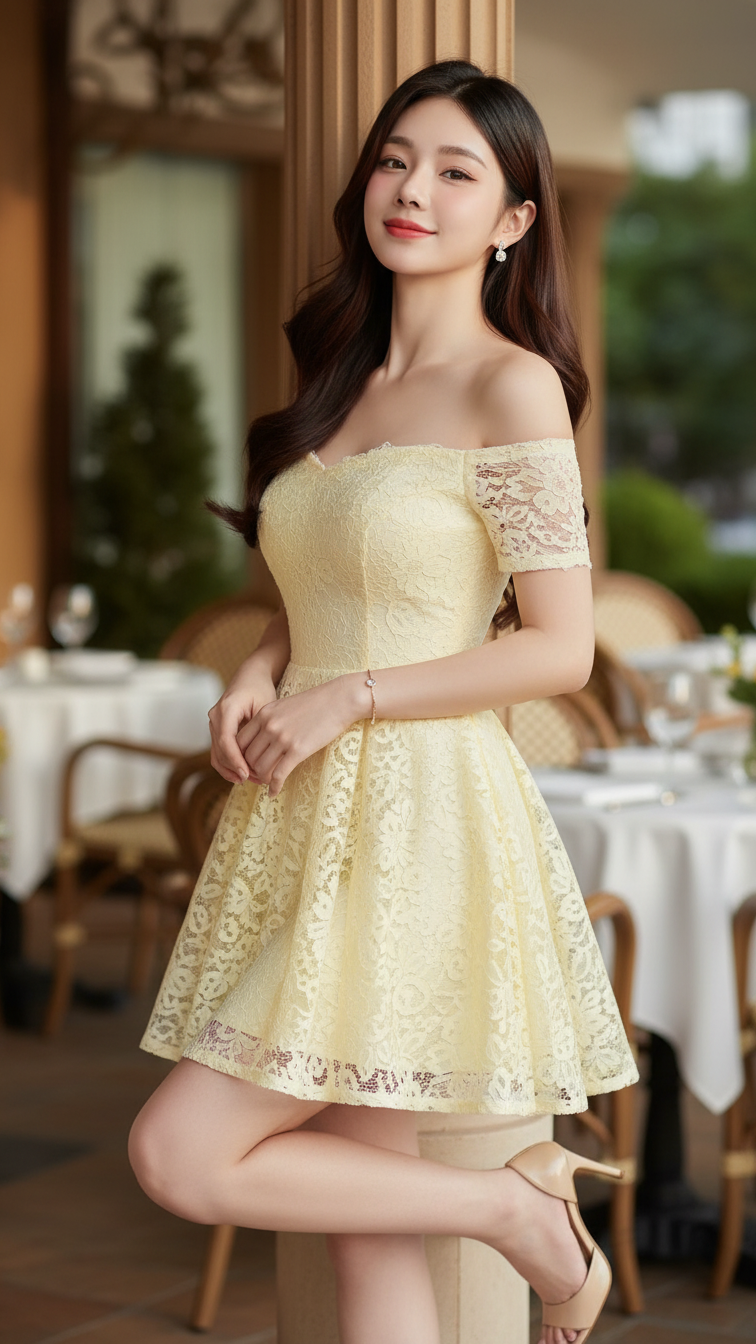
Prompt 2062: Create a realistic portrait of a young woman (face 100% identical to the original...
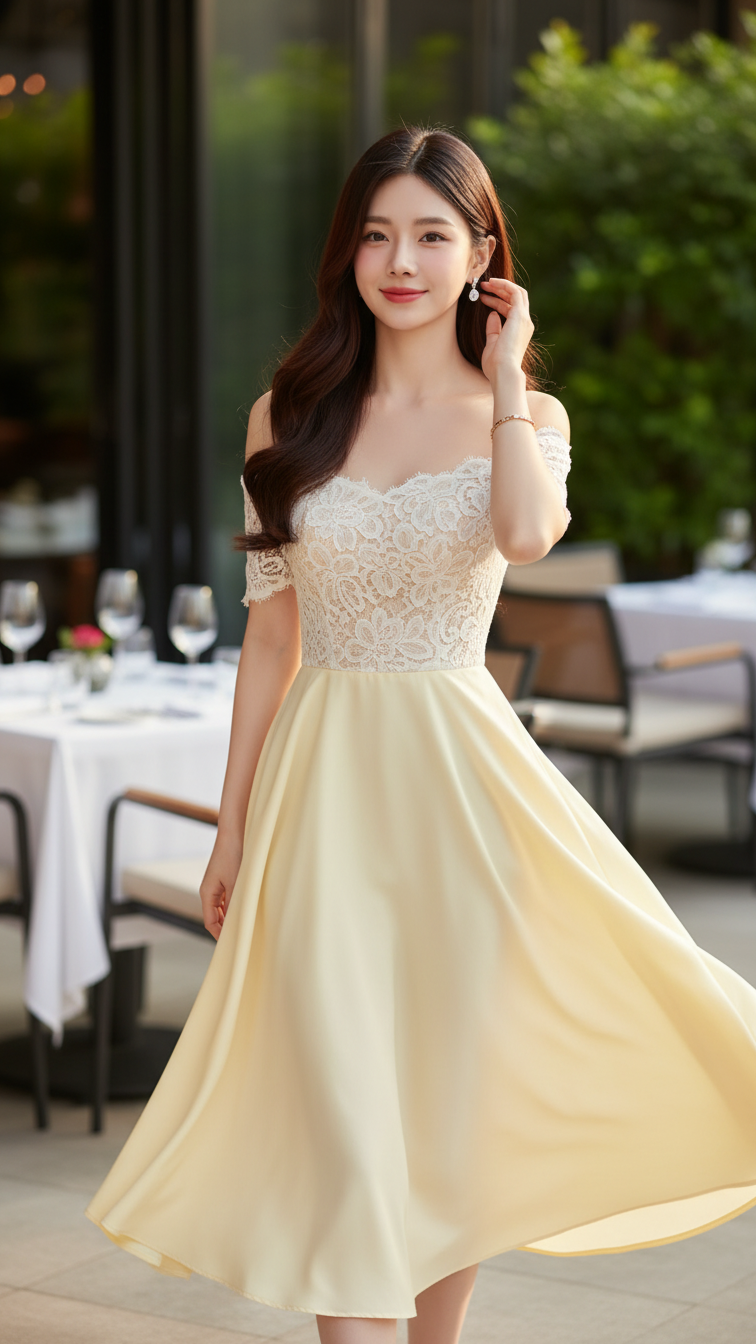
Prompt 2061: Create a realistic portrait of a young woman (face 100% identical to the original...
