
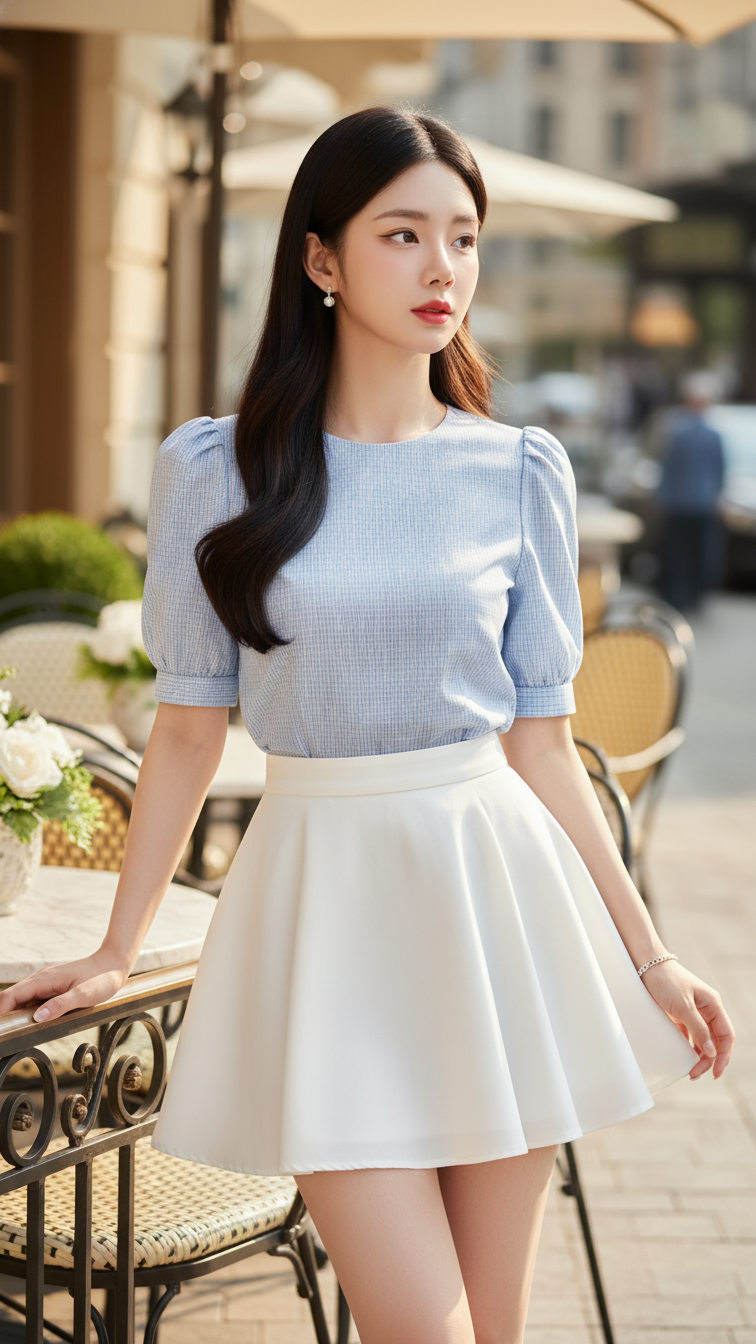
Prompt 2096: Create a realistic portrait of a young woman (face 100% identical to the original...
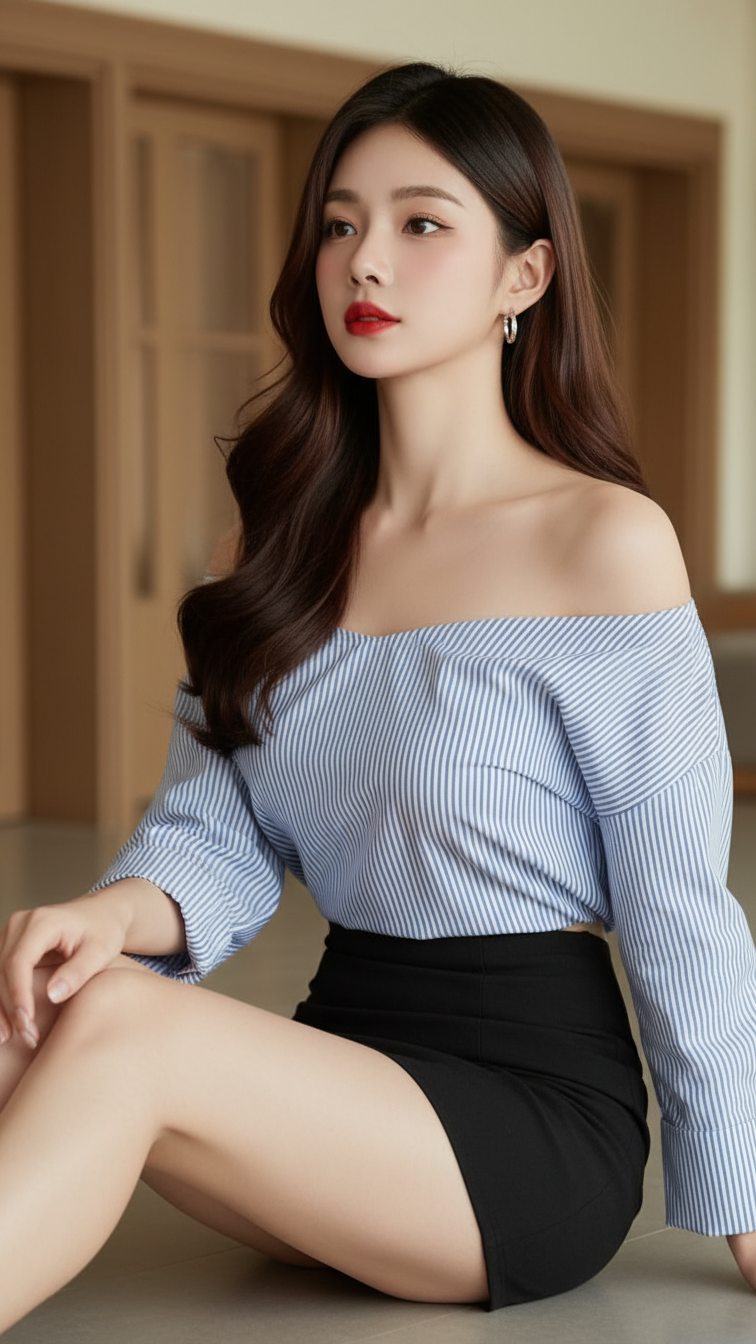
Prompt 2095: Create a realistic portrait of a young woman (face 100% identical to the original...
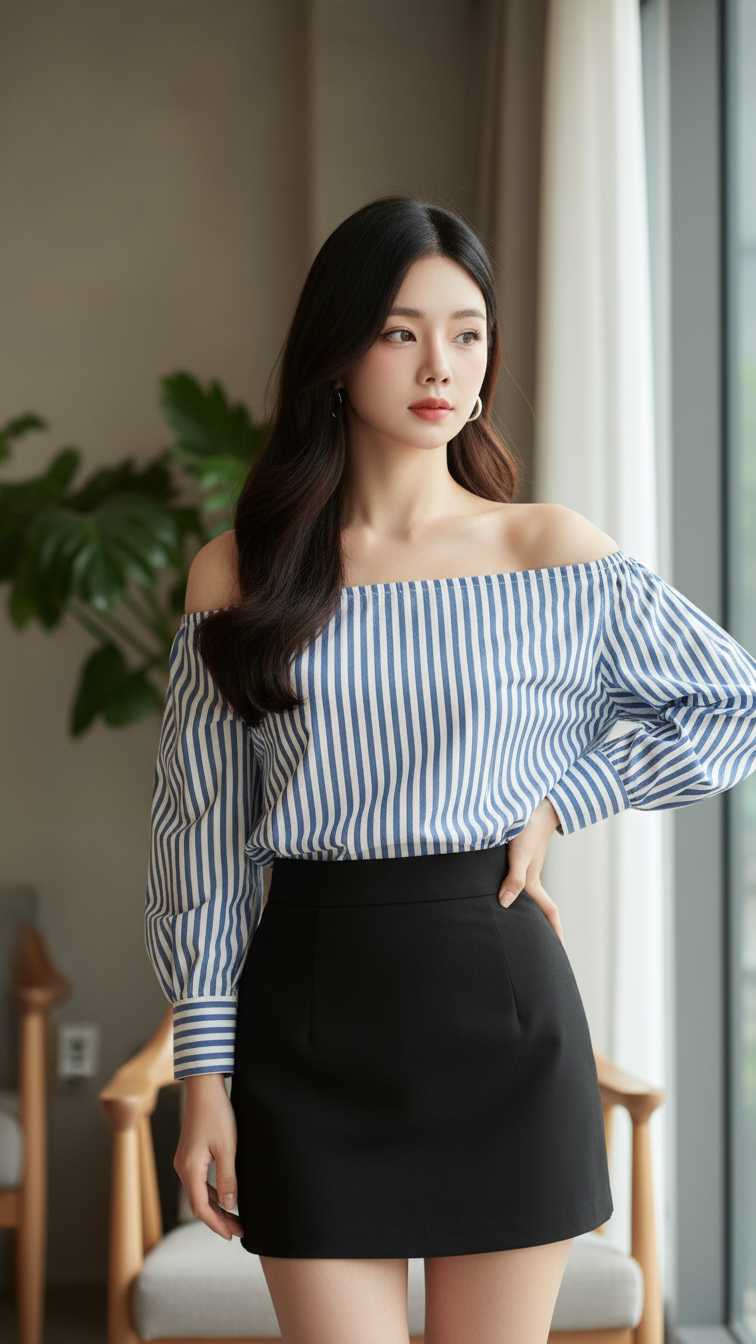
Prompt 2094: Create a realistic portrait of a young woman (face 100% identical to the original...
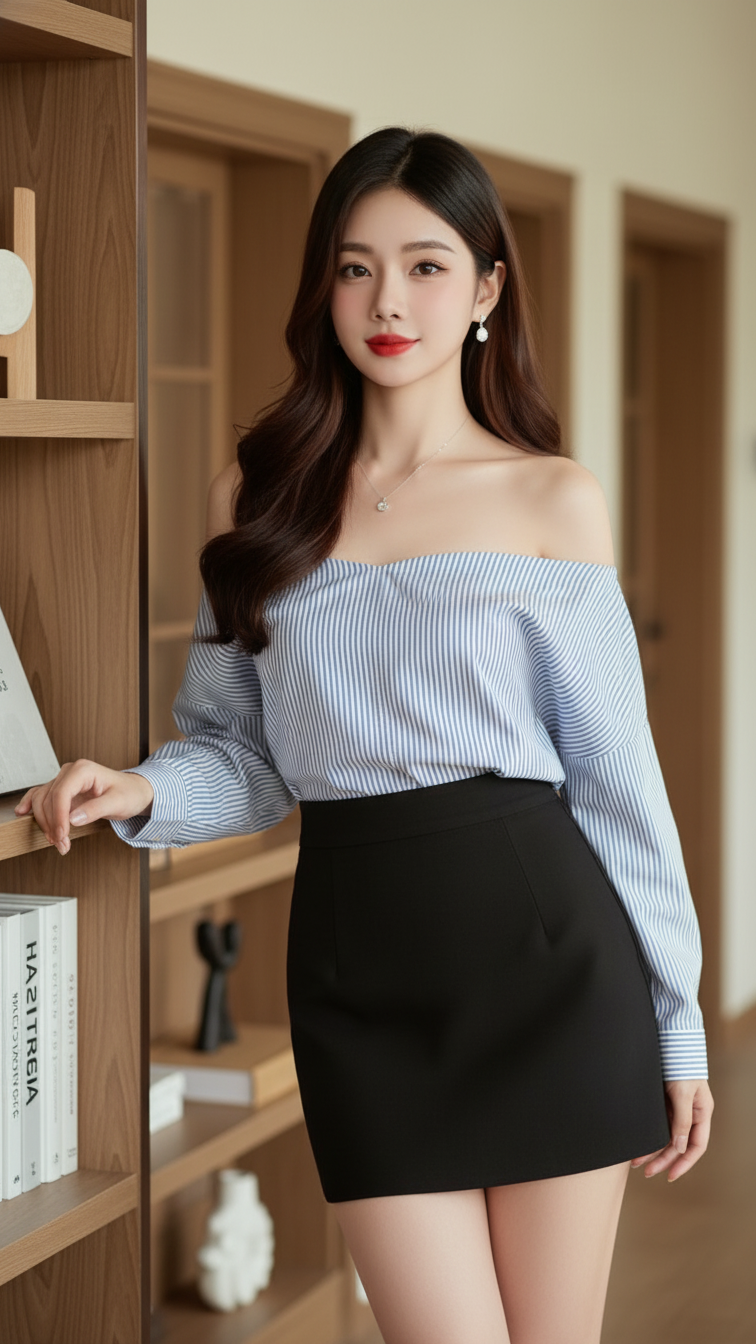
Prompt 2093: Create a realistic portrait of a young woman (face 100% identical to the original...
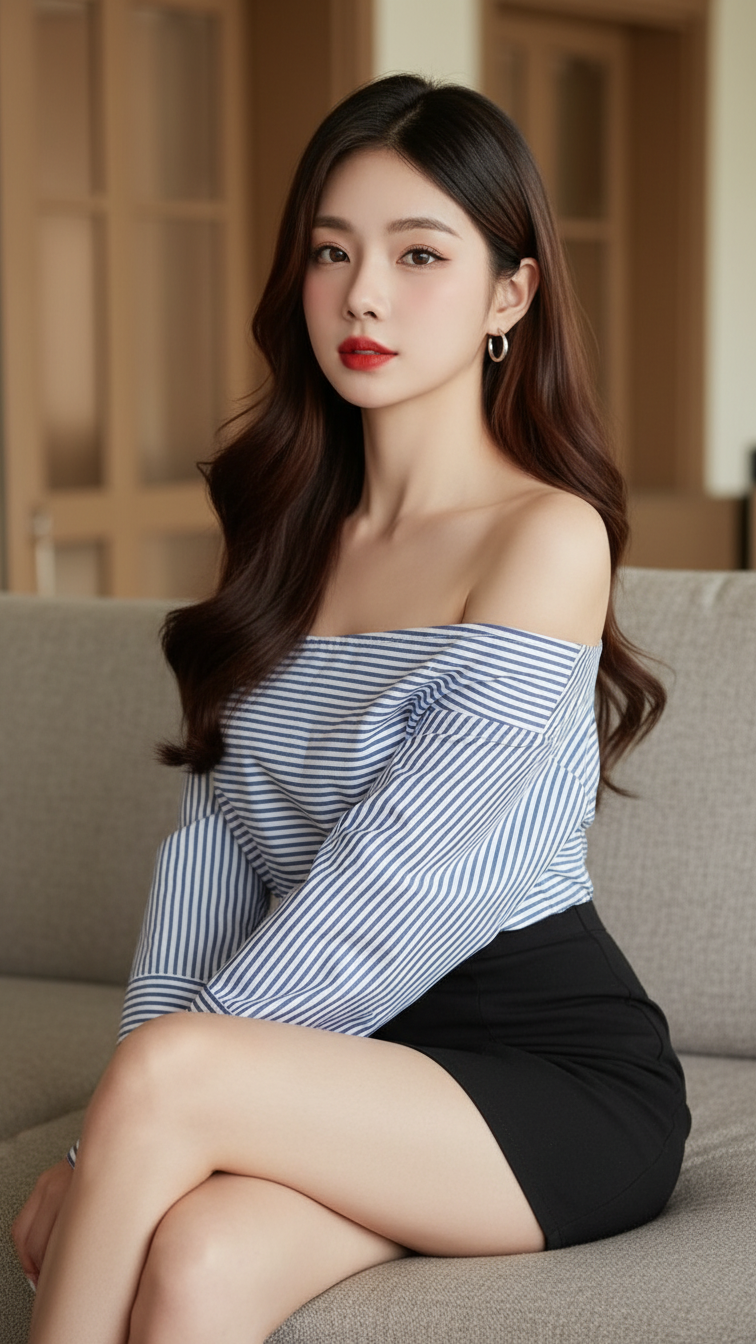
Prompt 2092: Create a realistic portrait of a young woman (face 100% identical to the original...
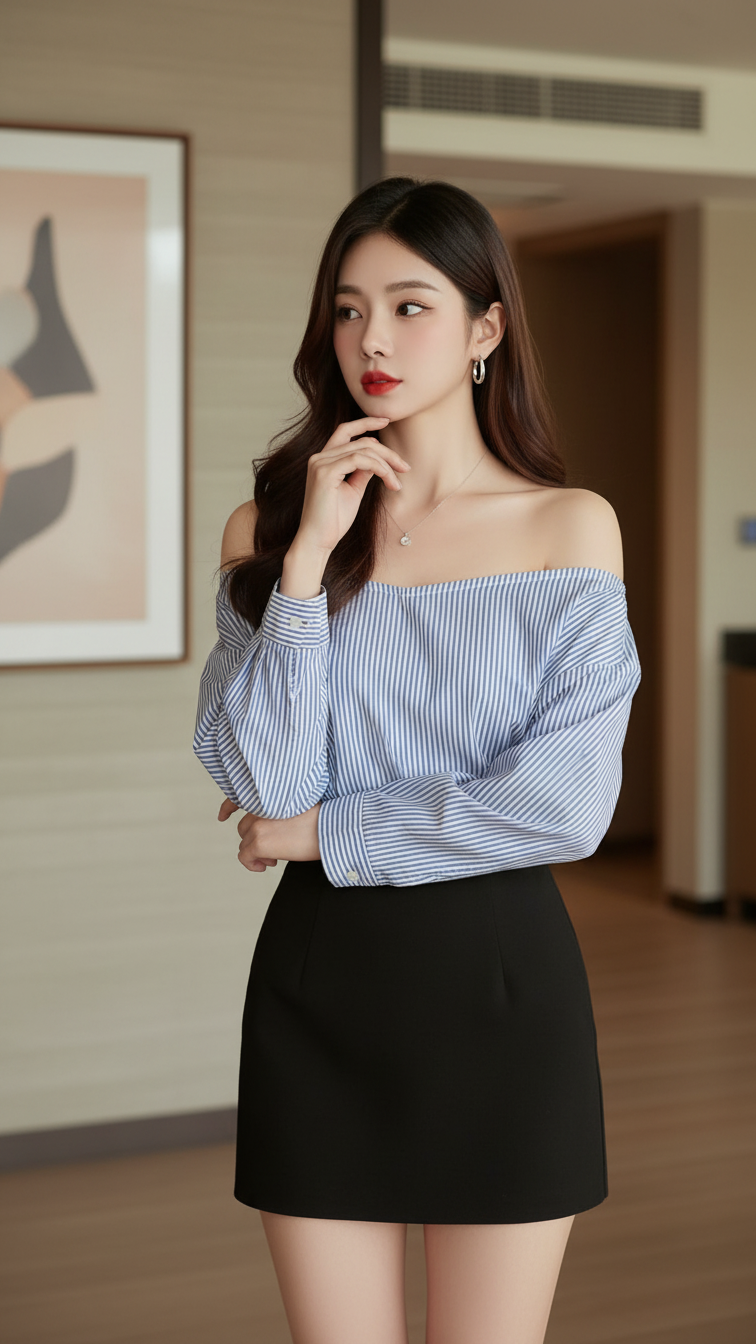
Prompt 2091: Create a realistic portrait of a young woman (face 100% identical to the original...
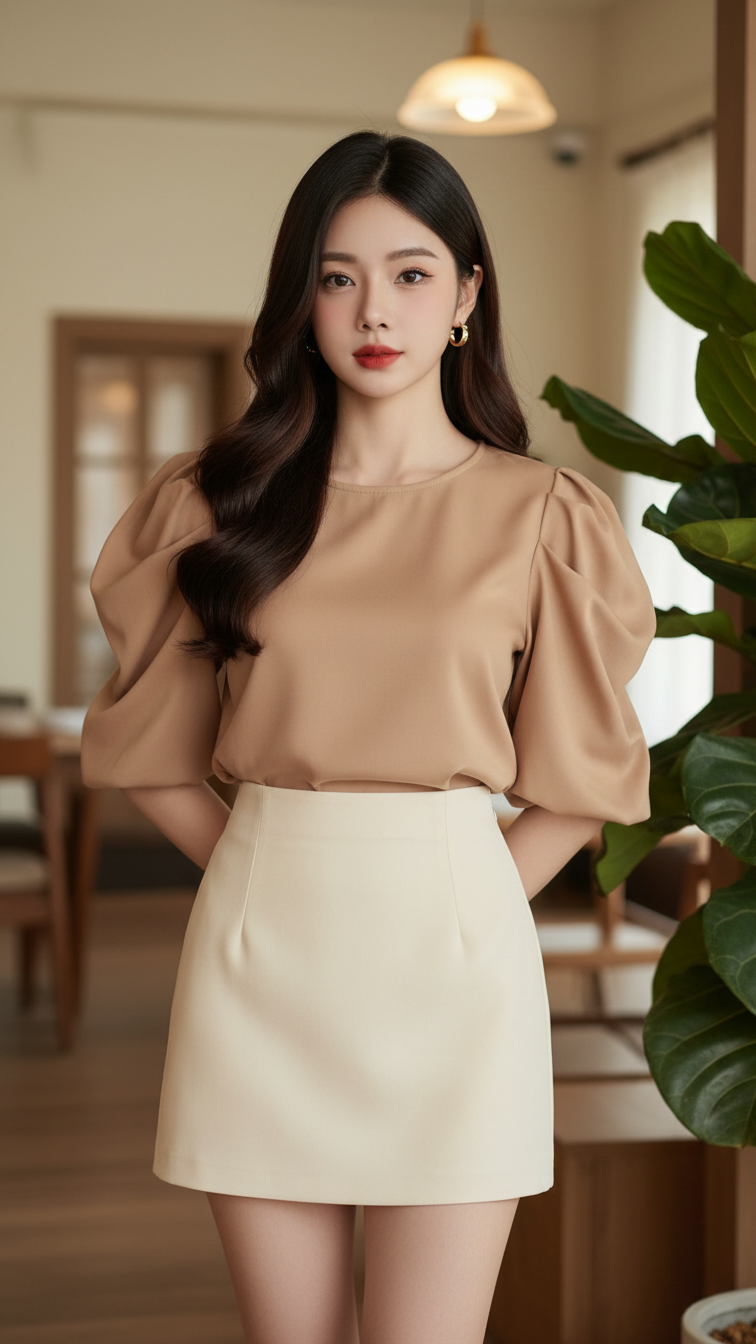
Prompt 2090: Create a realistic portrait of a young woman (face 100% identical to the original...
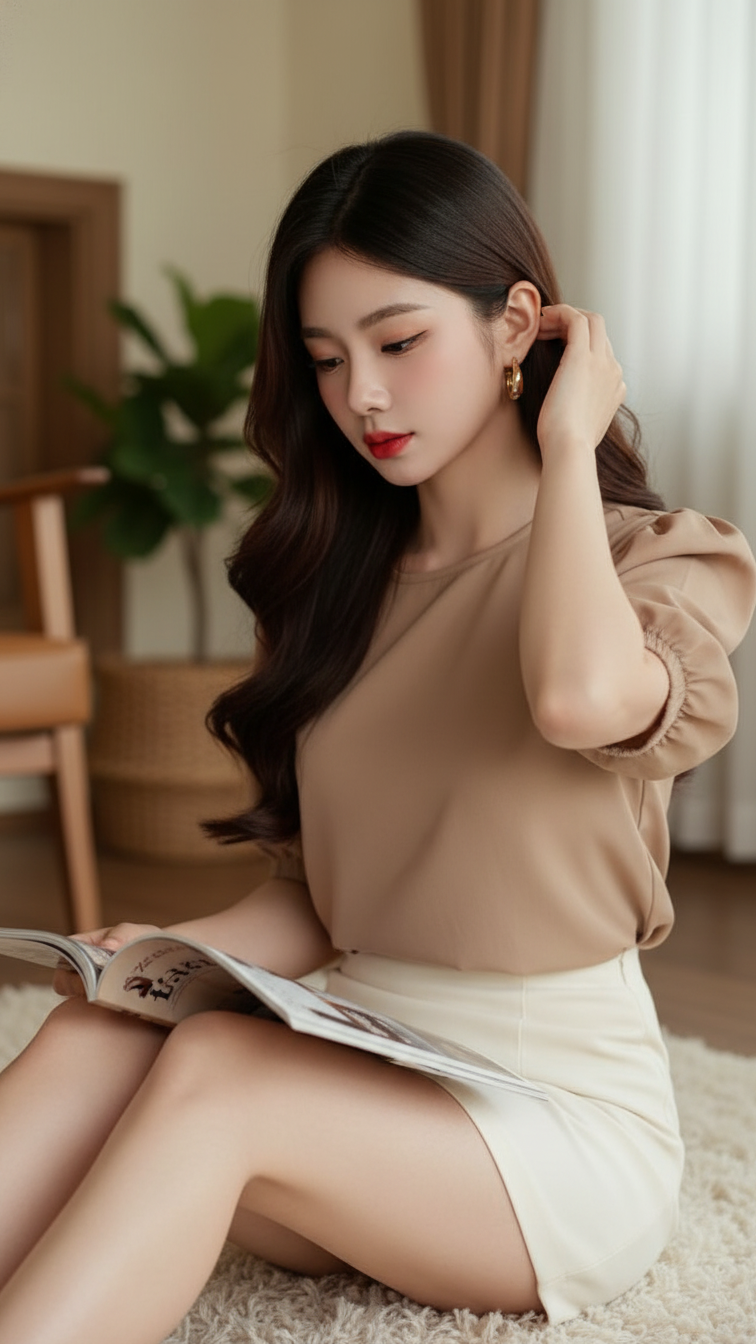
Prompt 2089: Create a realistic portrait of a young woman (face 100% identical to the original...
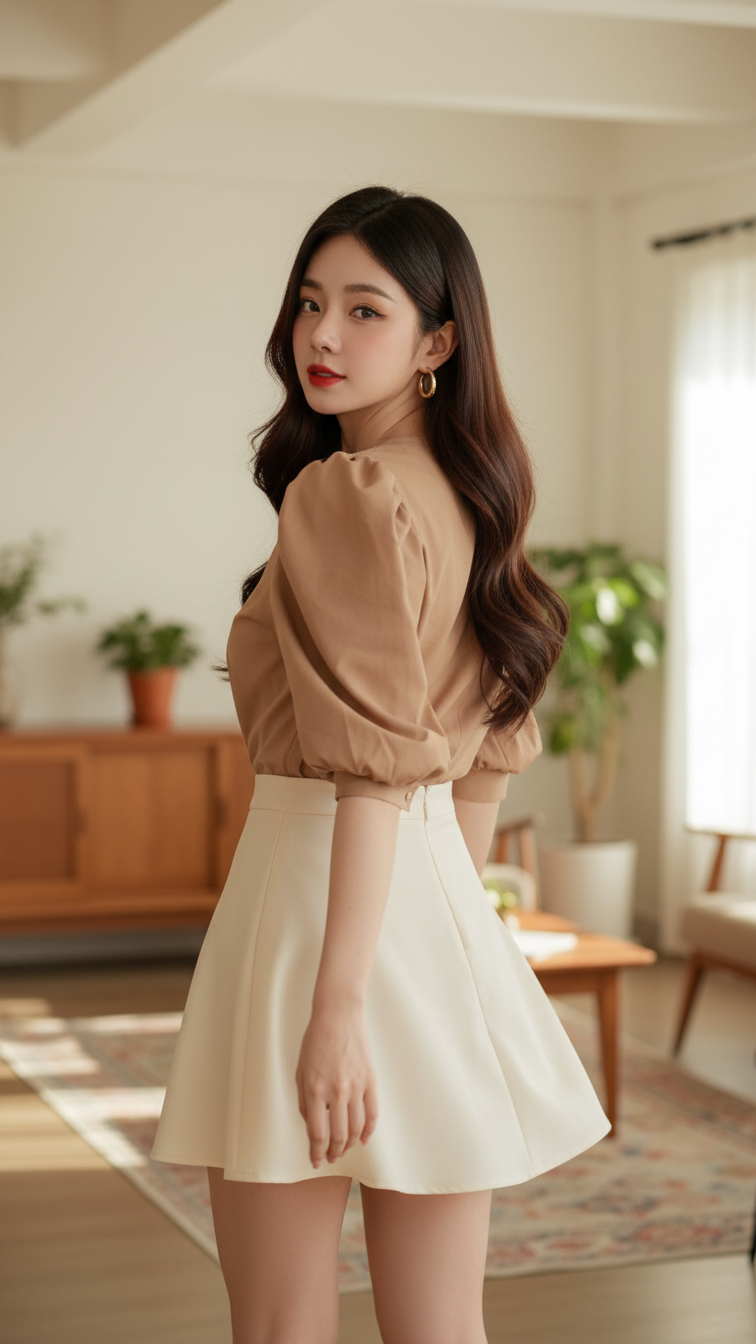
Prompt 2088: Create a realistic portrait of a young woman (face 100% identical to the original...
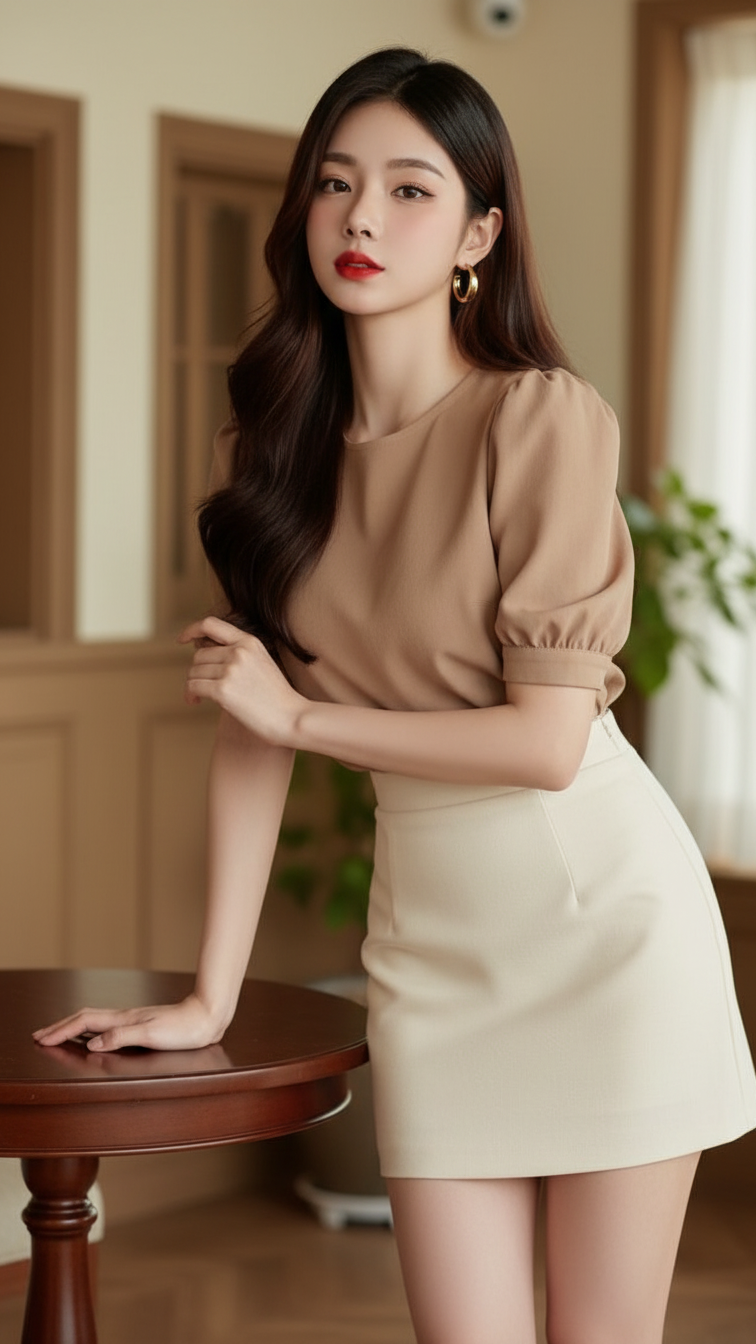
Prompt 2087: Create a realistic portrait of a young woman (face 100% identical to the original...
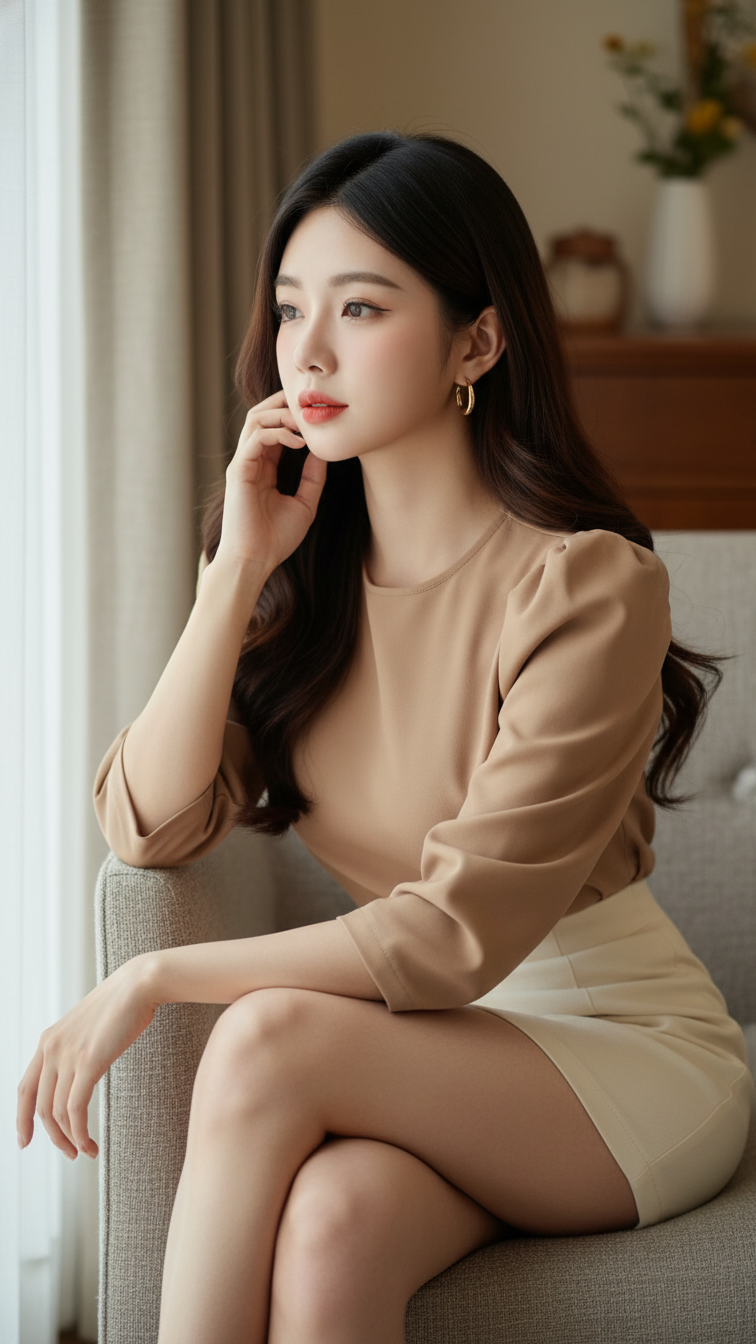
Prompt 2086: Create a realistic portrait of a young woman (face 100% identical to the original...
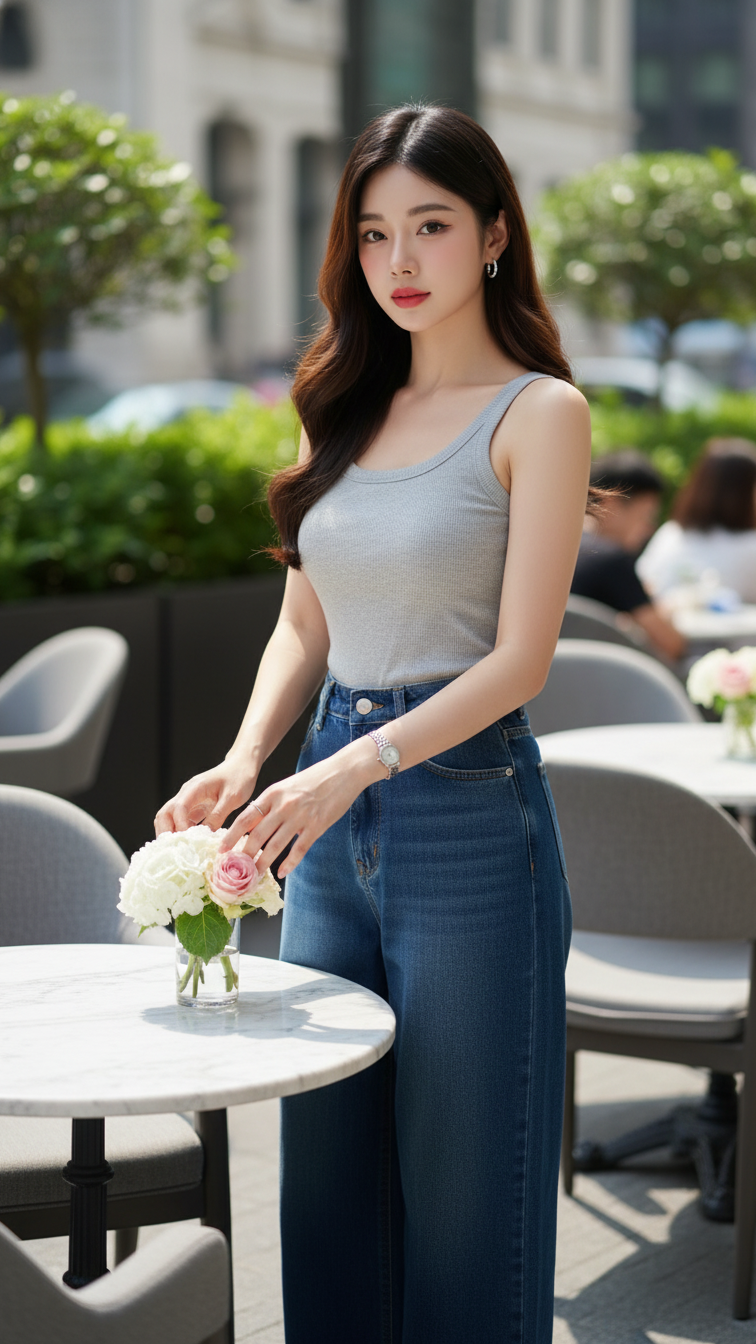
Prompt 2085: Create a realistic portrait of a young woman (face 100% identical to the original...
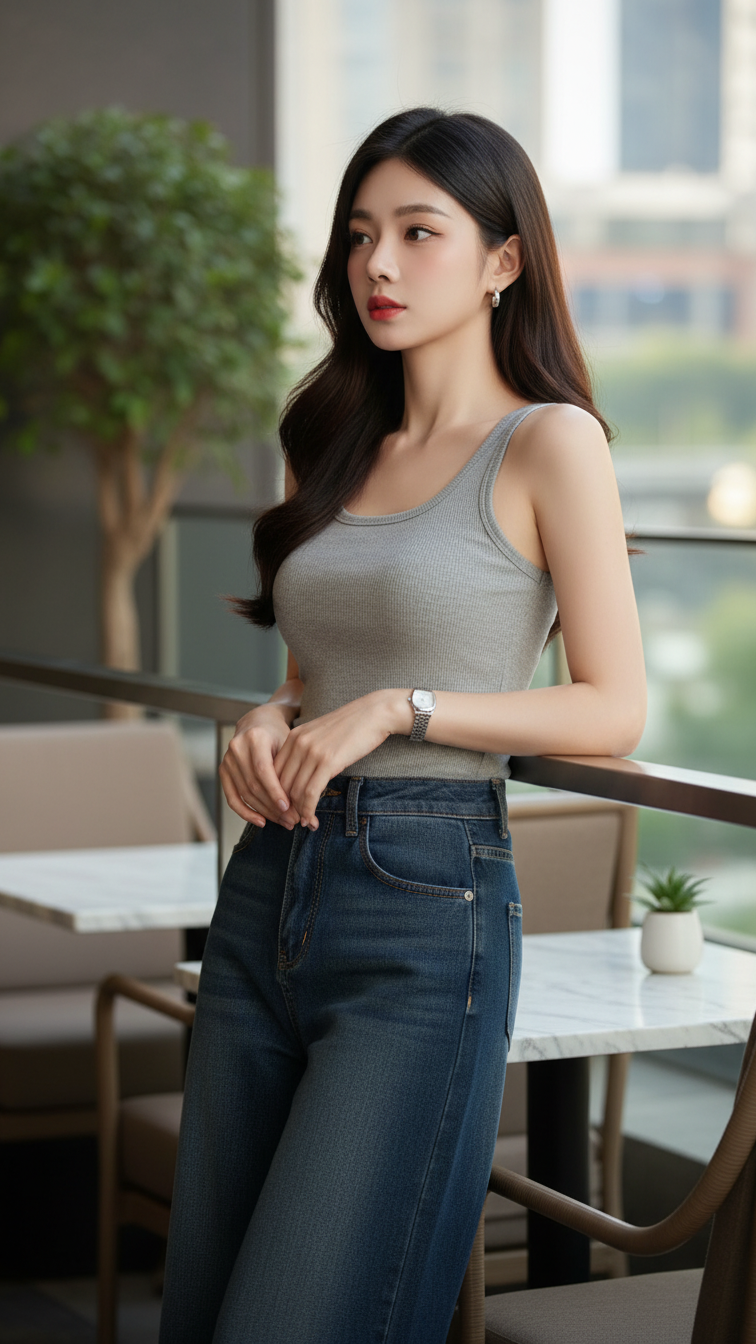
Prompt 2084: Create a realistic portrait of a young woman (face 100% identical to the original...
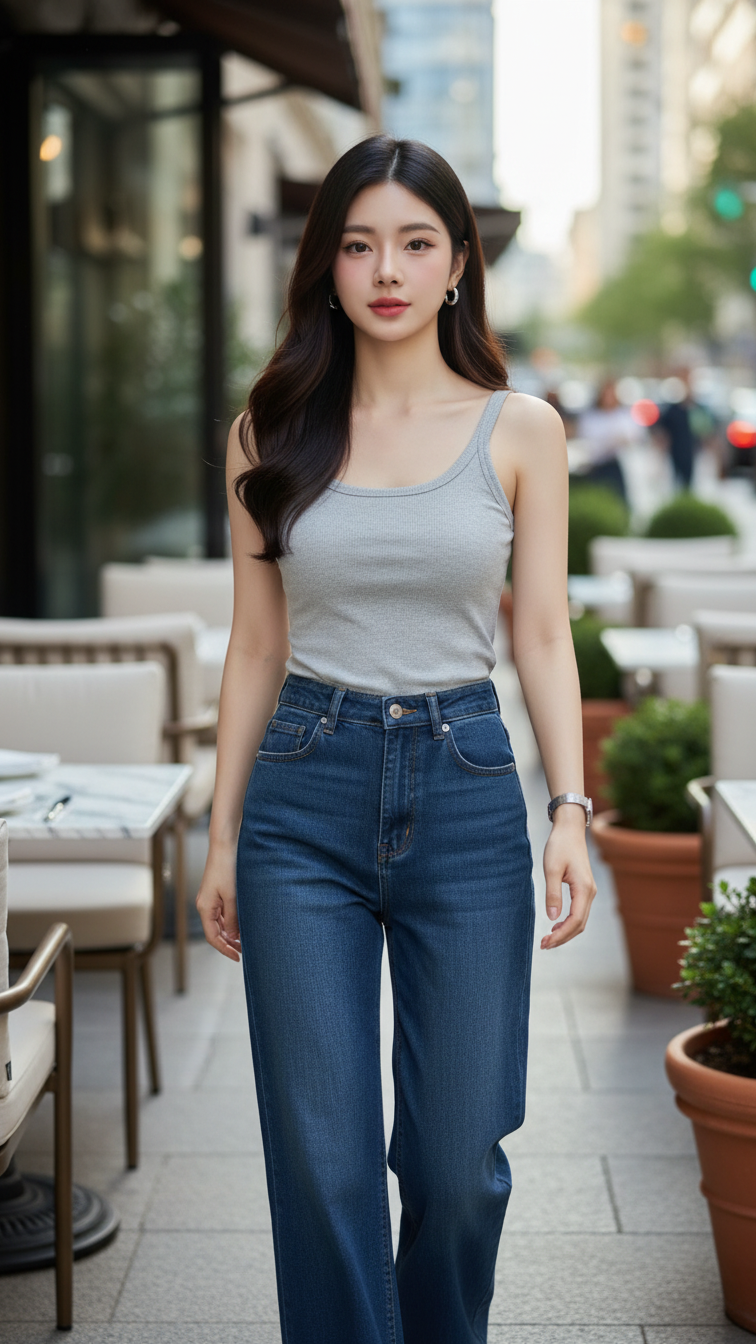
Prompt 2083: Create a realistic portrait of a young woman (face 100% identical to the original...
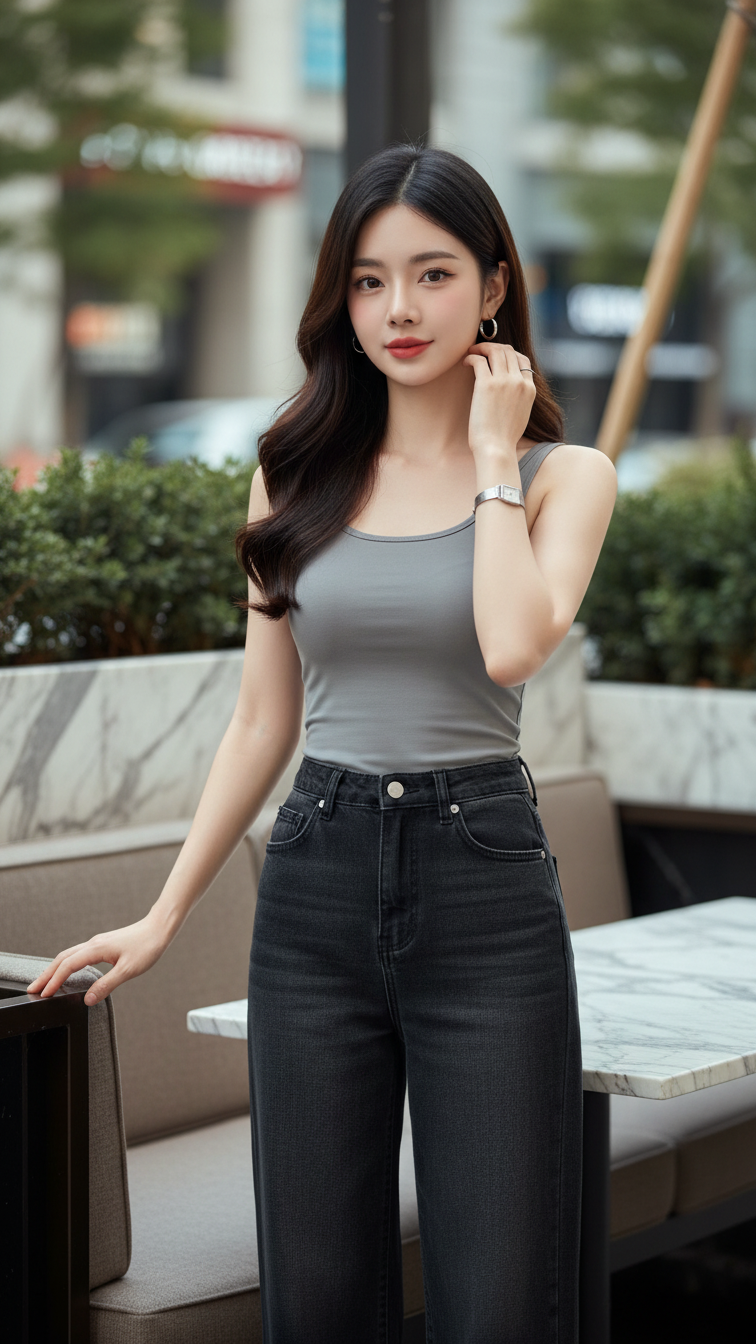
Prompt 2082: Create a realistic portrait of a young woman (face 100% identical to the original...
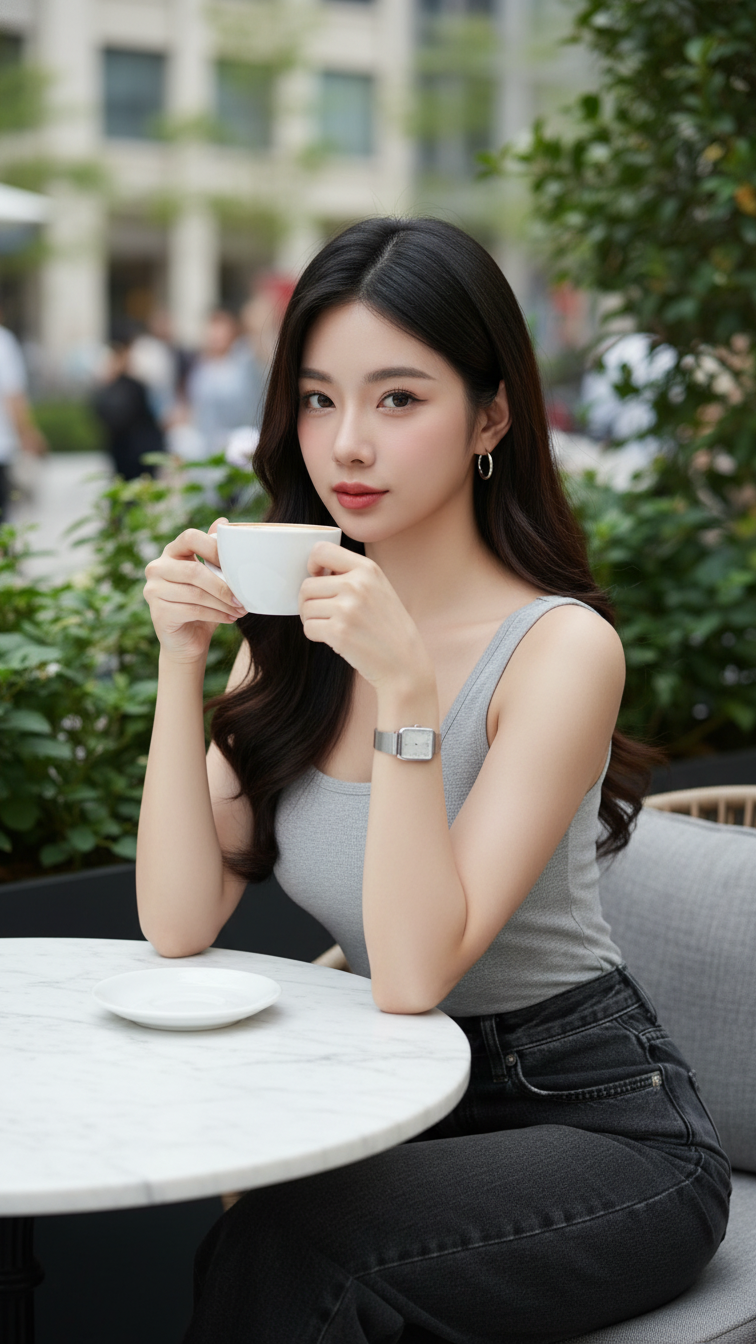
Prompt 2081: Create a realistic portrait of a young woman (face 100% identical to the original...
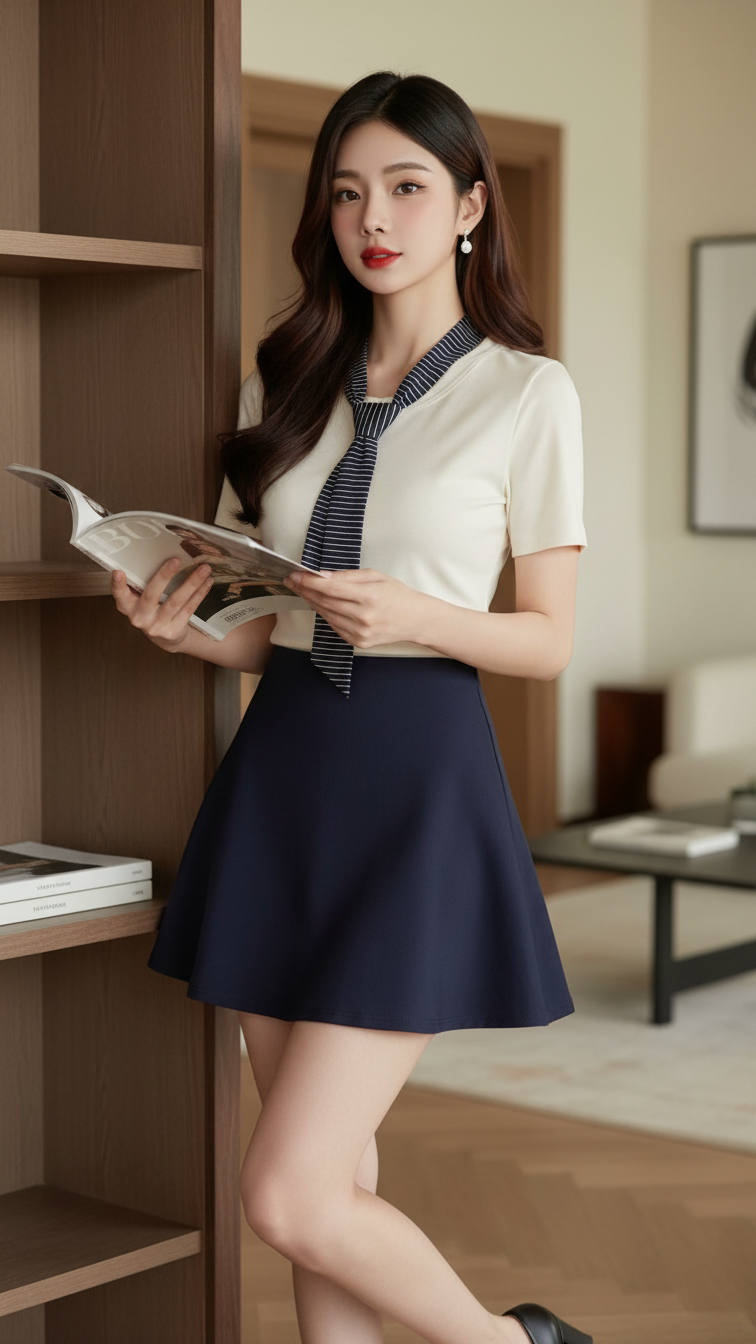
Prompt 2080: Create a realistic portrait of a young woman (face 100% identical to the original...
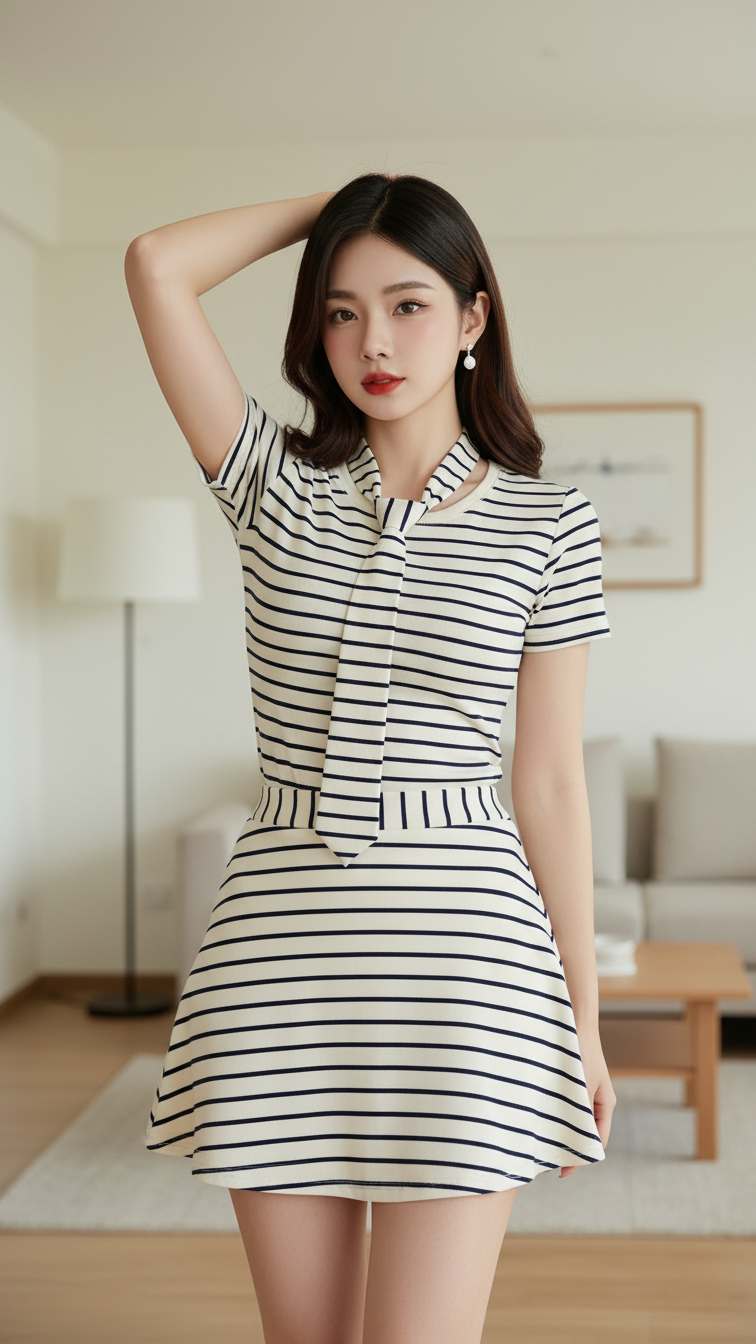
Prompt 2079: Create a realistic portrait of a young woman (face 100% identical to the original...
