
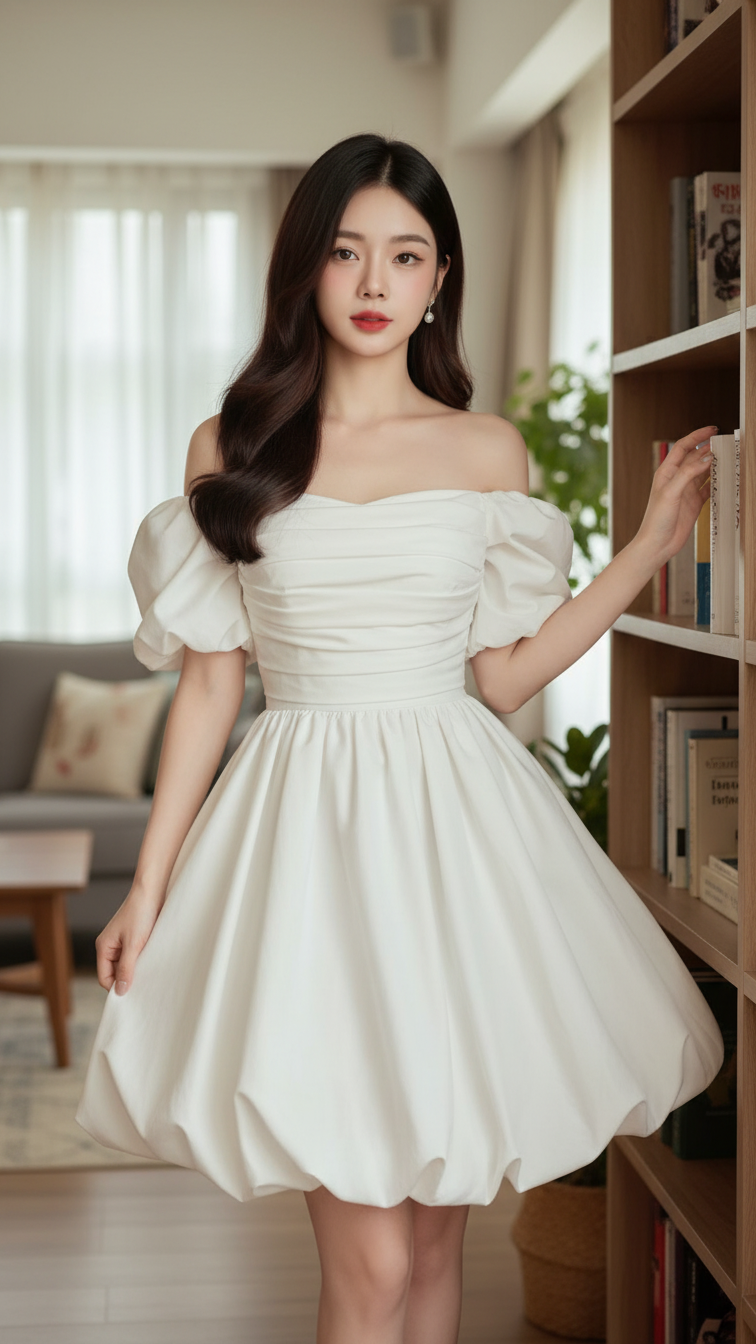
Prompt 2132: Create a realistic portrait of a young woman (face 100% identical to the original...
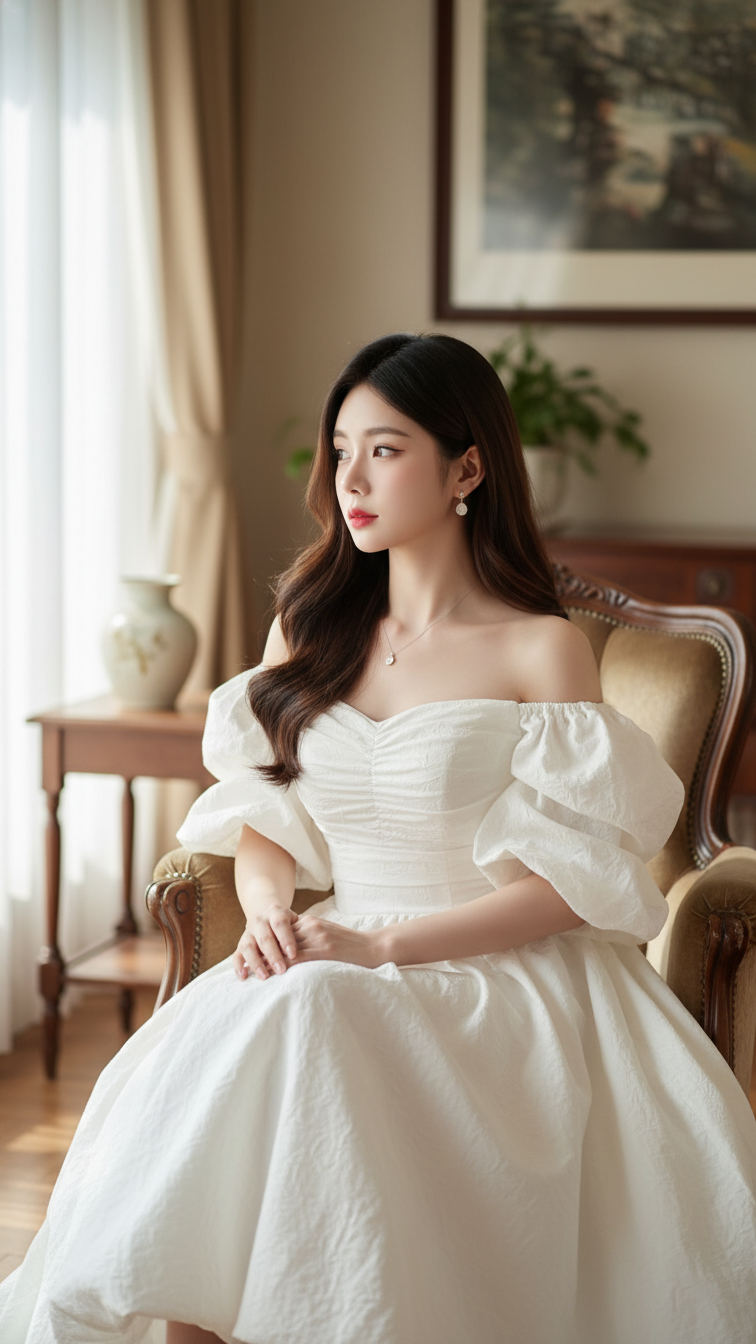
Prompt 2131: Create a realistic portrait of a young woman (face 100% identical to the original...
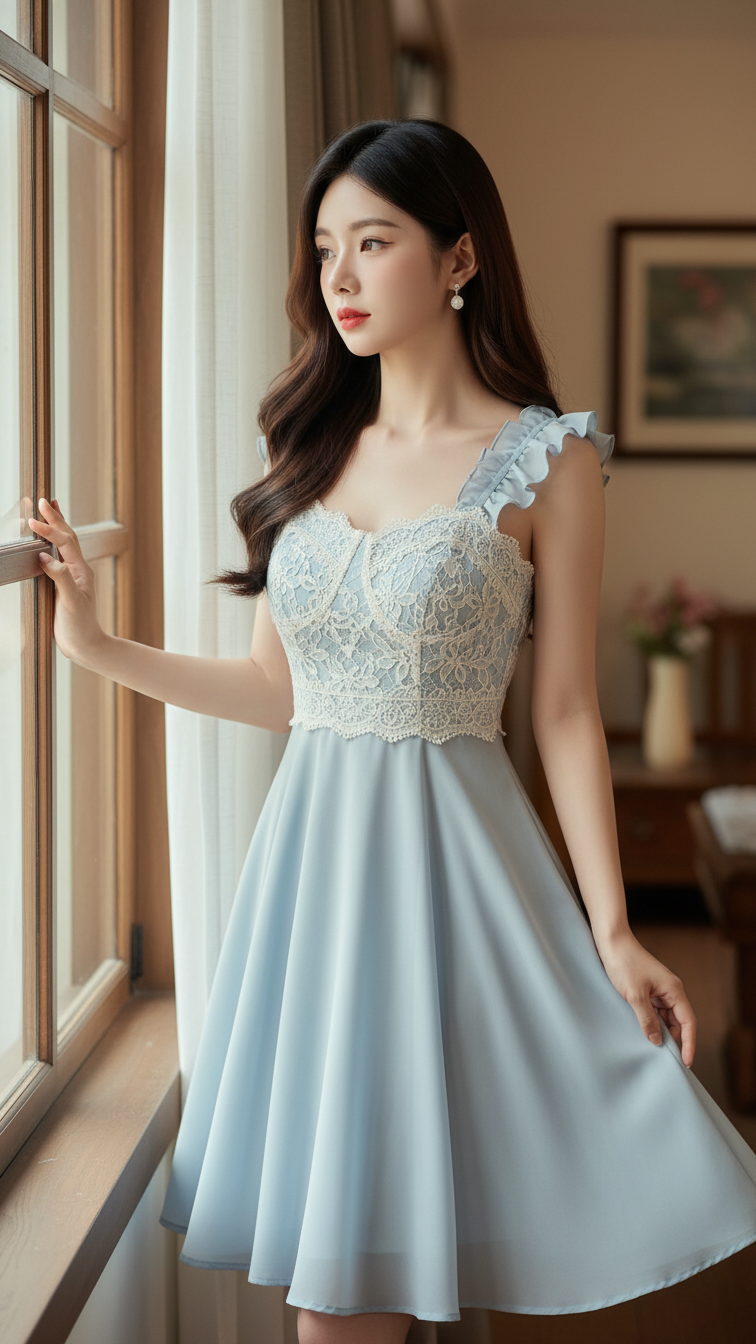
Prompt 2130: Create a realistic portrait of a young woman (face 100% identical to the original...
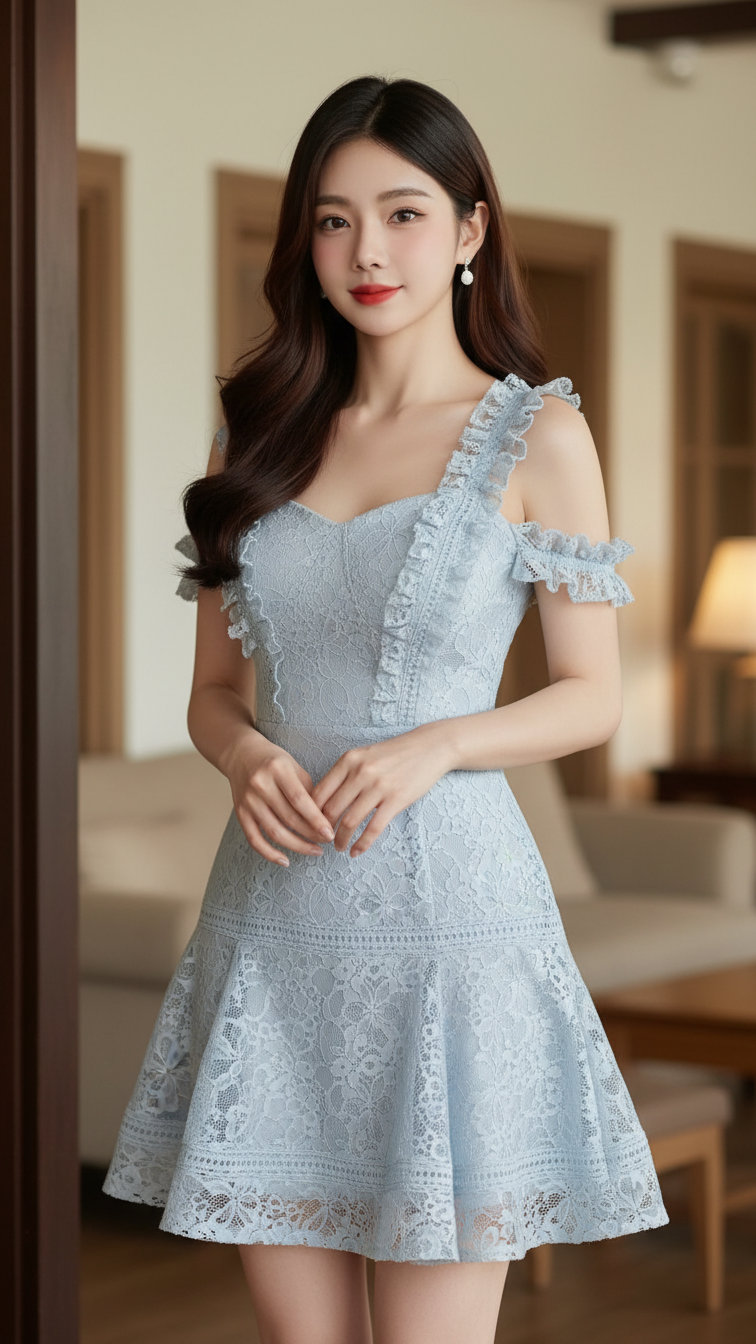
Prompt 2129: Create a realistic portrait of a young woman (face 100% identical to the original...
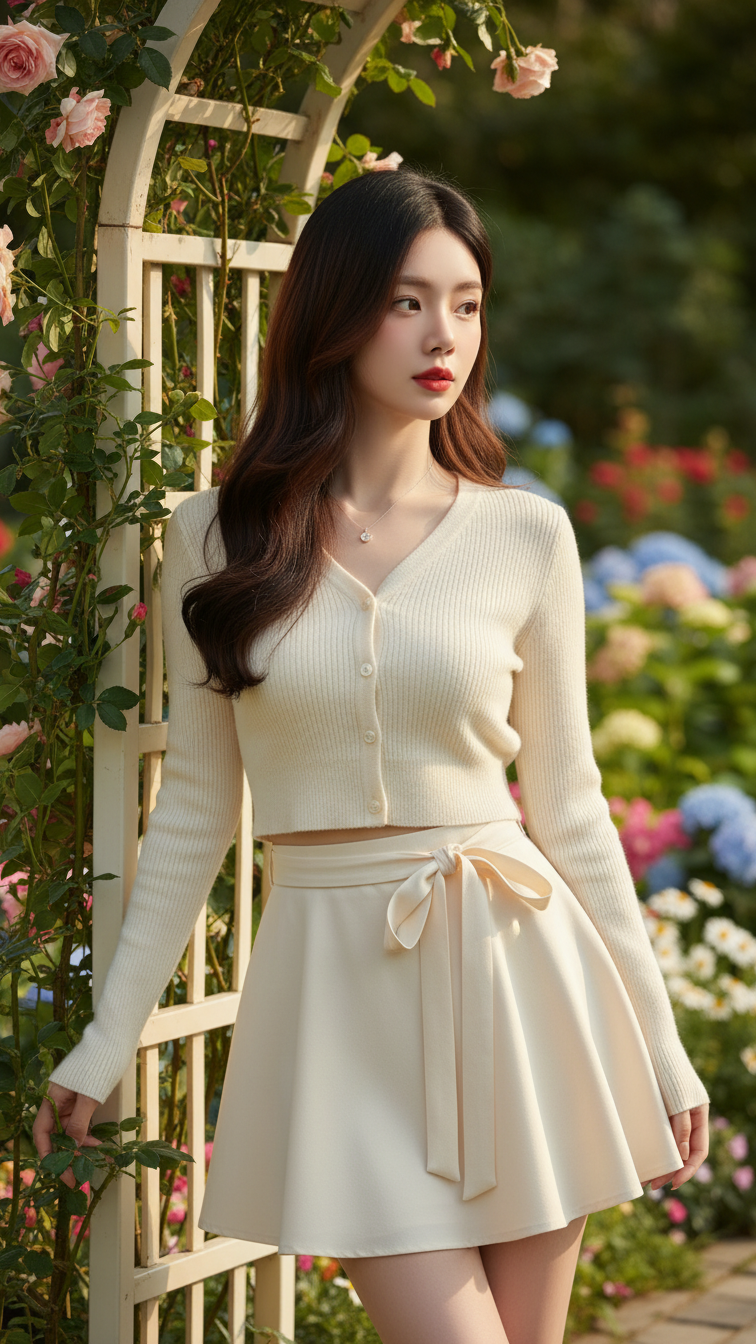
Prompt 2128: Create a realistic portrait of a young woman (face 100% identical to the original...
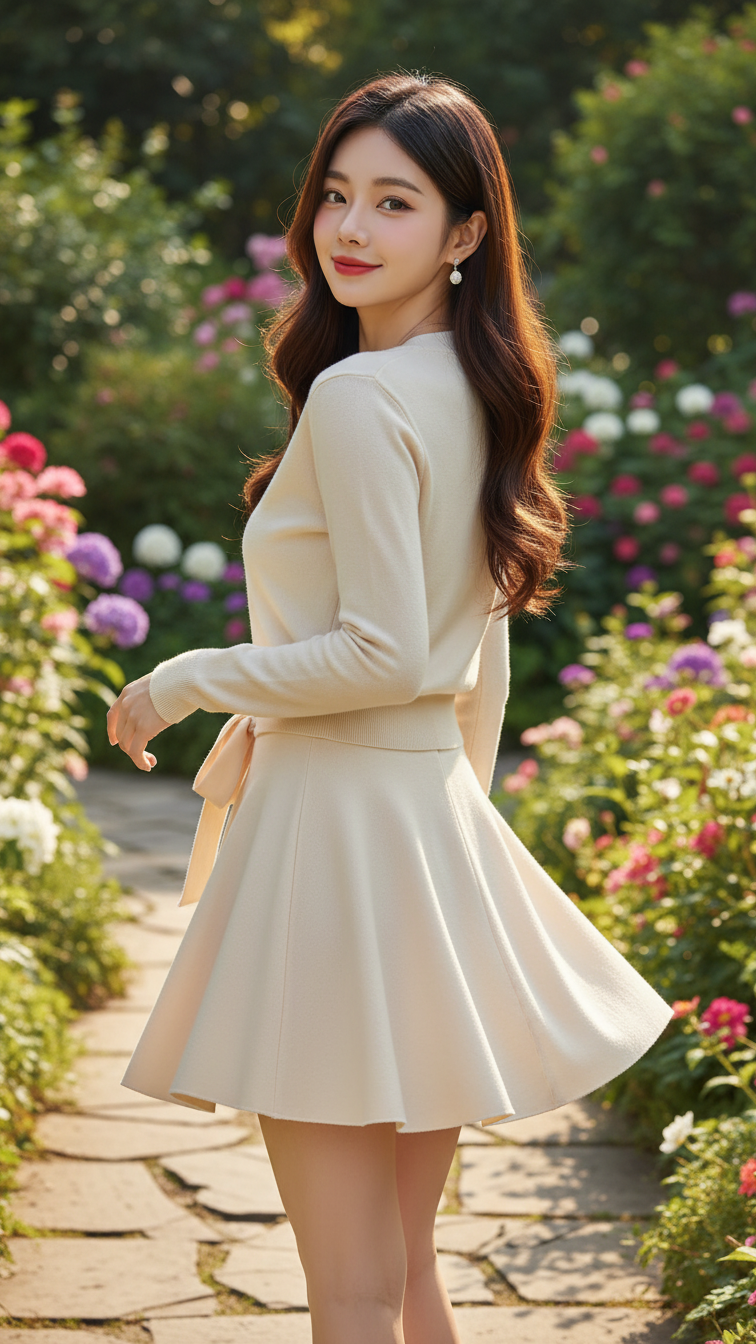
Prompt 2127: Create a realistic portrait of a young woman (face 100% identical to the original...
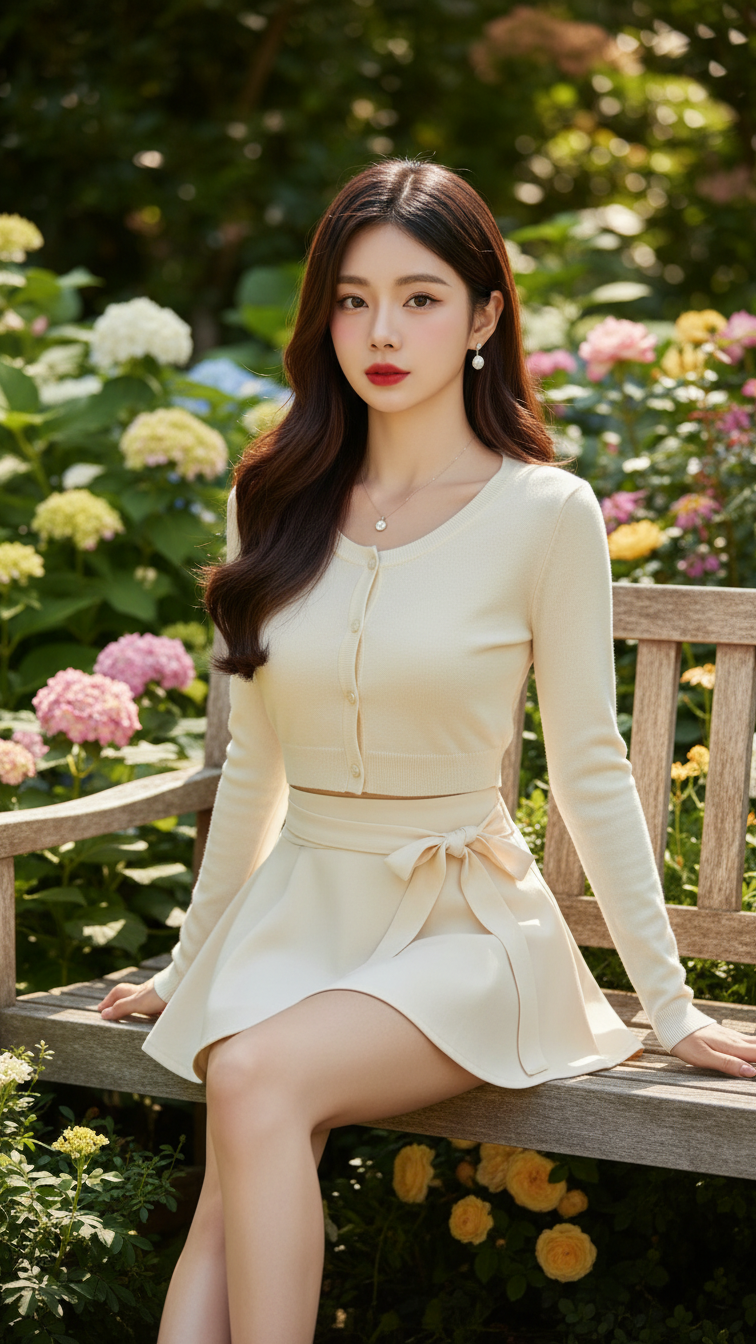
Prompt 2126: Create a realistic portrait of a young woman (face 100% identical to the original...
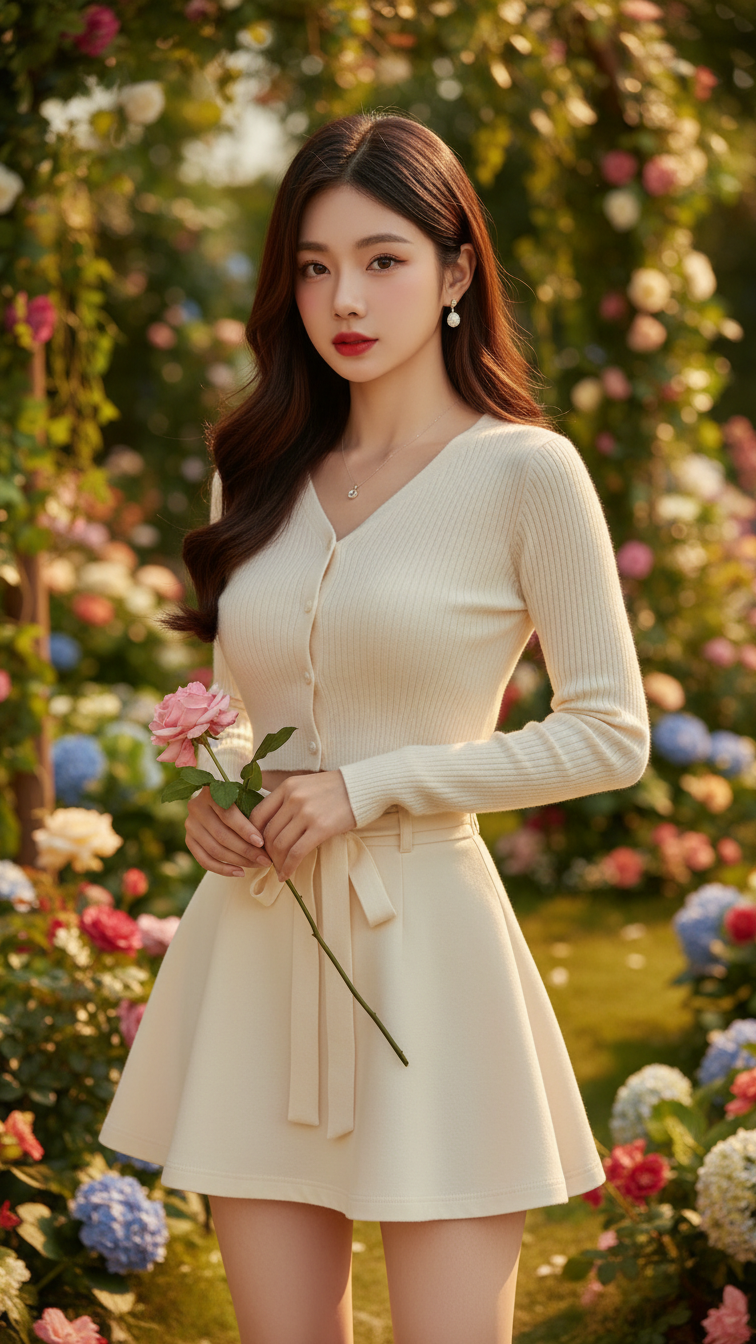
Prompt 2125: Create a realistic portrait of a young woman (face 100% identical to the original...
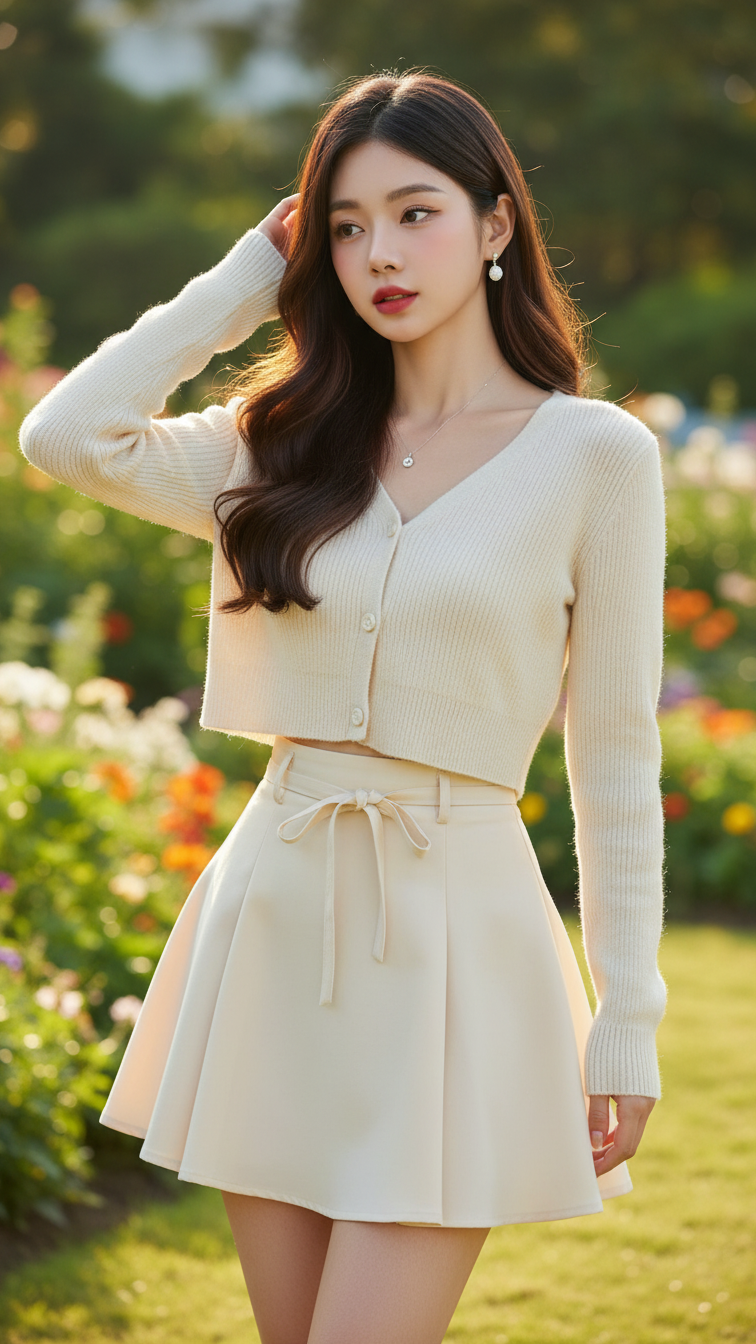
Prompt 2124: Create a realistic portrait of a young woman (face 100% identical to the original...
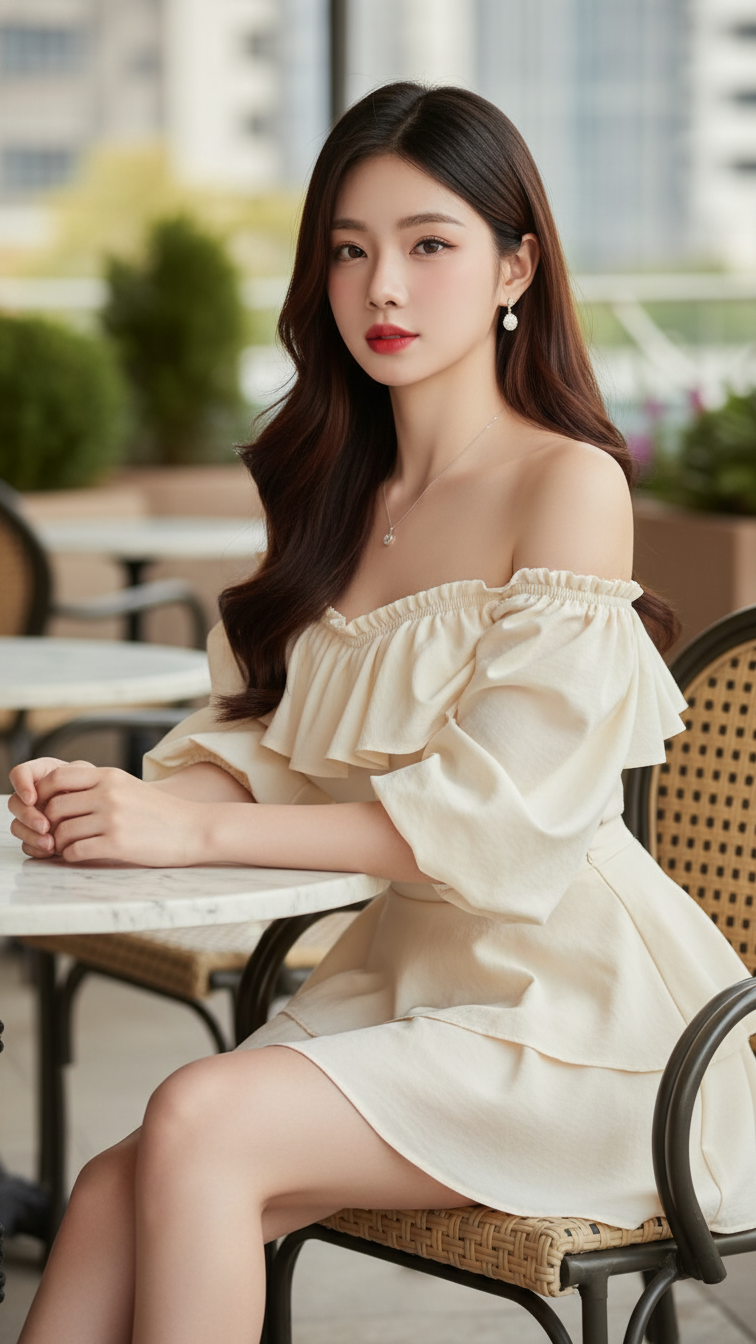
Prompt 2123: Create a realistic portrait of a young woman (face 100% identical to the original...
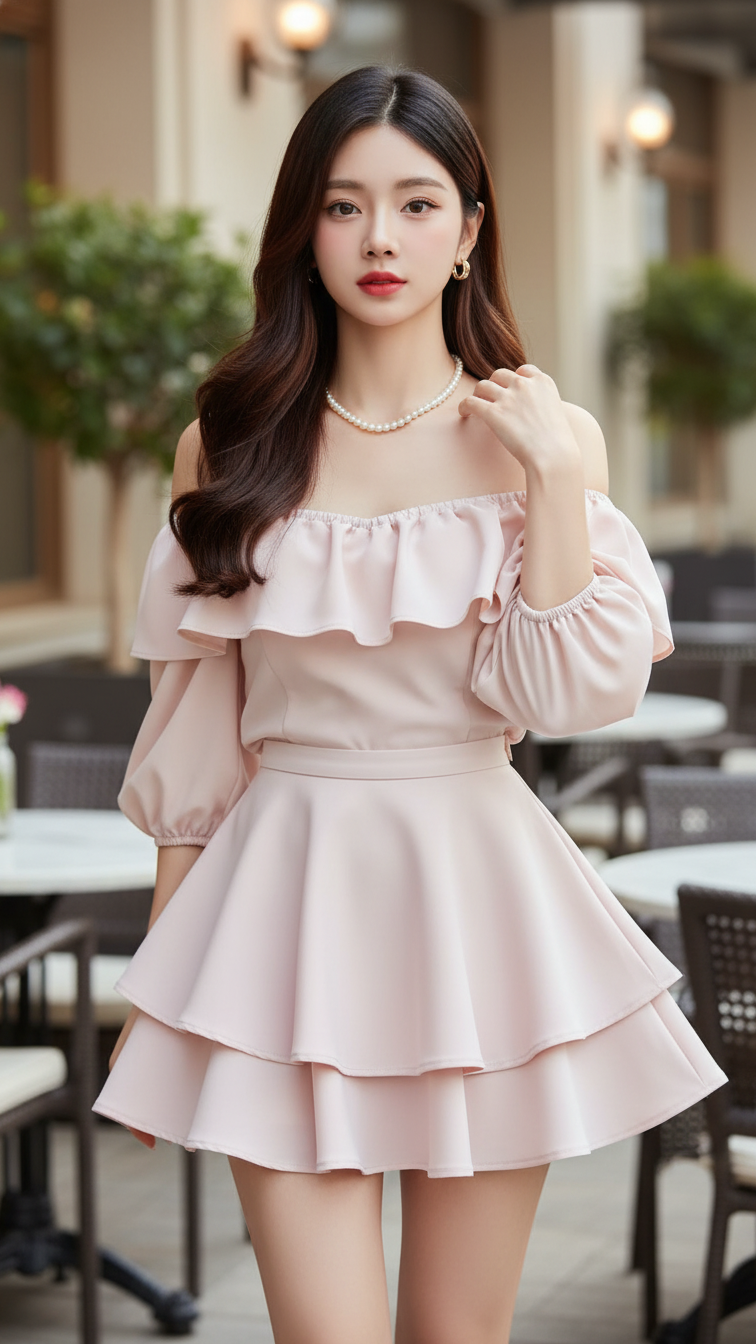
Prompt 2122: Create a realistic portrait of a young woman (face 100% identical to the original...
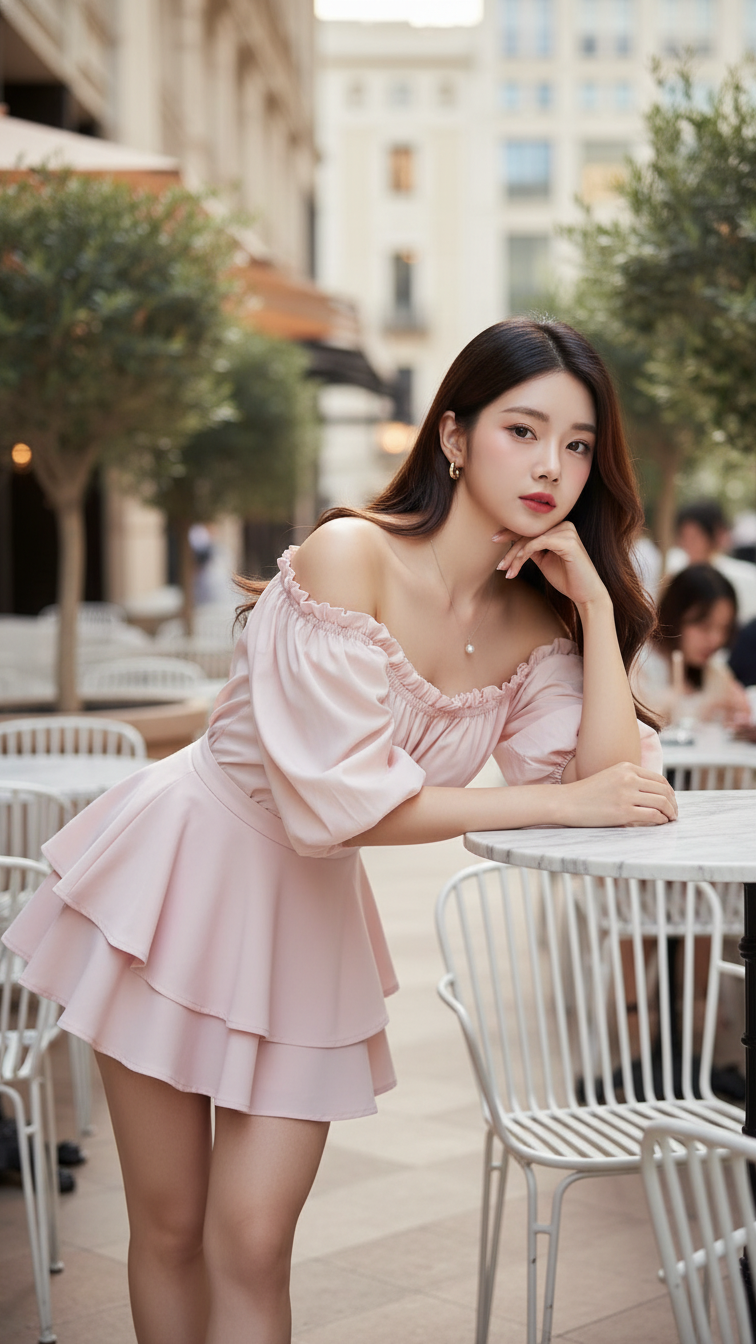
Prompt 2121: Create a realistic portrait of a young woman (face 100% identical to the original...
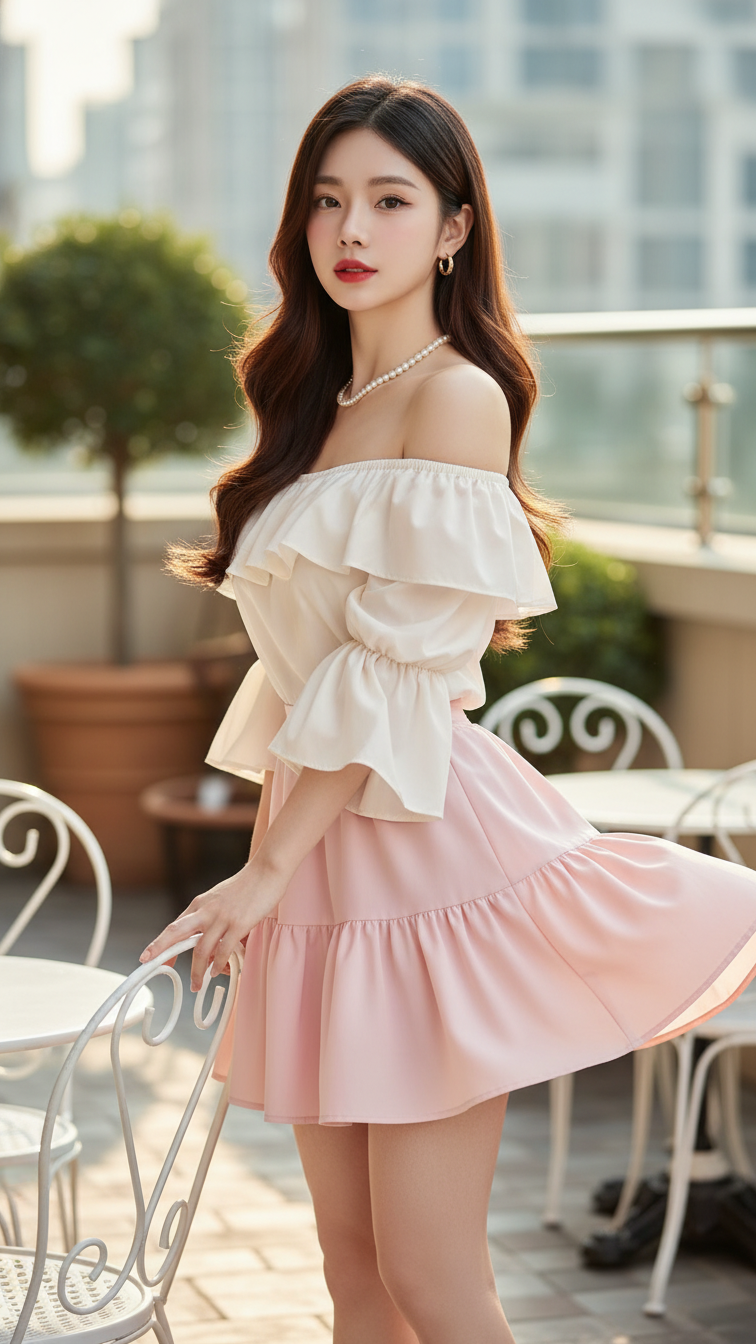
Prompt 2120: Create a realistic portrait of a young woman (face 100% identical to the original...
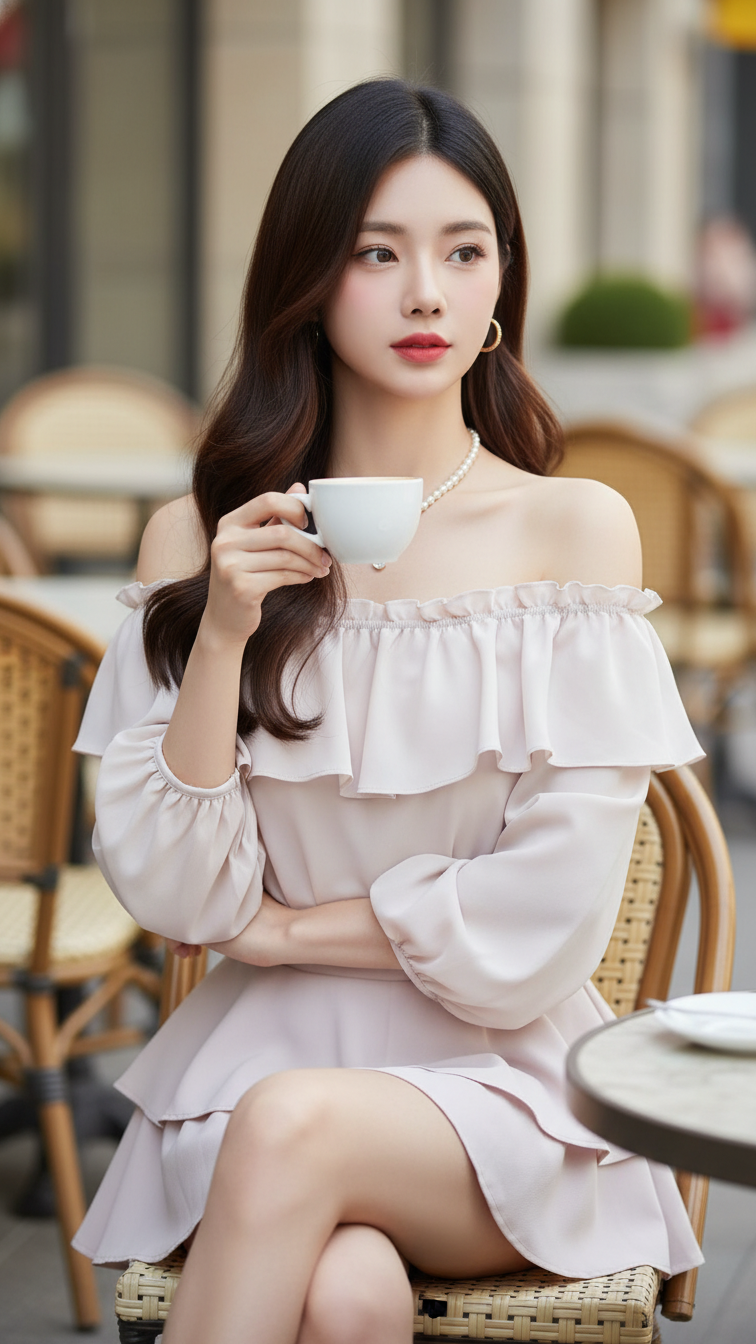
Prompt 2119: Create a realistic portrait of a young woman (face 100% identical to the original...
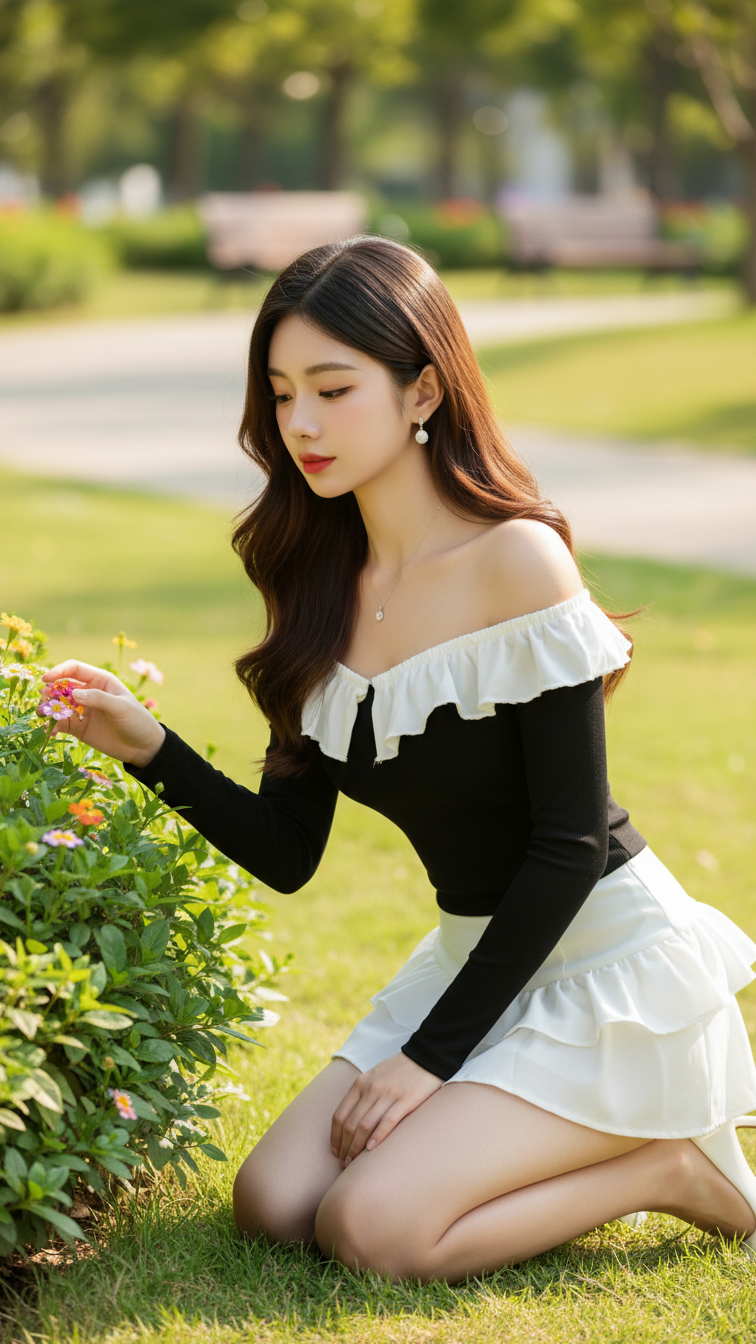
Prompt 2118: Create a realistic portrait of a young woman (face 100% identical to the original...
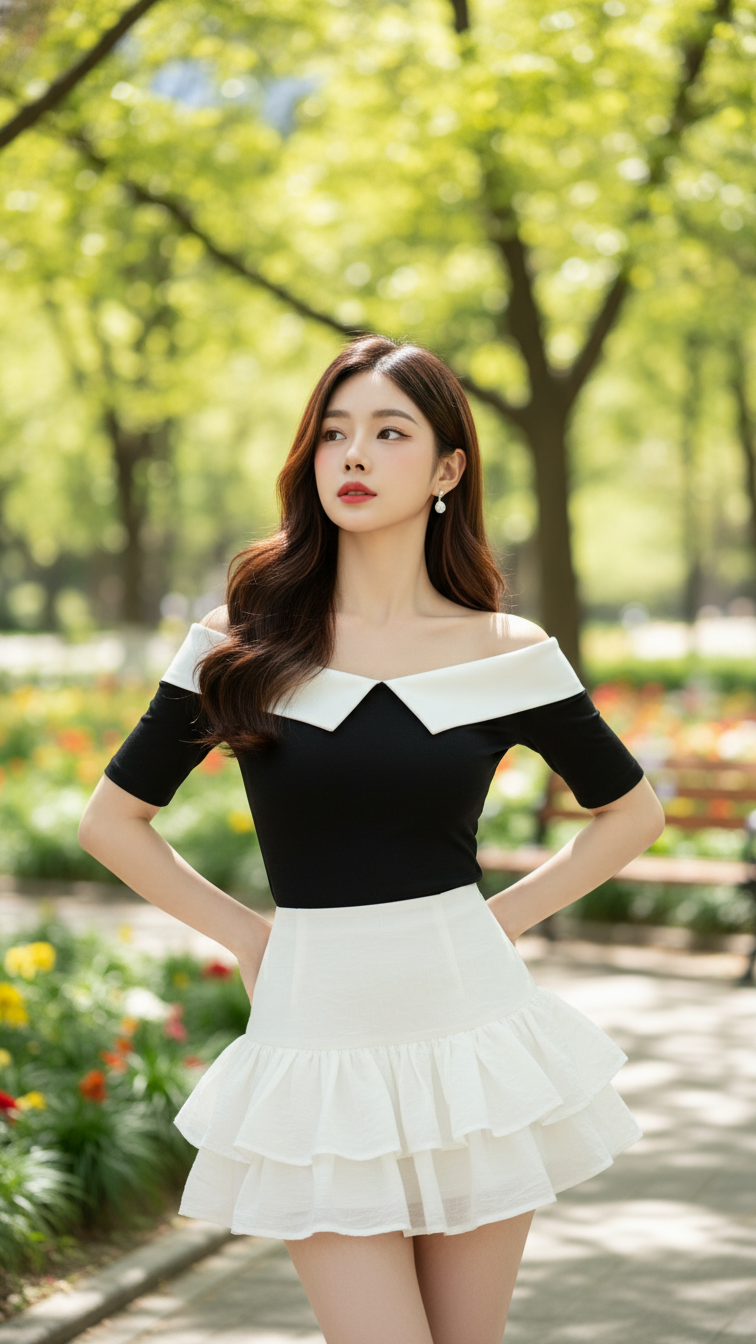
Prompt 2117: Create a realistic portrait of a young woman (face 100% identical to the original...
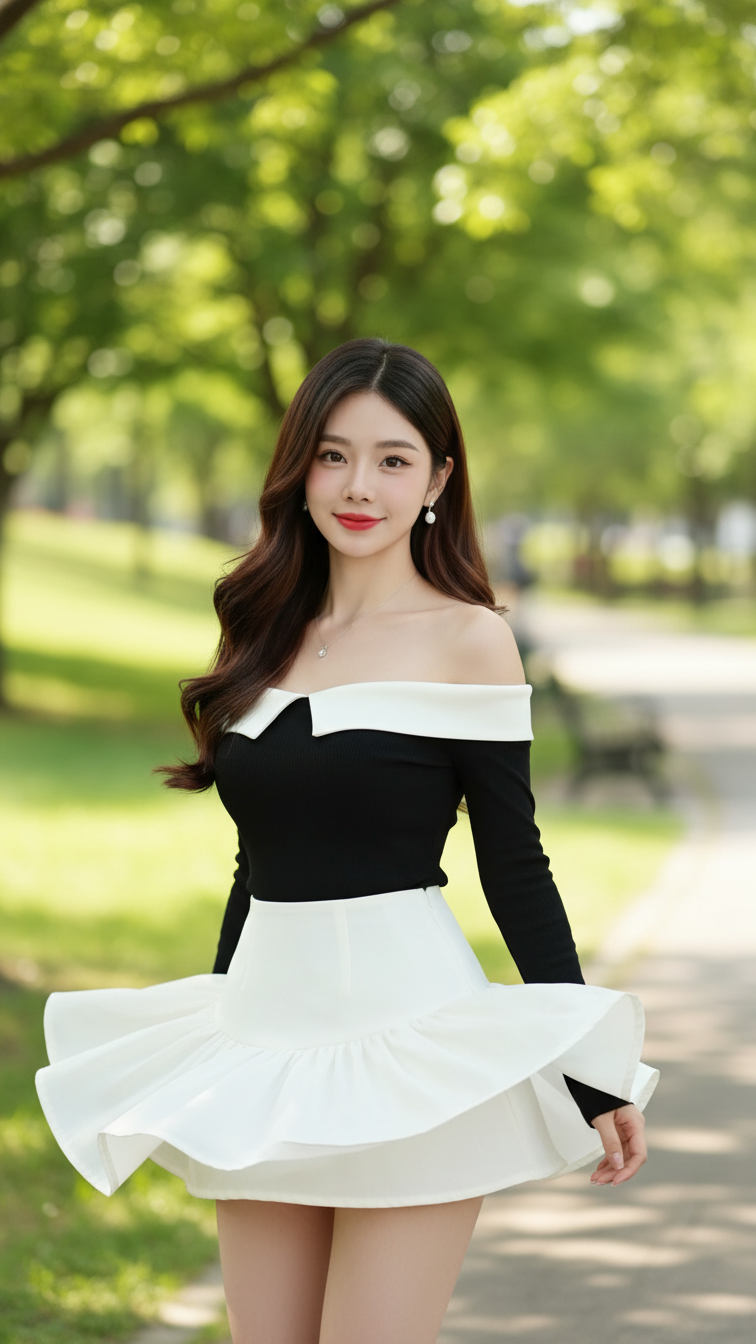
Prompt 2116: Create a realistic portrait of a young woman (face 100% identical to the original...
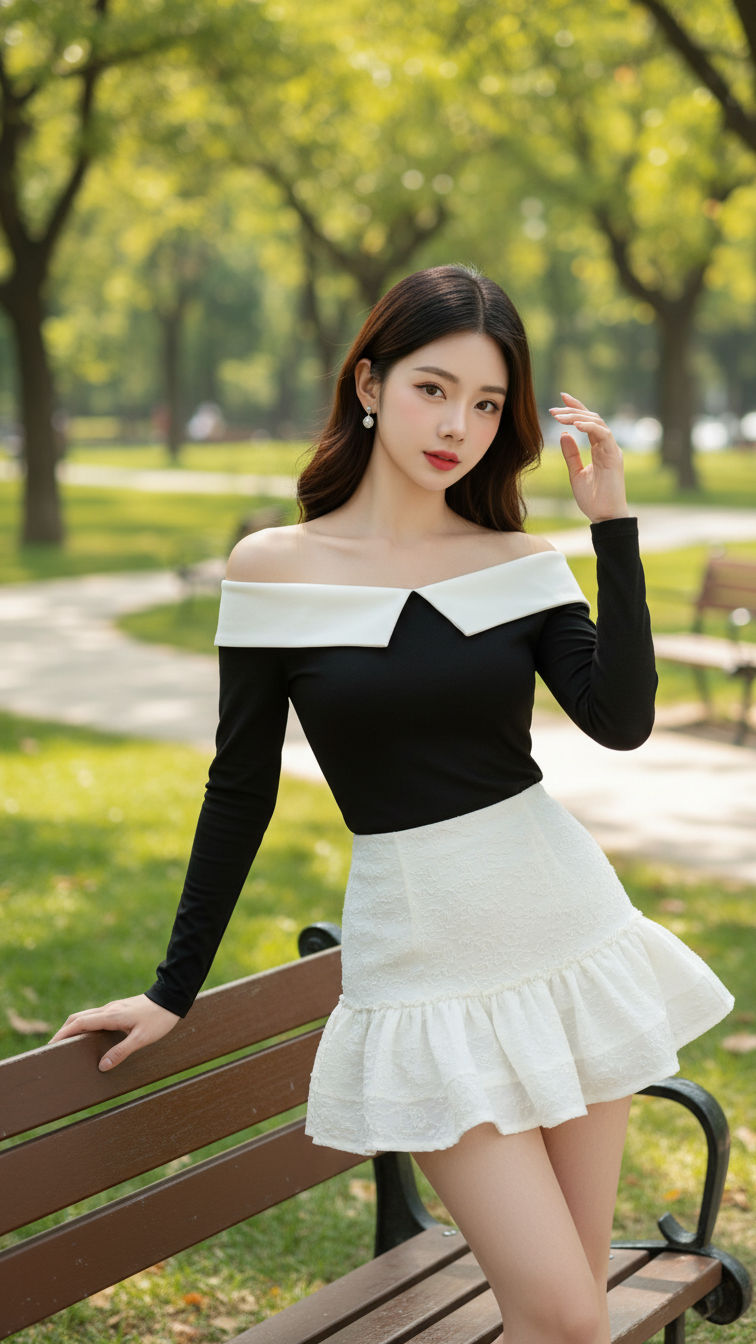
Prompt 2115: Create a realistic portrait of a young woman (face 100% identical to the original...
