
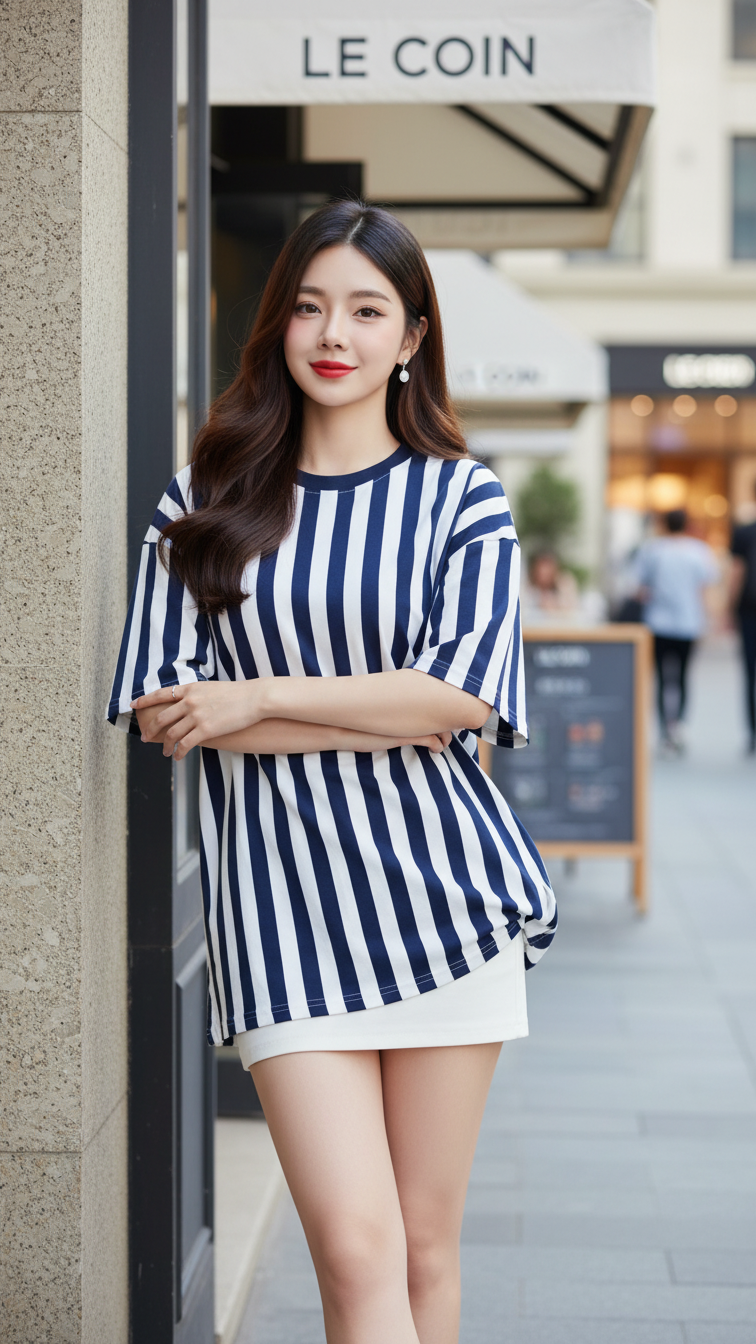
Prompt 2150: Create a realistic portrait of a young woman (face 100% identical to the original...
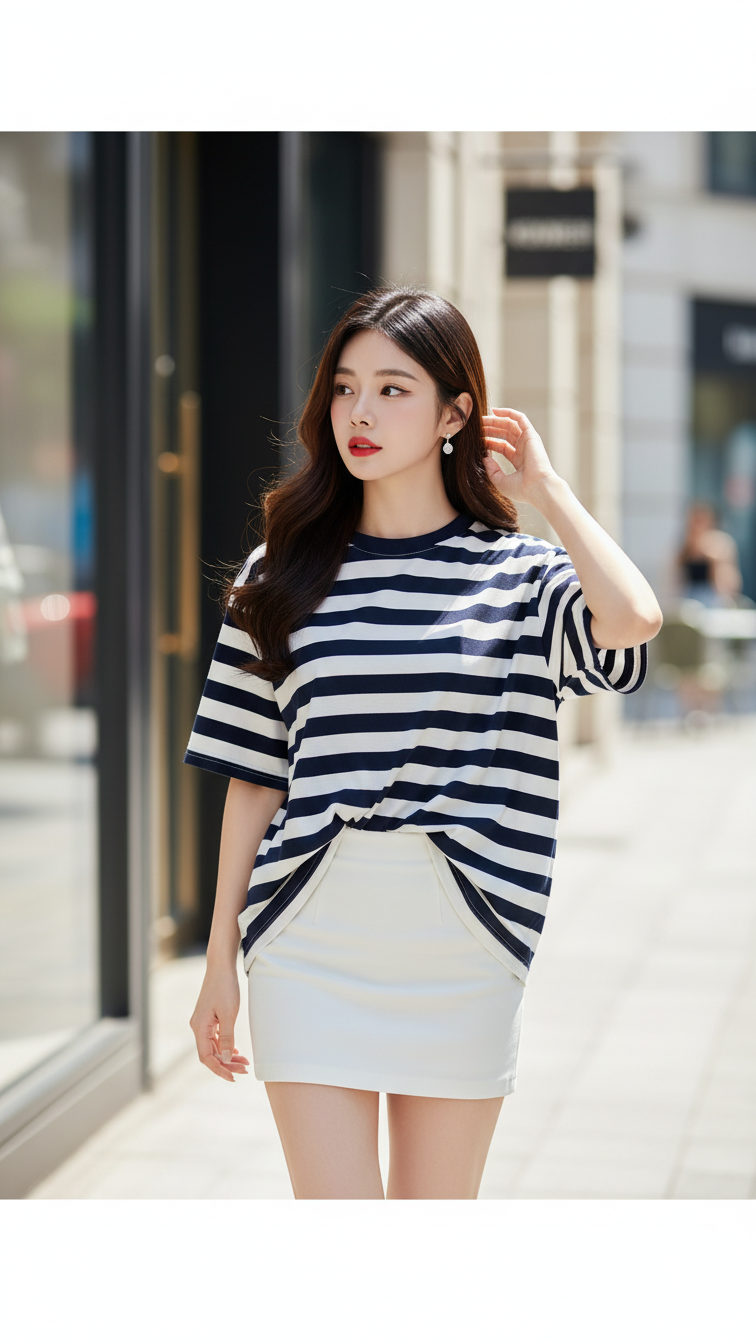
Prompt 2149: Create a realistic portrait of a young woman (face 100% identical to the original...
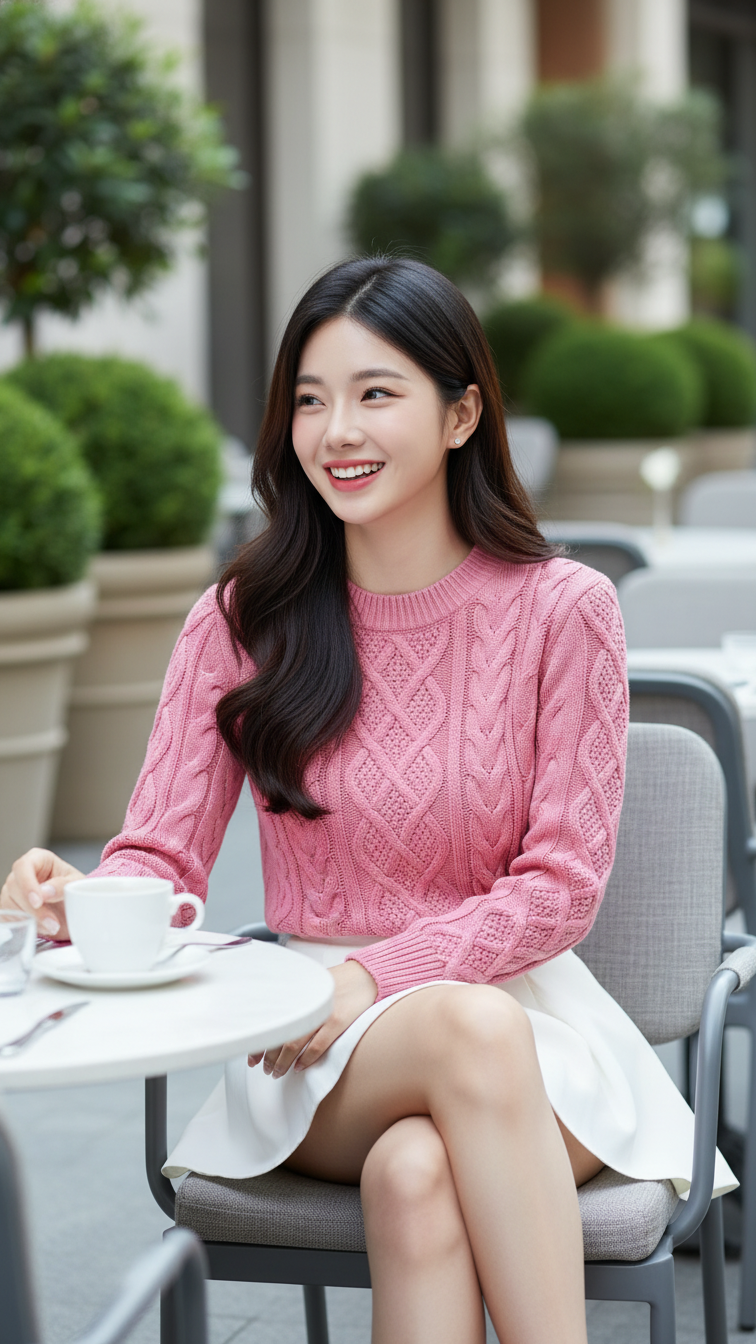
Prompt 2148: Create a realistic portrait of a young woman (face 100% identical to the original...
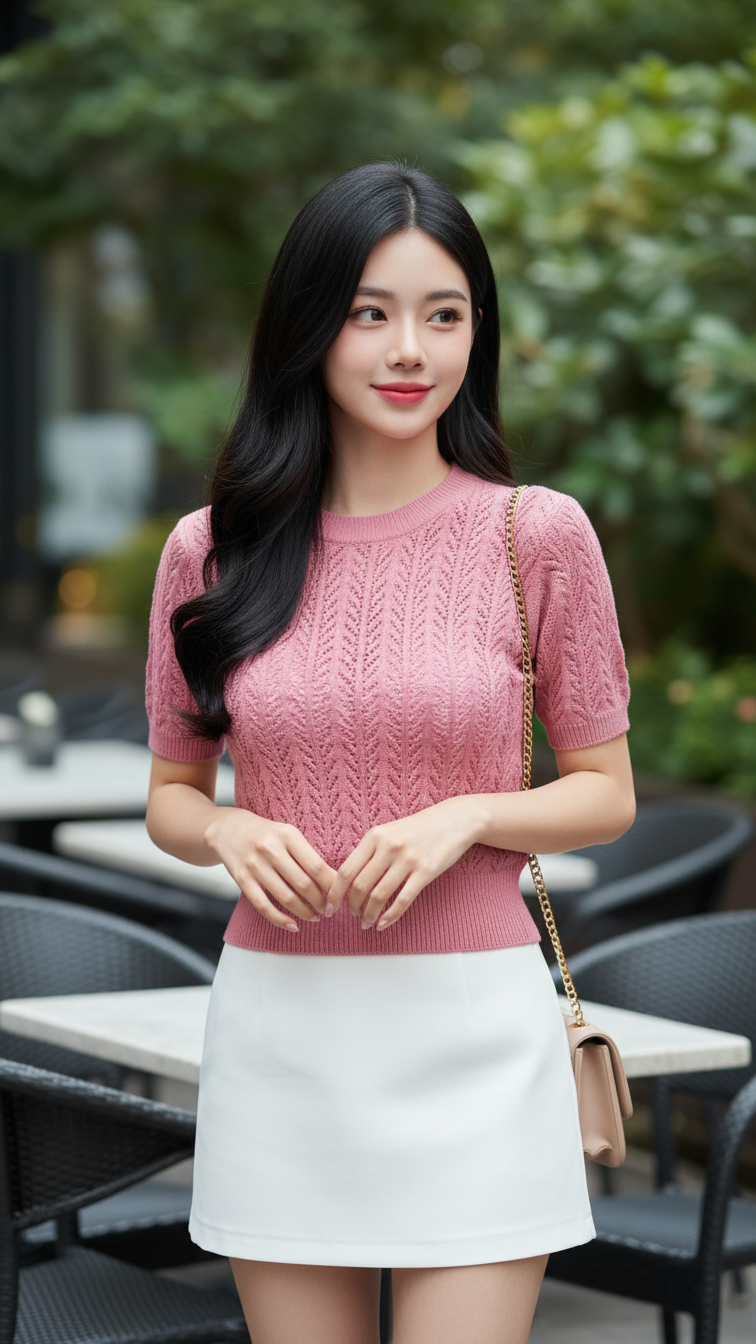
Prompt 2147: Create a realistic portrait of a young woman (face 100% identical to the original...
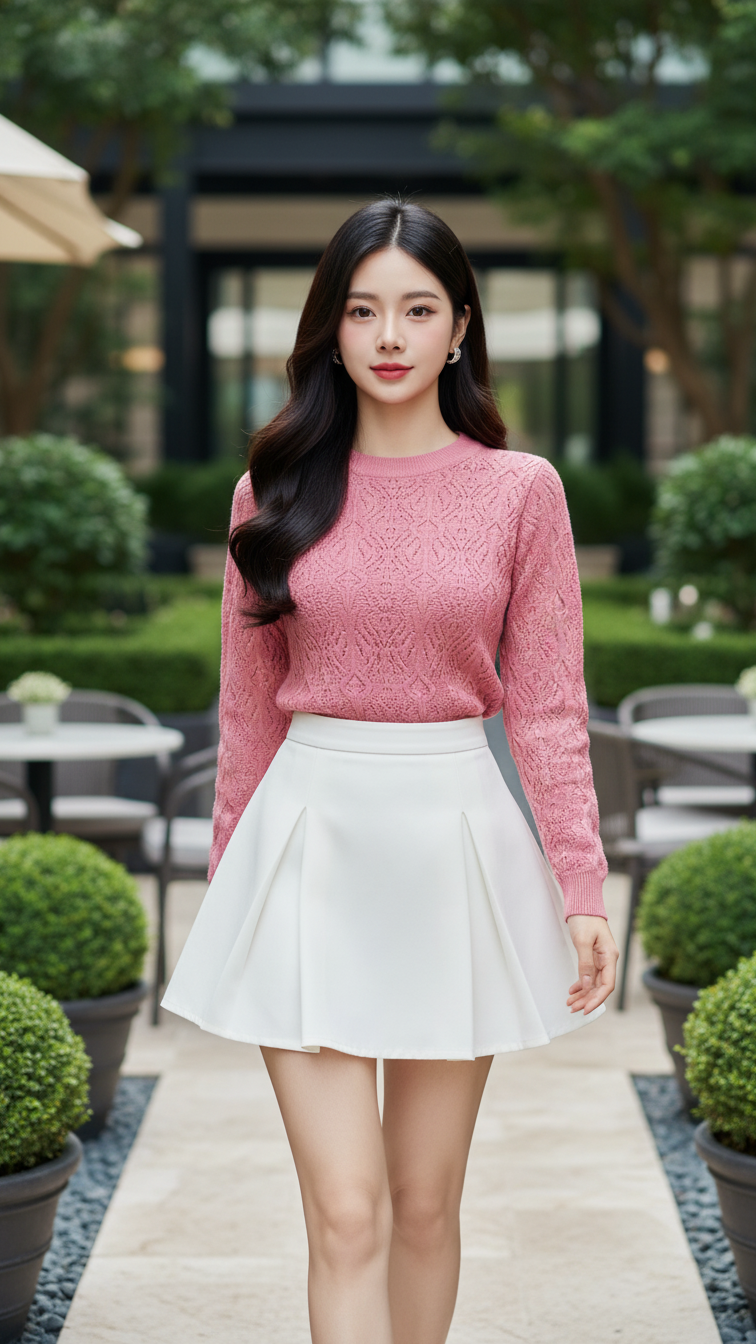
Prompt 2146: Create a realistic portrait of a young woman (face 100% identical to the original...
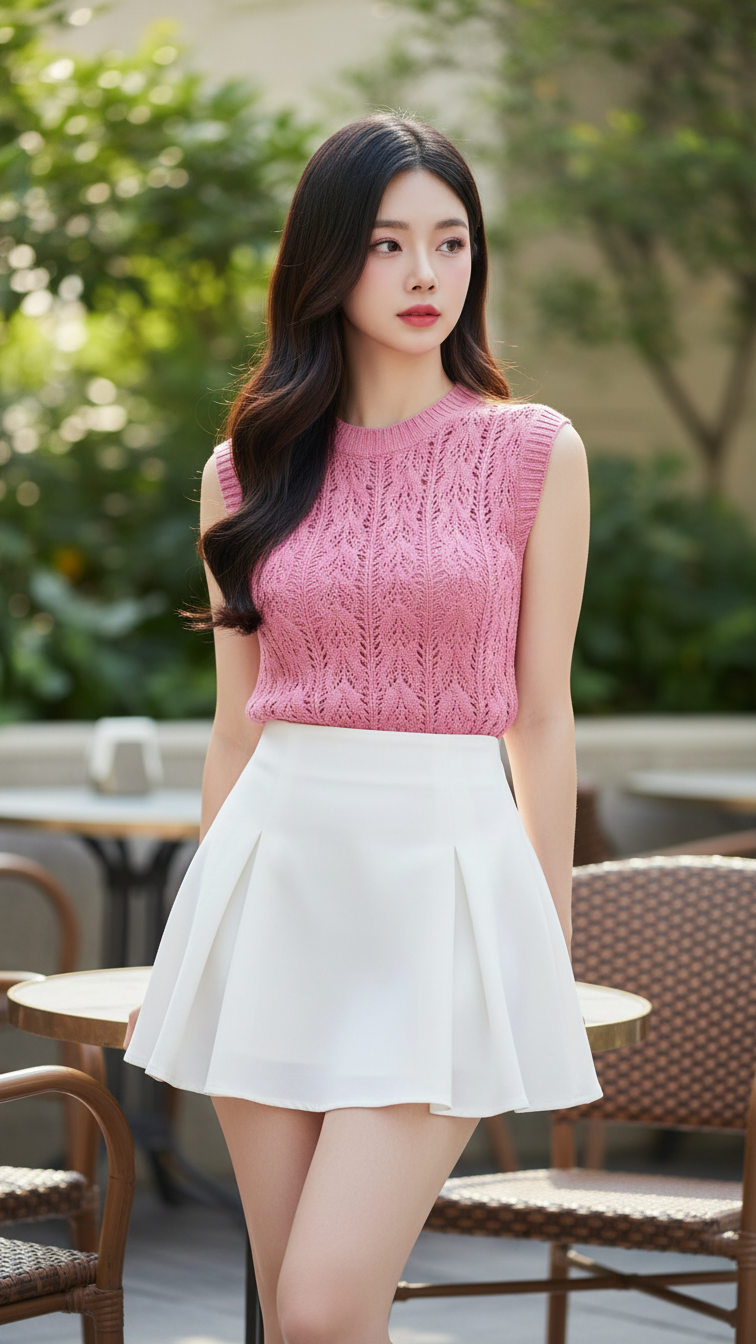
Prompt 2145: Create a realistic portrait of a young woman (face 100% identical to the original...
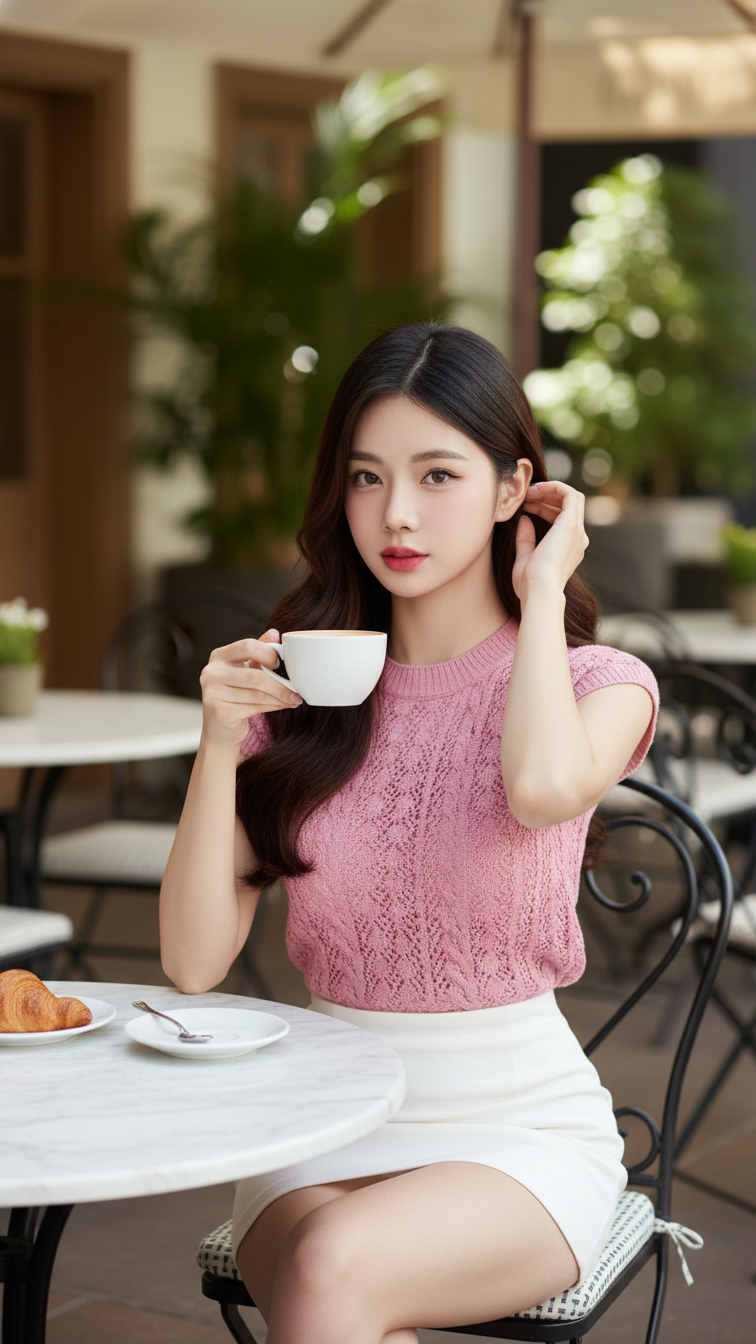
Prompt 2144: Create a realistic portrait of a young woman (face 100% identical to the original...
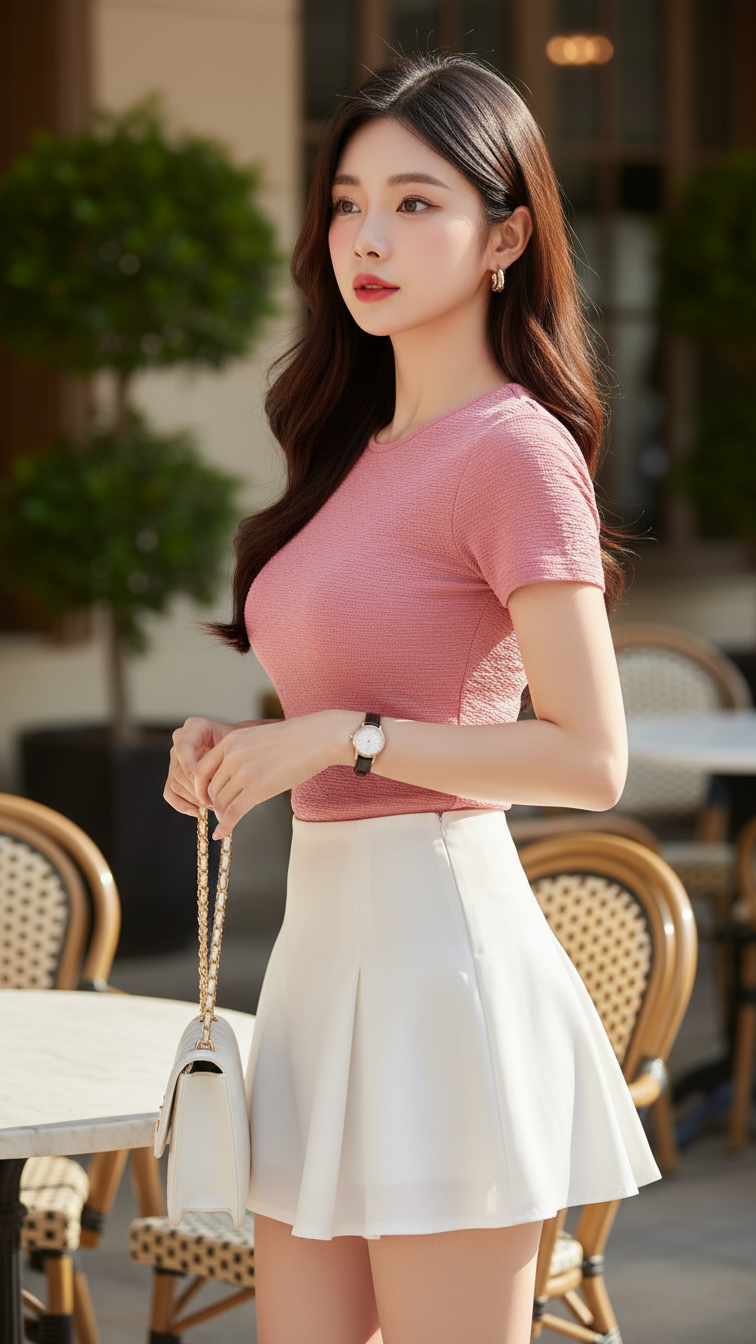
Prompt 2143: Create a realistic portrait of a young woman (face 100% identical to the original...
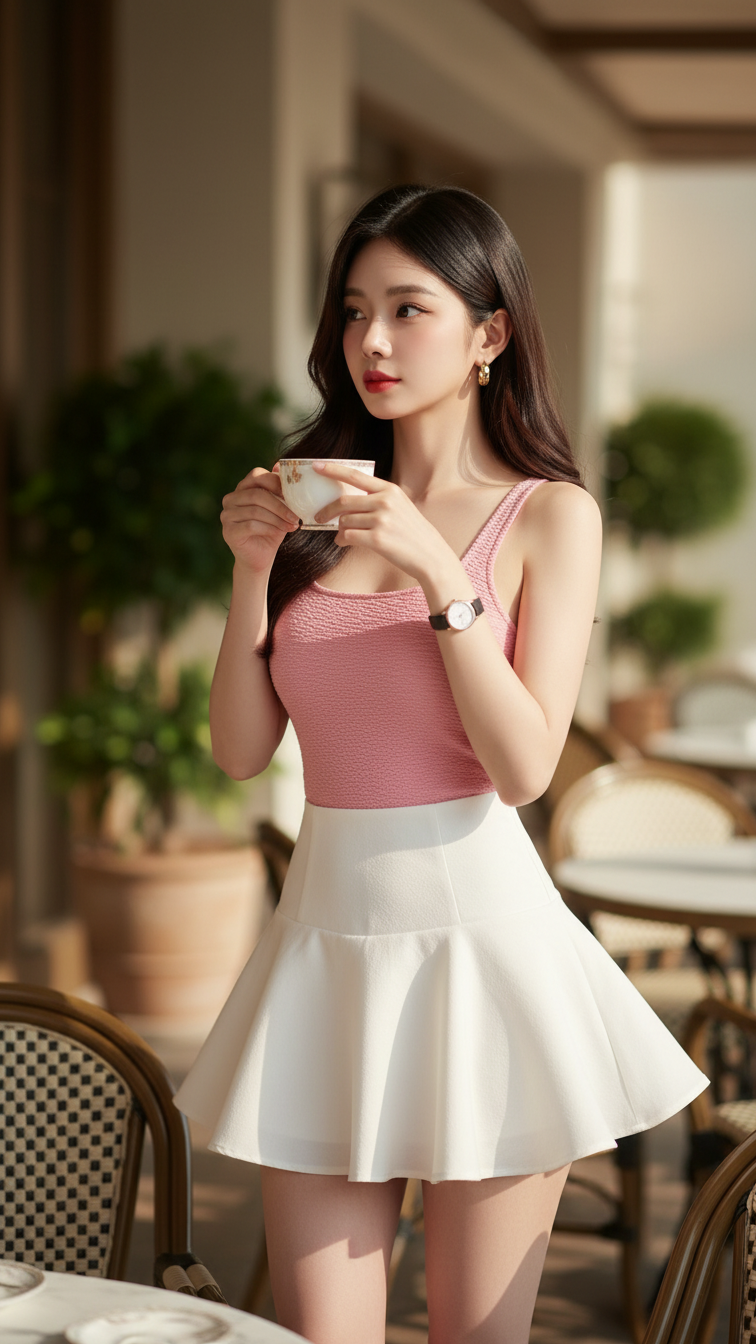
Prompt 2142: Create a realistic portrait of a young woman (face 100% identical to the original...
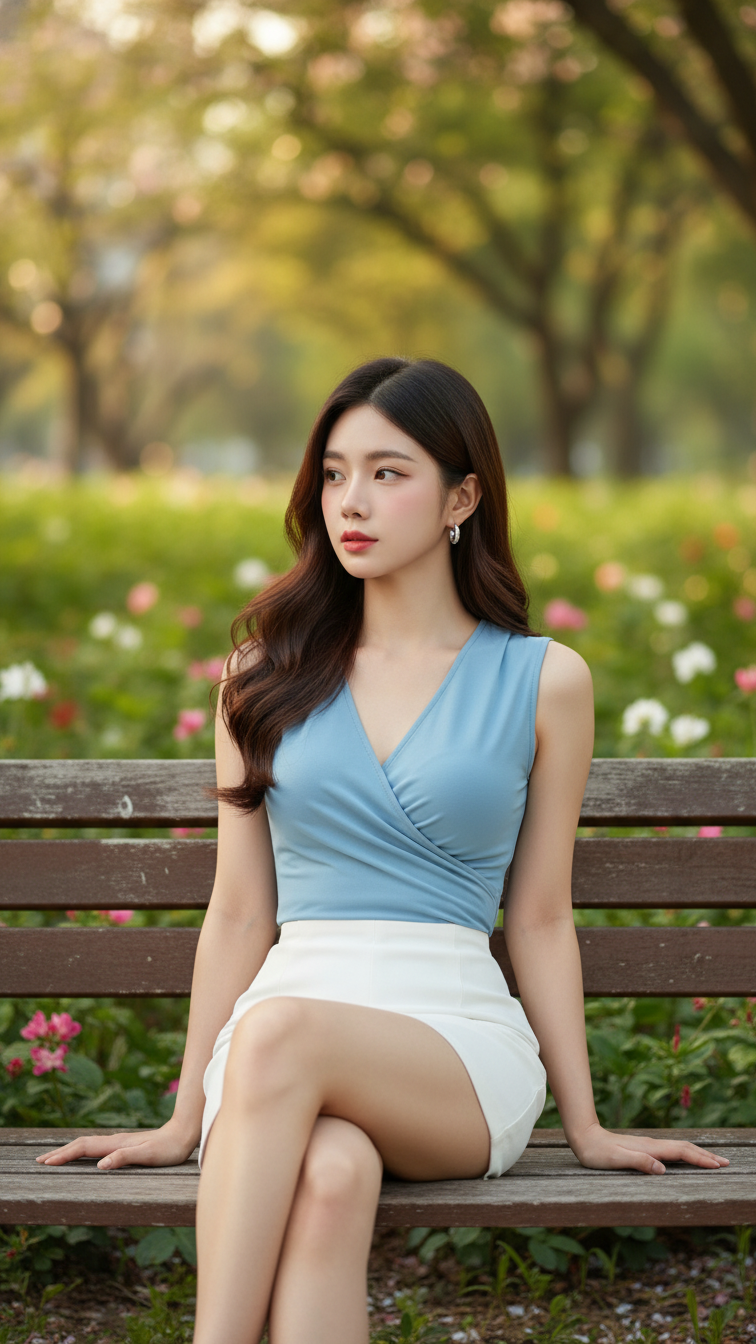
Prompt 2141: Create a realistic portrait of a young woman (face 100% identical to the original...
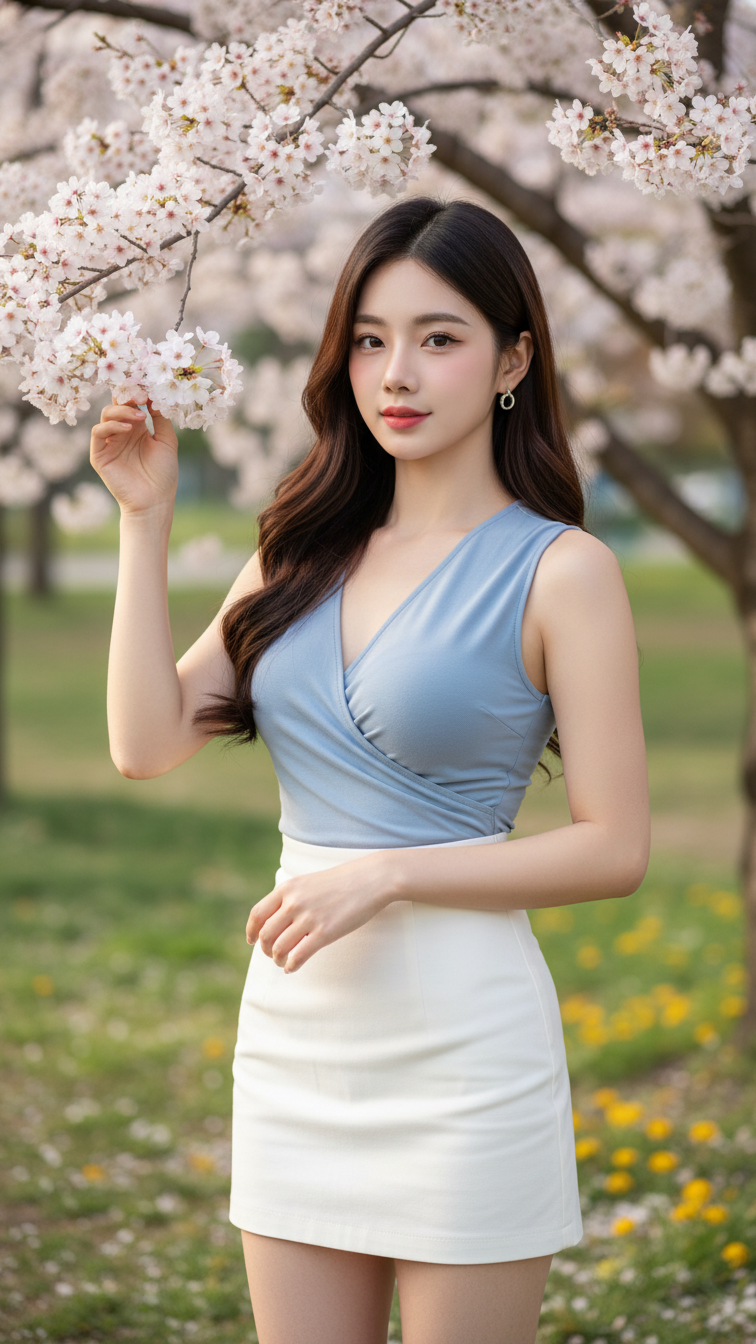
Prompt 2140: Create a realistic portrait of a young woman (face 100% identical to the original...
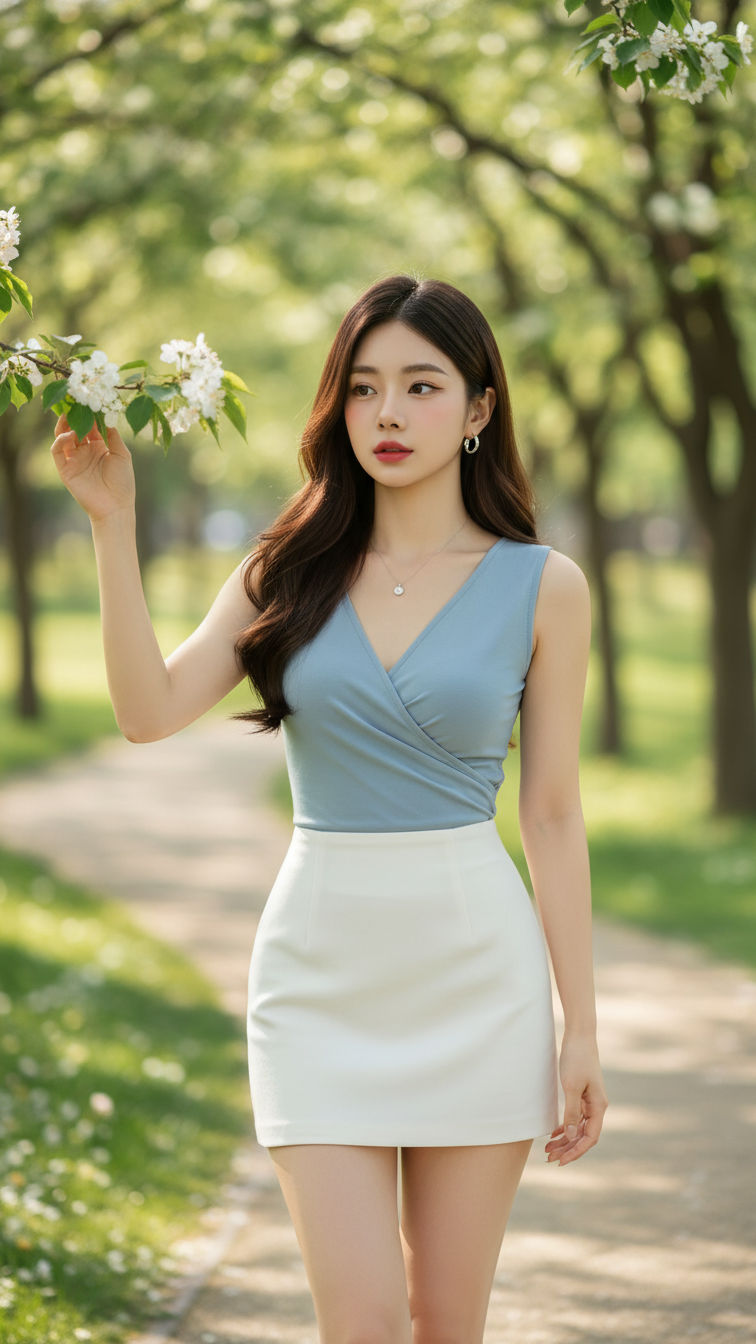
Prompt 2139: Create a realistic portrait of a young woman (face 100% identical to the original...
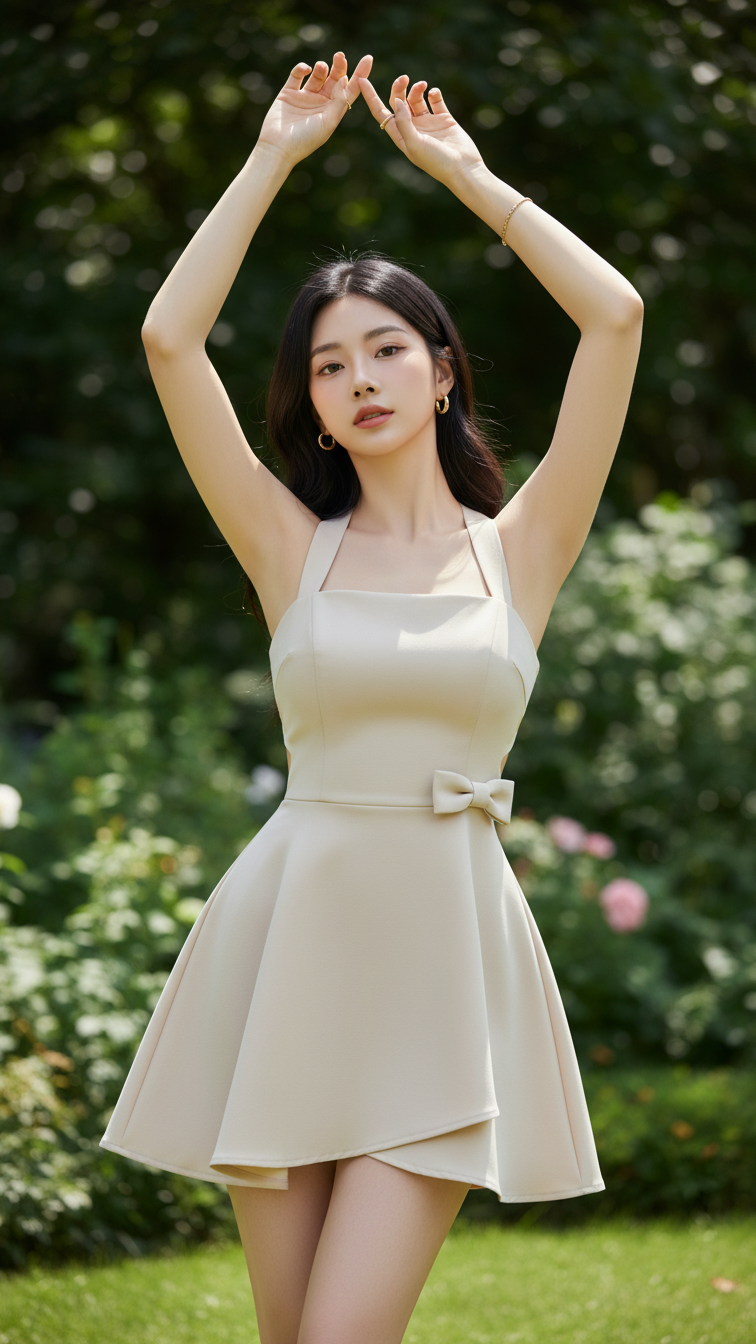
Prompt 2138: Create a realistic portrait of a young woman (face 100% identical to the original...
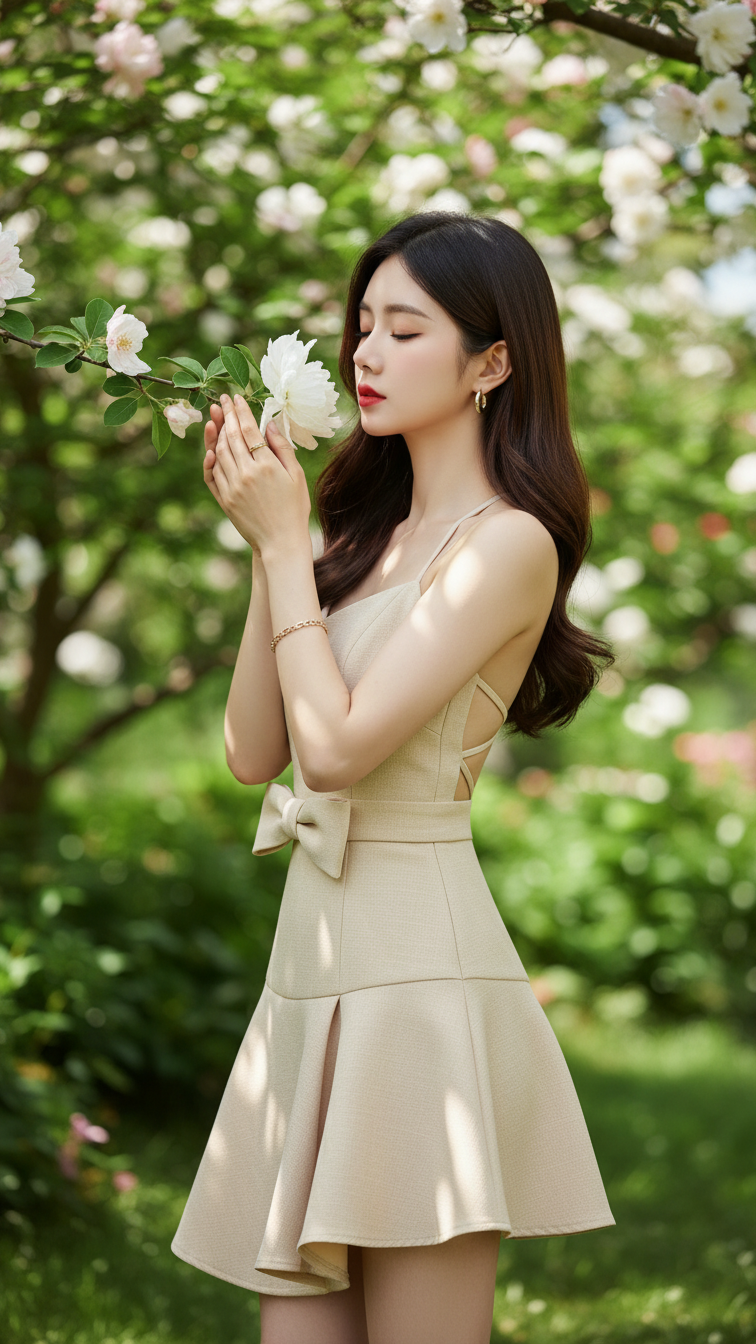
Prompt 2137: Create a realistic portrait of a young woman (face 100% identical to the original...
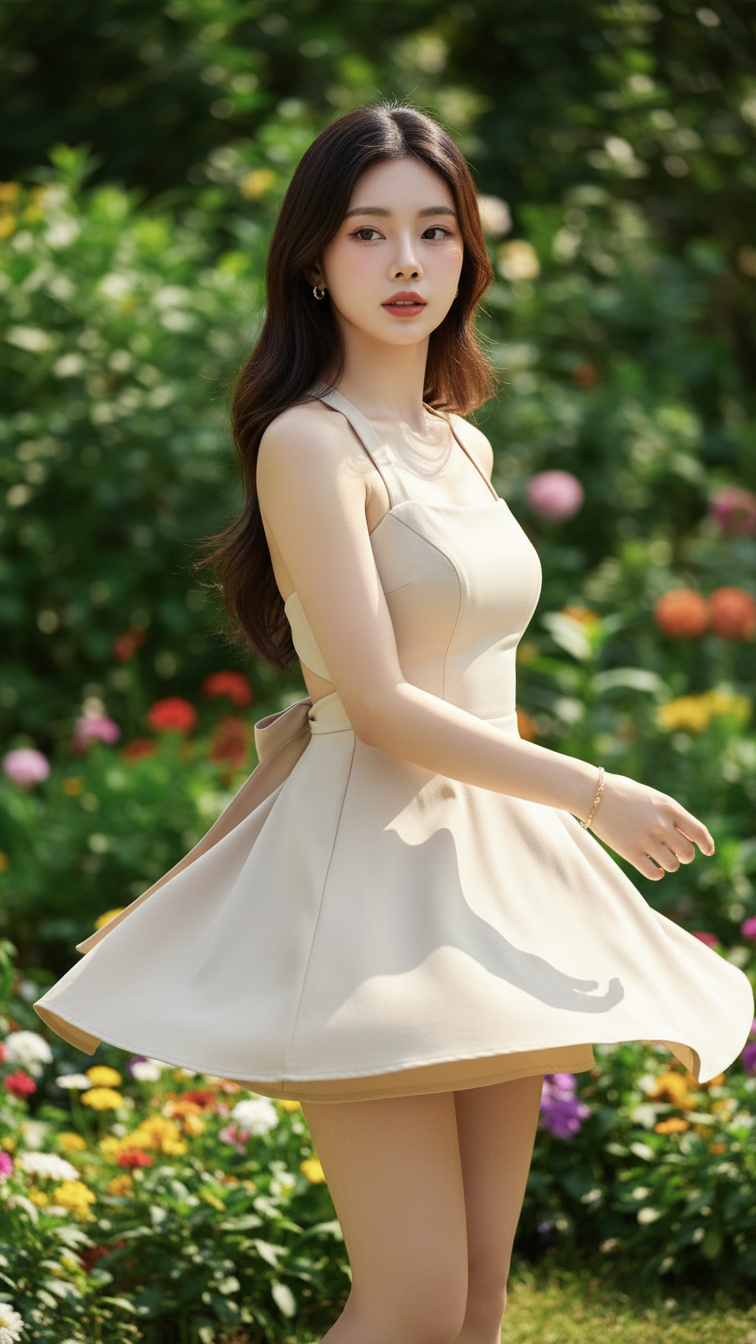
Prompt 2136: Create a realistic portrait of a young woman (face 100% identical to the original...
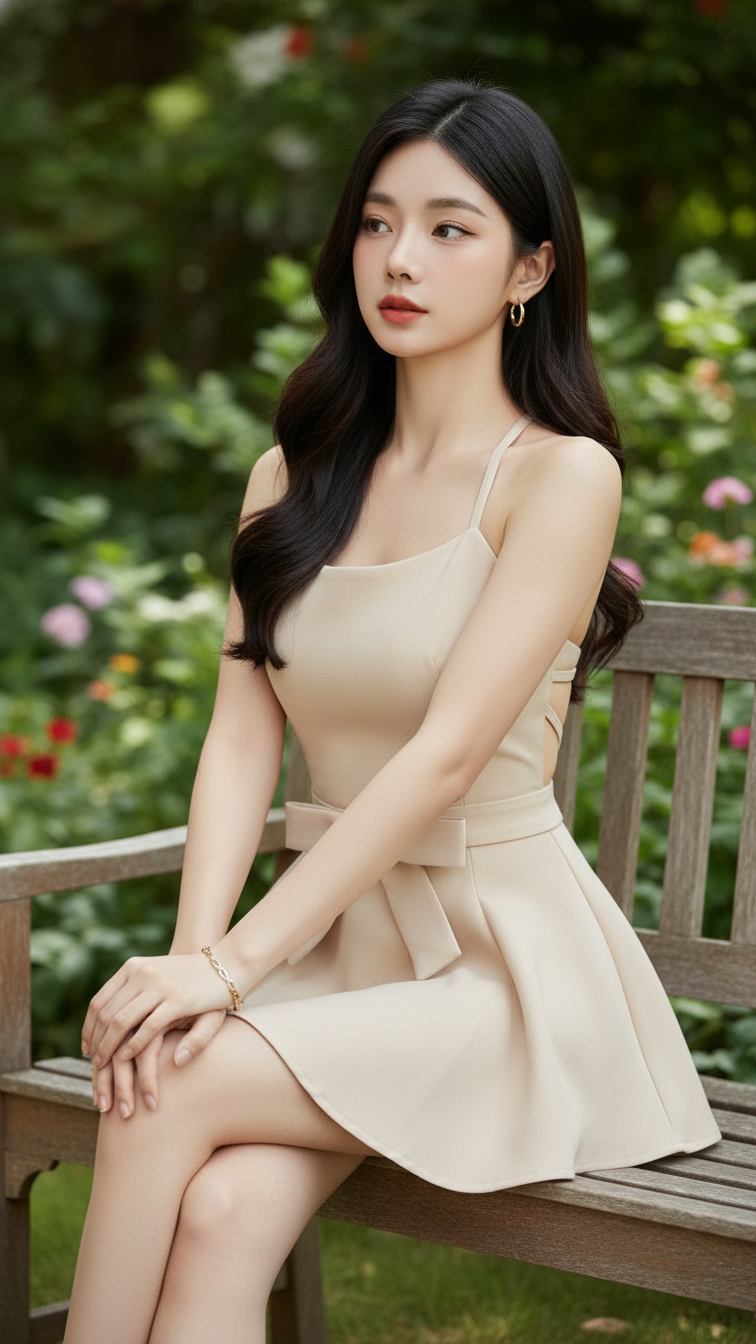
Prompt 2135: Create a realistic portrait of a young woman (face 100% identical to the original...
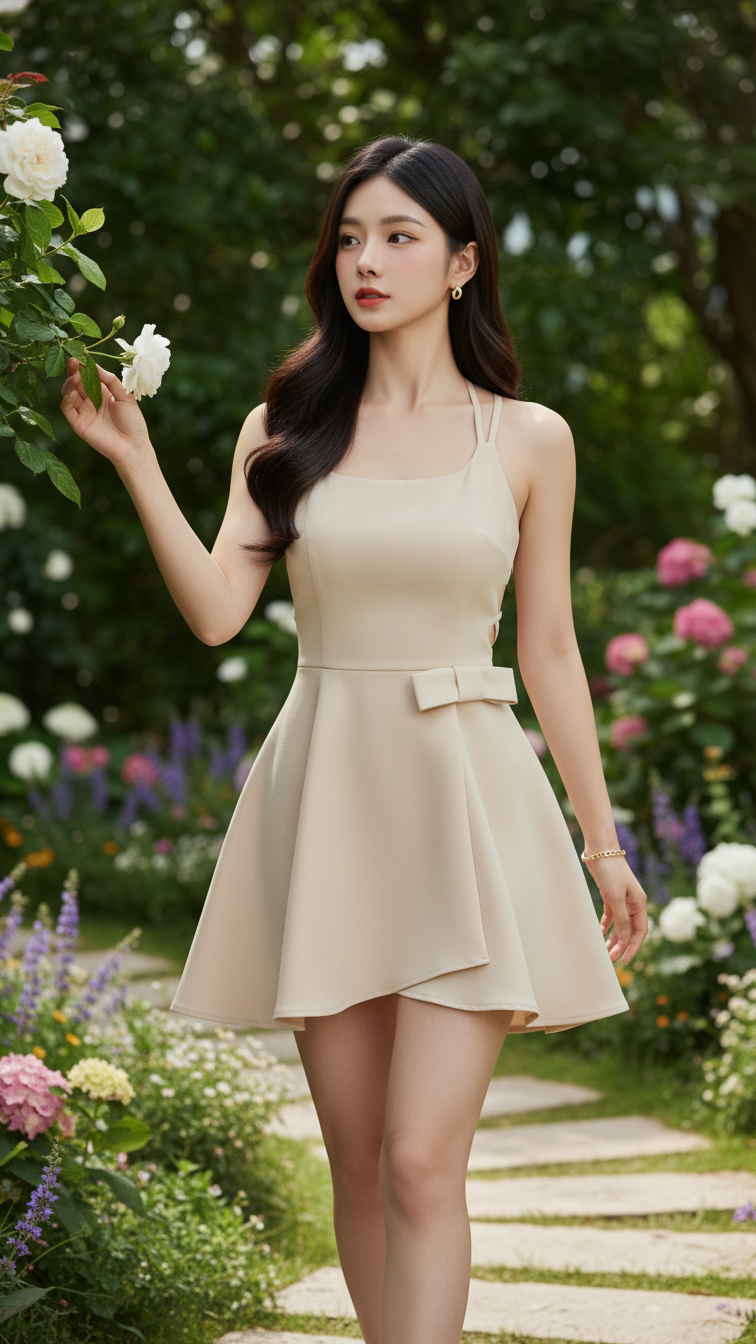
Prompt 2134: Create a realistic portrait of a young woman (face 100% identical to the original...
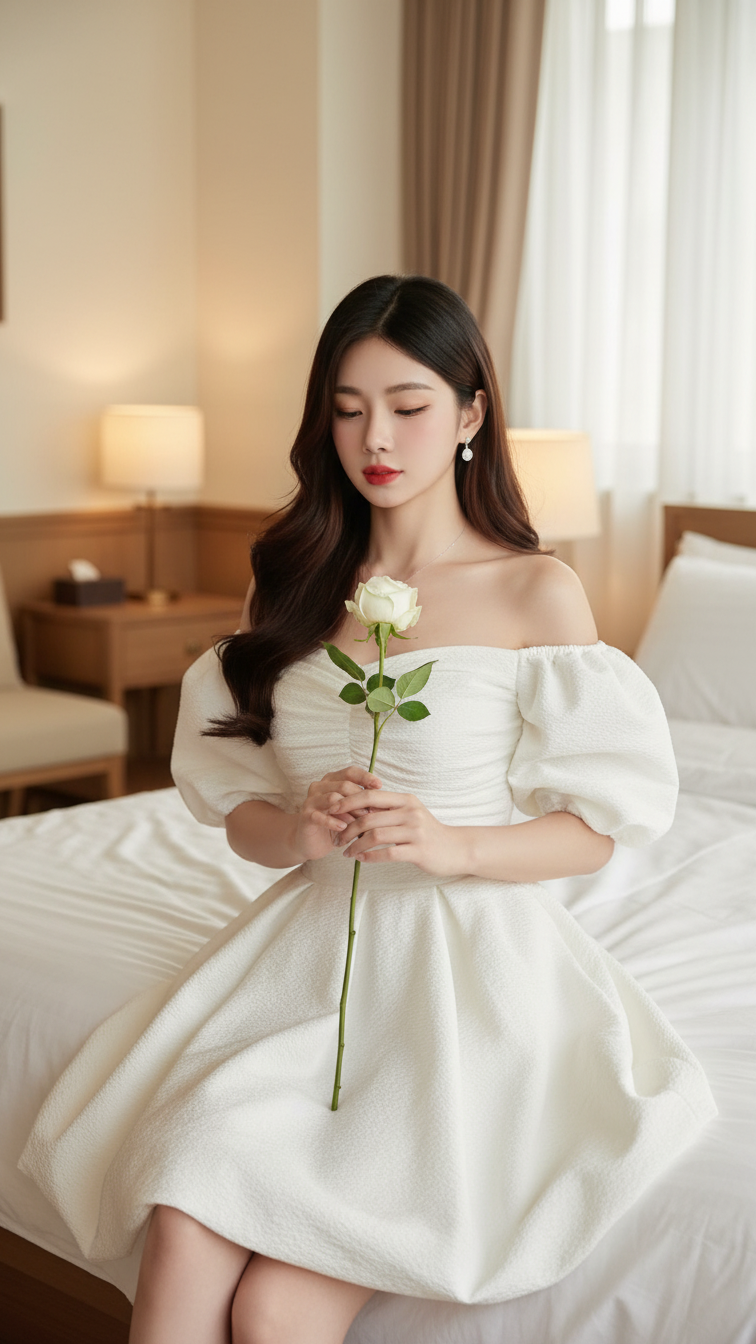
Prompt 2133: Create a realistic portrait of a young woman (face 100% identical to the original...
