
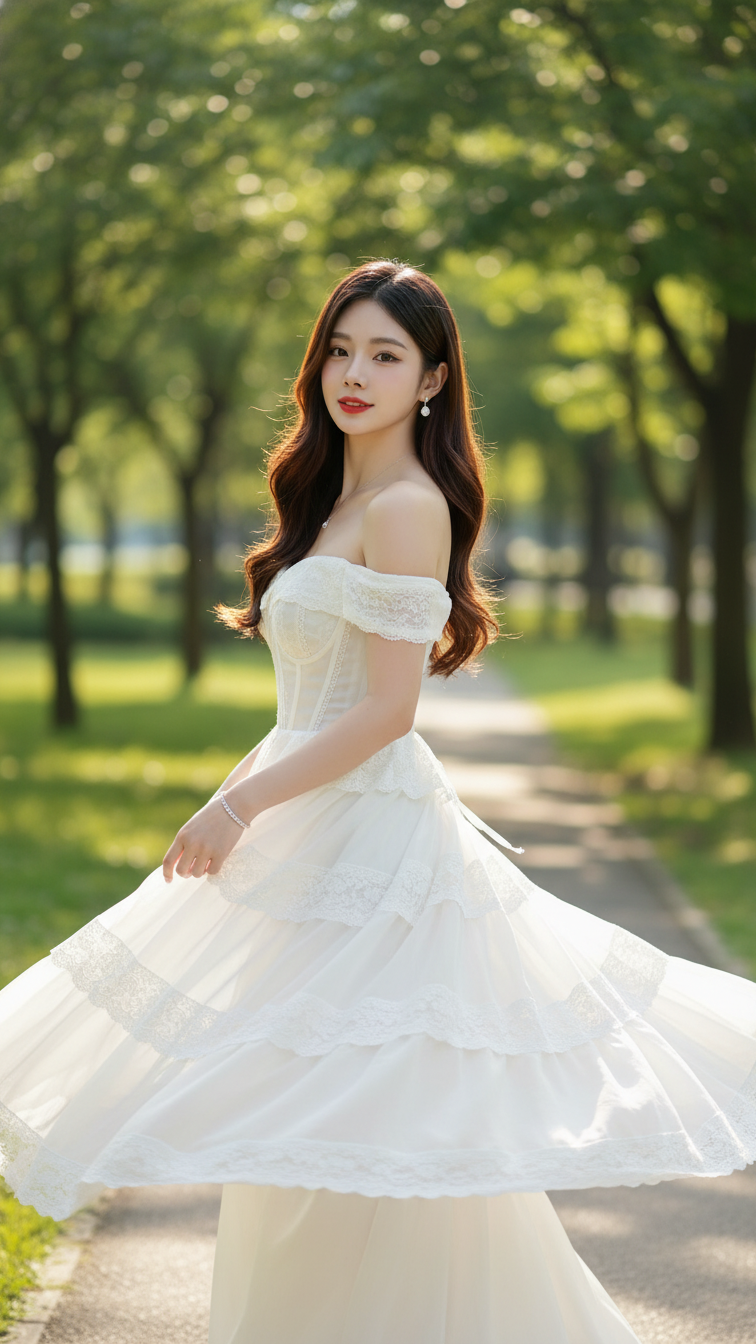
Prompt 2168: Create a realistic portrait of a young woman (face 100% identical to the original...
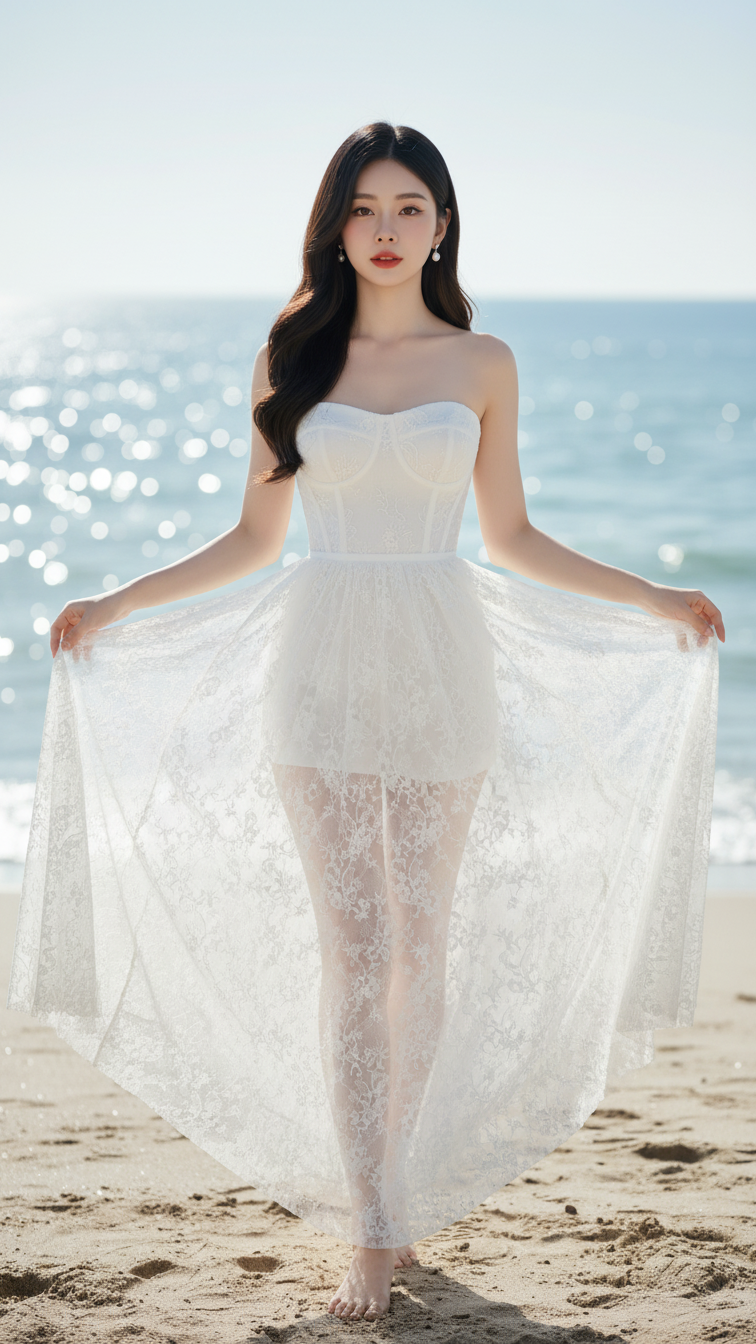
Prompt 2167: Create a realistic portrait of a young woman (face 100% identical to the original...
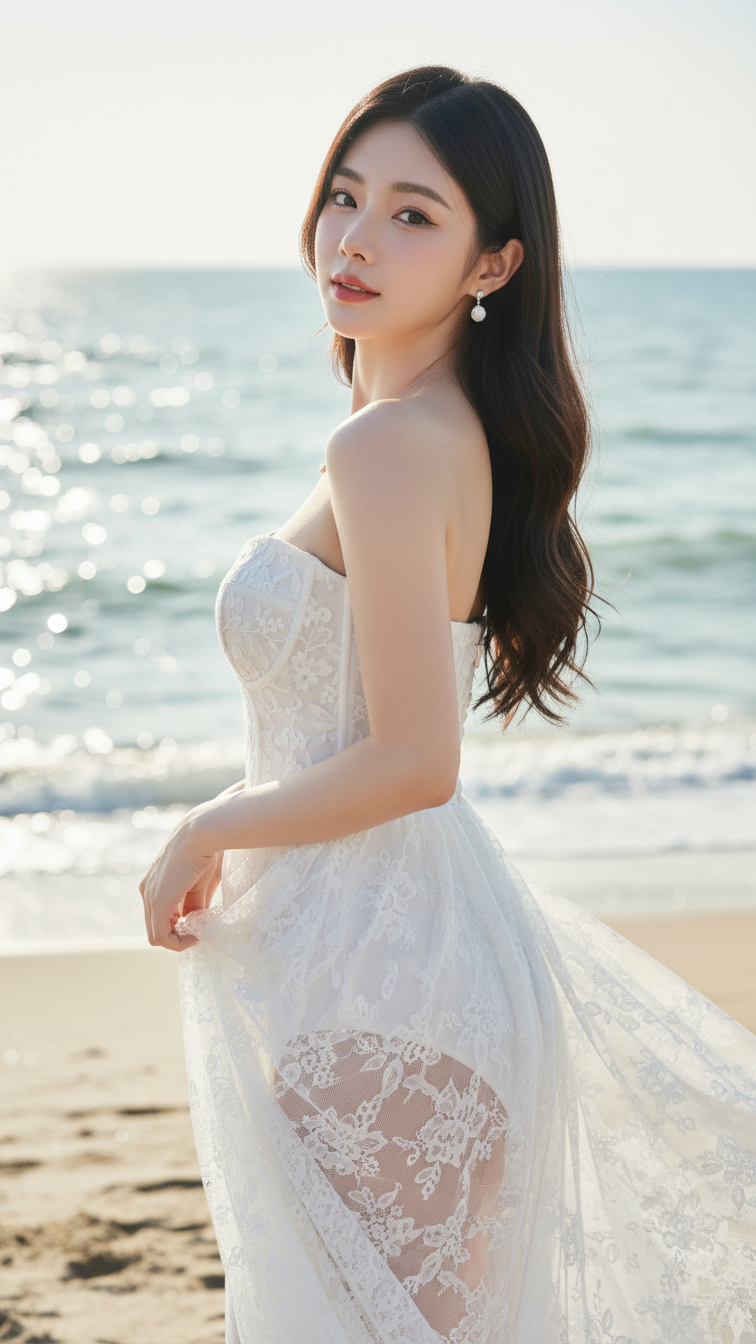
Prompt 2166: Create a realistic portrait of a young woman (face 100% identical to the original...
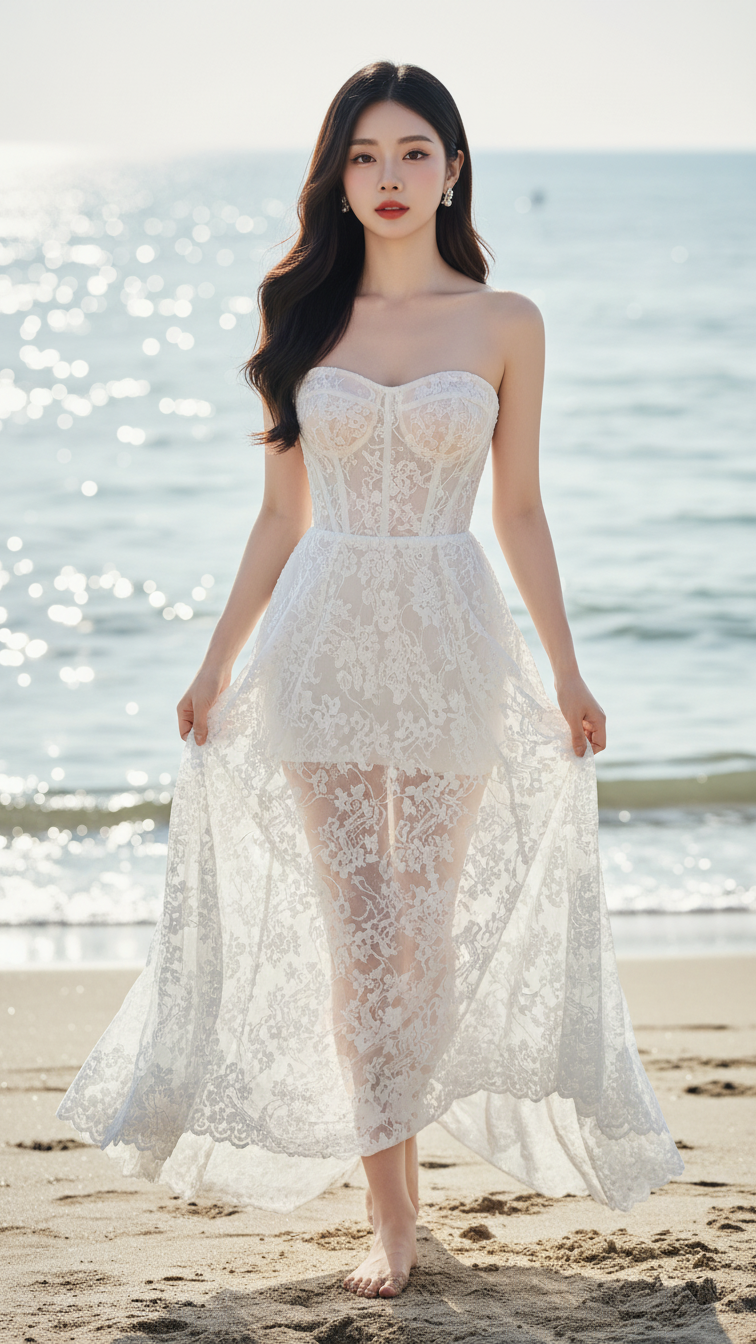
Prompt 2165: Create a realistic portrait of a young woman (face 100% identical to the original...
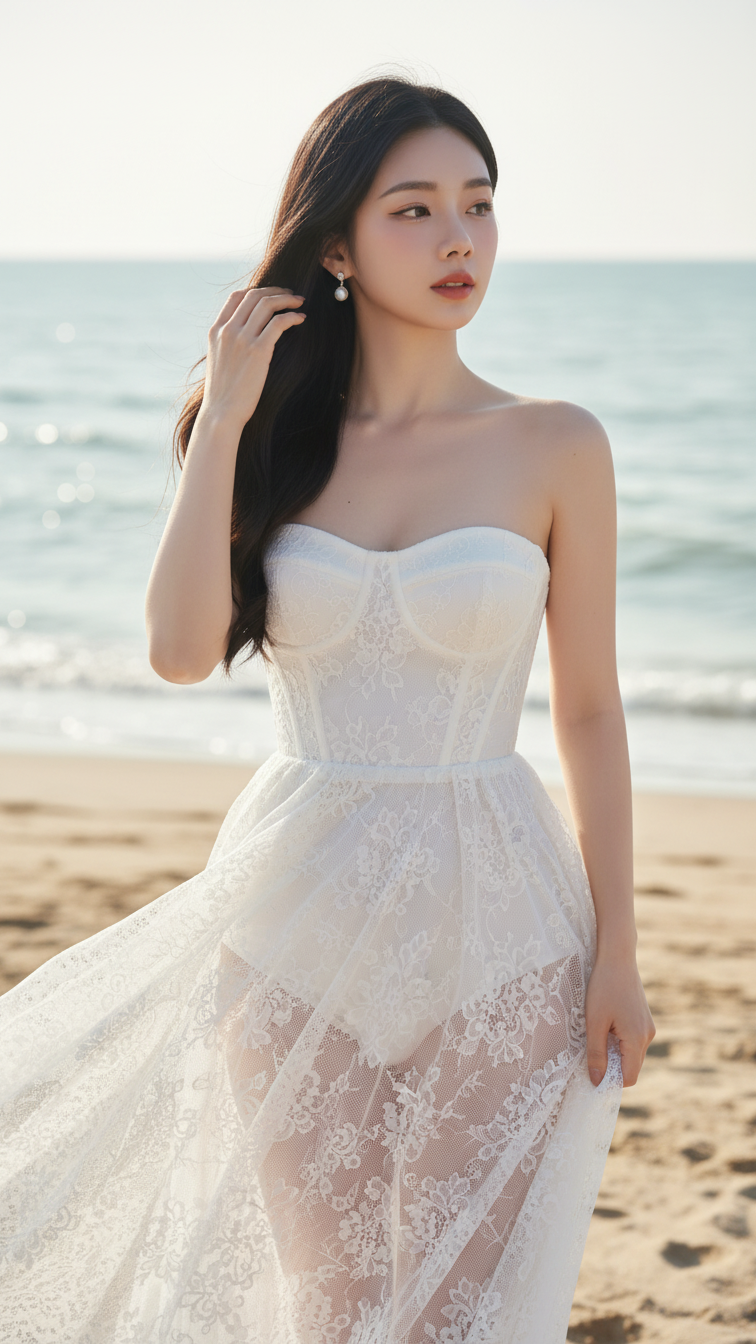
Prompt 2164: Create a realistic portrait of a young woman (face 100% identical to the original...
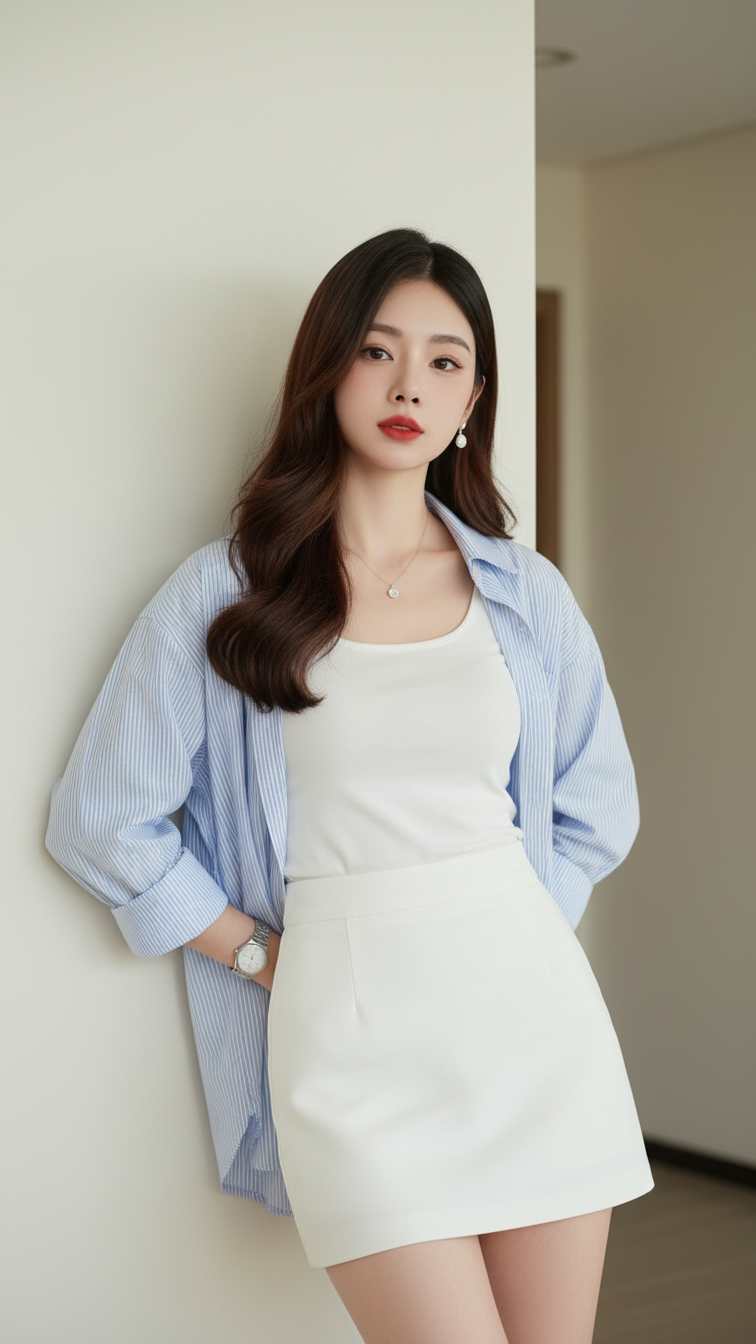
Prompt 2163: Create a realistic portrait of a young woman (face 100% identical to the original...
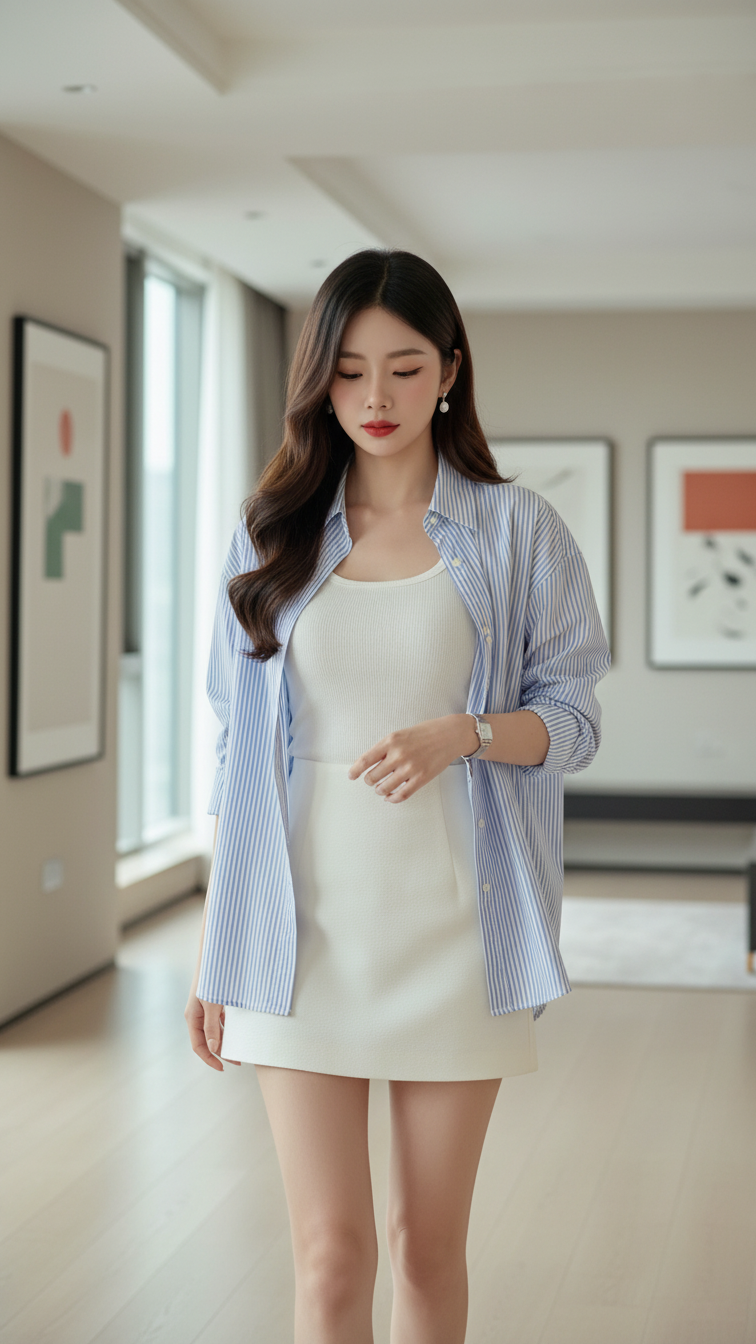
Prompt 2162: Create a realistic portrait of a young woman (face 100% identical to the original...
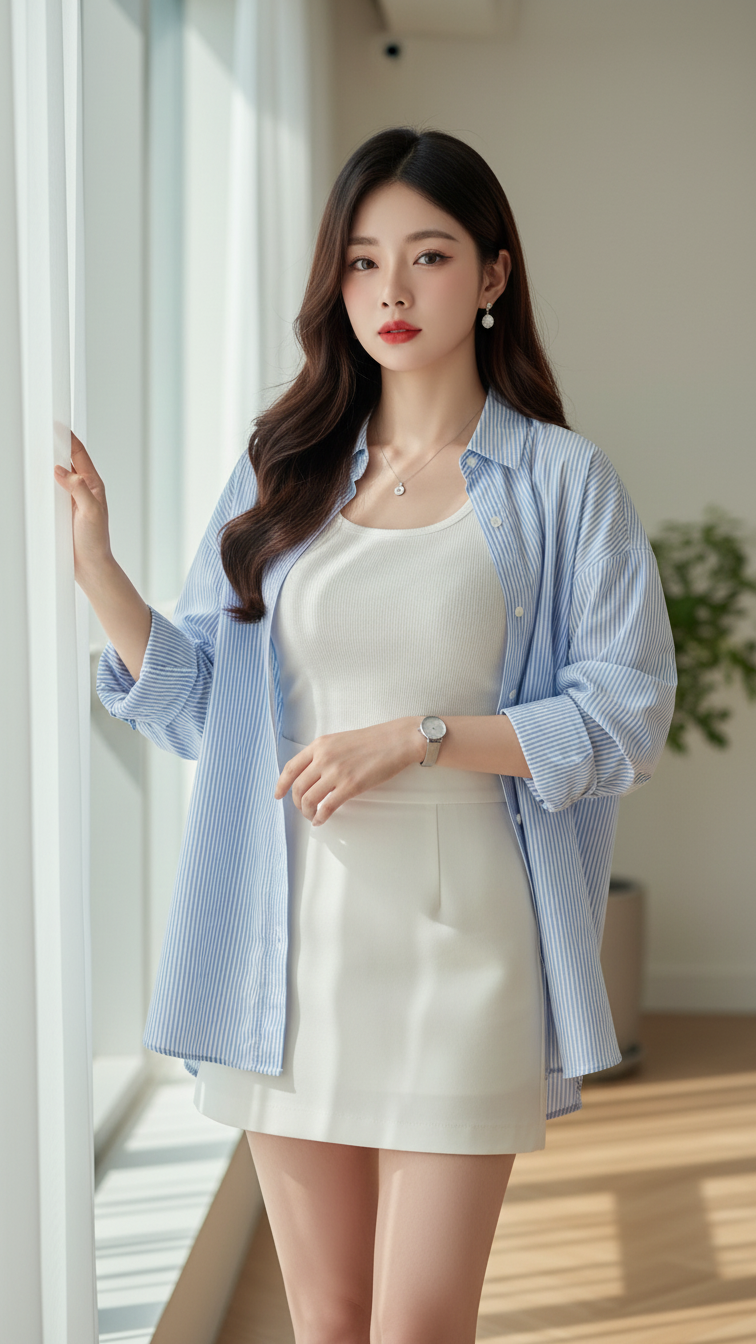
Prompt 2161: Create a realistic portrait of a young woman (face 100% identical to the original...
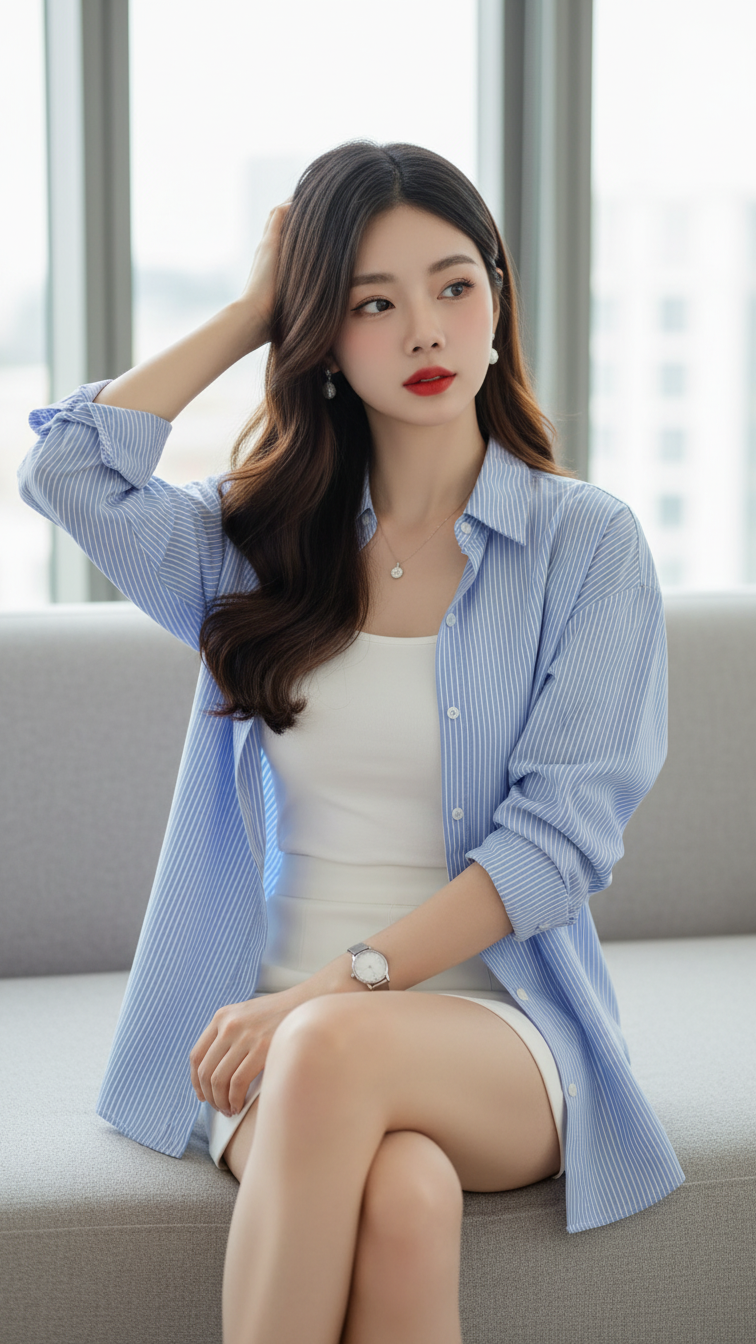
Prompt 2160: Create a realistic portrait of a young woman (face 100% identical to the original...
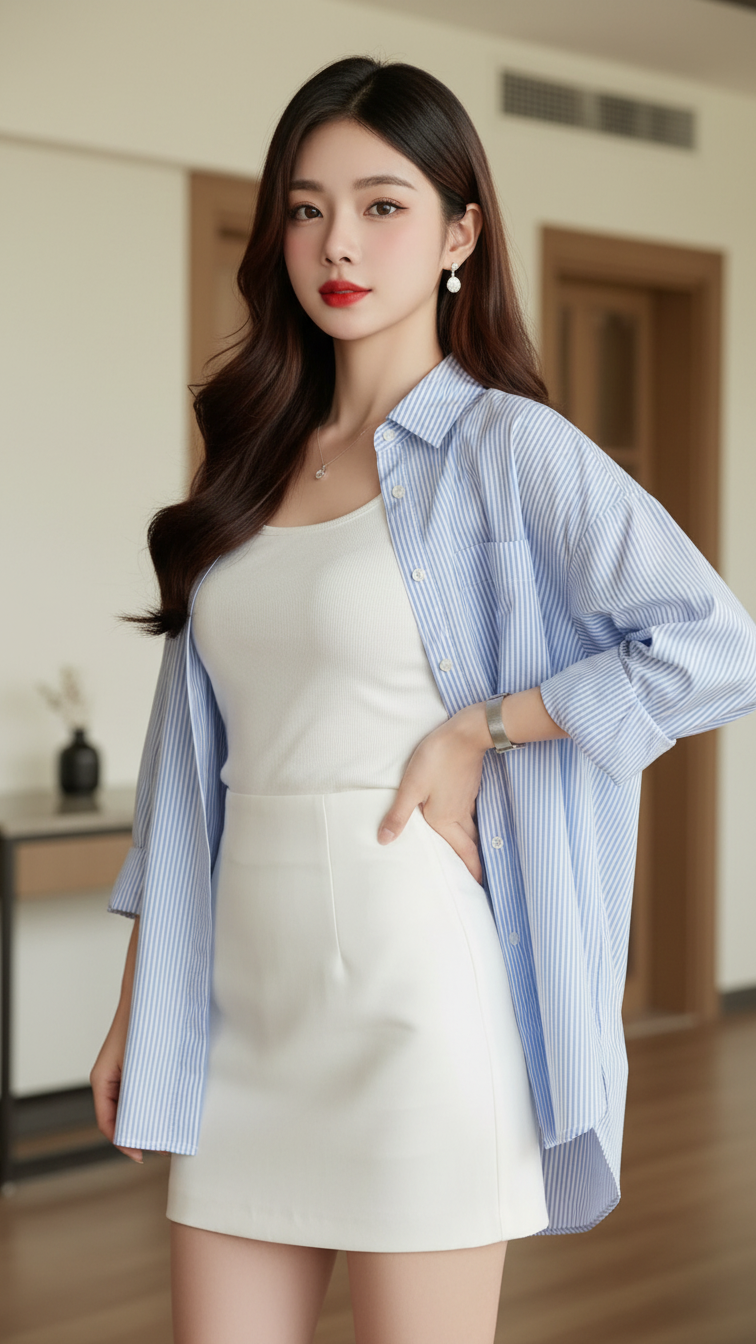
Prompt 2159: Create a realistic portrait of a young woman (face 100% identical to the original...
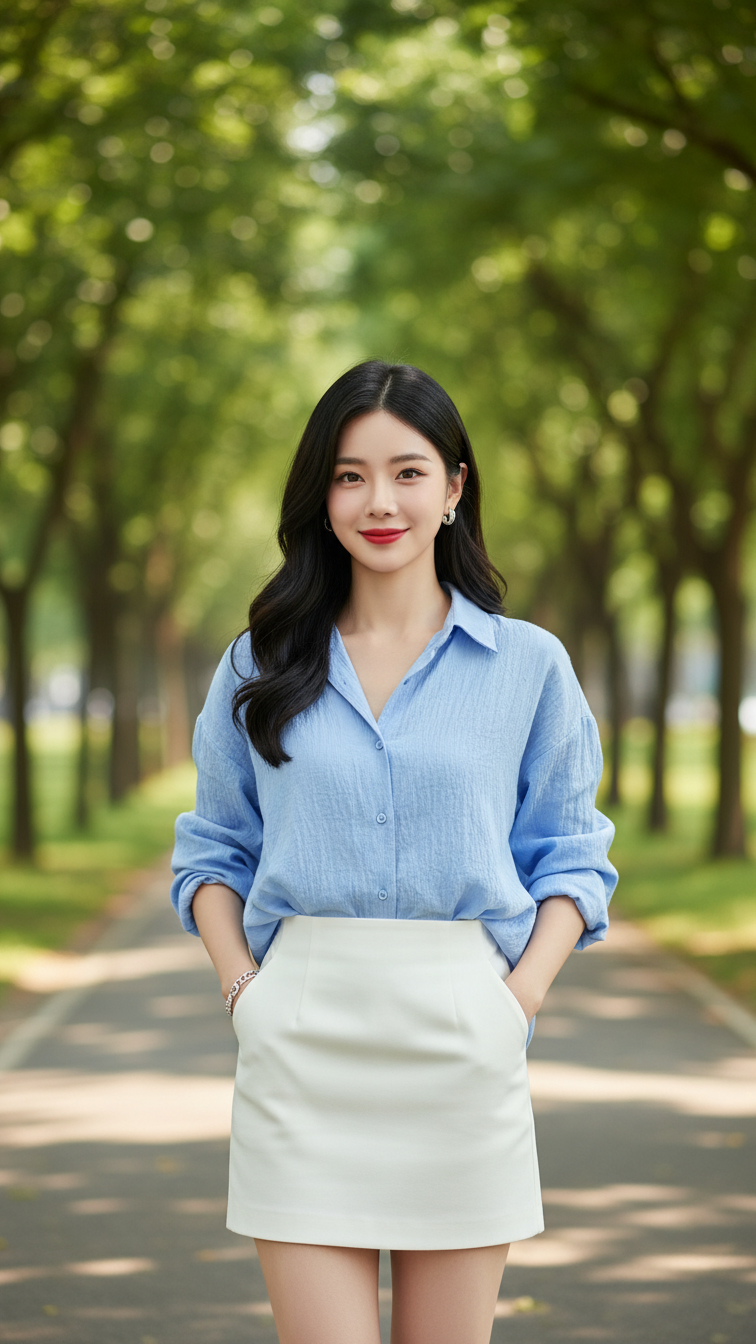
Prompt 2158: Create a realistic portrait of a young woman (face 100% identical to the original...
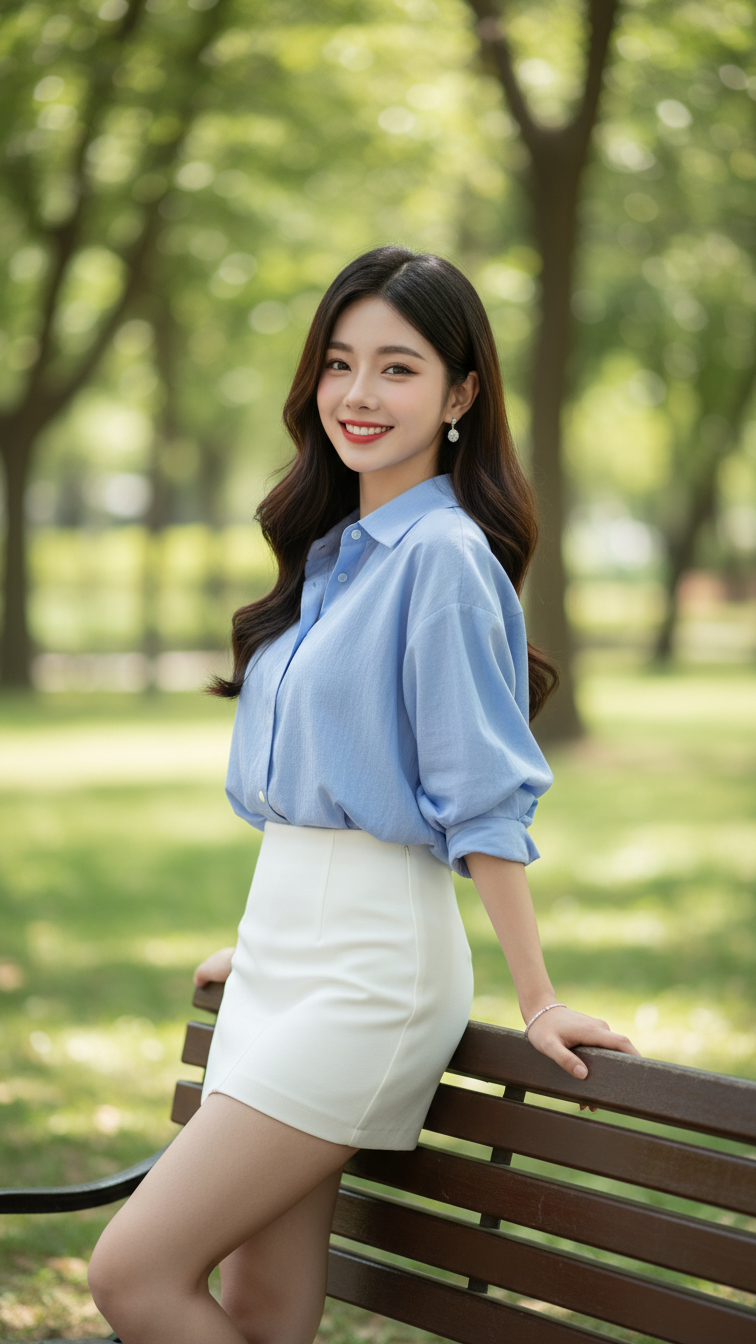
Prompt 2157: Create a realistic portrait of a young woman (face 100% identical to the original...
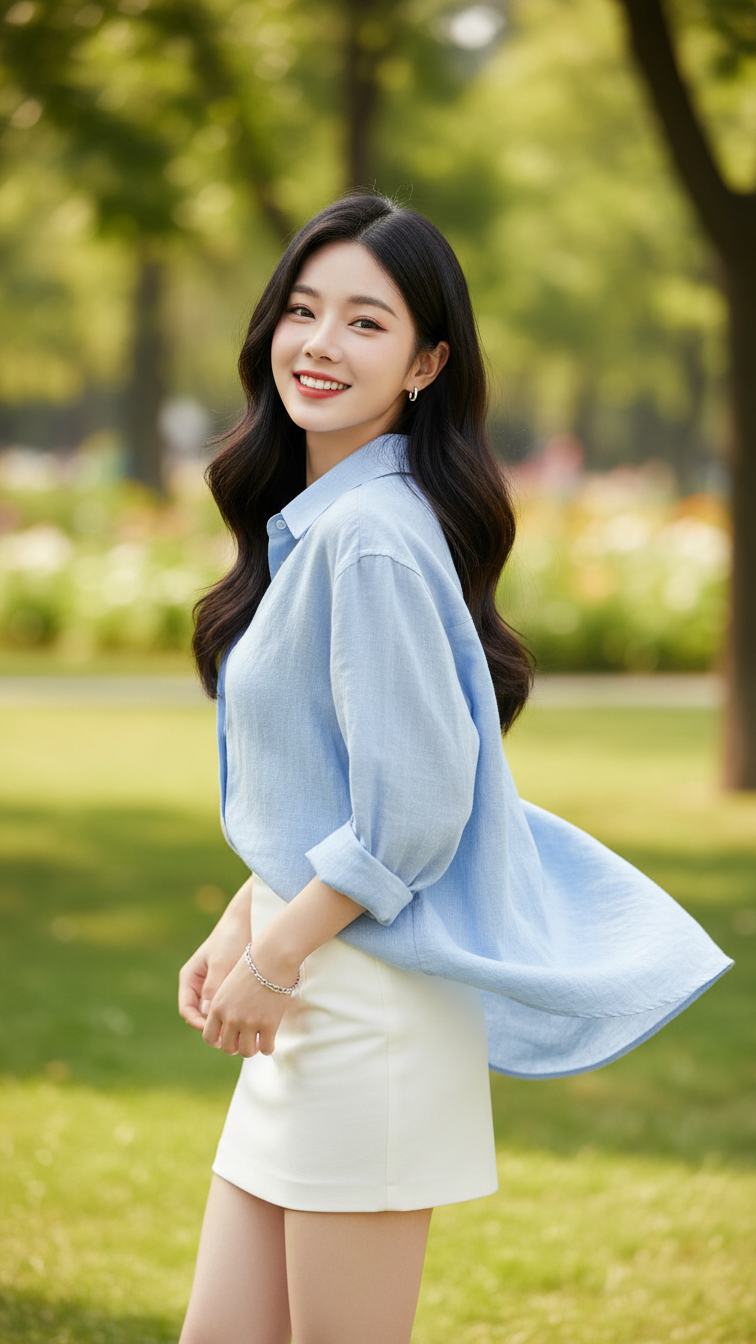
Prompt 2156: Create a realistic portrait of a young woman (face 100% identical to the original...
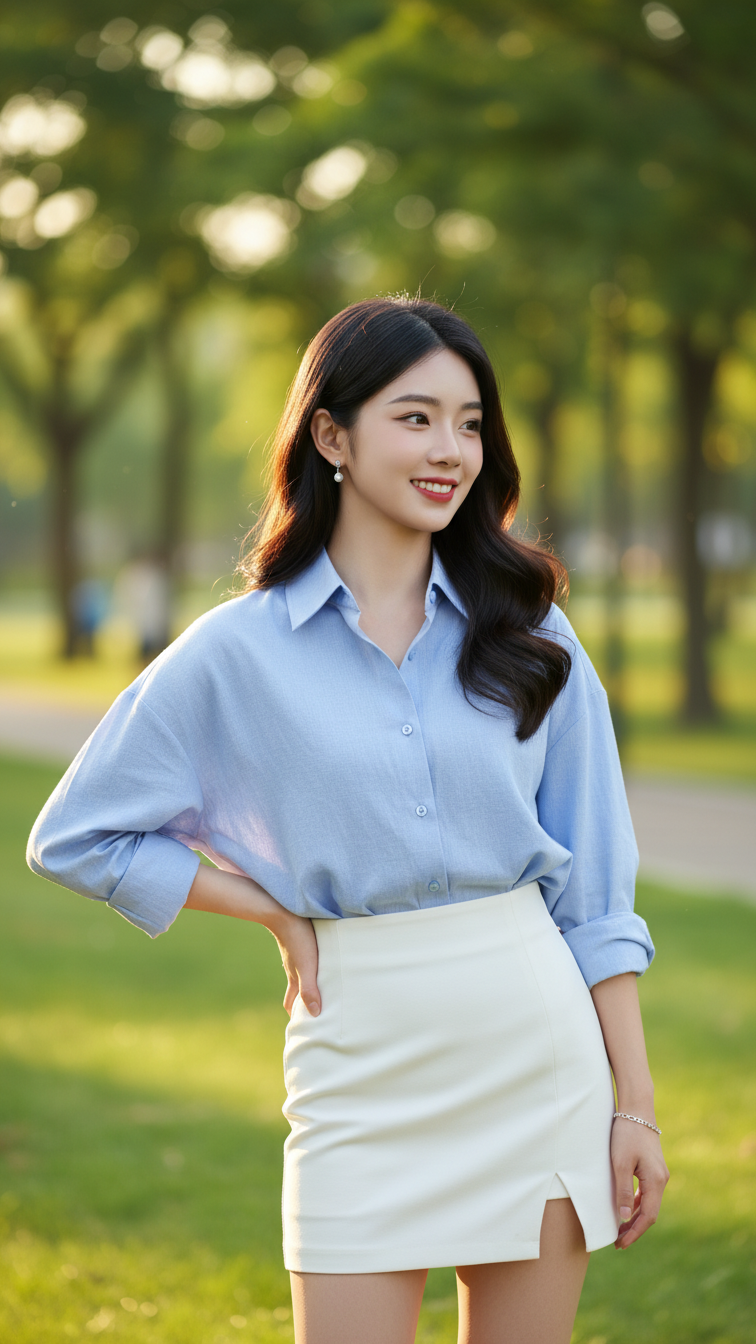
Prompt 2155: Create a realistic portrait of a young woman (face 100% identical to the original...
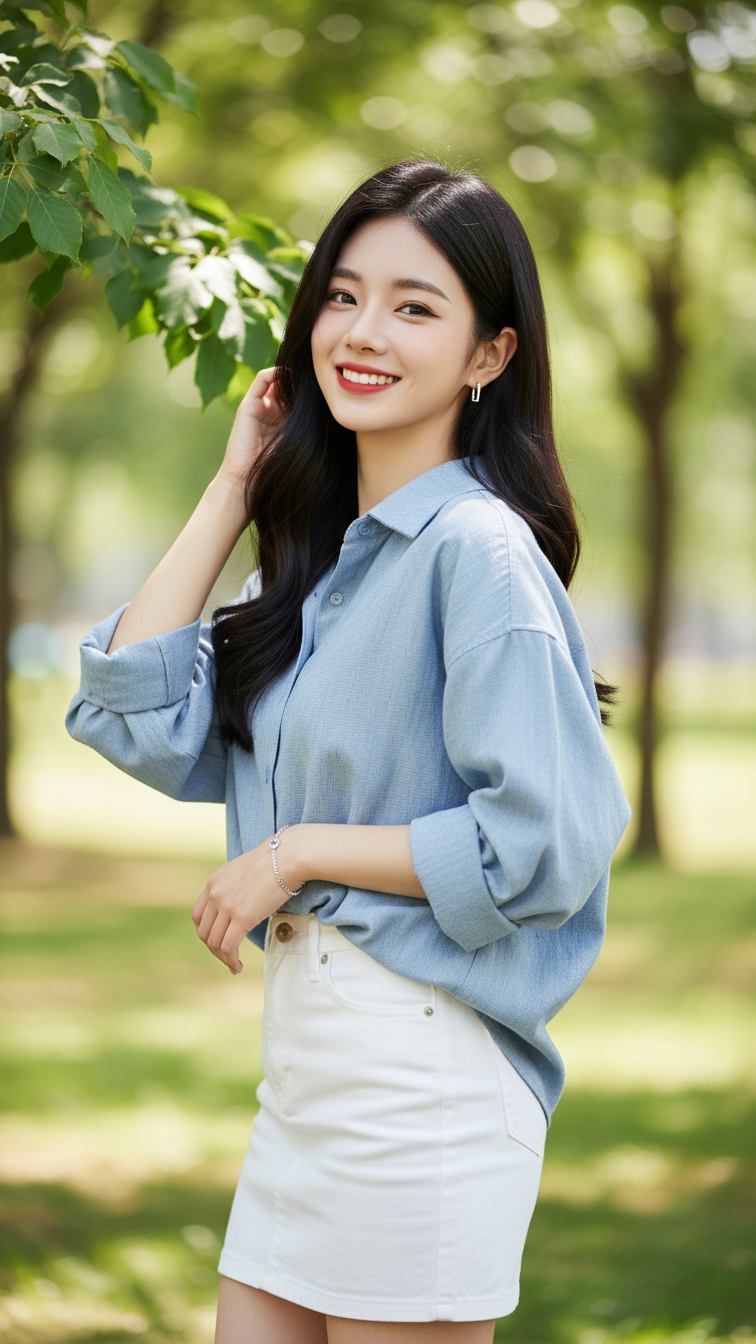
Prompt 2154: Create a realistic portrait of a young woman (face 100% identical to the original...
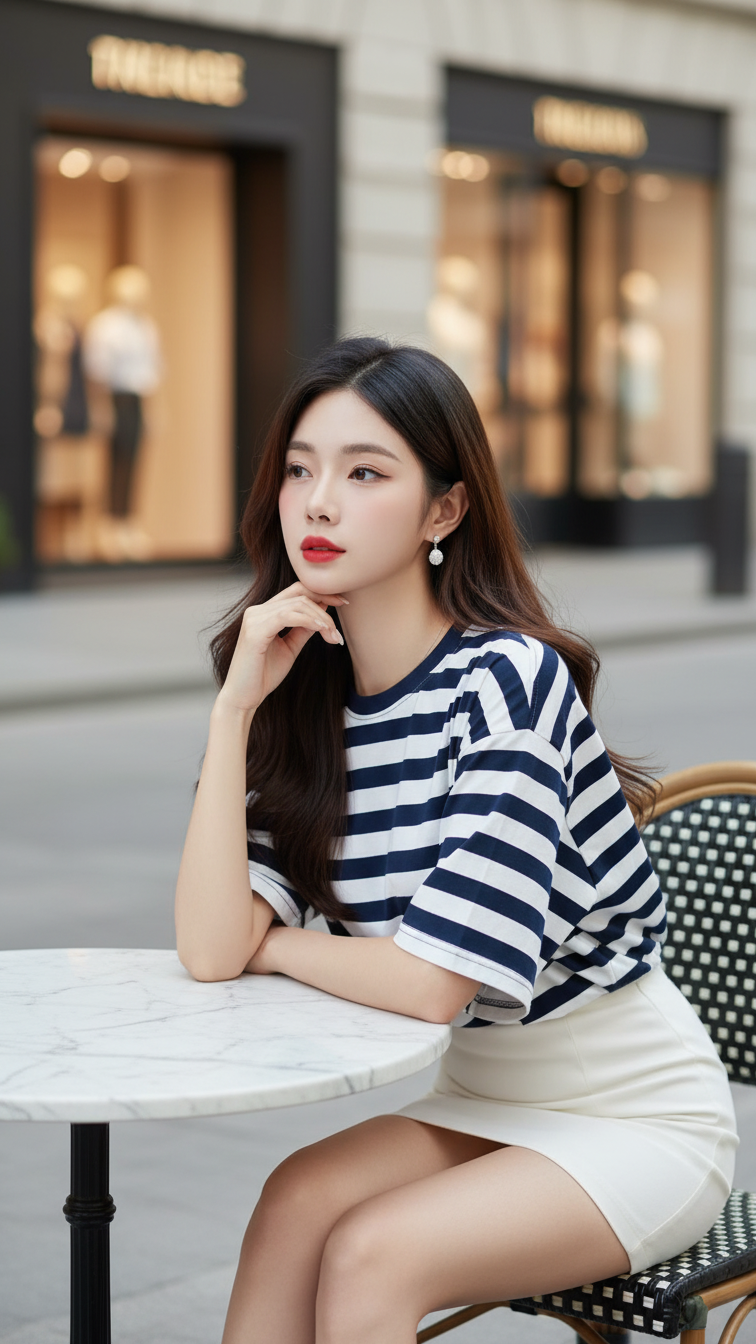
Prompt 2153: Create a realistic portrait of a young woman (face 100% identical to the original...
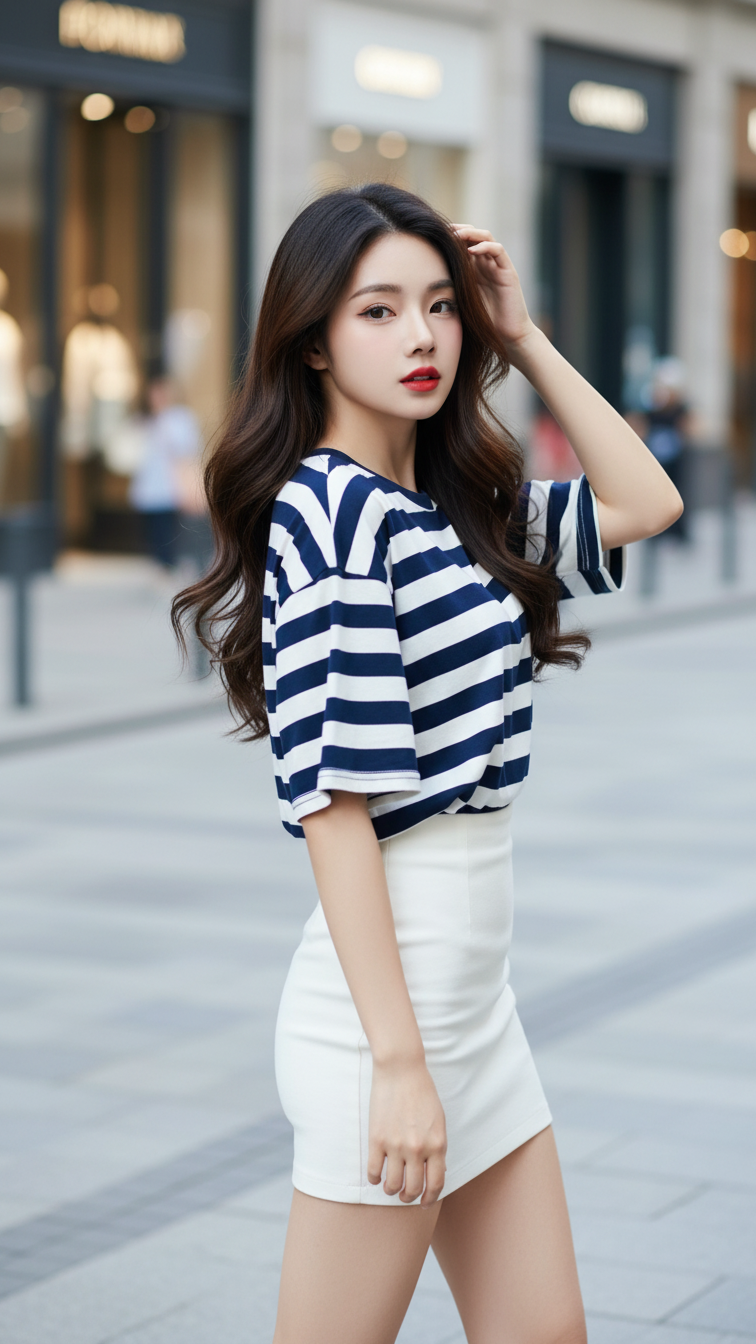
Prompt 2152: Create a realistic portrait of a young woman (face 100% identical to the original...
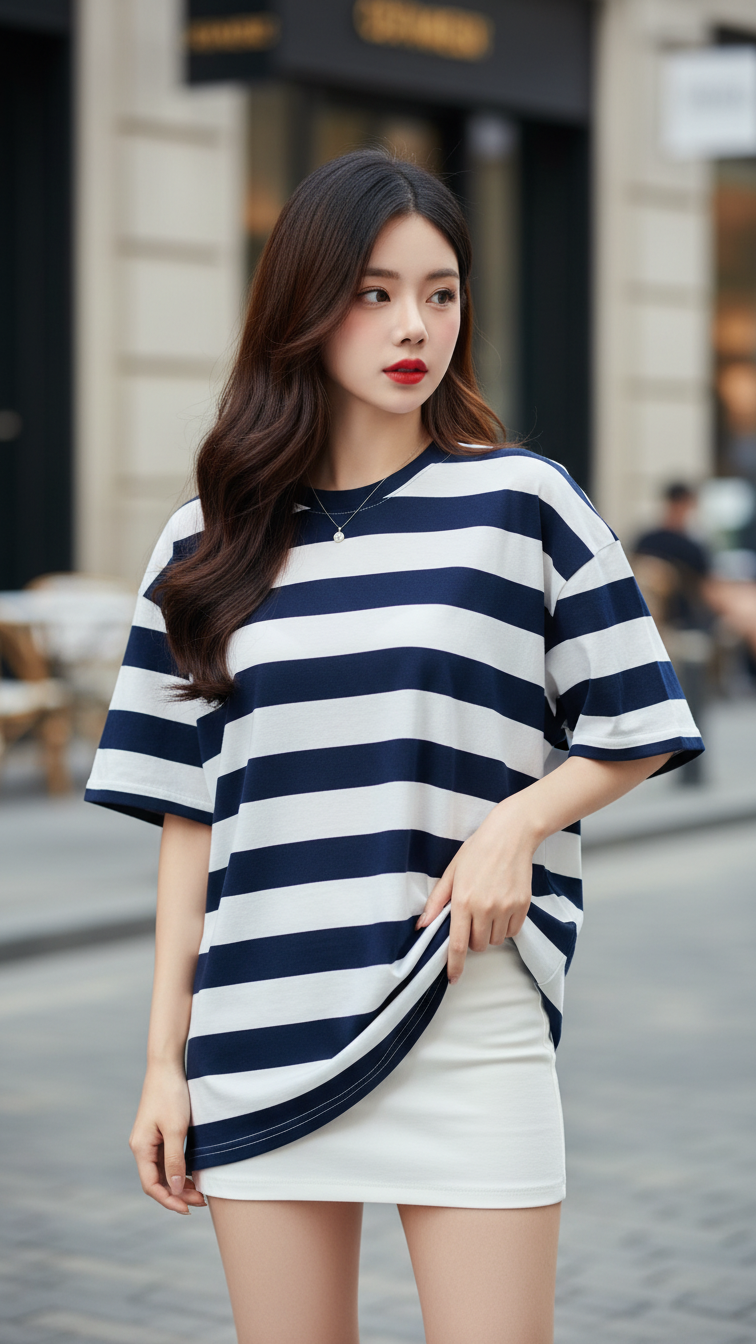
Prompt 2151: Create a realistic portrait of a young woman (face 100% identical to the original...
