
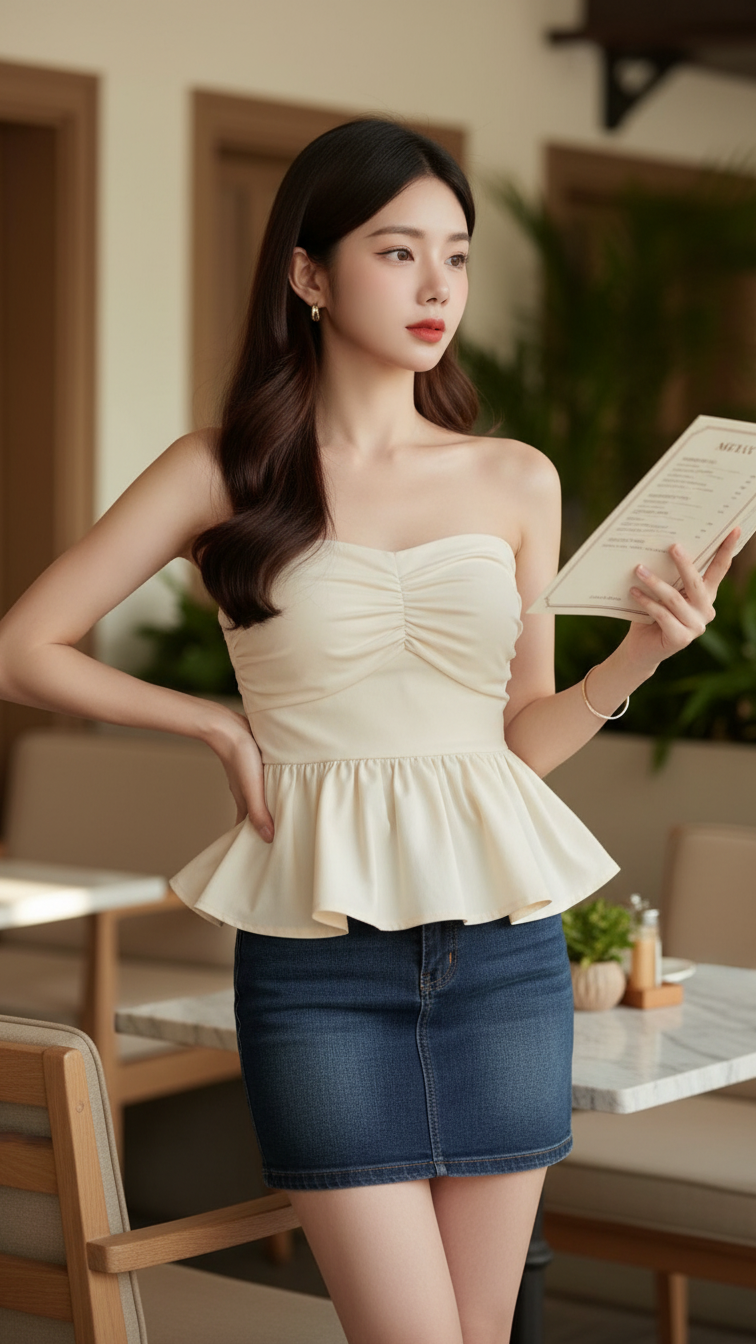
Prompt 2204: Create a realistic portrait of a young woman (face 100% identical to the original...
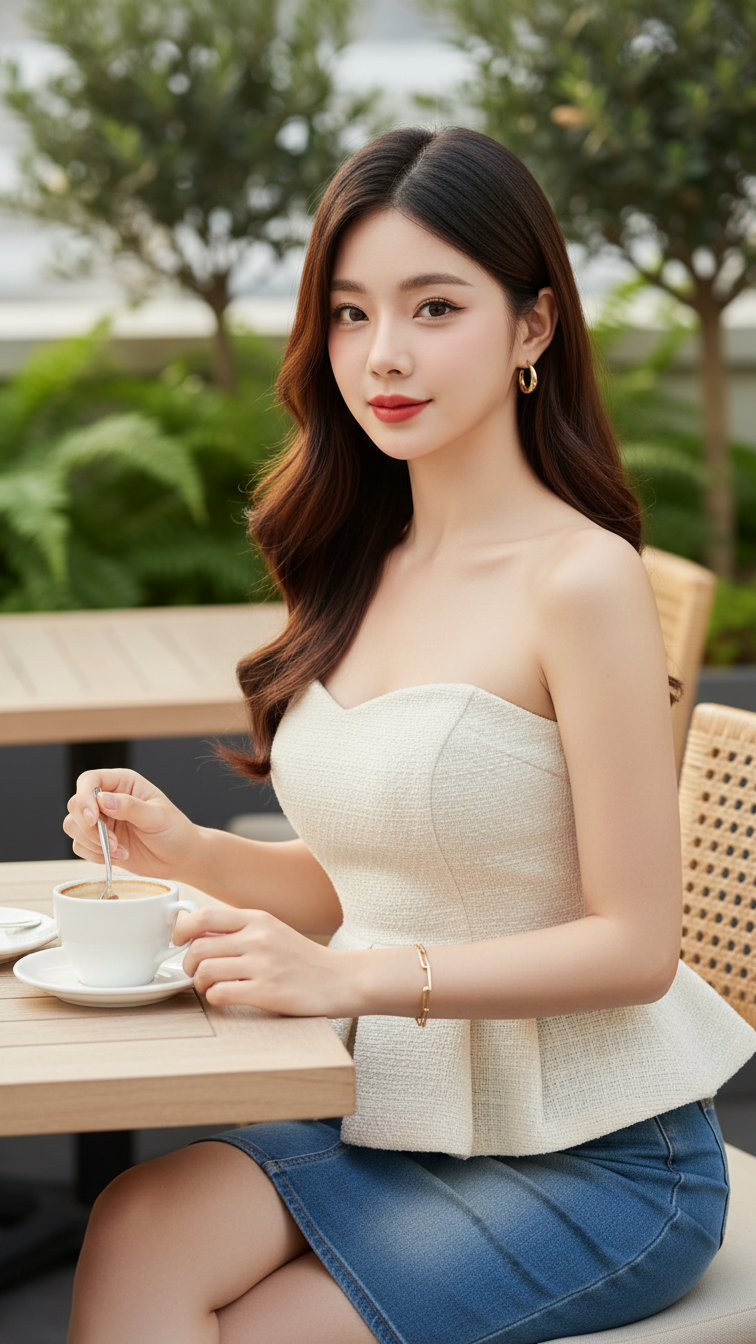
Prompt 2203: Create a realistic portrait of a young woman (face 100% identical to the original...
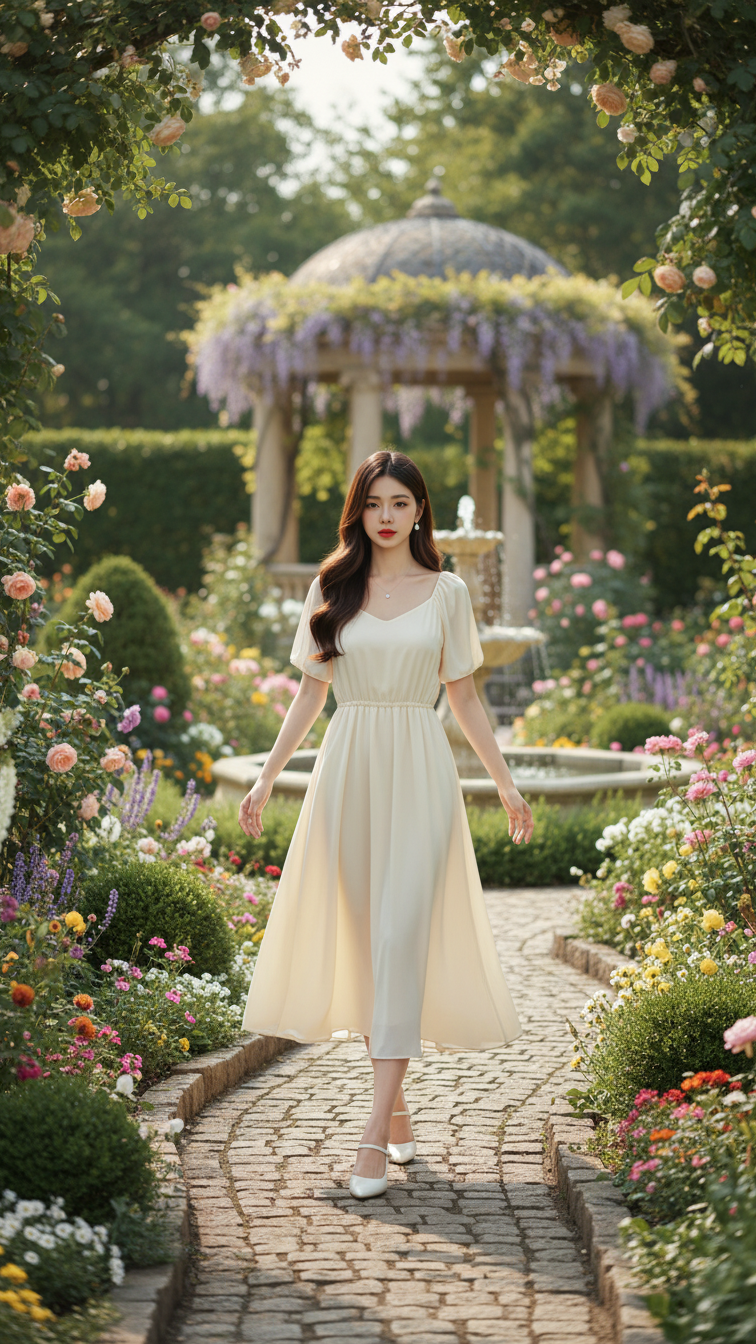
Prompt 2202: Create a realistic portrait of a young woman (face 100% identical to the original...
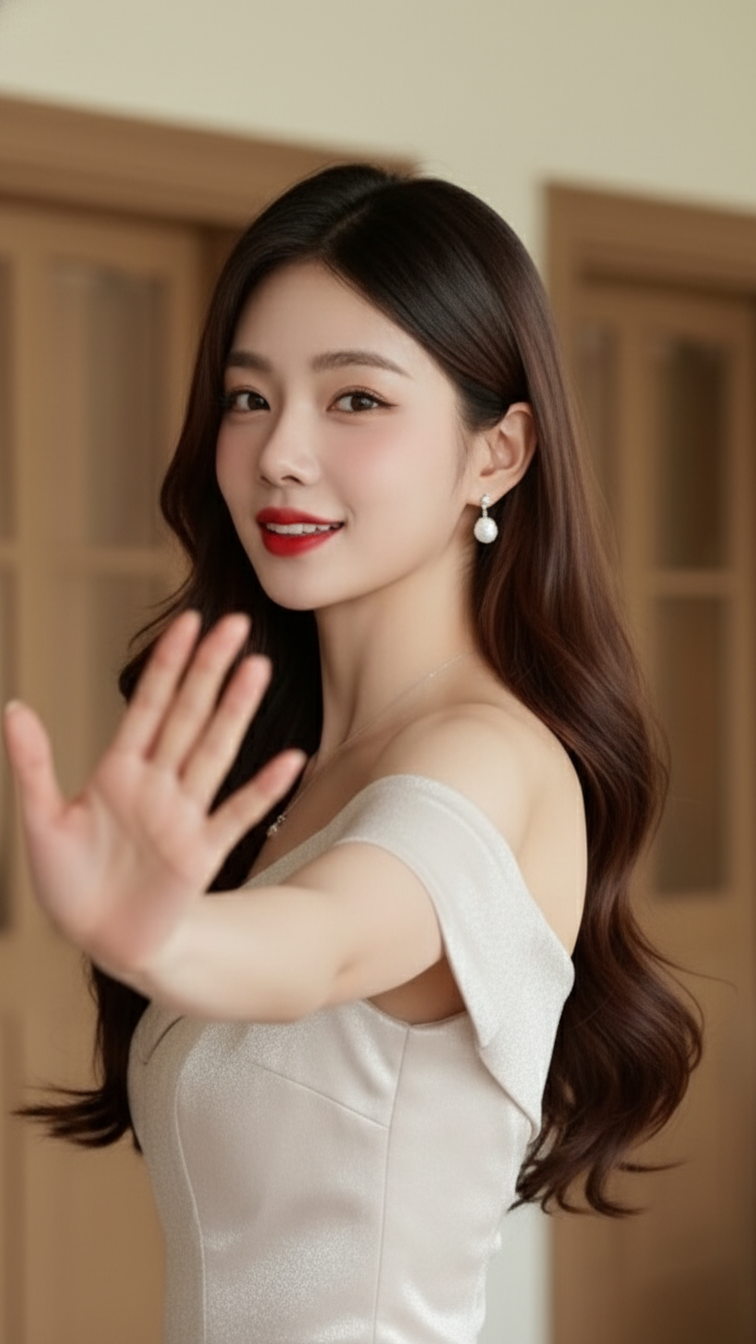
Prompt 2201: Create a realistic portrait of a young woman (face 100% identical to the original...
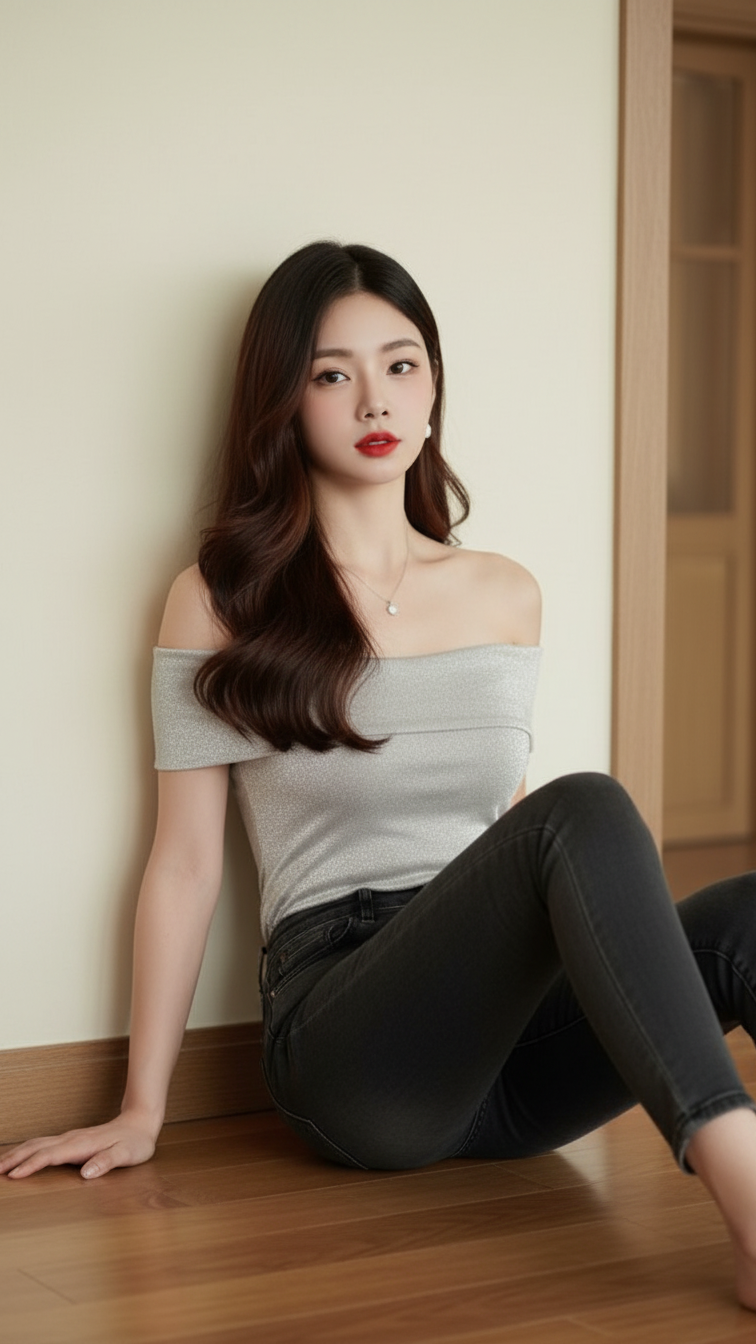
Prompt 2200: Create a realistic portrait of a young woman (face 100% identical to the original...
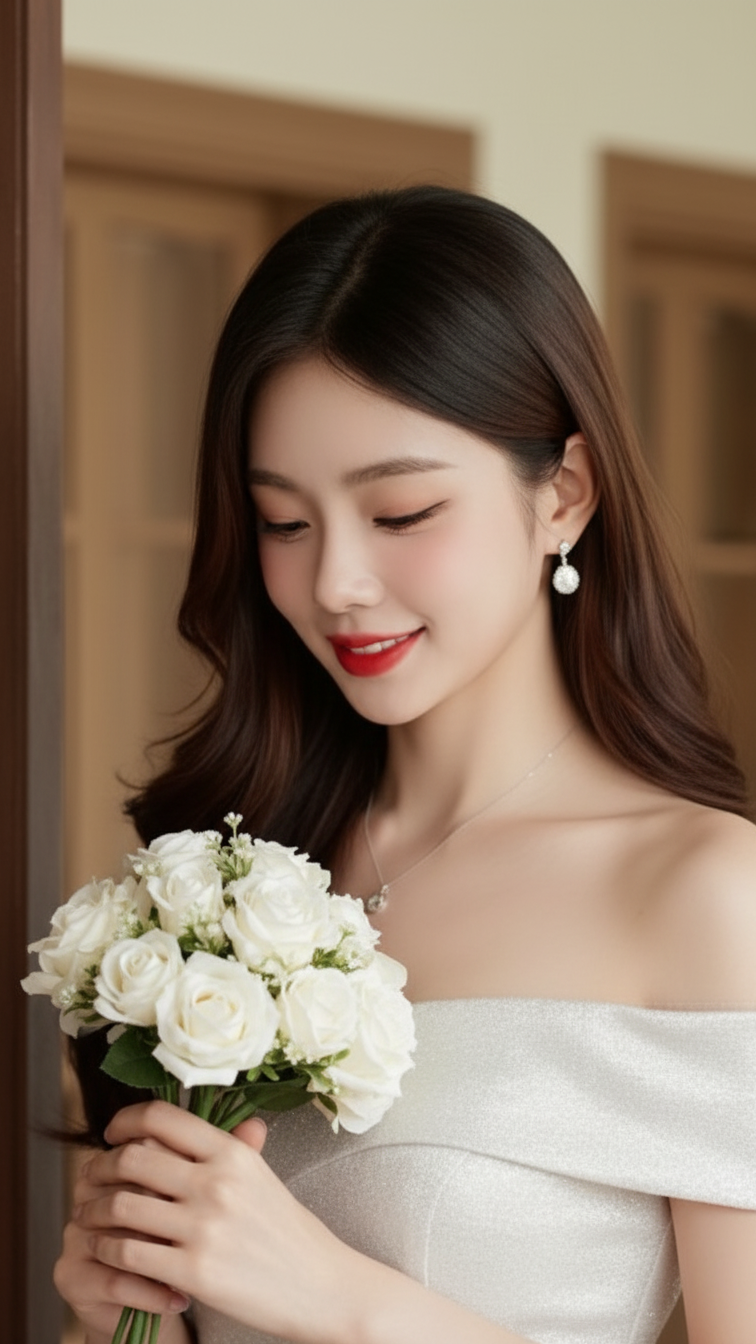
Prompt 2199: Create a realistic portrait of a young woman (face 100% identical to the original...
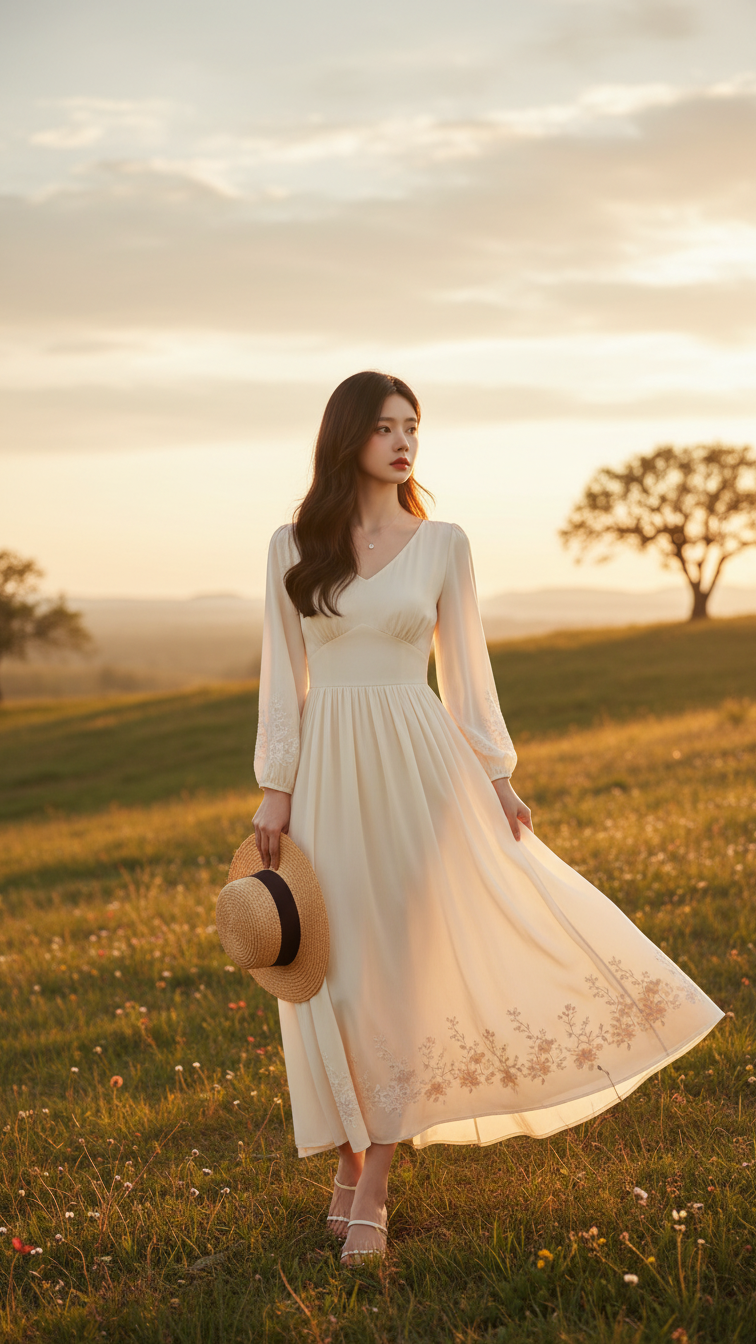
Prompt 2198: Create a realistic portrait of a young woman (face 100% identical to the original...
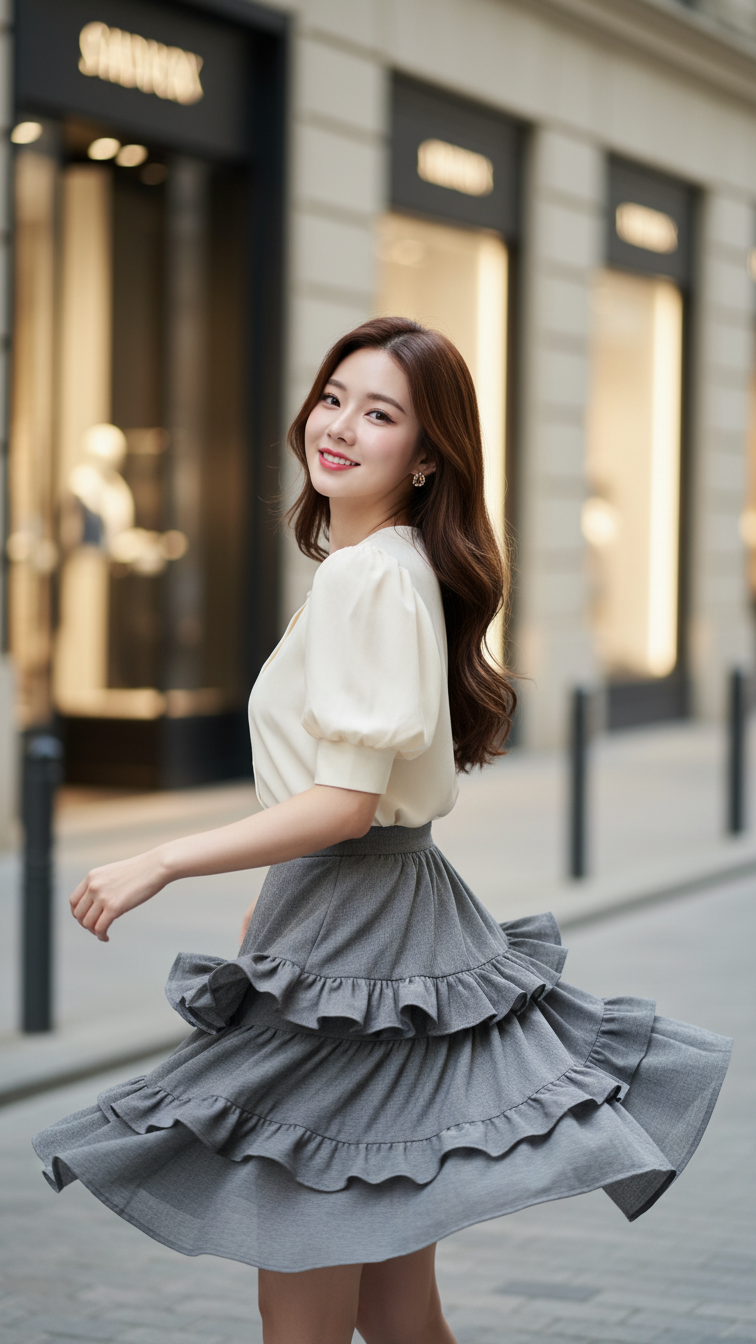
Prompt 2197: Create a realistic portrait of a young woman (face 100% identical to the original...
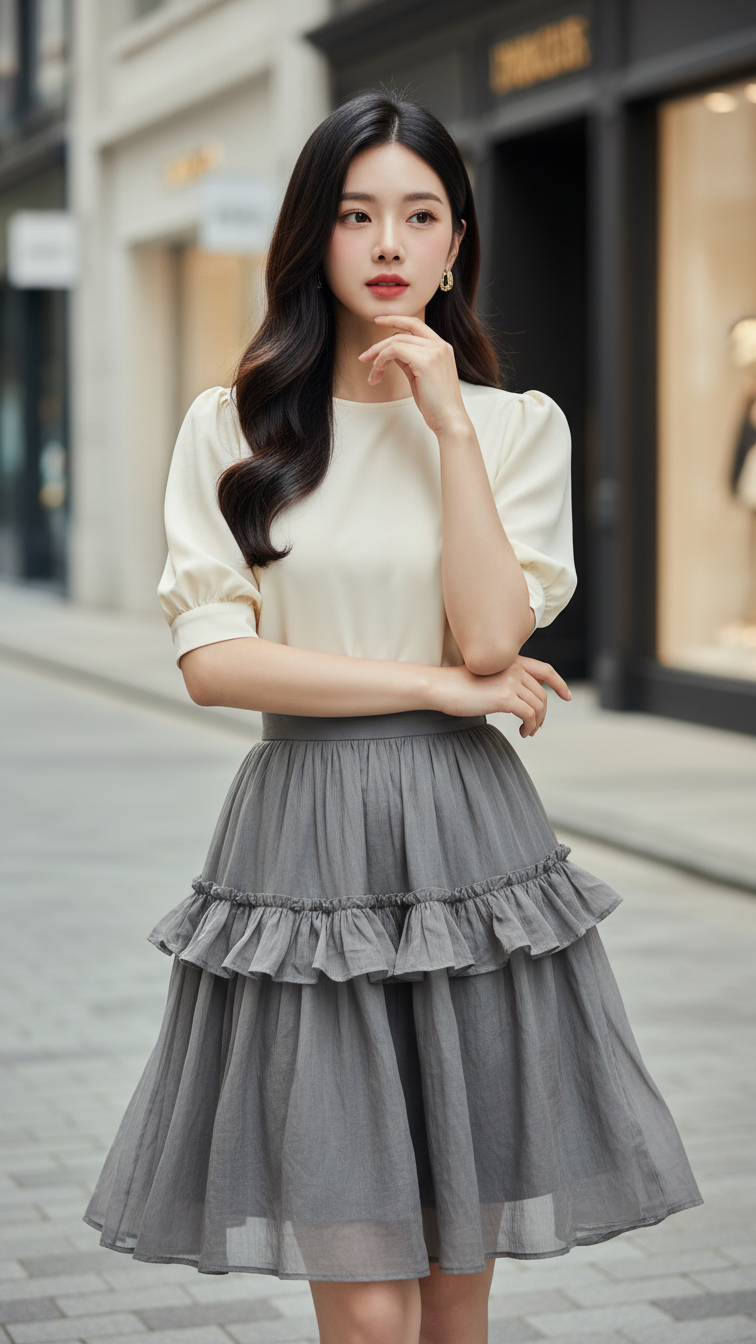
Prompt 2196: Create a realistic portrait of a young woman (face 100% identical to the original...
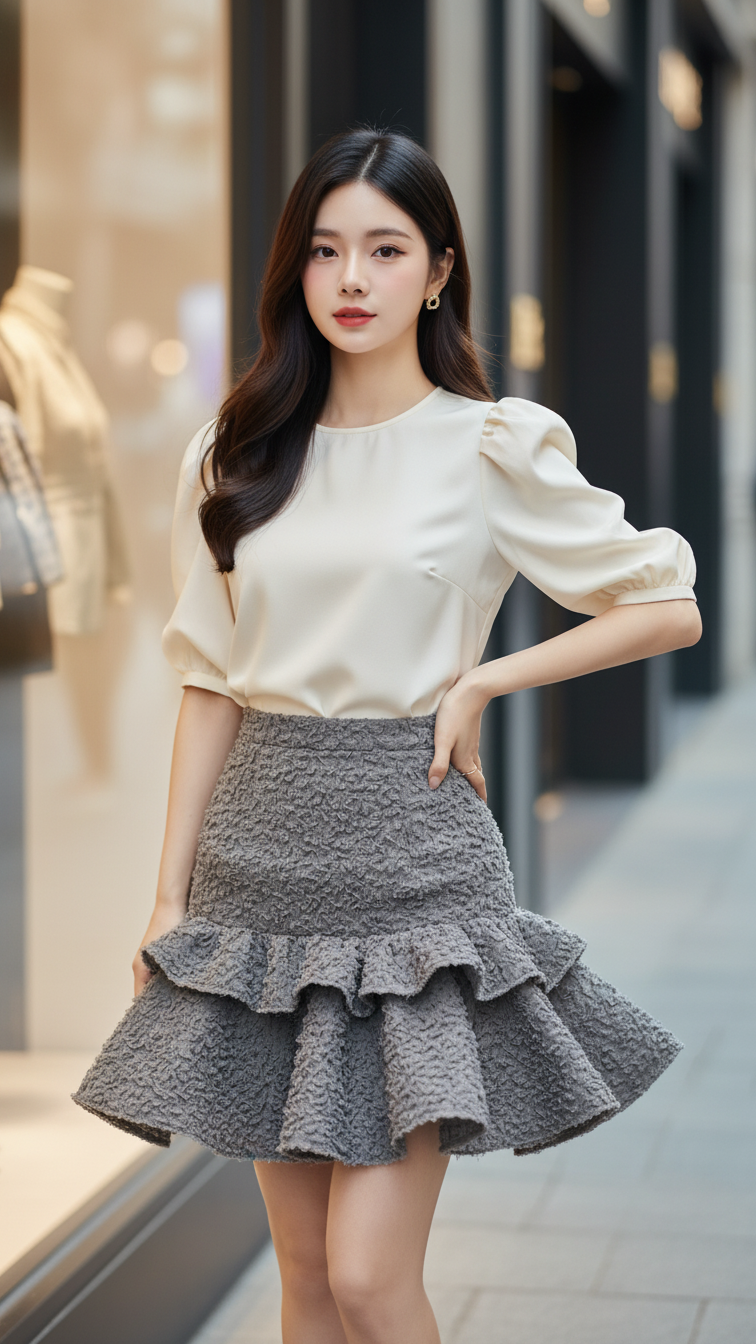
Prompt 2195: Create a realistic portrait of a young woman (face 100% identical to the original...
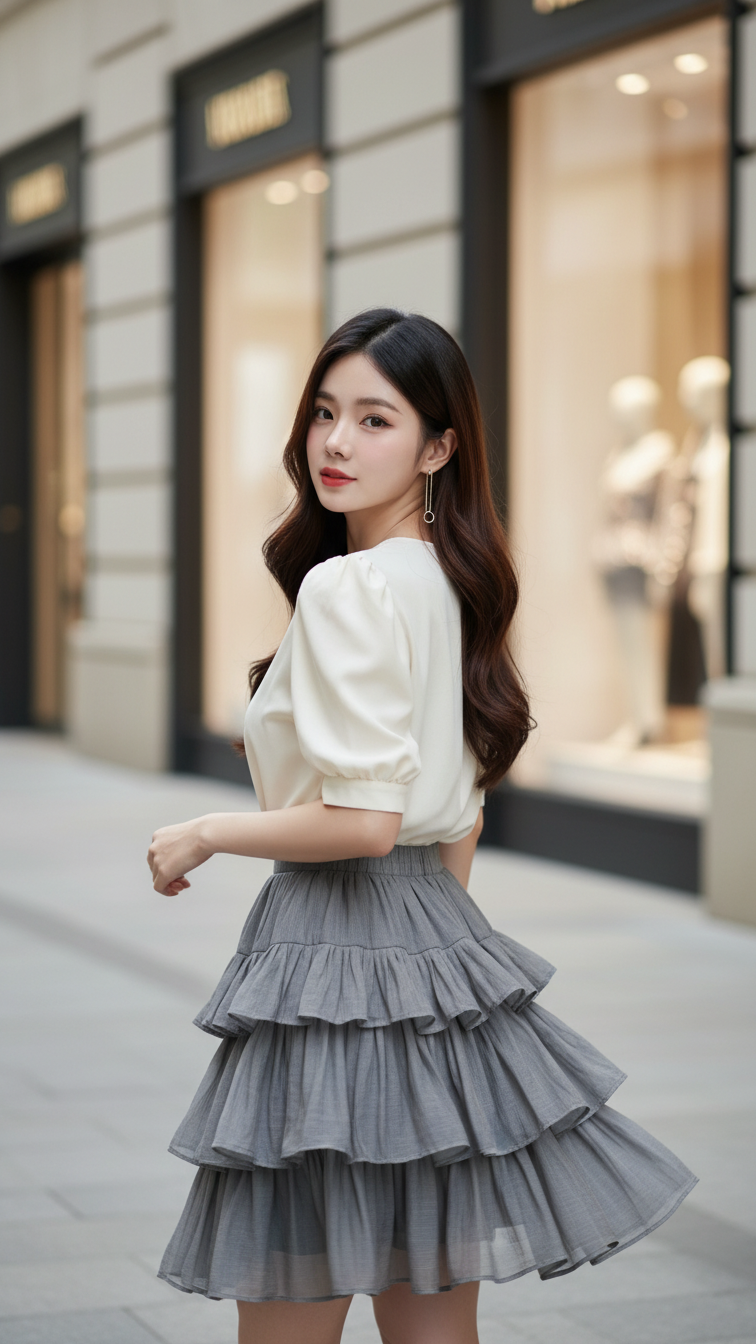
Prompt 2194: Create a realistic portrait of a young woman (face 100% identical to the original...
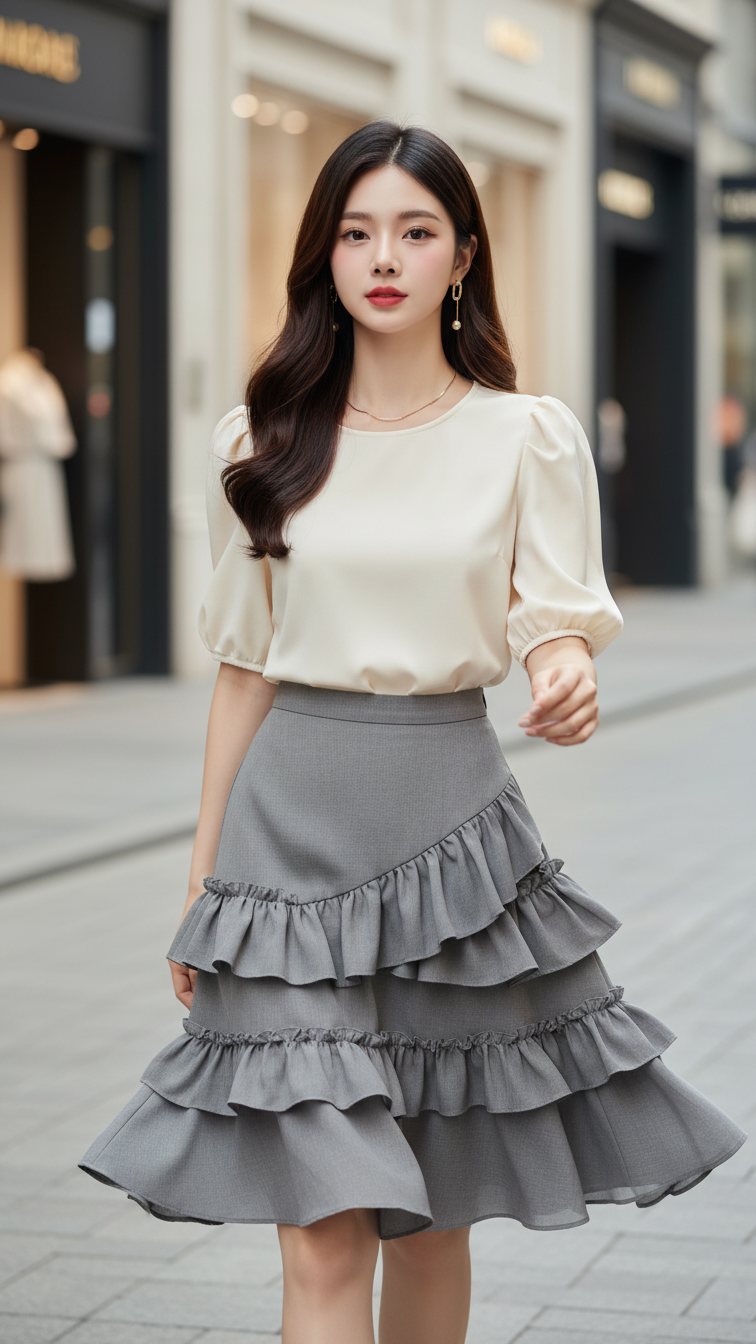
Prompt 2193: Create a realistic portrait of a young woman (face 100% identical to the original...
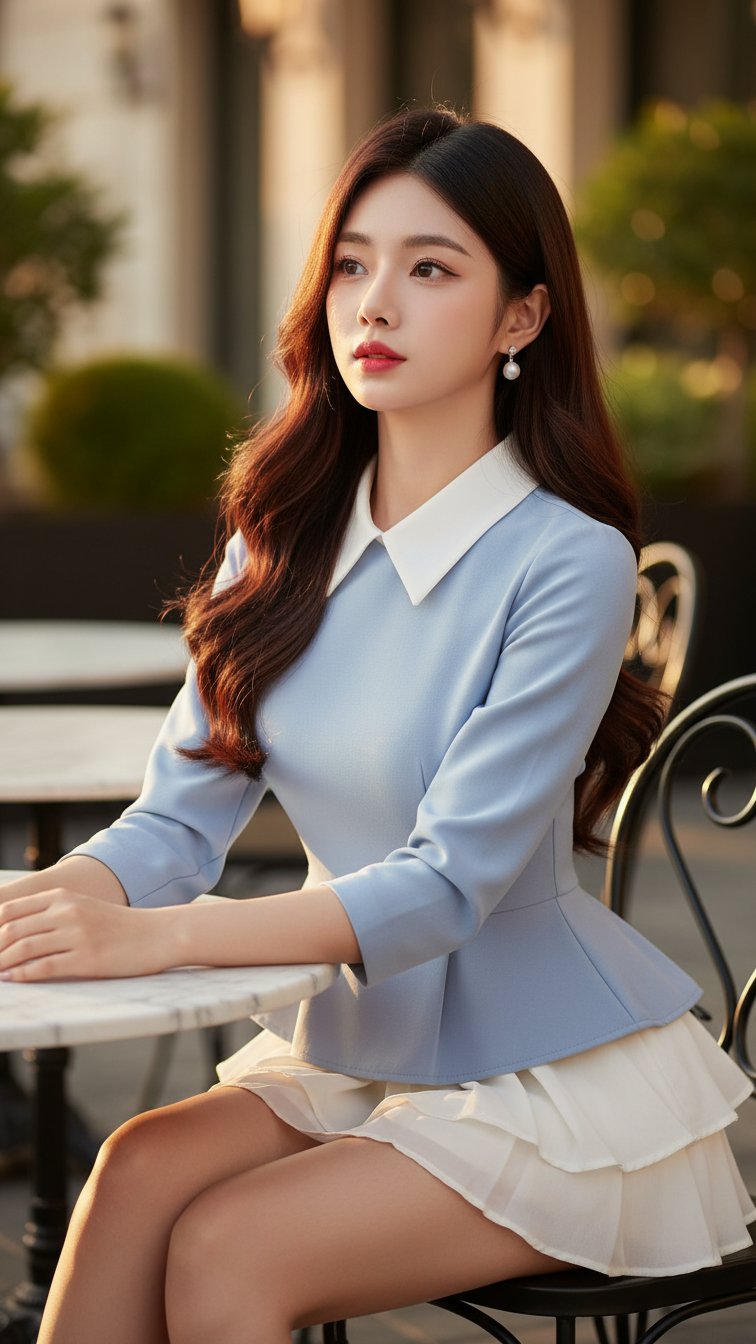
Prompt 2192: Create a realistic portrait of a young woman (face 100% identical to the original...
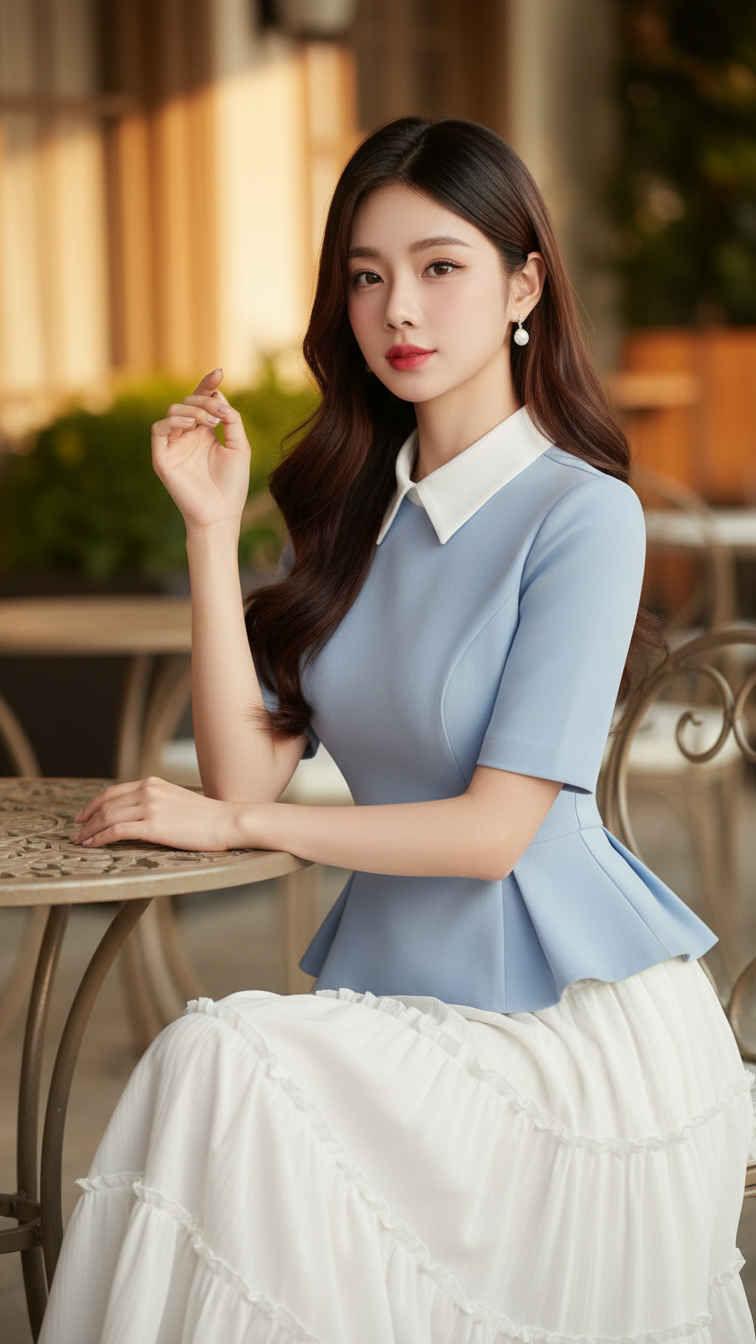
Prompt 2191: Create a realistic portrait of a young woman (face 100% identical to the original...
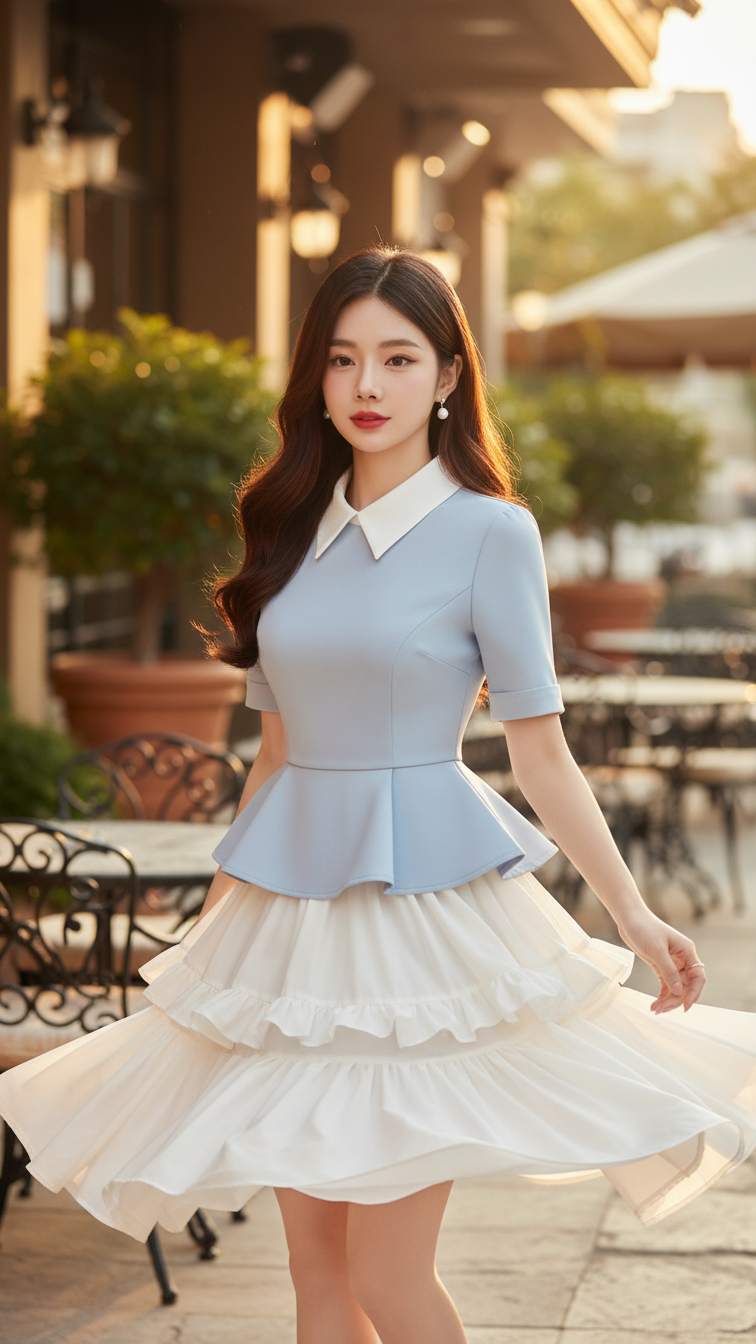
Prompt 2190: Create a realistic portrait of a young woman (face 100% identical to the original...
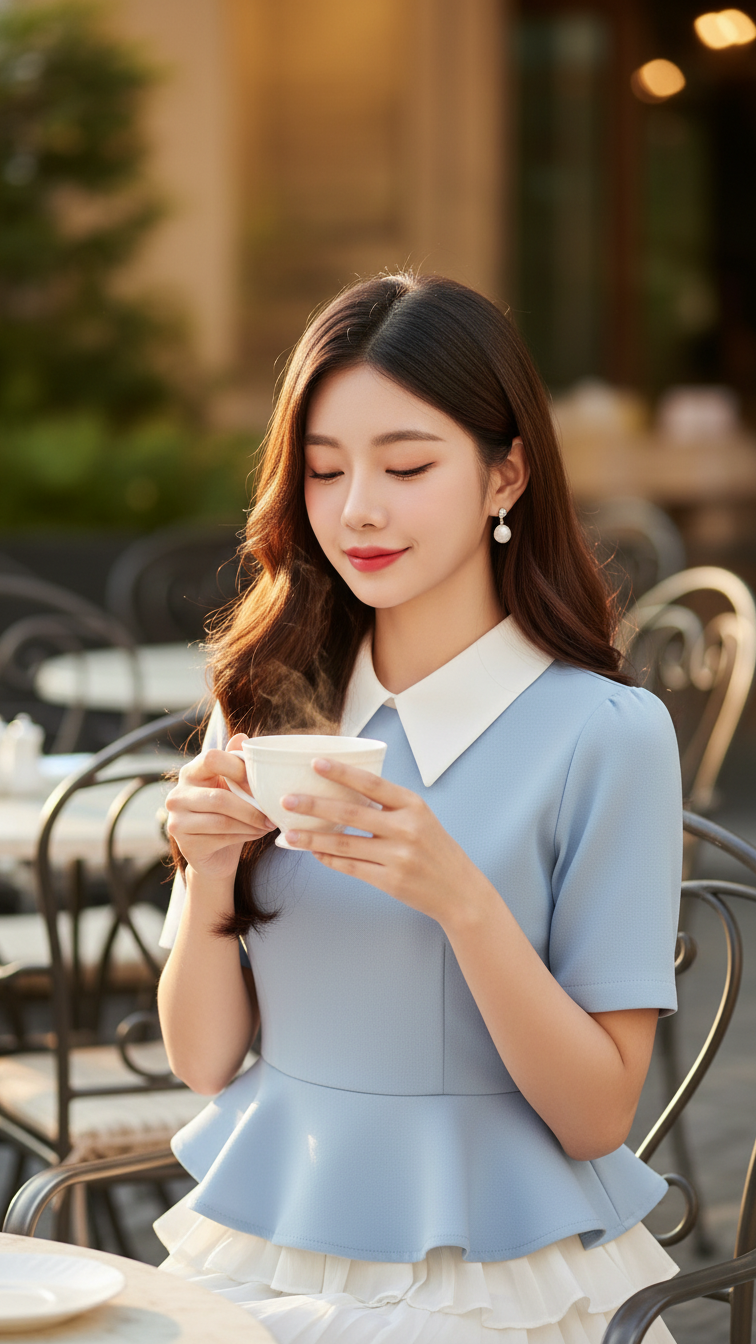
Prompt 2189: Create a realistic portrait of a young woman (face 100% identical to the original...
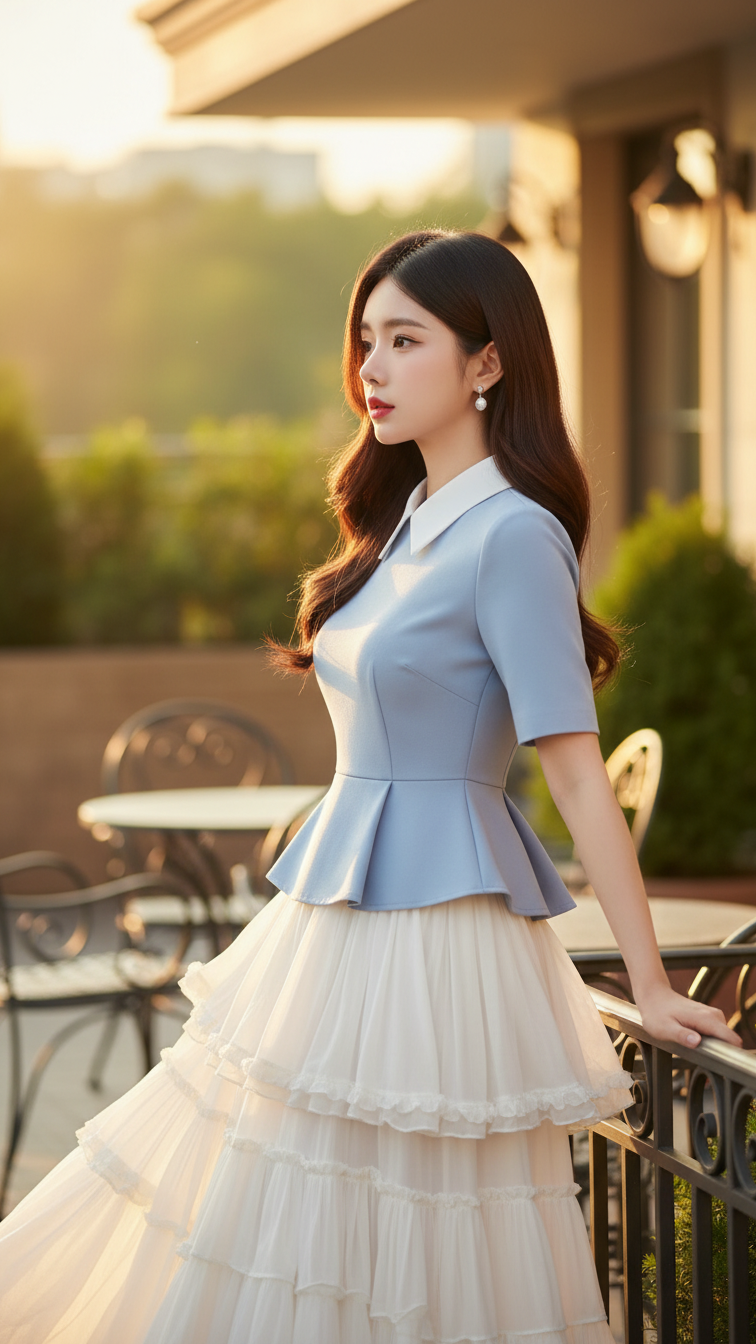
Prompt 2188: Create a realistic portrait of a young woman (face 100% identical to the original...
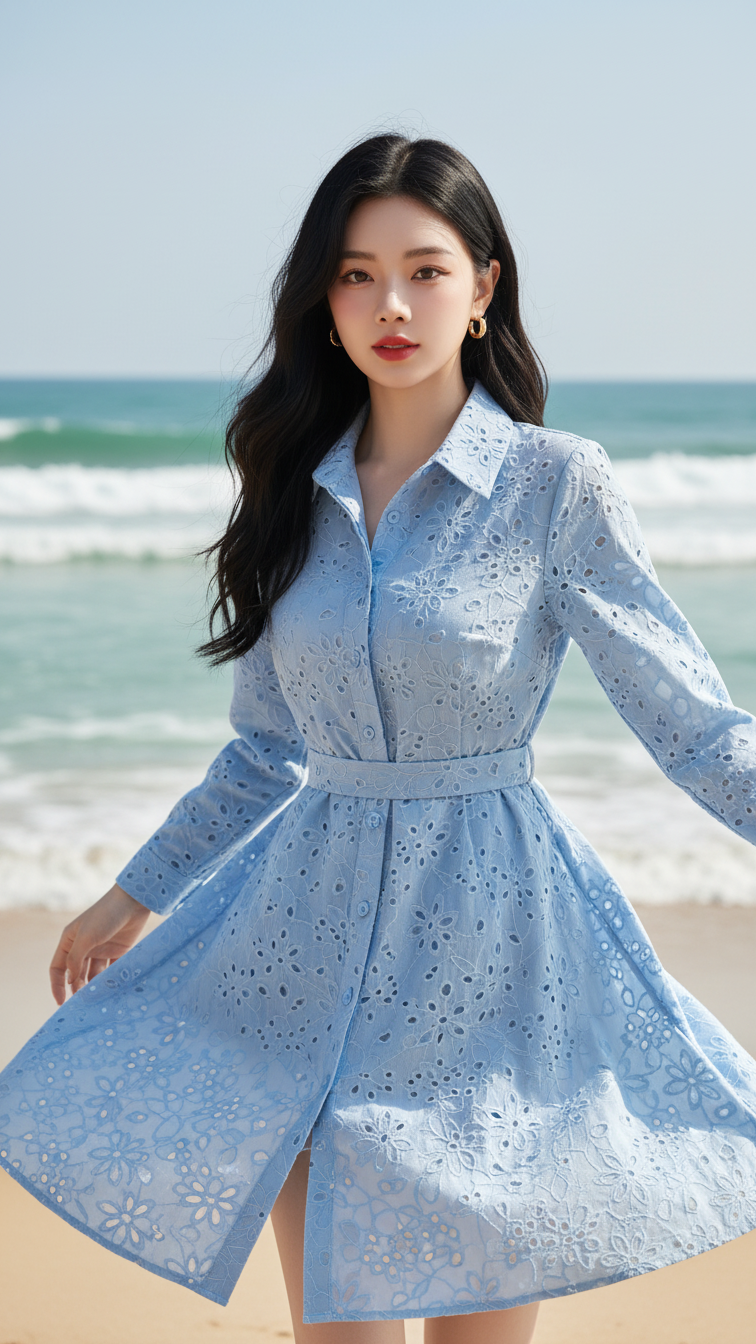
Prompt 2187: Create a realistic portrait of a young woman (face 100% identical to the original...
