
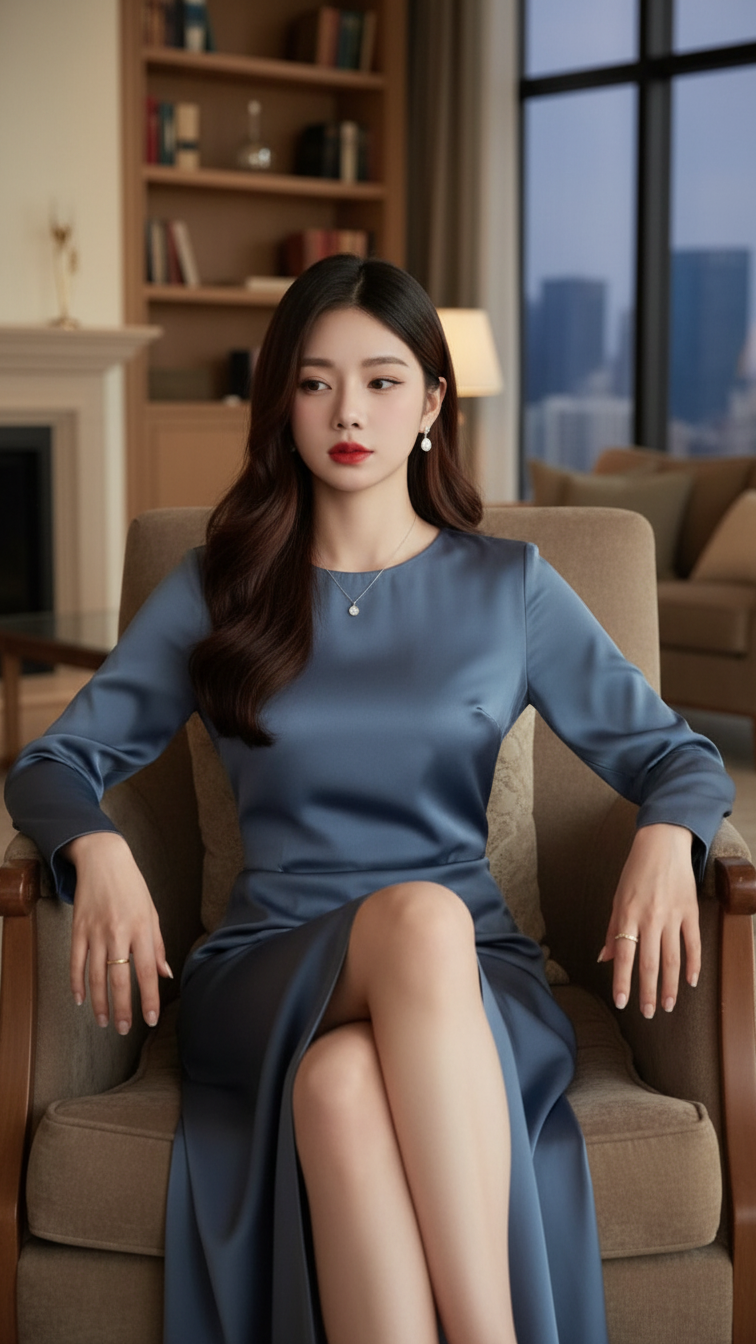
Prompt 2222: Create a realistic portrait of a young woman (face 100% identical to the original...
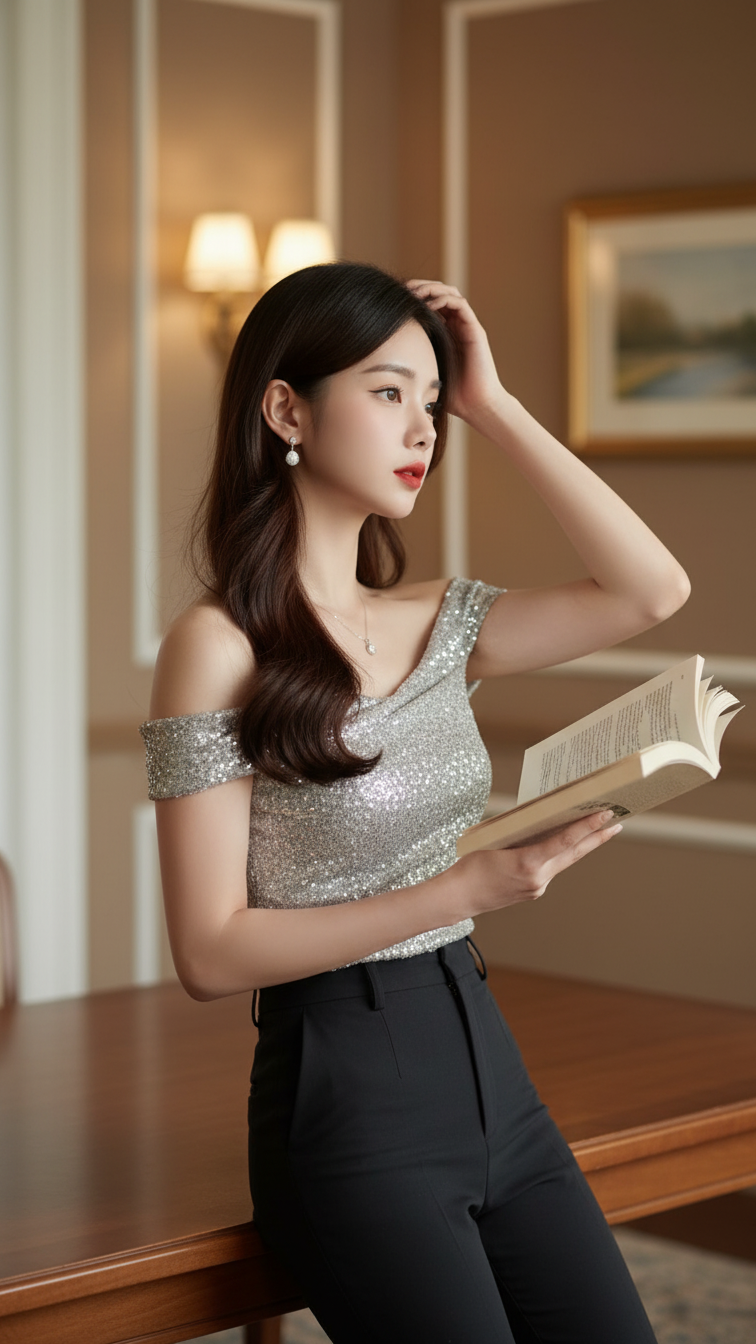
Prompt 2221: Create a realistic portrait of a young woman (face 100% identical to the original...
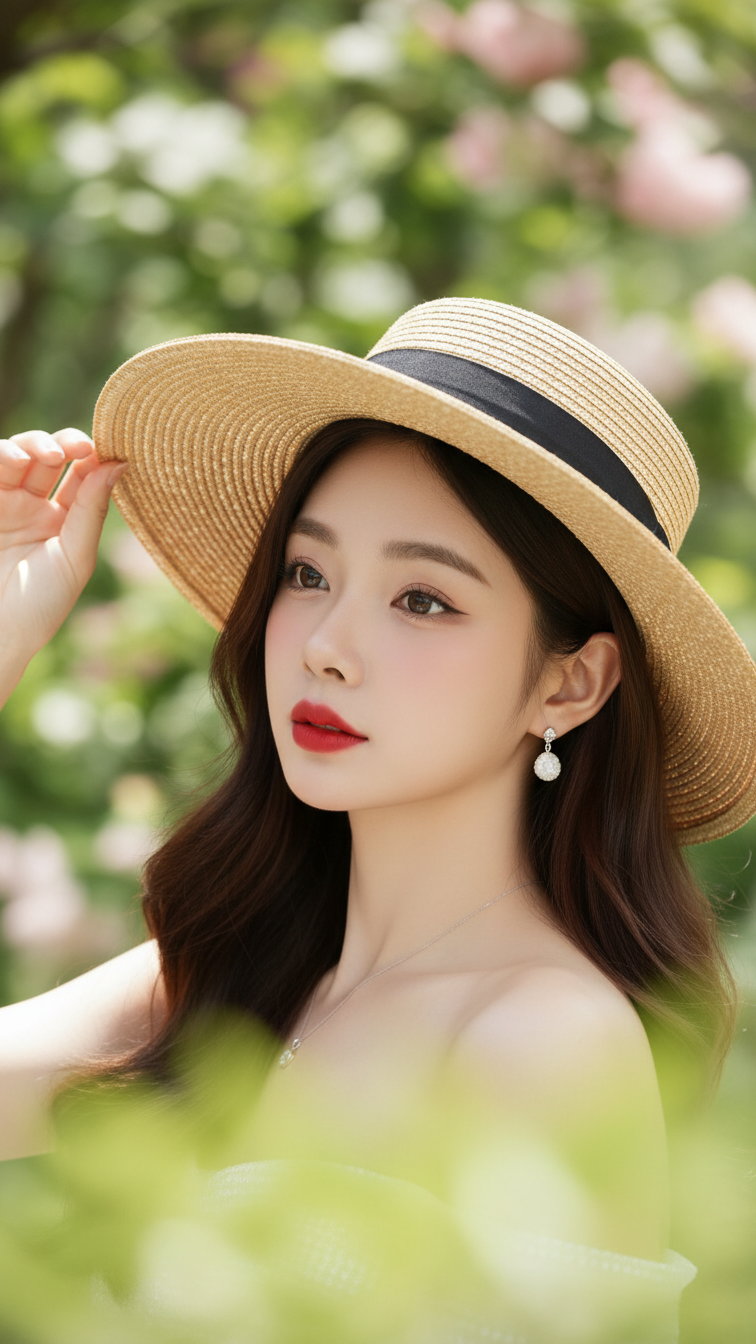
Prompt 2220: Create a realistic portrait of a young woman (face 100% identical to the original...
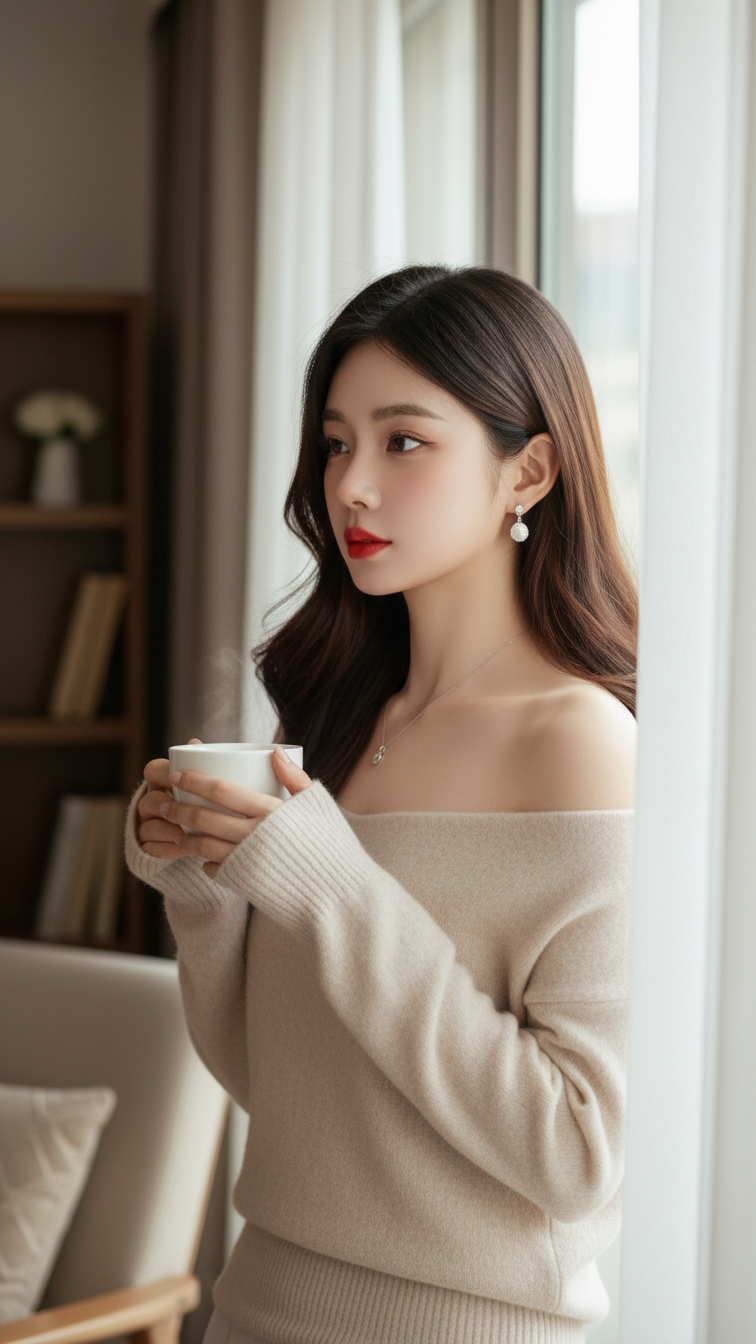
Prompt 2219: Create a realistic portrait of a young woman (face 100% identical to the original...
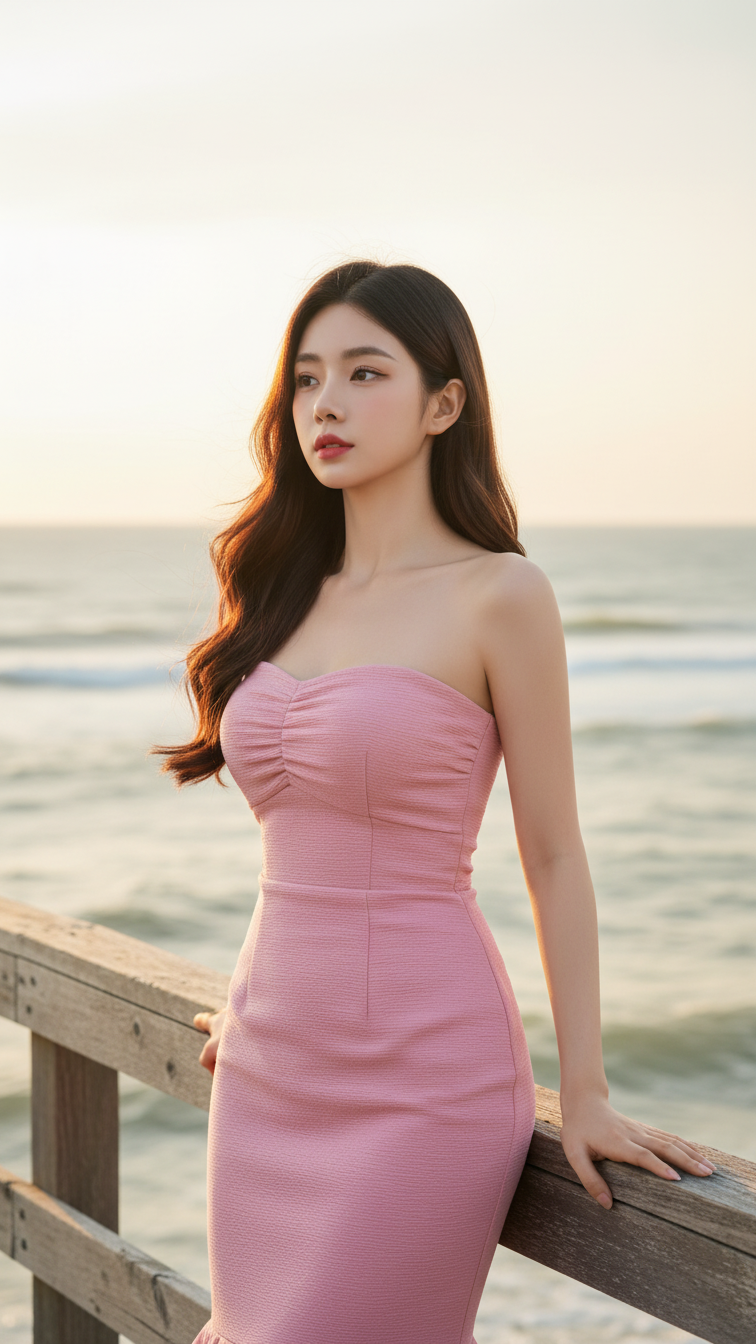
Prompt 2218: Create a realistic portrait of a young woman (face 100% identical to the original...
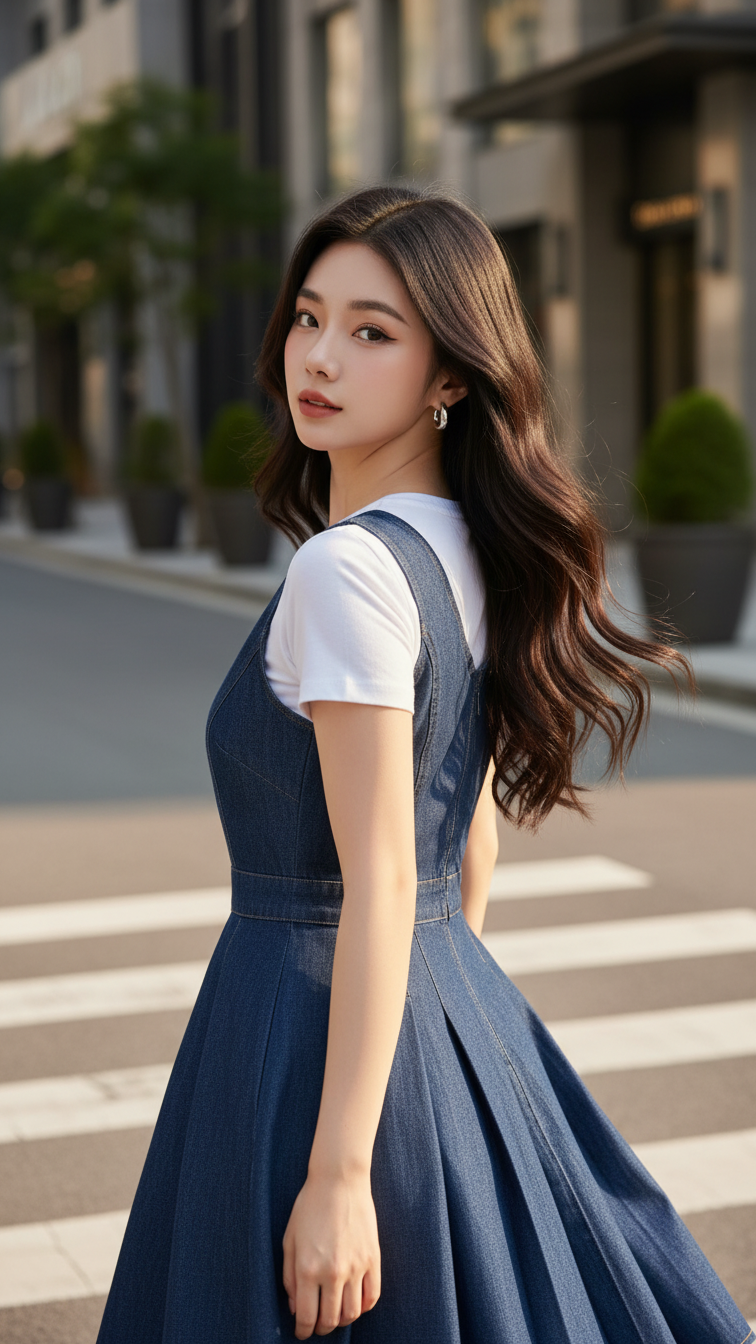
Prompt 2217: Create a realistic portrait of a young woman (face 100% identical to the original...
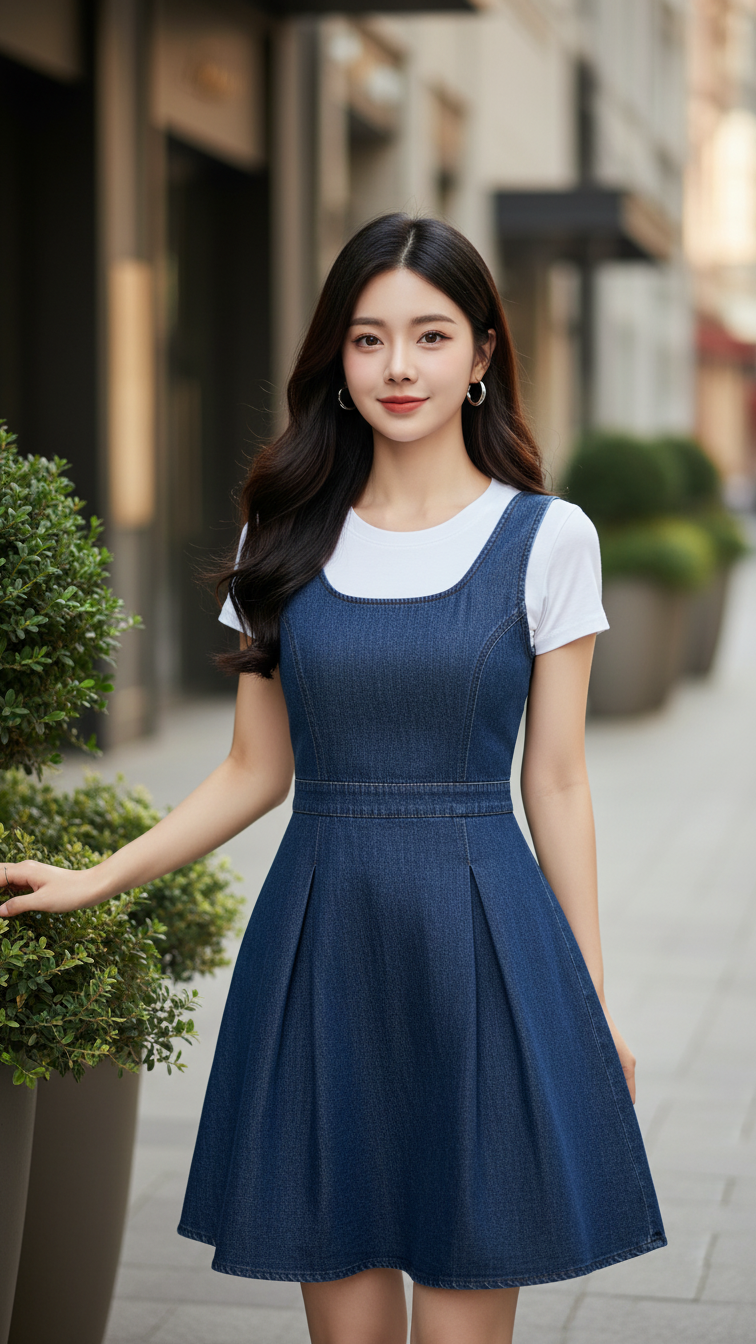
Prompt 2216: Create a realistic portrait of a young woman (face 100% identical to the original...
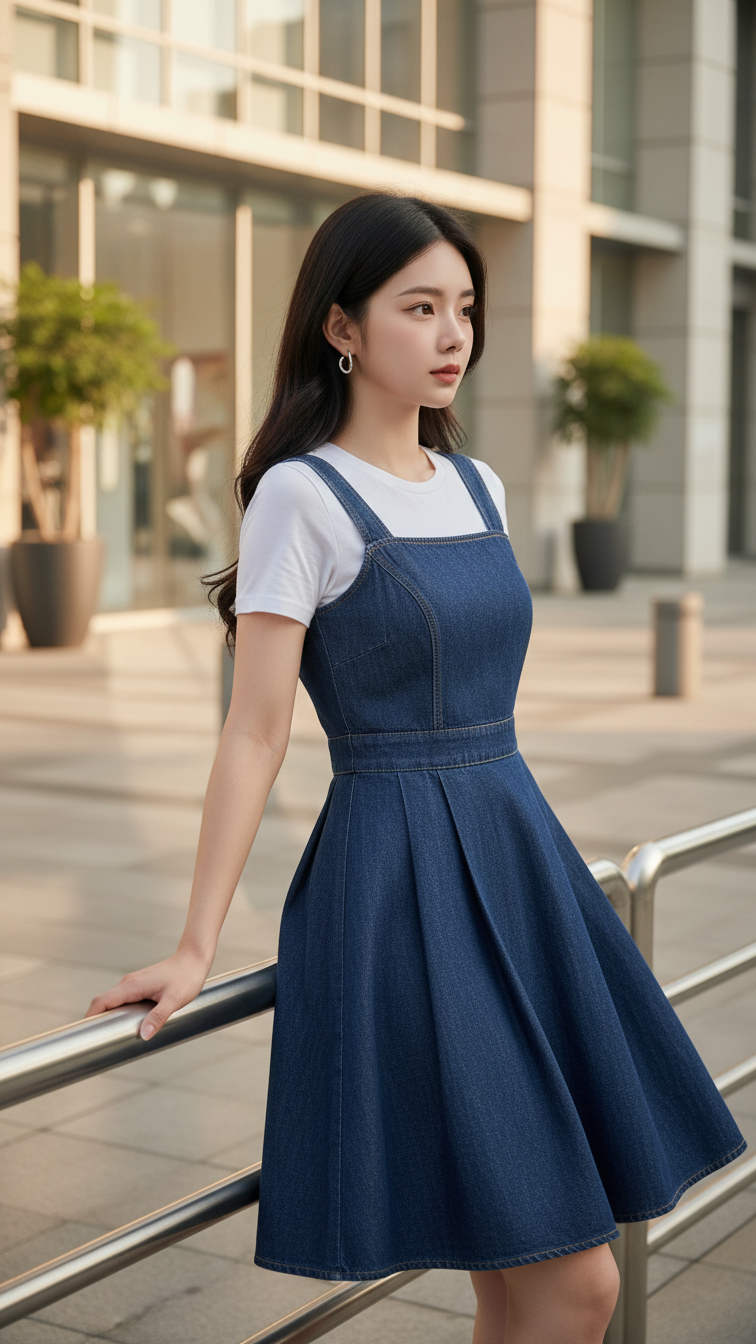
Prompt 2215: Create a realistic portrait of a young woman (face 100% identical to the original...
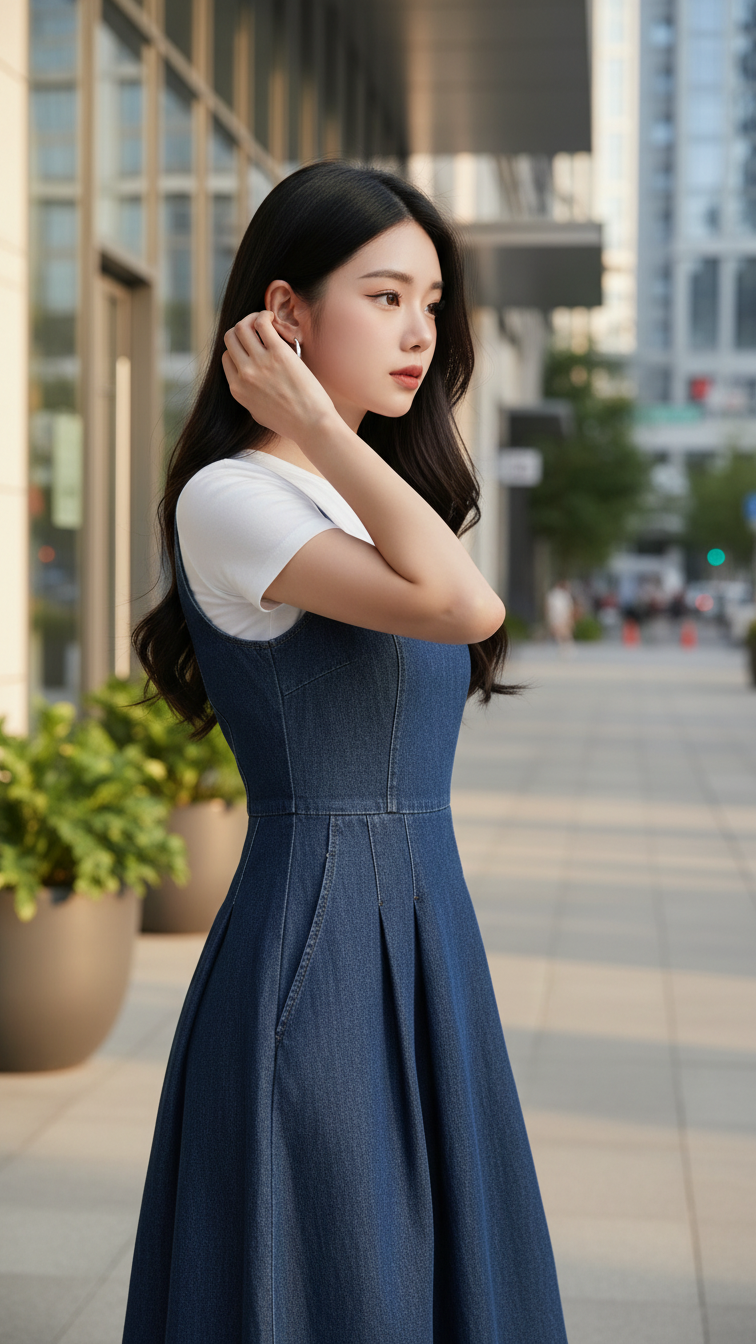
Prompt 2214: Create a realistic portrait of a young woman (face 100% identical to the original...
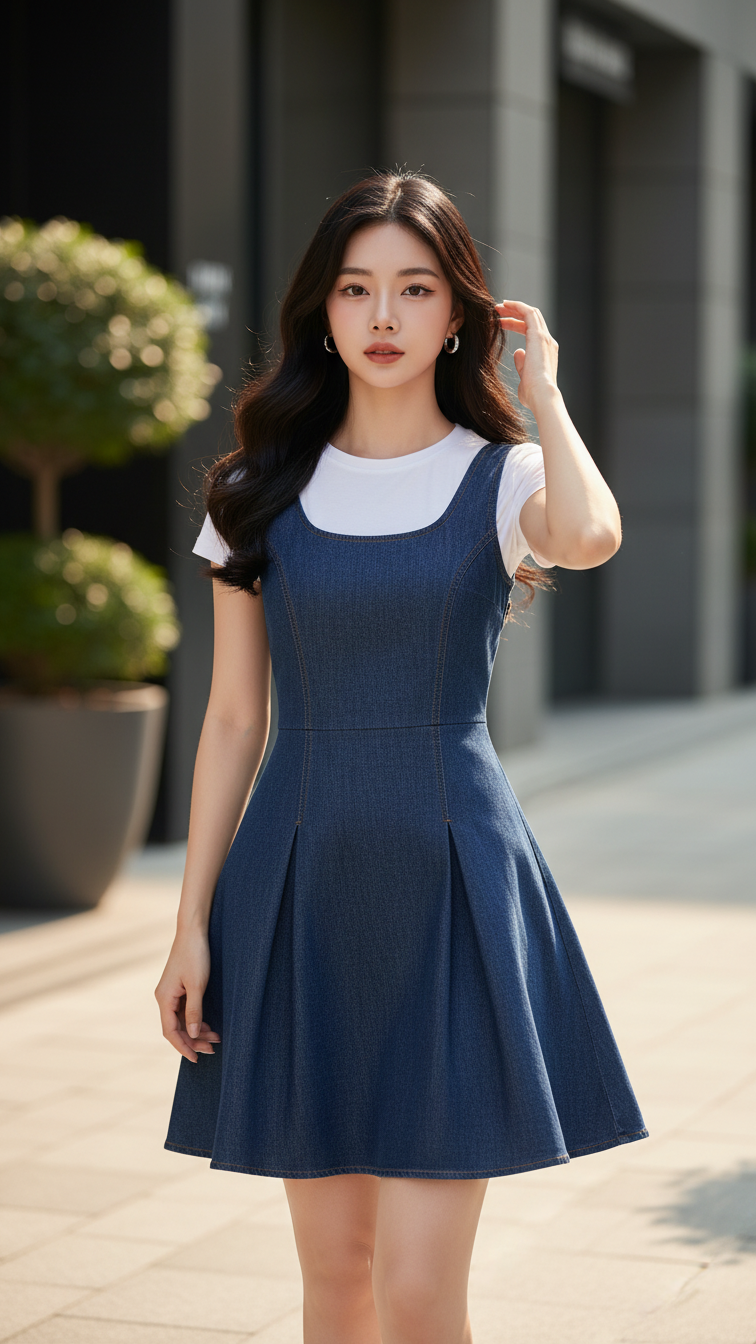
Prompt 2213: Create a realistic portrait of a young woman (face 100% identical to the original...
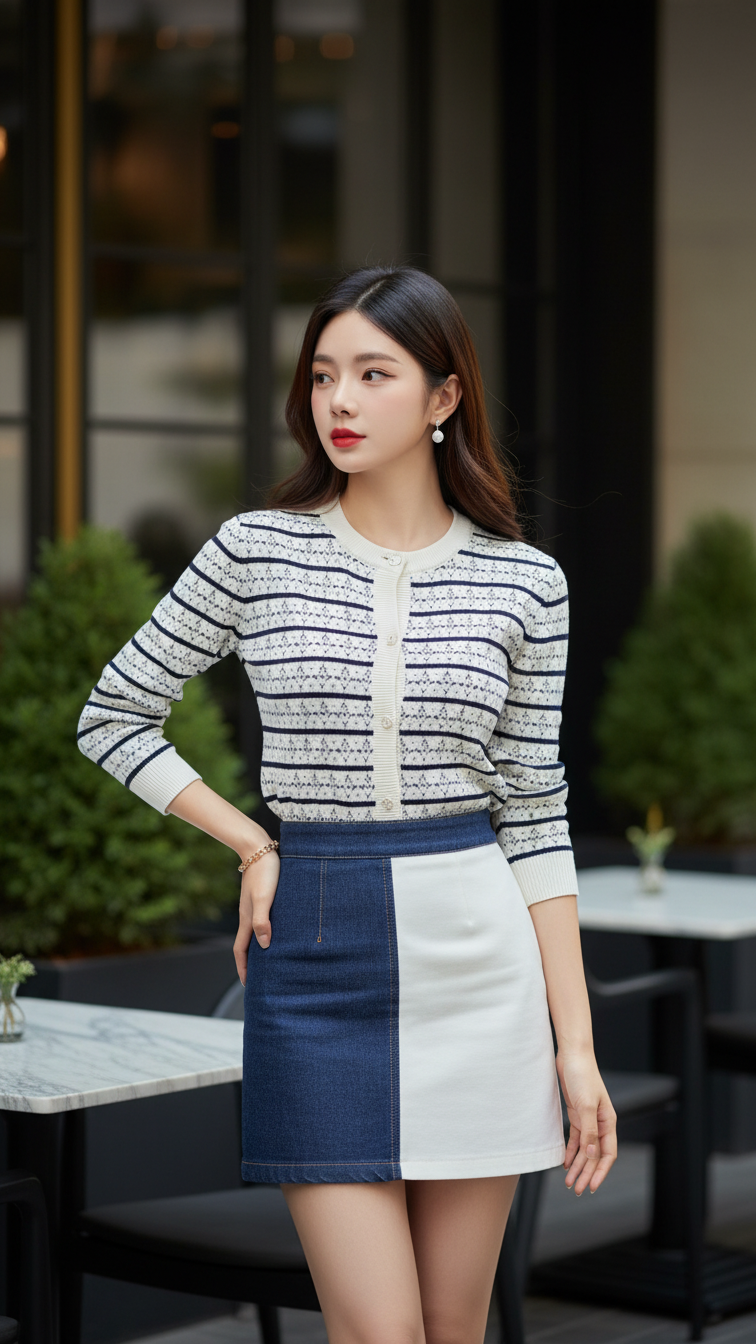
Prompt 2212: Create a realistic portrait of a young woman (face 100% identical to the original...
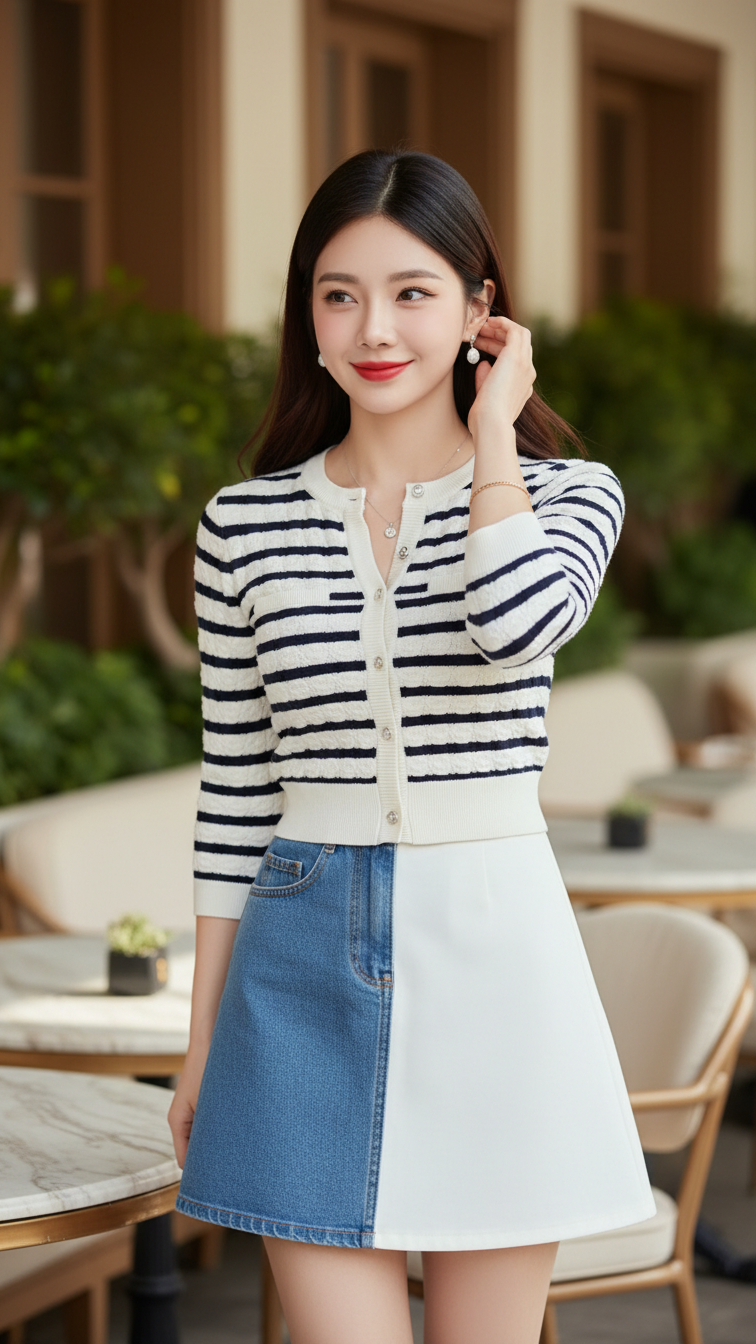
Prompt 2211: Create a realistic portrait of a young woman (face 100% identical to the original...
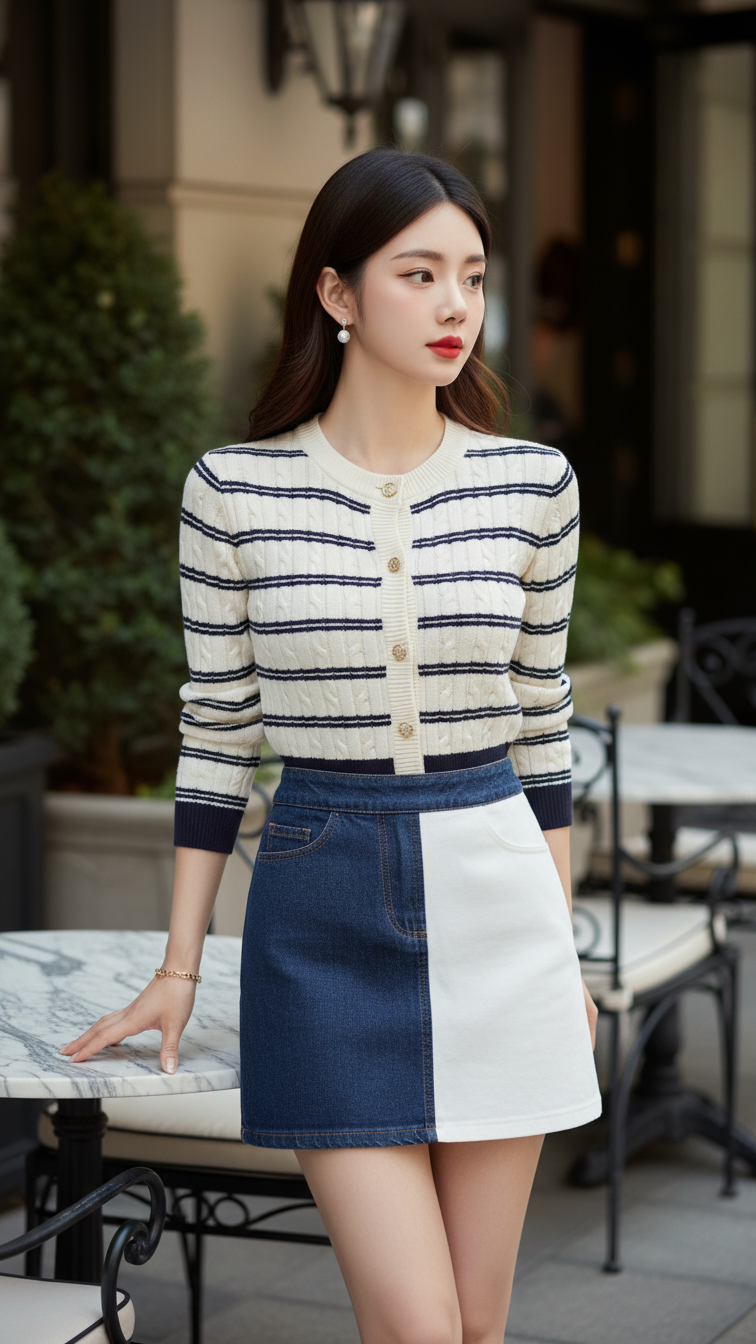
Prompt 2210: Create a realistic portrait of a young woman (face 100% identical to the original...
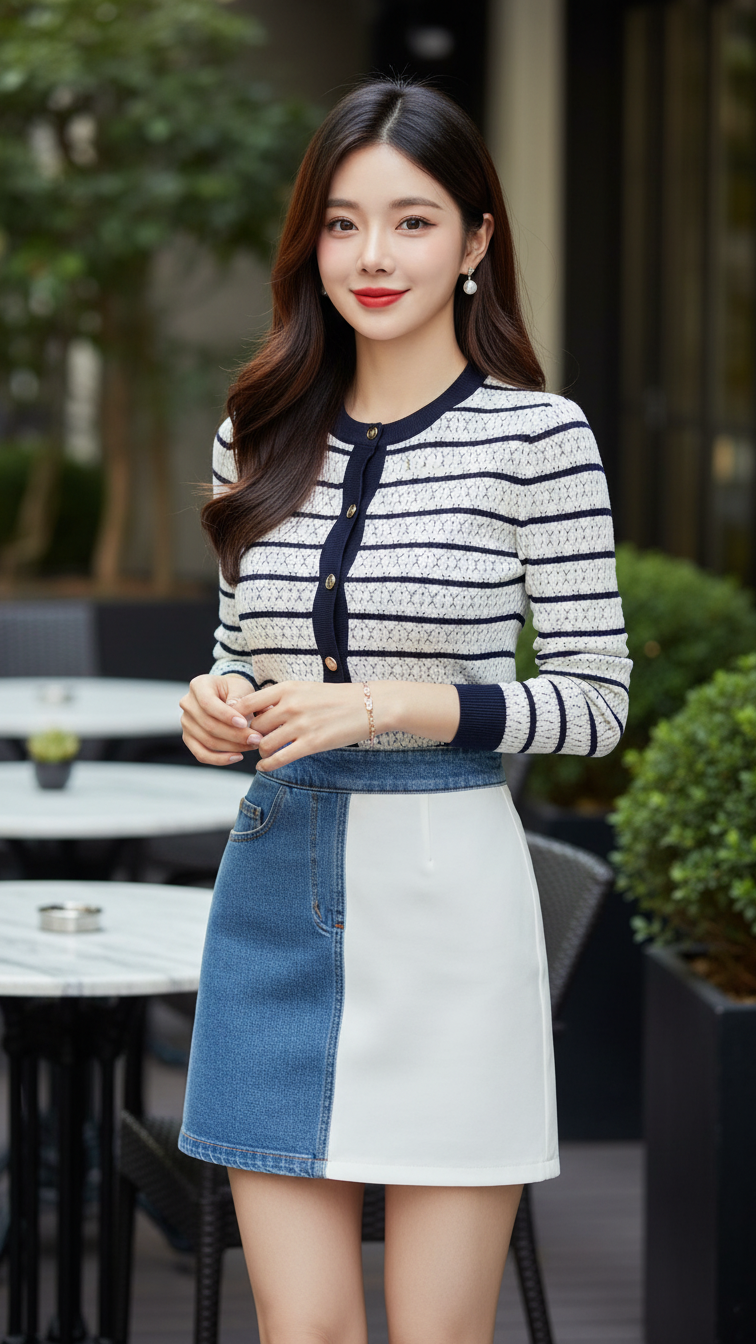
Prompt 2209: Create a realistic portrait of a young woman (face 100% identical to the original...
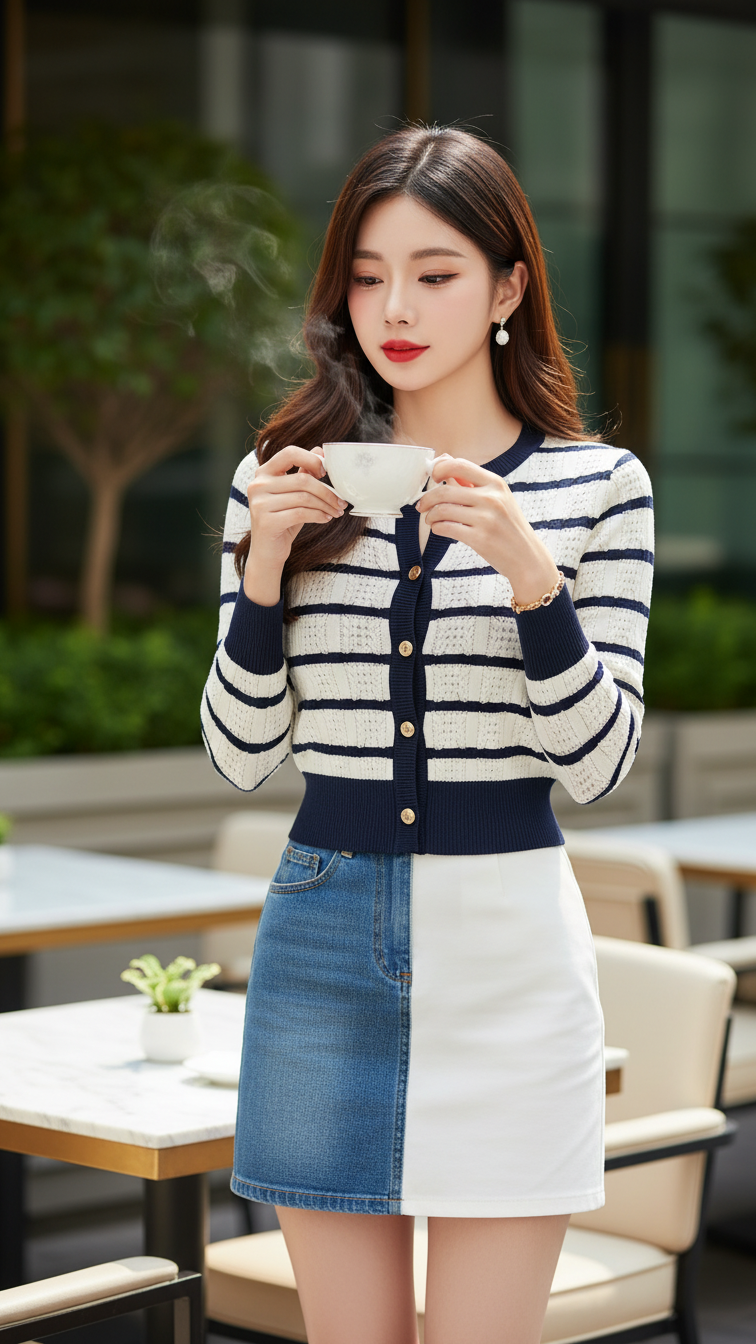
Prompt 2208: Create a realistic portrait of a young woman (face 100% identical to the original...
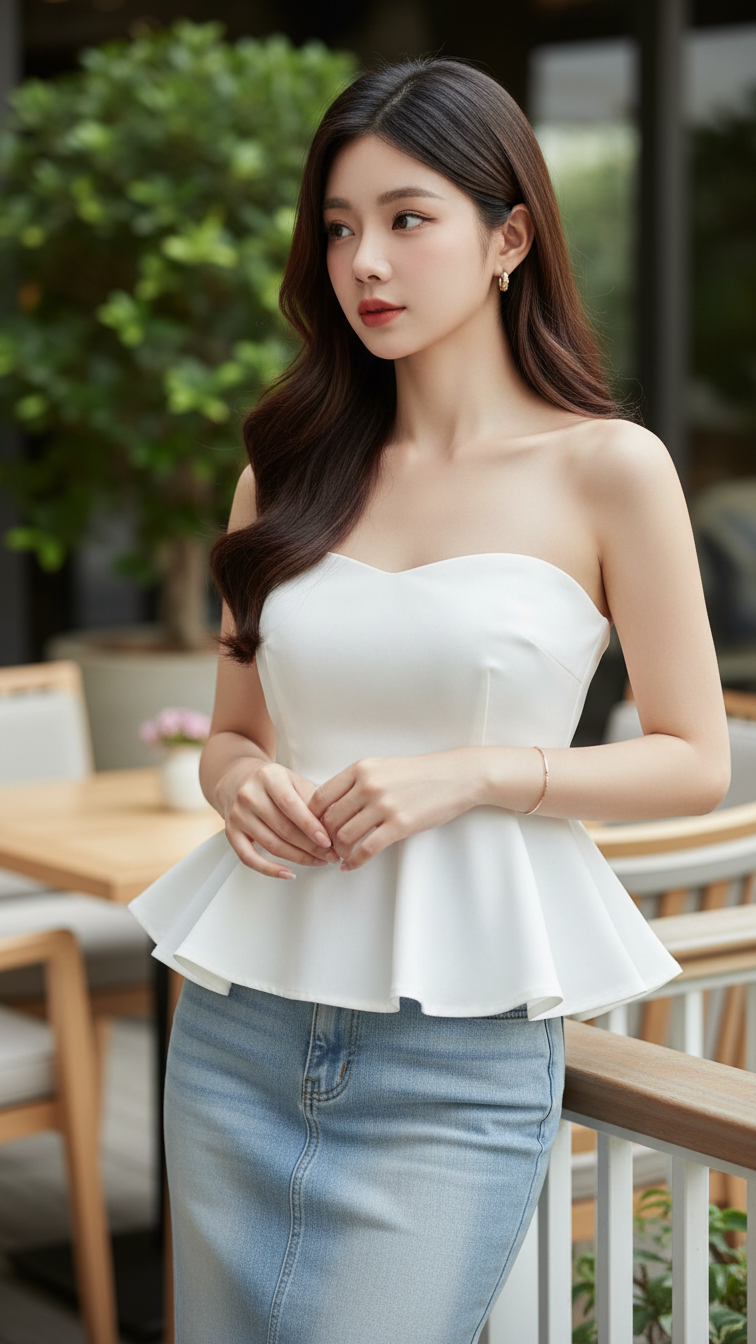
Prompt 2207: Create a realistic portrait of a young woman (face 100% identical to the original...
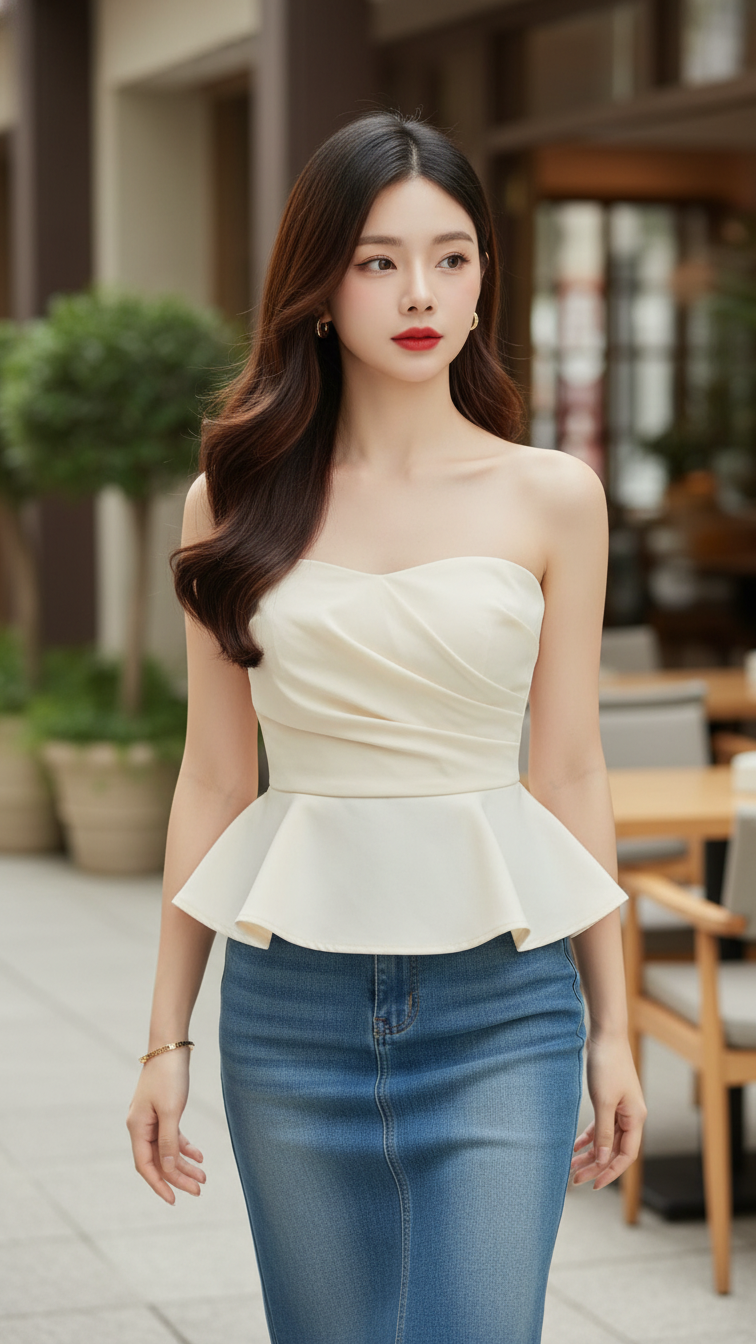
Prompt 2206: Create a realistic portrait of a young woman (face 100% identical to the original...
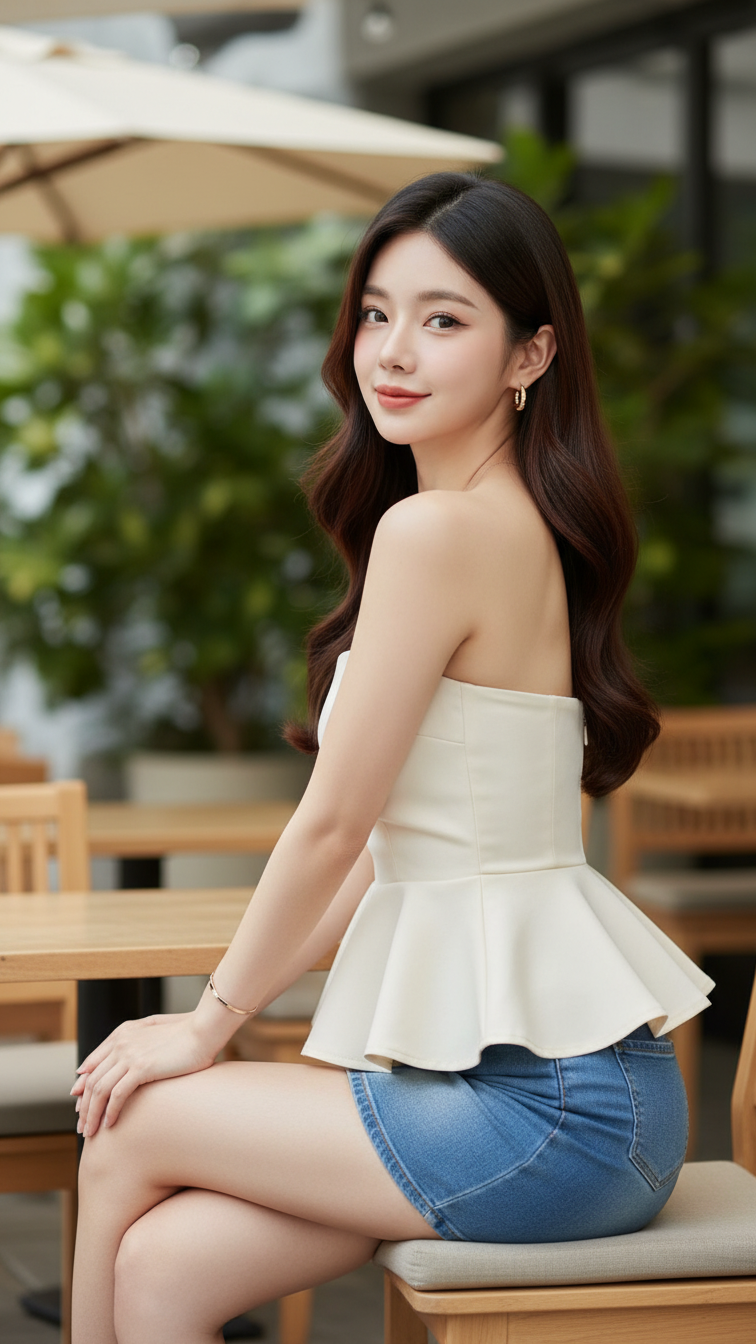
Prompt 2205: Create a realistic portrait of a young woman (face 100% identical to the original...
