
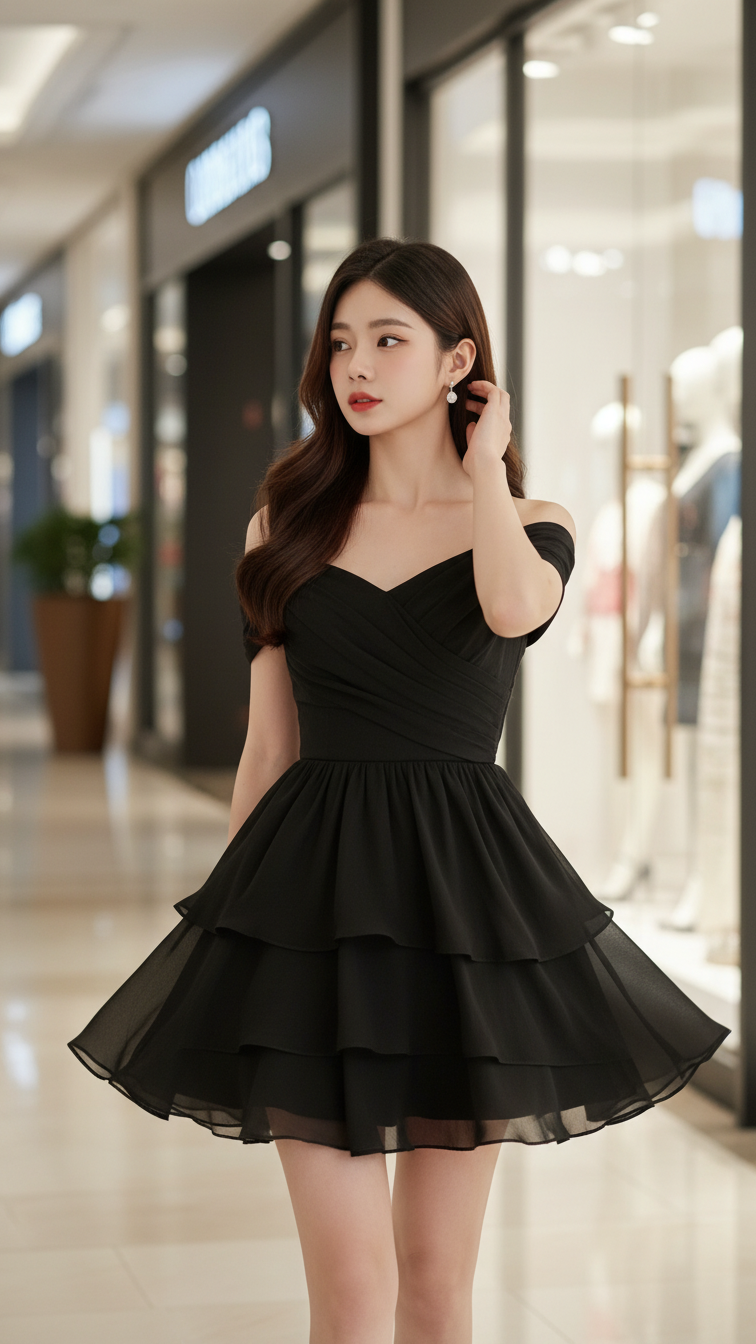
Prompt 2240: Create a realistic portrait of a young woman (face 100% identical to the original...
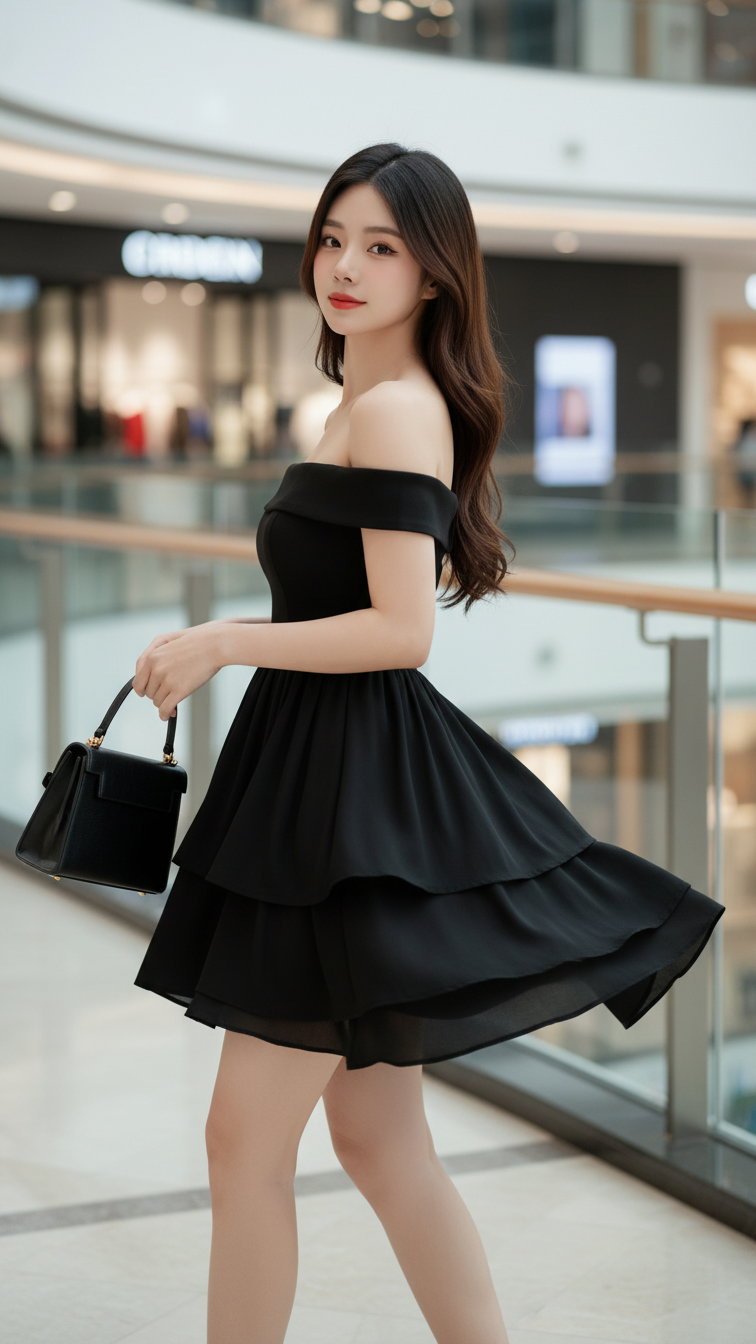
Prompt 2239: Create a realistic portrait of a young woman (face 100% identical to the original...
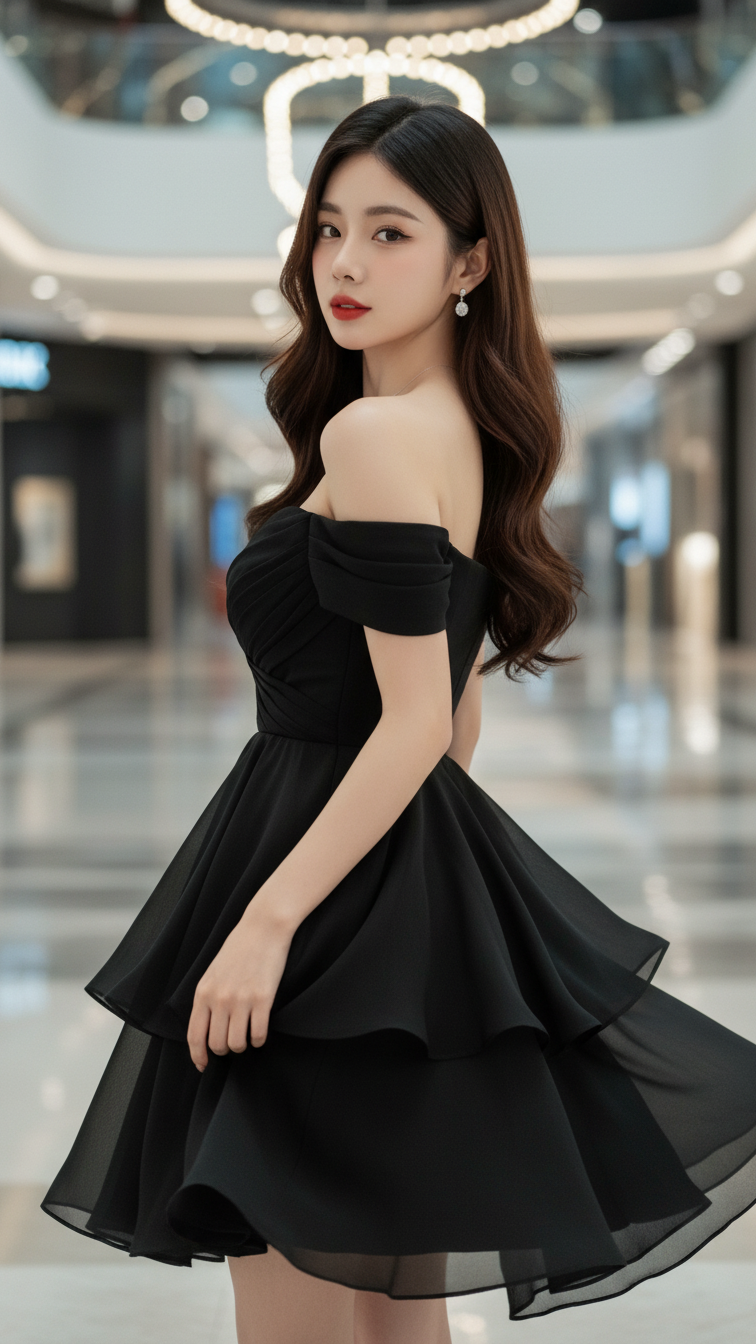
Prompt 2238: Create a realistic portrait of a young woman (face 100% identical to the original...
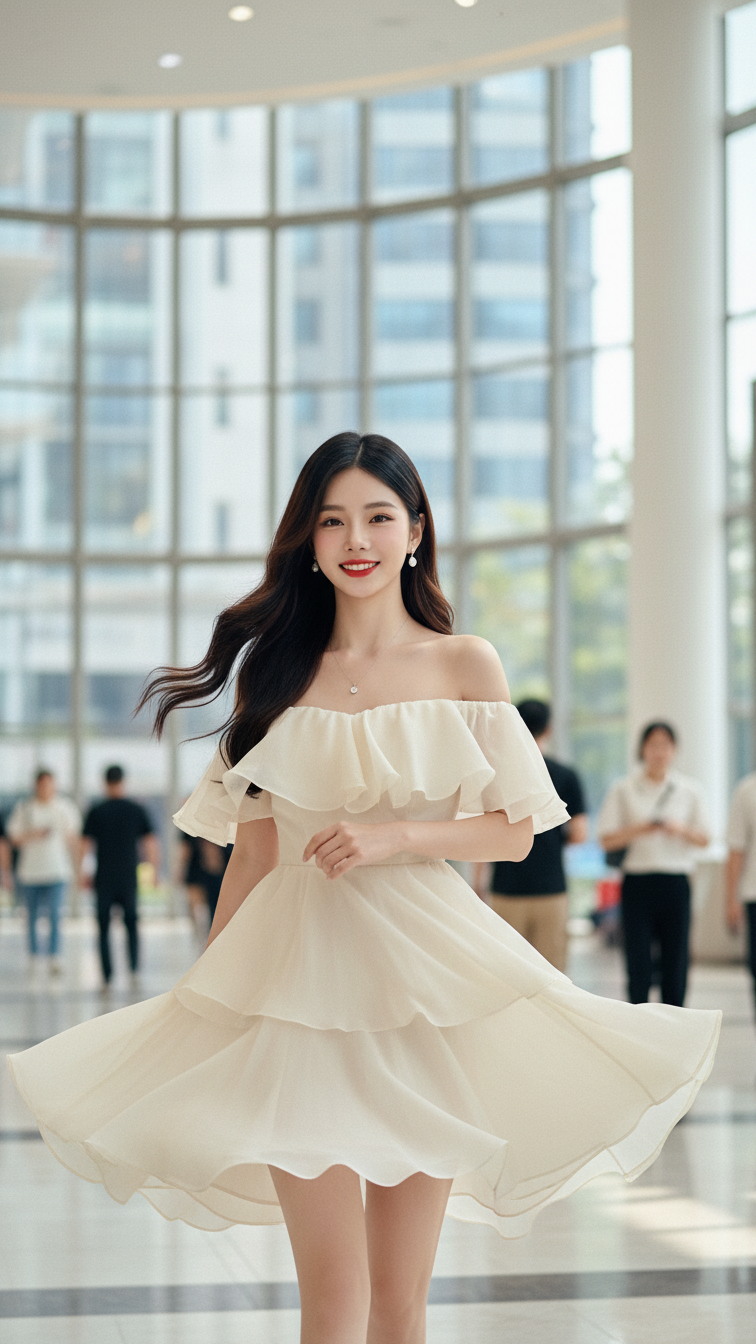
Prompt 2237: Create a realistic portrait of a young woman (face 100% identical to the original...
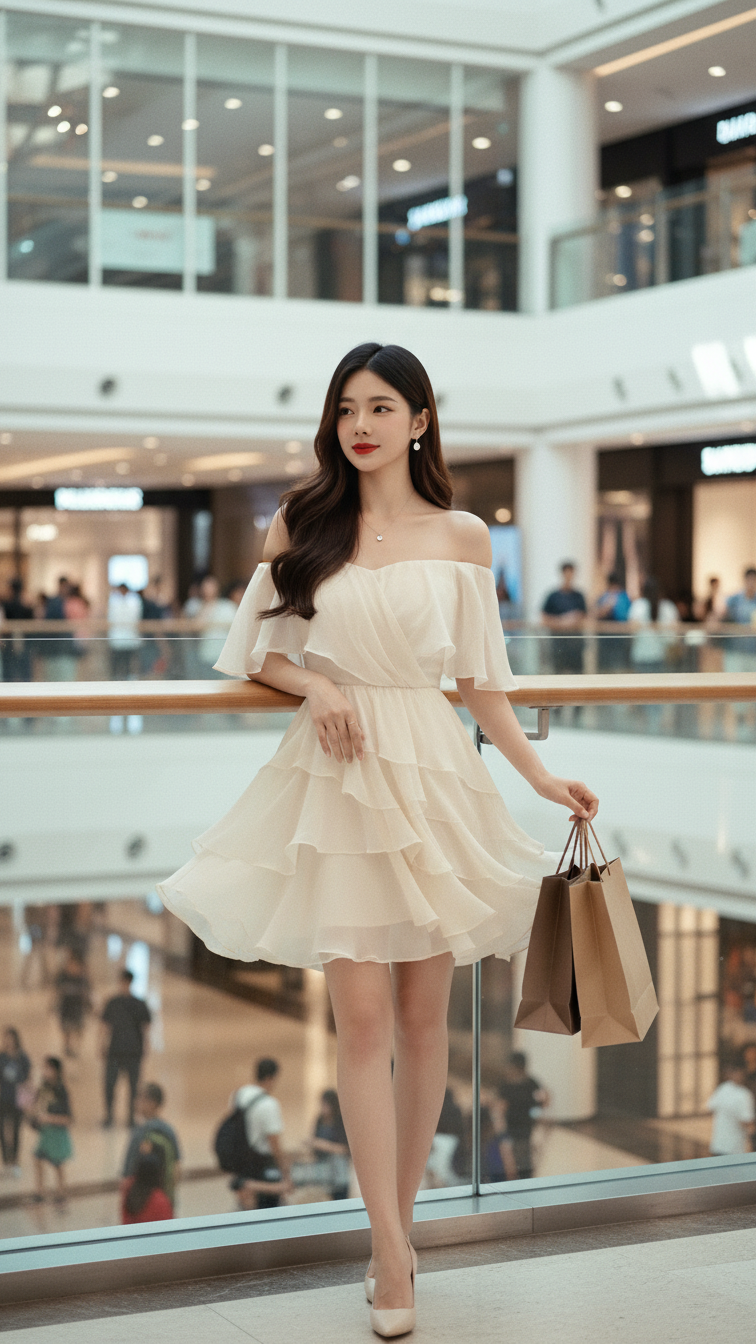
Prompt 2236: Create a realistic portrait of a young woman (face 100% identical to the original...
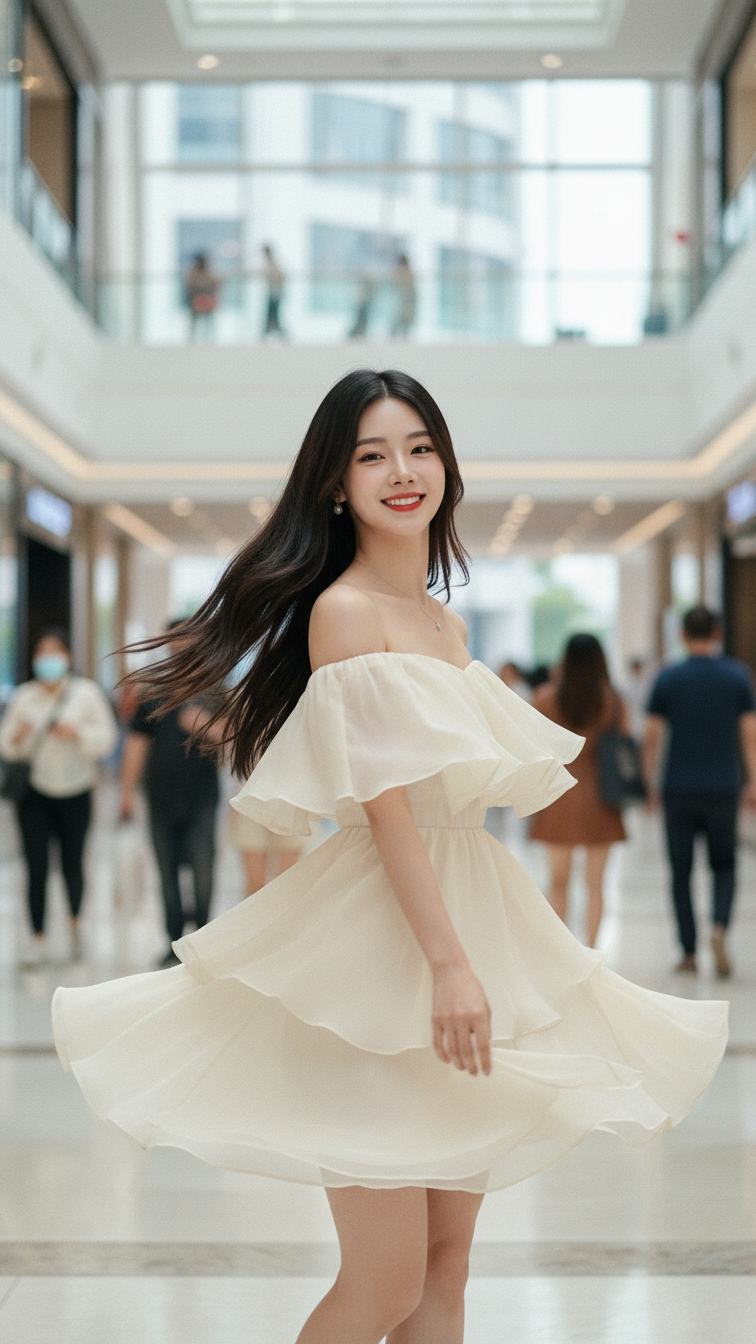
Prompt 2235: Create a realistic portrait of a young woman (face 100% identical to the original...
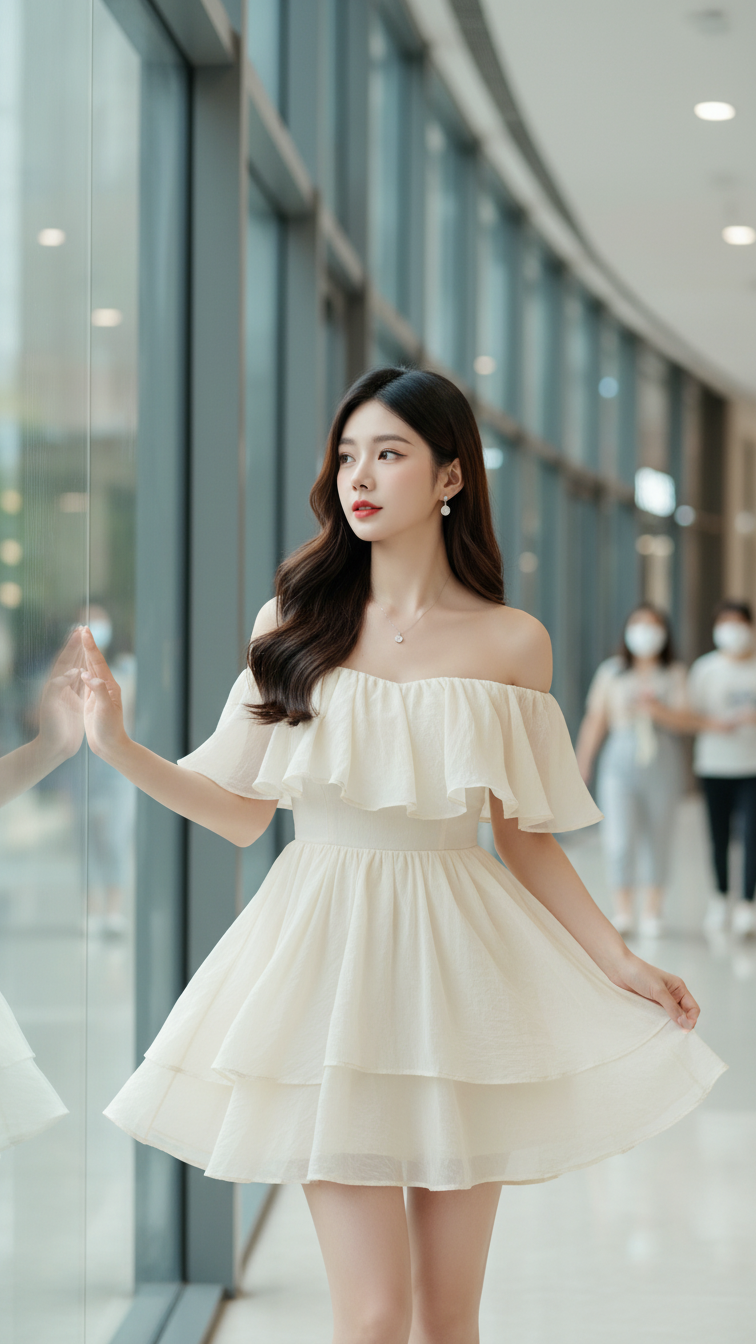
Prompt 2234: Create a realistic portrait of a young woman (face 100% identical to the original...
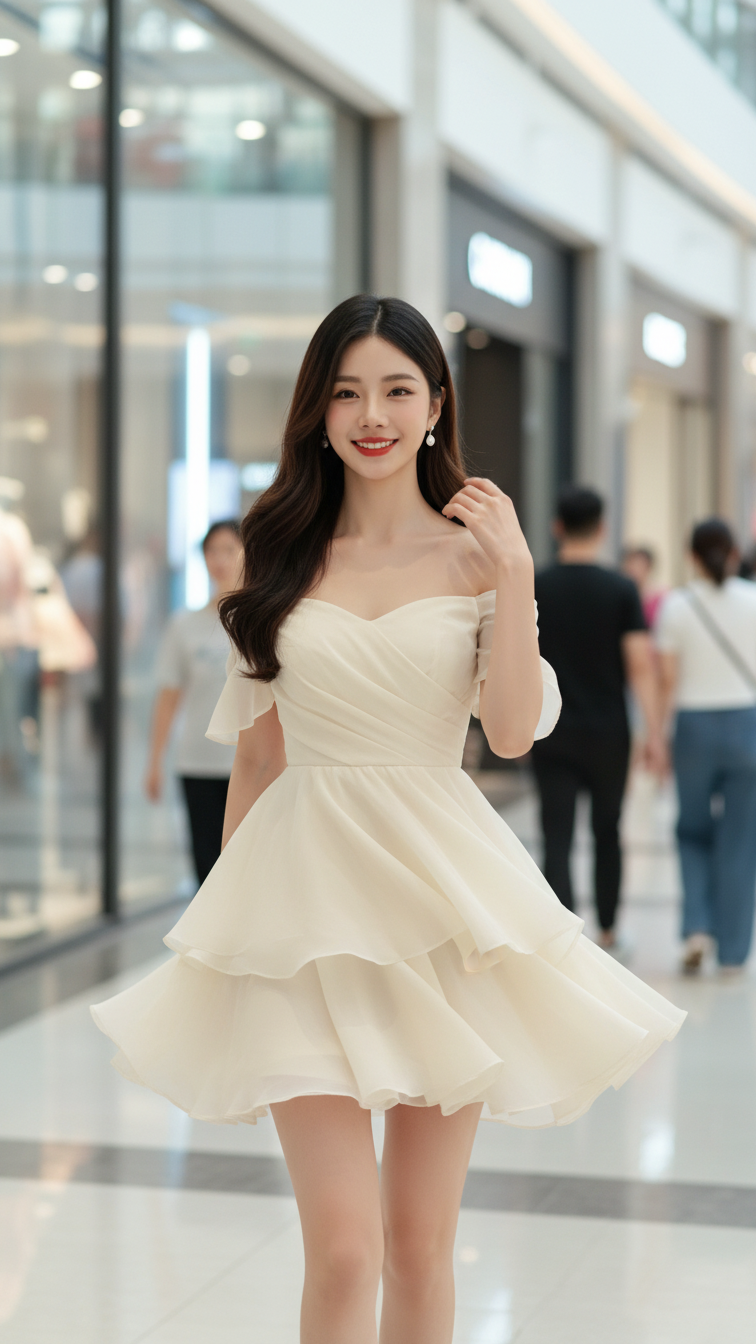
Prompt 2233: Create a realistic portrait of a young woman (face 100% identical to the original...
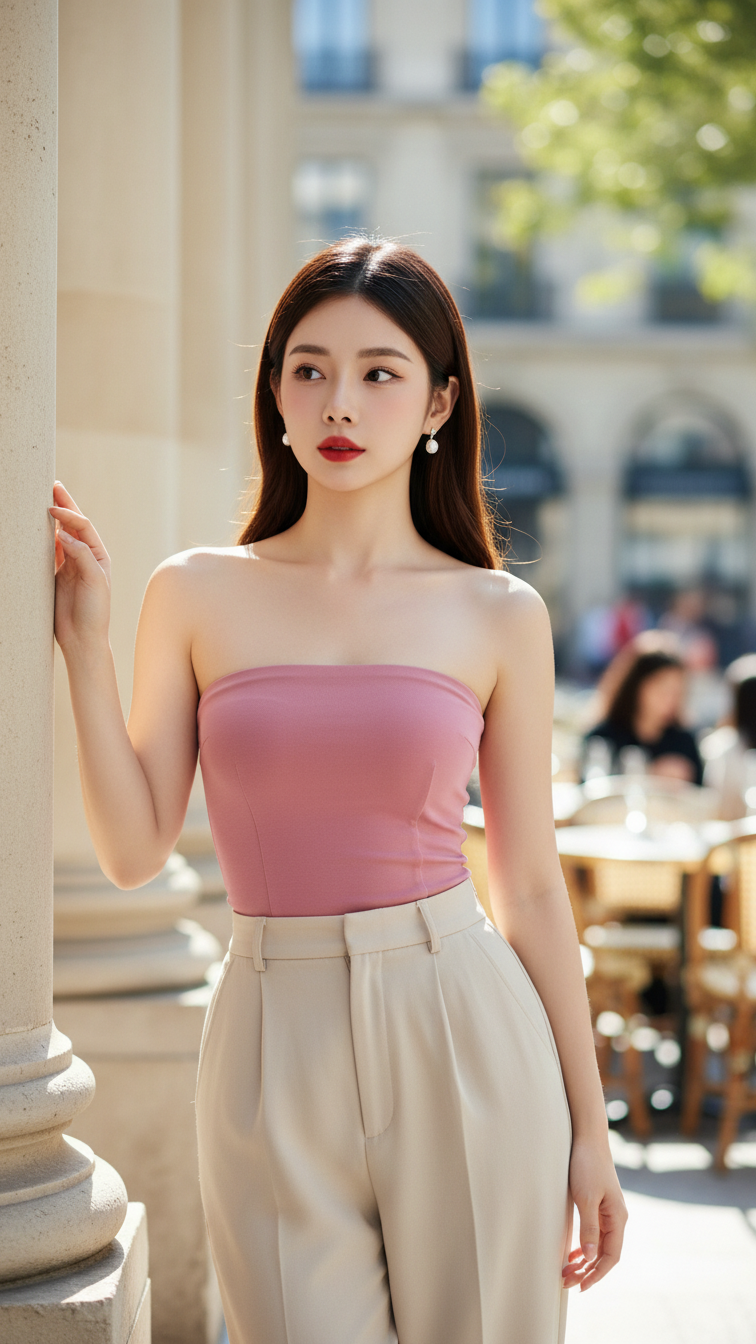
Prompt 2232: Create a realistic portrait of a young woman (face 100% identical to the original...
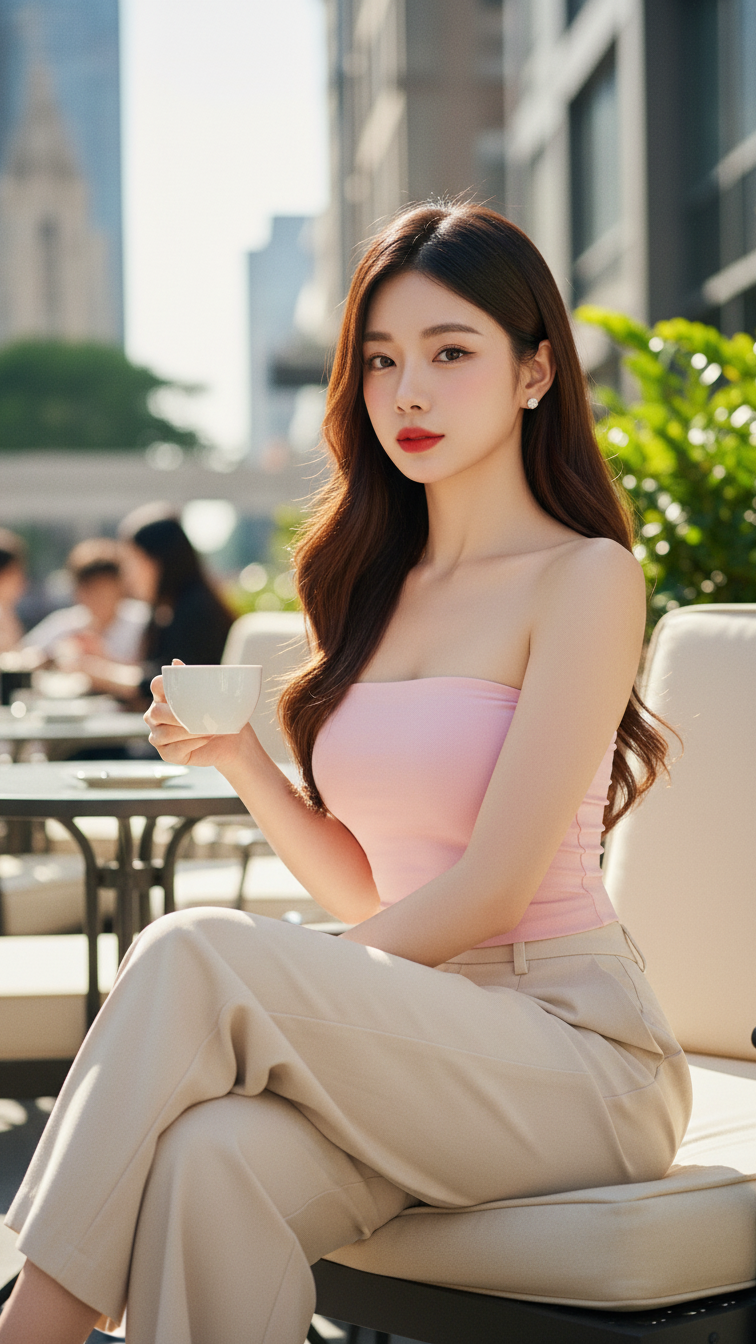
Prompt 2231: Create a realistic portrait of a young woman (face 100% identical to the original...
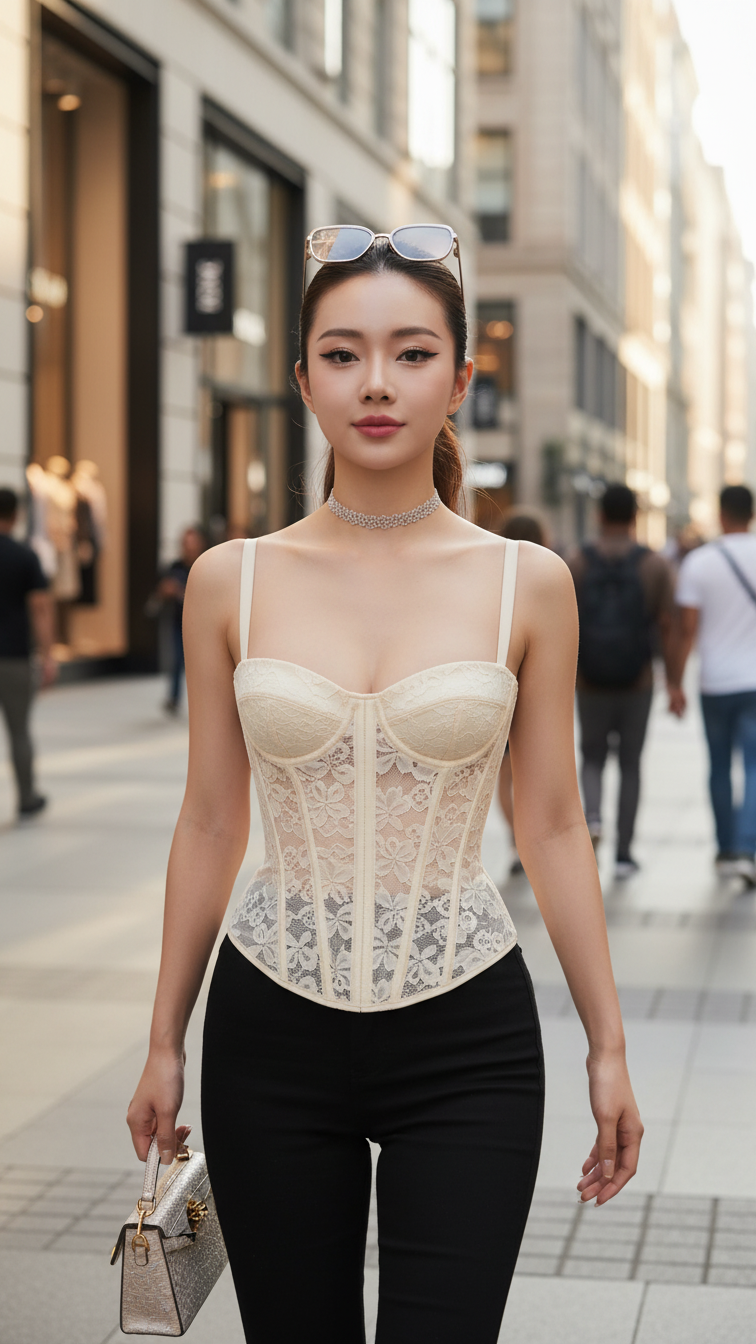
Prompt 2230: Create a realistic portrait of a young woman (face 100% identical to the original...
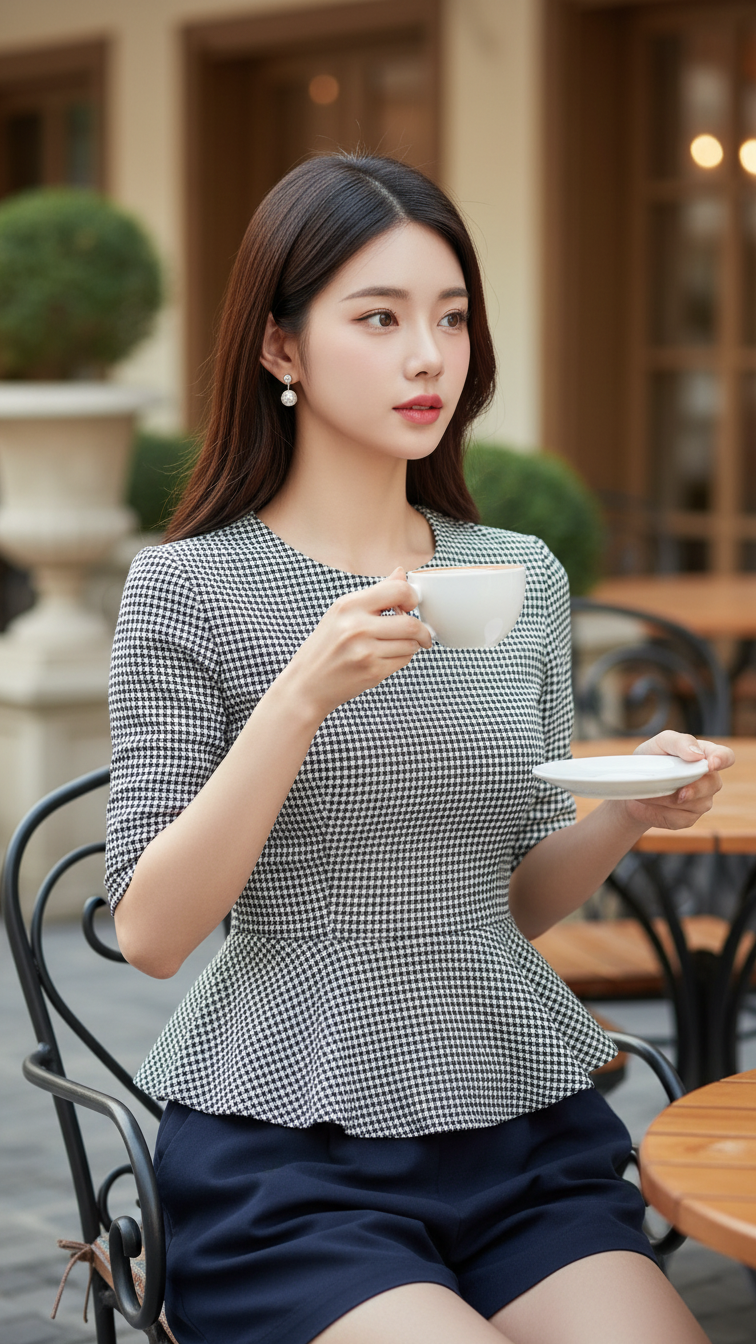
Prompt 2229: Create a realistic portrait of a young woman (face 100% identical to the original...
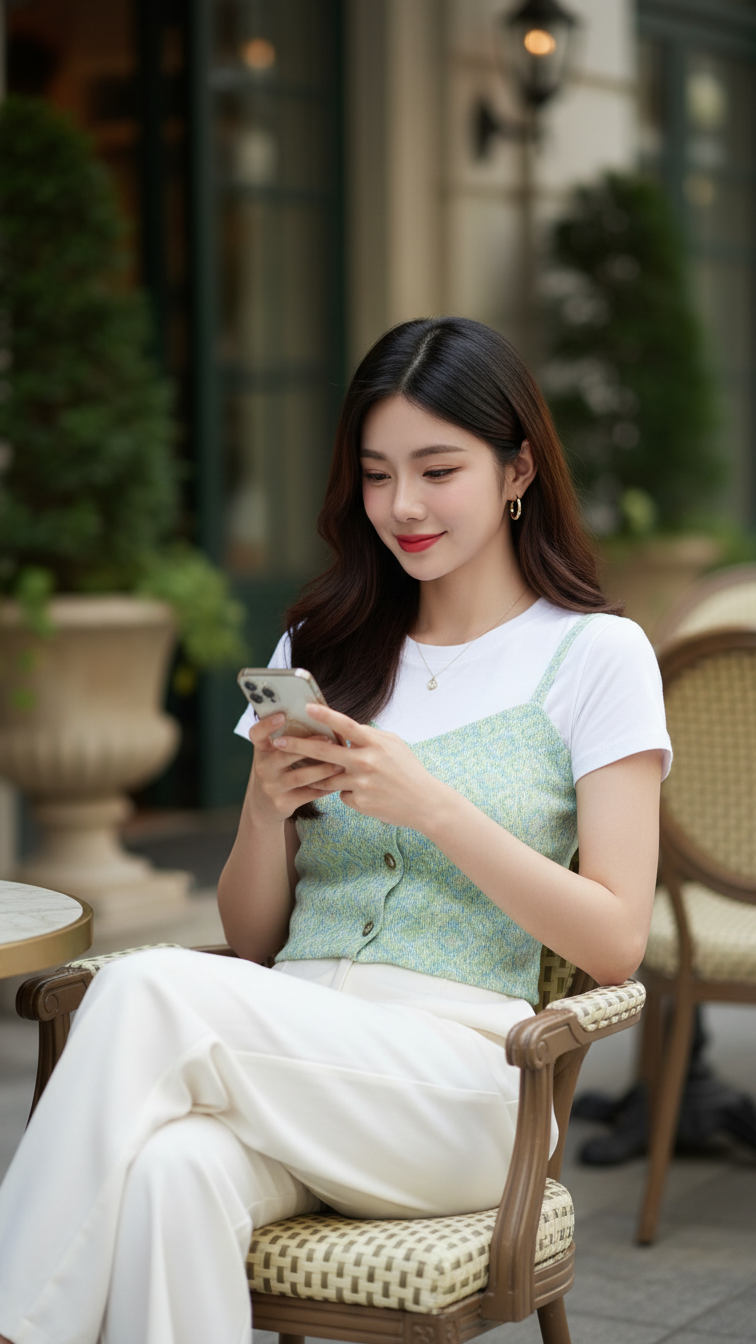
Prompt 2228: Create a realistic portrait of a young woman (face 100% identical to the original...
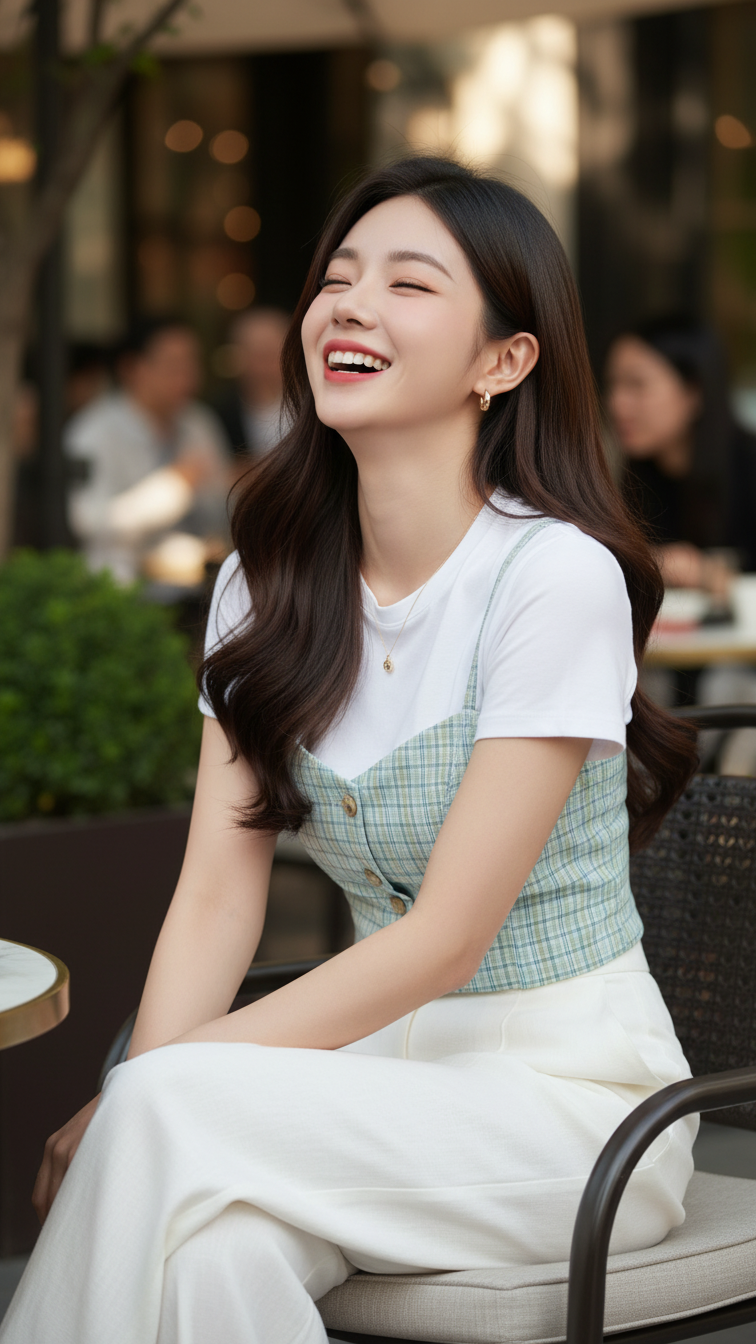
Prompt 2227: Create a realistic portrait of a young woman (face 100% identical to the original...
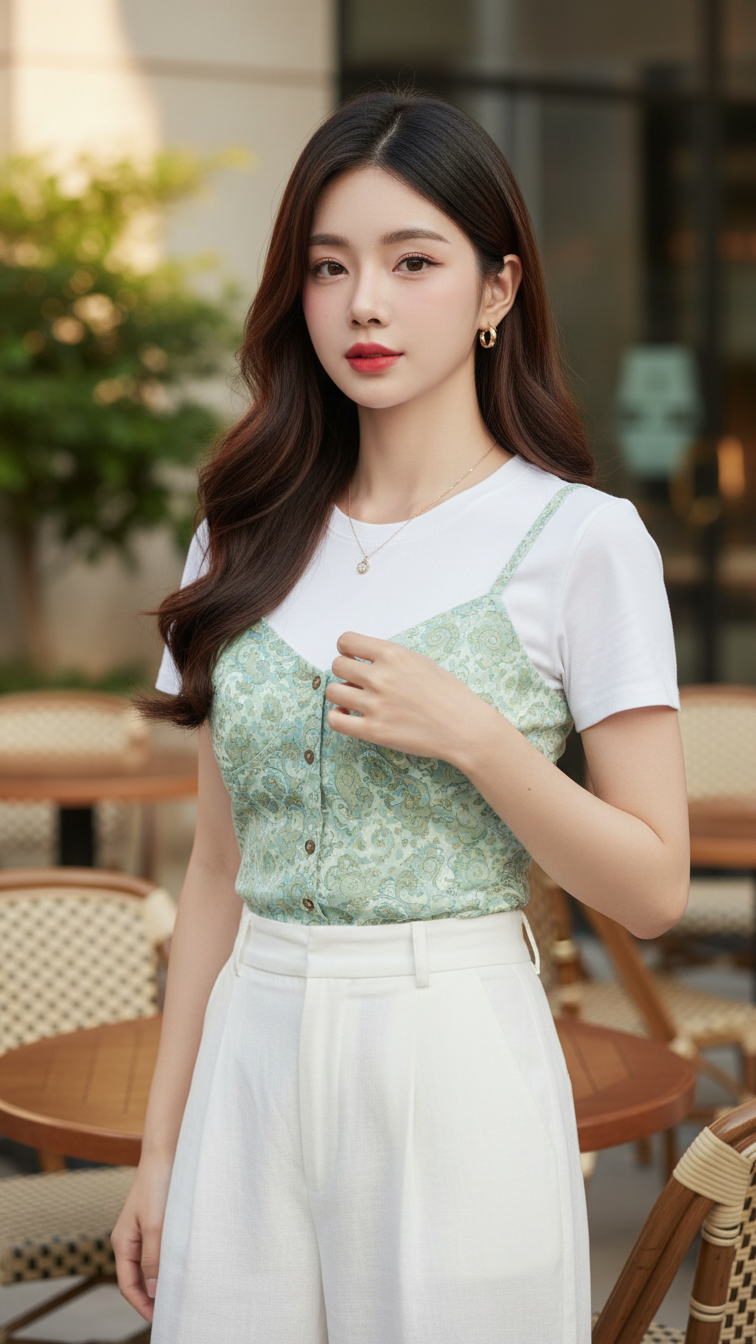
Prompt 2226: Create a realistic portrait of a young woman (face 100% identical to the original...
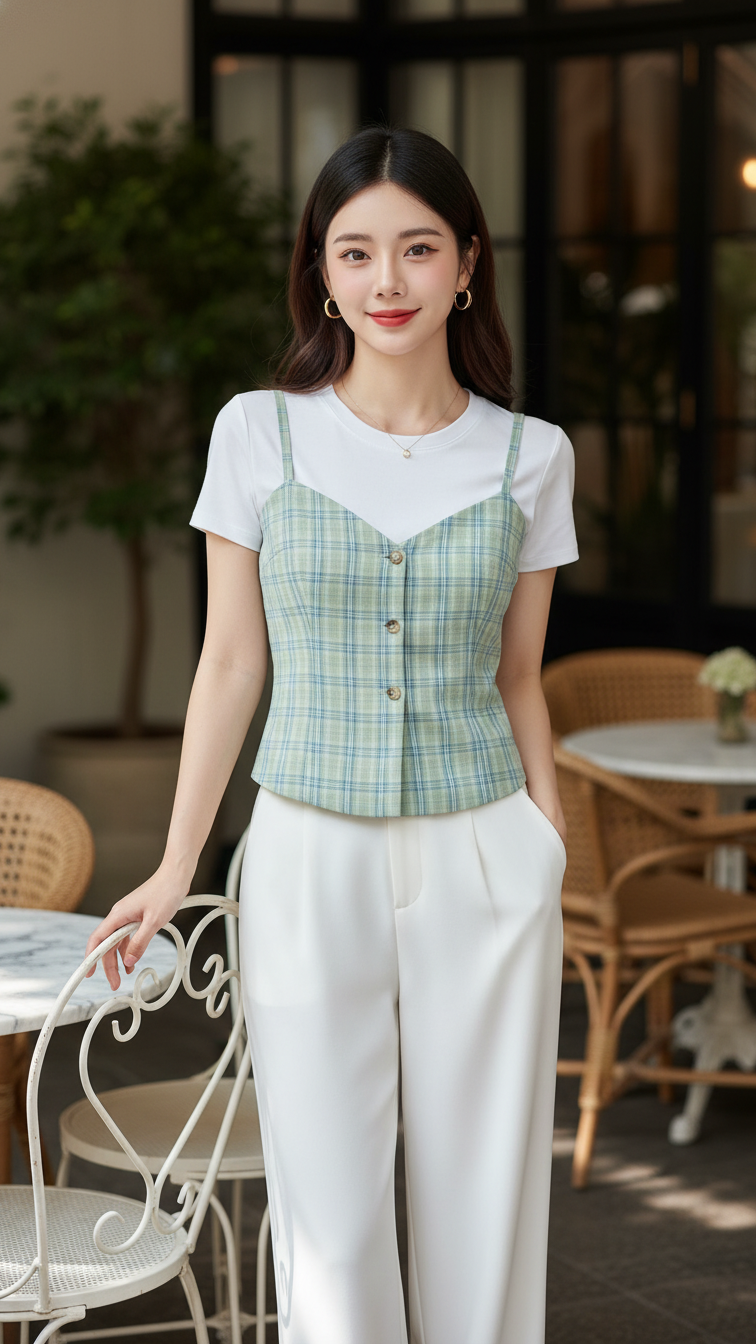
Prompt 2225: Create a realistic portrait of a young woman (face 100% identical to the original...
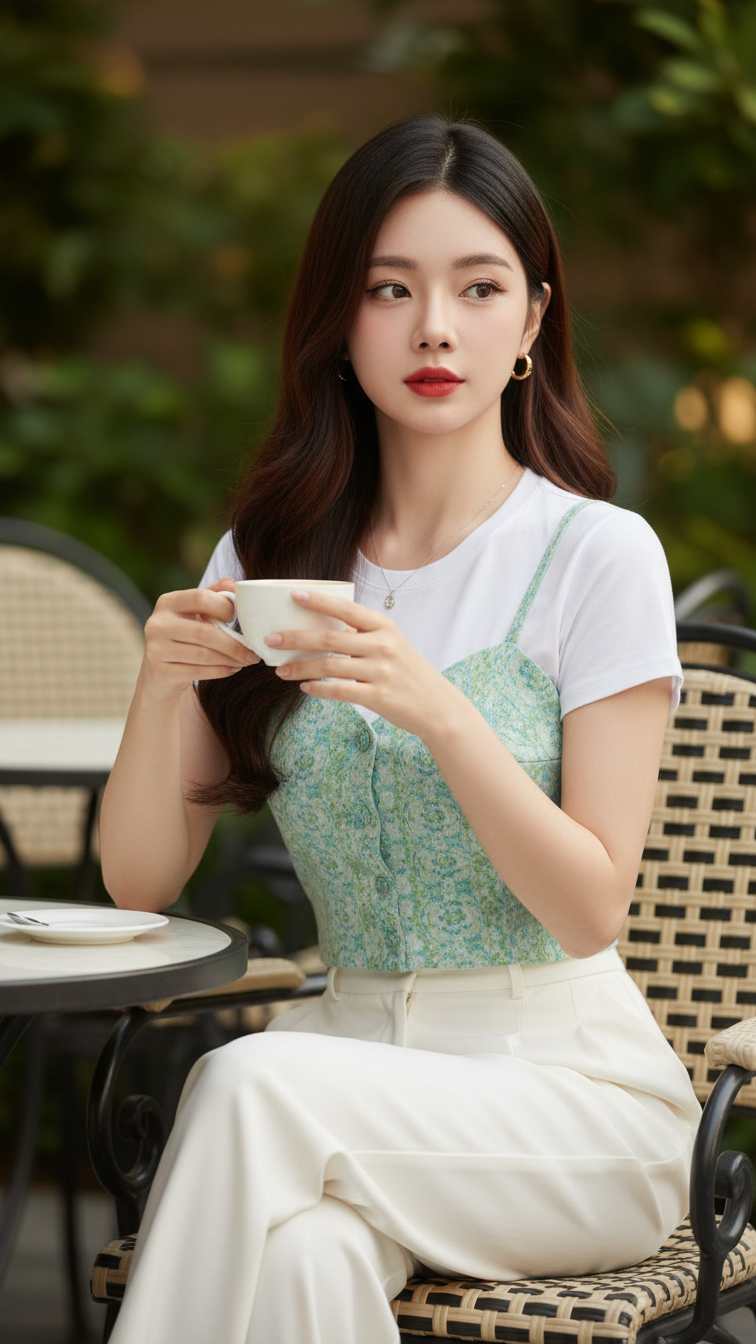
Prompt 2224: Create a realistic portrait of a young woman (face 100% identical to the original...
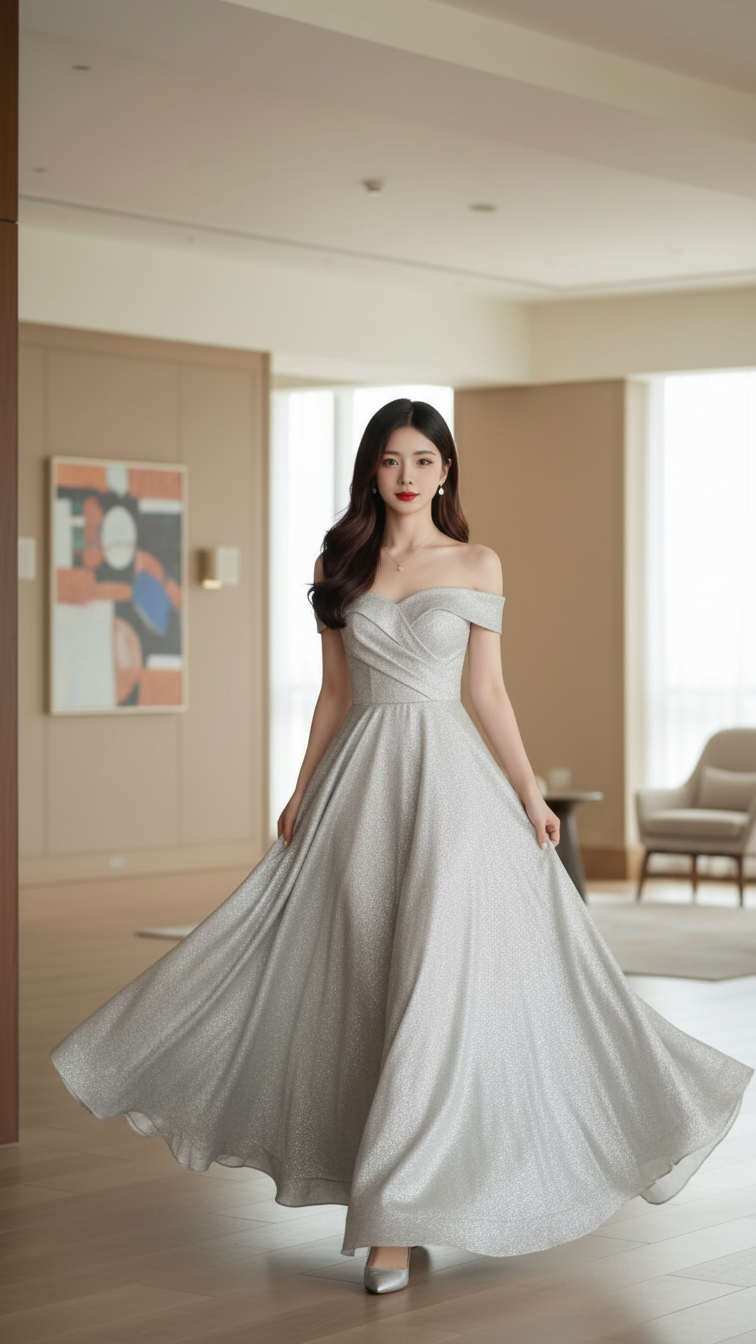
Prompt 2223: Create a realistic portrait of a young woman (face 100% identical to the original...
