
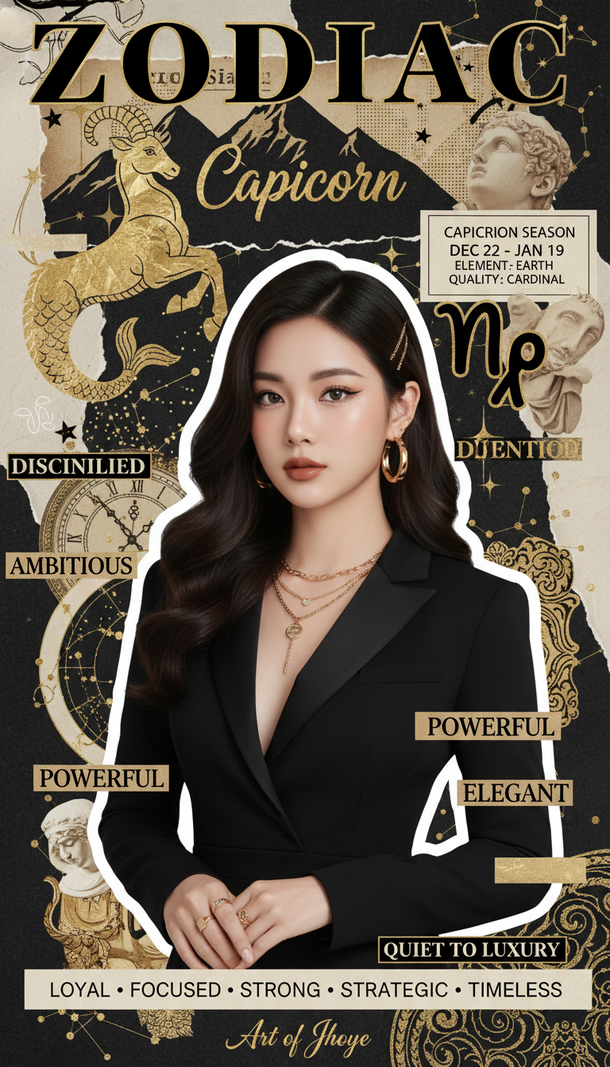
Prompt 2667: Create a realistic portrait of a young woman (face 100% identical to the original...
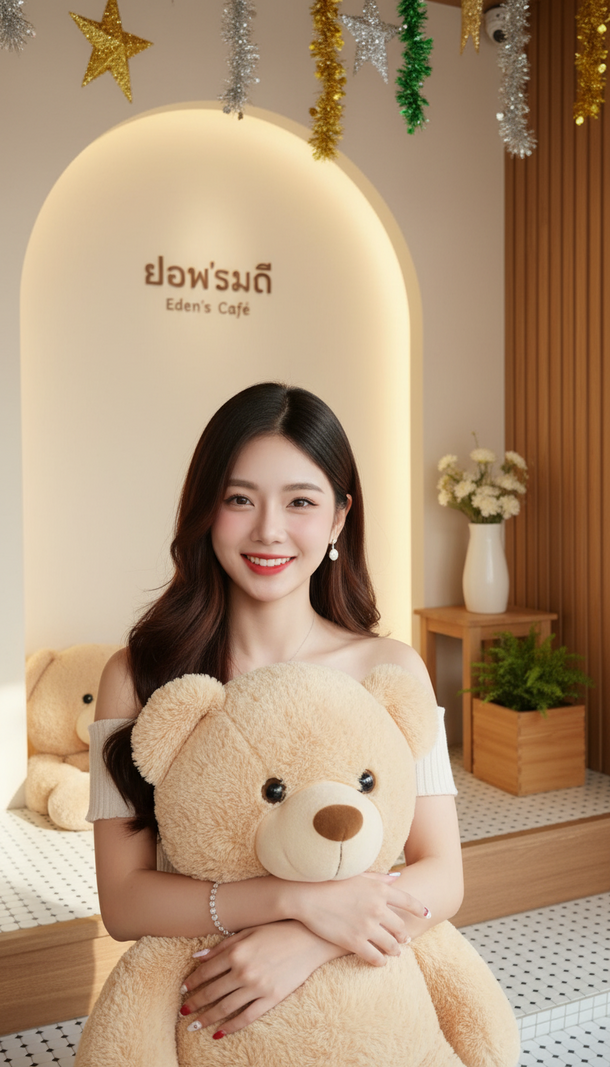
Prompt 2666: Create a realistic portrait of a young woman (face 100% identical to the original...
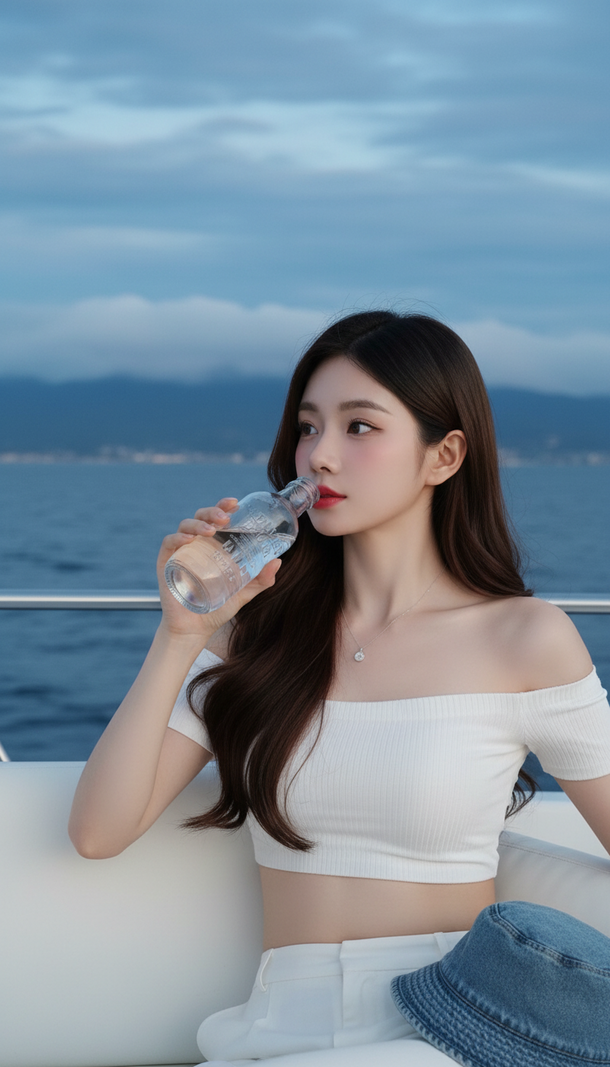
Prompt 2665: Create a realistic portrait of a young woman (face 100% identical to the original...
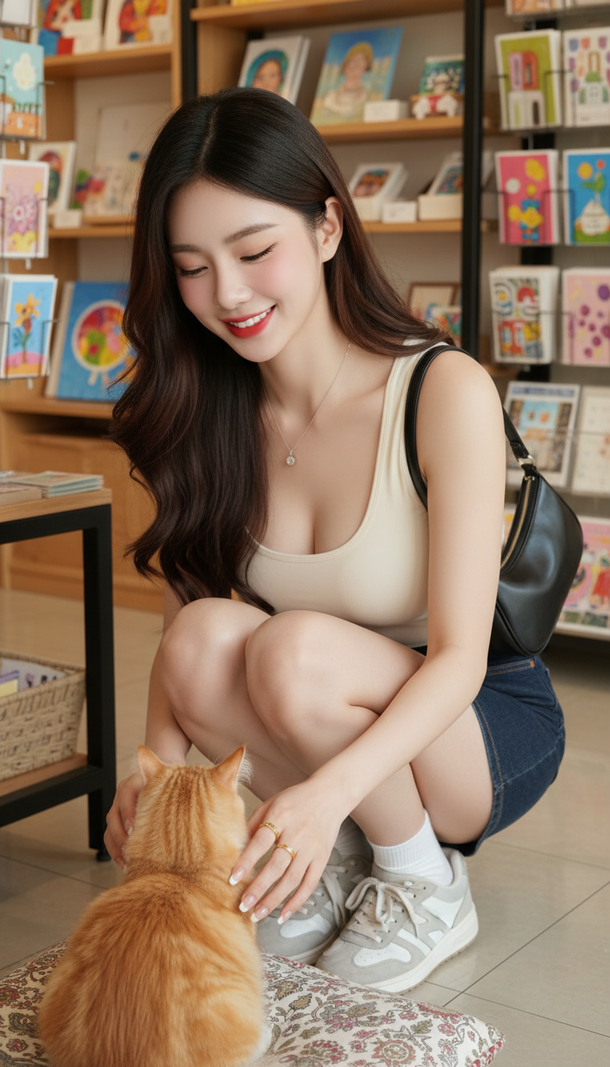
Prompt 2664: Create a realistic portrait of a young woman (face 100% identical to the original...
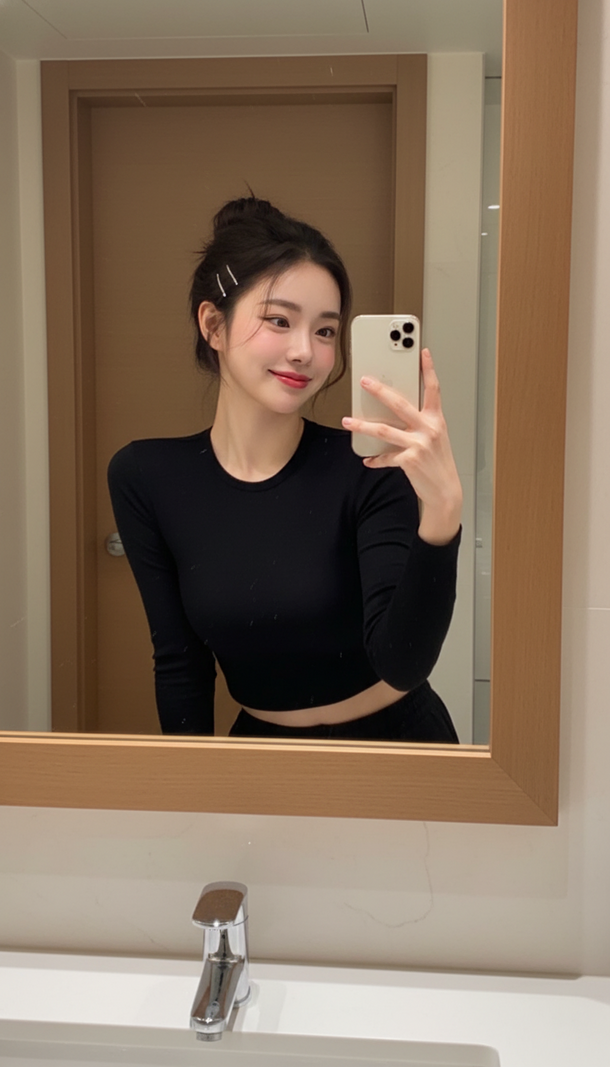
Prompt 2663: Create a realistic portrait of a young woman (face 100% identical to the original...
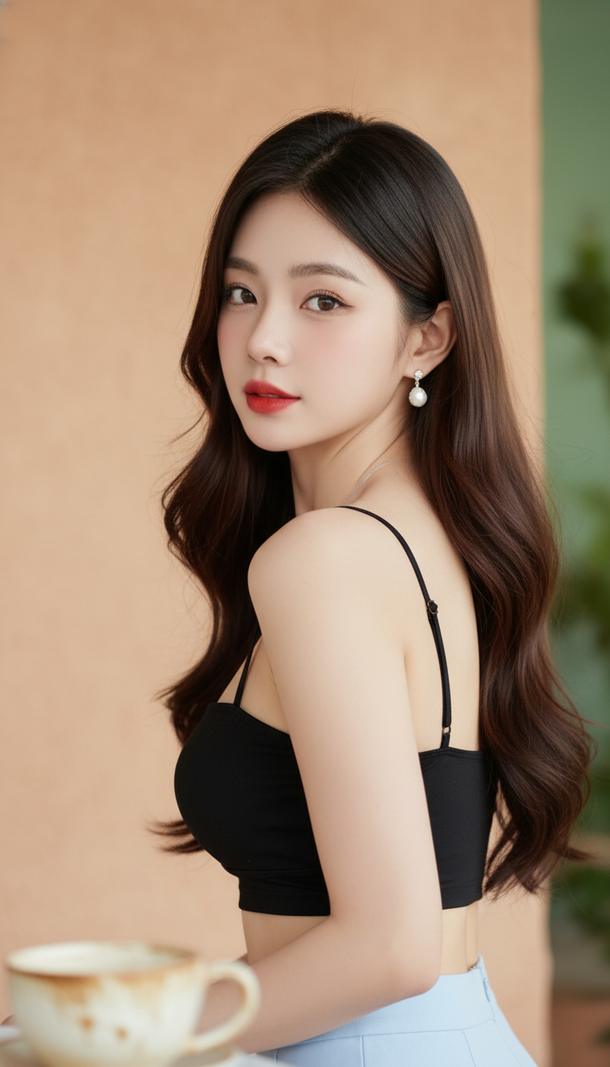
Prompt 2662: Create a realistic portrait of a young woman (face 100% identical to the original...
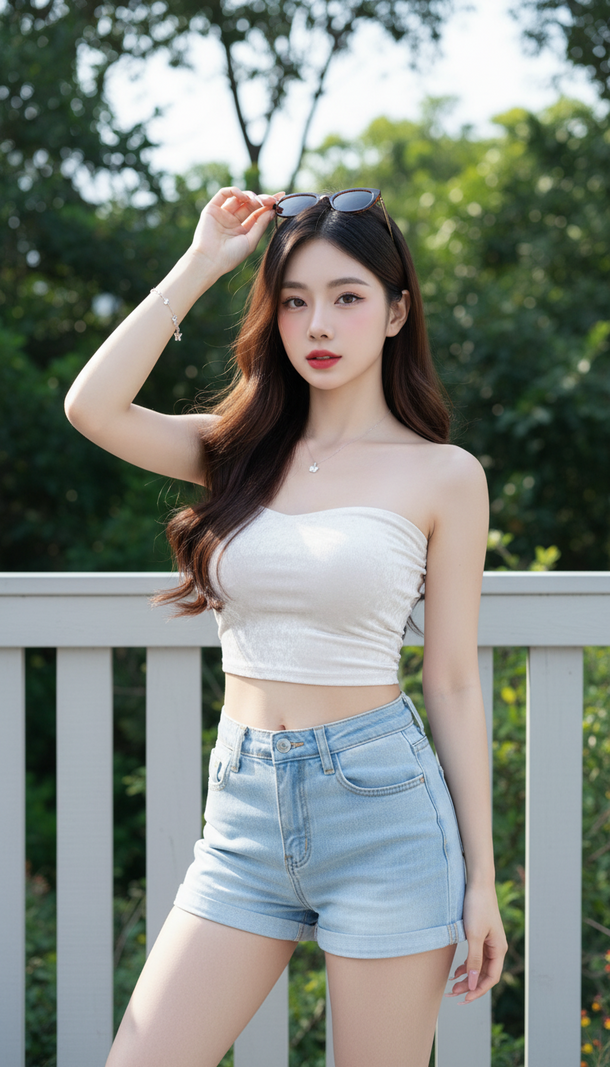
Prompt 2661: Create a realistic portrait of a young woman (face 100% identical to the original...
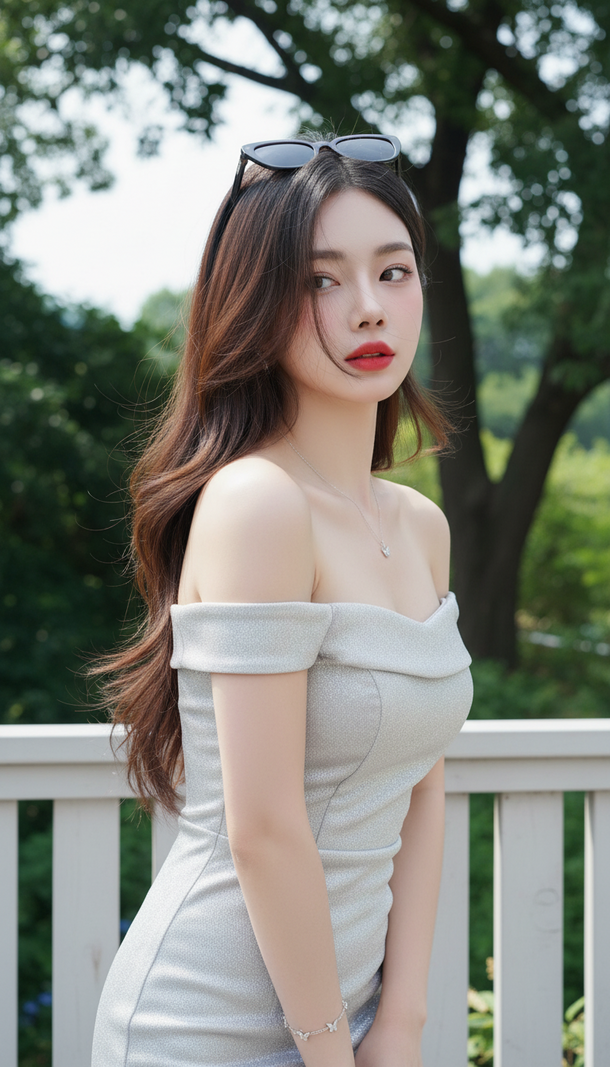
Prompt 2660: Create a realistic portrait of a young woman (face 100% identical to the original...
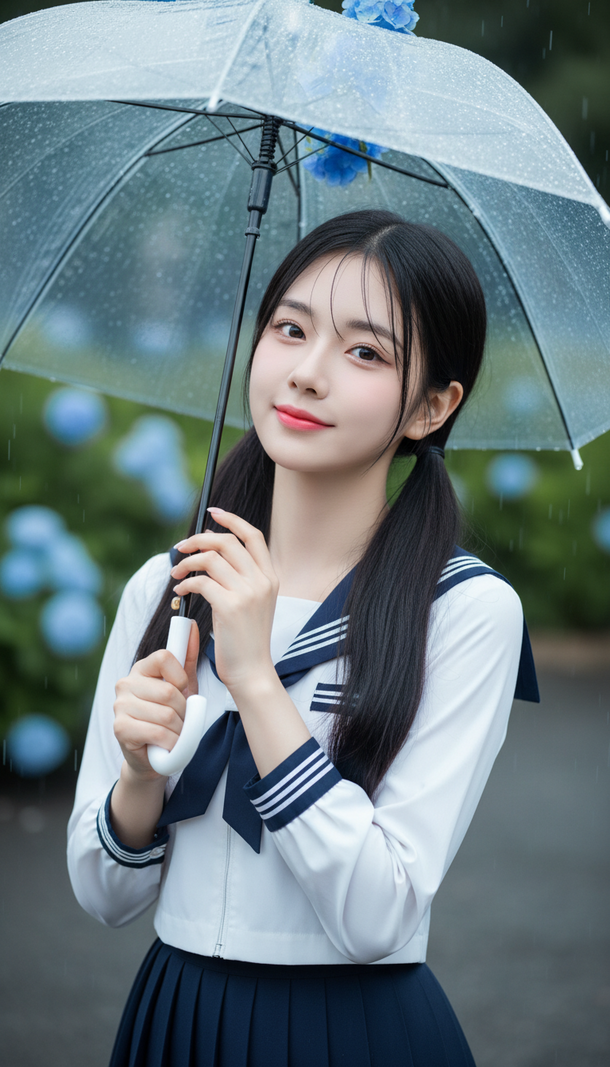
Prompt 2659: Create a realistic portrait of a young woman (face 100% identical to the original...
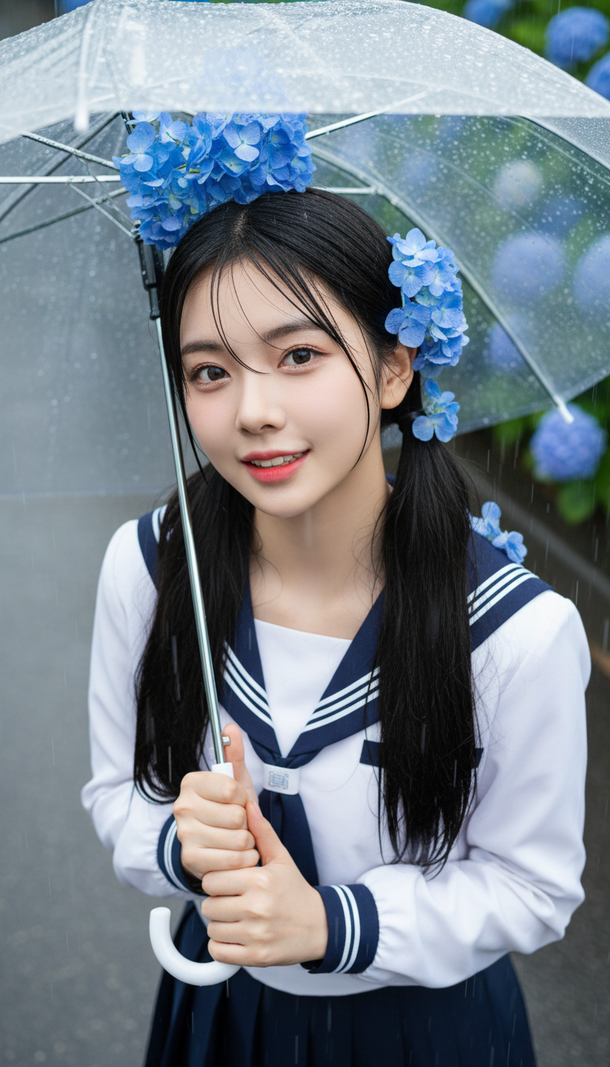
Prompt 2658: Create a realistic portrait of a young woman (face 100% identical to the original...
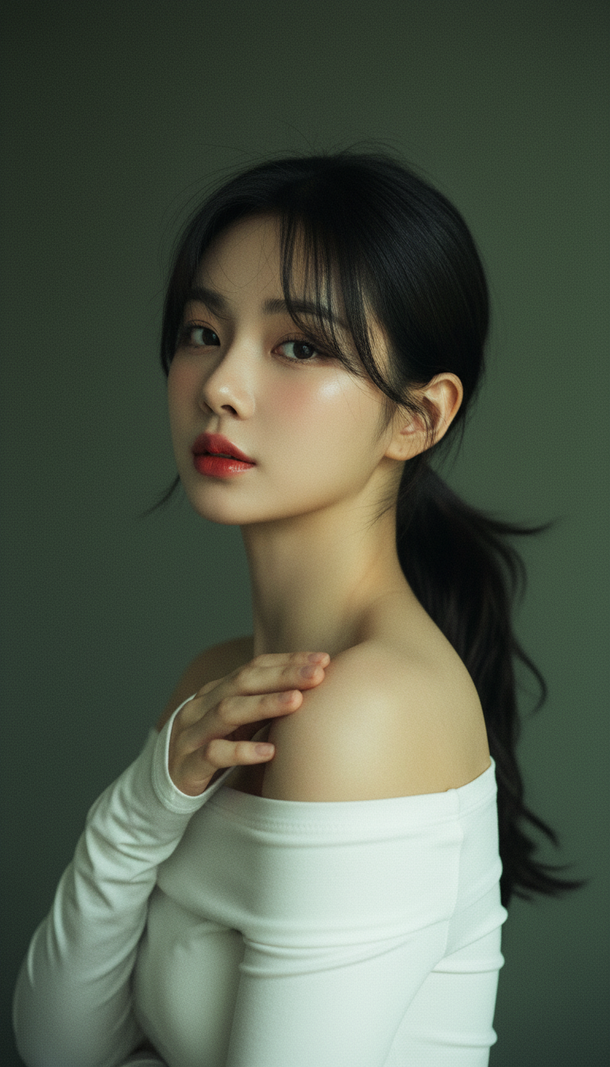
Prompt 2657: Create a realistic portrait of a young woman (face 100% identical to the original...
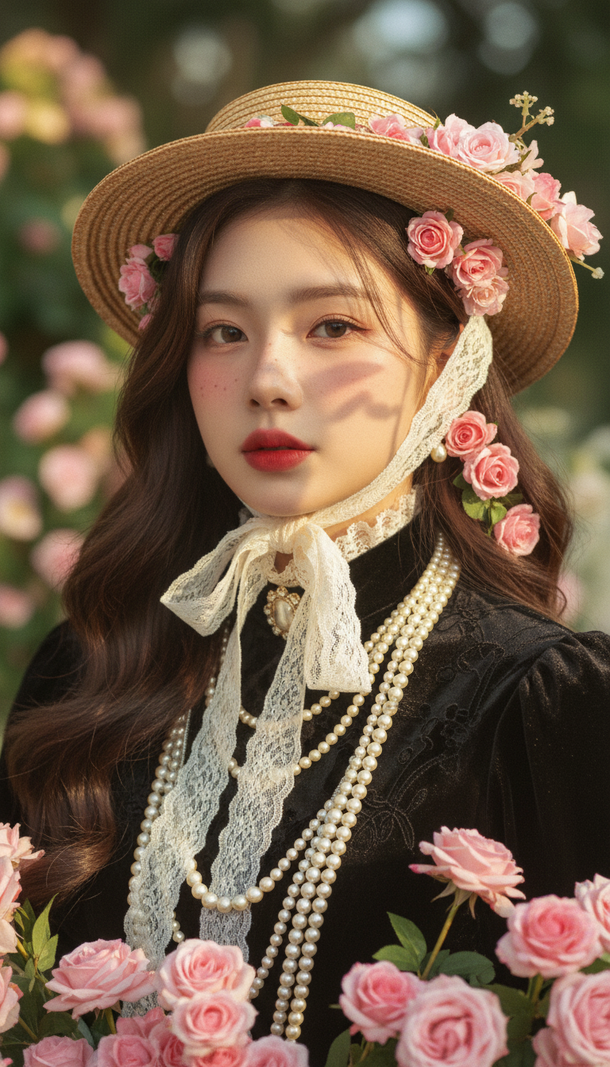
Prompt 2656: Create a realistic portrait of a young woman (face 100% identical to the original...
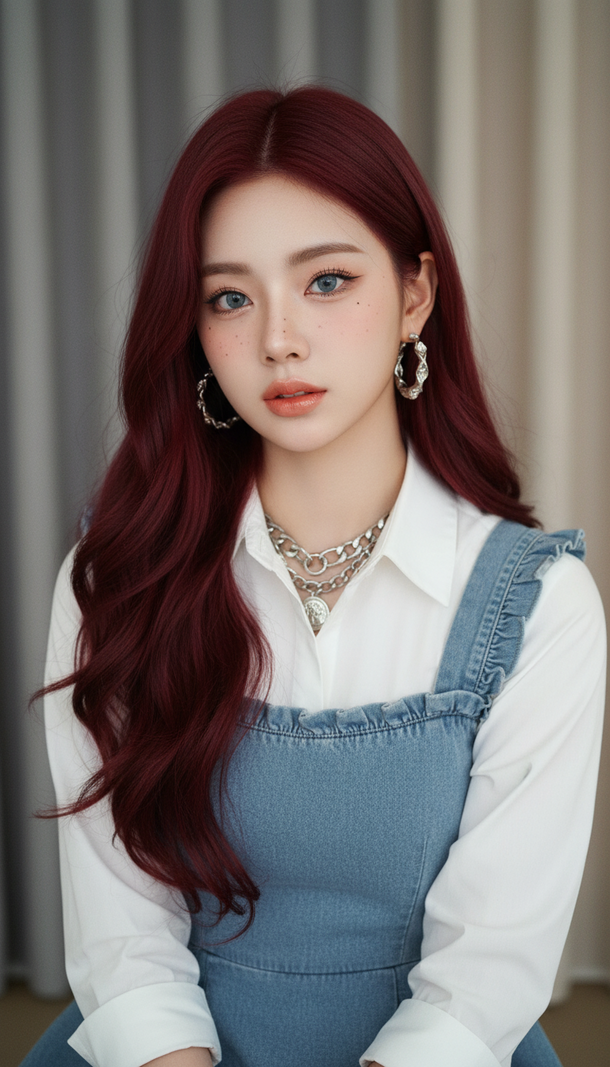
Prompt 2655: Create a realistic portrait of a young woman (face 100% identical to the original...
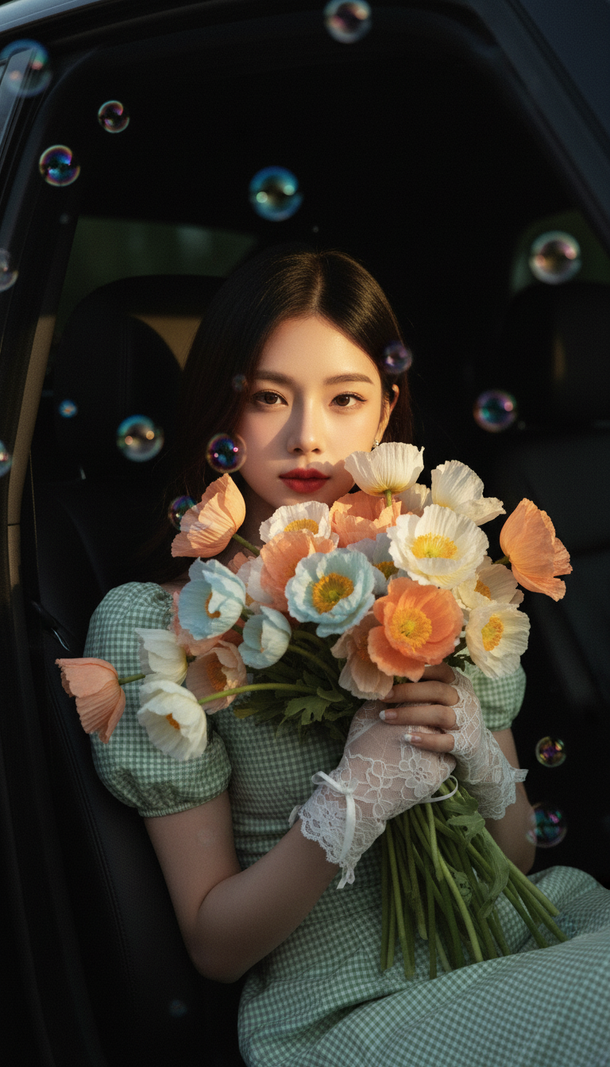
Prompt 2654: Create a realistic portrait of a young woman (face 100% identical to the original...
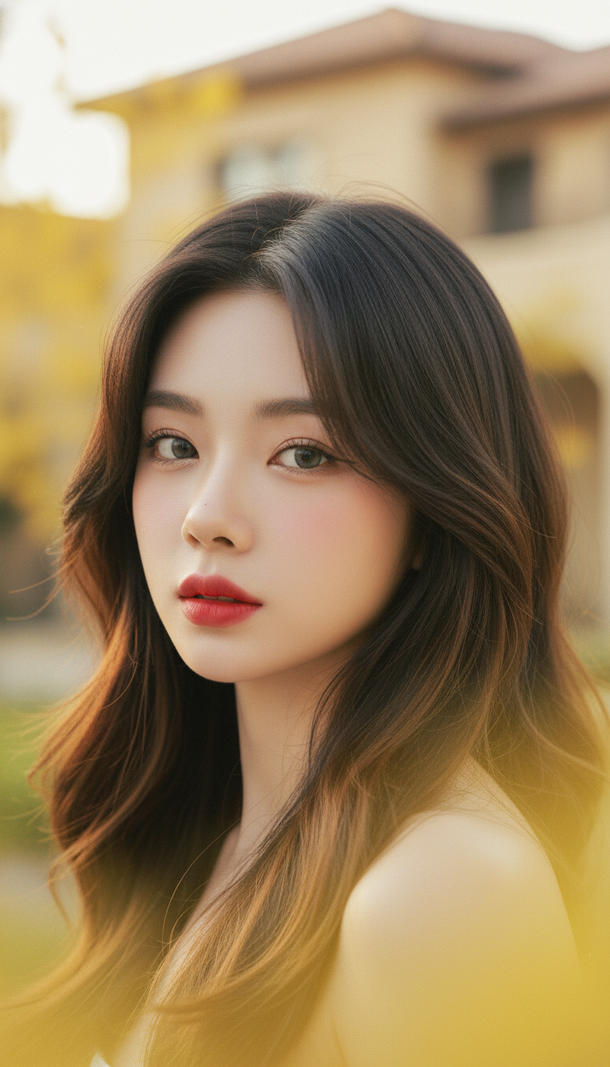
Prompt 2653: Create a realistic portrait of a young woman (face 100% identical to the original...
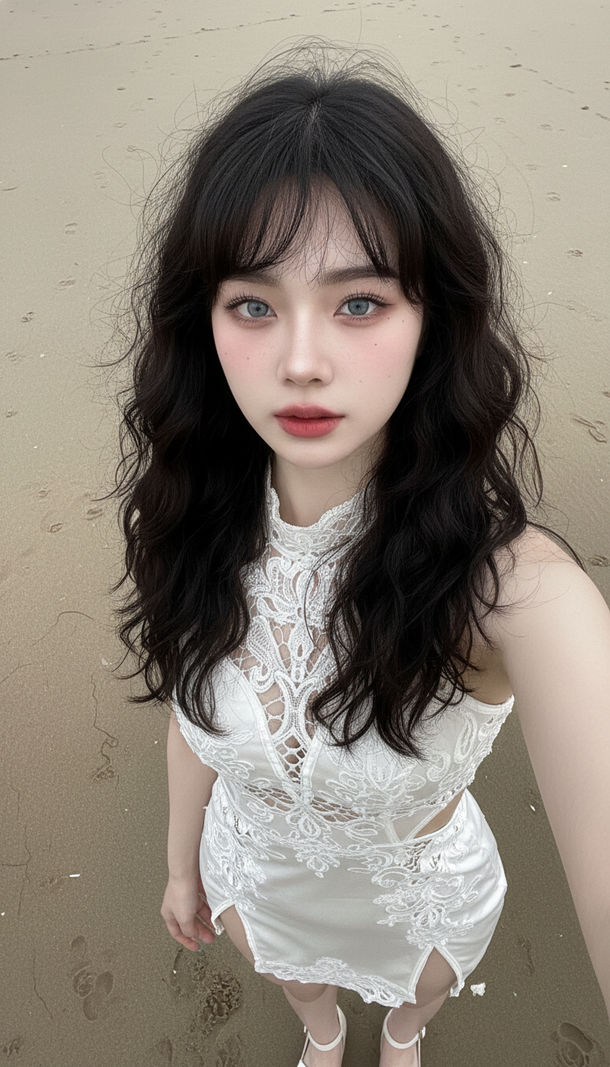
Prompt 2652: Create a realistic portrait of a young woman (face 100% identical to the original...
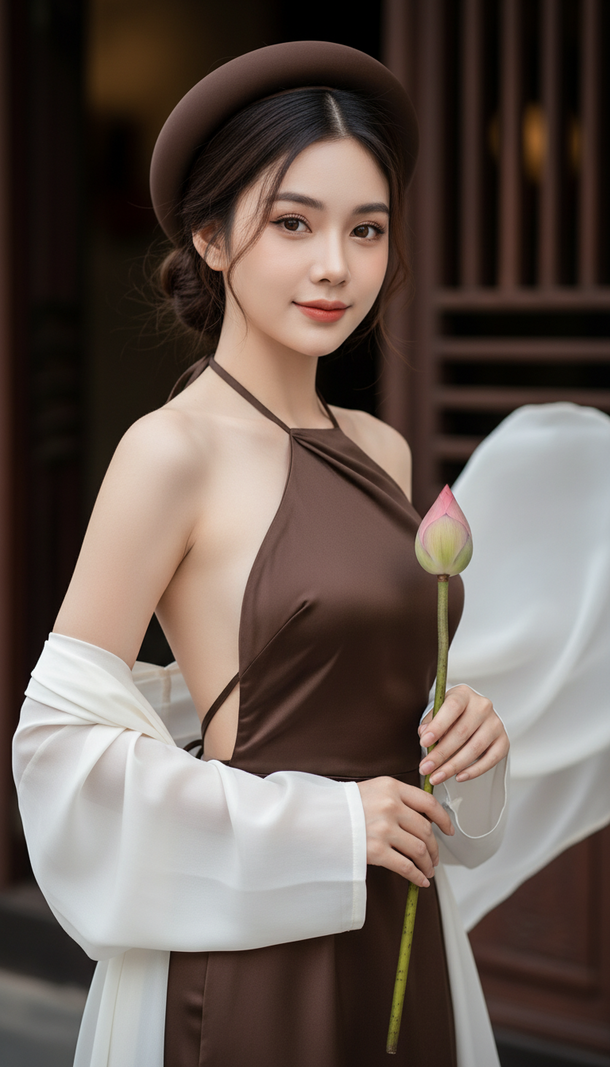
Prompt 2651: Create a realistic portrait of a young woman (face 100% identical to the original...
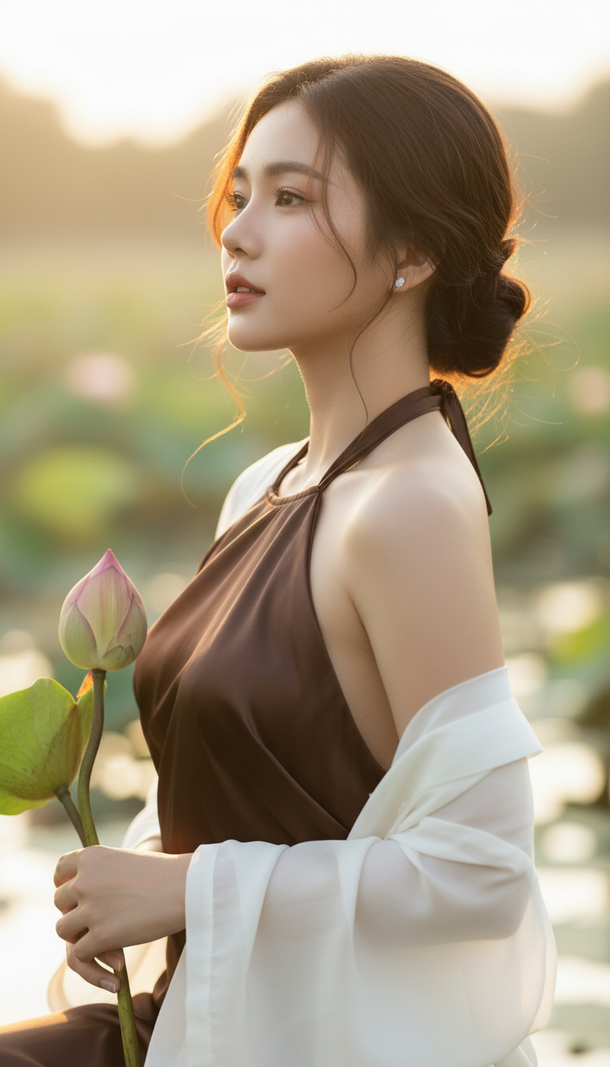
Prompt 2650: Create a realistic portrait of a young woman (face 100% identical to the original...
