
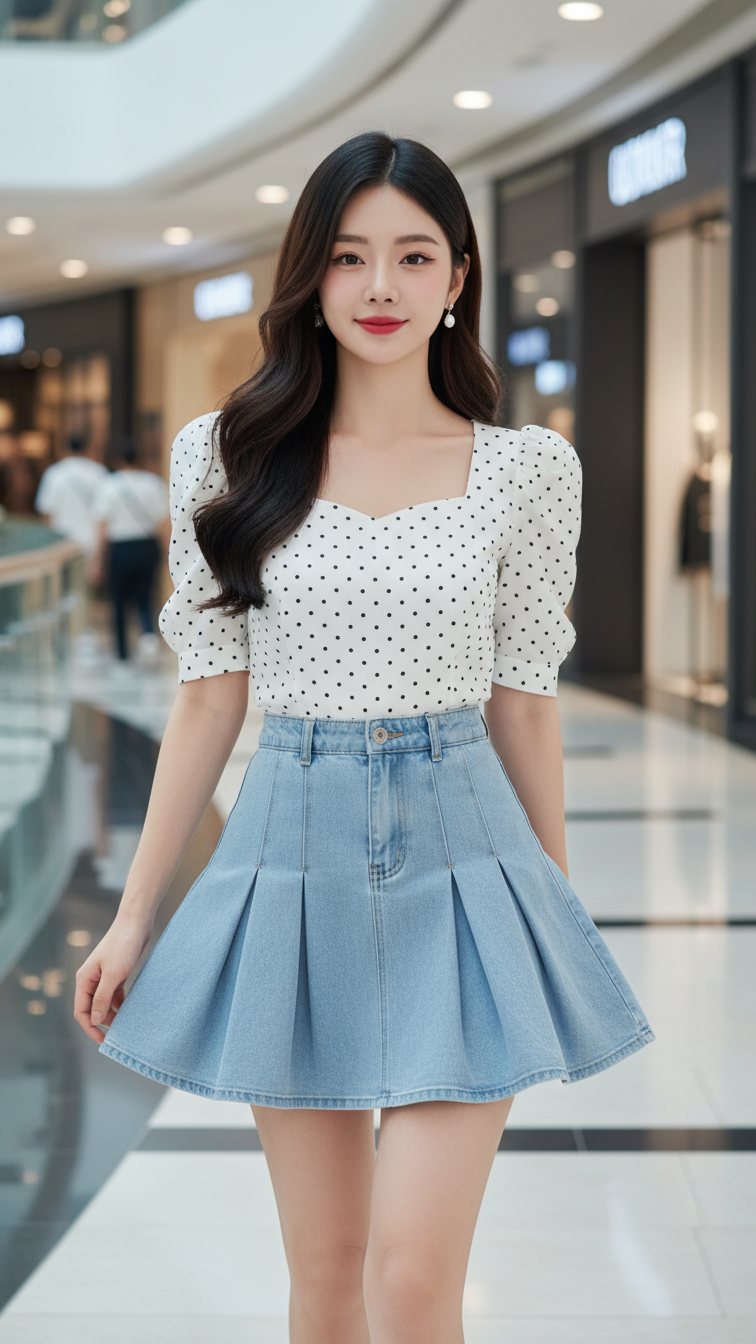
Prompt 2348: Create a realistic portrait of a young woman (face 100% identical to the original...
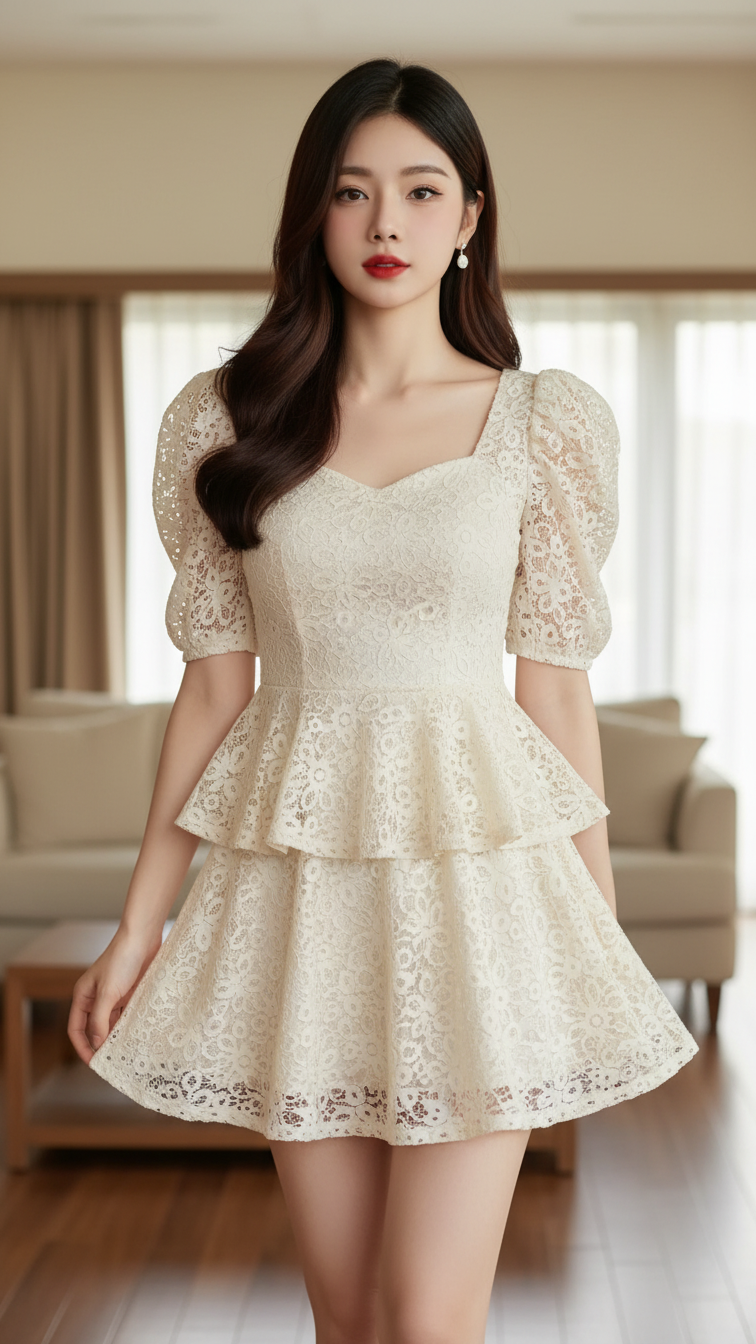
Prompt 2347: Create a realistic portrait of a young woman (face 100% identical to the original...
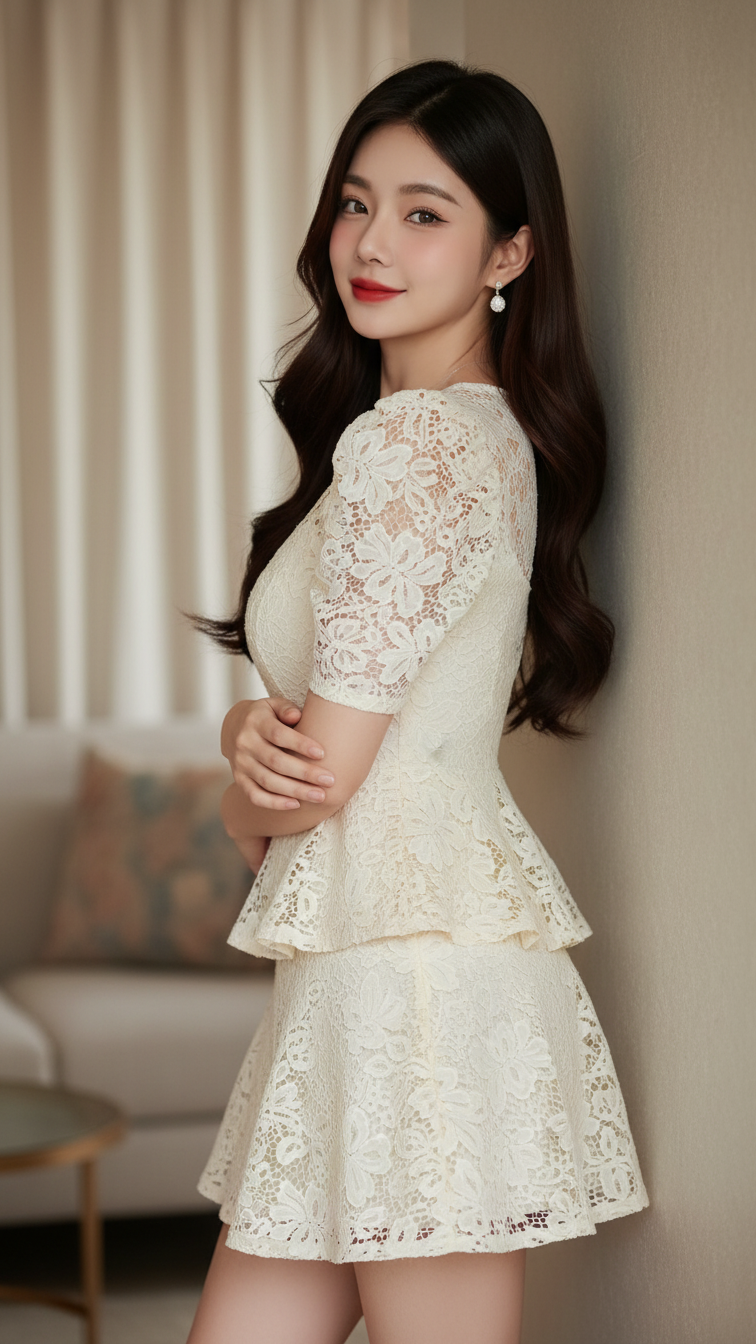
Prompt 2346: Create a realistic portrait of a young woman (face 100% identical to the original...
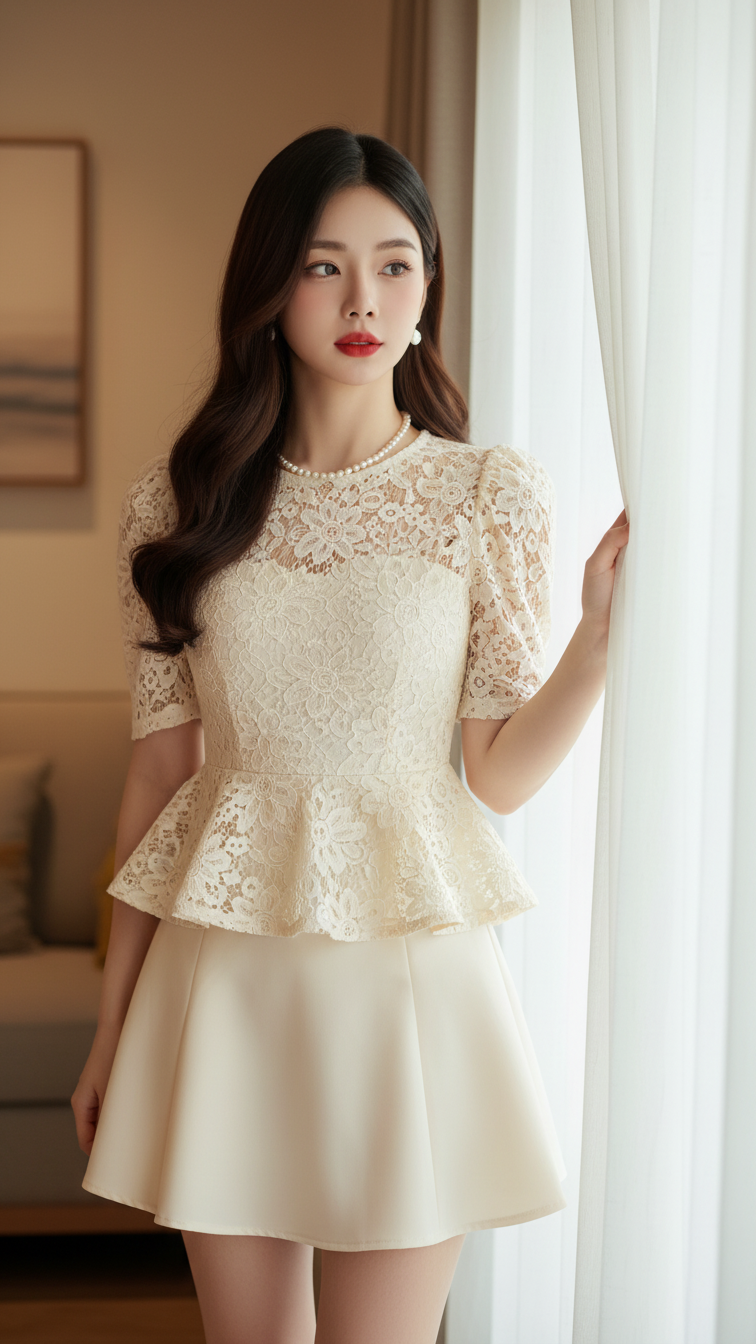
Prompt 2345: Create a realistic portrait of a young woman (face 100% identical to the original...
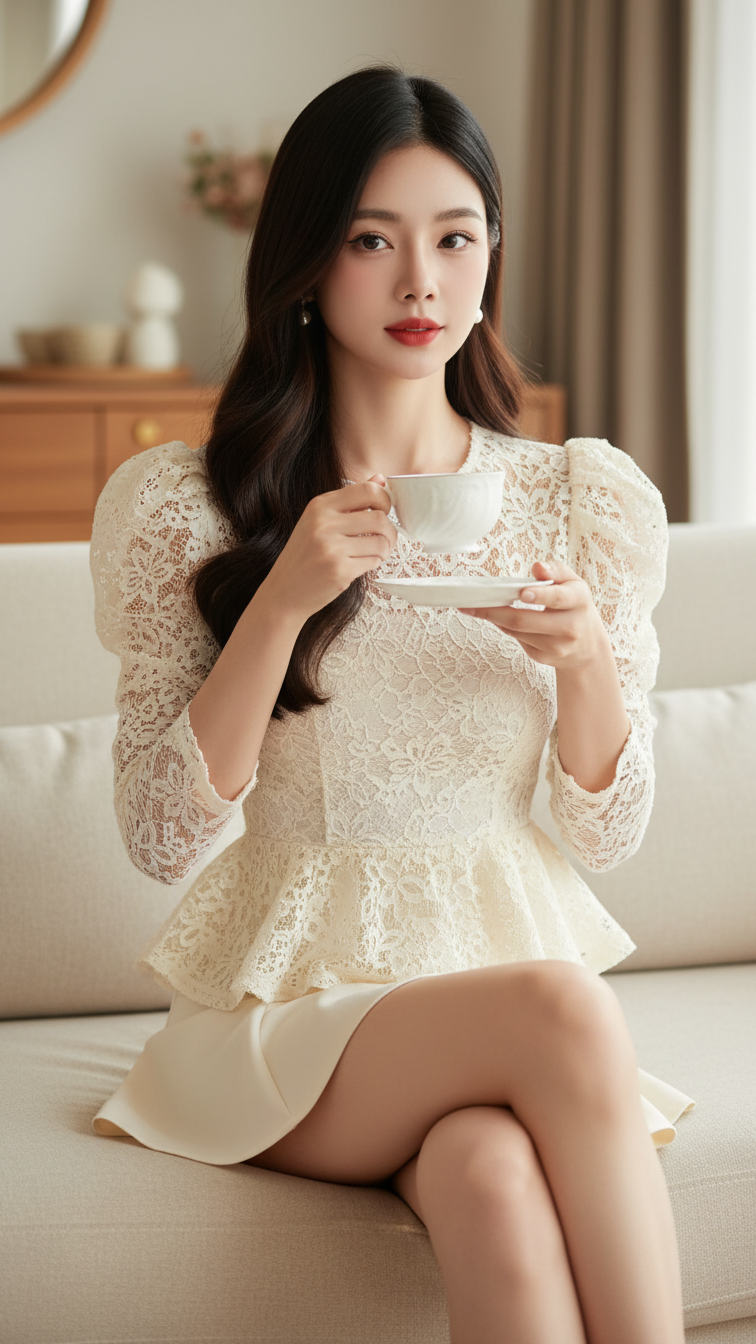
Prompt 2344: Create a realistic portrait of a young woman (face 100% identical to the original...
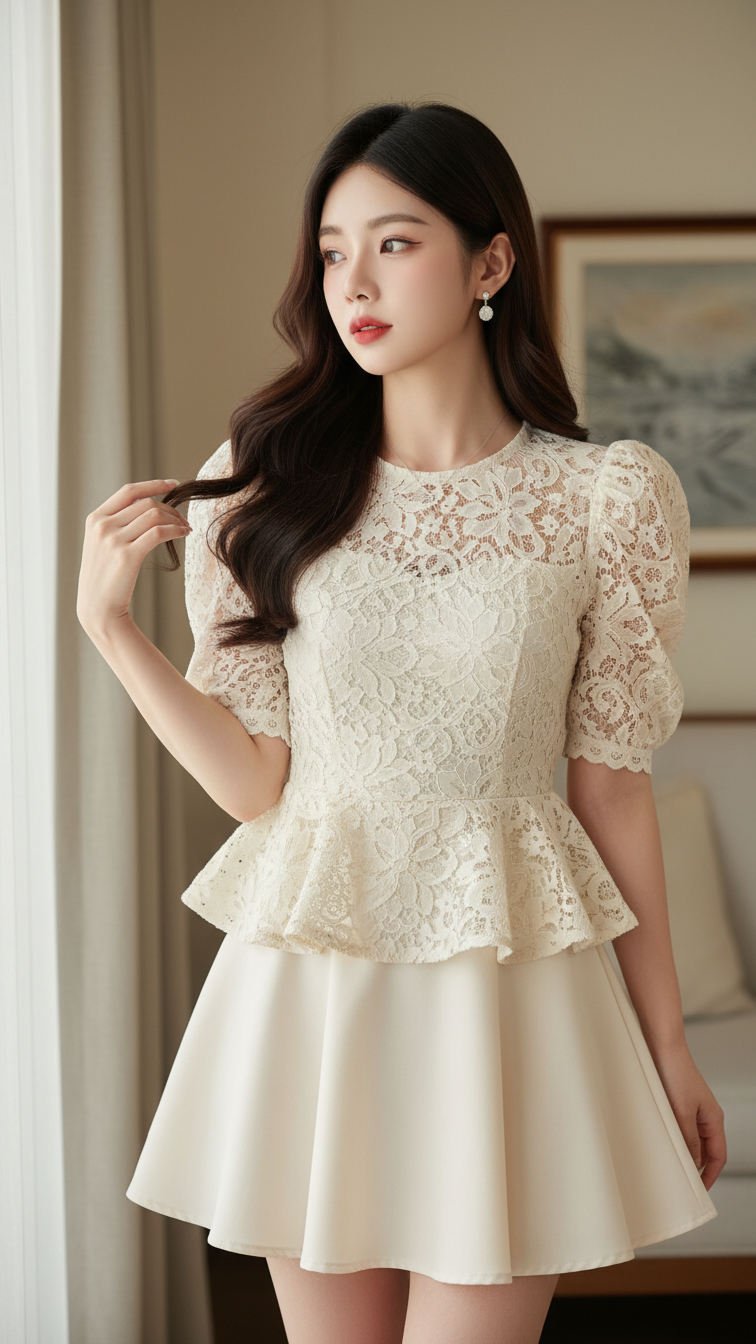
Prompt 2343: Create a realistic portrait of a young woman (face 100% identical to the original...
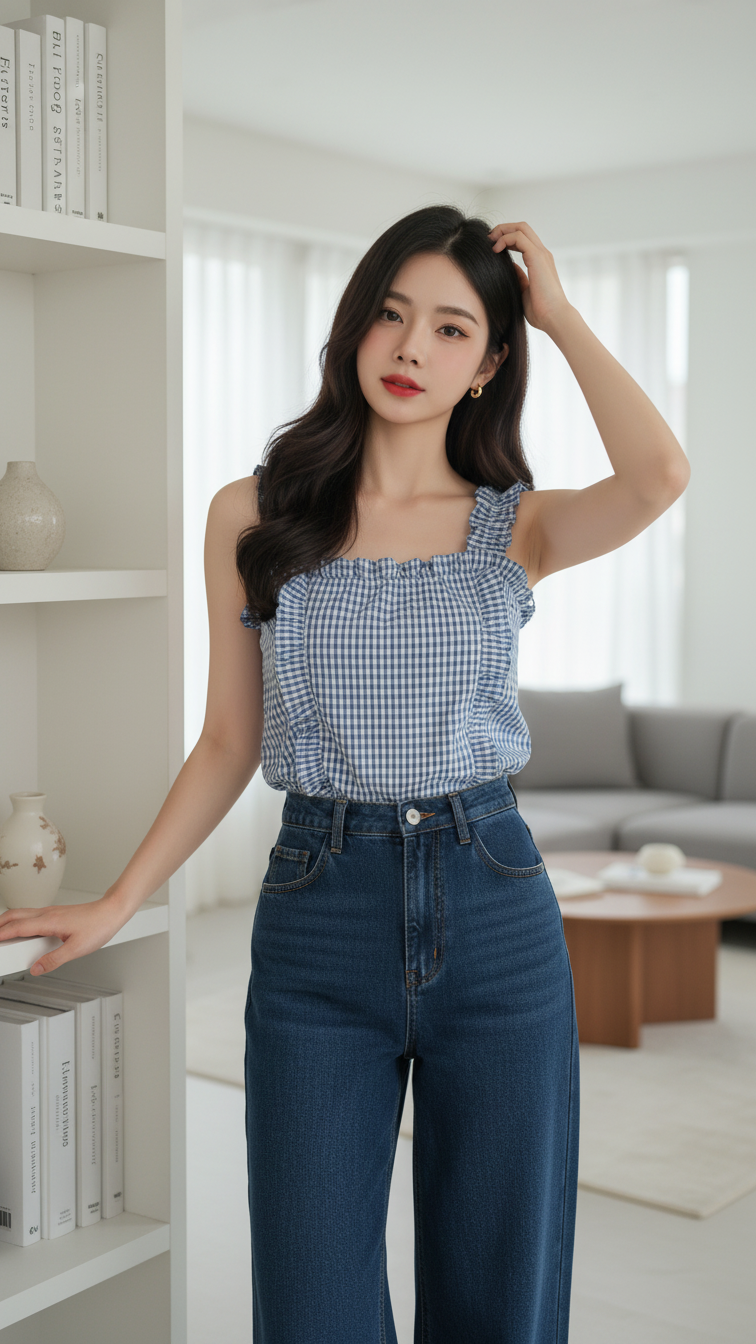
Prompt 2342: Create a realistic portrait of a young woman (face 100% identical to the original...
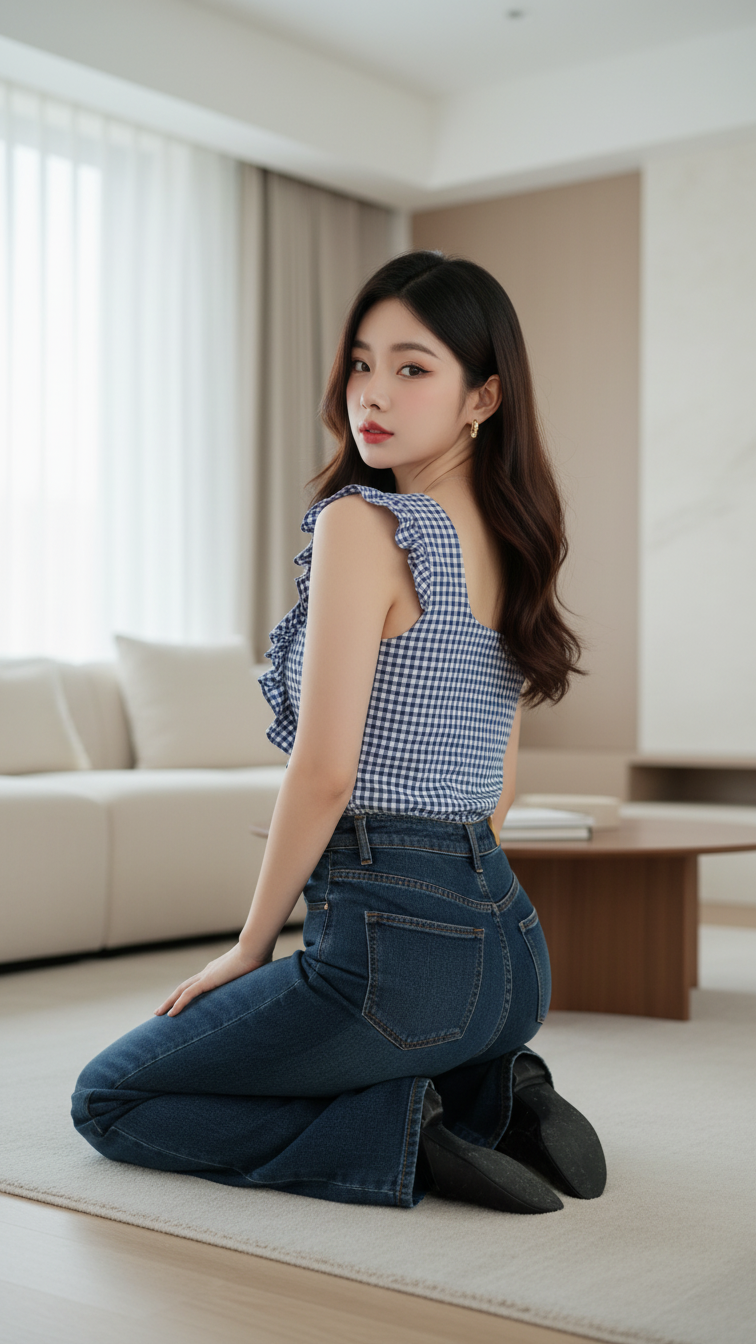
Prompt 2341: Create a realistic portrait of a young woman (face 100% identical to the original...
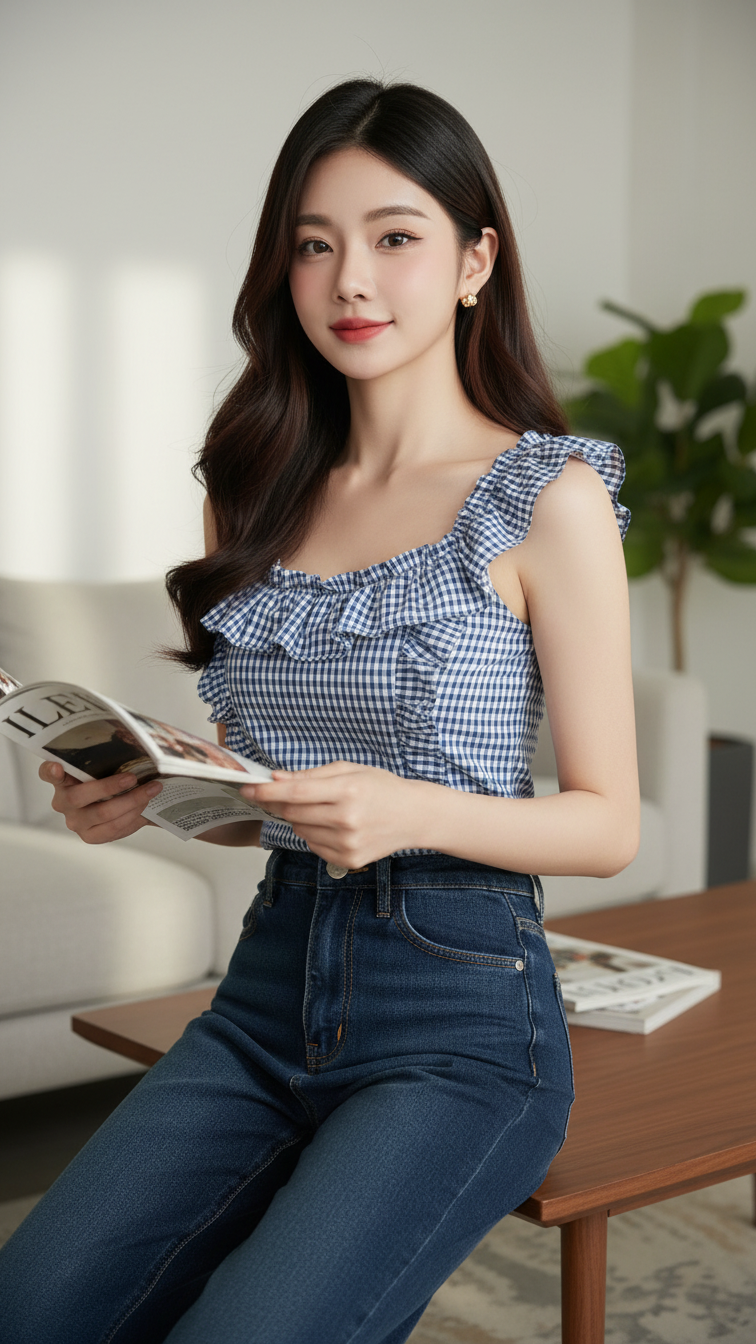
Prompt 2340: Create a realistic portrait of a young woman (face 100% identical to the original...
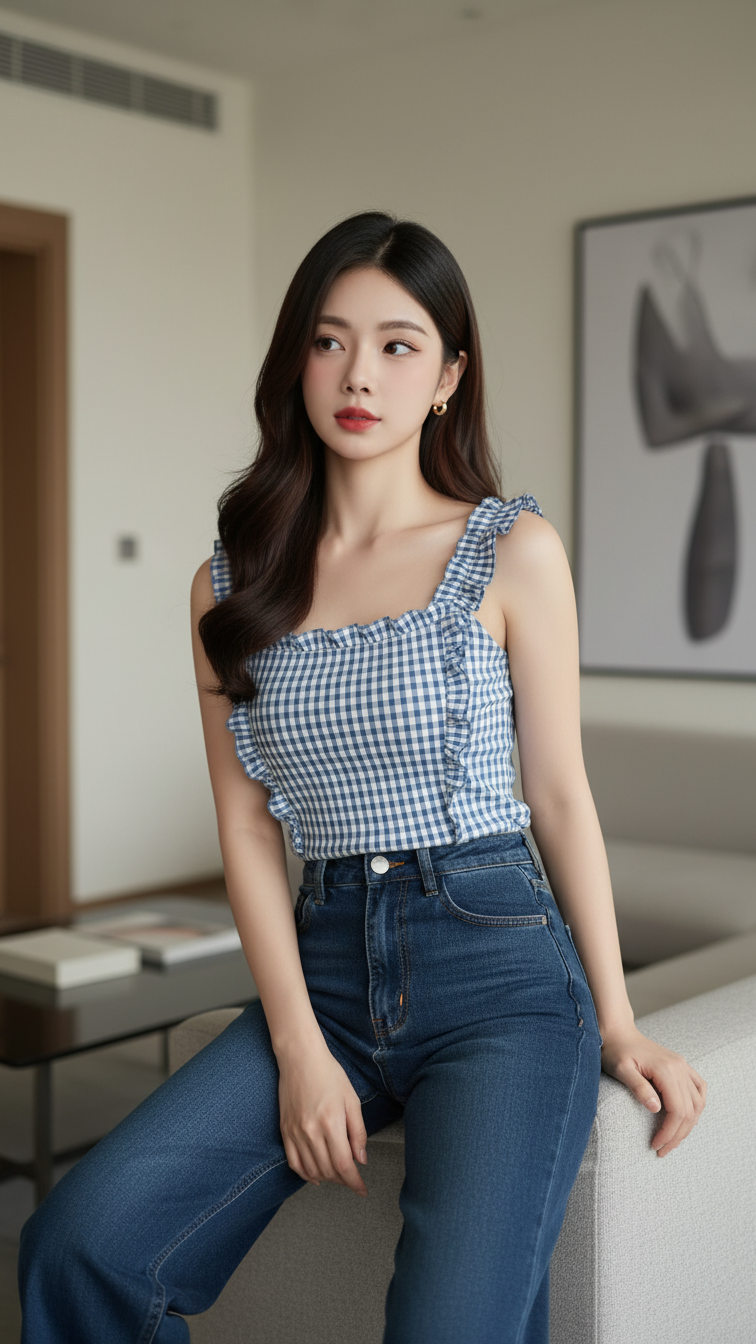
Prompt 2339: Create a realistic portrait of a young woman (face 100% identical to the original...
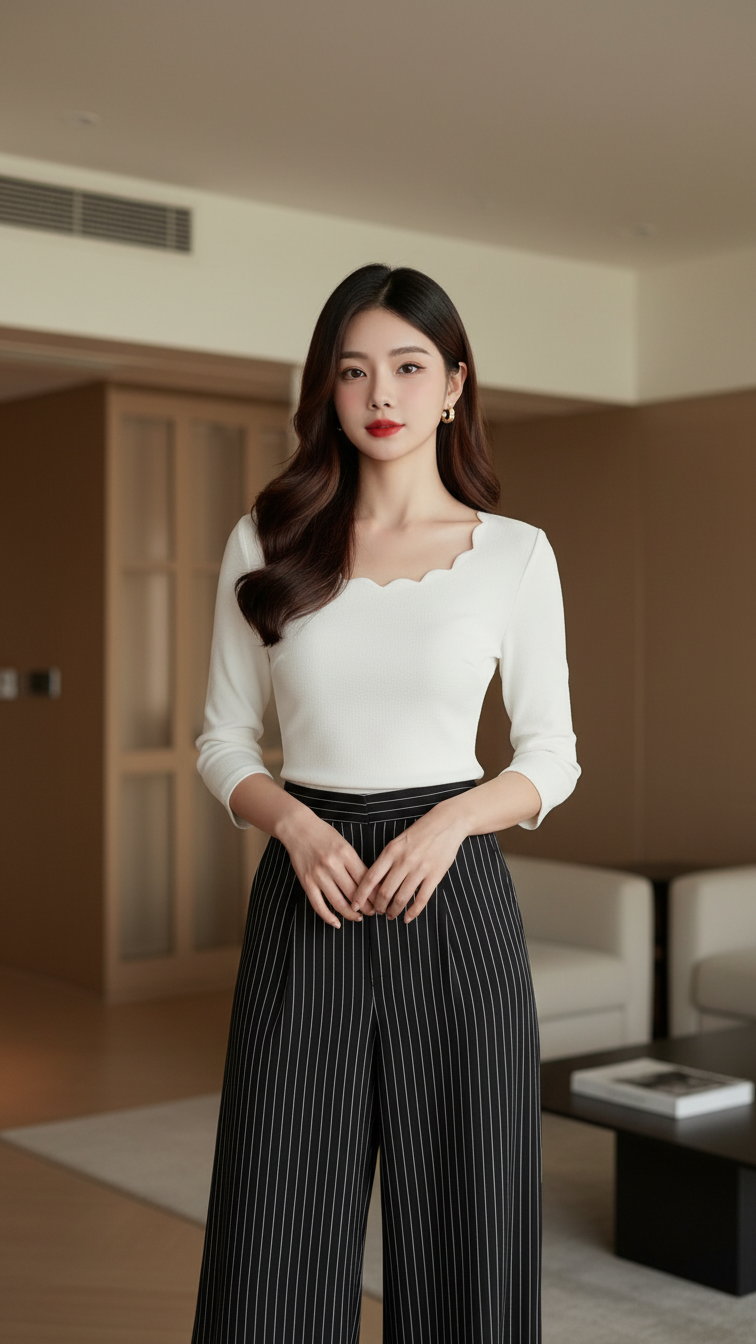
Prompt 2338: Create a realistic portrait of a young woman (face 100% identical to the original...
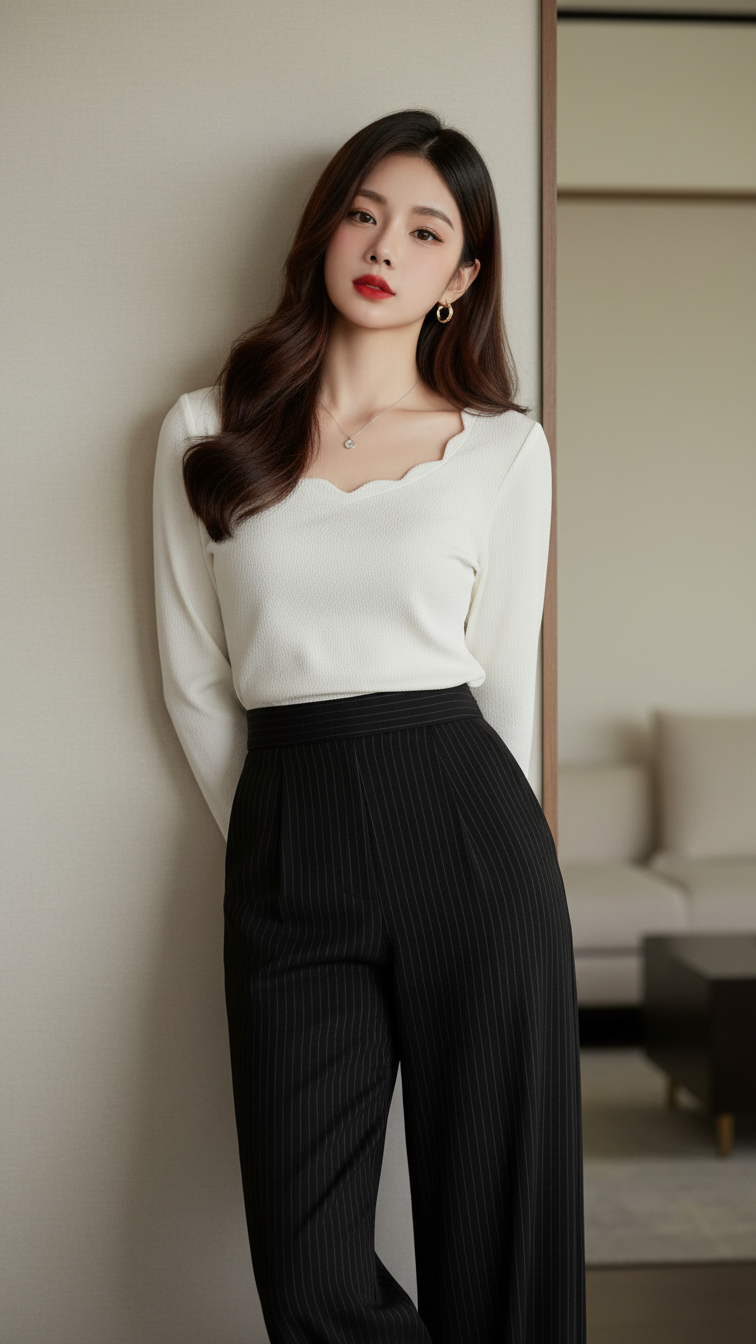
Prompt 2337: Create a realistic portrait of a young woman (face 100% identical to the original...
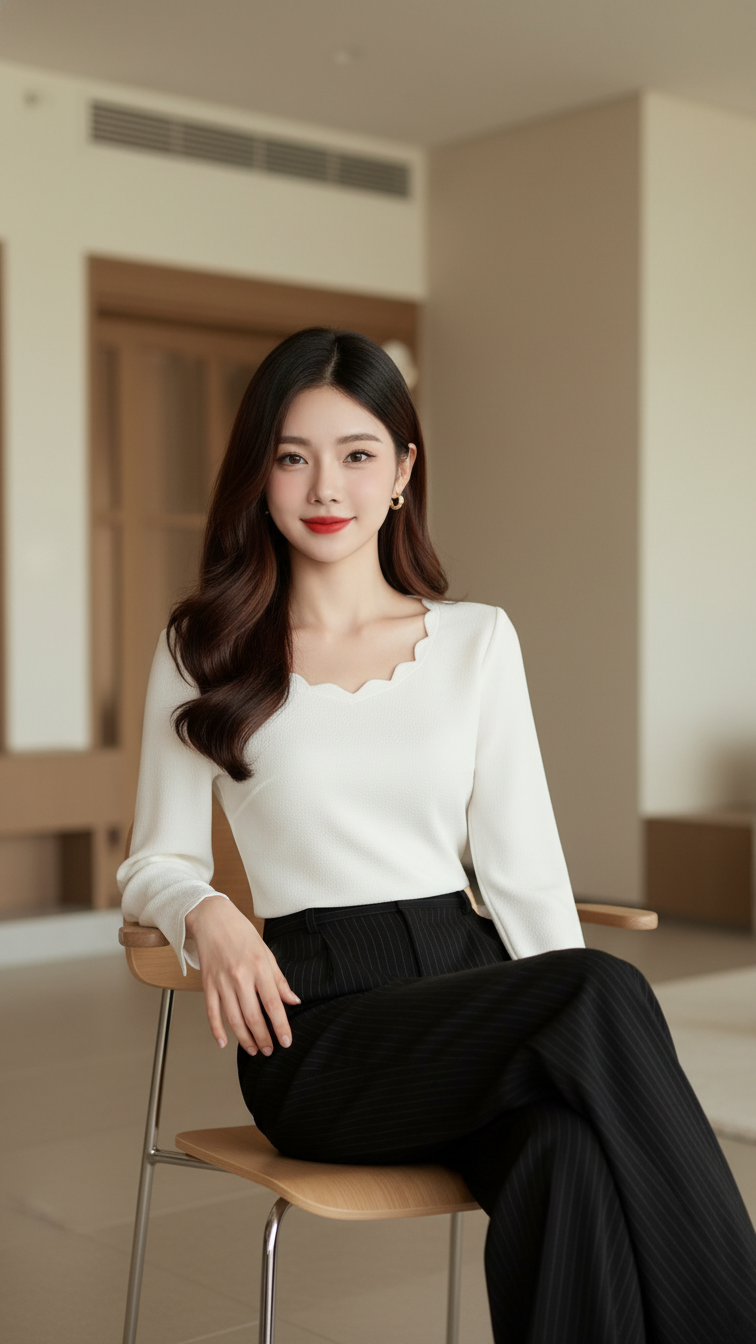
Prompt 2336: Create a realistic portrait of a young woman (face 100% identical to the original...
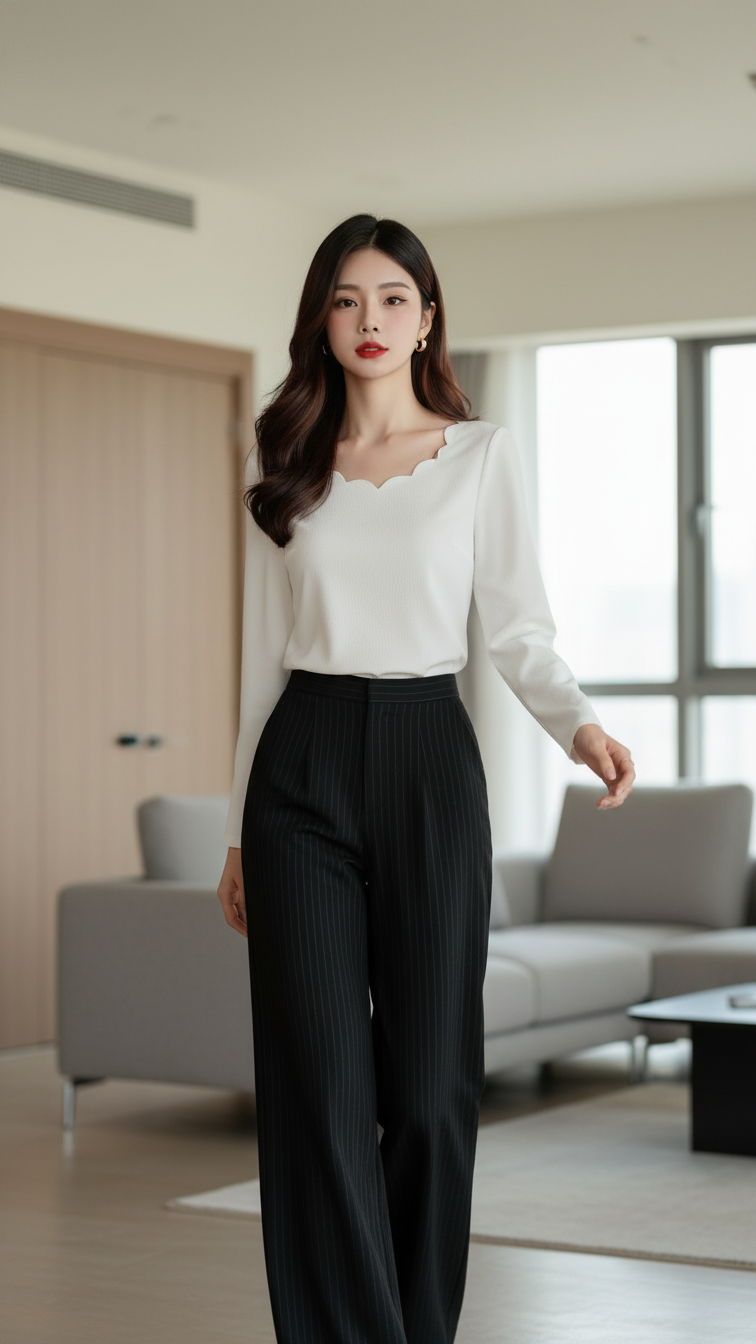
Prompt 2335: Create a realistic portrait of a young woman (face 100% identical to the original...
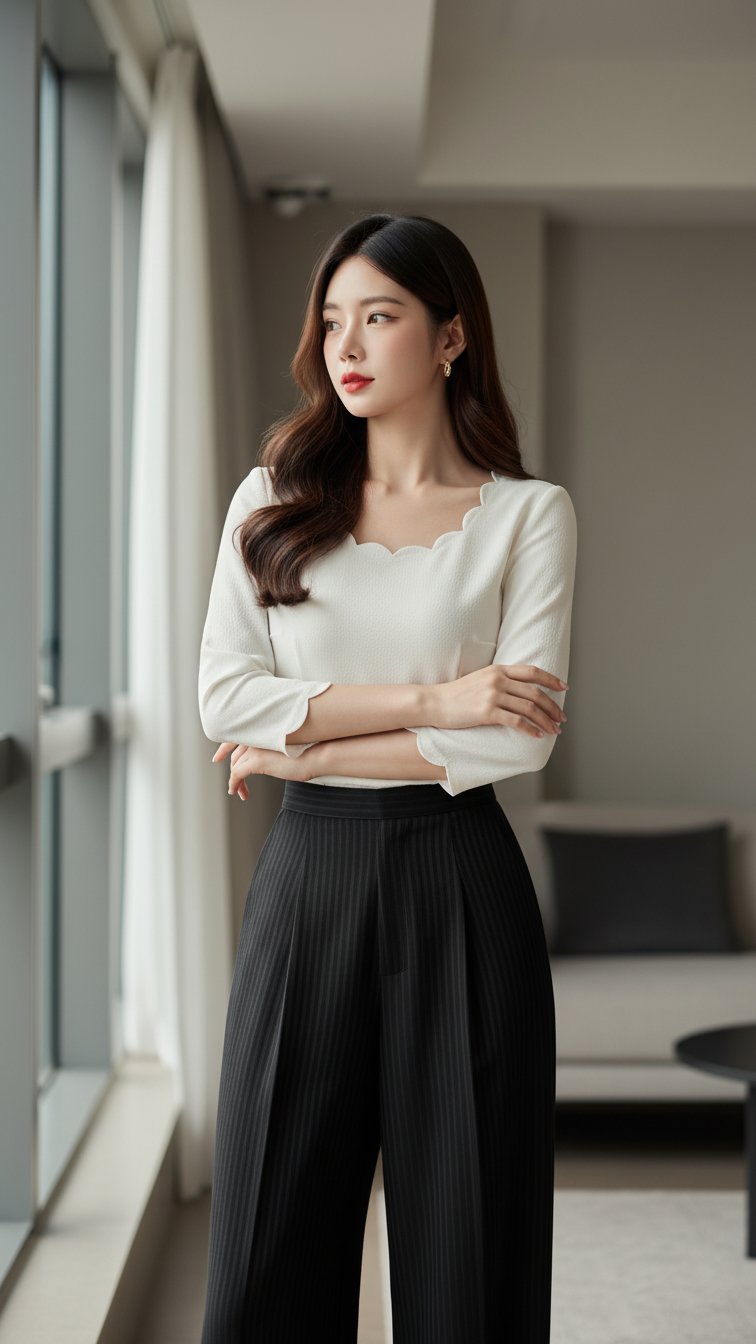
Prompt 2334: Create a realistic portrait of a young woman (face 100% identical to the original...
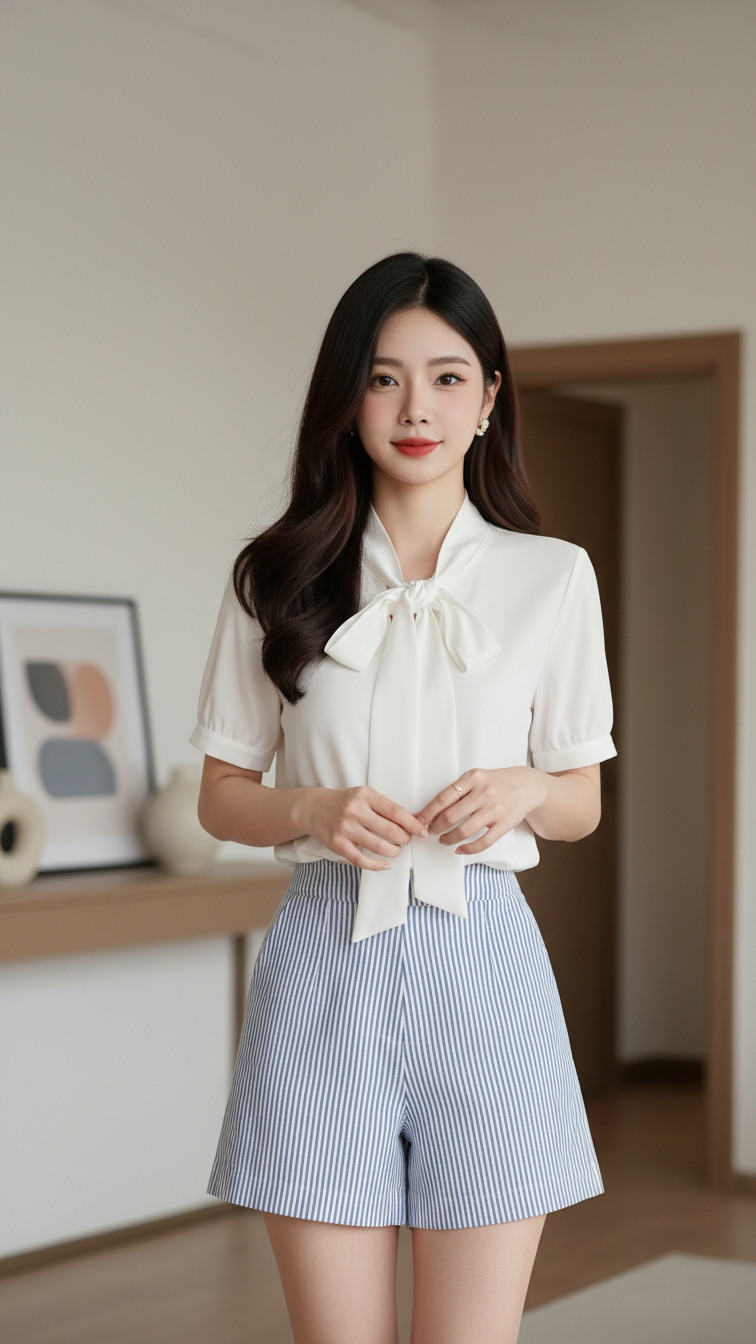
Prompt 2333: Create a realistic portrait of a young woman (face 100% identical to the original...
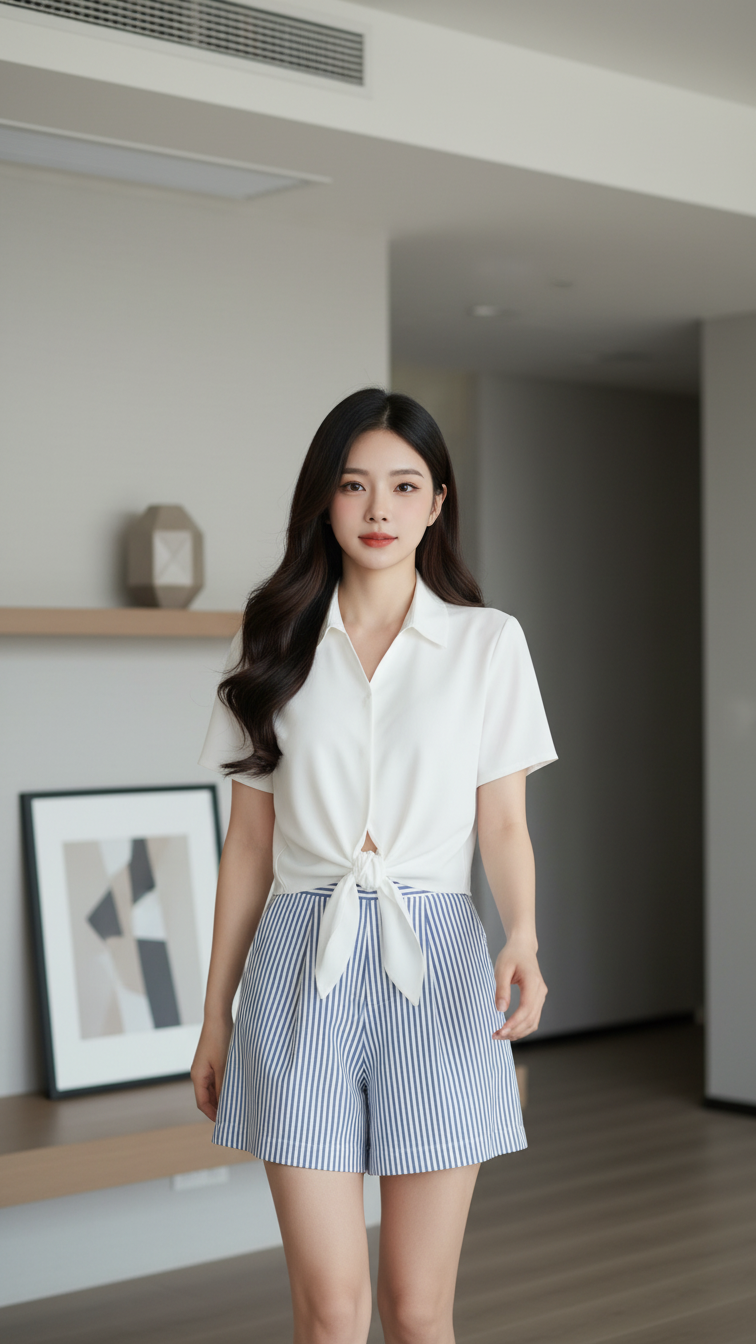
Prompt 2332: Create a realistic portrait of a young woman (face 100% identical to the original...
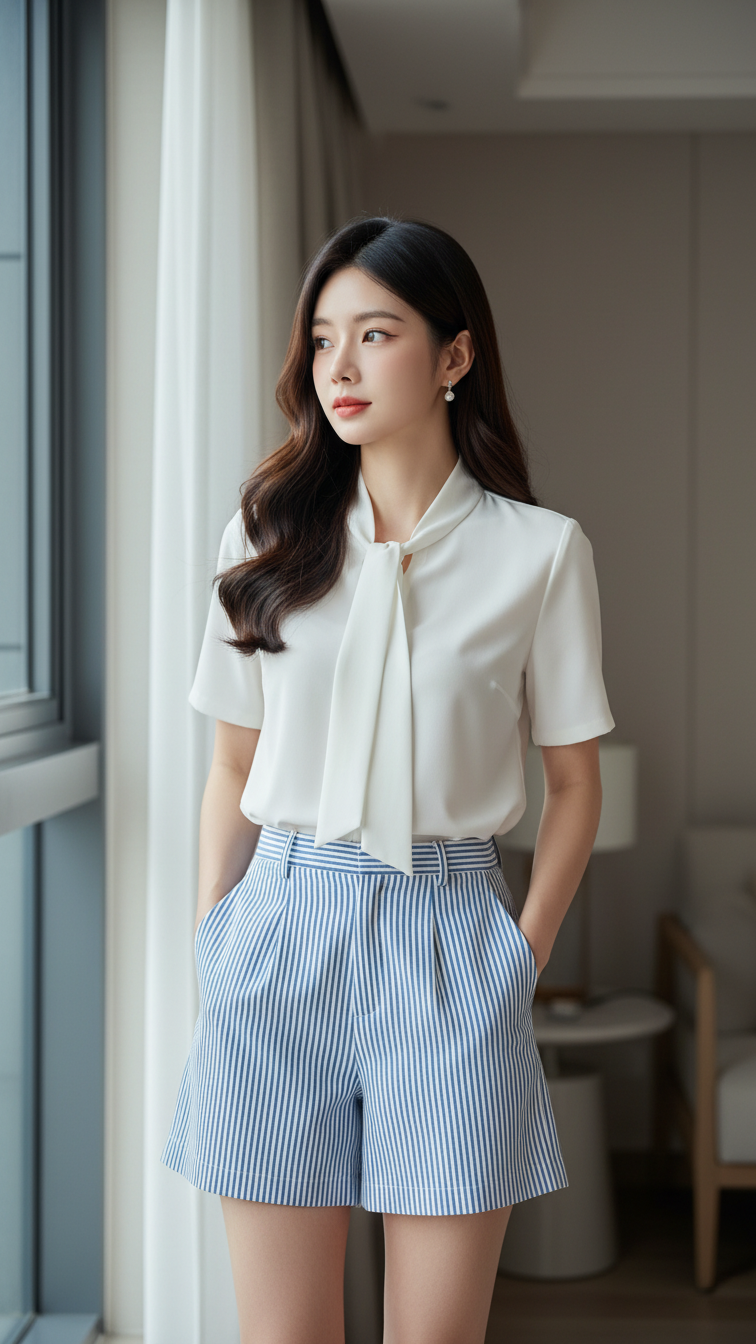
Prompt 2331: Create a realistic portrait of a young woman (face 100% identical to the original...
