
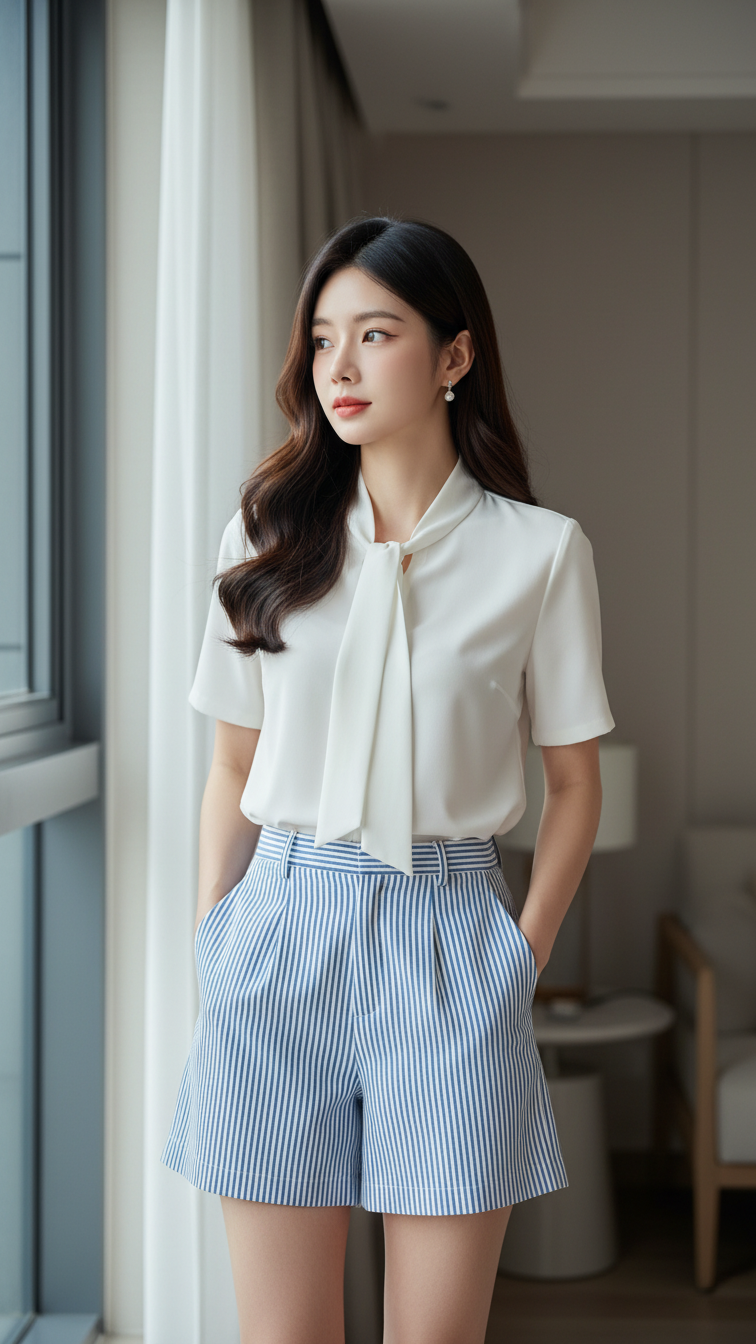
Prompt 2331: Create a realistic portrait of a young woman (face 100% identical to the original...
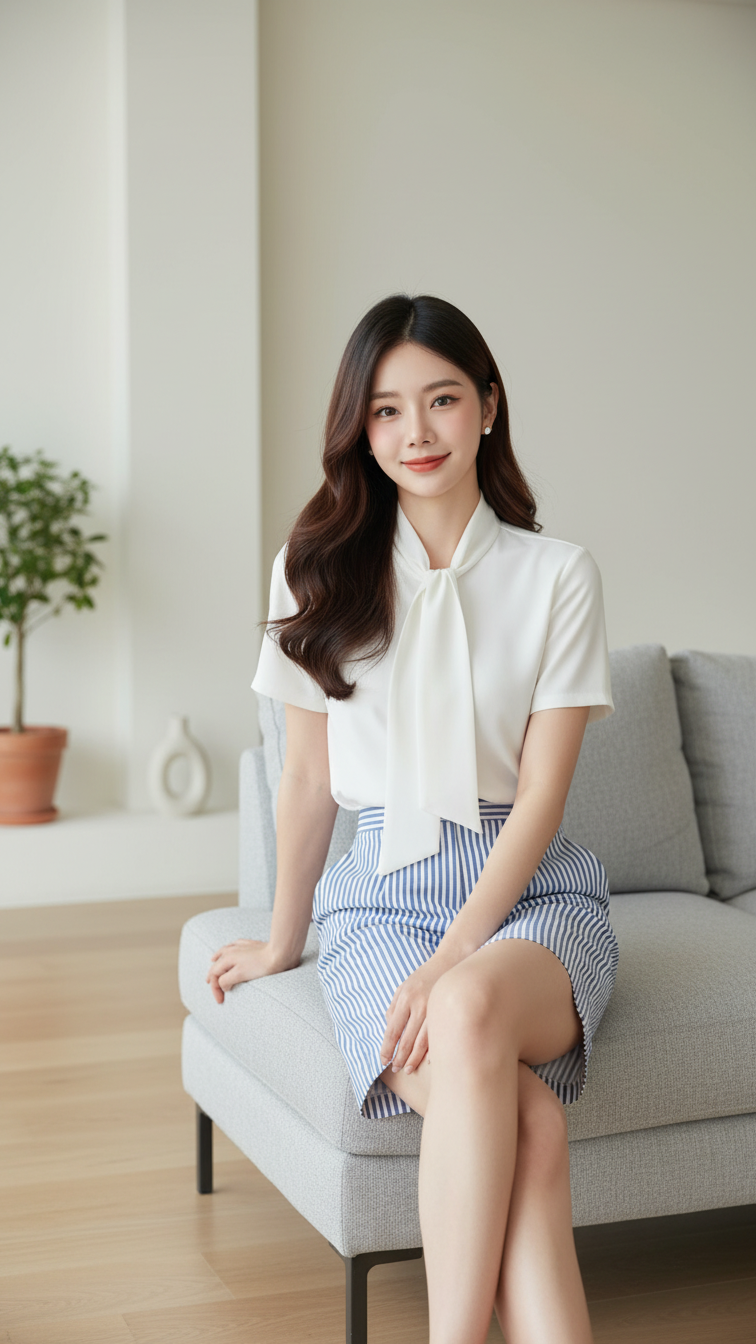
Prompt 2330: Create a realistic portrait of a young woman (face 100% identical to the original...
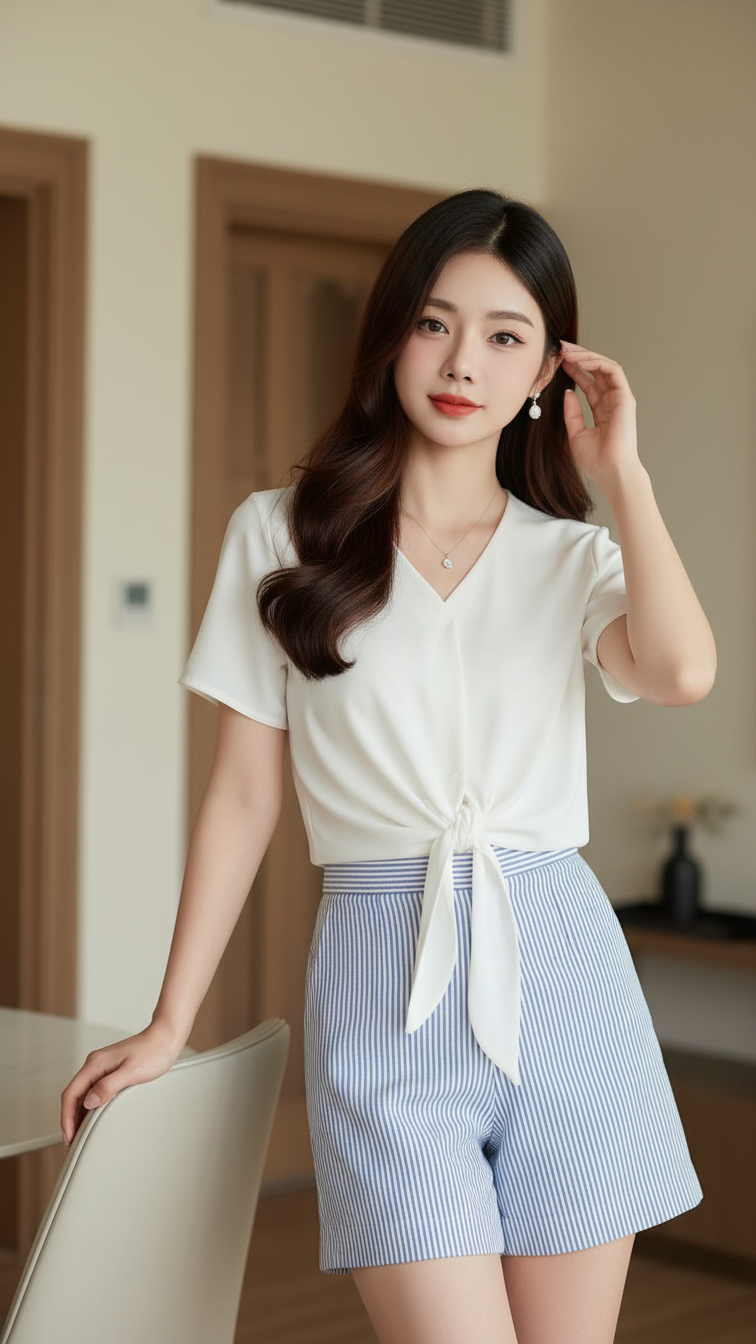
Prompt 2329: Create a realistic portrait of a young woman (face 100% identical to the original...
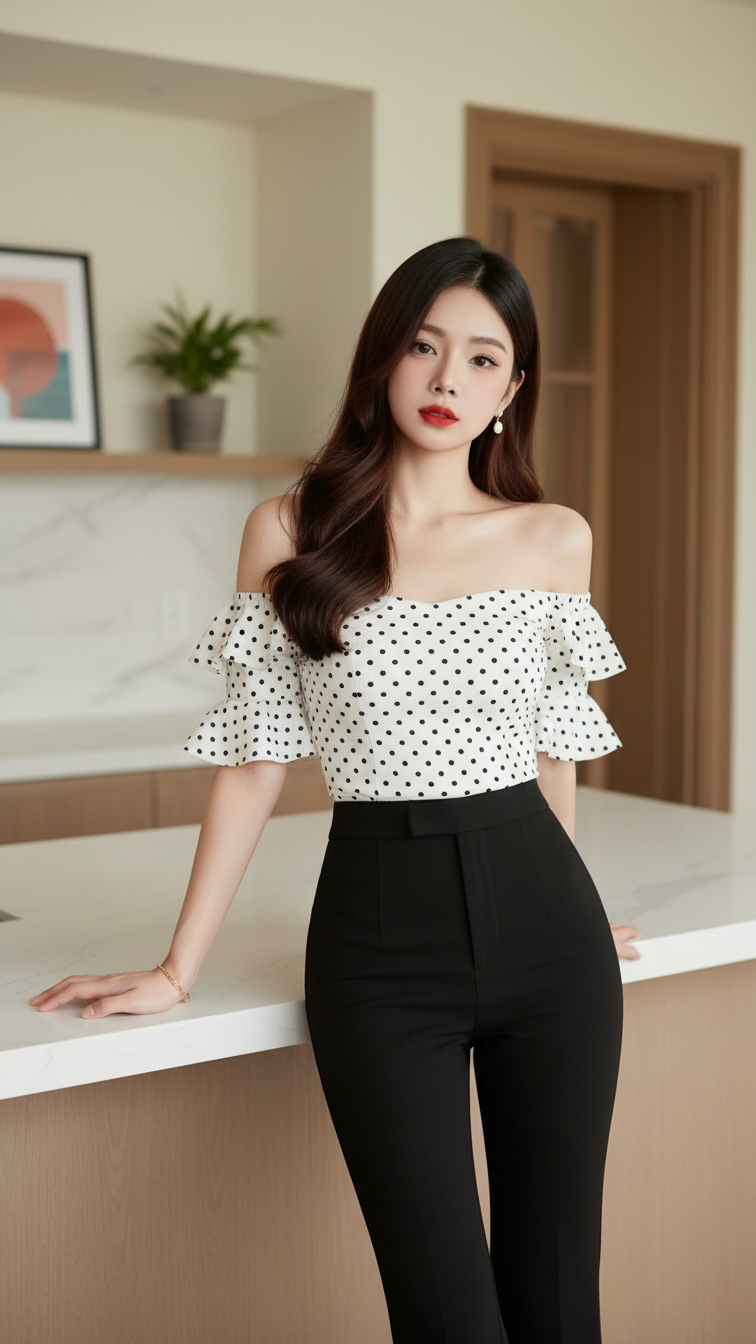
Prompt 2328: Create a realistic portrait of a young woman (face 100% identical to the original...
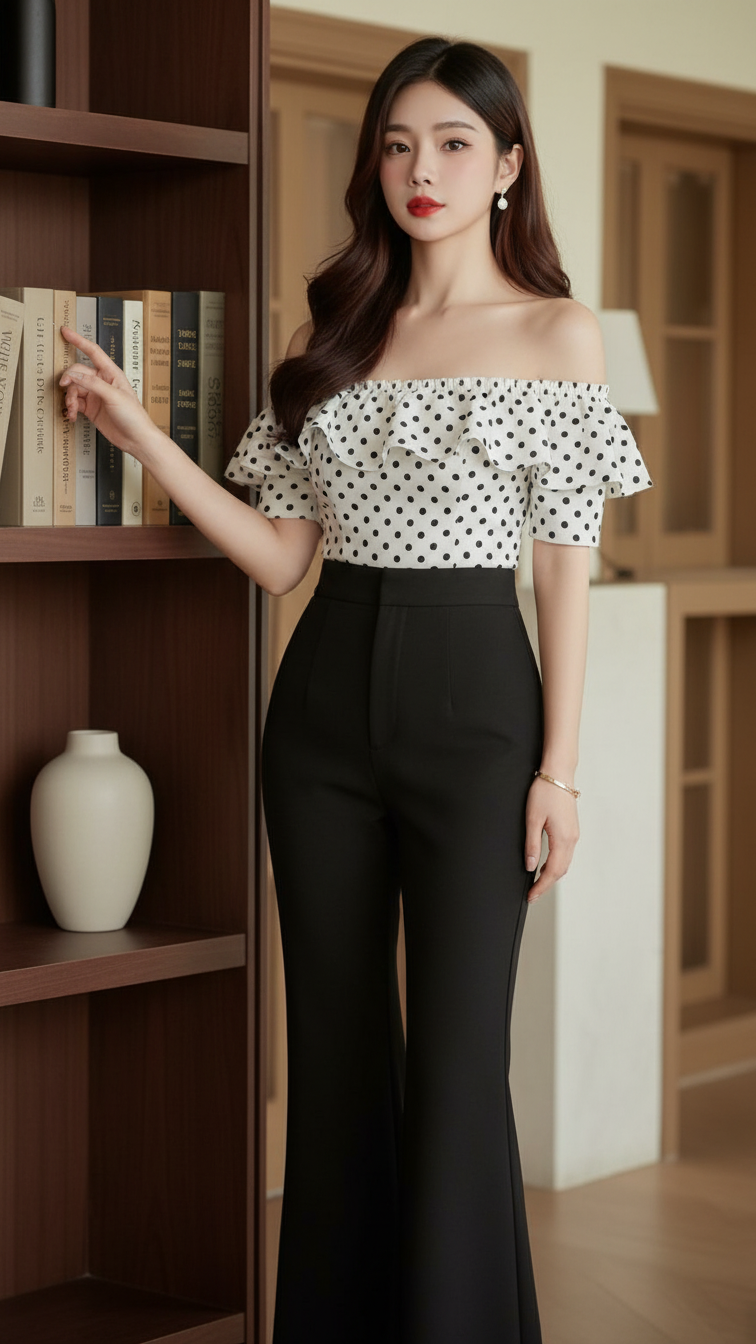
Prompt 2327: Create a realistic portrait of a young woman (face 100% identical to the original...
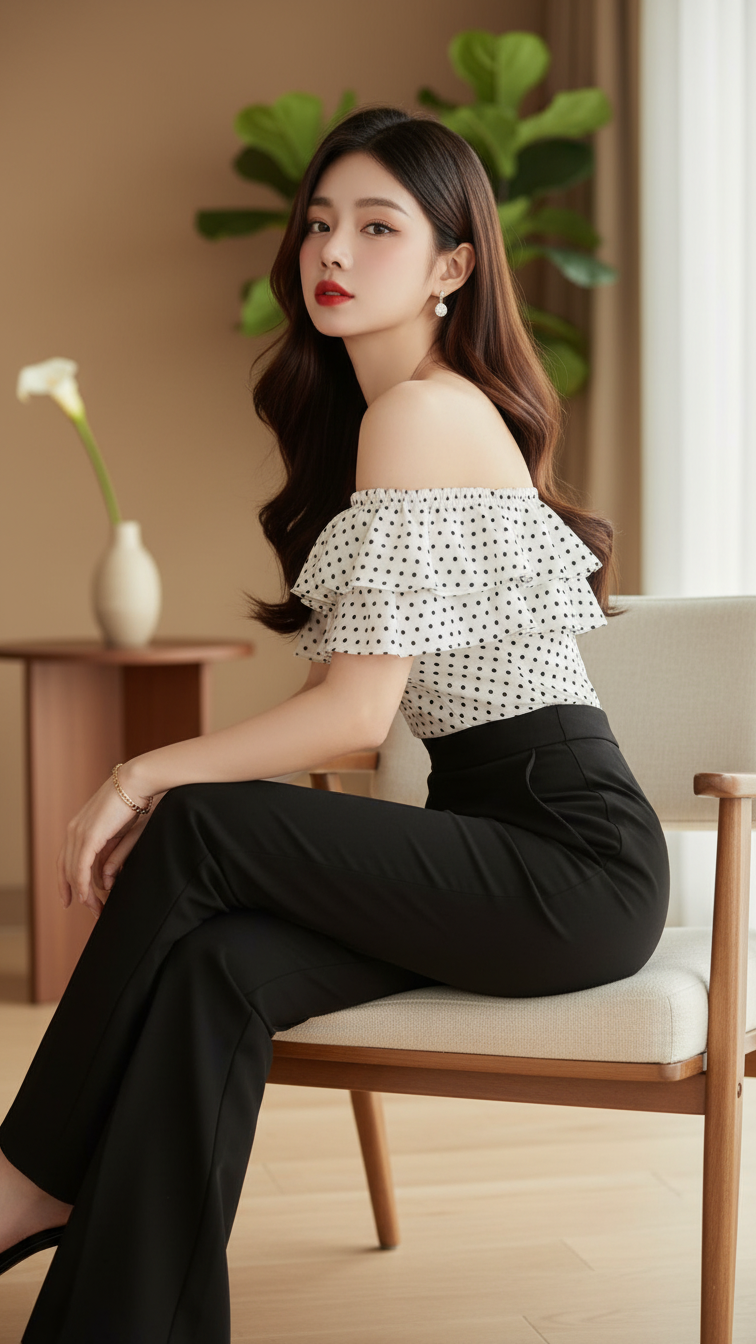
Prompt 2326: Create a realistic portrait of a young woman (face 100% identical to the original...
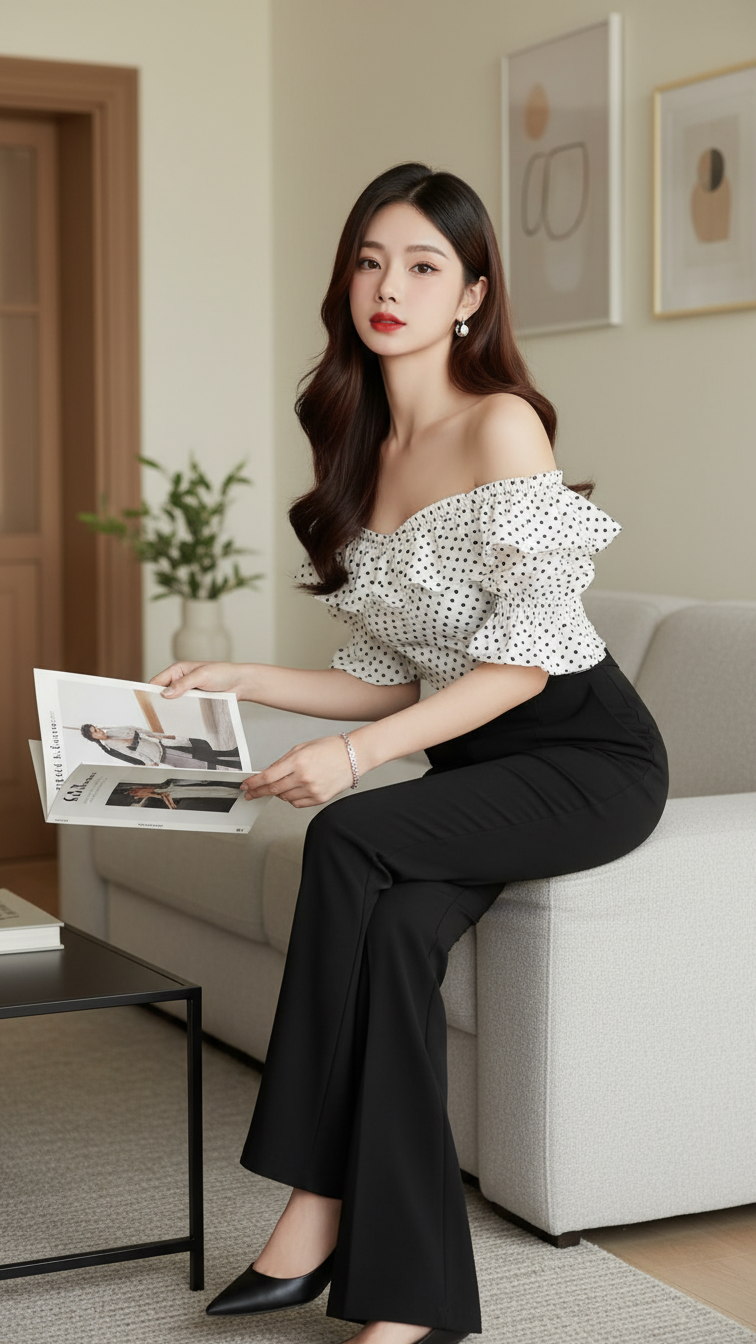
Prompt 2325: Create a realistic portrait of a young woman (face 100% identical to the original...
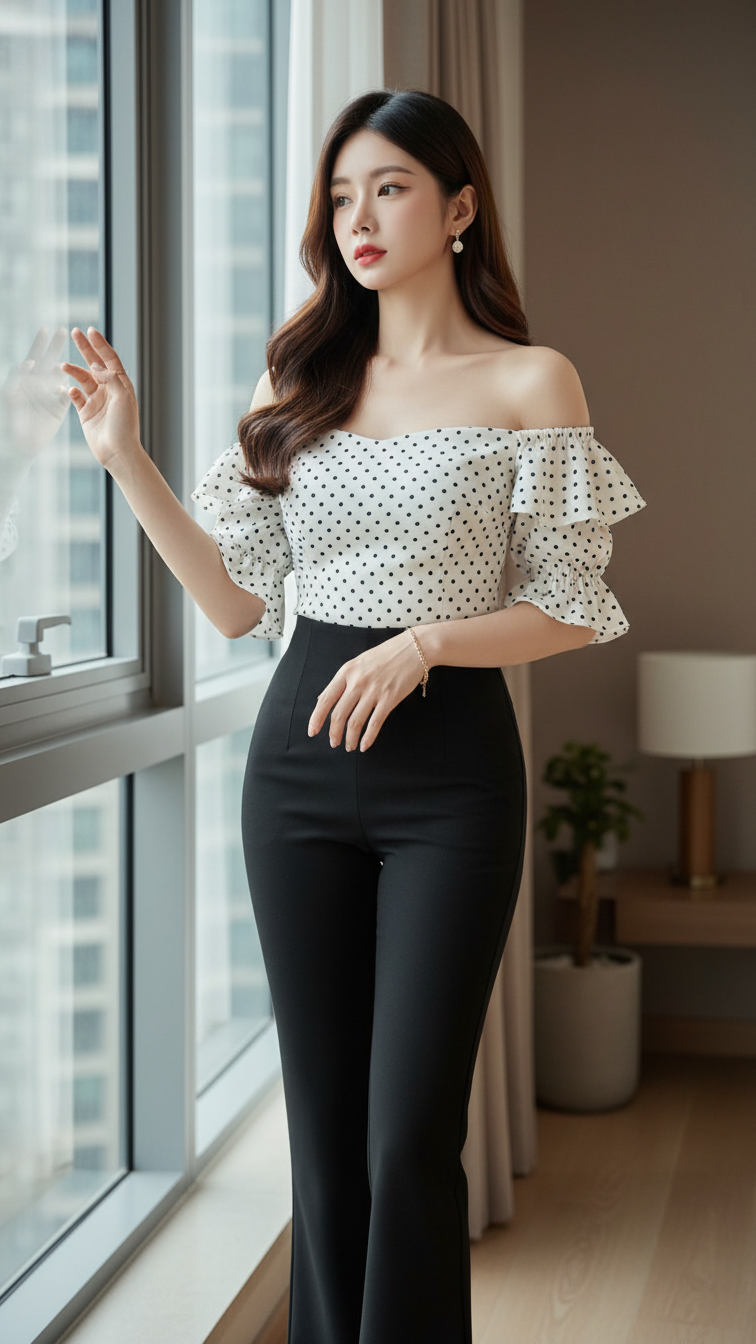
Prompt 2324: Create a realistic portrait of a young woman (face 100% identical to the original...
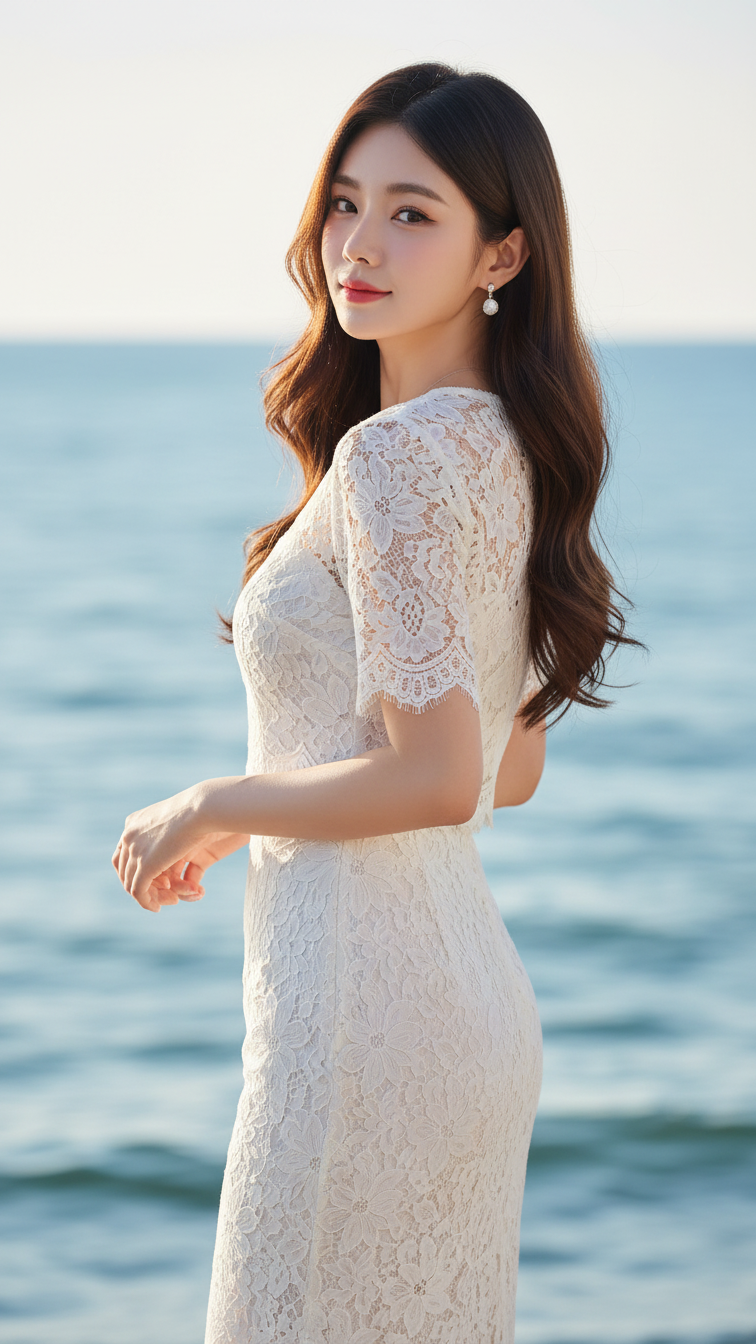
Prompt 2323: Create a realistic portrait of a young woman (face 100% identical to the original...
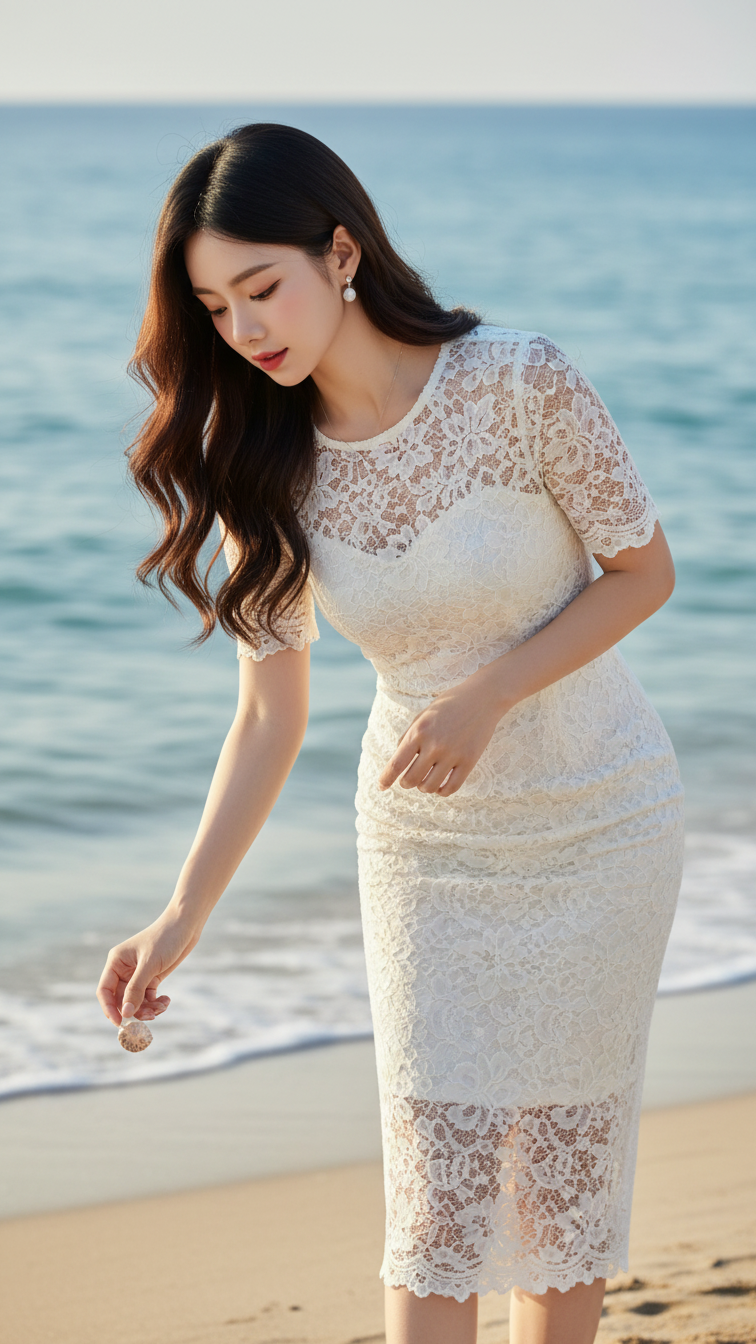
Prompt 2322: Create a realistic portrait of a young woman (face 100% identical to the original...
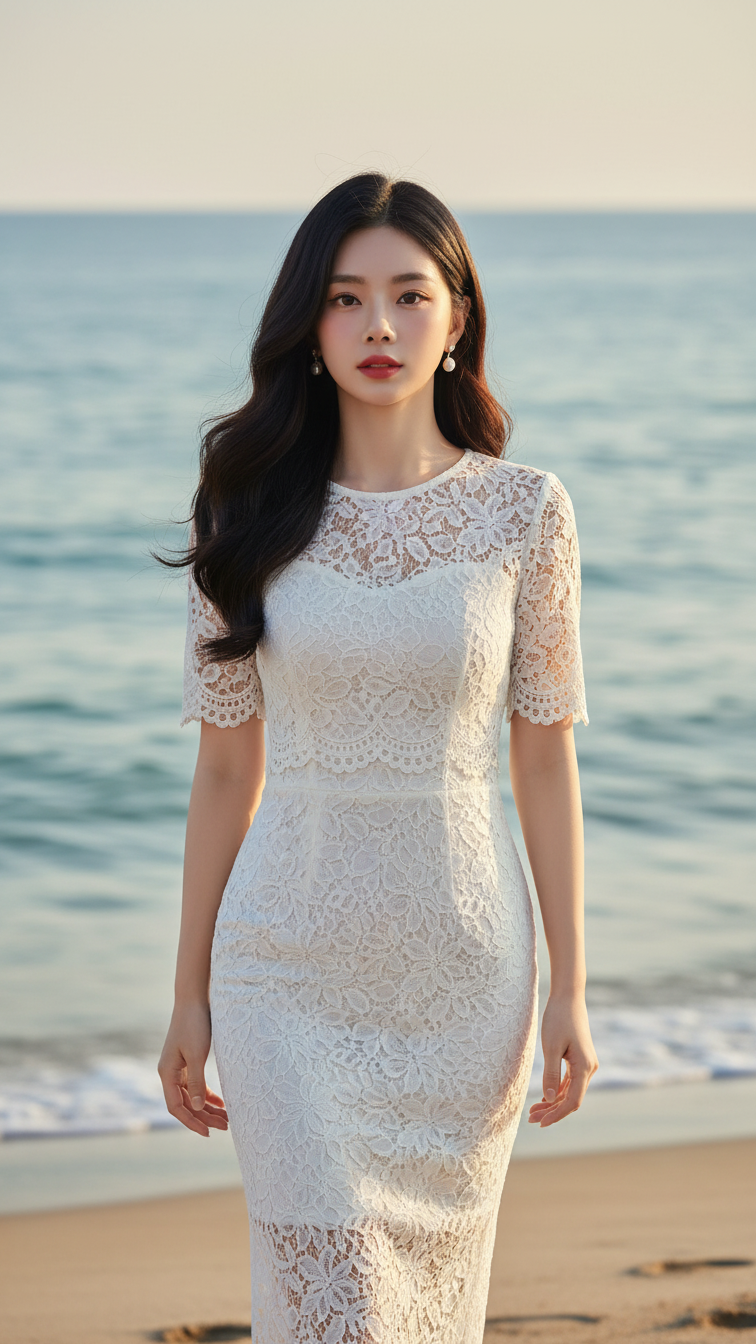
Prompt 2321: Create a realistic portrait of a young woman (face 100% identical to the original...
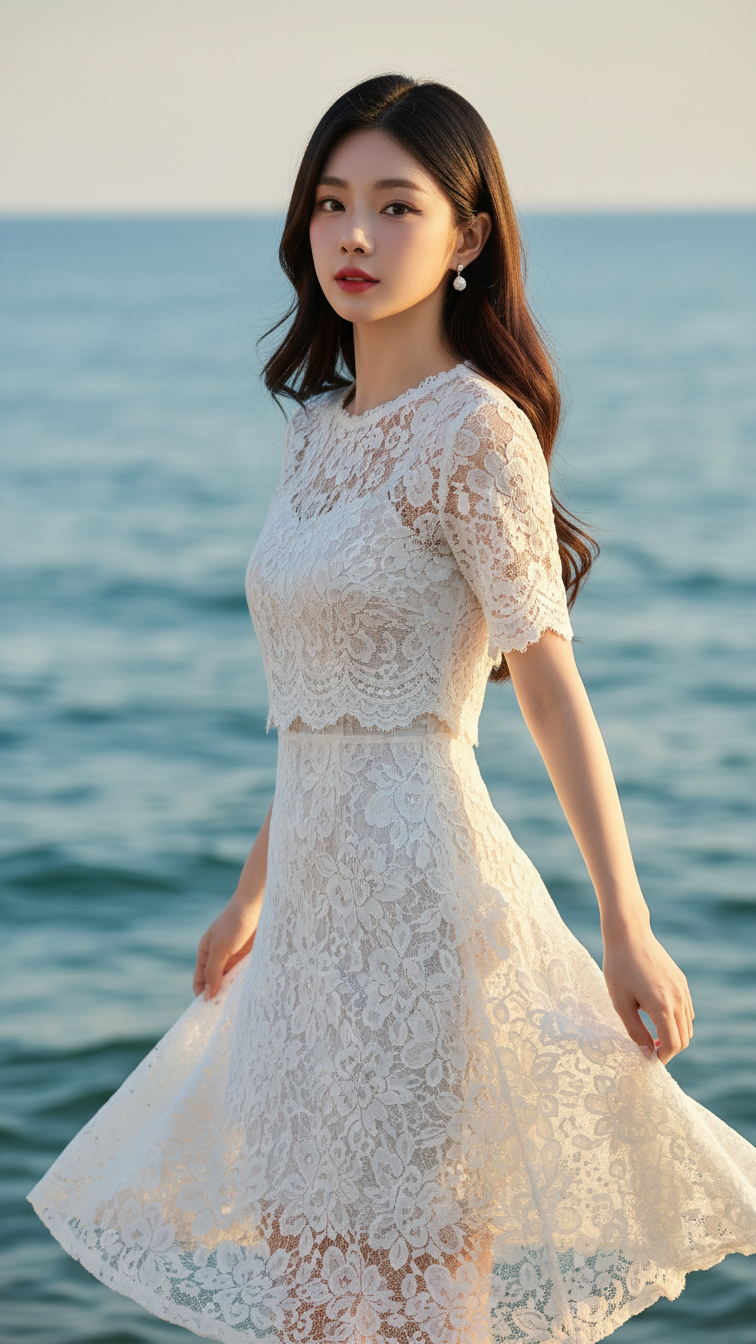
Prompt 2320: Create a realistic portrait of a young woman (face 100% identical to the original...
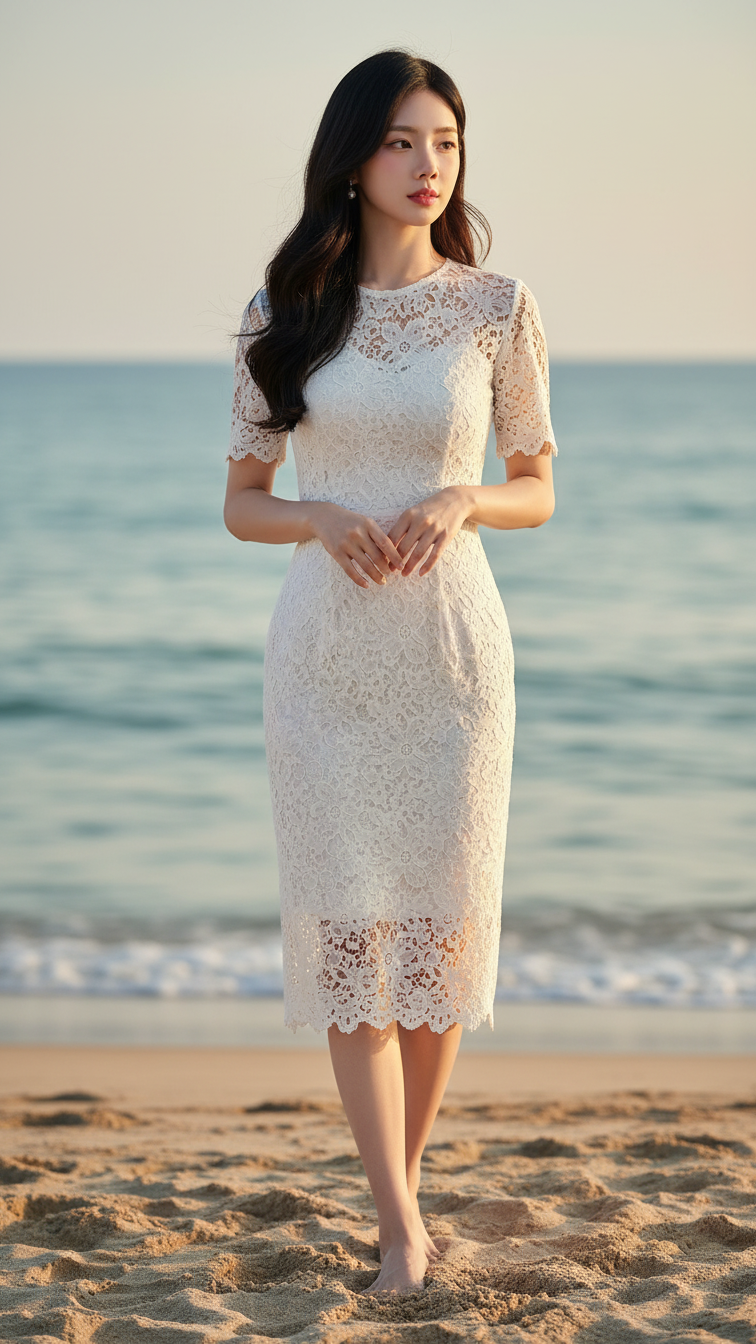
Prompt 2319: Create a realistic portrait of a young woman (face 100% identical to the original...
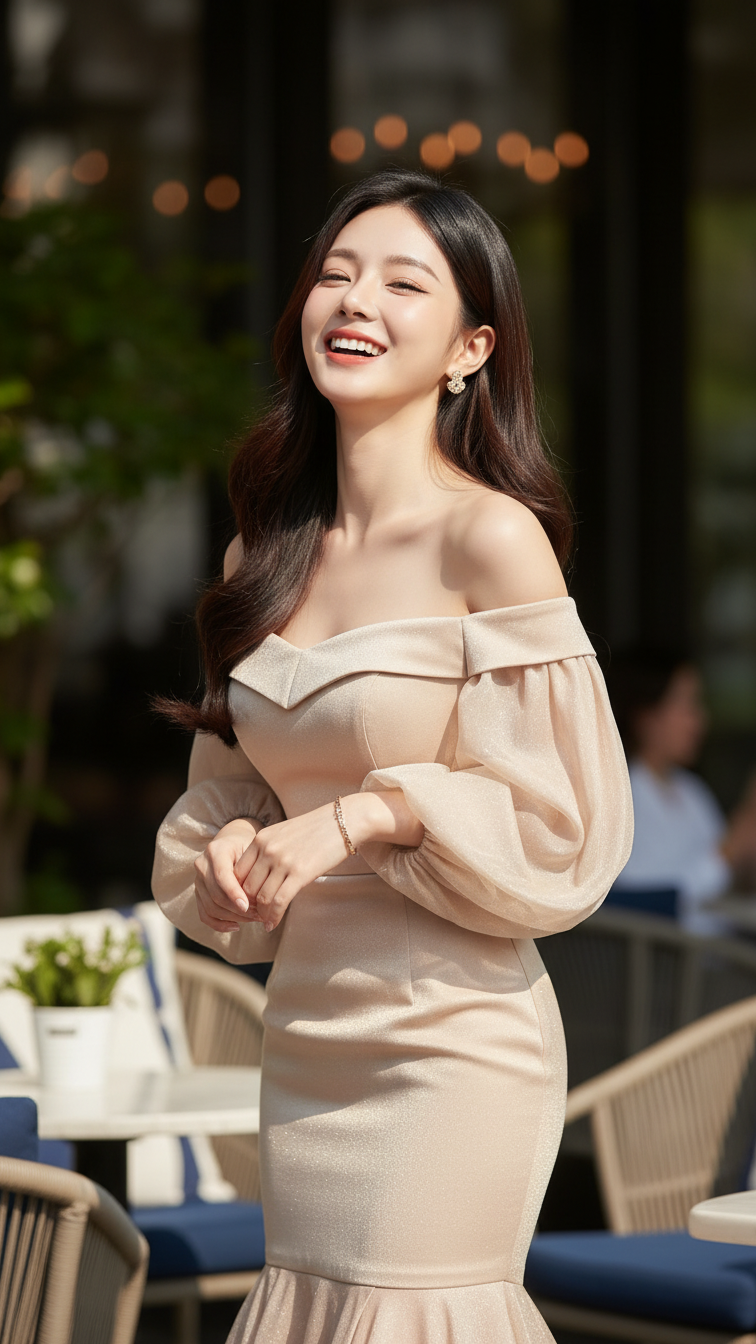
Prompt 2318: Create a realistic portrait of a young woman (face 100% identical to the original...
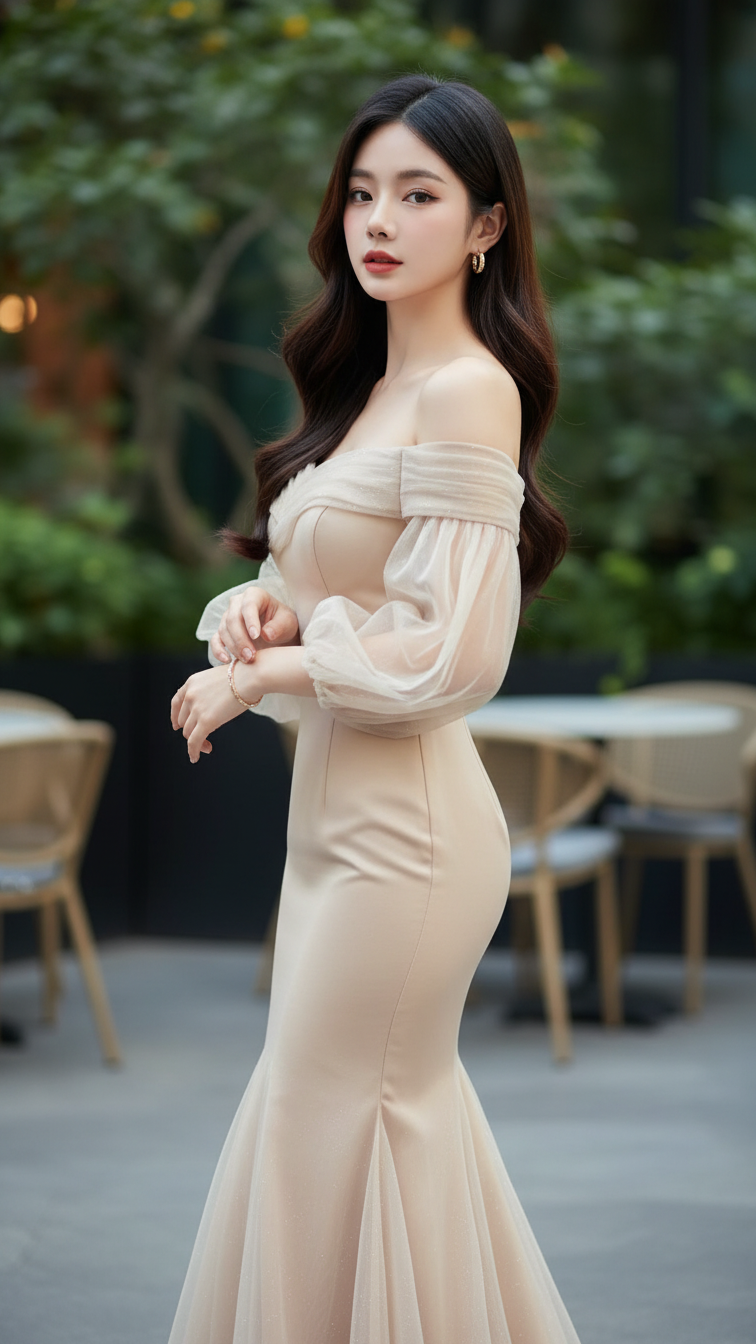
Prompt 2317: Create a realistic portrait of a young woman (face 100% identical to the original...
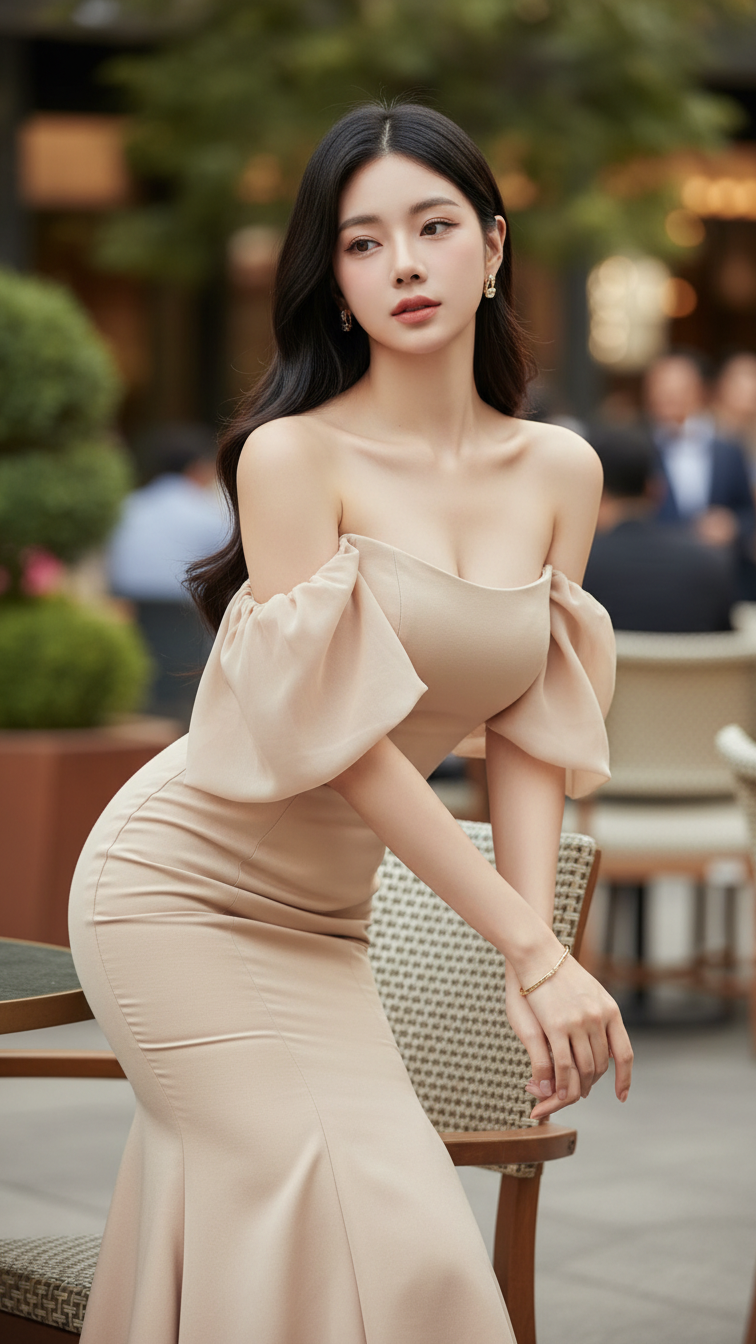
Prompt 2316: Create a realistic portrait of a young woman (face 100% identical to the original...
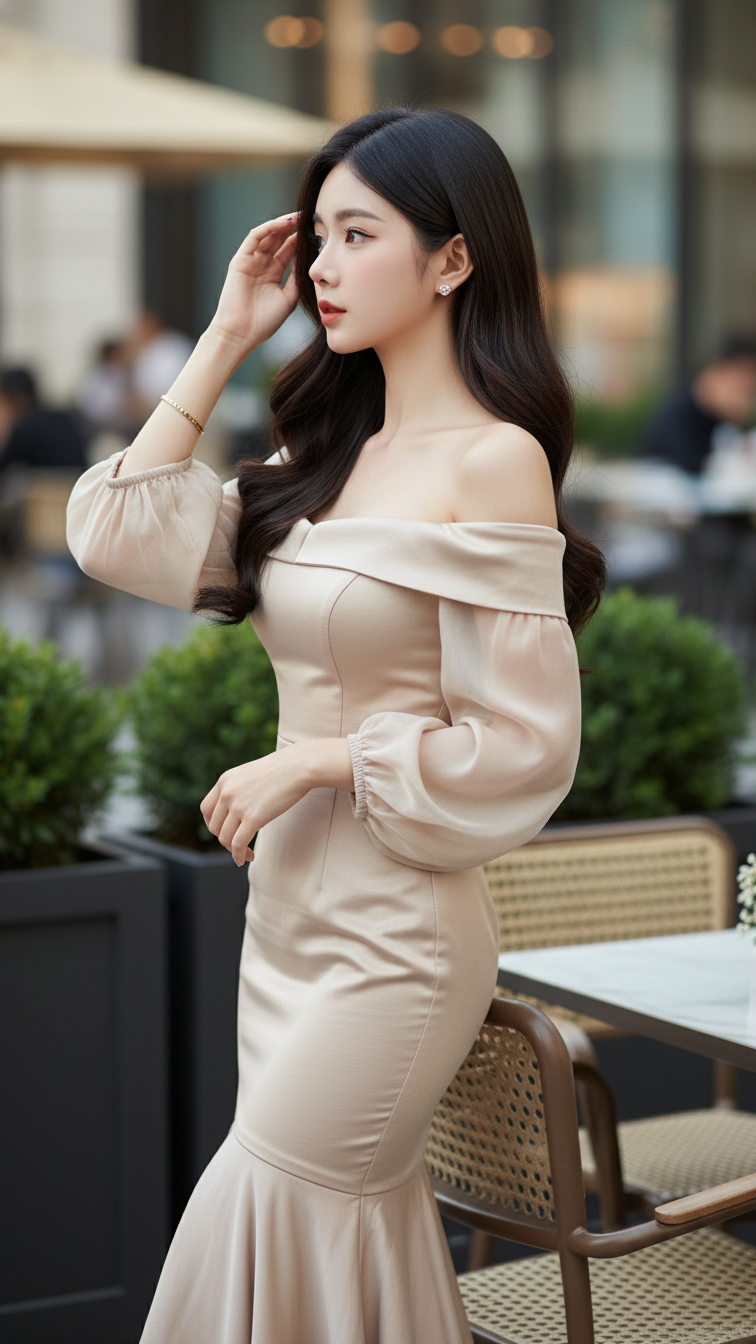
Prompt 2315: Create a realistic portrait of a young woman (face 100% identical to the original...
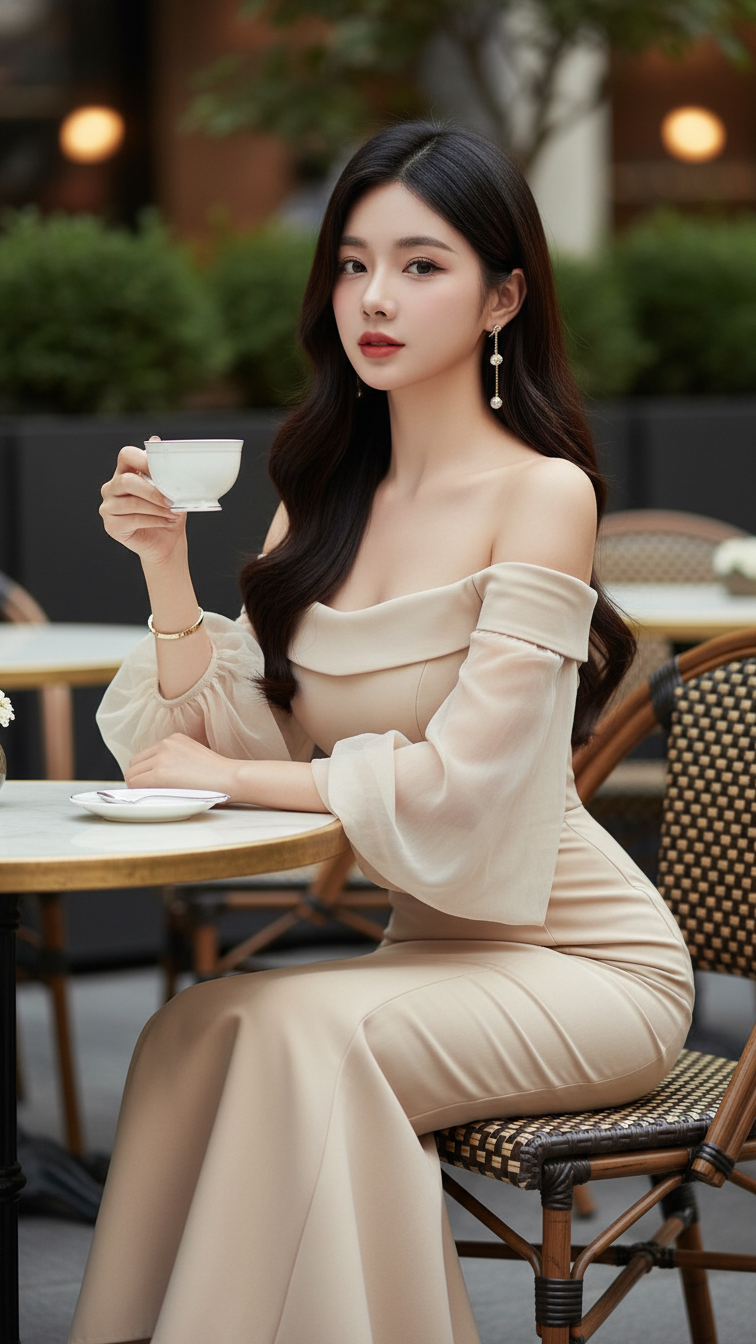
Prompt 2314: Create a realistic portrait of a young woman (face 100% identical to the original...
