
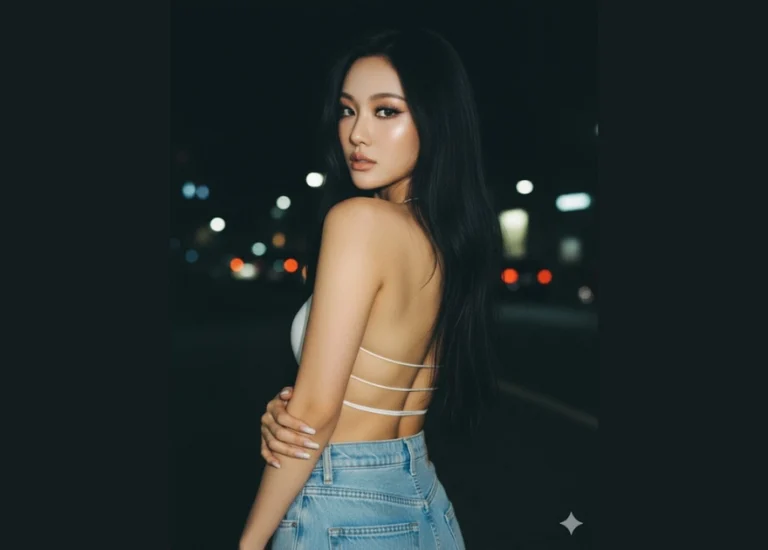
Prompt: Basandote en mi foto, sin cambiar mis rasgos fisicos has Una mujer joven con cabello muy...
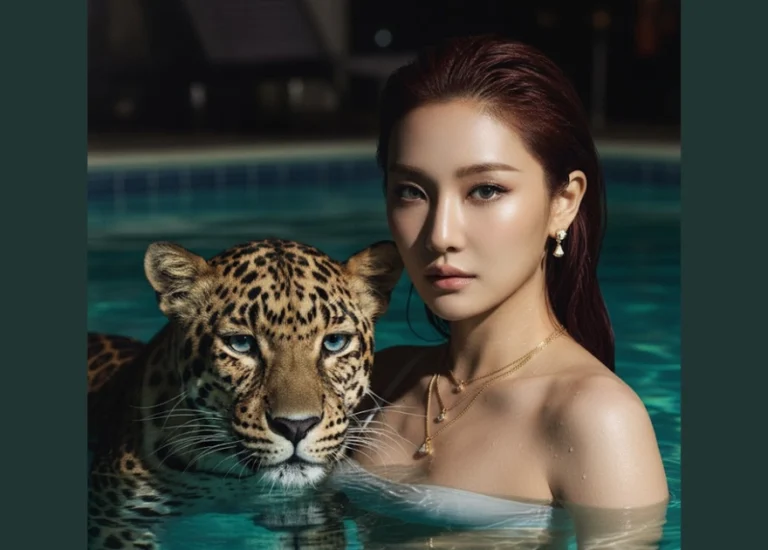
Prompt: A striking cinematic close up portrait of the reference model in a pool at night, her wet...
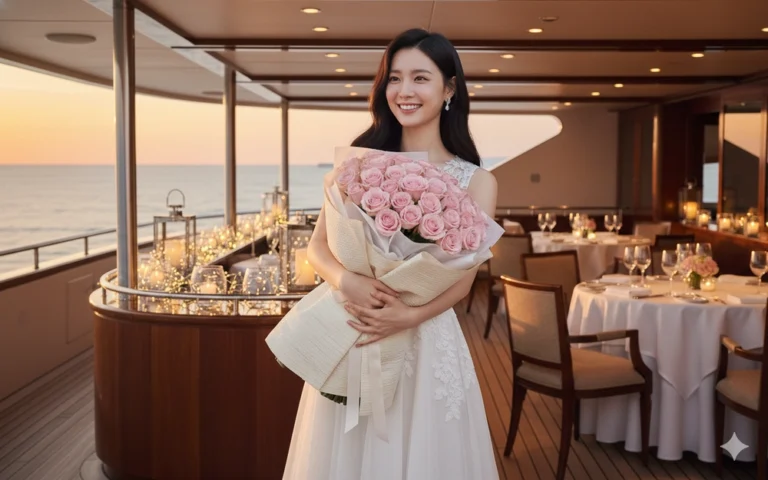
Prompt: Giữ nguyên khuôn mặt chính xác như trong ảnh đã tải lên. Một cô gái châu Á đang cười rạng...

Prompt: Giữ nguyên khuôn mặt chính xác như trong ảnh đã tải lên. Tạo một hình ảnh của một cô gái...

Prompt: Giữ nguyên khuôn mặt chính xác như trong ảnh đã tải lên. Tạo một hình ảnh của một cô gái...
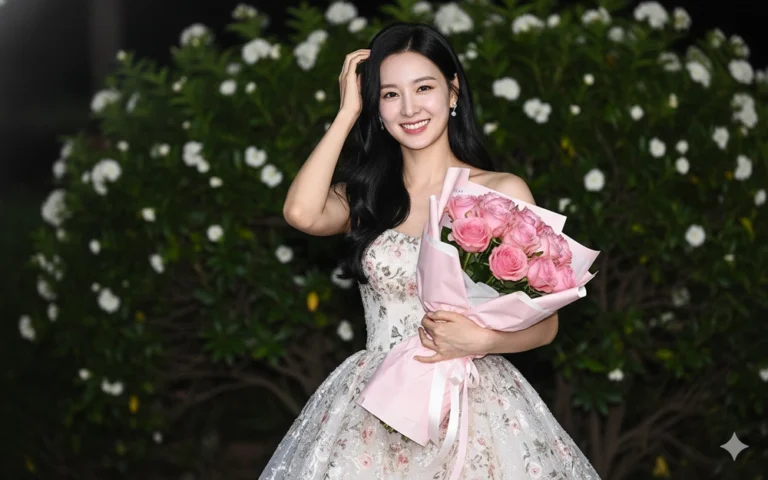
Prompt: Giữ nguyên khuôn mặt chính xác như trong ảnh đã tải lên. Tạo một hình ảnh của một cô gái...

Prompt: Giữ nguyên khuôn mặt chính xác như trong ảnh đã tải lên. Tạo một hình ảnh của một cô gái...
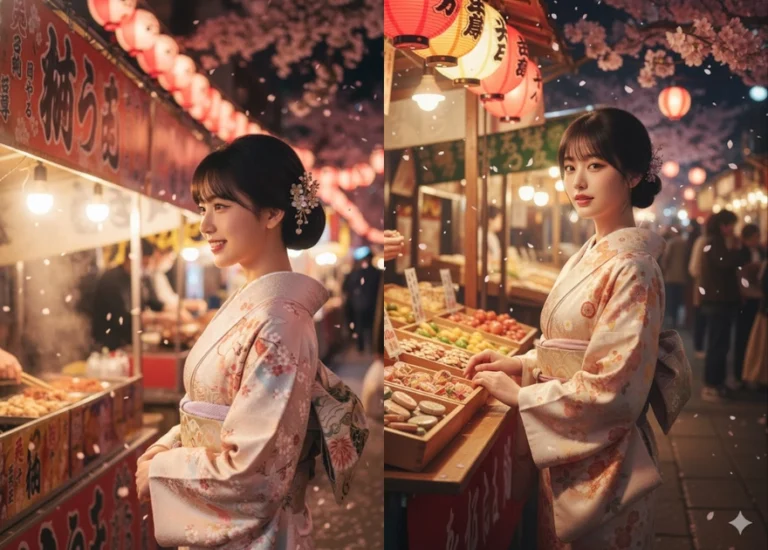
Prompt: Keep the exact facial features and identity of the attached image, 100% true-to-source...
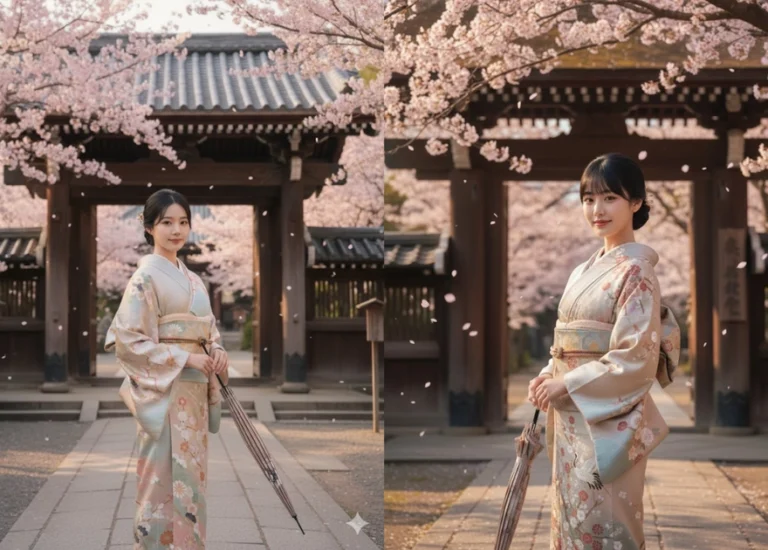
Prompt: Keep the exact facial structure and identity of the attached image, 100% true-to-source...
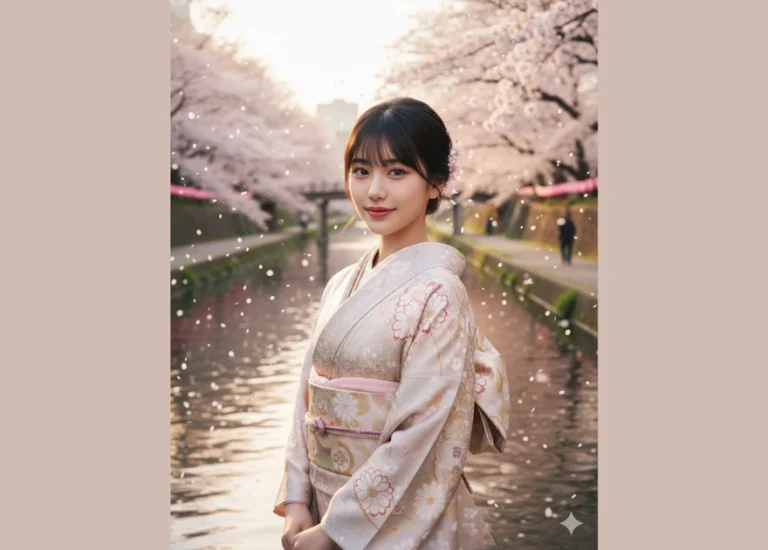
Prompt: Keep the exact facial structure, features, and identity of the attached person — 100%...
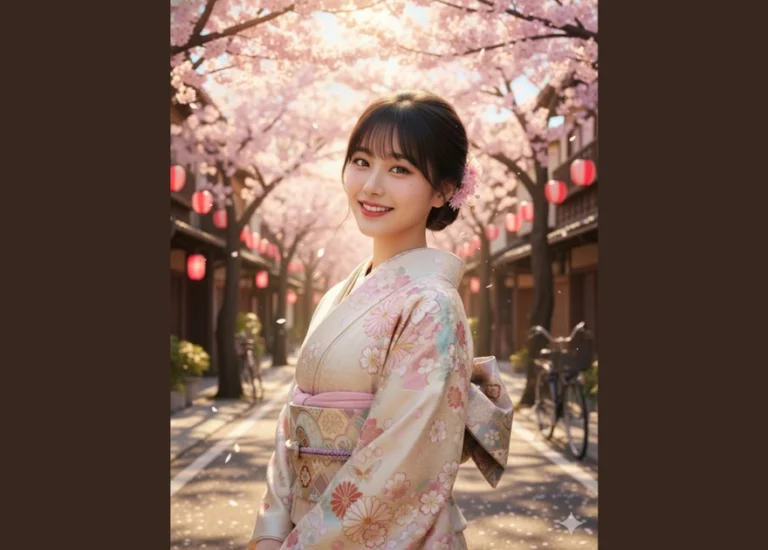
Prompt: Keep the exact facial features and identity of the attached image, 100% true-to-source...
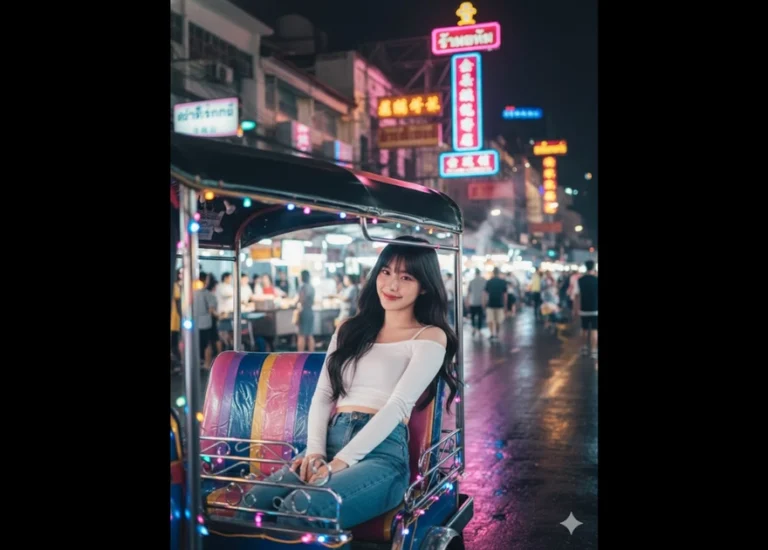
Prompt: Keep the exact same face and expression as in the uploaded image. Create an ultra-realistic...
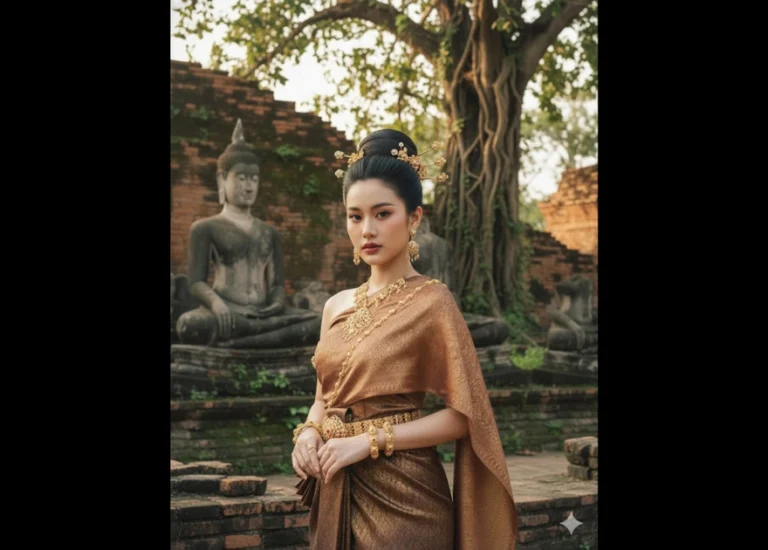
Prompt: Keep the exact same face and emotion as in the uploaded image. Depict an Asian woman wearing...

Prompt: Keep the exact same face and expression as in the uploaded image. Create an ultra-realistic...
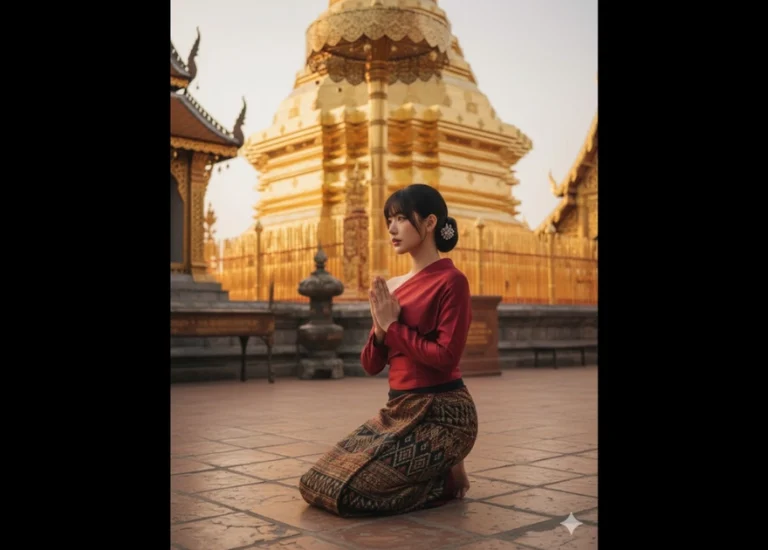
Prompt: Keep the exact same facial structure and expression as in the uploaded photo. Generate an...
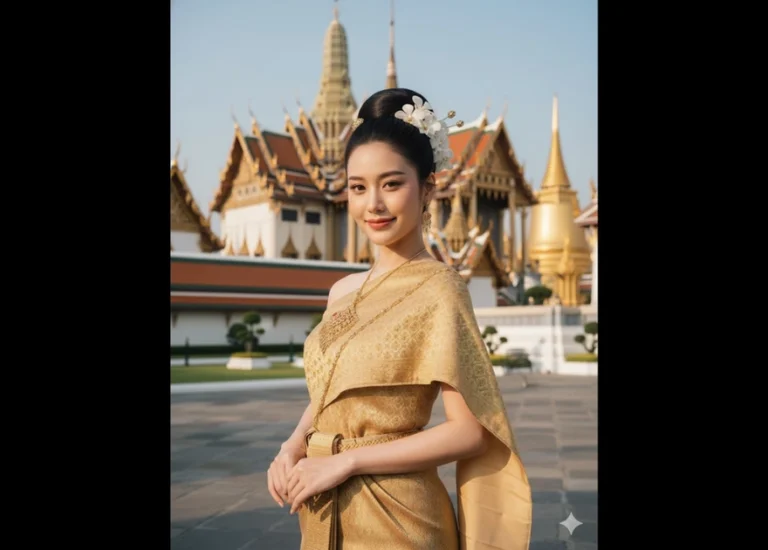
Prompt: Keep the exact same facial structure, expression, and overall identity as in the uploaded...
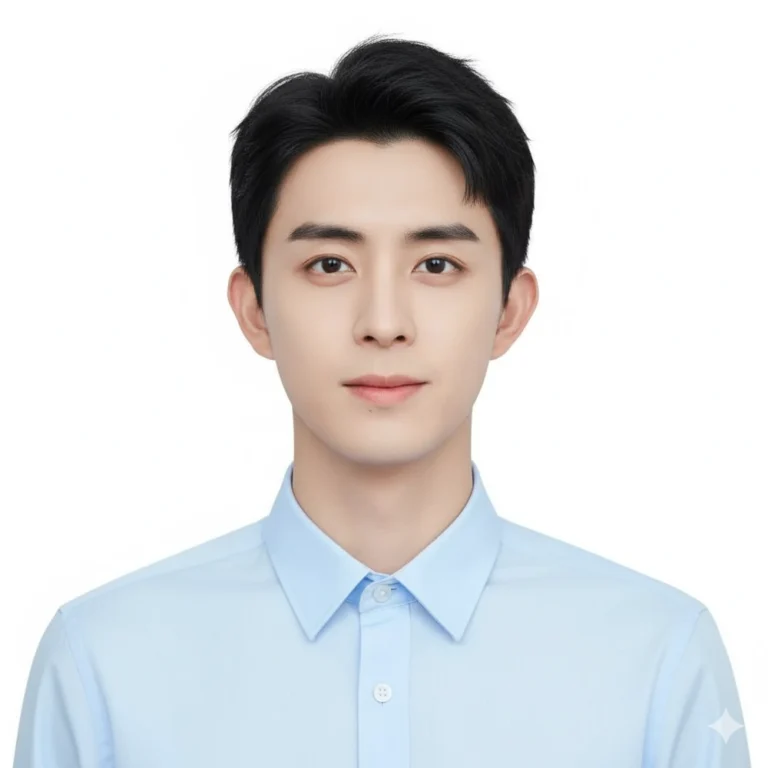
Prompt: Create a realistic 2×2 ID photo of a man same person from the reference photo wearing a...
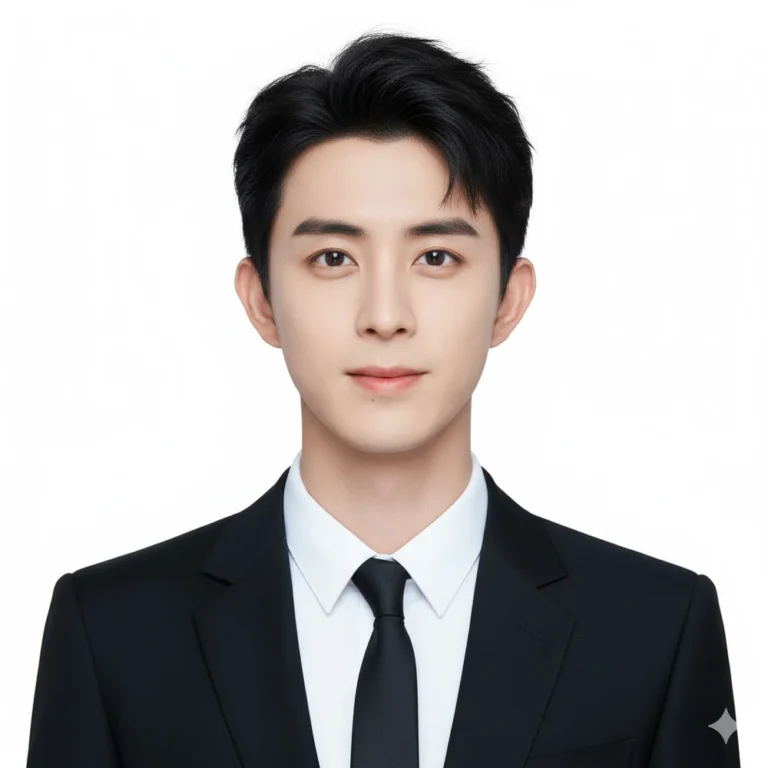
Prompt: Create a realistic formal ID photo of a man featuring same person from the reference photo...
