
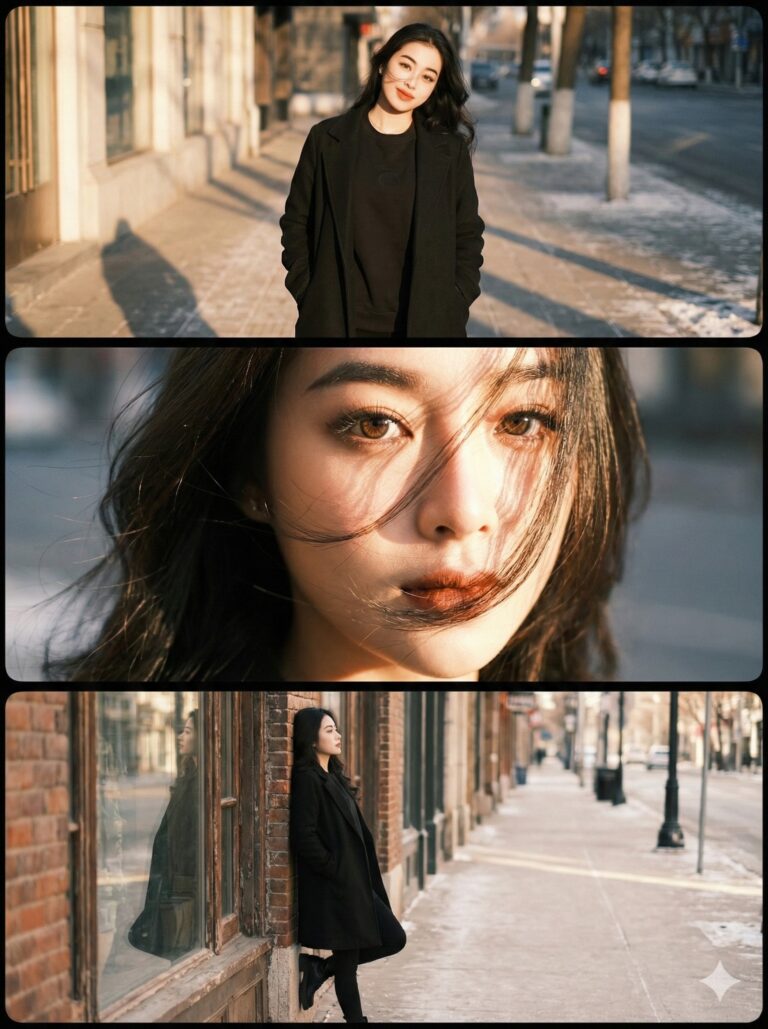
Prompt: Use the exact real face from the attached photo, 100% unchanged. Một bức ảnh ghép nghệ thuật...
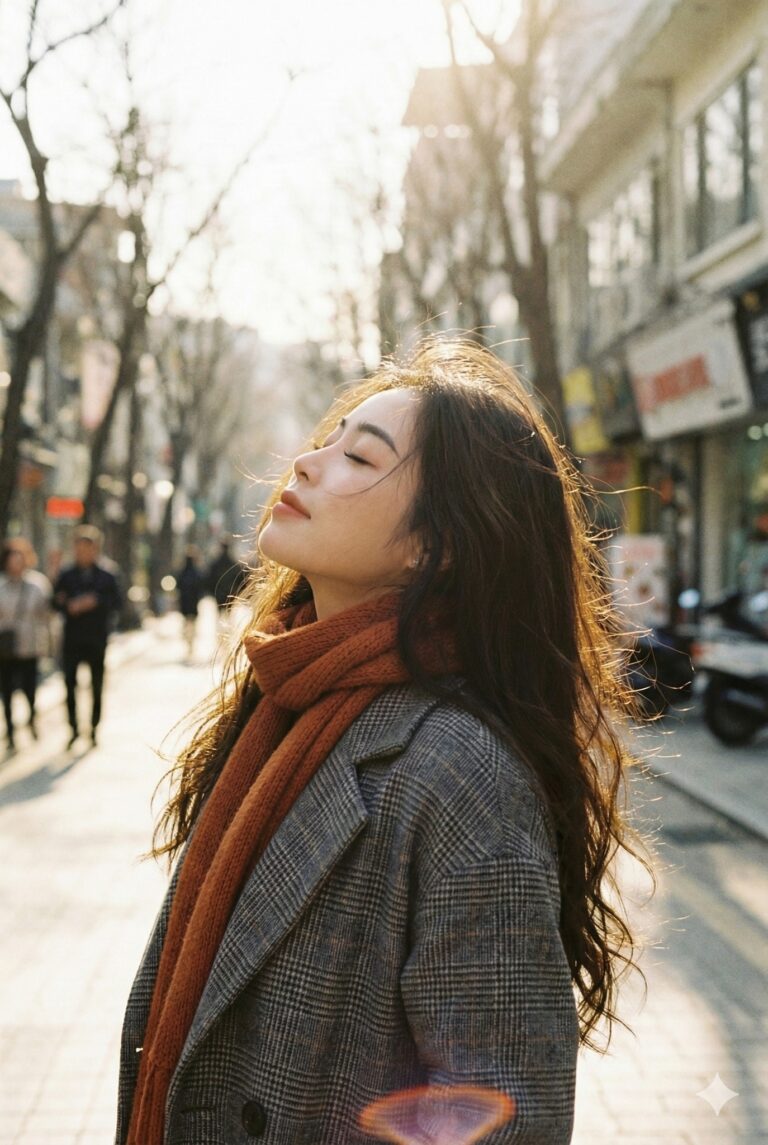
Prompt: Use the exact real face from the attached photo, 100% unchanged. A vertical, emotional...

Prompt: A beautiful young Asian woman, with long dark wavy hair, radiant smile, kneeling on a rustic...

Prompt: Create a hyper-realistic 8K full body portrait of a female model, using the uploaded photo...

Prompt: Create a hyper-realistic 8K close-up body portrait of a couple, using the uploaded photo as...

Prompt: Create a hyper-realistic 8K close-up body portrait of a couple, using the uploaded photo as...

Prompt: Create a hyper-realistic 8K close-up body portrait of a couple, using the uploaded photo as...

Prompt: Create a hyper-realistic 8K close-up body portrait of a couple, using the uploaded photo as...

Prompt: Create a hyper-realistic 8K close-up body portrait of a couple, using the uploaded photo as...

Prompt: Create a hyper-realistic 8K close-up body portrait of a couple, using the uploaded photo as...

Prompt: Create a hyper-realistic 8K close-up body portrait of a couple, using the uploaded photo as...

Prompt: Create a hyper-realistic 8K close-up body portrait of a couple, using the uploaded photo as...

Prompt: Create a hyper-realistic 8K close-up body portrait of a couple, using the uploaded photo as...

Prompt: Keep 100% original face from uploaded image. Hyperrealistic cinematic close-up portrait of a...

Prompt: A young Vietnamese woman wearing an elegant cream-white Áo Dài with subtle metallic floral...

Prompt: Use the exact real face from the attached photo, 100% unchanged. A vertical, high-angle...

Prompt: Edit the uploaded photo (face based on the reference photo). Ensure the face remains...

Prompt: Sử dụng ảnh gốc để tham khảo khuôn mặt, biểu cảm giống hệt khuôn mặt 100%. Chân dung điện...
