
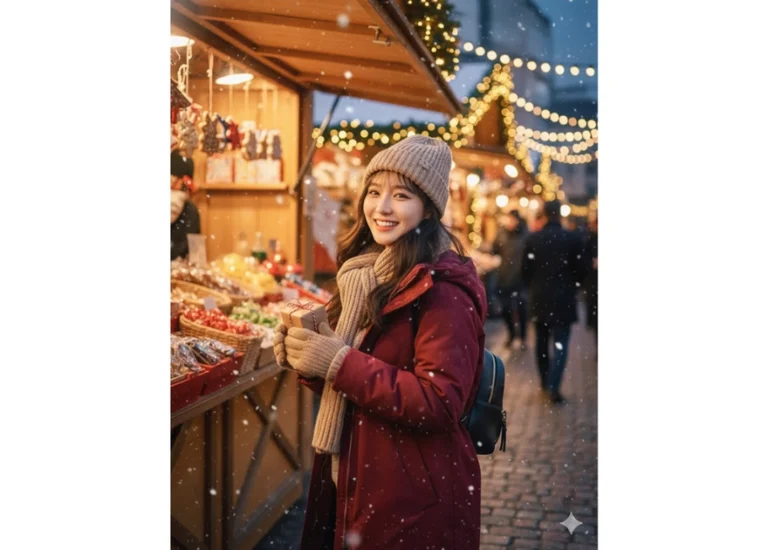
Prompt: Giữ nguyên khuôn mặt và biểu cảm tự nhiên của cô gái trong ảnh đã tải lên, không thay đổi...
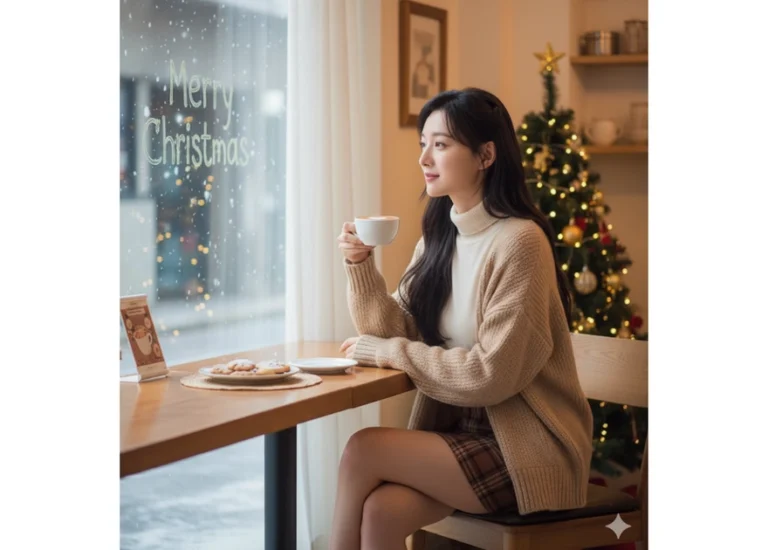
Prompt: Giữ nguyên khuôn mặt và biểu cảm tự nhiên của cô gái trong ảnh đã tải lên, không thay đổi...
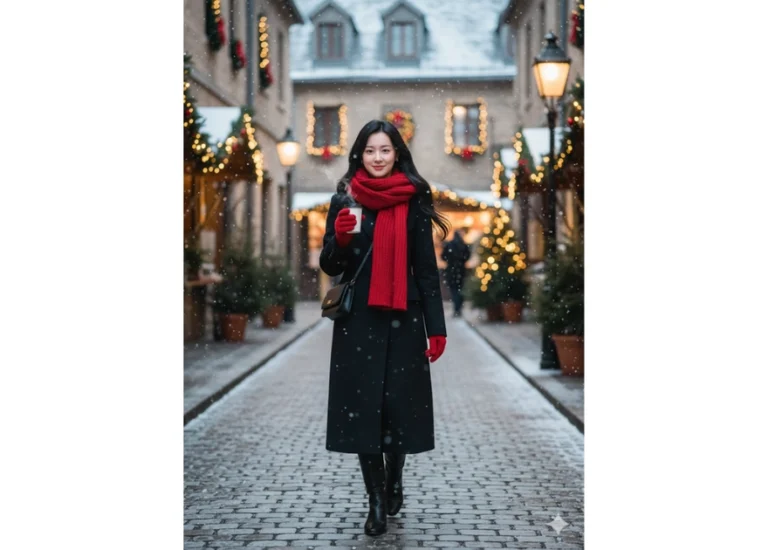
Prompt: Giữ nguyên khuôn mặt và biểu cảm tự nhiên của cô gái trong ảnh đã tải lên, không thay đổi...

Prompt: Giữ nguyên khuôn mặt và biểu cảm tự nhiên của cô gái trong ảnh đã tải lên, không thay đổi...
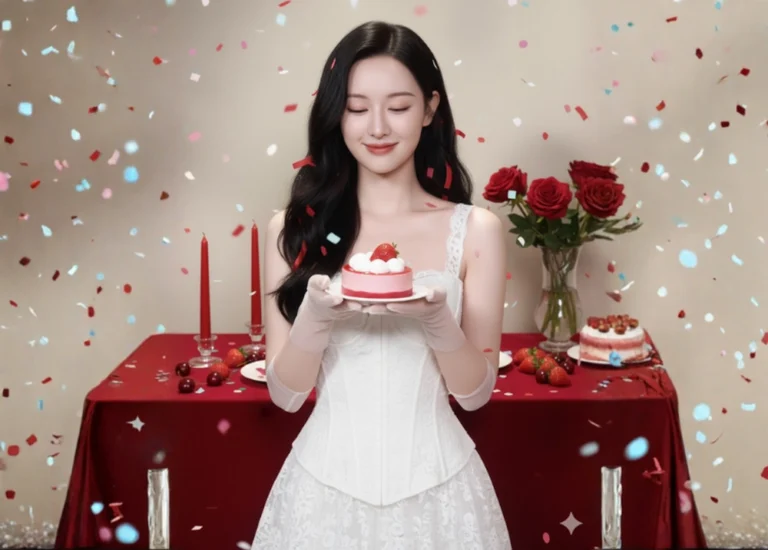
Prompt: “Romantic studio portrait of a slender young woman with fair smooth skin and delicate...
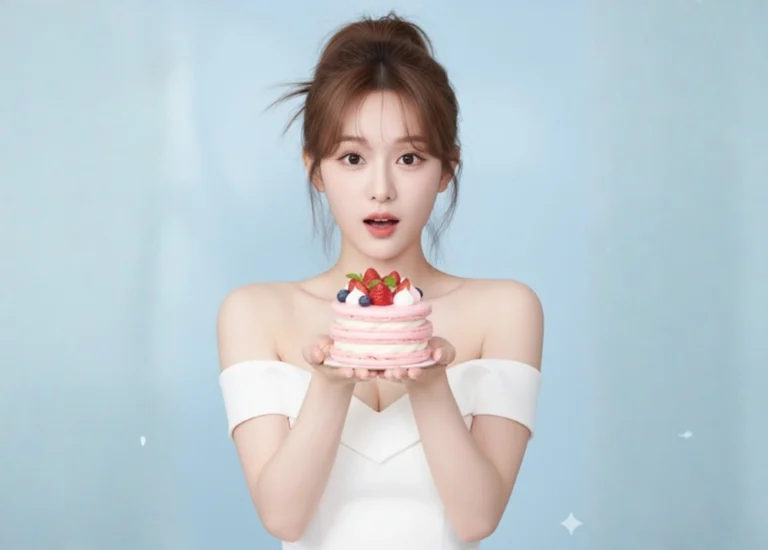
Prompt: “Bright studio portrait of a young woman with fair rosy skin and delicate facial features...
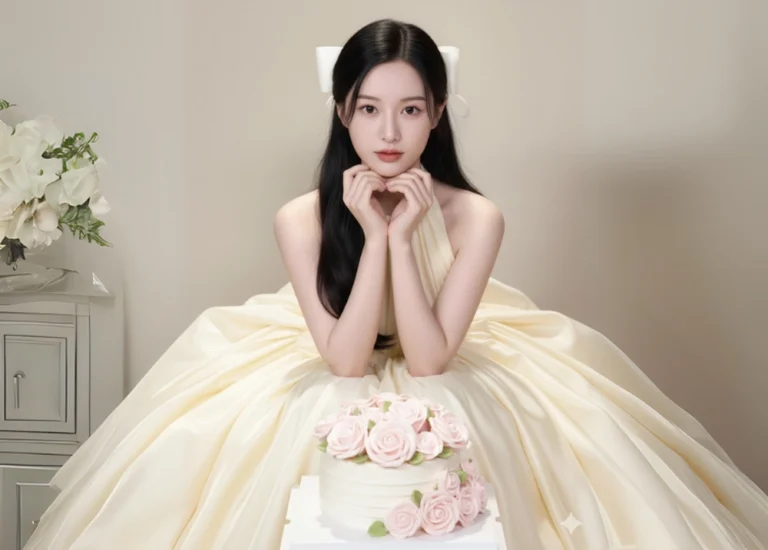
Prompt: “Ultra realistic, high definition, fairy tale style studio portrait. A young Vietnamese girl...
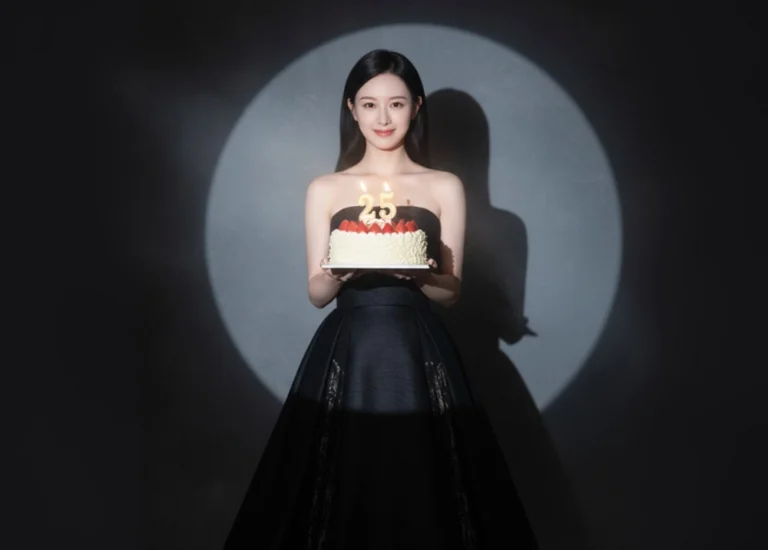
Prompt: A beautiful young woman in an elegant strapless black gown, holding a strawberry birthday...
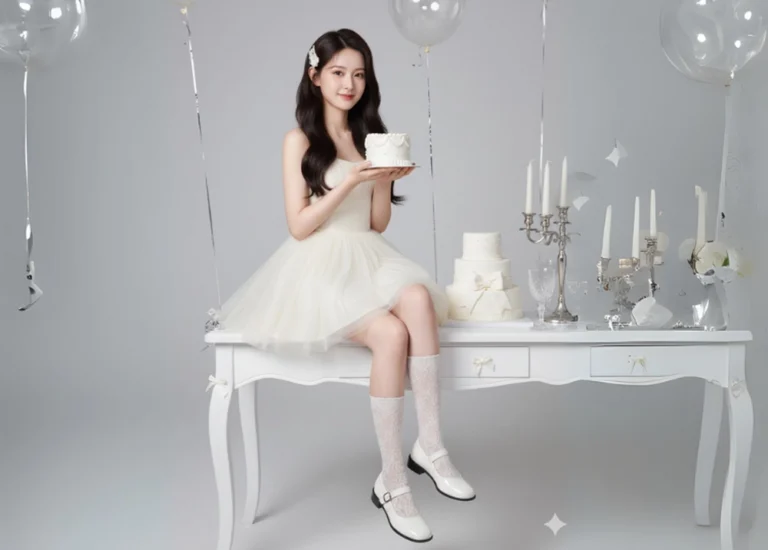
Prompt: “A studio portrait in a sweet birthday party style. A young woman, 18–20 years old, sits...
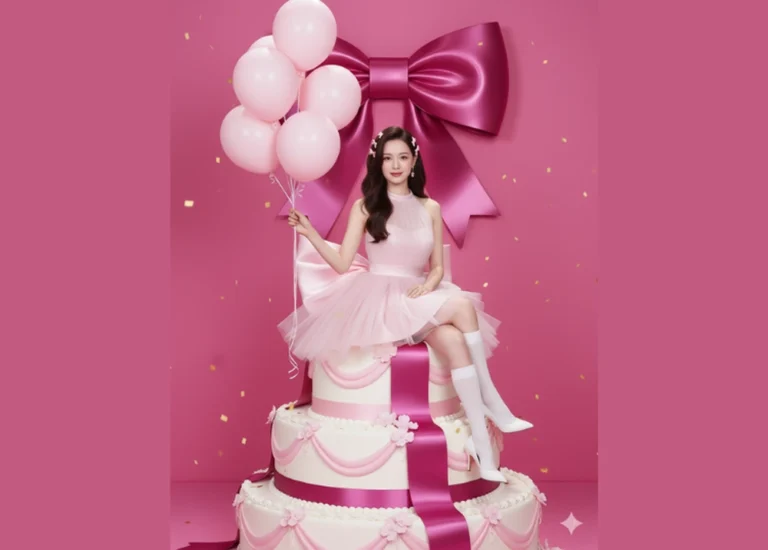
Prompt: Keep the original face and expression from the uploaded photo. A beautiful girl in Barbie...
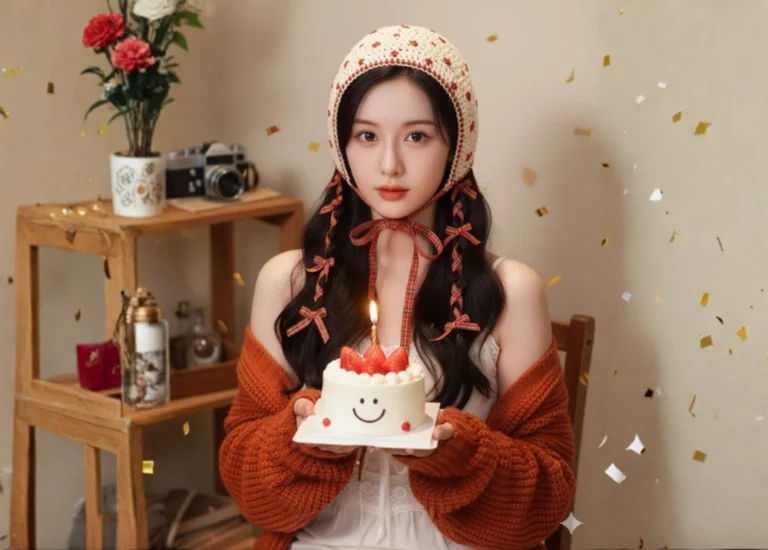
Prompt: “A young woman with long dark hair styled in loose waves, partially braided with red plaid...
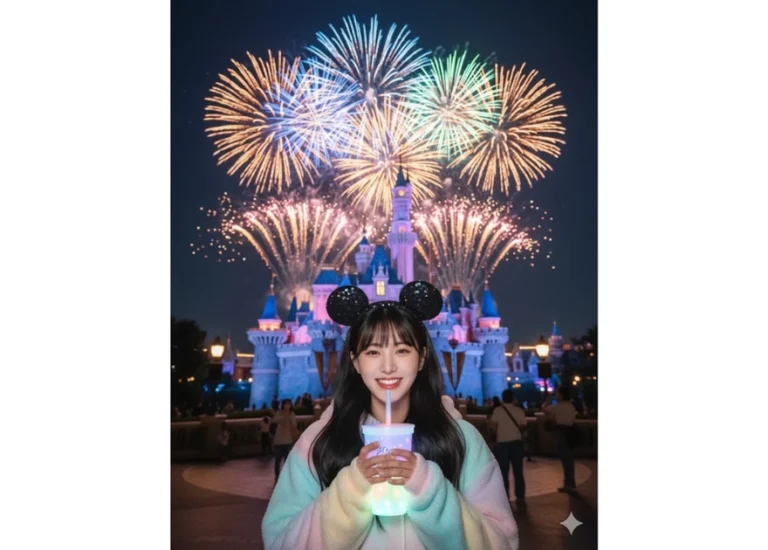
Prompt: A stunning night portrait of a young woman at Shanghai Disneyland, standing in front of the...
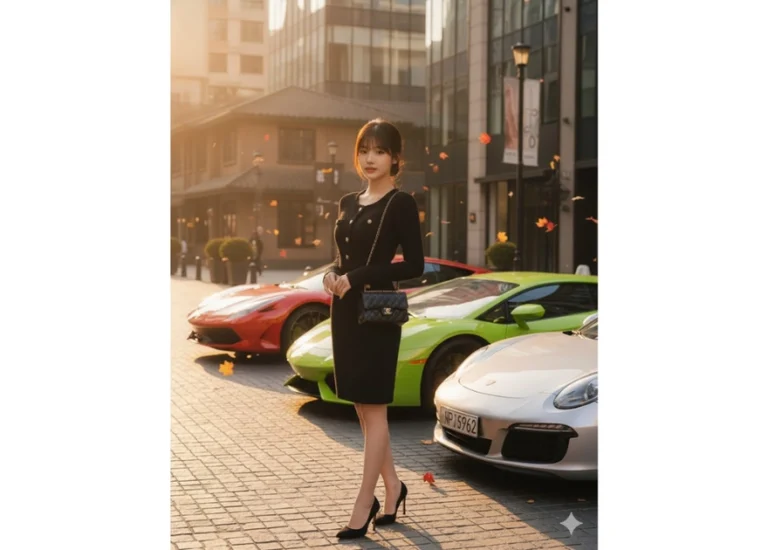
Prompt: A beautiful young woman standing elegantly on the luxurious streets of Xintiandi, Shanghai...
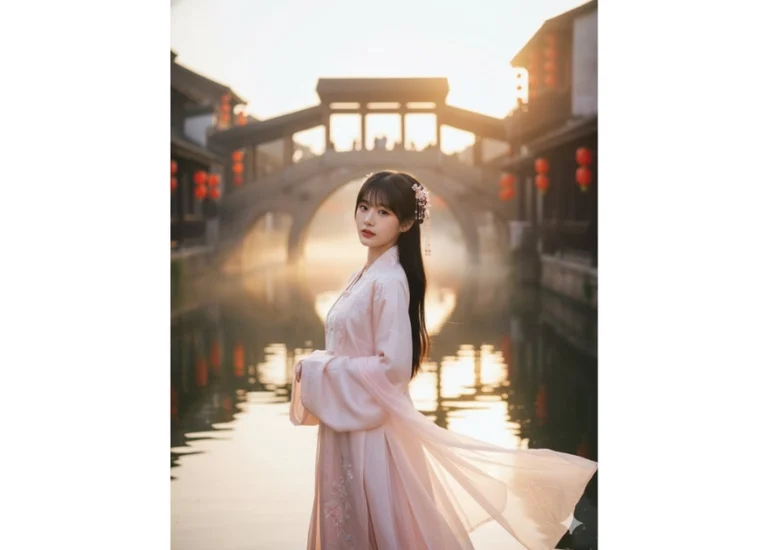
Prompt: A beautiful young woman wearing an elegant pastel silk Hanfu (traditional Chinese clothing)...
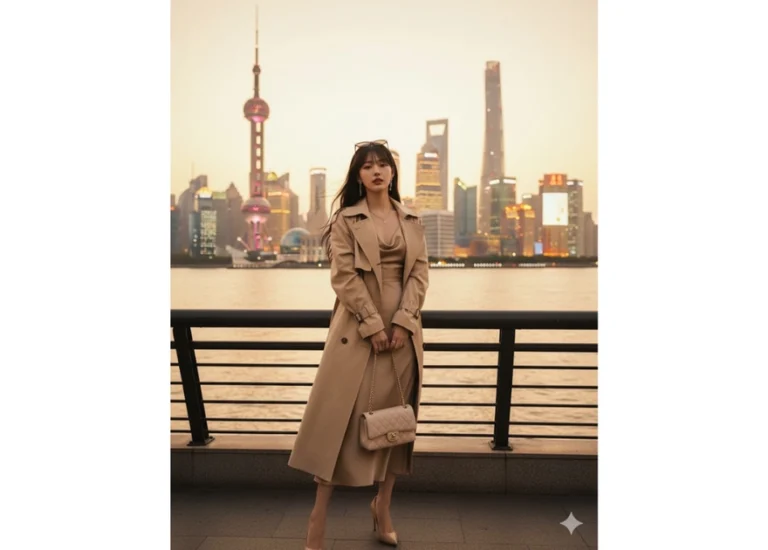
Prompt: A stunning young woman posing confidently at The Bund, Shanghai, wearing a luxurious beige...
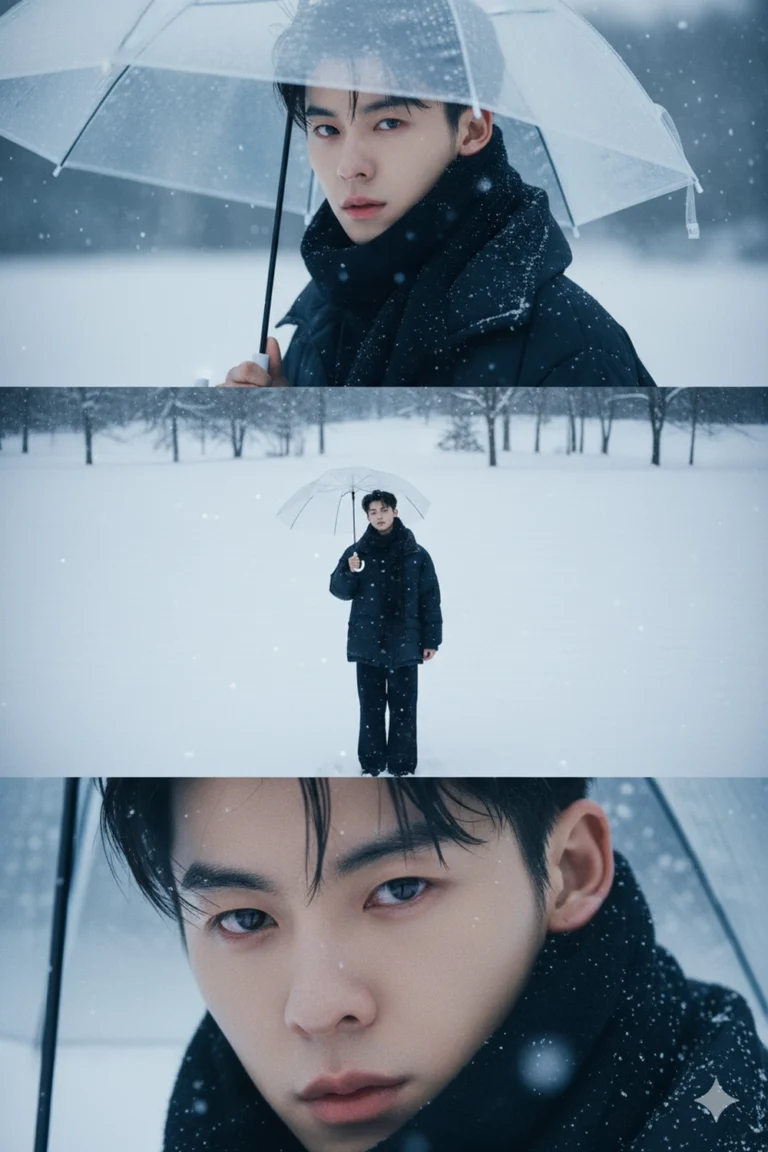
Prompt: Create a vertical frame sized 2160×3840 pixels (4K quality), divided into three equally...
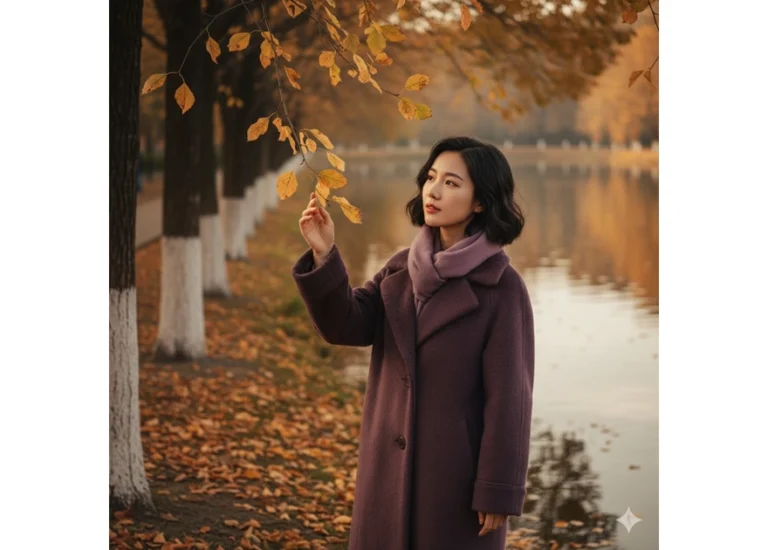
Prompt: Portrait of a graceful woman with SHORT , wavy black hair, wearing a thick, dark soft purple...
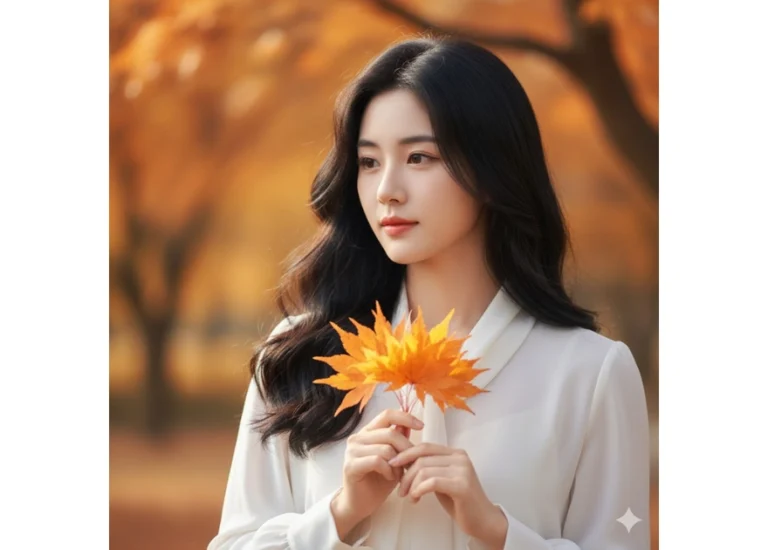
Prompt: A close-up portrait of a young Asian woman with long, softly flowing black hair, wearing a...
