
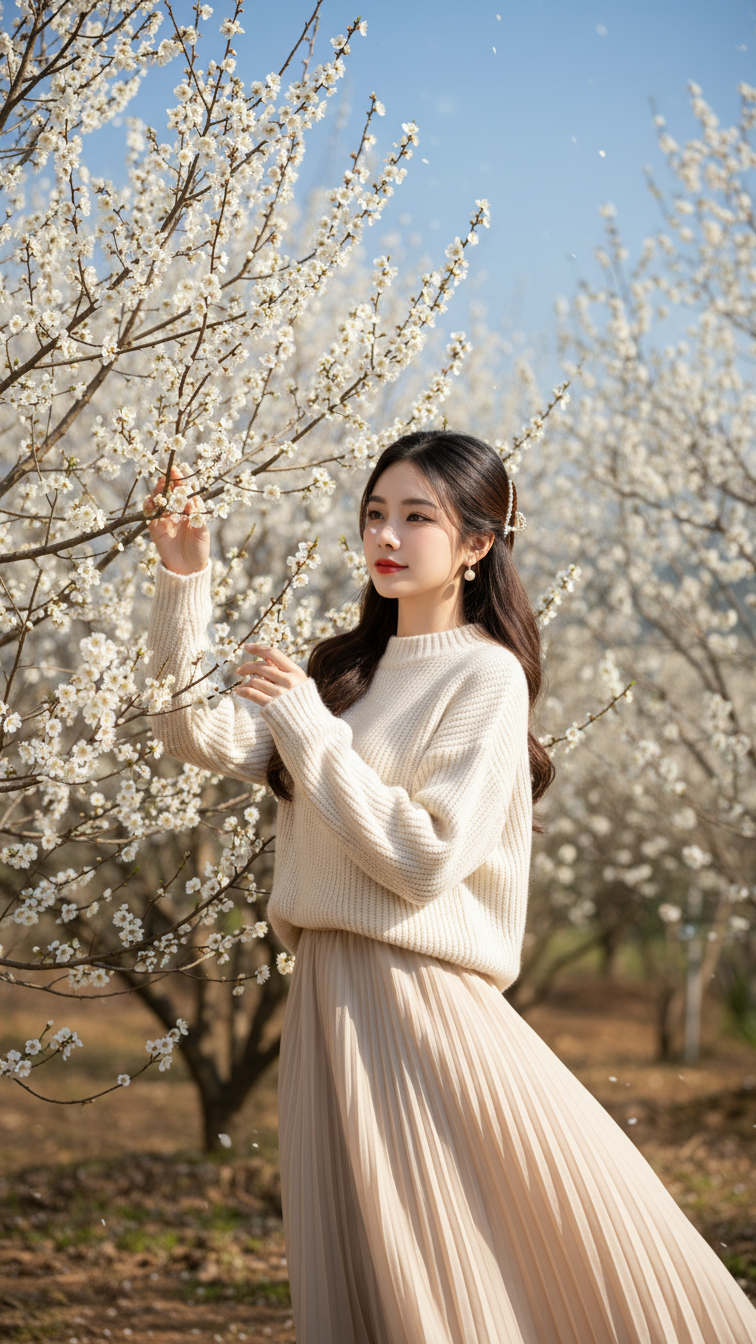
Prompt 2402: Create a realistic portrait of a young woman (face 100% identical to the original...
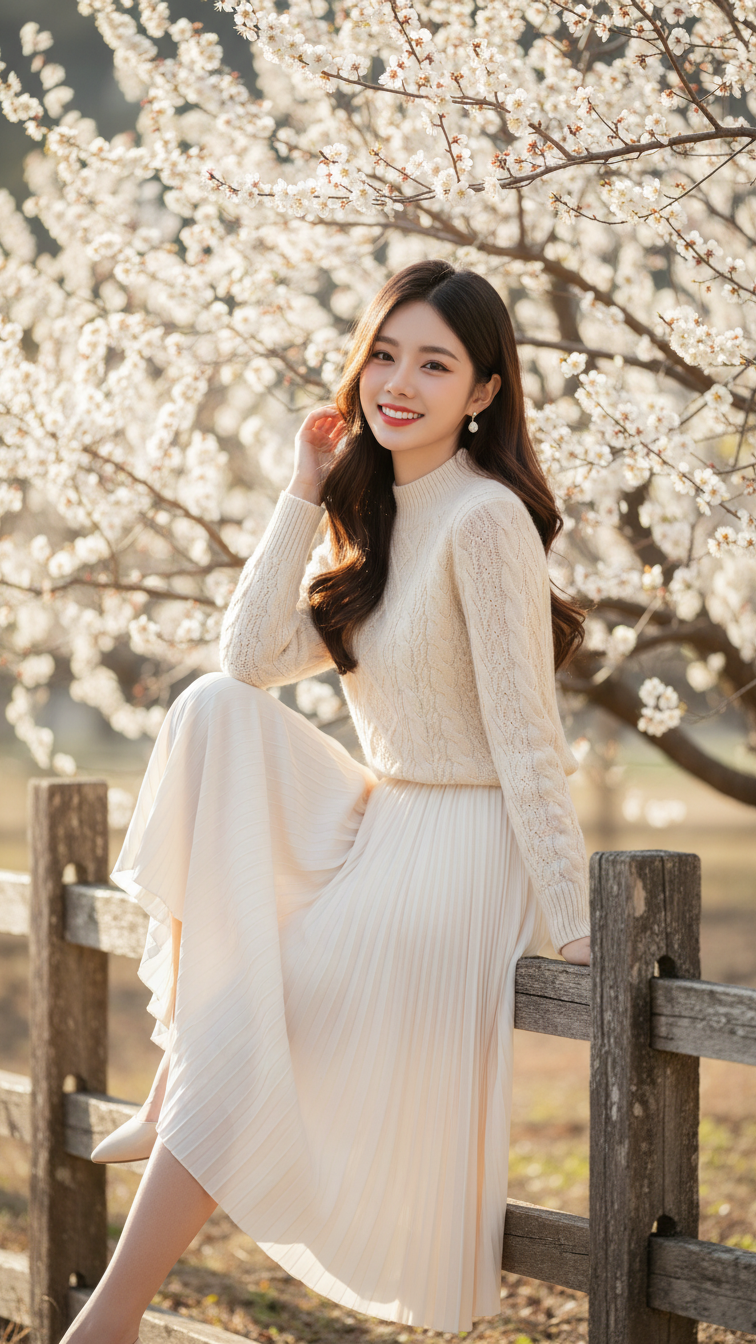
Prompt 2401: Create a realistic portrait of a young woman (face 100% identical to the original...
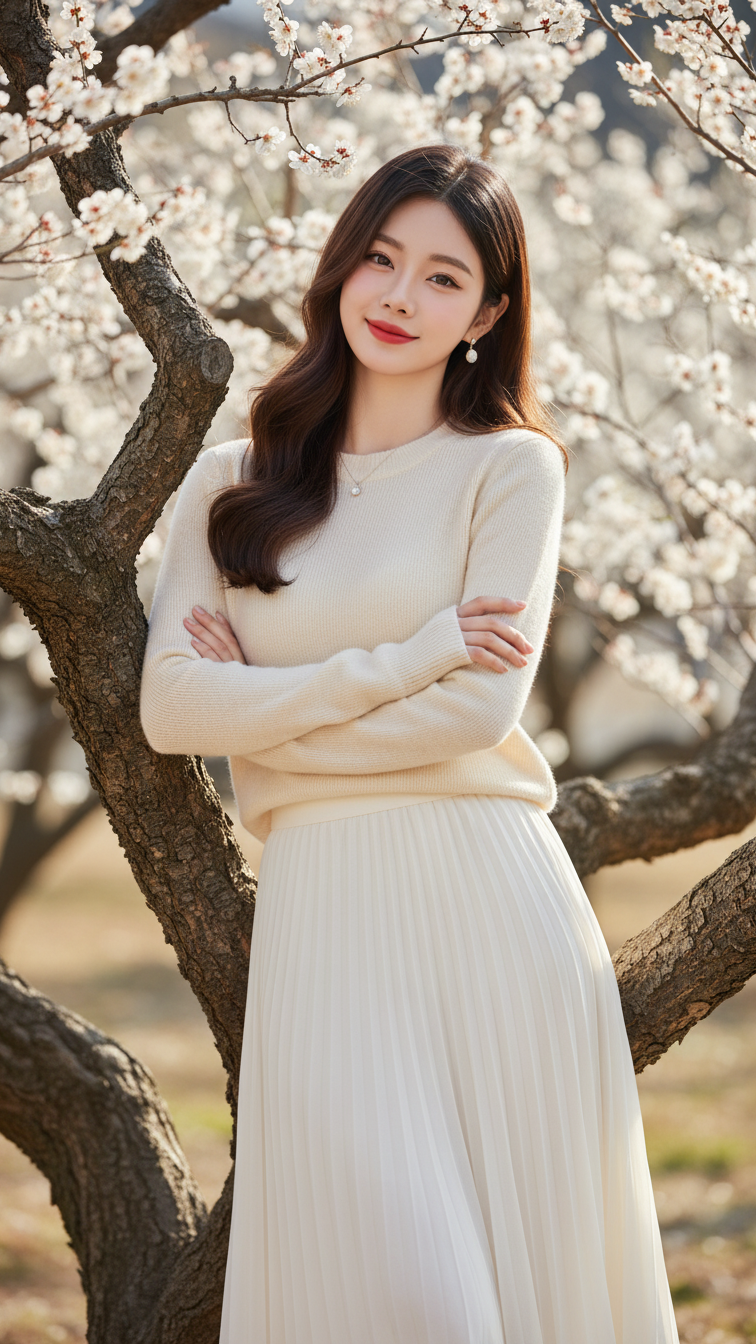
Prompt 2400: Create a realistic portrait of a young woman (face 100% identical to the original...
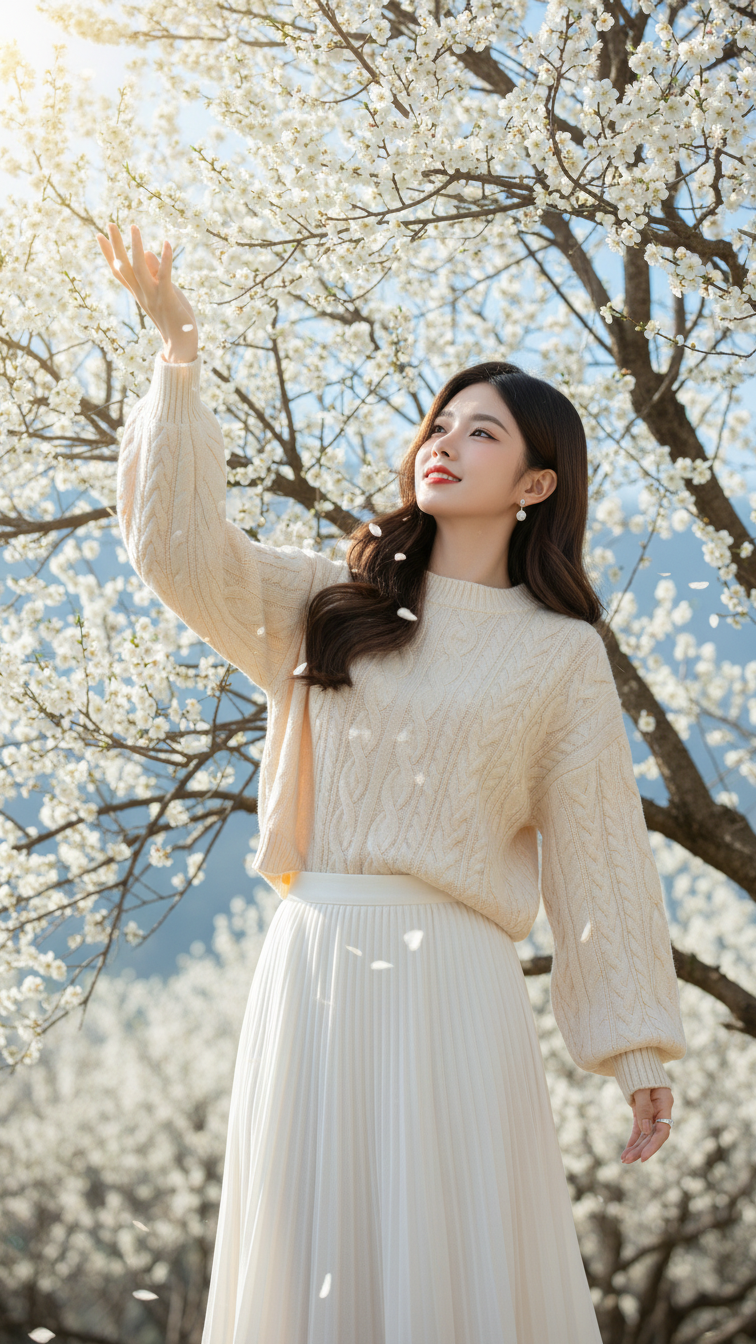
Prompt 2399: Create a realistic portrait of a young woman (face 100% identical to the original...
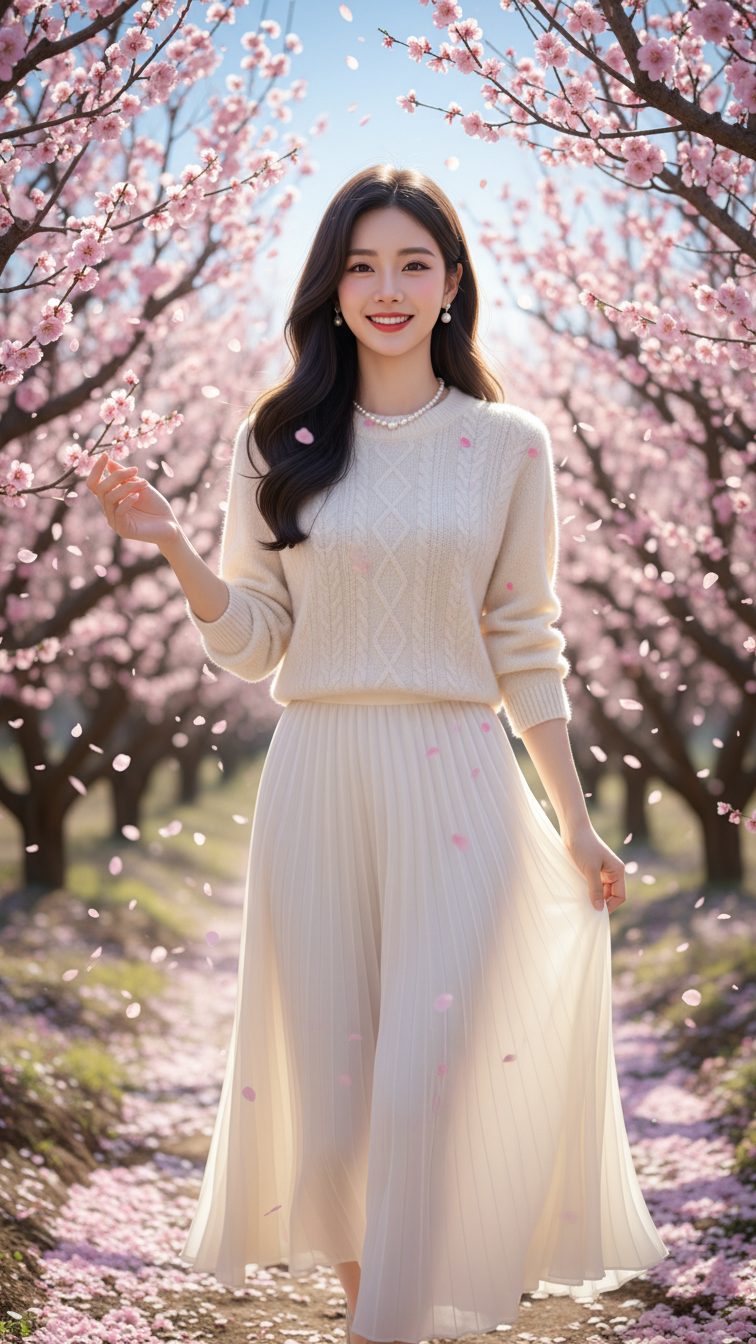
Prompt 2398: Create a realistic portrait of a young woman (face 100% identical to the original...
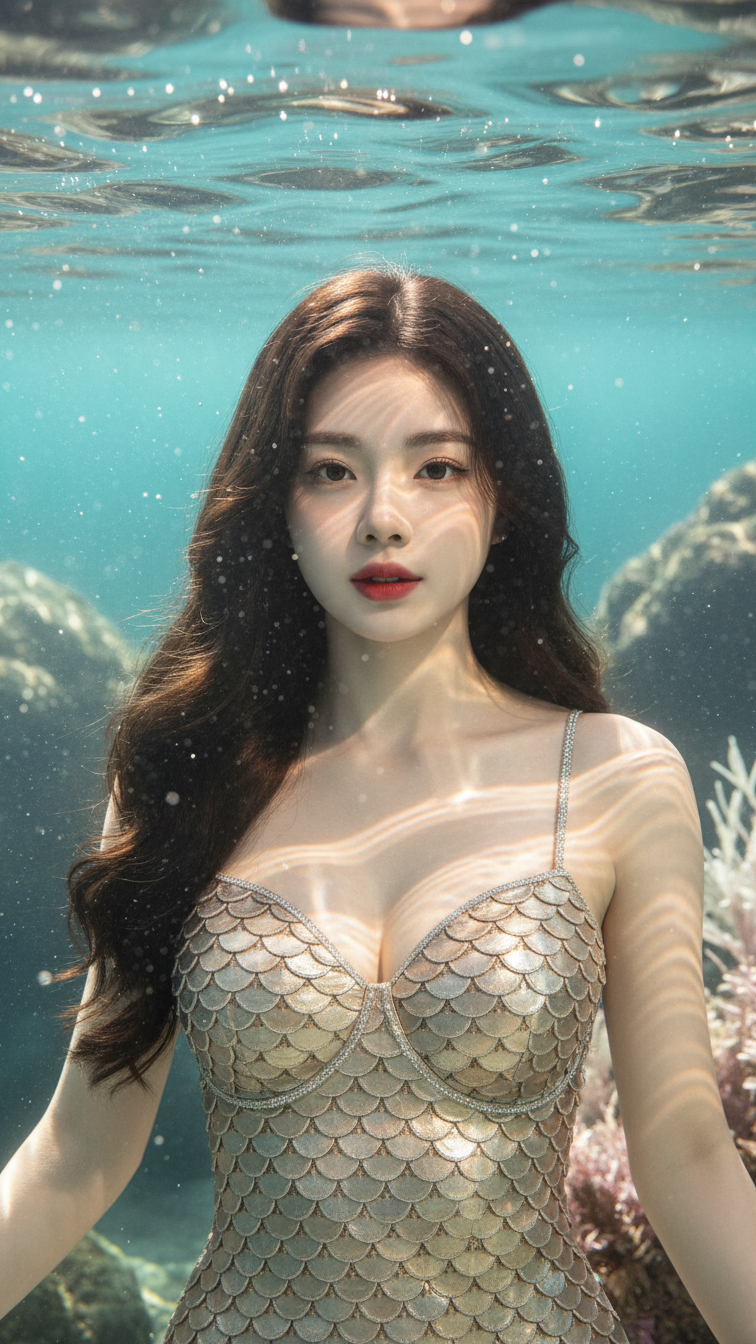
Prompt 2397: Create a realistic portrait of a young woman (face 100% identical to the original...
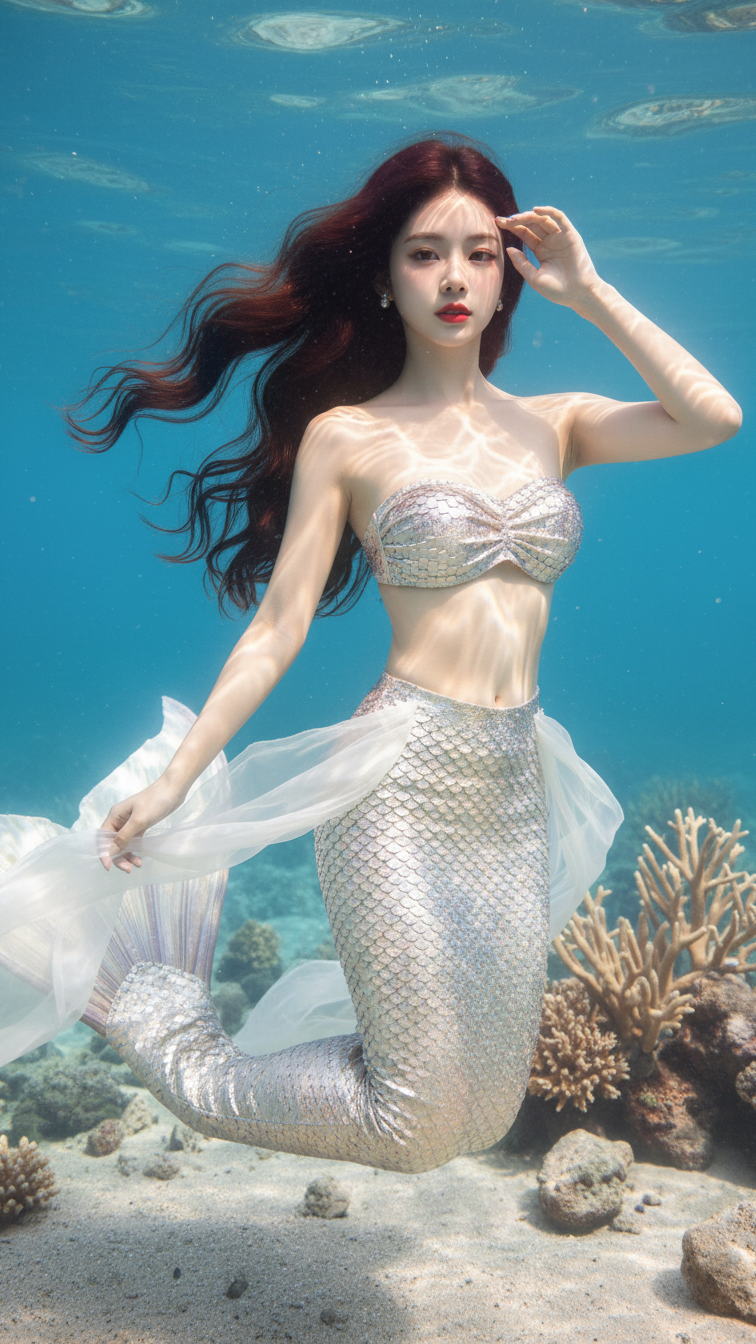
Prompt 2396: Create a realistic portrait of a young woman (face 100% identical to the original...
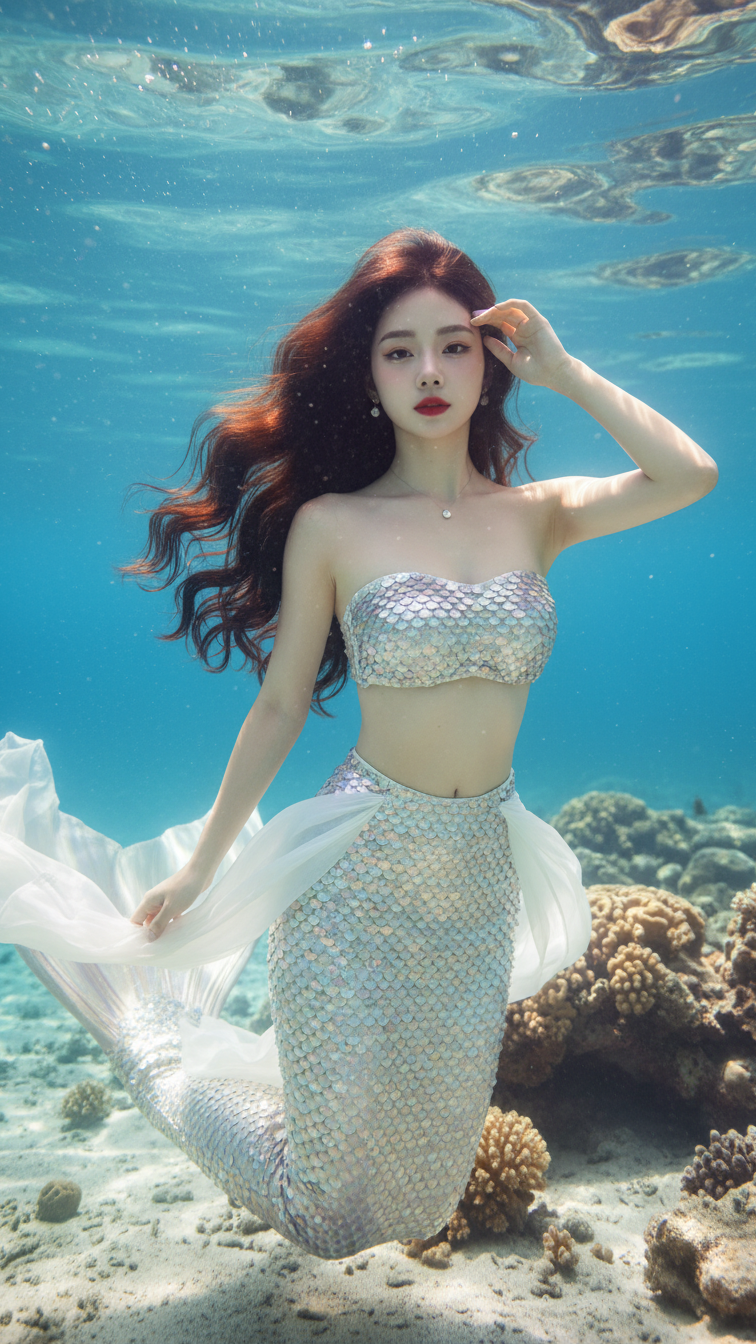
Prompt 2395: Create a realistic portrait of a young woman (face 100% identical to the original...
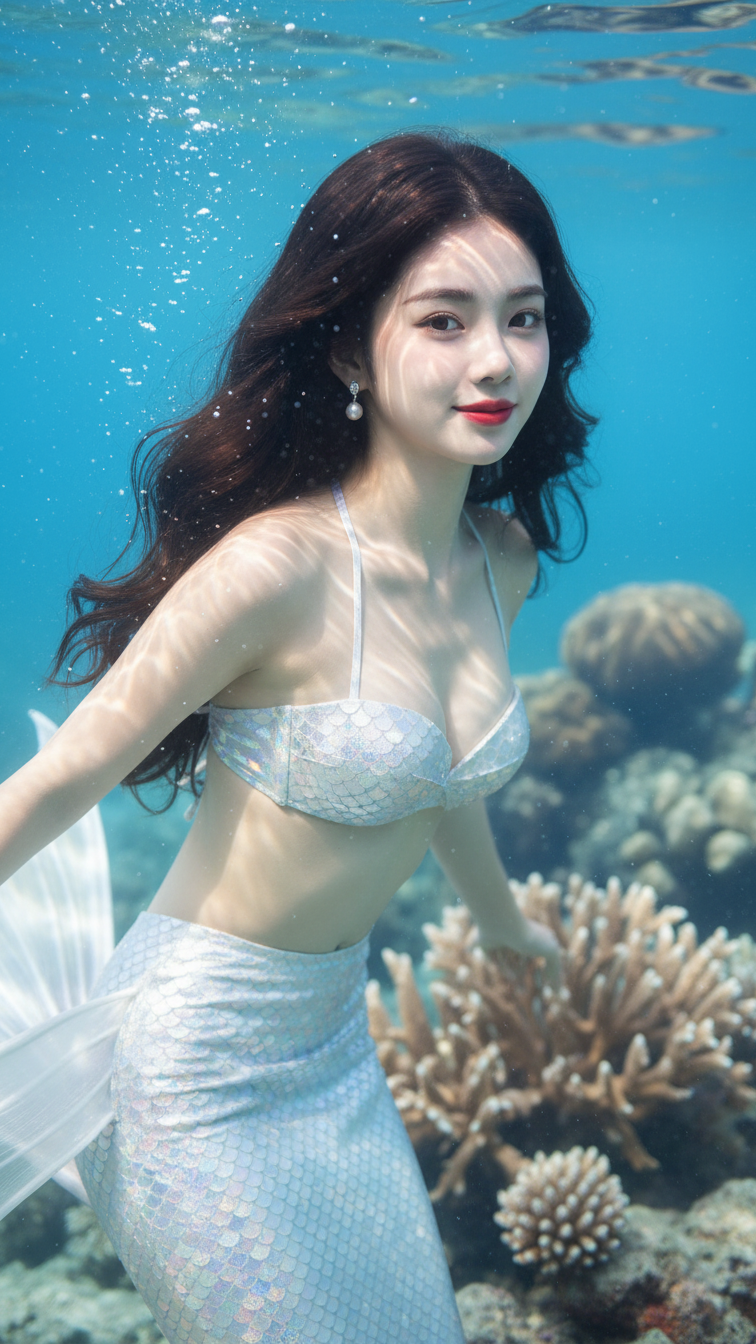
Prompt 2394: Create a realistic portrait of a young woman (face 100% identical to the original...
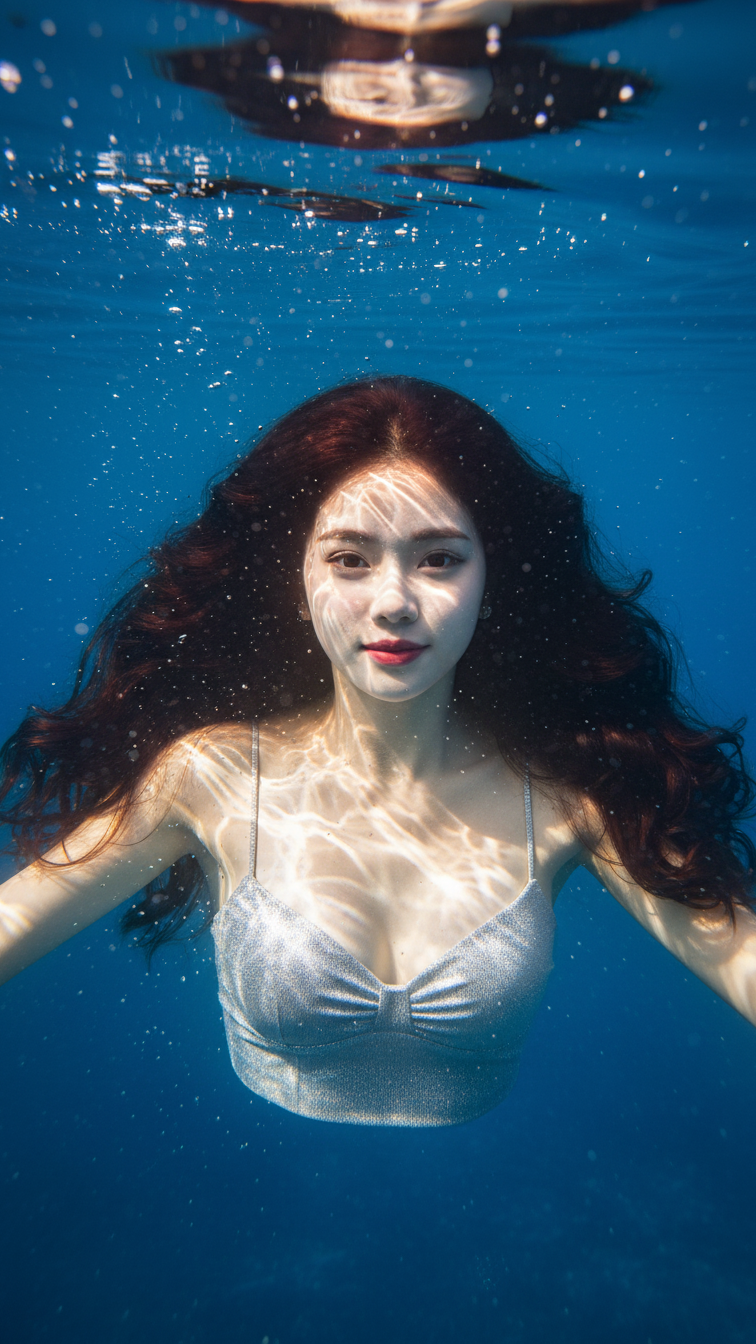
Prompt 2393: Create a realistic portrait of a young woman (face 100% identical to the original...
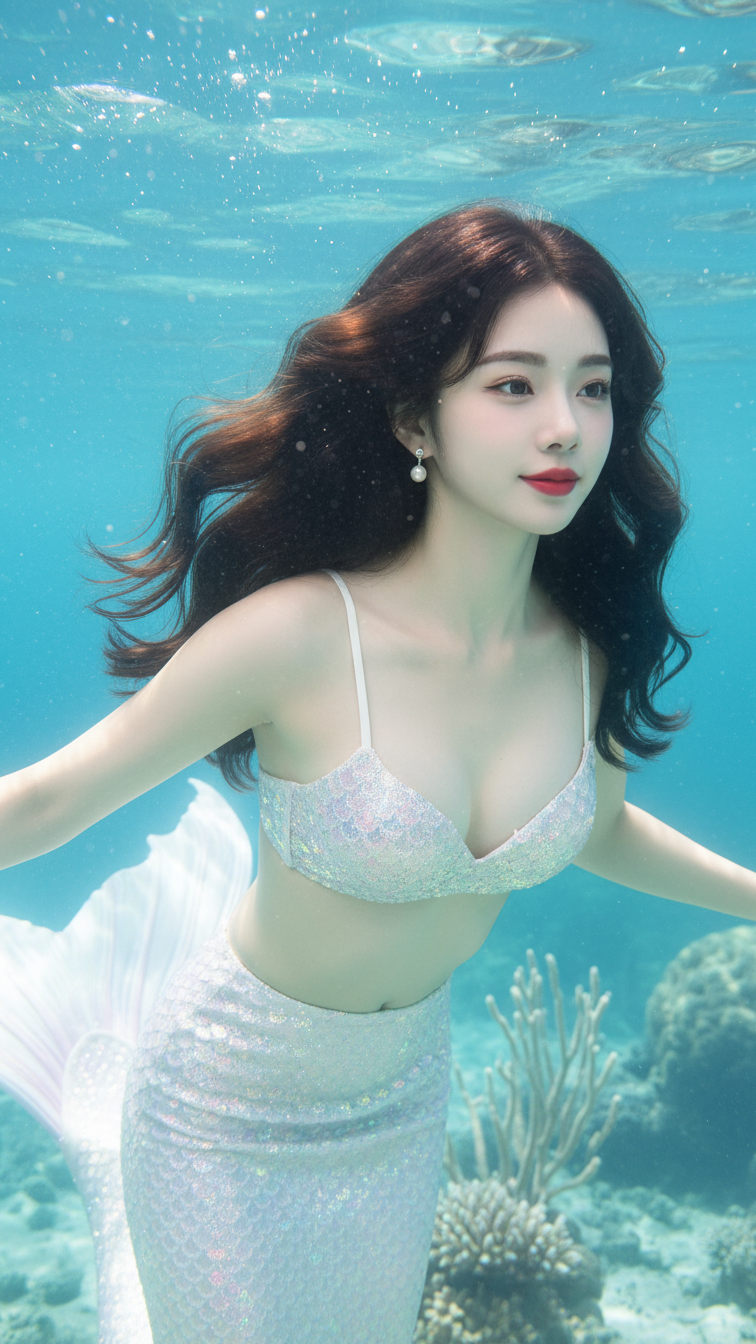
Prompt 2392: Create a realistic portrait of a young woman (face 100% identical to the original...
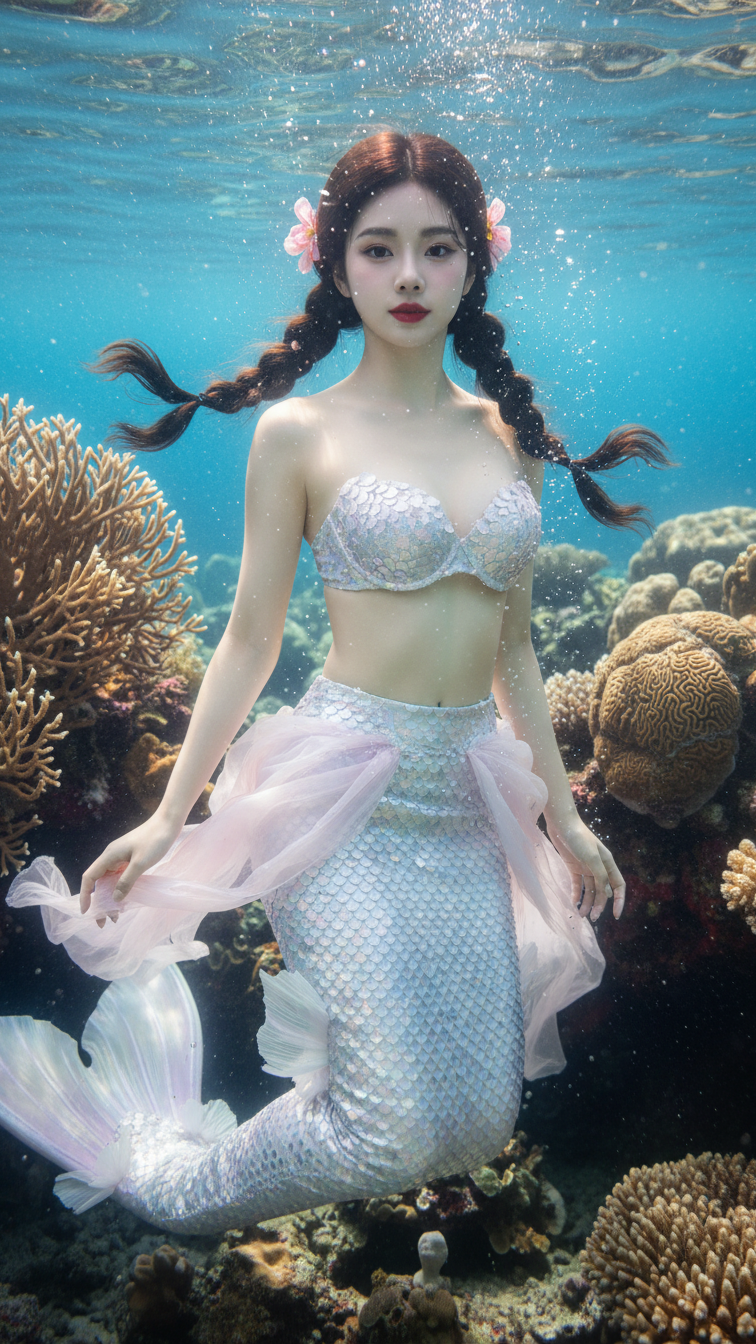
Prompt 2391: Create a realistic portrait of a young woman (face 100% identical to the original...
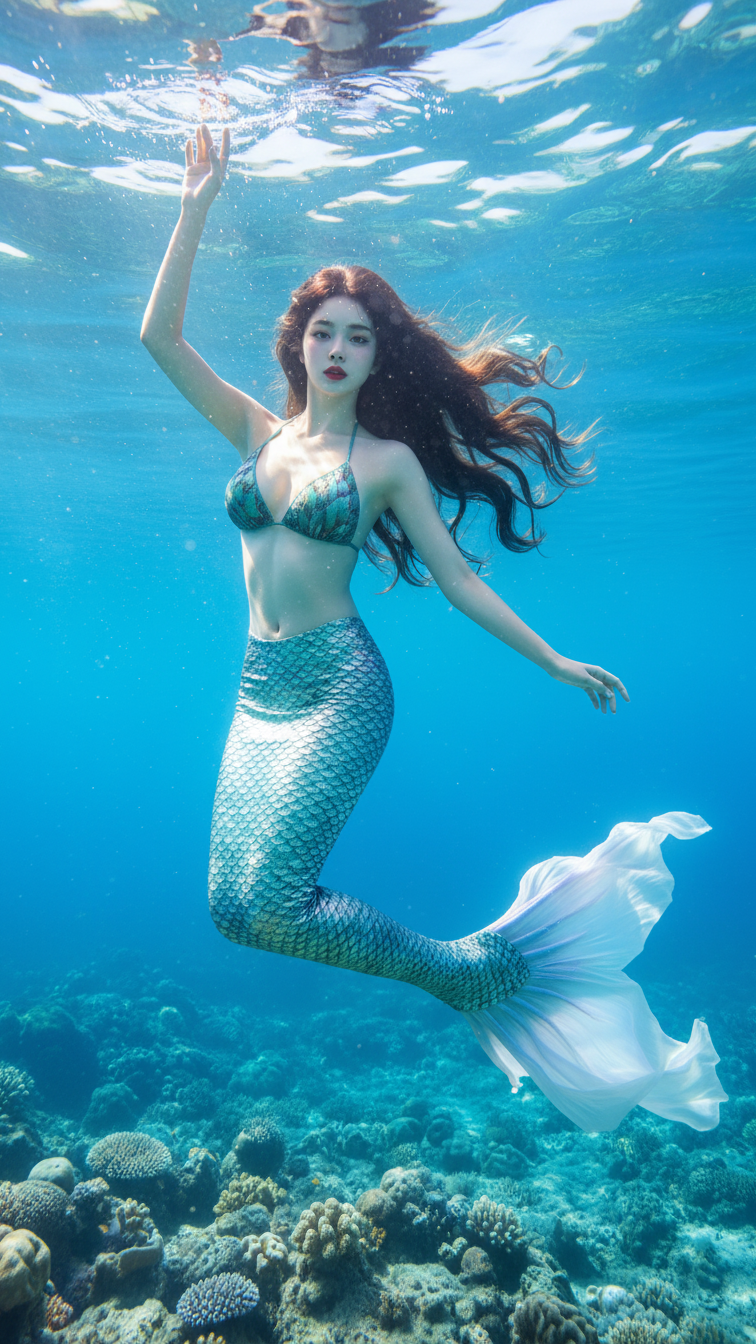
Prompt 2390: Create a realistic portrait of a young woman (face 100% identical to the original...
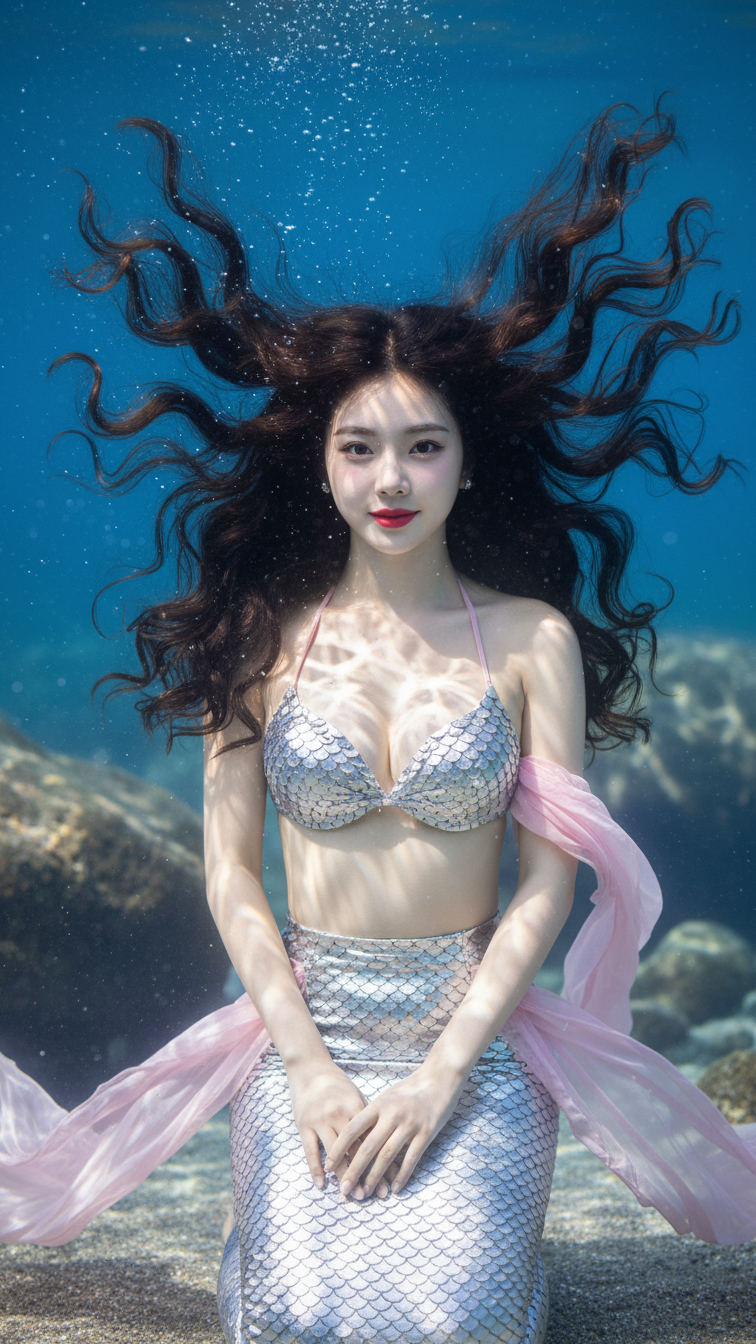
Prompt 2389: Create a realistic portrait of a young woman (face 100% identical to the original...
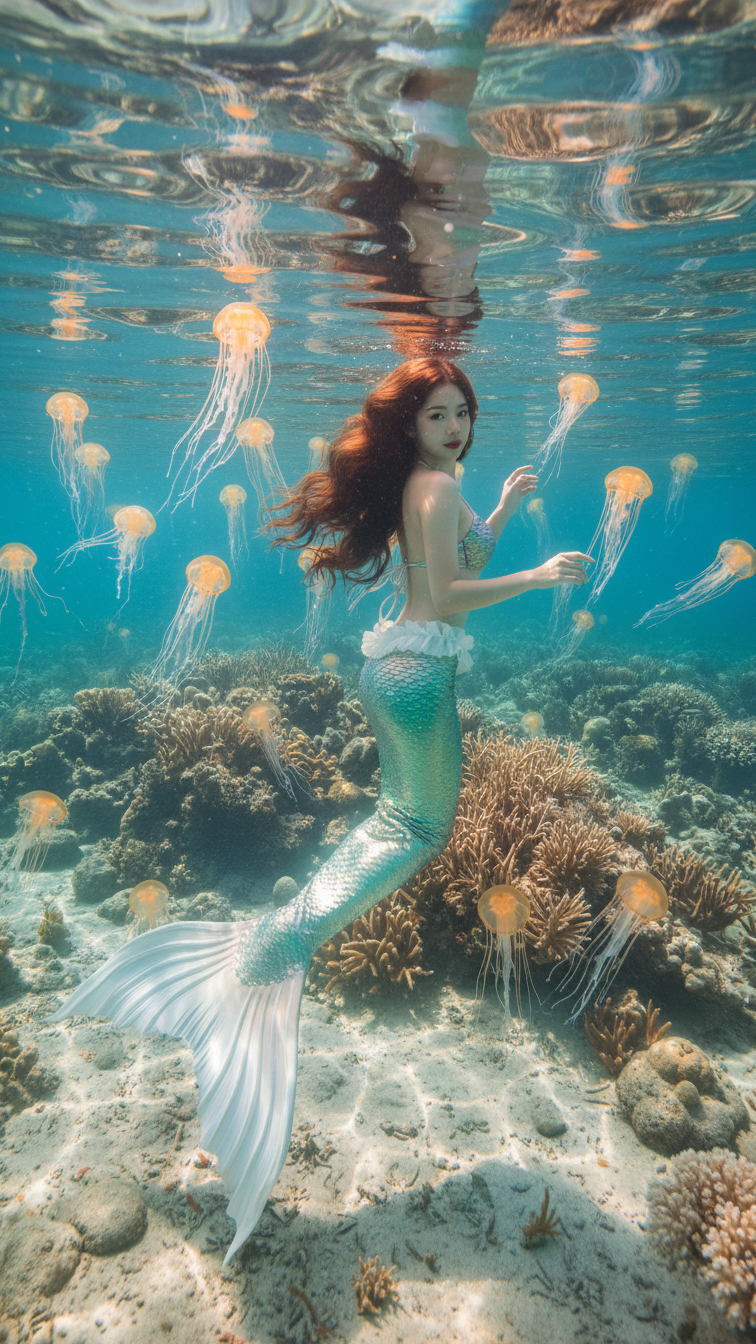
Prompt 2388: Create a realistic portrait of a young woman (face 100% identical to the original...
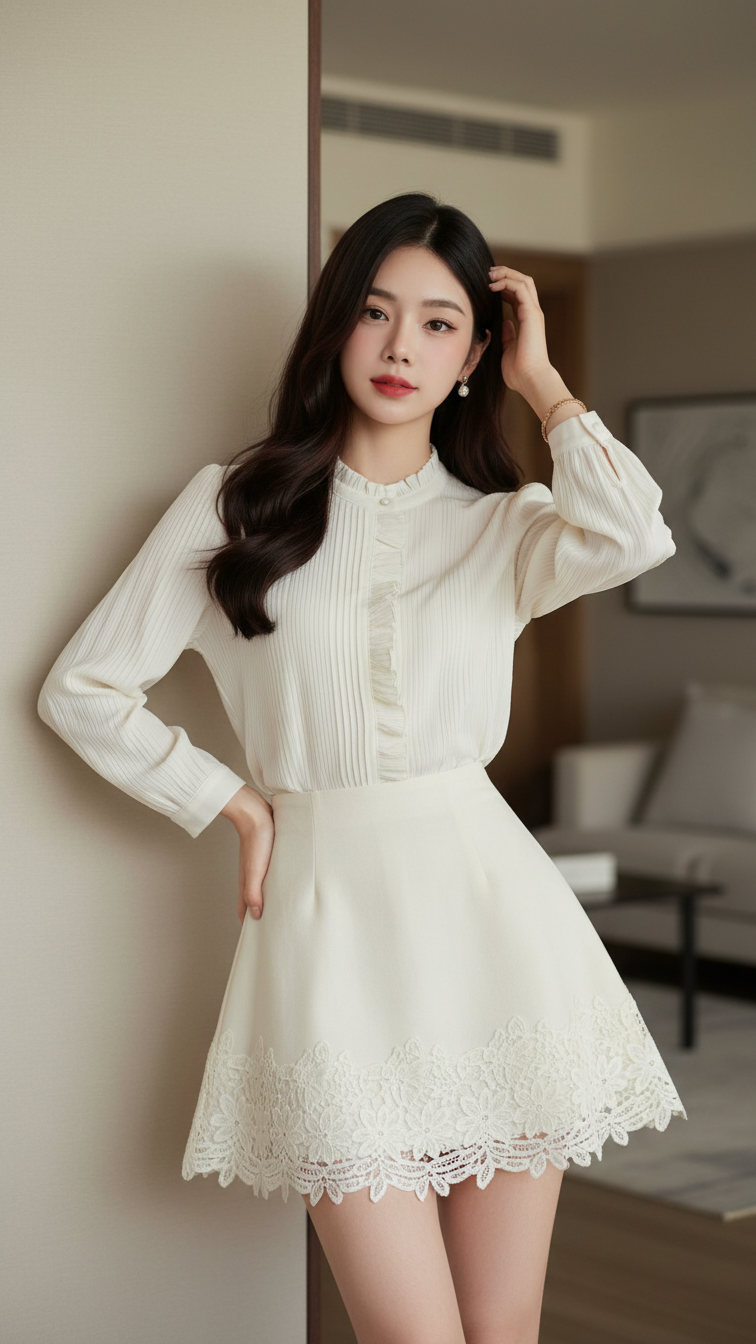
Prompt 2387: Create a realistic portrait of a young woman (face 100% identical to the original...
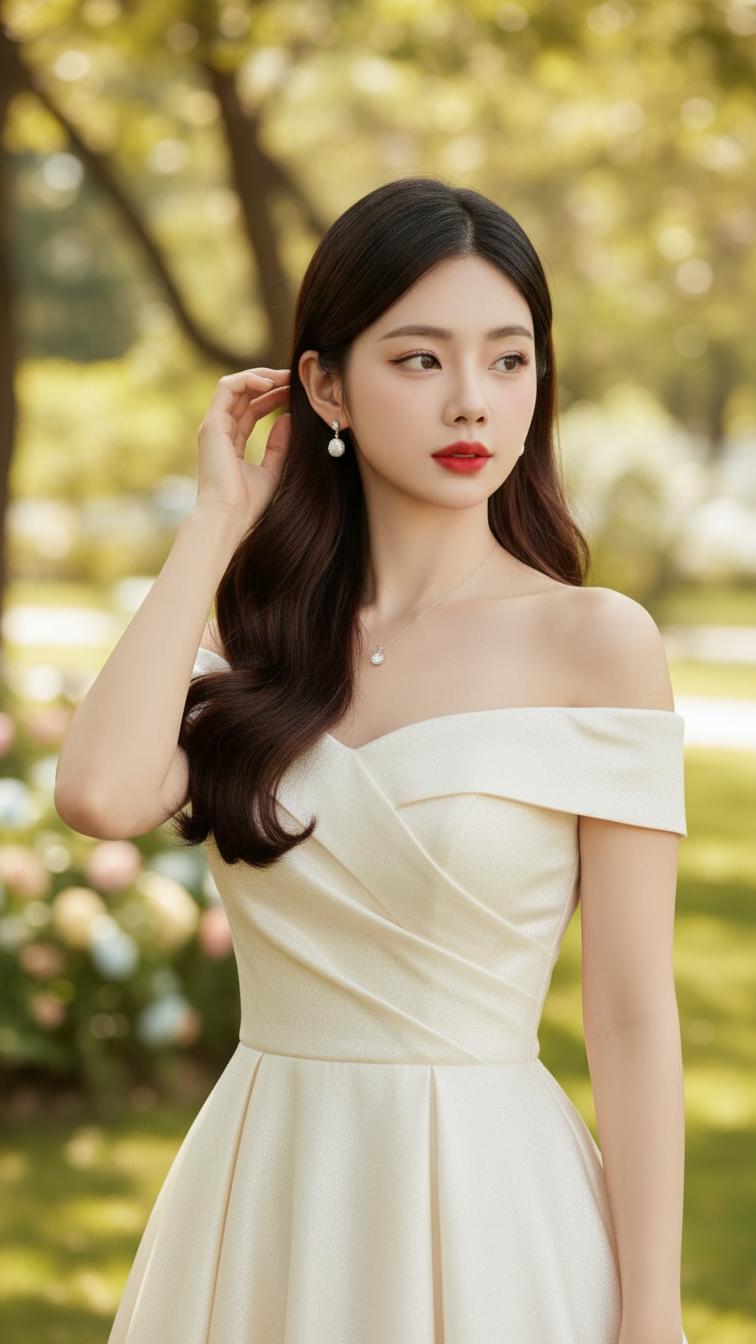
Prompt 2386: Create a realistic portrait of a young woman (face 100% identical to the original...
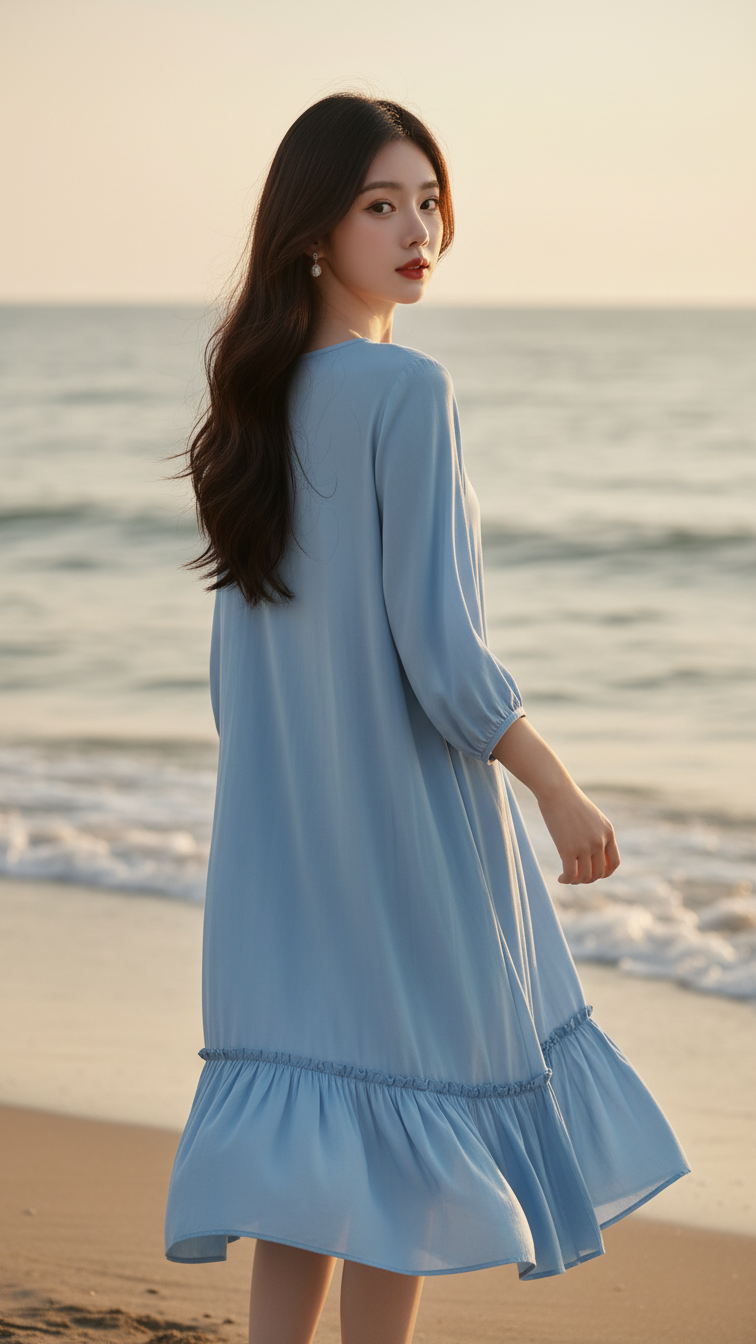
Prompt 2385: Create a realistic portrait of a young woman (face 100% identical to the original...
