
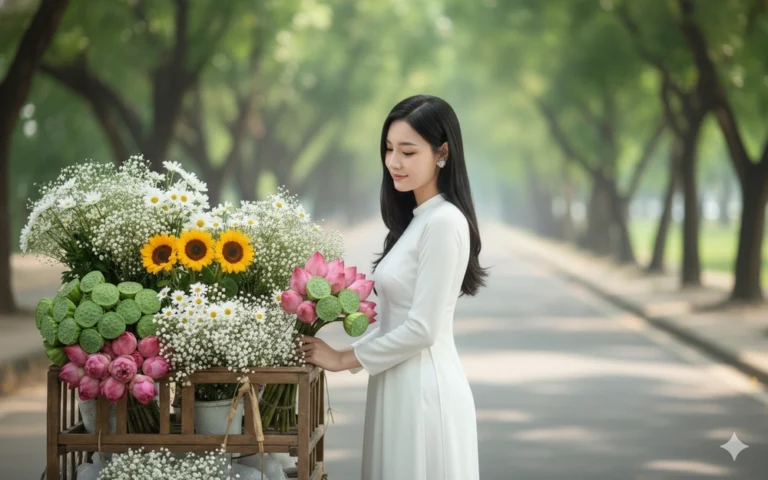
Prompt: Giữ nguyên khuôn mặt và biểu cảm tự nhiên của cô gái trong ảnh đã tải lên, không thay đổi...
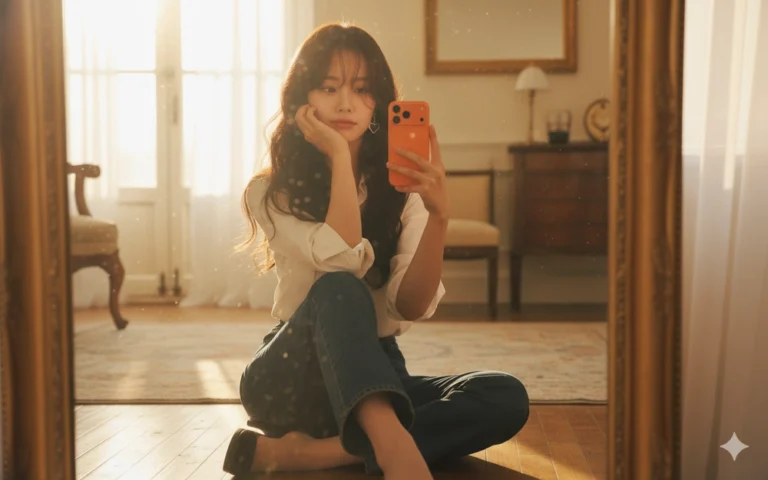
Prompt: Using the image given, create A photo of a young girl sitting elegantly on the floor...

Prompt: Transform the reference photo into a hyper-realistic, high-resolution studio portrait...

Prompt: Transform the reference photo into a hyper-realistic, high-resolution studio portrait...

Prompt: Transform the reference photo into a hyper-realistic, high-resolution studio portrait...
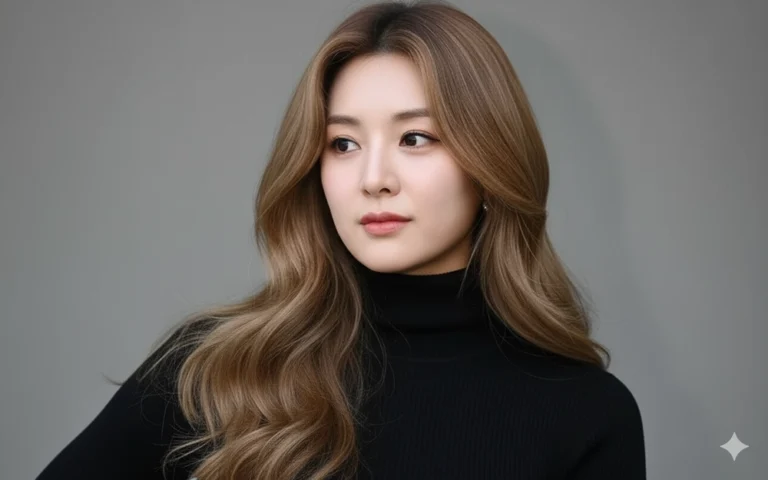
Prompt: Transform the reference photo into a hyper-realistic, high-resolution studio portrait...

Prompt: Transform the reference photo into a hyper-realistic, high-resolution studio portrait...

Prompt: Transform the reference photo into a hyper-realistic, high-resolution studio portrait...

Prompt: A hyper-realistic half-body portrait of a young Vietnamese woman sitting on a small wooden...
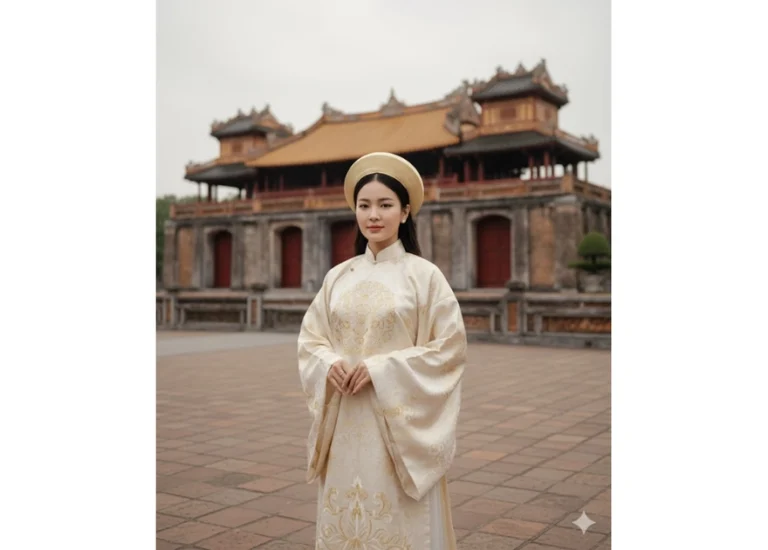
Prompt: A hyper-realistic full-body portrait of a young Vietnamese woman standing gracefully in...
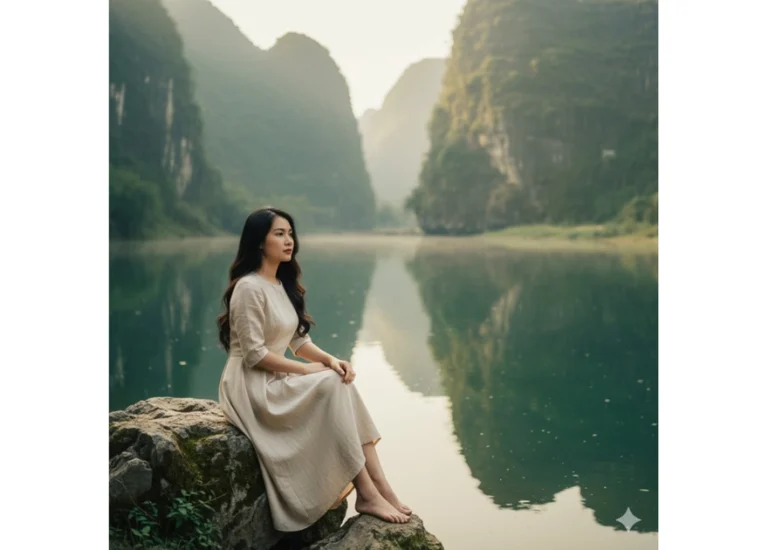
Prompt: A hyper-realistic portrait of a young Vietnamese woman sitting gracefully on a mossy stone...
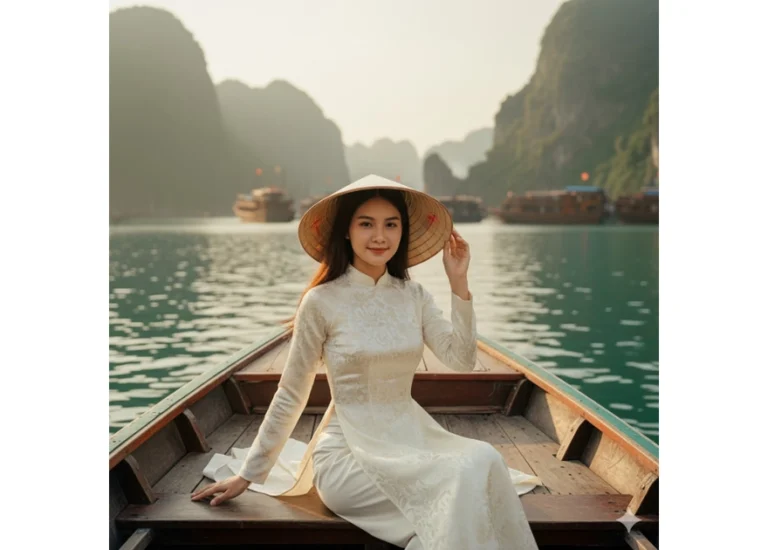
Prompt: A hyper-realistic portrait of a young Vietnamese woman sitting gracefully on a small wooden...
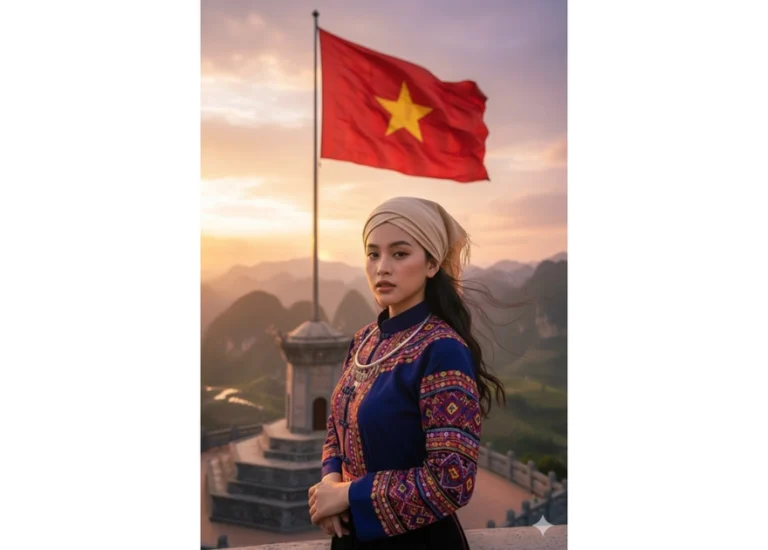
Prompt: A hyper-realistic full-body portrait of a young Vietnamese woman standing proudly on a...
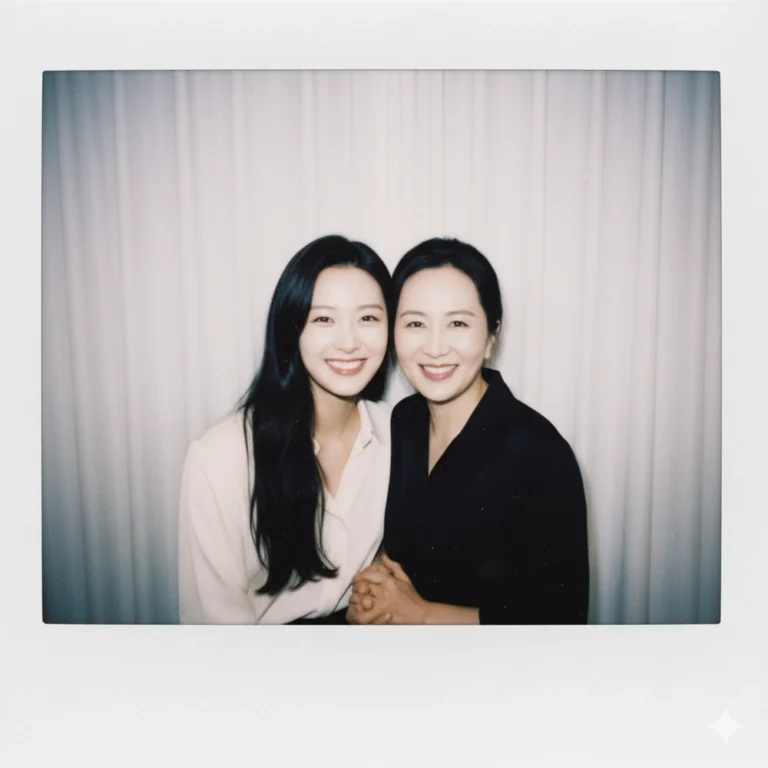
Prompt: Kết hợp hai bức ảnh này và tạo thành một bức ảnh giống như được chụp bằng máy ảnh Polaroid...
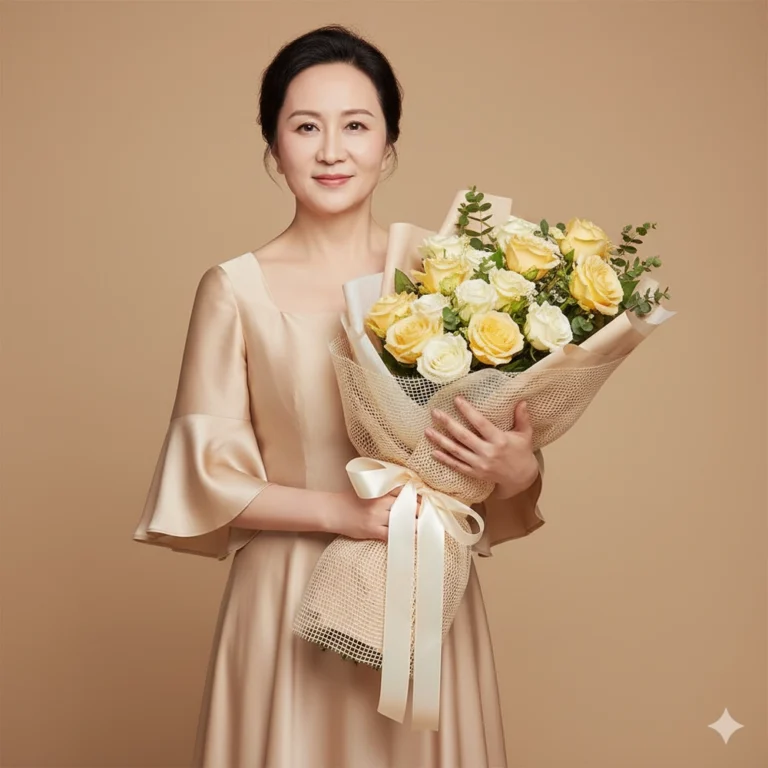
Prompt: Keep the facial features from the uploaded image. create An ultra-sharp 8k studio portrait...

Prompt: A cozy studio portrait of a mother and daughter/son sharing a warm embrace. The mother (Do...
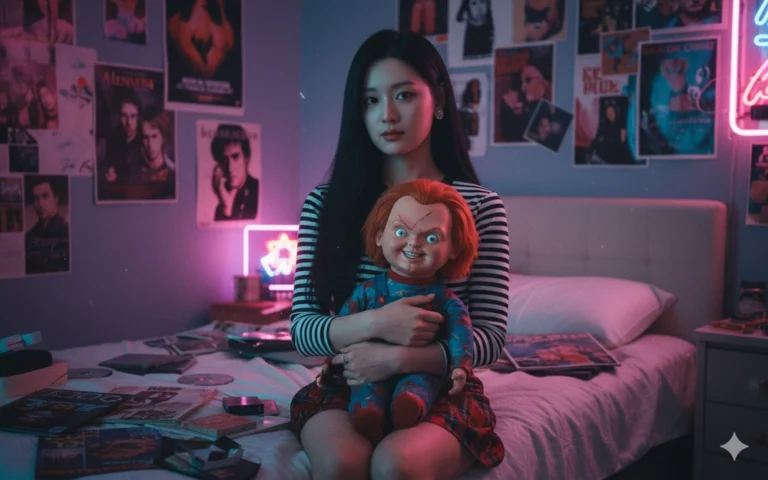
Prompt: Use the uploaded face without altering any features. Scene: a 90s-style bedroom decorated in...

Prompt: Use the image attached. Create a realistic portrait of a beautiful woman. This is a highly...
