
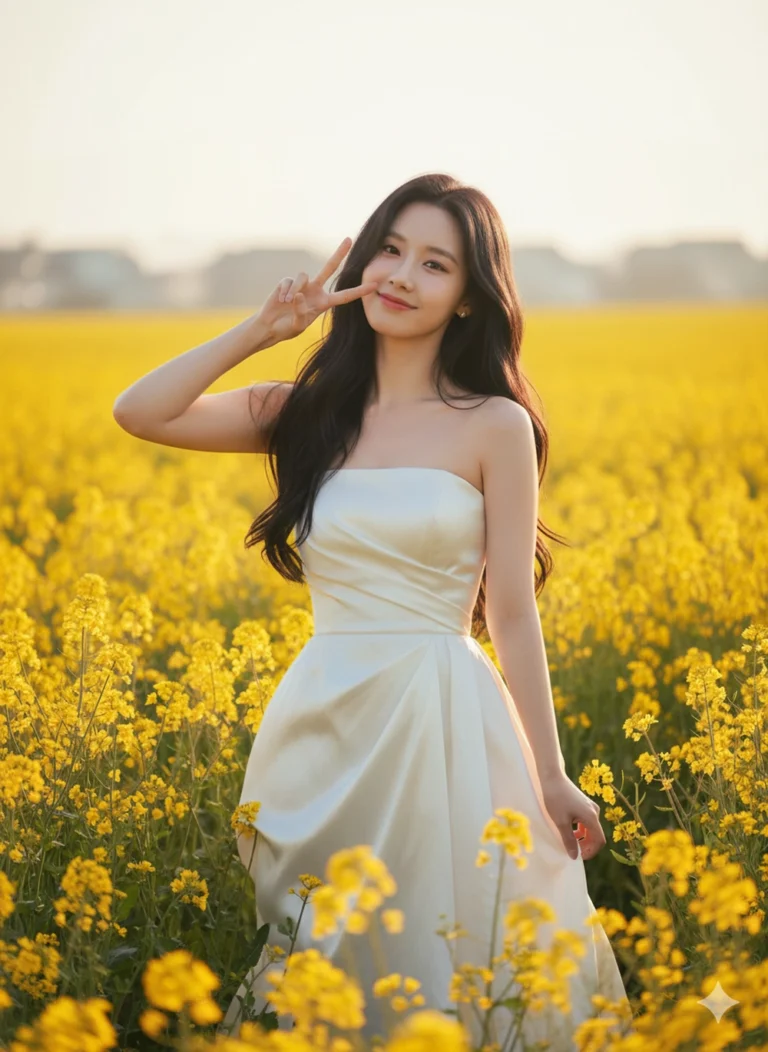
Prompt: Original face from uploaded photo. A cheerful Asian woman stands in the middle of a bright...
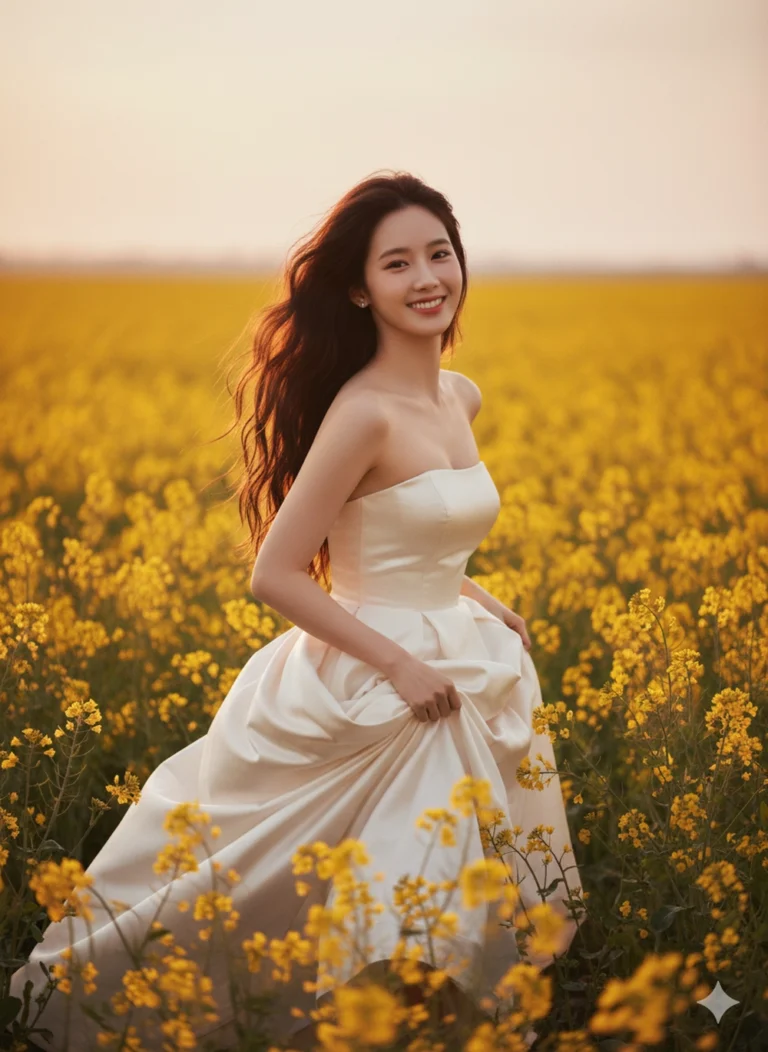
Prompt: Preserve the original face from the uploaded photo. A cinematic portrait of a young woman...
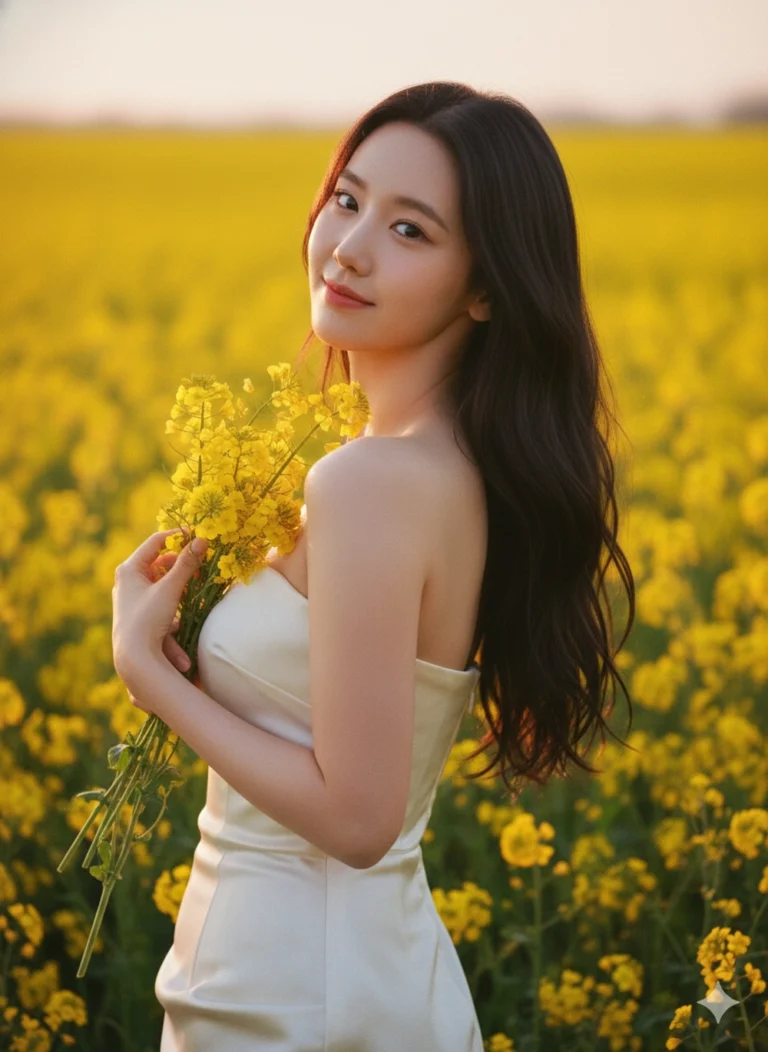
Prompt: Preserve the original face from the uploaded photo. Candid portrait of a beautiful Asian...
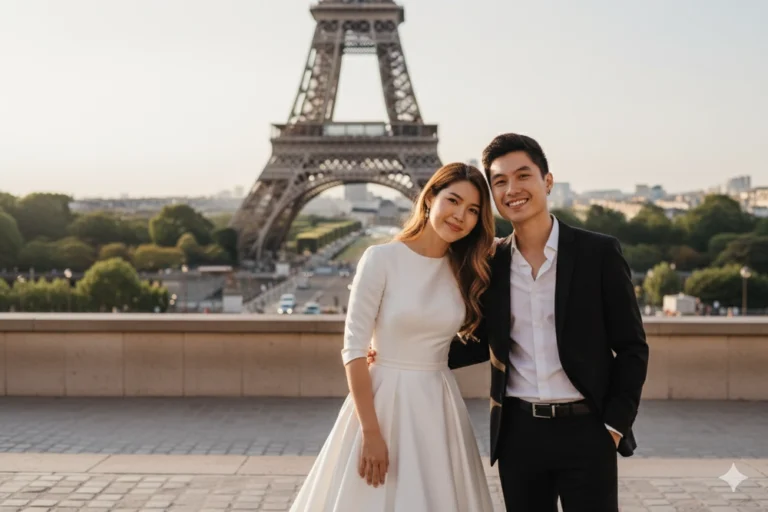
Prompt: Keep the same facial features and expressions as the uploaded reference image.) A stylish...

Prompt: Preserve the facial expression and face from the uploaded reference photo.) A cozy lifestyle...
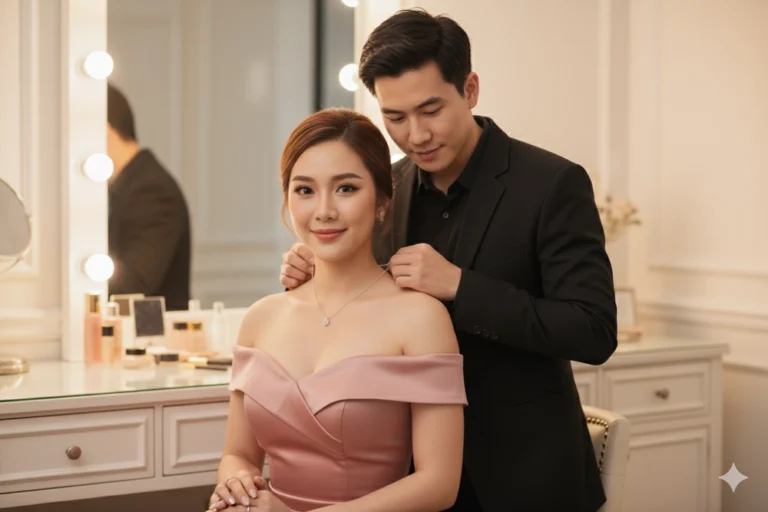
Prompt: Create an ultra-high-resolution, photorealistic waist-to-head portrait of a young adult...
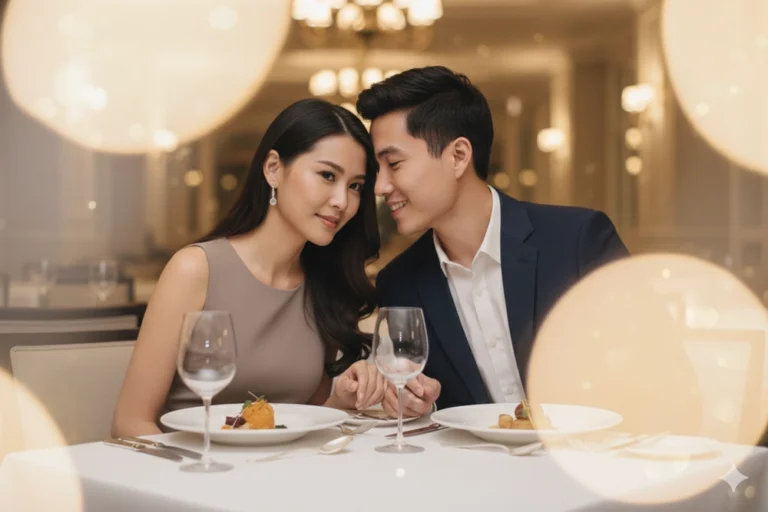
Prompt: Create a high-resolution, photorealistic, cinematic portrait of an elegant young couple...
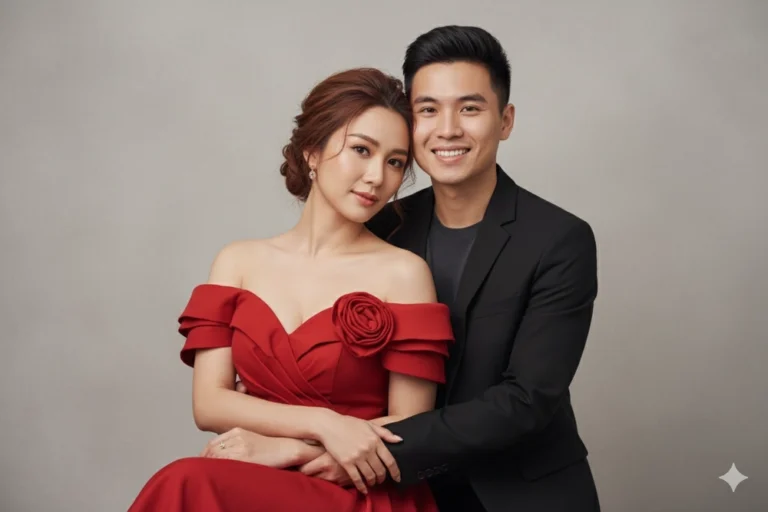
Prompt: Keep the exact facial expressions from the uploaded image. Create an ultra-high-resolution...

Prompt: Keep the exact facial expressions from the uploaded image. Create a romantic photo of a...
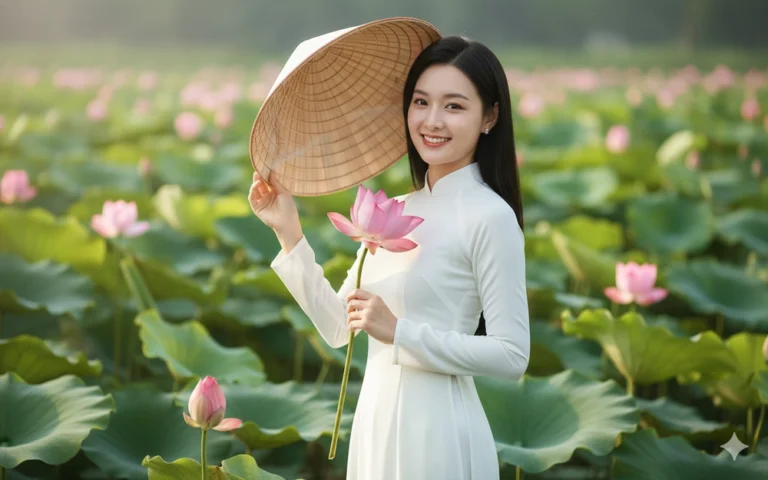
Prompt: Giữ nguyên khuôn mặt và biểu cảm tự nhiên của cô gái trong ảnh đã tải lên, không thay đổi...
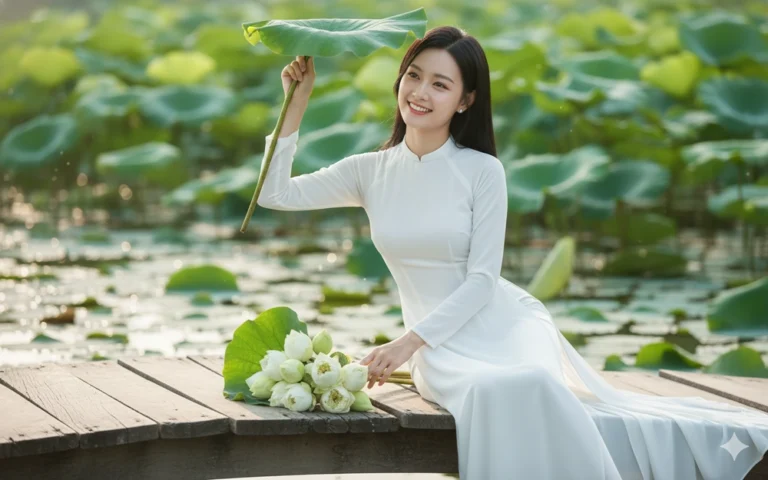
Prompt: Giữ nguyên khuôn mặt và biểu cảm tự nhiên của cô gái trong ảnh đã tải lên, không thay đổi...
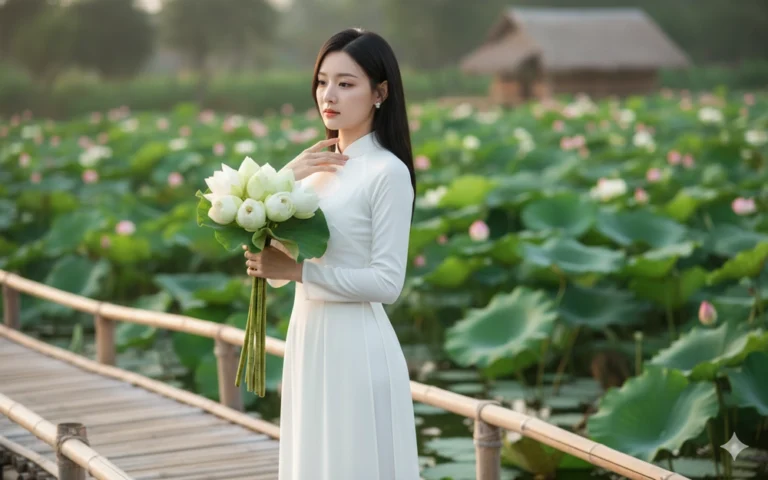
Prompt: Giữ nguyên khuôn mặt và biểu cảm tự nhiên của cô gái trong ảnh đã tải lên, không thay đổi...
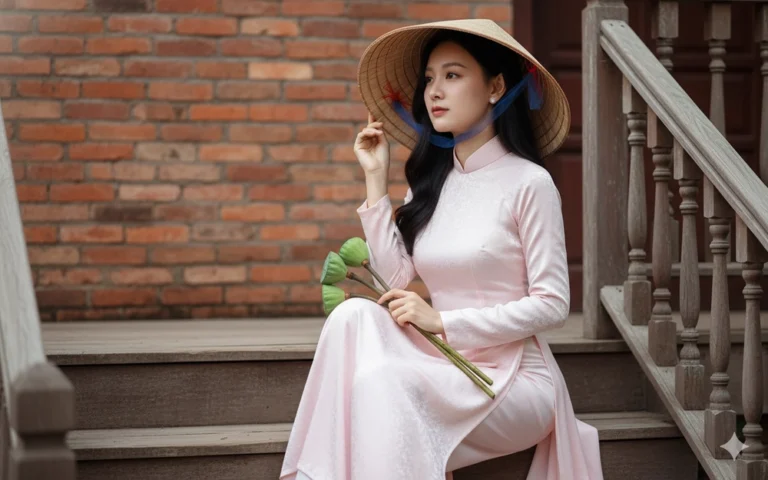
Prompt: Giữ nguyên khuôn mặt và biểu cảm tự nhiên của cô gái trong ảnh đã tải lên, không thay đổi...
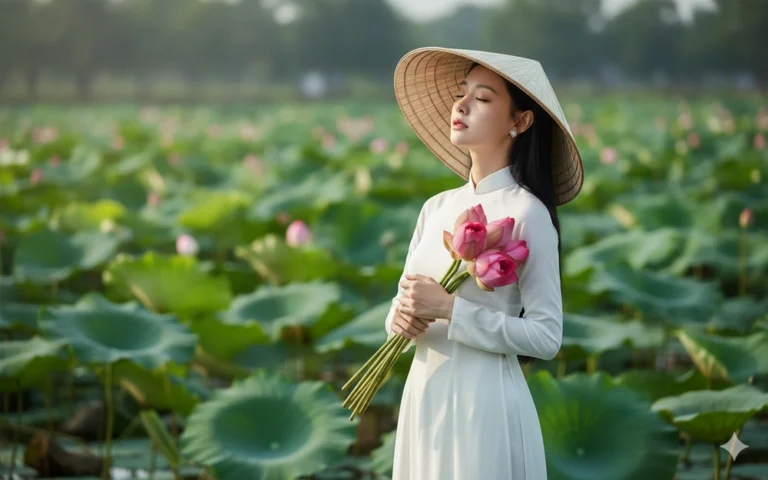
Prompt: Giữ nguyên khuôn mặt và biểu cảm tự nhiên của cô gái trong ảnh đã tải lên, không thay đổi...
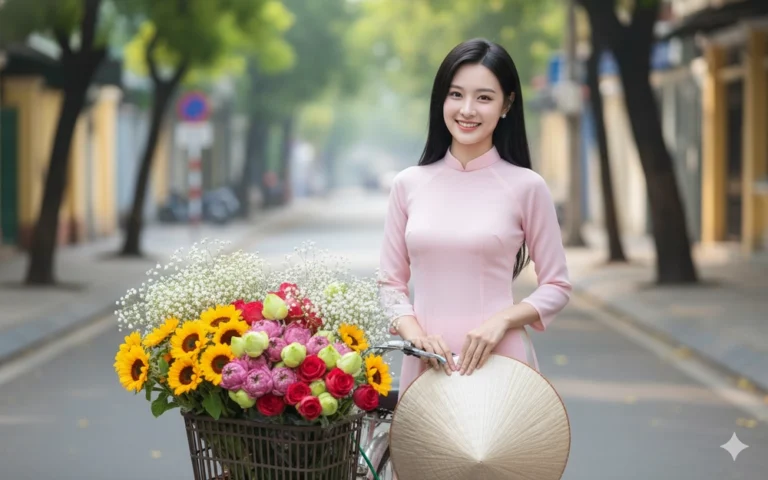
Prompt: Giữ nguyên khuôn mặt và biểu cảm tự nhiên của cô gái trong ảnh đã tải lên, không thay đổi...
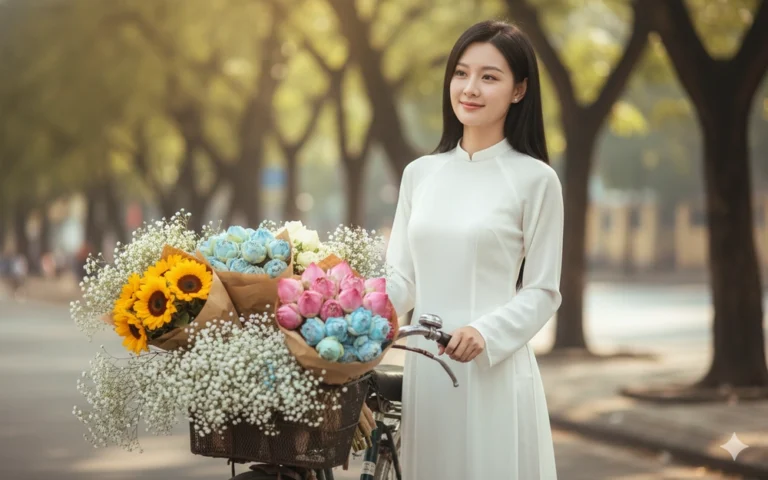
Prompt: Giữ nguyên khuôn mặt và biểu cảm tự nhiên của cô gái trong ảnh đã tải lên, không thay đổi...
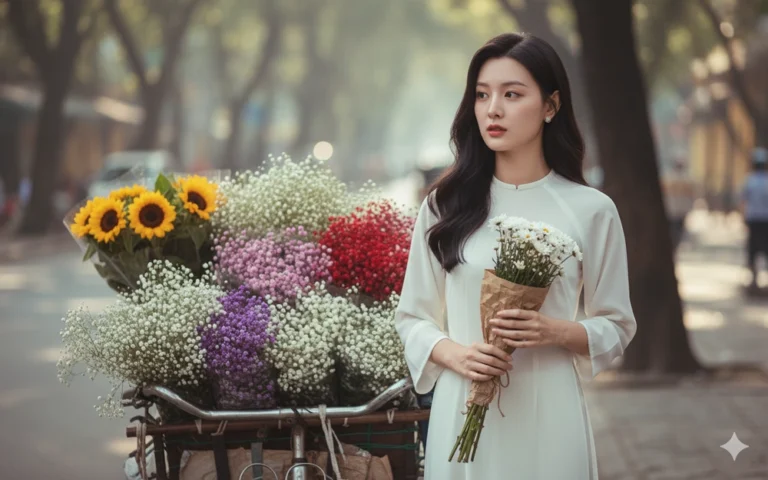
Prompt: Giữ nguyên khuôn mặt và biểu cảm tự nhiên của cô gái trong ảnh đã tải lên, không thay đổi...
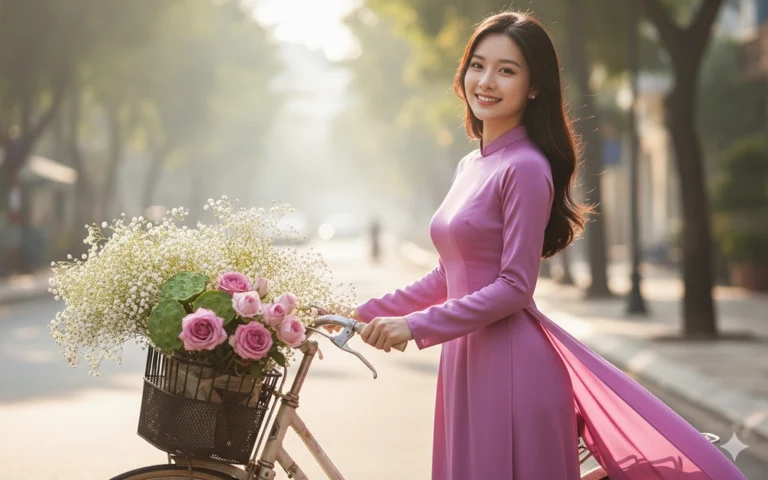
Prompt: Giữ nguyên khuôn mặt và biểu cảm tự nhiên của cô gái trong ảnh đã tải lên, không thay đổi...
