
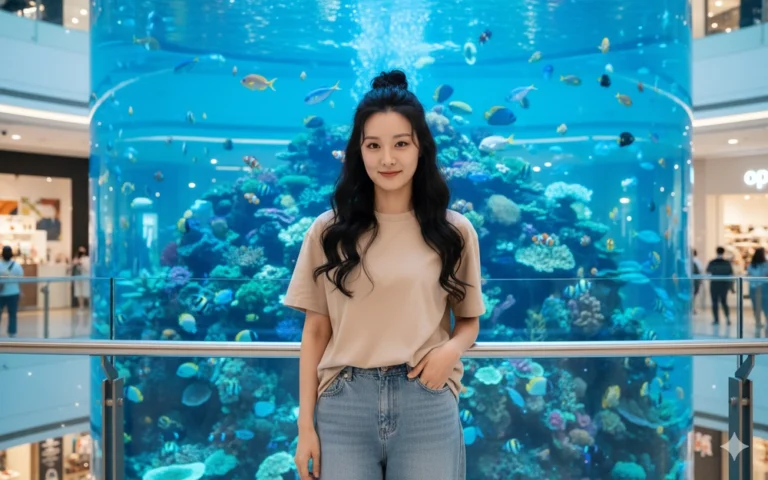
Prompt: Recreate the image with the face kept from the uploaded photo. The girl stands in front of a...
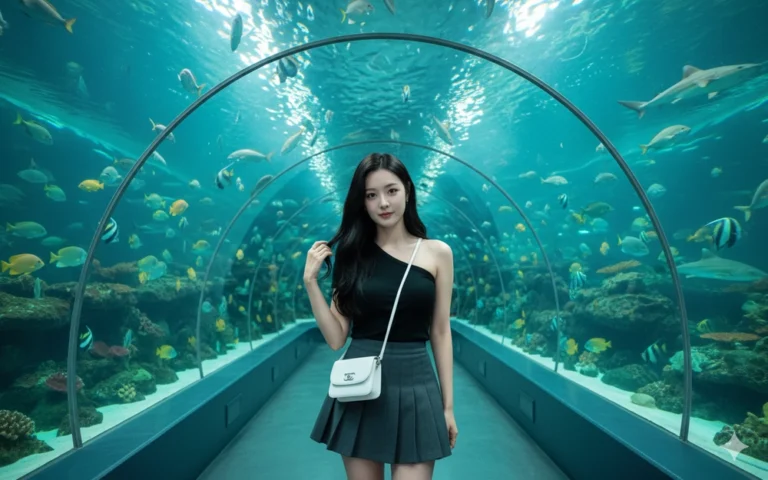
Prompt: Recreate the image with the face kept from the uploaded photo. The girl stands in the...
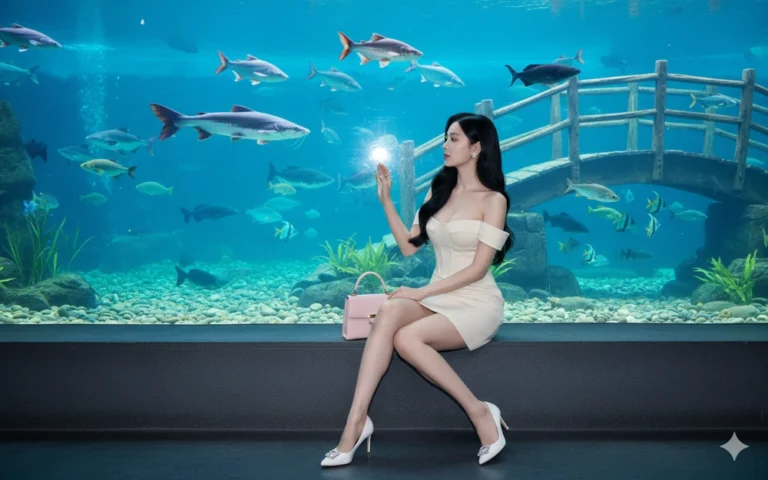
Prompt: Keep the original face from the uploaded image. The photo is taken inside an indoor...
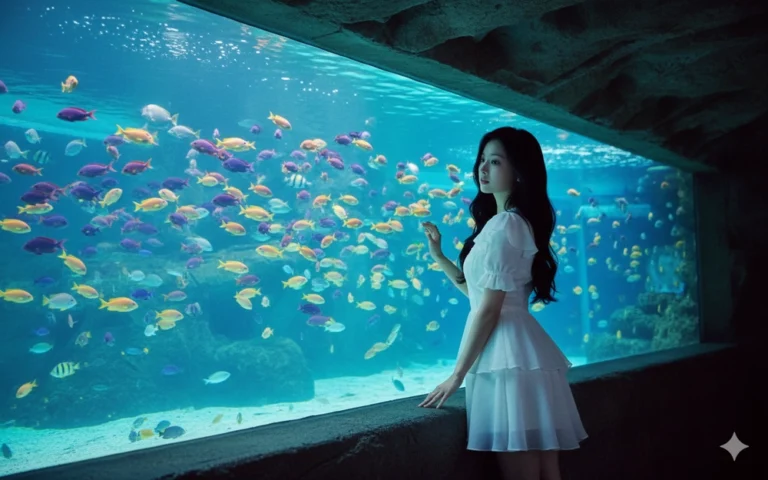
Prompt: Keep the original face from the uploaded image. A woman inside an indoor aquarium, standing...
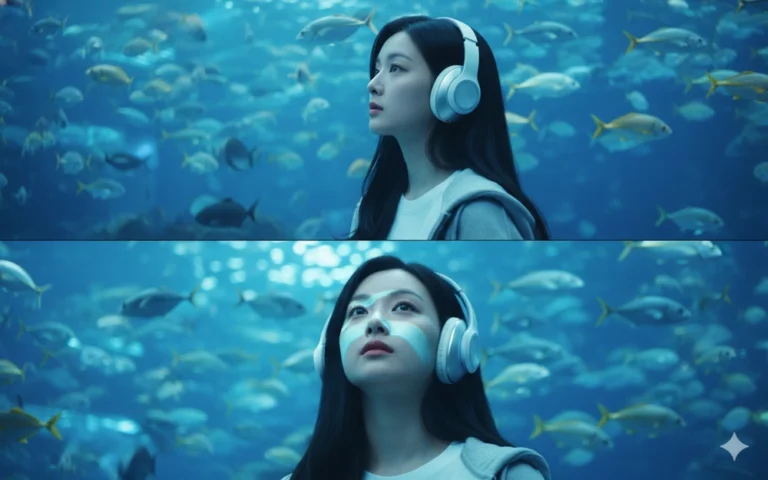
Prompt: Keep the original face from the uploaded image. The picture consists of two frames in one...
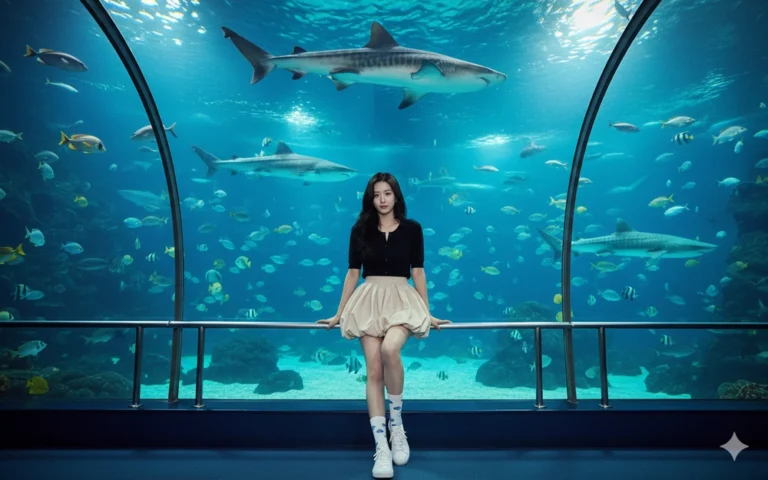
Prompt: Recreate the image with the exact same face from the uploaded photo. The girl is sitting on...
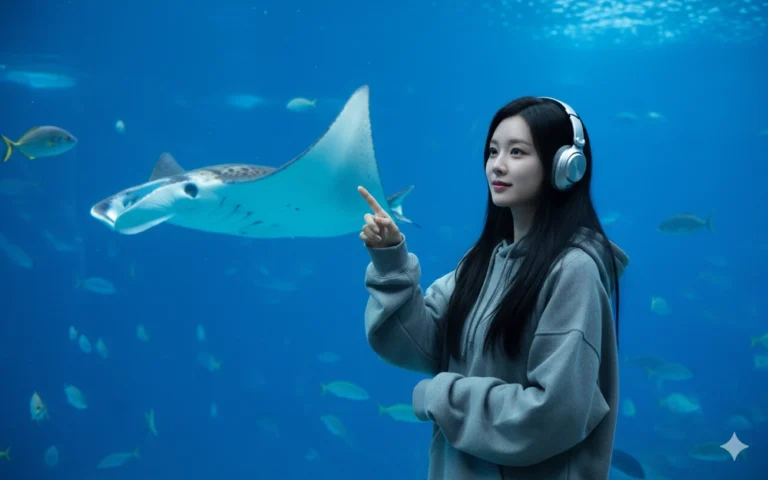
Prompt: Recreate the image with the exact same face from the uploaded photo. The girl is standing...
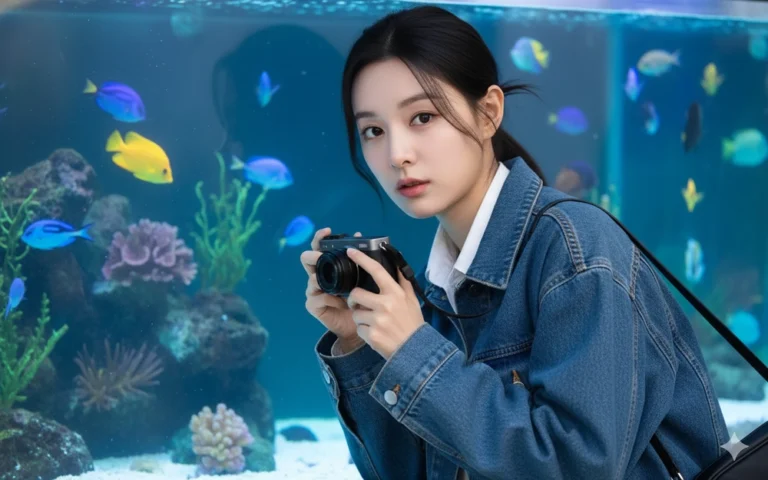
Prompt: Keep the exact same face from the uploaded image. Create a young woman slightly bending...
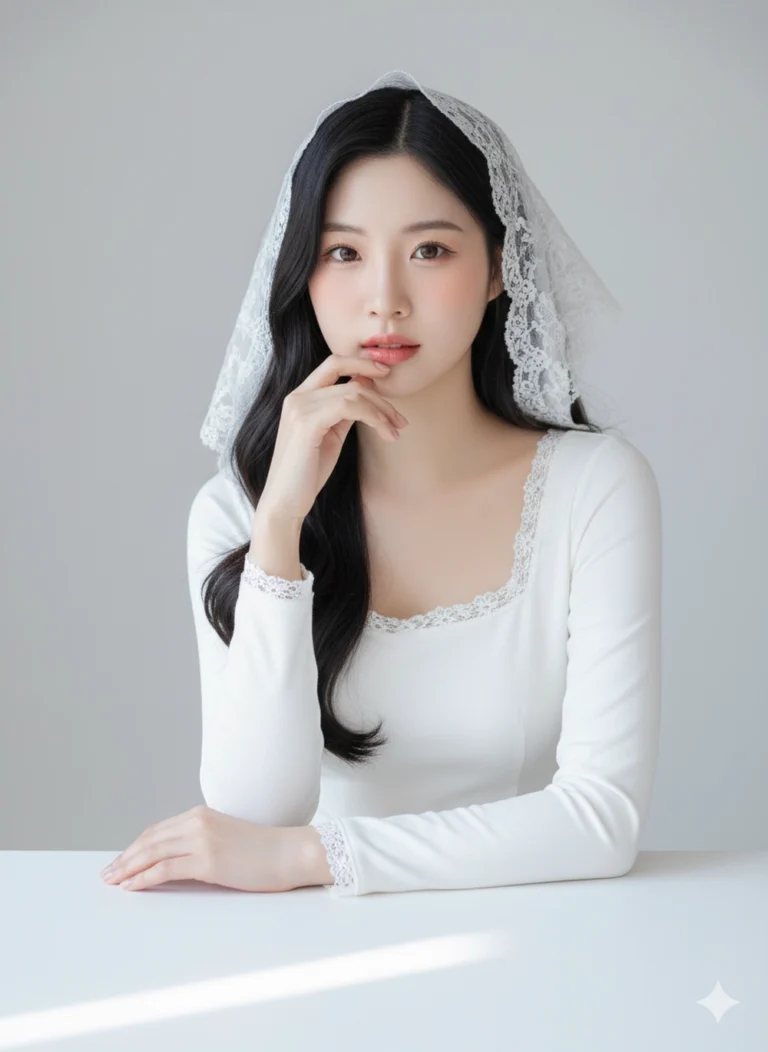
Prompt: Recreate the photo using the face from the uploaded photo. A soft, elegant studio portrait...
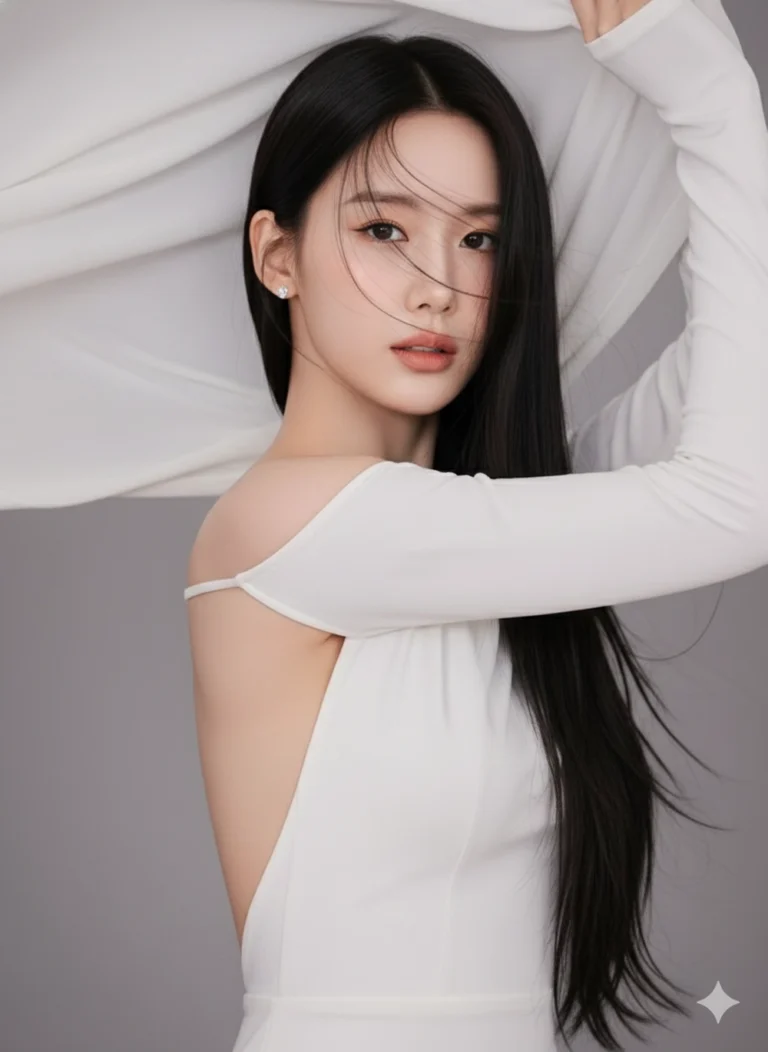
Prompt: Recreate the photo using the exact same face from the uploaded image. A stunning Asian woman...
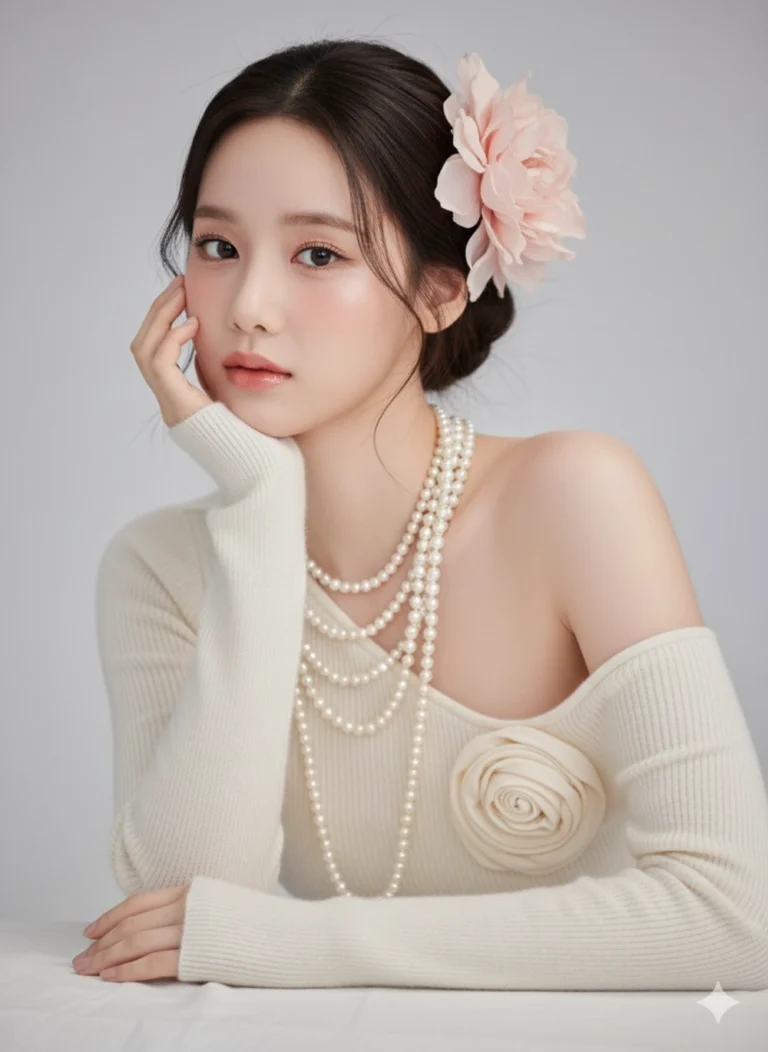
Prompt: A soft, high-resolution studio beauty portrait of a young Asian woman seated with a gentle...
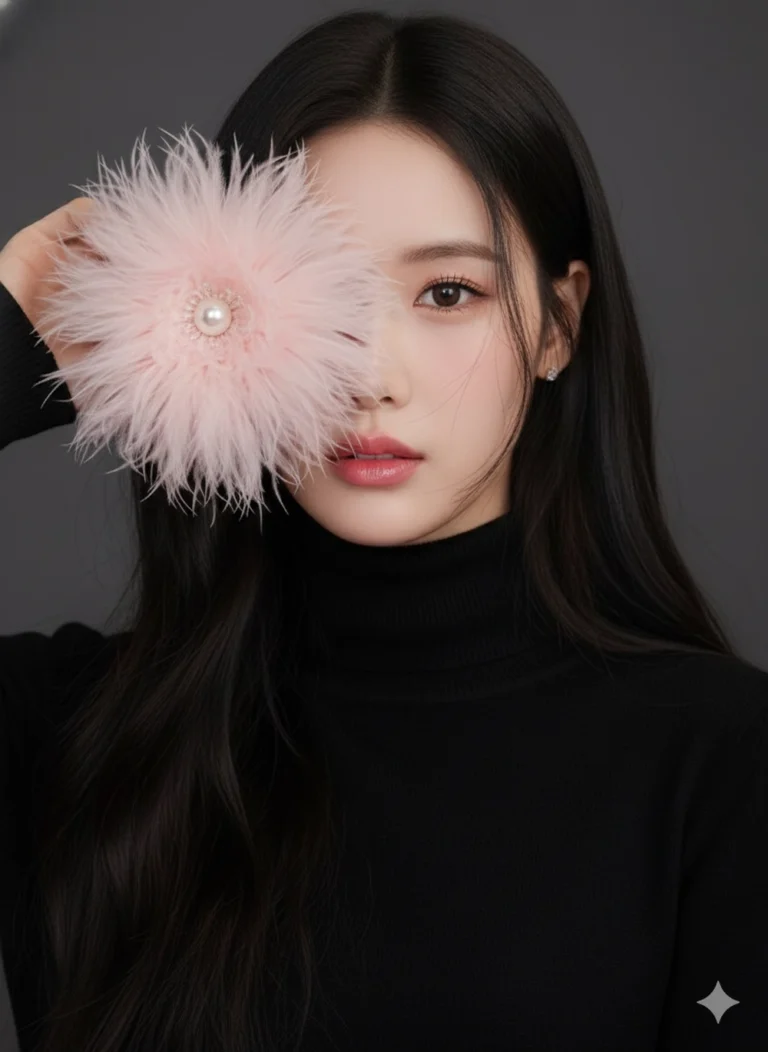
Prompt: Recreate the photo using the exact same face from the uploaded image. A close-up portrait of...
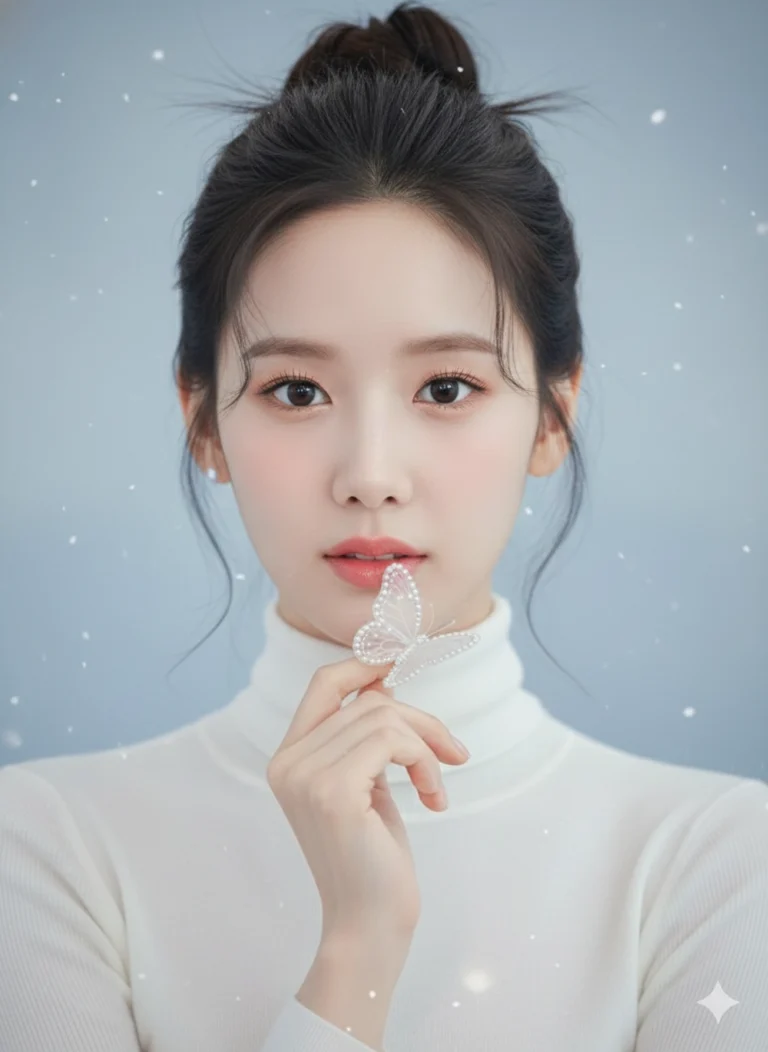
Prompt: Recreate the photo using the exact same face from the uploaded image. A close-up portrait of...
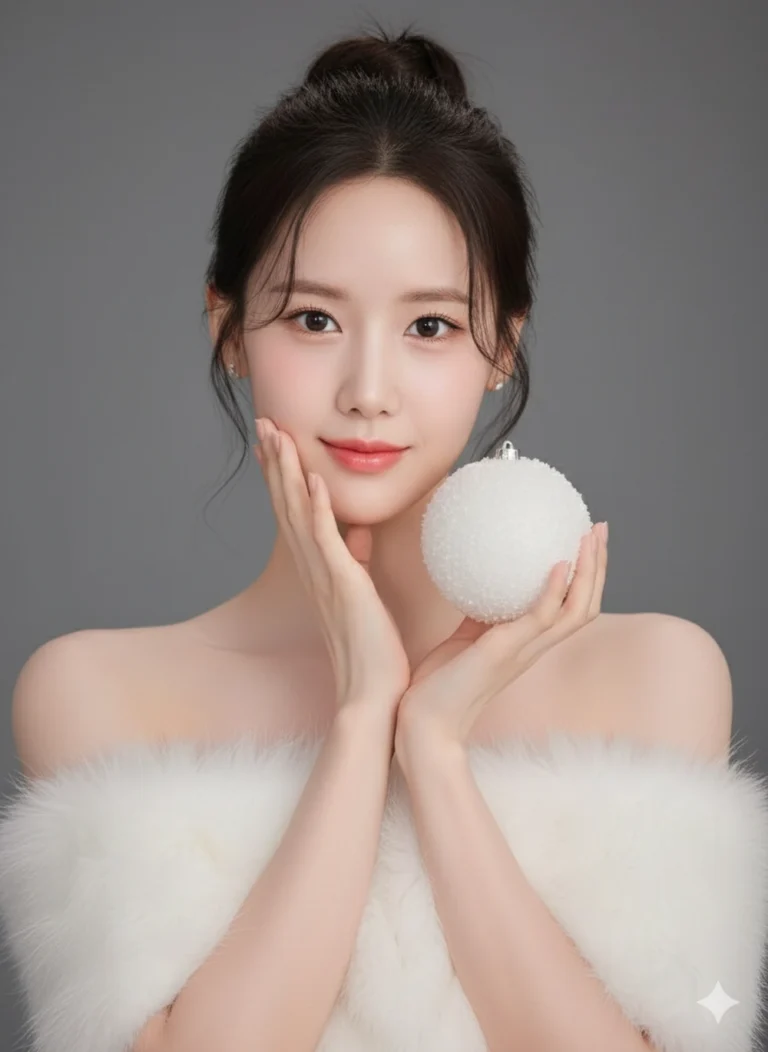
Prompt: Recreate the photo using the exact same face from the uploaded image. Portrait of a young...
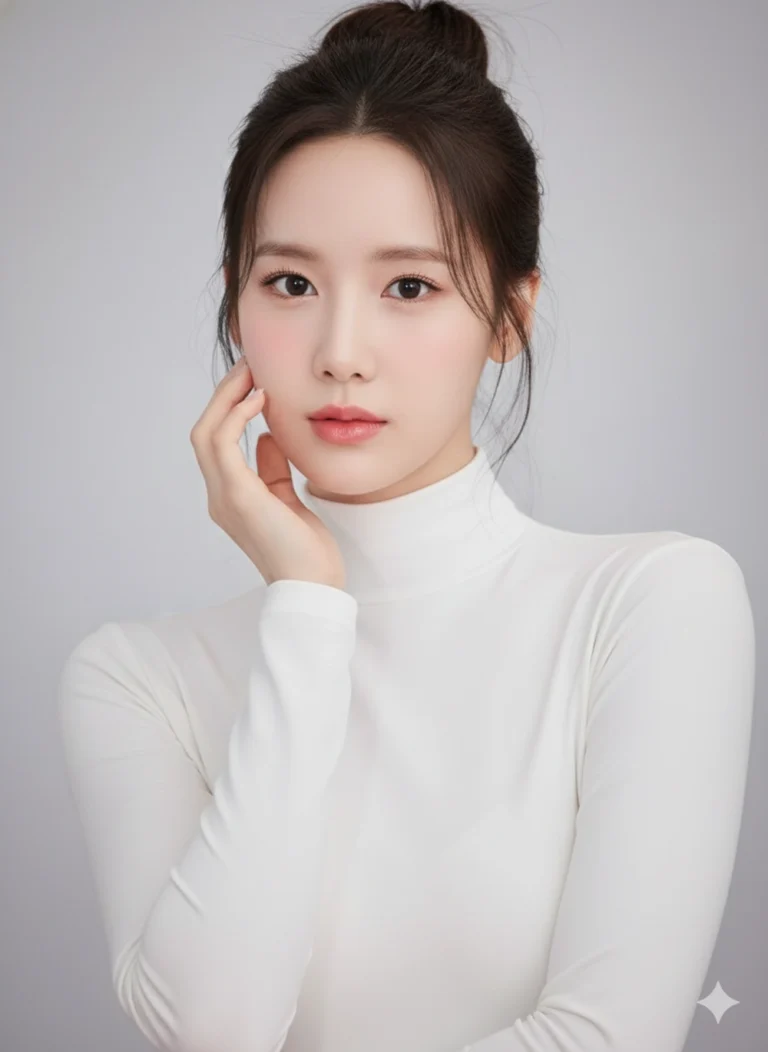
Prompt: Recreate the photo using the exact same face from the uploaded image. A soft, dreamy studio...
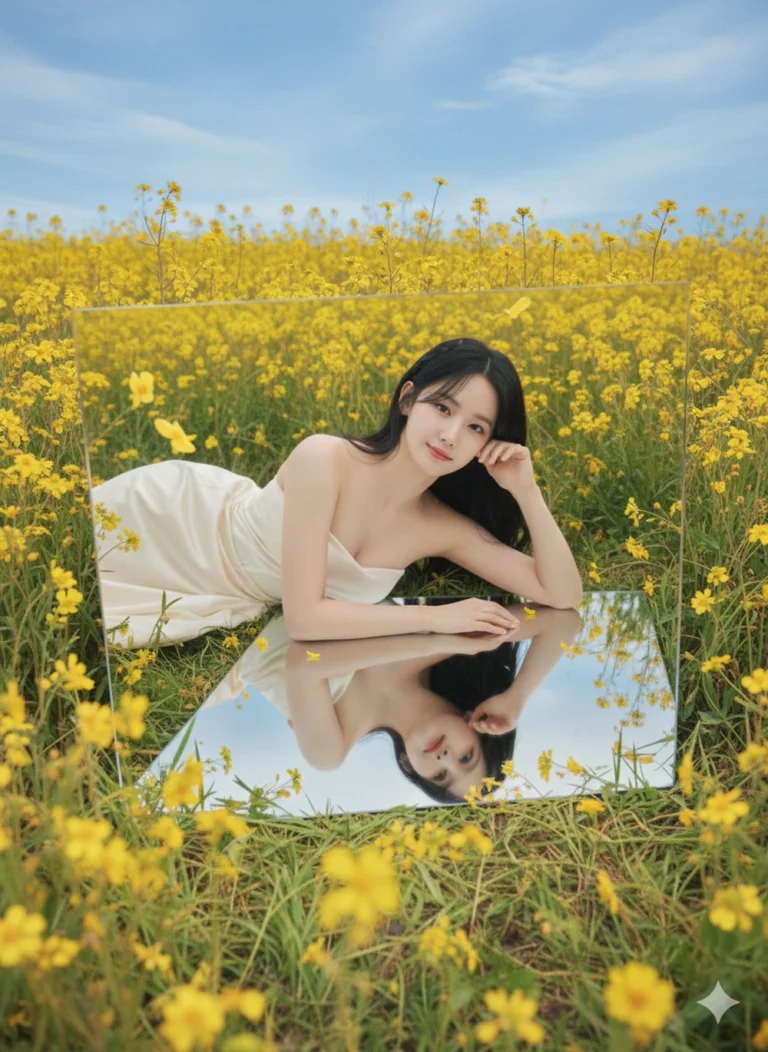
Prompt: Original face from uploaded photo. A dreamy aesthetic portrait of a young girl reflected in...
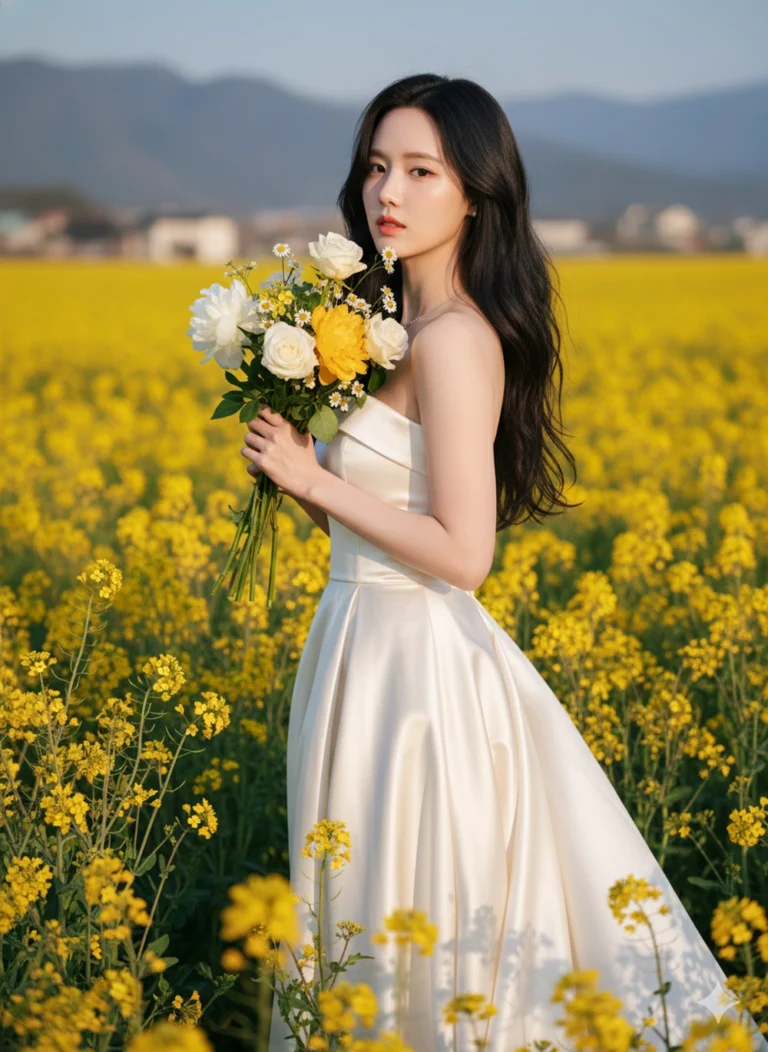
Prompt: Preserve the original face from the uploaded photo. A beautiful Asian woman standing in the...
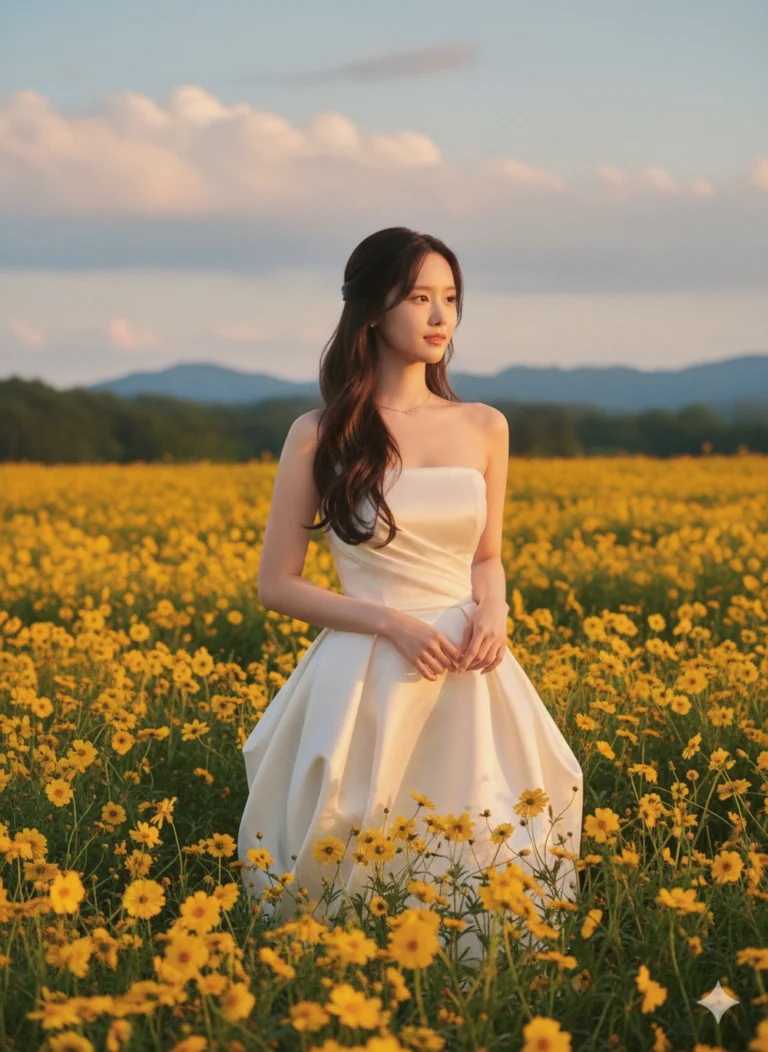
Prompt: The original face from the uploaded photo remains intact. A beautiful young woman with long...
