
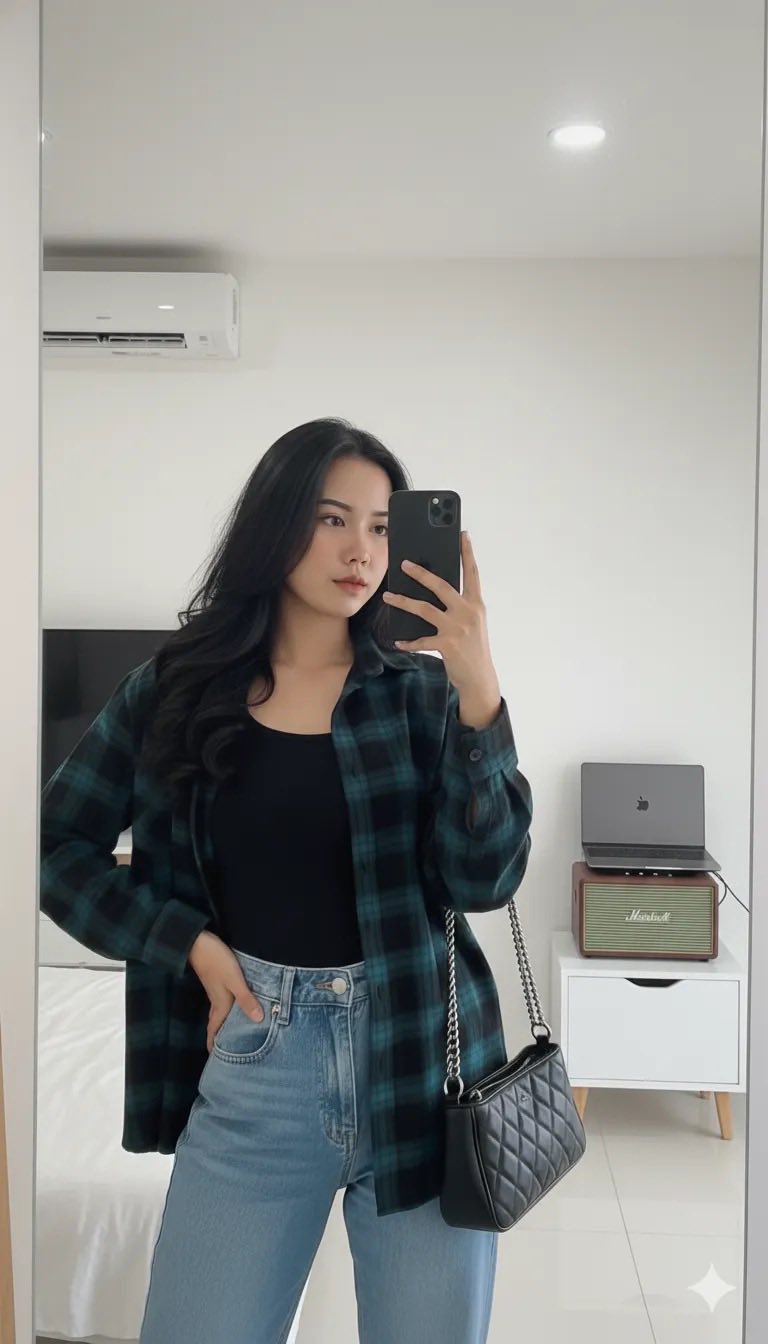
Prompt: Create a photo of this woman without changing her real face into a portrait photo of a young...
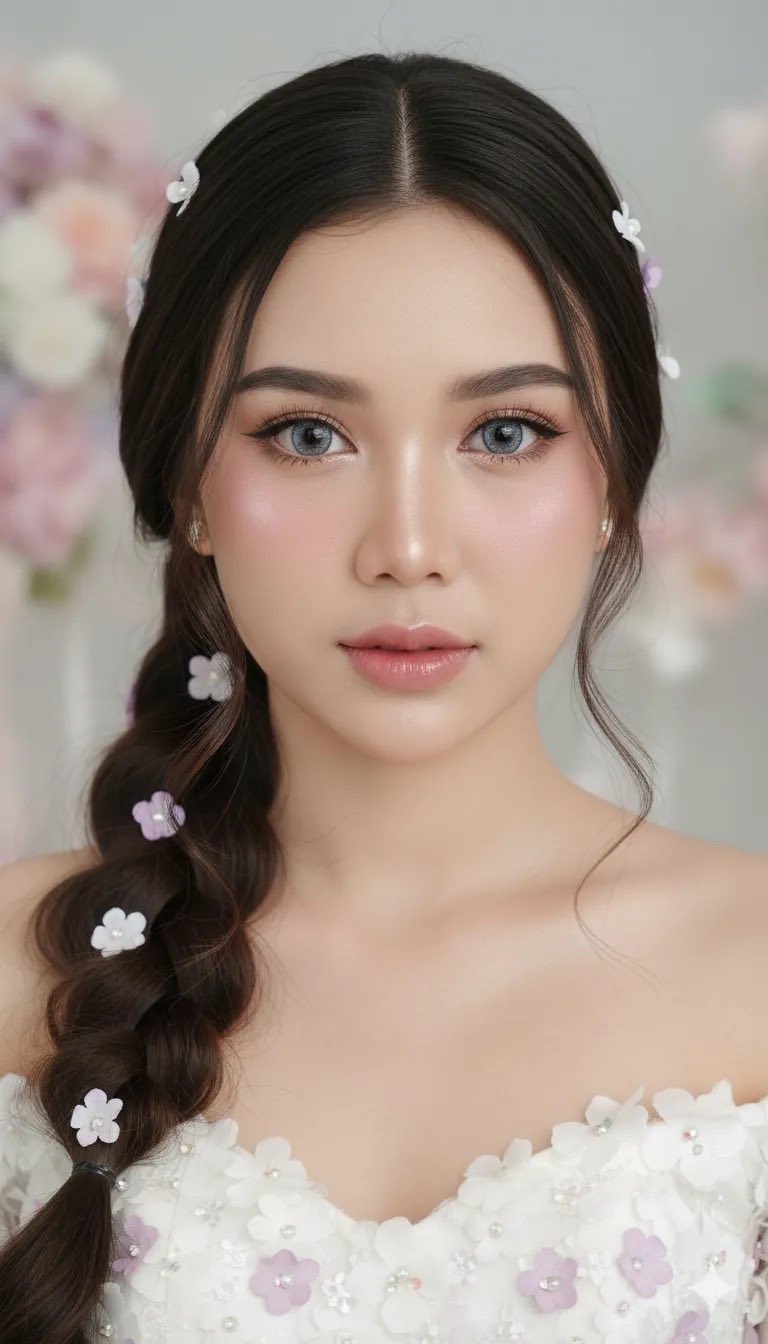
Prompt: Make a photo of this woman without changing her real face into a close-up portrait of a...
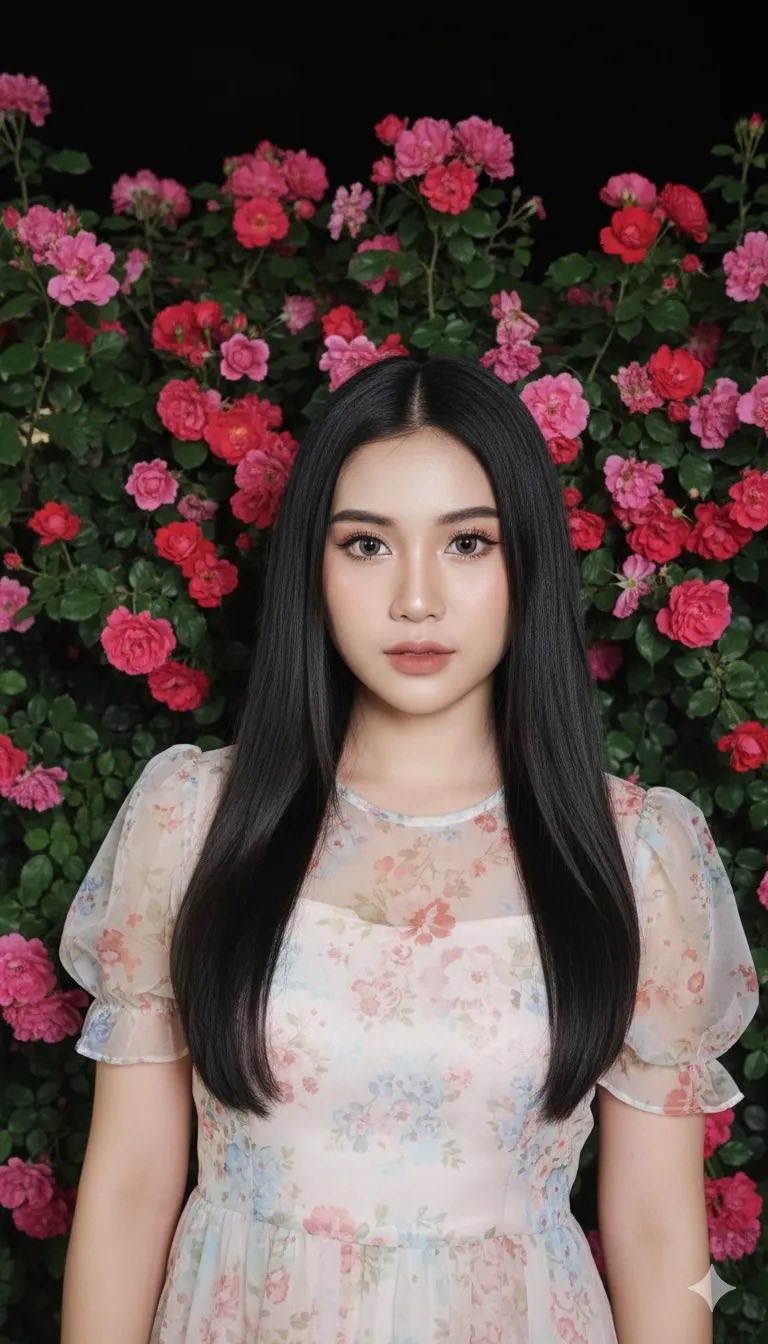
Prompt: Make this photo of a woman into a close-up portrait of a young woman with a soft and...
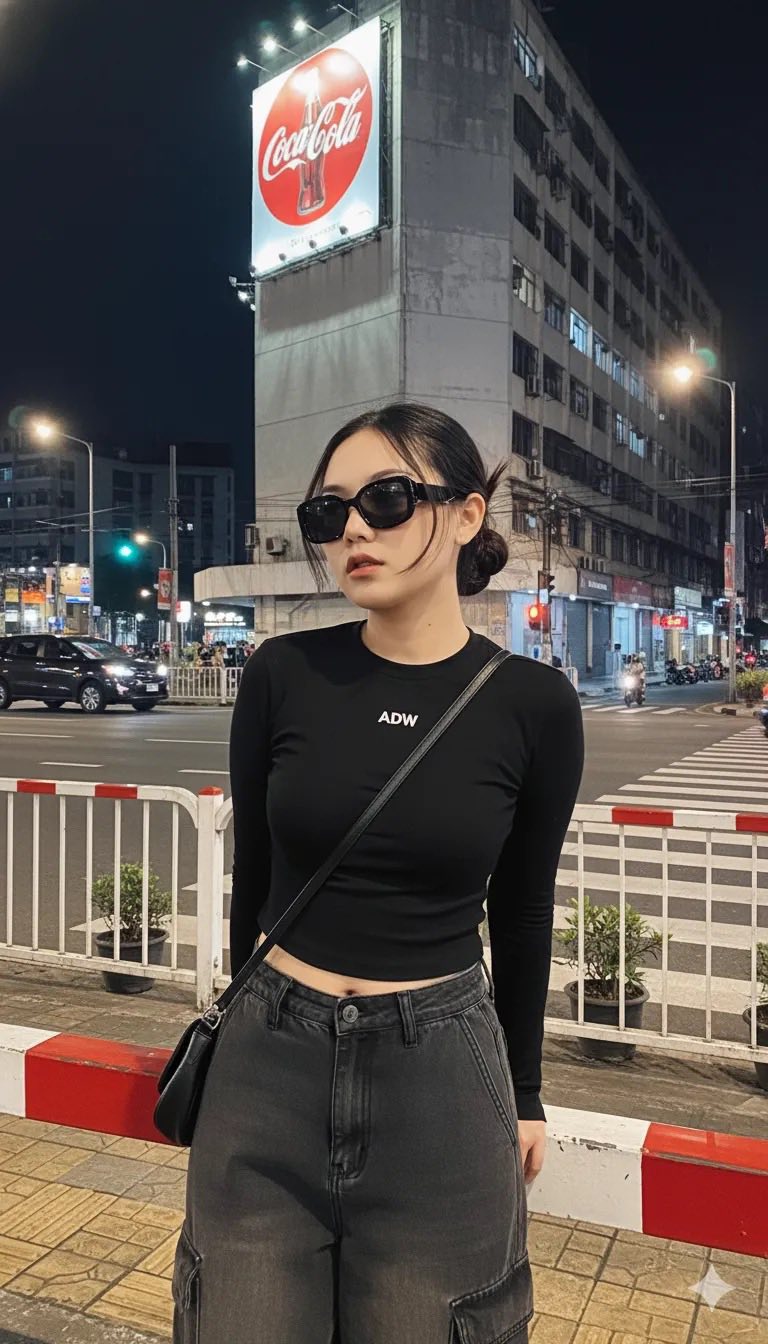
Prompt: Create this image using the attached photo of her face, weighing 53 kg, standing 165 cm...
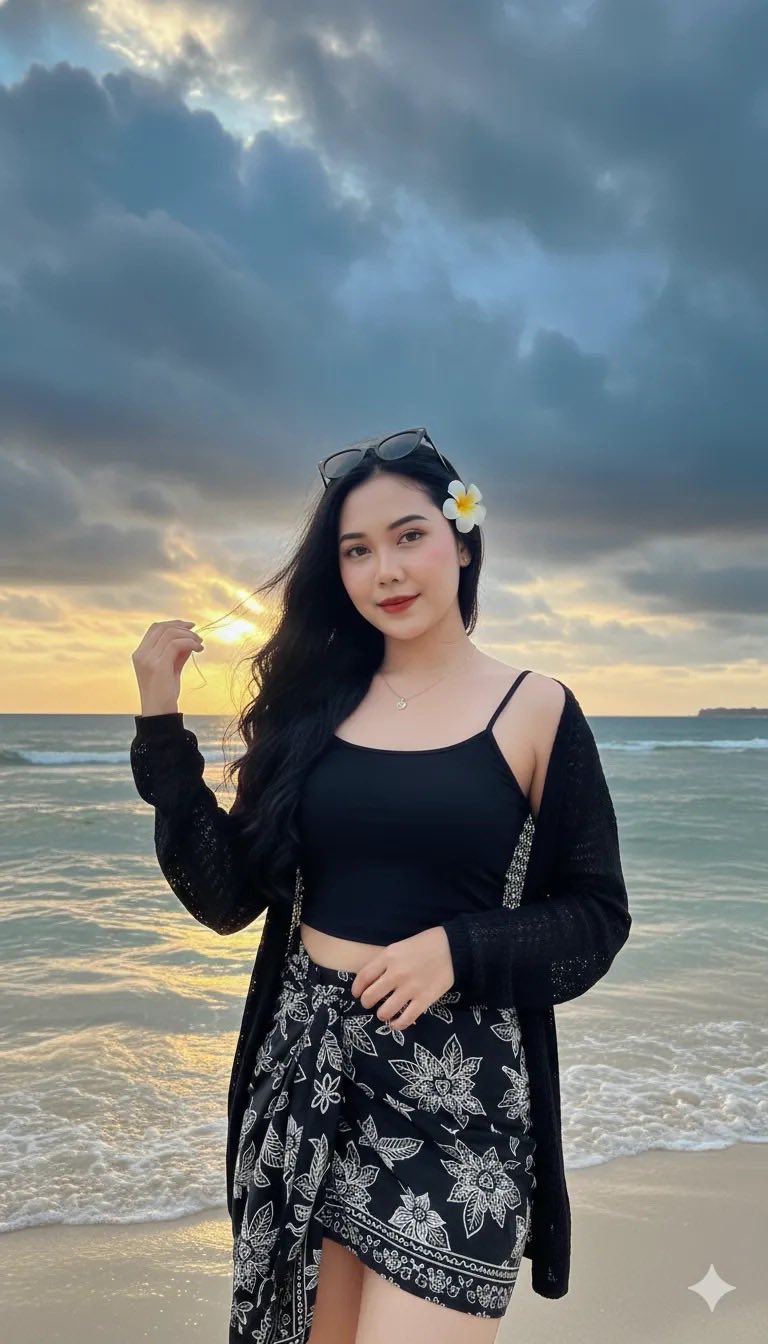
Prompt: A stunning young woman standing gracefully on a calm beach during sunset, with golden...
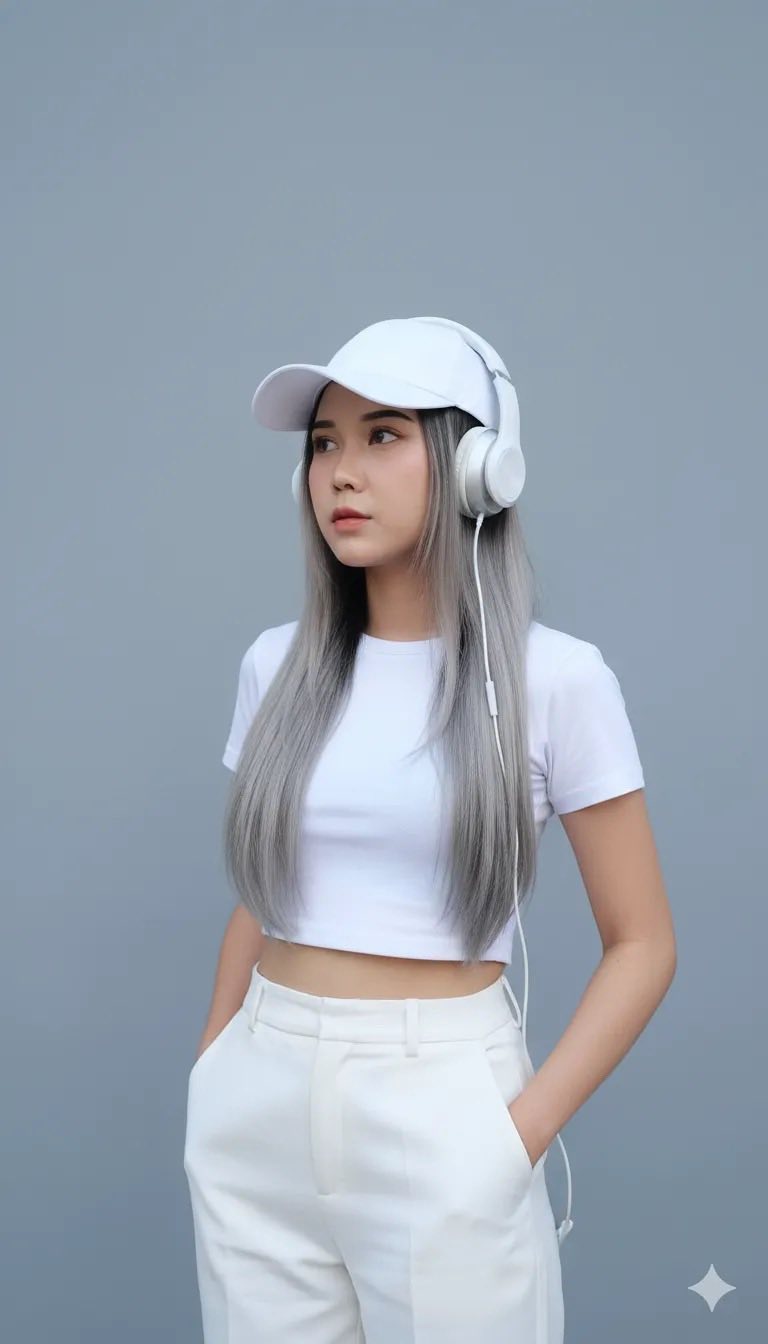
Prompt: Make this woman’s photo Into a hyper-realistic portrait of a young woman (weight 55 kg...
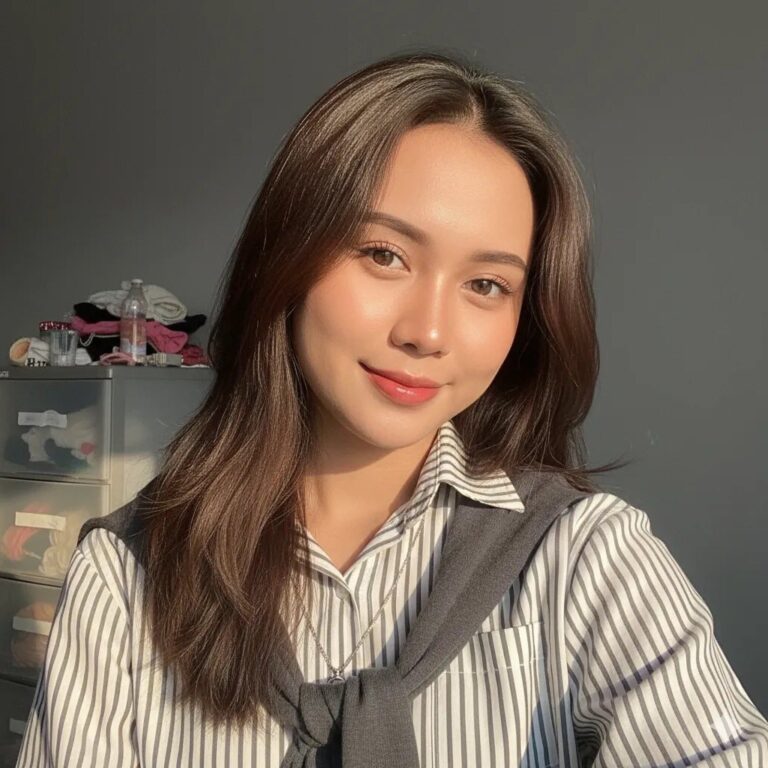
Prompt: A close-up photo of a young woman taking a selfie with long, ash brown hair with a butterfly...

Prompt: Take a photo of this woman (without changing her real face) A young woman in street style...
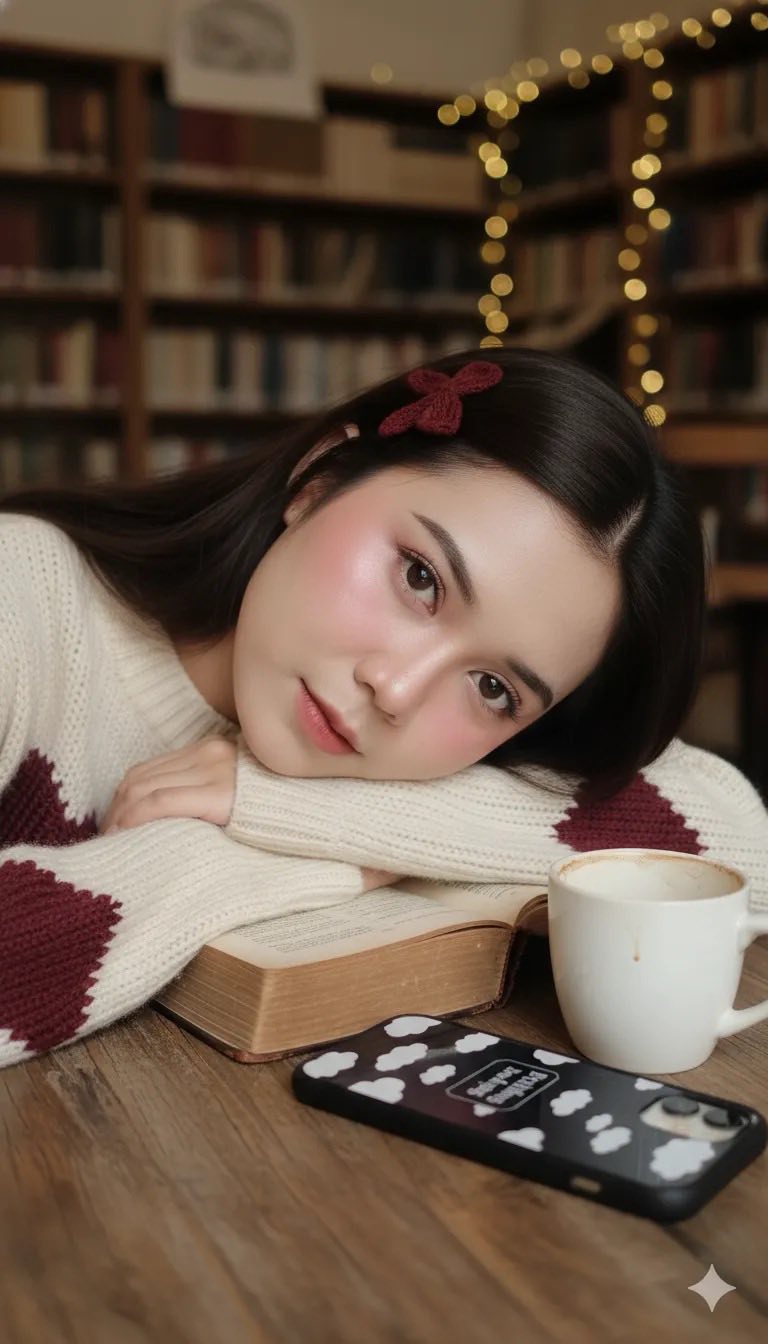
Prompt: Create ultra-high-resolution 8K photo-realistic images of the original person (100% exact...
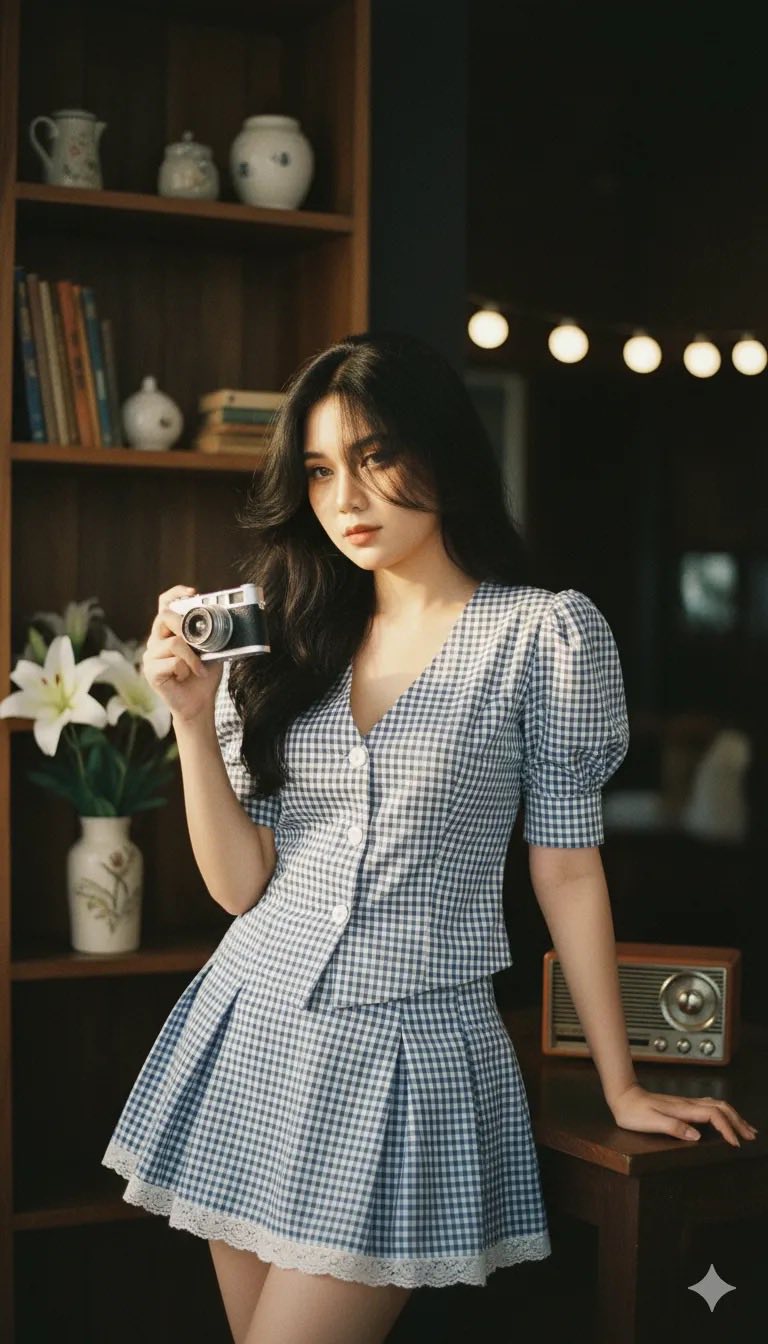
Prompt: Create a realistic portrait from a 100% reference, without altering the face, in a cinematic...
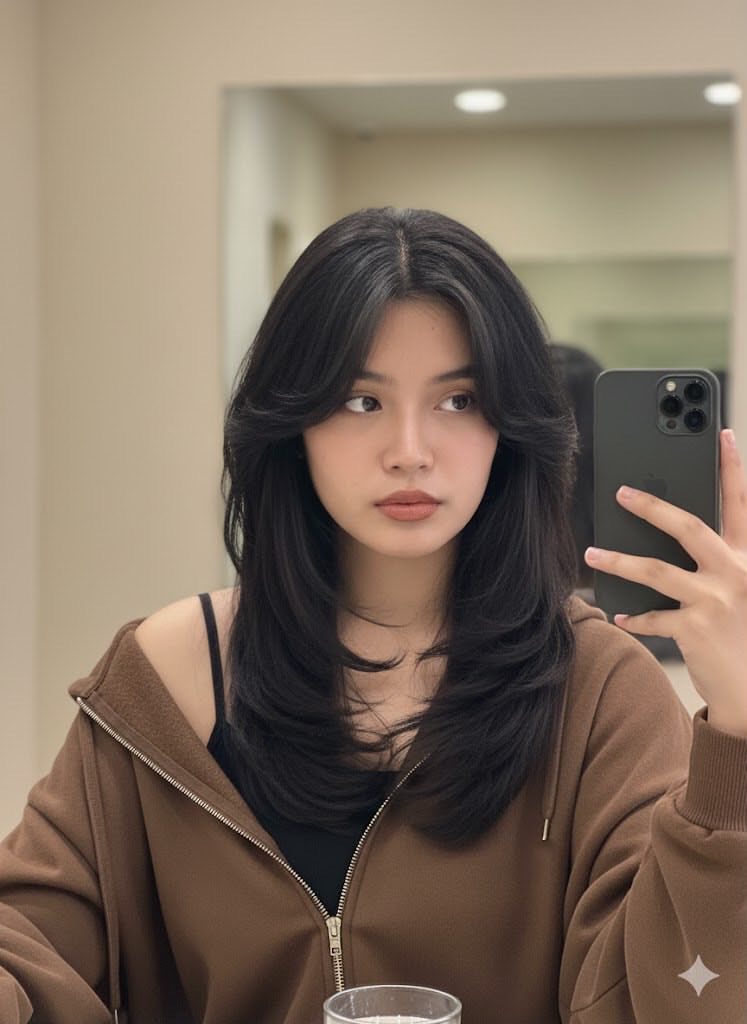
Prompt: Edit this photo without altering her actual face (attached photo) to create a young Asian...
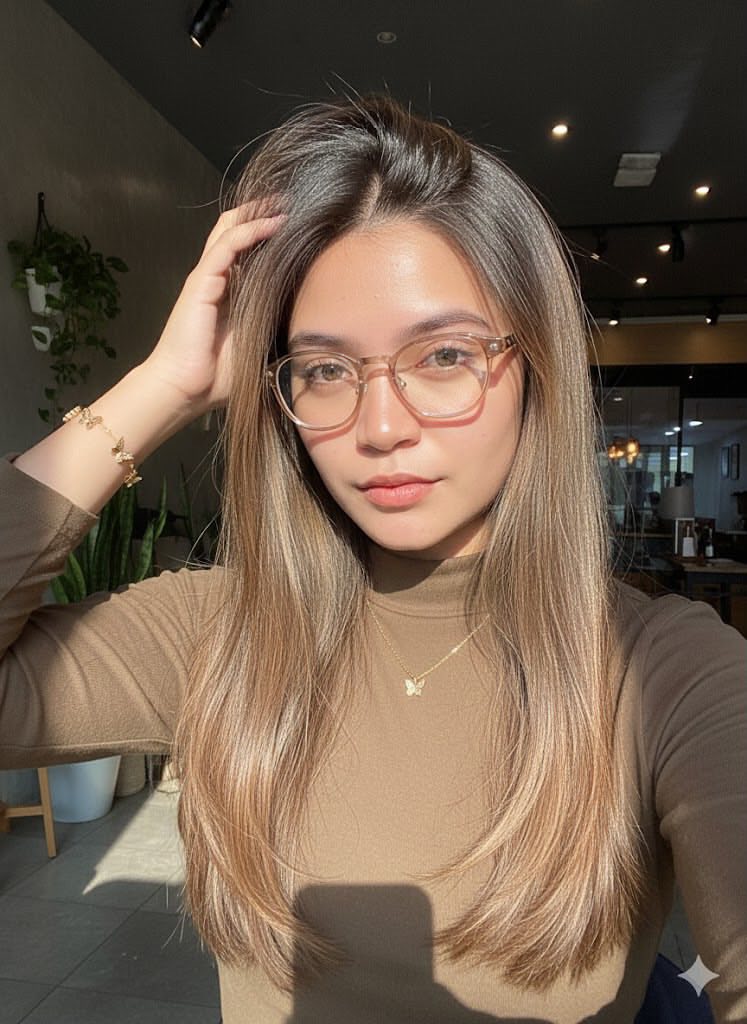
Prompt: Edit this photo without changing her face. Close-up portrait of a beautiful young white...
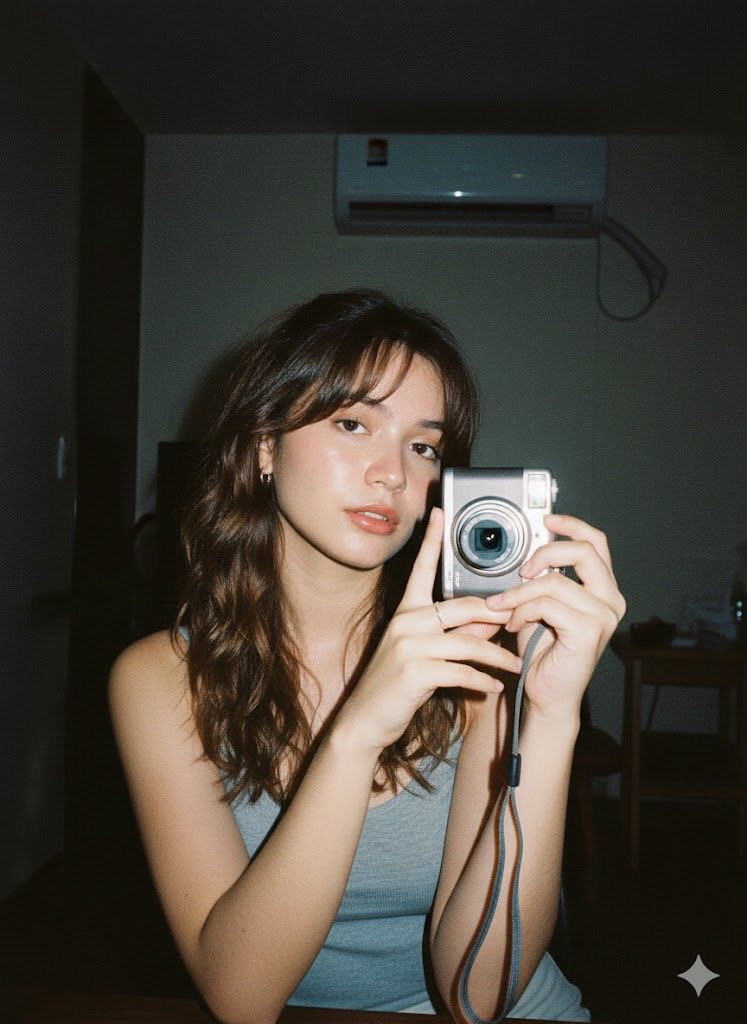
Prompt: Create a realistic portrait (face 100% intact, no editing). Shot with a low-quality digital...
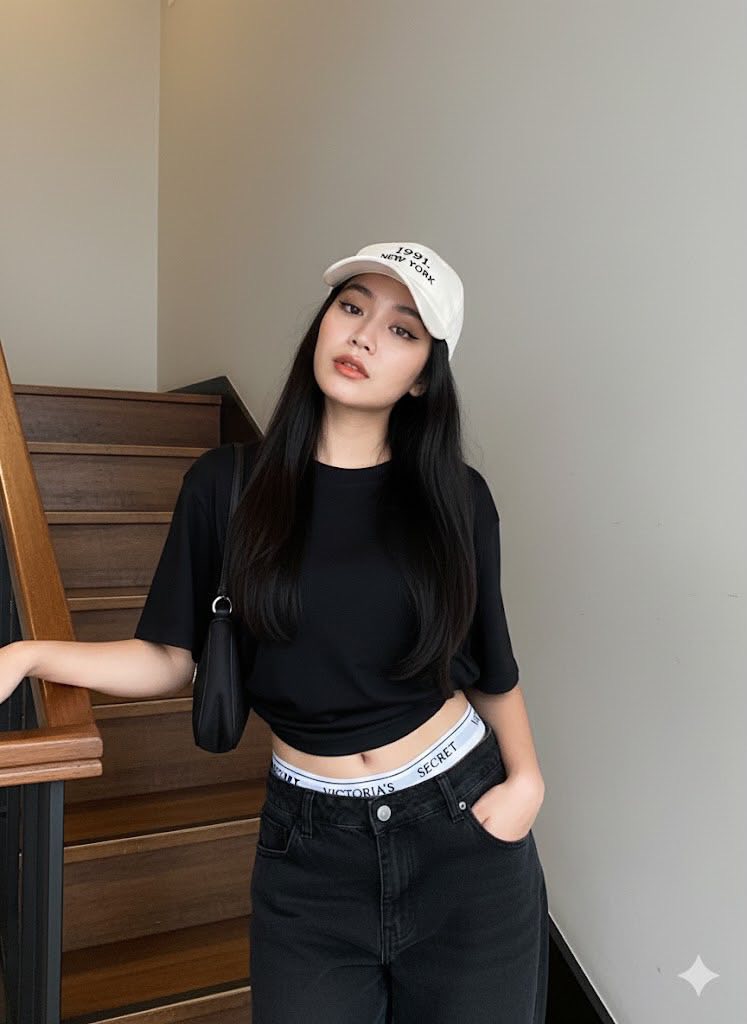
Prompt: Create a portrait, referencing a person with a face that is 100% identical to the original...

Prompt: Edit this photo to maintain 100% facial similarity to the attached photo. Preserve the...
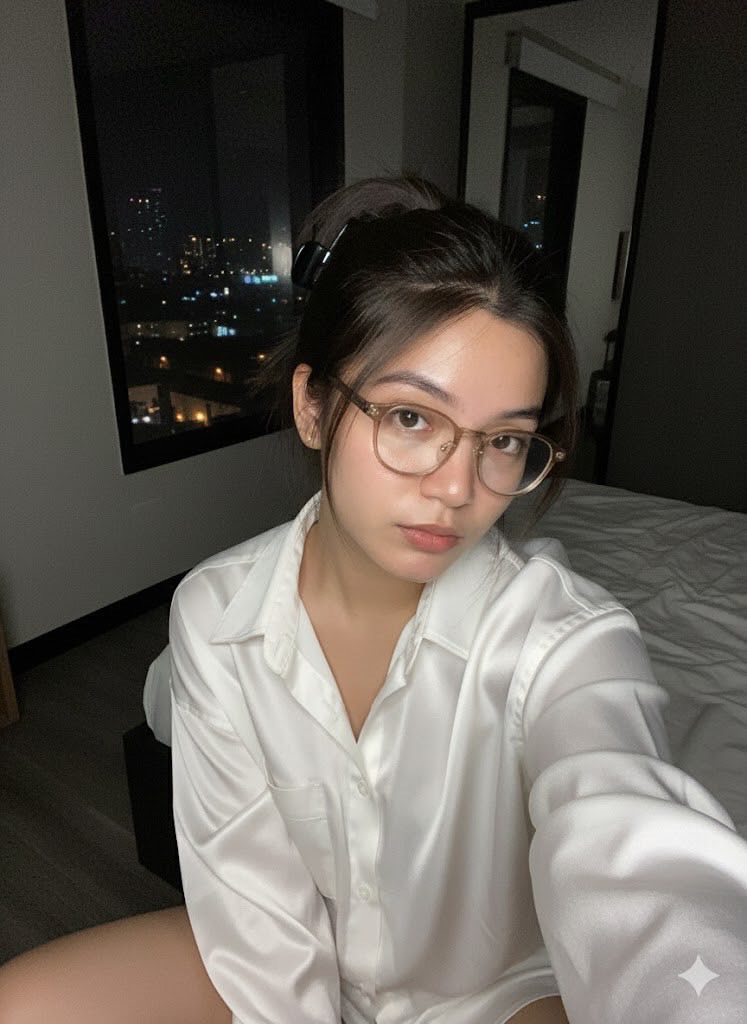
Prompt: Create realistic 2000style selfie portraits (face looks 100% the same, no editing allowed)...
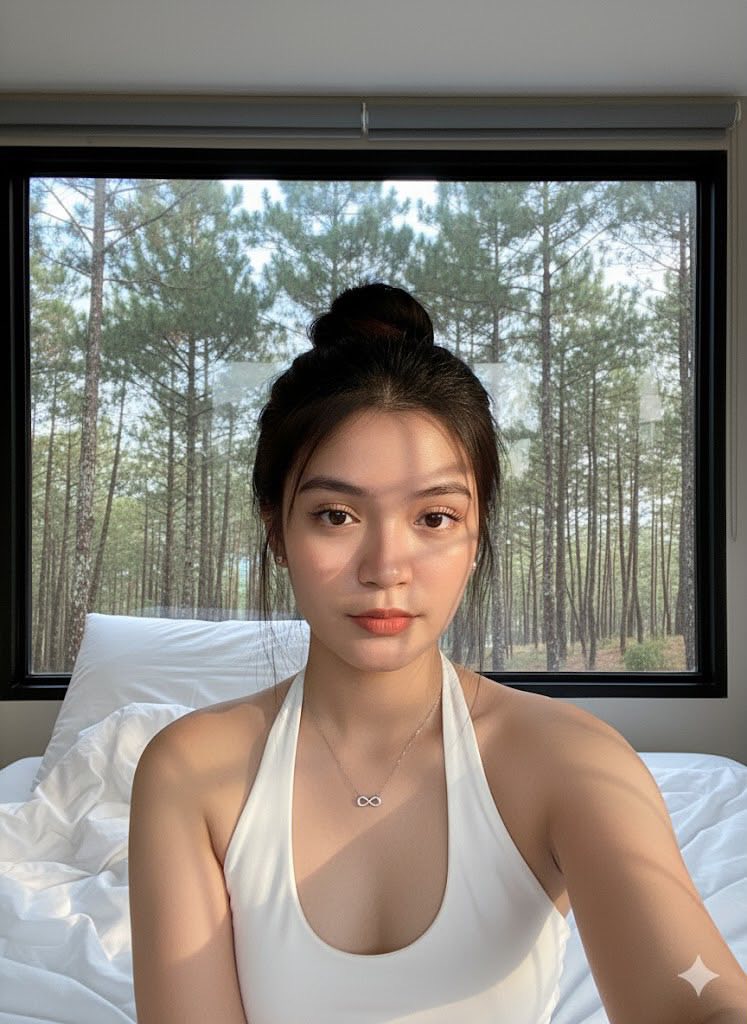
Prompt: Edit this photo and don’t change the real face of a woman who is taking a selfie in a...

Prompt: A portrait of a young woman lying on her back on a plain, light-colored (white or off-white)...
