

Prompt: Create a drawing from this photo without changing her face. Close-up portrait of a beautiful...
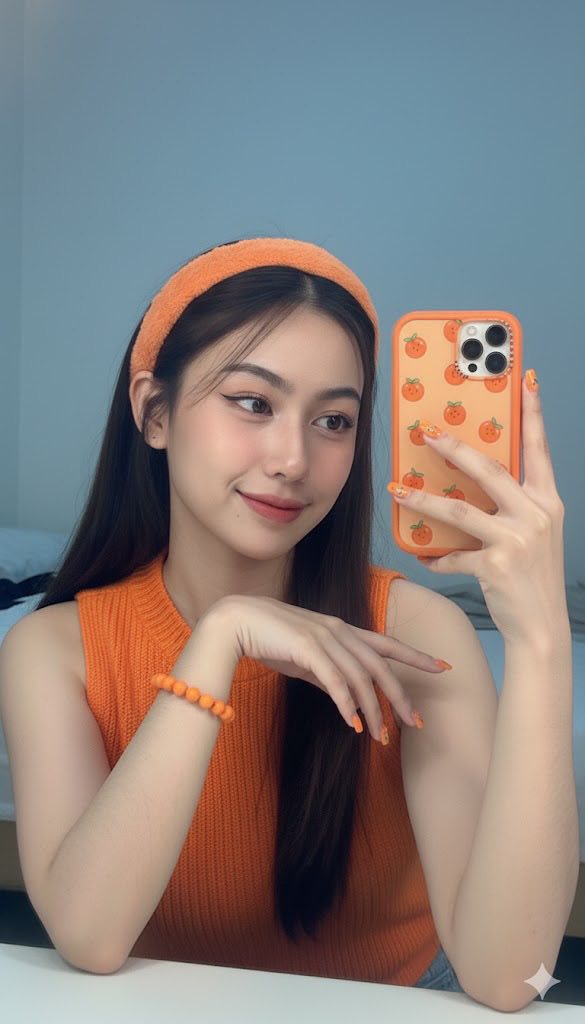
Prompt: Create an image of me with the same face as the attached file, 100% unchanged. The selfie...

Prompt: A realistic 8K image of the woman in the attached photo (no face editing allowed). Her face...

Prompt: An ultra-realistic 8K portrait of a young woman based on the reference photo, with a 100%...
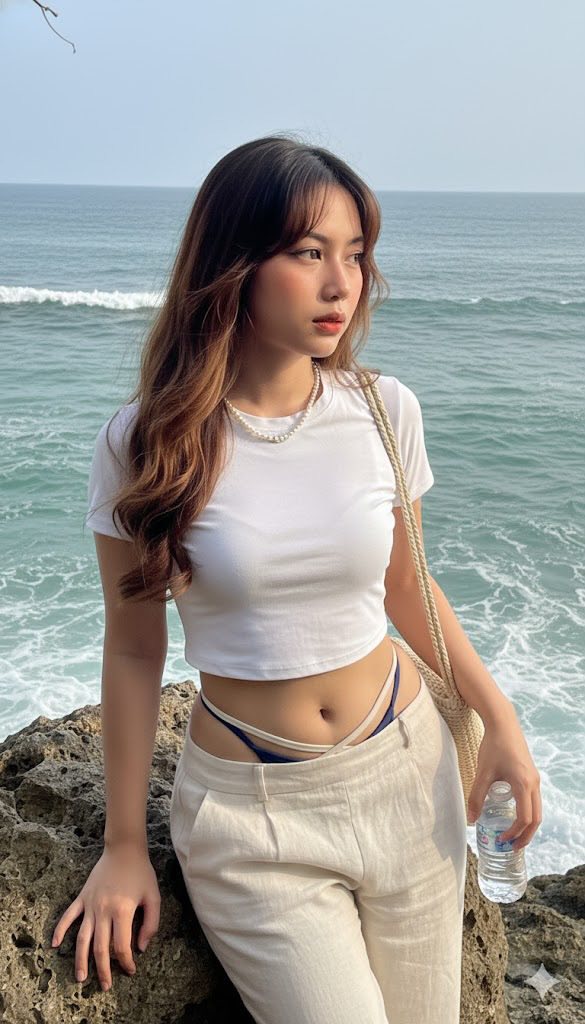
Prompt: Using my photo, copy my face, and create a photo of a stunning sexy woman inside a softly...

Prompt: This photo is edited without altering the face. A beautiful woman with fair skin is in a...
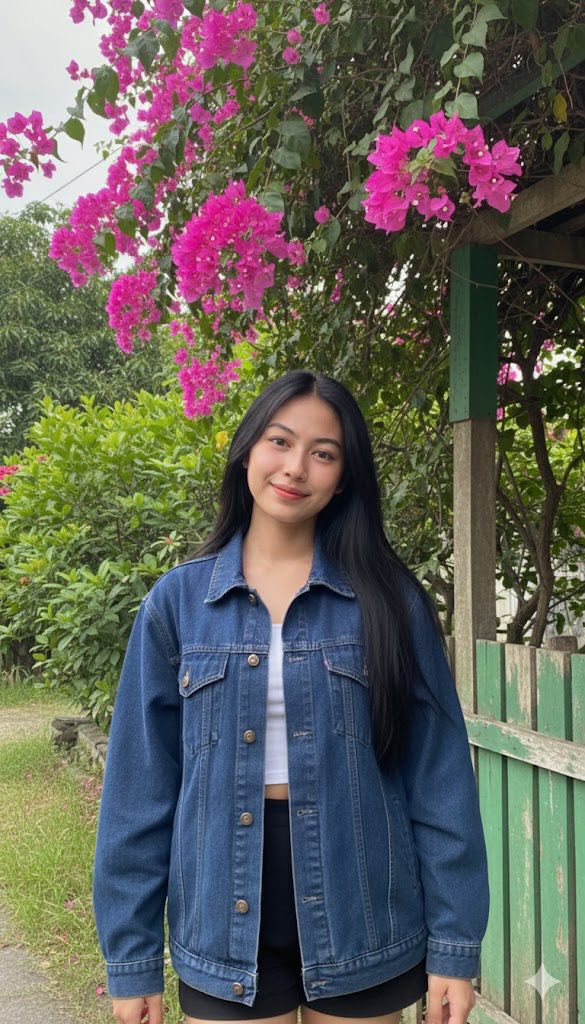
Prompt: Maintaining my true face 100% A young woman with long black hair, wearing a loose dark blue...

Prompt: Prompt: Create a realistic female image, 100% referenced. Makeup: Emphasizing dewy, glowing...
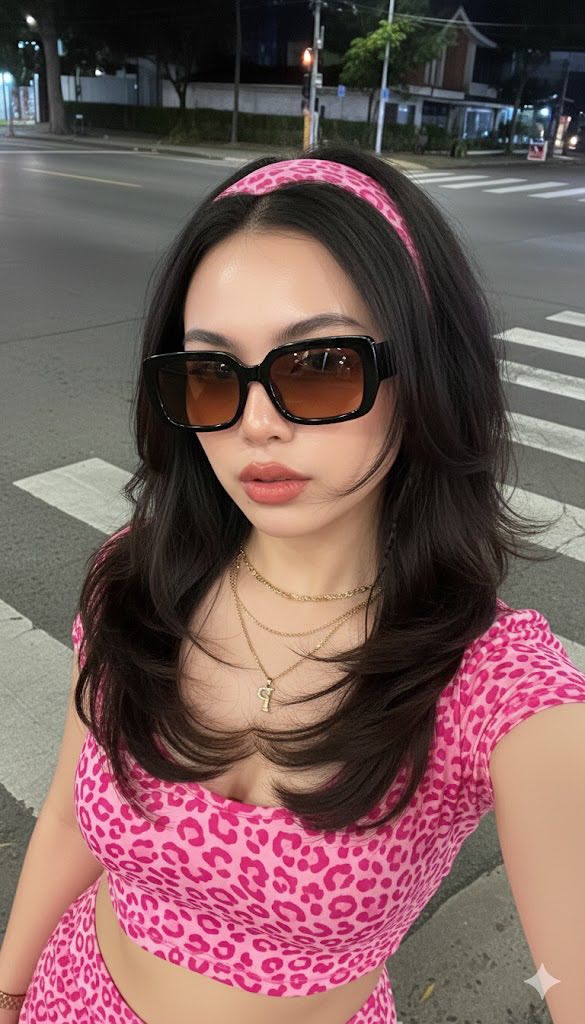
Prompt: Female (Referencing the face, ears, nose, and mouth of the person in Image 1, 100%...
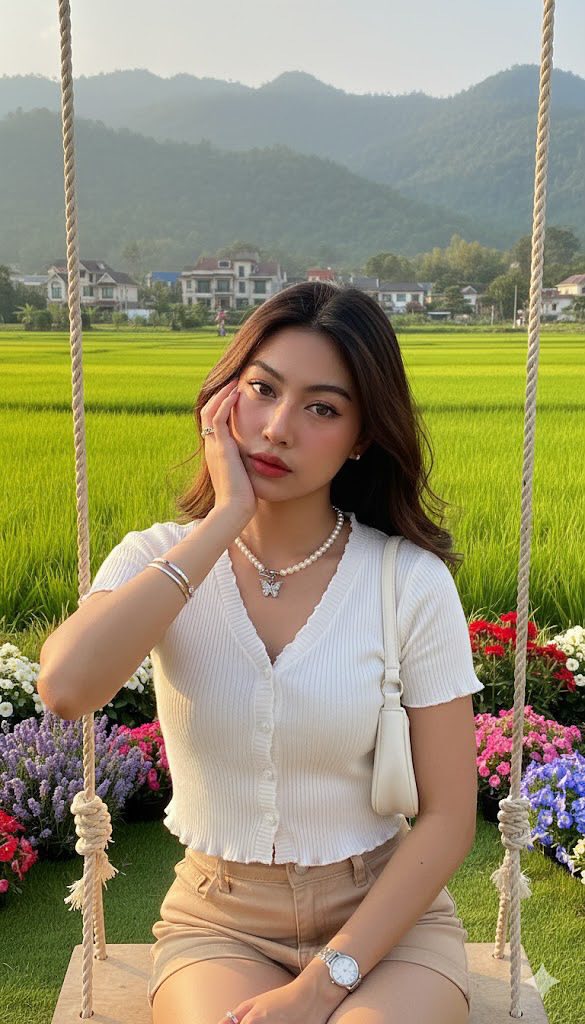
Prompt: Create a drawing based on the attached image. The face, eyes, facial structure, eyebrows...
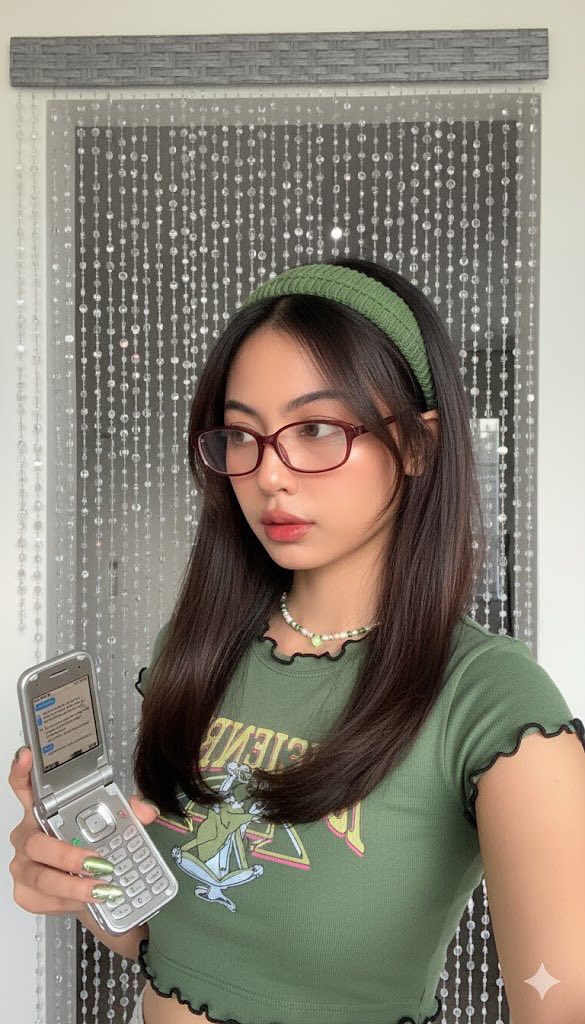
Prompt: Edit this photo without changing the face. Pose and Expression Beautiful woman in the photo...

Prompt: This image was created using the attached source page with 1000% accuracy, accurately...
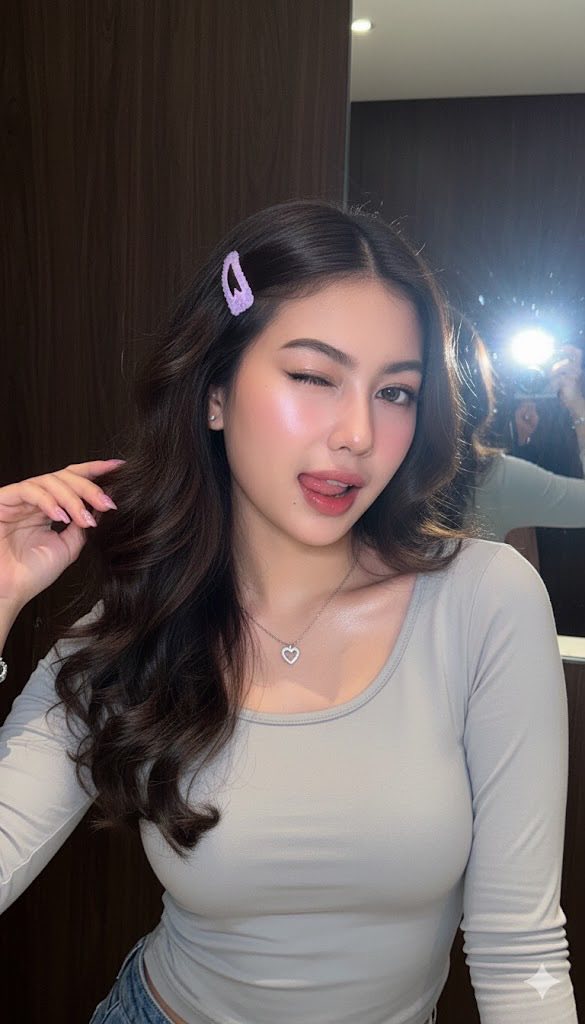
Prompt: Please keep my original face 100%, no facial details modified. A portrait of a teenage girl...
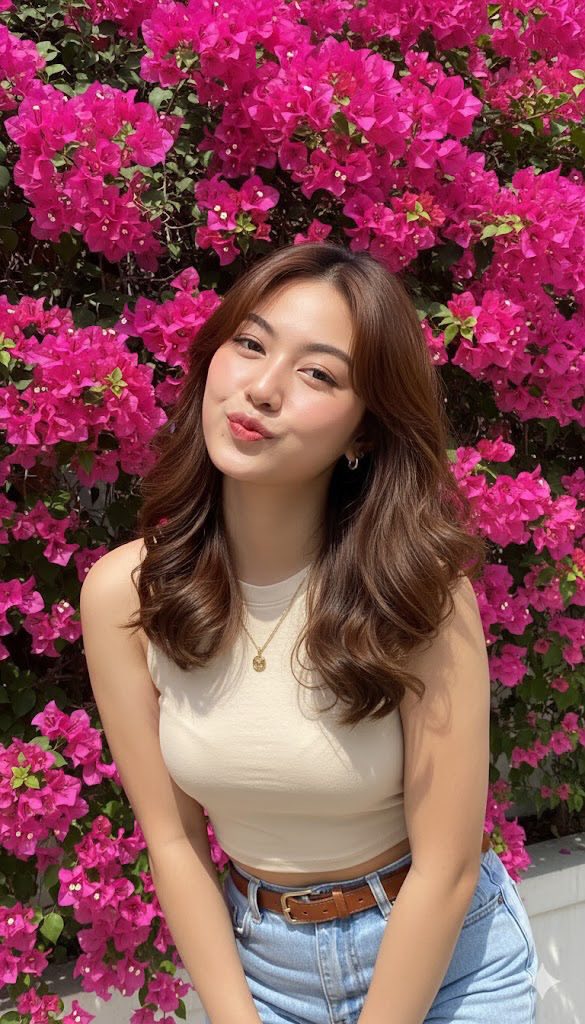
Prompt: This photo is edited into a portrait of a young Asian woman with soft, wavy brown hair and...
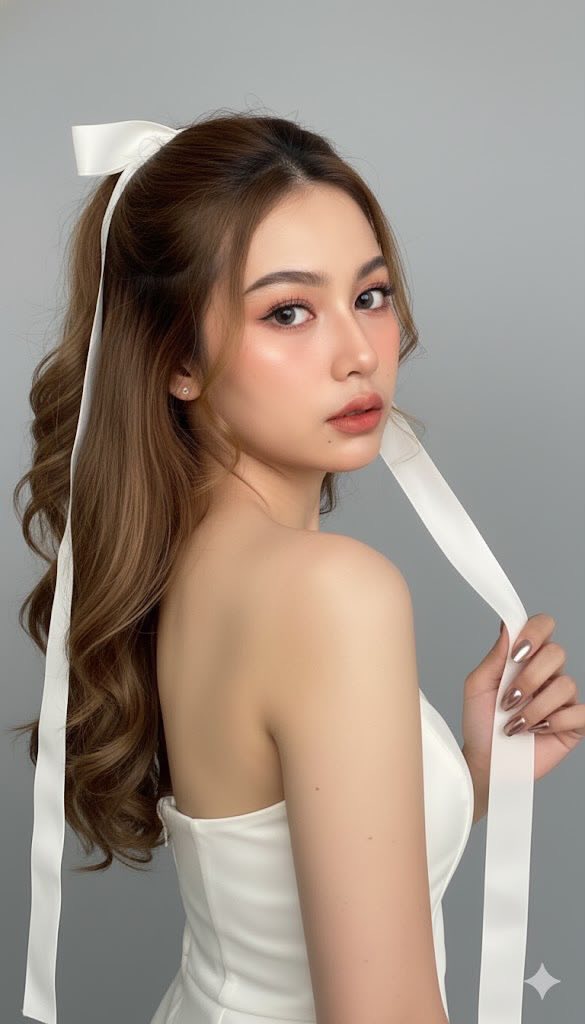
Prompt: Using a photo reference for facial features, create a close-up shot featuring a young woman...
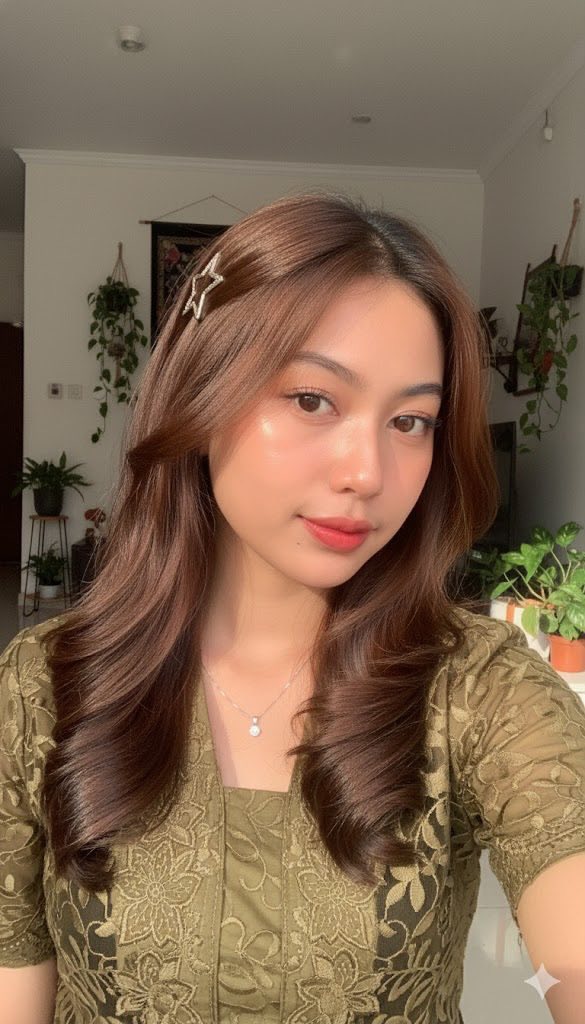
Prompt: Edit this photo without changing the face into a young woman Selfi white and bright skin...

Prompt: Use the features from the attached photo to create a tranquil, wide-angle close-up selfie...
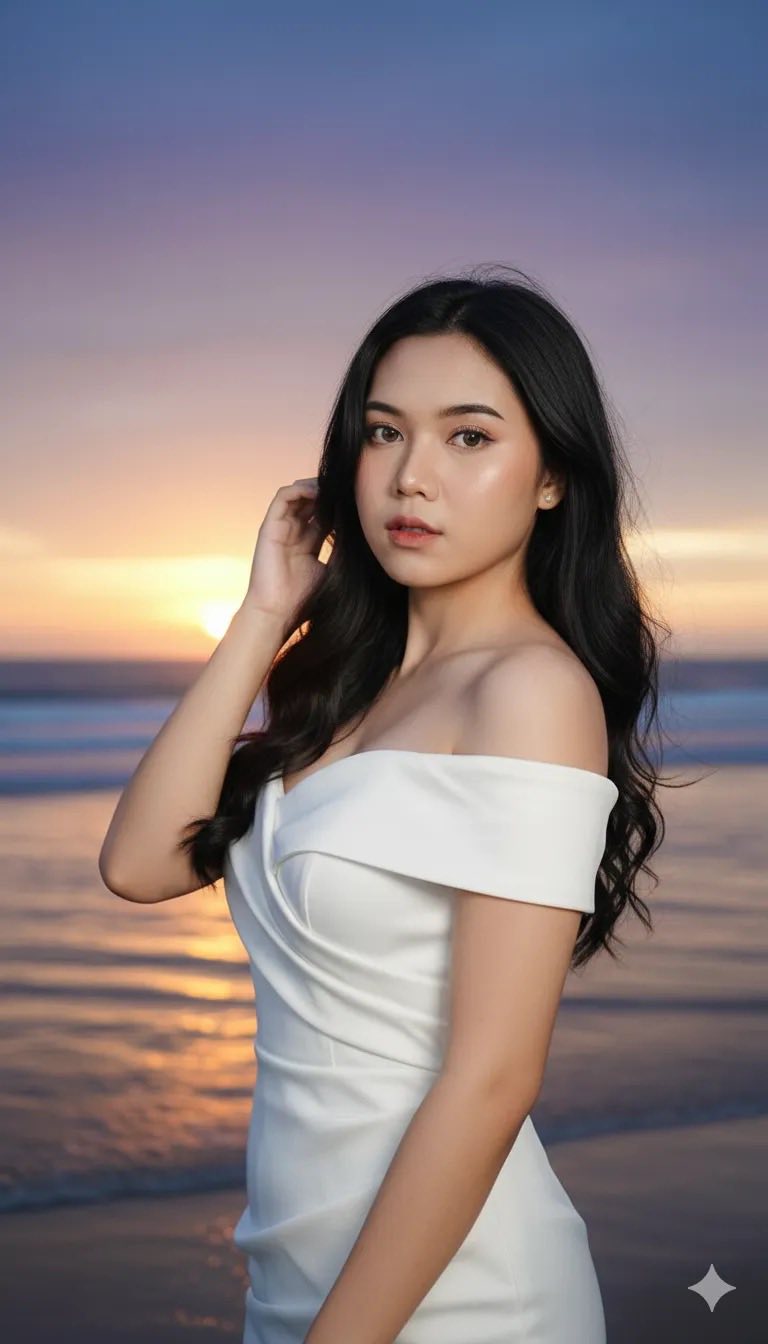
Prompt: A close-up portrait of a young woman standing on the beach at sunset. She wears a white...
