
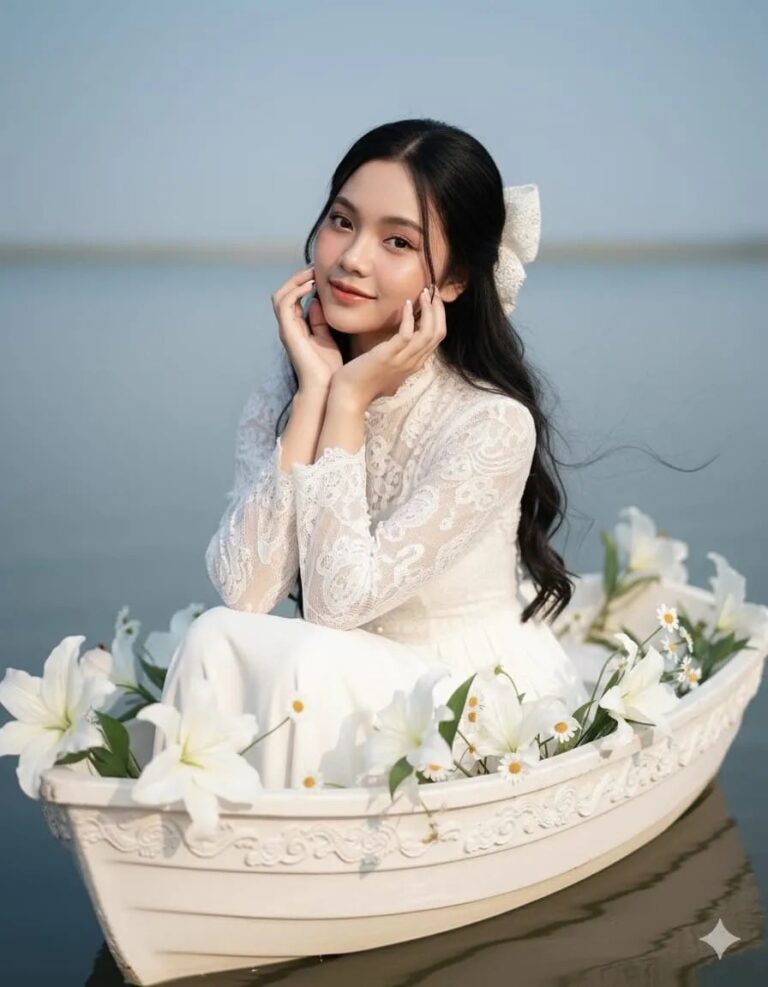
Prompt: Portrait of a young woman (face not altered) with long, messy black hair styled simply yet...
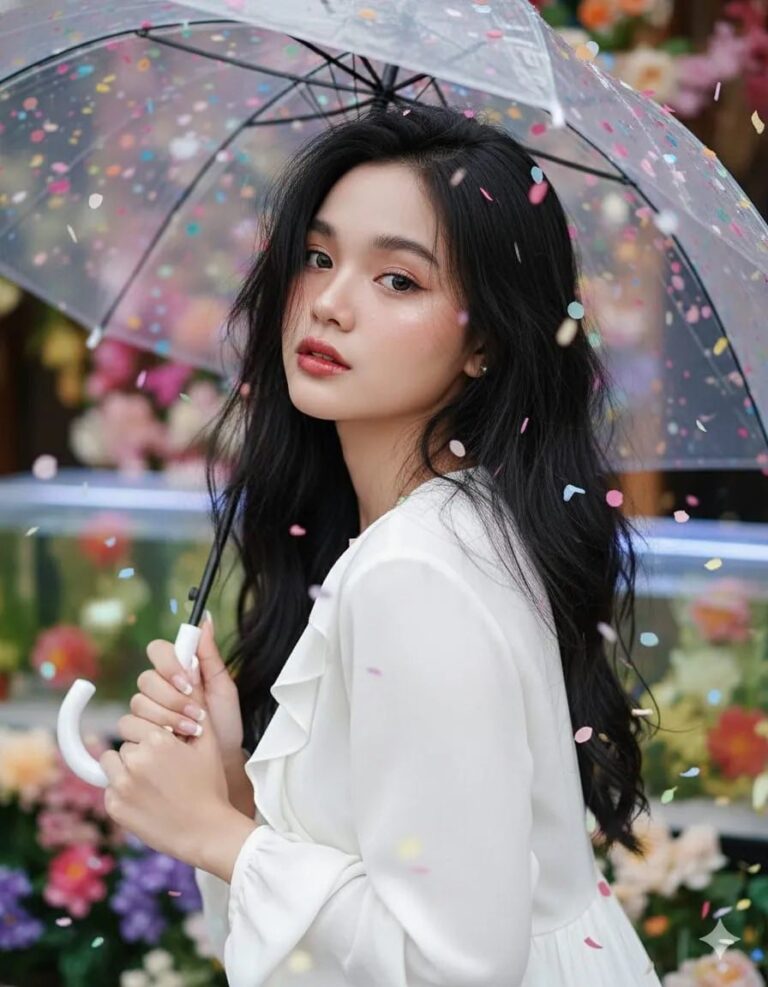
Prompt: Portrait of a young woman (face unchanged) looking at the camera with a melancholy...

Prompt: Edit the image using a reference face. Don’t alter the original face, but make it as...
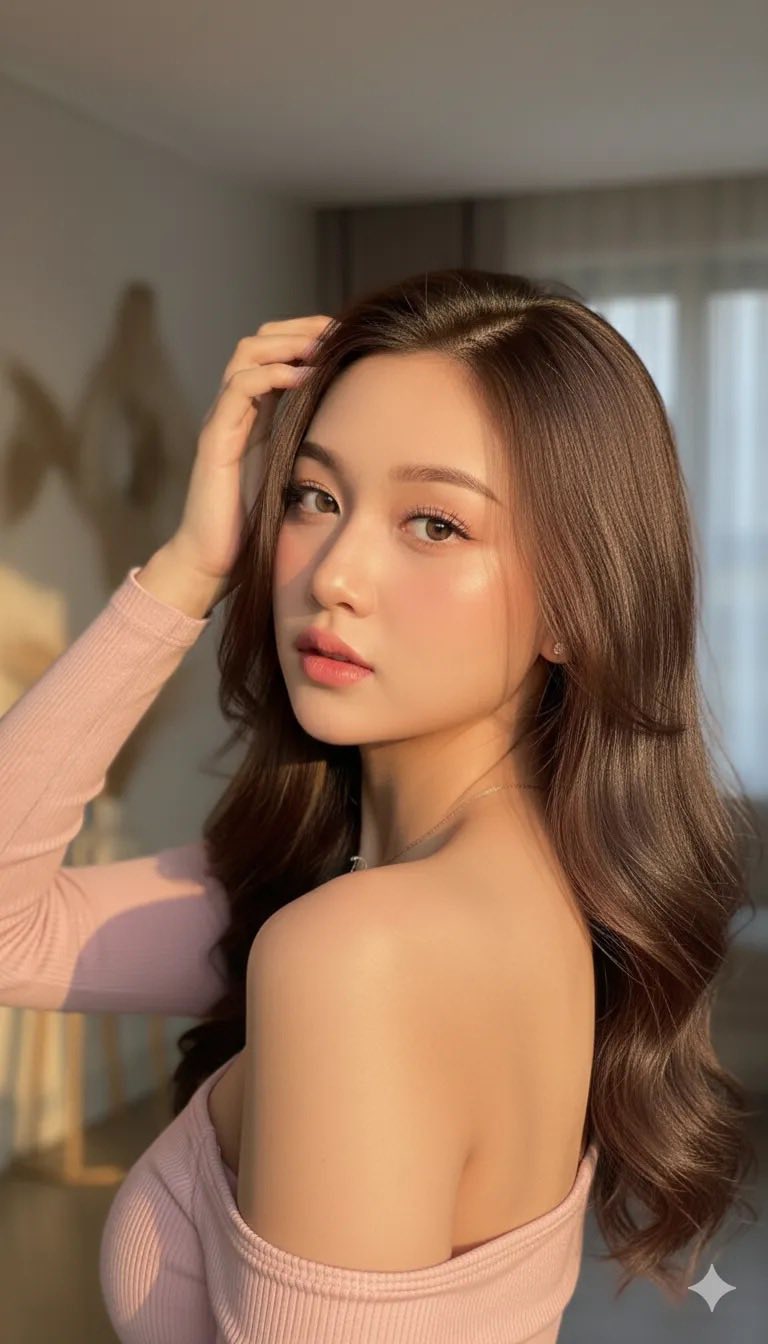
Prompt: This photo is edited to show a woman with long, ash-brown butterfly hair. She looks straight...
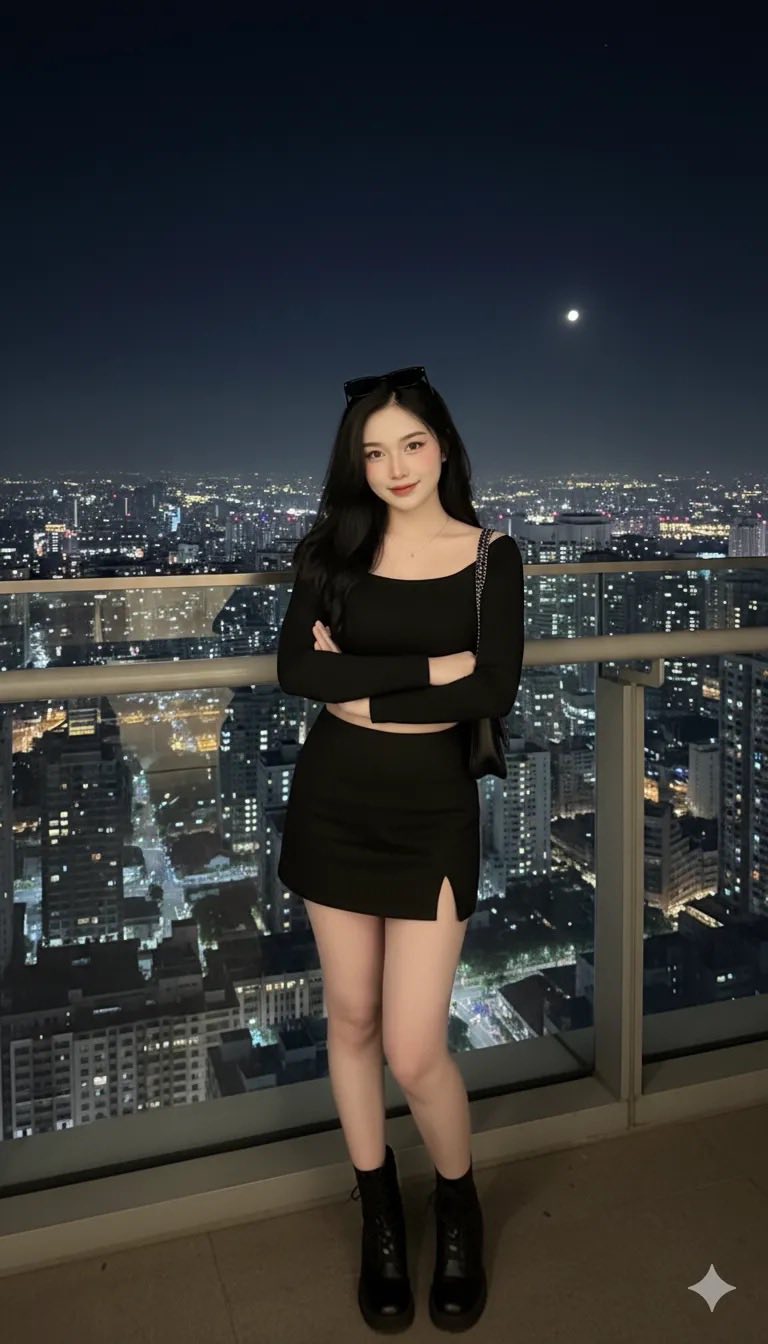
Prompt: Edit the photo to show a young woman posing at night on a high balcony with a glittering...
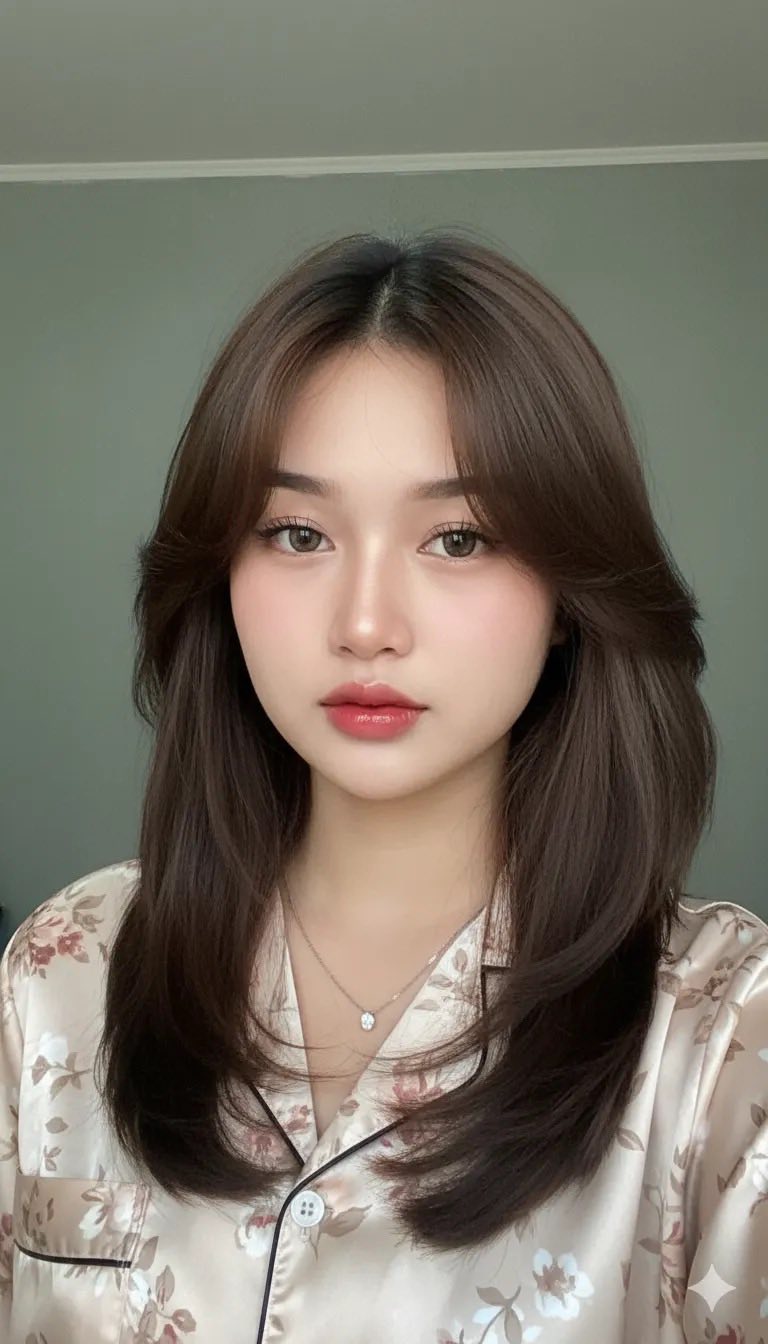
Prompt: A realistic selfie portrait, 100% accurate without changing the face in this photo. A young...
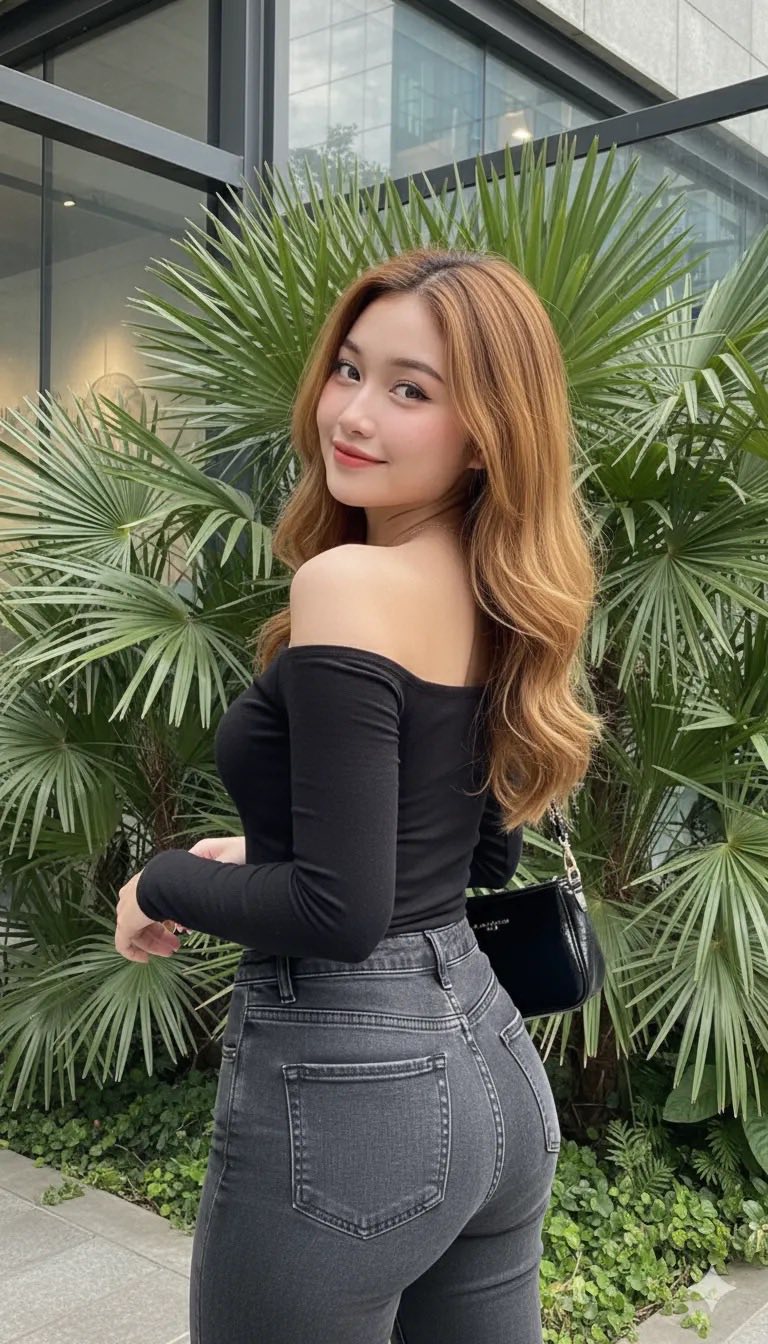
Prompt: The photo is edited to depict a very attractive young woman with long, flowing, golden brown...
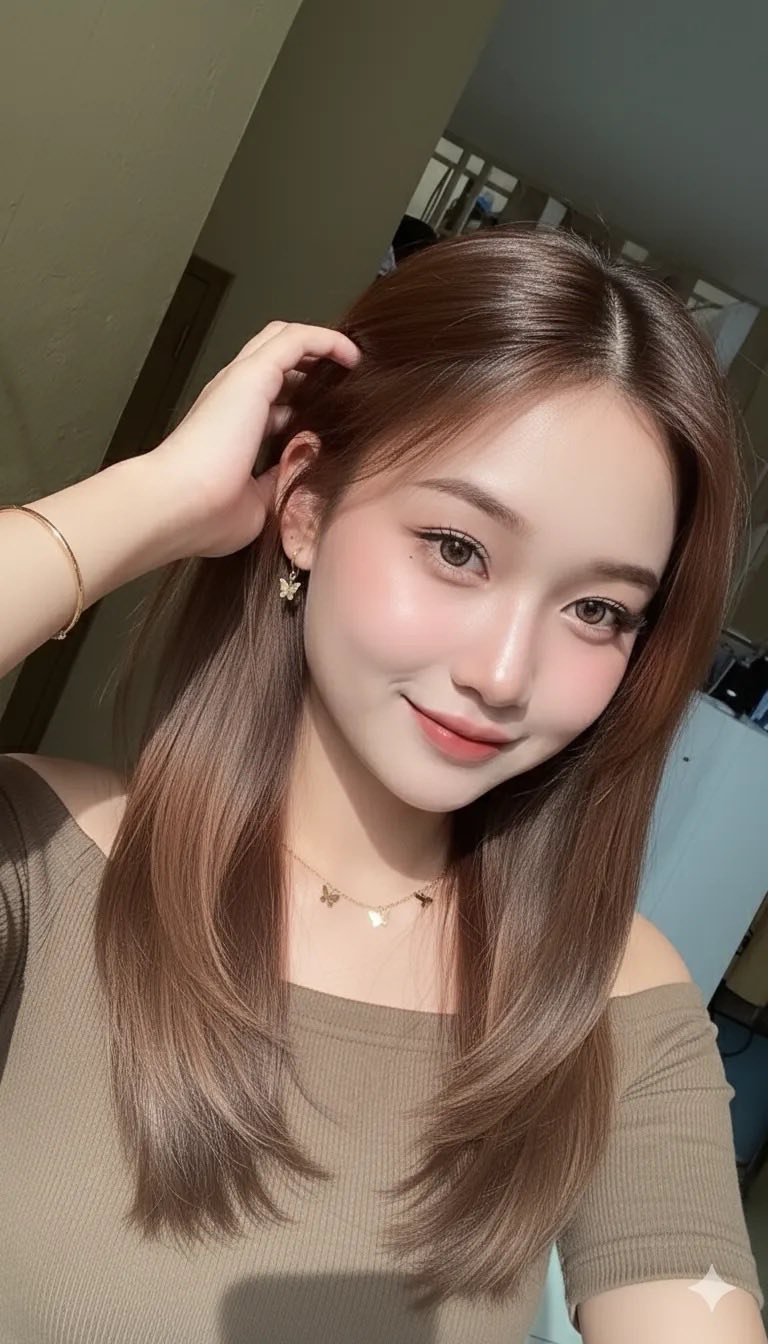
Prompt: This photo was edited without changing her face. A close-up portrait of a beautiful young...
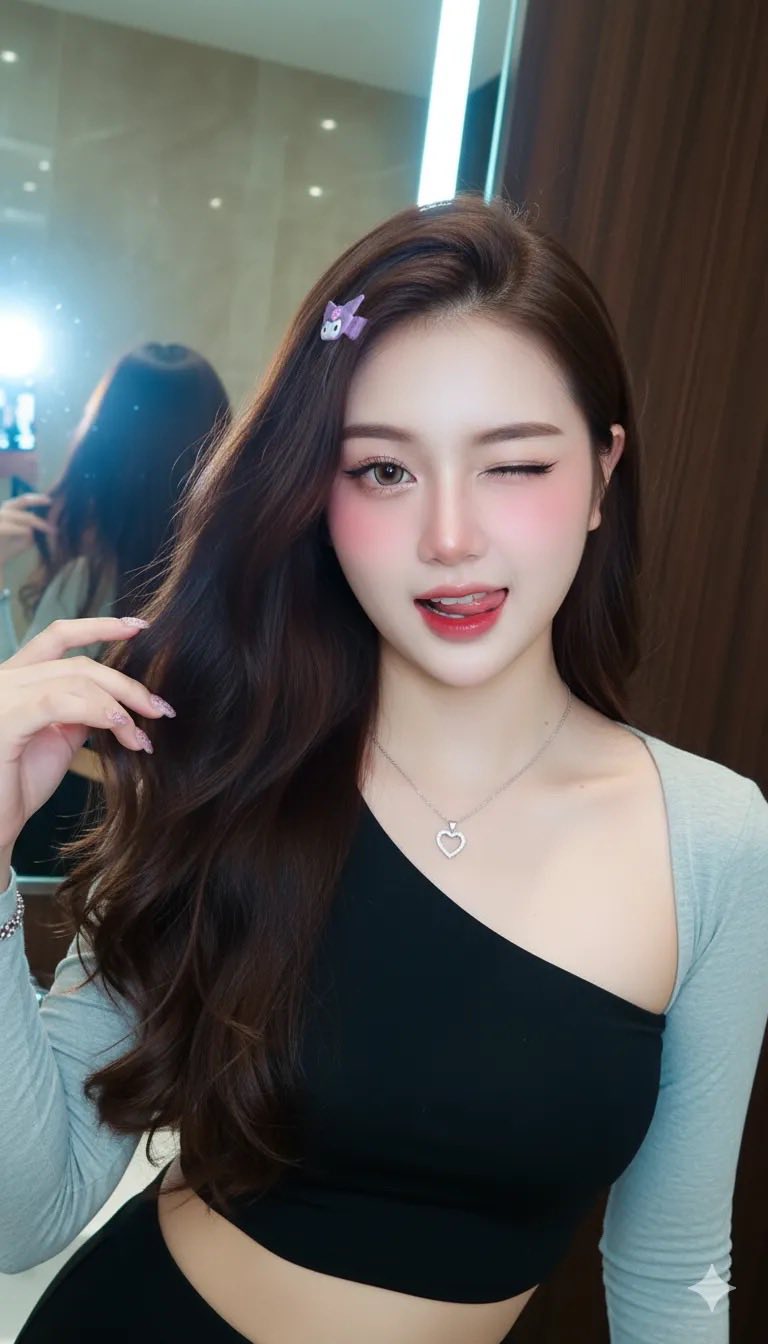
Prompt: Please keep my original face 100%, no facial details modified. Create a portrait of a...
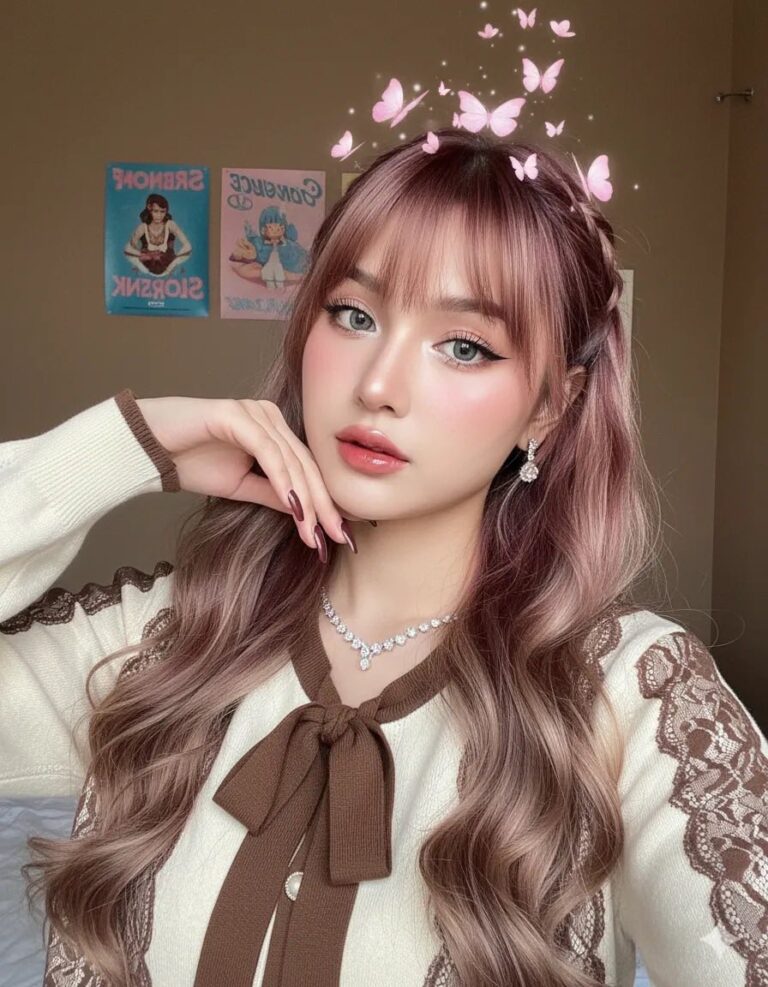
Prompt: Make this photo not change the real face, a smooth white woman who is taking a selfie with...

Prompt: Create a young Asian woman with long black hair, a long wolfcut, looking directly at the...
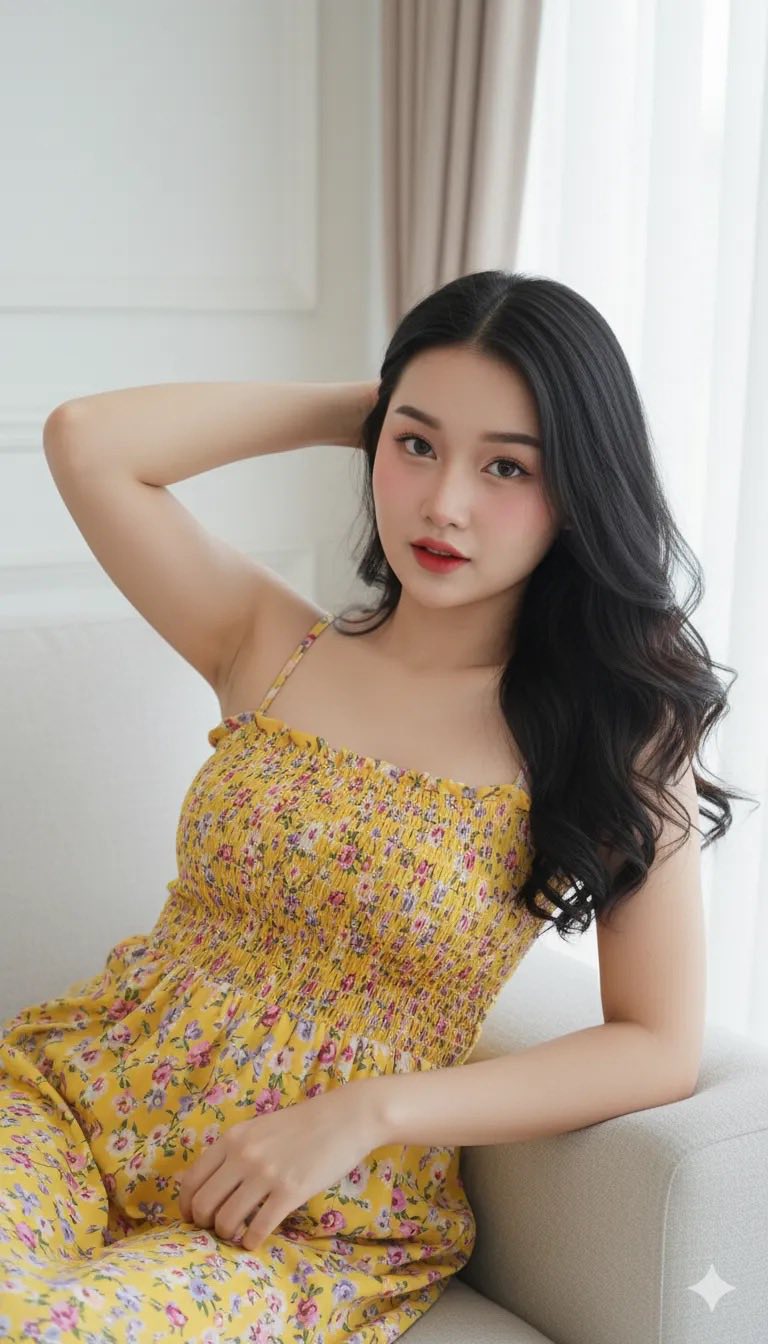
Prompt: Edit, A very sharp, high definition (HD) realistic portrait photo, showing an attractive...
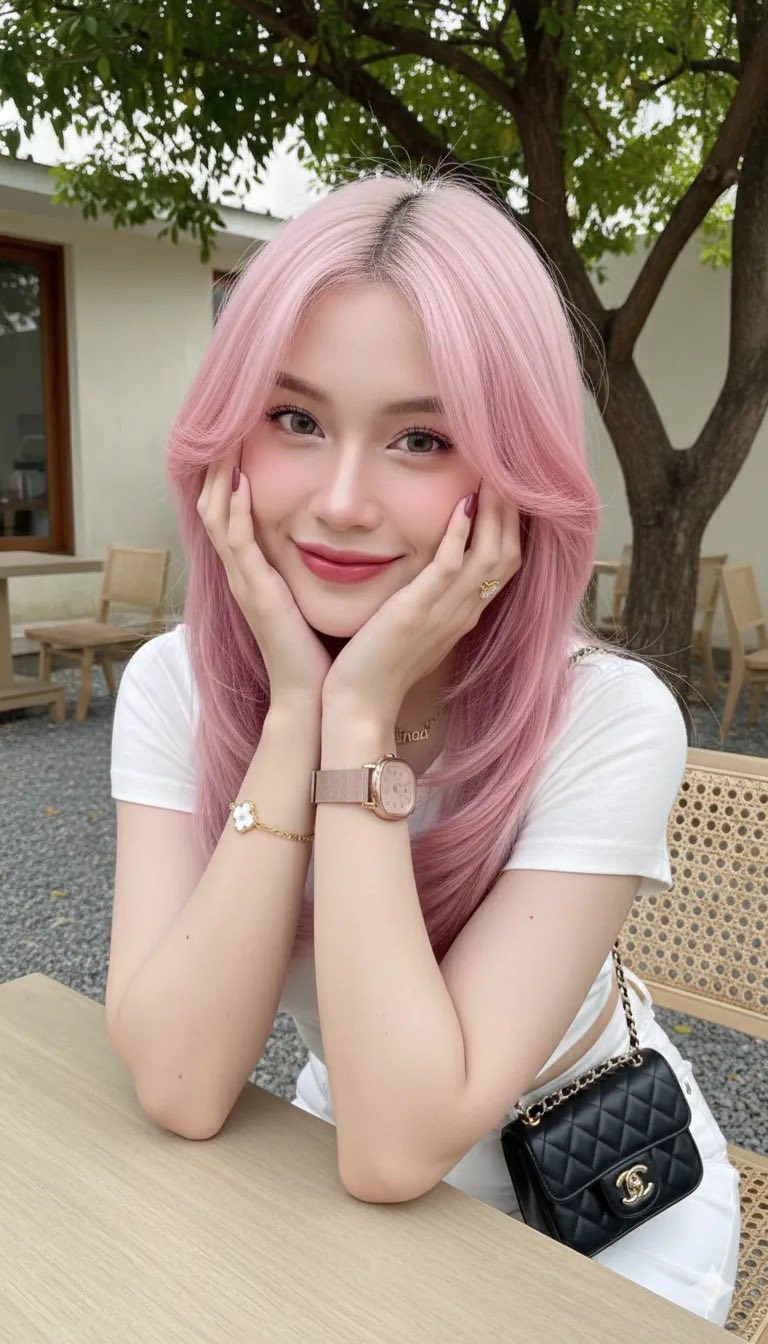
Prompt: Edit this photo. This image was created using the attached source page with 1000% accuracy...
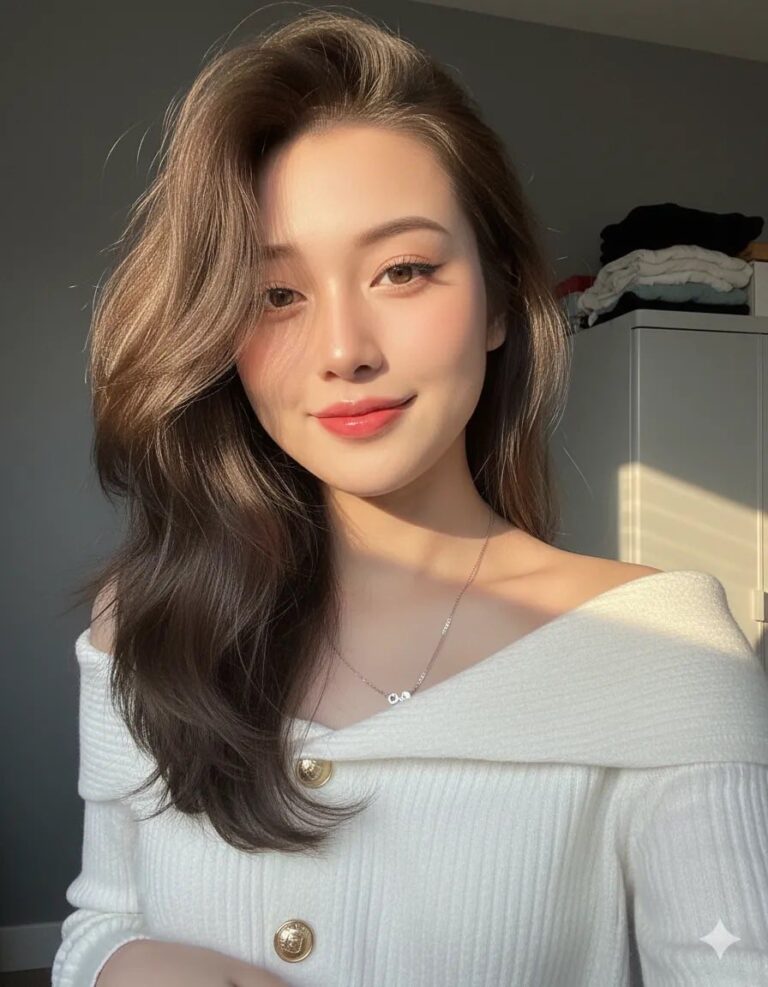
Prompt: Nour Hasan A close-up photo of a young woman taking a selfie with long, ash brown hair with...

Prompt: Use the features from the attached photo to create a clear, high-resolution, upper-body...

Prompt: Create a 100% ultra-realistic portrait using only the attached face reference photo, a 8K...
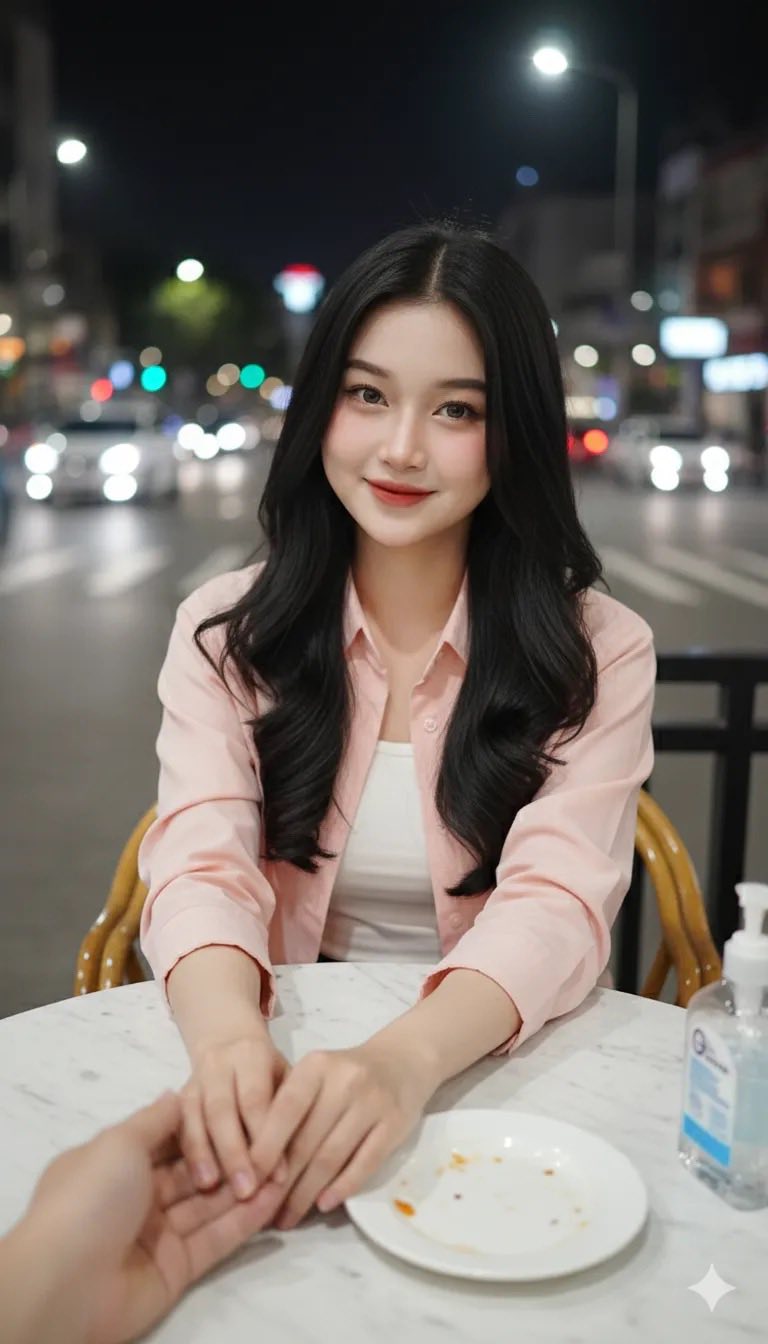
Prompt: Edit this photo into a young Indonesian woman without changing the original facial details...
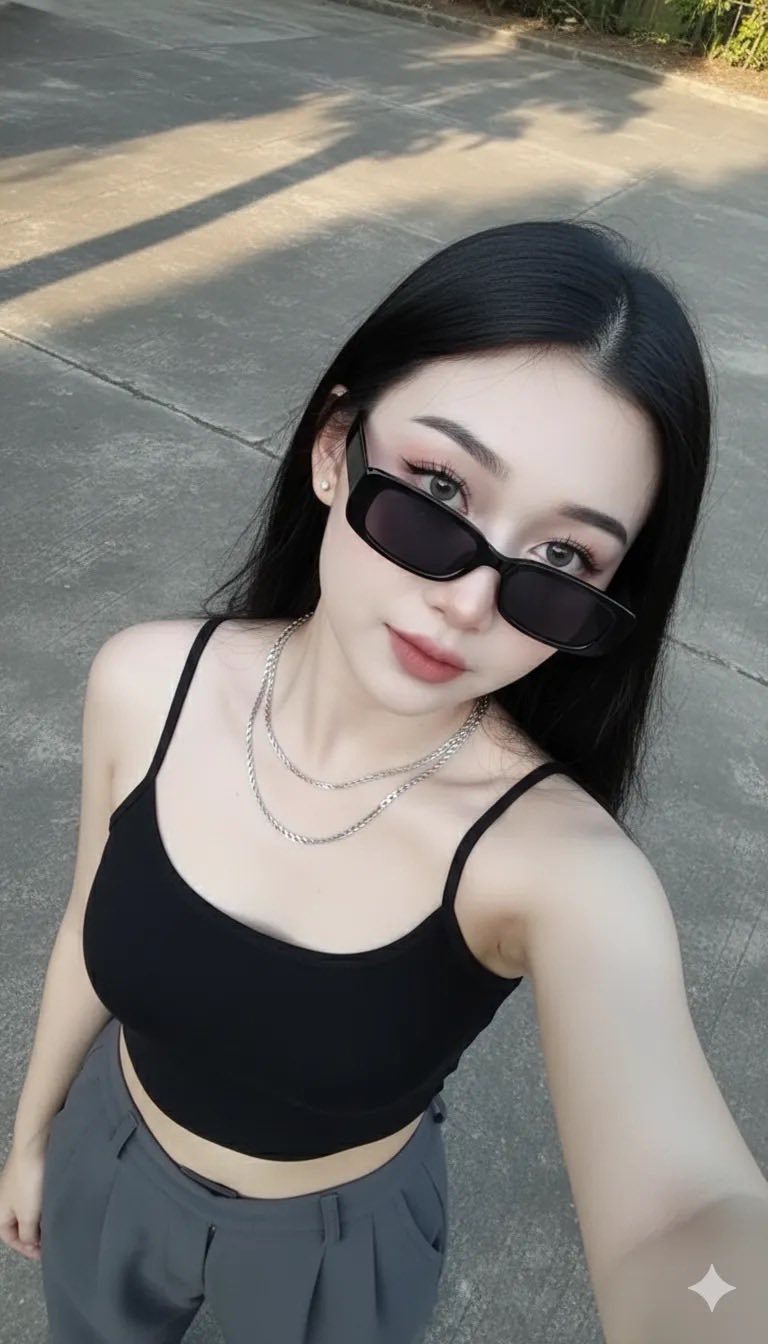
Prompt: Create an image of a woman with the same facial features. Do not edit. The woman has long...
