
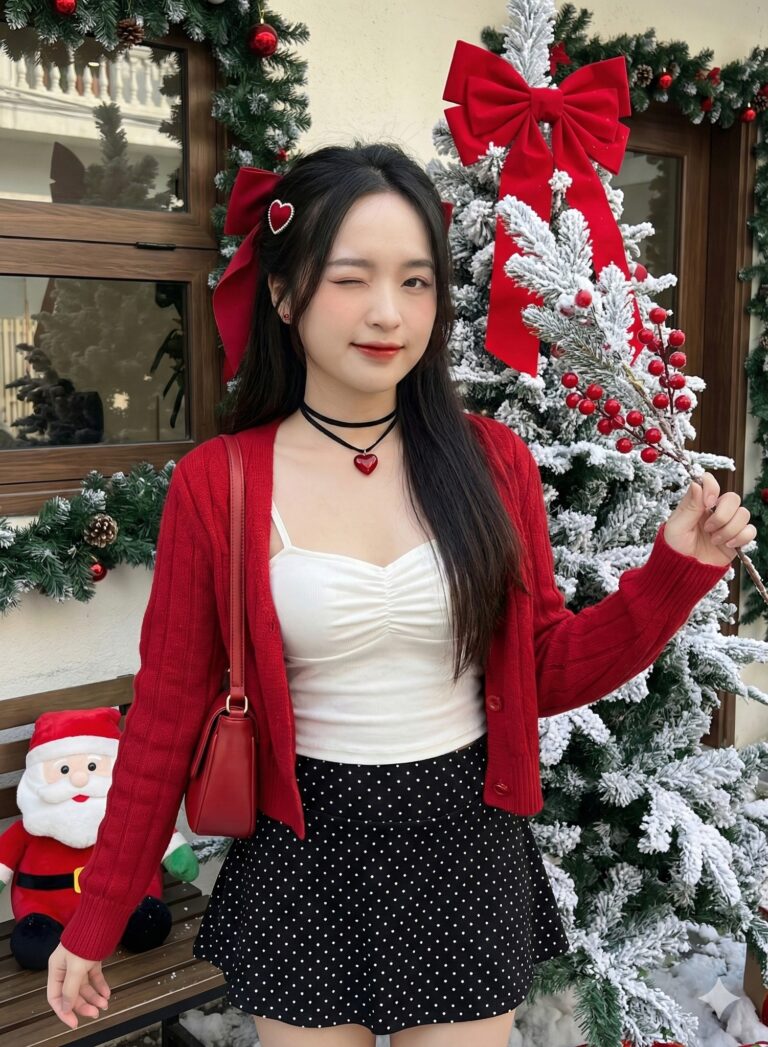
Prompt: Tạo hình ảnh chất lượng ultra-high-resolution 8K, siêu chân thực, giữ 100% gương mặt nguyên...
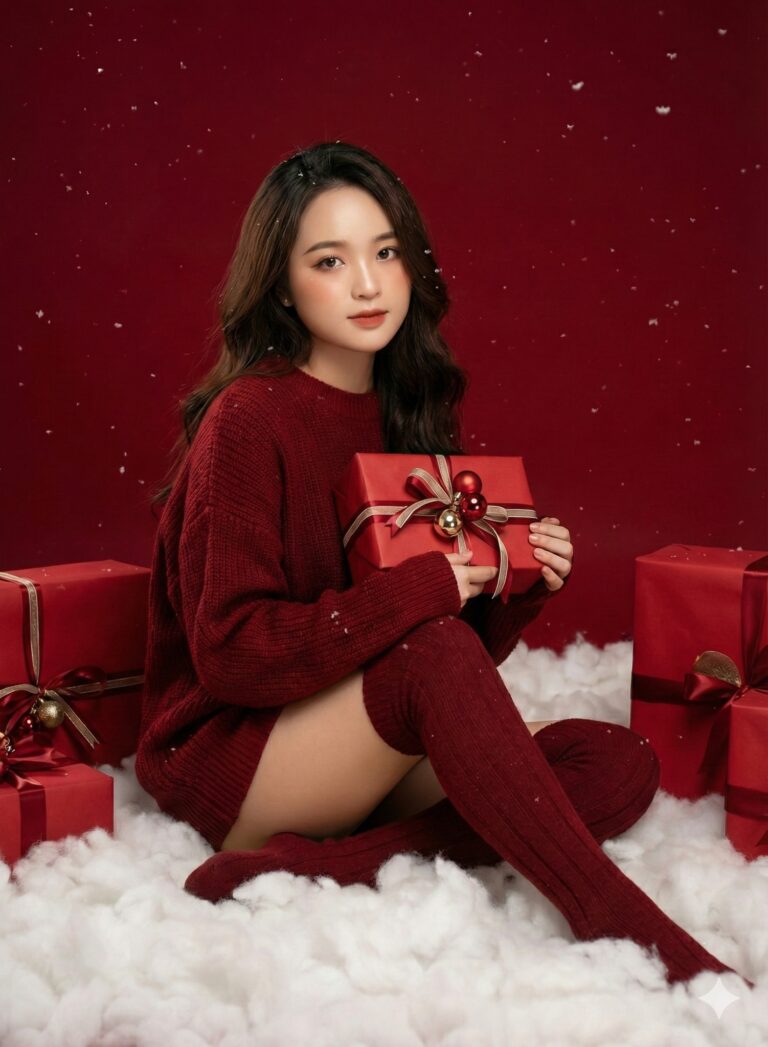
Prompt: Giữ nguyên gương mặt và biểu cảm của người phụ nữ trong ảnh đã tải lên mà không thay đổi bất...
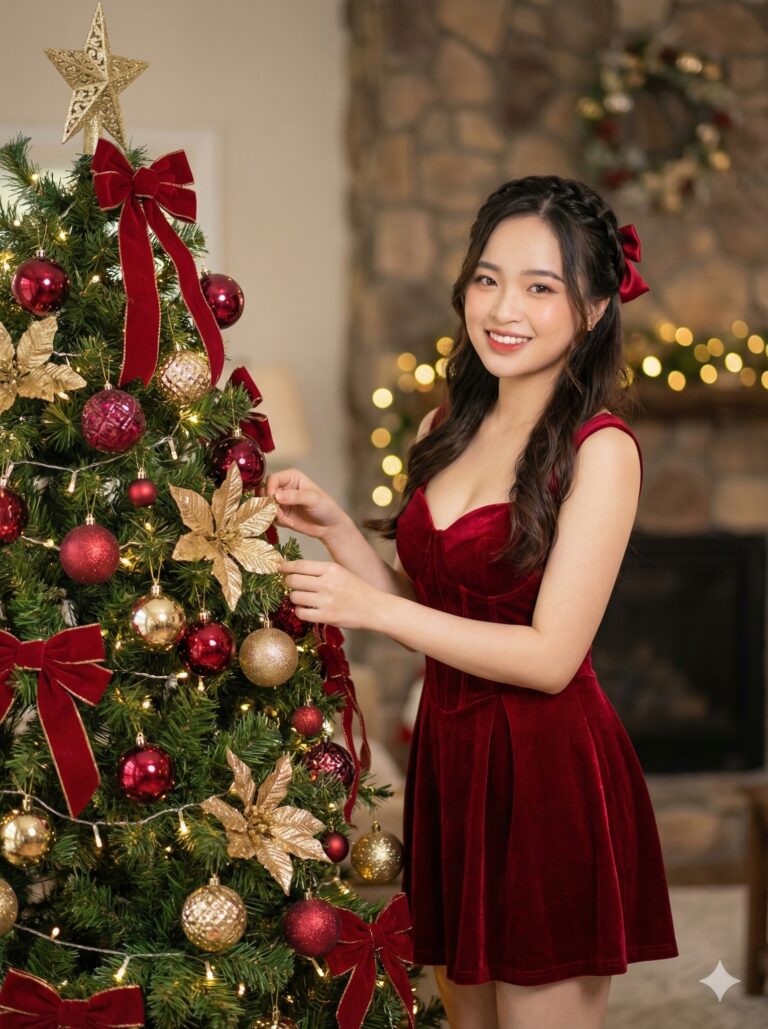
Prompt: Sử dụng gương mặt trong bức ảnh. Tạo một hình ảnh. Siêu chi tiết. Chân dung cận trung siêu...
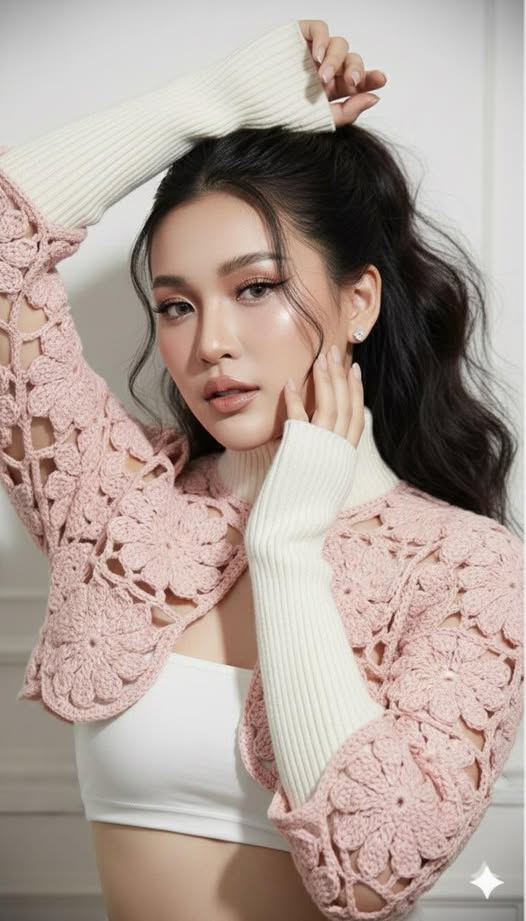
Prompt: Create candid ultra-realistic cinematic glamour image 100% copy face ,identical to the...
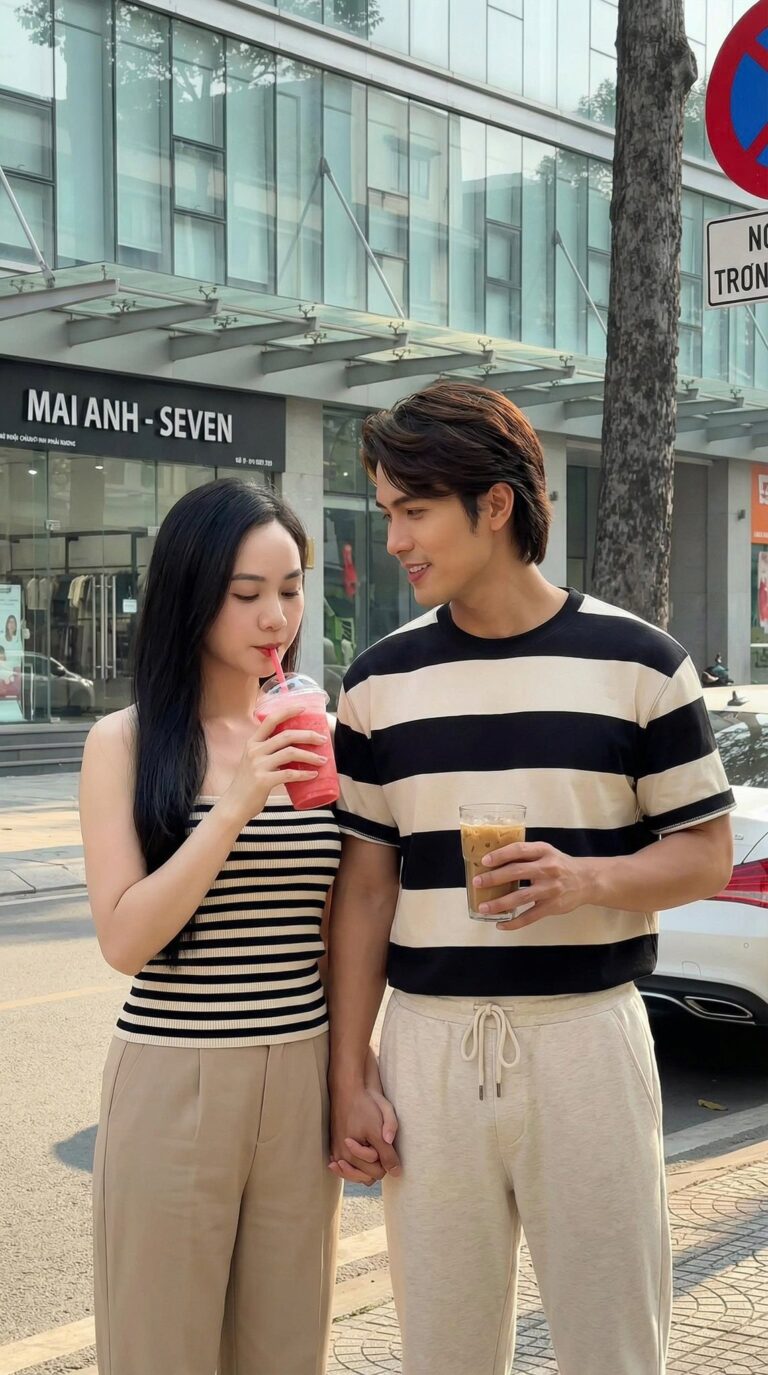
Prompt: Ultra-realistic photograph of the same young couple from the reference images, with both the...
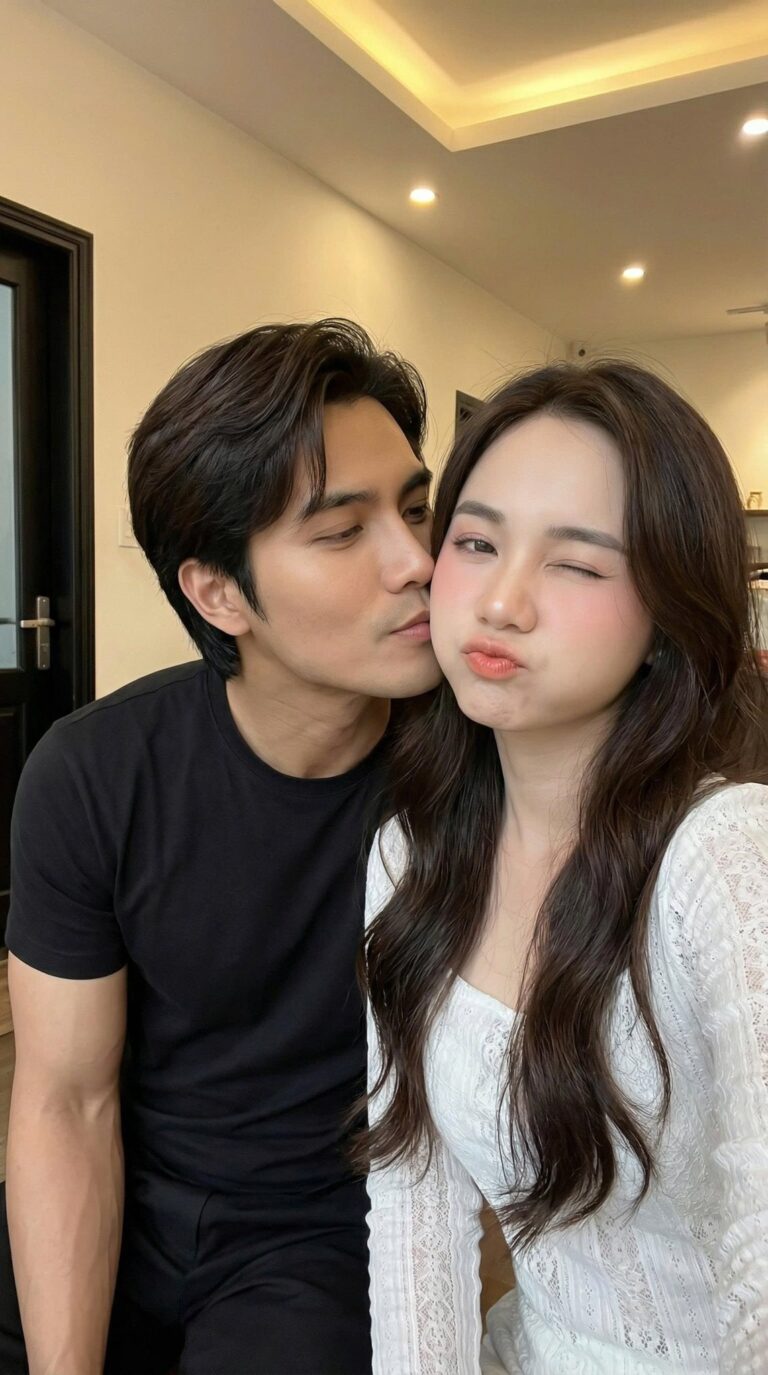
Prompt: “Ultra-realistic selfie of a young couple, with both the man and woman’s faces 100%...

Prompt: Mixed-media portrait combining photorealistic subjects from the attached references with...
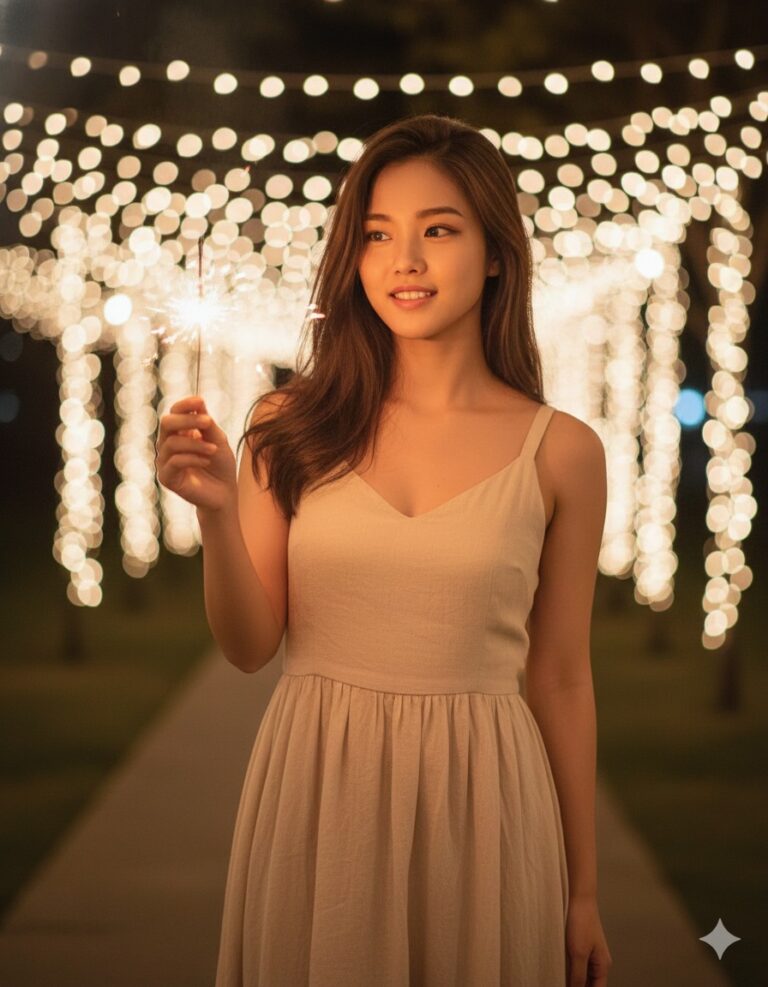
Prompt: Edit the uploaded photo (face based on the reference photo). Ensure the face remains...
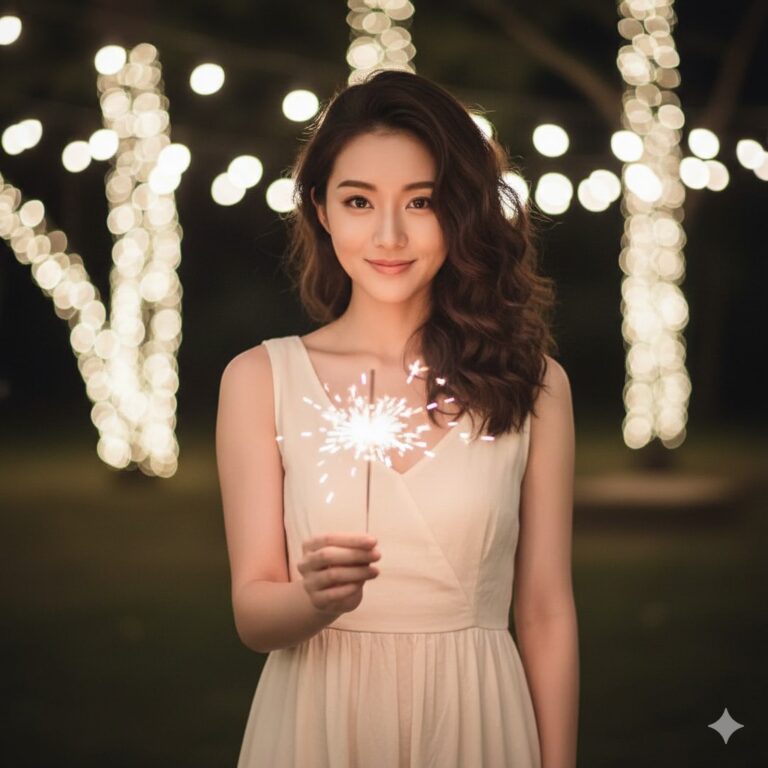
Prompt: Edit the uploaded photo (face based on the reference photo). Ensure the face remains...
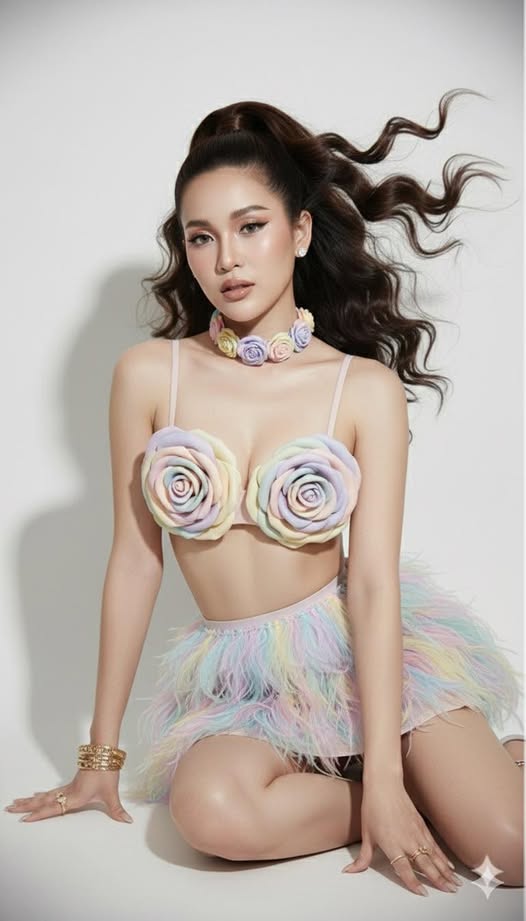
Prompt: Create an original image of a woman, picture 1 (refer to the face, ears, nose, mouth, the...
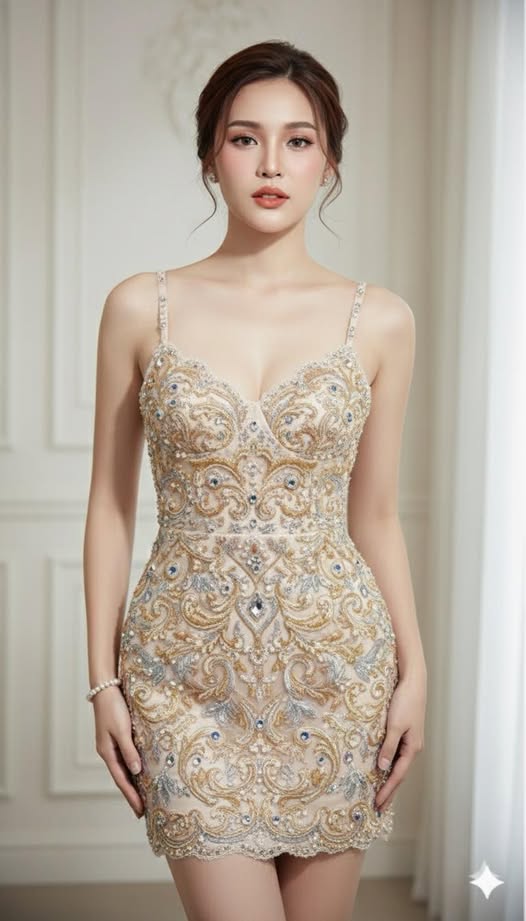
Prompt: Use 100% face copy of the uploaded photo as reference, don’t alter her face Use 100% of her...
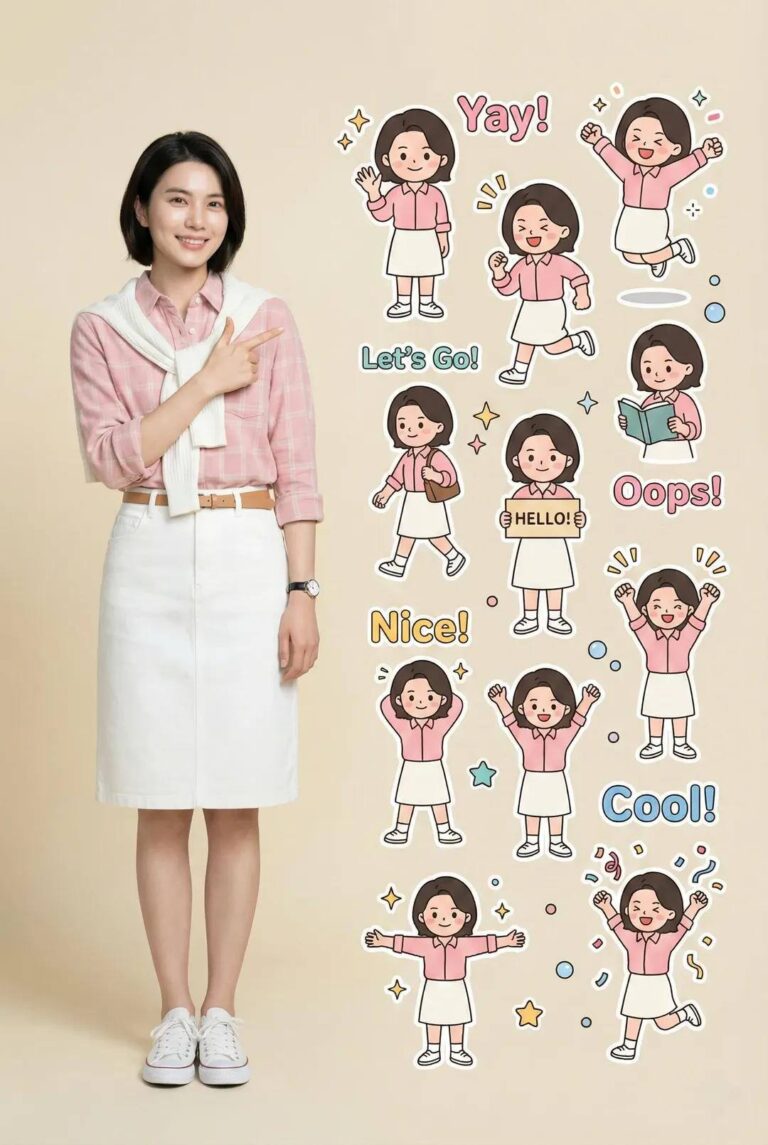
Prompt: Tạo một poster sử dụng đúng tỉ lệ khung hình của ảnh tham chiếu thứ hai dựa trên ảnh gốc...
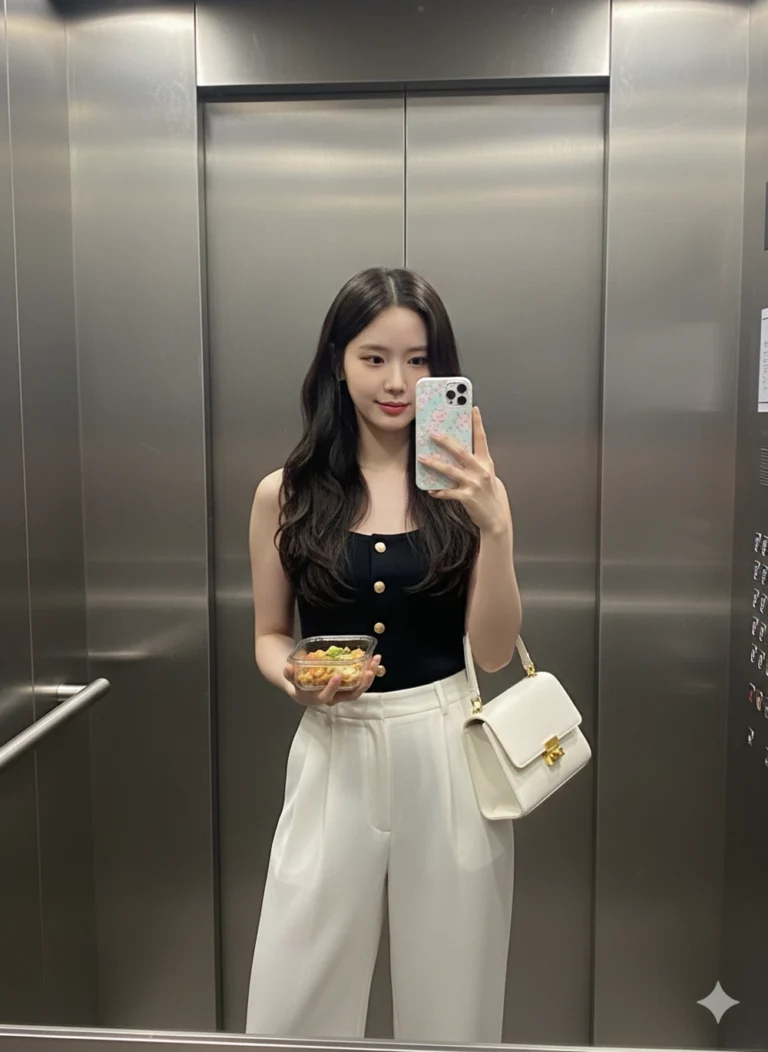
Prompt: Recreate the image from the uploaded photo, keeping the exact same face and all facial...
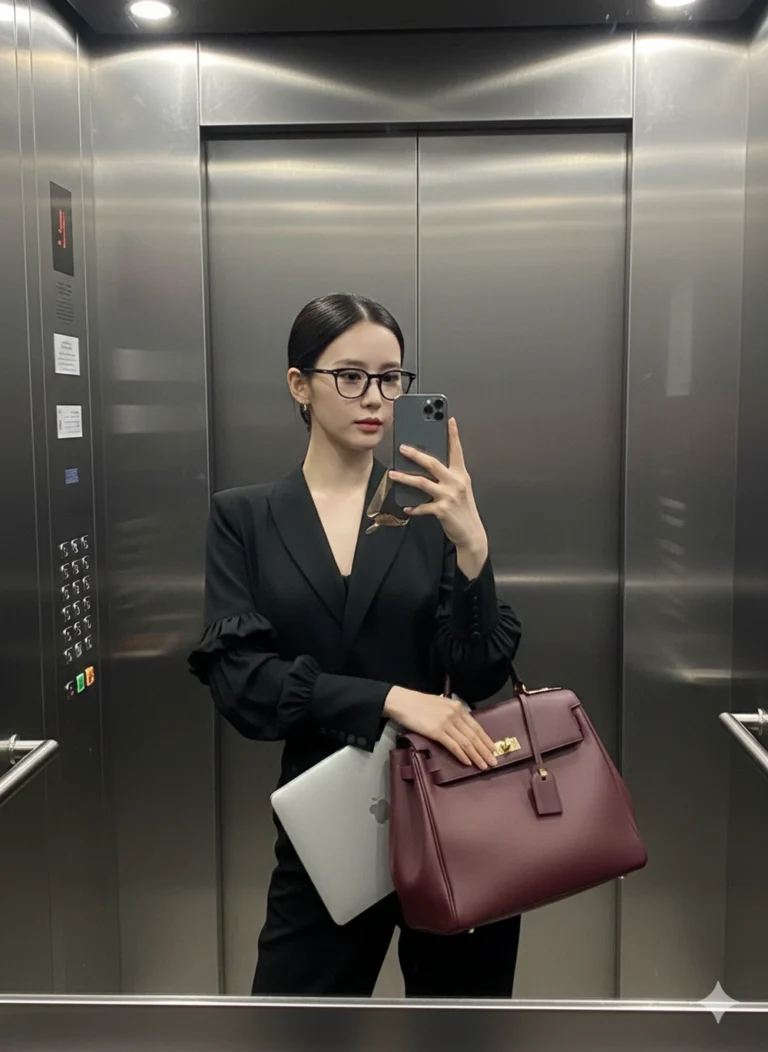
Prompt: Recreate the image from the uploaded photo while keeping the exact same face and all facial...
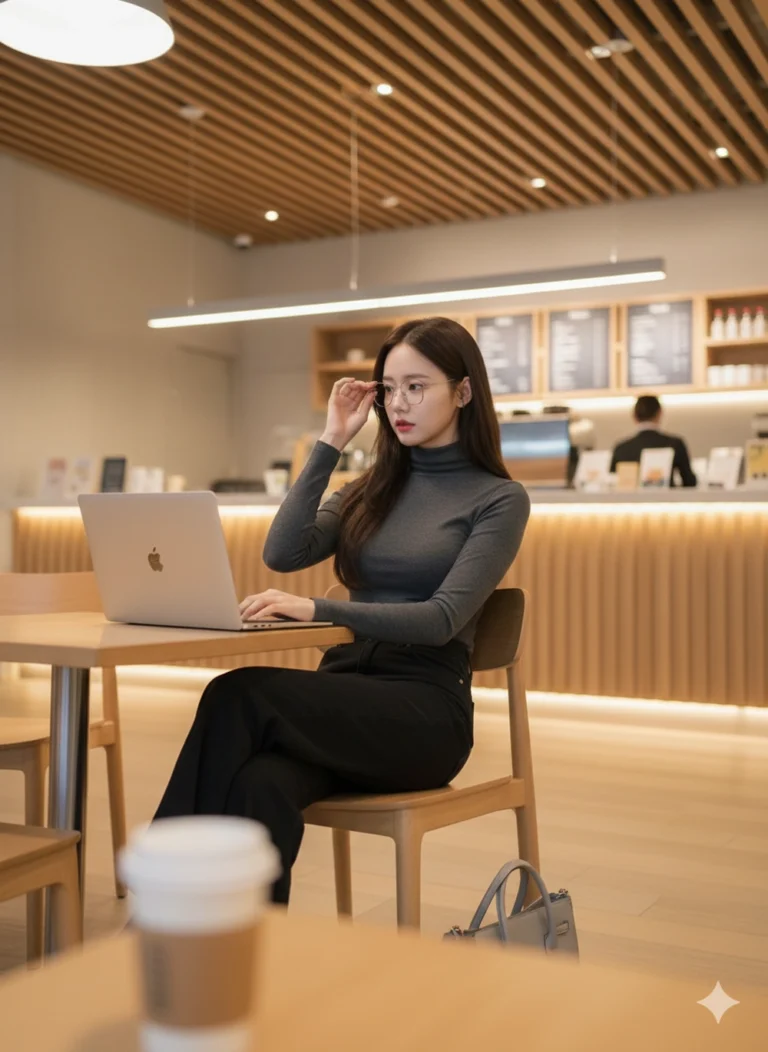
Prompt: Recreate the image from the uploaded photo while keeping the exact same face and all facial...
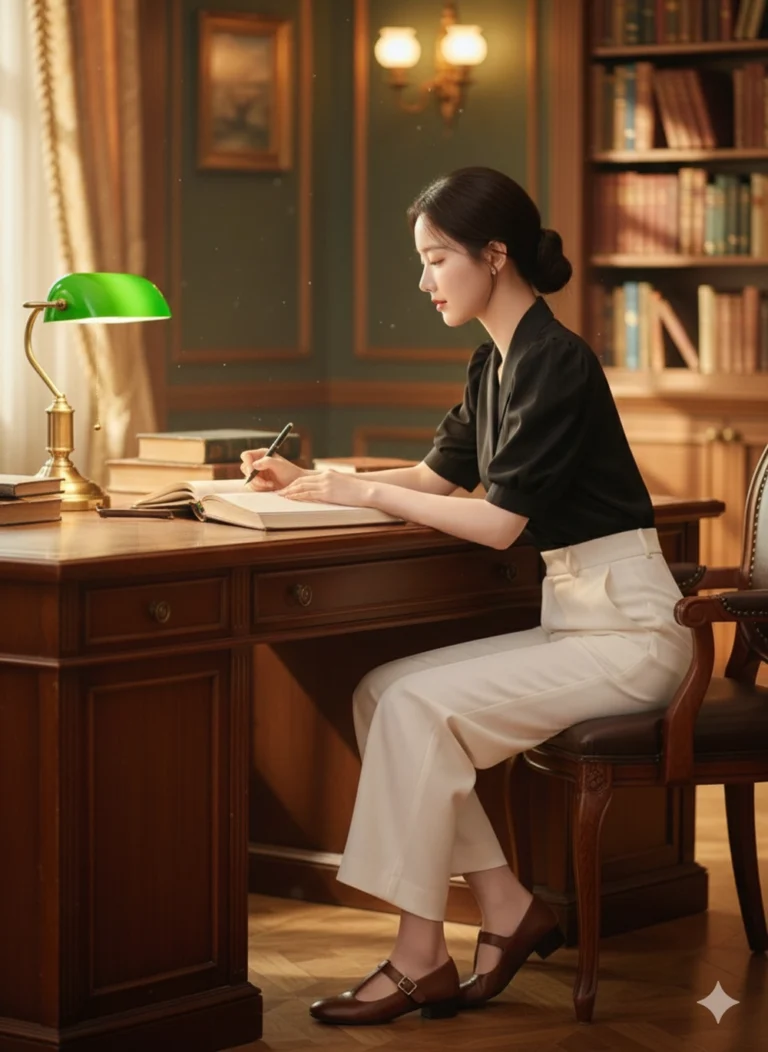
Prompt: Recreate the image from the uploaded photo while keeping the exact same face and all facial...
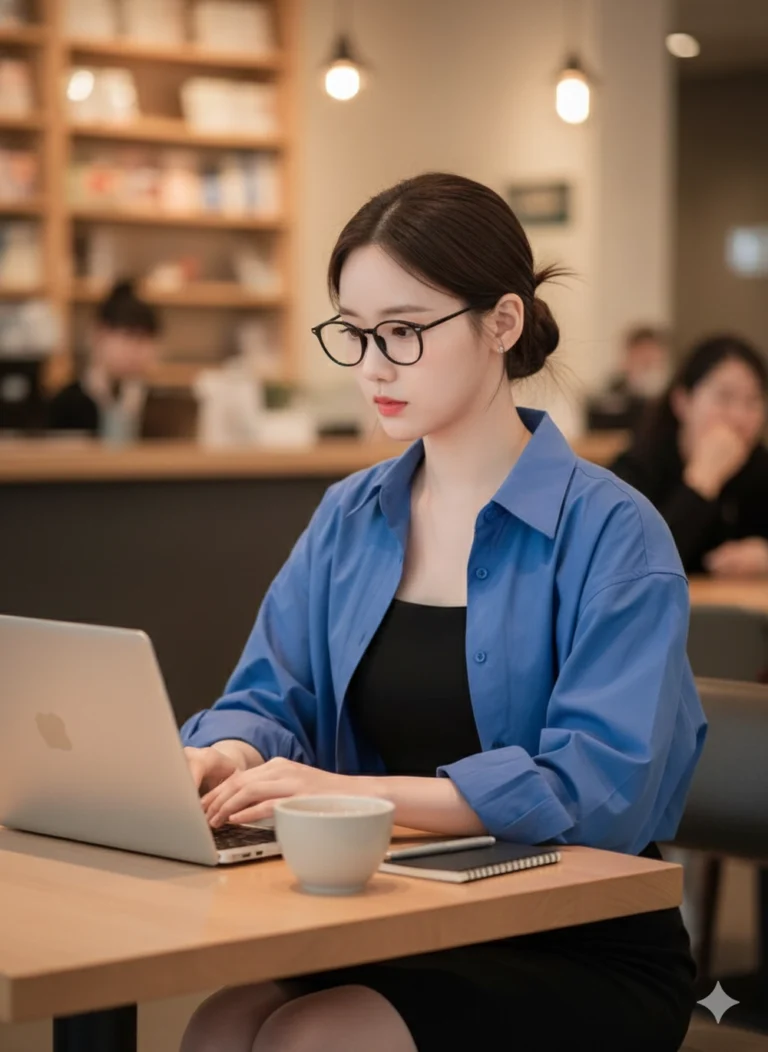
Prompt: Recreate the image from the uploaded photo while keeping the exact same face and all facial...

Prompt: Recreate the image from the uploaded photo while keeping the exact same face and all facial...
