
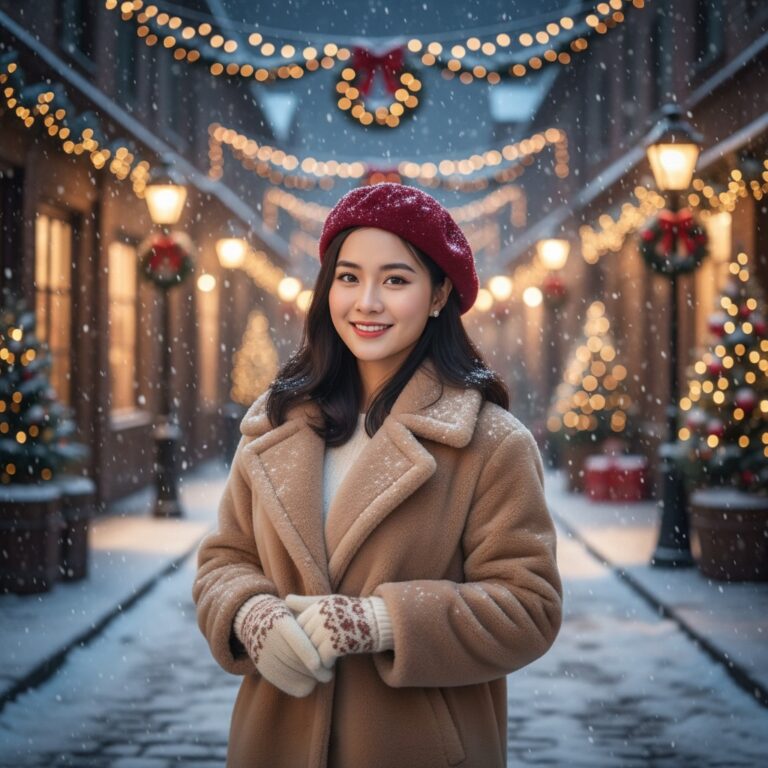
Prompt: Create a 100% ultra-realistic portrait using only the attached face reference photo, a 8K...
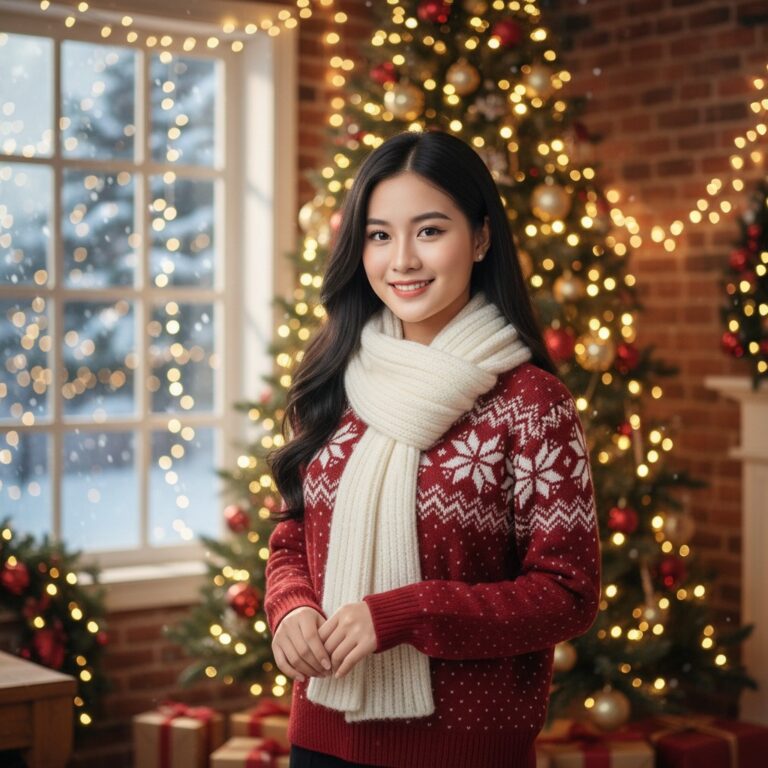
Prompt: Create a 100% ultra-realistic portrait using only the attached face reference photo, a 8K...
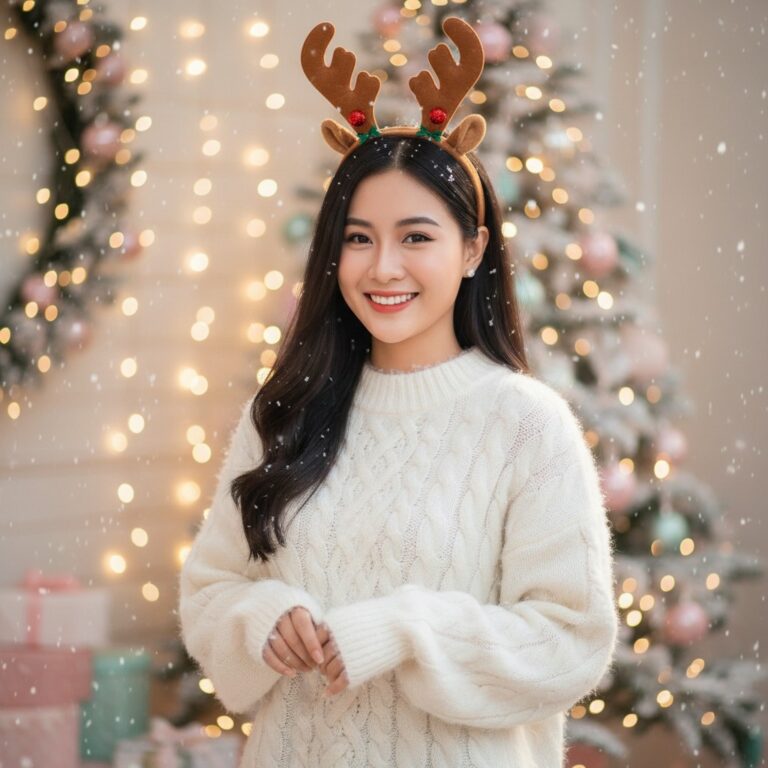
Prompt: Create a 100% ultra-realistic portrait using only the attached face reference photo, a 8K...
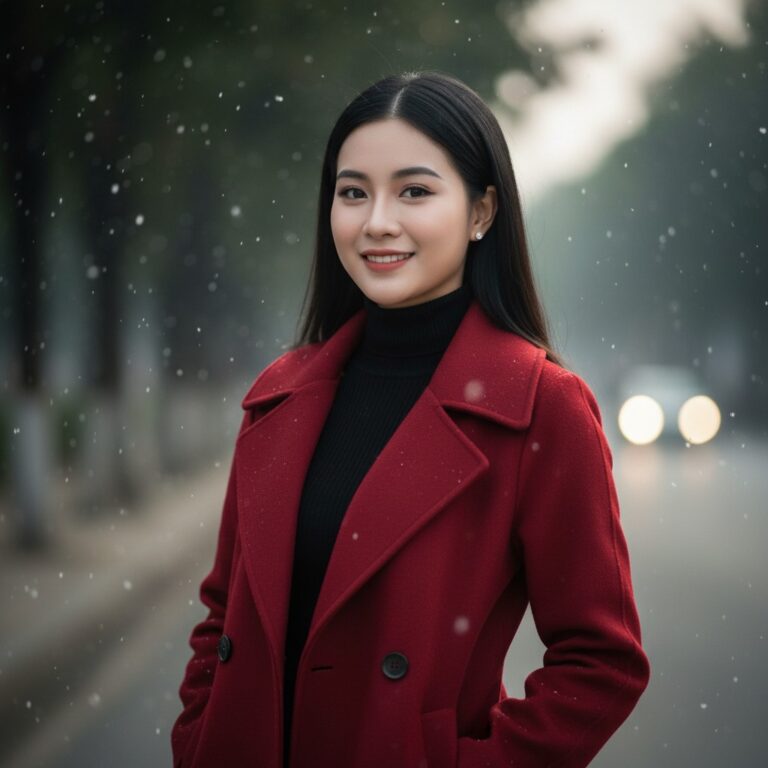
Prompt: Create a 100% ultra-realistic portrait using only the attached face reference photo, a 8K...
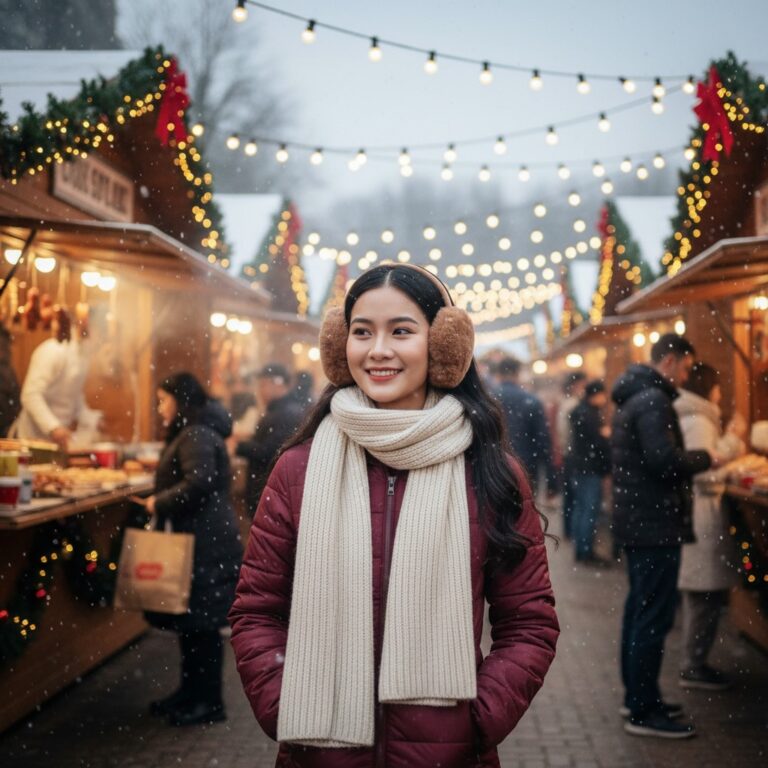
Prompt: Create a 100% ultra-realistic portrait using only the attached face reference photo, a 8K...
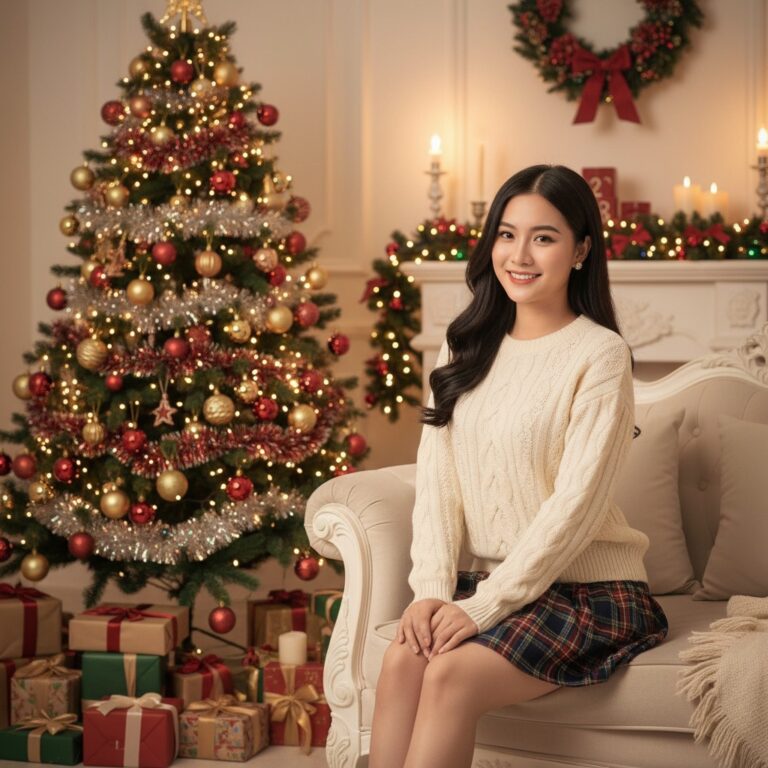
Prompt: Create a 100% ultra-realistic portrait using only the attached face reference photo, a 8K...
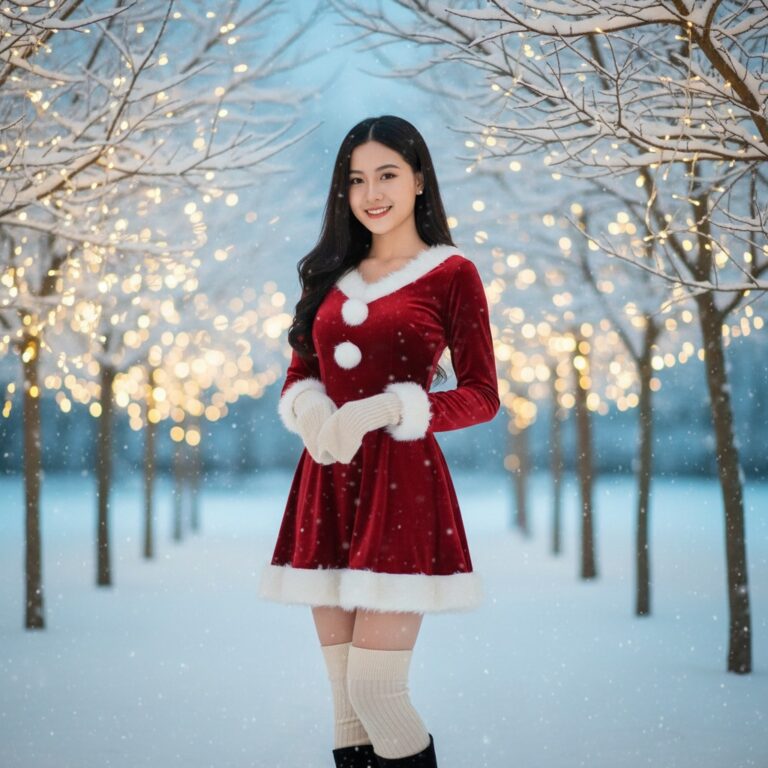
Prompt: Create a 100% ultra-realistic portrait using only the attached face reference photo, a 8K...
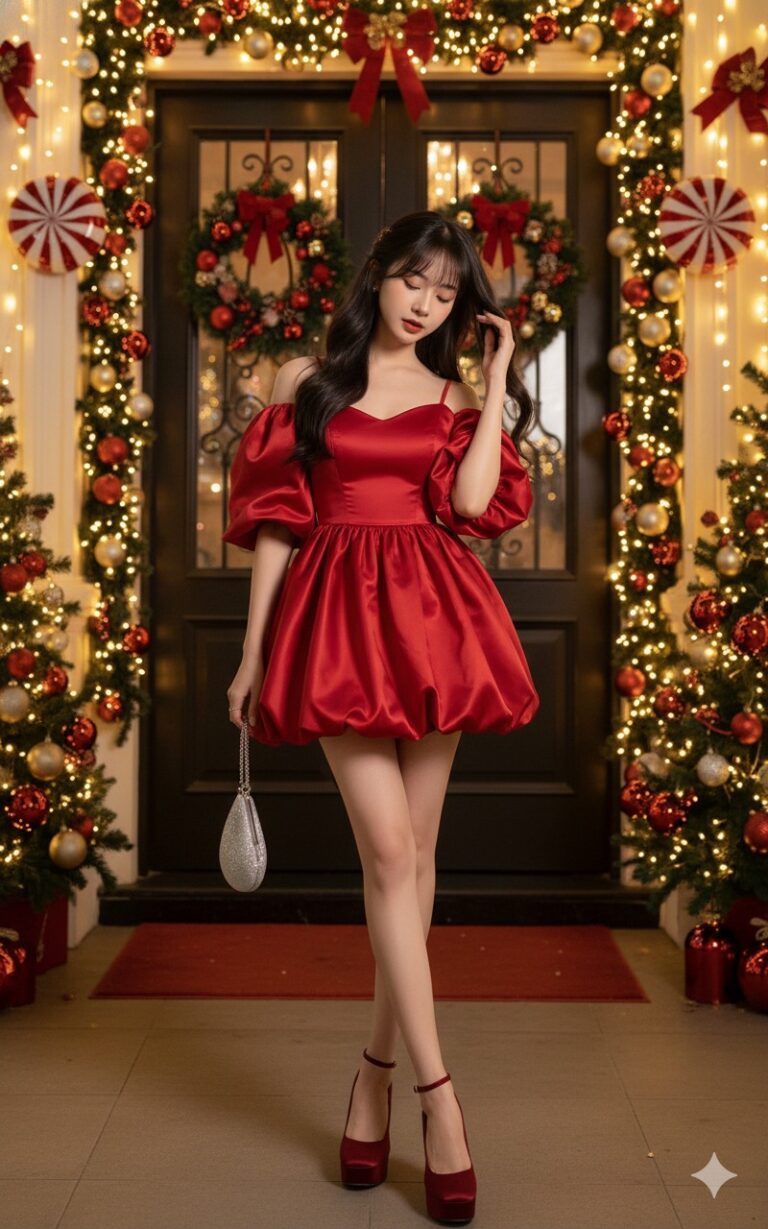
Prompt: Keep the original face as in the uploaded photo. A glamorous Christmas-themed fashion...
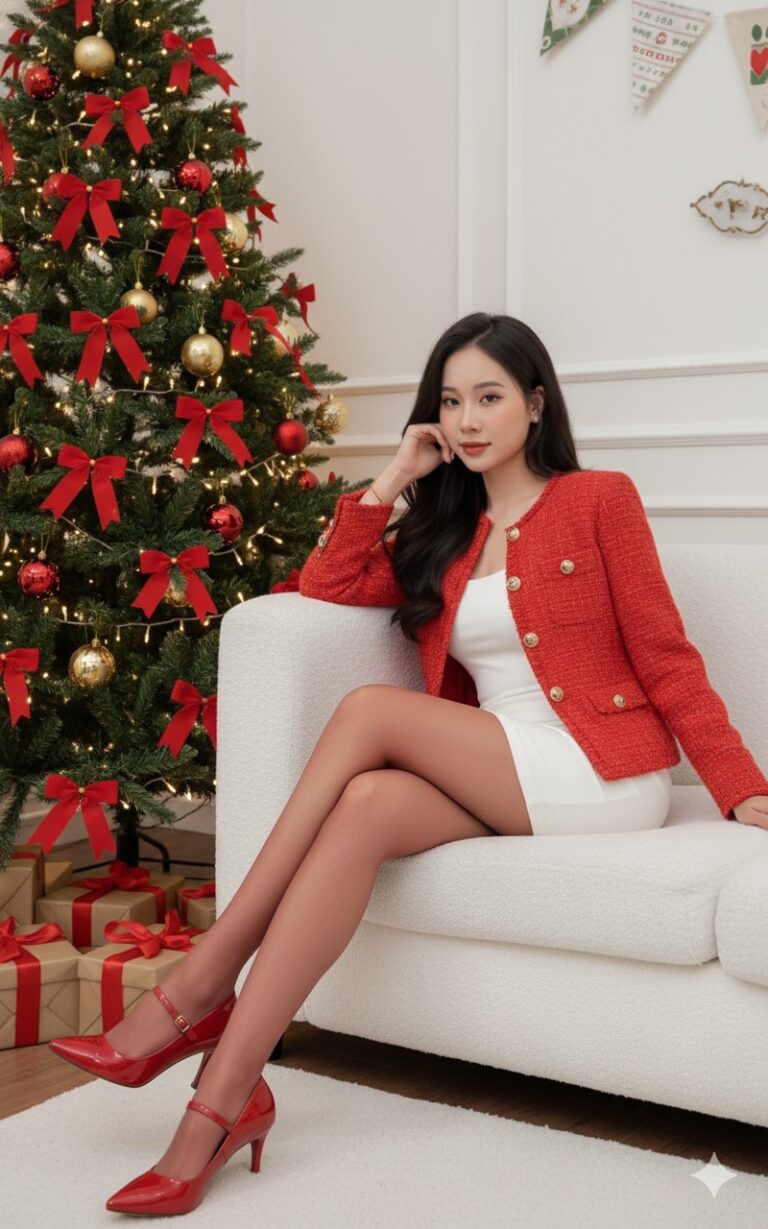
Prompt: Keep the original face as in the uploaded photo. A cozy indoor Christmas photoshoot. A...
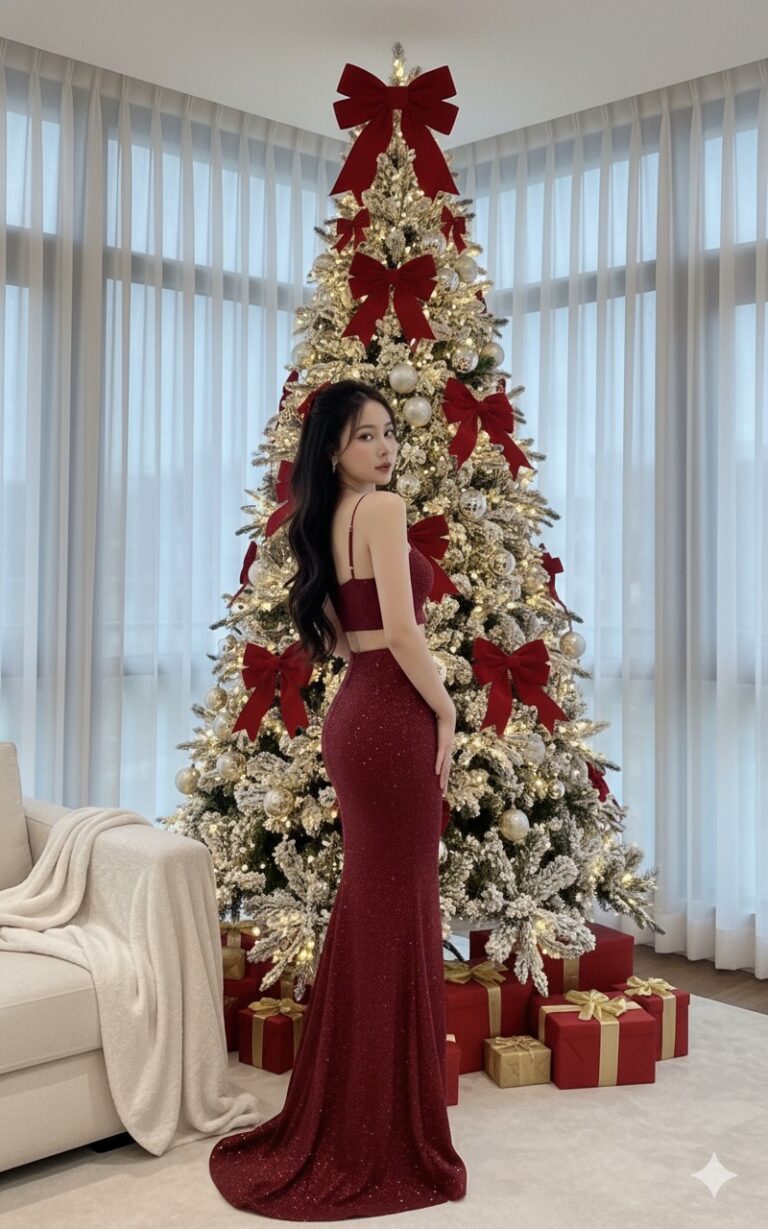
Prompt: Keep the original face as in the uploaded photo. A luxurious Christmas photoshoot in a...
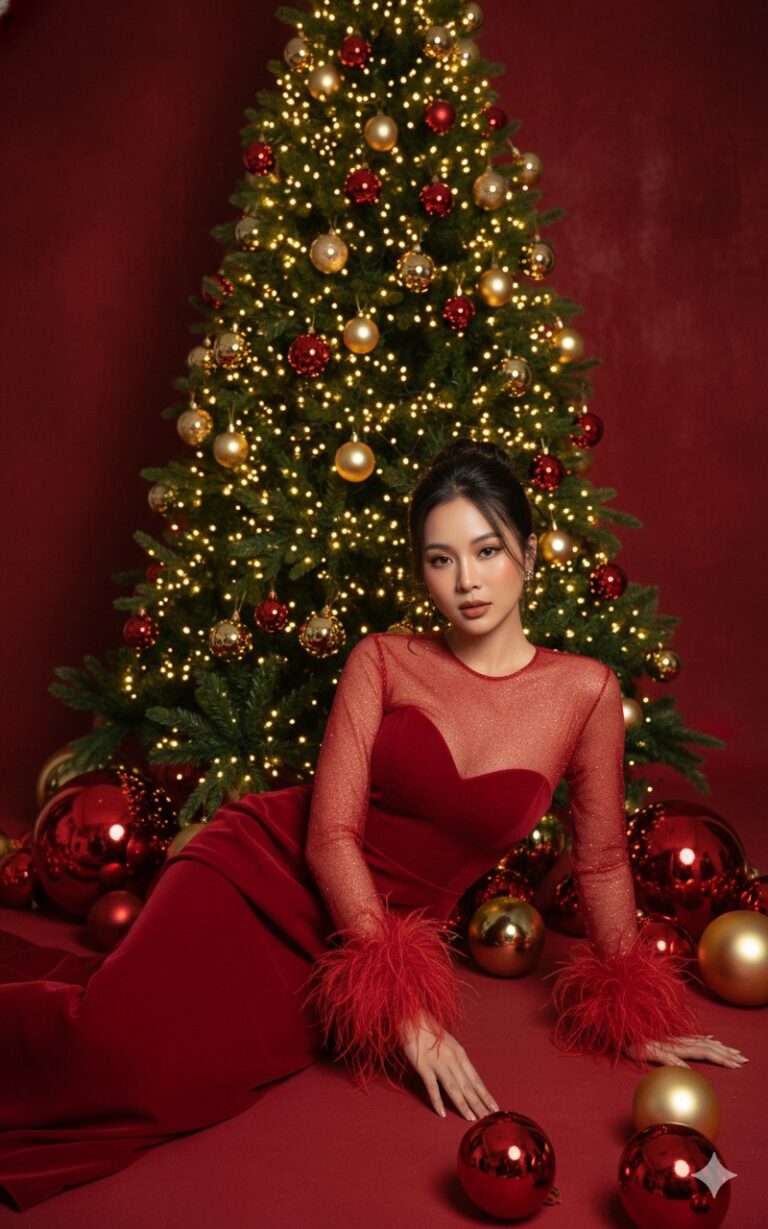
Prompt: Keep the original face as in the uploaded photo. A gorgeous Christmas photoshoot featuring a...
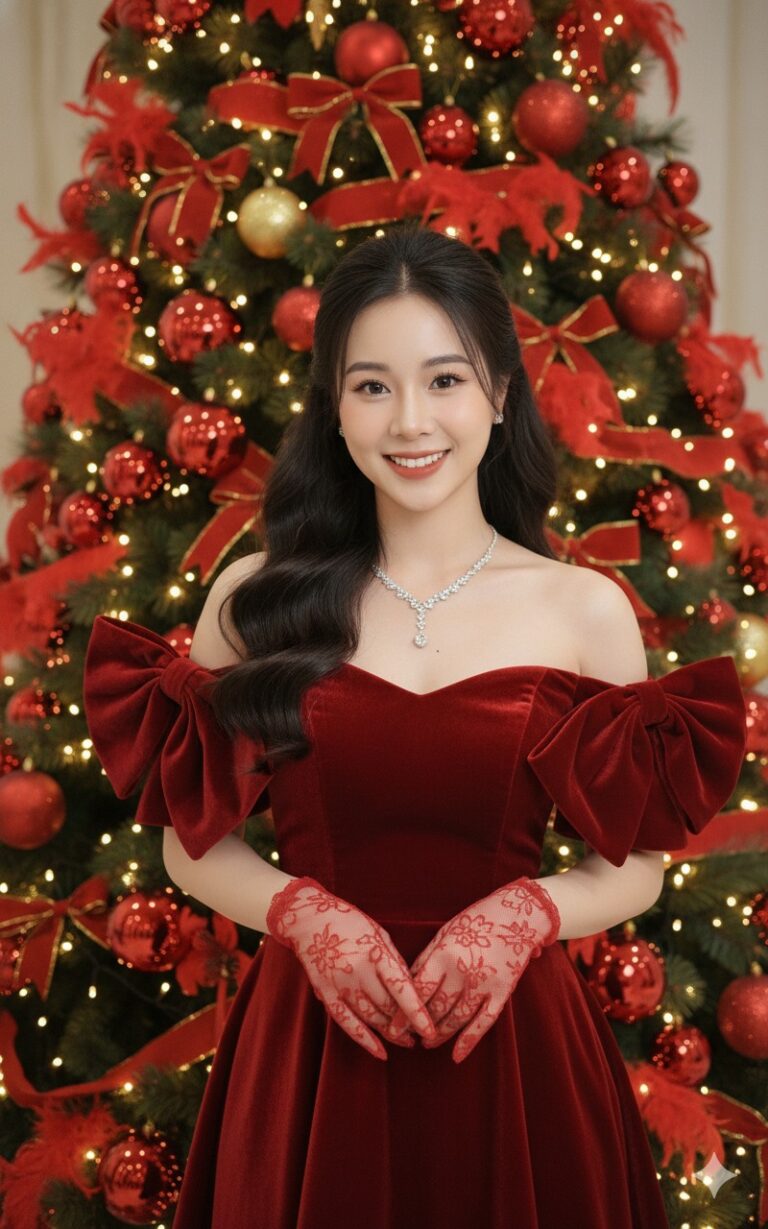
Prompt: Keep the original face as in the uploaded photo. A gorgeous Christmas portrait of a smiling...
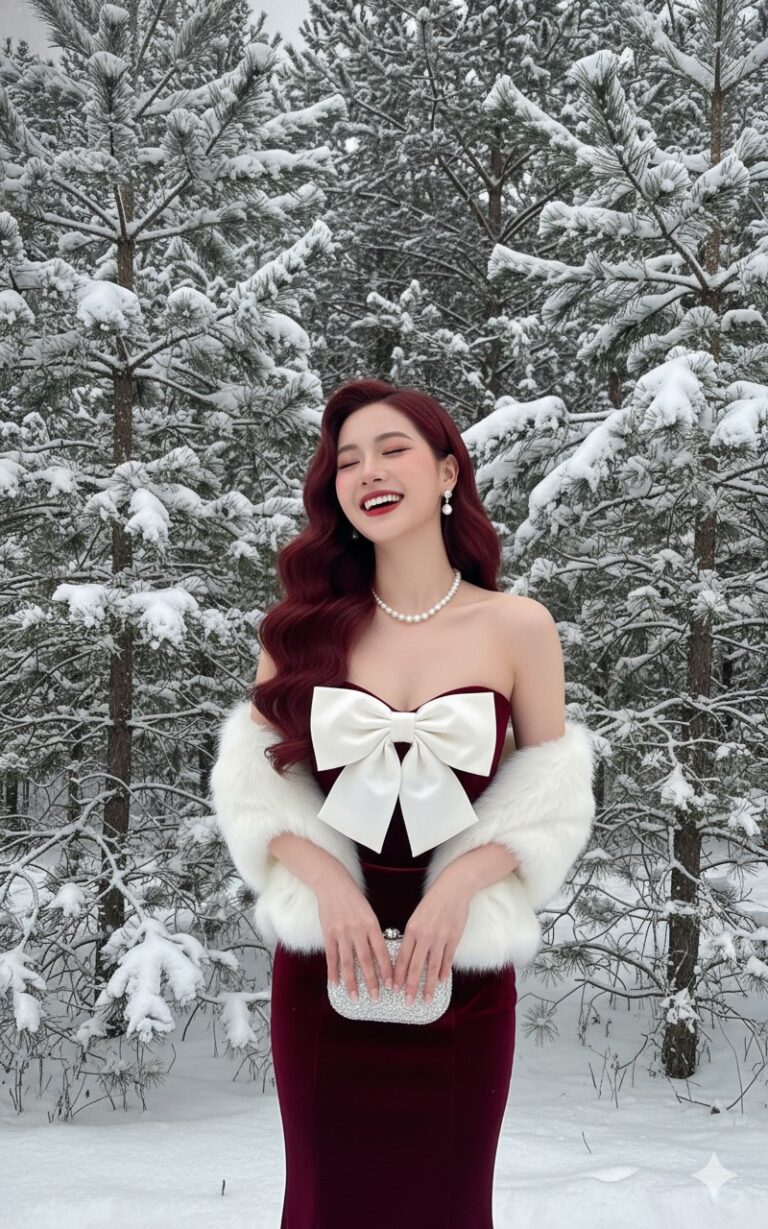
Prompt: Keep the original face as in the uploaded photo. A glamorous winter portrait of an elegant...
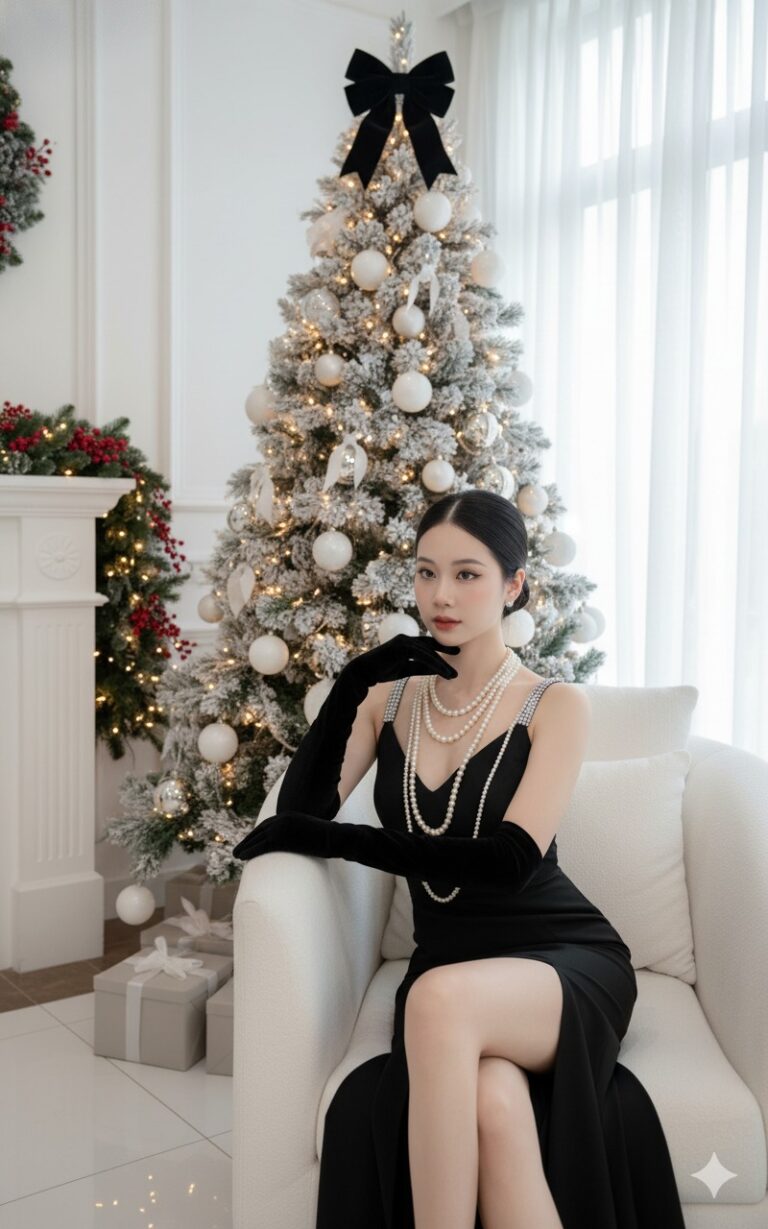
Prompt: Keep the original face as in the uploaded photo. A refined Christmas portrait of an elegant...
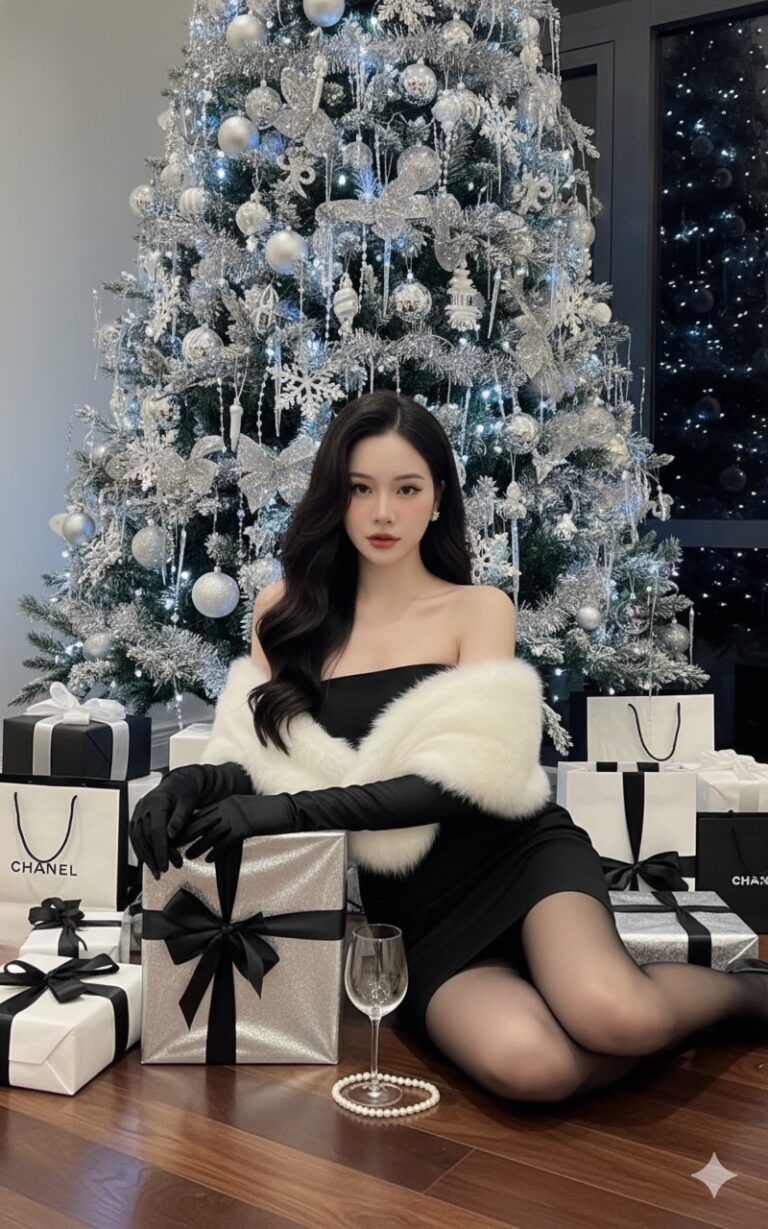
Prompt: Keep the original face as in the uploaded photo. A luxurious Christmas photoshoot featuring...
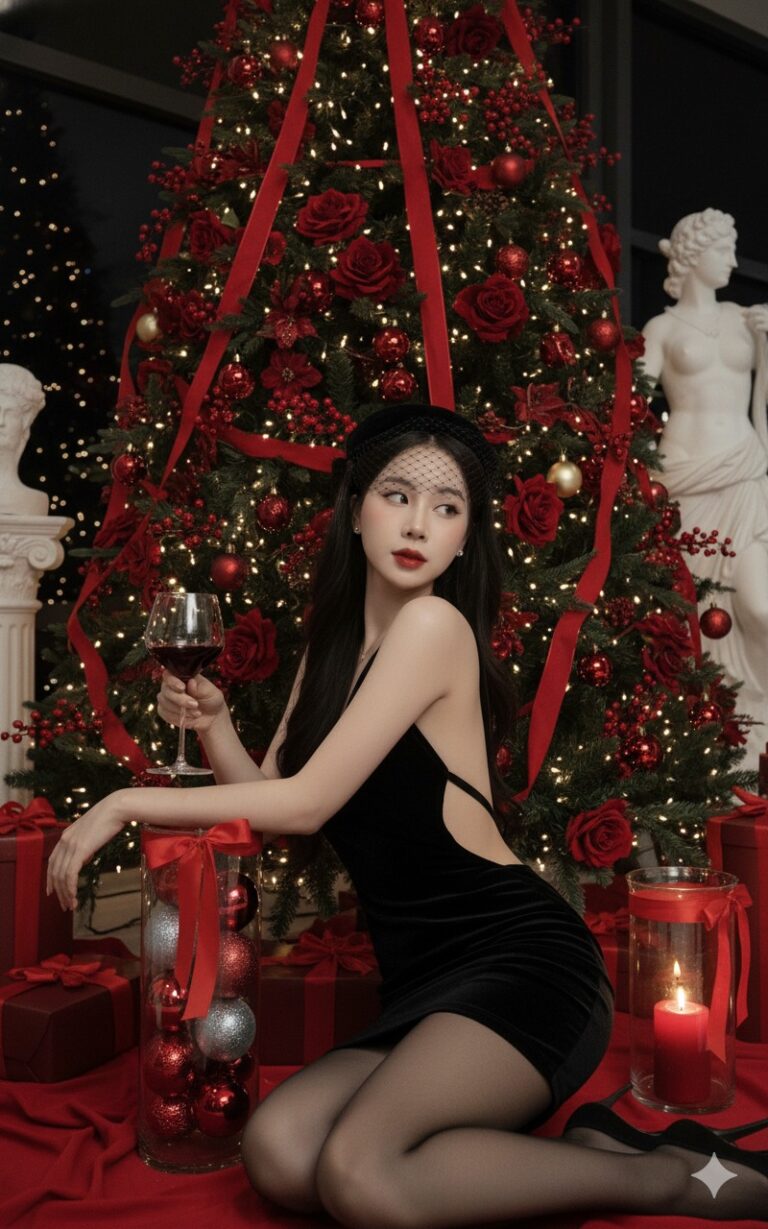
Prompt: Keep the original face as in the uploaded photo. A glamorous Christmas-themed portrait of a...
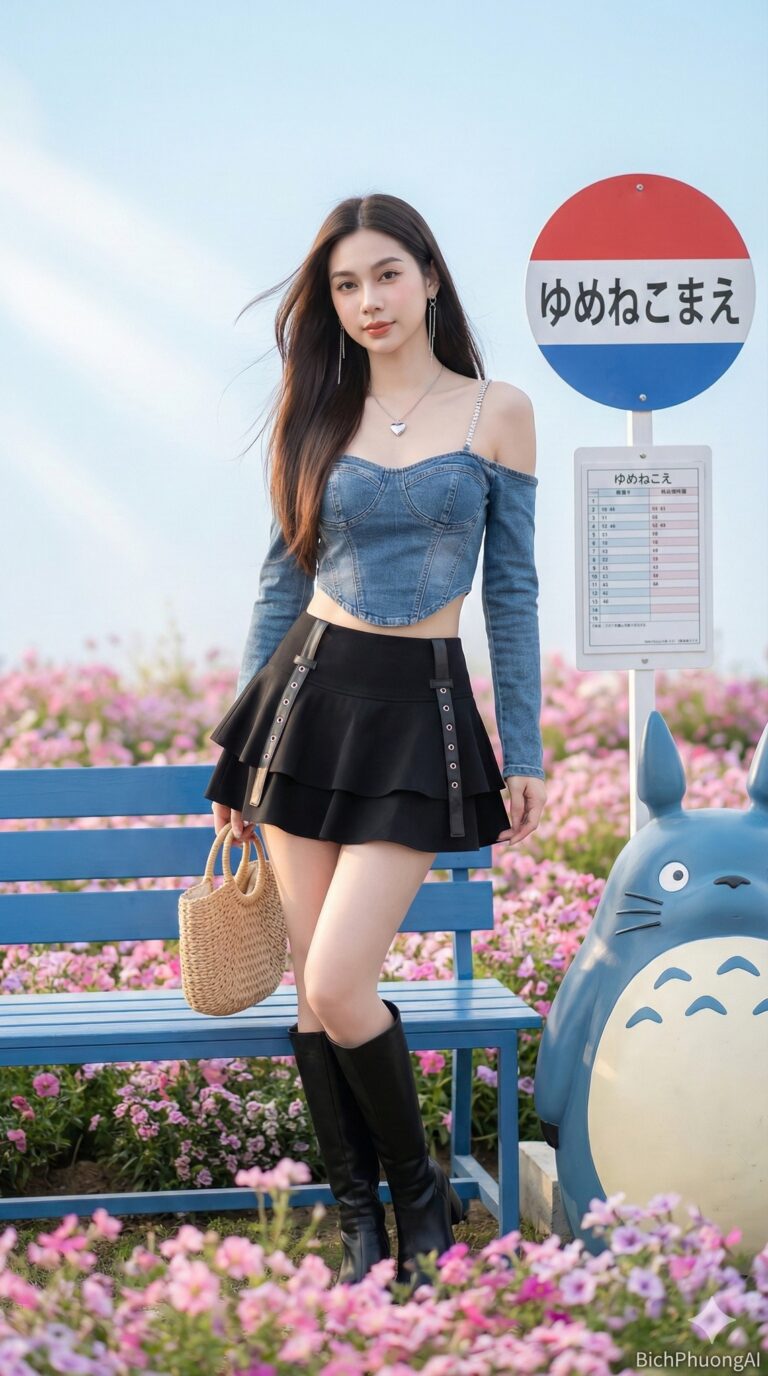
Prompt: Create an ultra-realistic 8K cinematic realism portrait using the exact face from the...
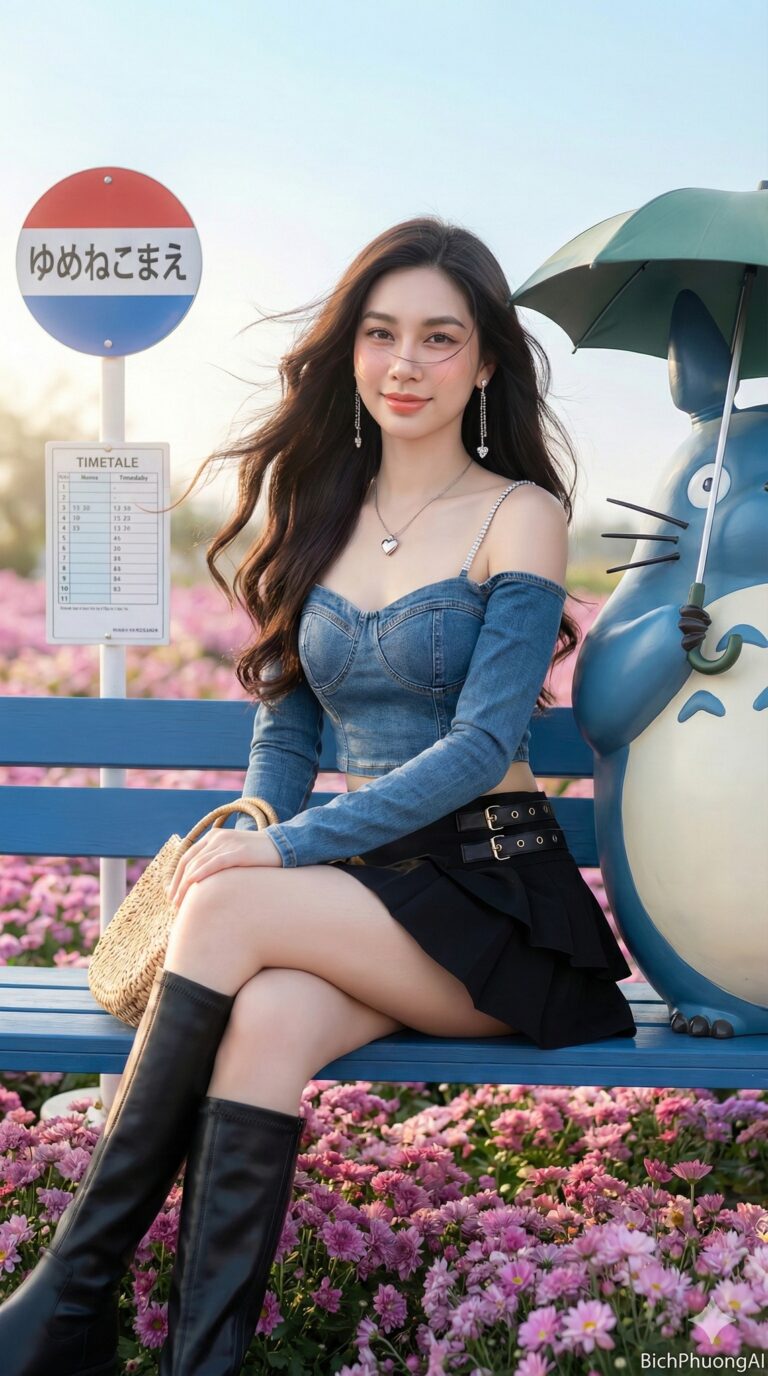
Prompt: Create an ultra-realistic 8K cinematic realism portrait using the exact face from the...
