
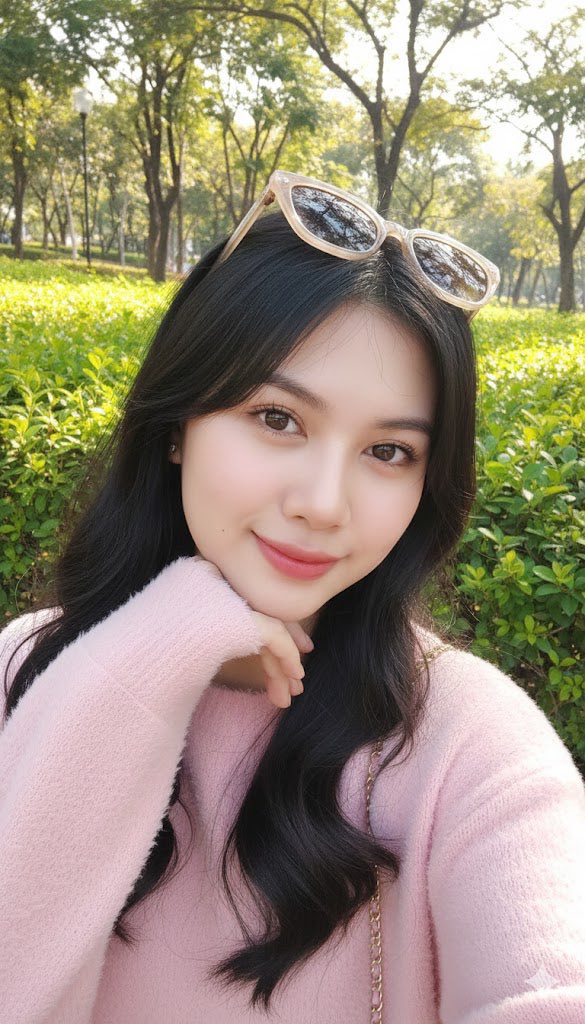
Prompt: This photo was edited without altering her face. A young woman takes a selfie outdoors in a...
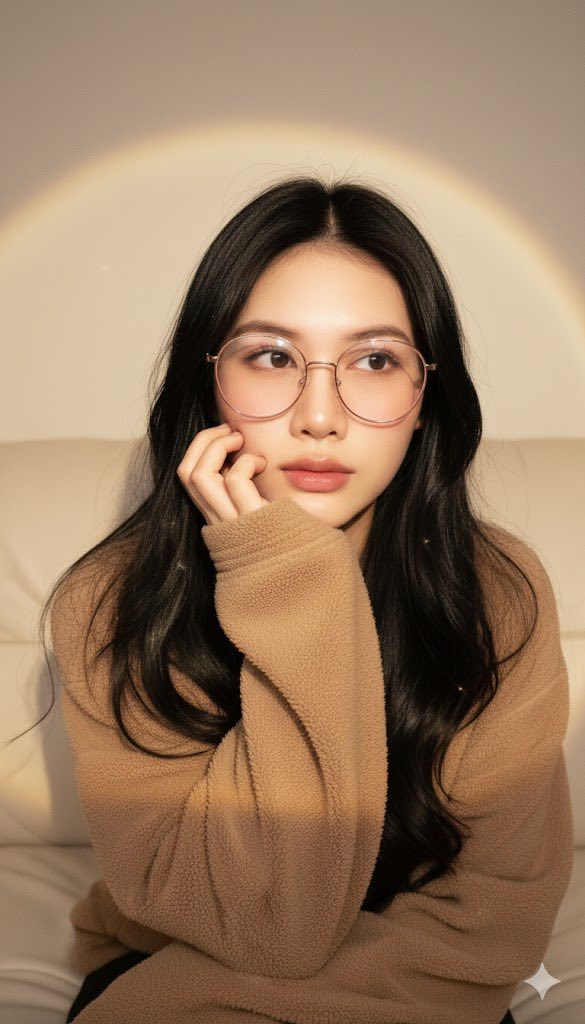
Prompt: Create a portrait using my photo, don’t alter the face. K-style (Korean style) shot...
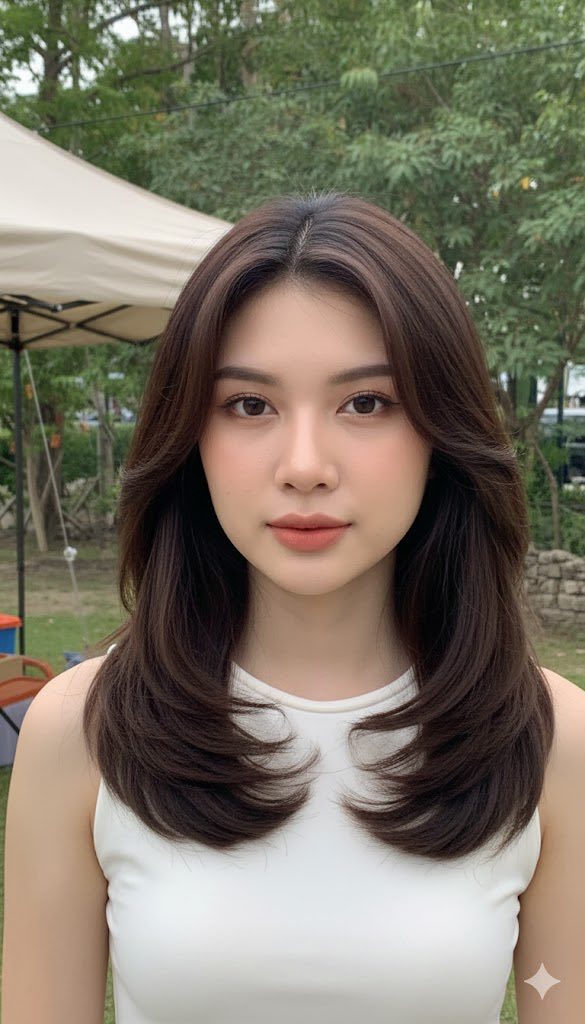
Prompt: Create an image from reference photo, ultra-realistic photographic style, natural outdoor...
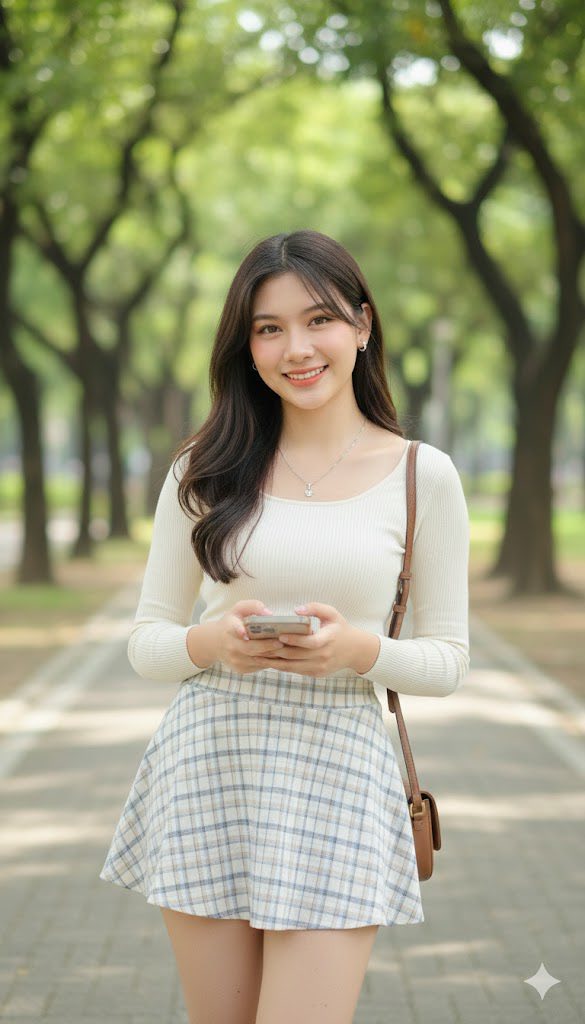
Prompt: Create an image from reference photo, featuring a beautiful young woman with Korean makeup...
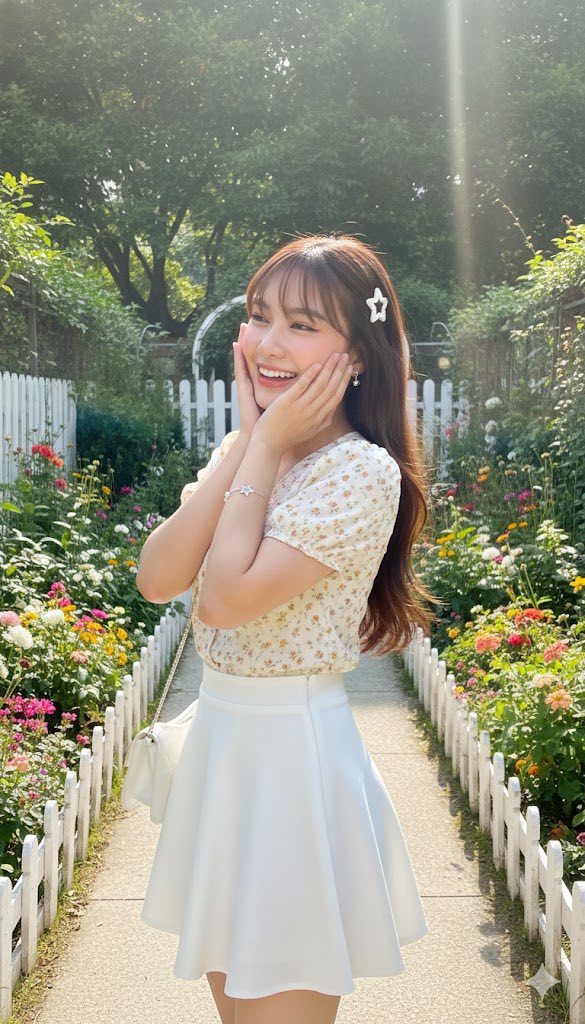
Prompt: Create a portrait of a beautiful, slender young woman with slightly slim cheeks and a fair...
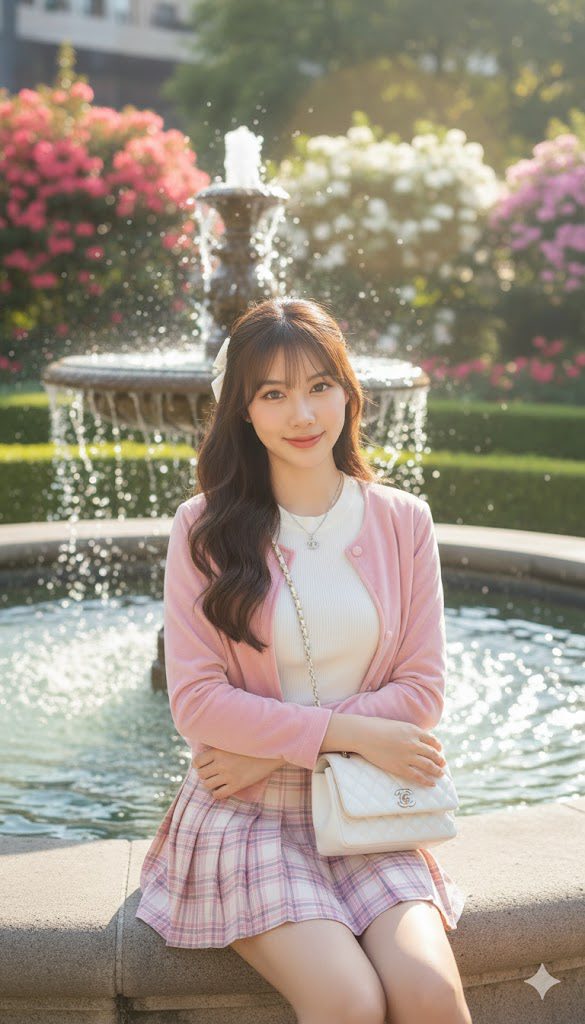
Prompt: Create a photo of a beautiful, slender young woman with slightly slim cheeks and a slim...
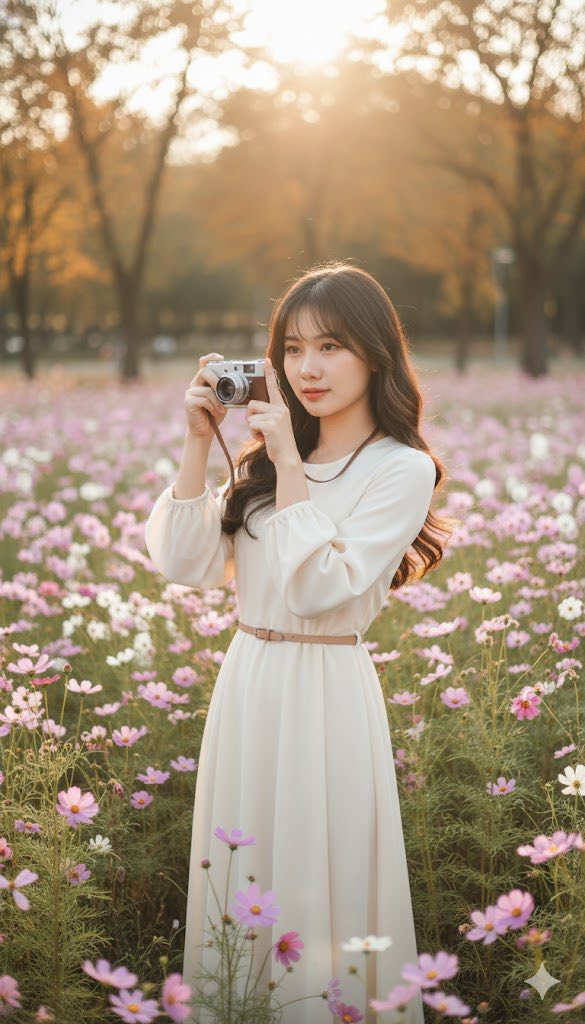
Prompt: Create a photo of a beautiful, slender young woman with slightly slim cheeks and a slim...
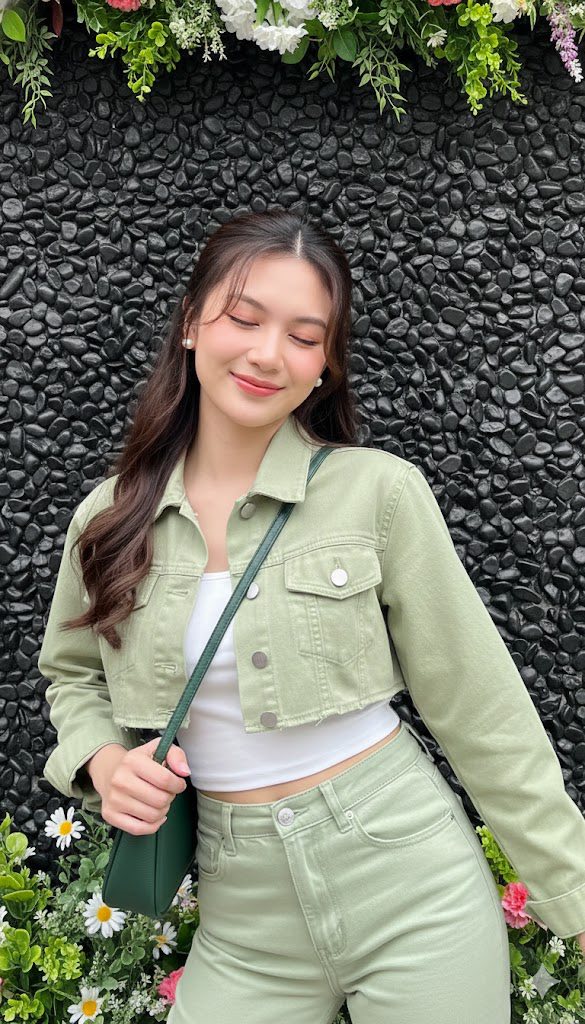
Prompt: Create a photo of a beautiful, slim young woman with thin cheeks and a slim face. Hairstyle:...
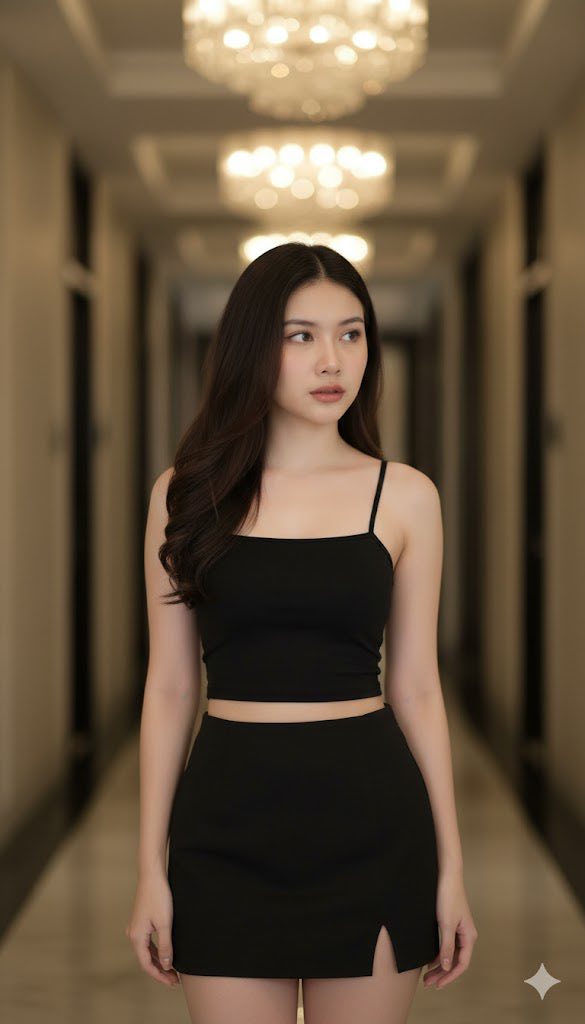
Prompt: Create a young Asian woman with long wavy dark hair and subtle makeup stands with a...
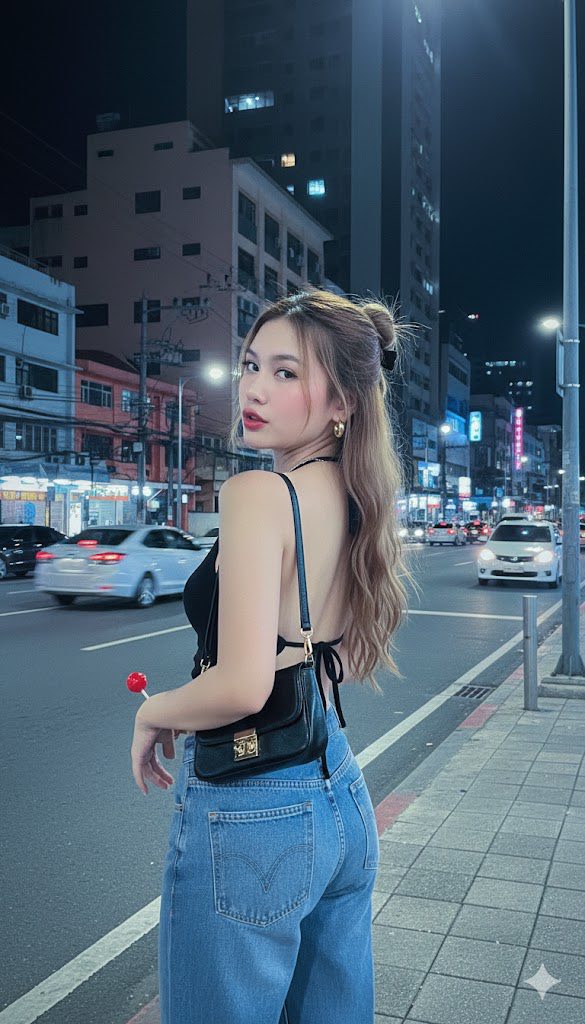
Prompt: Create a realistic portrait (100% similar face, do not edit) Style photos of the early 2000s...
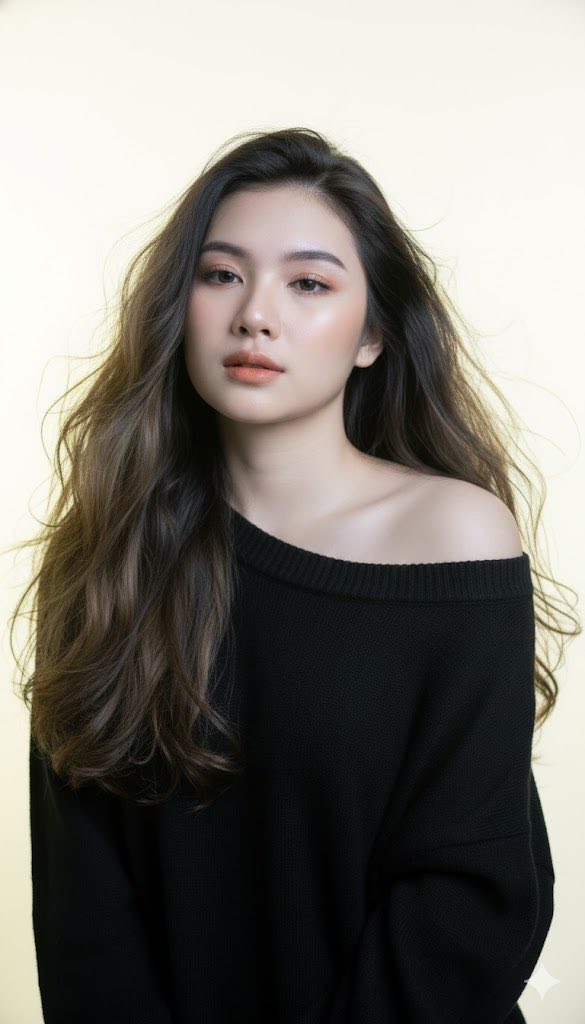
Prompt: Keep the facial features from the uploaded image. An ultra-sharp 8k studio portrait of a...
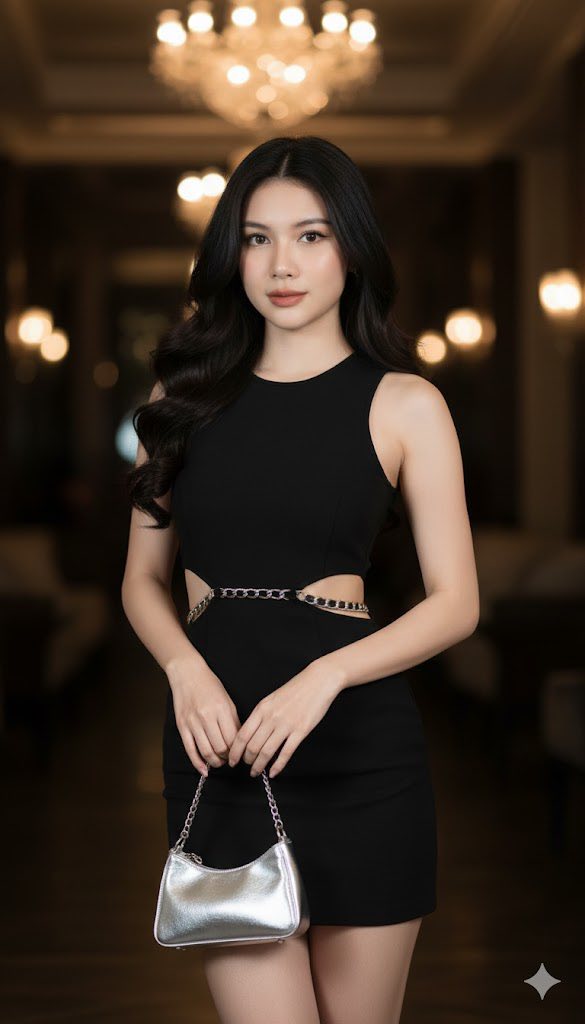
Prompt: Create a slender Asian woman with long, dark, wavy hair stands indoors, holding a small...
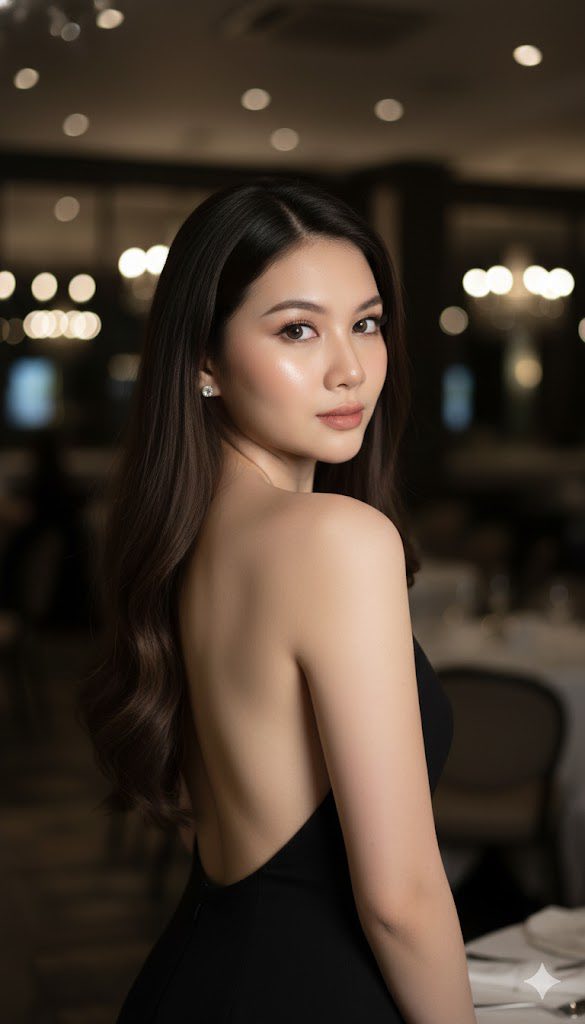
Prompt: “Stunning woman in a black backless dress, posing gracefully with her back turned and head...
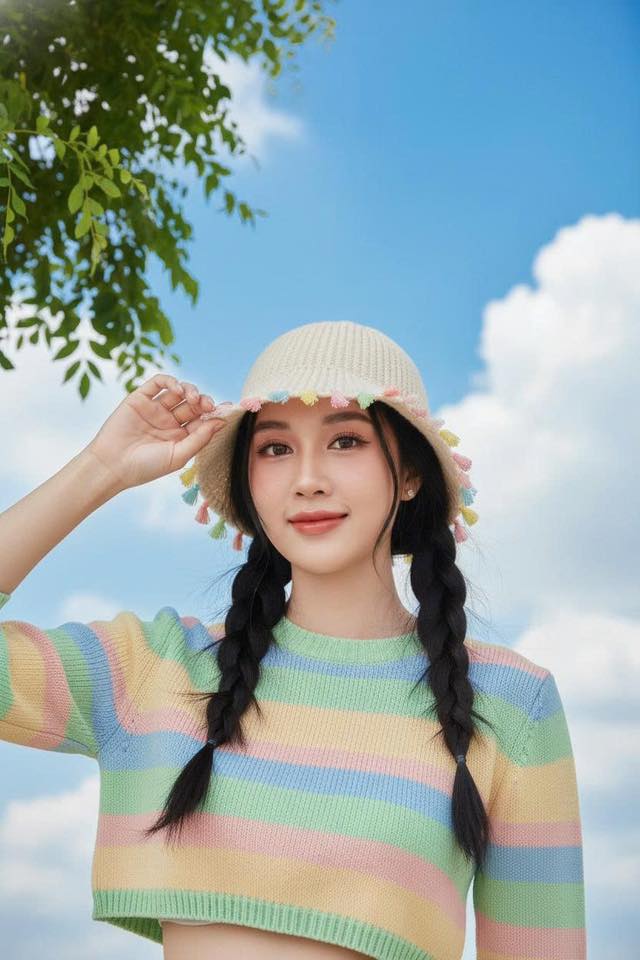
Prompt: Headshot of a young woman (don’t change her face). Low-angle shot under a bright sapphire...
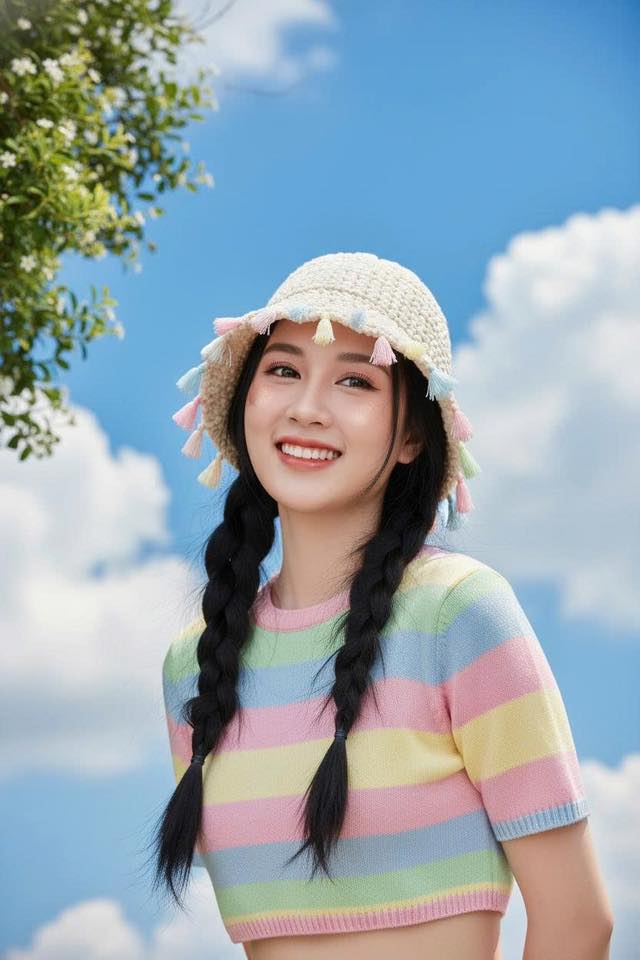
Prompt: Headshot of a young woman (don’t change her face). Low-angle shot under a bright sapphire...
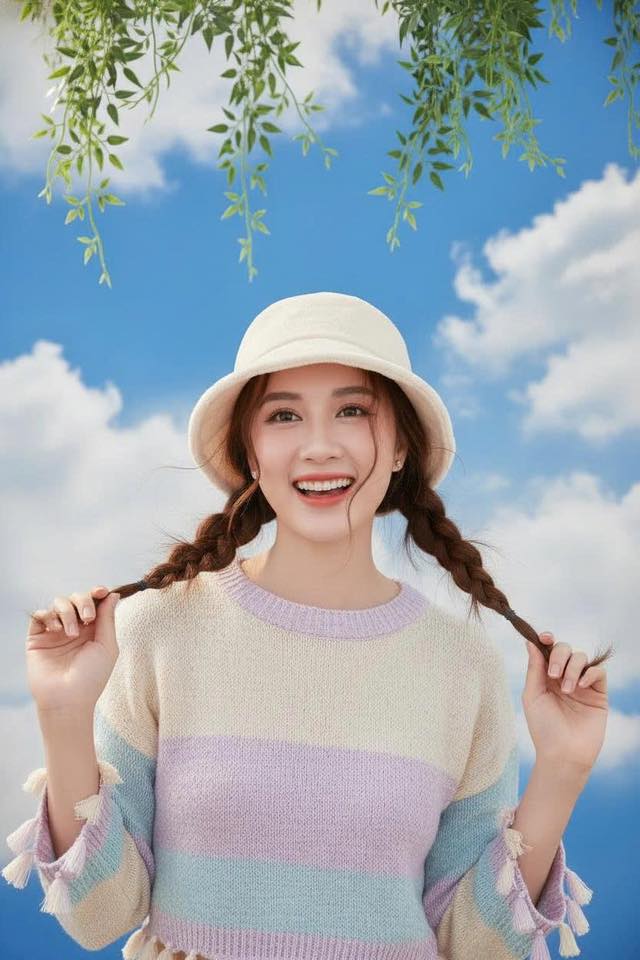
Prompt: Headshot, same face. Low-angle sky sapphire blue, cotton clouds, foliage draping above...
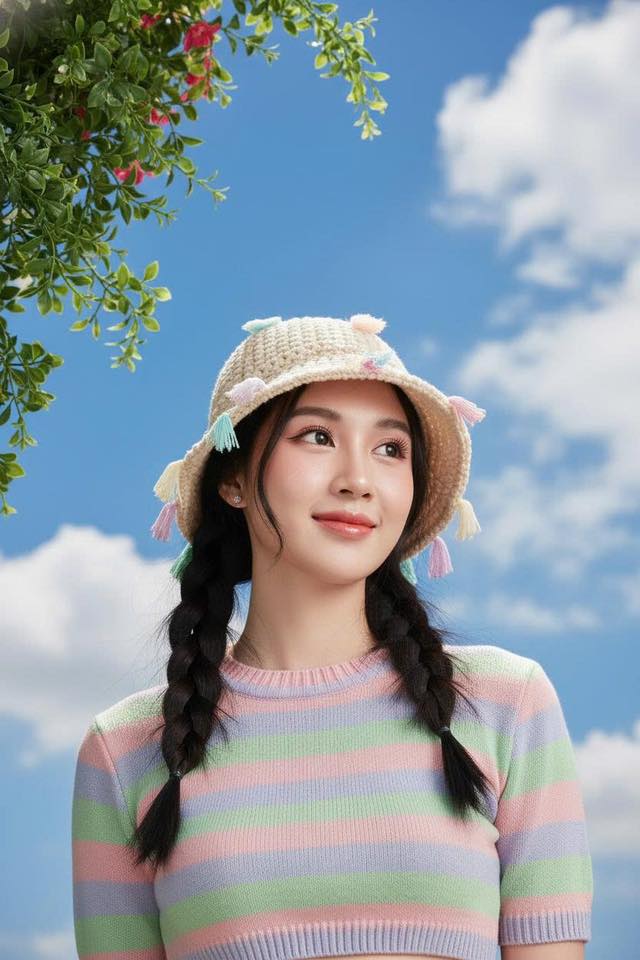
Prompt: Headshot of a young woman (don’t change her face). Low-angle shot under a bright sapphire...
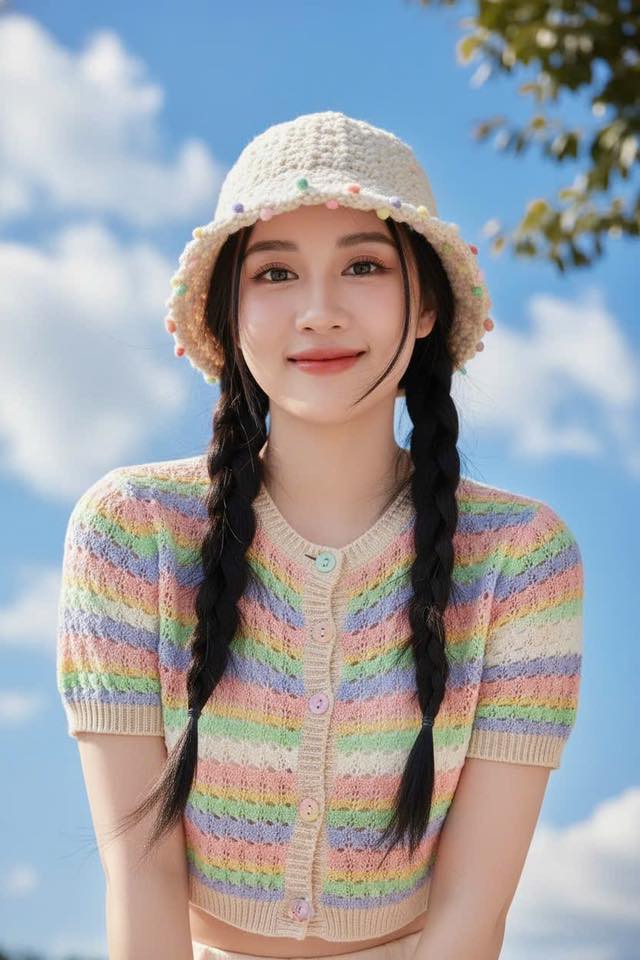
Prompt: Headshot of a young woman (don’t change her face). Focus on her face using the...
