
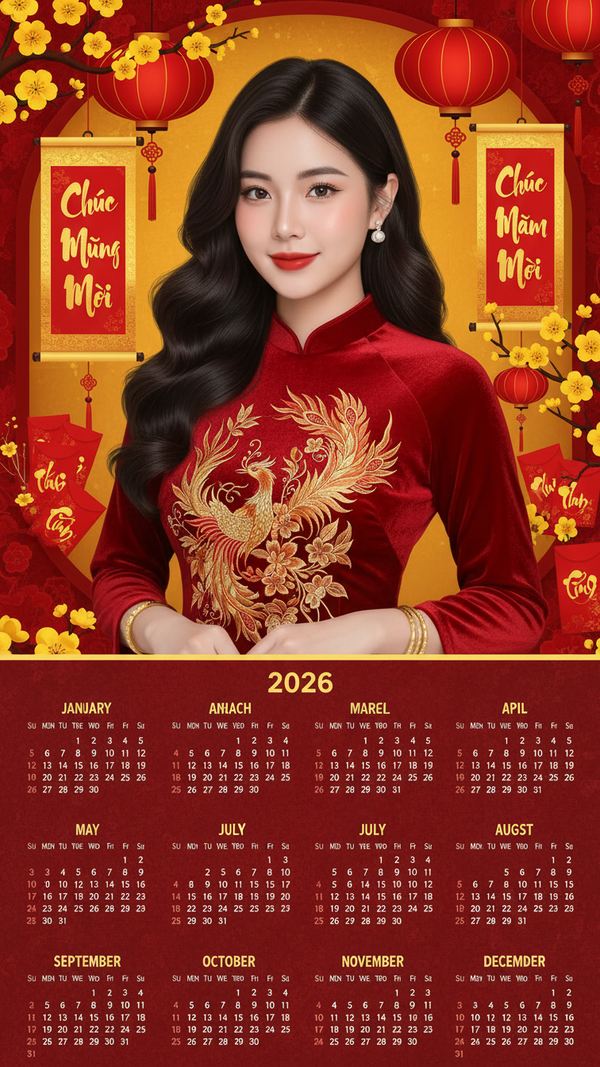
Prompt 2438: Create for me a 2026 New Year calendar including all months: January, February, March...
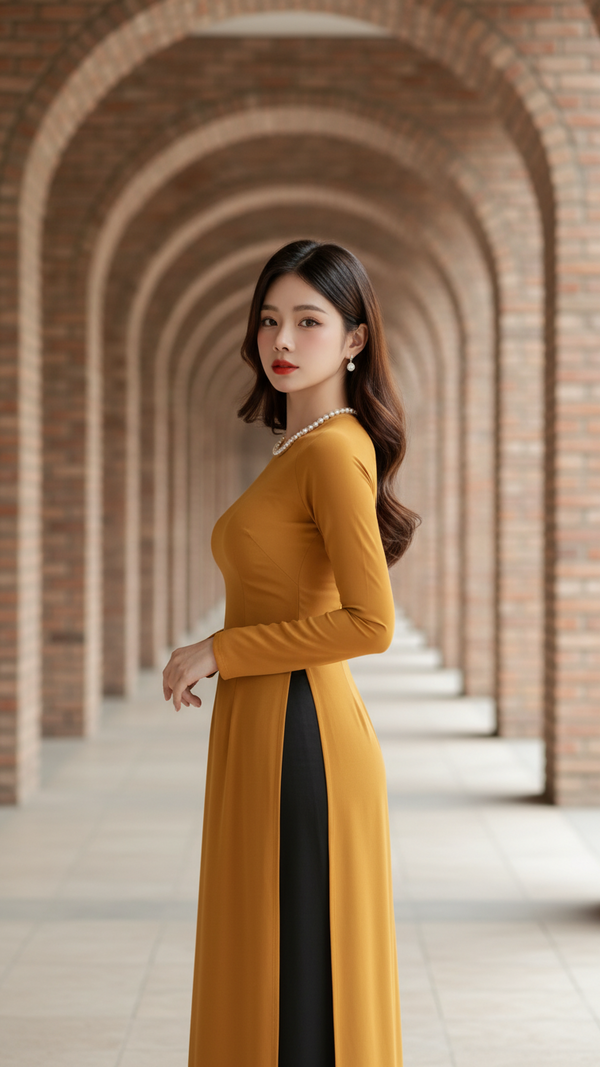
Prompt 2437: Outfit Description – Wearing a fitted mustard yellow Vietnamese áo dài – Soft stretchy...
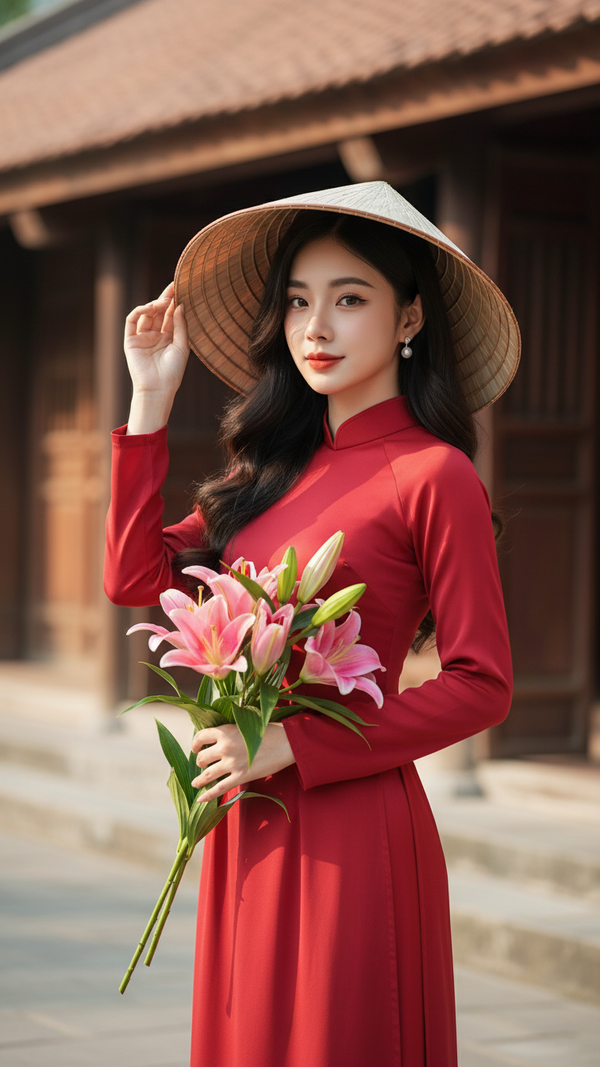
Prompt 2436: A beautiful young Asian woman wearing traditional Vietnamese attire.. Styling and...
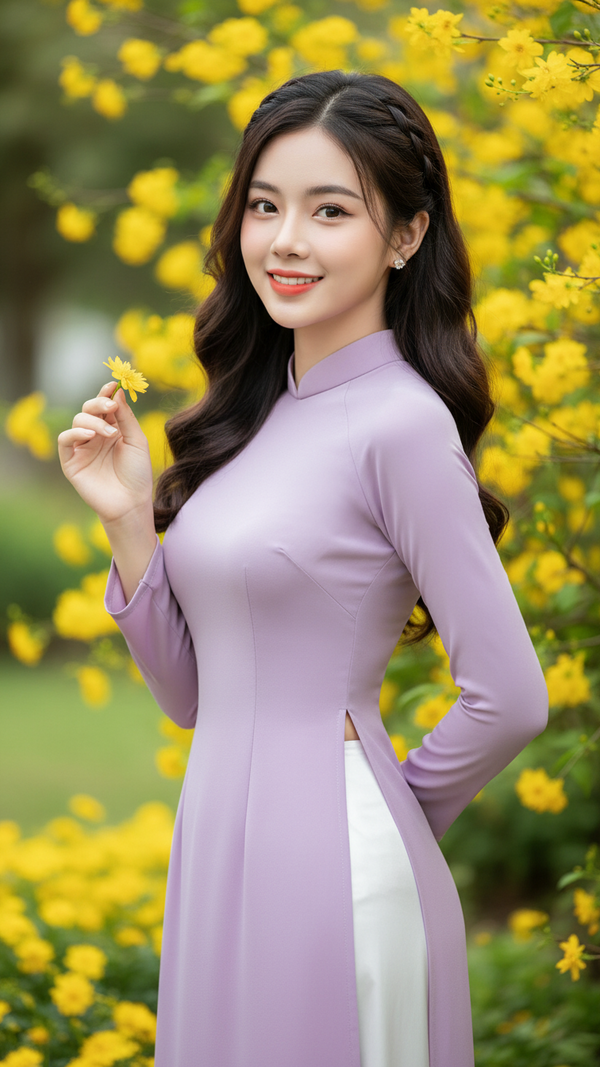
Prompt 2435: A graceful portrait of a young Vietnamese woman standing outdoors surrounded by...
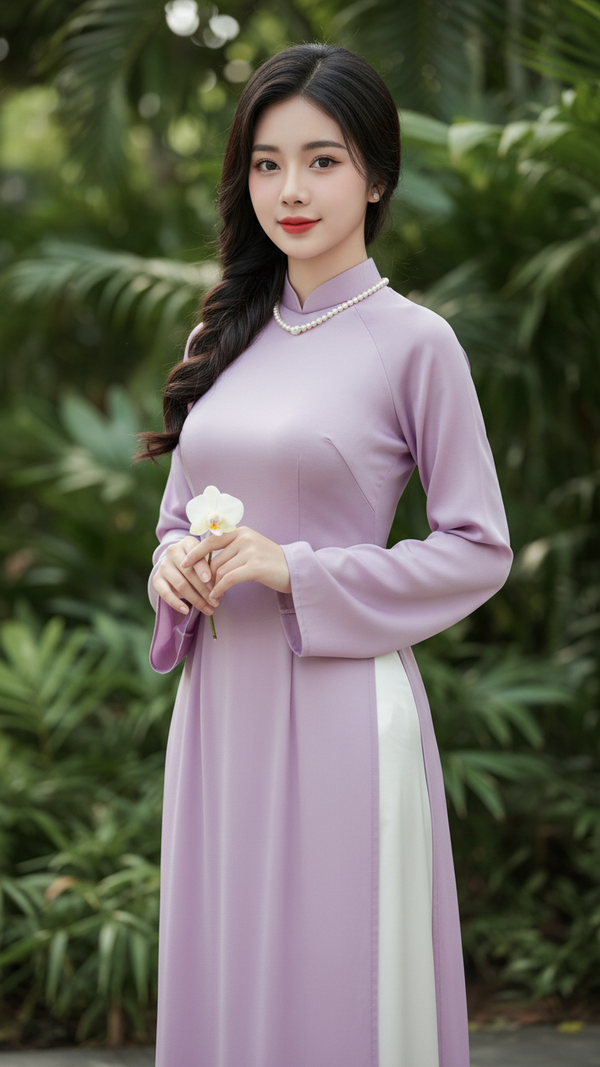
Prompt 2434: A Vietnamese woman wearing a traditional lavender ao dai made of soft silk fabric...
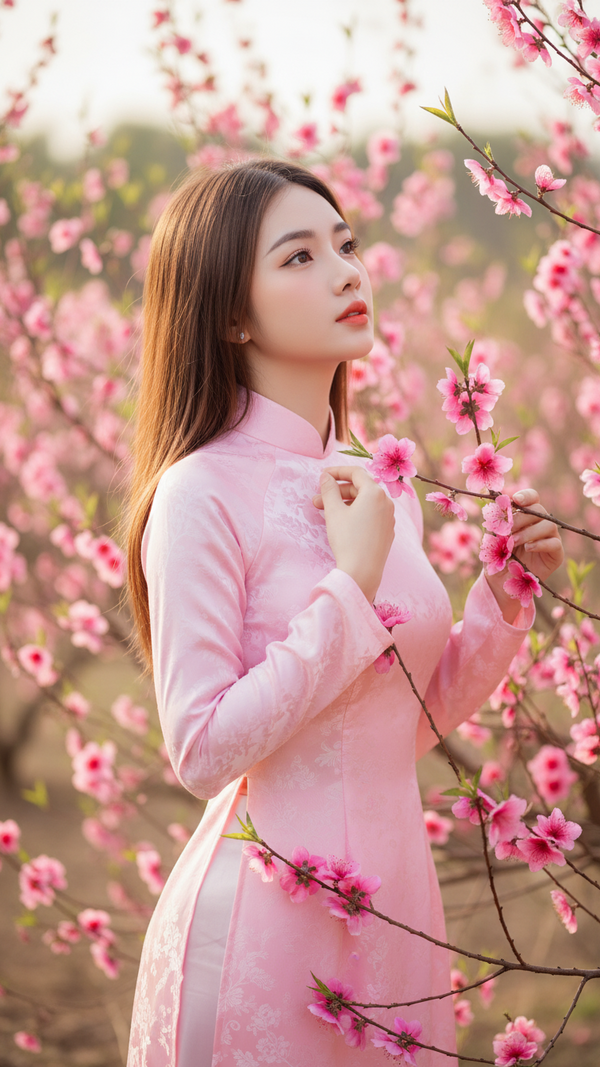
Prompt 2433: Create a soft, elegant outdoor portrait of a young Vietnamese woman standing among...
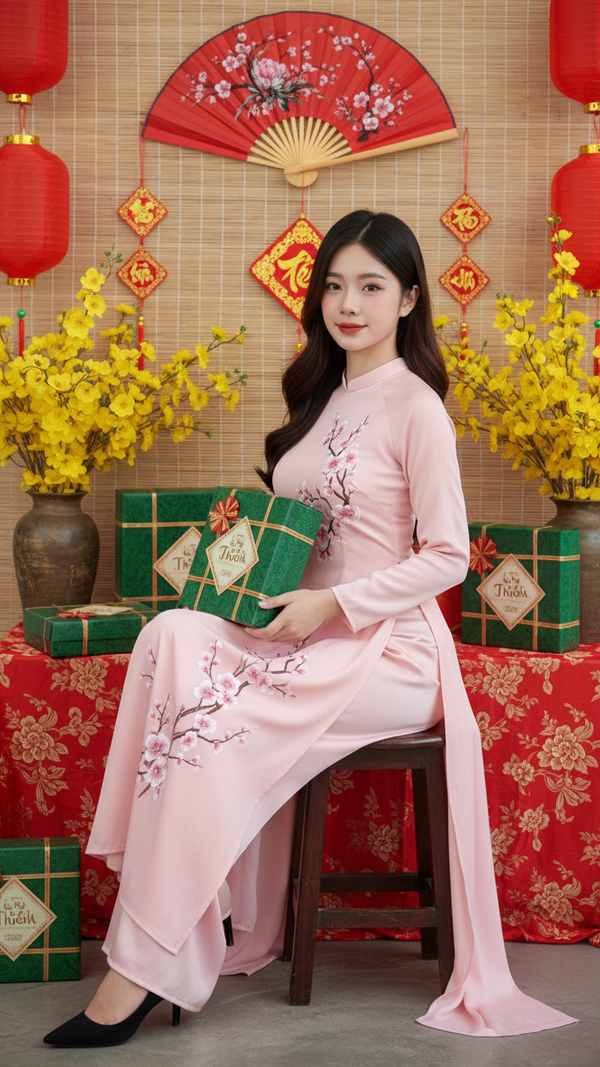
Prompt 2432: Create a seated portrait of a Vietnamese woman in a traditional Tet holiday setting...
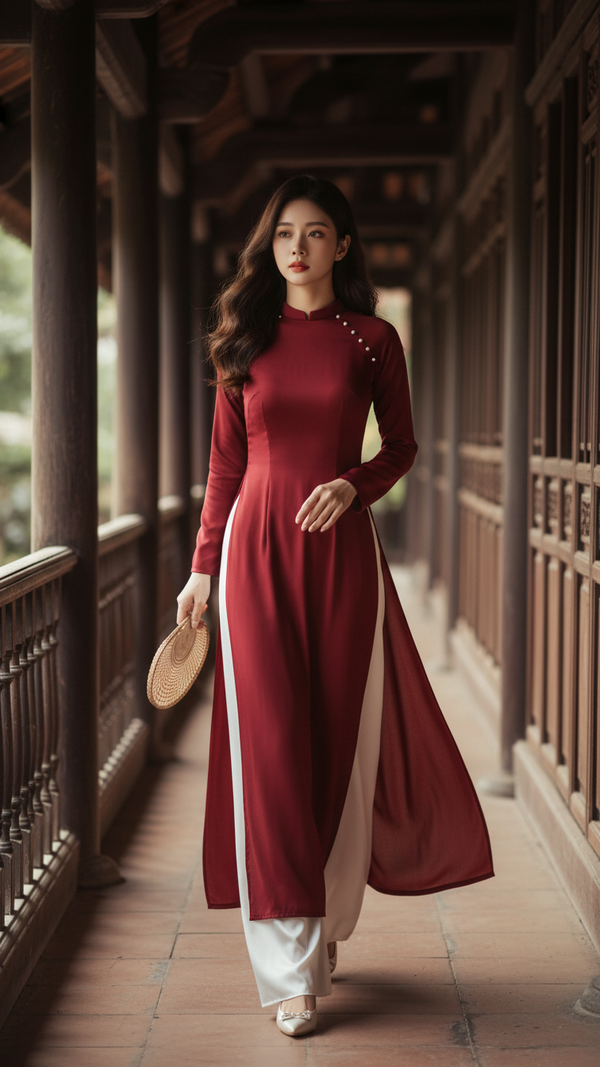
Prompt 2431: Create a full-body portrait of a woman walking gracefully along a traditional wooden...
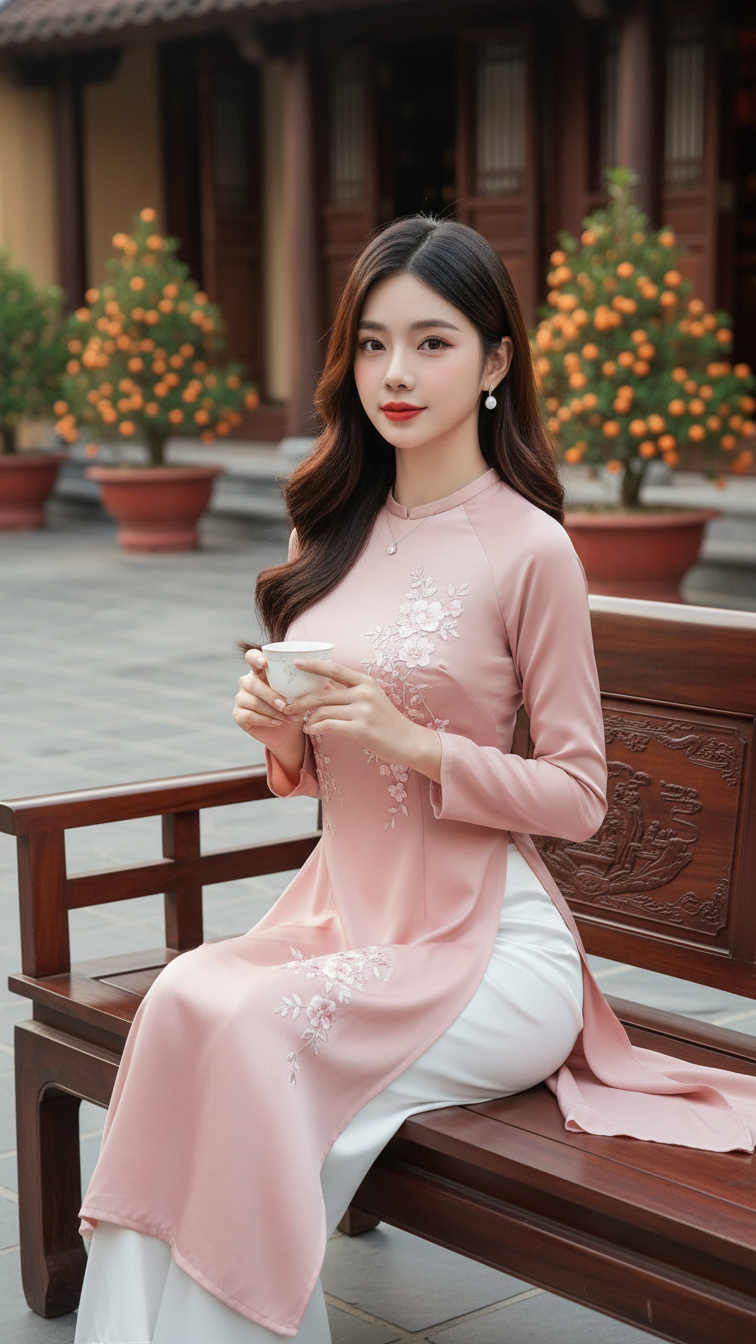
Prompt 2430: eep the uploaded face 100% unchanged, small refined face with soft smile and calm eyes...
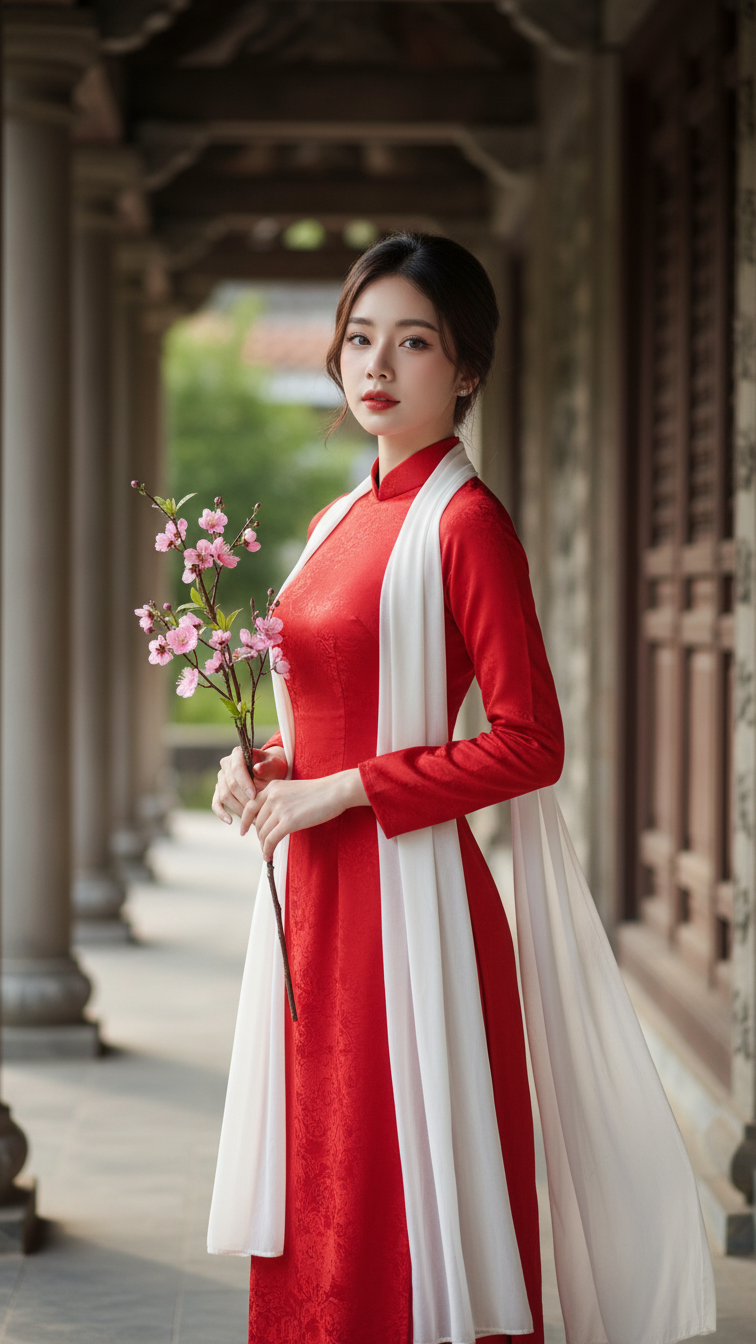
Prompt 2429: Keep the uploaded face 100% unchanged, small refined face, calm elegant eyes, soft...
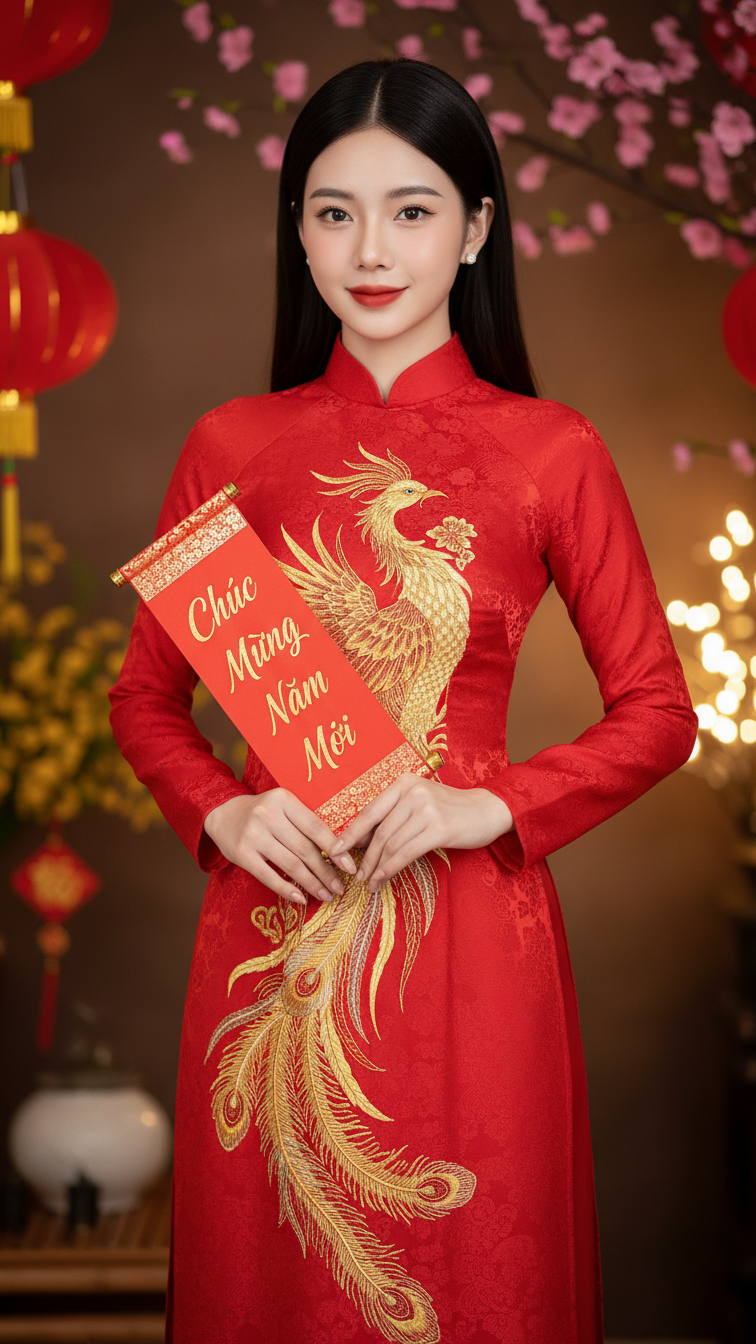
Prompt 2428: Subject body & proportions: A Vietnamese woman, height around 170cm. Slim, petite...
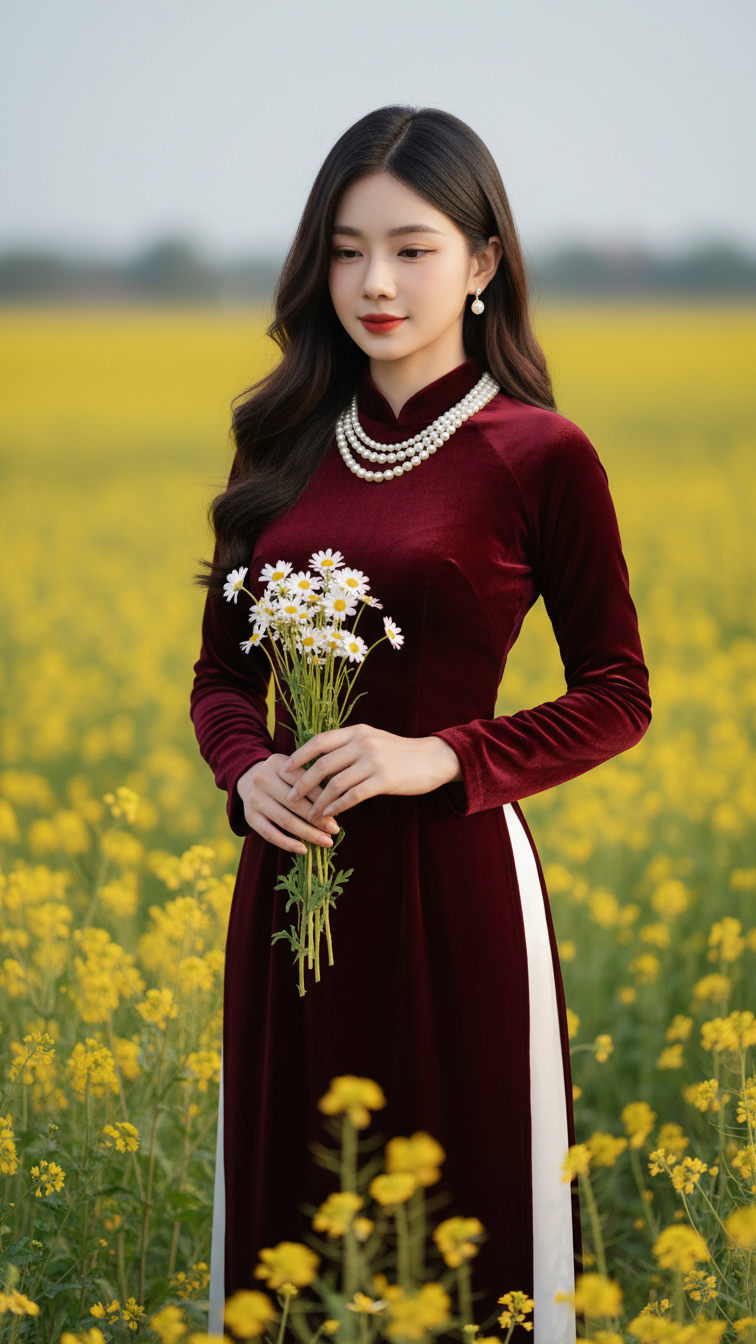
Prompt 2427: Create a realistic portrait of a young woman (face 100% identical to the original...
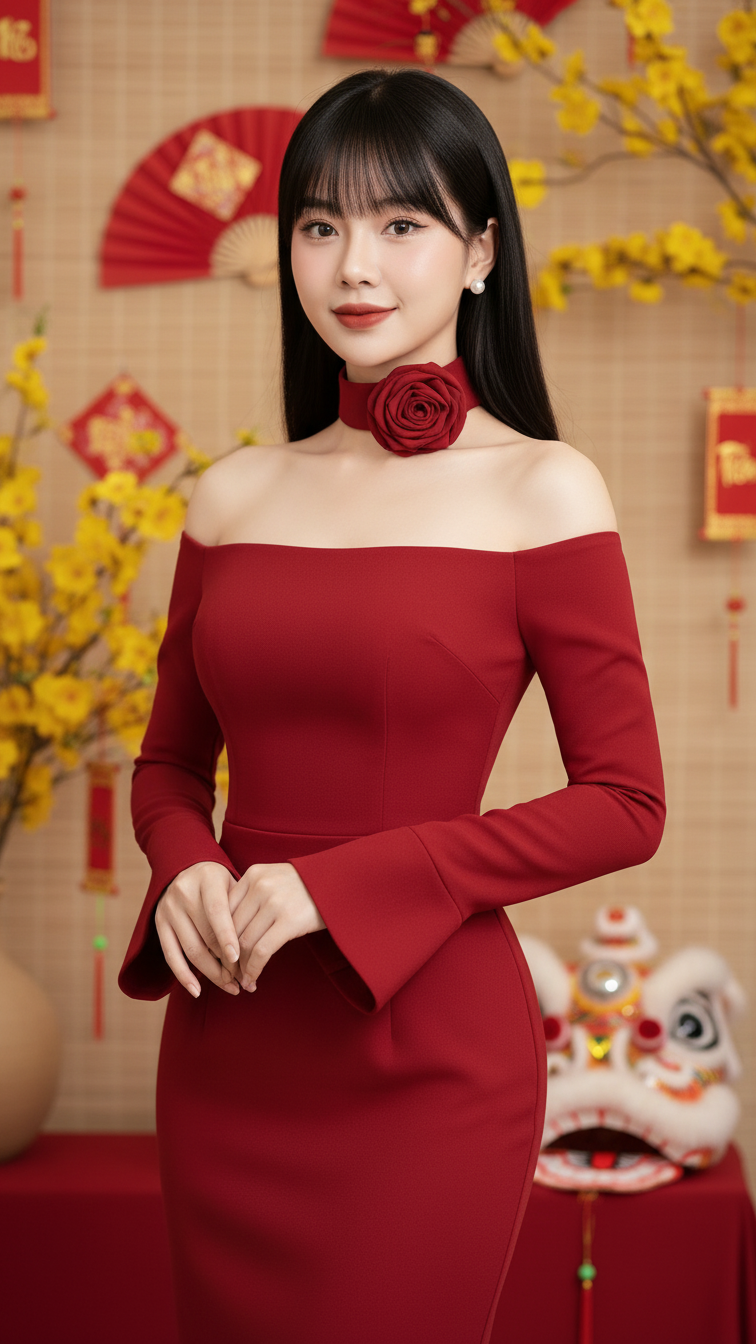
Prompt Create a realistic portrait of a young woman (face 100% identical to the original attached...
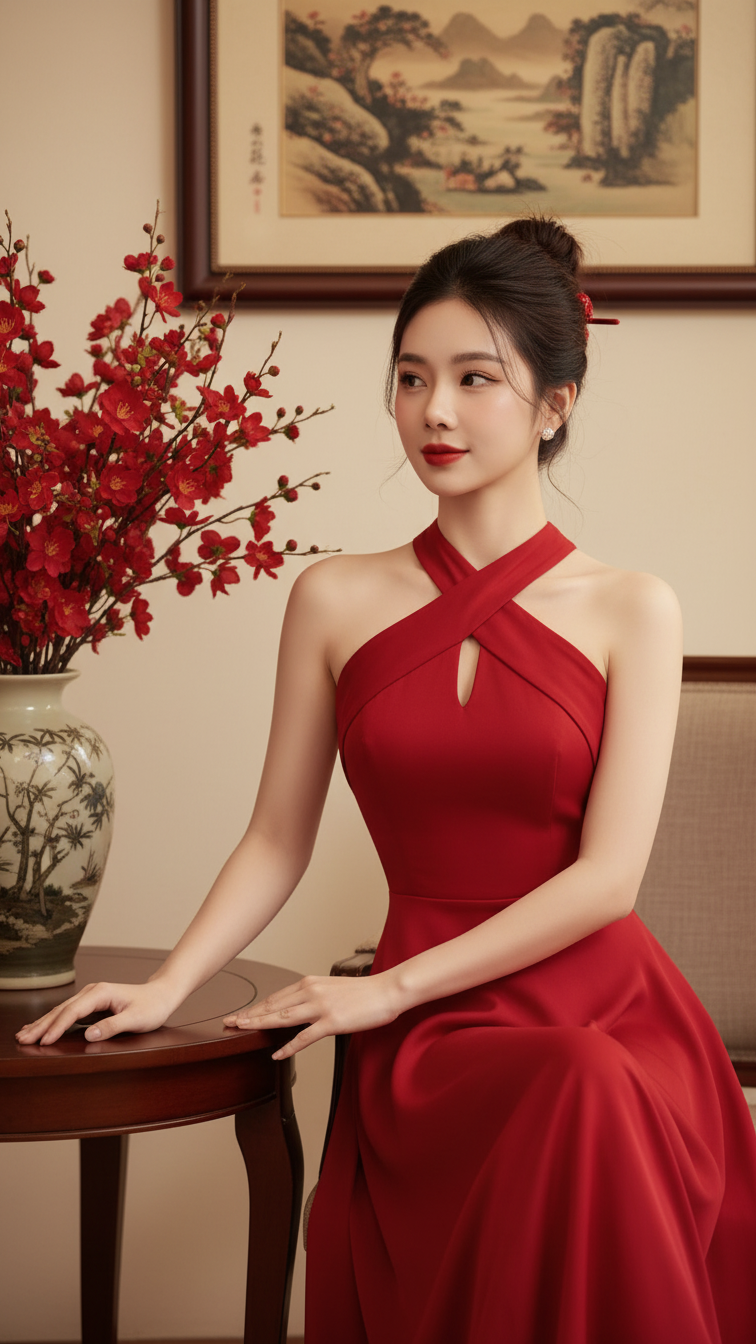
Prompt 2425: Create a realistic portrait of a young woman (face 100% identical to the original...
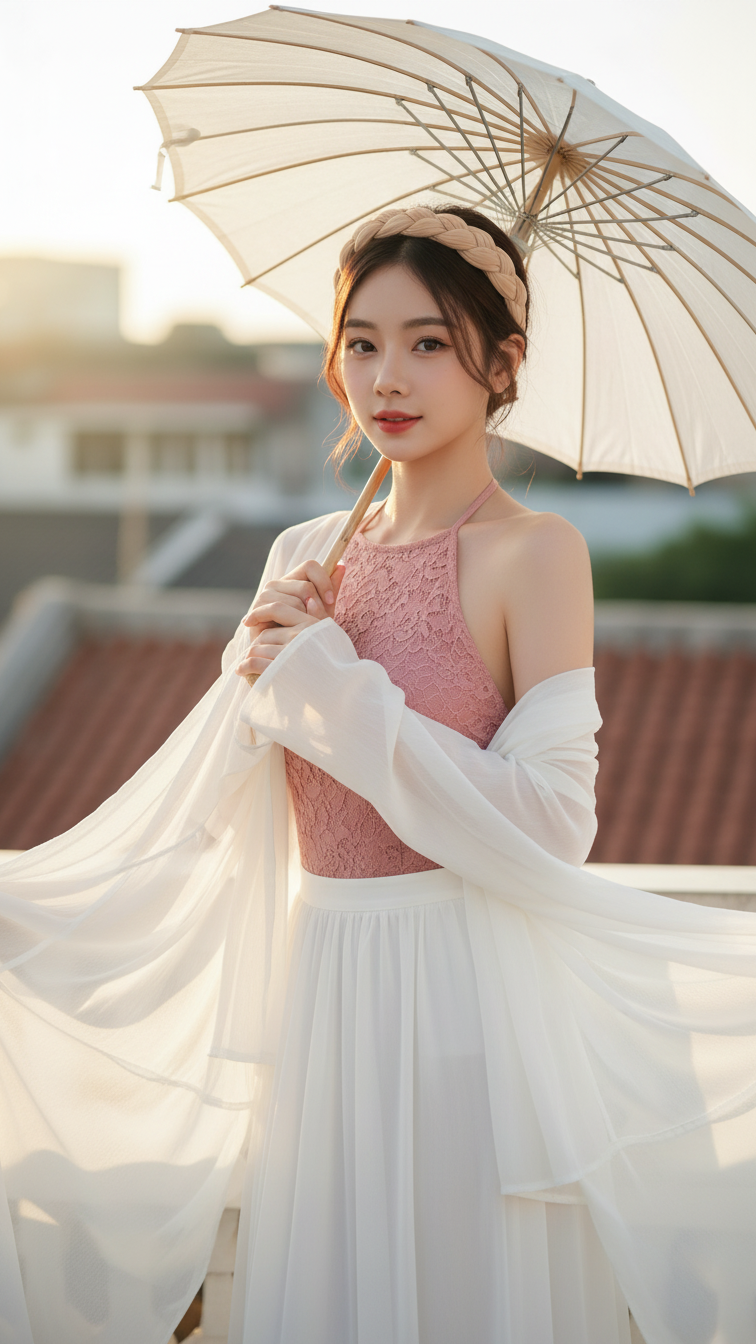
Prompt 2424: Create a realistic portrait of a young woman (face 100% identical to the original...
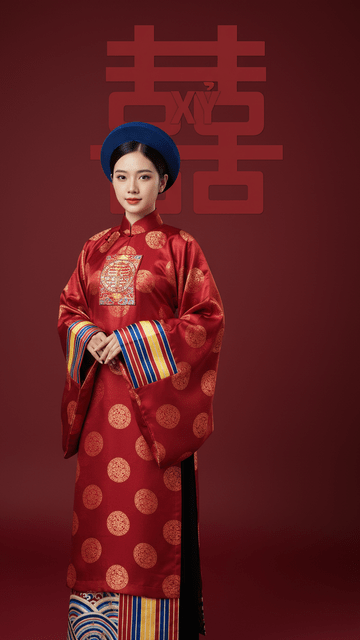
Prompt 2423: Create a realistic portrait of a young woman (face 100% identical to the original...
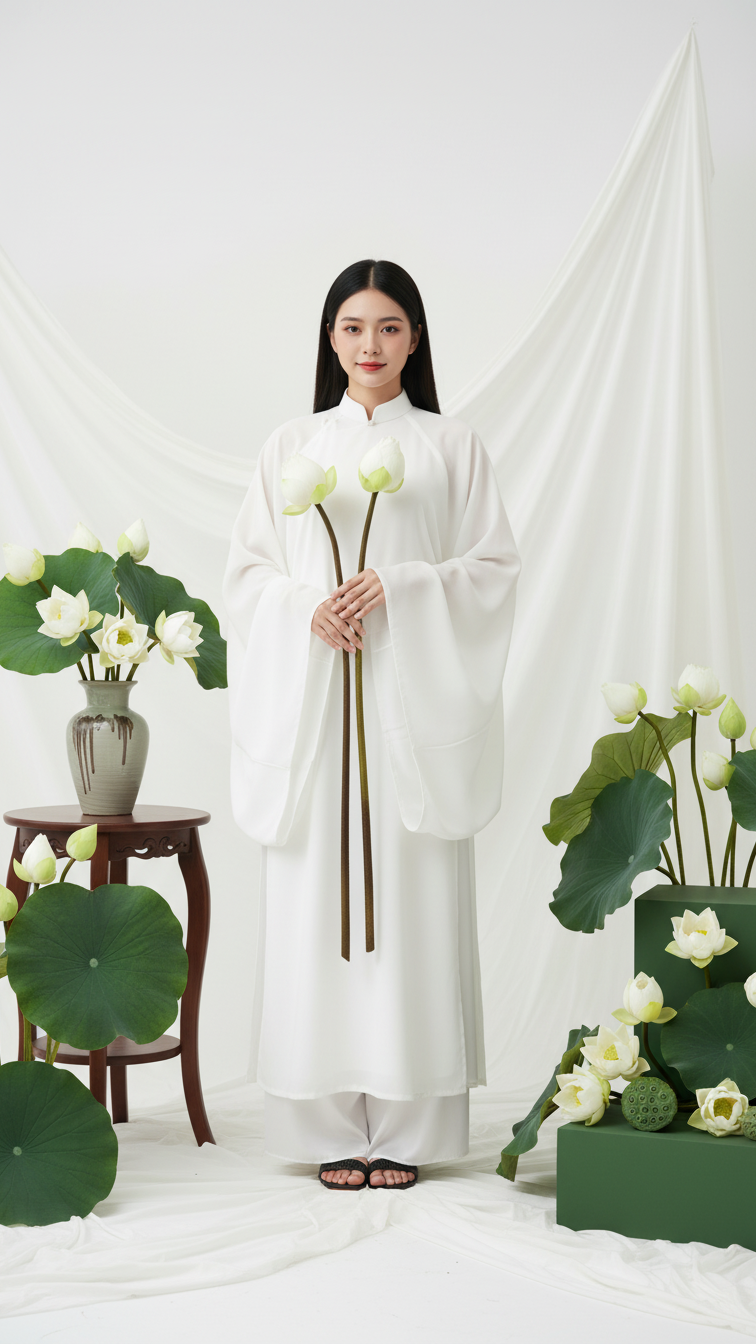
Prompt 2422: Create a realistic portrait of a young woman (face 100% identical to the original...
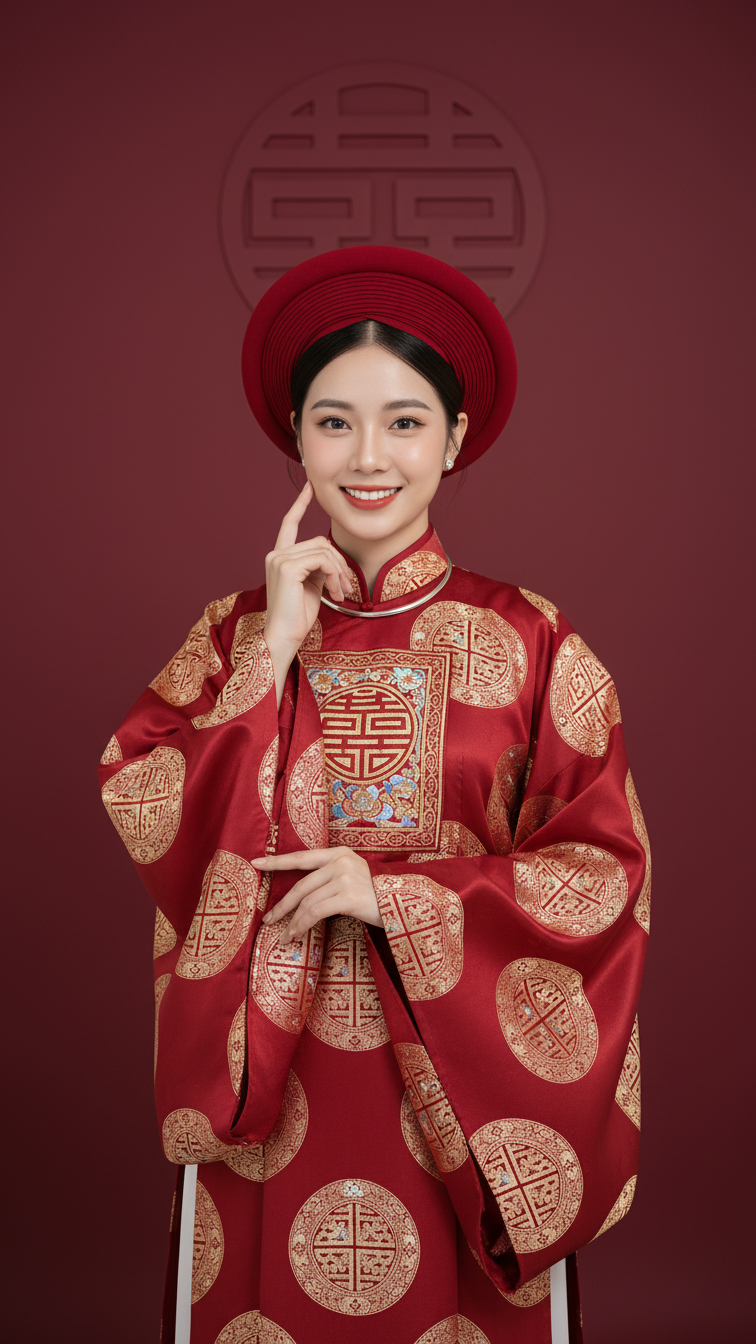
Prompt 2421: Create a realistic portrait of a young woman (face 100% identical to the original...
