
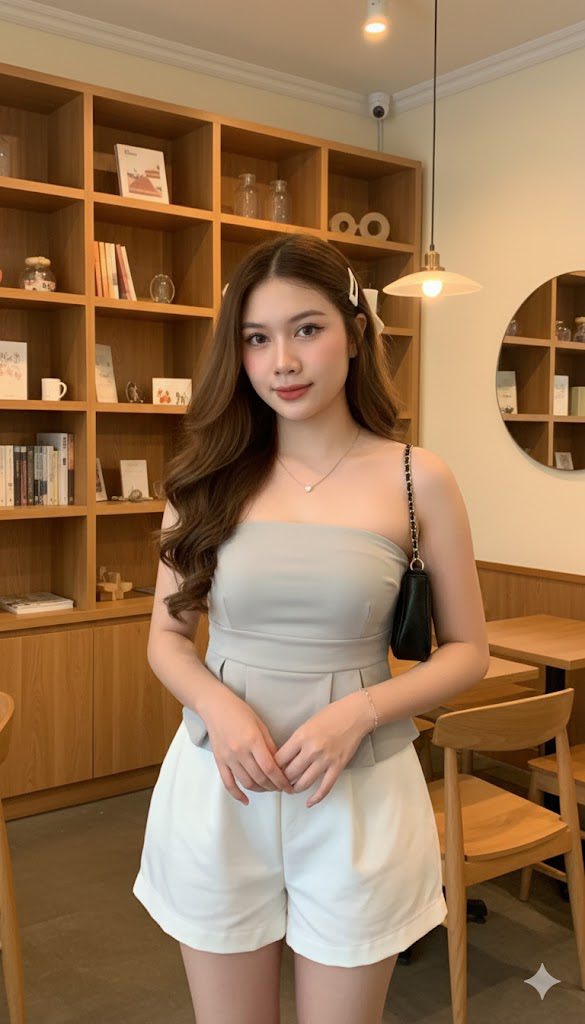
Prompt: Create a realistic portrait of a girl (face, 100% like the original attached, no editing)...
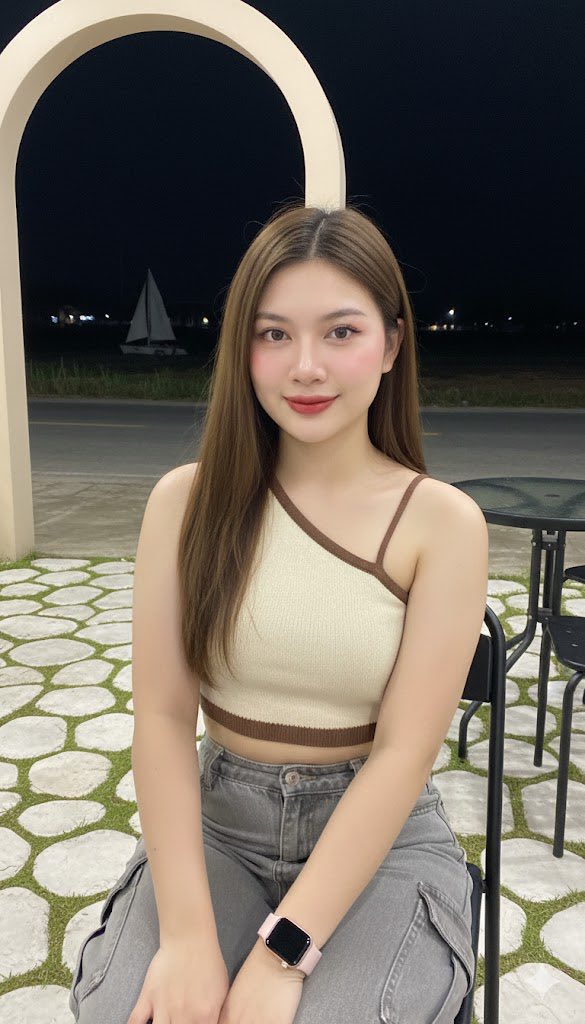
Prompt: Woman (referring to face, ears, nose, mouth, person from the 1st photo, 100% virtual) Rear...
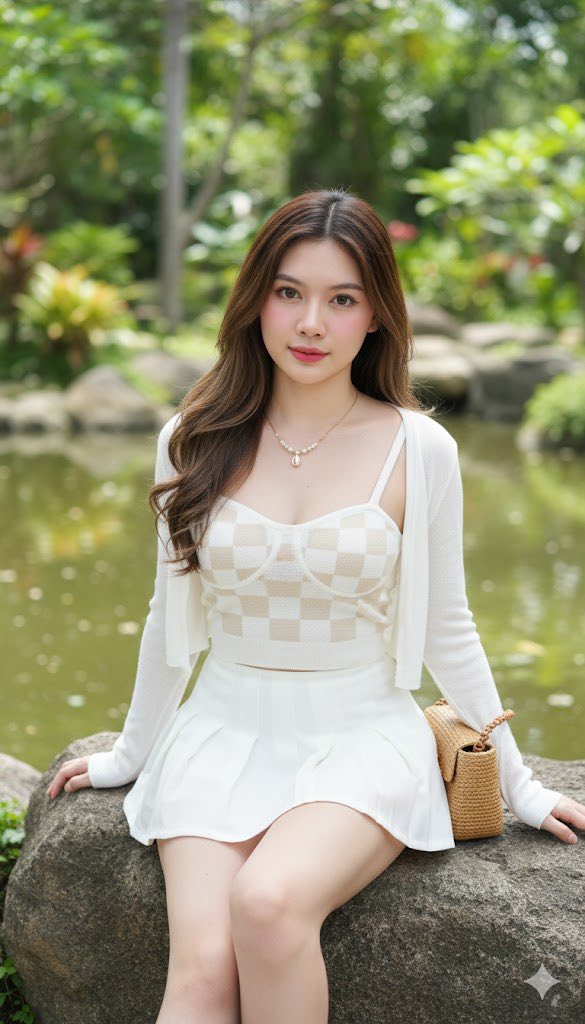
Prompt: Create a realistic portrait of a girl (face, 100% like the original attached, no editing)...
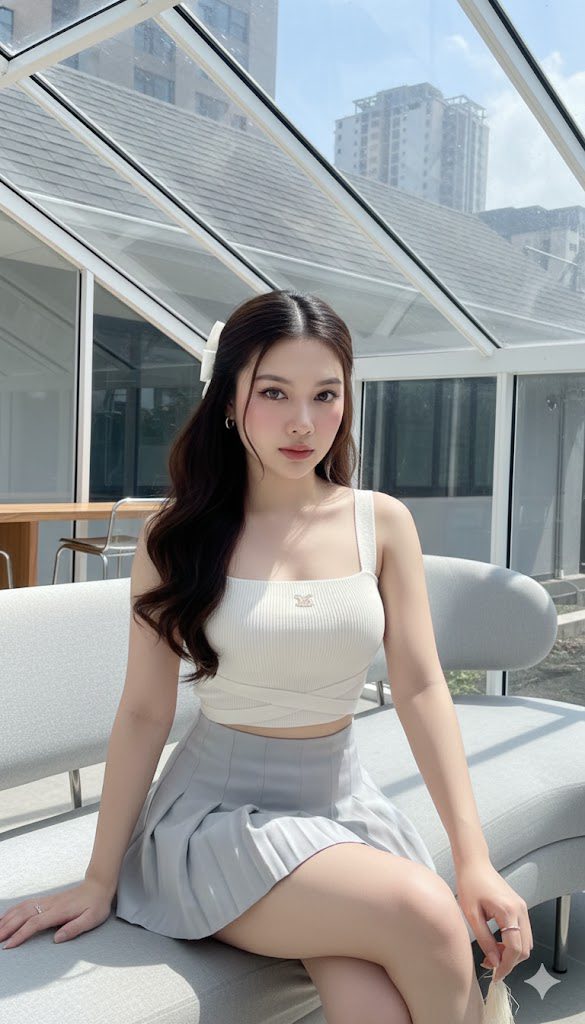
Prompt: Create a photoreal image. Fix your face based on all the reference photos (face frame, skin...
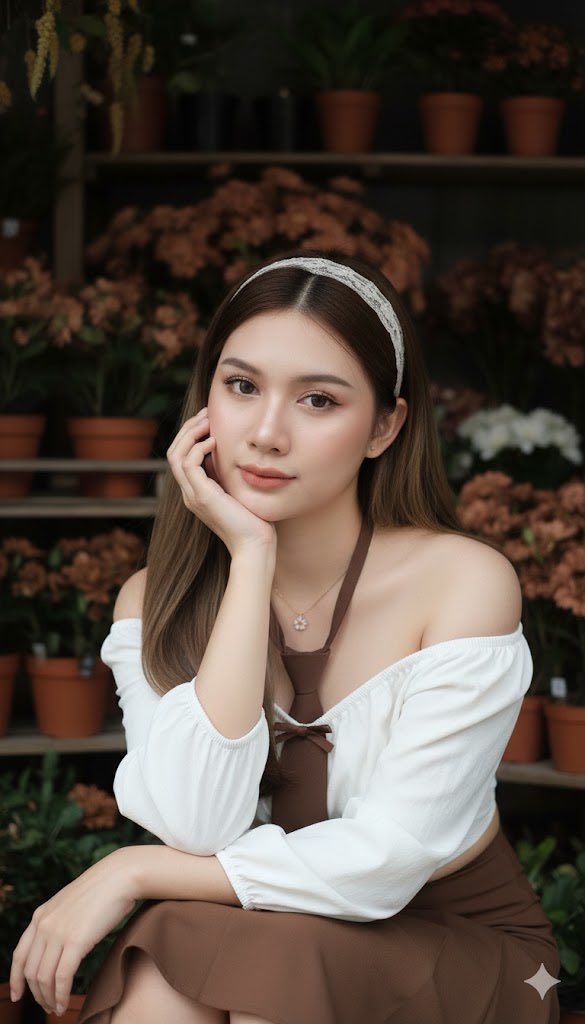
Prompt: Create a beautiful image, with a woman’s face 100% identical to the original. Natural...
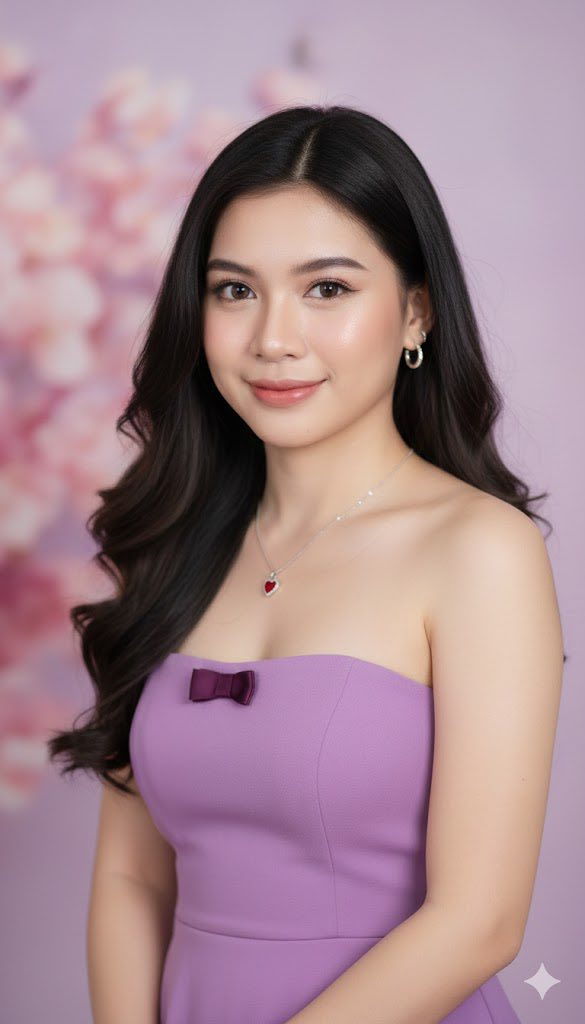
Prompt: Create a portrait of a young woman using the uploaded picture, She is with long, flowing...
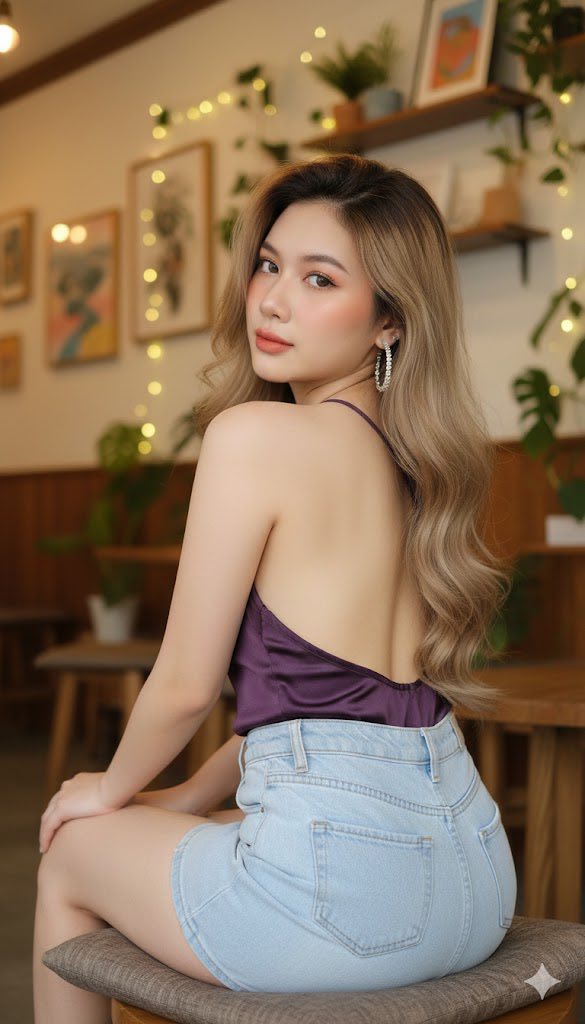
Prompt: Create an ultra-realistic woman using the reference face 100% identical. *Scene &...
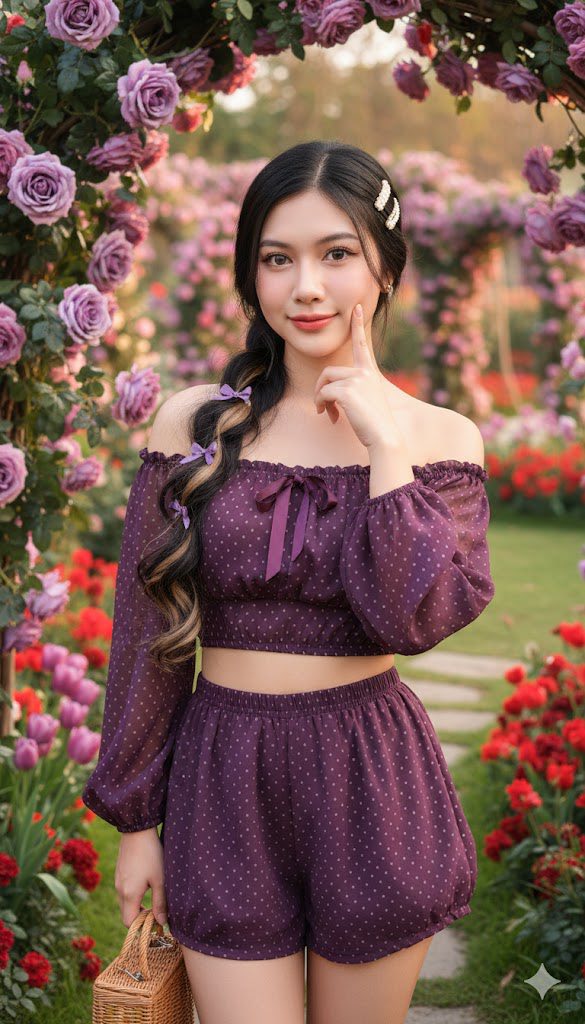
Prompt: (A photo realistic and ultrarealistic Face 100% identical to original ) Beautiful young...
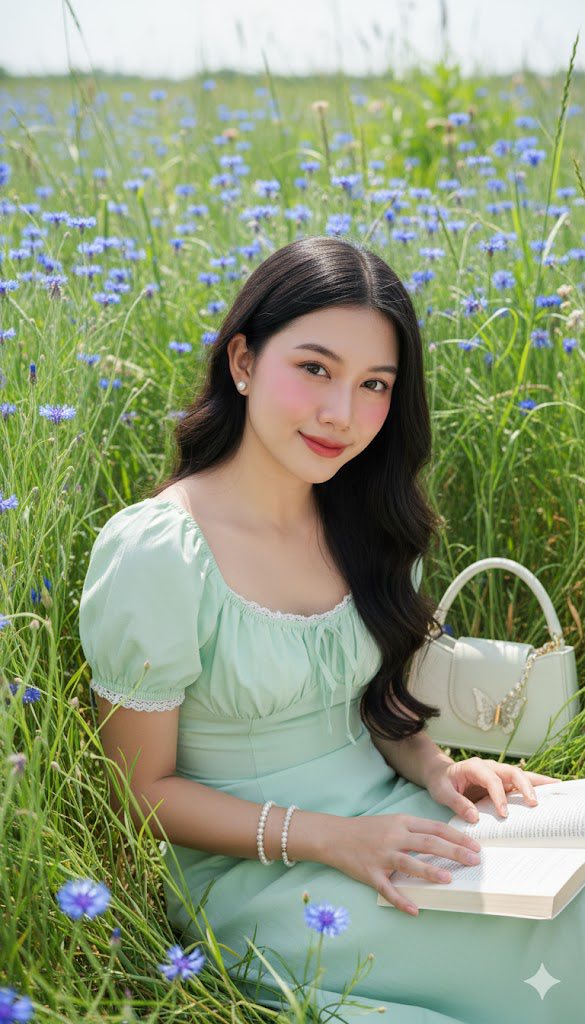
Prompt: A beautiful young woman with long, dark, slightly wavy hair, adorned with a white pearl...
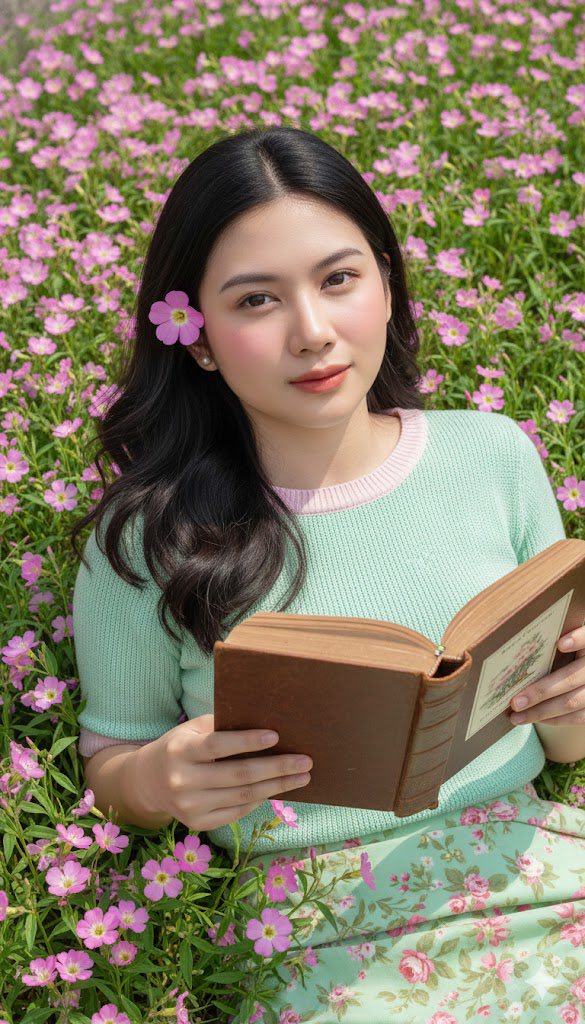
Prompt: A beautiful young woman with long, dark, slightly wavy hair, adorned with a delicate pink...
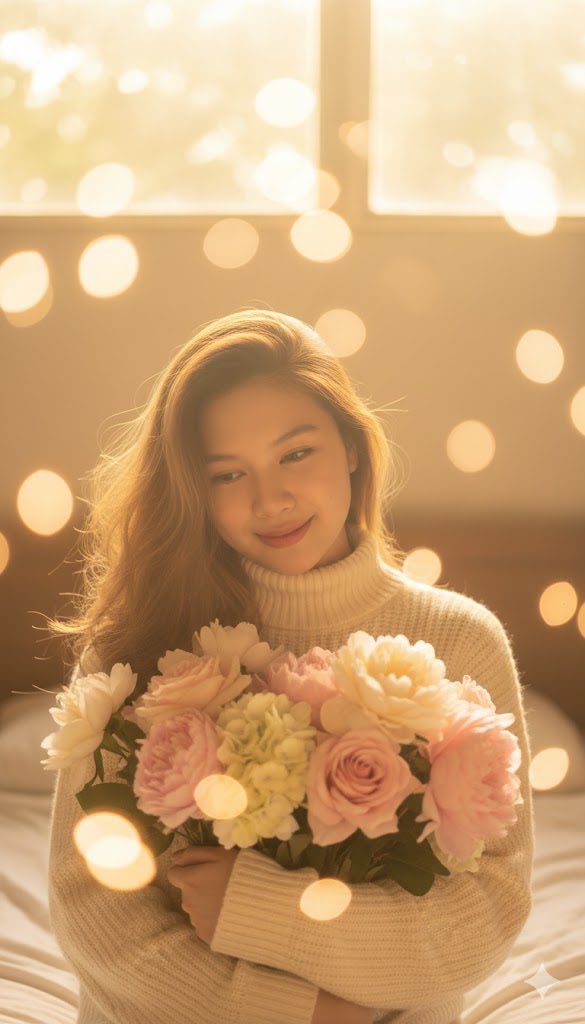
Prompt: Golden early-morning sunlight — a beautiful girl looking down softly with a shy smile...
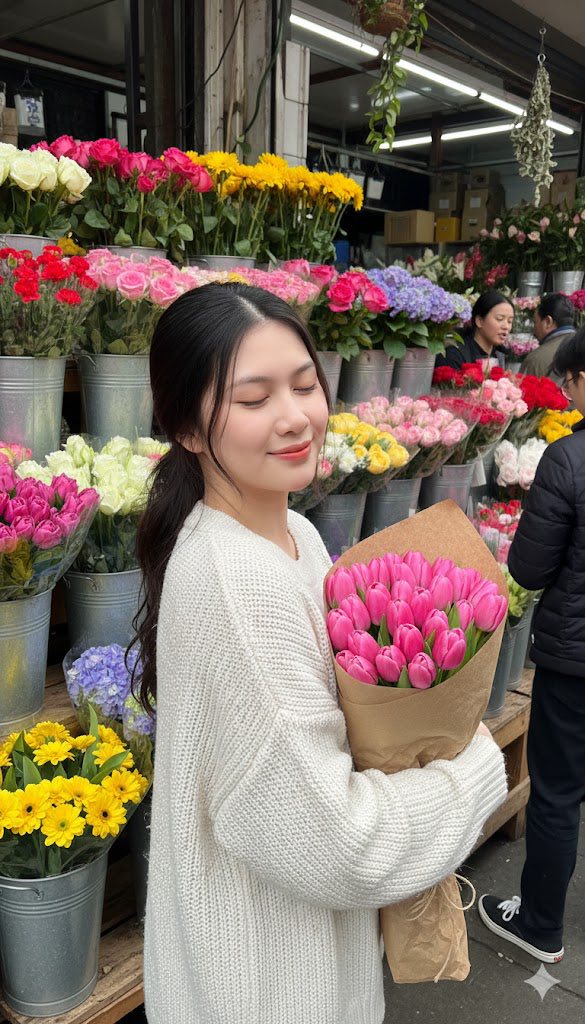
Prompt: A beautiful young woman with long, dark hair, styled in a ponytail or half-updo, is captured...
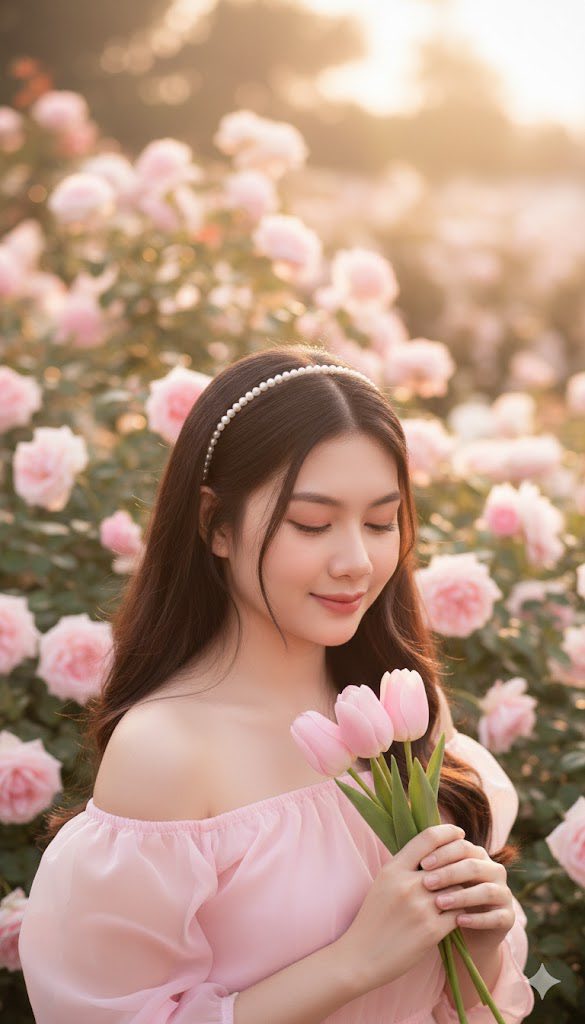
Prompt: Using my photo, copy face 100% A highly detailed, serene portrait of a young woman with...
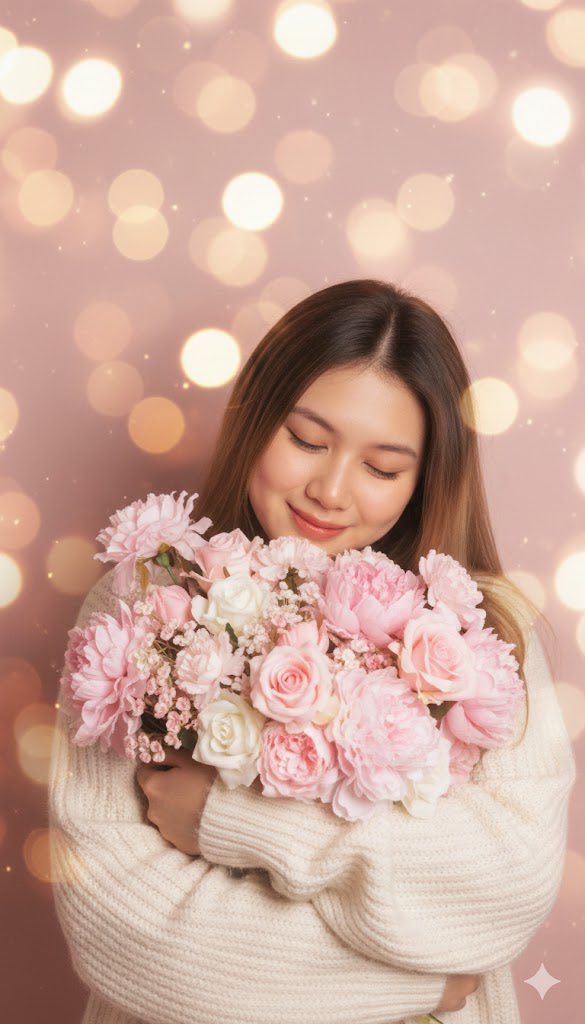
Prompt: Close-up portrait of a girl hugging a bouquet tightly, smiling gently with eyes closed. Soft...
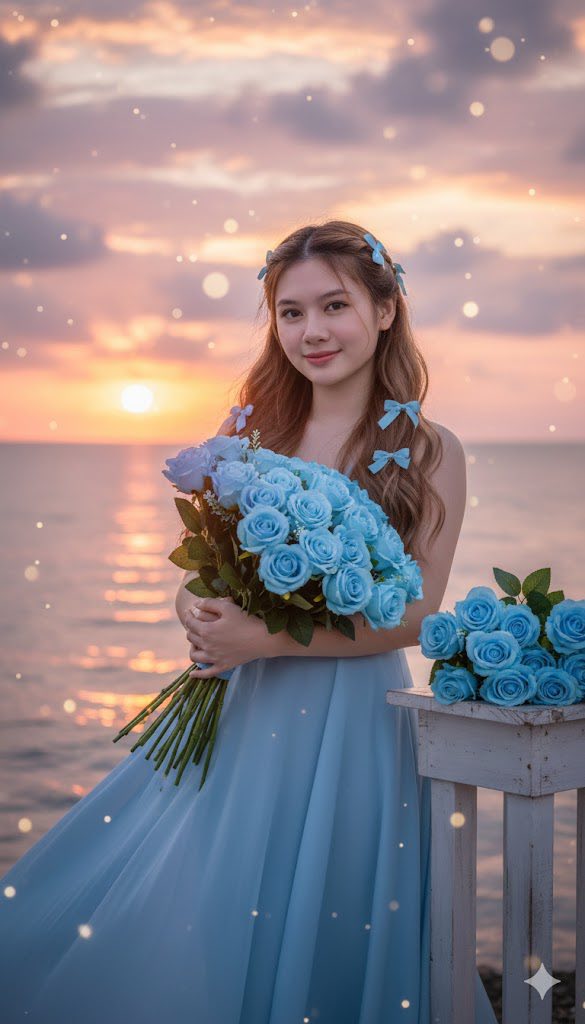
Prompt: A beautiful young woman with long, wavy brown hair adorned with blue bows stands by the sea...
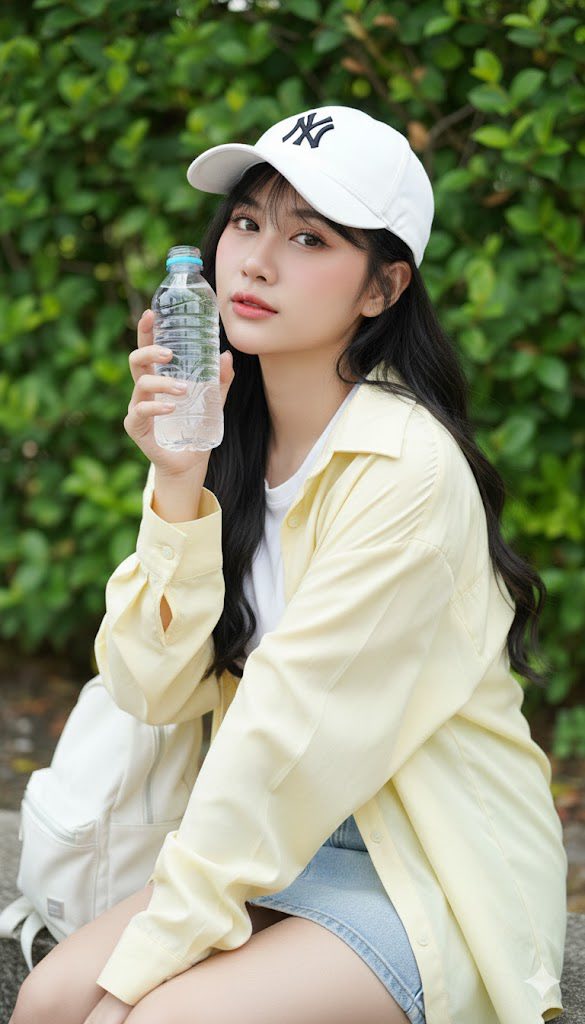
Prompt: Create a portrait using my photo, don’t alter the face. K-style (Korean style) shot...
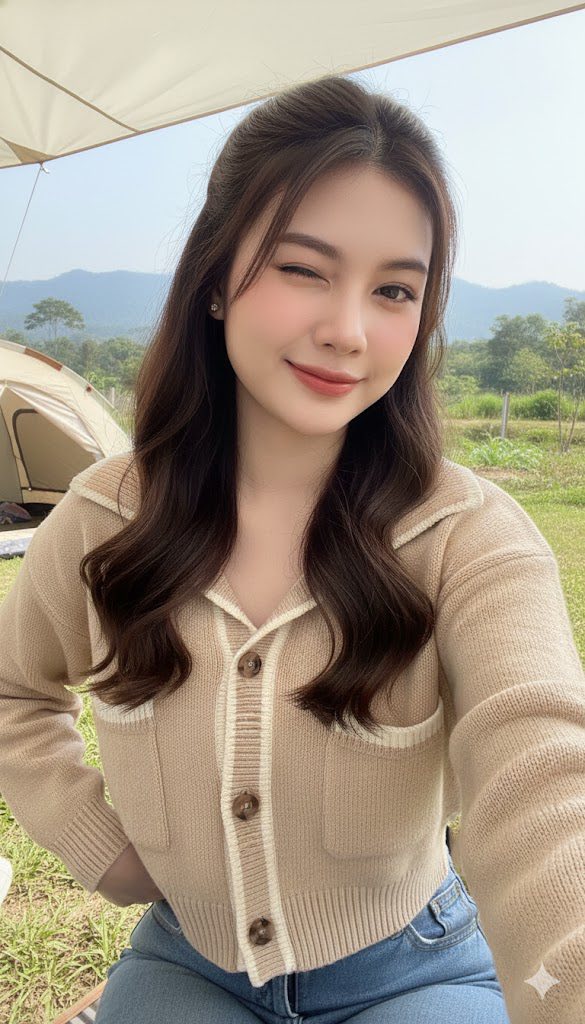
Prompt: Create an image from reference photo, showing a beautiful young woman outdoors in a bright...
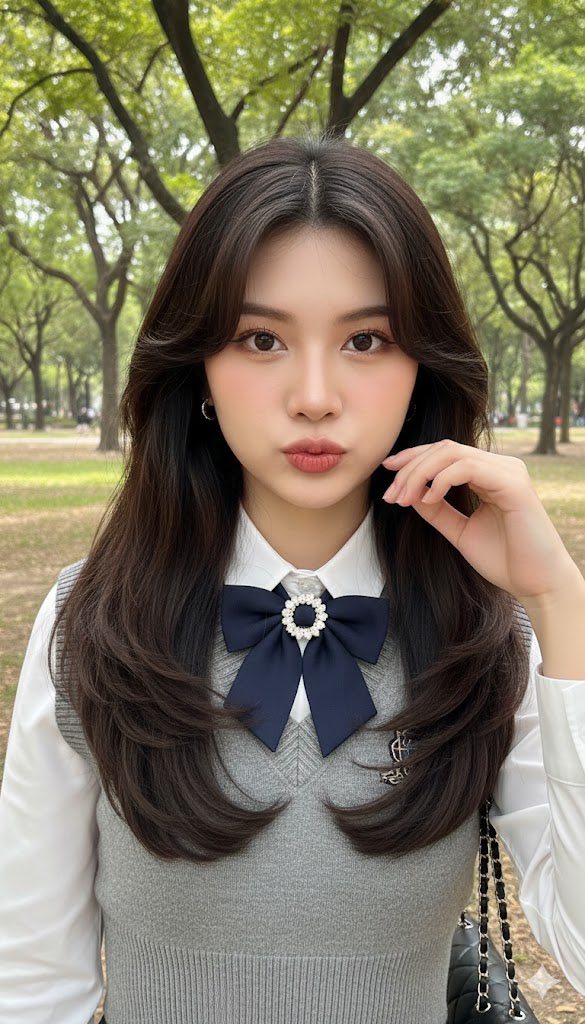
Prompt: Create an image from reference photo of a beautiful young woman standing outdoors in soft...
