
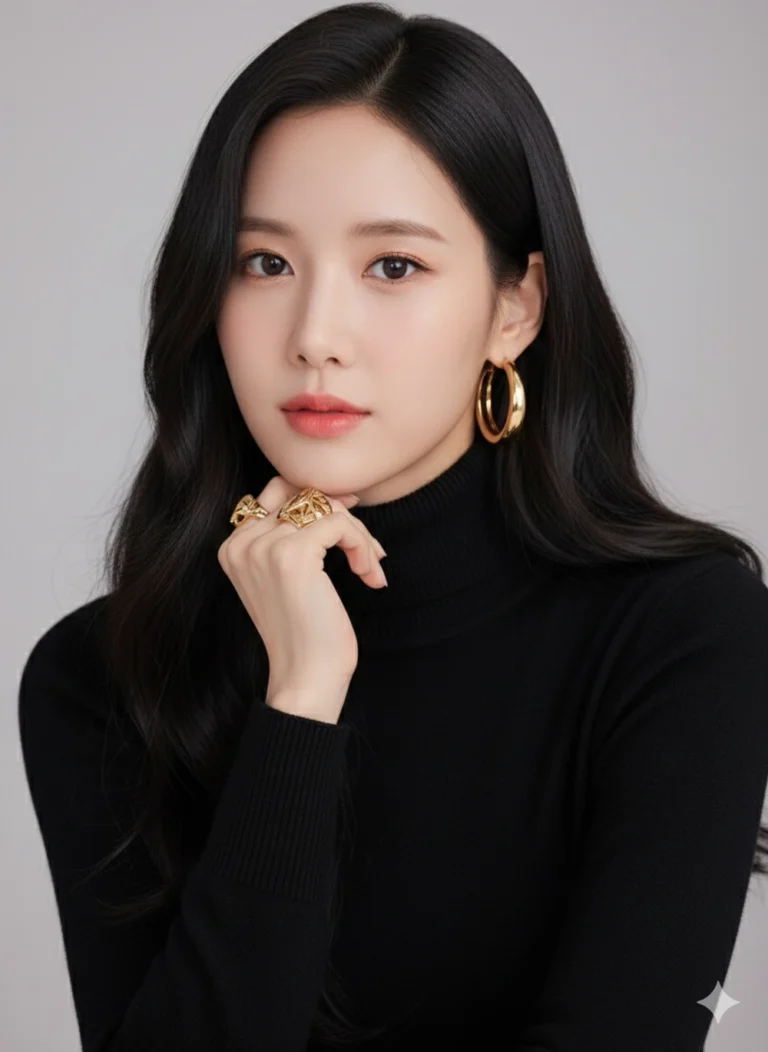
Prompt: Create a realistic studio portrait of a young woman with long, wavy black hair wearing a...
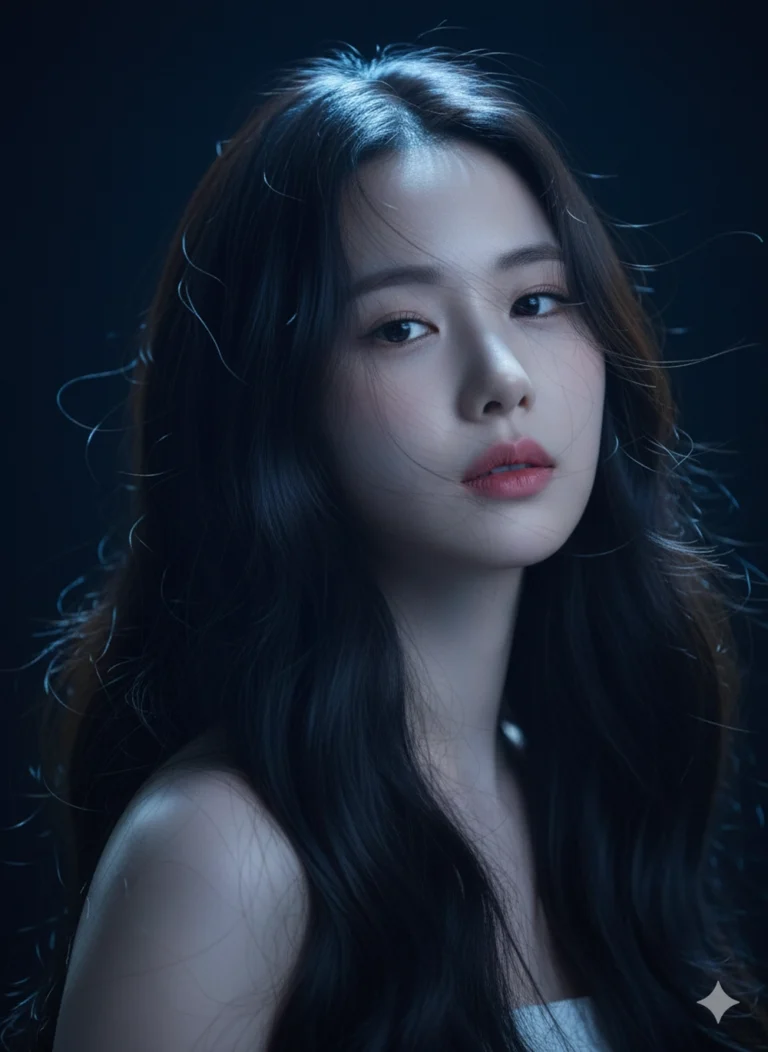
Prompt: Bảo tồn các nét khuôn mặt khỏi ảnh đã tải lên. Chân dung studio 8K siêu sắc nét của một...
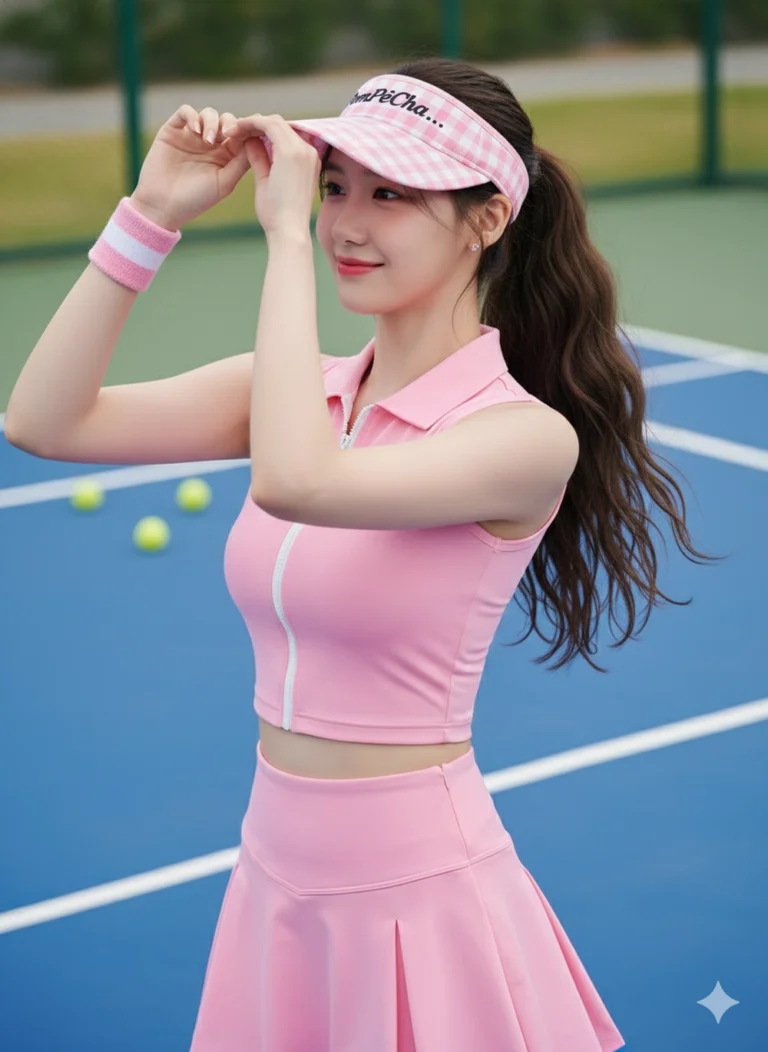
Prompt: Giữ nét khuôn mặt ở hình ảnh tôi đã cung cấp, tạo ảnh mới khớp với khuôn mặt 100% và tạo...
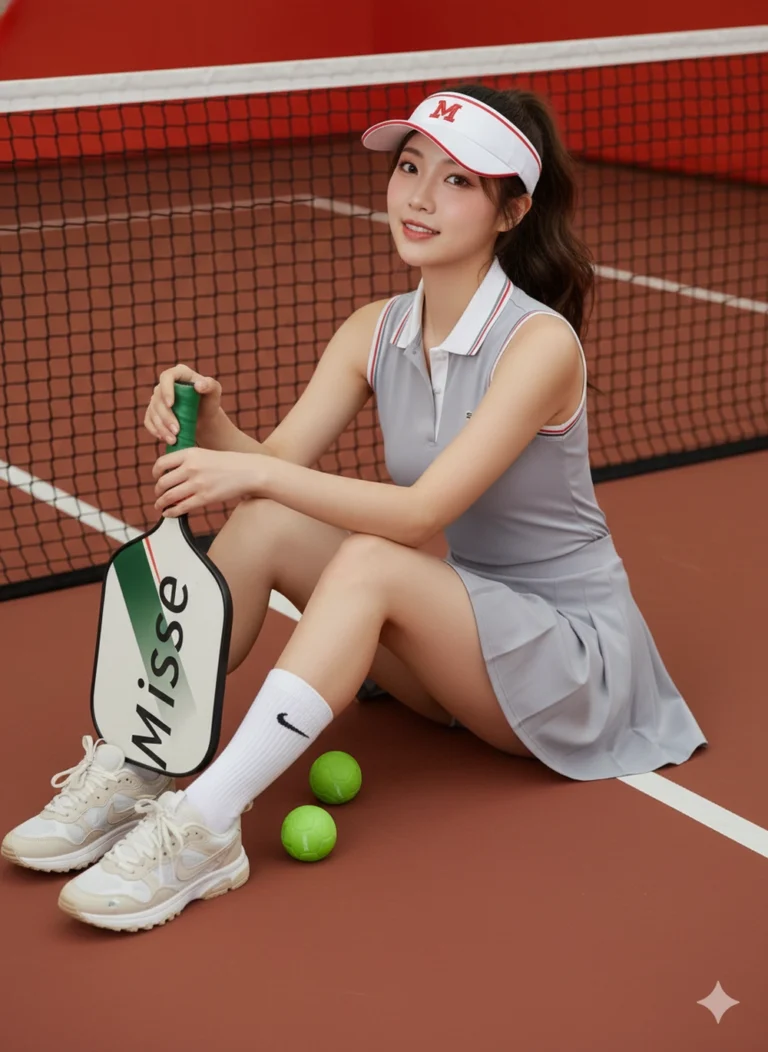
Prompt: Giữ nét khuôn mặt ở hình ảnh tôi đã cung cấp, tạo ảnh mới khớp với khuôn mặt 100% và tạo...
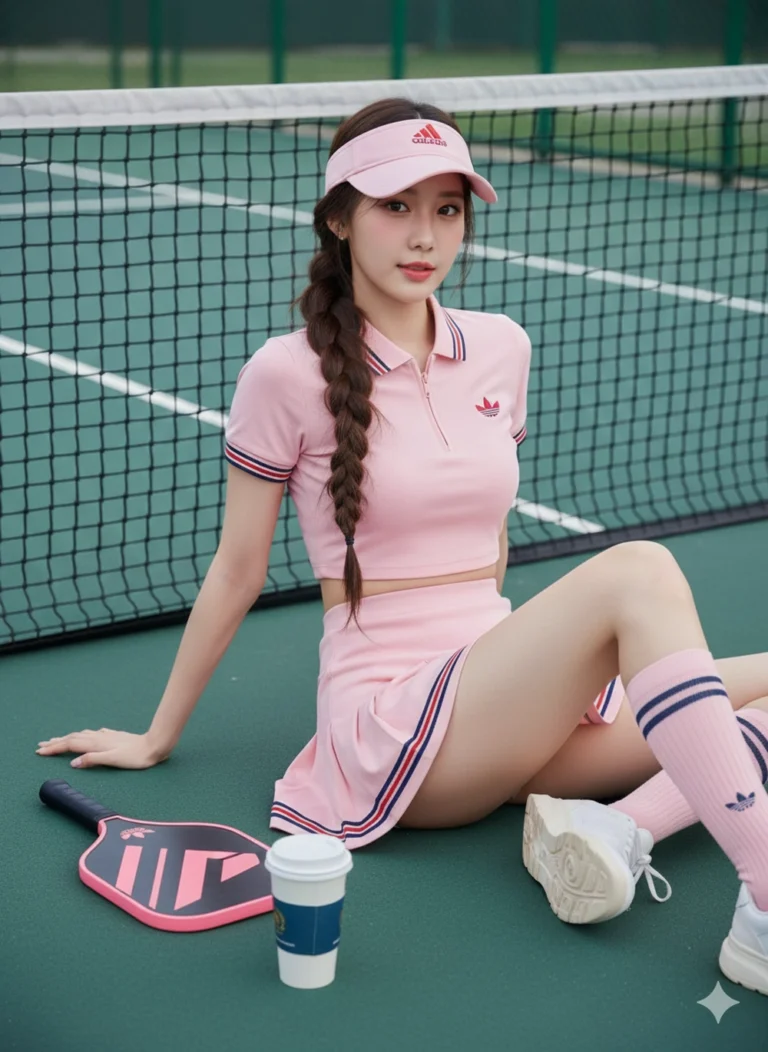
Prompt: Giữ nét khuôn mặt ở hình ảnh tôi đã cung cấp, tạo ảnh mới khớp với khuôn mặt 100% và tạo...
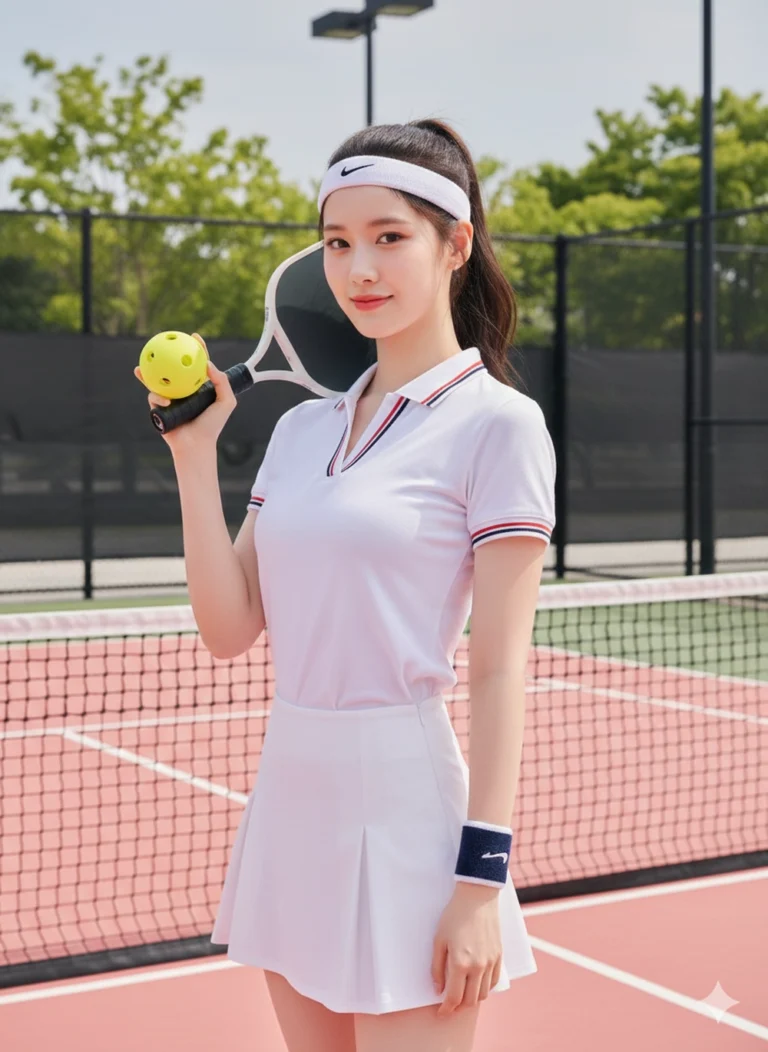
Prompt: Giữ nét khuôn mặt ở hình ảnh tôi đã cung cấp, tạo ảnh mới khớp với khuôn mặt 100% và tạo...
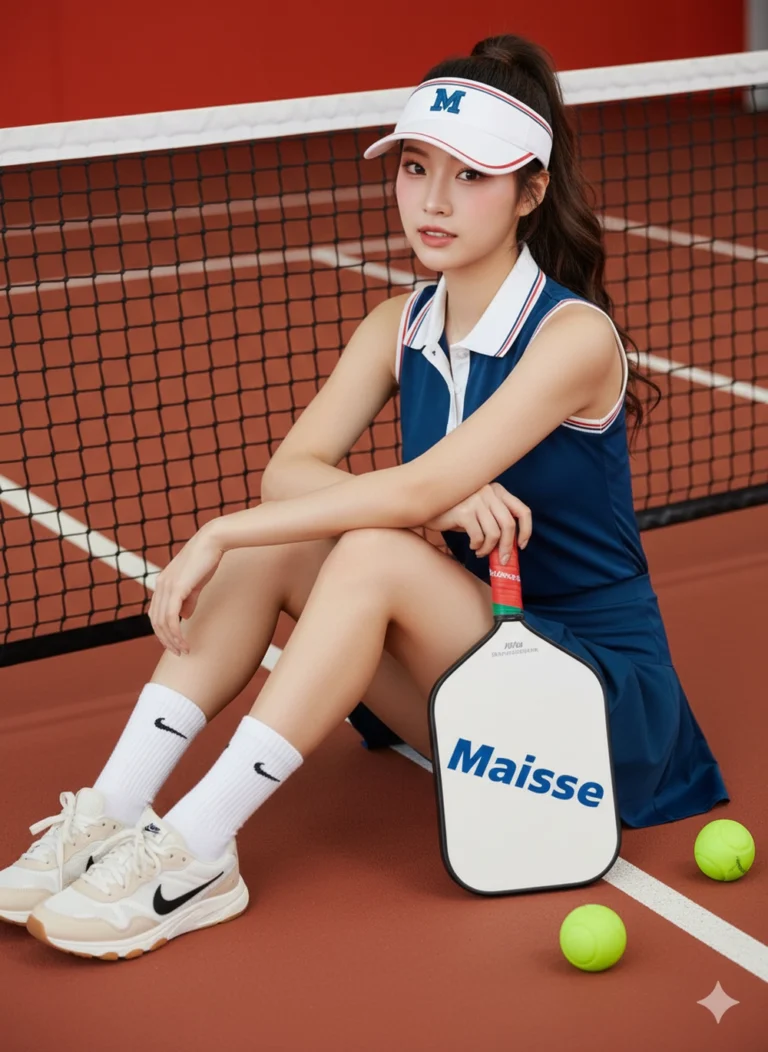
Prompt: Giữ nét khuôn mặt ở hình ảnh tôi đã cung cấp, tạo ảnh mới khớp với khuôn mặt 100% và tạo...
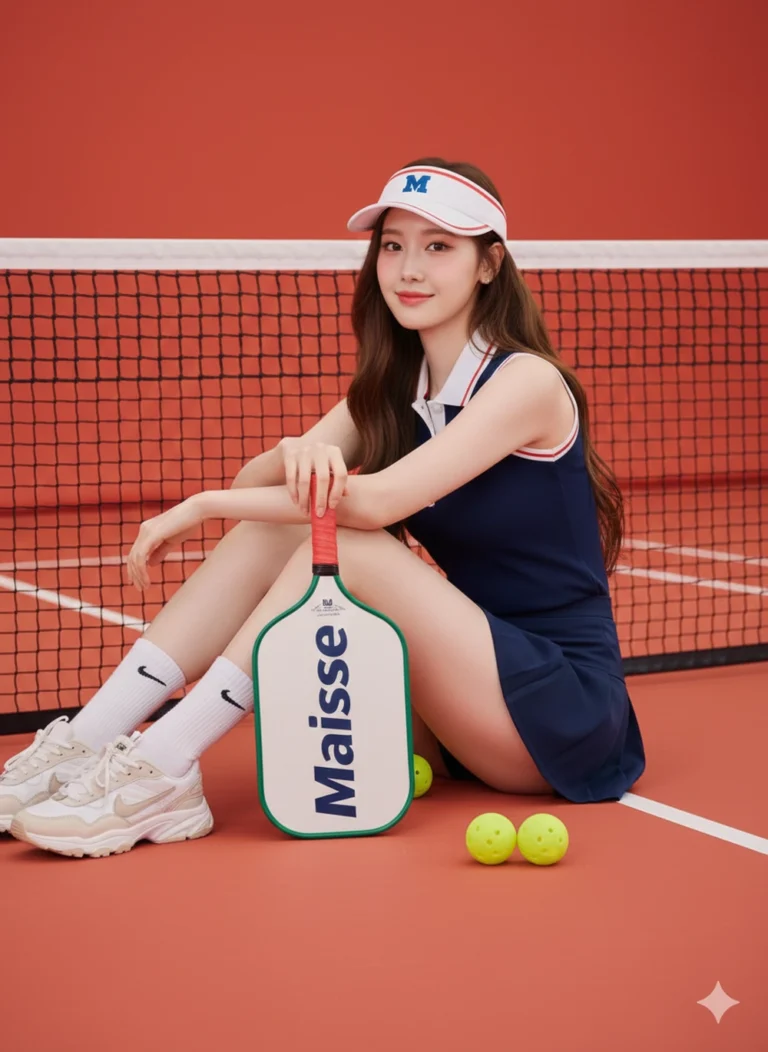
Prompt: Giữ nét khuôn mặt ở hình ảnh tôi đã cung cấp, tạo ảnh mới khớp với khuôn mặt 100% và tạo...
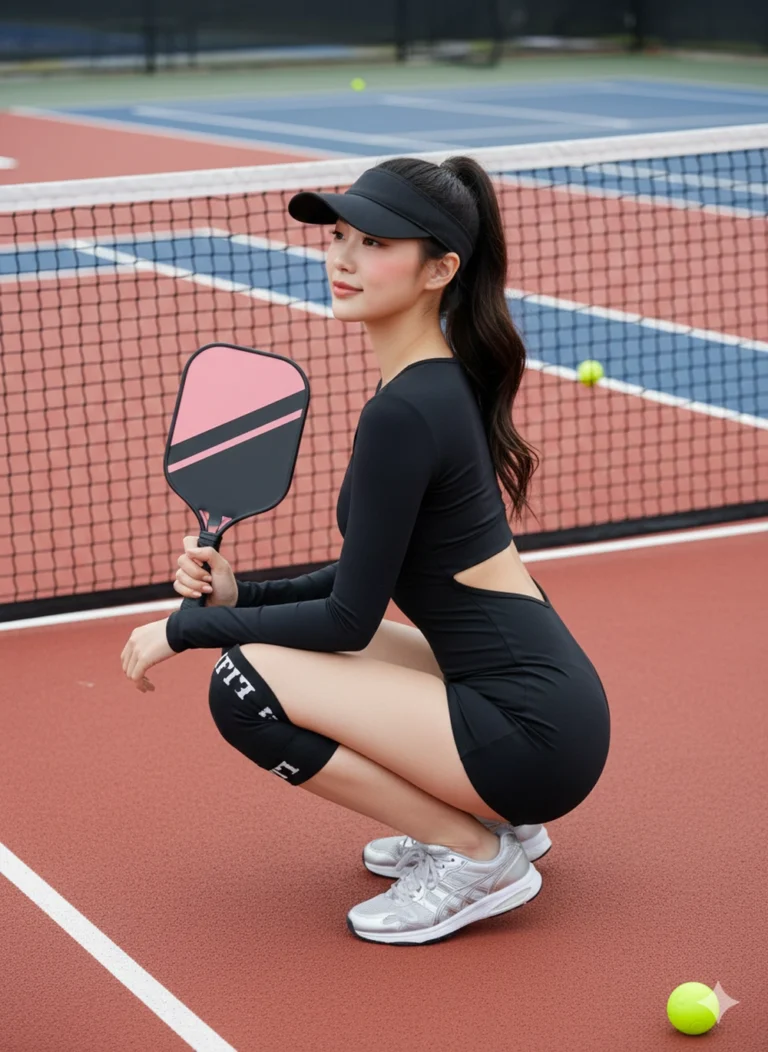
Prompt: Giữ nét khuôn mặt ở hình ảnh tôi đã cung cấp, tạo ảnh mới khớp với khuôn mặt 100% và tạo...
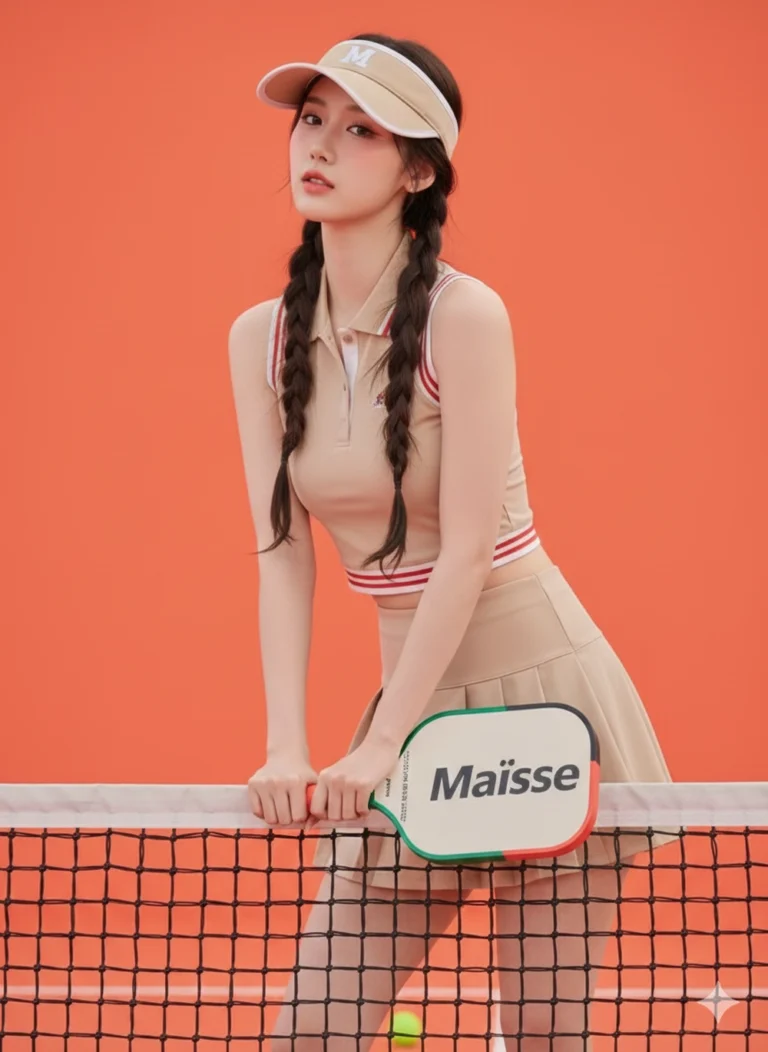
Prompt: Giữ nét khuôn mặt ở hình ảnh tôi đã cung cấp, tạo ảnh mới khớp với khuôn mặt 100% và tạo...
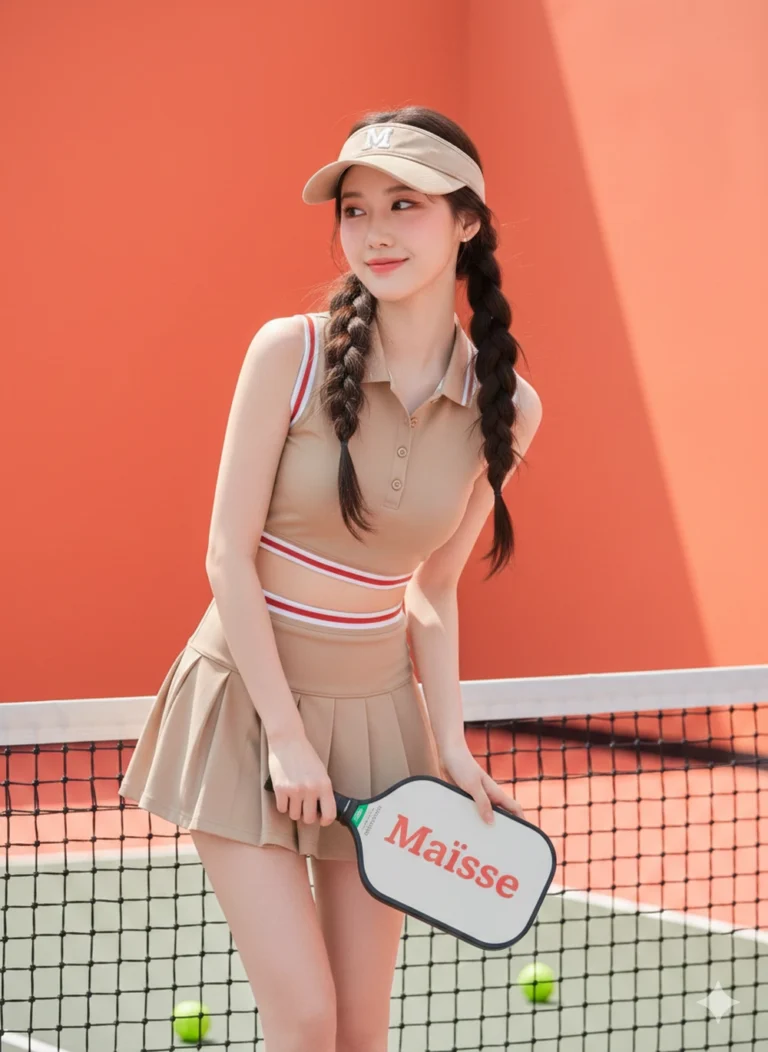
Prompt: Giữ nét khuôn mặt ở hình ảnh tôi đã cung cấp, tạo ảnh mới khớp với khuôn mặt 100% và tạo...
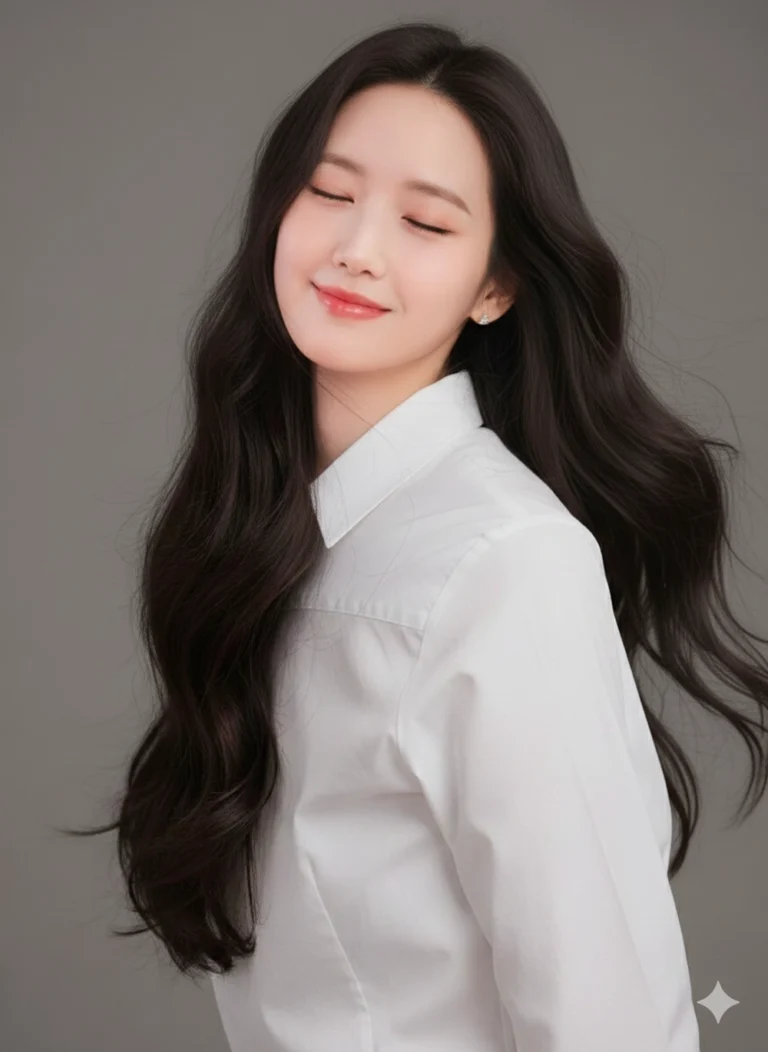
Prompt: Sử dụng ảnh tham chiếu đã tải lên. Tạo ảnh chân dung cận cảnh phong cách studio, nền xám...
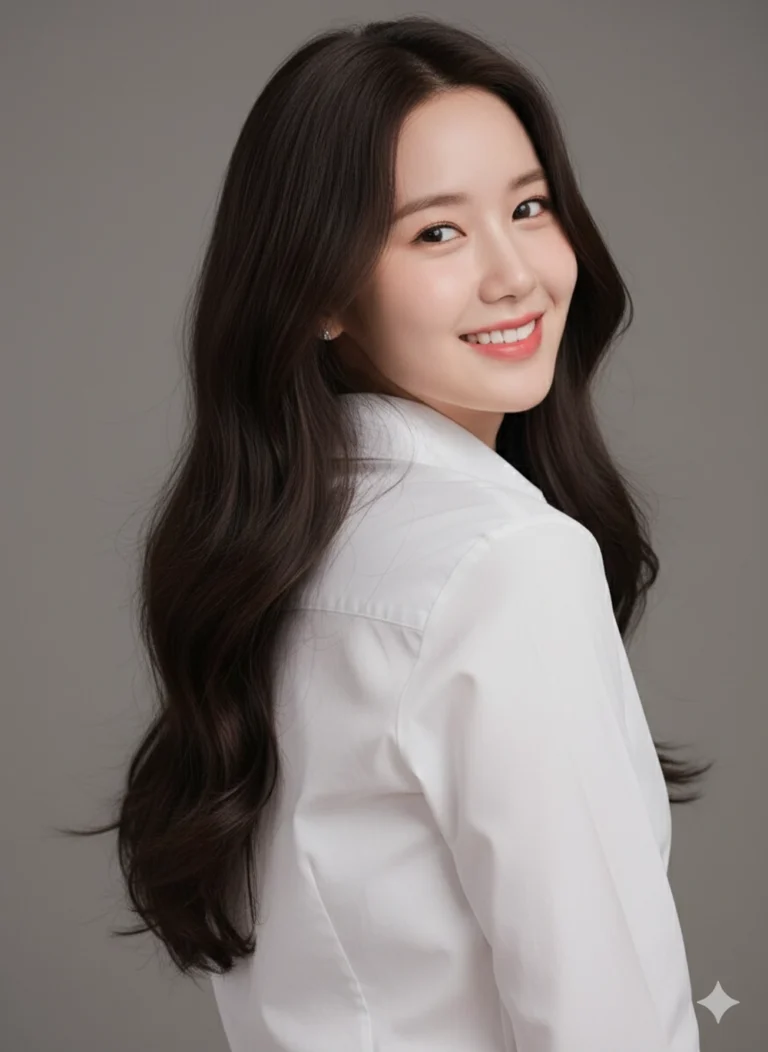
Prompt: Sử dụng ảnh tham chiếu đã tải lên. Tạo ảnh chân dung cận cảnh phong cách studio, nền xám...
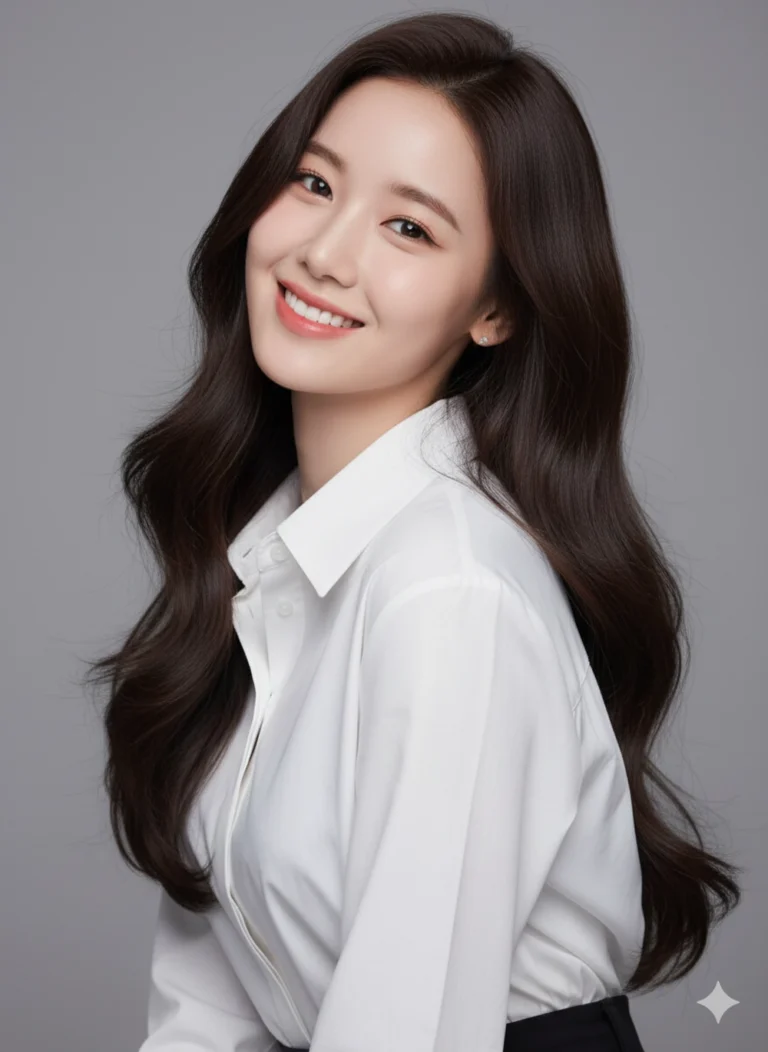
Prompt: Sử dụng ảnh tham chiếu đã tải lên. Tạo ảnh chân dung phong cách studio, nền xám trơn, ánh...
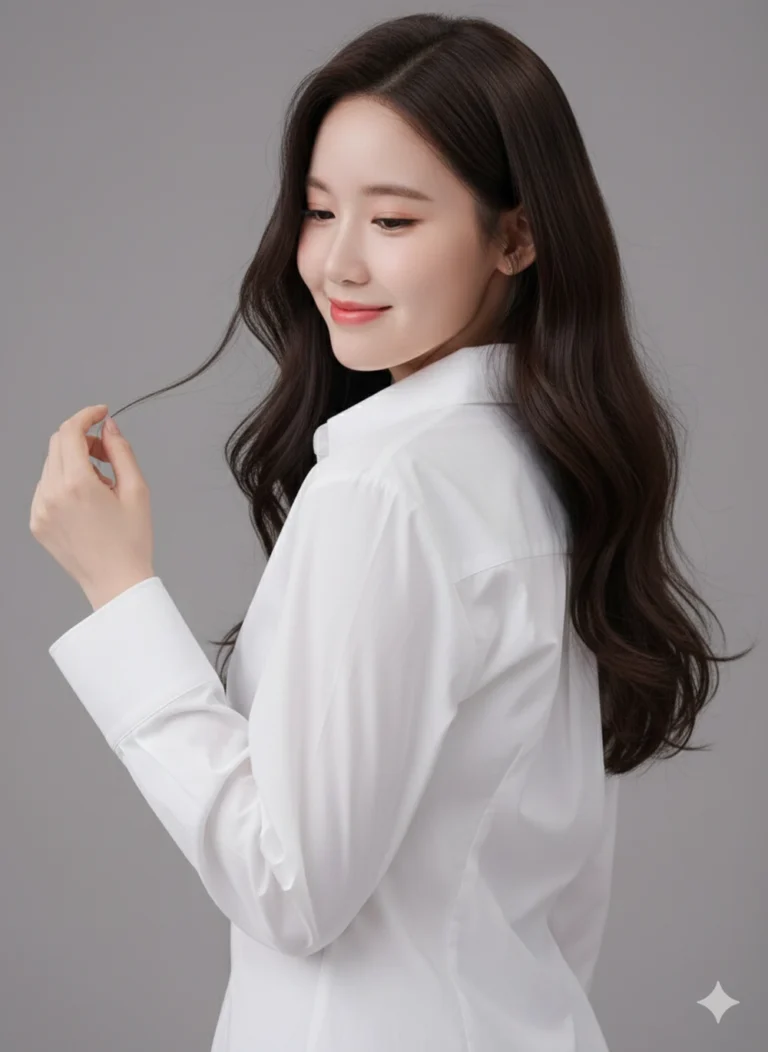
Prompt: Sử dụng ảnh tham chiếu đã tải lên. Tạo ảnh chân dung cận cảnh phong cách studio, nền xám...
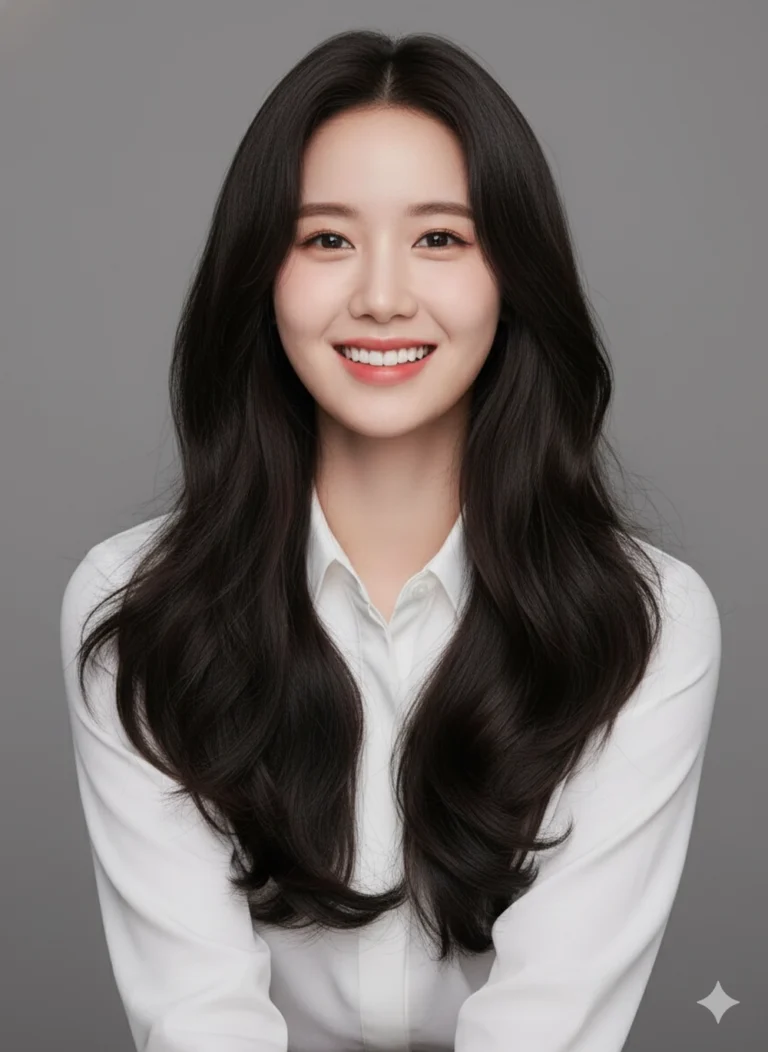
Prompt: Sử dụng ảnh tham chiếu đã tải lên. Tạo ảnh chân dung cận cảnh phong cách studio, nền xám...
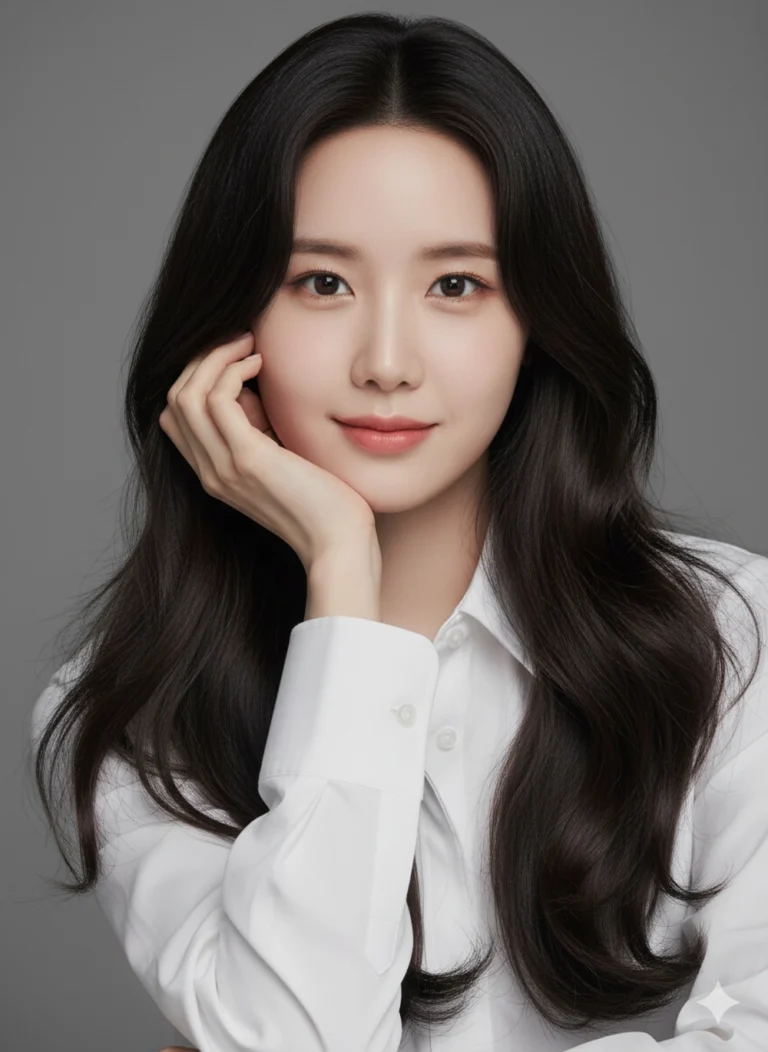
Prompt: Sử dụng ảnh tham chiếu đã tải lên. Tạo ảnh chân dung cận cảnh phong cách studio, nền xám...
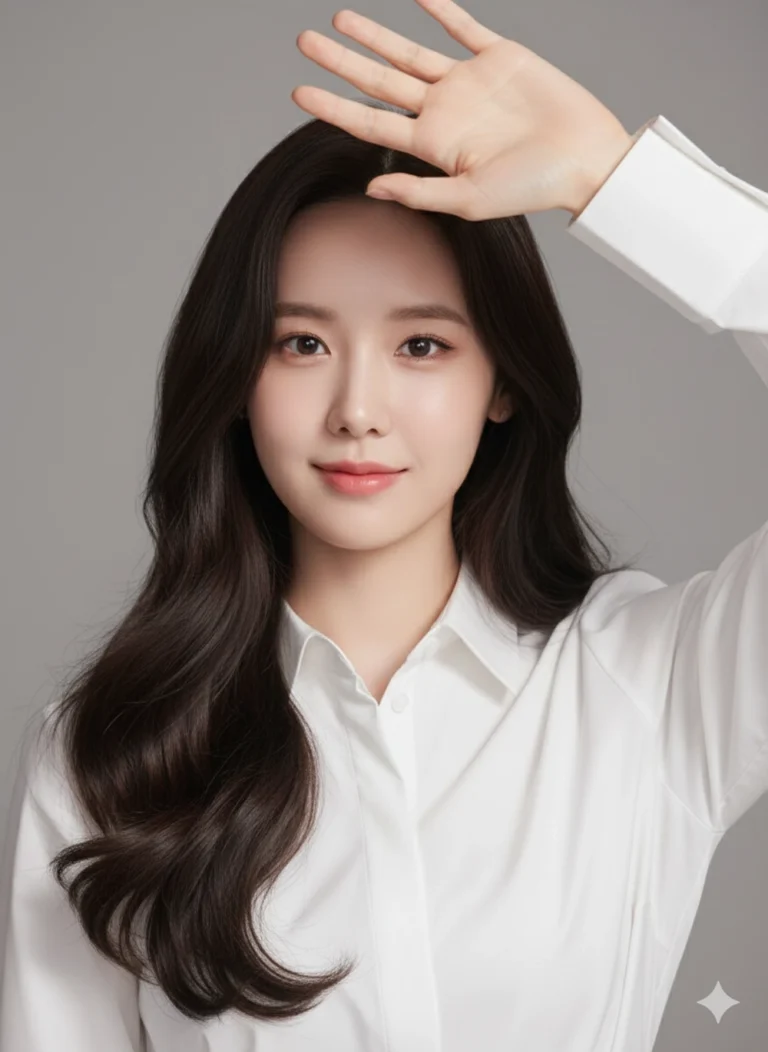
Prompt: Sử dụng ảnh tham chiếu đã tải lên. Tạo ảnh chân dung cận cảnh phong cách studio, nền xám...
