
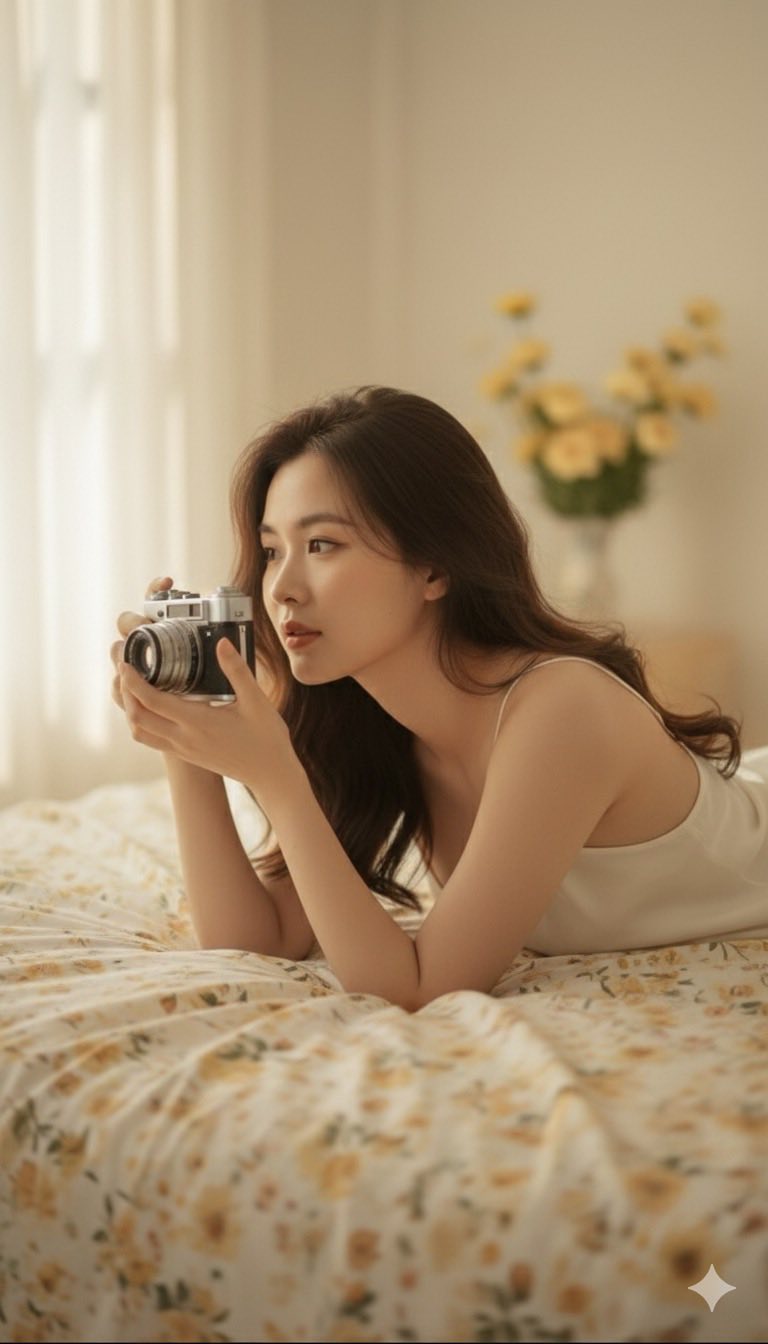
Prompt: Cinematic golden hour bedroom scene of the subject lying on her side on a soft floral...
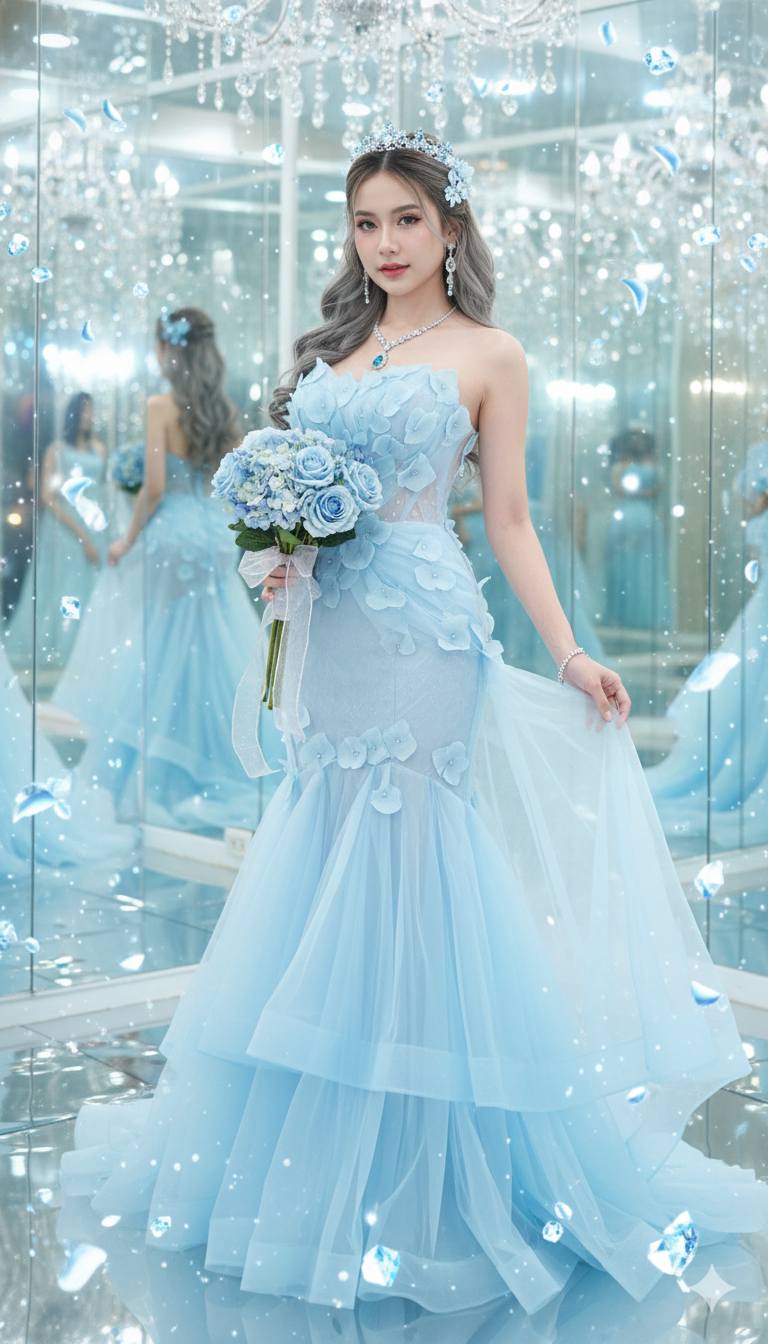
Prompt: Use the female reference image only. Keep the original face structure exactly: eyes, nose...
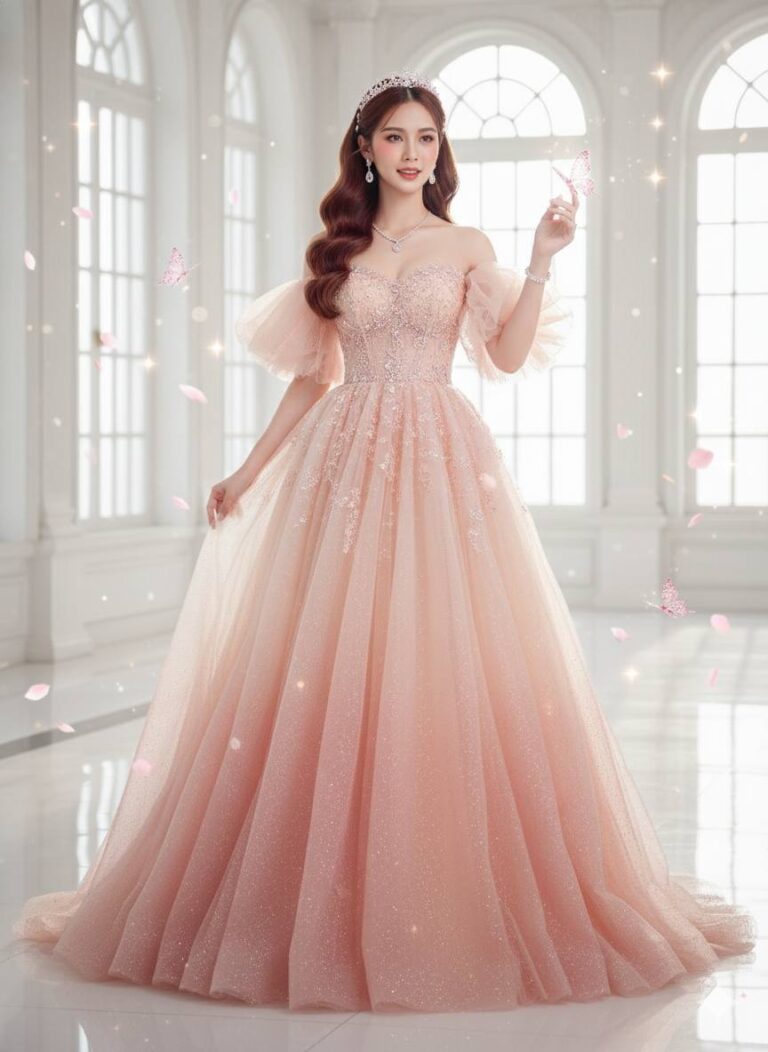
Prompt: Use the female reference image only. Keep the original face structure exactly: eyes, nose...
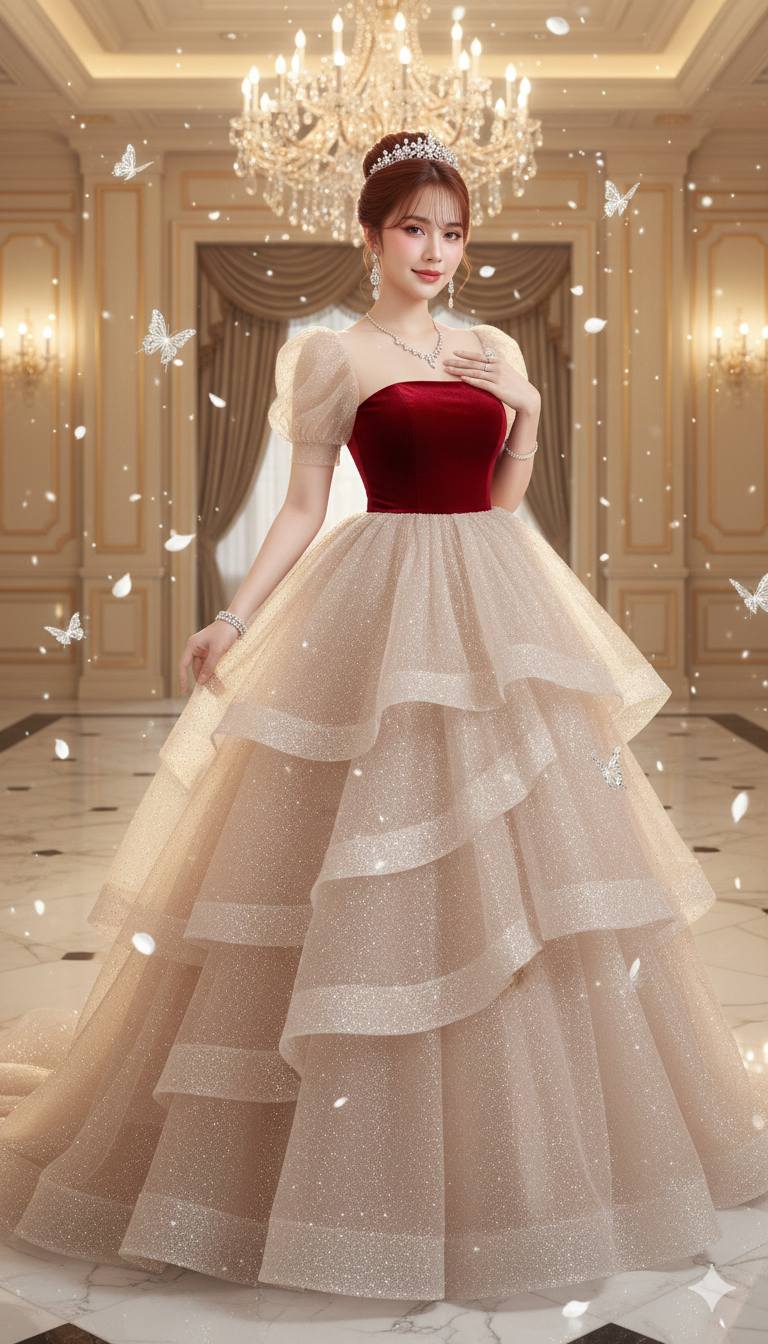
Prompt: Use the female reference image only. Keep the original face structure exactly: eyes, nose...

Prompt: Use the female reference image only. Keep the original face structure exactly: eyes, nose...

Prompt: Use the female reference image only. Keep the original face structure exactly: eyes, nose...

Prompt: Use the female reference image only. Keep the original face structure exactly the same:...

Prompt: Use the woman’s face from the reference image only (female reference image only). Keep the...

Prompt: Use the female reference image only. Keep the exact original face structure: eyes, nose...

Prompt: Use the female reference image only. Keep the exact original face structure: eyes, nose...

Prompt: Use only the woman’s face from the reference image (female reference image only). Keep the...

Prompt: Use only the woman’s face from the reference image (female reference image only). Keep the...

Prompt: Use only the woman’s face from the reference image (female reference image only). Keep the...

Prompt: Use only the woman’s face from the reference image (female reference image only). Keep the...

Prompt: Use only the woman’s face from the reference image (female reference image only). Keep the...
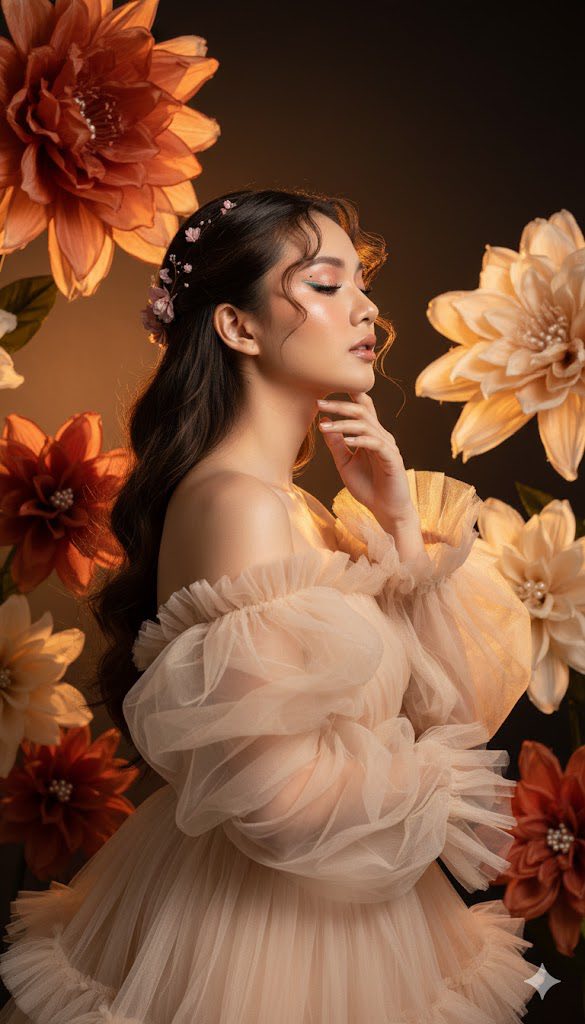
Prompt: Make a 100% copy like in this photo, make a slim women, Photorealistic, hyper-detailed...
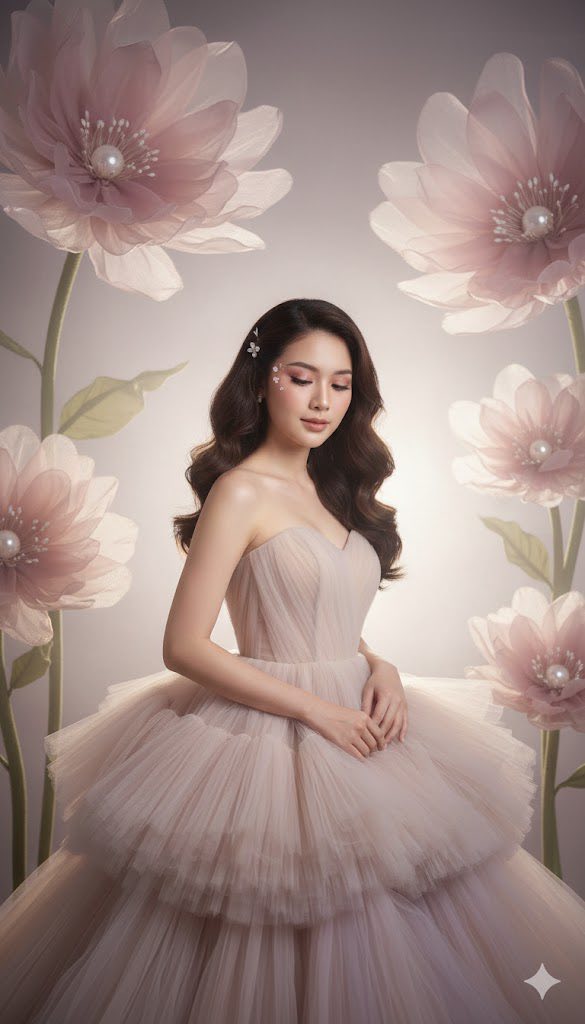
Prompt: Make a 100% copy like in this photo, make a slim women, A stunning, young woman with clear...

Prompt: Make 100% copy like in this photo make a slim women, A stunning young woman with clear...
