
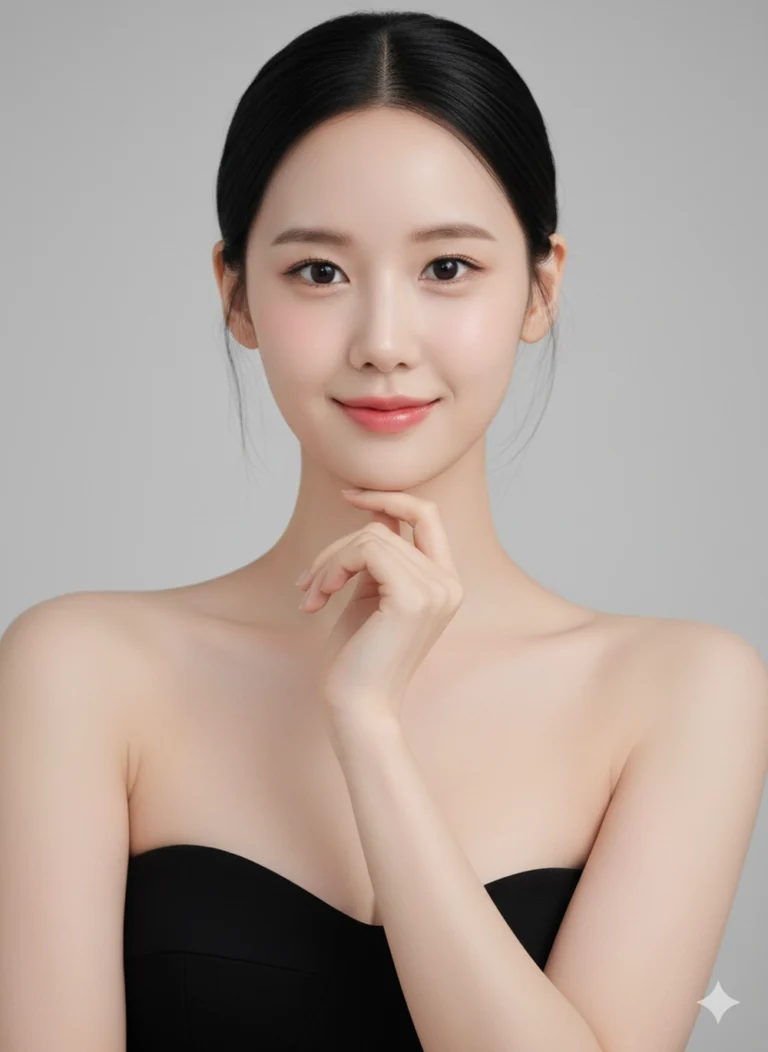
Prompt: A beautiful young woman with porcelain skin and large doll-like eyes posing elegantly...
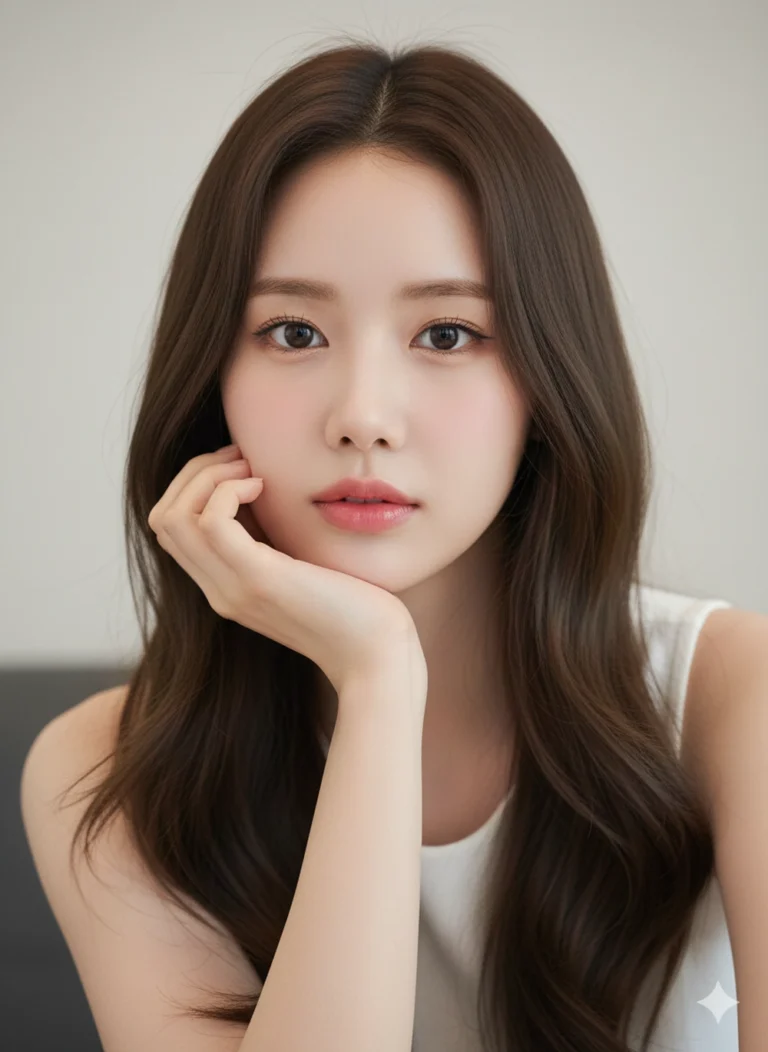
Prompt: A breathtaking close-up portrait of a beautiful young woman with long flowing brown hair...
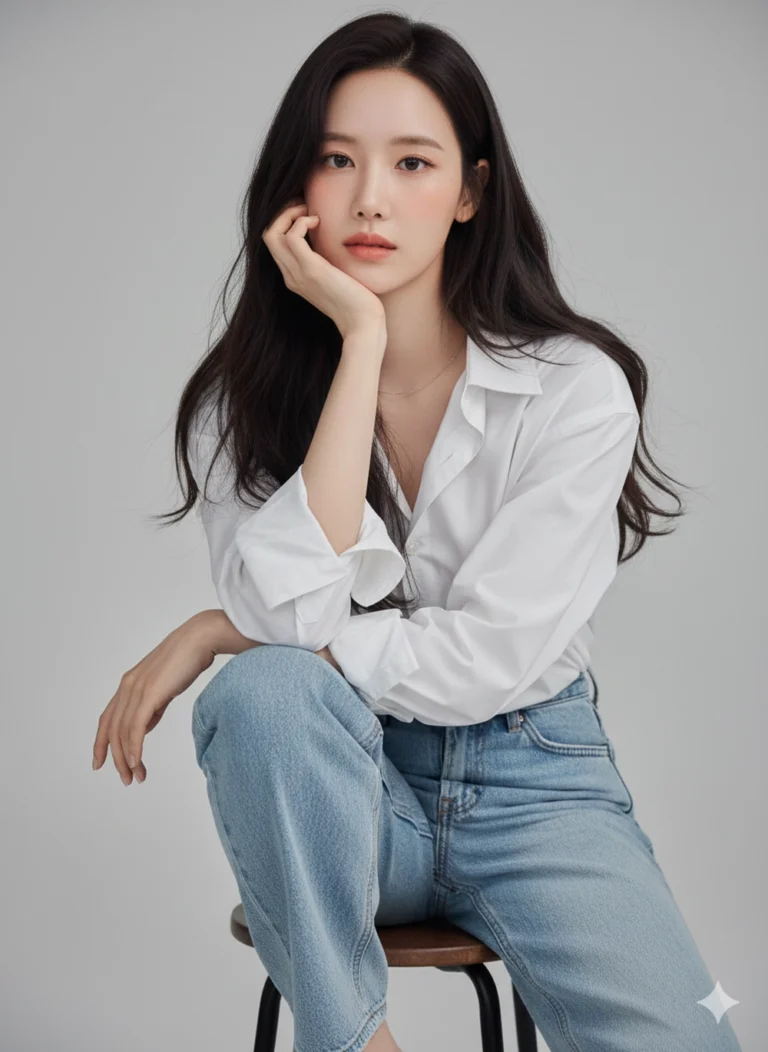
Prompt: A young woman (use upload photo) sitting casually in a studio, wearing a crisp oversized...
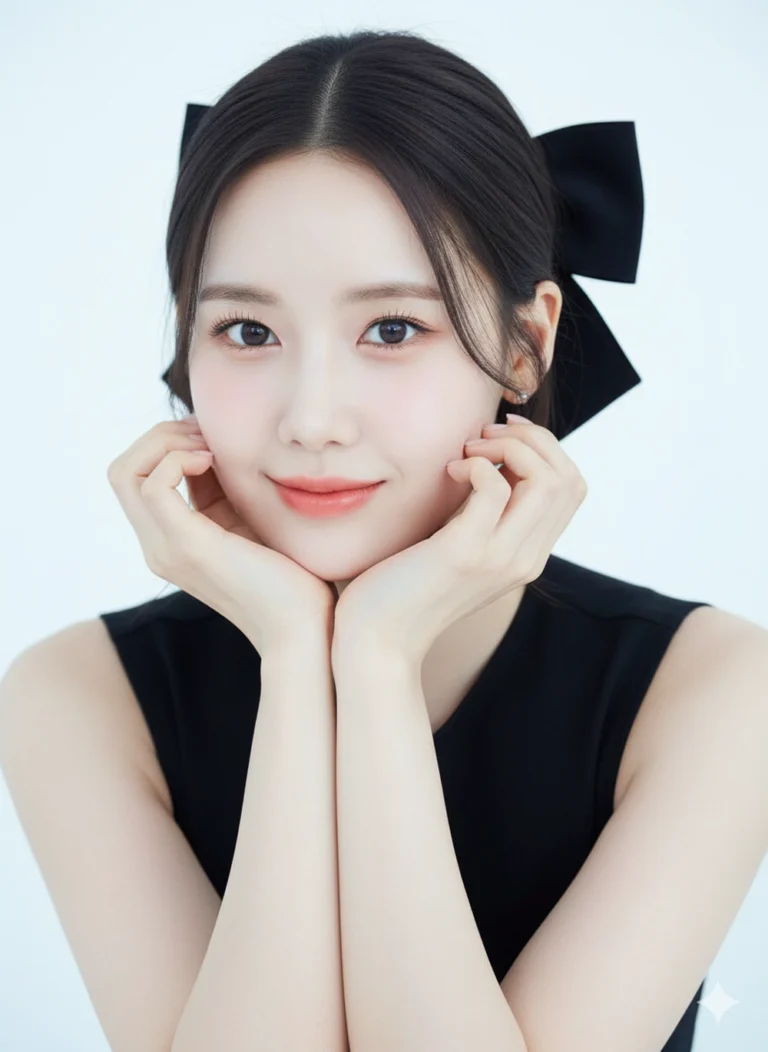
Prompt: A close-up portrait of a beautiful young woman with a clear, luminous tone and soft front...
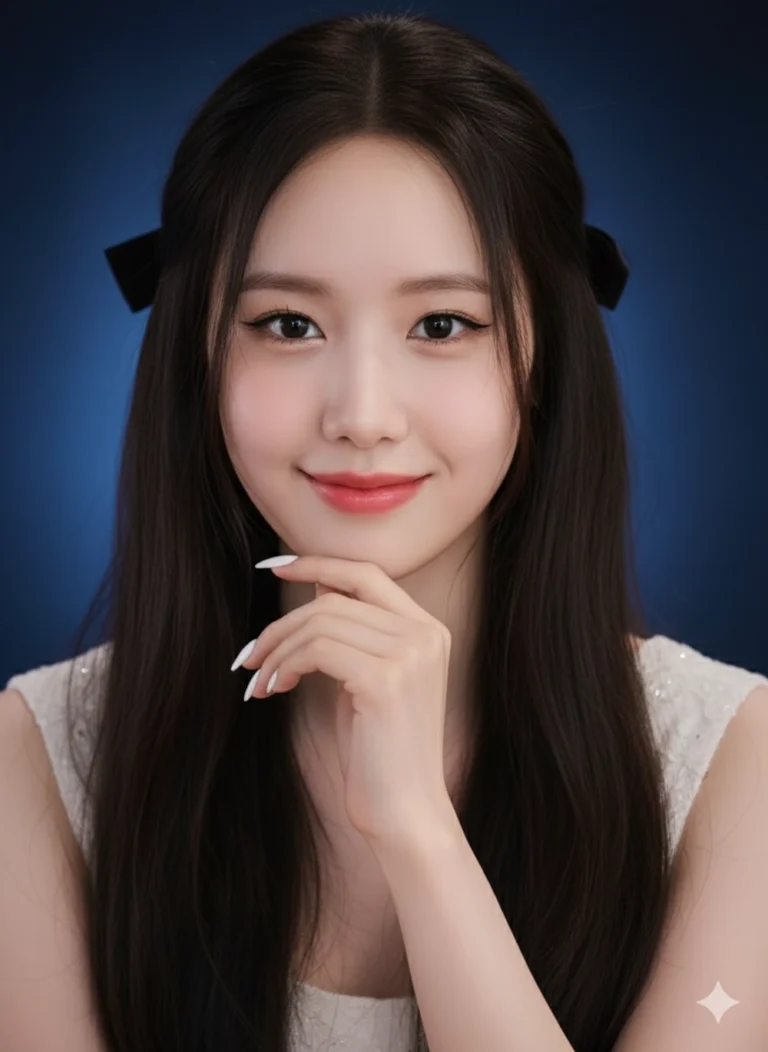
Prompt: Keep the exact face and expression from the uploaded photo. A close-up portrait of a...

Prompt: A sophisticated modern woman (reference photo) in a minimalist studio setting, exuding...
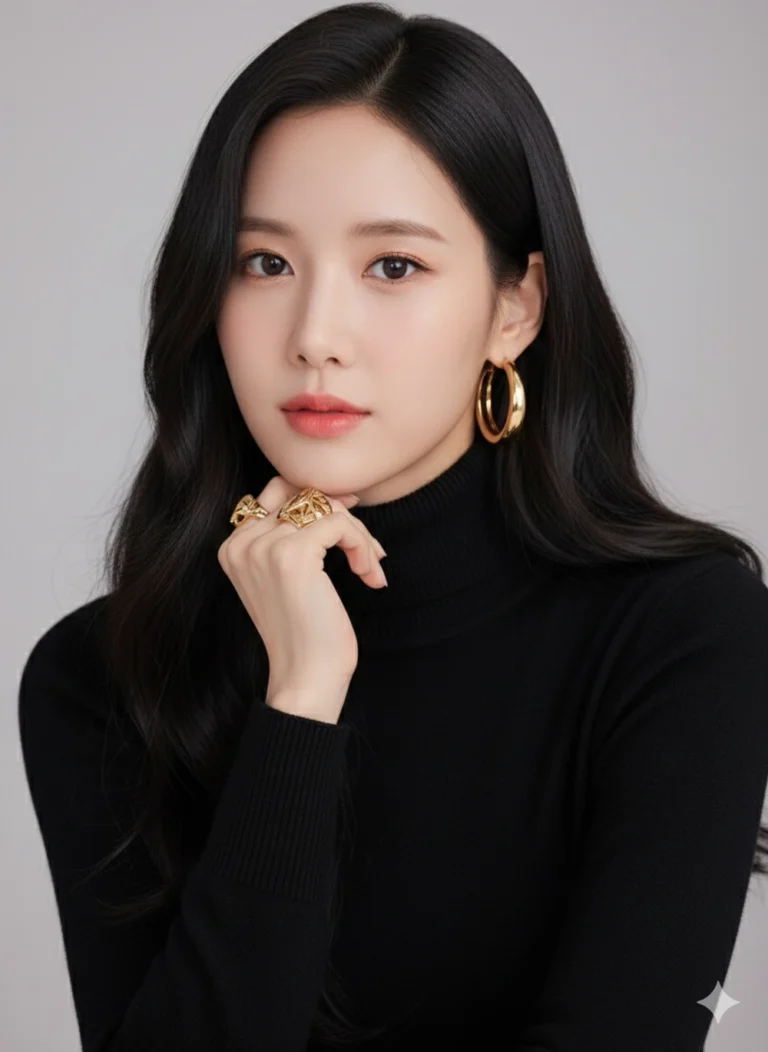
Prompt: Create a realistic studio portrait of a young woman with long, wavy black hair wearing a...
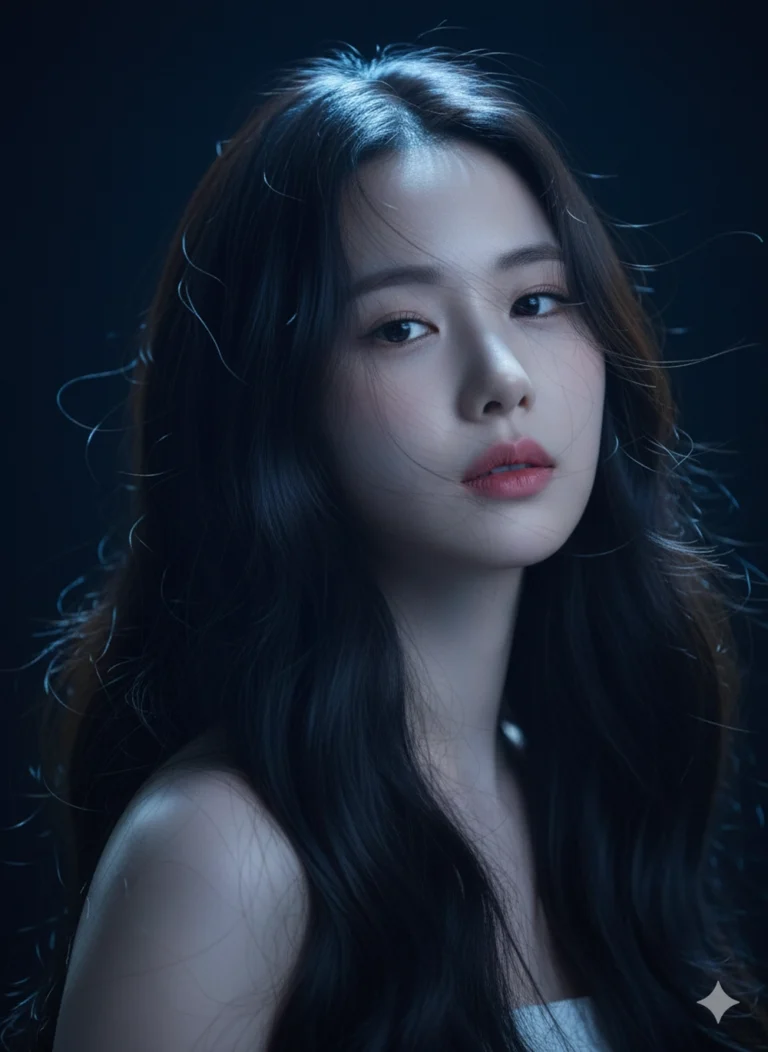
Prompt: Bảo tồn các nét khuôn mặt khỏi ảnh đã tải lên. Chân dung studio 8K siêu sắc nét của một...
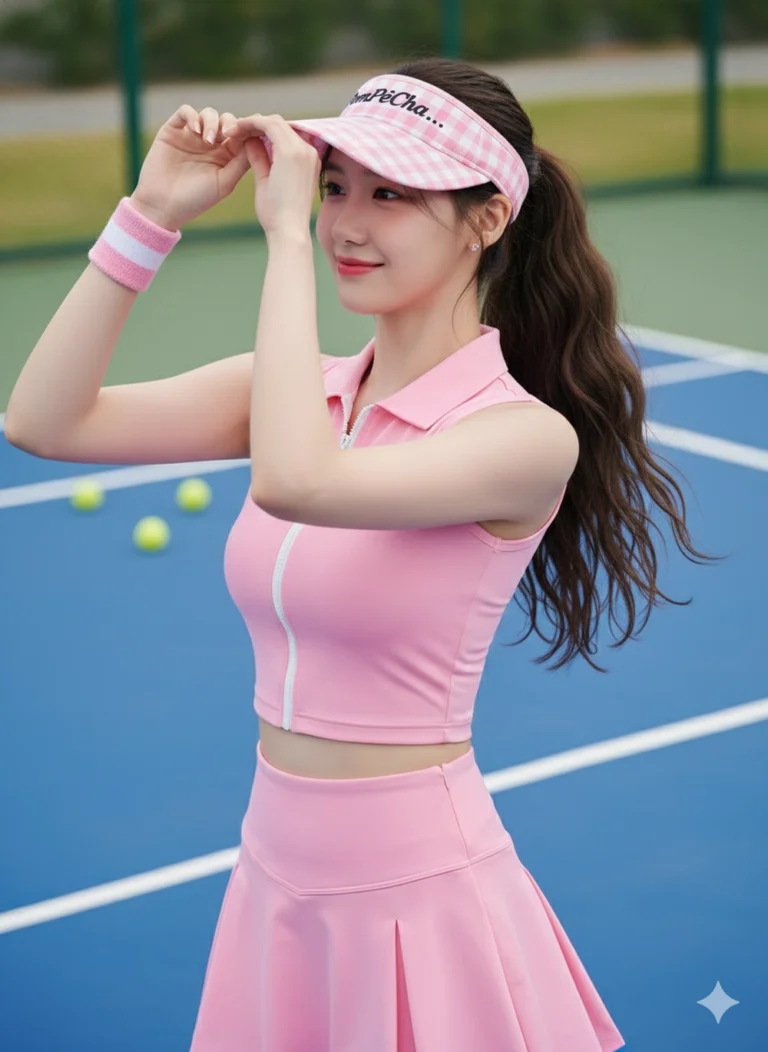
Prompt: Giữ nét khuôn mặt ở hình ảnh tôi đã cung cấp, tạo ảnh mới khớp với khuôn mặt 100% và tạo...
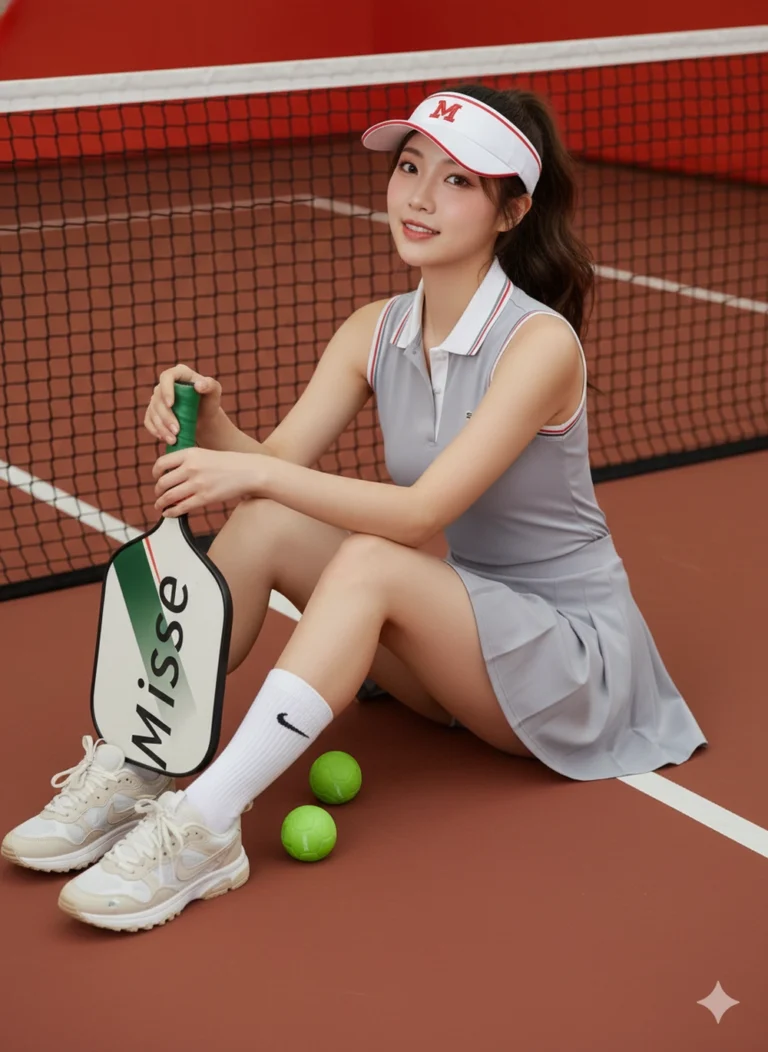
Prompt: Giữ nét khuôn mặt ở hình ảnh tôi đã cung cấp, tạo ảnh mới khớp với khuôn mặt 100% và tạo...
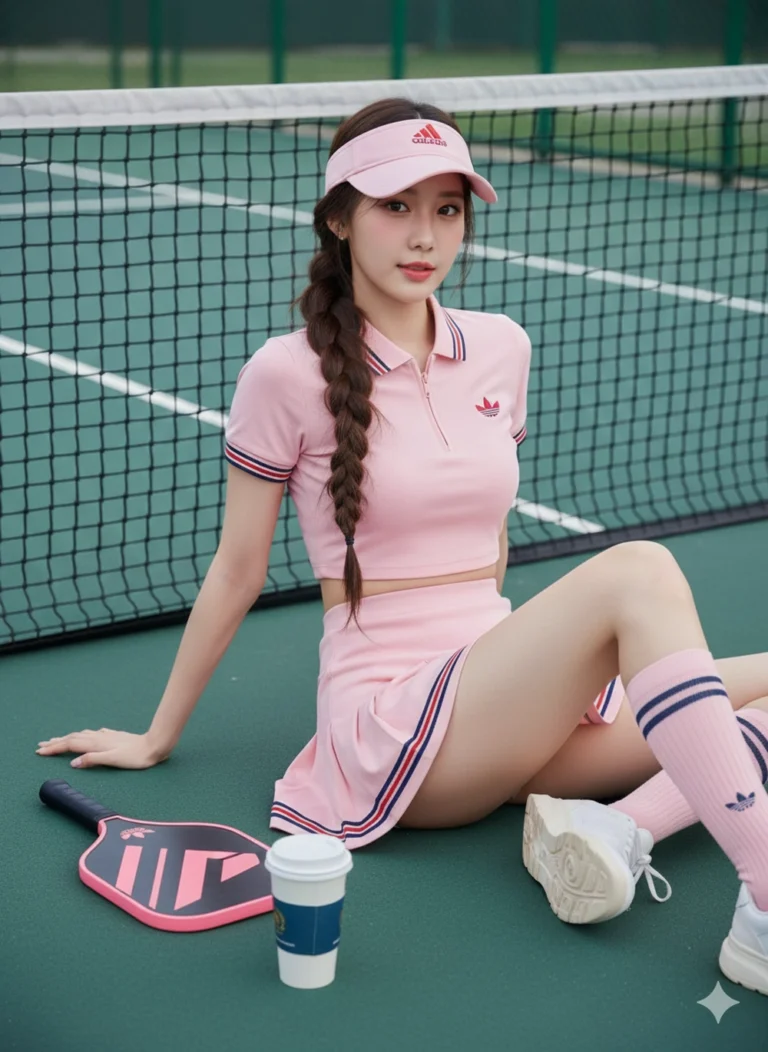
Prompt: Giữ nét khuôn mặt ở hình ảnh tôi đã cung cấp, tạo ảnh mới khớp với khuôn mặt 100% và tạo...
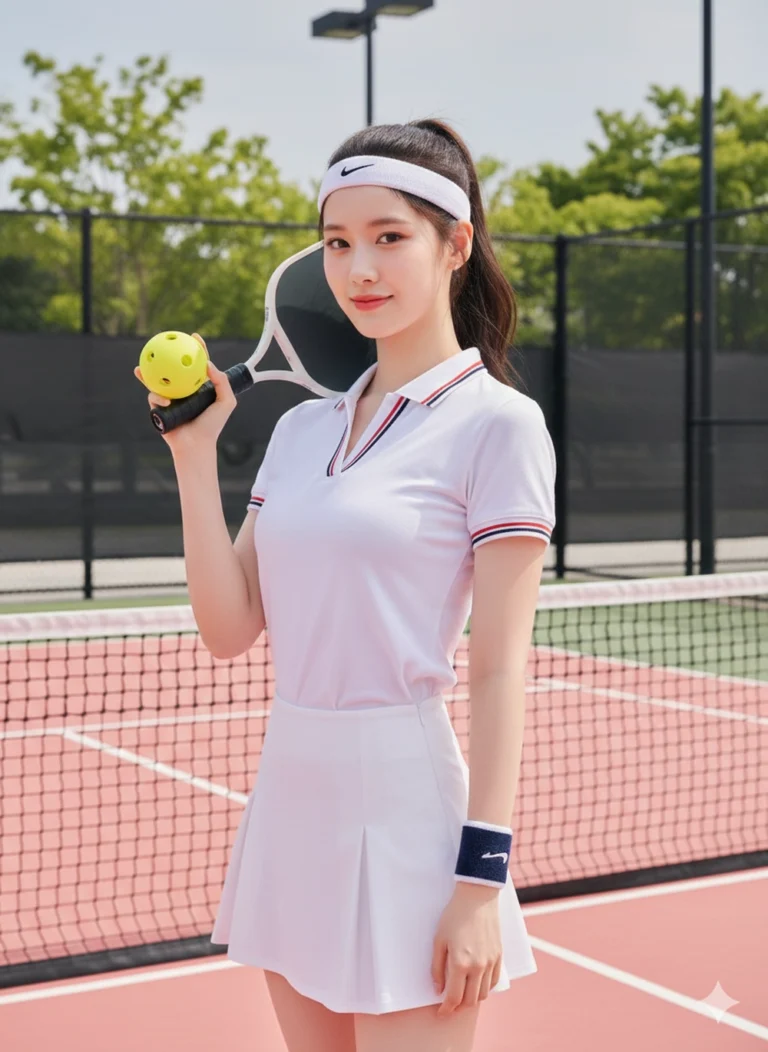
Prompt: Giữ nét khuôn mặt ở hình ảnh tôi đã cung cấp, tạo ảnh mới khớp với khuôn mặt 100% và tạo...
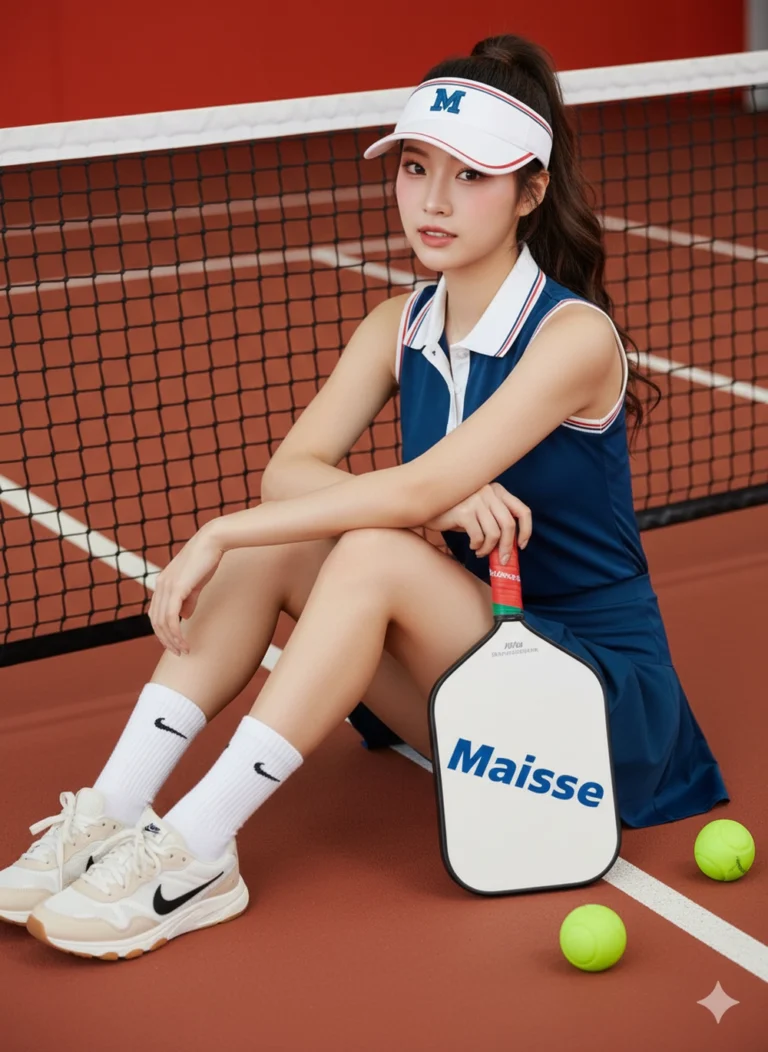
Prompt: Giữ nét khuôn mặt ở hình ảnh tôi đã cung cấp, tạo ảnh mới khớp với khuôn mặt 100% và tạo...
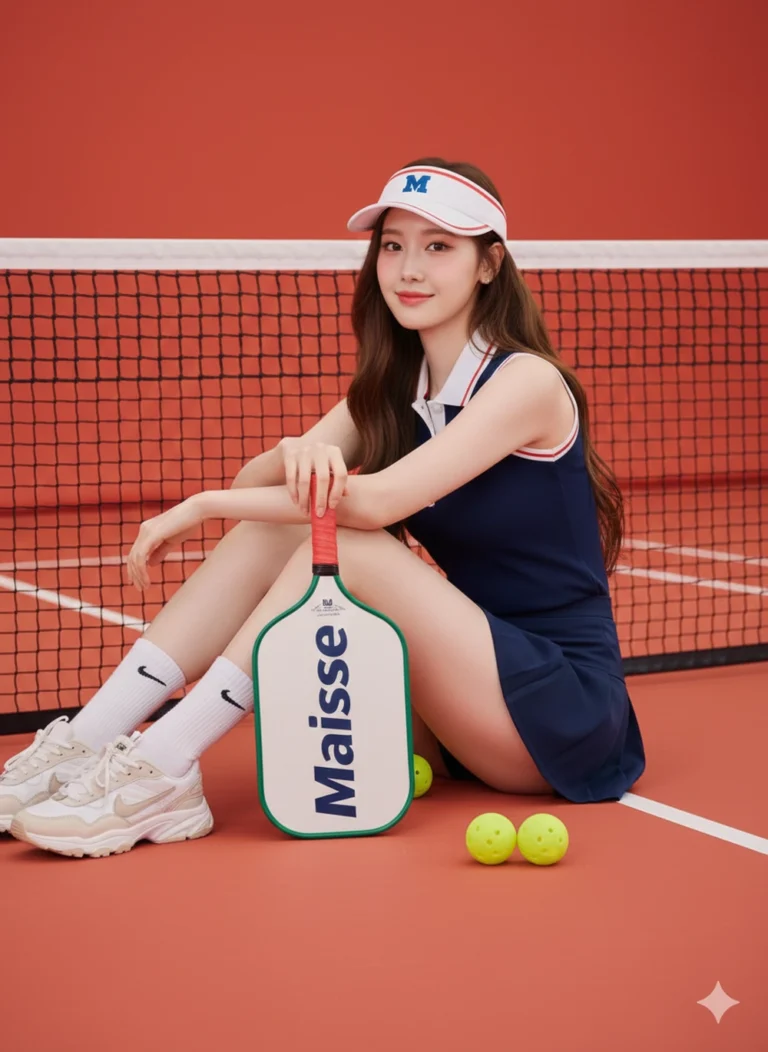
Prompt: Giữ nét khuôn mặt ở hình ảnh tôi đã cung cấp, tạo ảnh mới khớp với khuôn mặt 100% và tạo...
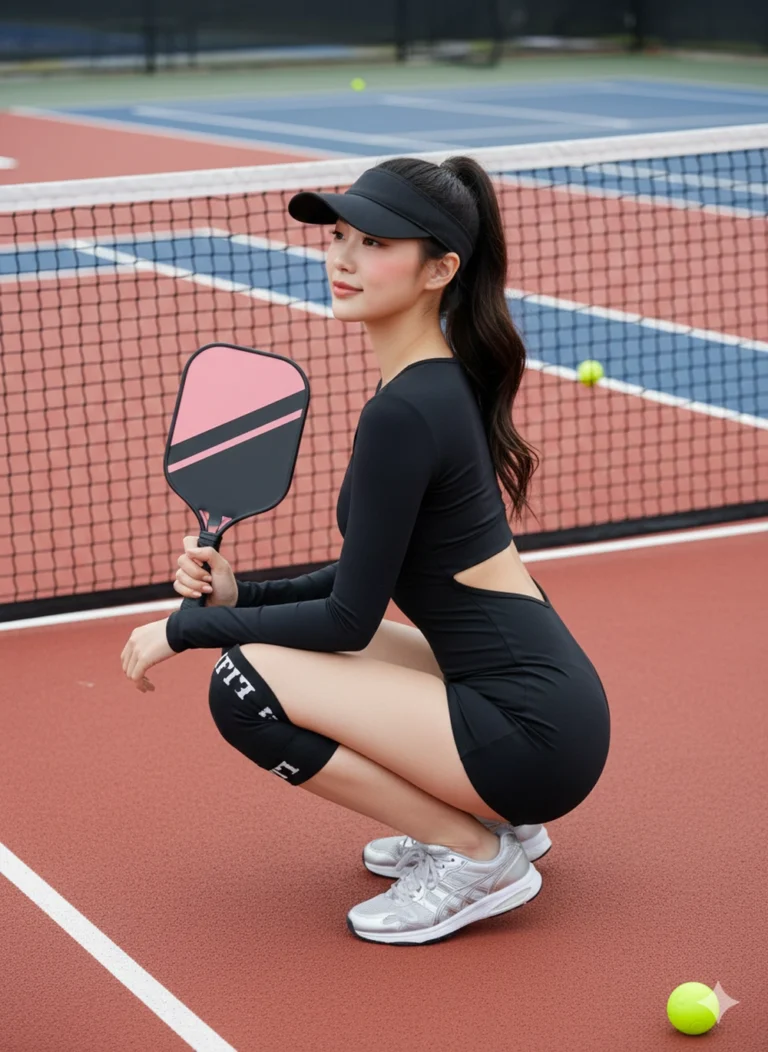
Prompt: Giữ nét khuôn mặt ở hình ảnh tôi đã cung cấp, tạo ảnh mới khớp với khuôn mặt 100% và tạo...
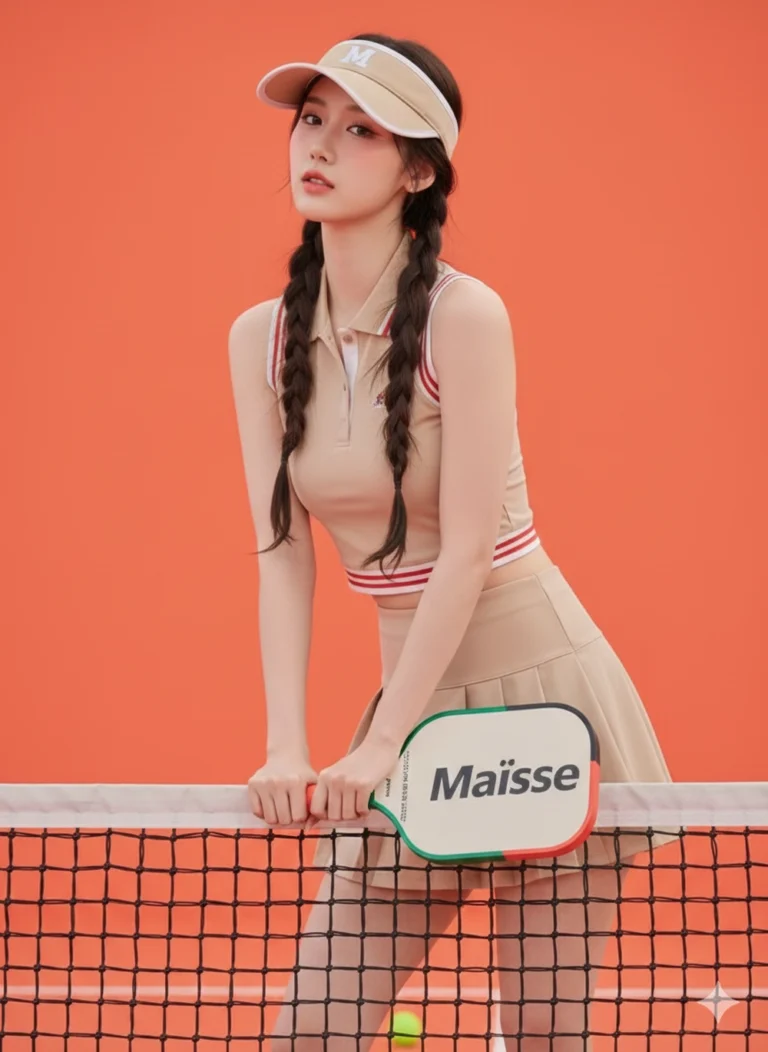
Prompt: Giữ nét khuôn mặt ở hình ảnh tôi đã cung cấp, tạo ảnh mới khớp với khuôn mặt 100% và tạo...
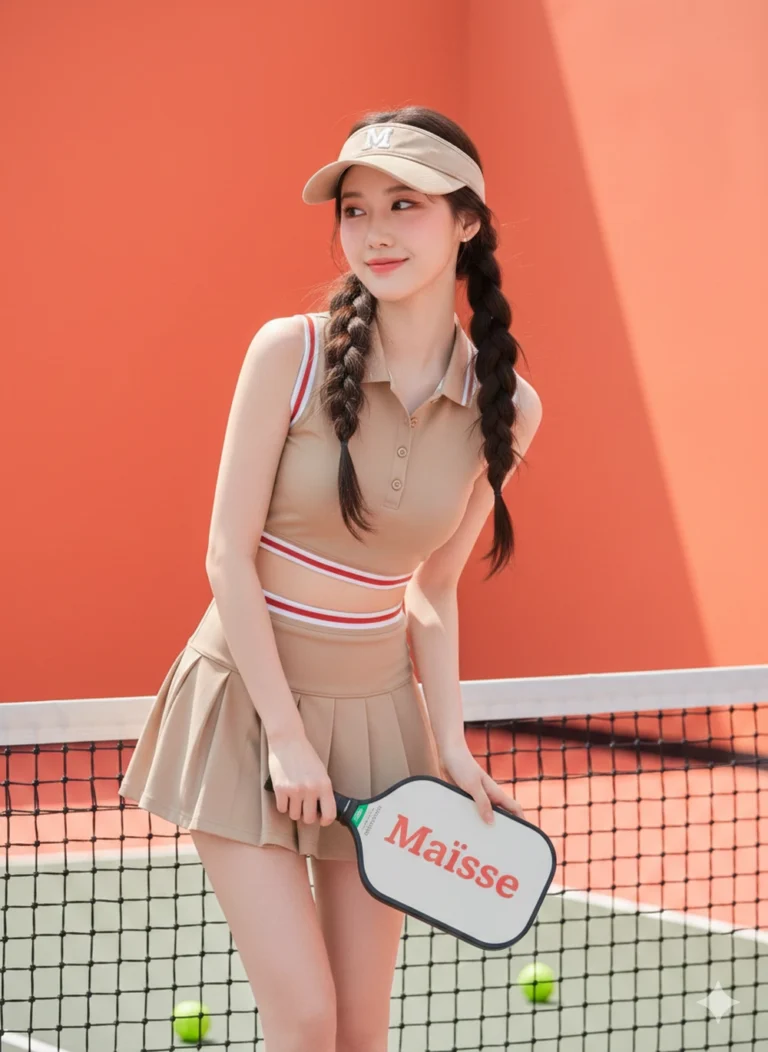
Prompt: Giữ nét khuôn mặt ở hình ảnh tôi đã cung cấp, tạo ảnh mới khớp với khuôn mặt 100% và tạo...
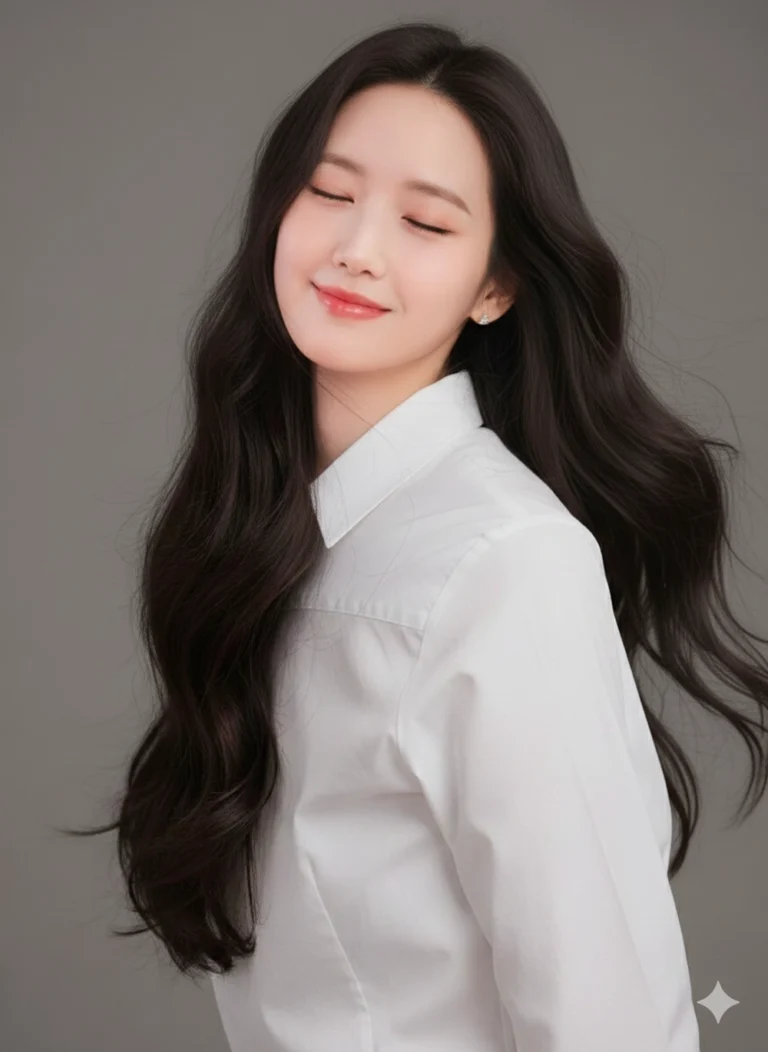
Prompt: Sử dụng ảnh tham chiếu đã tải lên. Tạo ảnh chân dung cận cảnh phong cách studio, nền xám...
